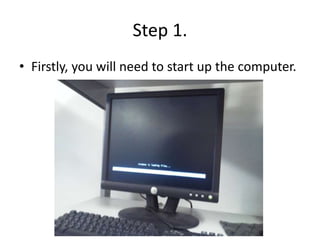
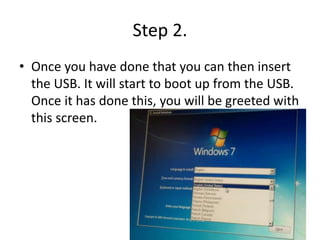
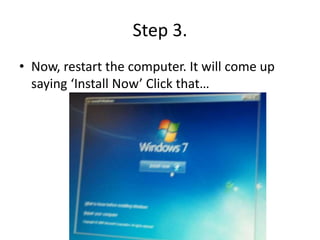
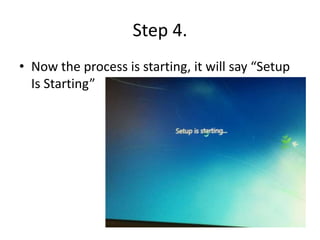
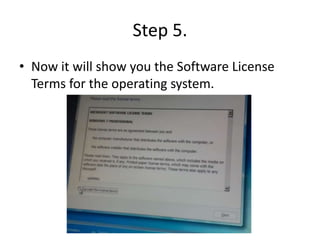
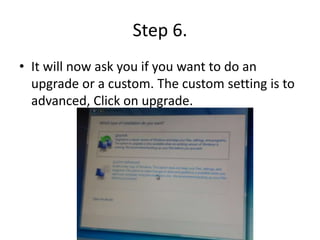
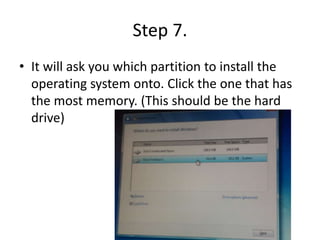
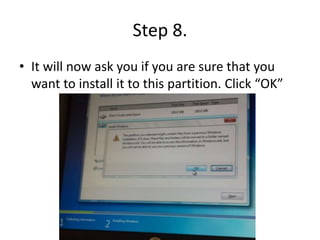
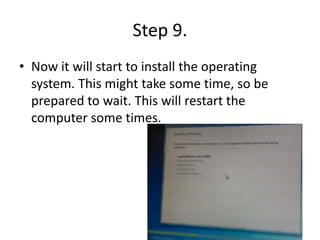
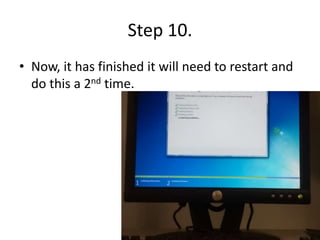
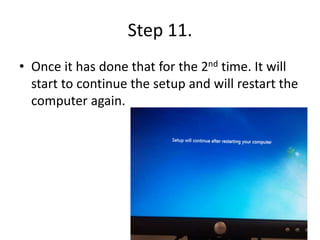
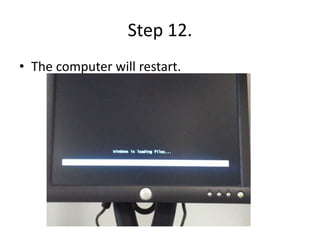
To install Windows 7 from a USB drive, insert the USB drive into your computer and restart. Select "Install Now" from the boot menu to begin setup. Accept the license terms and select "upgrade" installation. Choose the partition with the most space, usually the hard drive, for installation. The setup process will restart the computer multiple times and may take some time to complete. Once finished, Windows 7 will be installed.