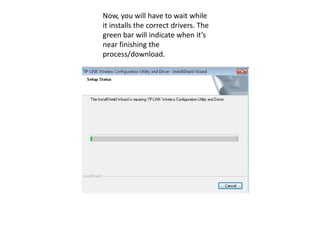
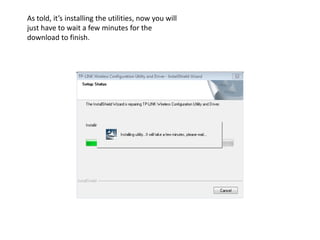
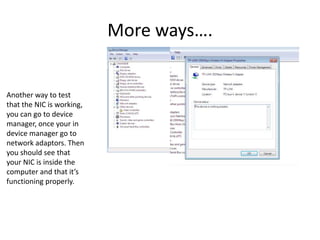
The document provides instructions for installing a wireless network interface controller (NIC) and testing that it is working properly. It first instructs the user to install program features and click "Repair" and "Next" during setup. Then, the user must wait for drivers to install, indicated by a green progress bar. Finally, the document describes three ways to test if the NIC is working: by loading a webpage, pinging another device, or checking device manager to see the NIC listed.