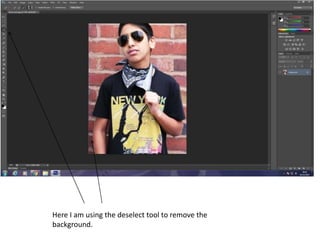
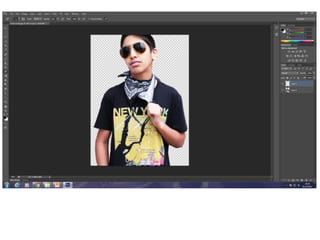
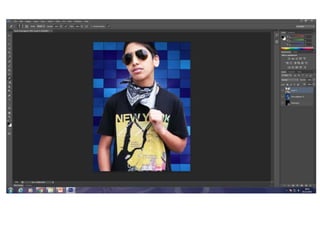
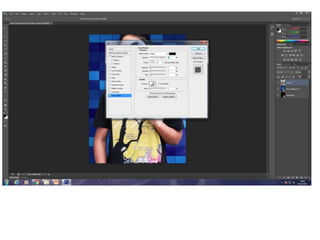
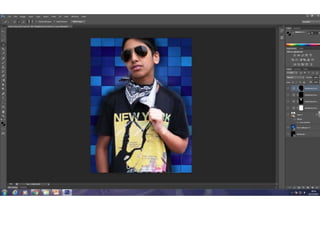
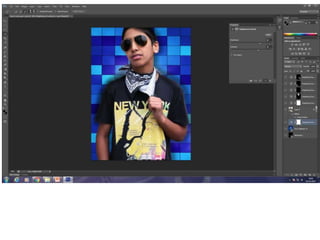
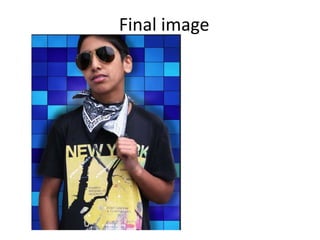
The document outlines the steps taken to process a front cover image, which includes deselecting the original brick wall background, finding a replacement image, adding it as the new background layer underneath the model, adding a drop shadow to the model to make it more realistic, darkening the model's face and arms so they don't blend in too much with the brighter background, and finally brightening up the background so the model and background contrast appealingly for the target audience.