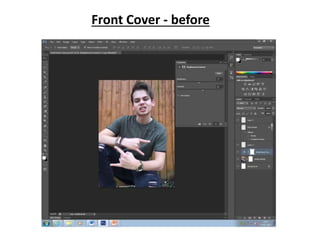
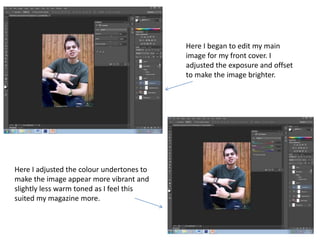
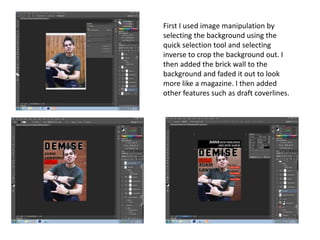
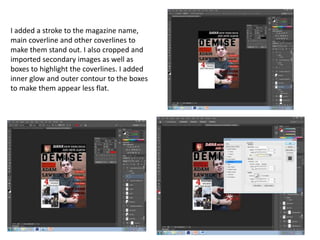
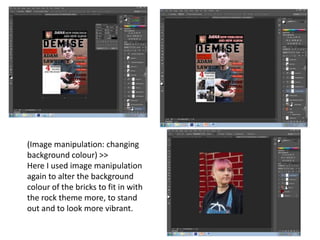
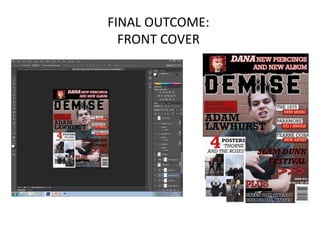
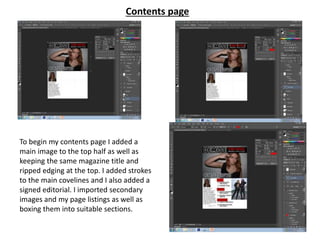
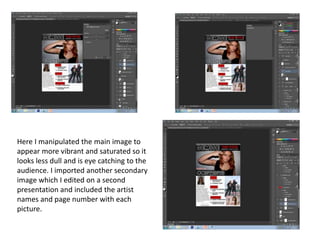
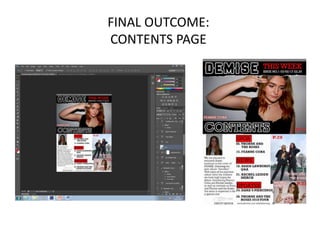
This document summarizes the image editing and manipulation done to create magazine covers and contents pages in Photoshop. It describes adjusting exposure and color undertones on a cover image to make it brighter and more vibrant. It also details selecting backgrounds, adding brick wall textures, cropping images, adding strokes and glows to text, and changing background colors to fit themes. The goal of the edits is to make the images and pages more visually appealing and eye catching for readers.



![La rinconada12mar17m ldealfonsorodriguezvera[1]](https://cdn.slidesharecdn.com/ss_thumbnails/larinconada12mar17mldealfonsorodriguezvera1-170312120246-thumbnail.jpg?width=640&height=640&fit=bounds)


