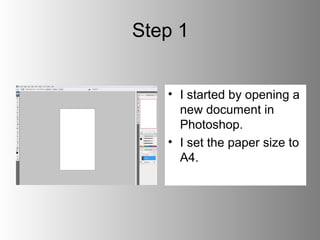
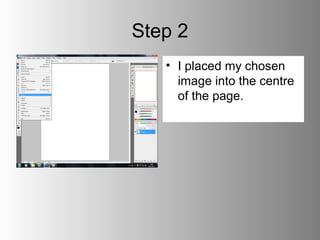
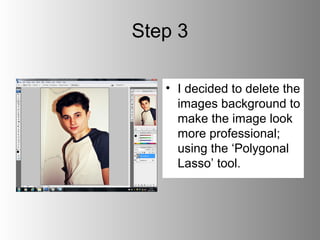
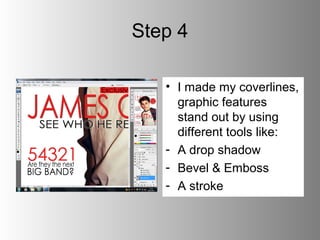
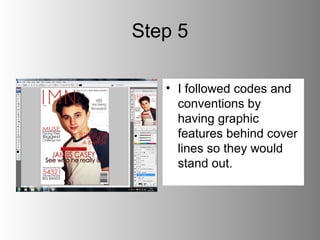
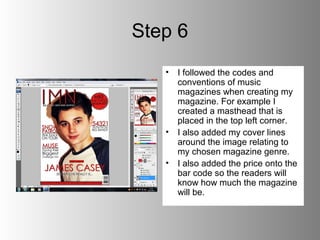
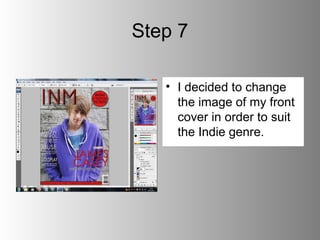
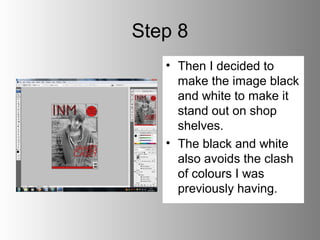
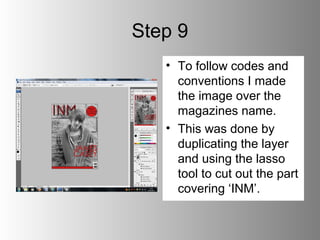
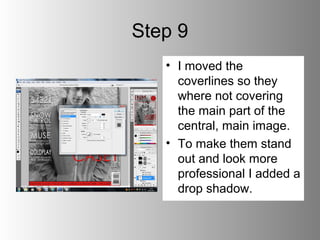
The document outlines the 9 step process for creating the front cover of a magazine in Photoshop. Key steps include: 1) Opening a new document and setting the paper size, 2) Placing the chosen image in the center, 3) Deleting the background of the image for a cleaner look, 4) Adding effects like drop shadows to graphic elements, 5) Following conventions by placing graphics behind text, 6) Including typical magazine elements like mastheads and pricing, 7) Changing the image to suit an "Indie" genre, 8) Converting the image to black and white, 9) Positioning elements to not cover the central image while making text stand out.