



Establishing a
Collaboration Roadmap
#SPFChicago
SharePoint Fest Chicago - BV102
Matt Engibous
Email : mengibous@concurrency.com
Twitter : @mattengibous
LinkedIn : /in/mattengibous
Senior SharePoint and Office 365
consultants specializing in
business-oriented content
management solutions.
Drew Madelung
Email : dmadelung@concurrency.com
Twitter : @dmadelung
LinkedIn : /in/dmadelung
#SPFChicago
Why do I need a Roadmap?
What is a Roadmap?
Dos and Don’ts
How do I get started?
Takeaways
Strategies & Examples
#SPFChicago
“Learning how to understand how technology evolves,
using tools like a technology roadmap, is what you need
more than anything to ride on top of the tsunami instead
of being crushed by it.”
-Peter Diamandis
Why do I need a Roadmap?
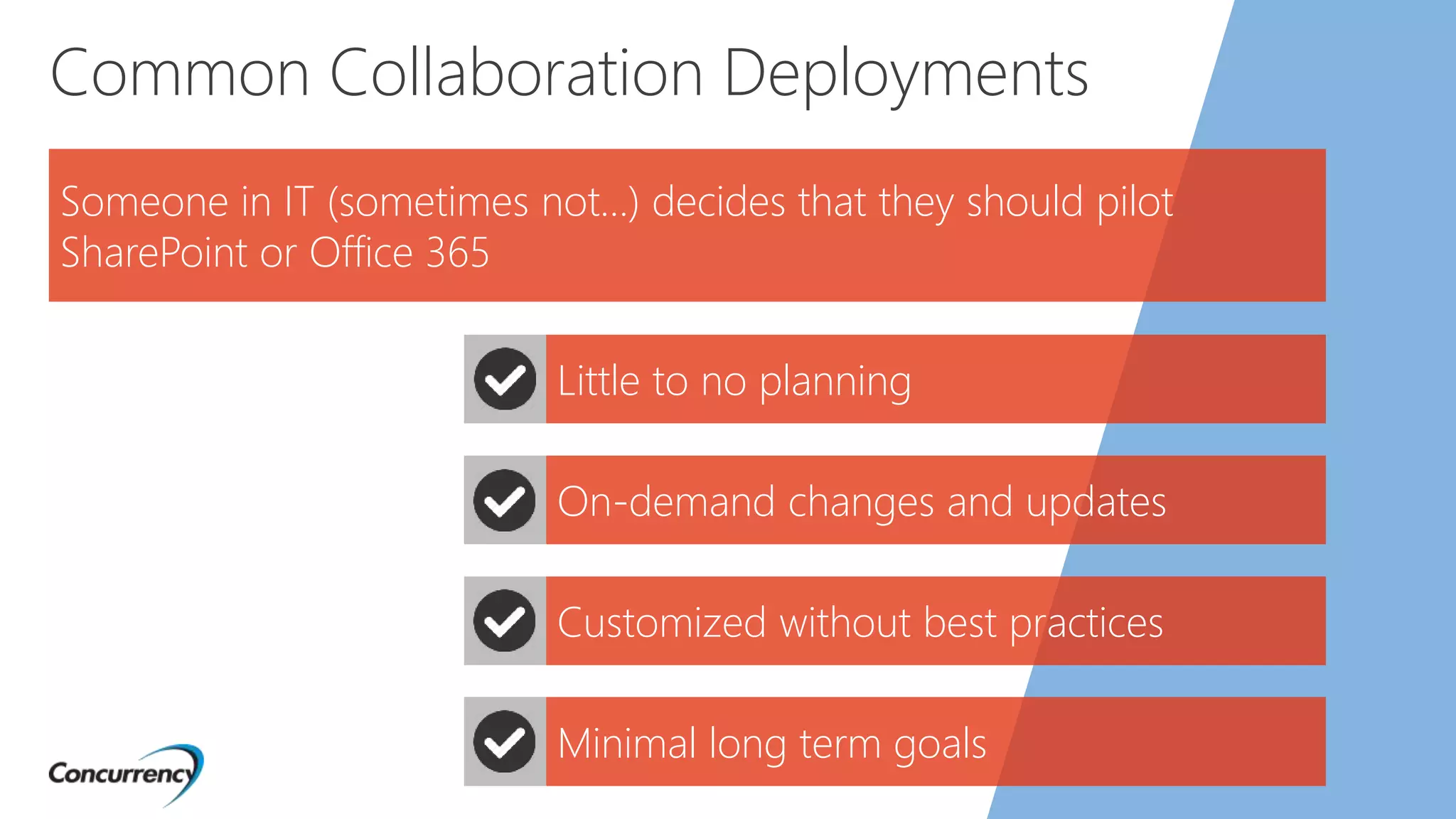
Common Collaboration Deployments
Someone in IT (sometimes not…) decides that they should pilot
SharePoint or Office 365
Little to no planning
On-demand changes and updates
Minimal long term goals
Customized without best practices
What do you end up with?
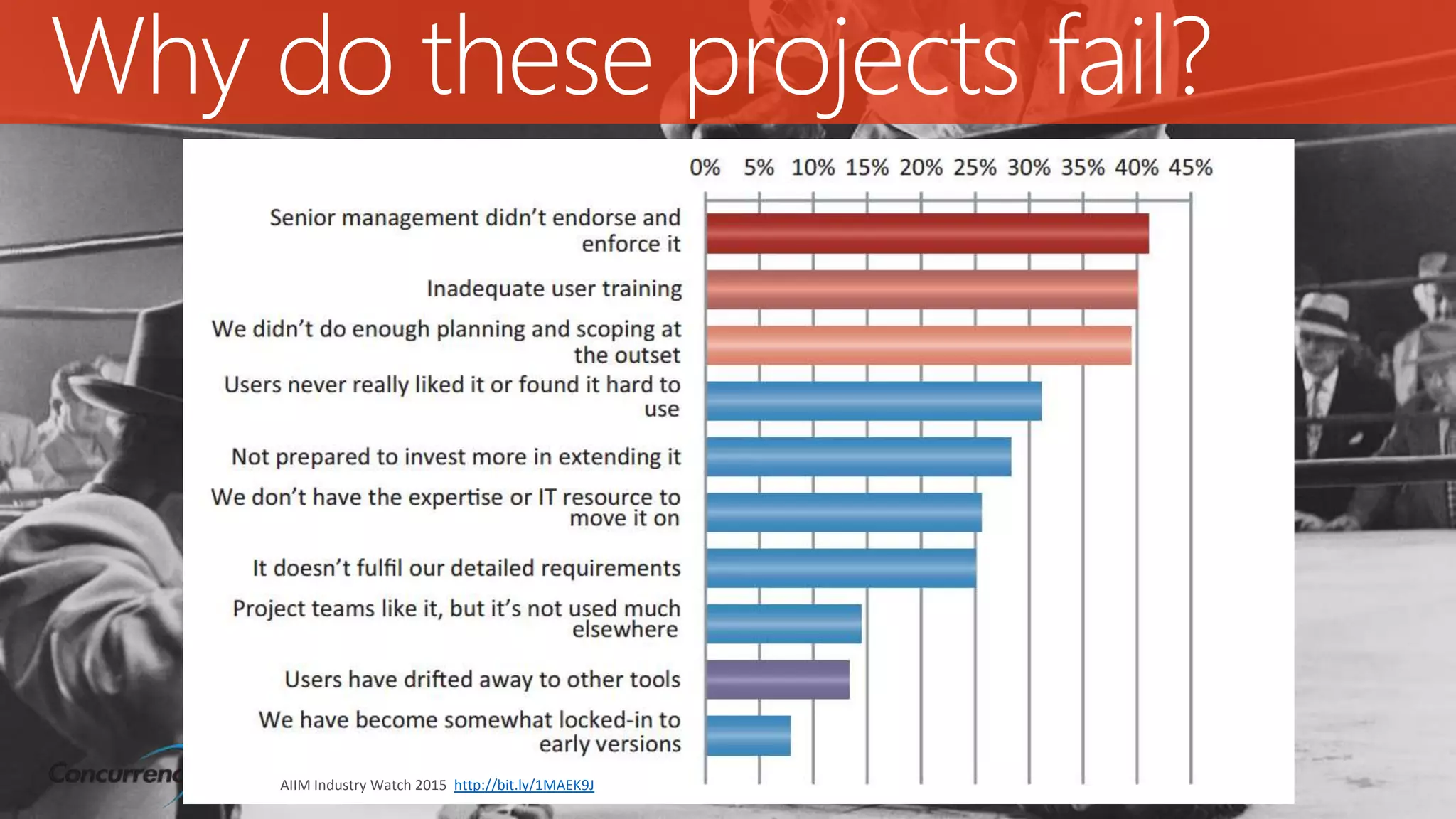
Why do these projects fail?
AIIM Industry Watch 2015 http://bit.ly/1MAEK9J
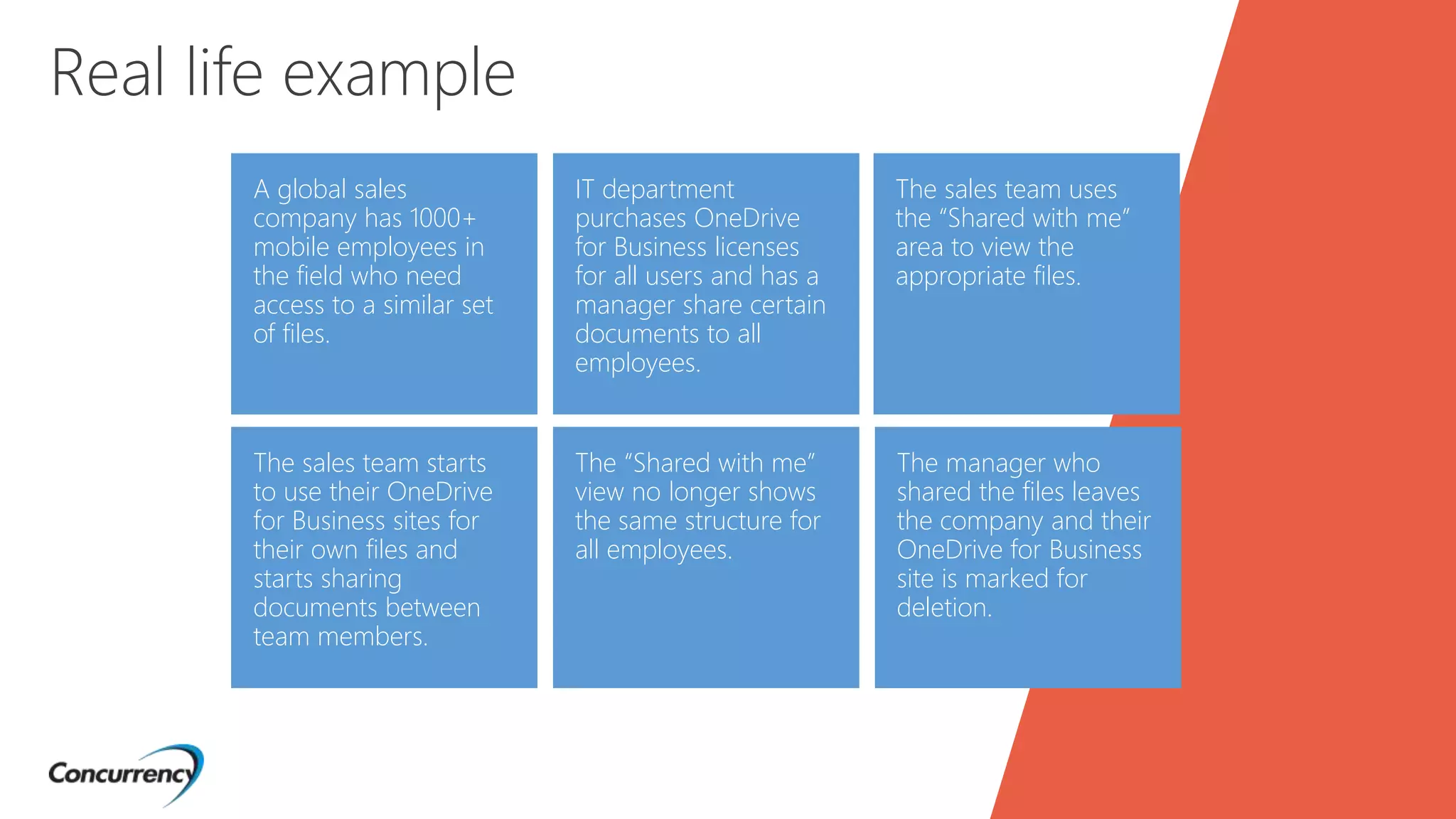
A global sales
company has 1000+
mobile employees in
the field who need
access to a similar set
of files.
The sales team starts
to use their OneDrive
for Business sites for
their own files and
starts sharing
documents between
team members.
IT department
purchases OneDrive
for Business licenses
for all users and has a
manager share certain
documents to all
employees.
The “Shared with me”
view no longer shows
the same structure for
all employees.
The sales team uses
the “Shared with me”
area to view the
appropriate files.
Real life example
The manager who
shared the files leaves
the company and their
OneDrive for Business
site is marked for
deletion.
How can we stop this?
Roadmapping
From here to there…
What is a
Collaboration
Roadmap?
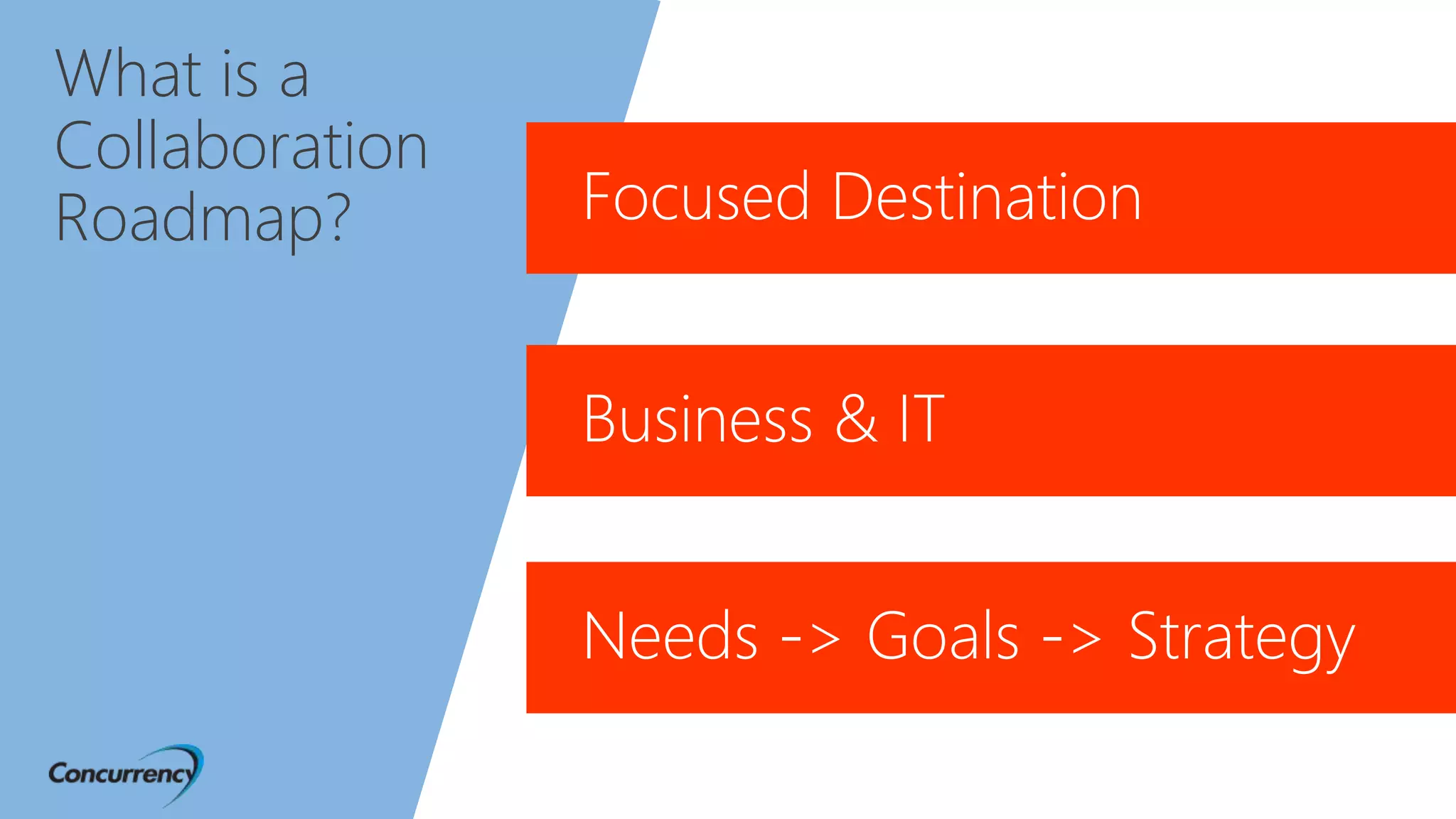
A plan that has a focused destination and is
driven by teamwork between business & IT that
encompasses the needs, goals and strategy of
solutions that drives or provides value to the
company.
What is a
Collaboration
Roadmap?
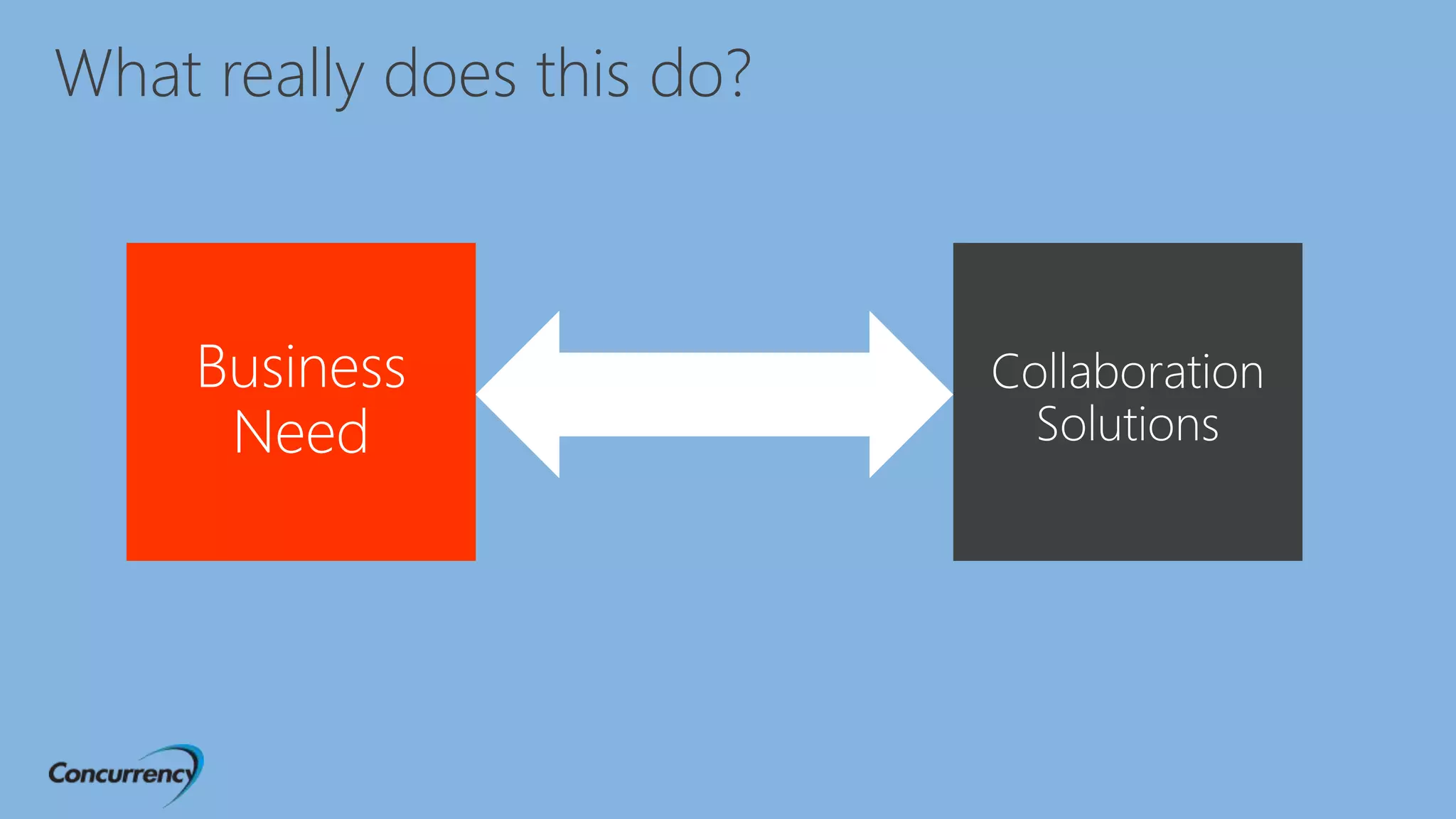
What really does this do?
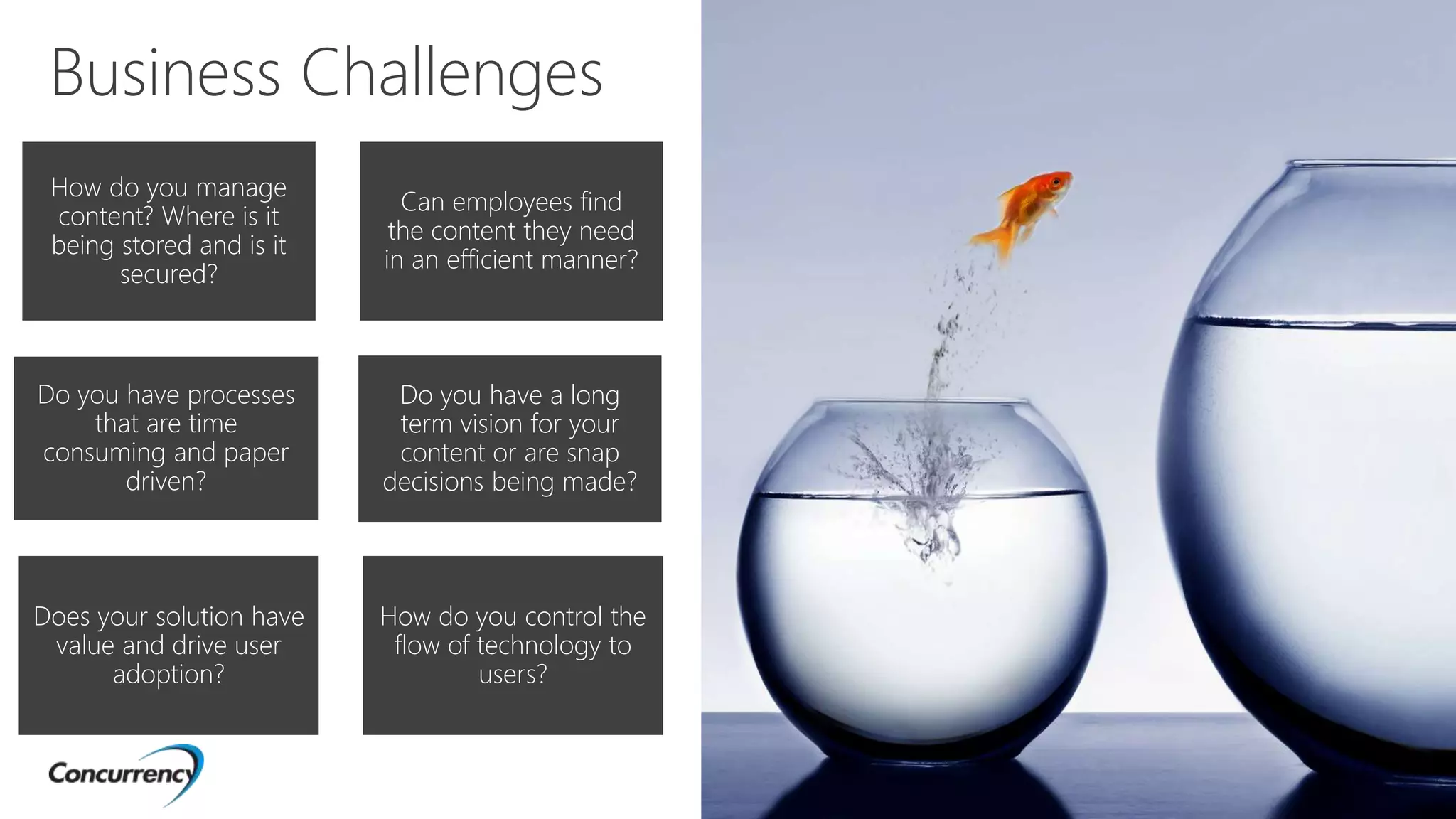
Business Challenges
How do you manage
content? Where is it
being stored and is it
secured?
Can employees find
the content they need
in an efficient manner?
Do you have processes
that are time
consuming and paper
driven?
Does your solution have
value and drive user
adoption?
Do you have a long
term vision for your
content or are snap
decisions being made?
How do you control the
flow of technology to
users?
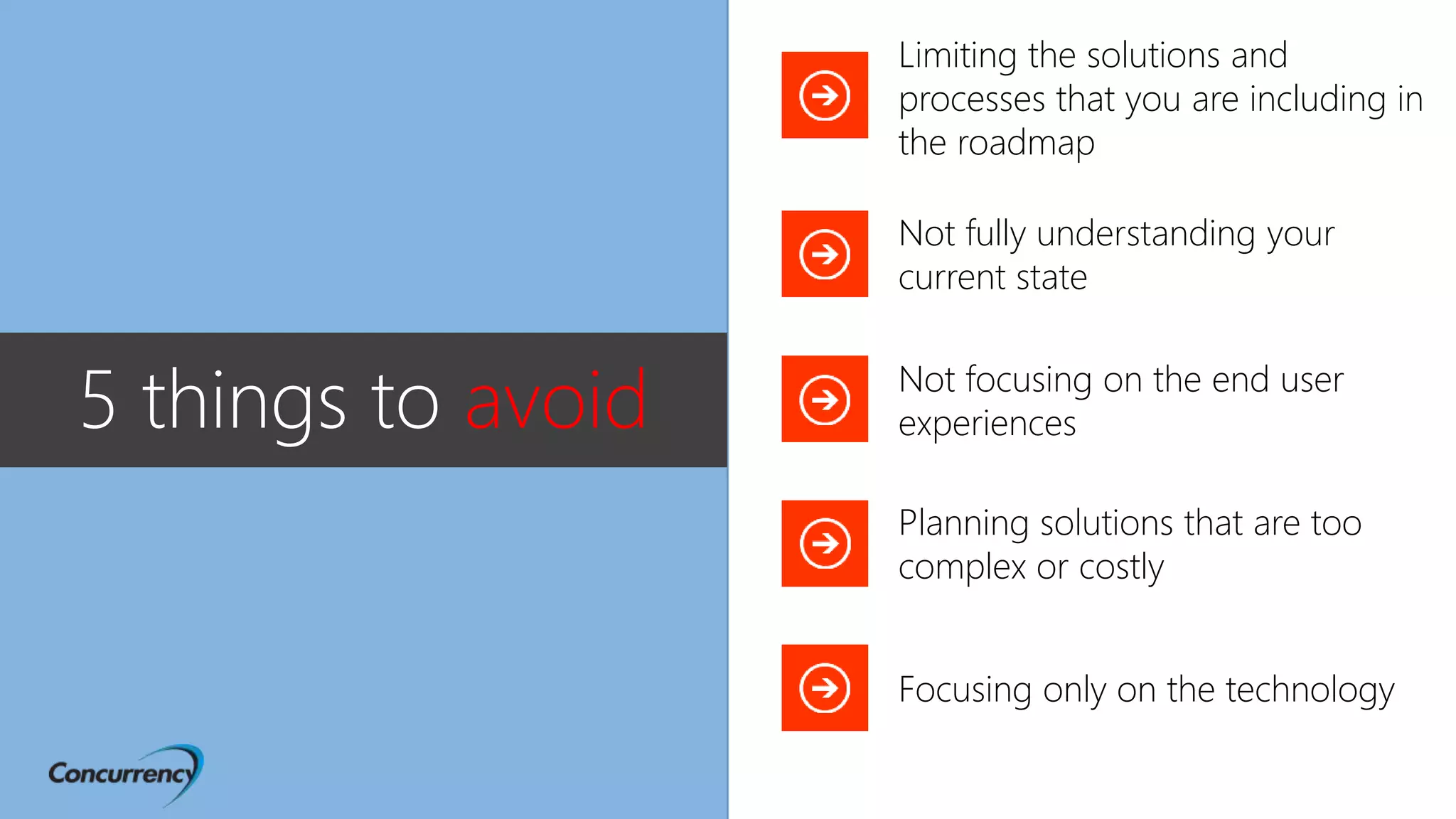
Not fully understanding your
current state
Not focusing on the end user
experiences
Planning solutions that are too
complex or costly
Focusing only on the technology
Limiting the solutions and
processes that you are including in
the roadmap
5 things to avoid
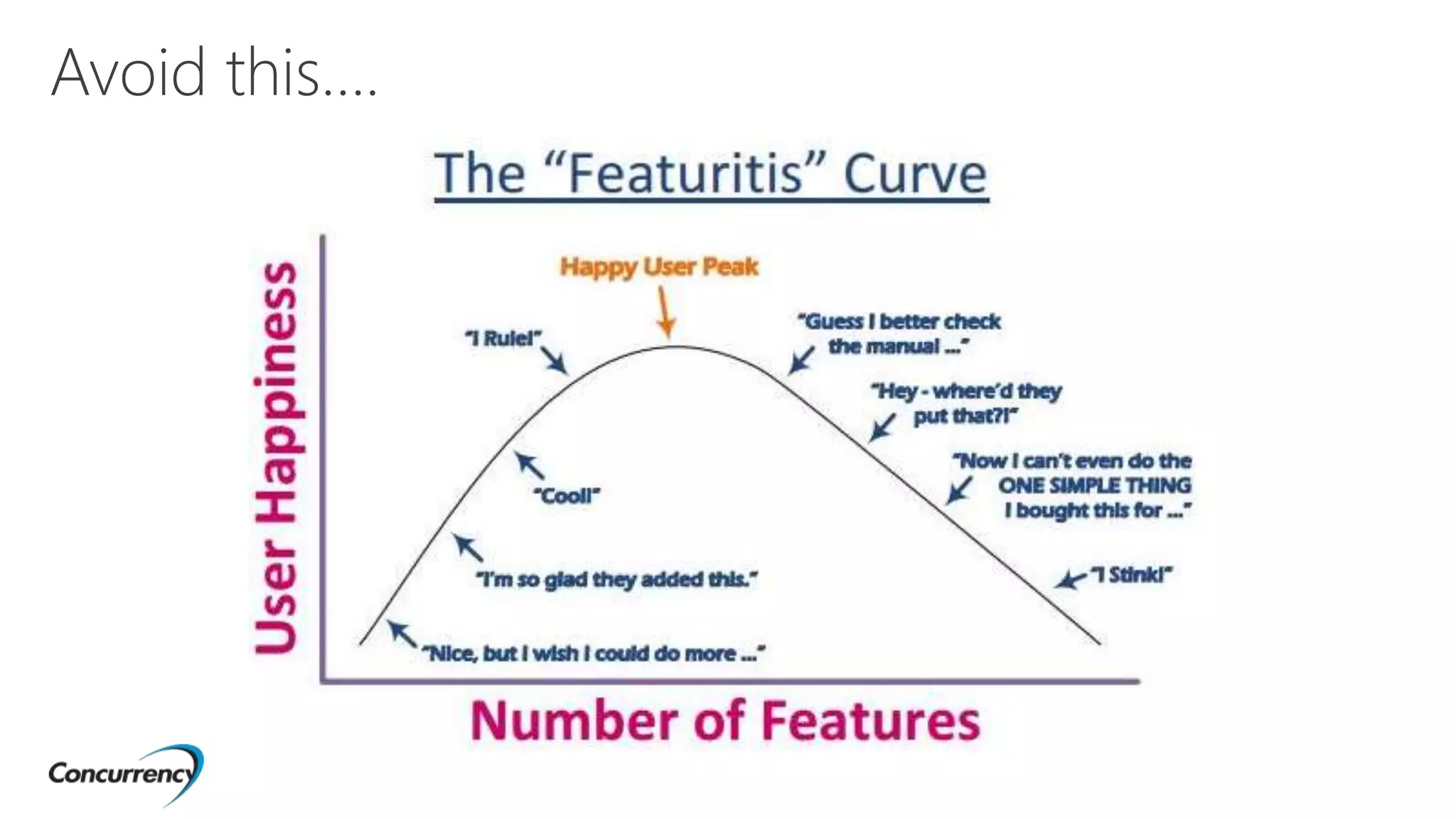
Avoid this….
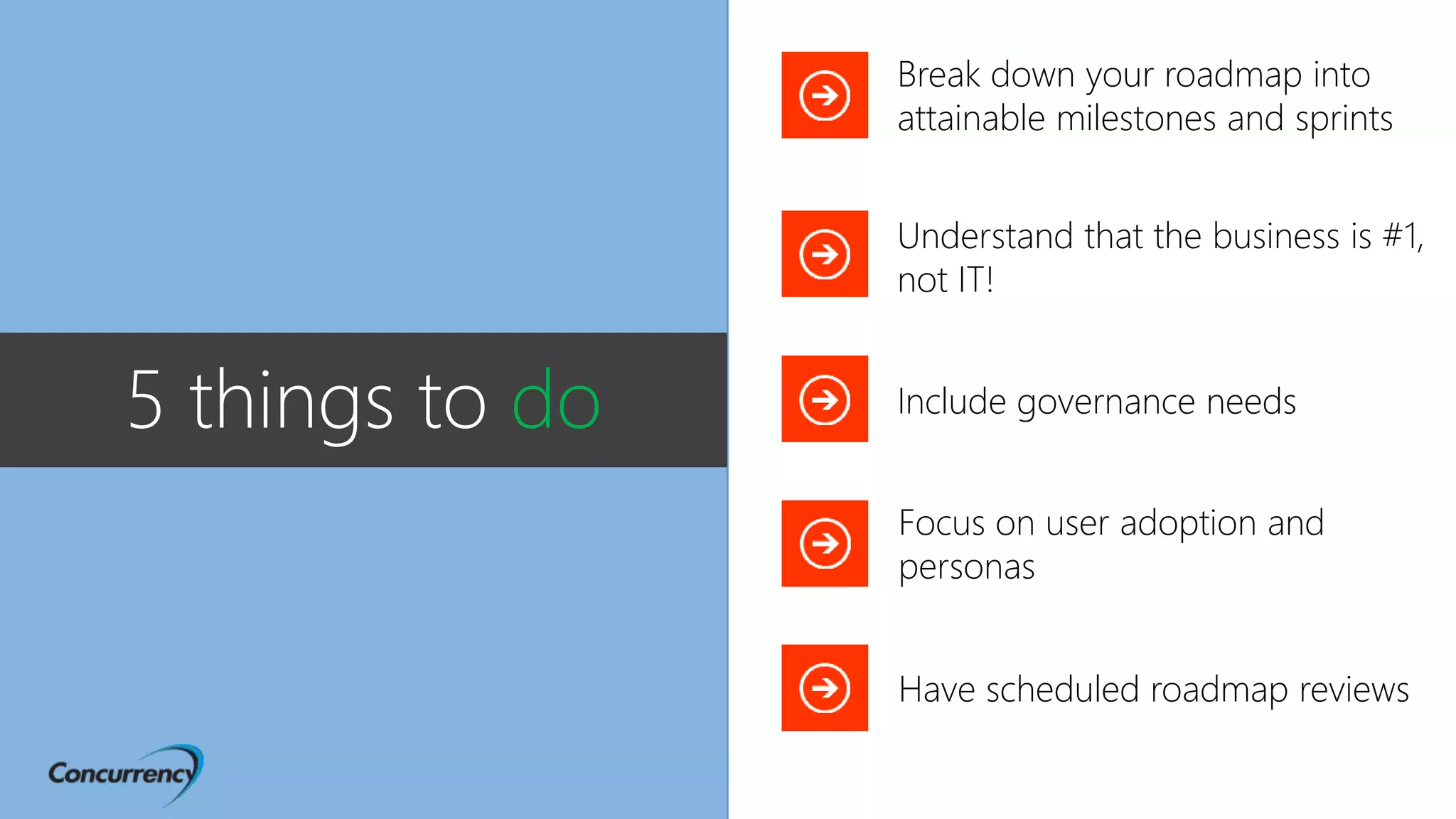
Understand that the business is #1,
not IT!
Focus on user adoption and
personas
Have scheduled roadmap reviews
Break down your roadmap into
attainable milestones and sprints
5 things to do Include governance needs
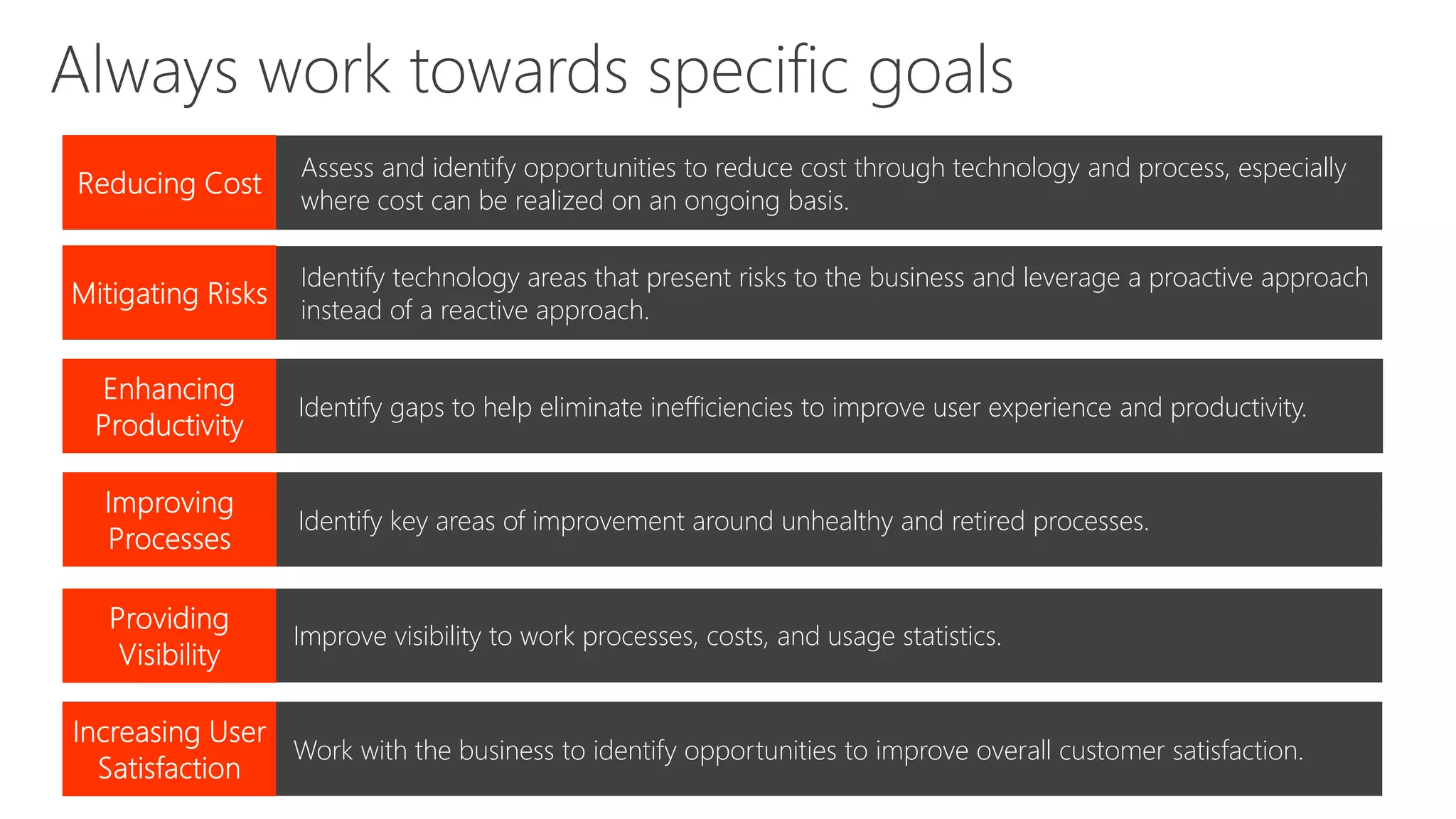
Assess and identify opportunities to reduce cost through technology and process, especially
where cost can be realized on an ongoing basis.
Mitigating Risks
Improving Processes
Providing Visibility
Always work towards specific goals
Identify technology areas that present risks to the business and leverage a proactive approach
instead of a reactive approach.
Mitigating Risks Identify gaps to help eliminate inefficiencies to improve user experience and productivity.
Mitigating Risks Identify key areas of improvement around unhealthy and retired processes.
Improving ProcessesMitigating Risks Improve visibility to work processes, costs, and usage statistics.
Improving ProcessesMitigating Risks Work with the business to identify opportunities to improve overall customer satisfaction.
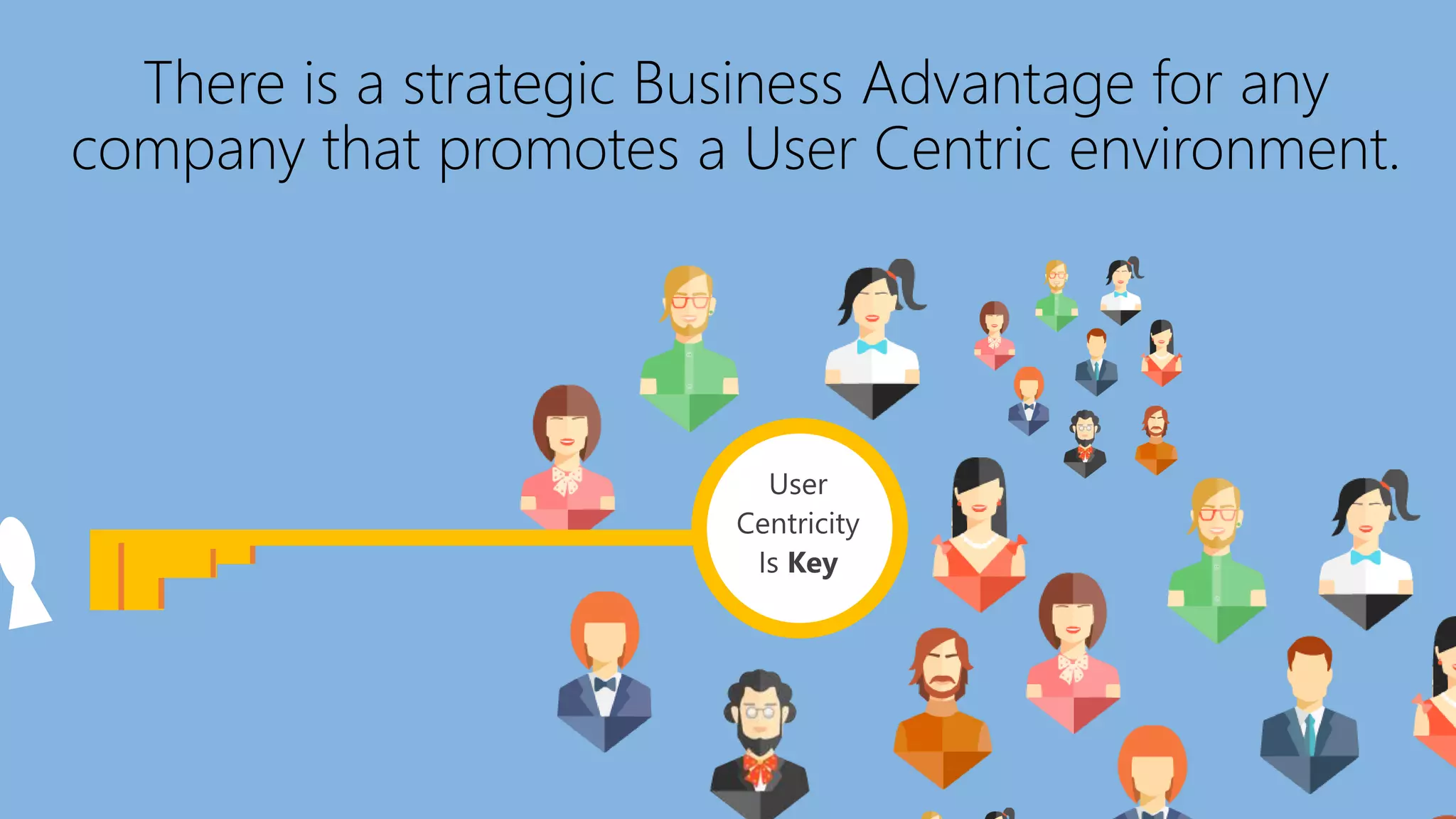
There is a strategic Business Advantage for any
company that promotes a User Centric environment.
User
Centricity
Is Key
Demo!
How do you
approach a
roadmap? Establish the foundational goals
Ensure understanding of technology solutions
Discovery workshops to better define the goals
Establish A team
Workshops!
Workshops…
Workshops…
Workshops…
Use a template of questions
• You need to understand the current content and solutions
Stay within the foundational goals
• Keep the main thing, the main thing
Meet with business
• Meet with the business, meet with the business
Question processes
• Live out of your imagination, not your history
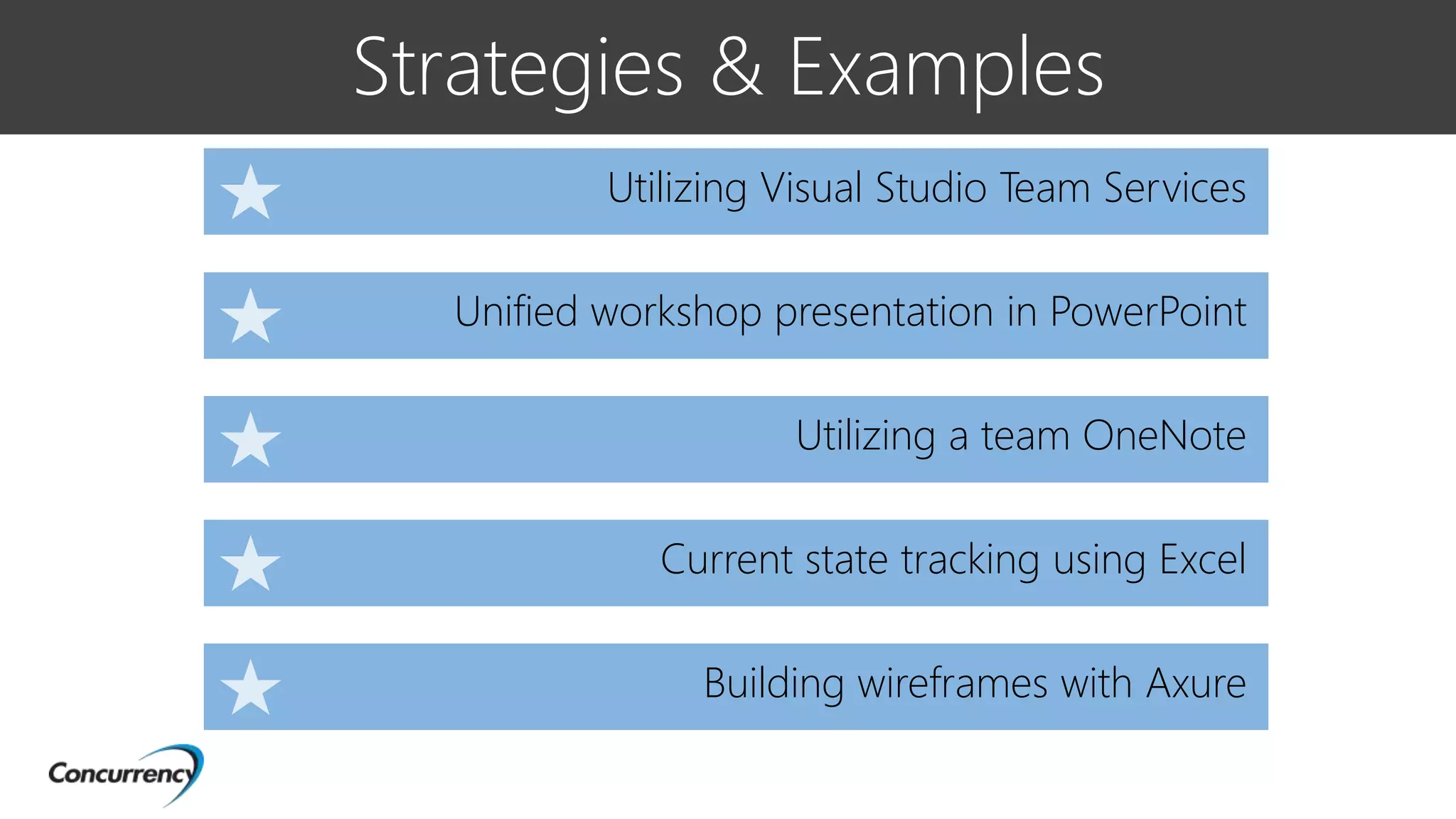
Strategies & Examples
Unified workshop presentation in PowerPoint
Utilizing Visual Studio Team Services
Utilizing a team OneNote
Current state tracking using Excel
Building wireframes with Axure
Demo!
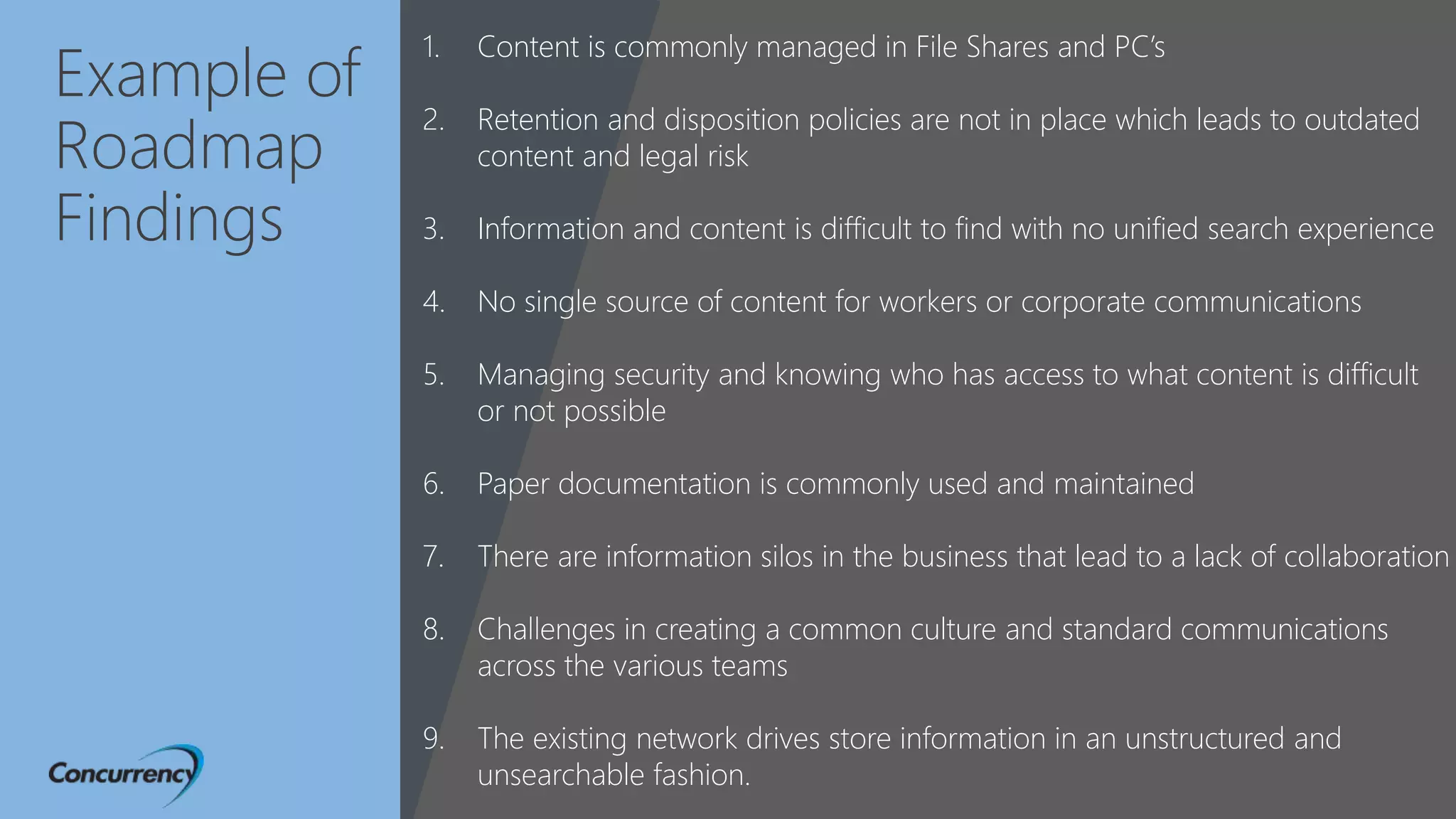
Example of
Roadmap
Findings
1. Content is commonly managed in File Shares and PC’s
2. Retention and disposition policies are not in place which leads to outdated
content and legal risk
3. Information and content is difficult to find with no unified search experience
4. No single source of content for workers or corporate communications
5. Managing security and knowing who has access to what content is difficult
or not possible
6. Paper documentation is commonly used and maintained
7. There are information silos in the business that lead to a lack of collaboration
8. Challenges in creating a common culture and standard communications
across the various teams
9. The existing network drives store information in an unstructured and
unsearchable fashion.
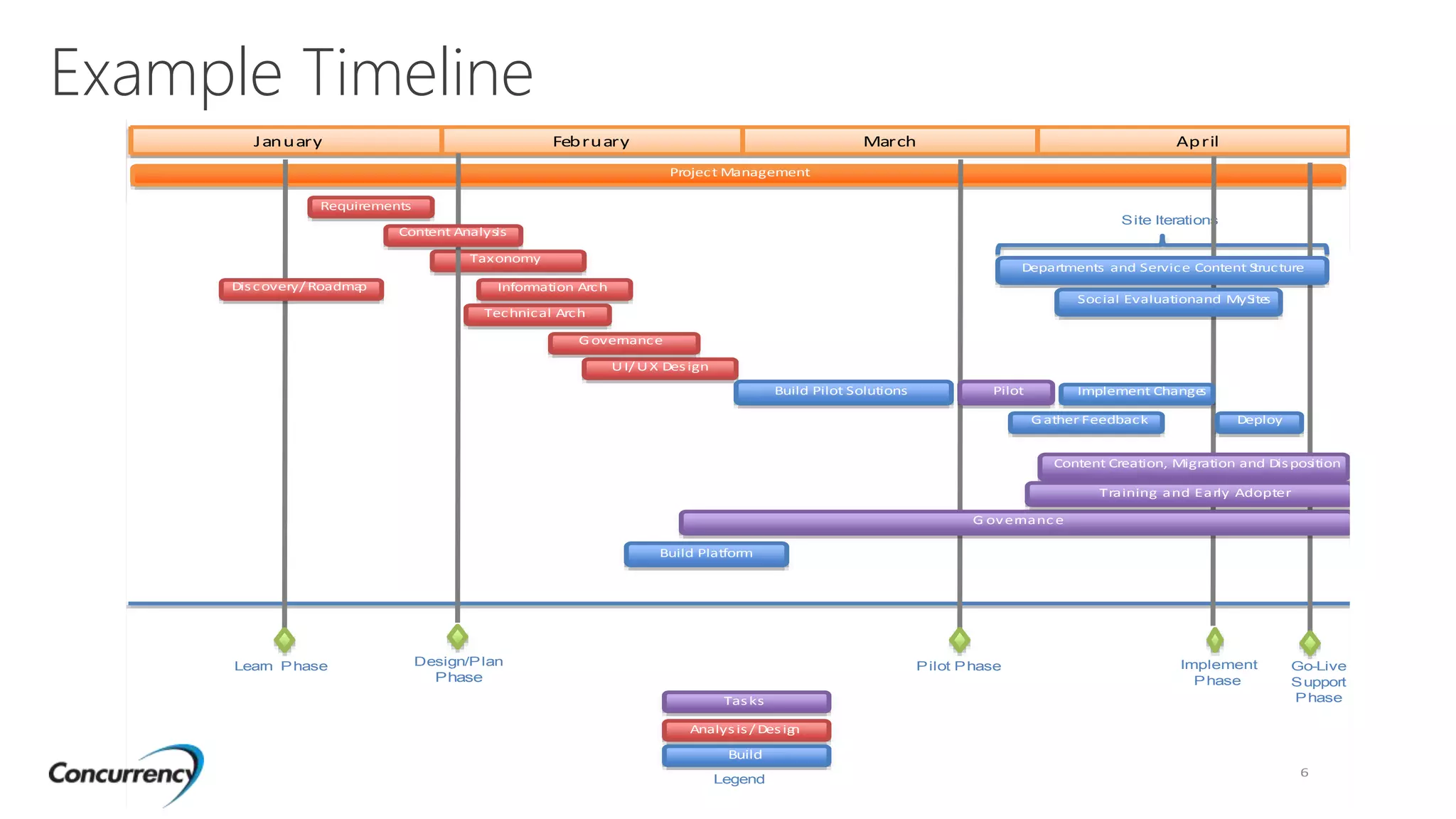
Example Timeline
N
6
January February March April
Taxonomy
Project Management
Site Iterations
Tasks
Analysis/ Design
Build
Legend
Pilot Phase Go-Live
Support
Phase
Implement
Phase
Learn Phase
Implement Changes
Deploy
Design/Plan
Phase
Content Analysis
Information Arch
Technical Arch
Departments and Service Content Structure
Discovery/ Roadmap
UI/UX Design
G overnance
Social Evaluationand MySites
G ather Feedback
Requirements
G overnanc e
Content Creation, Migration and Disposition
Training and Early Adopter
PilotBuild Pilot Solutions
Build Platform
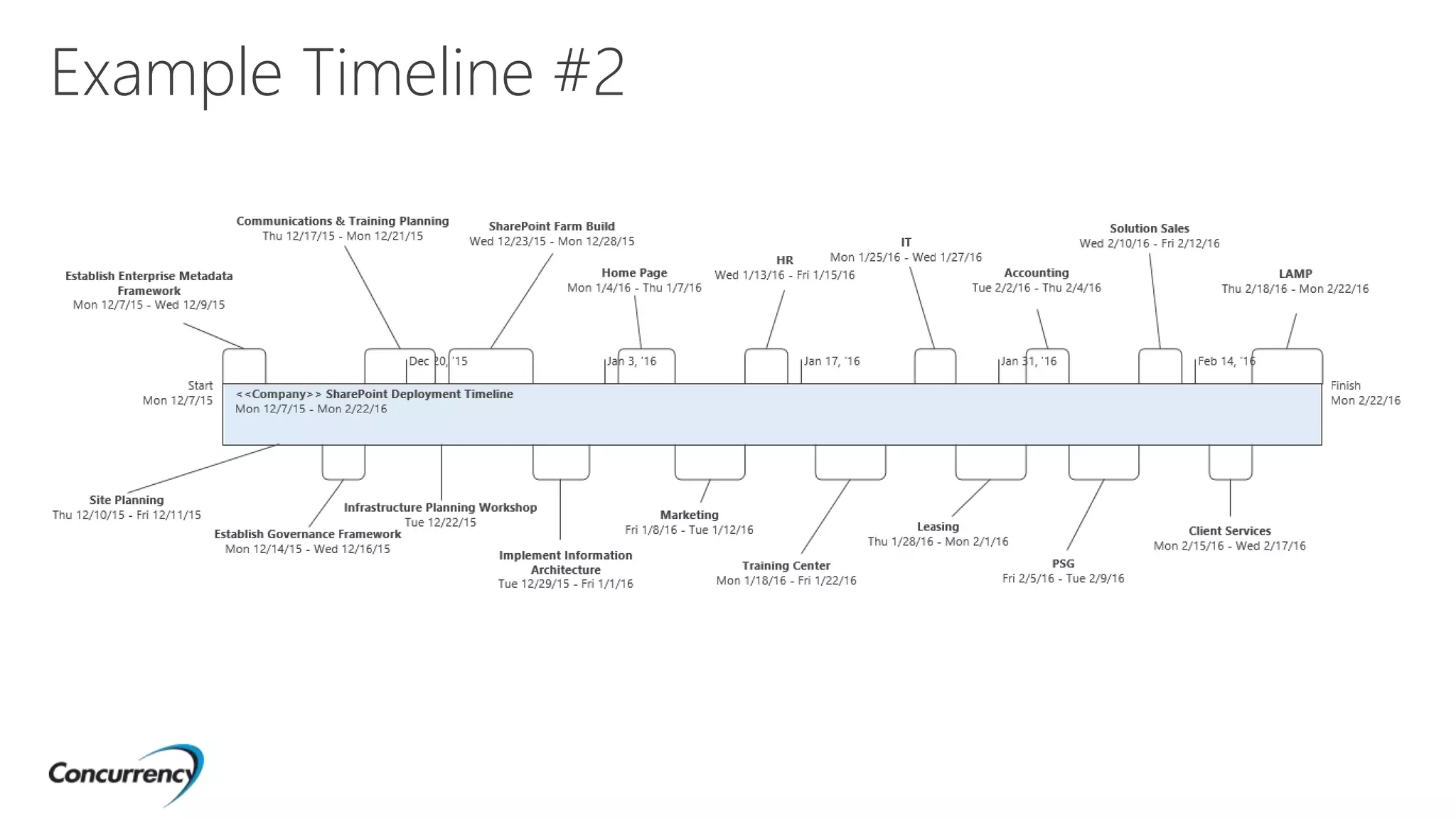
Example Timeline #2
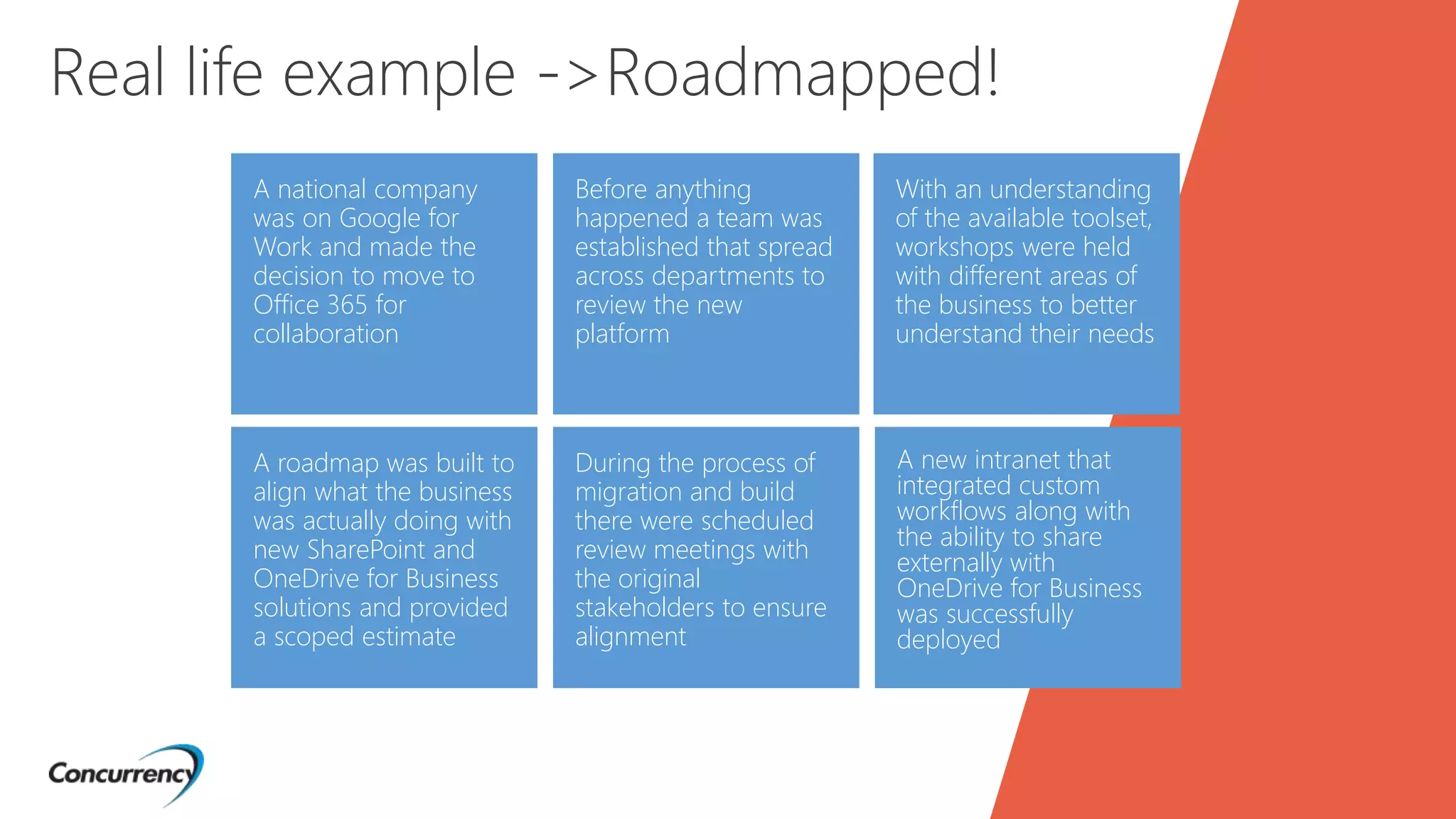
A national company
was on Google for
Work and made the
decision to move to
Office 365 for
collaboration
A roadmap was built to
align what the business
was actually doing with
new SharePoint and
OneDrive for Business
solutions and provided
a scoped estimate
Before anything
happened a team was
established that spread
across departments to
review the new
platform
During the process of
migration and build
there were scheduled
review meetings with
the original
stakeholders to ensure
alignment
With an understanding
of the available toolset,
workshops were held
with different areas of
the business to better
understand their needs
Real life example ->Roadmapped!
A new intranet that
integrated custom
workflows along with
the ability to share
externally with
OneDrive for Business
was successfully
deployed
OneDrive for Business
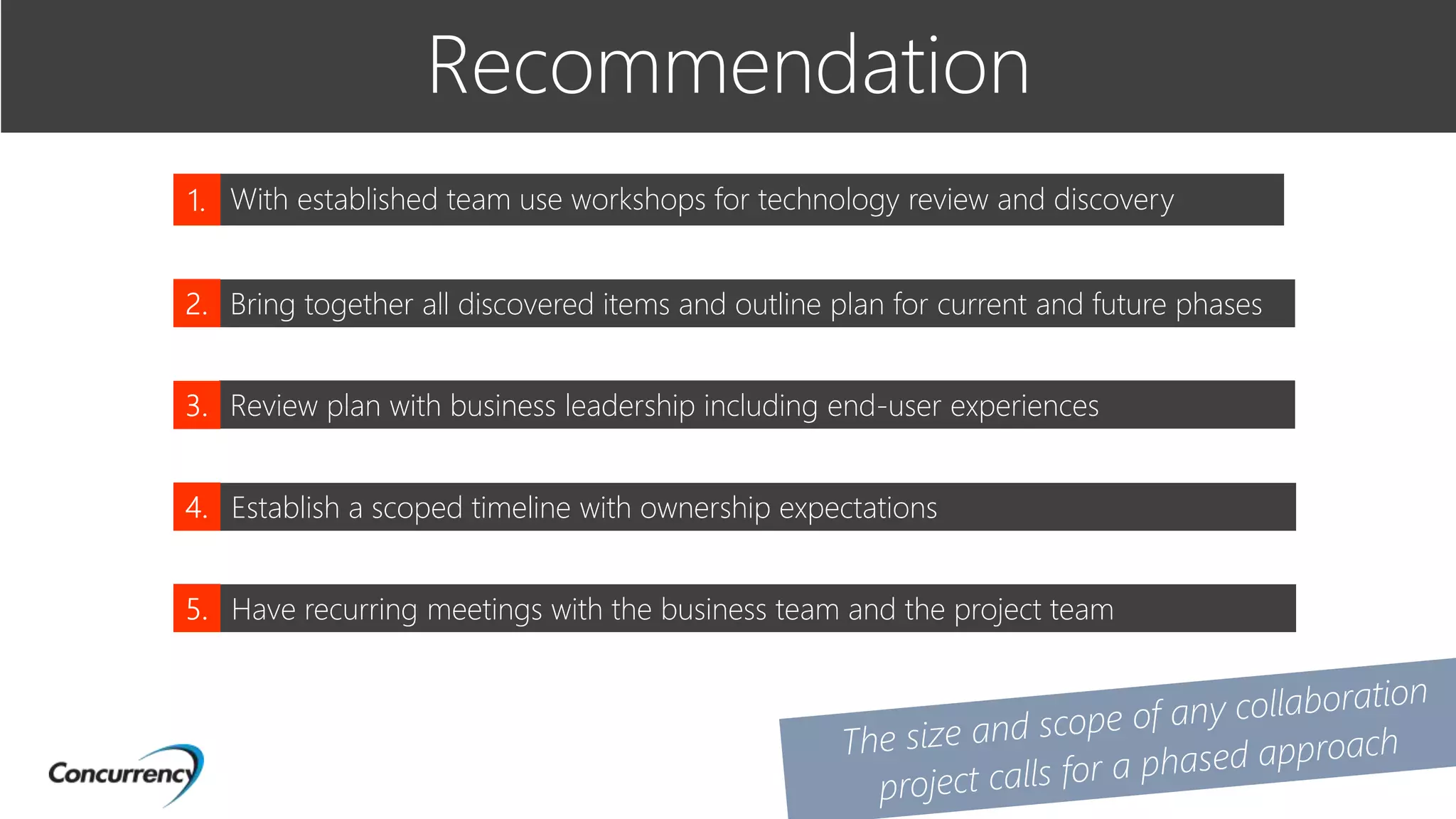
Recommendation
With established team use workshops for technology review and discovery
Bring together all discovered items and outline plan for current and future phases
Review plan with business leadership including end-user experiences
Establish a scoped timeline with ownership expectations
Have recurring meetings with the business team and the project team
OneDrive for Business
Takeaways
Content analysis template
Workshop presentation template
UX/UI user survey example
http://bit.ly/SPFESTBV102
Questions?
Thank you
34

Establishing a Collaboration Roadmap

  • 1.
  • 2.
    Matt Engibous Email :mengibous@concurrency.com Twitter : @mattengibous LinkedIn : /in/mattengibous Senior SharePoint and Office 365 consultants specializing in business-oriented content management solutions. Drew Madelung Email : dmadelung@concurrency.com Twitter : @dmadelung LinkedIn : /in/dmadelung #SPFChicago
  • 3.
    Why do Ineed a Roadmap? What is a Roadmap? Dos and Don’ts How do I get started? Takeaways Strategies & Examples #SPFChicago
  • 4.
    “Learning how tounderstand how technology evolves, using tools like a technology roadmap, is what you need more than anything to ride on top of the tsunami instead of being crushed by it.” -Peter Diamandis
  • 5.
    Why do Ineed a Roadmap?
  • 6.
    Common Collaboration Deployments Someonein IT (sometimes not…) decides that they should pilot SharePoint or Office 365 Little to no planning On-demand changes and updates Minimal long term goals Customized without best practices
  • 7.
    What do youend up with?
  • 8.
    Why do theseprojects fail? AIIM Industry Watch 2015 http://bit.ly/1MAEK9J
  • 9.
    A global sales companyhas 1000+ mobile employees in the field who need access to a similar set of files. The sales team starts to use their OneDrive for Business sites for their own files and starts sharing documents between team members. IT department purchases OneDrive for Business licenses for all users and has a manager share certain documents to all employees. The “Shared with me” view no longer shows the same structure for all employees. The sales team uses the “Shared with me” area to view the appropriate files. Real life example The manager who shared the files leaves the company and their OneDrive for Business site is marked for deletion.
  • 10.
    How can westop this?
  • 11.
  • 12.
    What is a Collaboration Roadmap? Aplan that has a focused destination and is driven by teamwork between business & IT that encompasses the needs, goals and strategy of solutions that drives or provides value to the company.
  • 13.
  • 14.
  • 15.
    Business Challenges How doyou manage content? Where is it being stored and is it secured? Can employees find the content they need in an efficient manner? Do you have processes that are time consuming and paper driven? Does your solution have value and drive user adoption? Do you have a long term vision for your content or are snap decisions being made? How do you control the flow of technology to users?
  • 16.
    Not fully understandingyour current state Not focusing on the end user experiences Planning solutions that are too complex or costly Focusing only on the technology Limiting the solutions and processes that you are including in the roadmap 5 things to avoid
  • 17.
  • 18.
    Understand that thebusiness is #1, not IT! Focus on user adoption and personas Have scheduled roadmap reviews Break down your roadmap into attainable milestones and sprints 5 things to do Include governance needs
  • 19.
    Assess and identifyopportunities to reduce cost through technology and process, especially where cost can be realized on an ongoing basis. Mitigating Risks Improving Processes Providing Visibility Always work towards specific goals Identify technology areas that present risks to the business and leverage a proactive approach instead of a reactive approach. Mitigating Risks Identify gaps to help eliminate inefficiencies to improve user experience and productivity. Mitigating Risks Identify key areas of improvement around unhealthy and retired processes. Improving ProcessesMitigating Risks Improve visibility to work processes, costs, and usage statistics. Improving ProcessesMitigating Risks Work with the business to identify opportunities to improve overall customer satisfaction.
  • 20.
    There is astrategic Business Advantage for any company that promotes a User Centric environment. User Centricity Is Key
  • 21.
  • 22.
    How do you approacha roadmap? Establish the foundational goals Ensure understanding of technology solutions Discovery workshops to better define the goals Establish A team
  • 23.
    Workshops! Workshops… Workshops… Workshops… Use a templateof questions • You need to understand the current content and solutions Stay within the foundational goals • Keep the main thing, the main thing Meet with business • Meet with the business, meet with the business Question processes • Live out of your imagination, not your history
  • 24.
    Strategies & Examples Unifiedworkshop presentation in PowerPoint Utilizing Visual Studio Team Services Utilizing a team OneNote Current state tracking using Excel Building wireframes with Axure
  • 25.
  • 26.
    Example of Roadmap Findings 1. Contentis commonly managed in File Shares and PC’s 2. Retention and disposition policies are not in place which leads to outdated content and legal risk 3. Information and content is difficult to find with no unified search experience 4. No single source of content for workers or corporate communications 5. Managing security and knowing who has access to what content is difficult or not possible 6. Paper documentation is commonly used and maintained 7. There are information silos in the business that lead to a lack of collaboration 8. Challenges in creating a common culture and standard communications across the various teams 9. The existing network drives store information in an unstructured and unsearchable fashion.
  • 27.
    Example Timeline N 6 January FebruaryMarch April Taxonomy Project Management Site Iterations Tasks Analysis/ Design Build Legend Pilot Phase Go-Live Support Phase Implement Phase Learn Phase Implement Changes Deploy Design/Plan Phase Content Analysis Information Arch Technical Arch Departments and Service Content Structure Discovery/ Roadmap UI/UX Design G overnance Social Evaluationand MySites G ather Feedback Requirements G overnanc e Content Creation, Migration and Disposition Training and Early Adopter PilotBuild Pilot Solutions Build Platform
  • 28.
  • 29.
    A national company wason Google for Work and made the decision to move to Office 365 for collaboration A roadmap was built to align what the business was actually doing with new SharePoint and OneDrive for Business solutions and provided a scoped estimate Before anything happened a team was established that spread across departments to review the new platform During the process of migration and build there were scheduled review meetings with the original stakeholders to ensure alignment With an understanding of the available toolset, workshops were held with different areas of the business to better understand their needs Real life example ->Roadmapped! A new intranet that integrated custom workflows along with the ability to share externally with OneDrive for Business was successfully deployed
  • 30.
    OneDrive for Business Recommendation Withestablished team use workshops for technology review and discovery Bring together all discovered items and outline plan for current and future phases Review plan with business leadership including end-user experiences Establish a scoped timeline with ownership expectations Have recurring meetings with the business team and the project team
  • 31.
    OneDrive for Business Takeaways Contentanalysis template Workshop presentation template UX/UI user survey example http://bit.ly/SPFESTBV102
  • 32.
  • 33.

Editor's Notes

  • #4 Examples and templates for people to download at the end We will demo tools that we use Real life examples
  • #5 Pete is an engineer, physician and CEO/Founder of multiple technology foundations and companies What version of SP is everyone on? How well does you company handle technology advancement? IT is no longer Information Technology but is “Innovation Technology”
  • #7 Work anywhere, anytime, across all platforms People will take paths to get work done if IT/Business does not provide solutions Security/Compliance become more vital but is not just the users concerns End users have more power to break security barriers with technology Budgeting! These projects can be hard to calculate ROI.
  • #8 IT or senior exe says – “I have a dream” Every problem can be solved with SharePoint
  • #10 These are internal issues and not technical, not because ODFB didn’t sync
  • #12 These cats don’t know how to fix a computer
  • #15 Avoid scope creep Business is essential to be involved
  • #16 me
  • #17 Poll the audiences, any interaction? Review client stories that relate to directed business challenges? ? The roadmap minimizes and puts a strategy around these challenges.
  • #18 me
  • #20 Brining the business in makes them feel a connection What tools do people work on? sales manager is going to buy tablets but IT deployed a solution that is not mobile A roadmap is never final
  • #21 A roadmap needs to have direction.
  • #23 Low fidelity wires = planning first with stakeholders High fidelity wires in axure = allows us to quickly mock up design examples that allow us to get feedback and approvals prior to developing the wrong thing User survey
  • #24 me
  • #25 Use games to keep people involved Get creative
  • #26 A roadmap is never final
  • #27 VSTS
  • #31 - 4000+ employees
  • #32 This will take time
  • #35 Add contact information.