







Driving enterprise collaboration
through the use of cloud
technologies
Andrew Bishop
Principal Consultant with Jacobs
andrew.bishop@jacobs.com.au
@andrewbish
Agenda
• Cloud computing 101
• Collaborating in the cloud
• Future collaboration
Collaboration matters
• Est. workers spend 28 hours per week
writing emails, searching for
information and meeting each week
• Employees spend an average of 9
hours a week searching for info
(Atlassian)
• 96% of execs cite lack of collaboration
or ineffective communication for work-
place failures. (SalesforecRypple.)
What’s impacting on Collaboration?
• Cloud
• Mobility
• Remote working
• Connectivity infrastructure
• Automation vs PKM
• Social tech
• Efficiency
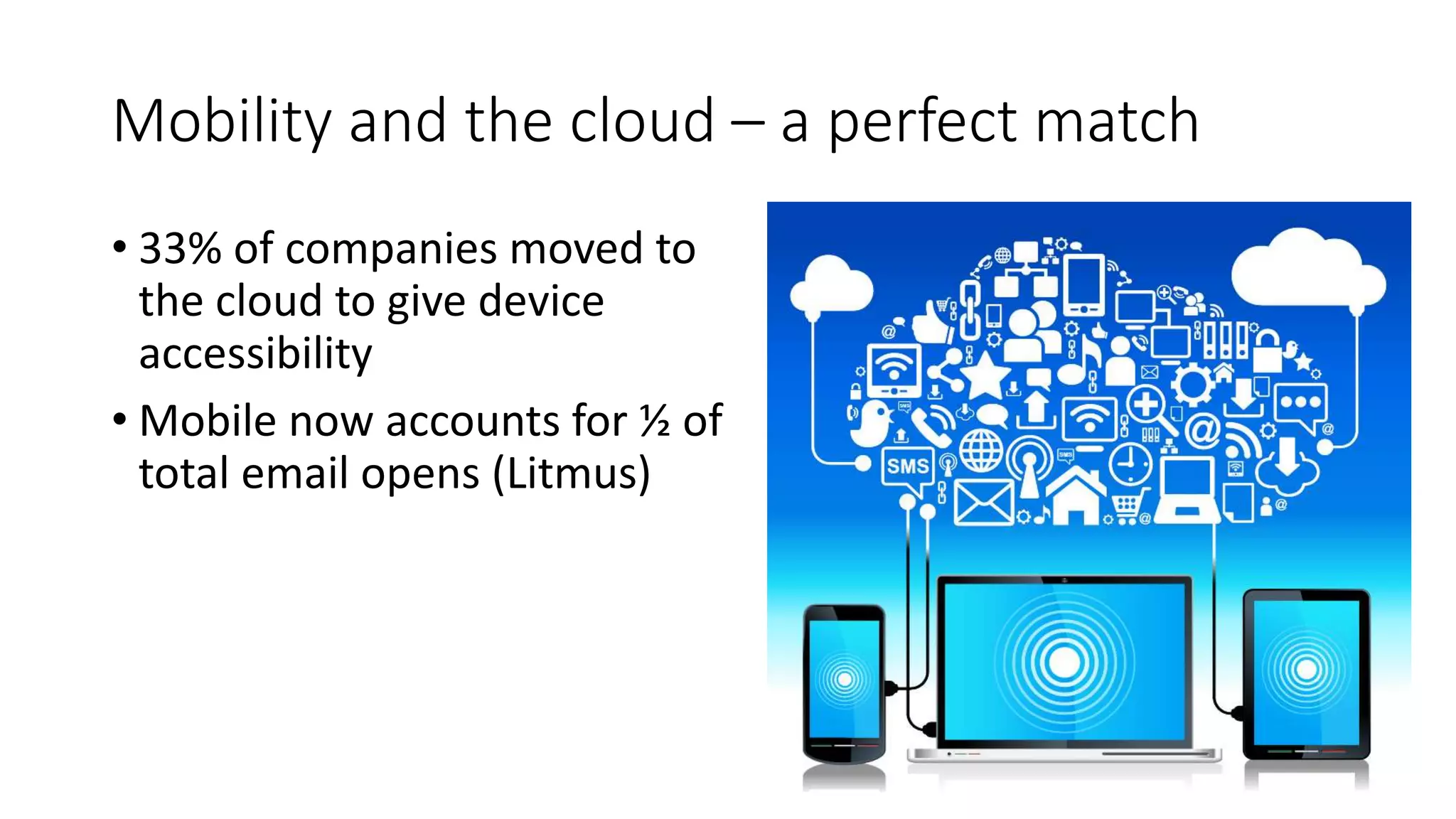
Mobility and the cloud – a perfect match
• 33% of companies moved to
the cloud to give device
accessibility
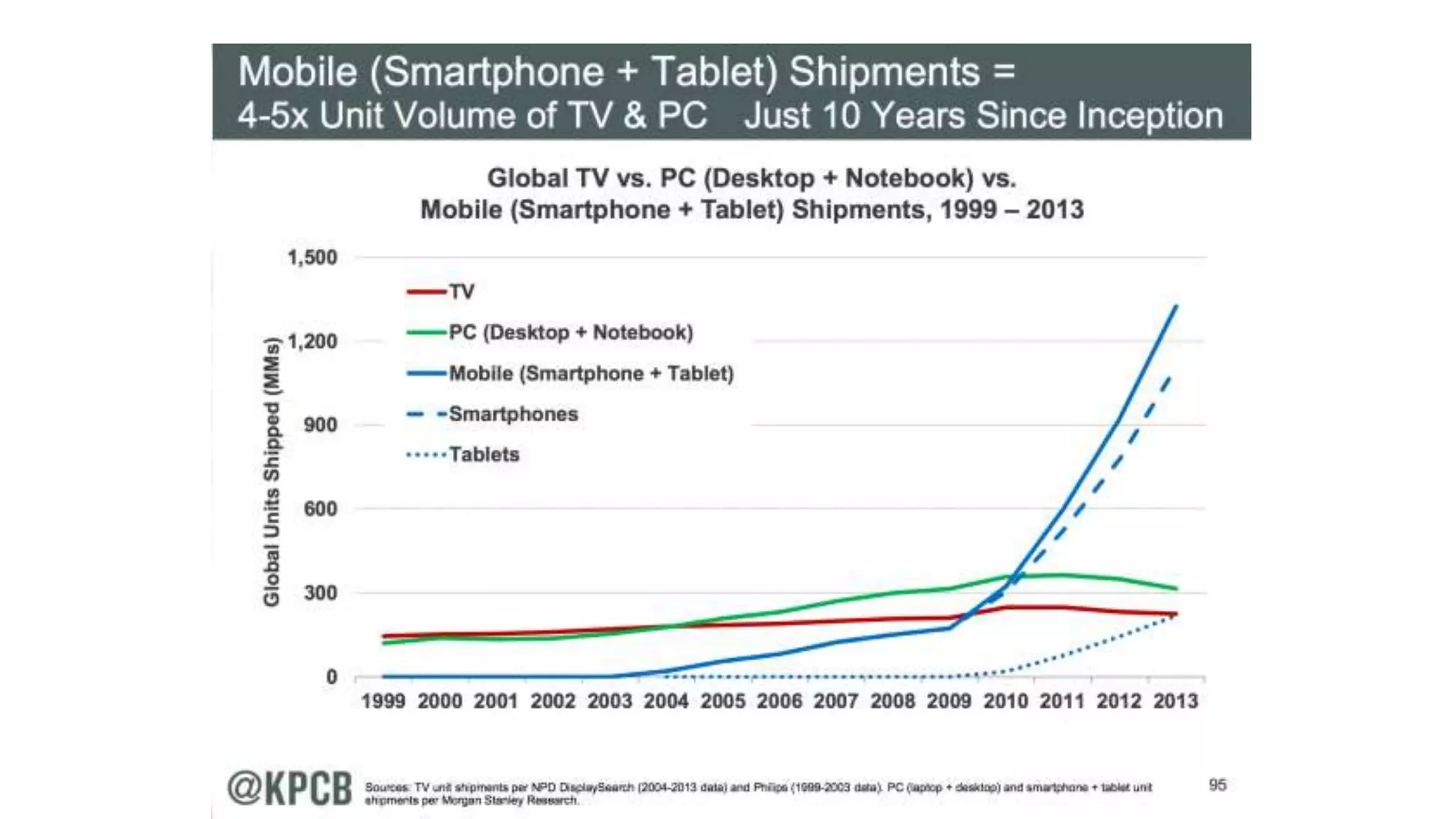
• Mobile now accounts for ½ of
total email opens (Litmus)
What is cloud computing?
“Using someone else’s computer”
“Sharing a resource pool”
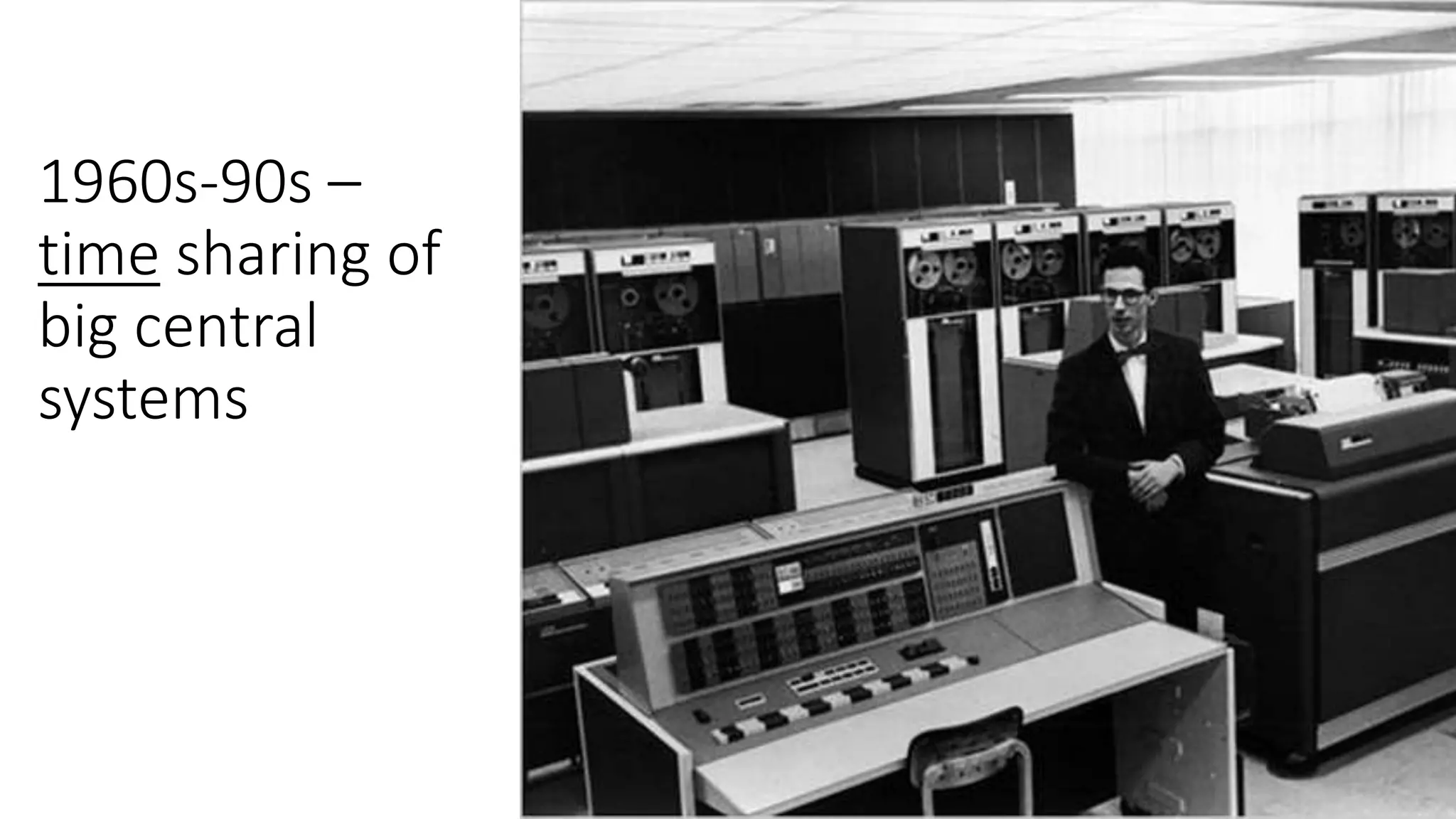
1960s-90s –
time sharing of
big central
systems
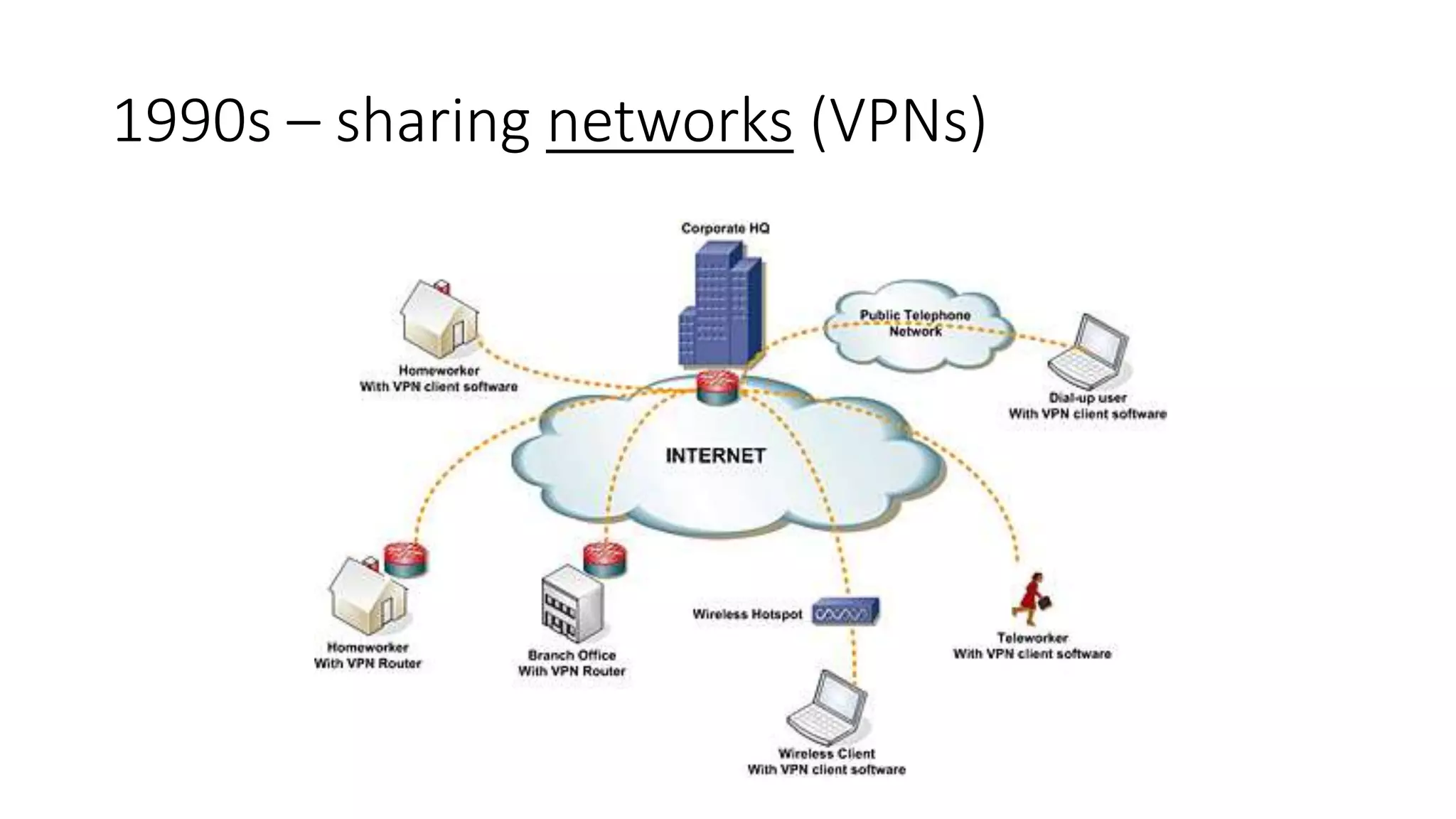
1990s – sharing networks (VPNs)
2
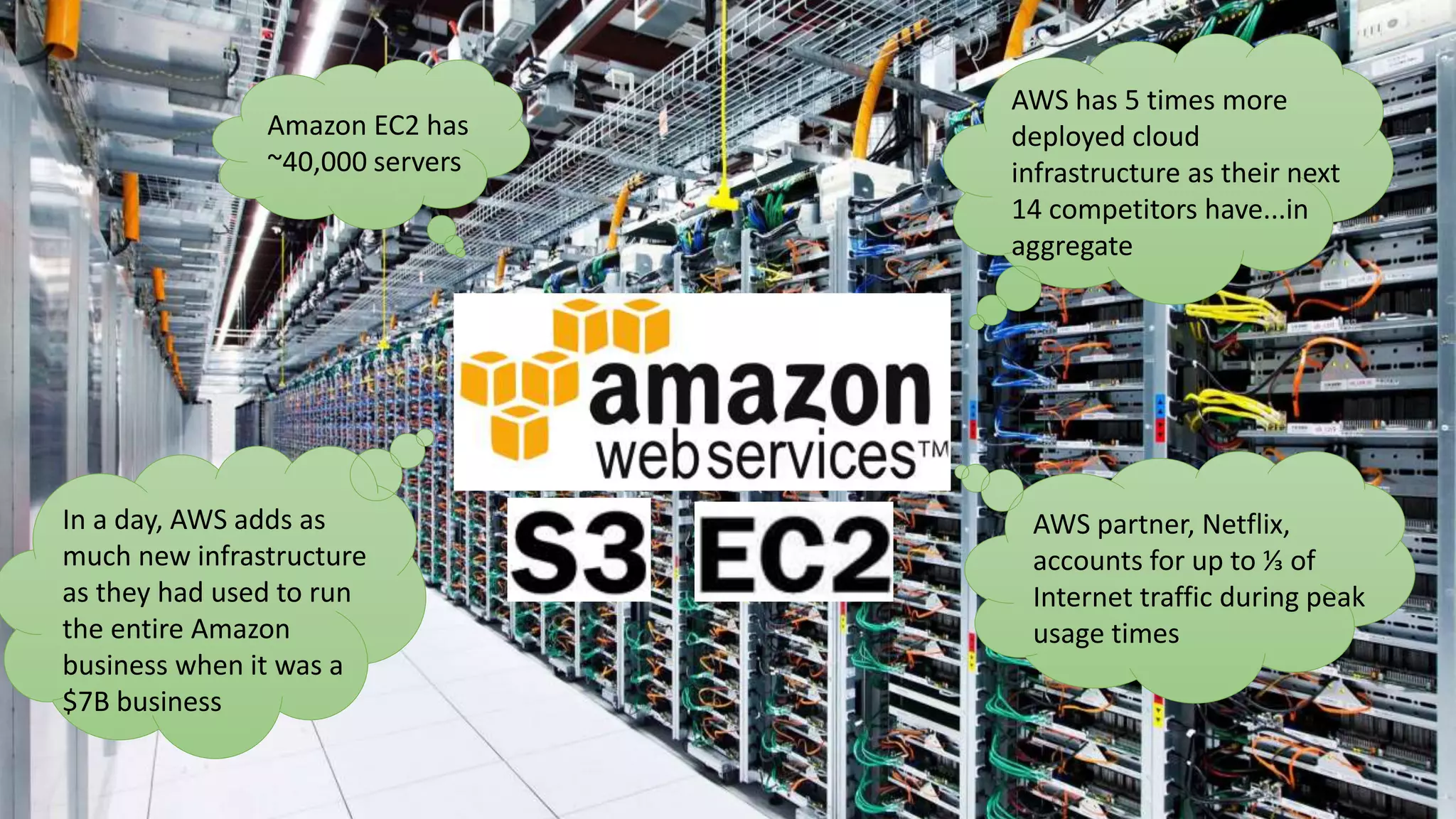
Amazon racks AWS has 5 times more
deployed cloud
infrastructure as their next
14 competitors have...in
aggregate
Amazon EC2 has
~40,000 servers
In a day, AWS adds as
much new infrastructure
as they had used to run
the entire Amazon
business when it was a
$7B business
AWS partner, Netflix,
accounts for up to ⅓ of
Internet traffic during peak
usage times
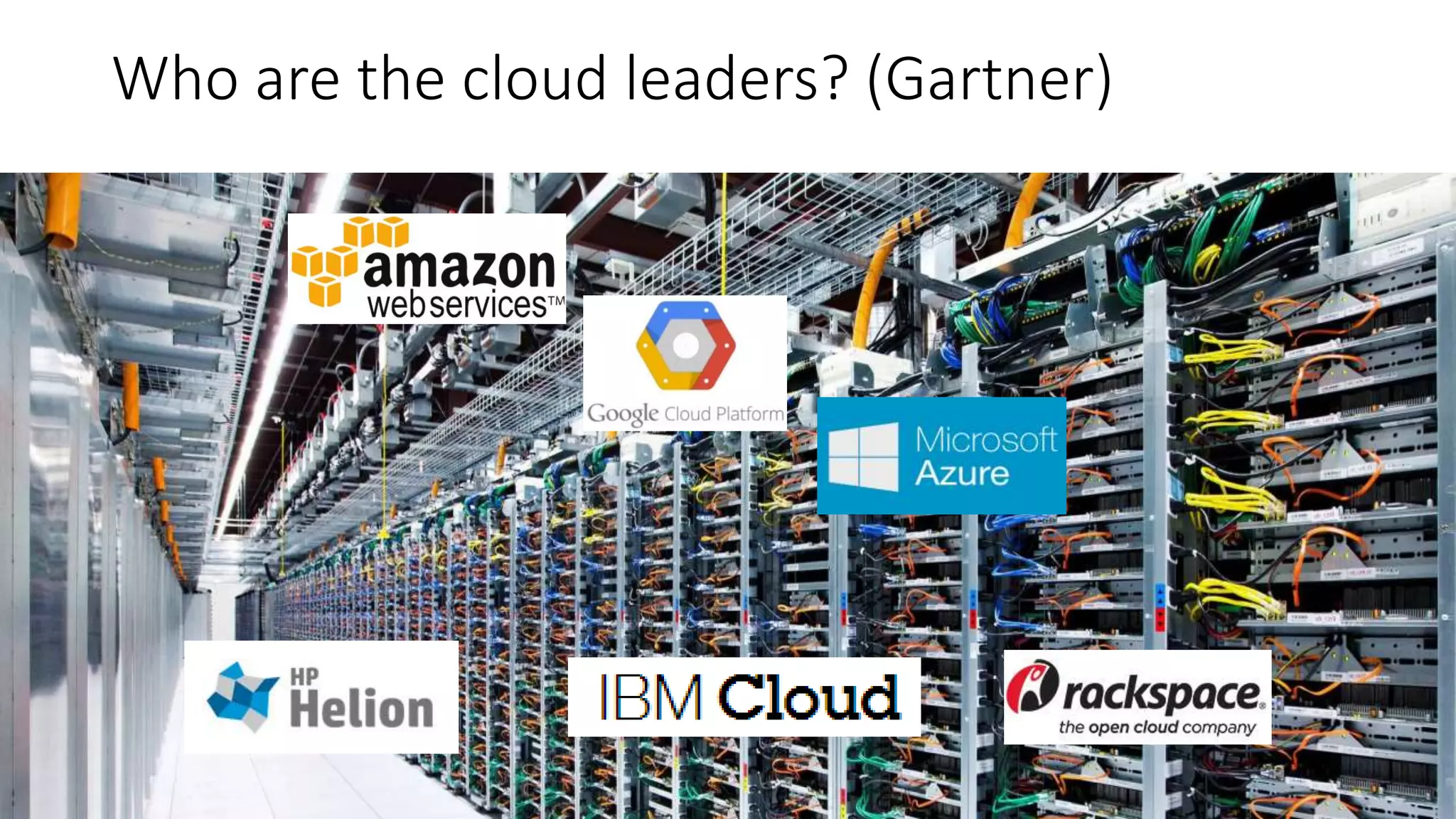
Who are the cloud leaders? (Gartner)
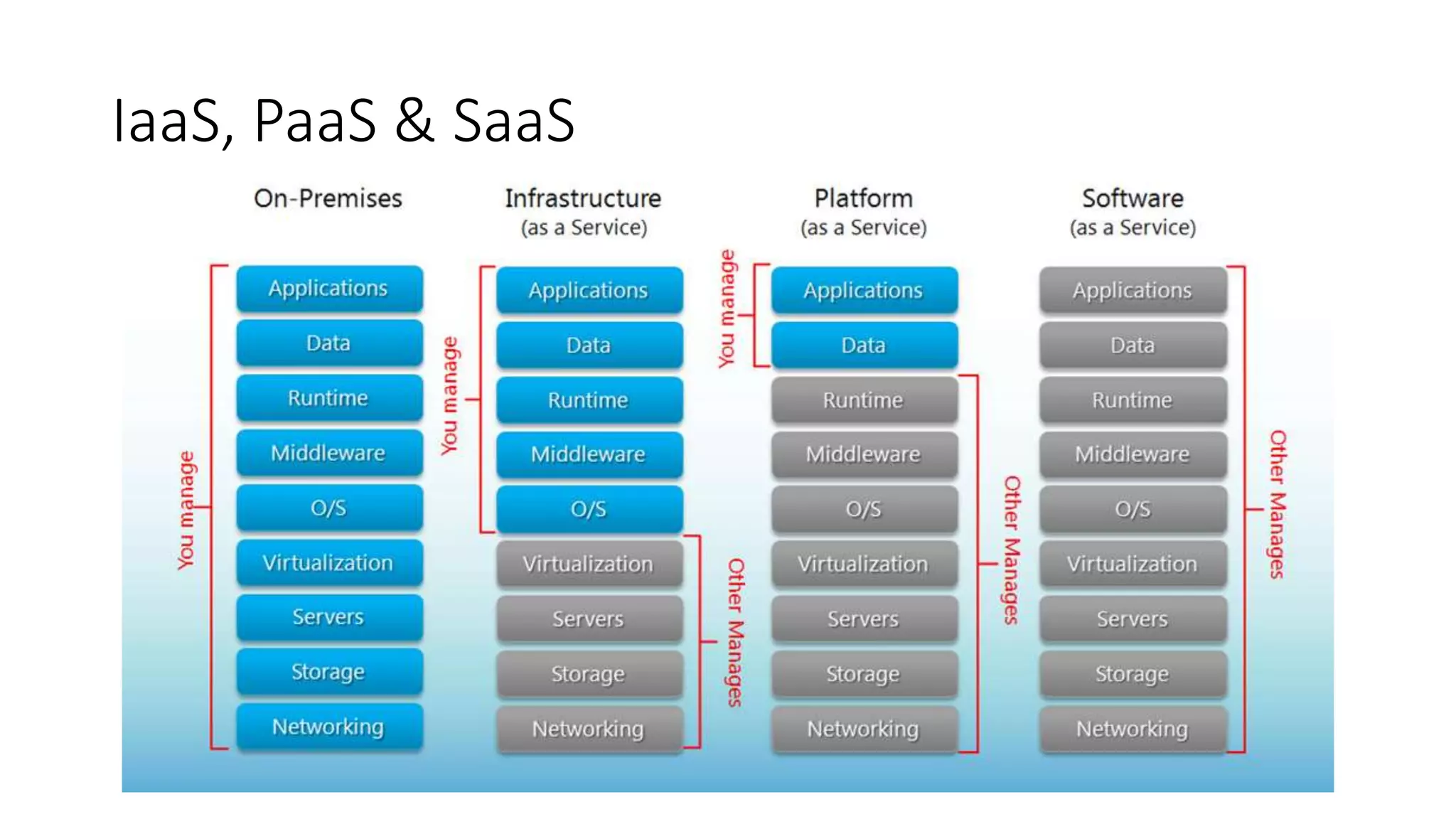
IaaS, PaaS & SaaS
Cloud computing benefits
• Cost is flexible, less and moved
to OPEX
• Elastic services
• Transfer of risk
• Advanced technologies
• Better processes & skills
• Bypass existing infrastructure
limitations
“The disks
still go
around”
Now for the fun the part…
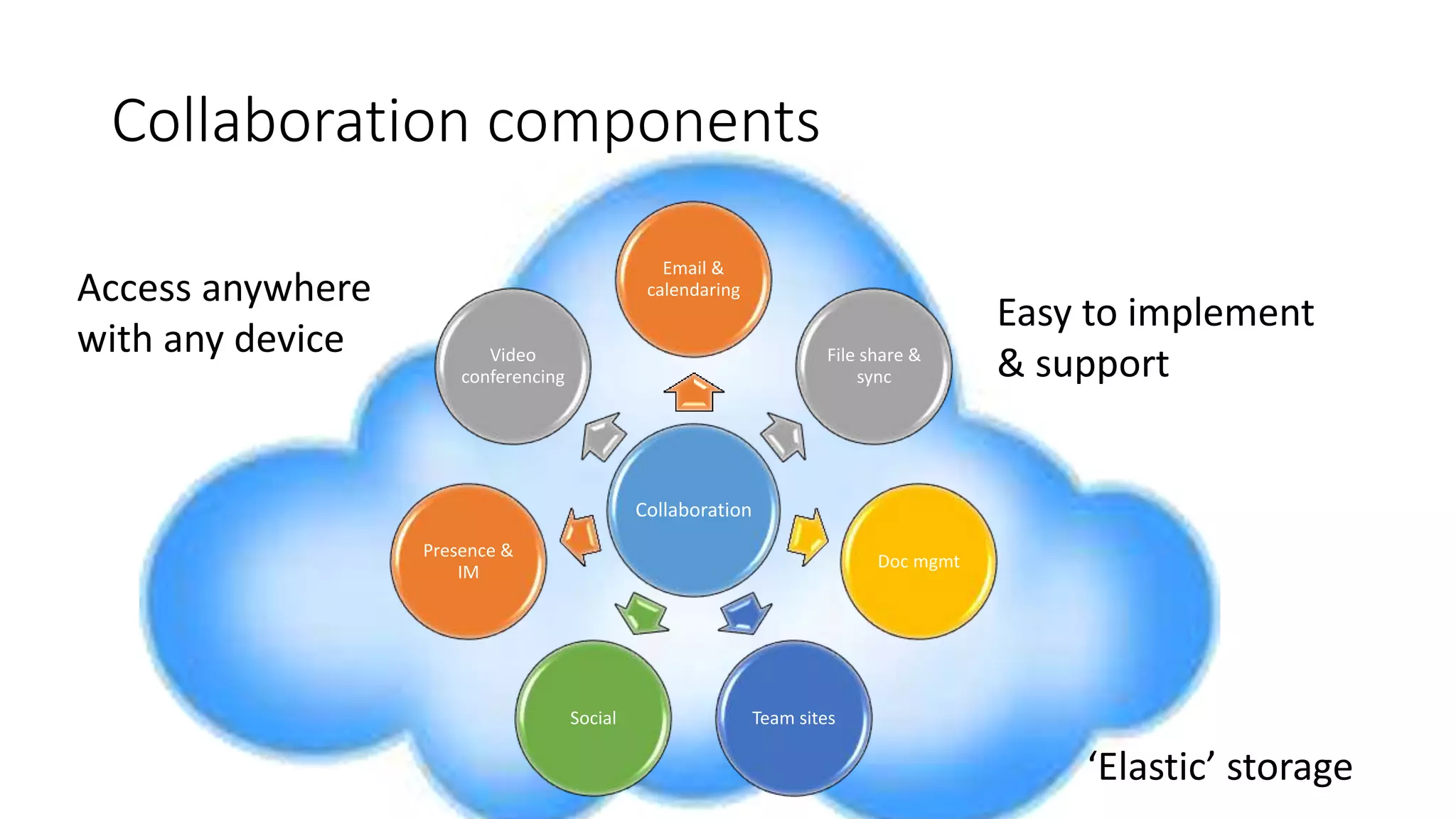
Collaboration components
Collaboration
Email &
calendaring
File share &
sync
Doc mgmt
Team sitesSocial
Presence &
IM
Video
conferencing
Access anywhere
with any device
‘Elastic’ storage
Easy to implement
& support
Email
Email Email Email
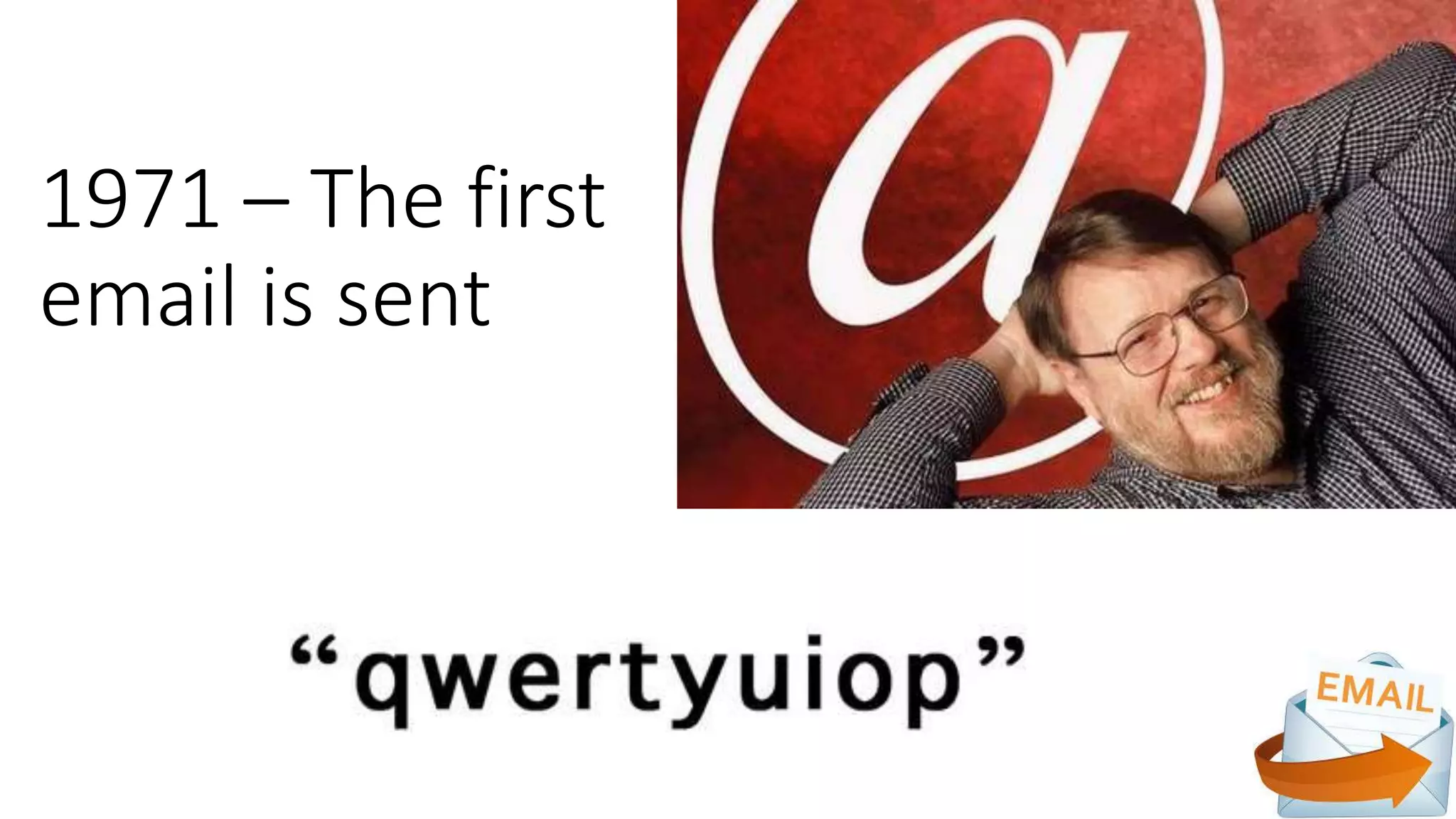
1971 – The first
email is sent
1993-Web-based
email
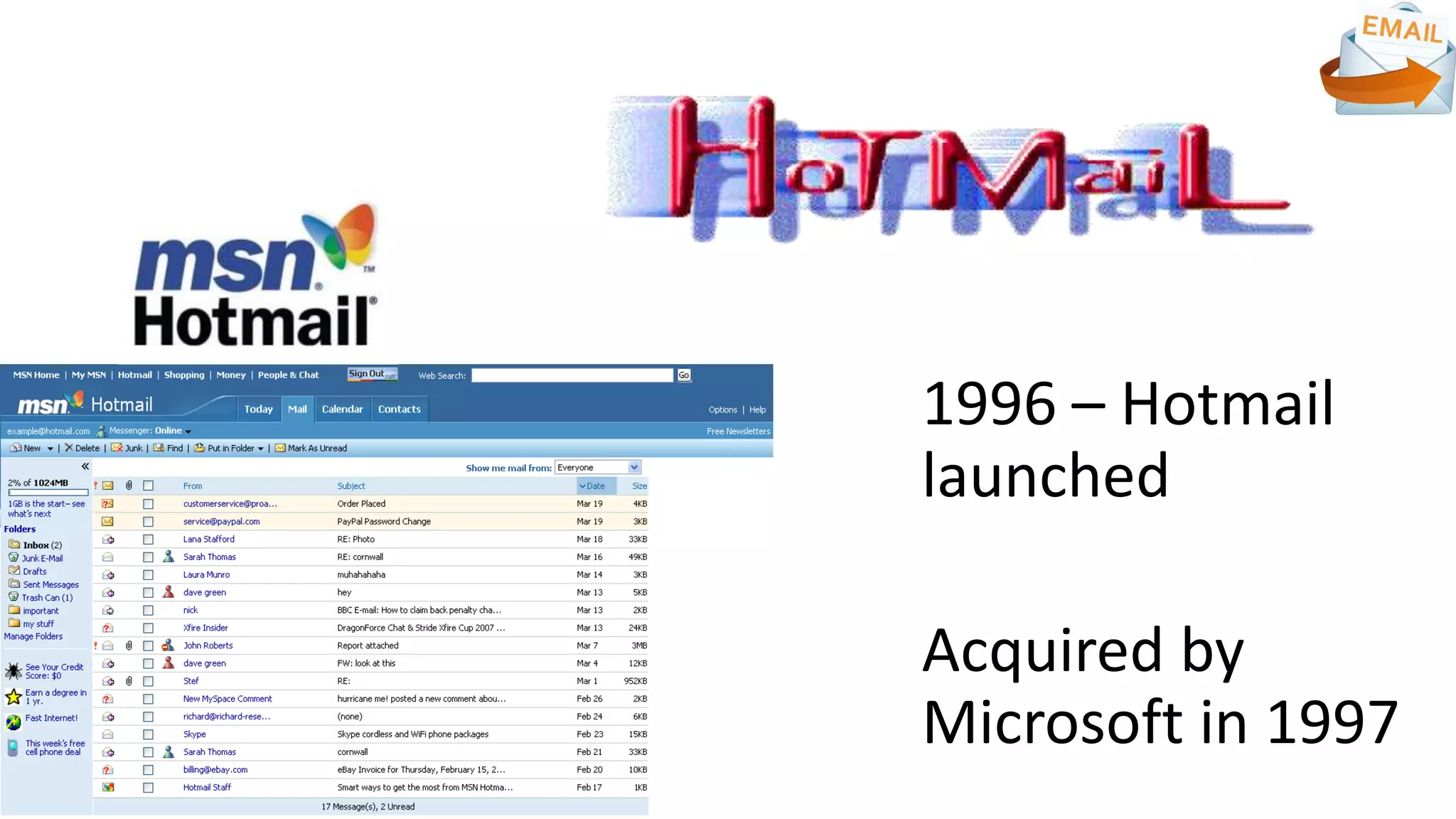
1996 – Hotmail
launched
Acquired by
Microsoft in 1997
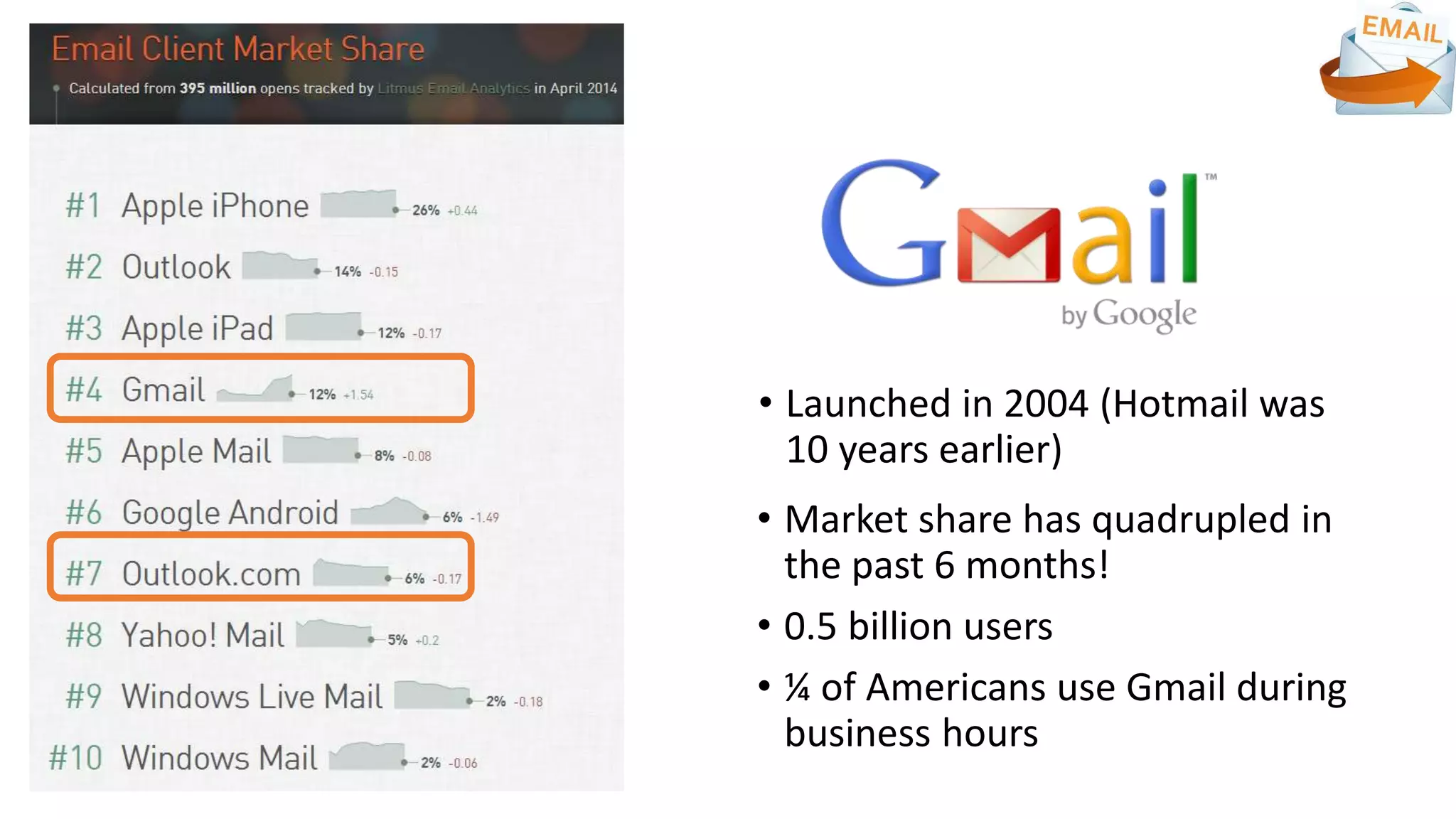
• Market share has quadrupled in
the past 6 months!
• 0.5 billion users
• ¼ of Americans use Gmail during
business hours
• Launched in 2004 (Hotmail was
10 years earlier)
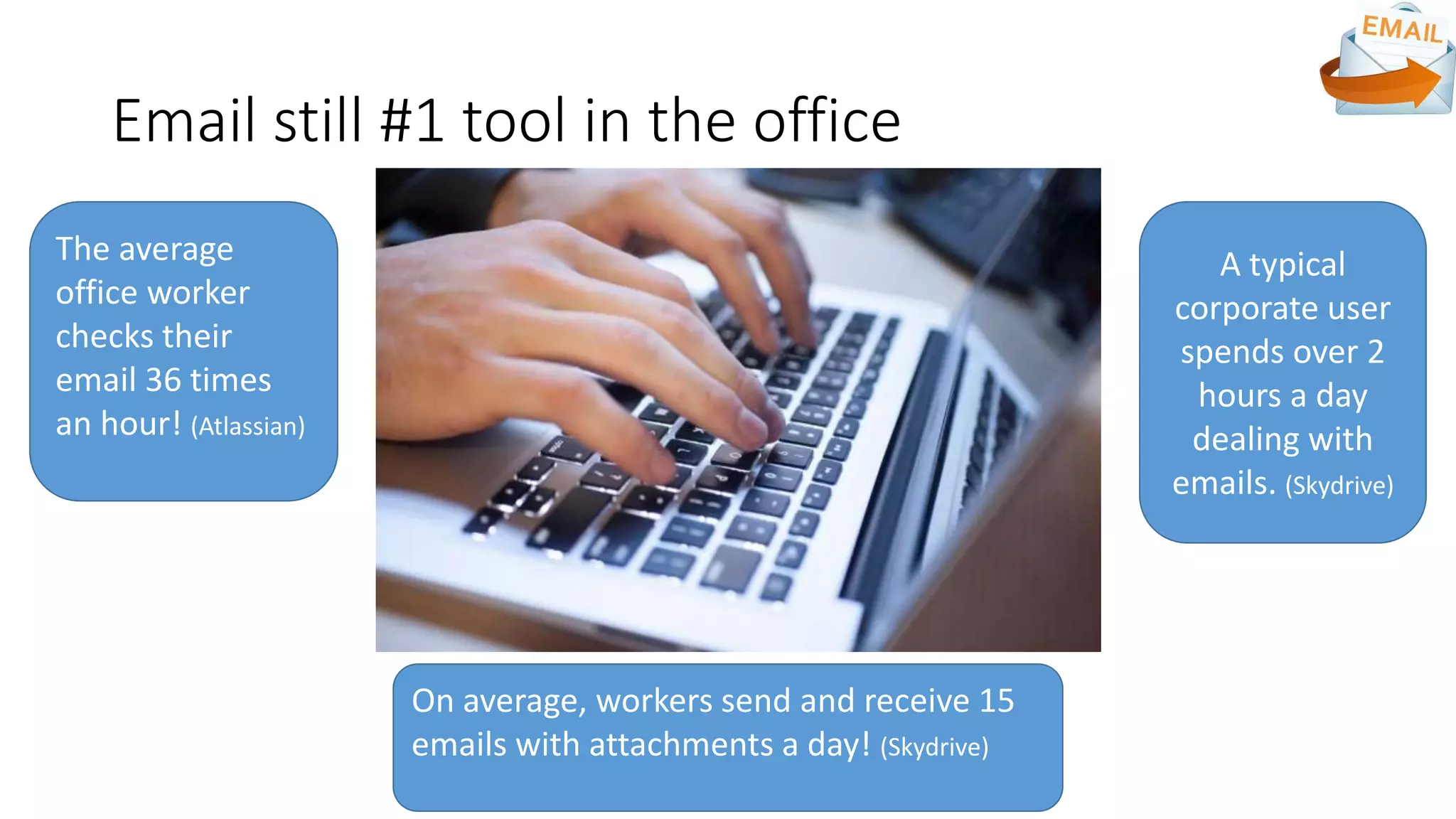
Email still #1 tool in the office
A typical
corporate user
spends over 2
hours a day
dealing with
emails. (Skydrive)
On average, workers send and receive 15
emails with attachments a day! (Skydrive)
The average
office worker
checks their
email 36 times
an hour! (Atlassian)
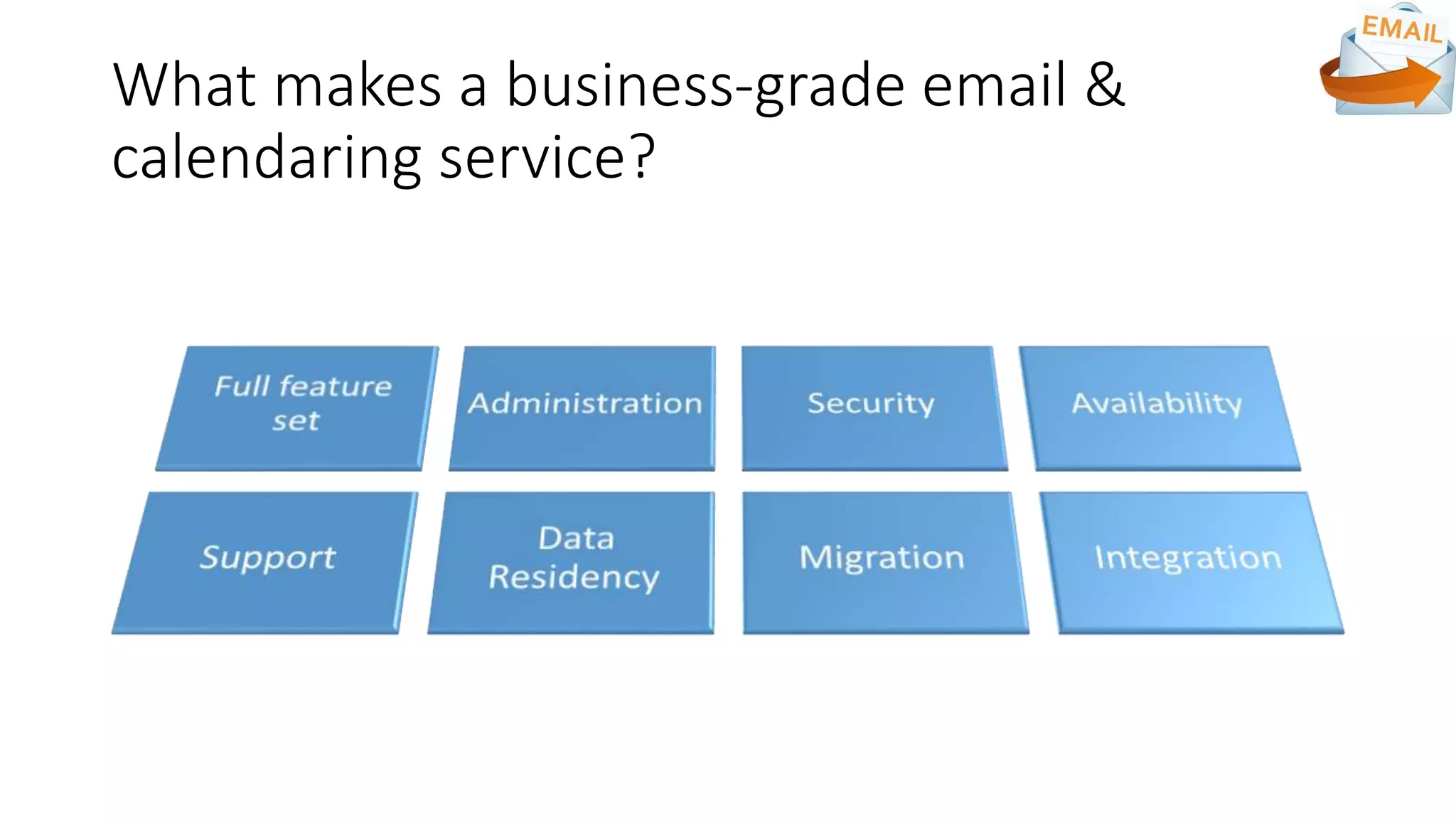
What makes a business-grade email &
calendaring service?
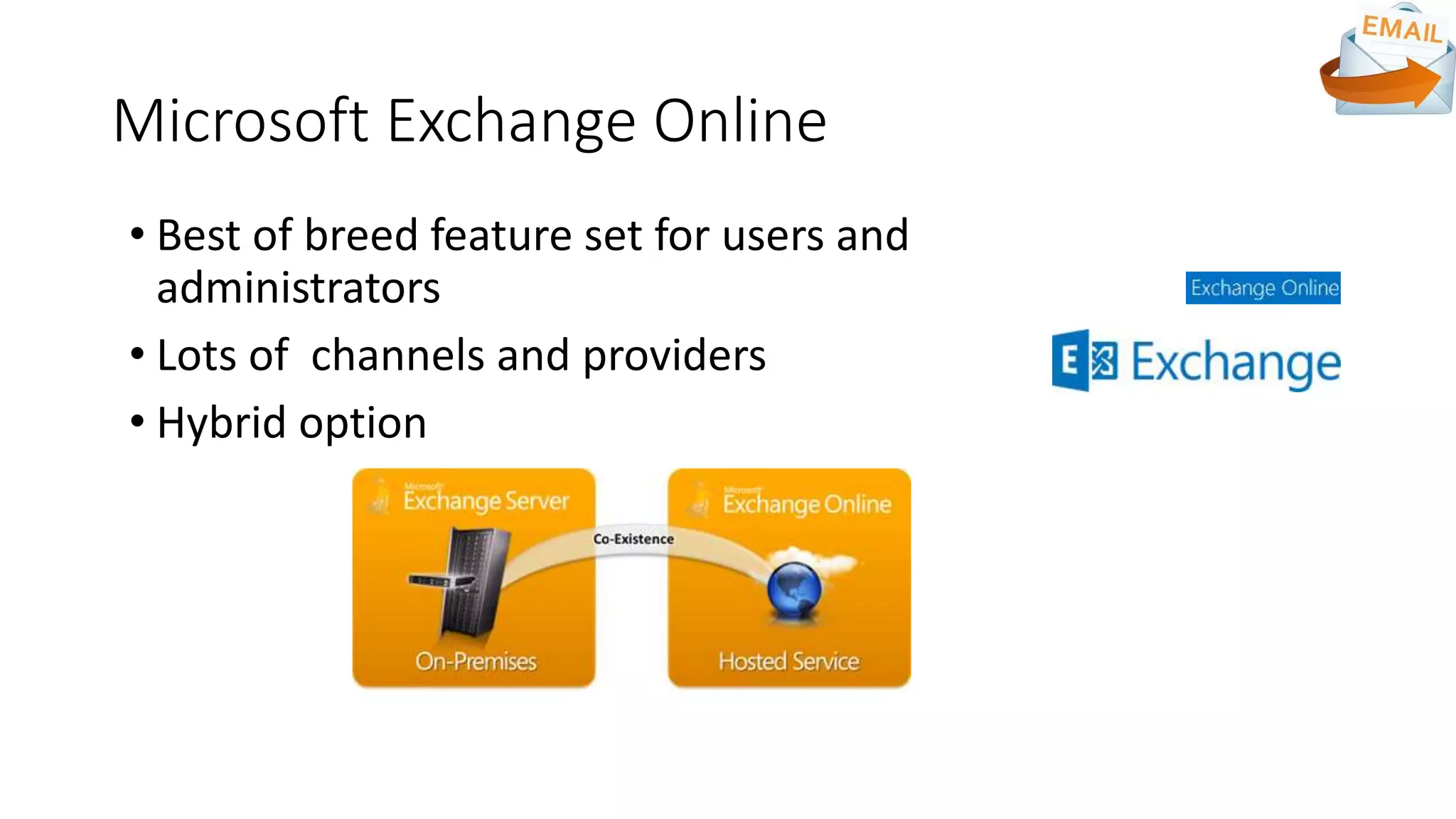
Microsoft Exchange Online
• Best of breed feature set for users and
administrators
• Lots of channels and providers
• Hybrid option
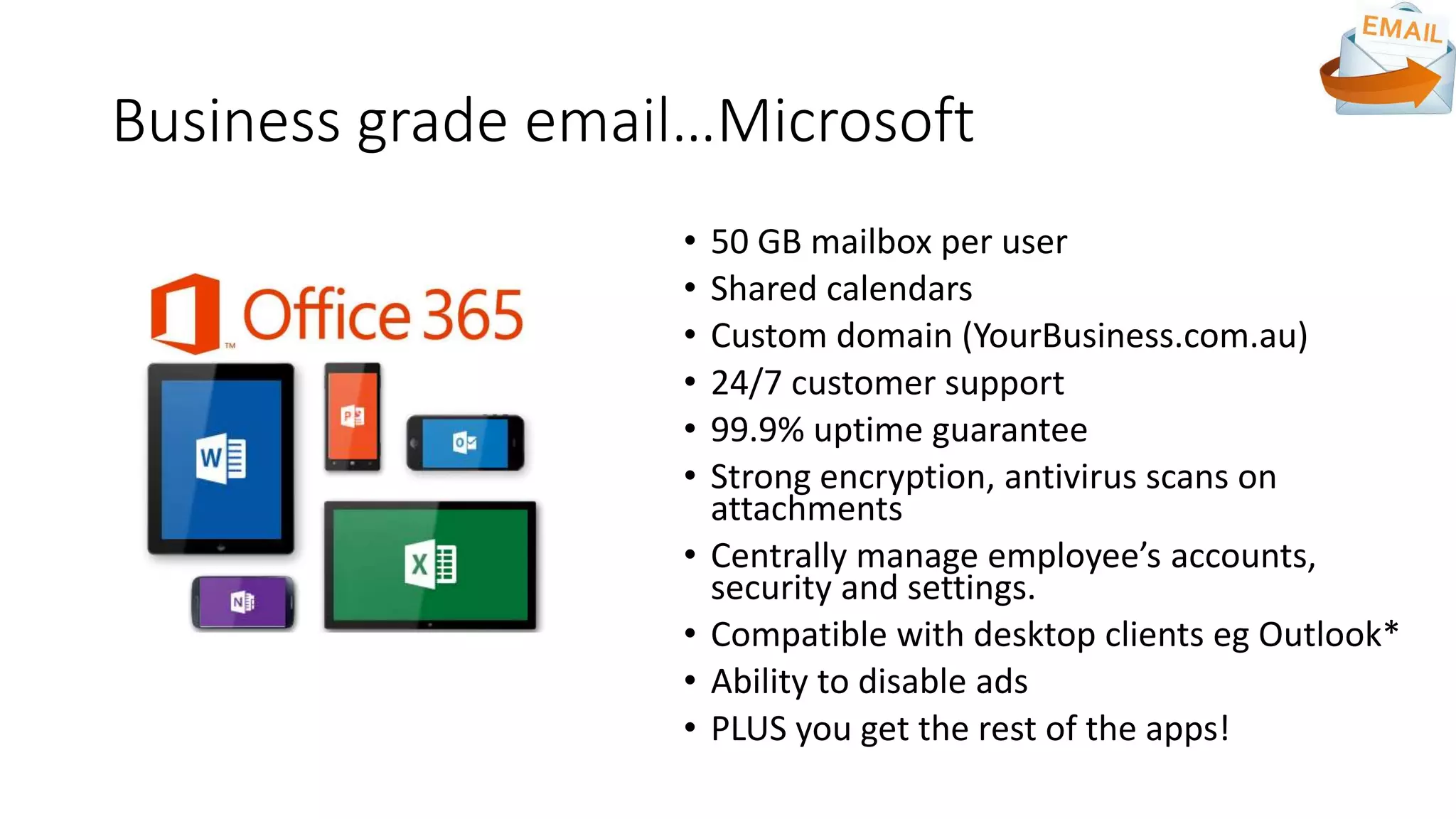
Business grade email…Microsoft
• 50 GB mailbox per user
• Shared calendars
• Custom domain (YourBusiness.com.au)
• 24/7 customer support
• 99.9% uptime guarantee
• Strong encryption, antivirus scans on
attachments
• Centrally manage employee’s accounts,
security and settings.
• Compatible with desktop clients eg Outlook*
• Ability to disable ads
• PLUS you get the rest of the apps!
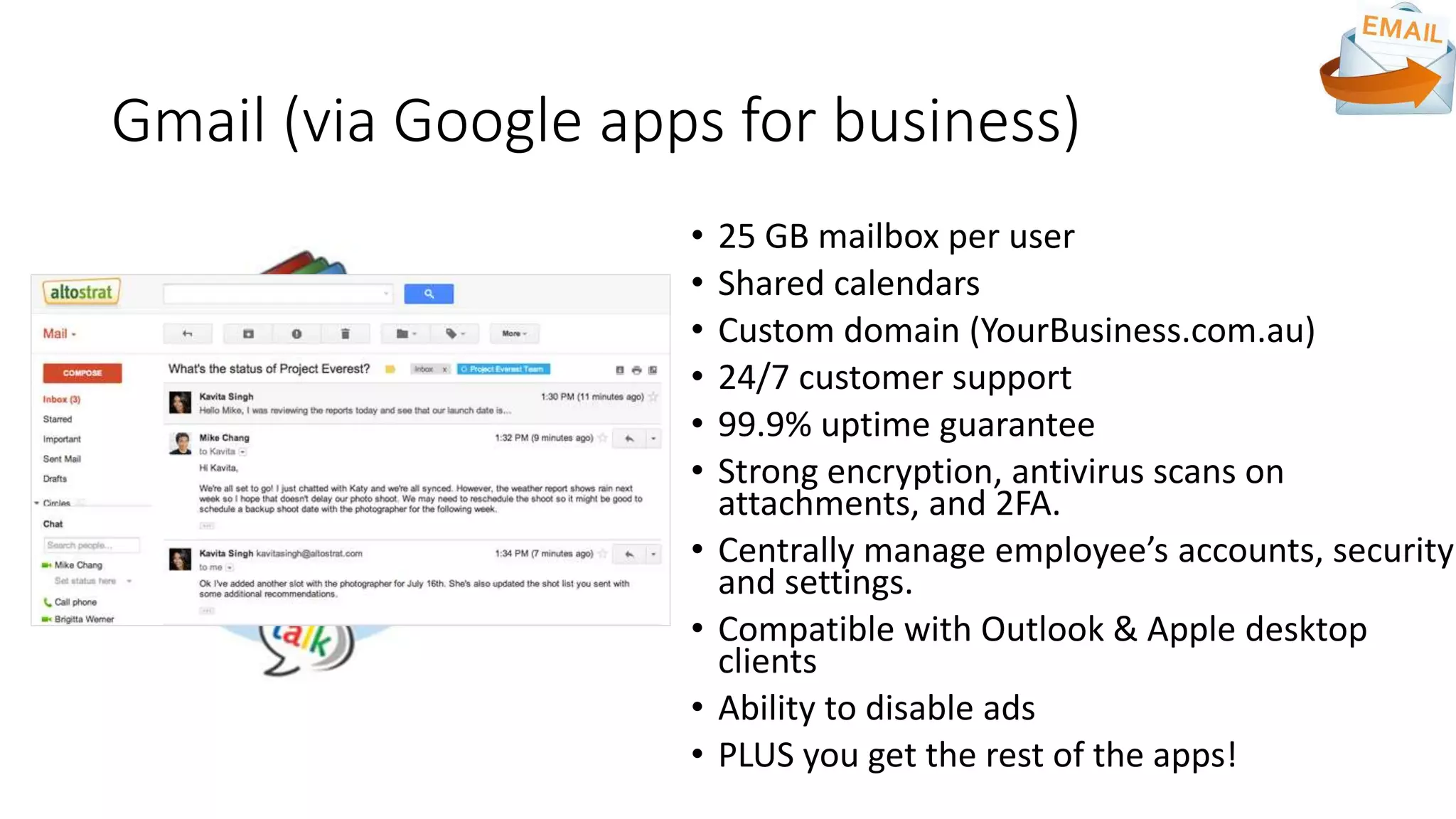
Gmail (via Google apps for business)
• 25 GB mailbox per user
• Shared calendars
• Custom domain (YourBusiness.com.au)
• 24/7 customer support
• 99.9% uptime guarantee
• Strong encryption, antivirus scans on
attachments, and 2FA.
• Centrally manage employee’s accounts, security
and settings.
• Compatible with Outlook & Apple desktop
clients
• Ability to disable ads
• PLUS you get the rest of the apps!
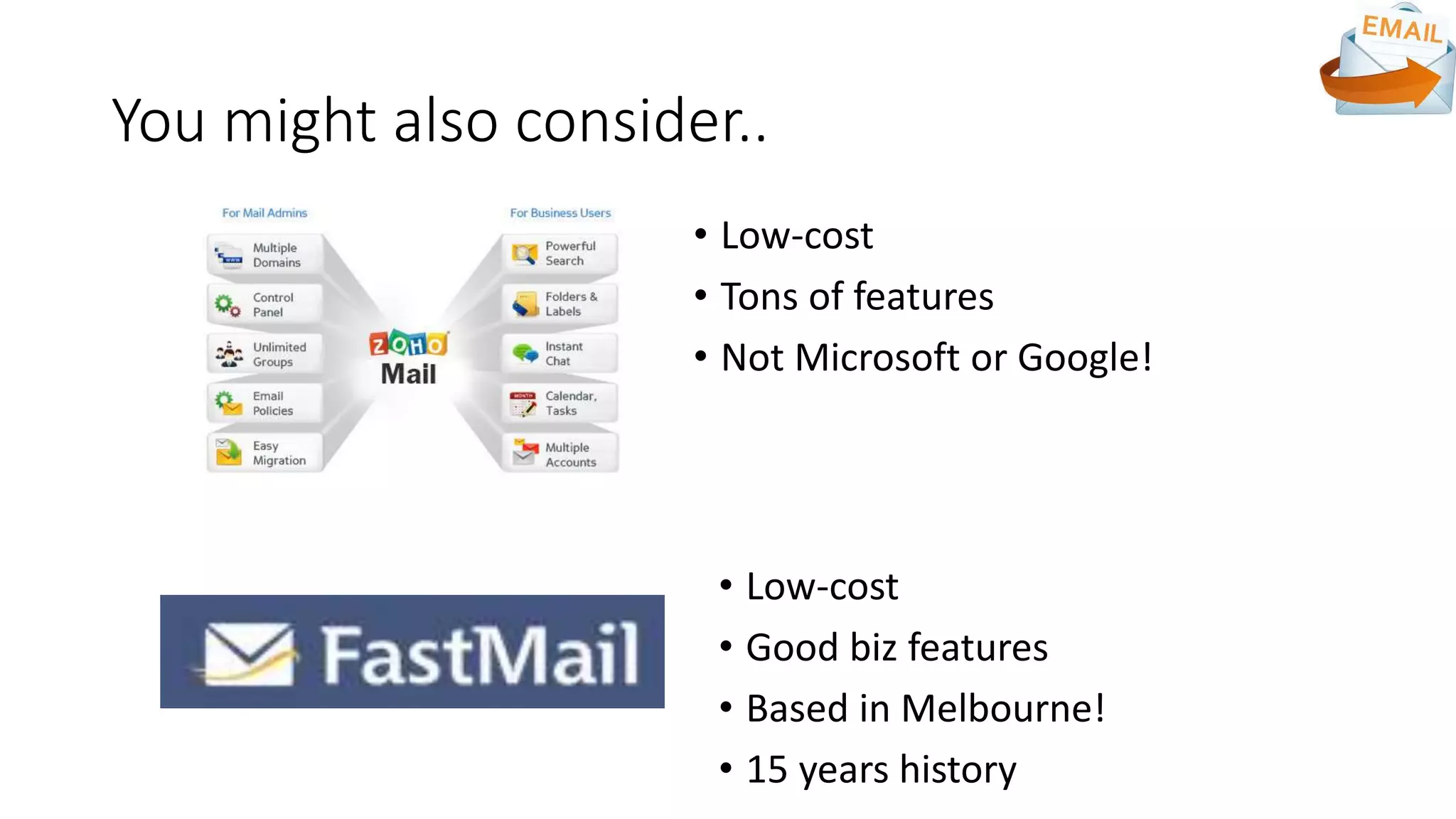
You might also consider..
• Low-cost
• Tons of features
• Not Microsoft or Google!
• Low-cost
• Good biz features
• Based in Melbourne!
• 15 years history
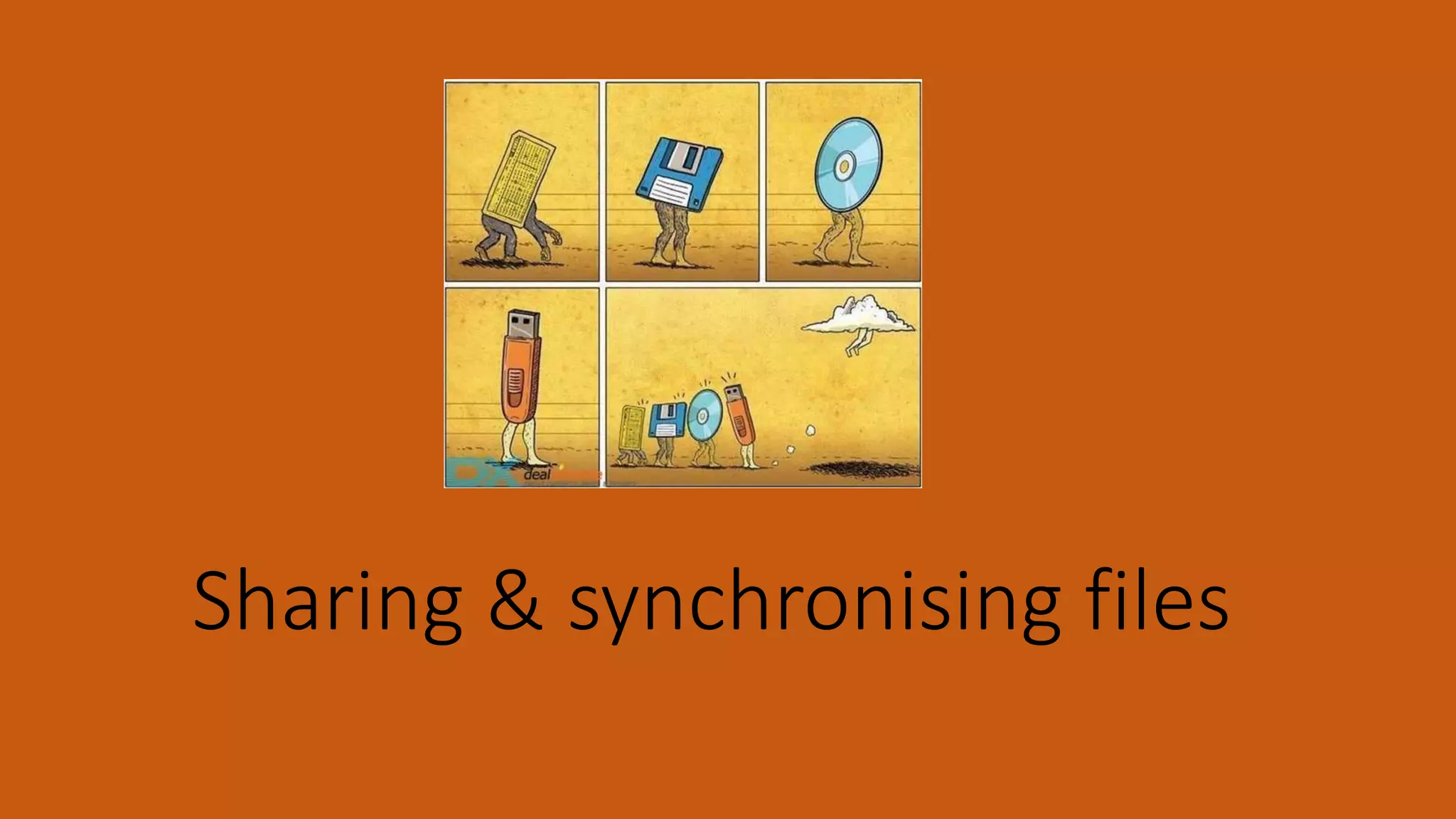
Sharing & synchronising files
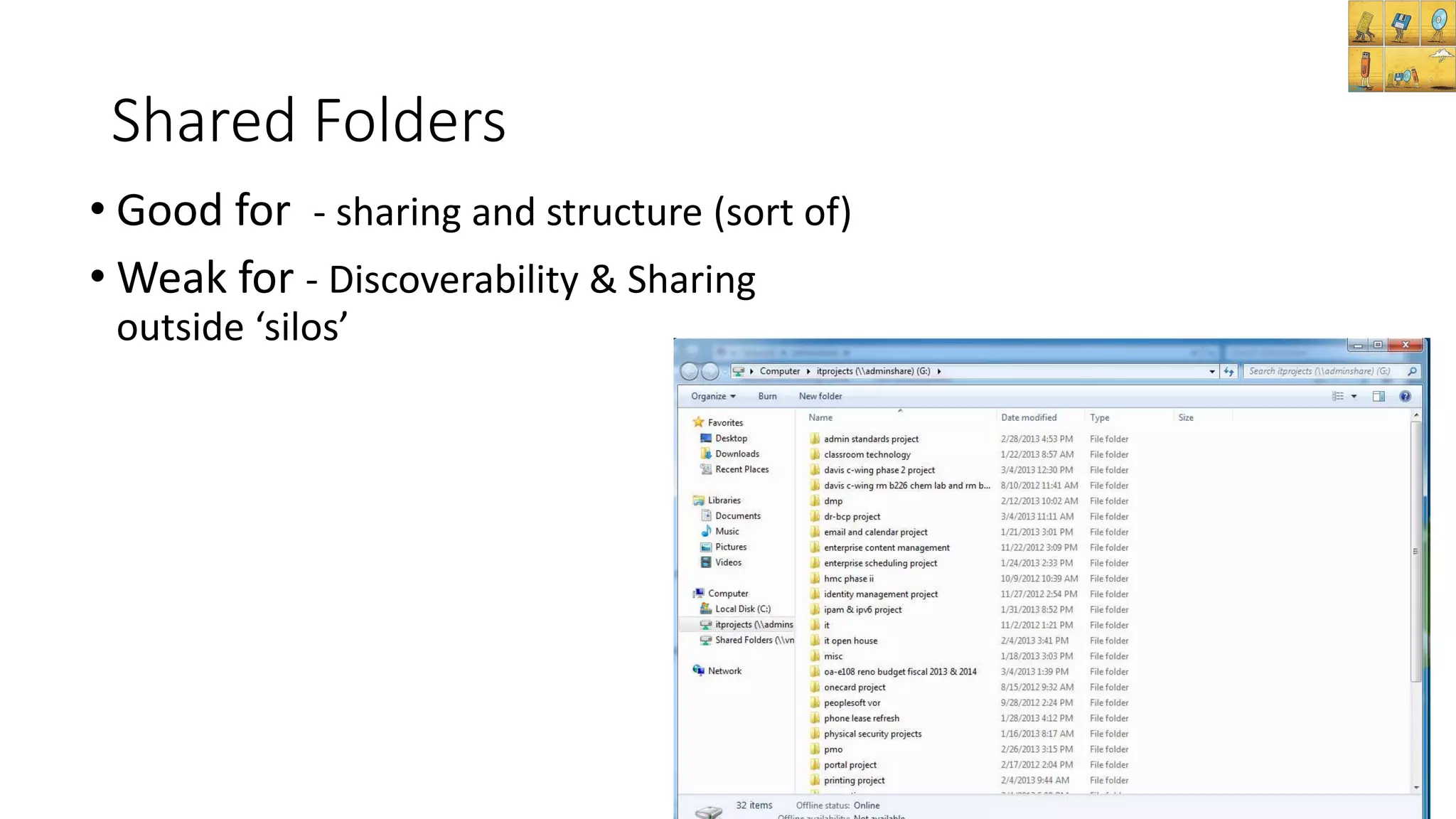
Shared Folders
• Good for - sharing and structure (sort of)
• Weak for - Discoverability & Sharing
outside ‘silos’
File sharing in the cloud
• Enterprise File Sharing and Synchronisation (“EFSS”)
• Driven by use of multiple devices/consumers
• You’re probably using one (or more) EFSS tools right now
• There’s a lot of EFSS tools!
• The EFSS vendors are getting serious
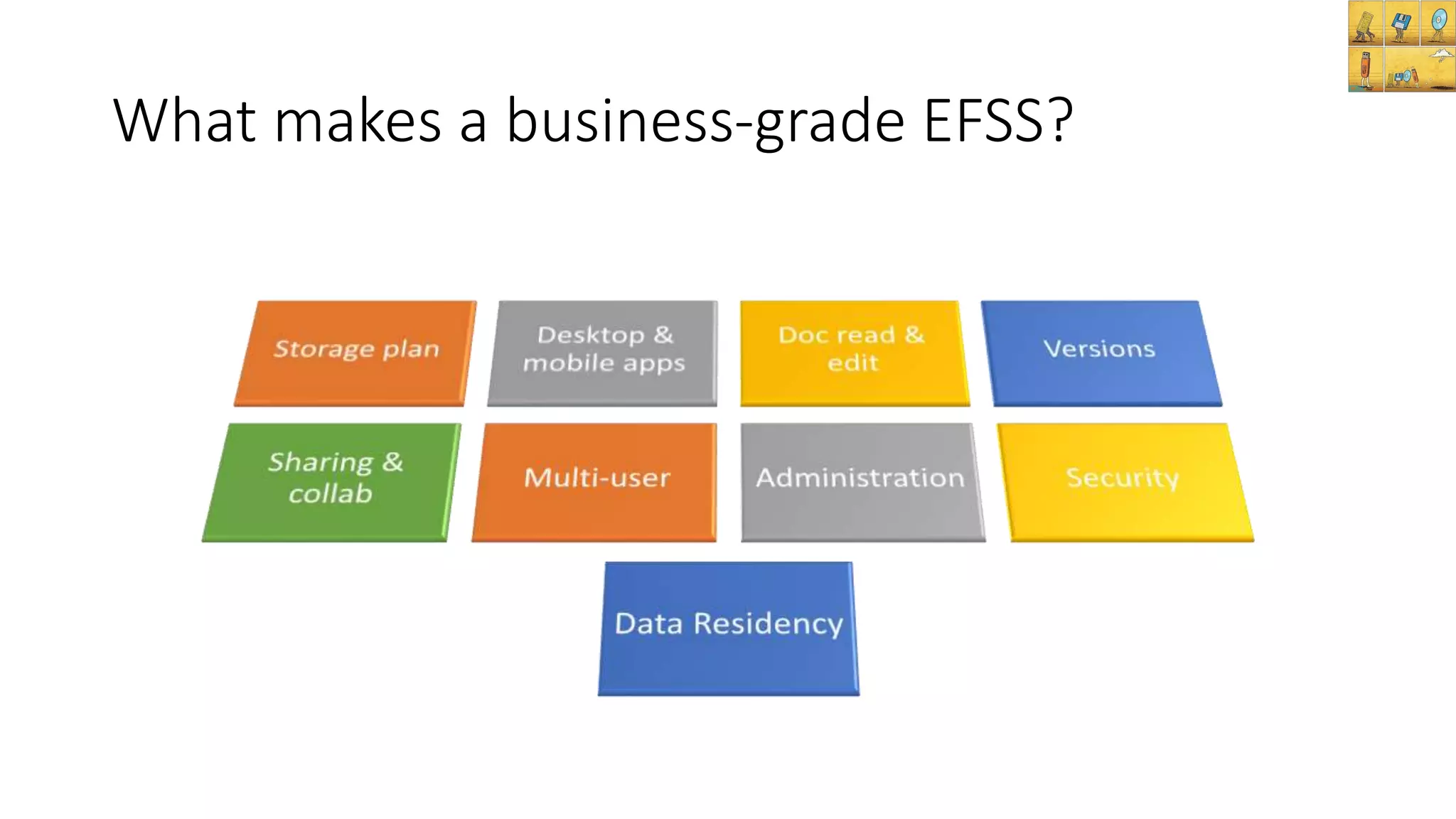
What makes a business-grade EFSS?
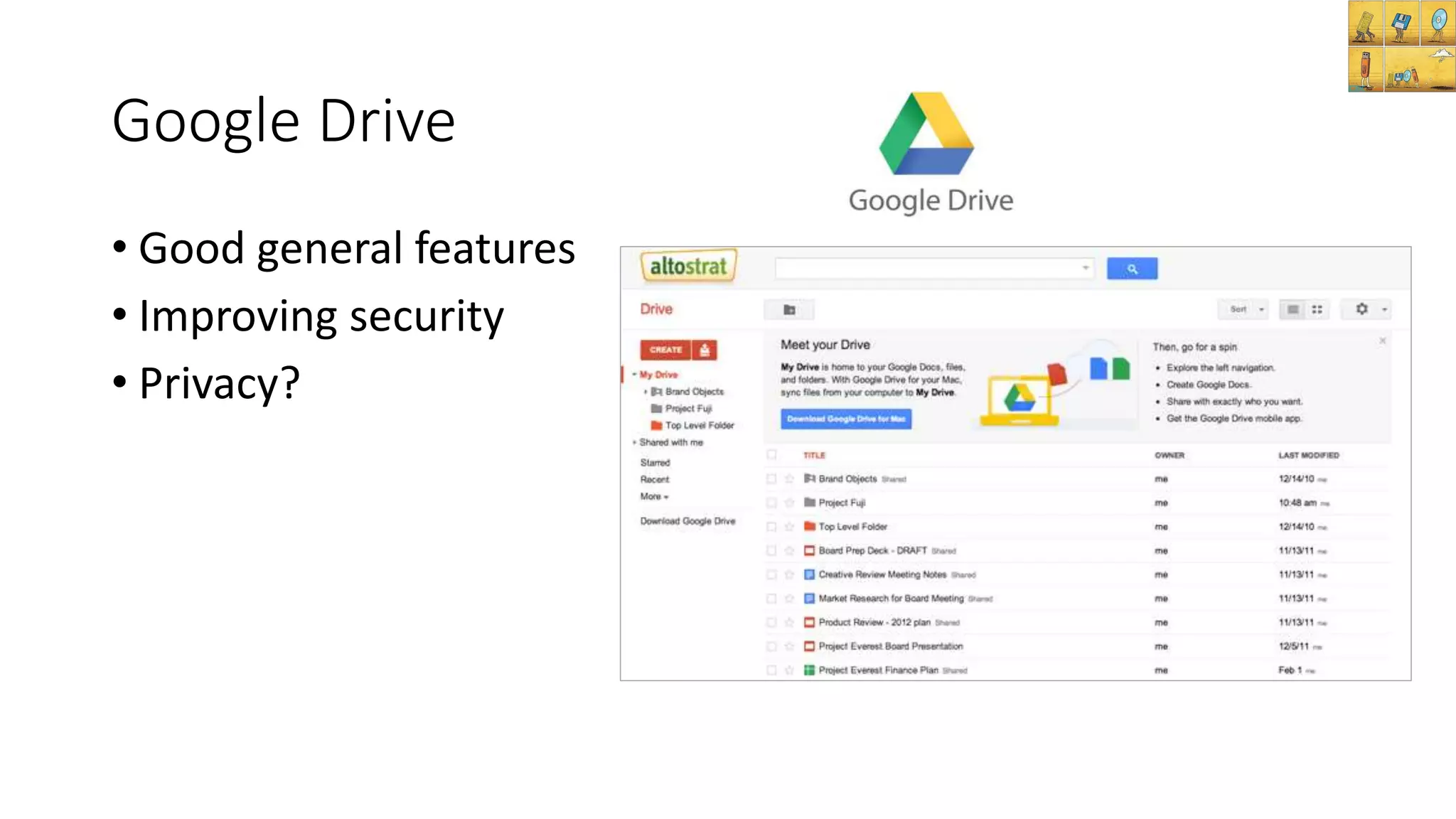
Google Drive
• Good general features
• Improving security
• Privacy?
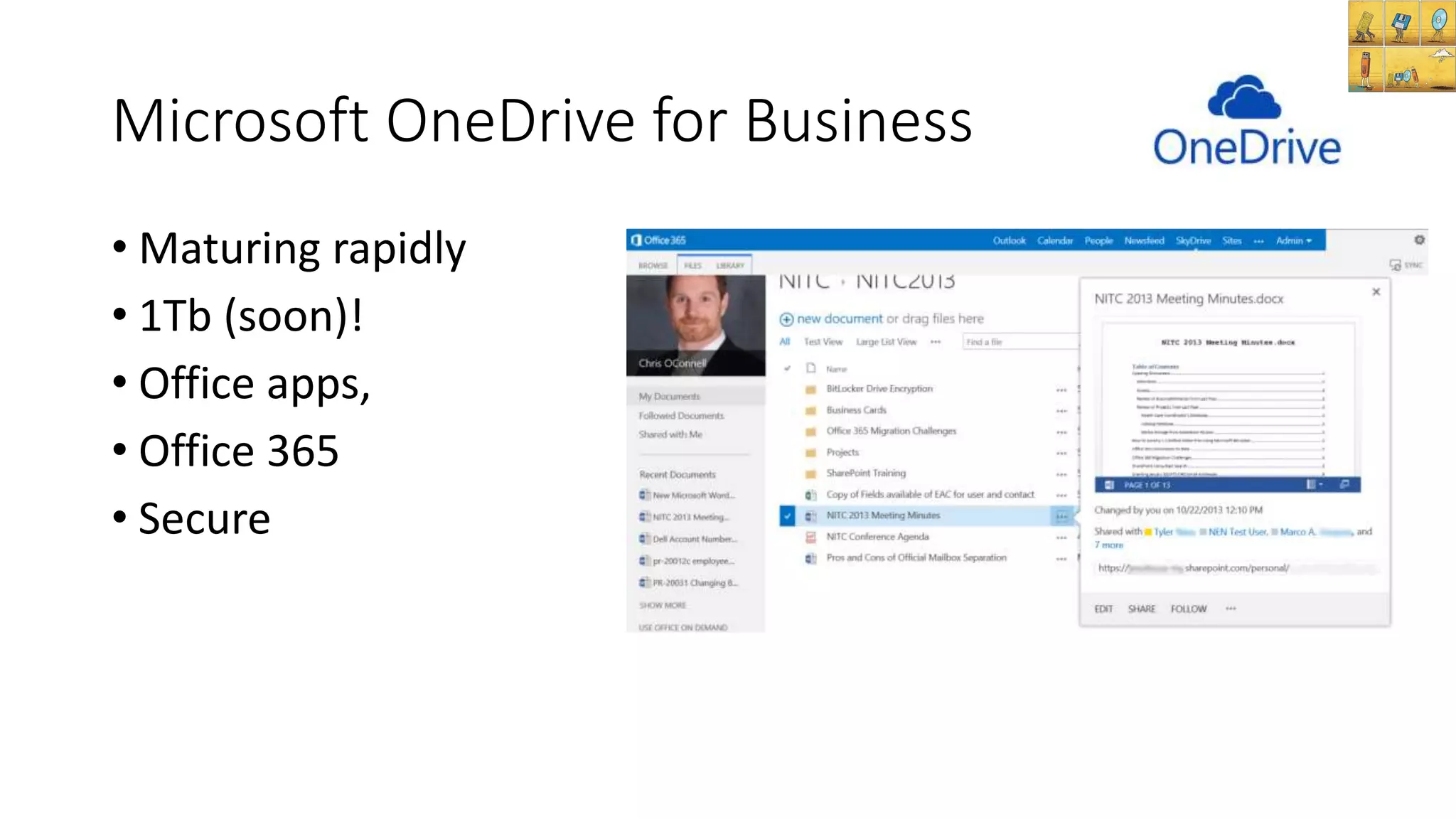
Microsoft OneDrive for Business
• Maturing rapidly
• 1Tb (soon)!
• Office apps,
• Office 365
• Secure
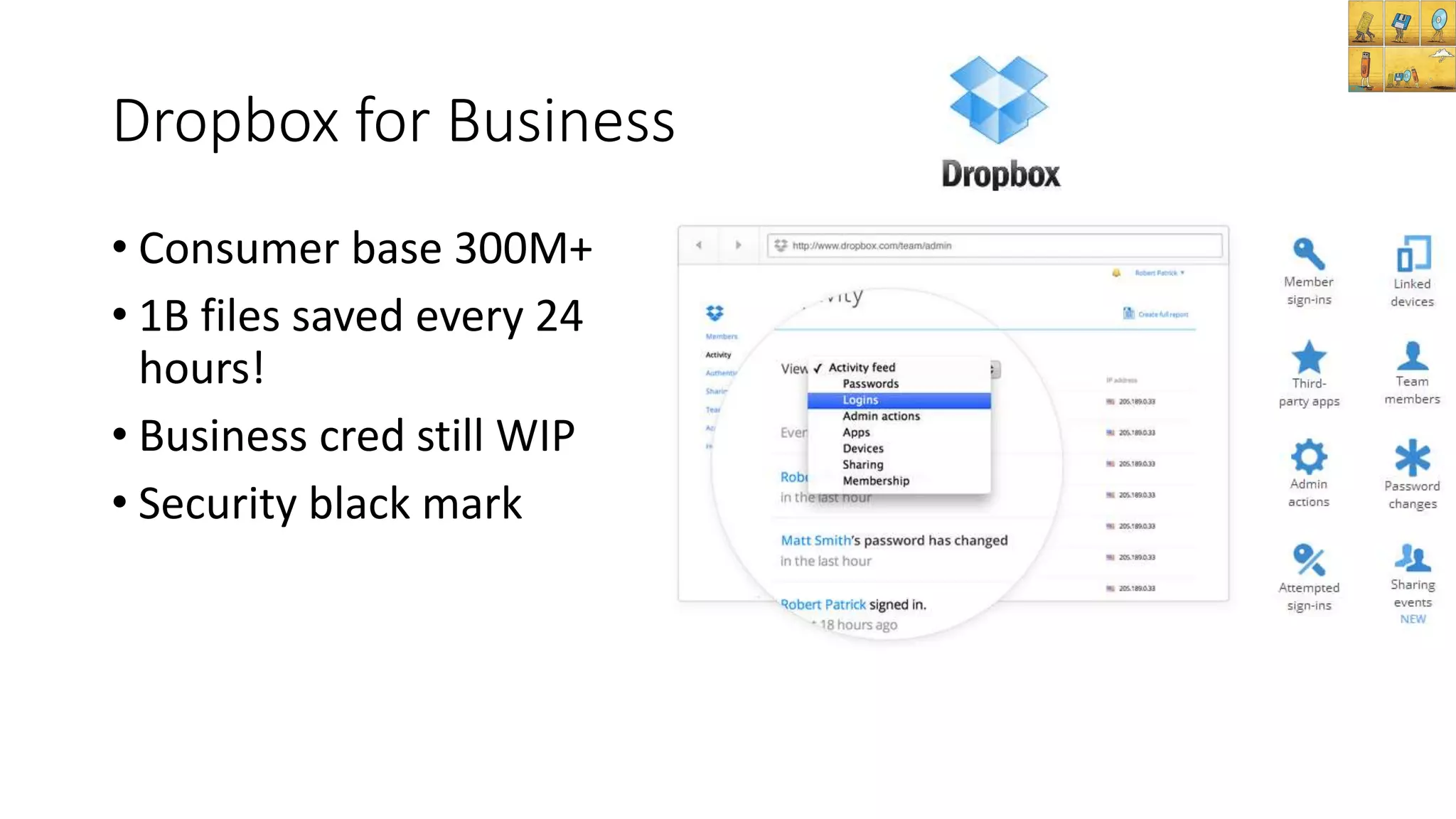
Dropbox for Business
• Consumer base 300M+
• 1B files saved every 24
hours!
• Business cred still WIP
• Security black mark
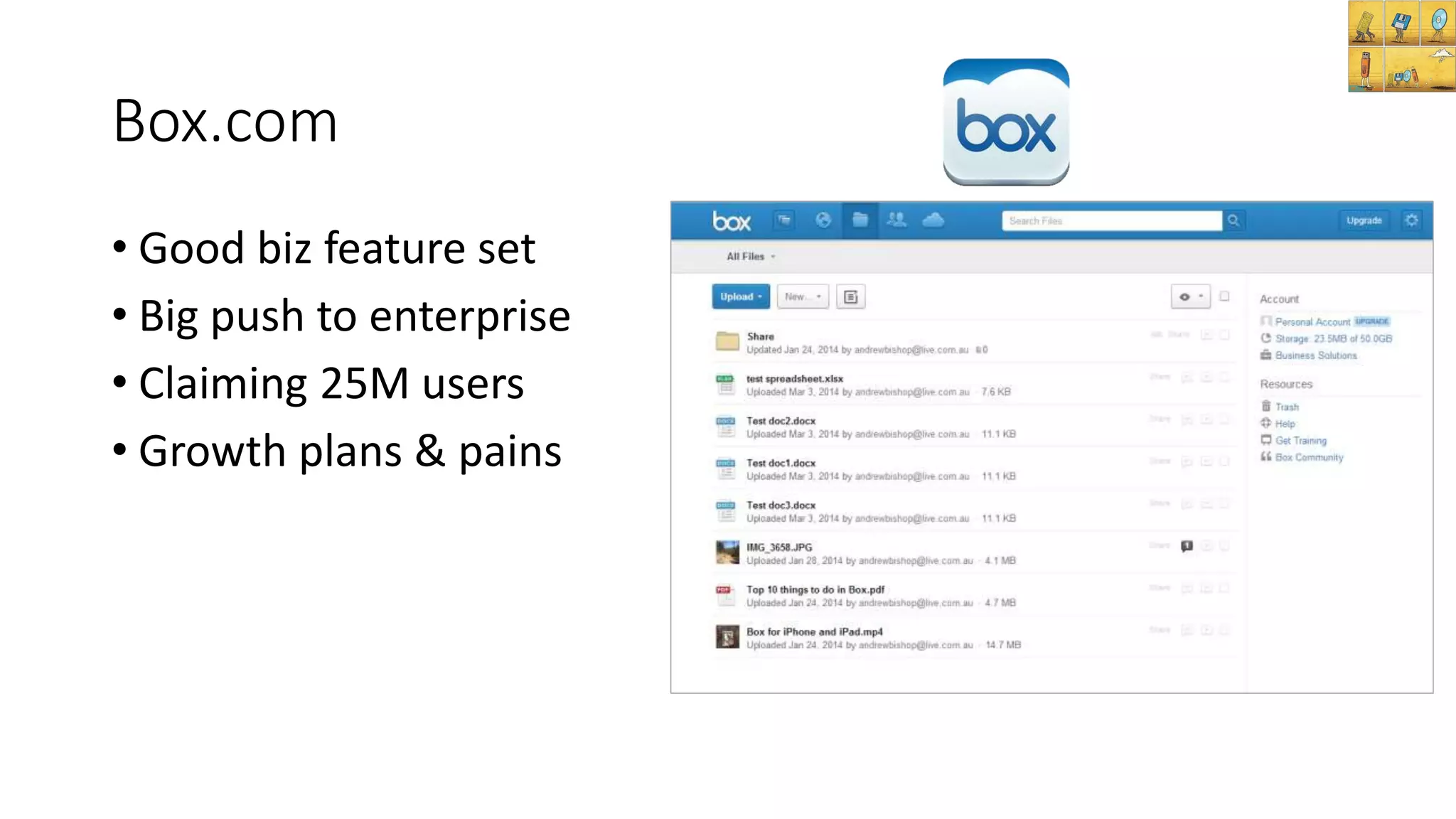
Box.com
• Good biz feature set
• Big push to enterprise
• Claiming 25M users
• Growth plans & pains
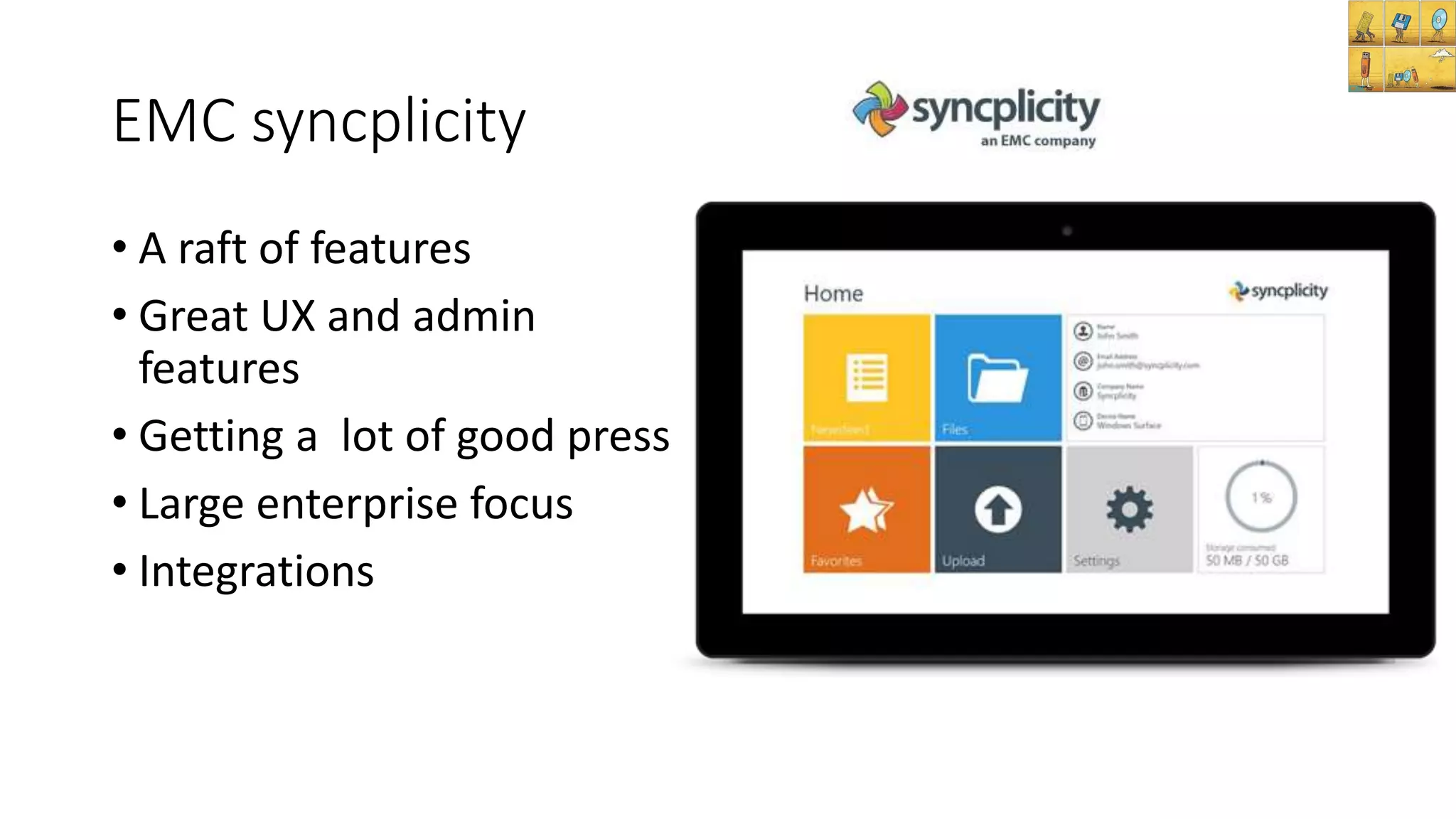
EMC syncplicity
• A raft of features
• Great UX and admin
features
• Getting a lot of good press
• Large enterprise focus
• Integrations
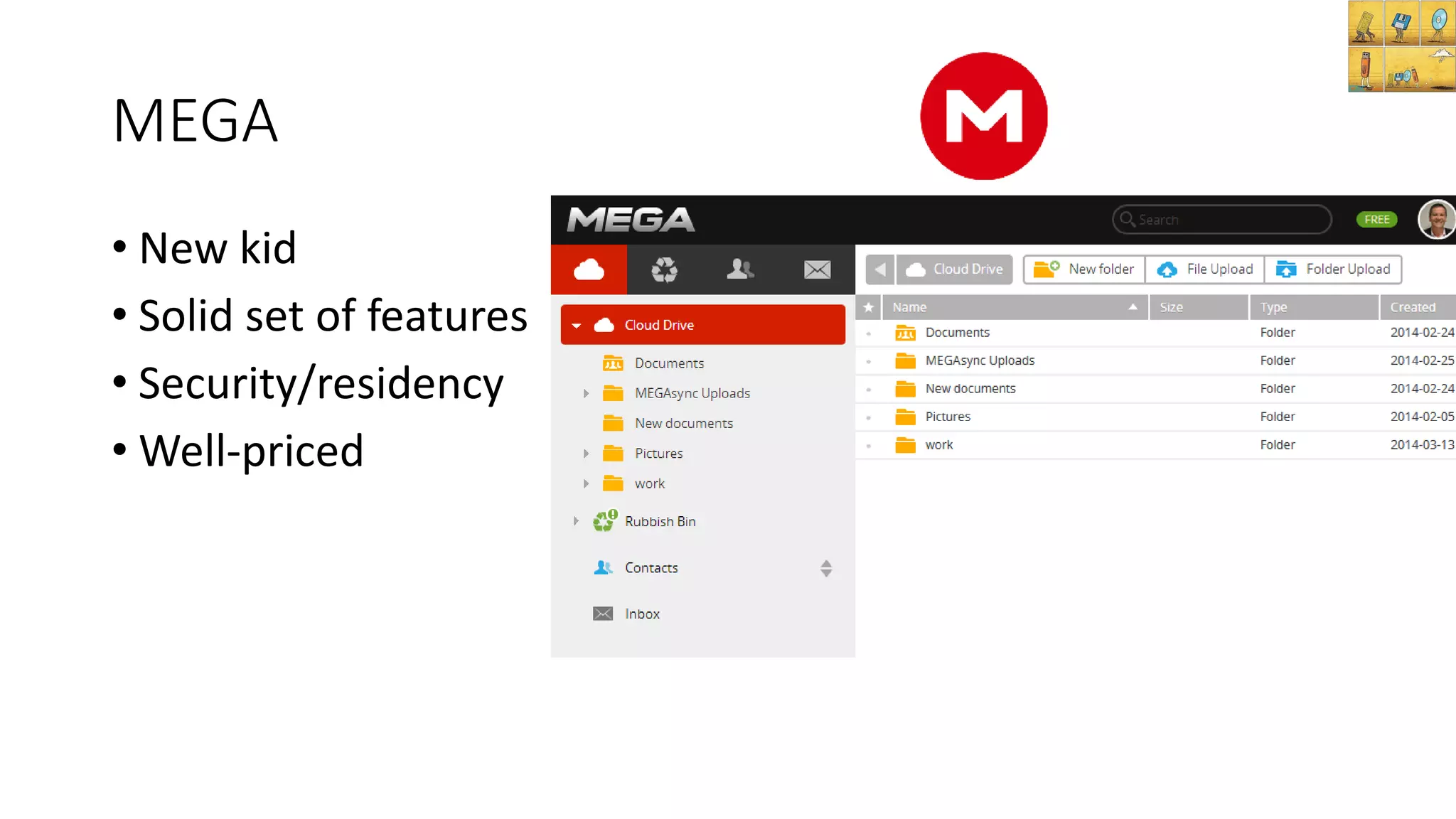
MEGA
• New kid
• Solid set of features
• Security/residency
• Well-priced
3 more to watch:
On premise
/Pvt cloud:
Hybrid:
Alternatives to pure cloud
Document management
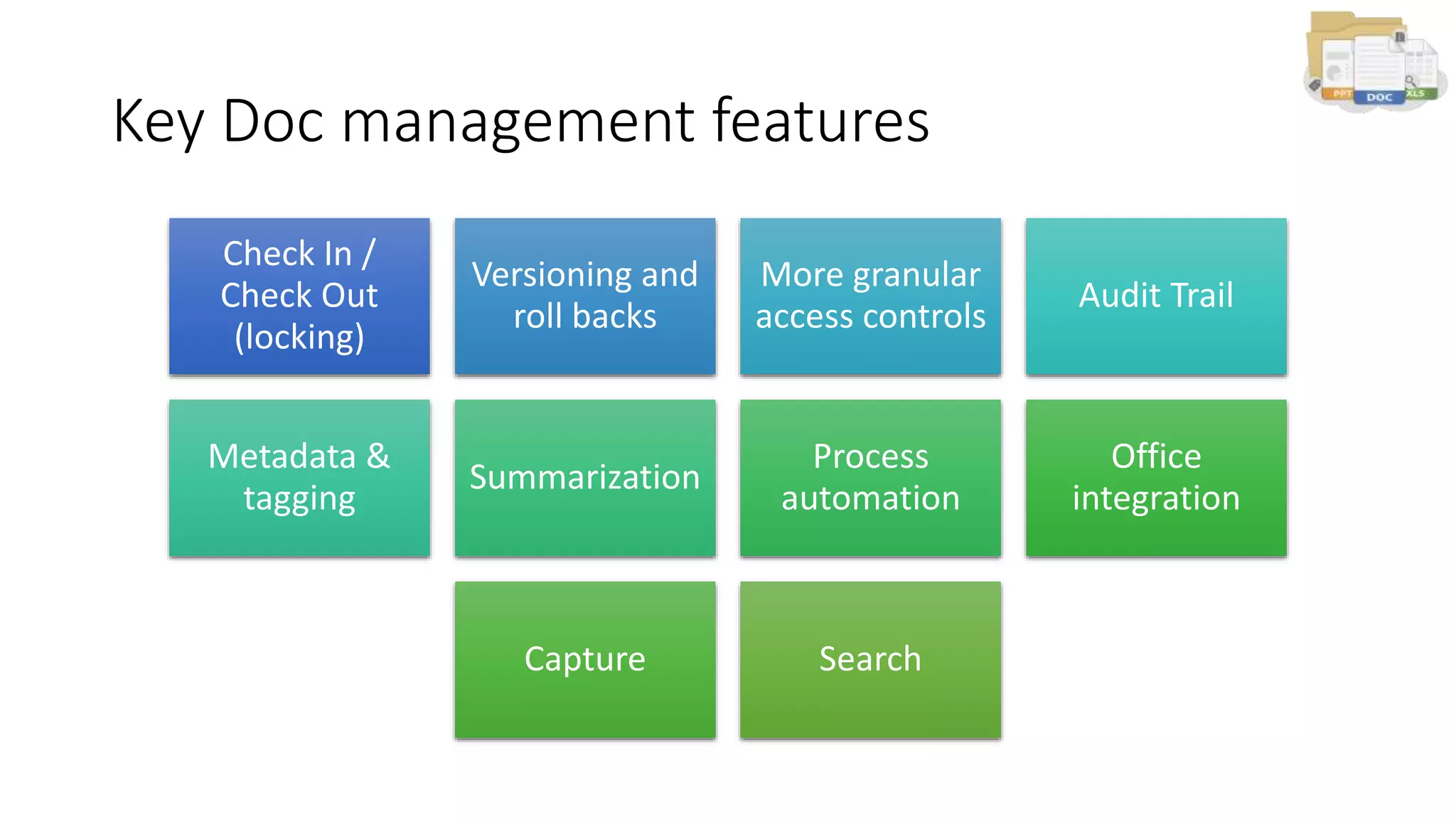
Key Doc management features
Check In /
Check Out
(locking)
Versioning and
roll backs
More granular
access controls
Audit Trail
Metadata &
tagging
Summarization
Process
automation
Office
integration
Capture Search
Document management in the cloud
• Old-school tools but poor accessibility (and often ease of use)
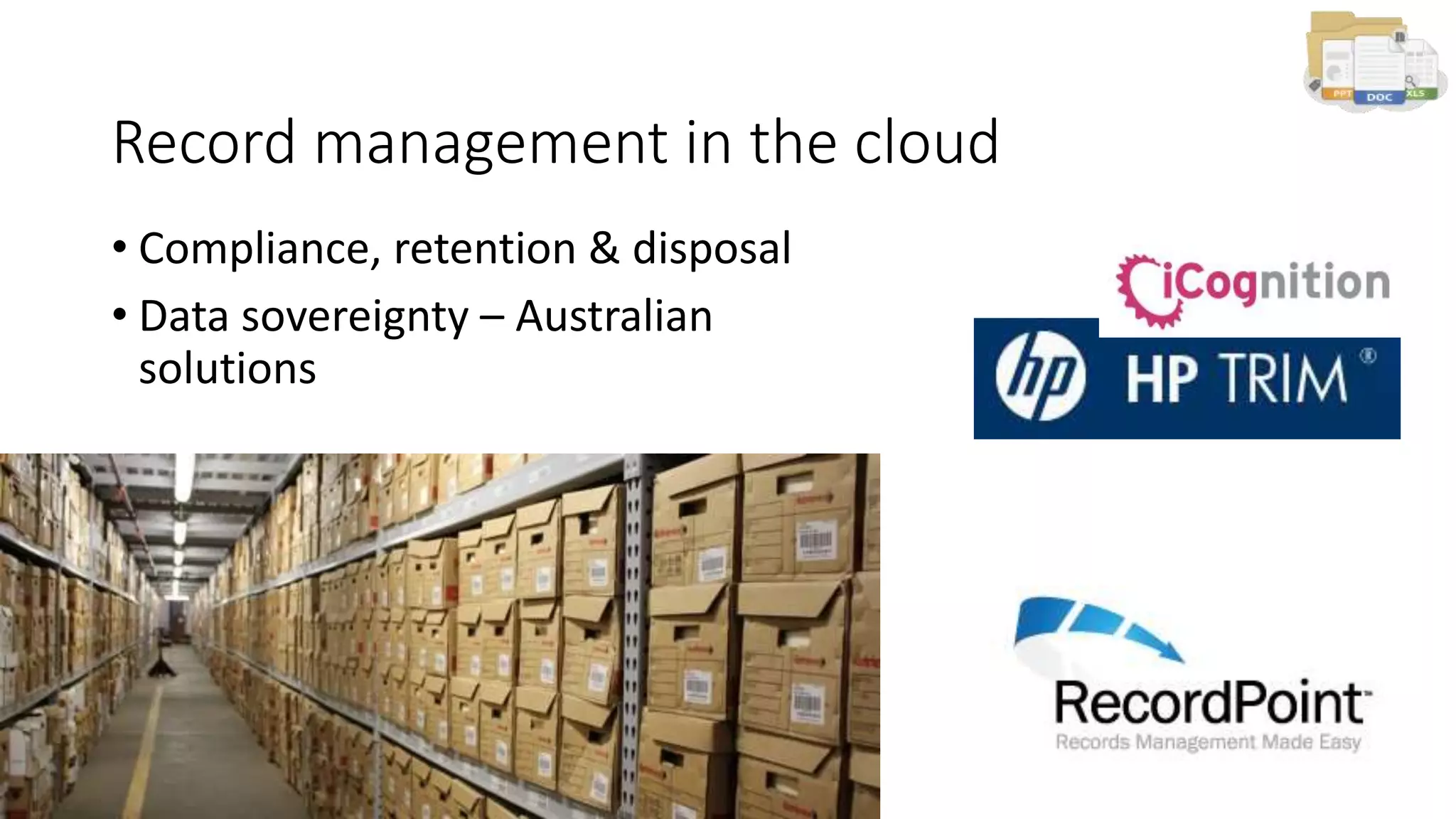
Record management in the cloud
• Compliance, retention & disposal
• Data sovereignty – Australian
solutions
Knowledge management
Collaborating as teams
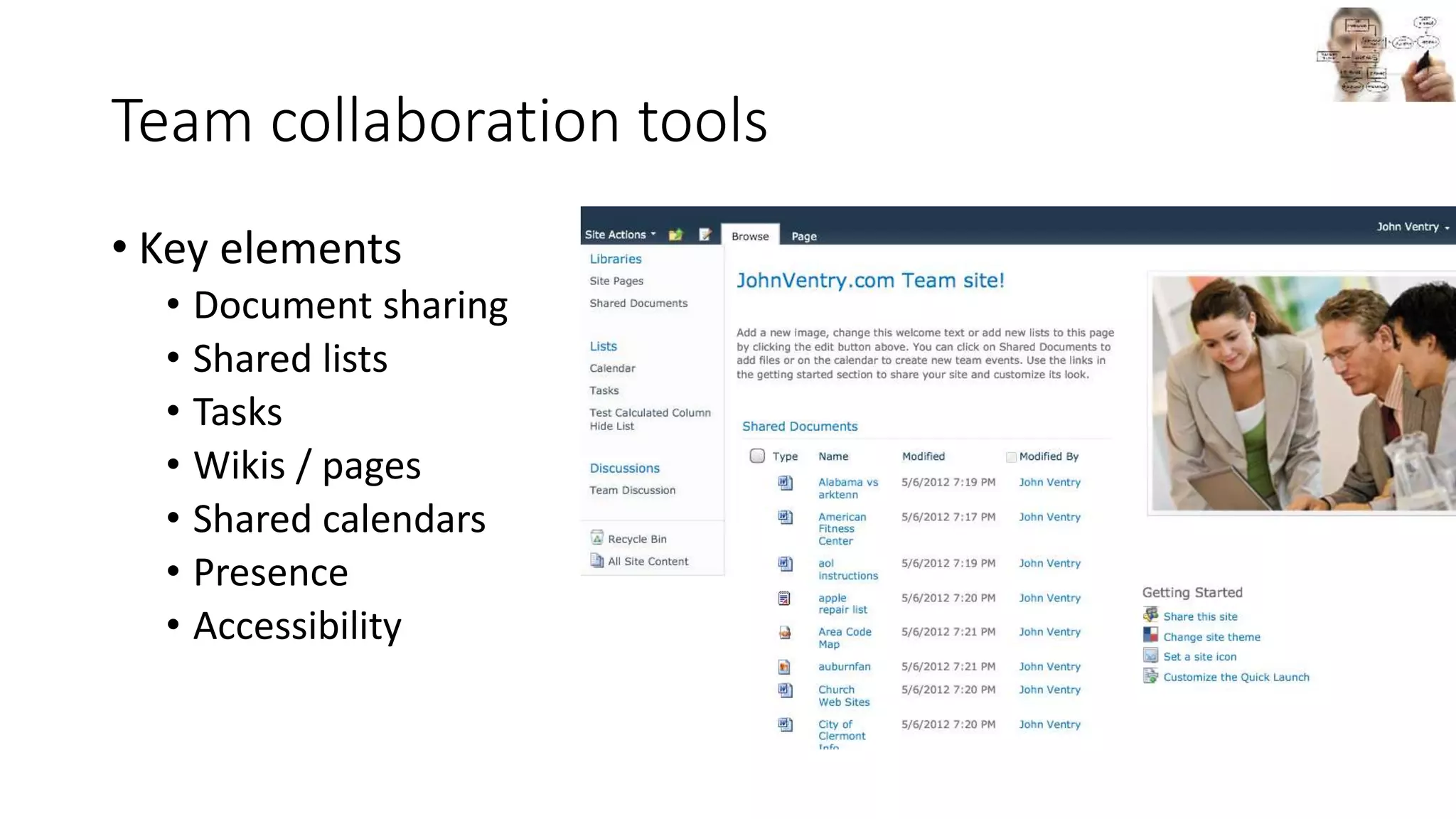
Team collaboration tools
• Key elements
• Document sharing
• Shared lists
• Tasks
• Wikis / pages
• Shared calendars
• Presence
• Accessibility
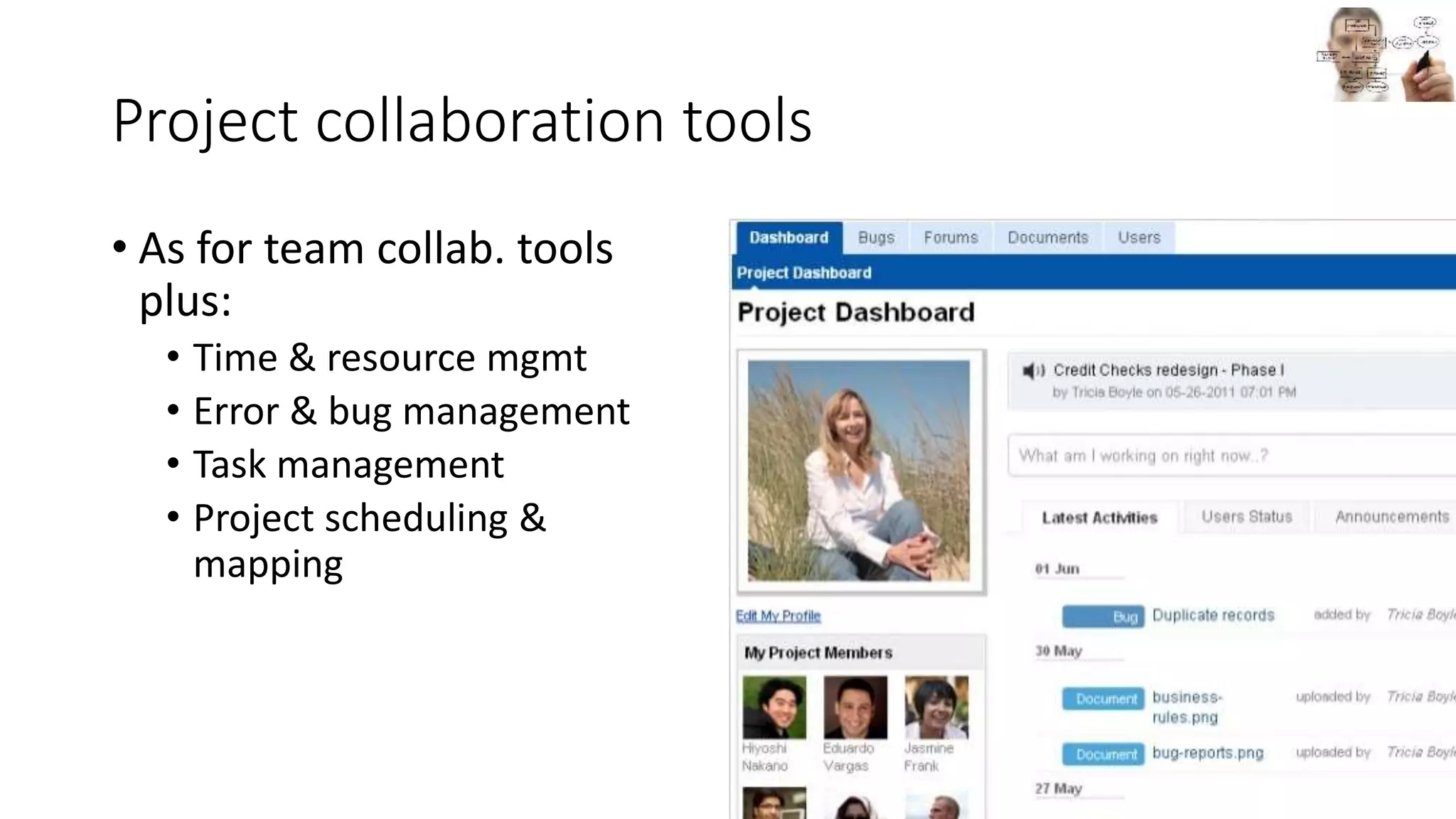
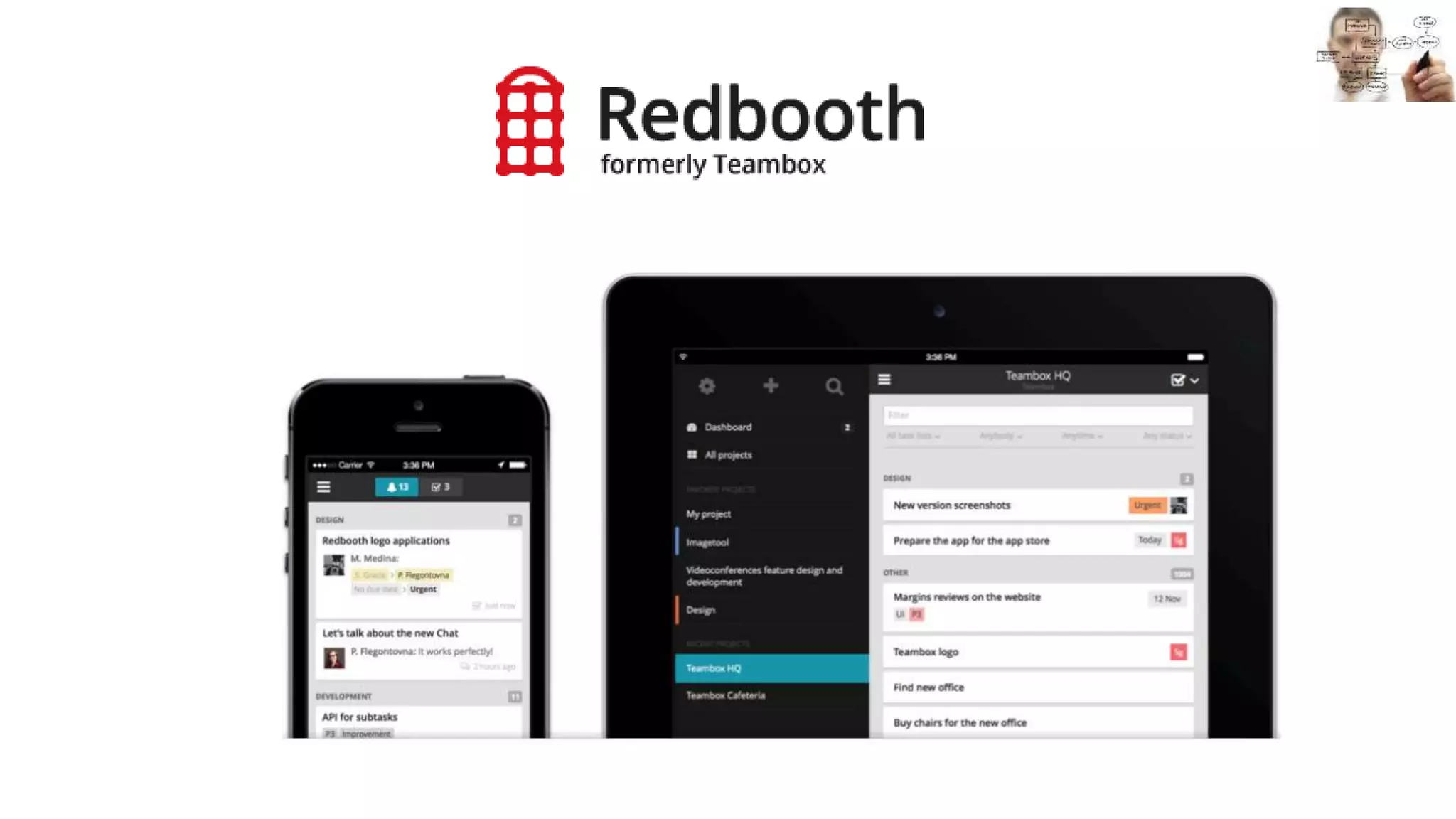
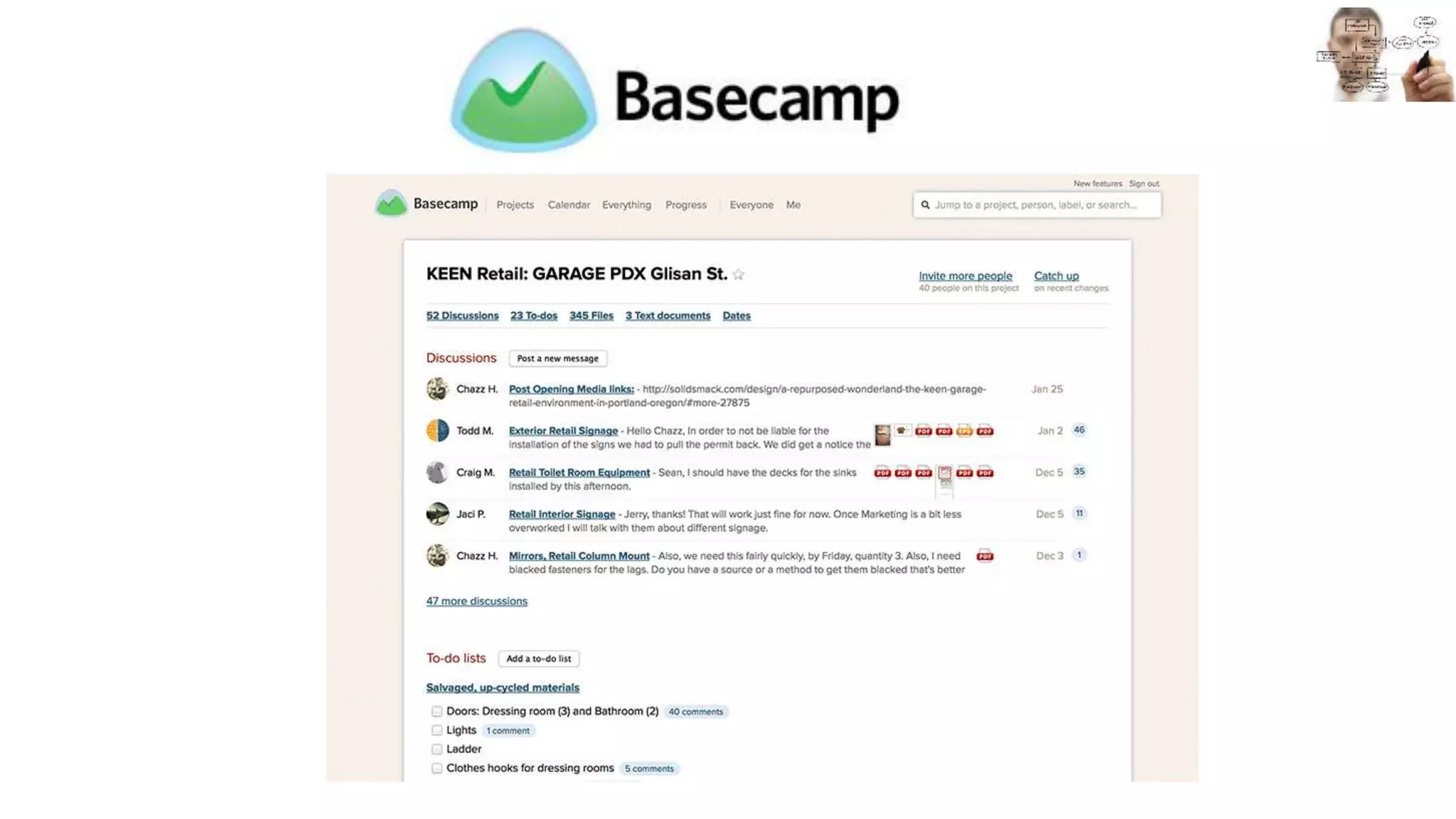
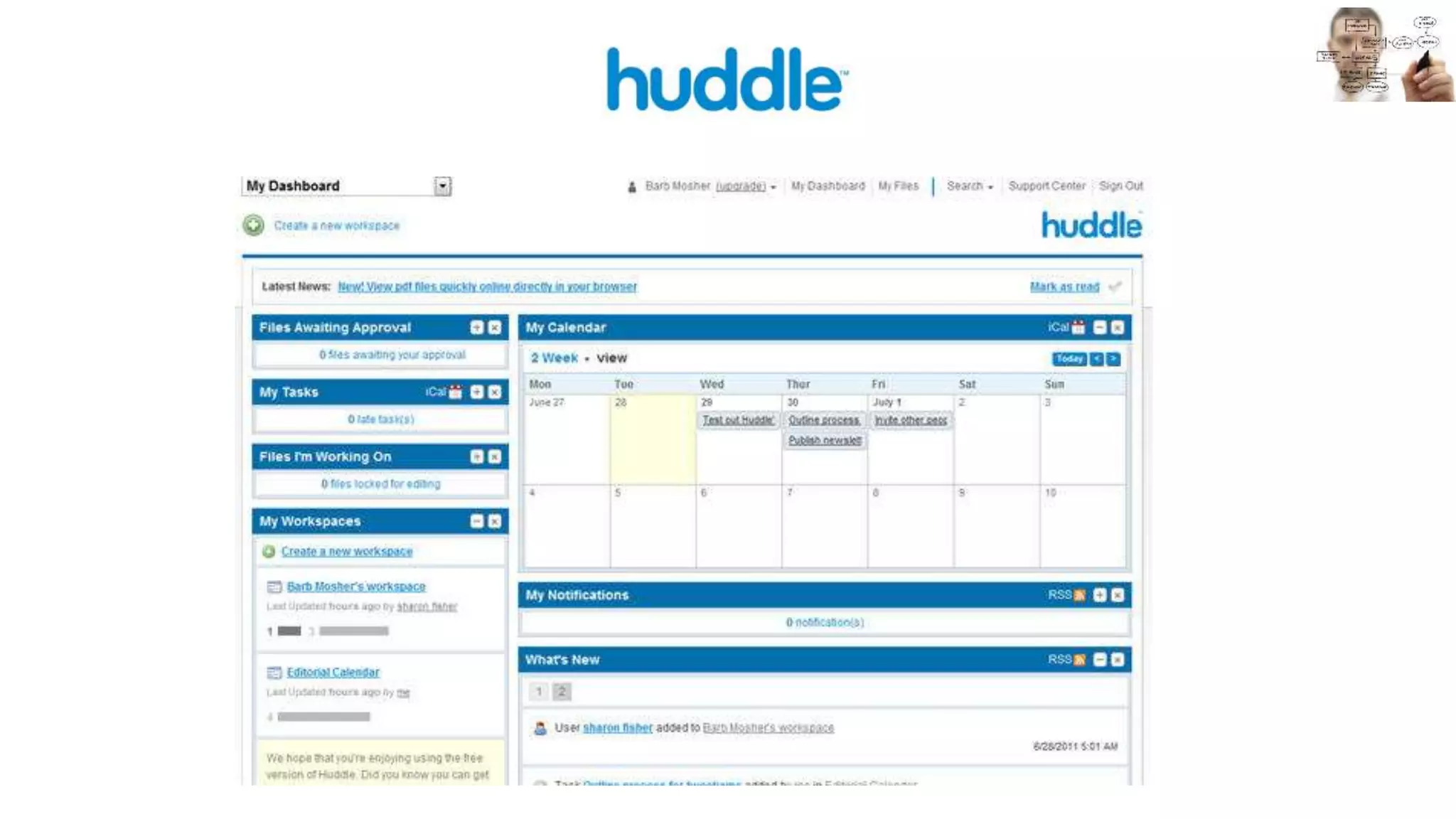
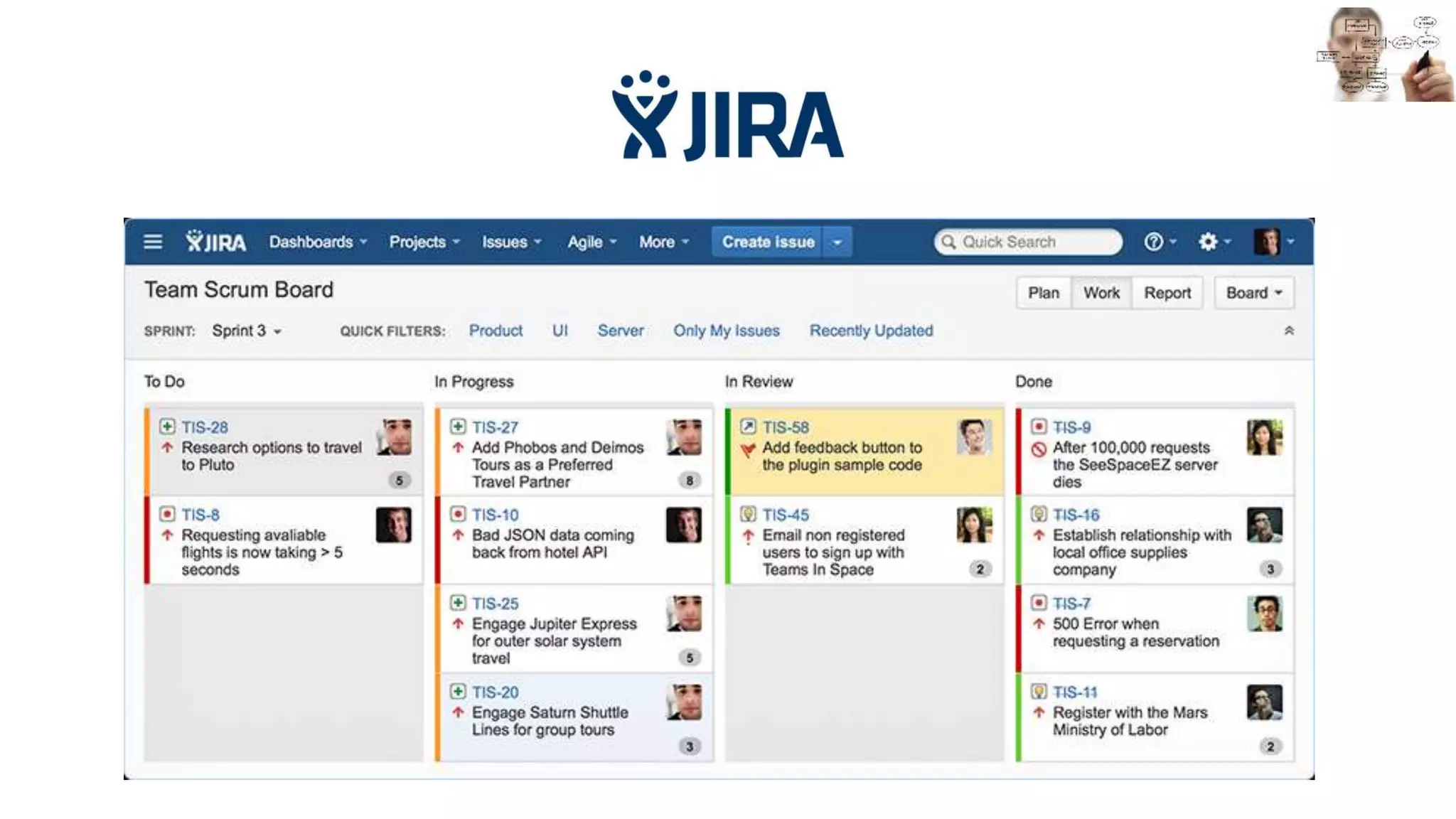
Project collaboration tools
• As for team collab. tools
plus:
• Time & resource mgmt
• Error & bug management
• Task management
• Project scheduling &
mapping
Social collaboration
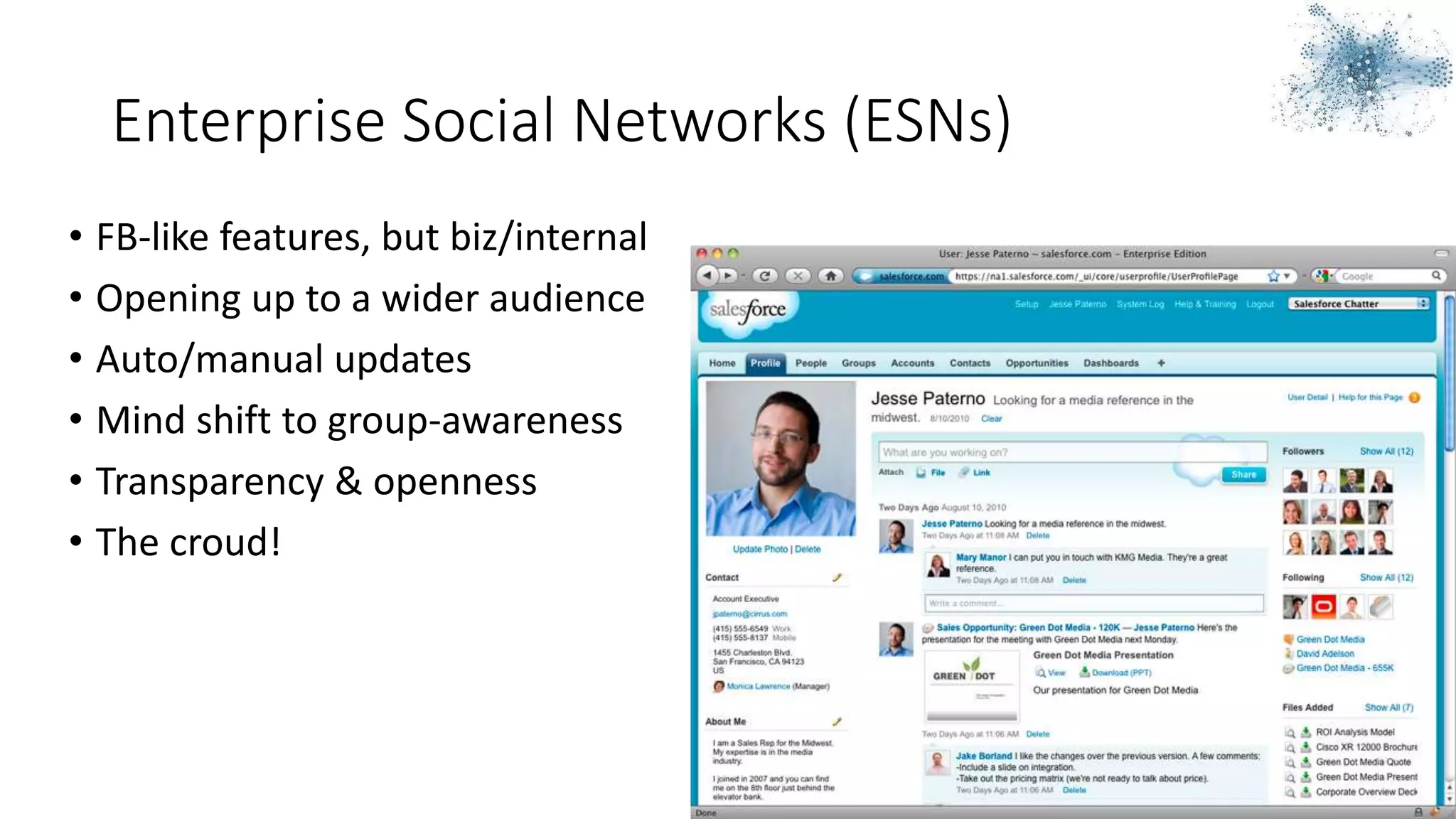
Enterprise Social Networks (ESNs)
• FB-like features, but biz/internal
• Opening up to a wider audience
• Auto/manual updates
• Mind shift to group-awareness
• Transparency & openness
• The croud!
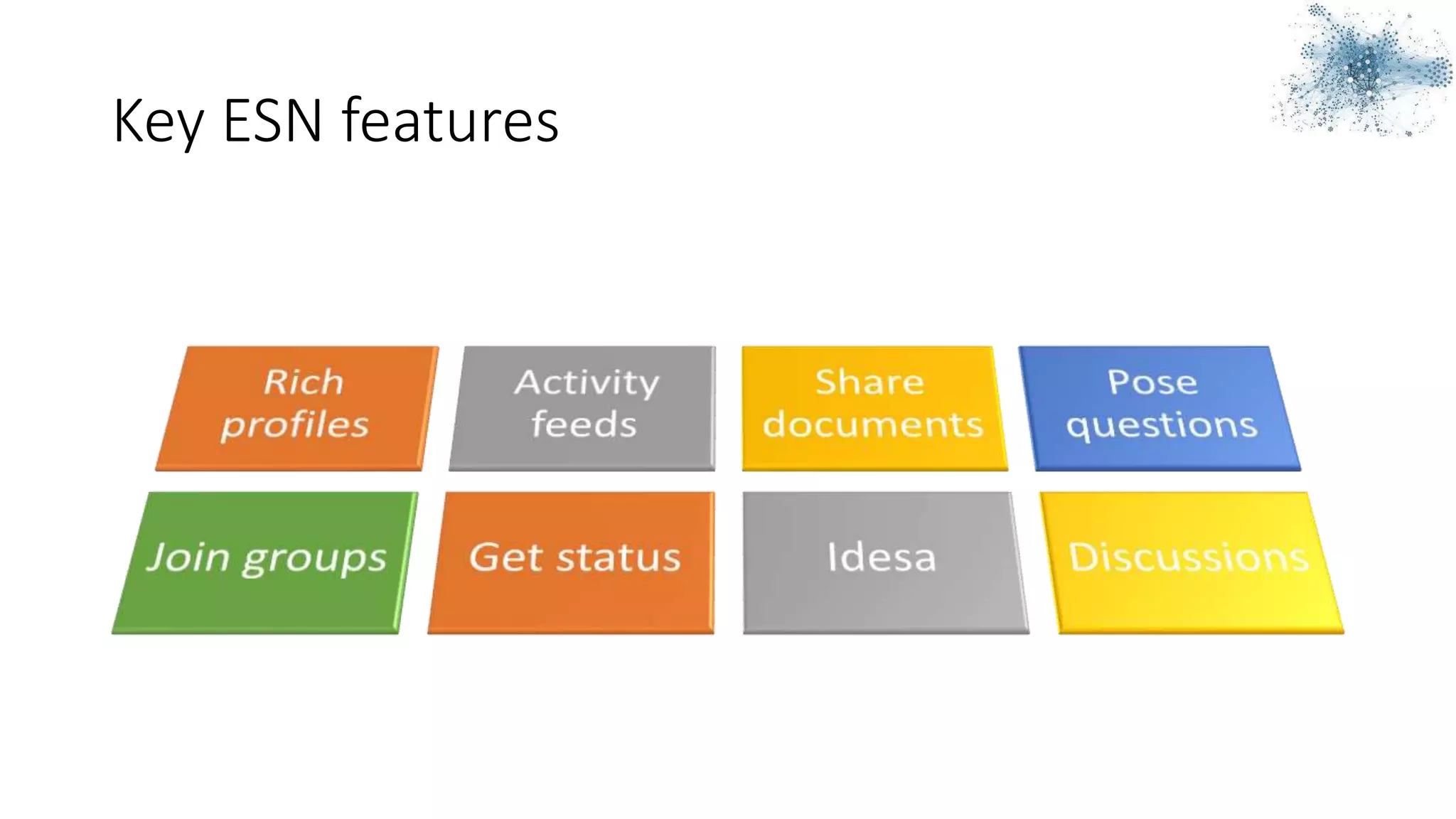
Key ESN features
Which ESN tool?
• Purpose & capabilities?
• Key platform vendor
• Integrations
• Data sovereignty
Collaboration suites
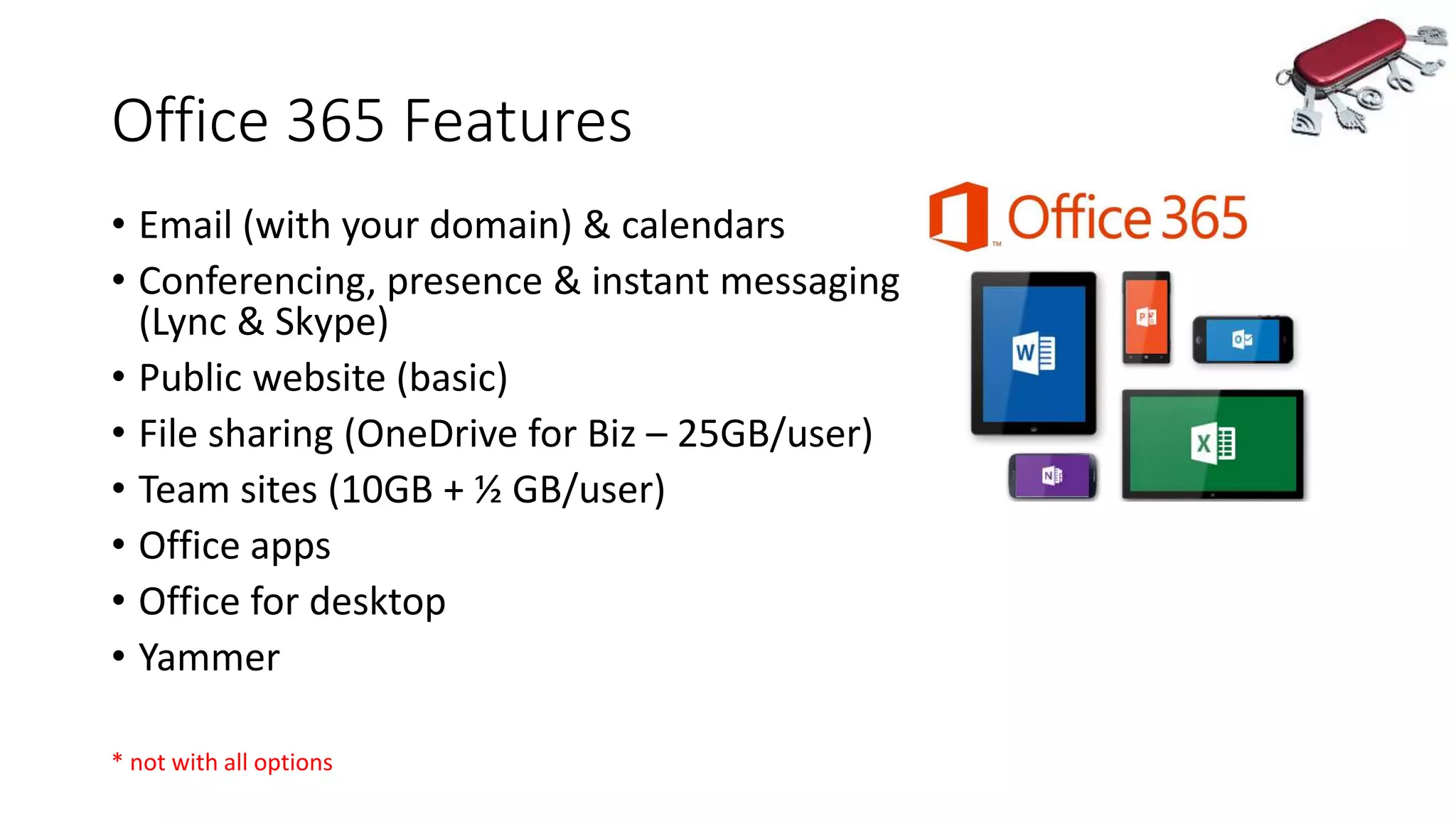
Office 365 Features
• Email (with your domain) & calendars
• Conferencing, presence & instant messaging
(Lync & Skype)
• Public website (basic)
• File sharing (OneDrive for Biz – 25GB/user)
• Team sites (10GB + ½ GB/user)
• Office apps
• Office for desktop
• Yammer
* not with all options
Office 365 Summary
• Lots of features, inc. Office apps
• Good mobile story
• Lots of purchase options (too many?)
• Aussie option
• Limited channels
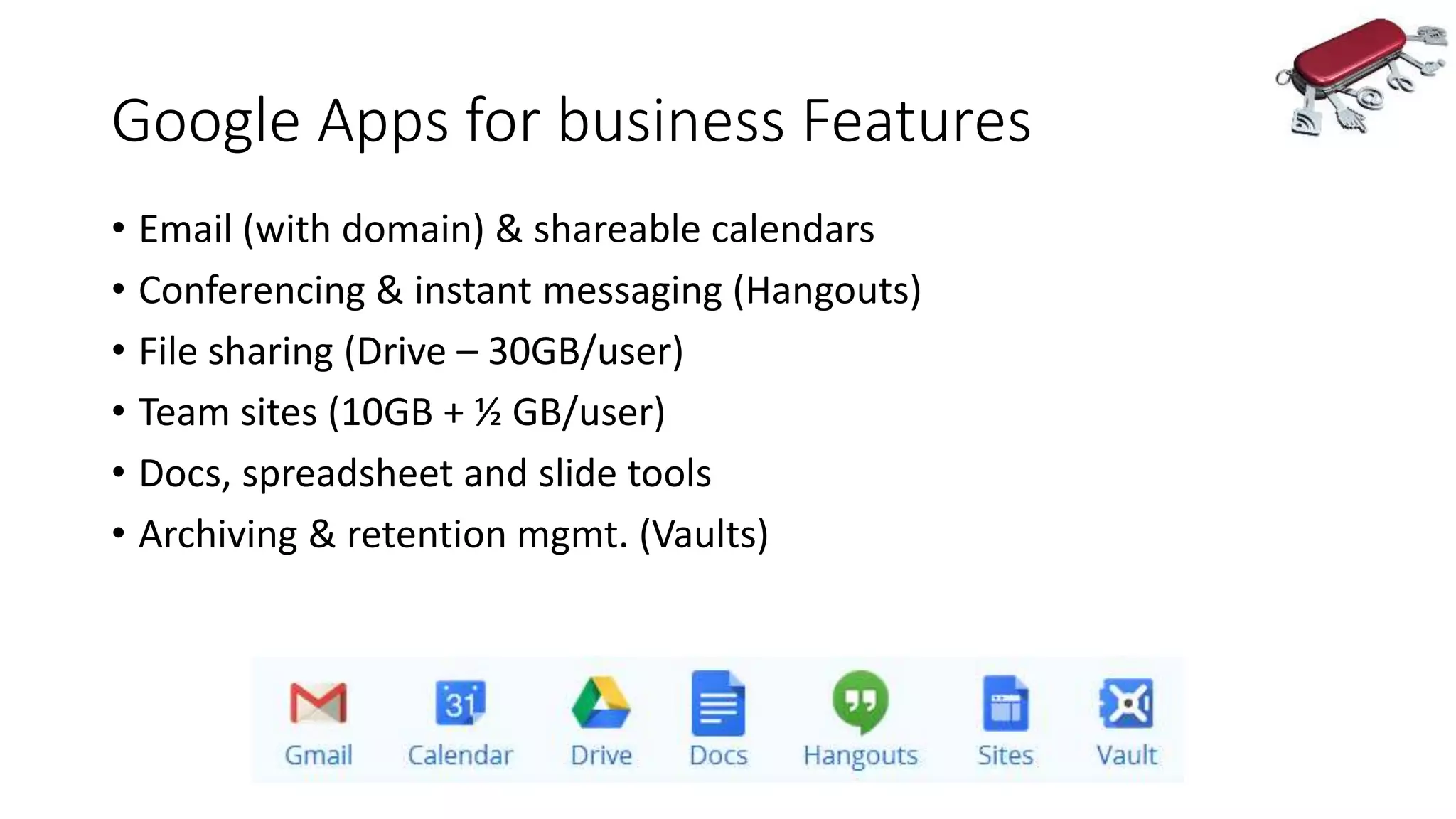
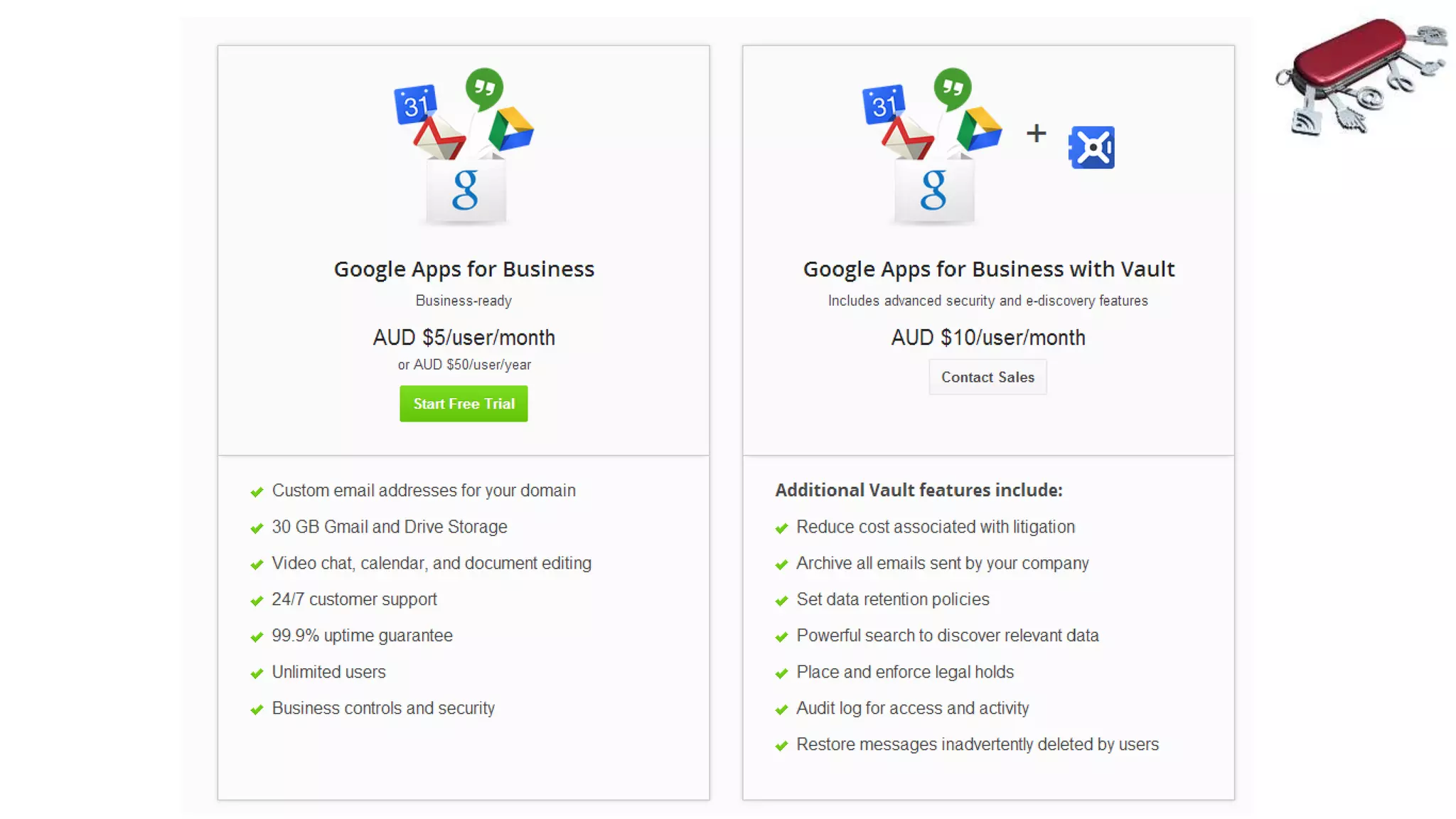
Google Apps for business Features
• Email (with domain) & shareable calendars
• Conferencing & instant messaging (Hangouts)
• File sharing (Drive – 30GB/user)
• Team sites (10GB + ½ GB/user)
• Docs, spreadsheet and slide tools
• Archiving & retention mgmt. (Vaults)
Google Apps for Business - Summary
•Good set of key features
•Business-ready
•Google Docs
•Cheaper
•Limited purchase options
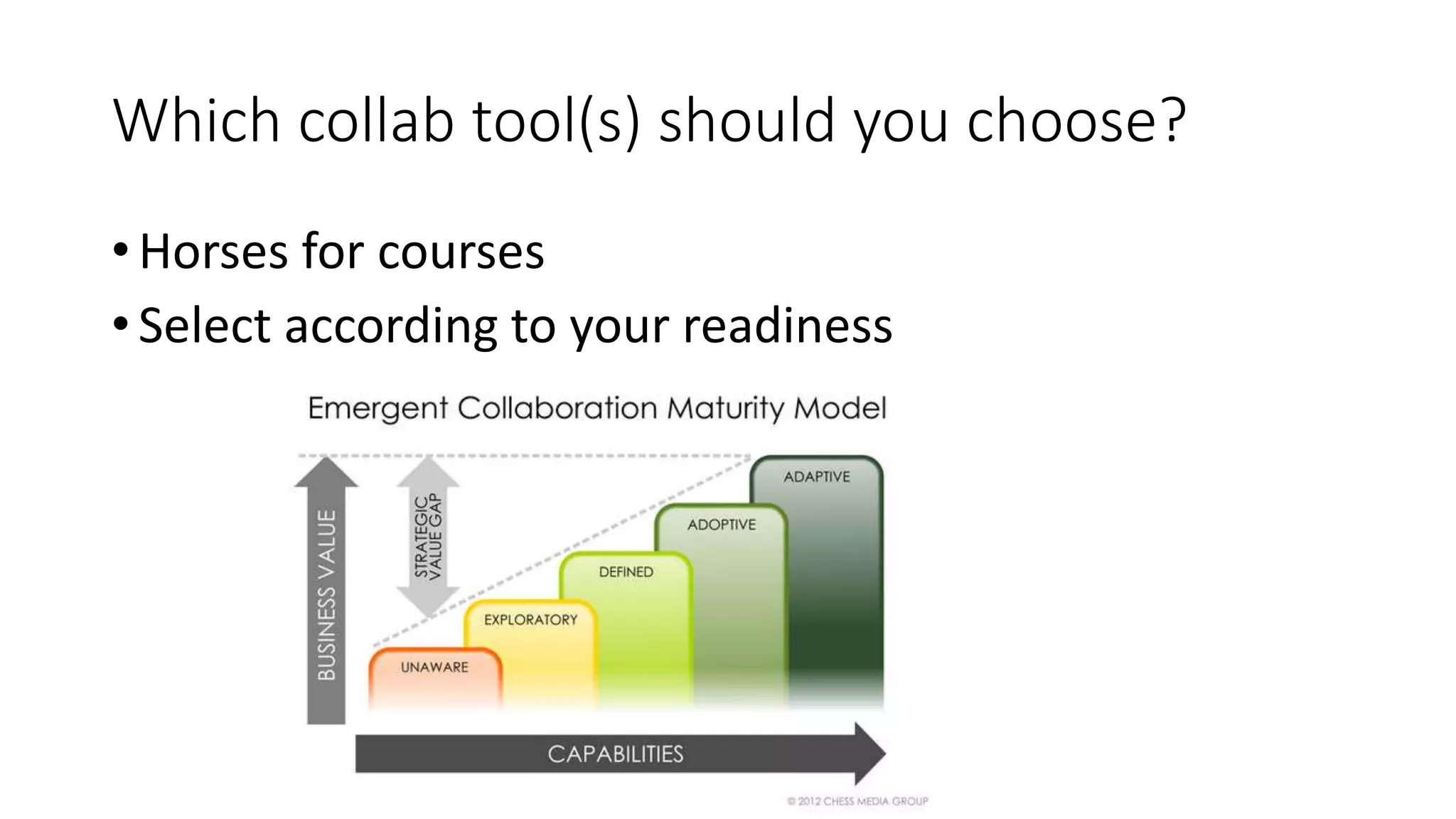
Which collab tool(s) should you choose?
• Horses for courses
• Select according to your readiness
What
about the
future?
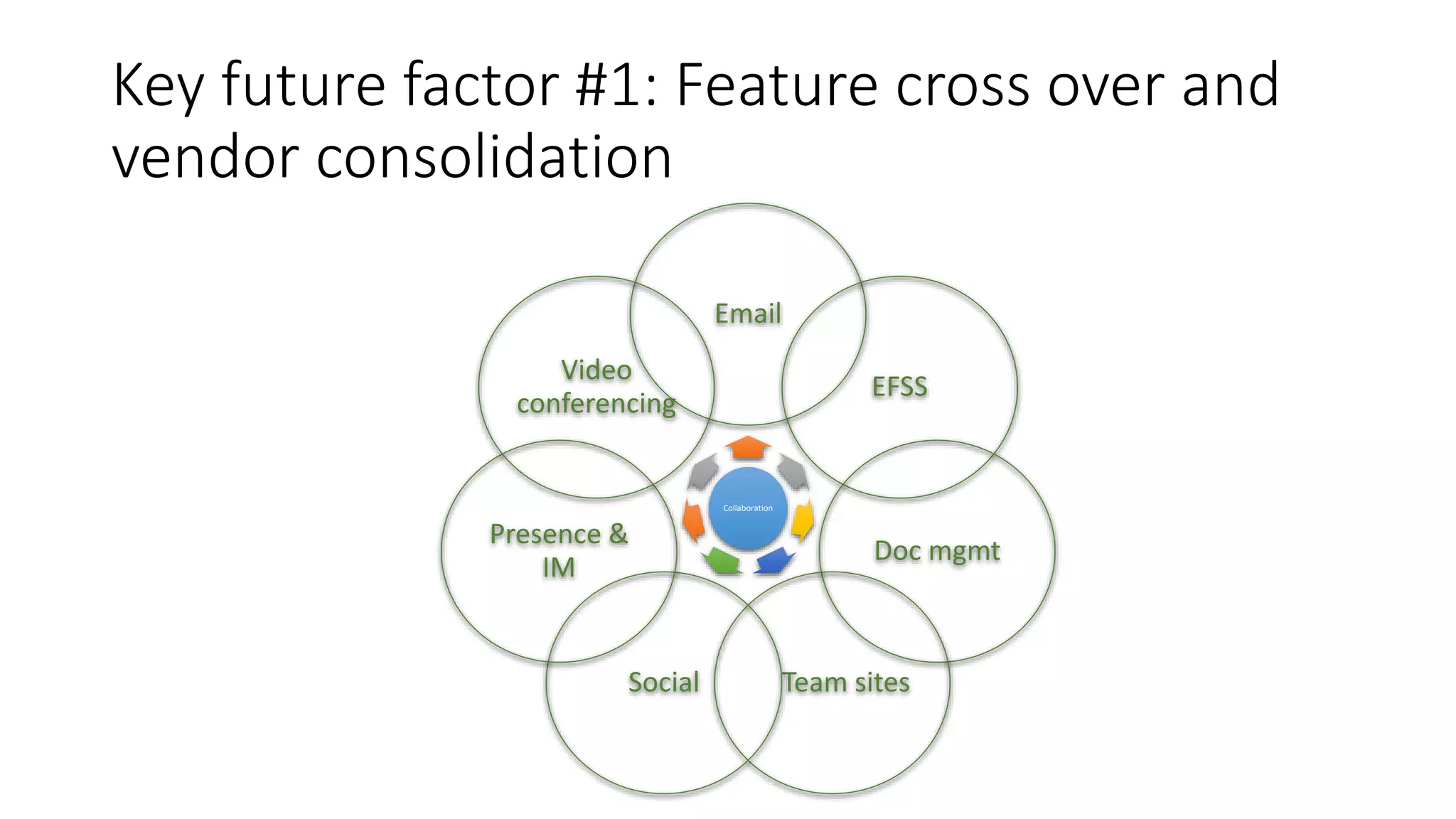
Key future factor #1: Feature cross over and
vendor consolidation
Collaboration
Email
EFSS
Doc mgmt
Team sitesSocial
Presence &
IM
Video
conferencing
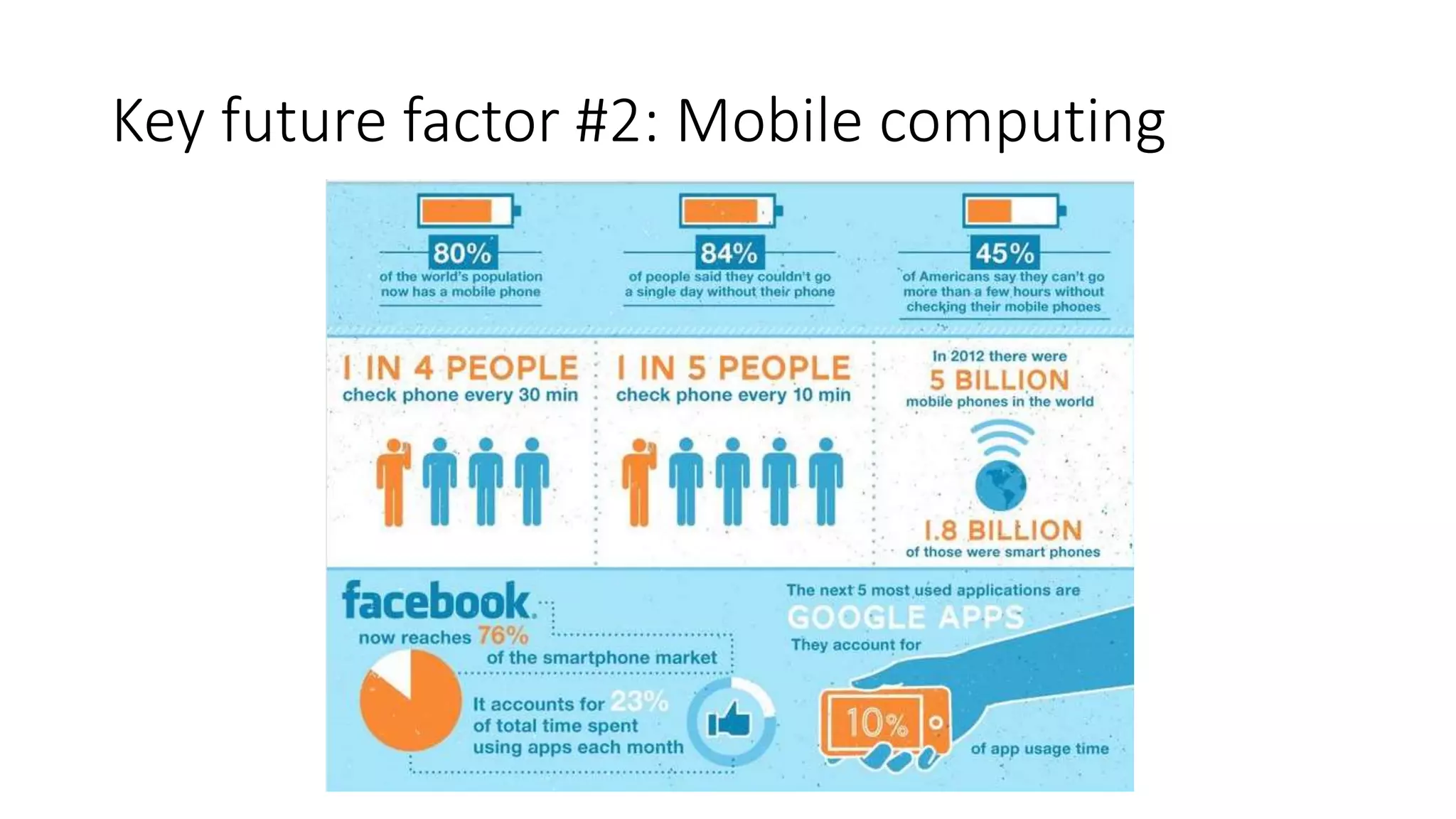
Key future factor #2: Mobile computing
Key future factor #3: Google v Microsoft: The
two gorillas of enterprise collaboration
“It’s TIME!”
Thankyou!
Andrew Bishop
andrew.bishop@jacobs.com.au
Twitter: @andrewbish

Enterprise collaboration in the cloud

  • 1.
    Driving enterprise collaboration throughthe use of cloud technologies Andrew Bishop Principal Consultant with Jacobs andrew.bishop@jacobs.com.au @andrewbish
  • 2.
    Agenda • Cloud computing101 • Collaborating in the cloud • Future collaboration
  • 3.
    Collaboration matters • Est.workers spend 28 hours per week writing emails, searching for information and meeting each week • Employees spend an average of 9 hours a week searching for info (Atlassian) • 96% of execs cite lack of collaboration or ineffective communication for work- place failures. (SalesforecRypple.)
  • 4.
    What’s impacting onCollaboration? • Cloud • Mobility • Remote working • Connectivity infrastructure • Automation vs PKM • Social tech • Efficiency
  • 5.
    Mobility and thecloud – a perfect match • 33% of companies moved to the cloud to give device accessibility • Mobile now accounts for ½ of total email opens (Litmus)
  • 7.
    What is cloudcomputing? “Using someone else’s computer” “Sharing a resource pool”
  • 8.
    1960s-90s – time sharingof big central systems
  • 9.
    1990s – sharingnetworks (VPNs)
  • 10.
  • 11.
    Amazon racks AWShas 5 times more deployed cloud infrastructure as their next 14 competitors have...in aggregate Amazon EC2 has ~40,000 servers In a day, AWS adds as much new infrastructure as they had used to run the entire Amazon business when it was a $7B business AWS partner, Netflix, accounts for up to ⅓ of Internet traffic during peak usage times
  • 12.
    Who are thecloud leaders? (Gartner)
  • 13.
  • 14.
    Cloud computing benefits •Cost is flexible, less and moved to OPEX • Elastic services • Transfer of risk • Advanced technologies • Better processes & skills • Bypass existing infrastructure limitations
  • 15.
  • 16.
    Now for thefun the part…
  • 17.
    Collaboration components Collaboration Email & calendaring Fileshare & sync Doc mgmt Team sitesSocial Presence & IM Video conferencing Access anywhere with any device ‘Elastic’ storage Easy to implement & support
  • 18.
  • 19.
    1971 – Thefirst email is sent
  • 20.
  • 21.
  • 22.
    • Market sharehas quadrupled in the past 6 months! • 0.5 billion users • ¼ of Americans use Gmail during business hours • Launched in 2004 (Hotmail was 10 years earlier)
  • 23.
    Email still #1tool in the office A typical corporate user spends over 2 hours a day dealing with emails. (Skydrive) On average, workers send and receive 15 emails with attachments a day! (Skydrive) The average office worker checks their email 36 times an hour! (Atlassian)
  • 24.
    What makes abusiness-grade email & calendaring service?
  • 25.
    Microsoft Exchange Online •Best of breed feature set for users and administrators • Lots of channels and providers • Hybrid option
  • 26.
    Business grade email…Microsoft •50 GB mailbox per user • Shared calendars • Custom domain (YourBusiness.com.au) • 24/7 customer support • 99.9% uptime guarantee • Strong encryption, antivirus scans on attachments • Centrally manage employee’s accounts, security and settings. • Compatible with desktop clients eg Outlook* • Ability to disable ads • PLUS you get the rest of the apps!
  • 27.
    Gmail (via Googleapps for business) • 25 GB mailbox per user • Shared calendars • Custom domain (YourBusiness.com.au) • 24/7 customer support • 99.9% uptime guarantee • Strong encryption, antivirus scans on attachments, and 2FA. • Centrally manage employee’s accounts, security and settings. • Compatible with Outlook & Apple desktop clients • Ability to disable ads • PLUS you get the rest of the apps!
  • 28.
    You might alsoconsider.. • Low-cost • Tons of features • Not Microsoft or Google! • Low-cost • Good biz features • Based in Melbourne! • 15 years history
  • 29.
  • 30.
    Shared Folders • Goodfor - sharing and structure (sort of) • Weak for - Discoverability & Sharing outside ‘silos’
  • 31.
    File sharing inthe cloud • Enterprise File Sharing and Synchronisation (“EFSS”) • Driven by use of multiple devices/consumers • You’re probably using one (or more) EFSS tools right now • There’s a lot of EFSS tools! • The EFSS vendors are getting serious
  • 32.
    What makes abusiness-grade EFSS?
  • 33.
    Google Drive • Goodgeneral features • Improving security • Privacy?
  • 34.
    Microsoft OneDrive forBusiness • Maturing rapidly • 1Tb (soon)! • Office apps, • Office 365 • Secure
  • 35.
    Dropbox for Business •Consumer base 300M+ • 1B files saved every 24 hours! • Business cred still WIP • Security black mark
  • 36.
    Box.com • Good bizfeature set • Big push to enterprise • Claiming 25M users • Growth plans & pains
  • 37.
    EMC syncplicity • Araft of features • Great UX and admin features • Getting a lot of good press • Large enterprise focus • Integrations
  • 38.
    MEGA • New kid •Solid set of features • Security/residency • Well-priced
  • 39.
    3 more towatch:
  • 40.
  • 41.
  • 42.
    Key Doc managementfeatures Check In / Check Out (locking) Versioning and roll backs More granular access controls Audit Trail Metadata & tagging Summarization Process automation Office integration Capture Search
  • 43.
    Document management inthe cloud • Old-school tools but poor accessibility (and often ease of use)
  • 44.
    Record management inthe cloud • Compliance, retention & disposal • Data sovereignty – Australian solutions
  • 45.
  • 46.
  • 47.
    Team collaboration tools •Key elements • Document sharing • Shared lists • Tasks • Wikis / pages • Shared calendars • Presence • Accessibility
  • 48.
    Project collaboration tools •As for team collab. tools plus: • Time & resource mgmt • Error & bug management • Task management • Project scheduling & mapping
  • 53.
  • 54.
    Enterprise Social Networks(ESNs) • FB-like features, but biz/internal • Opening up to a wider audience • Auto/manual updates • Mind shift to group-awareness • Transparency & openness • The croud!
  • 55.
  • 56.
    Which ESN tool? •Purpose & capabilities? • Key platform vendor • Integrations • Data sovereignty
  • 57.
  • 58.
    Office 365 Features •Email (with your domain) & calendars • Conferencing, presence & instant messaging (Lync & Skype) • Public website (basic) • File sharing (OneDrive for Biz – 25GB/user) • Team sites (10GB + ½ GB/user) • Office apps • Office for desktop • Yammer * not with all options
  • 60.
    Office 365 Summary •Lots of features, inc. Office apps • Good mobile story • Lots of purchase options (too many?) • Aussie option • Limited channels
  • 61.
    Google Apps forbusiness Features • Email (with domain) & shareable calendars • Conferencing & instant messaging (Hangouts) • File sharing (Drive – 30GB/user) • Team sites (10GB + ½ GB/user) • Docs, spreadsheet and slide tools • Archiving & retention mgmt. (Vaults)
  • 63.
    Google Apps forBusiness - Summary •Good set of key features •Business-ready •Google Docs •Cheaper •Limited purchase options
  • 64.
    Which collab tool(s)should you choose? • Horses for courses • Select according to your readiness
  • 65.
  • 66.
    Key future factor#1: Feature cross over and vendor consolidation Collaboration Email EFSS Doc mgmt Team sitesSocial Presence & IM Video conferencing
  • 67.
    Key future factor#2: Mobile computing
  • 68.
    Key future factor#3: Google v Microsoft: The two gorillas of enterprise collaboration “It’s TIME!”
  • 69.

Editor's Notes

  • #43 Next level of file sharing It is not clear cut – many EFSS tools are adding DM features
  • #45 http://www.naa.gov.au/records-management/agency/secure-and-store/rm-and-the-cloud/ http://www.naa.gov.au/records-management/publications/cloud-checklist.aspx
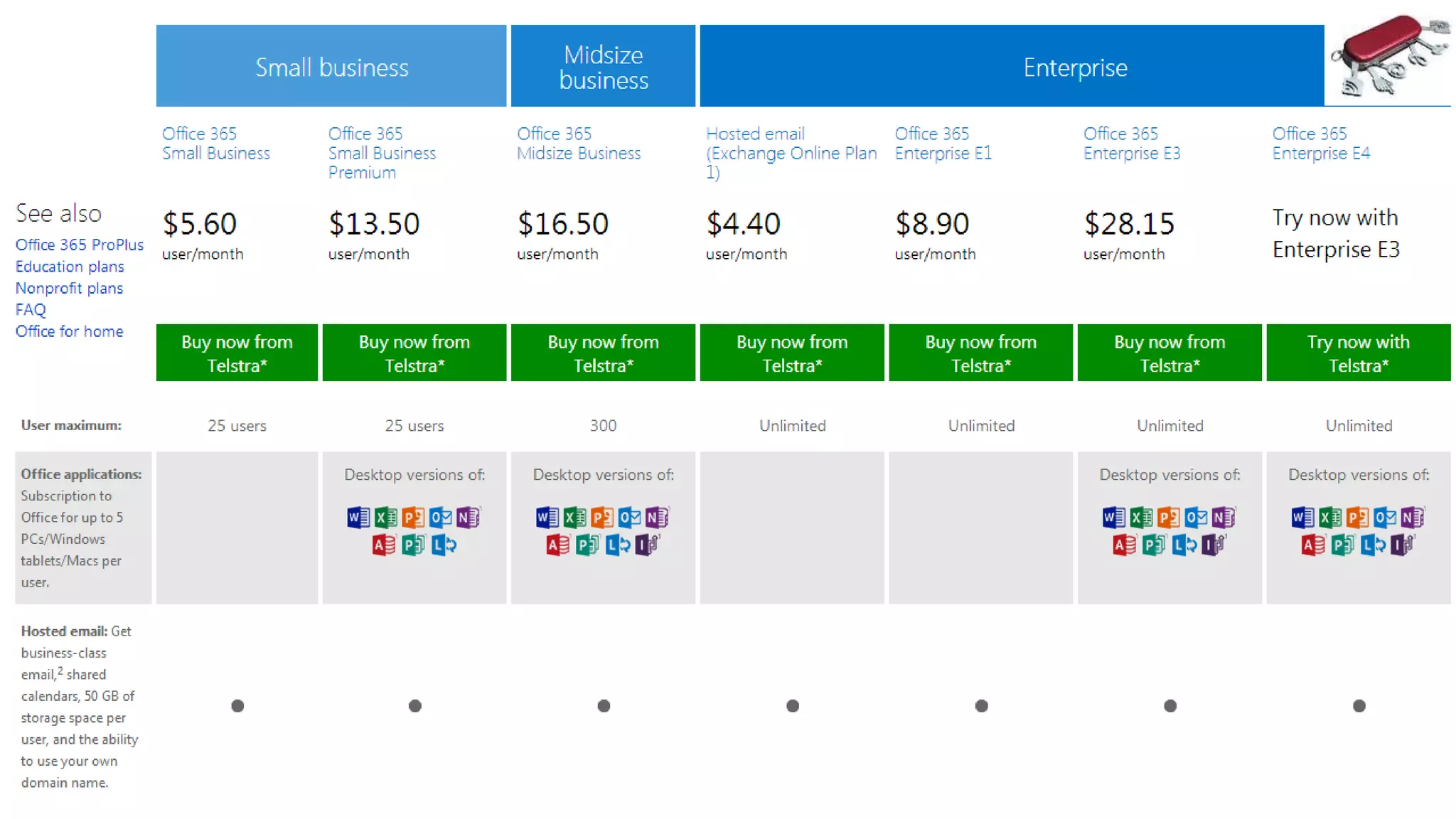
  • #61  http://office.microsoft.com/en-au/business/compare-all-office-365-for-business-plans-FX104051403.aspx - The basic plan doesn’t have the desktop version of Office
  • #65 http://www.cloudave.com/27679/the-five-step-maturity-model-for-building-a-collaborative-organization/
  • #68 Mobile constraints – infrastructure cf Telstra wifi nation, iiNet Moores Law being replaced by technology convergence
  • #69 Larry Page and Satya Nadella (And Bruce Buffer) There are other key players eg. Amazon, HP, IBM, And a raft of longer shots – Box, Dropbox Microsoft is in the middle of another metamorphosis – reinventing itself as a cloud vender (and mobility.) Tools like email, SharePoint are moving to the cloud Satya Nadella, fresh from driving Microsoft’s cloud computing division is now in charge of the whole show. He’s on record that he wants the productivity tools to remain central, as the move to the cloud …and even for the Internet of Things