SharePoint Online vs
On-Premises vs Hybrid –
2016 edition
RENE MODERY, OFFICE SERVERS AND SERVICES MVP
Rene Modery, Office Servers and Services (Office 365) MVP
Main focus: SharePoint + Office 365
Germany  6+ years in Singapore
 3 years in Switzerland  Back in Singapore!
Email : rene@modery.net
Twitter : @modery
Blog : http://modery.net
LinkedIn : https://www.linkedin.com/in/modery
Today’s session is all about
 Understanding the following scenarios
 Hosting SharePoint on-premises
 Leveraging SharePoint Online
 Using a combination of both in a hybrid scenario
 Understanding the possibilities that each scenario provides
 Looking at the opportunities of a hybrid environment
On-premises SharePoint is….
 2013/2016 – Foundation, Standard, or Enterprise Edition
 Note: Enterprise Edition for hybrid setup
 Hosted
 Inside your company directly (own datacentre, server rack, …)
 By some other company (IaaS / PaaS)
 Also includes Azure, AWS, …
SharePoint Online
Less than SharePoint on-premises, more than
SharePoint on-premises
 Limitations
 No Full Trust Code solutions
 Not all existing Service Apps with the same
functionality available
 But also part of the huge and growing Office
365 family
 Delve & Office Graph
 Office 365 Video
 …..
http://en.share-gate.com/blog/what-is-in-office-365
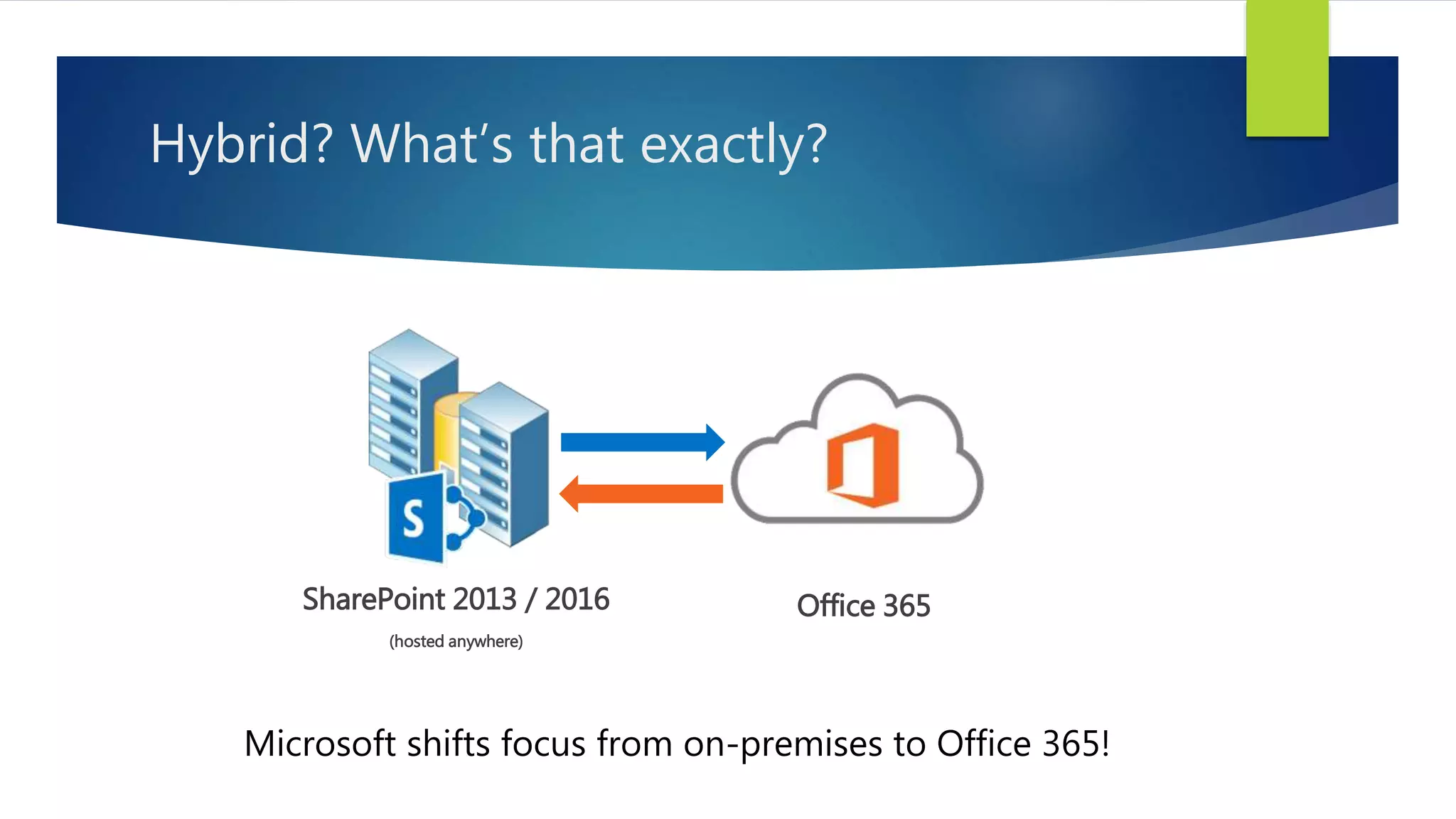
Hybrid? What’s that exactly?
SharePoint 2013 / 2016
(hosted anywhere)
Office 365
Microsoft shifts focus from on-premises to Office 365!
SharePoint Hybrid over the years
2010 Late 2012 2013 2014 2015 2016
NOPE
SharePoint 2013
announced
Hybrid getting
started
SP2013 SP1 / SP2016 and
Cloud Hybrid Search Service Application
expand capabilities
Hybrid – Search & Delve
SharePoint 2013 with Cloud Hybrid Search Service Application
OR
SharePoint 2016 (natively) allow you to
 Index on-premises content in Office 365, thus..
 …making on-premises content show up easily in Office 365 search results
 …showing on-premises content in Delve
https://blogs.msdn.microsoft.com/spses/2015/09/15/cloud-hybrid-search-service-application/
How do we decide which one to choose?
Responsiveness
Security
AvailabilityCompliance
Accessible from
any device
Accessible from
anywhere
Available to
Externals
Integrated to LOB
Systems
Automated
Business Processes
Stability
Low Cost
Governance
Simplicity
Newest Software Innovation
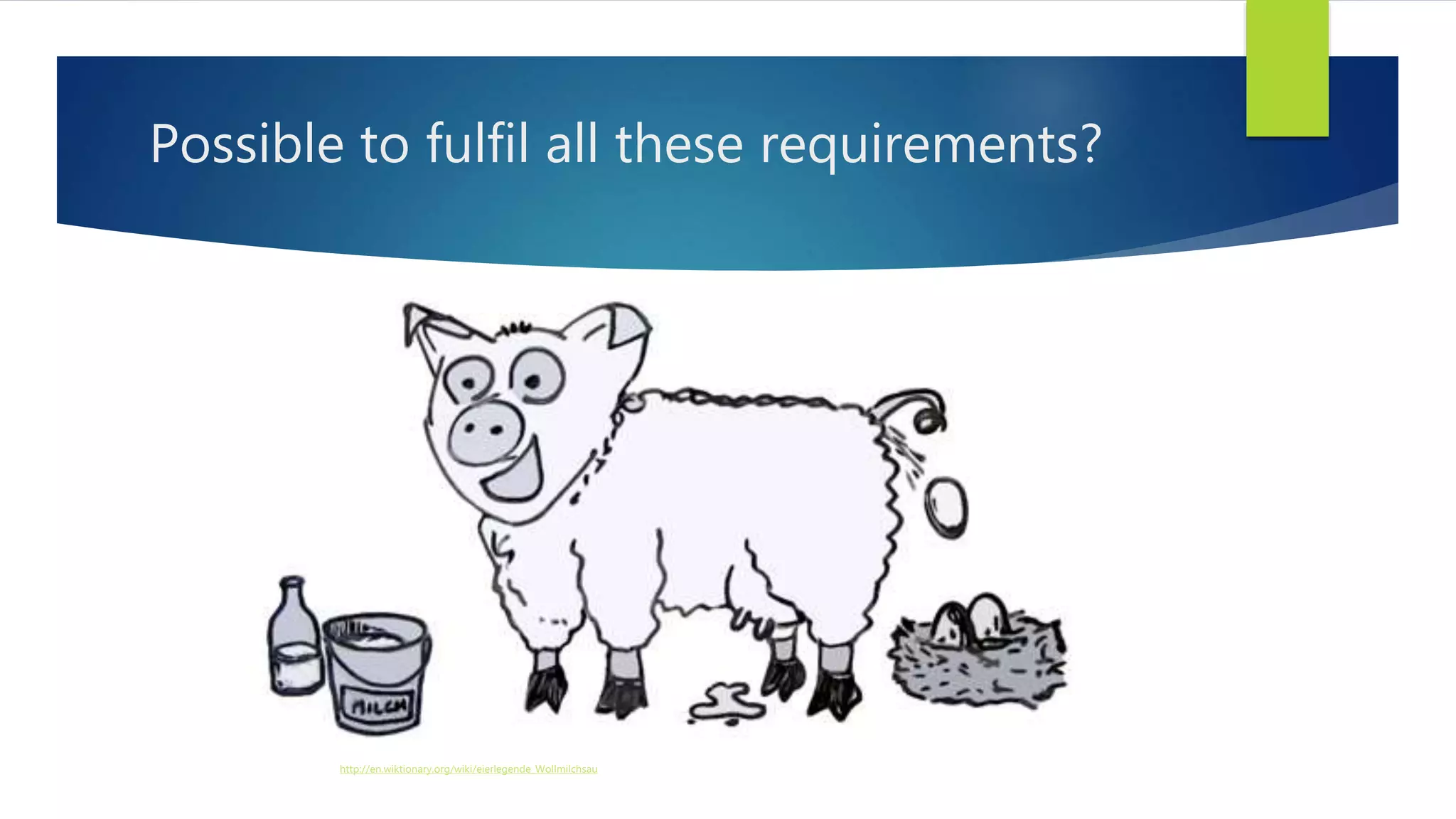
Possible to fulfil all these requirements?
http://en.wiktionary.org/wiki/eierlegende_Wollmilchsau
Decision Making is a Balancing Act
http://www.flickr.com/photos/aeu04117/5199030961/ http://creativecommons.org/licenses/by/2.0/deed.en
Constraints
Costs
Flexibility
Compliance
Governance
Features & Functionality
Simplicity
A hybrid may….
 Help you to respond to business needs
more quickly
 Provide you with new functionalities and
opportunities
 Help bridge the gap between different
requirements
http://hybrid.office.com/
What does the future bring?
Microsoft heavily expands cloud capabilities, so…
 Many new functionalities will be cloud first, maybe cloud only
 On-premises will continue to be important, but innovation will happen more
likely online
 End Users / Business Units may become more interested in currently unavailable
solutions
 IT Pros: Learn more about hybrid requirements, limitations
 Plan ahead and evaluate potential benefits / drawbacks of hybrid model
Resources
Some sites to get started:
 #1 Resource - http://hybrid.office.com/
 TechNet – Hybrid for…
 SharePoint 2013
 SharePoint 2016
 Office 365: SharePoint Hybrid Configuration Wizard
 Free ebook: Planning and Preparing for Microsoft SharePoint Hybrid
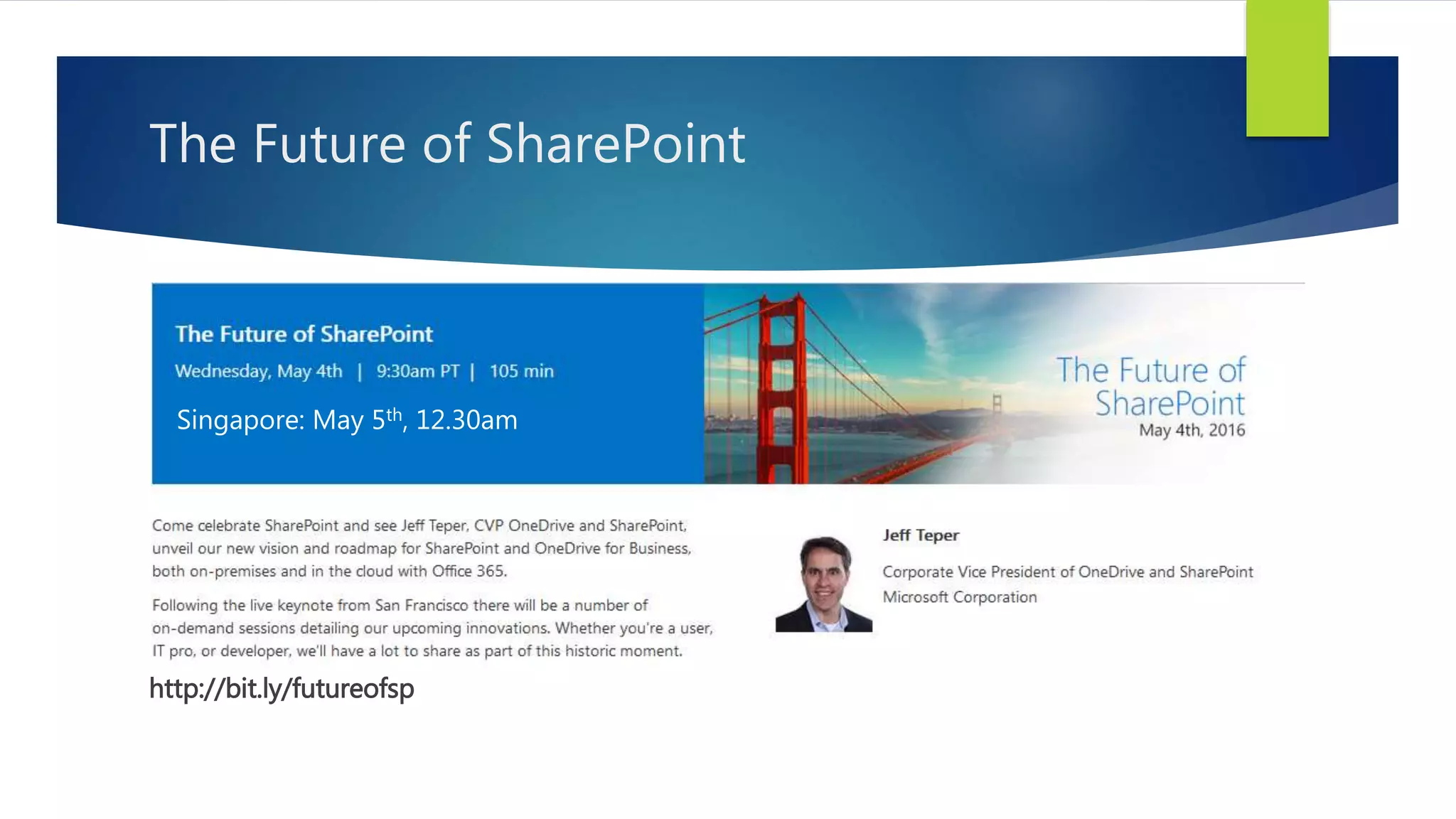
The Future of SharePoint
http://bit.ly/futureofsp
Singapore: May 5th, 12.30am

SharePoint Online vs On-premises vs Hybrid – 2016 edition

  • 1.
    SharePoint Online vs On-Premisesvs Hybrid – 2016 edition RENE MODERY, OFFICE SERVERS AND SERVICES MVP
  • 2.
    Rene Modery, OfficeServers and Services (Office 365) MVP Main focus: SharePoint + Office 365 Germany  6+ years in Singapore  3 years in Switzerland  Back in Singapore! Email : rene@modery.net Twitter : @modery Blog : http://modery.net LinkedIn : https://www.linkedin.com/in/modery
  • 3.
    Today’s session isall about  Understanding the following scenarios  Hosting SharePoint on-premises  Leveraging SharePoint Online  Using a combination of both in a hybrid scenario  Understanding the possibilities that each scenario provides  Looking at the opportunities of a hybrid environment
  • 4.
    On-premises SharePoint is…. 2013/2016 – Foundation, Standard, or Enterprise Edition  Note: Enterprise Edition for hybrid setup  Hosted  Inside your company directly (own datacentre, server rack, …)  By some other company (IaaS / PaaS)  Also includes Azure, AWS, …
  • 5.
    SharePoint Online Less thanSharePoint on-premises, more than SharePoint on-premises  Limitations  No Full Trust Code solutions  Not all existing Service Apps with the same functionality available  But also part of the huge and growing Office 365 family  Delve & Office Graph  Office 365 Video  ….. http://en.share-gate.com/blog/what-is-in-office-365
  • 6.
    Hybrid? What’s thatexactly? SharePoint 2013 / 2016 (hosted anywhere) Office 365 Microsoft shifts focus from on-premises to Office 365!
  • 7.
    SharePoint Hybrid overthe years 2010 Late 2012 2013 2014 2015 2016 NOPE SharePoint 2013 announced Hybrid getting started SP2013 SP1 / SP2016 and Cloud Hybrid Search Service Application expand capabilities
  • 8.
    Hybrid – Search& Delve SharePoint 2013 with Cloud Hybrid Search Service Application OR SharePoint 2016 (natively) allow you to  Index on-premises content in Office 365, thus..  …making on-premises content show up easily in Office 365 search results  …showing on-premises content in Delve https://blogs.msdn.microsoft.com/spses/2015/09/15/cloud-hybrid-search-service-application/
  • 9.
    How do wedecide which one to choose? Responsiveness Security AvailabilityCompliance Accessible from any device Accessible from anywhere Available to Externals Integrated to LOB Systems Automated Business Processes Stability Low Cost Governance Simplicity Newest Software Innovation
  • 10.
    Possible to fulfilall these requirements? http://en.wiktionary.org/wiki/eierlegende_Wollmilchsau
  • 11.
    Decision Making isa Balancing Act http://www.flickr.com/photos/aeu04117/5199030961/ http://creativecommons.org/licenses/by/2.0/deed.en Constraints Costs Flexibility Compliance Governance Features & Functionality Simplicity
  • 12.
    A hybrid may…. Help you to respond to business needs more quickly  Provide you with new functionalities and opportunities  Help bridge the gap between different requirements http://hybrid.office.com/
  • 13.
    What does thefuture bring? Microsoft heavily expands cloud capabilities, so…  Many new functionalities will be cloud first, maybe cloud only  On-premises will continue to be important, but innovation will happen more likely online  End Users / Business Units may become more interested in currently unavailable solutions  IT Pros: Learn more about hybrid requirements, limitations  Plan ahead and evaluate potential benefits / drawbacks of hybrid model
  • 14.
    Resources Some sites toget started:  #1 Resource - http://hybrid.office.com/  TechNet – Hybrid for…  SharePoint 2013  SharePoint 2016  Office 365: SharePoint Hybrid Configuration Wizard  Free ebook: Planning and Preparing for Microsoft SharePoint Hybrid
  • 15.
    The Future ofSharePoint http://bit.ly/futureofsp Singapore: May 5th, 12.30am