M365 Chicago – 2022
Drew Madelung
What’s new with Security &
Compliance for Teams,
SharePoint, & OneDrive
Drew Madelung
Email : drew.madelung@protiviti.com
Twitter : @dmadelung
Website: drewmadelung.com
Associate Director – Cloud Applications
Security
Compliance
What’s new with
Security &
Compliance for
Teams, SharePoint, &
OneDrive
M365 Chicago 2022
Demos on Demos
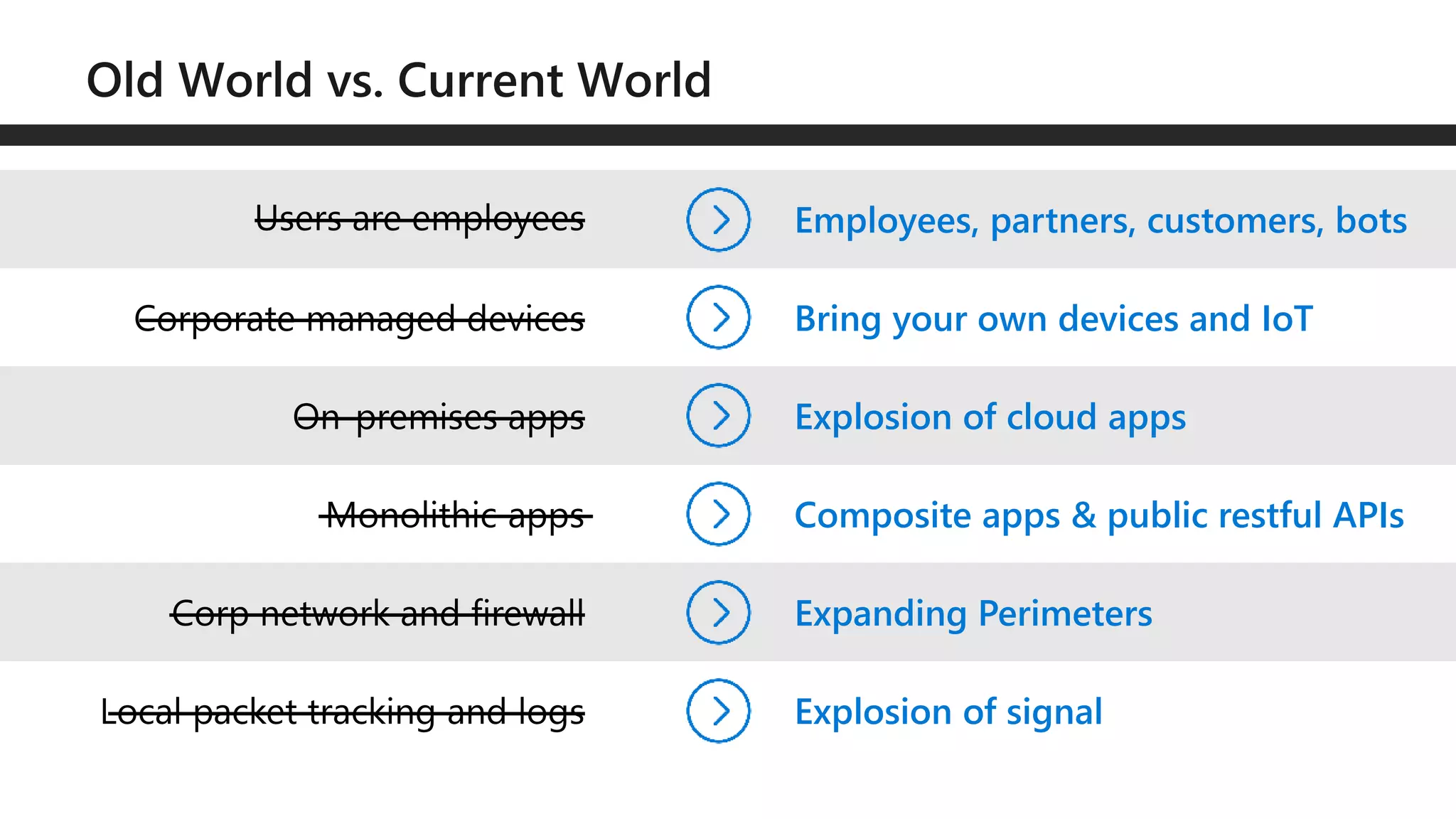
Bring your own devices and IoT
Explosion of cloud apps
Expanding Perimeters
Explosion of signal
Composite apps & public restful APIs
Employees, partners, customers, bots
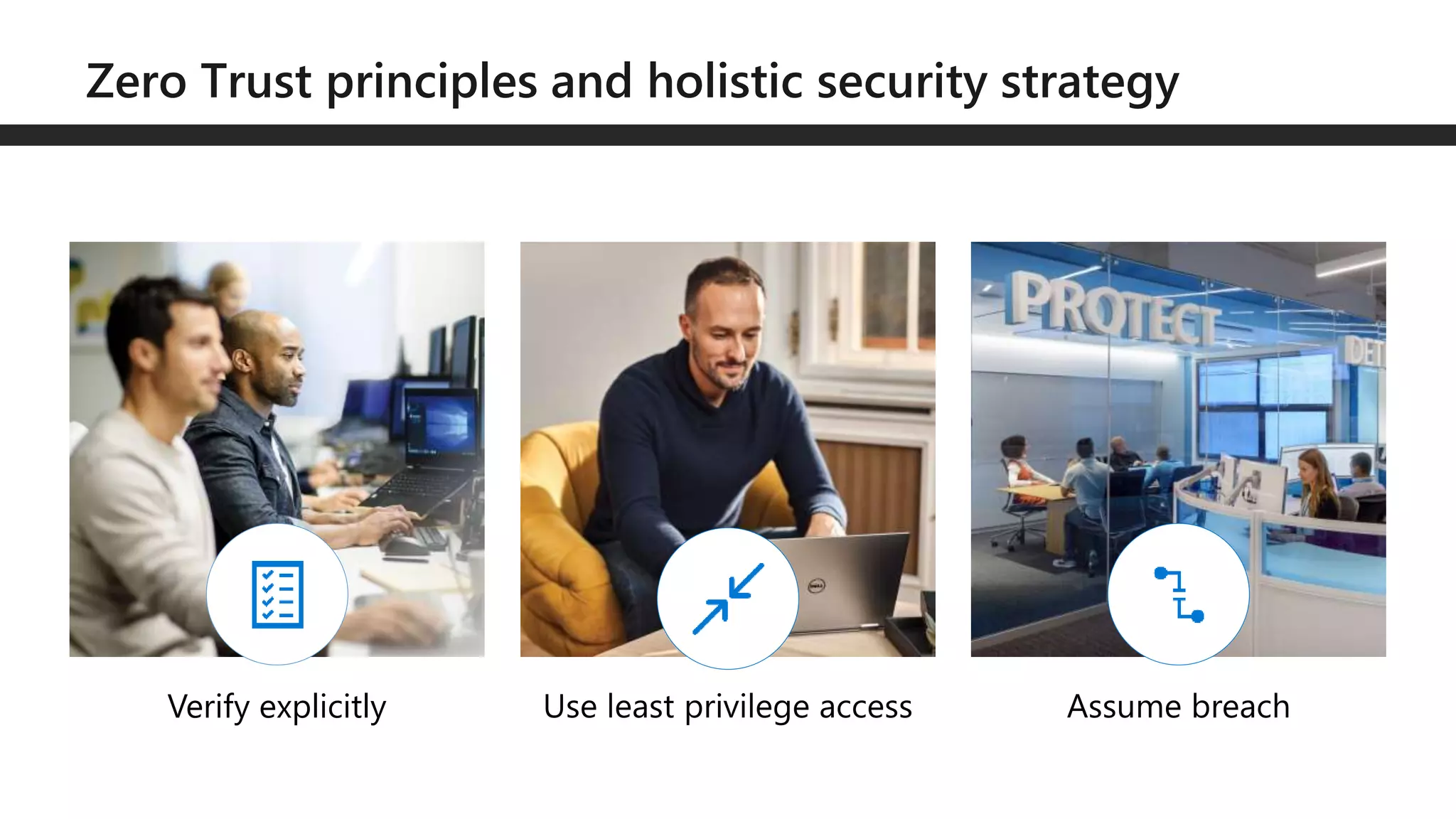
Verify explicitly
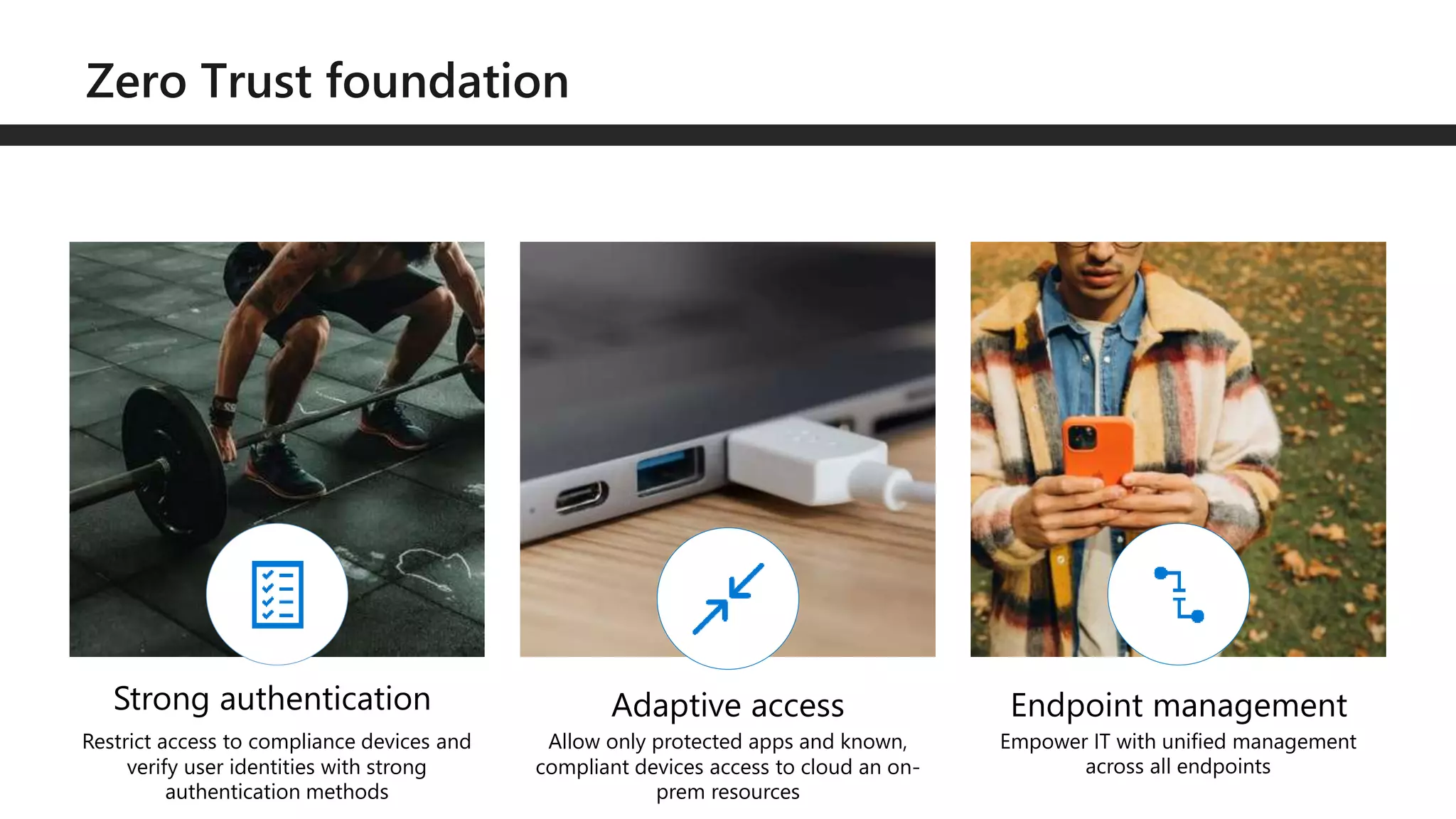
Strong authentication
Restrict access to compliance devices and
verify user identities with strong
authentication methods
Allow only protected apps and known,
compliant devices access to cloud an on-
prem resources
Empower IT with unified management
across all endpoints
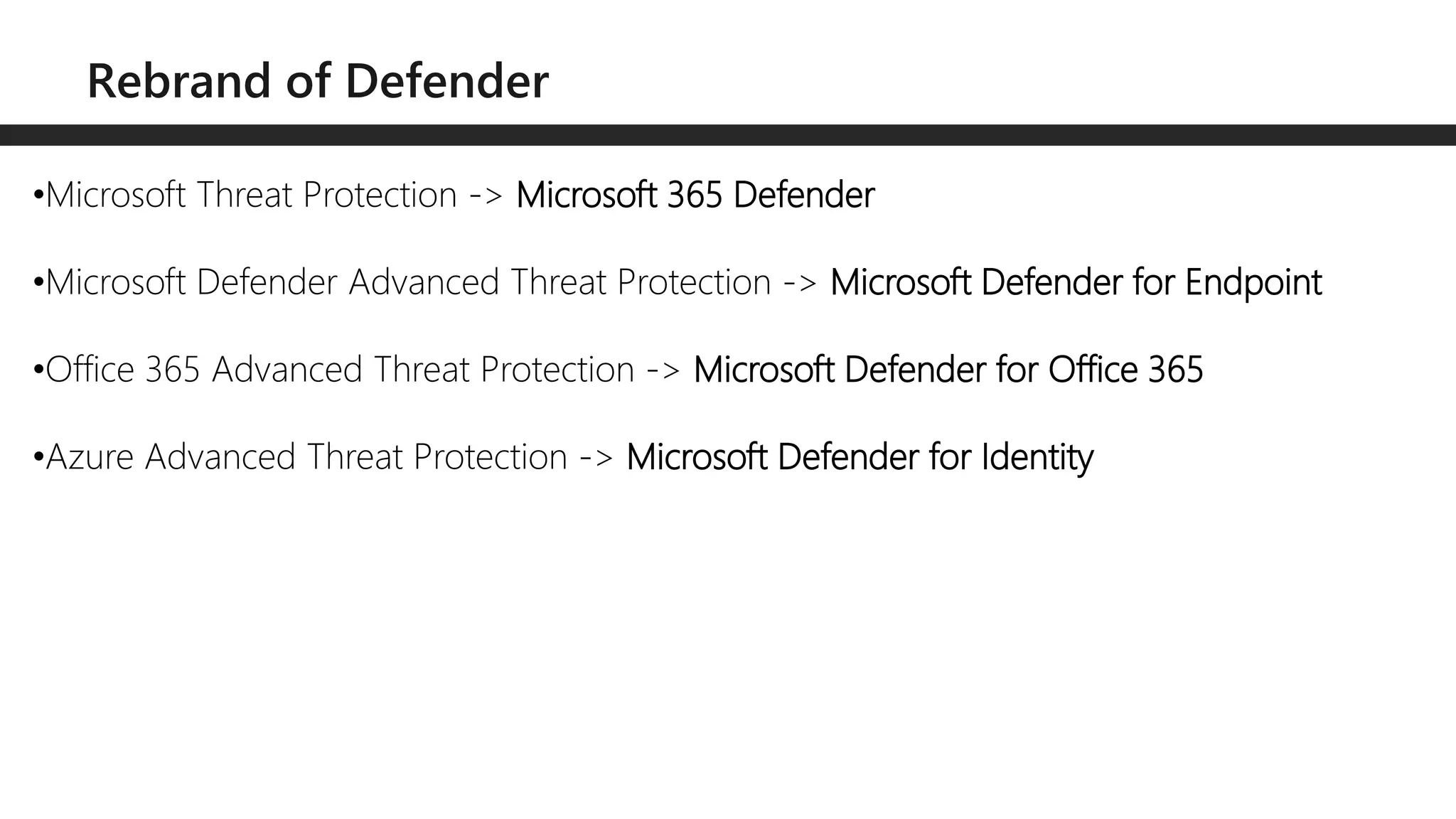
•Microsoft Threat Protection -> Microsoft 365 Defender
•Microsoft Defender Advanced Threat Protection -> Microsoft Defender for Endpoint
•Office 365 Advanced Threat Protection -> Microsoft Defender for Office 365
•Azure Advanced Threat Protection -> Microsoft Defender for Identity
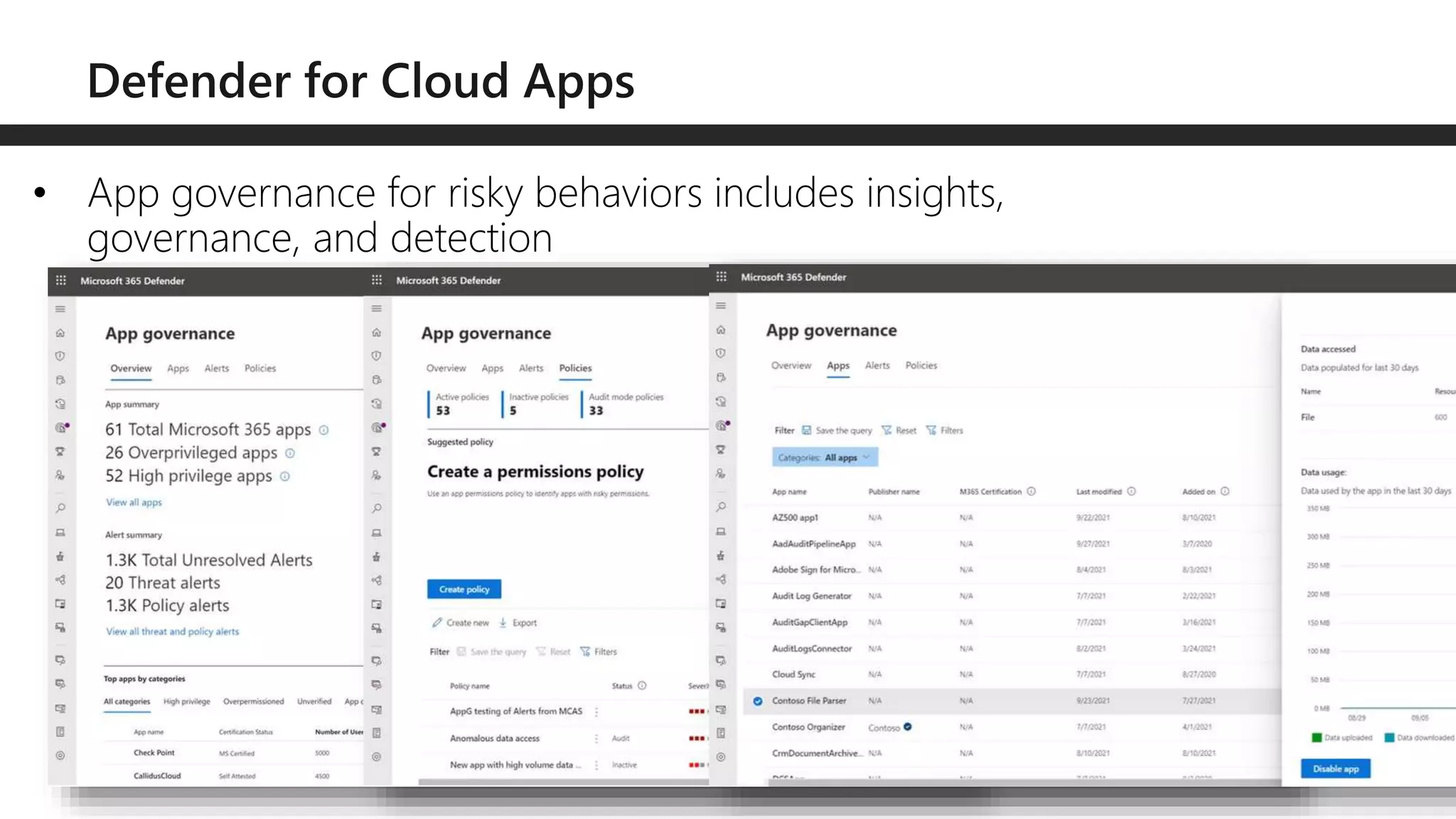
• App governance for risky behaviors includes insights,
governance, and detection
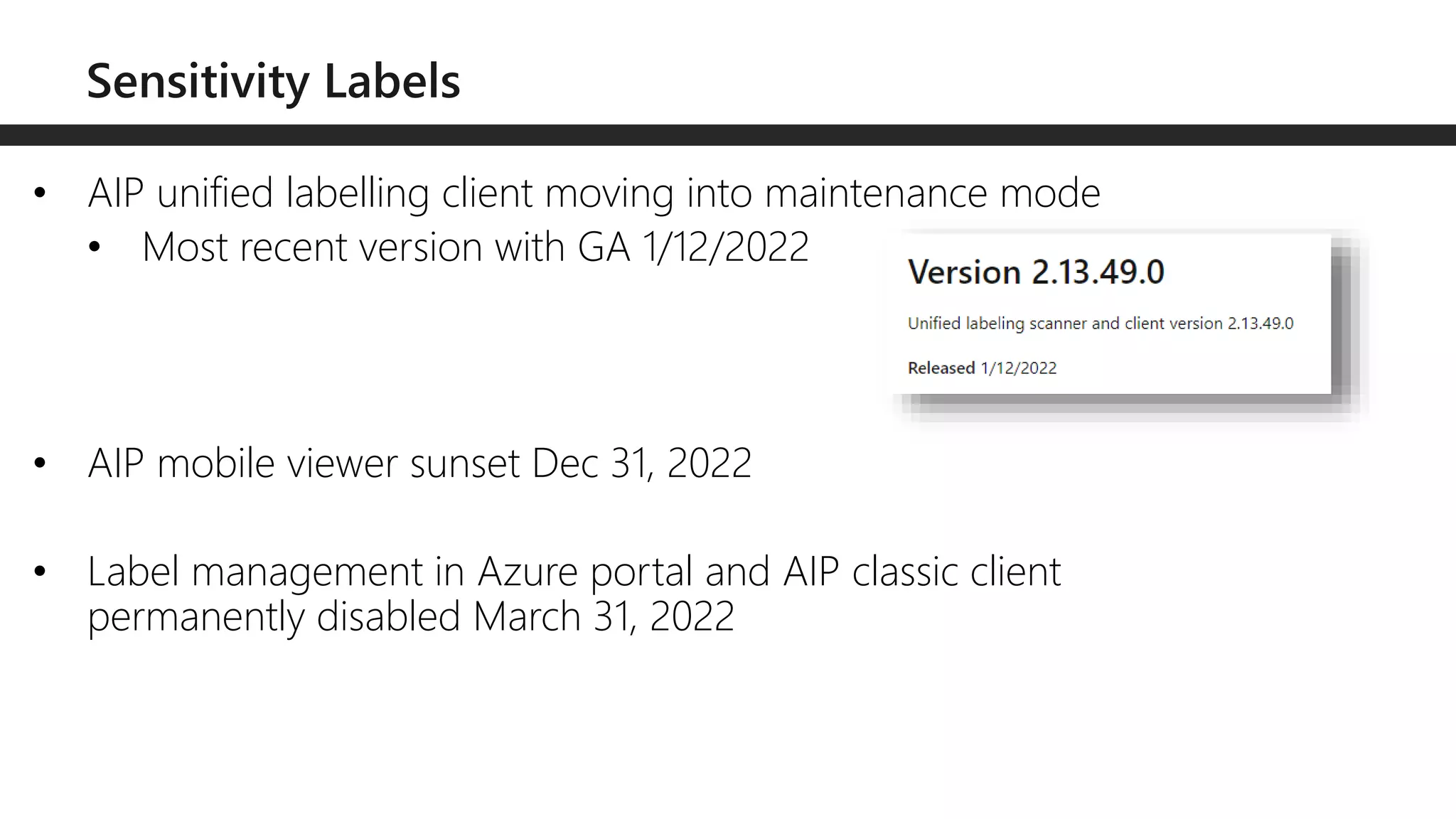
• AIP unified labelling client moving into maintenance mode
• Most recent version with GA 1/12/2022
• AIP mobile viewer sunset Dec 31, 2022
• Label management in Azure portal and AIP classic client
permanently disabled March 31, 2022
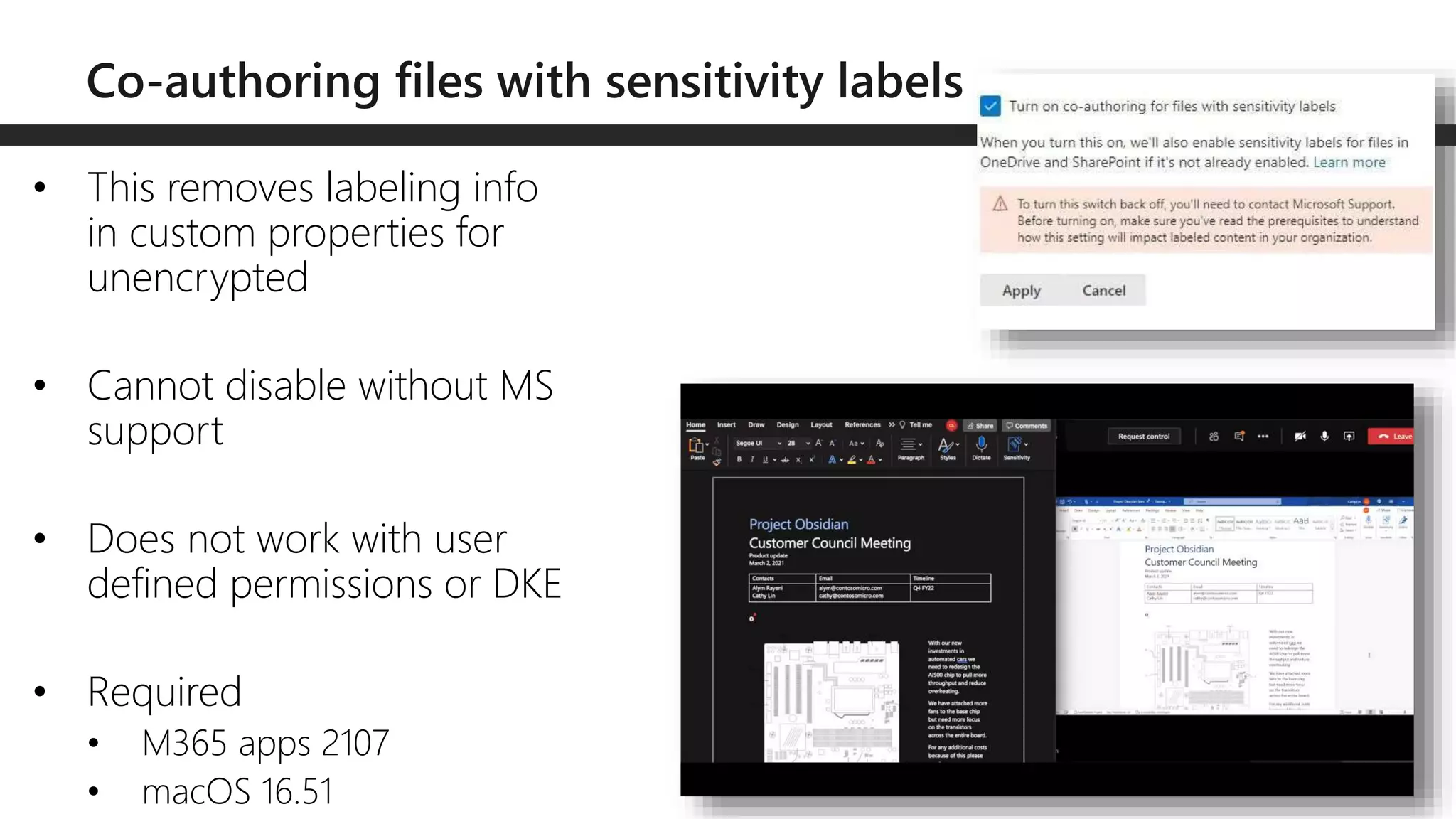
• This removes labeling info
in custom properties for
unencrypted
• Cannot disable without MS
support
• Does not work with user
defined permissions or DKE
• Required
• M365 apps 2107
• macOS 16.51
• New roles
• Information Protection Admin
• Information Protection Analyst
• Information Protection Investigator
• Information Protection Reader
• New role groups
• Information Protection
• Information Protection Admins
• Information Protection Analysts
• Information Protection Investigators
• Information Protection Readers
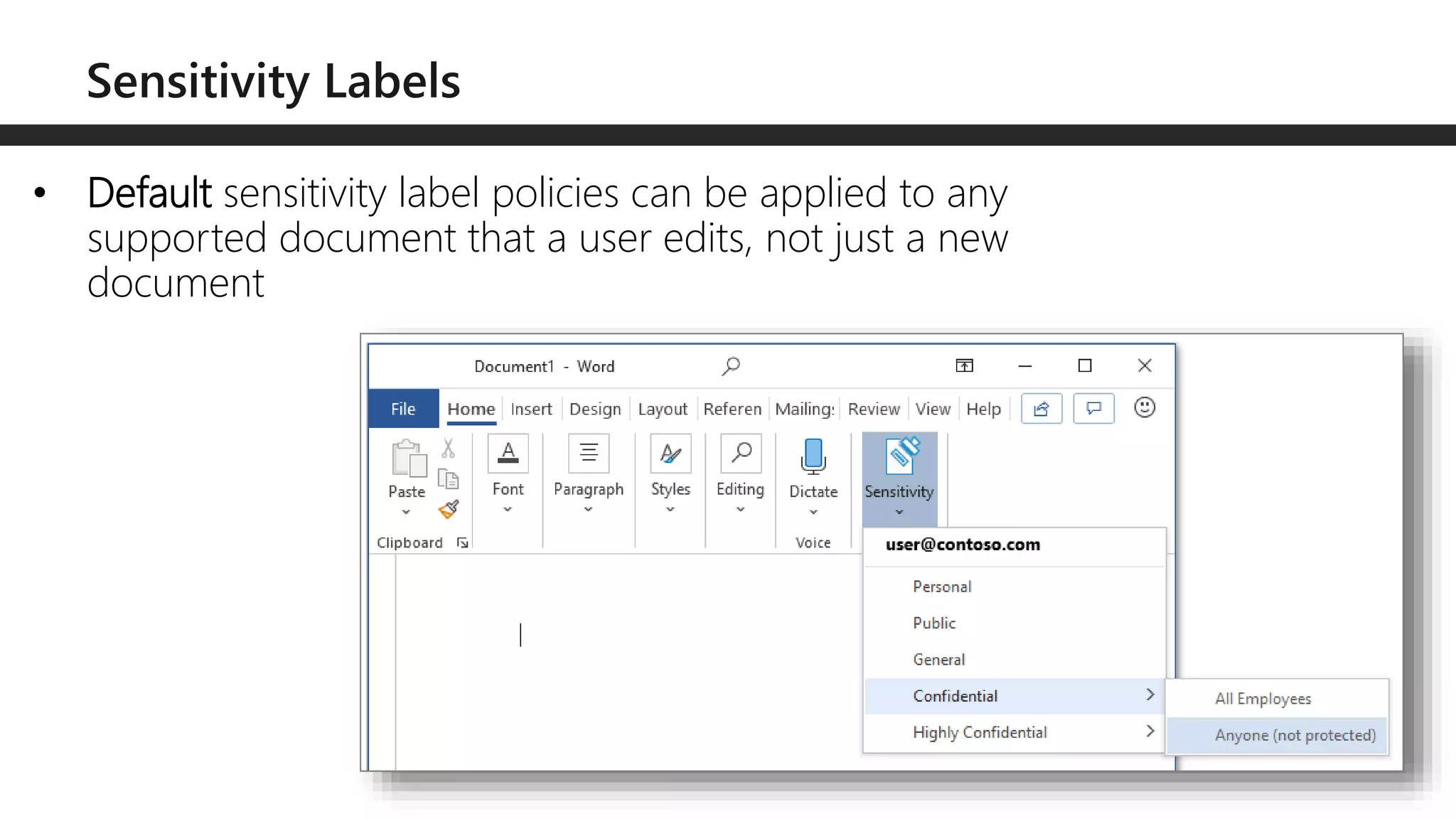
• Default sensitivity label policies can be applied to any
supported document that a user edits, not just a new
document
• Auto labeling enhancements for Office documents can now
target all OneDrive accounts and SharePoint sites
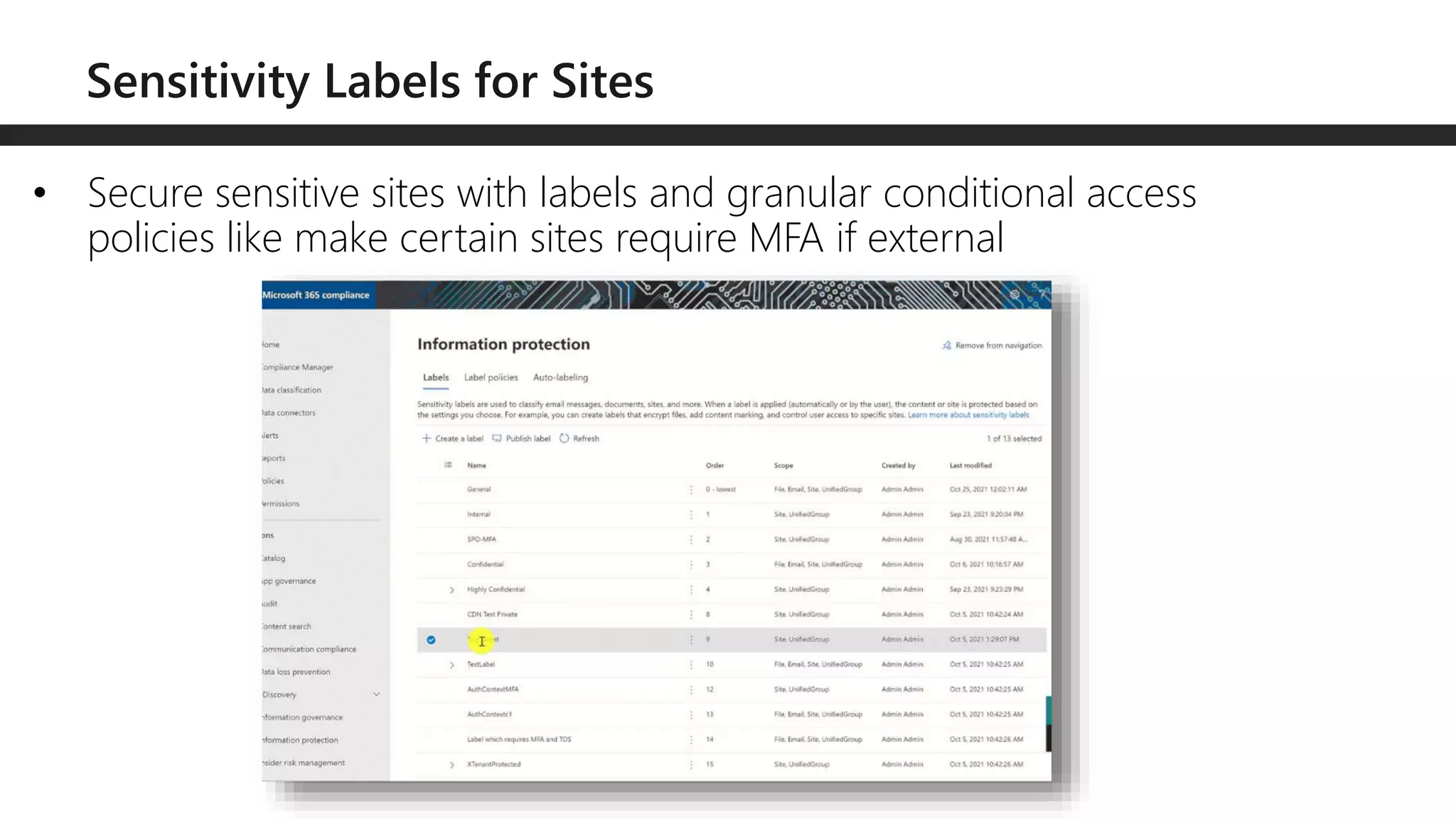
• Secure sensitive sites with labels and granular conditional access
policies like make certain sites require MFA if external
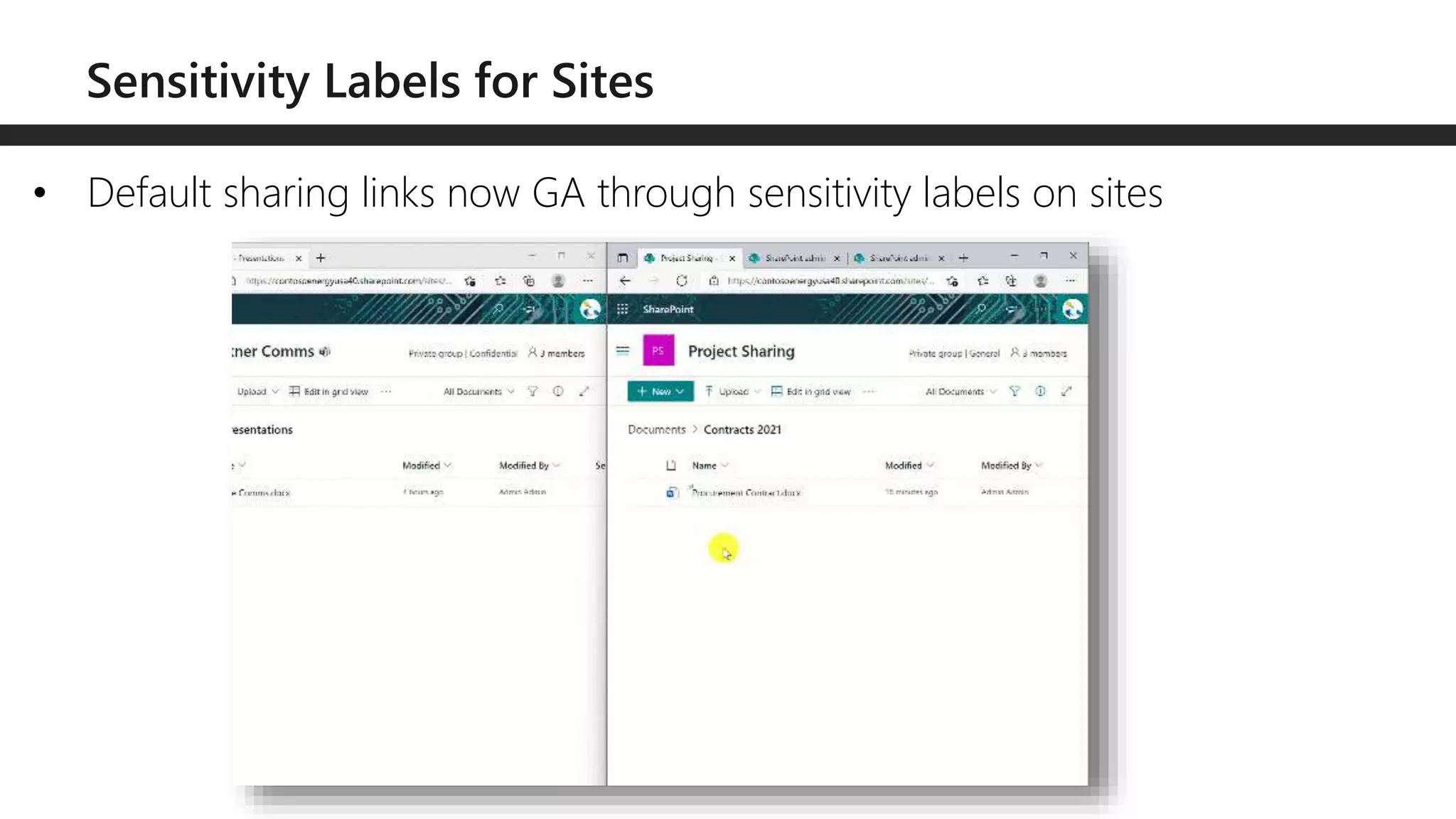
• Default sharing links now GA through sensitivity labels on sites
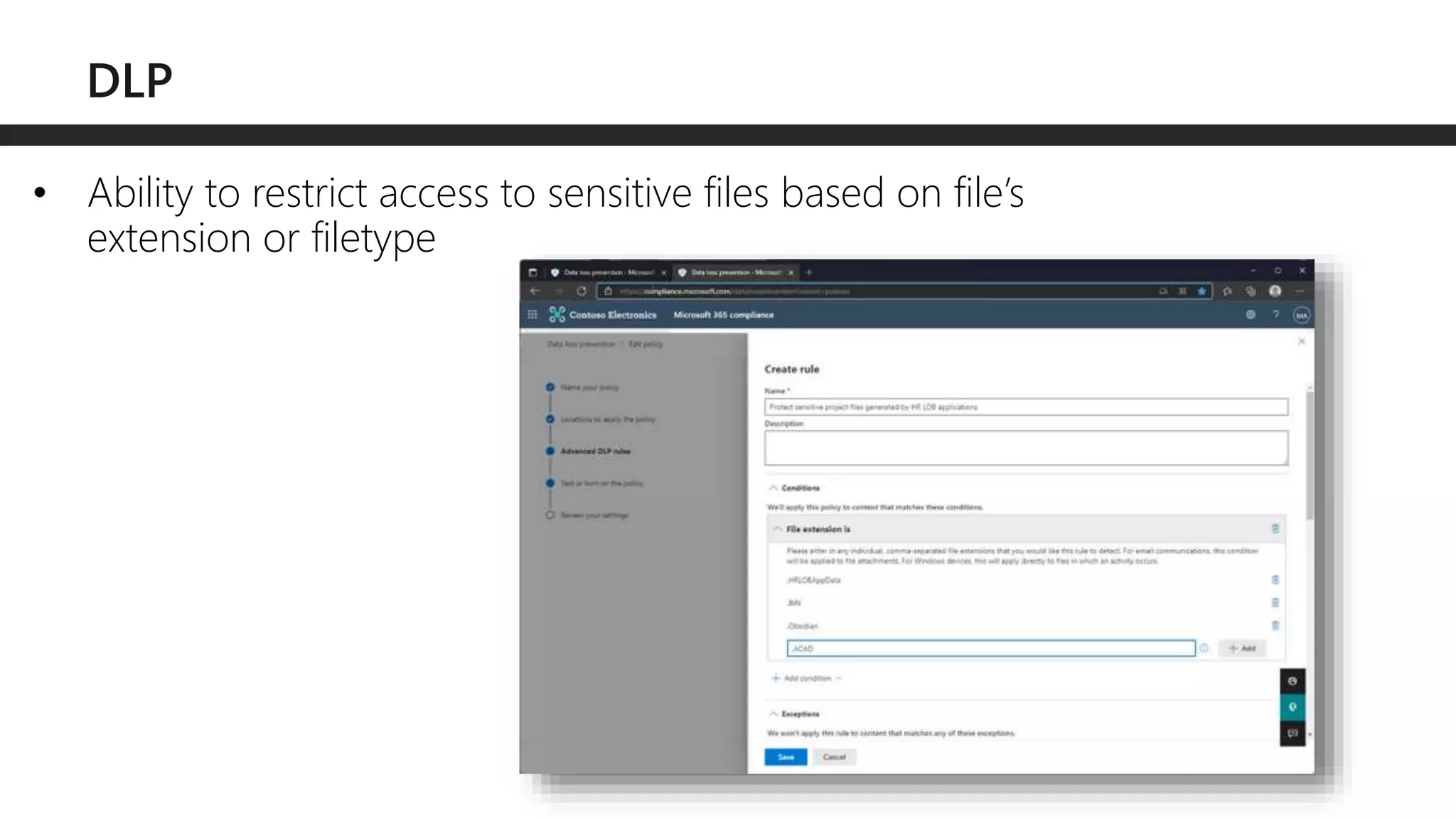
• Ability to restrict access to sensitive files based on file’s
extension or filetype
• Protect sensitive files stored in archived files like ZIP or ARG
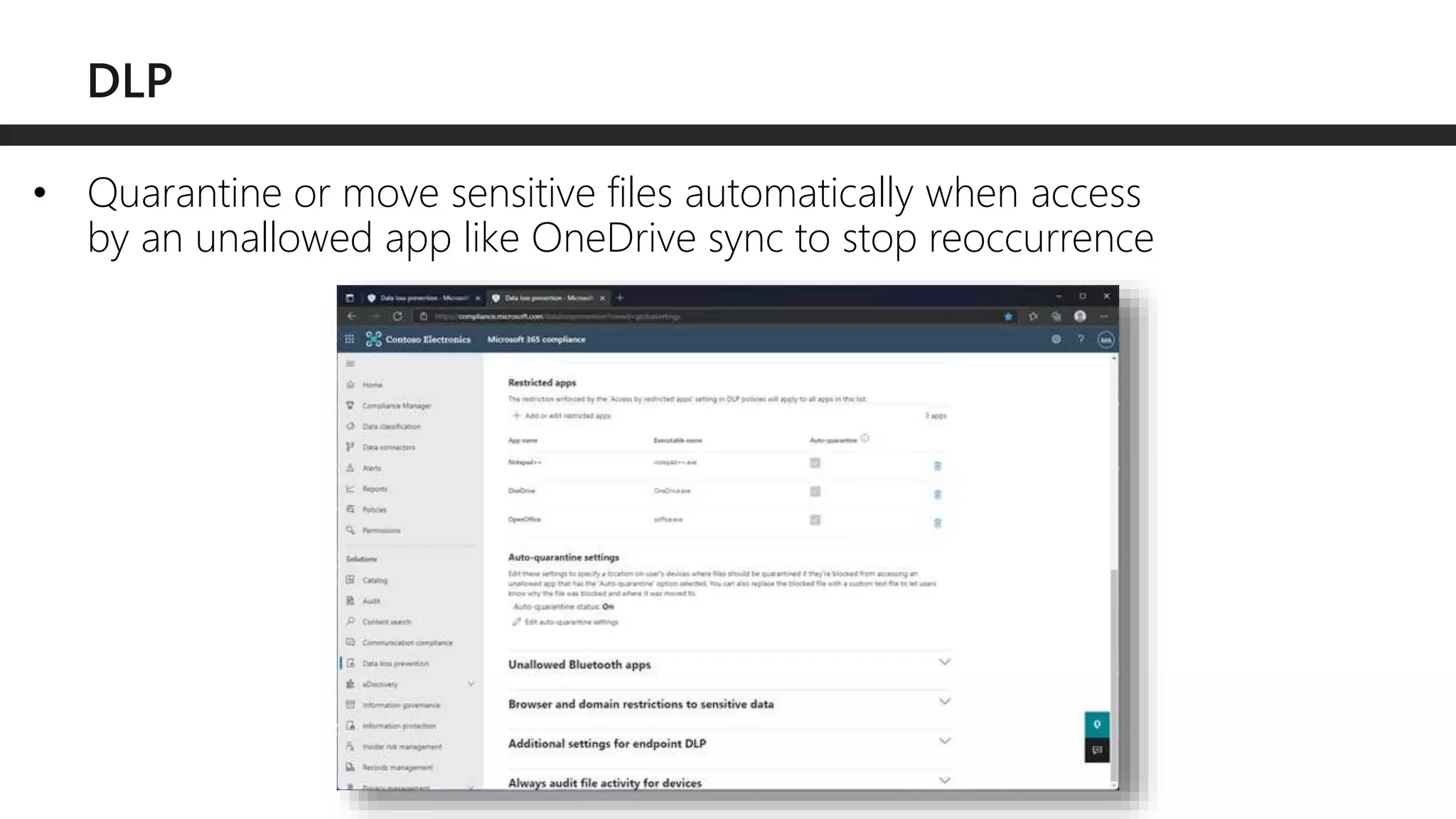
• Quarantine or move sensitive files automatically when access
by an unallowed app like OneDrive sync to stop reoccurrence
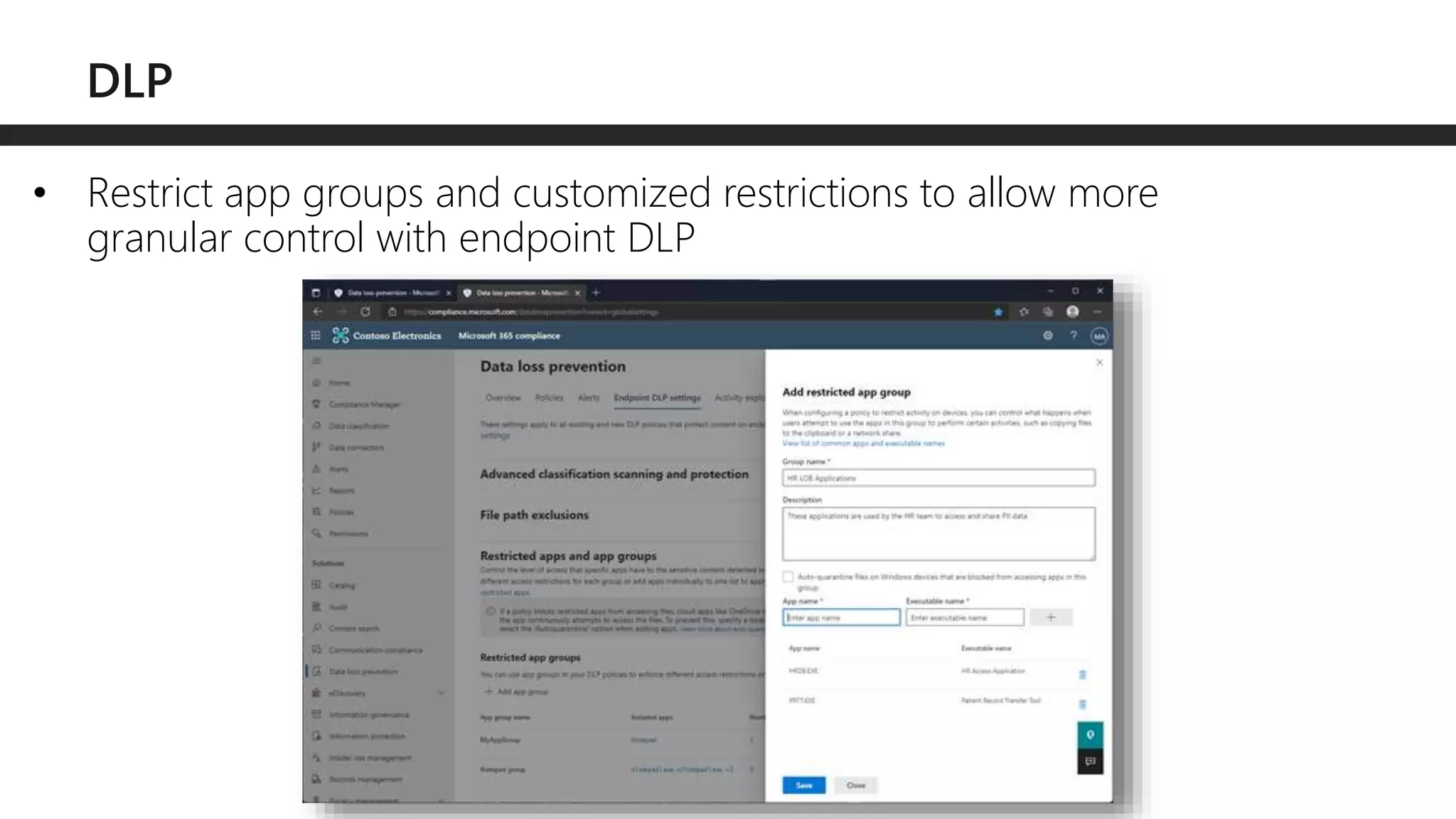
• Restrict app groups and customized restrictions to allow more
granular control with endpoint DLP
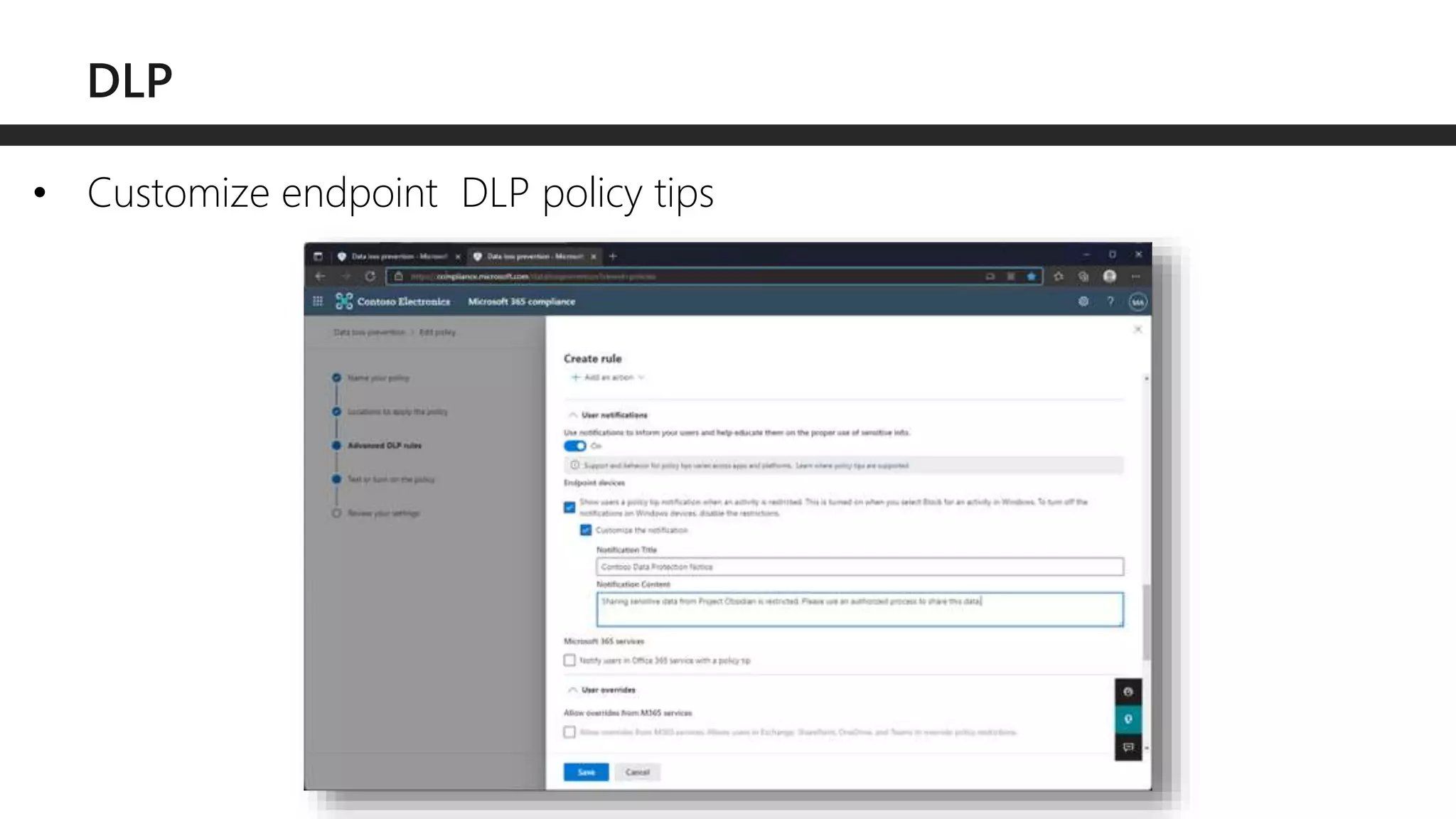
• Customize endpoint DLP policy tips
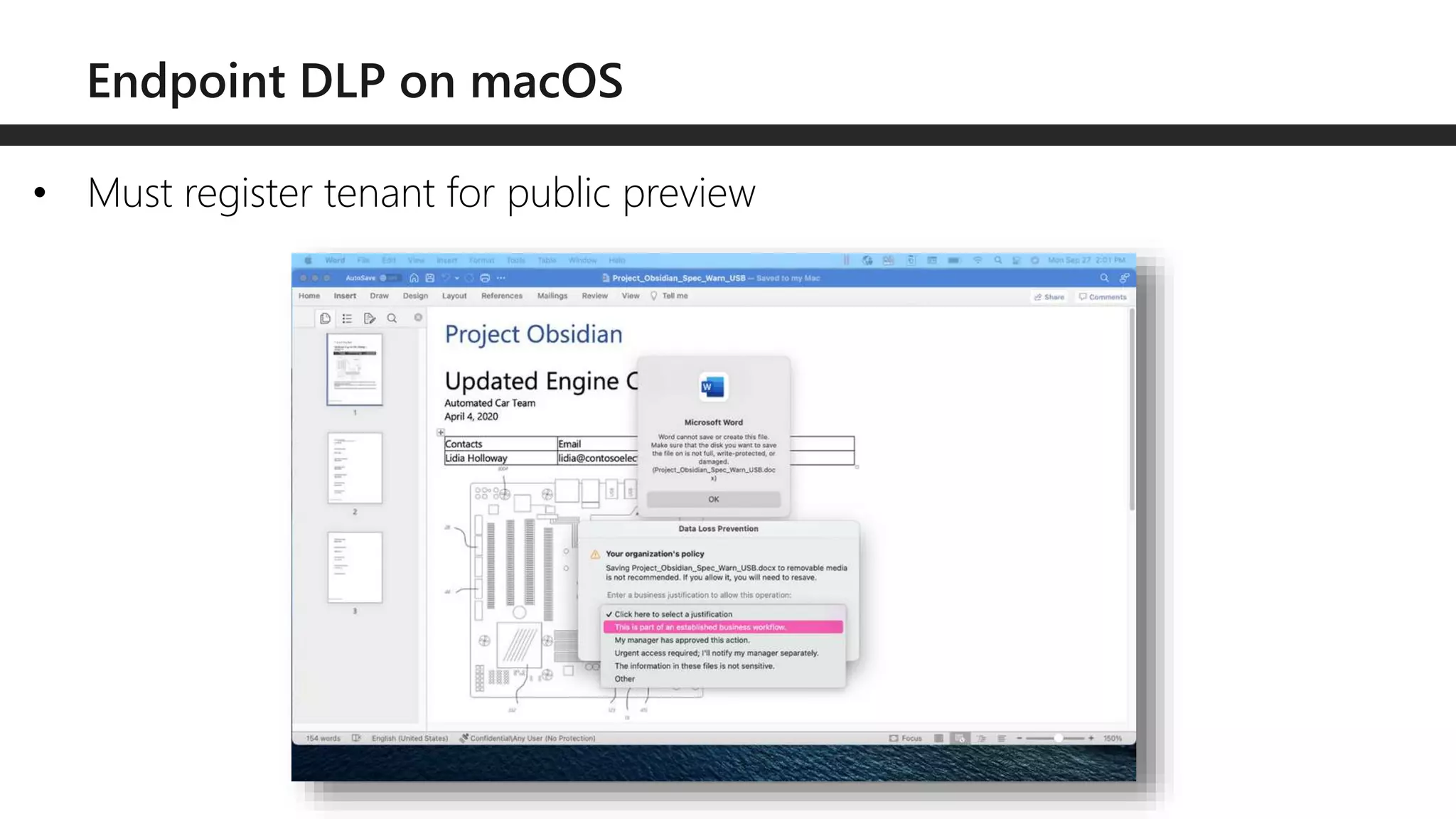
• Must register tenant for public preview
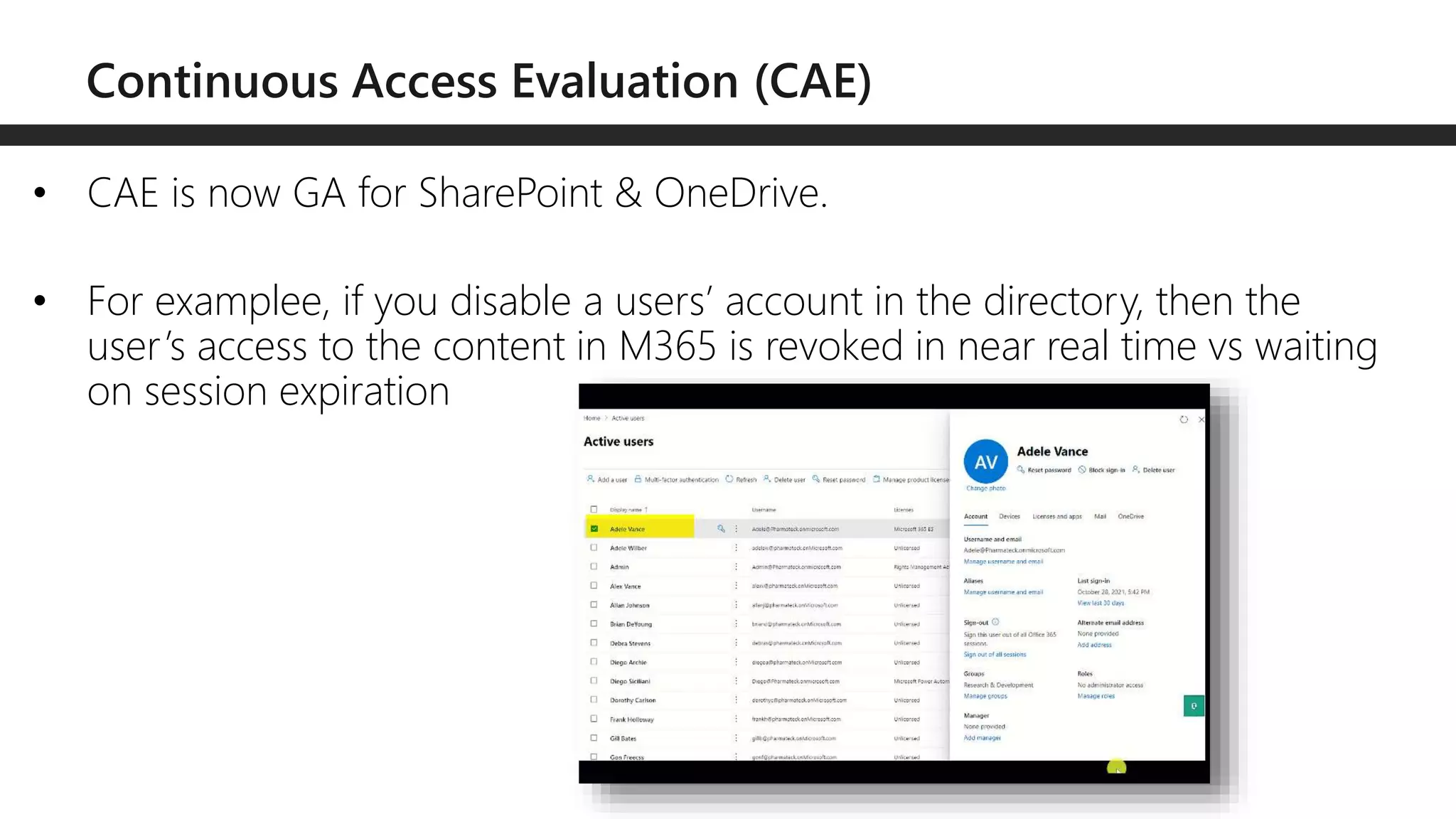
• CAE is now GA for SharePoint & OneDrive.
• For examplee, if you disable a users’ account in the directory, then the
user’s access to the content in M365 is revoked in near real time vs waiting
on session expiration
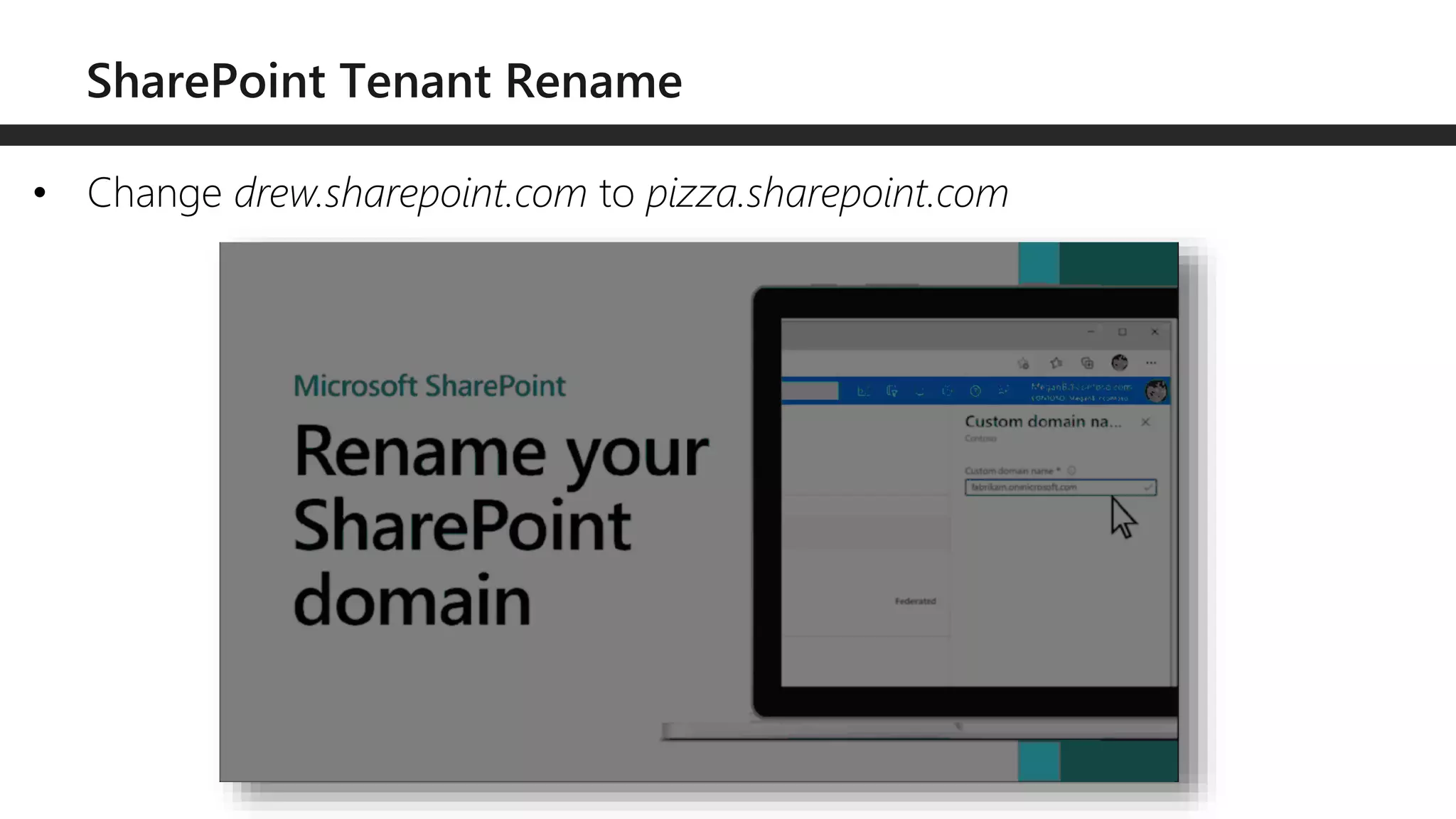
• Change drew.sharepoint.com to pizza.sharepoint.com
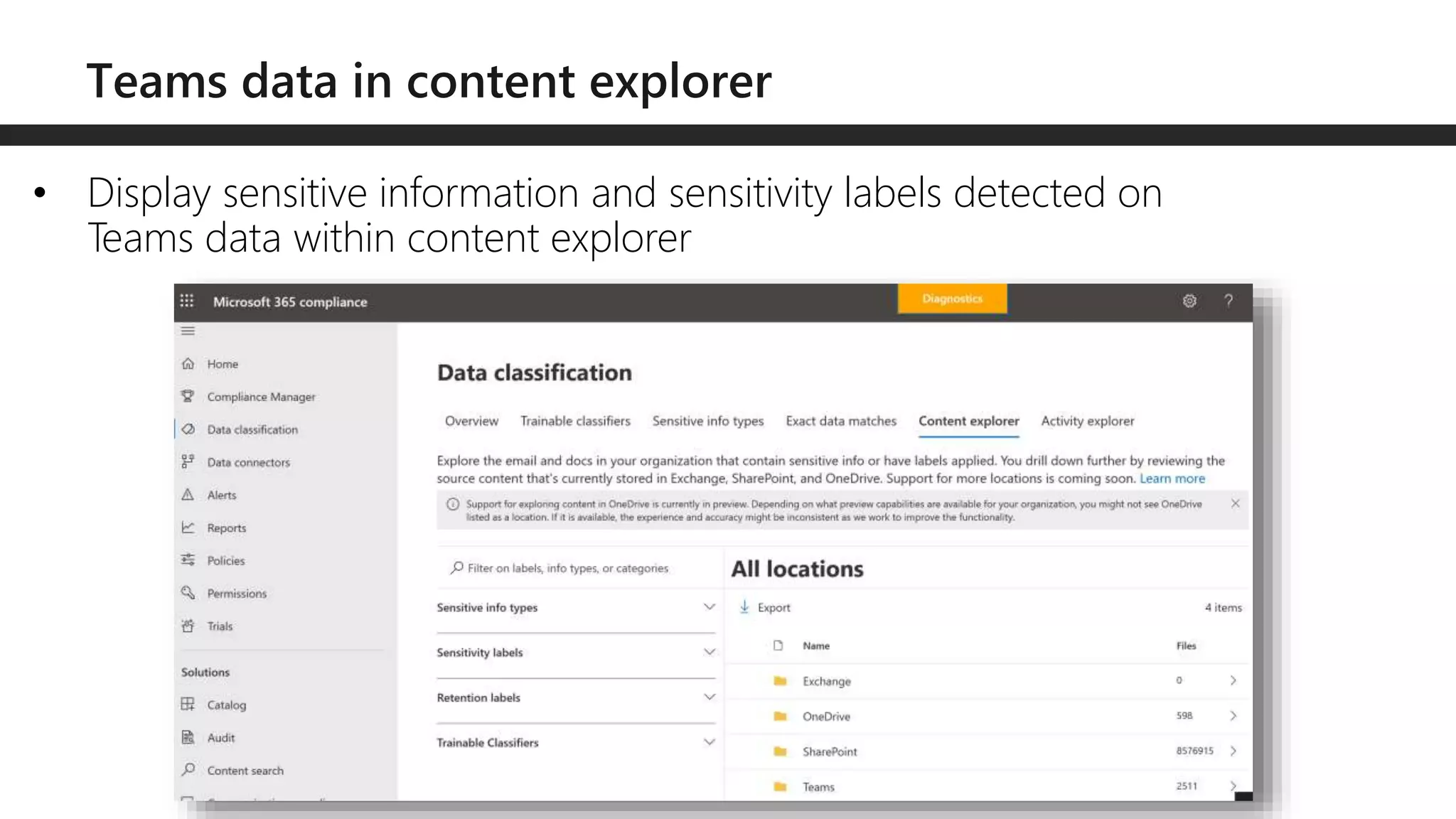
• Display sensitive information and sensitivity labels detected on
Teams data within content explorer
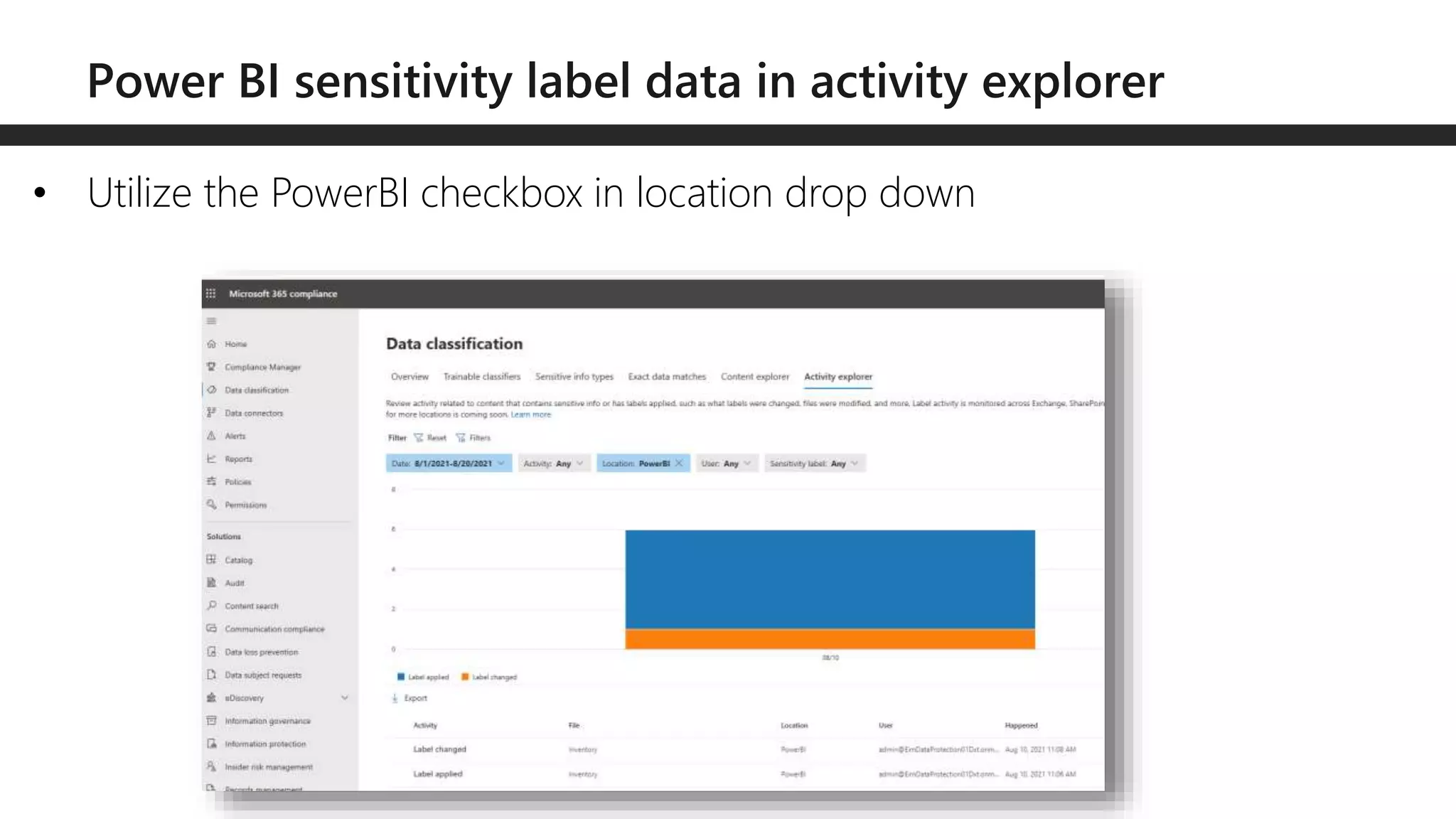
• Utilize the PowerBI checkbox in location drop down
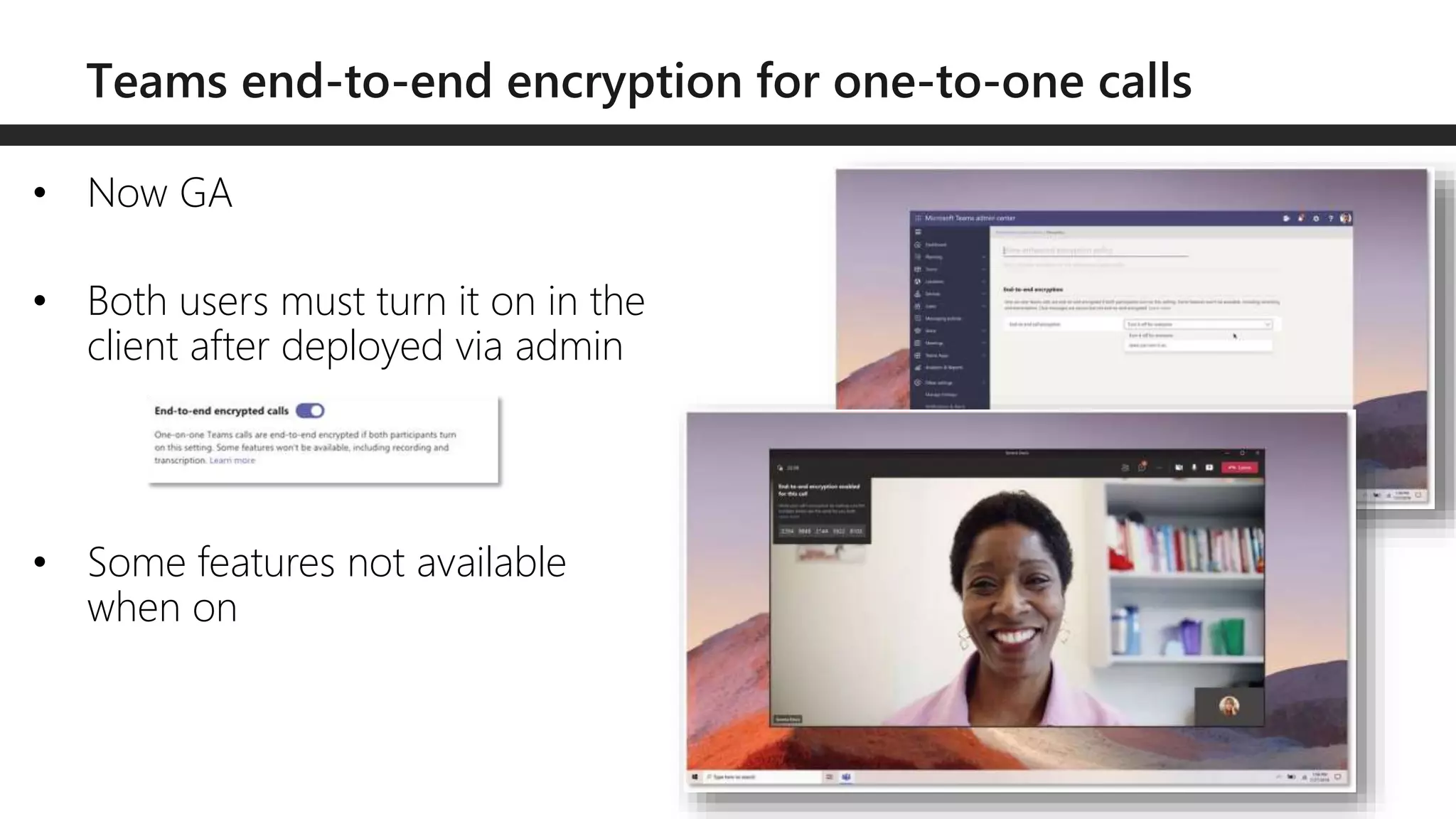
• Now GA
• Both users must turn it on in the
client after deployed via admin
• Some features not available
when on
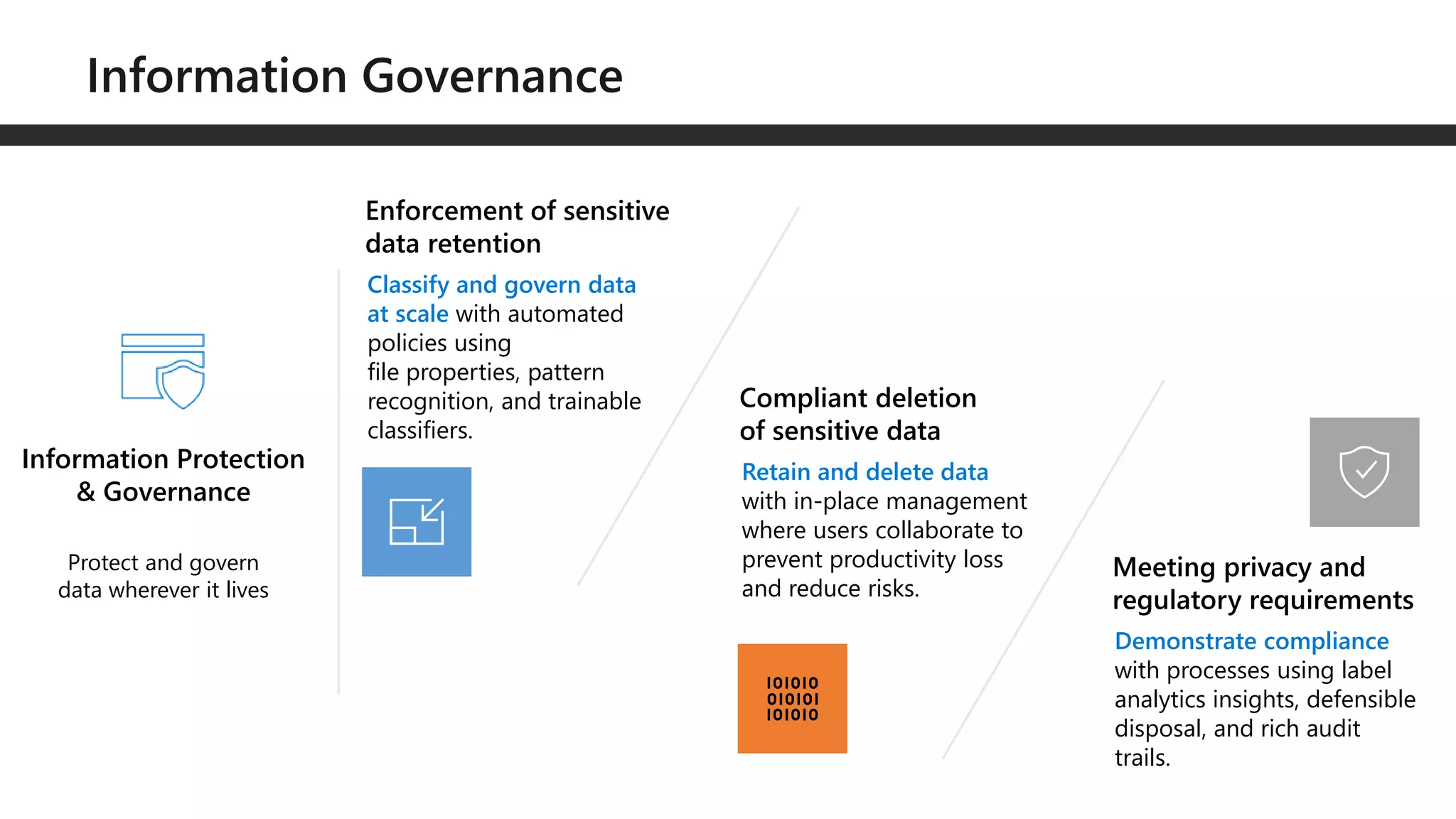
Protect and govern
data wherever it lives
Information Protection
& Governance
Enforcement of sensitive
data retention
Classify and govern data
at scale with automated
policies using
file properties, pattern
recognition, and trainable
classifiers.
Compliant deletion
of sensitive data
Retain and delete data
with in-place management
where users collaborate to
prevent productivity loss
and reduce risks.
Meeting privacy and
regulatory requirements
Demonstrate compliance
with processes using label
analytics insights, defensible
disposal, and rich audit
trails.
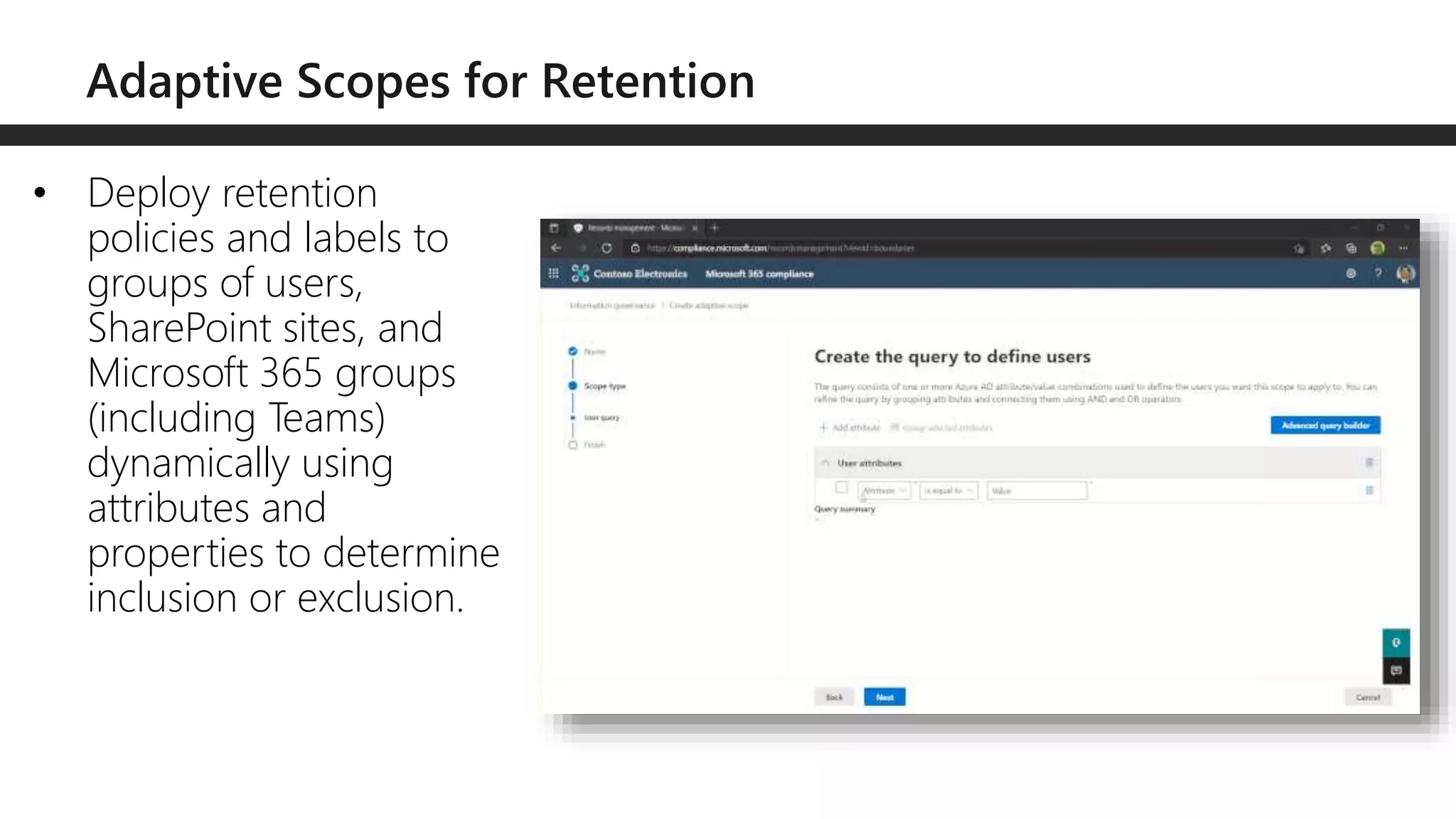
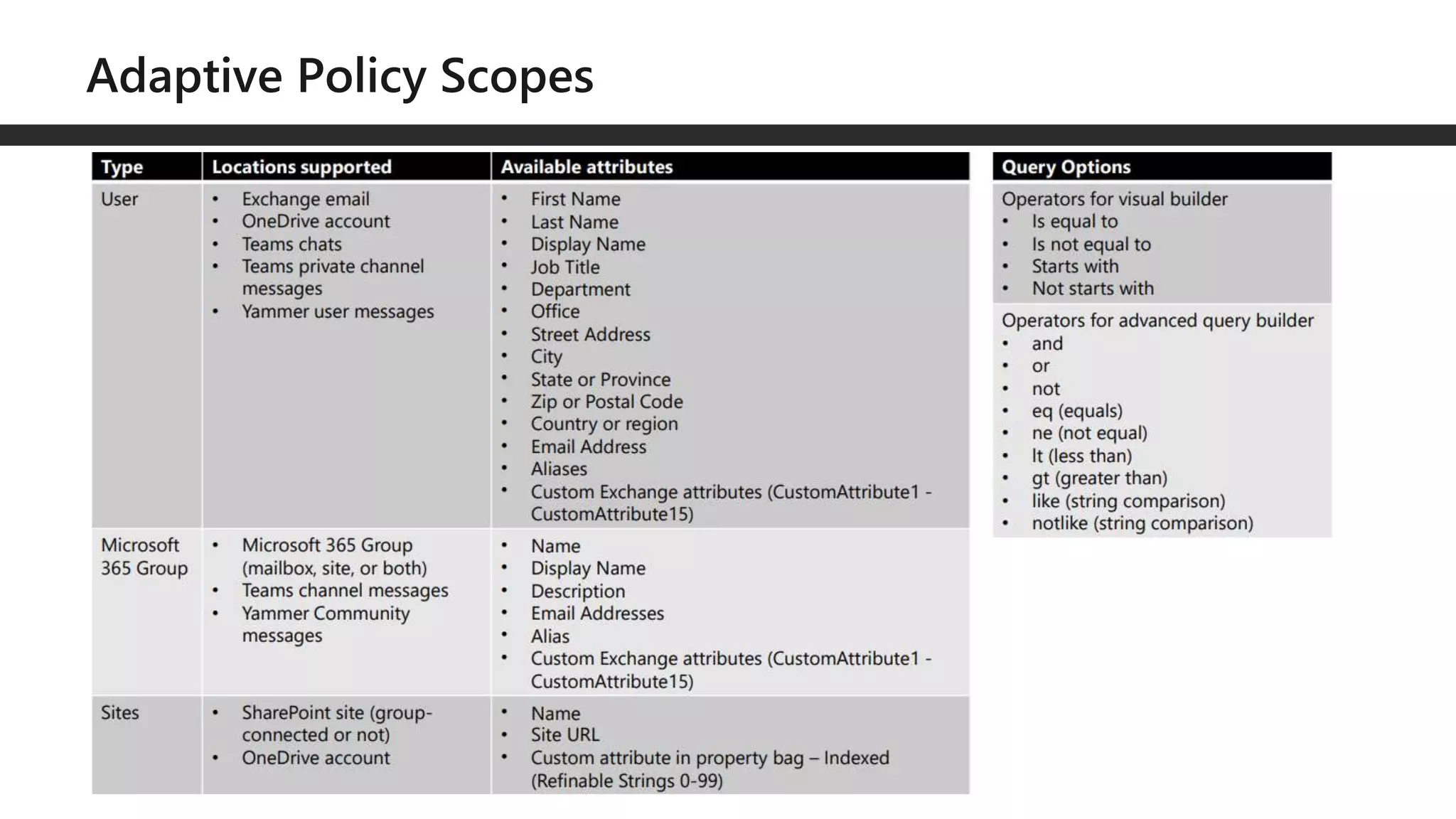
• Deploy retention
policies and labels to
groups of users,
SharePoint sites, and
Microsoft 365 groups
(including Teams)
dynamically using
attributes and
properties to determine
inclusion or exclusion.
• Ensure the ability to retain the specific version of the file attachment
including cloud attachments by preserving the version of a file shared in a
Teams message
• Automatically apply retention label based on a sensitivity label via auto-
classification
• Retention labels configured to “retain items for a specific period” will be
able to be deleted but moved to preservation hold library
• SetAllowFilesWithKeepLabelToBeDeletedSPO to false via CSOM to turn off
• Record labels can be configured to start as unlocked
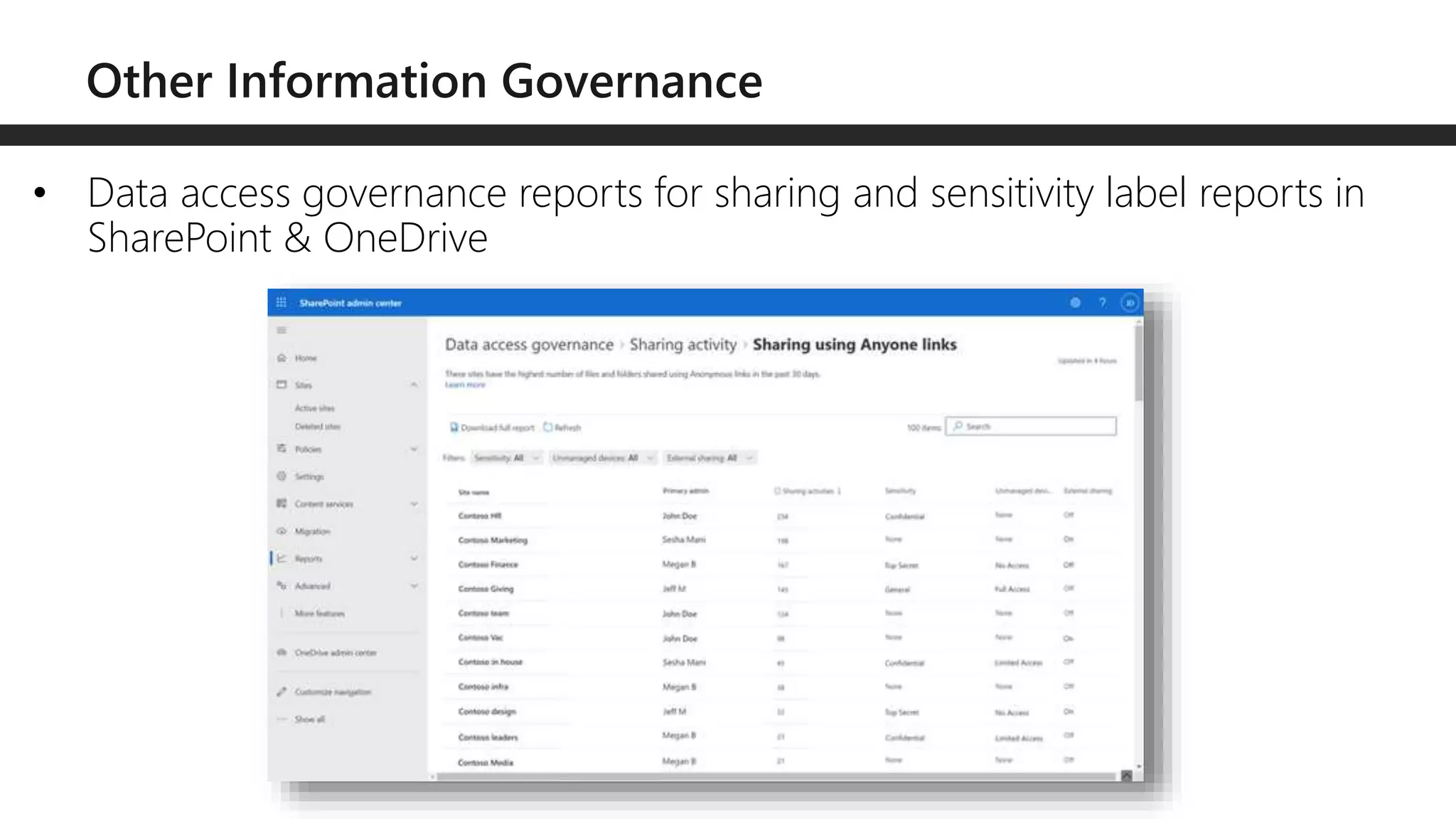
• Data access governance reports for sharing and sensitivity label reports in
SharePoint & OneDrive
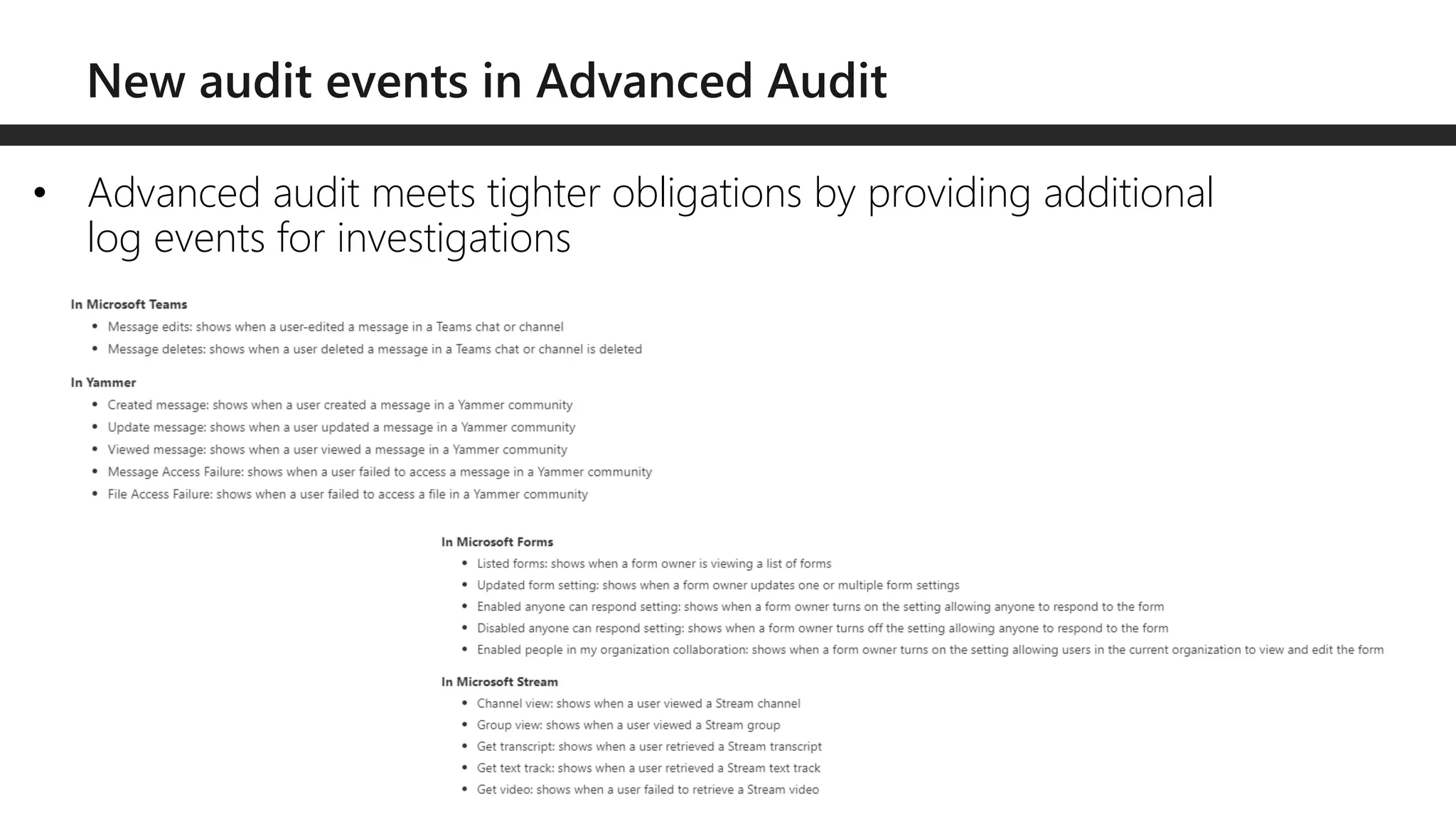
• Advanced audit meets tighter obligations by providing additional
log events for investigations
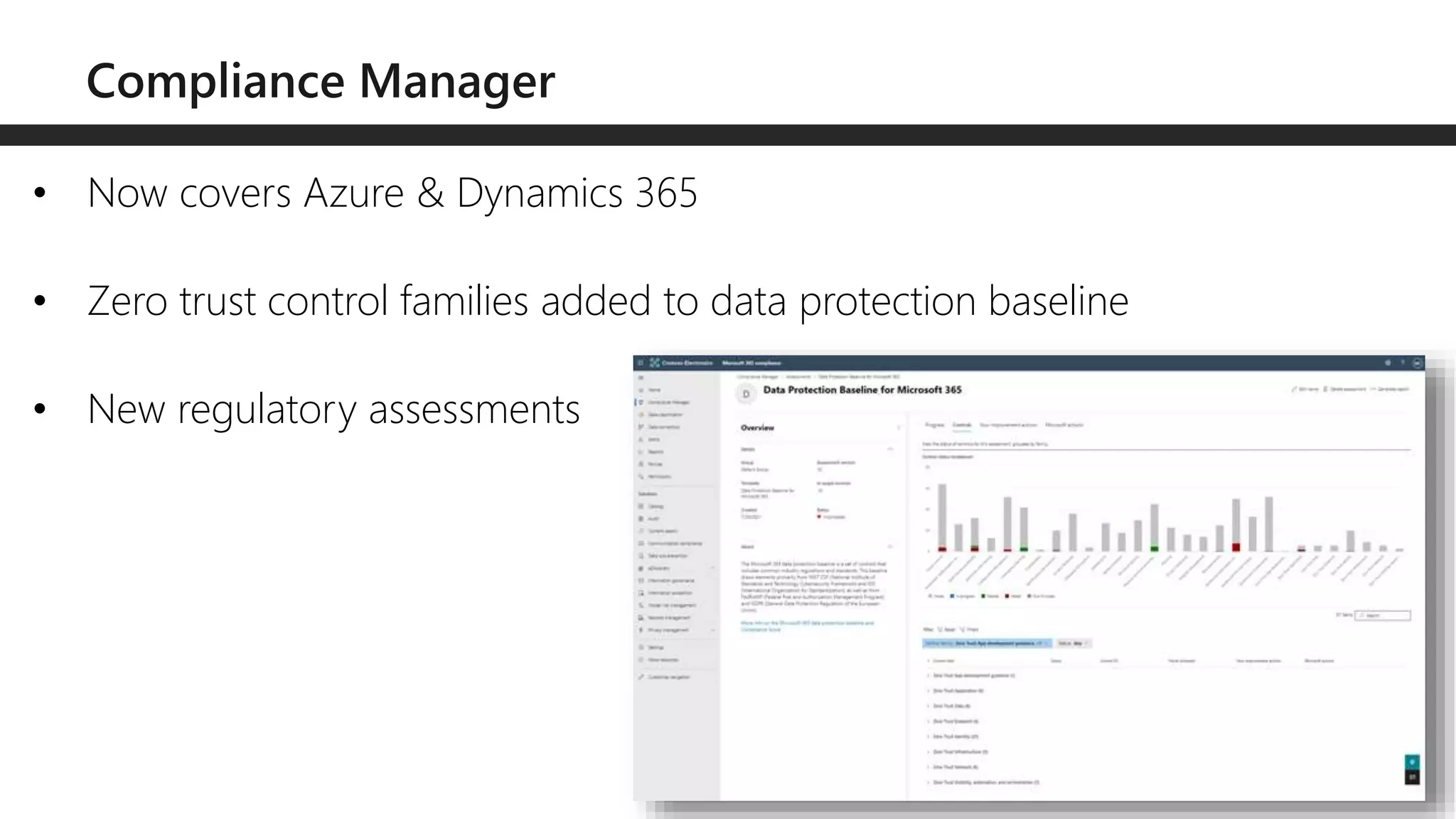
• Now covers Azure & Dynamics 365
• Zero trust control families added to data protection baseline
• New regulatory assessments
Questions?
Email: drew.madelung@protiviti.com
Twitter: @dmadelung
Website: drewmadelung.com
Slides: http://bit.ly/DrewSlides
What’s new with
Security &
Compliance for
Teams, SharePoint,
& OneDrive
M365 Chicago 2022

What's new with Security & Compliance for SharePoint, OneDrive, and Teams

  • 1.
    M365 Chicago –2022 Drew Madelung What’s new with Security & Compliance for Teams, SharePoint, & OneDrive
  • 2.
    Drew Madelung Email :drew.madelung@protiviti.com Twitter : @dmadelung Website: drewmadelung.com Associate Director – Cloud Applications
  • 3.
    Security Compliance What’s new with Security& Compliance for Teams, SharePoint, & OneDrive M365 Chicago 2022 Demos on Demos
  • 4.
    Bring your owndevices and IoT Explosion of cloud apps Expanding Perimeters Explosion of signal Composite apps & public restful APIs Employees, partners, customers, bots
  • 5.
  • 6.
    Strong authentication Restrict accessto compliance devices and verify user identities with strong authentication methods Allow only protected apps and known, compliant devices access to cloud an on- prem resources Empower IT with unified management across all endpoints
  • 7.
    •Microsoft Threat Protection-> Microsoft 365 Defender •Microsoft Defender Advanced Threat Protection -> Microsoft Defender for Endpoint •Office 365 Advanced Threat Protection -> Microsoft Defender for Office 365 •Azure Advanced Threat Protection -> Microsoft Defender for Identity
  • 9.
    • App governancefor risky behaviors includes insights, governance, and detection
  • 11.
    • AIP unifiedlabelling client moving into maintenance mode • Most recent version with GA 1/12/2022 • AIP mobile viewer sunset Dec 31, 2022 • Label management in Azure portal and AIP classic client permanently disabled March 31, 2022
  • 12.
    • This removeslabeling info in custom properties for unencrypted • Cannot disable without MS support • Does not work with user defined permissions or DKE • Required • M365 apps 2107 • macOS 16.51
  • 13.
    • New roles •Information Protection Admin • Information Protection Analyst • Information Protection Investigator • Information Protection Reader • New role groups • Information Protection • Information Protection Admins • Information Protection Analysts • Information Protection Investigators • Information Protection Readers
  • 14.
    • Default sensitivitylabel policies can be applied to any supported document that a user edits, not just a new document
  • 15.
    • Auto labelingenhancements for Office documents can now target all OneDrive accounts and SharePoint sites
  • 16.
    • Secure sensitivesites with labels and granular conditional access policies like make certain sites require MFA if external
  • 17.
    • Default sharinglinks now GA through sensitivity labels on sites
  • 18.
    • Ability torestrict access to sensitive files based on file’s extension or filetype
  • 19.
    • Protect sensitivefiles stored in archived files like ZIP or ARG
  • 20.
    • Quarantine ormove sensitive files automatically when access by an unallowed app like OneDrive sync to stop reoccurrence
  • 21.
    • Restrict appgroups and customized restrictions to allow more granular control with endpoint DLP
  • 22.
    • Customize endpointDLP policy tips
  • 23.
    • Must registertenant for public preview
  • 24.
    • CAE isnow GA for SharePoint & OneDrive. • For examplee, if you disable a users’ account in the directory, then the user’s access to the content in M365 is revoked in near real time vs waiting on session expiration
  • 25.
    • Change drew.sharepoint.comto pizza.sharepoint.com
  • 26.
    • Display sensitiveinformation and sensitivity labels detected on Teams data within content explorer
  • 27.
    • Utilize thePowerBI checkbox in location drop down
  • 28.
    • Now GA •Both users must turn it on in the client after deployed via admin • Some features not available when on
  • 29.
    Protect and govern datawherever it lives Information Protection & Governance Enforcement of sensitive data retention Classify and govern data at scale with automated policies using file properties, pattern recognition, and trainable classifiers. Compliant deletion of sensitive data Retain and delete data with in-place management where users collaborate to prevent productivity loss and reduce risks. Meeting privacy and regulatory requirements Demonstrate compliance with processes using label analytics insights, defensible disposal, and rich audit trails.
  • 30.
    • Deploy retention policiesand labels to groups of users, SharePoint sites, and Microsoft 365 groups (including Teams) dynamically using attributes and properties to determine inclusion or exclusion.
  • 32.
    • Ensure theability to retain the specific version of the file attachment including cloud attachments by preserving the version of a file shared in a Teams message • Automatically apply retention label based on a sensitivity label via auto- classification • Retention labels configured to “retain items for a specific period” will be able to be deleted but moved to preservation hold library • SetAllowFilesWithKeepLabelToBeDeletedSPO to false via CSOM to turn off • Record labels can be configured to start as unlocked
  • 33.
    • Data accessgovernance reports for sharing and sensitivity label reports in SharePoint & OneDrive
  • 34.
    • Advanced auditmeets tighter obligations by providing additional log events for investigations
  • 35.
    • Now coversAzure & Dynamics 365 • Zero trust control families added to data protection baseline • New regulatory assessments
  • 36.
    Questions? Email: drew.madelung@protiviti.com Twitter: @dmadelung Website:drewmadelung.com Slides: http://bit.ly/DrewSlides
  • 37.
    What’s new with Security& Compliance for Teams, SharePoint, & OneDrive M365 Chicago 2022

Editor's Notes

  • #10 Insights: See a view of all the third-party and LOB apps for the Microsoft 365 platform in your tenant where you can see all the apps’ status and alert activities and react or respond to them. With app governance, gain actionable insights into the behaviors of the apps that are accessing your Microsoft 365 data. Governance: Create proactive or reactive policies for app and user patterns and behaviors and protect your users from using non-compliant or malicious apps, restricting the access of risky apps to your data. Proactively define and enforce appropriate app behavior with policy-driven guidance that leverages your organization’s security and compliance posture for data access. Create proactive or reactive policies for app and user patterns and behaviors and protect your users from using non-compliant or malicious apps, restricting the access of risky apps to your data. Proactively define and enforce appropriate app behavior with policy-driven guidance that leverages your organization’s security and compliance posture for data access.   Detection: Receive alerts and notifications when there are anomalies in-app activity and when non-compliant, malicious, or risky apps are used. Detect unusual in-app behavior with machine learning models and address security issues using automated and manual actions.