Savings on the desktop –
an interactive session

                         For more information go to:

http://www.socitmconsulting.co.uk/story/reducing-cost-desktop


  www.socitmconsulting.co.uk
Savings on the Desktop

•    This Workshop
      – What are the issues?
      – Where can cost be removed?
      – Some things to think about


    www.socitmconsulting.co.uk
Savings on the Desktop

•    Where do the costs arise?
     – Network
     – Support
     – Procurement
     – etc


    www.socitmconsulting.co.uk
Constraints

Managing an inventory of devices
   – Refresh cycles
   – Power users: GIS mapping admin; CAD
       • may need extra memory; chip-speed etc.
   – Netbooks; tablets; iPAD
   – Ruggedised devices
   – Smartphones – blackberries, windows mobile, iPhones
     etc.


 www.socitmconsulting.co.uk
Constraints

•    Keeping devices and connections secure
•    Keeping patches deployed in a timely manner
•    Ensuring that appropriate applications are easily deployed,
     authorised and updated
•    Ensuring that any data accessed by / held on the device is
     secure


    www.socitmconsulting.co.uk
Constraints

•    Validating information transferred from devices to the
     corporate WAN, e.g. photos
•    Ensuring that lost devices do not pose a security risk and be
     readily wiped
•    Easily identifying devices to which a patch or upgrade (e.g. to
     a business application) need to be deployed


    www.socitmconsulting.co.uk
Constraints

•    “Connection Context”
      – deployment of applications
      – full application functionality when directly connected to the
        corporate WAN
      – slightly lower availability through secure VPN
      – minimum functionality when using and Internet café


    www.socitmconsulting.co.uk
Constraints

•    Ensuring that all software is properly licensed
•    Managing applications which are deployed to a few or to
     occasional users, e.g. Project mgmt, and drawing software
•    Ensuring that relationships between projects are managed,
     e.g. where an application also requires a license for a
     database product


    www.socitmconsulting.co.uk
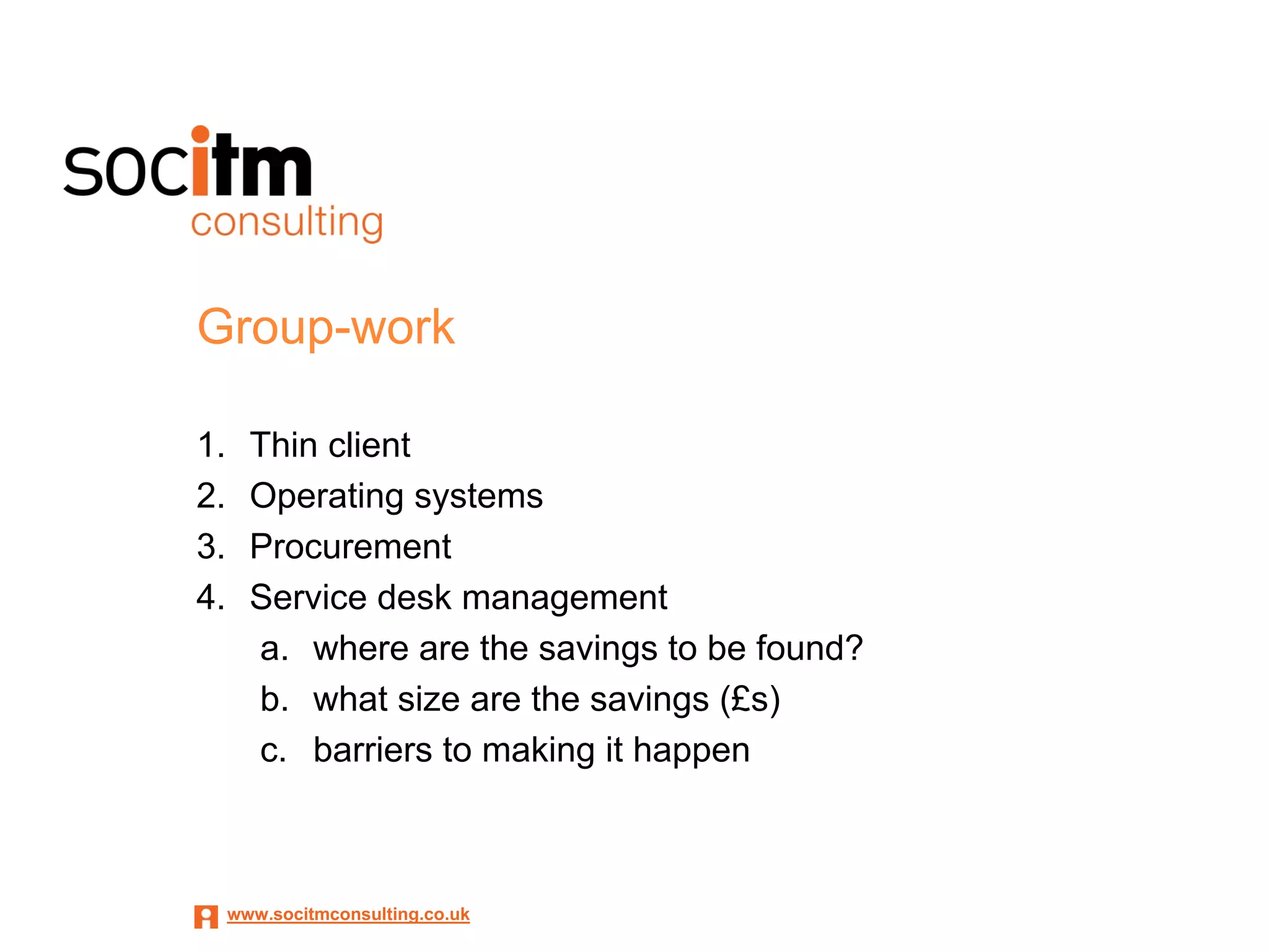
Group-work

1.     Thin client
2.     Operating systems
3.     Procurement
4.     Service desk management
       a. where are the savings to be found?
       b. what size are the savings (£s)
       c. barriers to making it happen


     www.socitmconsulting.co.uk
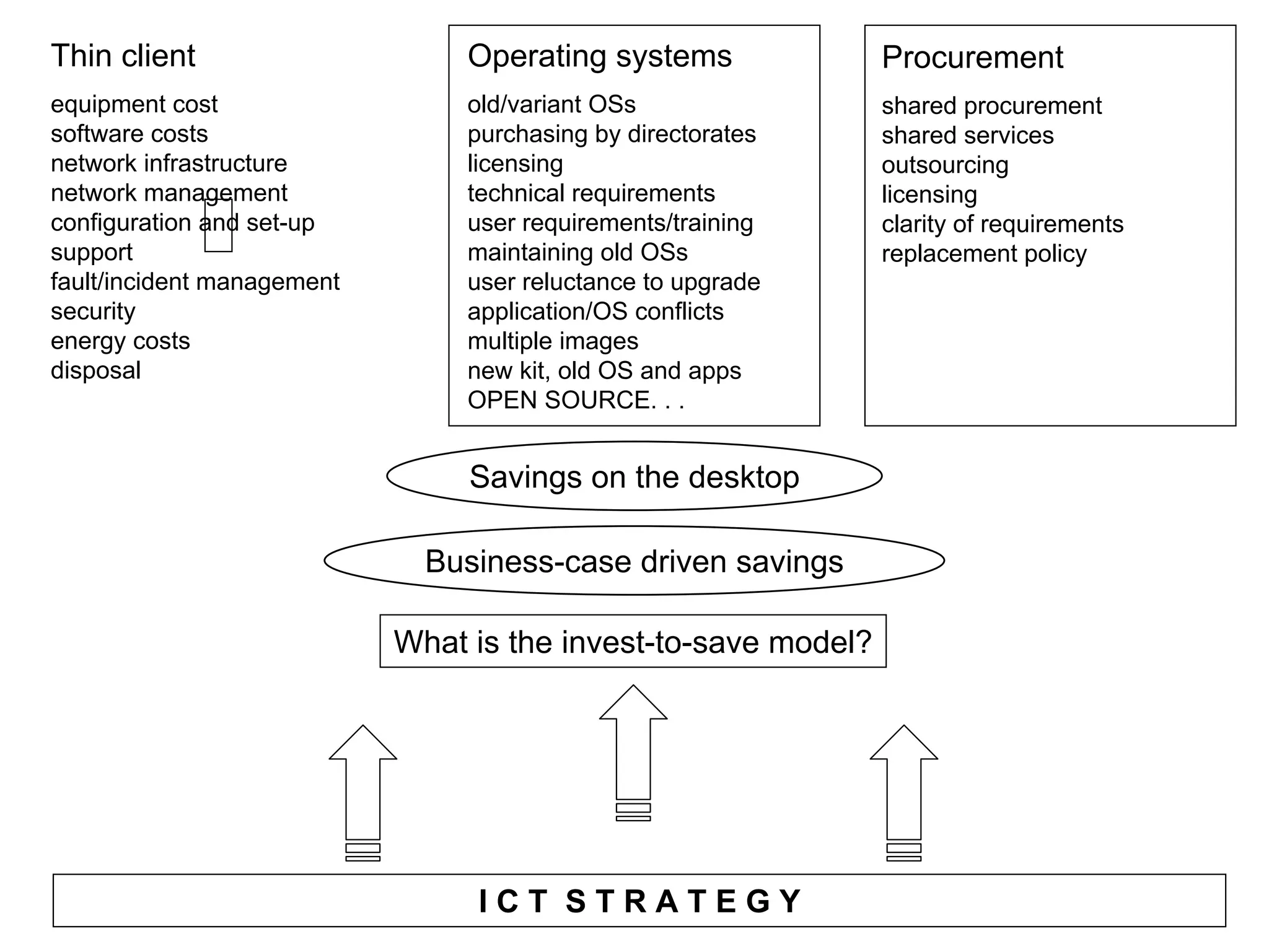
Thin client                             Operating systems            Procurement
equipment cost                          old/variant OSs              shared procurement
software costs                          purchasing by directorates   shared services
network infrastructure                  licensing                    outsourcing
network management                      technical requirements       licensing
configuration and set-up                user requirements/training   clarity of requirements
support                                 maintaining old OSs          replacement policy
fault/incident management               user reluctance to upgrade
security                                application/OS conflicts
energy costs                            multiple images
disposal                                new kit, old OS and apps
                                        OPEN SOURCE. . .


                                        Savings on the desktop

                                    Business-case driven savings

                                What is the invest-to-save model?


               www.socitmconsulting.co.uk   ICT STRATEGY
Thank you


For more information, contact:
Doug.maclean@socitmconsulting.co.uk


 www.socitmconsulting.co.uk

Doug Maclean - Socitm Consulting - 10 savings on the desktop

  • 1.
    Savings on thedesktop – an interactive session For more information go to: http://www.socitmconsulting.co.uk/story/reducing-cost-desktop www.socitmconsulting.co.uk
  • 2.
    Savings on theDesktop • This Workshop – What are the issues? – Where can cost be removed? – Some things to think about www.socitmconsulting.co.uk
  • 3.
    Savings on theDesktop • Where do the costs arise? – Network – Support – Procurement – etc www.socitmconsulting.co.uk
  • 4.
    Constraints Managing an inventoryof devices – Refresh cycles – Power users: GIS mapping admin; CAD • may need extra memory; chip-speed etc. – Netbooks; tablets; iPAD – Ruggedised devices – Smartphones – blackberries, windows mobile, iPhones etc. www.socitmconsulting.co.uk
  • 5.
    Constraints • Keeping devices and connections secure • Keeping patches deployed in a timely manner • Ensuring that appropriate applications are easily deployed, authorised and updated • Ensuring that any data accessed by / held on the device is secure www.socitmconsulting.co.uk
  • 6.
    Constraints • Validating information transferred from devices to the corporate WAN, e.g. photos • Ensuring that lost devices do not pose a security risk and be readily wiped • Easily identifying devices to which a patch or upgrade (e.g. to a business application) need to be deployed www.socitmconsulting.co.uk
  • 7.
    Constraints • “Connection Context” – deployment of applications – full application functionality when directly connected to the corporate WAN – slightly lower availability through secure VPN – minimum functionality when using and Internet café www.socitmconsulting.co.uk
  • 8.
    Constraints • Ensuring that all software is properly licensed • Managing applications which are deployed to a few or to occasional users, e.g. Project mgmt, and drawing software • Ensuring that relationships between projects are managed, e.g. where an application also requires a license for a database product www.socitmconsulting.co.uk
  • 9.
    Group-work 1. Thin client 2. Operating systems 3. Procurement 4. Service desk management a. where are the savings to be found? b. what size are the savings (£s) c. barriers to making it happen www.socitmconsulting.co.uk
  • 10.
    Thin client Operating systems Procurement equipment cost old/variant OSs shared procurement software costs purchasing by directorates shared services network infrastructure licensing outsourcing network management technical requirements licensing configuration and set-up user requirements/training clarity of requirements support maintaining old OSs replacement policy fault/incident management user reluctance to upgrade security application/OS conflicts energy costs multiple images disposal new kit, old OS and apps OPEN SOURCE. . . Savings on the desktop Business-case driven savings What is the invest-to-save model? www.socitmconsulting.co.uk ICT STRATEGY
  • 11.
    Thank you For moreinformation, contact: Doug.maclean@socitmconsulting.co.uk www.socitmconsulting.co.uk