DIGITAL VIDEO DATA SIZING AND
OBJECT BASED ANIMATION
S.Nandhini
II-MSC(CS&IT)
Nadar Saraswathi College Of Arts And Science
Theni
DIGITAL VIDEO DATA SIZING
 The amount of storage needed to capture and manage
digital video can be staggering.
 Graphic image that is 640 by pixels with bit color requires
nearly one megabyte for storage
 One minute requires nearly 1,620 mega bytes.
CALCULATING THE SIZE OF A DIGITAL VIDEO
STREAM
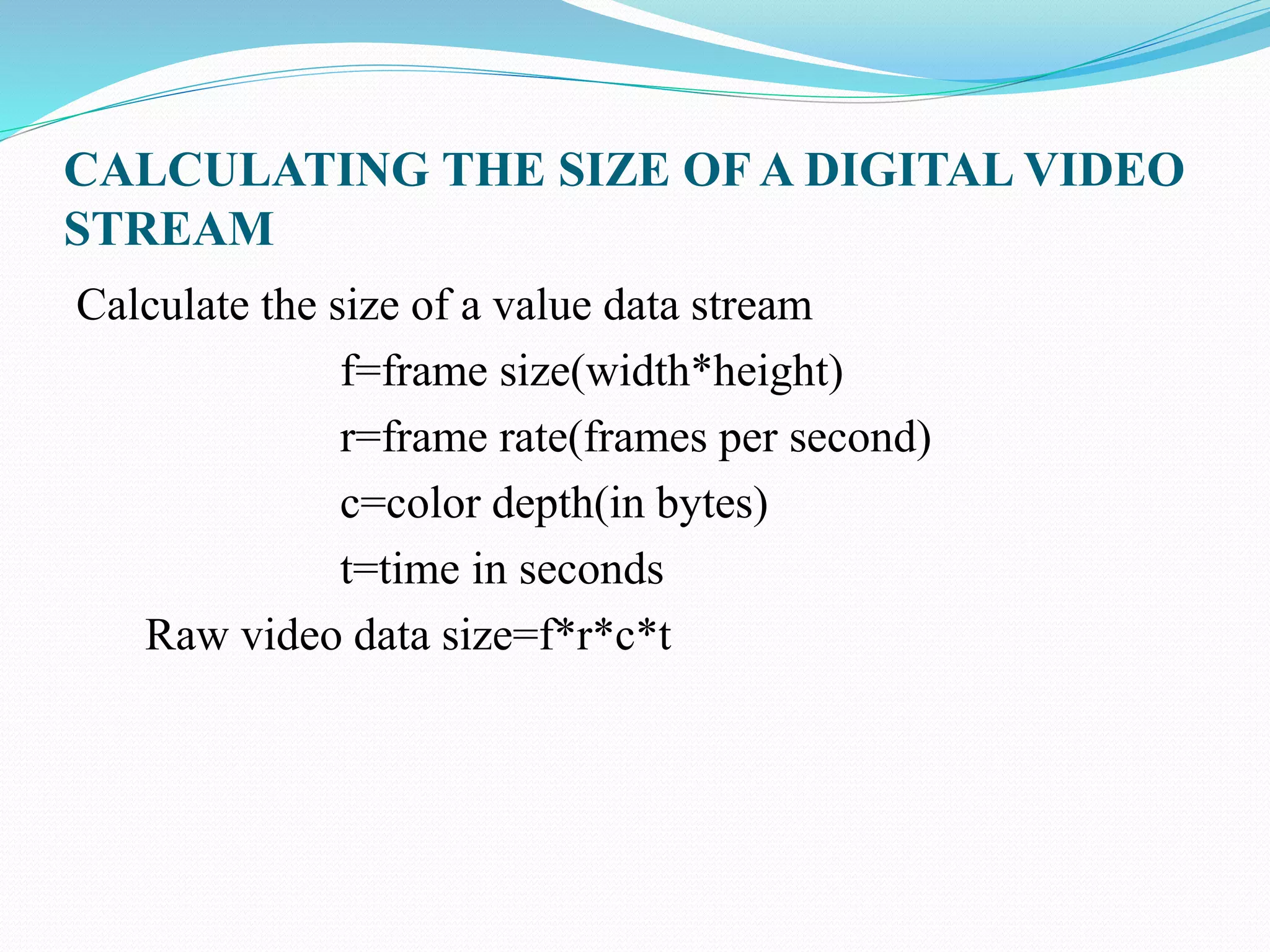
Calculate the size of a value data stream
f=frame size(width*height)
r=frame rate(frames per second)
c=color depth(in bytes)
t=time in seconds
Raw video data size=f*r*c*t
Managing Digital video file size
To reduce the amount of data down to a manageable level
we must one or more of the video characteristics
 frame rate
 frame size
 color depth
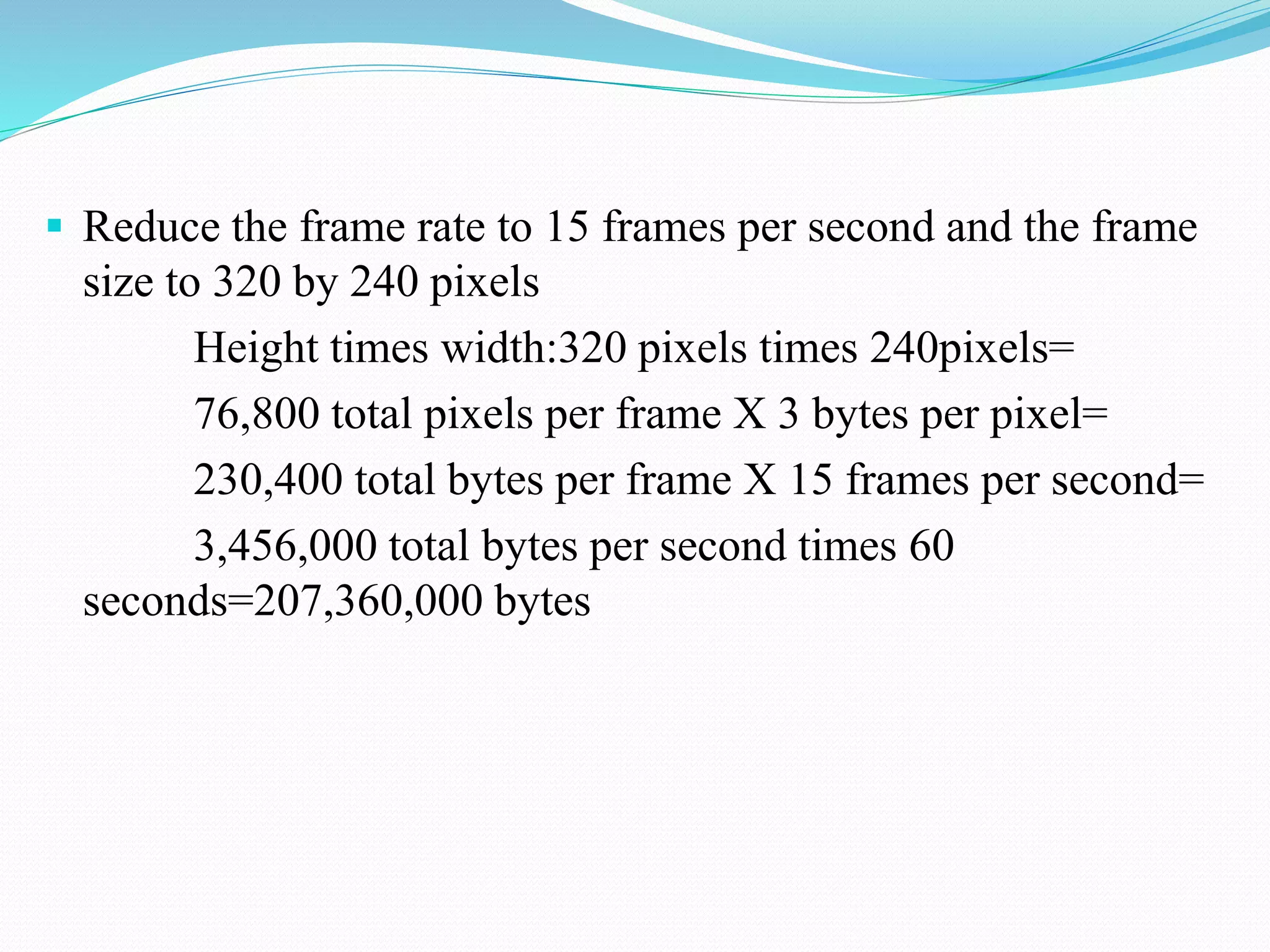
 Reduce the frame rate to 15 frames per second and the frame
size to 320 by 240 pixels
Height times width:320 pixels times 240pixels=
76,800 total pixels per frame X 3 bytes per pixel=
230,400 total bytes per frame X 15 frames per second=
3,456,000 total bytes per second times 60
seconds=207,360,000 bytes
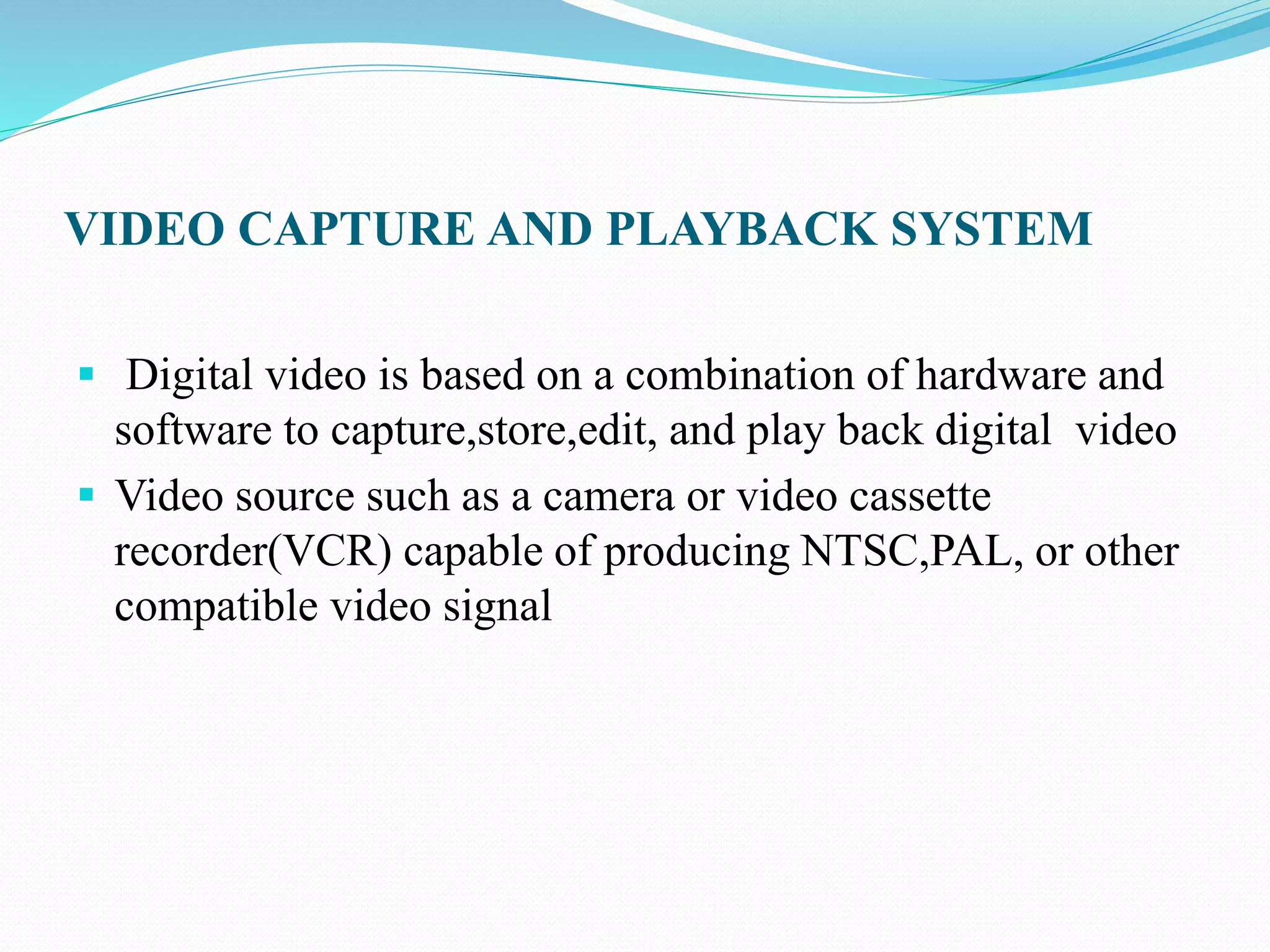
VIDEO CAPTURE AND PLAYBACK SYSTEM
 Digital video is based on a combination of hardware and
software to capture,store,edit, and play back digital video
 Video source such as a camera or video cassette
recorder(VCR) capable of producing NTSC,PAL, or other
compatible video signal
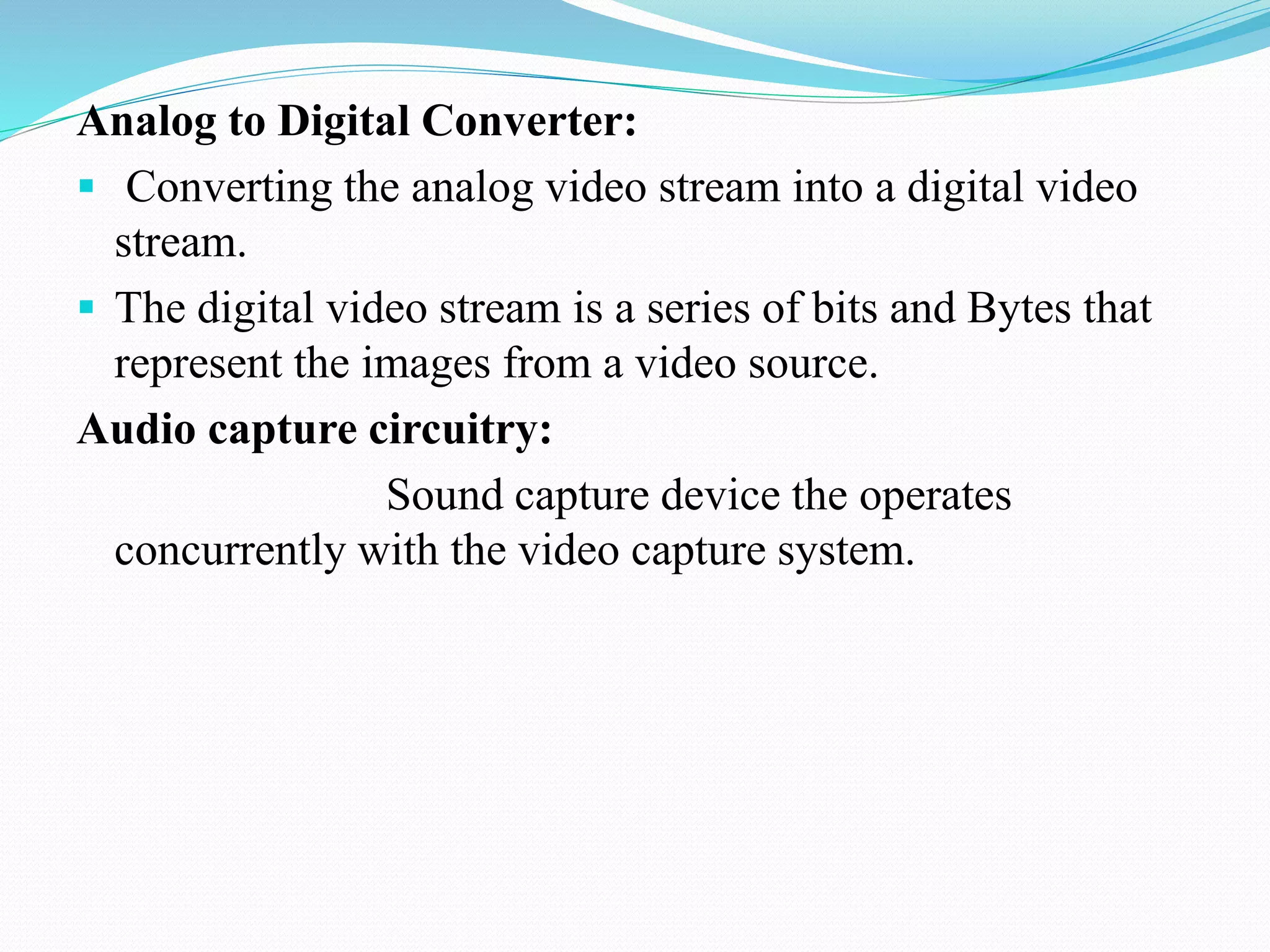
Analog to Digital Converter:
 Converting the analog video stream into a digital video
stream.
 The digital video stream is a series of bits and Bytes that
represent the images from a video source.
Audio capture circuitry:
Sound capture device the operates
concurrently with the video capture system.
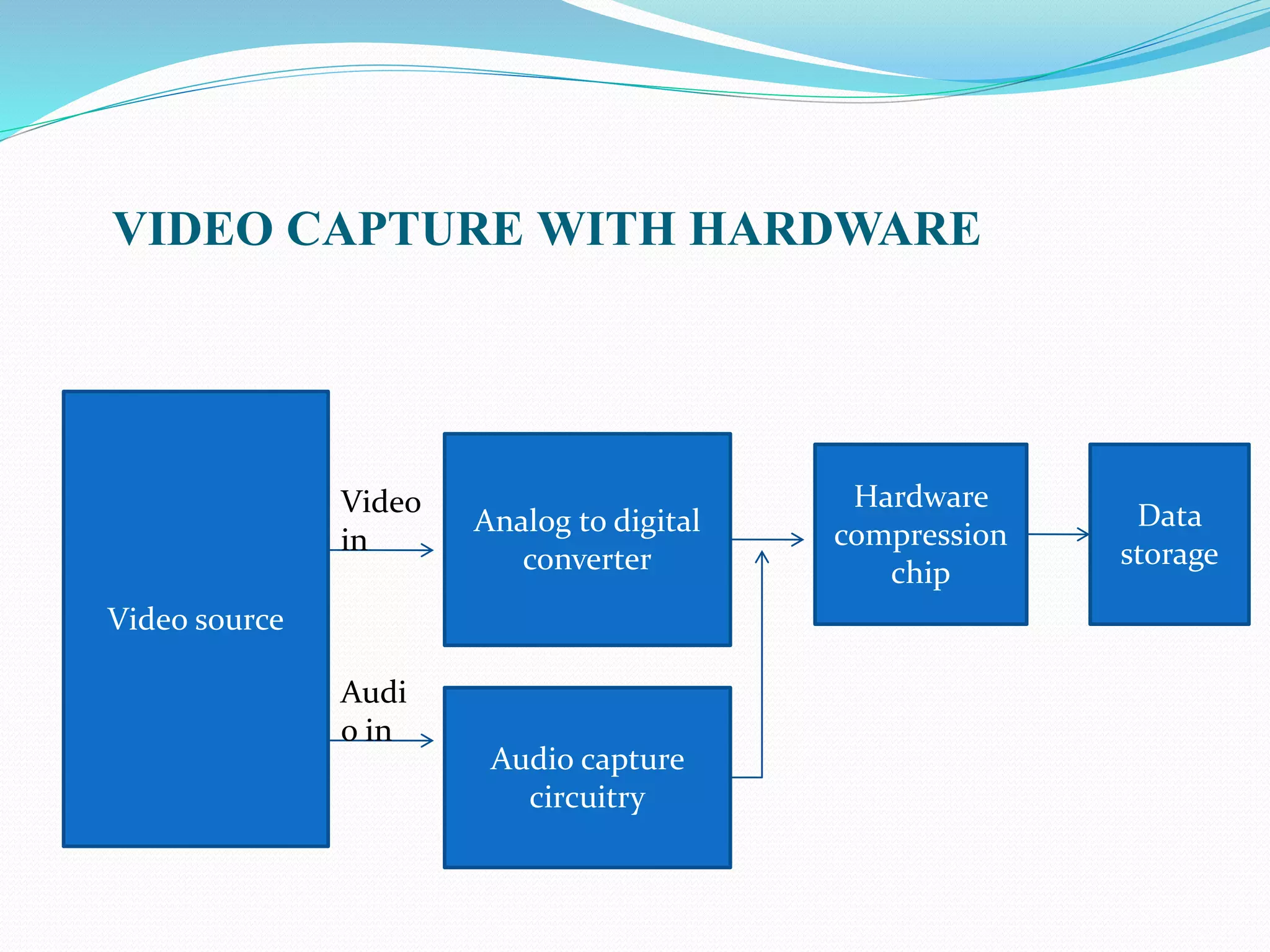
VIDEO CAPTURE WITH HARDWARE
Video source
Analog to digital
converter
Audio capture
circuitry
Hardware
compression
chip
Data
storage
Video
in
Audi
o in
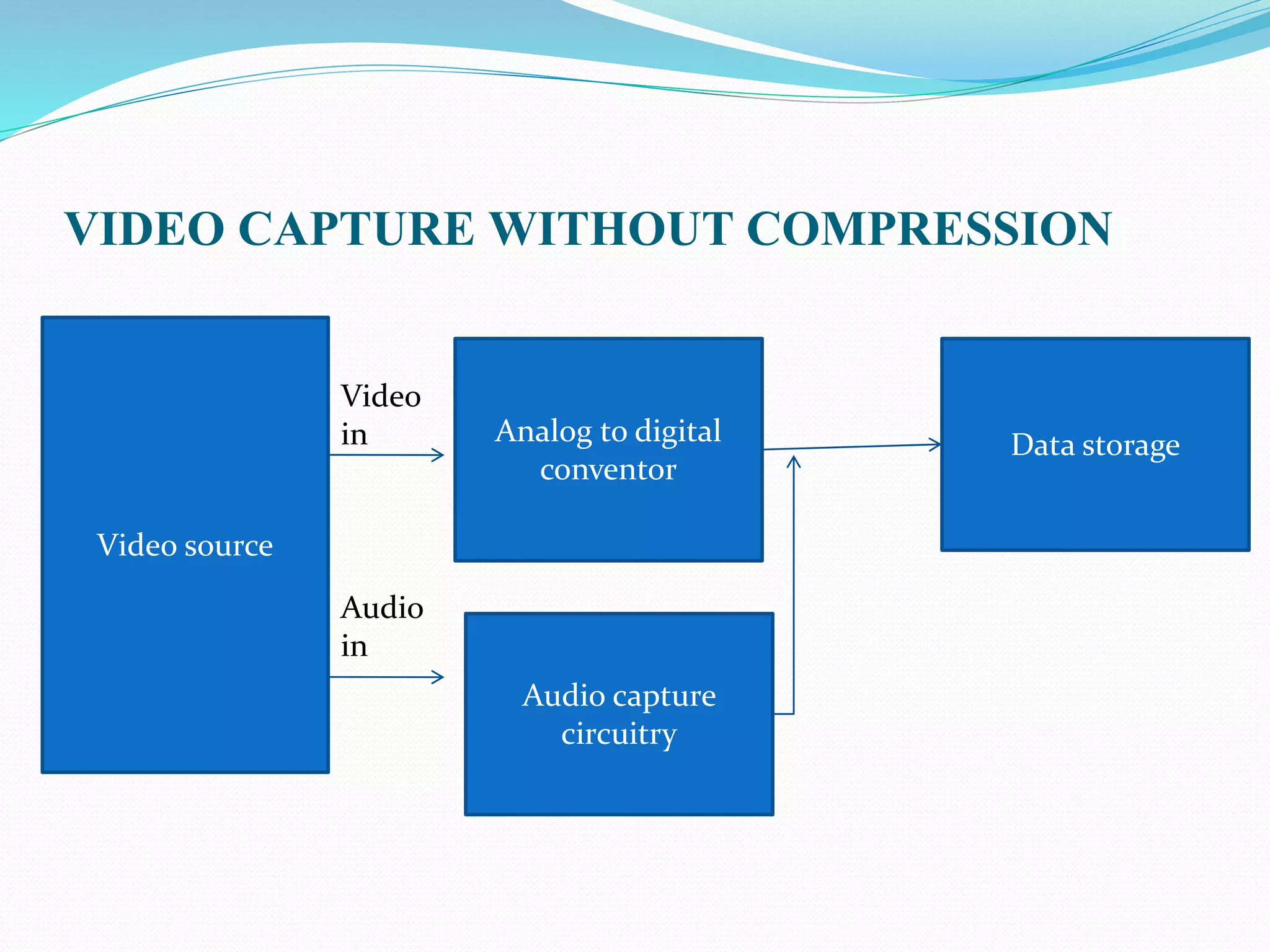
VIDEO CAPTURE WITHOUT COMPRESSION
Video source
Analog to digital
conventor
Audio capture
circuitry
Data storage
Video
in
Audio
in
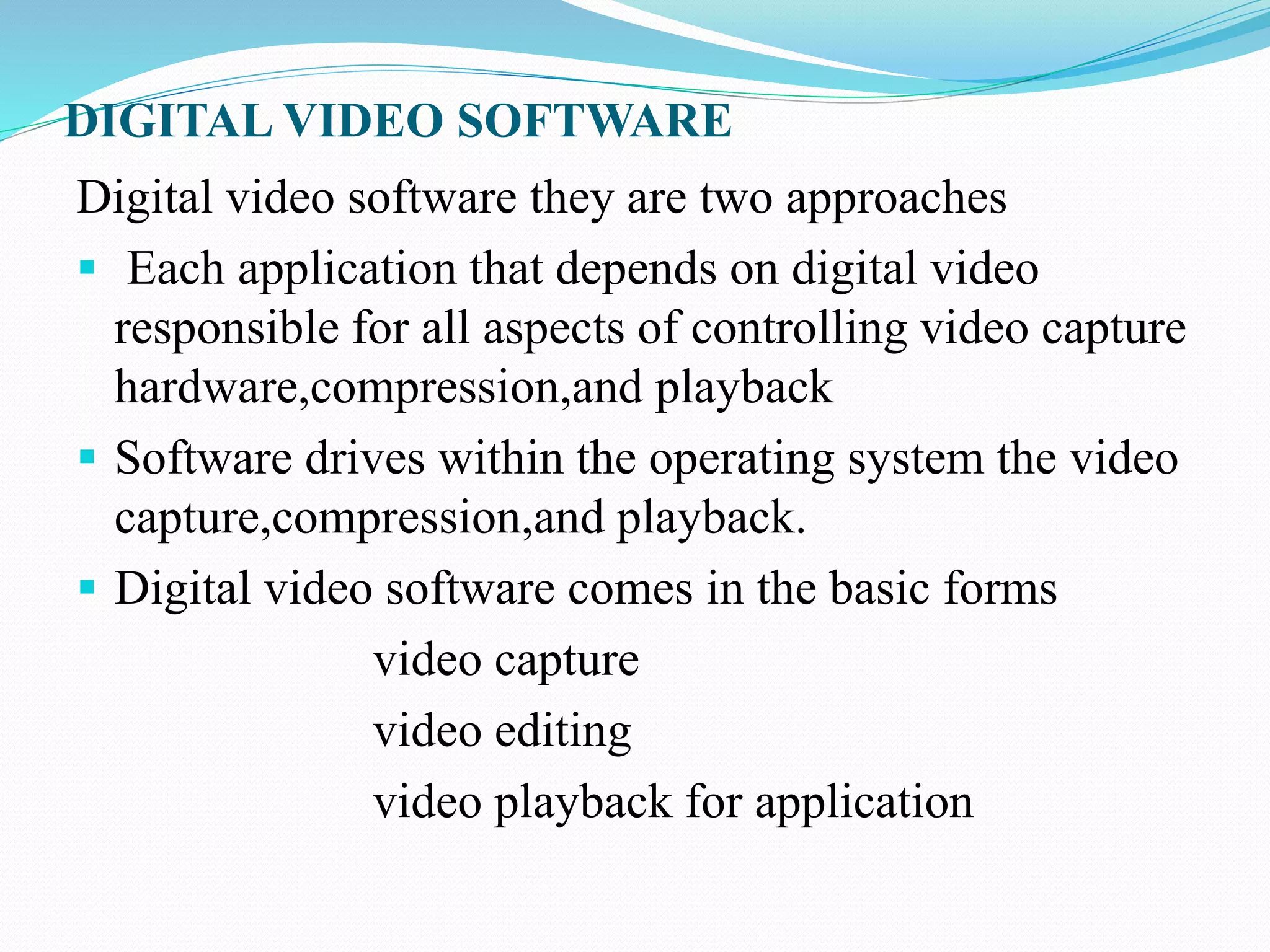
DIGITAL VIDEO SOFTWARE
Digital video software they are two approaches
 Each application that depends on digital video
responsible for all aspects of controlling video capture
hardware,compression,and playback
 Software drives within the operating system the video
capture,compression,and playback.
 Digital video software comes in the basic forms
video capture
video editing
video playback for application
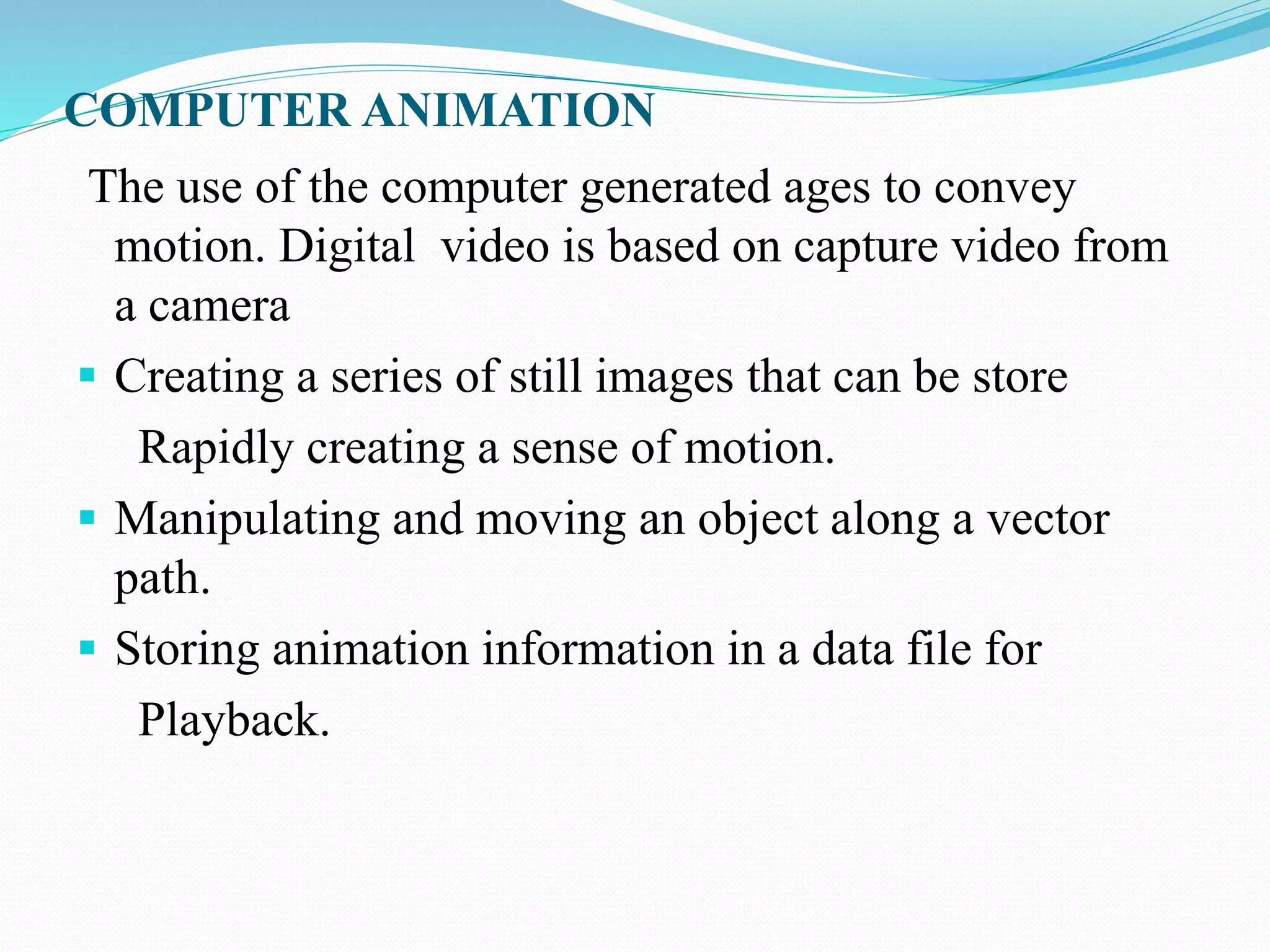
COMPUTER ANIMATION
The use of the computer generated ages to convey
motion. Digital video is based on capture video from
a camera
 Creating a series of still images that can be store
Rapidly creating a sense of motion.
 Manipulating and moving an object along a vector
path.
 Storing animation information in a data file for
Playback.
CREATING ANIMATION
 The previous image with a minute change that over time
and rapid playback presents an illusion of by the content
of the segment.
 Animation software tools enable developers to rapidly
build a succession of images by group objects and
managing backgrounds.
OBJECT BASED ANIMATION
Creating animation is the two or three dimensional
representations of real –world objects.
Objects can be manipulated by modifying the behavior of the
elements within the object
THANK YOU

DIGITAL VIDEO DATA SIZING AND OBJECT BASED ANIMATION

  • 1.
    DIGITAL VIDEO DATASIZING AND OBJECT BASED ANIMATION S.Nandhini II-MSC(CS&IT) Nadar Saraswathi College Of Arts And Science Theni
  • 2.
    DIGITAL VIDEO DATASIZING  The amount of storage needed to capture and manage digital video can be staggering.  Graphic image that is 640 by pixels with bit color requires nearly one megabyte for storage  One minute requires nearly 1,620 mega bytes.
  • 3.
    CALCULATING THE SIZEOF A DIGITAL VIDEO STREAM Calculate the size of a value data stream f=frame size(width*height) r=frame rate(frames per second) c=color depth(in bytes) t=time in seconds Raw video data size=f*r*c*t
  • 4.
    Managing Digital videofile size To reduce the amount of data down to a manageable level we must one or more of the video characteristics  frame rate  frame size  color depth
  • 5.
     Reduce theframe rate to 15 frames per second and the frame size to 320 by 240 pixels Height times width:320 pixels times 240pixels= 76,800 total pixels per frame X 3 bytes per pixel= 230,400 total bytes per frame X 15 frames per second= 3,456,000 total bytes per second times 60 seconds=207,360,000 bytes
  • 6.
    VIDEO CAPTURE ANDPLAYBACK SYSTEM  Digital video is based on a combination of hardware and software to capture,store,edit, and play back digital video  Video source such as a camera or video cassette recorder(VCR) capable of producing NTSC,PAL, or other compatible video signal
  • 7.
    Analog to DigitalConverter:  Converting the analog video stream into a digital video stream.  The digital video stream is a series of bits and Bytes that represent the images from a video source. Audio capture circuitry: Sound capture device the operates concurrently with the video capture system.
  • 8.
    VIDEO CAPTURE WITHHARDWARE Video source Analog to digital converter Audio capture circuitry Hardware compression chip Data storage Video in Audi o in
  • 9.
    VIDEO CAPTURE WITHOUTCOMPRESSION Video source Analog to digital conventor Audio capture circuitry Data storage Video in Audio in
  • 10.
    DIGITAL VIDEO SOFTWARE Digitalvideo software they are two approaches  Each application that depends on digital video responsible for all aspects of controlling video capture hardware,compression,and playback  Software drives within the operating system the video capture,compression,and playback.  Digital video software comes in the basic forms video capture video editing video playback for application
  • 11.
    COMPUTER ANIMATION The useof the computer generated ages to convey motion. Digital video is based on capture video from a camera  Creating a series of still images that can be store Rapidly creating a sense of motion.  Manipulating and moving an object along a vector path.  Storing animation information in a data file for Playback.
  • 12.
    CREATING ANIMATION  Theprevious image with a minute change that over time and rapid playback presents an illusion of by the content of the segment.  Animation software tools enable developers to rapidly build a succession of images by group objects and managing backgrounds.
  • 13.
    OBJECT BASED ANIMATION Creatinganimation is the two or three dimensional representations of real –world objects. Objects can be manipulated by modifying the behavior of the elements within the object
  • 14.