Chapter 1
Multimedia Fundamentals
-PRATIK MAN SINGH PRADHAN (WWW.PMSPRATIK.COM.NP)-
MMS2401 – MULTIMEDIA SYSTEMS & COMMUNICATIONS (3 CREDITS)
Introduction
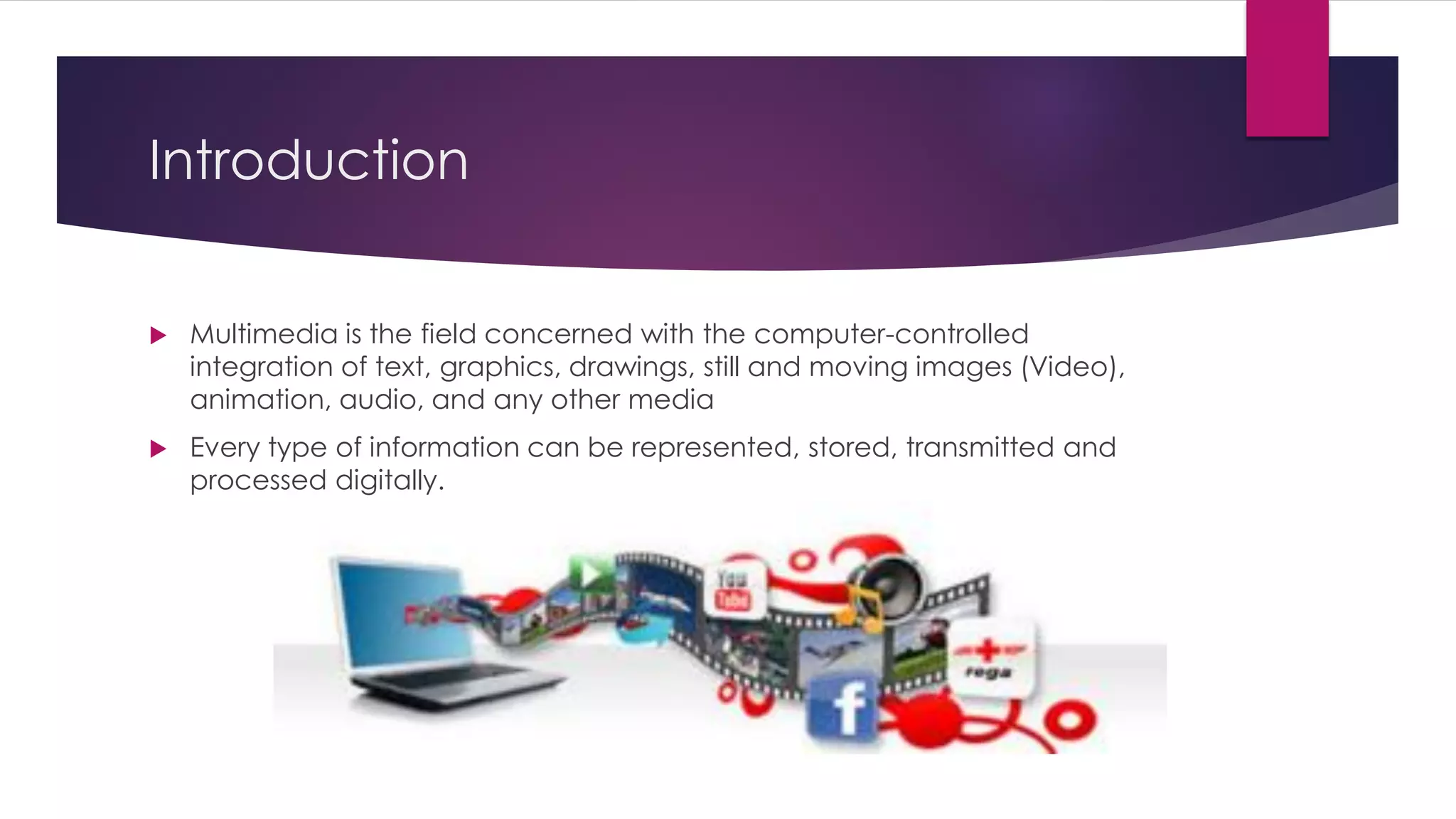
 Multimedia is the field concerned with the computer-controlled
integration of text, graphics, drawings, still and moving images (Video),
animation, audio, and any other media
 Every type of information can be represented, stored, transmitted and
processed digitally.
Concept and Structure
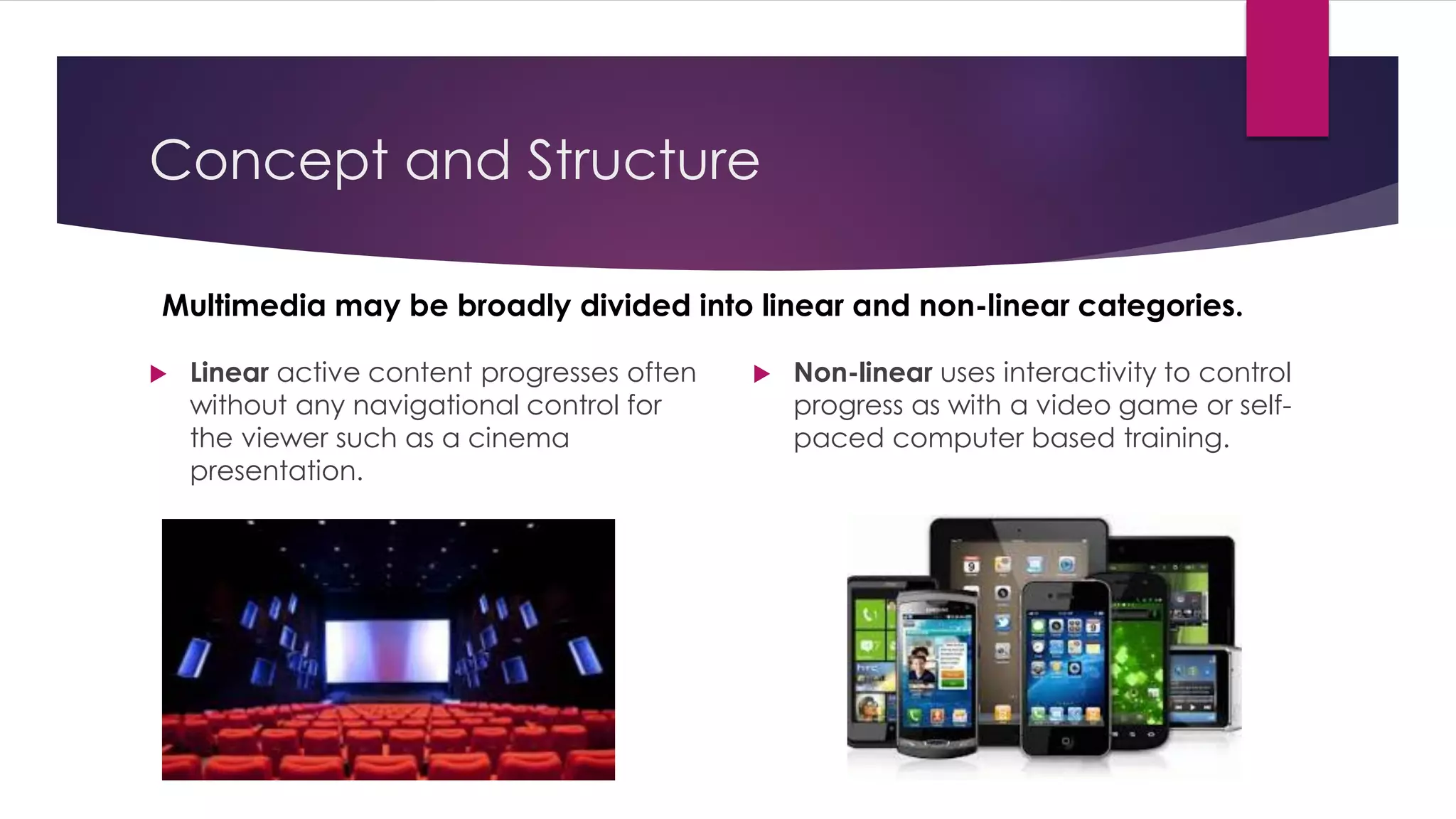
Multimedia may be broadly divided into linear and non-linear categories.
 Linear active content progresses often
without any navigational control for
the viewer such as a cinema
presentation.
 Non-linear uses interactivity to control
progress as with a video game or self-
paced computer based training.
Definition of Multimedia
 Multi = Numerous | Media = Medium | Multimedia = Multiple Modes of Mediums
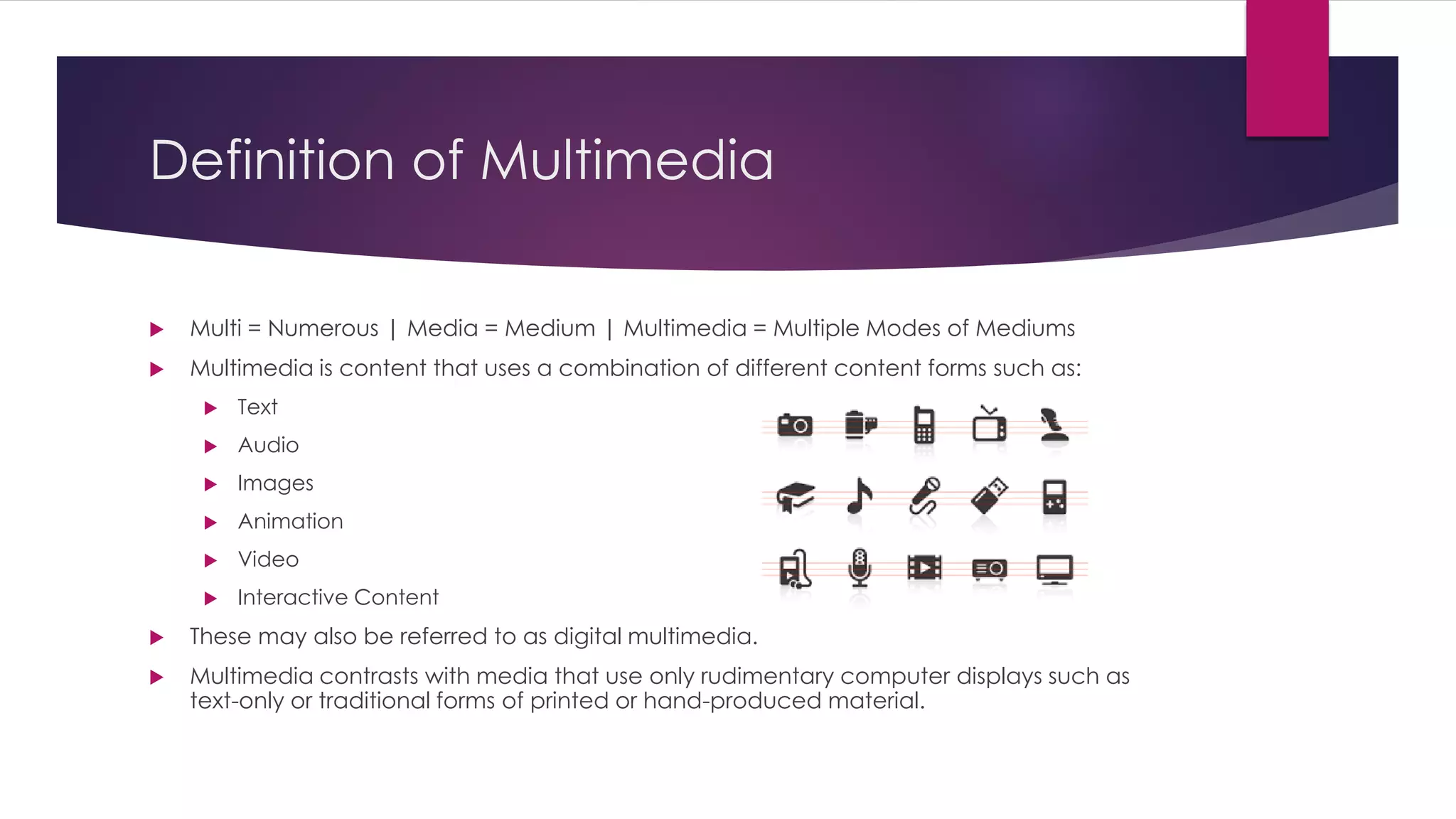
 Multimedia is content that uses a combination of different content forms such as:
 Text
 Audio
 Images
 Animation
 Video
 Interactive Content
 These may also be referred to as digital multimedia.
 Multimedia contrasts with media that use only rudimentary computer displays such as
text-only or traditional forms of printed or hand-produced material.
Characteristics of Multimedia Systems
 Multimedia systems must be computer controlled
 They are integrated
 The information they handle must be represented digitally
 The information to the final user may permit interactivity
Multimedia Data Elements
 Text
 Facsimile (Fax)
 Document Images
 Photographic Images
 Geographic Information System Maps (GIS Maps)
 Voice Command and Synthesis
 Audio Messages
 Music
 Graphics
 Moving Graphics (Animation)
 Full motion stored and Live Videos
 Holographic Images
 Fractals (Digital Computer Generated Patterns)
Classification of Multimedia Data
 Captured versus Synthesized
 Media captured from real-world
 Synthesized by computers
 Discrete versus continuous media
 Discrete space-based only
 Continuous space-based and time-based E.g. Animation, Motion Video
Traditional Media Data Stream
 Traditional data stream of media used separate devices instead of one
and use analog signals, reels and films to store in information.
 TV, Radio, Film and Print are considered as traditional Medias
Traditional Media Data Stream
Characteristics
 Separate storage mediums for separate medias
 Separate playback devices for each media
 Fully based on analog or mechanical signals
 Losses quality over time
 Linear method of storage
 Takes of more space compares to digital media
Benefits of Multimedia System
 Easy to understand and easy to use
 Integrated and interactive
 Conductive and cooperative work environment
 Flexible
 Supportive of large audience
Challenges of Multimedia System
Design
 Host computing power requirement
 Data storage and management requirements
 Human Interface usability requirements
 Network latency and throughput requirements
Forms of
Multimedia
 Text
 Graphics
 Audio
 Video/Animation
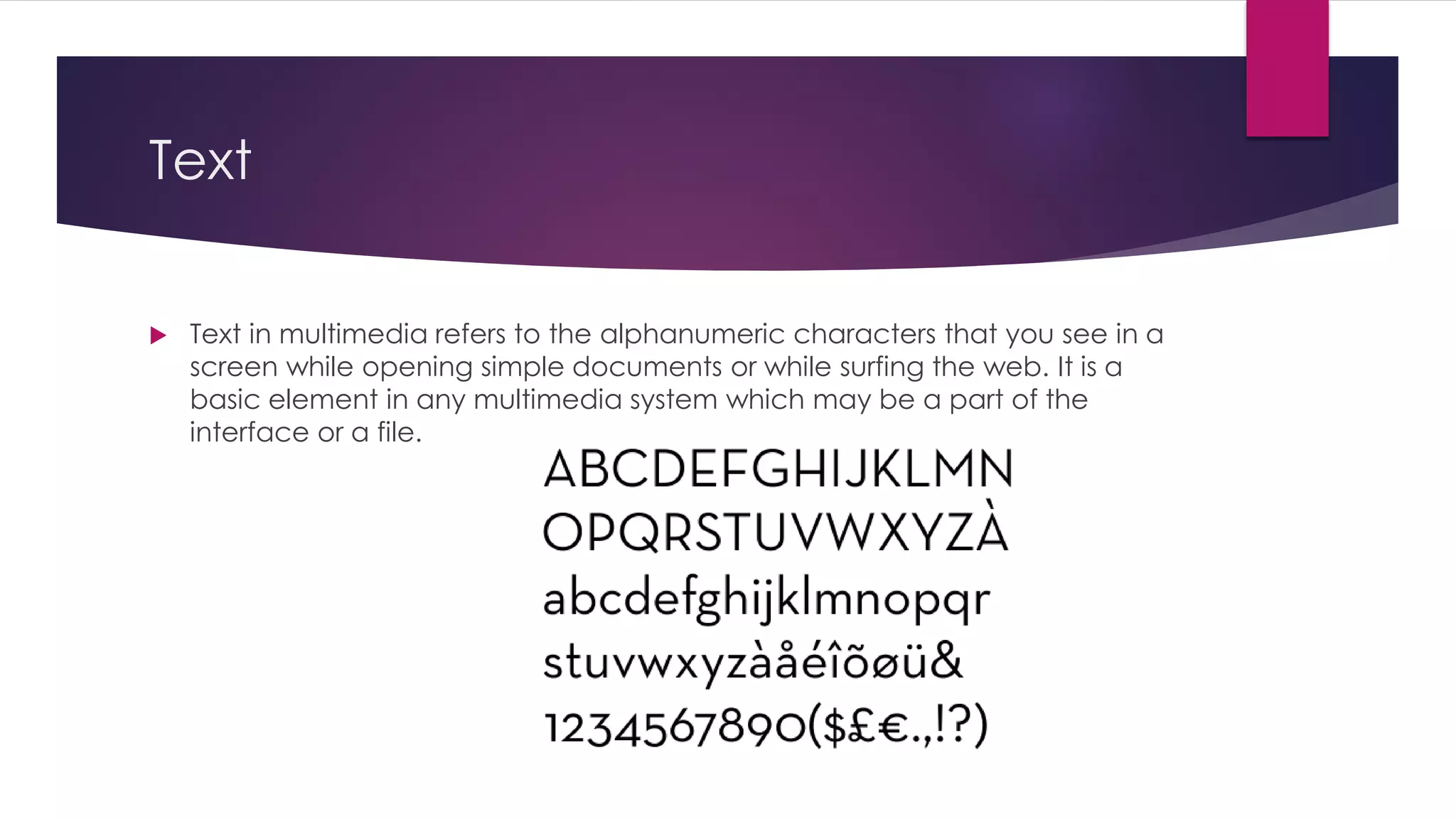
Text
 Text in multimedia refers to the alphanumeric characters that you see in a
screen while opening simple documents or while surfing the web. It is a
basic element in any multimedia system which may be a part of the
interface or a file.
Graphics
 Graphics in multimedia are the image files that may be pictures, buttons,
cursor, icons and other designed elements such as logos or banners. They
may be raster or vector graphics.
Audio
 Audio in multimedia refers to sound files that may be music, voice or sound
effects. They are recorded via audio capturing devices and are stored
digitally.
Video/Animation
 Video is a collection of moving images with or without sound that give the
viewer an illusion that the image is moving on screen. Video in multimedia
refers to recorded videos such as film, documentaries and computer
generated animations.
Video
 Videos in specific refers to recorded footages that may be from a camera
or webcam and is not digitally produced.
Animation
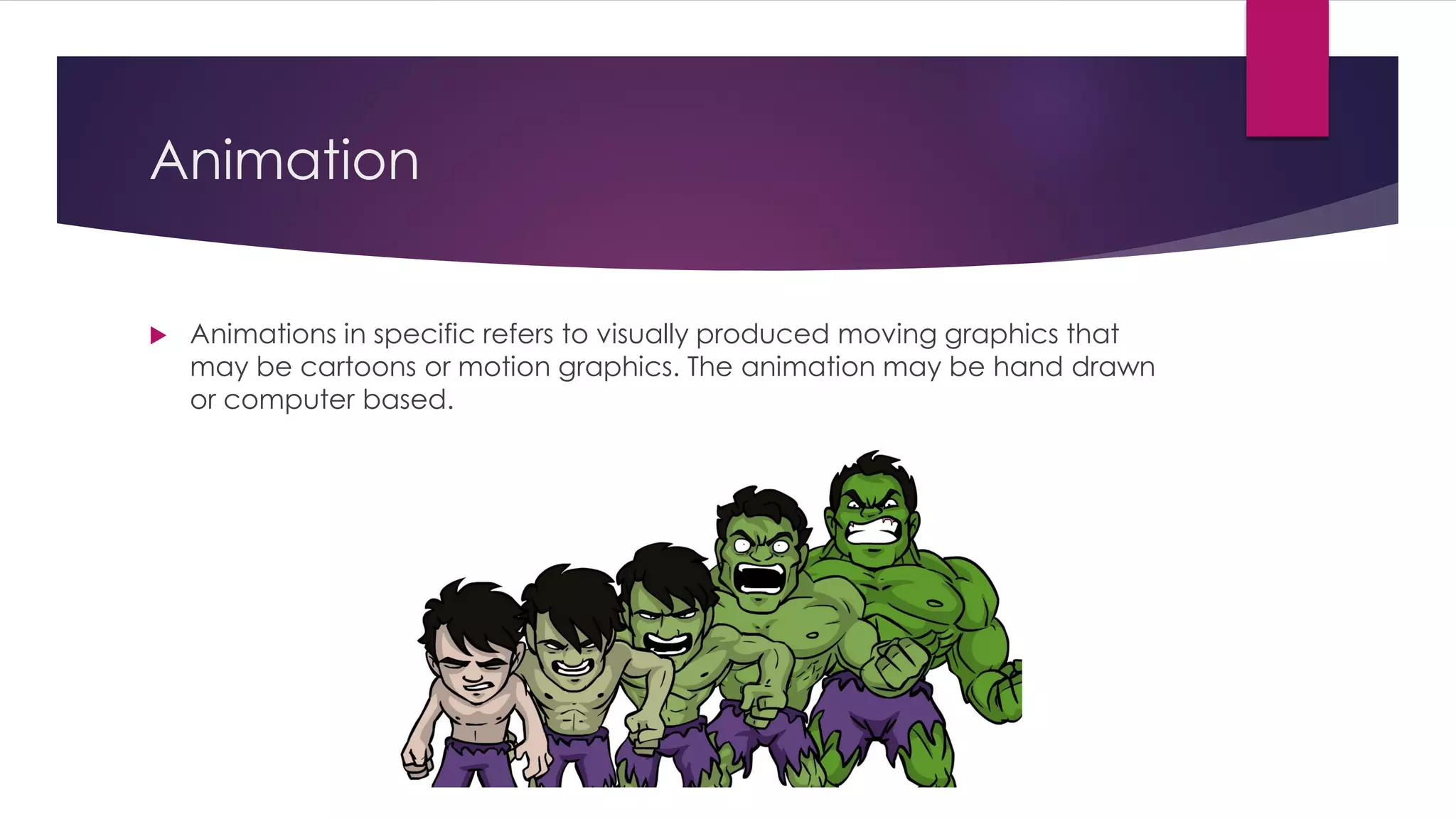
 Animations in specific refers to visually produced moving graphics that
may be cartoons or motion graphics. The animation may be hand drawn
or computer based.
Computer Based Animation
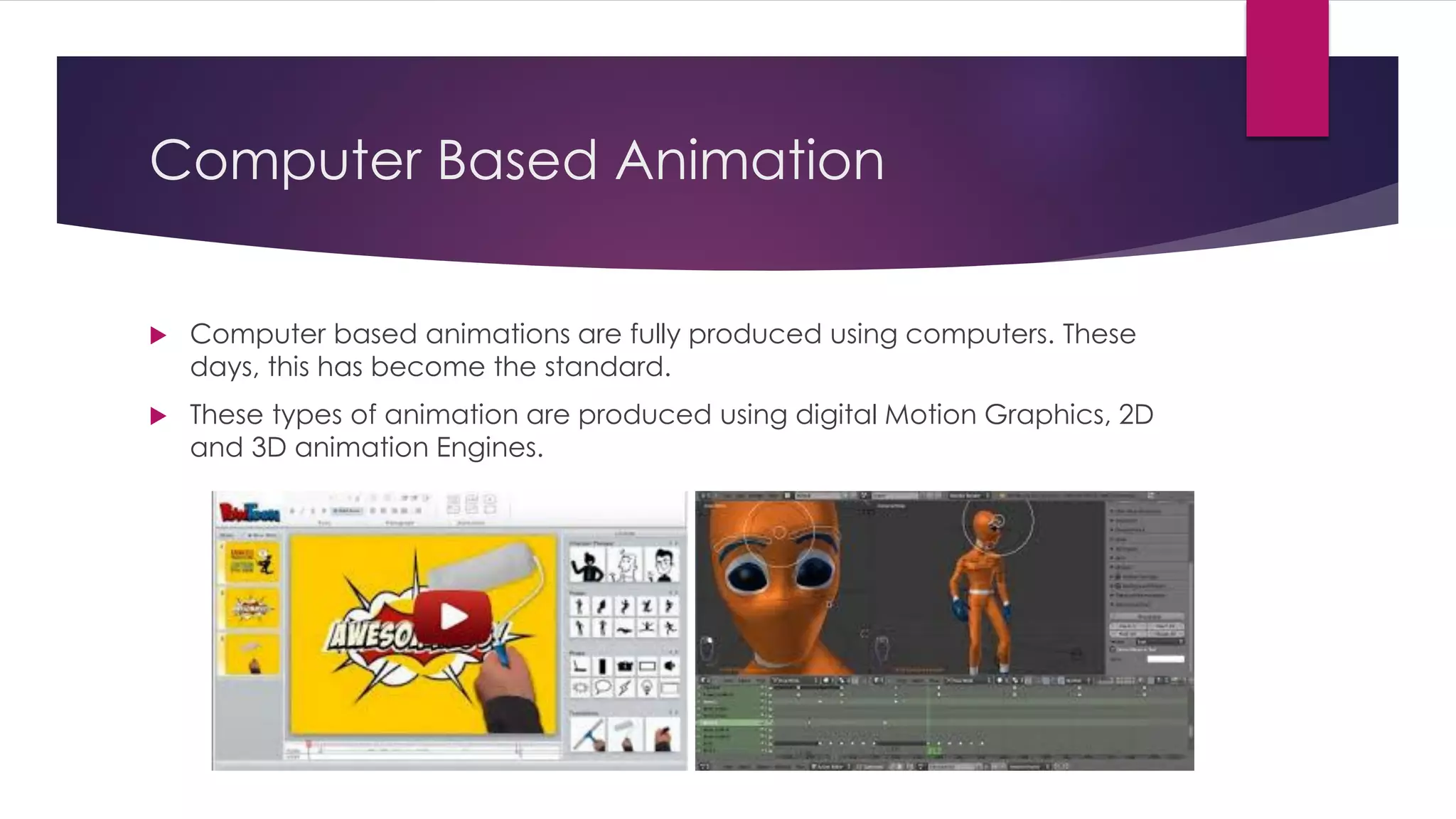
 Computer based animations are fully produced using computers. These
days, this has become the standard.
 These types of animation are produced using digital Motion Graphics, 2D
and 3D animation Engines.
Computer
Based
Animation Steps
1. Concept Design
2. Story Outline
3. Script
4. Storyboard
5. Animatic
6. Design/Model
7. Texture/Shadows
8. Lighting
9. Camera Setup
10. Key frames
11. Refining
12. Render
13. Edit
14. Export
Key-frames
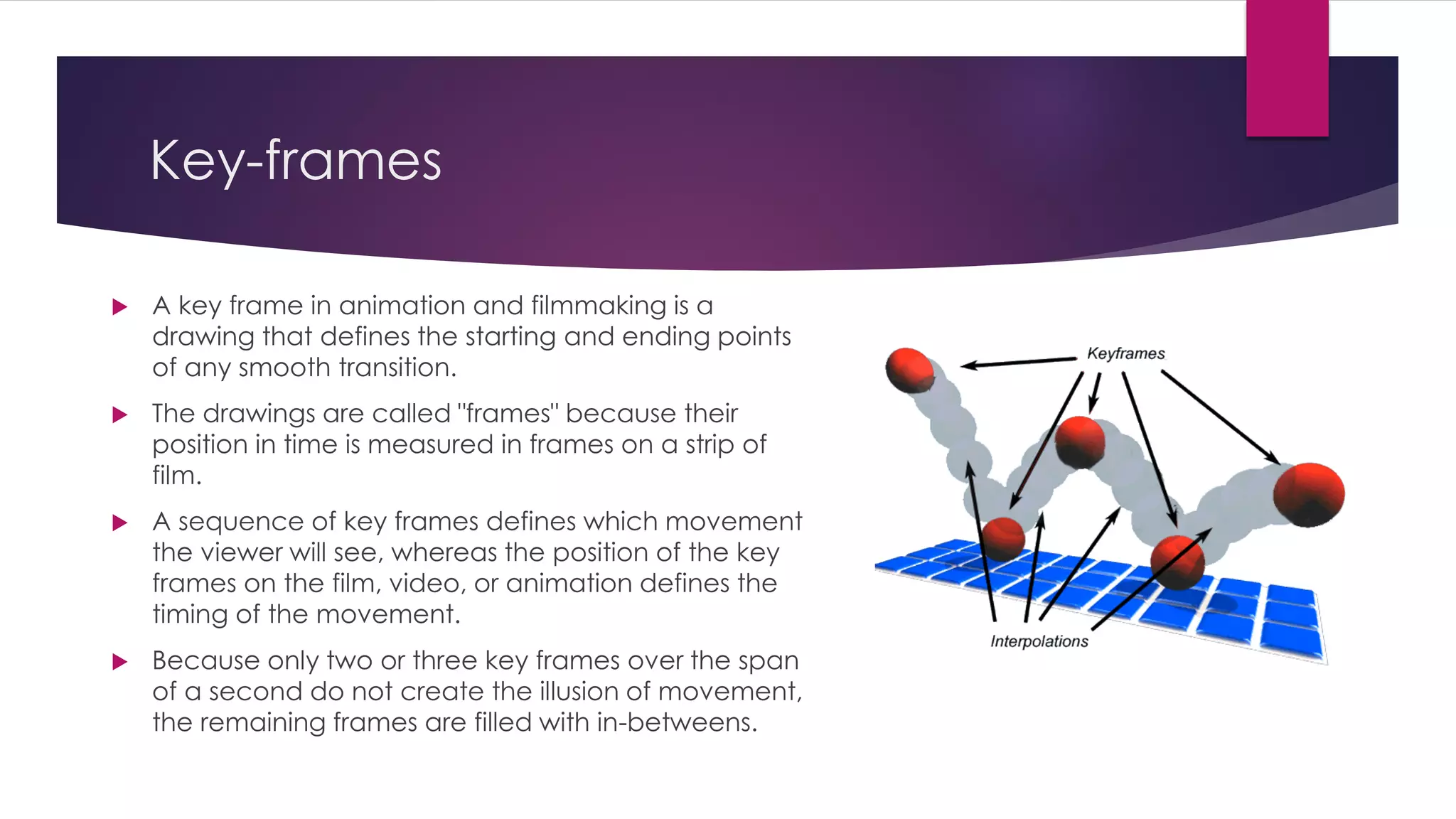
 A key frame in animation and filmmaking is a
drawing that defines the starting and ending points
of any smooth transition.
 The drawings are called "frames" because their
position in time is measured in frames on a strip of
film.
 A sequence of key frames defines which movement
the viewer will see, whereas the position of the key
frames on the film, video, or animation defines the
timing of the movement.
 Because only two or three key frames over the span
of a second do not create the illusion of movement,
the remaining frames are filled with in-betweens.
In-between Frames
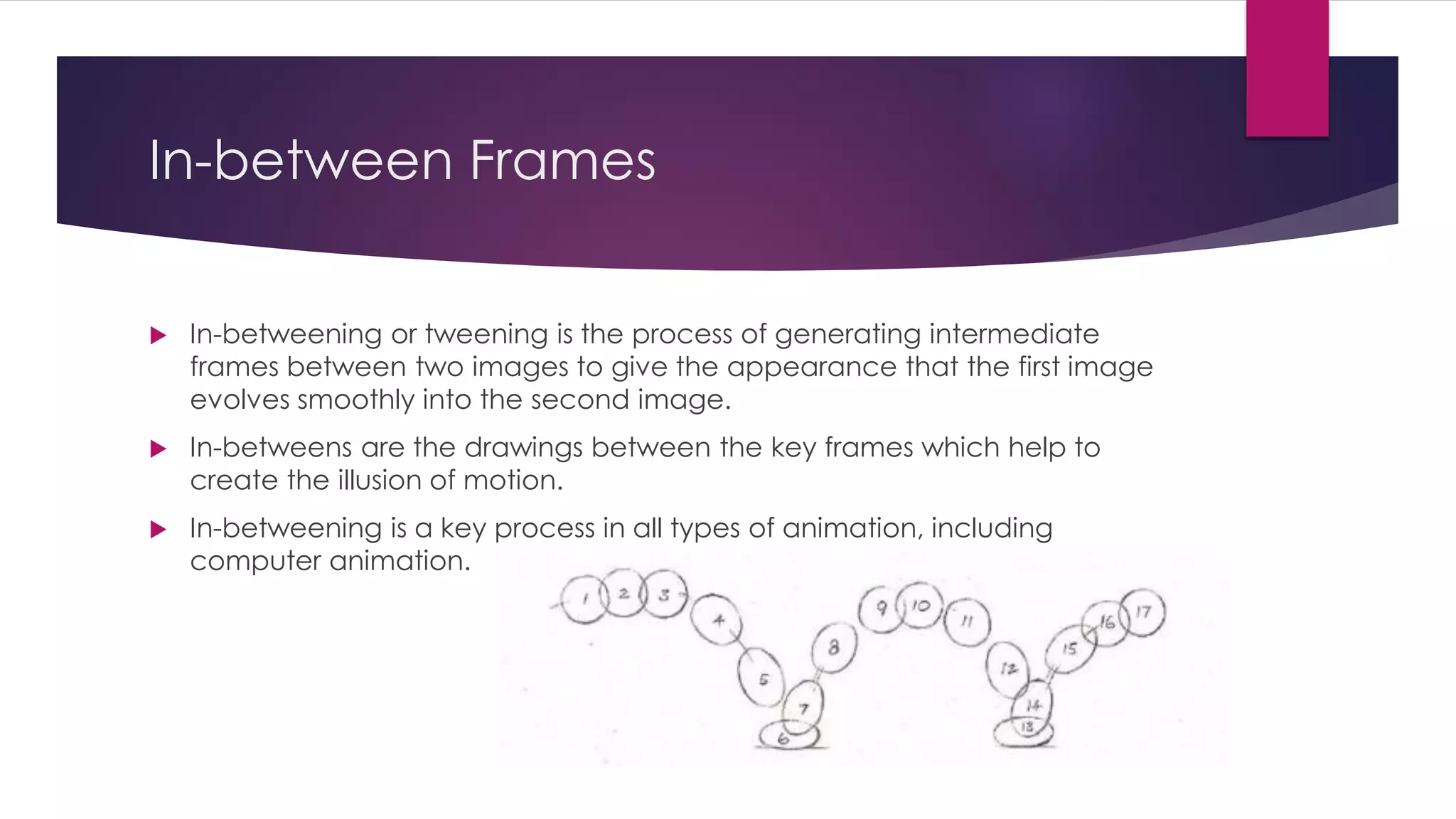
 In-betweening or tweening is the process of generating intermediate
frames between two images to give the appearance that the first image
evolves smoothly into the second image.
 In-betweens are the drawings between the key frames which help to
create the illusion of motion.
 In-betweening is a key process in all types of animation, including
computer animation.
Visual Effects Motion
 In filmmaking, visual effects (abbreviated VFX) are the processes by which
imagery is created and/or manipulated outside the context of a live
action shot.
 Visual effects involve the integration of live-action footage and generated
imagery to create environments which look realistic, but would be
dangerous, expensive, impractical, or simply impossible to capture on film
 Visual effects using computer generated imagery have recently become
accessible to the independent filmmaker with the introduction of
affordable and easy-to-use animation and compositing software.
 The possibility of smooth Visual effects motion came with the development
of high end multi-core Graphics Cards.
Different Methods of Controlling
Animation
 Key Framing
 Using key poses for shapes and characters.
 This is the most simple way for animation
 Motion Paths
 Uses an animation technique that uses a pathway for the animation to follow
 Used for a bit more complex movements
 Parametric Motion Control
 By using programming languages
 Such as MEL/Python for Autodesk Maya, Expressions for Adobe After Effects
 Initially hard to use but saves a lot of time for complex motions

Chapter 1 - Multimedia Fundamentals

  • 1.
    Chapter 1 Multimedia Fundamentals -PRATIKMAN SINGH PRADHAN (WWW.PMSPRATIK.COM.NP)- MMS2401 – MULTIMEDIA SYSTEMS & COMMUNICATIONS (3 CREDITS)
  • 2.
    Introduction  Multimedia isthe field concerned with the computer-controlled integration of text, graphics, drawings, still and moving images (Video), animation, audio, and any other media  Every type of information can be represented, stored, transmitted and processed digitally.
  • 3.
    Concept and Structure Multimediamay be broadly divided into linear and non-linear categories.  Linear active content progresses often without any navigational control for the viewer such as a cinema presentation.  Non-linear uses interactivity to control progress as with a video game or self- paced computer based training.
  • 4.
    Definition of Multimedia Multi = Numerous | Media = Medium | Multimedia = Multiple Modes of Mediums  Multimedia is content that uses a combination of different content forms such as:  Text  Audio  Images  Animation  Video  Interactive Content  These may also be referred to as digital multimedia.  Multimedia contrasts with media that use only rudimentary computer displays such as text-only or traditional forms of printed or hand-produced material.
  • 5.
    Characteristics of MultimediaSystems  Multimedia systems must be computer controlled  They are integrated  The information they handle must be represented digitally  The information to the final user may permit interactivity
  • 6.
    Multimedia Data Elements Text  Facsimile (Fax)  Document Images  Photographic Images  Geographic Information System Maps (GIS Maps)  Voice Command and Synthesis  Audio Messages  Music  Graphics  Moving Graphics (Animation)  Full motion stored and Live Videos  Holographic Images  Fractals (Digital Computer Generated Patterns)
  • 7.
    Classification of MultimediaData  Captured versus Synthesized  Media captured from real-world  Synthesized by computers  Discrete versus continuous media  Discrete space-based only  Continuous space-based and time-based E.g. Animation, Motion Video
  • 8.
    Traditional Media DataStream  Traditional data stream of media used separate devices instead of one and use analog signals, reels and films to store in information.  TV, Radio, Film and Print are considered as traditional Medias
  • 9.
    Traditional Media DataStream Characteristics  Separate storage mediums for separate medias  Separate playback devices for each media  Fully based on analog or mechanical signals  Losses quality over time  Linear method of storage  Takes of more space compares to digital media
  • 10.
    Benefits of MultimediaSystem  Easy to understand and easy to use  Integrated and interactive  Conductive and cooperative work environment  Flexible  Supportive of large audience
  • 11.
    Challenges of MultimediaSystem Design  Host computing power requirement  Data storage and management requirements  Human Interface usability requirements  Network latency and throughput requirements
  • 12.
    Forms of Multimedia  Text Graphics  Audio  Video/Animation
  • 13.
    Text  Text inmultimedia refers to the alphanumeric characters that you see in a screen while opening simple documents or while surfing the web. It is a basic element in any multimedia system which may be a part of the interface or a file.
  • 14.
    Graphics  Graphics inmultimedia are the image files that may be pictures, buttons, cursor, icons and other designed elements such as logos or banners. They may be raster or vector graphics.
  • 15.
    Audio  Audio inmultimedia refers to sound files that may be music, voice or sound effects. They are recorded via audio capturing devices and are stored digitally.
  • 16.
    Video/Animation  Video isa collection of moving images with or without sound that give the viewer an illusion that the image is moving on screen. Video in multimedia refers to recorded videos such as film, documentaries and computer generated animations.
  • 17.
    Video  Videos inspecific refers to recorded footages that may be from a camera or webcam and is not digitally produced.
  • 18.
    Animation  Animations inspecific refers to visually produced moving graphics that may be cartoons or motion graphics. The animation may be hand drawn or computer based.
  • 19.
    Computer Based Animation Computer based animations are fully produced using computers. These days, this has become the standard.  These types of animation are produced using digital Motion Graphics, 2D and 3D animation Engines.
  • 20.
    Computer Based Animation Steps 1. ConceptDesign 2. Story Outline 3. Script 4. Storyboard 5. Animatic 6. Design/Model 7. Texture/Shadows 8. Lighting 9. Camera Setup 10. Key frames 11. Refining 12. Render 13. Edit 14. Export
  • 21.
    Key-frames  A keyframe in animation and filmmaking is a drawing that defines the starting and ending points of any smooth transition.  The drawings are called "frames" because their position in time is measured in frames on a strip of film.  A sequence of key frames defines which movement the viewer will see, whereas the position of the key frames on the film, video, or animation defines the timing of the movement.  Because only two or three key frames over the span of a second do not create the illusion of movement, the remaining frames are filled with in-betweens.
  • 22.
    In-between Frames  In-betweeningor tweening is the process of generating intermediate frames between two images to give the appearance that the first image evolves smoothly into the second image.  In-betweens are the drawings between the key frames which help to create the illusion of motion.  In-betweening is a key process in all types of animation, including computer animation.
  • 23.
    Visual Effects Motion In filmmaking, visual effects (abbreviated VFX) are the processes by which imagery is created and/or manipulated outside the context of a live action shot.  Visual effects involve the integration of live-action footage and generated imagery to create environments which look realistic, but would be dangerous, expensive, impractical, or simply impossible to capture on film  Visual effects using computer generated imagery have recently become accessible to the independent filmmaker with the introduction of affordable and easy-to-use animation and compositing software.  The possibility of smooth Visual effects motion came with the development of high end multi-core Graphics Cards.
  • 24.
    Different Methods ofControlling Animation  Key Framing  Using key poses for shapes and characters.  This is the most simple way for animation  Motion Paths  Uses an animation technique that uses a pathway for the animation to follow  Used for a bit more complex movements  Parametric Motion Control  By using programming languages  Such as MEL/Python for Autodesk Maya, Expressions for Adobe After Effects  Initially hard to use but saves a lot of time for complex motions