

Salisbury Township School District Allentown, Pennsylvania  Jennifer L. Aponick, Supervisor of Special Education  Jennifer Brinson, Instructional Coach + One Size Does Not Fit All:  Fostering 21 st  Century Learning
Change in Philosophy From teaching content to teaching students Inquiry-based Collaboration Authentic learning and assessment Realization about what’s important  Essential questions Big ideas Overarching ideas +
+
Differentiated Instruction  Flexible approach to teaching with varied approaches to  content ,  process , and  product  in anticipation and response to student differences in readiness, interests, and learning needs (Tomlinson, 1995)  Technology Integration serves as an excellent vehicle to help educators achieve the goal of differentiating instruction +
www.challengeyourstudents.org   +
Differentiated Instruction Principles  Acceptance and respect of differences Materials and tasks at varied level of difficulty  Motivates students to work to their highest potential Meaningful learning that emphasizes essential questions Teachers who serve as facilitators of learning and use an array of strategies that connect instruction to student needs Instruction is guided by on-going assessments Integrating technology can meet these differentiated instruction strategies +
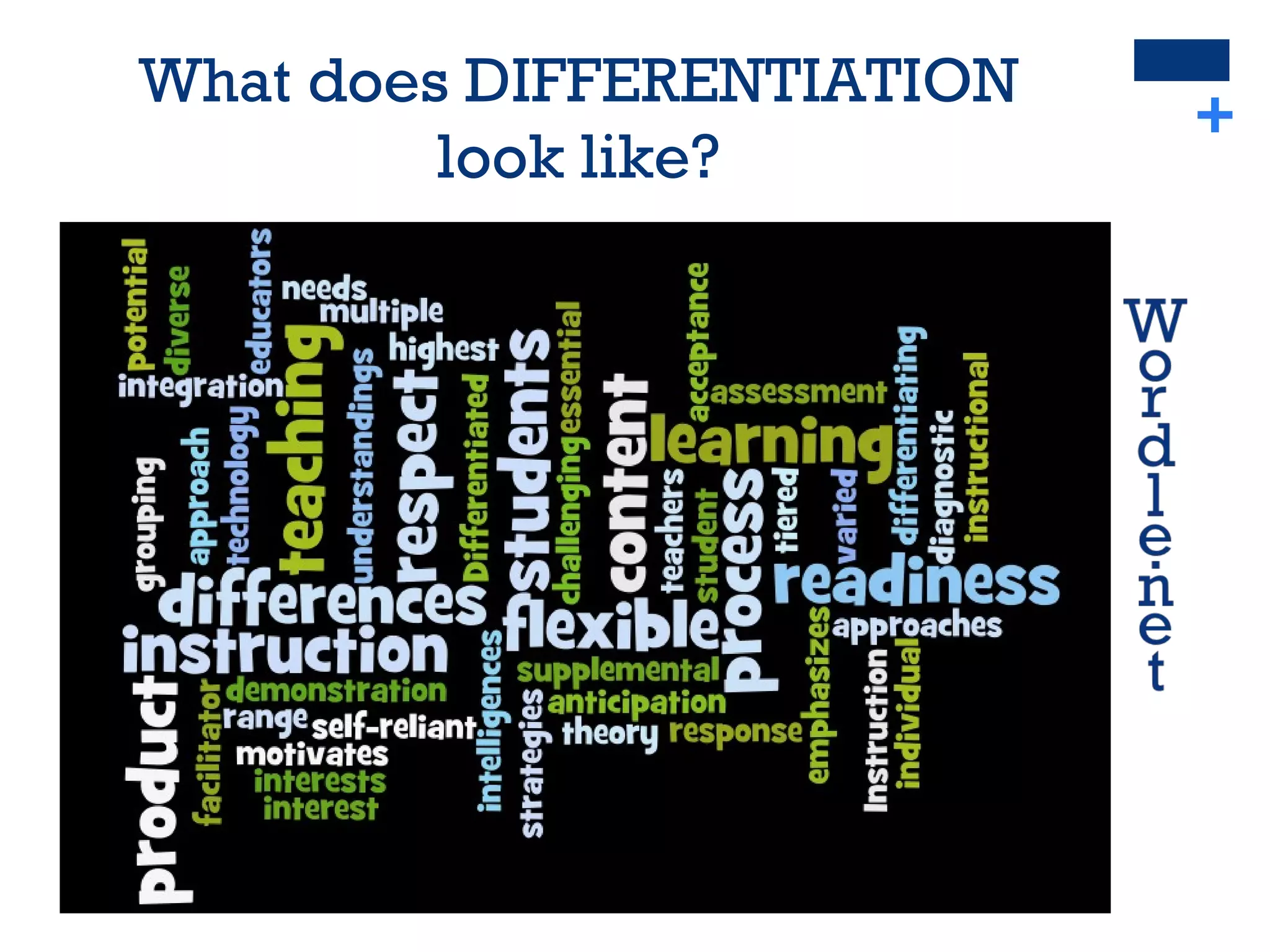
+ What does DIFFERENTIATION  look like?
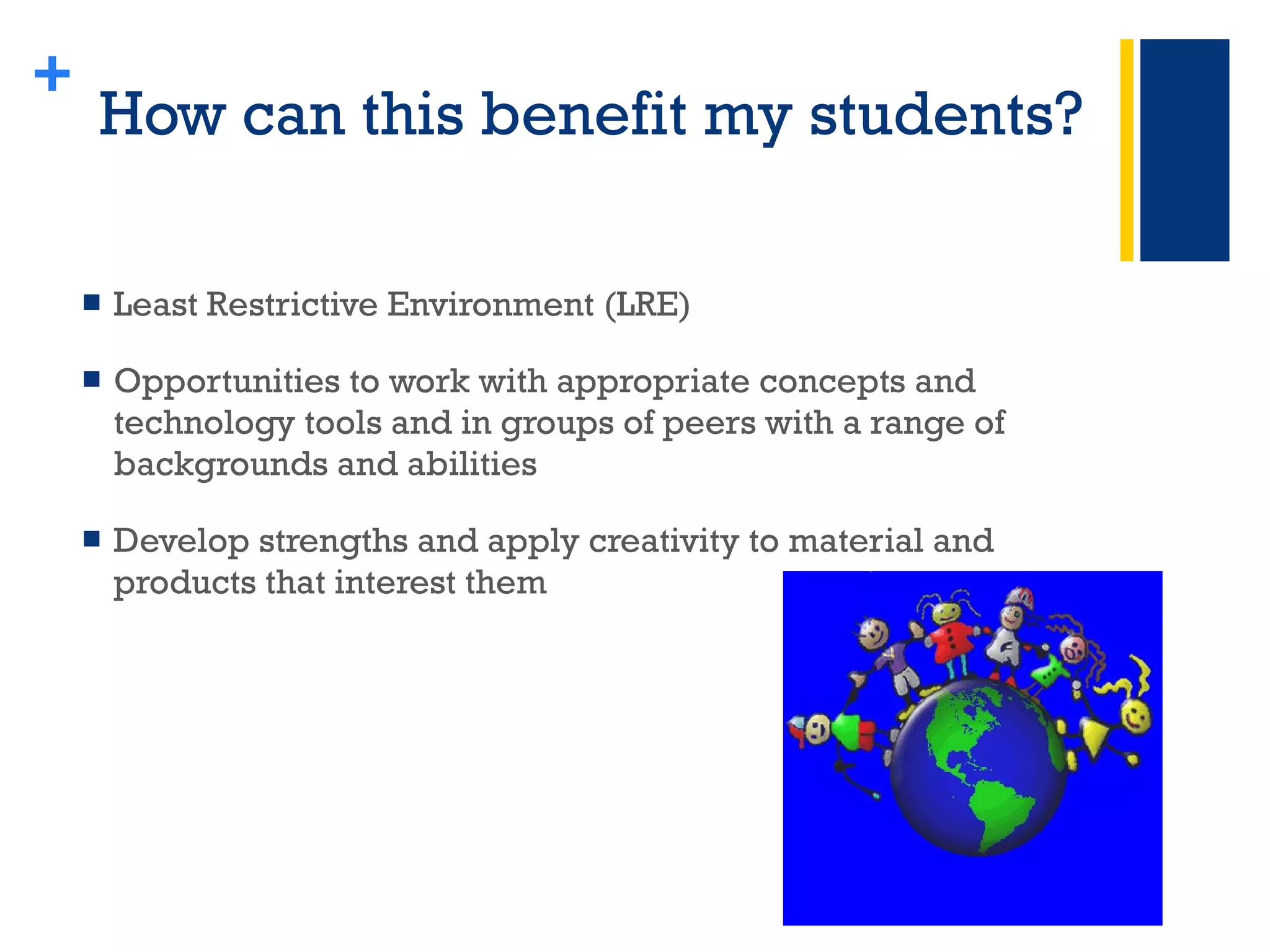
How can this benefit my students? Least Restrictive Environment (LRE) Opportunities to work with appropriate concepts and technology tools and in groups of peers with a range of backgrounds and abilities Develop strengths and apply creativity to material and products that interest them +
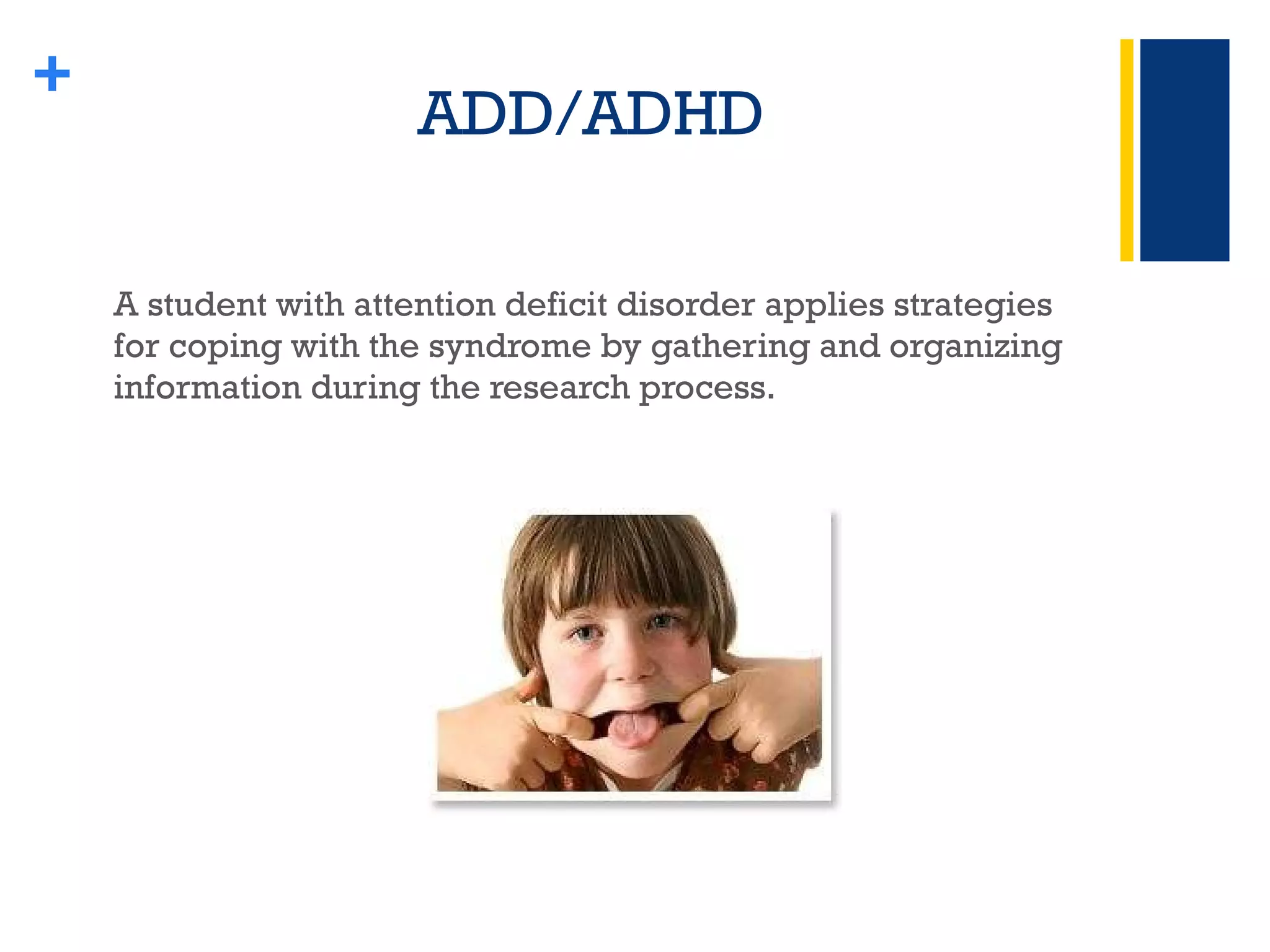
ADD/ADHD A student with attention deficit disorder applies strategies for coping with the syndrome by gathering and organizing information during the research process. +
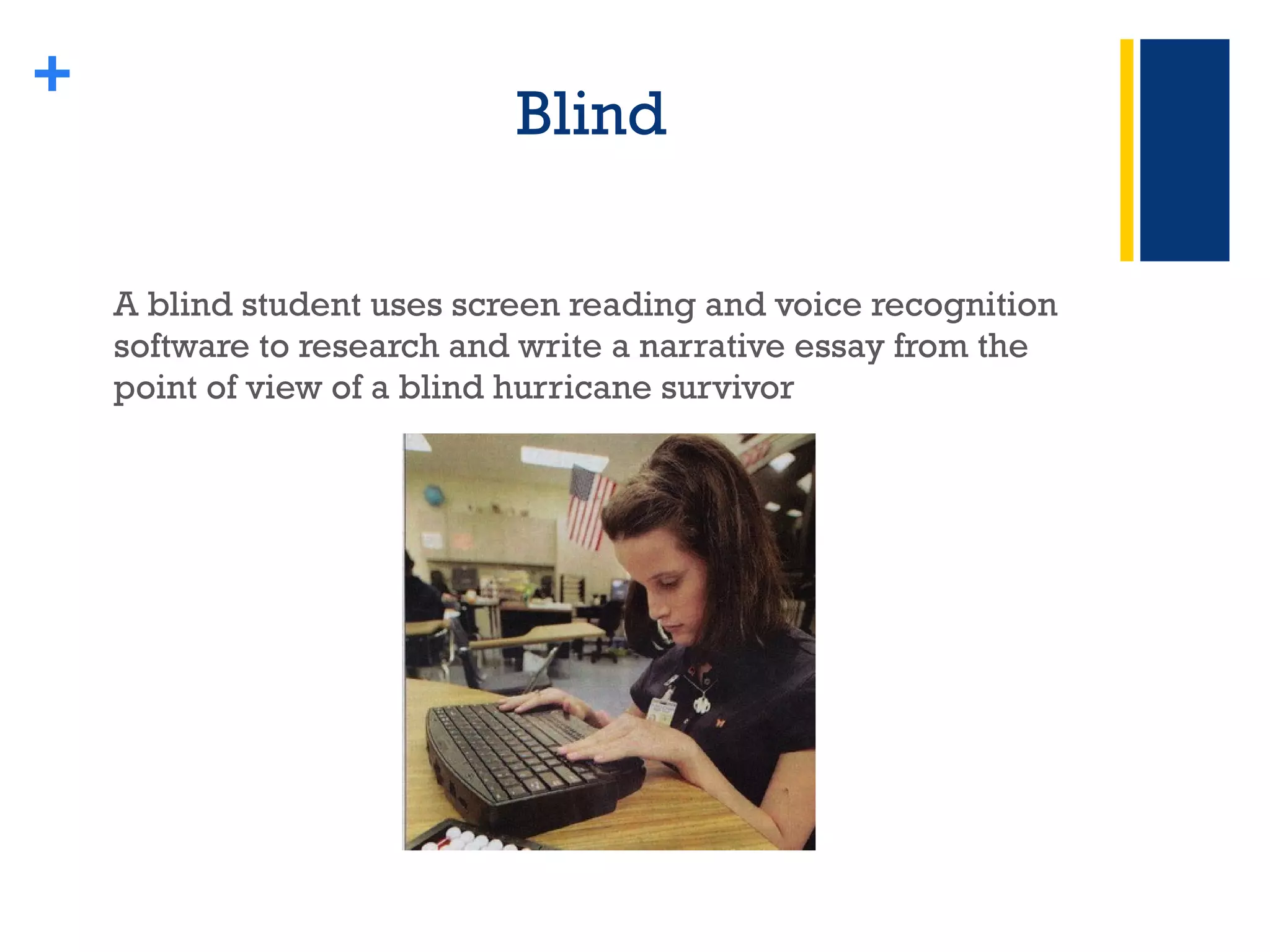
Blind A blind student uses screen reading and voice recognition software to research and write a narrative essay from the point of view of a blind hurricane survivor +
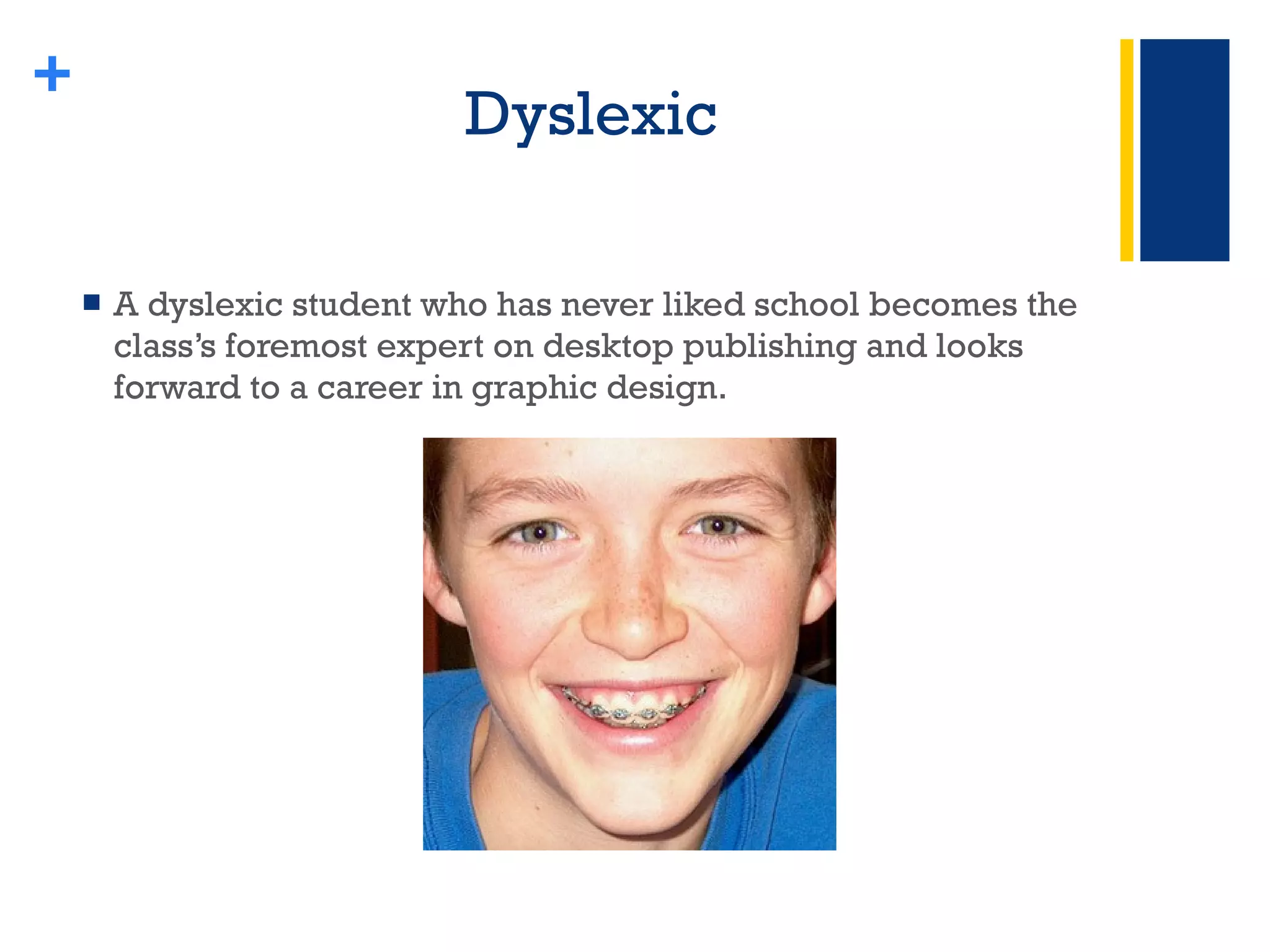
Dyslexic A dyslexic student who has never liked school becomes the class’s foremost expert on desktop publishing and looks forward to a career in graphic design. +
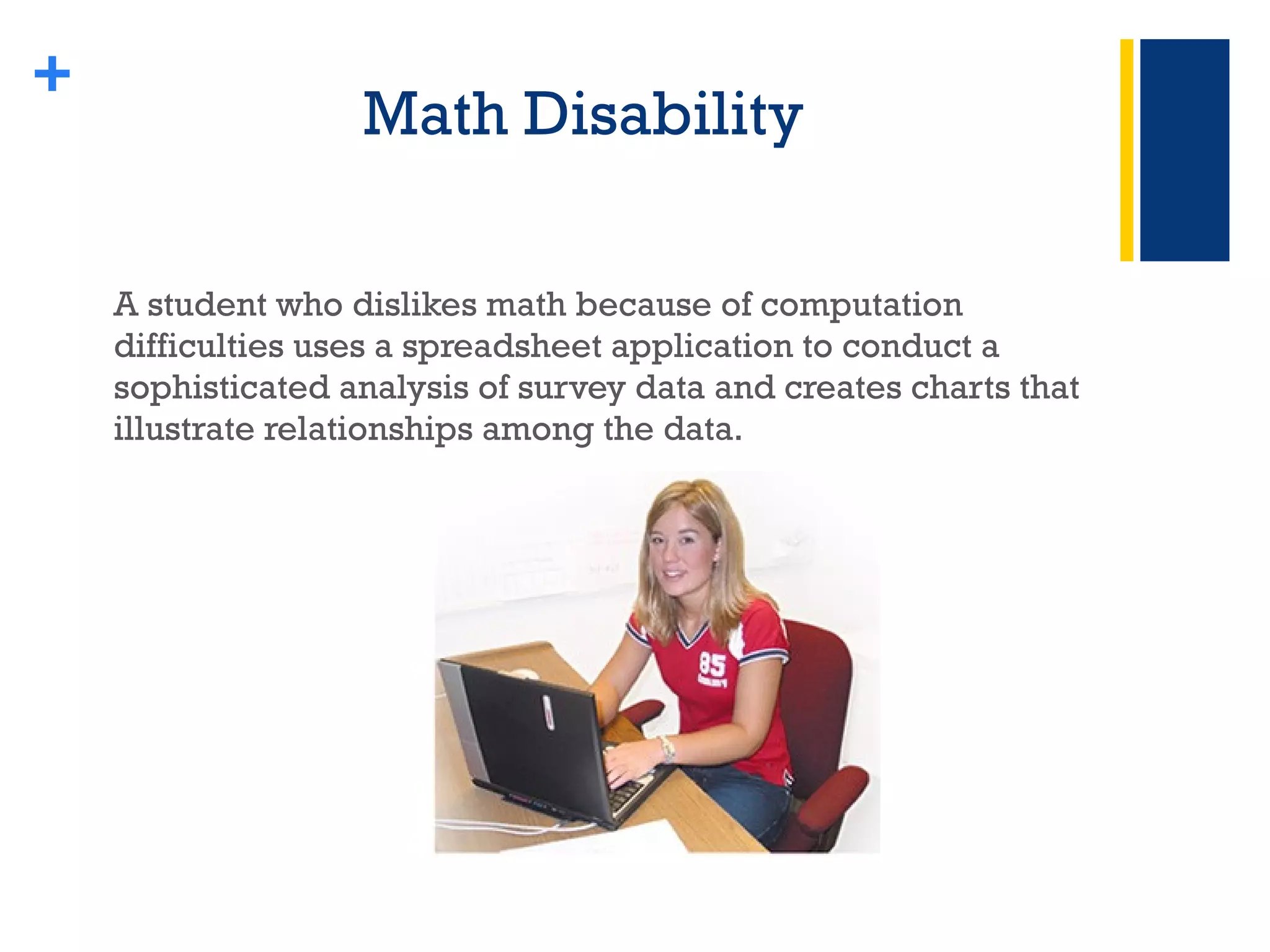
Math Disability  A student who dislikes math because of computation difficulties uses a spreadsheet application to conduct a sophisticated analysis of survey data and creates charts that illustrate relationships among the data. +
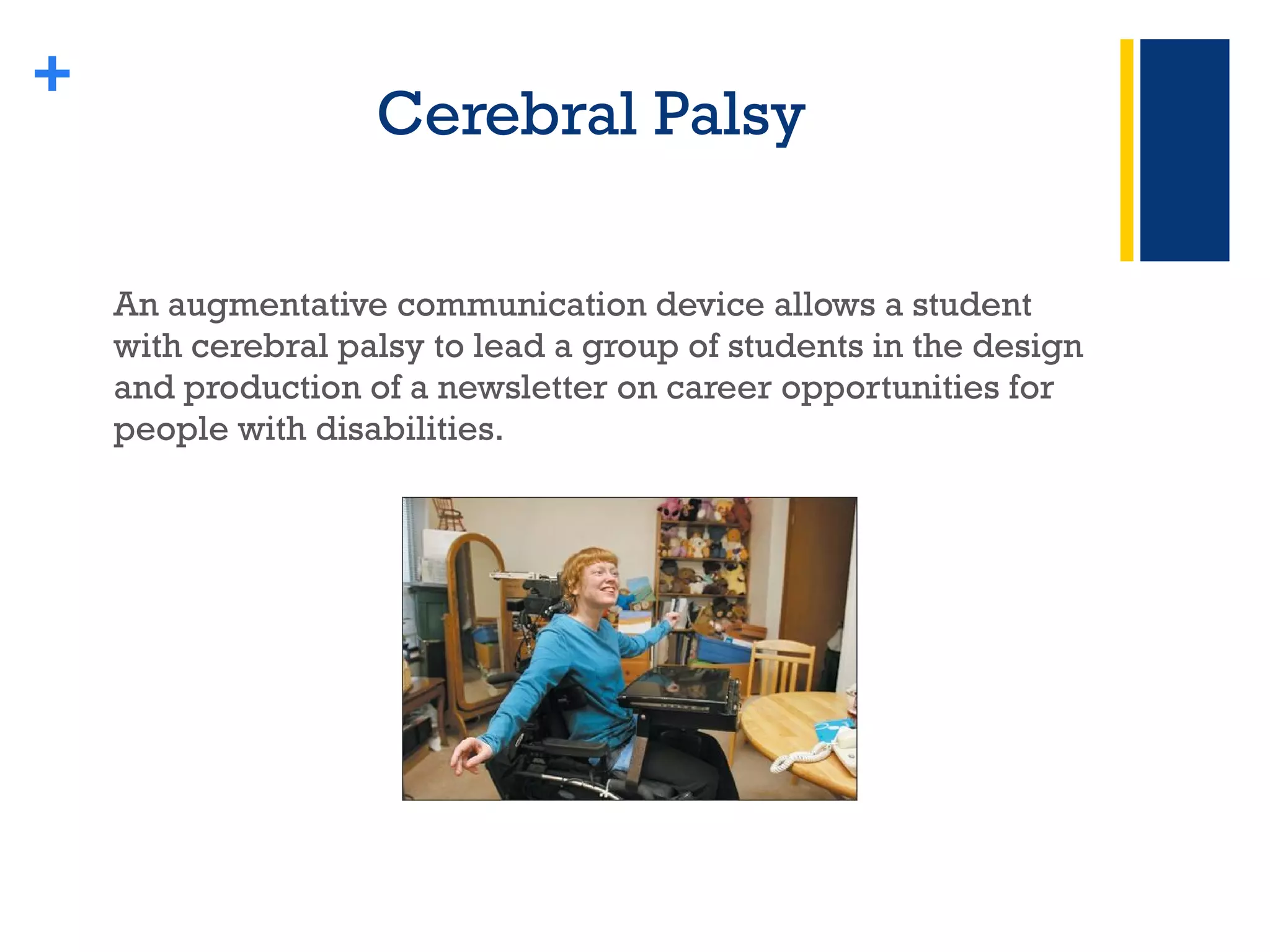
Cerebral Palsy An augmentative communication device allows a student with cerebral palsy to lead a group of students in the design and production of a newsletter on career opportunities for people with disabilities. +
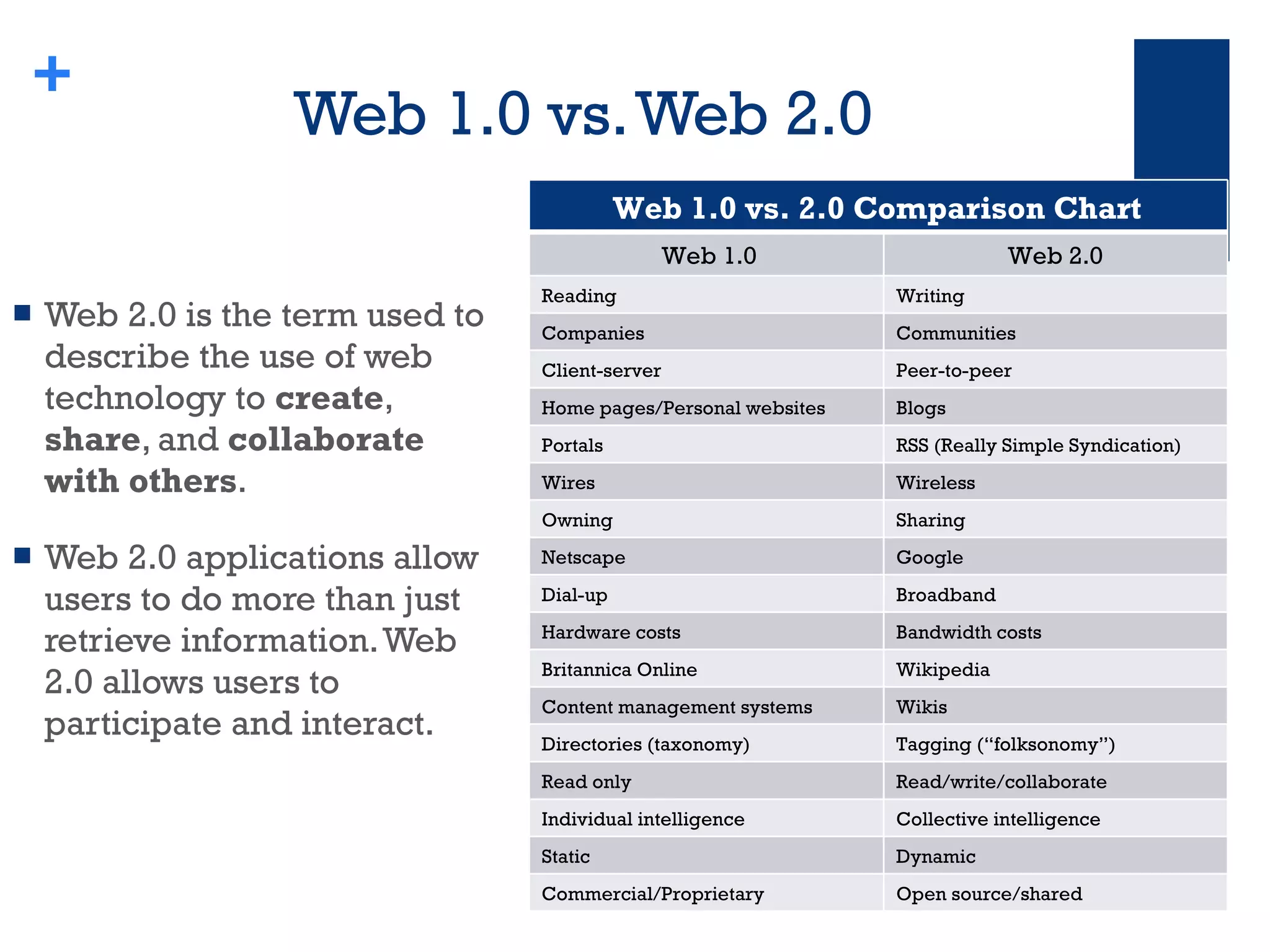
Web 1.0 vs. Web 2.0  Web 2.0 is the term used to describe the use of web technology to  create ,  share , and  collaborate with others .  Web 2.0 applications allow users to do more than just retrieve information. Web 2.0 allows users to participate and interact. + Web 1.0 vs. 2.0 Comparison Chart  Web 1.0 Web 2.0  Reading  Writing Companies Communities Client-server Peer-to-peer Home pages/Personal websites Blogs Portals RSS (Really Simple Syndication) Wires Wireless Owning Sharing Netscape Google Dial-up Broadband Hardware costs Bandwidth costs Britannica Online Wikipedia Content management systems  Wikis Directories (taxonomy) Tagging (“folksonomy”) Read only  Read/write/collaborate Individual intelligence  Collective intelligence Static Dynamic Commercial/Proprietary Open source/shared
Web 2.0 is Here!
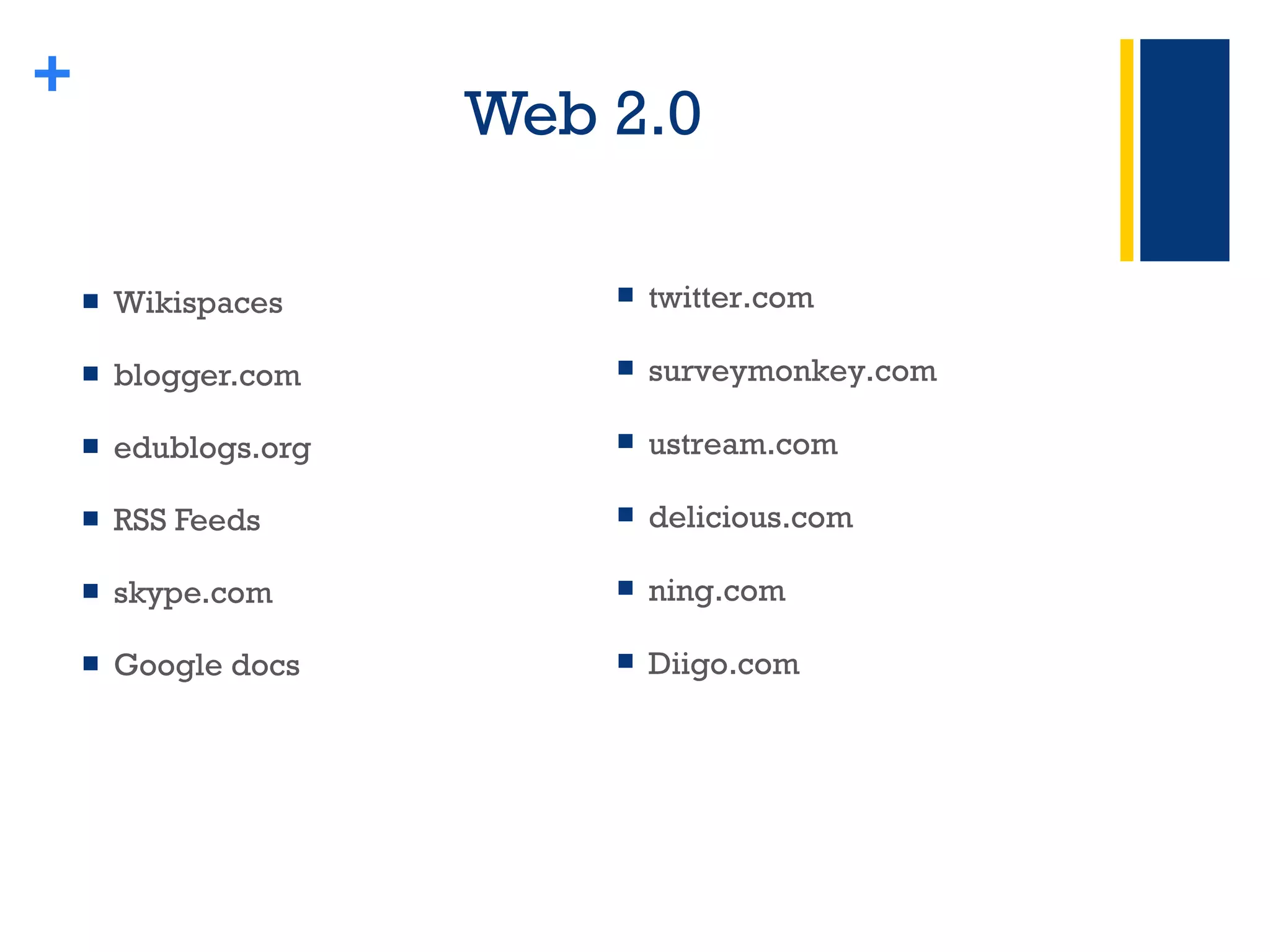
Web 2.0  Wikispaces blogger.com edublogs.org RSS Feeds skype.com Google docs + twitter.com surveymonkey.com ustream.com delicious.com ning.com Diigo.com
Wikis +
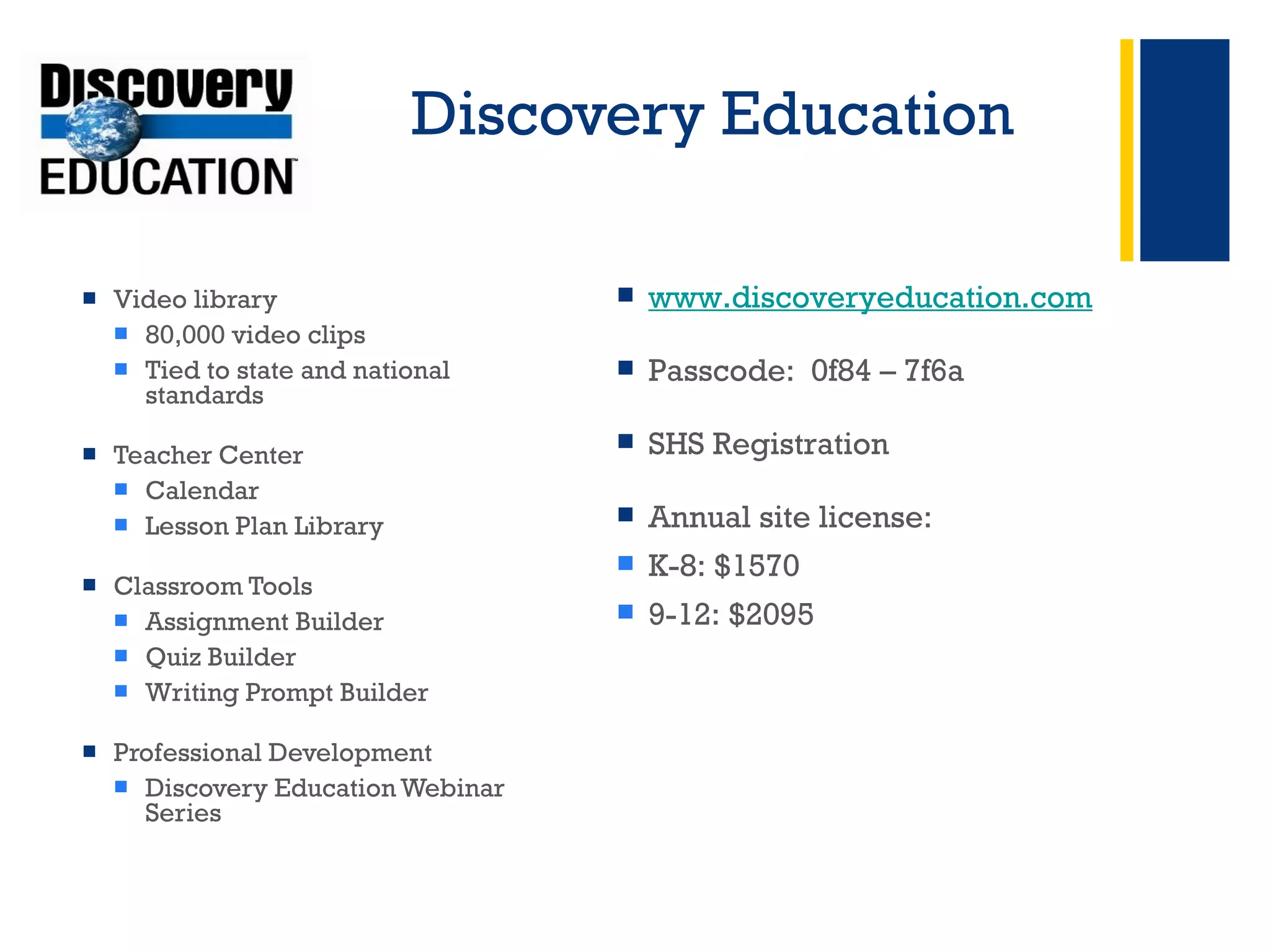
Discovery Education Video library 80,000 video clips  Tied to state and national standards  Teacher Center Calendar Lesson Plan Library  Classroom Tools Assignment Builder Quiz Builder Writing Prompt Builder Professional Development Discovery Education Webinar Series + www.discoveryeducation.com Passcode:  0f84 – 7f6a SHS Registration Annual site license: K-8: $1570 9-12: $2095
Discovery Educator Network  Educator Resources Browse by subject or grade  Blogs National  State Forums Special Events & Promos + 100,000 educators Sharing and networking community.discoveryeducation.com/ ------------------------------------------- Interested in becoming a member? It’s free! Click here for information about the application process  -------------------------------------------
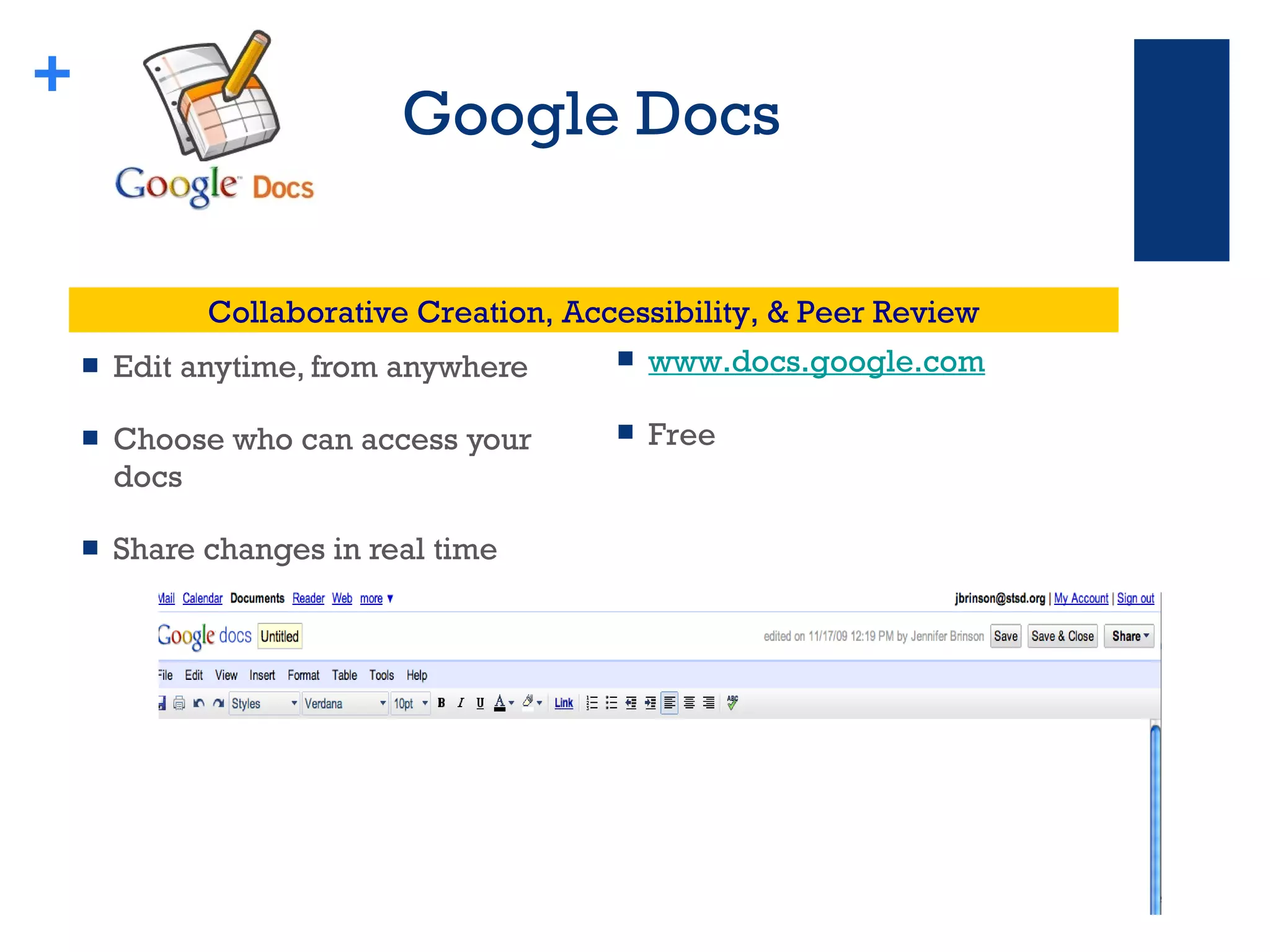
Google Docs Edit anytime, from anywhere Choose who can access your docs Share changes in real time + www.docs.google.com Free Collaborative Creation, Accessibility, & Peer Review
BrainPop  Educational website with short Flash-based movies for students in grades K-12 All closed captioned Multi-modal Interactive Motivational  + BrainPop Jr.  (K-3) BrainPop  (3-1 2) Brain Pop Educators  Username:  case Pas sword: guest Active until November 7 Free Trial Classroom Subscription:  $195
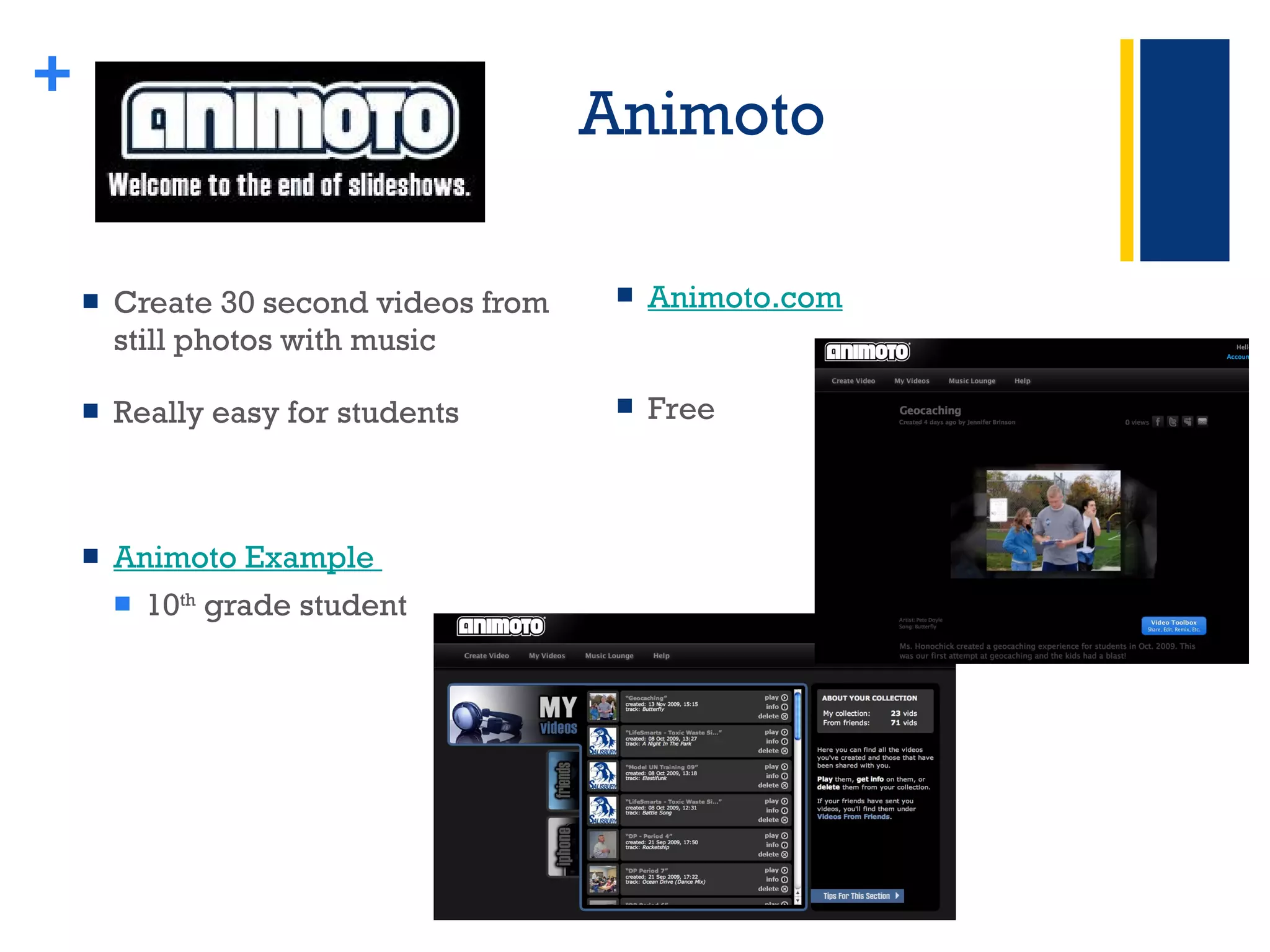
Animoto Create 30 second videos from still photos with music Really easy for students Animoto Example  10 th  grade student + Animoto.com   Free
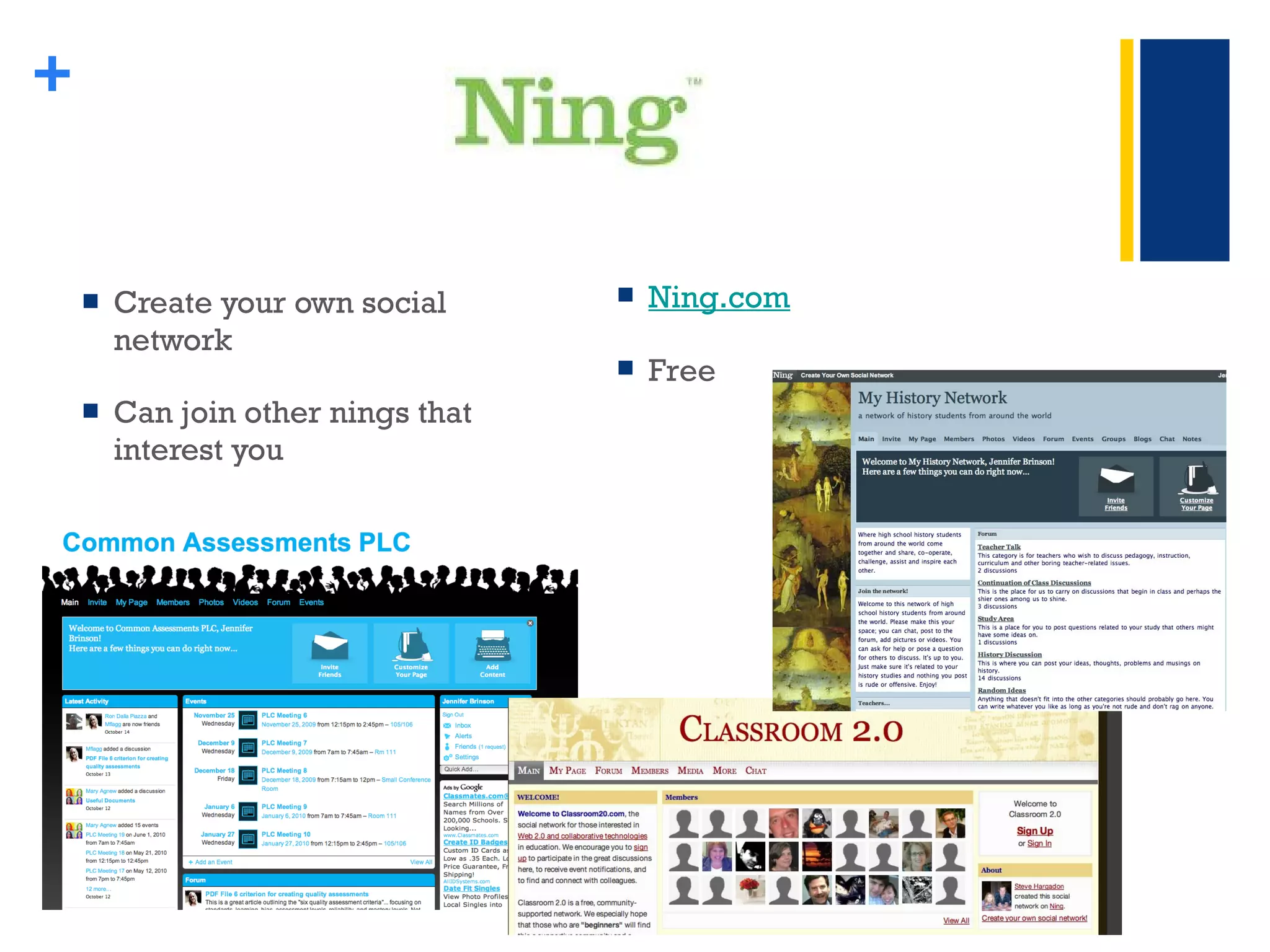
Create your own social network Can join other nings that interest you + Ning.com Free
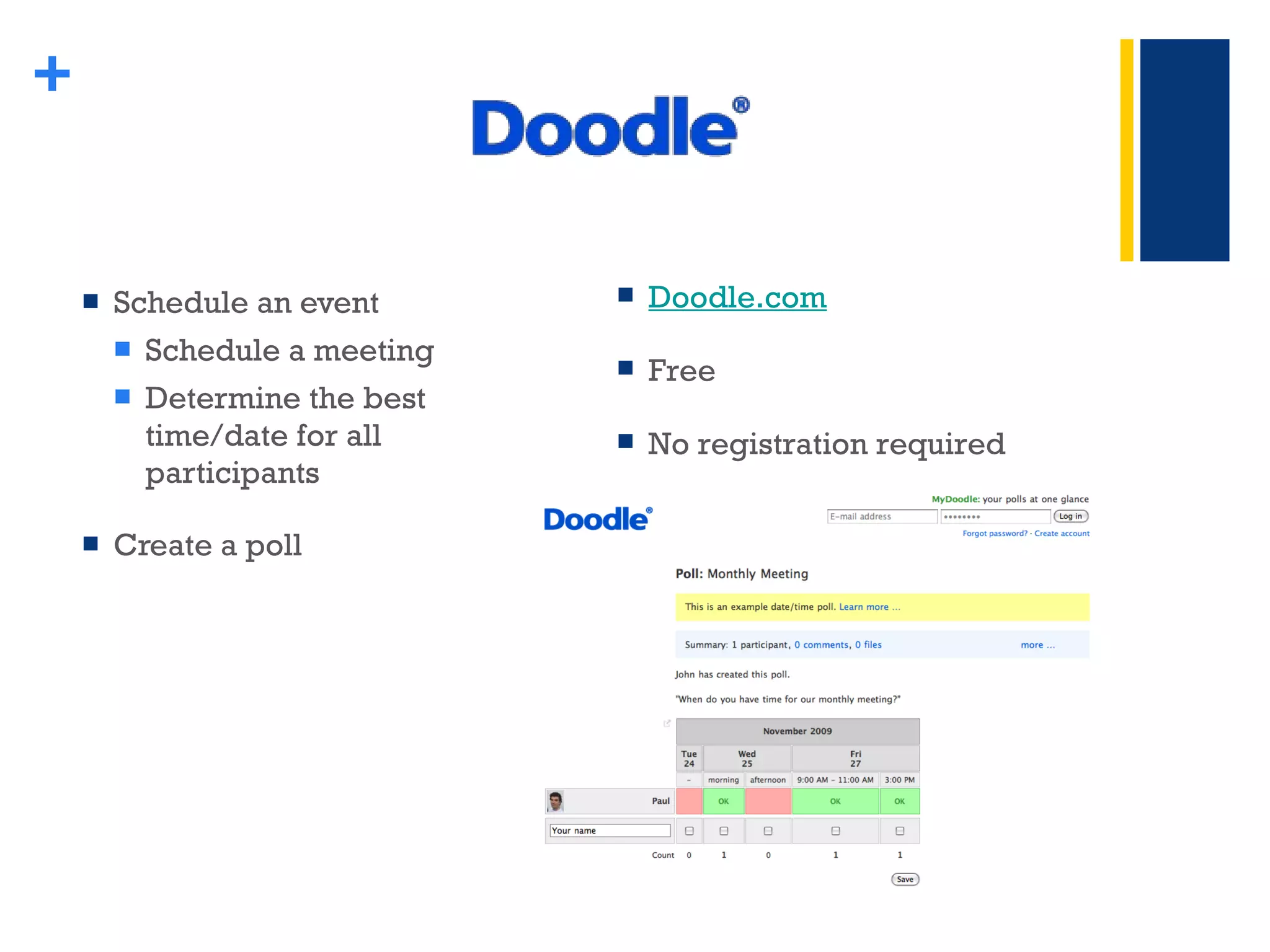
Schedule an event Schedule a meeting Determine the best time/date for all participants Create a poll + Doodle.com Free No registration required
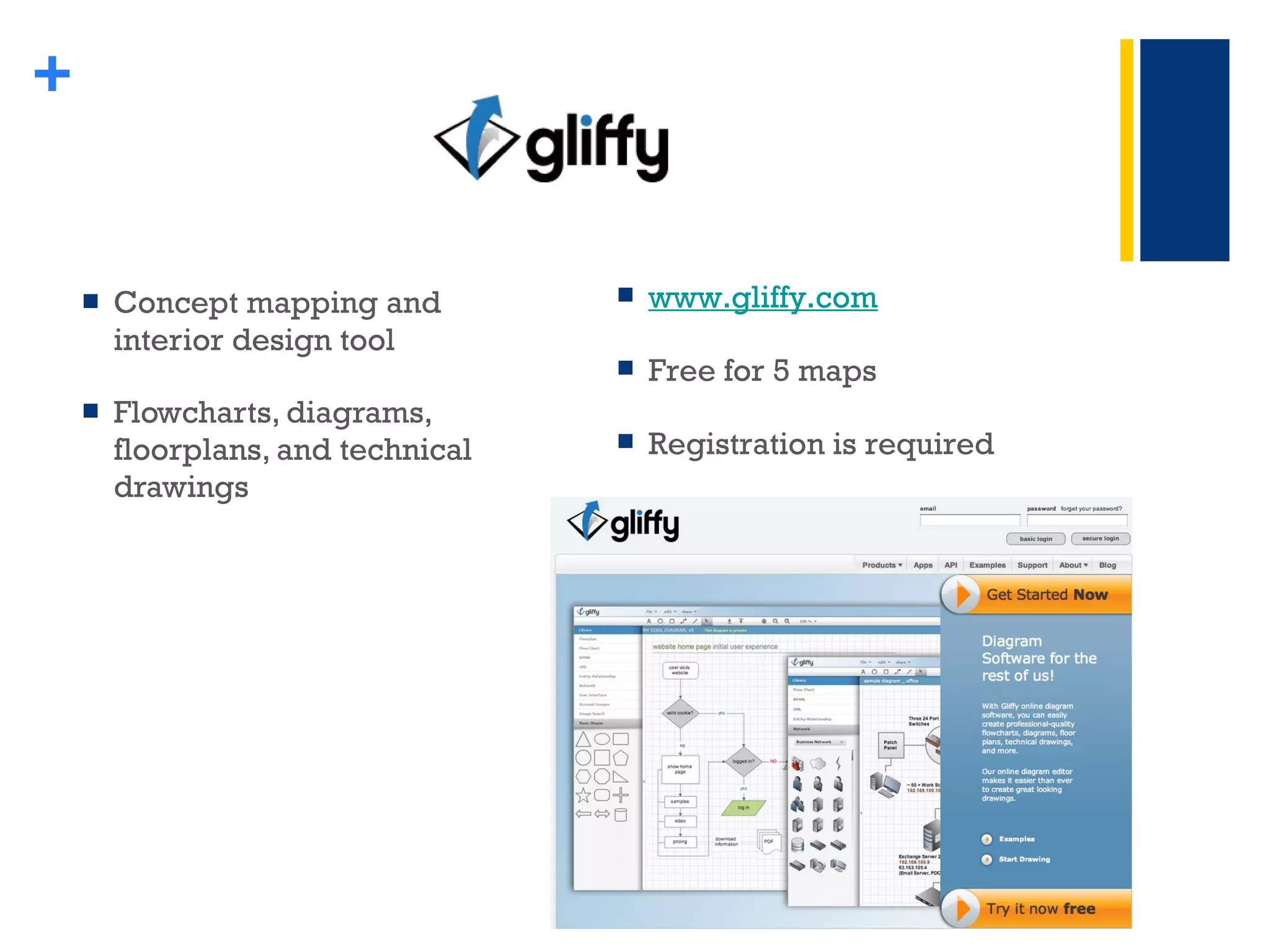
Concept mapping and interior design tool  Flowcharts, diagrams, floorplans, and technical drawings  + www.gliffy.com   Free for 5 maps Registration is required
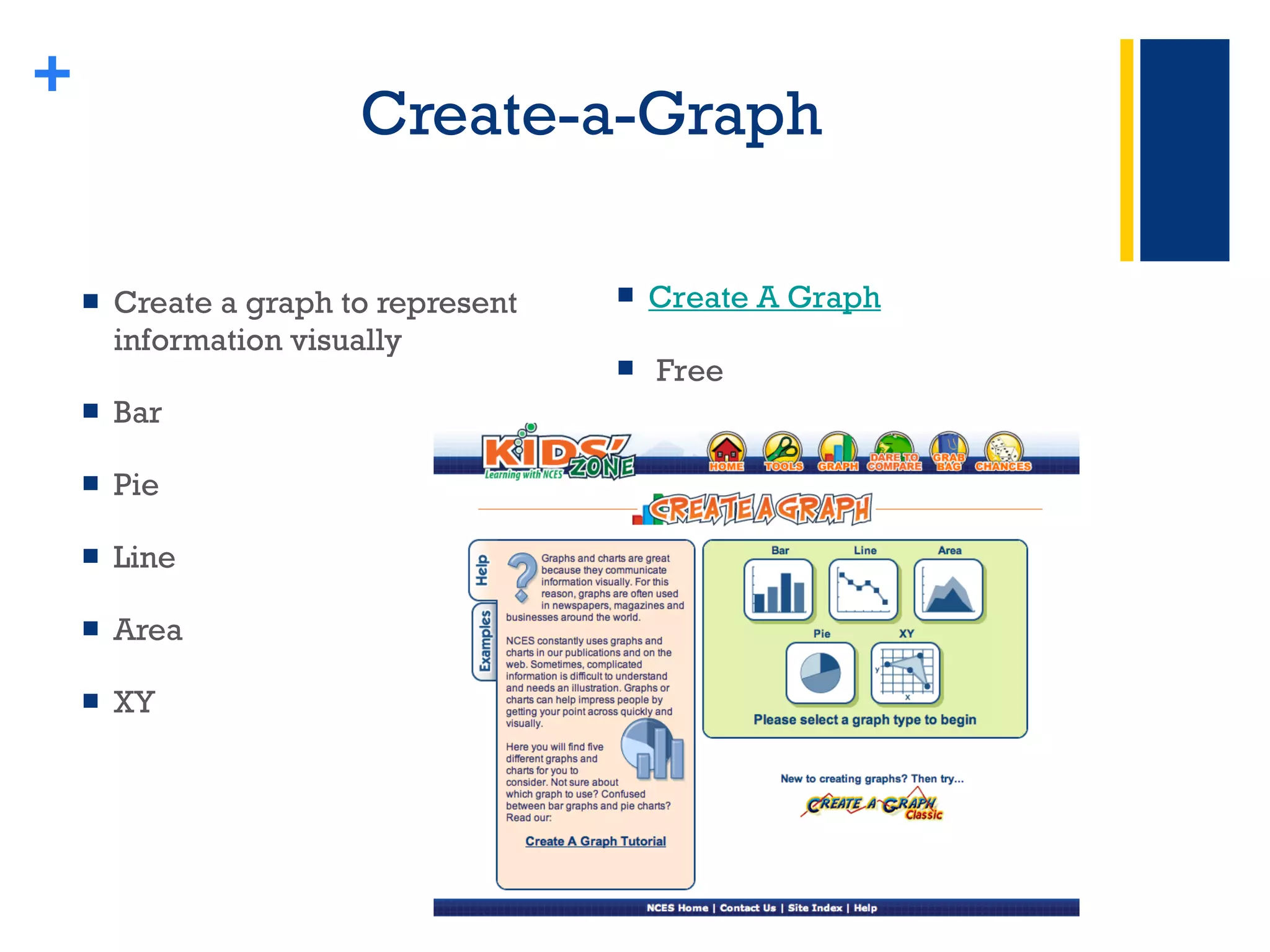
Create-a-Graph Create a graph to represent information visually Bar Pie Line  Area XY + Create A Graph Free
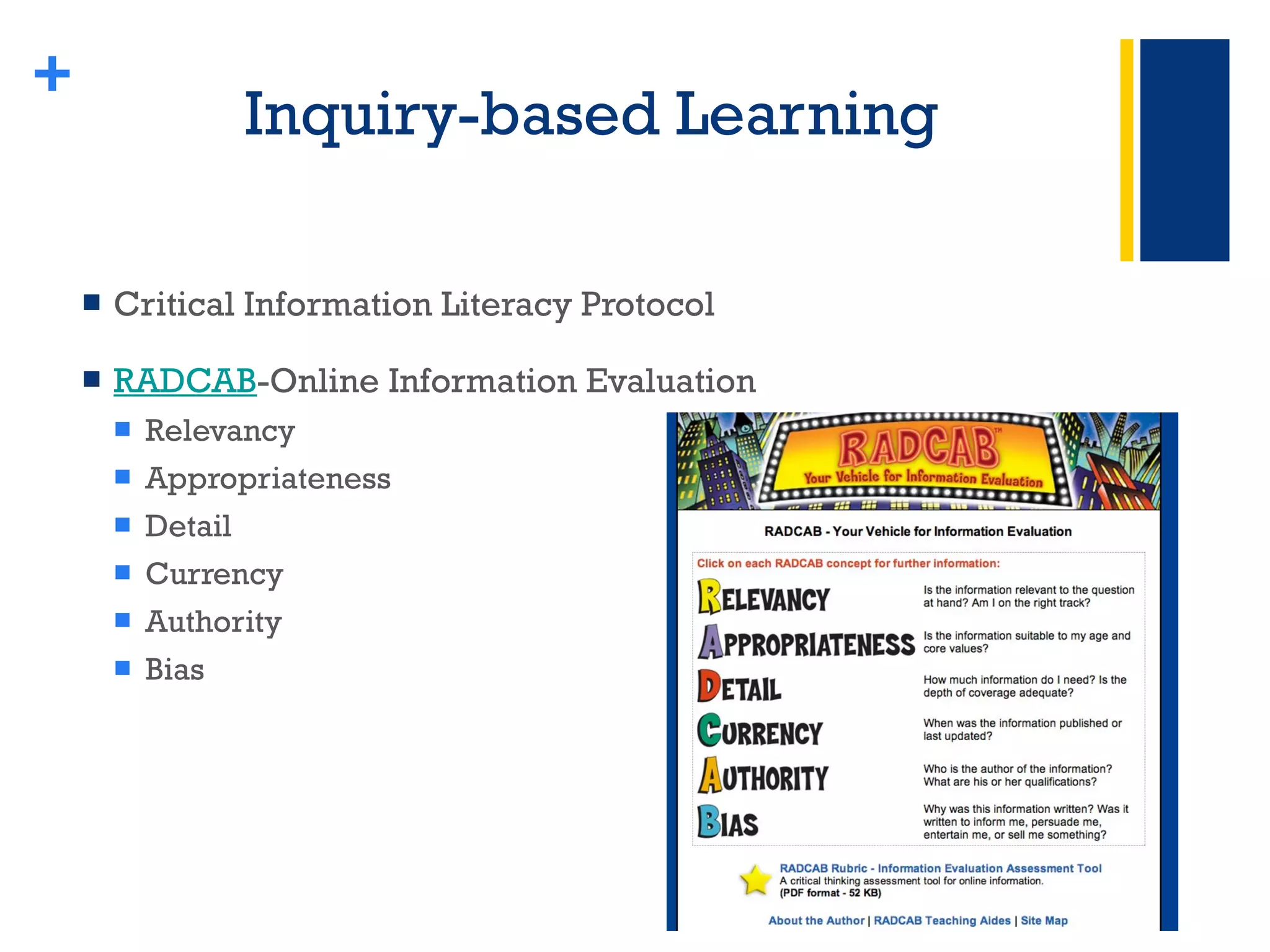
Inquiry-based Learning Critical Information Literacy Protocol  RADCAB -Online Information Evaluation Relevancy Appropriateness Detail Currency Authority Bias +
Questions ? Jennifer Aponick [email_address] Skype:  jenniferaponick Lynn Fuini-Hetten [email_address] Skype:  lynnfuinihetten Nora Perron-Jones [email_address] Skype:  noraperronjones  +

Differentiation Powerpoint Shs

  • 1.
    Salisbury Township SchoolDistrict Allentown, Pennsylvania Jennifer L. Aponick, Supervisor of Special Education Jennifer Brinson, Instructional Coach + One Size Does Not Fit All: Fostering 21 st Century Learning
  • 2.
    Change in PhilosophyFrom teaching content to teaching students Inquiry-based Collaboration Authentic learning and assessment Realization about what’s important Essential questions Big ideas Overarching ideas +
  • 3.
  • 4.
    Differentiated Instruction Flexible approach to teaching with varied approaches to content , process , and product in anticipation and response to student differences in readiness, interests, and learning needs (Tomlinson, 1995) Technology Integration serves as an excellent vehicle to help educators achieve the goal of differentiating instruction +
  • 5.
  • 6.
    Differentiated Instruction Principles Acceptance and respect of differences Materials and tasks at varied level of difficulty Motivates students to work to their highest potential Meaningful learning that emphasizes essential questions Teachers who serve as facilitators of learning and use an array of strategies that connect instruction to student needs Instruction is guided by on-going assessments Integrating technology can meet these differentiated instruction strategies +
  • 7.
    + What doesDIFFERENTIATION look like?
  • 8.
    How can thisbenefit my students? Least Restrictive Environment (LRE) Opportunities to work with appropriate concepts and technology tools and in groups of peers with a range of backgrounds and abilities Develop strengths and apply creativity to material and products that interest them +
  • 9.
    ADD/ADHD A studentwith attention deficit disorder applies strategies for coping with the syndrome by gathering and organizing information during the research process. +
  • 10.
    Blind A blindstudent uses screen reading and voice recognition software to research and write a narrative essay from the point of view of a blind hurricane survivor +
  • 11.
    Dyslexic A dyslexicstudent who has never liked school becomes the class’s foremost expert on desktop publishing and looks forward to a career in graphic design. +
  • 12.
    Math Disability A student who dislikes math because of computation difficulties uses a spreadsheet application to conduct a sophisticated analysis of survey data and creates charts that illustrate relationships among the data. +
  • 13.
    Cerebral Palsy Anaugmentative communication device allows a student with cerebral palsy to lead a group of students in the design and production of a newsletter on career opportunities for people with disabilities. +
  • 14.
    Web 1.0 vs.Web 2.0 Web 2.0 is the term used to describe the use of web technology to create , share , and collaborate with others . Web 2.0 applications allow users to do more than just retrieve information. Web 2.0 allows users to participate and interact. + Web 1.0 vs. 2.0 Comparison Chart Web 1.0 Web 2.0 Reading Writing Companies Communities Client-server Peer-to-peer Home pages/Personal websites Blogs Portals RSS (Really Simple Syndication) Wires Wireless Owning Sharing Netscape Google Dial-up Broadband Hardware costs Bandwidth costs Britannica Online Wikipedia Content management systems Wikis Directories (taxonomy) Tagging (“folksonomy”) Read only Read/write/collaborate Individual intelligence Collective intelligence Static Dynamic Commercial/Proprietary Open source/shared
  • 15.
  • 16.
    Web 2.0 Wikispaces blogger.com edublogs.org RSS Feeds skype.com Google docs + twitter.com surveymonkey.com ustream.com delicious.com ning.com Diigo.com
  • 17.
  • 18.
    Discovery Education Videolibrary 80,000 video clips Tied to state and national standards Teacher Center Calendar Lesson Plan Library Classroom Tools Assignment Builder Quiz Builder Writing Prompt Builder Professional Development Discovery Education Webinar Series + www.discoveryeducation.com Passcode: 0f84 – 7f6a SHS Registration Annual site license: K-8: $1570 9-12: $2095
  • 19.
    Discovery Educator Network Educator Resources Browse by subject or grade Blogs National State Forums Special Events & Promos + 100,000 educators Sharing and networking community.discoveryeducation.com/ ------------------------------------------- Interested in becoming a member? It’s free! Click here for information about the application process -------------------------------------------
  • 20.
    Google Docs Editanytime, from anywhere Choose who can access your docs Share changes in real time + www.docs.google.com Free Collaborative Creation, Accessibility, & Peer Review
  • 21.
    BrainPop Educationalwebsite with short Flash-based movies for students in grades K-12 All closed captioned Multi-modal Interactive Motivational + BrainPop Jr. (K-3) BrainPop (3-1 2) Brain Pop Educators Username: case Pas sword: guest Active until November 7 Free Trial Classroom Subscription: $195
  • 22.
    Animoto Create 30second videos from still photos with music Really easy for students Animoto Example 10 th grade student + Animoto.com Free
  • 23.
    Create your ownsocial network Can join other nings that interest you + Ning.com Free
  • 24.
    Schedule an eventSchedule a meeting Determine the best time/date for all participants Create a poll + Doodle.com Free No registration required
  • 25.
    Concept mapping andinterior design tool Flowcharts, diagrams, floorplans, and technical drawings + www.gliffy.com Free for 5 maps Registration is required
  • 26.
    Create-a-Graph Create agraph to represent information visually Bar Pie Line Area XY + Create A Graph Free
  • 27.
    Inquiry-based Learning CriticalInformation Literacy Protocol RADCAB -Online Information Evaluation Relevancy Appropriateness Detail Currency Authority Bias +
  • 28.
    Questions ? JenniferAponick [email_address] Skype: jenniferaponick Lynn Fuini-Hetten [email_address] Skype: lynnfuinihetten Nora Perron-Jones [email_address] Skype: noraperronjones +

Editor's Notes

  • #5 Flexible Varying CONTENT PROCESS PRODUCT Technology integration is a GREAT way to do it!
  • #6 CONTENT PROCESS PRODUCT TEACHER’S RESPONSE TO LEARNER’S NEEDS
  • #9 Efforts to provide the least restrictive learning environment possible for students with special needs have created more heterogeneous classrooms. Technology can be used to provide opportunities for students Students with special needs, particularly those with specific learning disabilities, often have difficulty reading, writing, reasoning, remembering, or organizing information.
  • #15 Jen WEB 2.0---CREATE, SHARE, COLLABORATE More than just retrieving information----PARTICIPATE and INTERACT Collective Intelligence
  • #17 Jen & Lynn Examples of Web 2.0 applications--- Using wikispaces Will see google docs See ning today
  • #18 Jen Give me one example of how a wiki could be used in education
  • #19 Lynn
  • #20 Jen Discovery Education is utilized often in our district; they have developed a fabulous resource for teachers to upload resources; browsable by subject or grade; free membership required Community.discoveryeducation.com
  • #21 Lynn
  • #22 Lynn
  • #23 Jen Secret Life of Bees-10 th grade student—book report
  • #24 Lynn
  • #25 Jen
  • #26 Lynn