
















































Web 2.0 for Administrators Dr. Richard Voltz,  Associate Director Illinois Association of School Administrators
 
Chatterous http://chatterous.com/iasa/
Objectives of Academy To become aware of the changing educational technology landscape To sharpen your skills about how technology can increase your productivity, communication, leadership and student achievement To encourage you to critically evaluate your paradigm for education
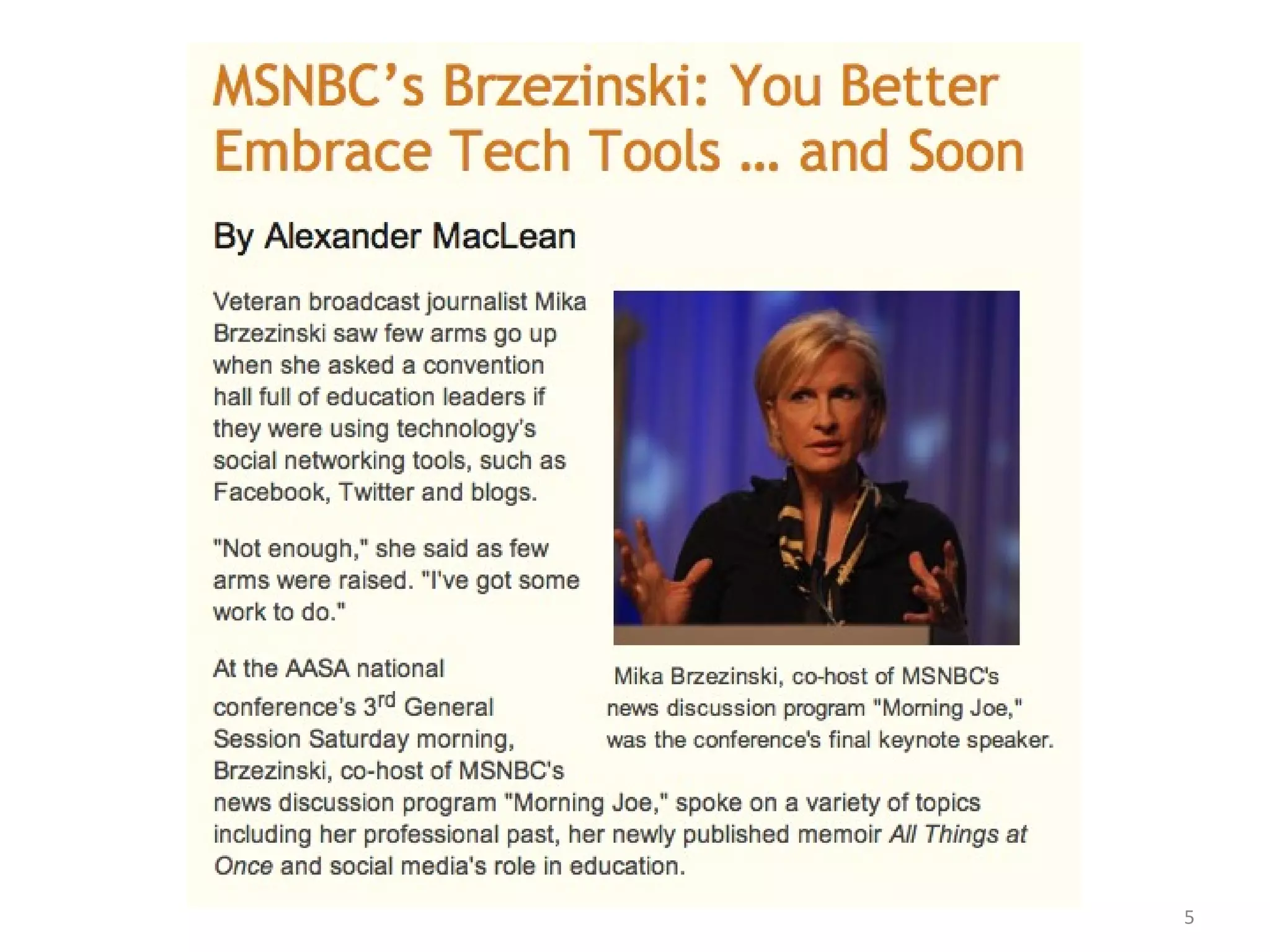
"If you are a thought leader and you are running a school system, then you should be technologically on the front lines and you should be the voice of that school system," she said. "I urge you to blog, to use the Web anyway that you can to get the great news about your schools out."
Ustream video with your iPhone
http://ustre.am/cOSn
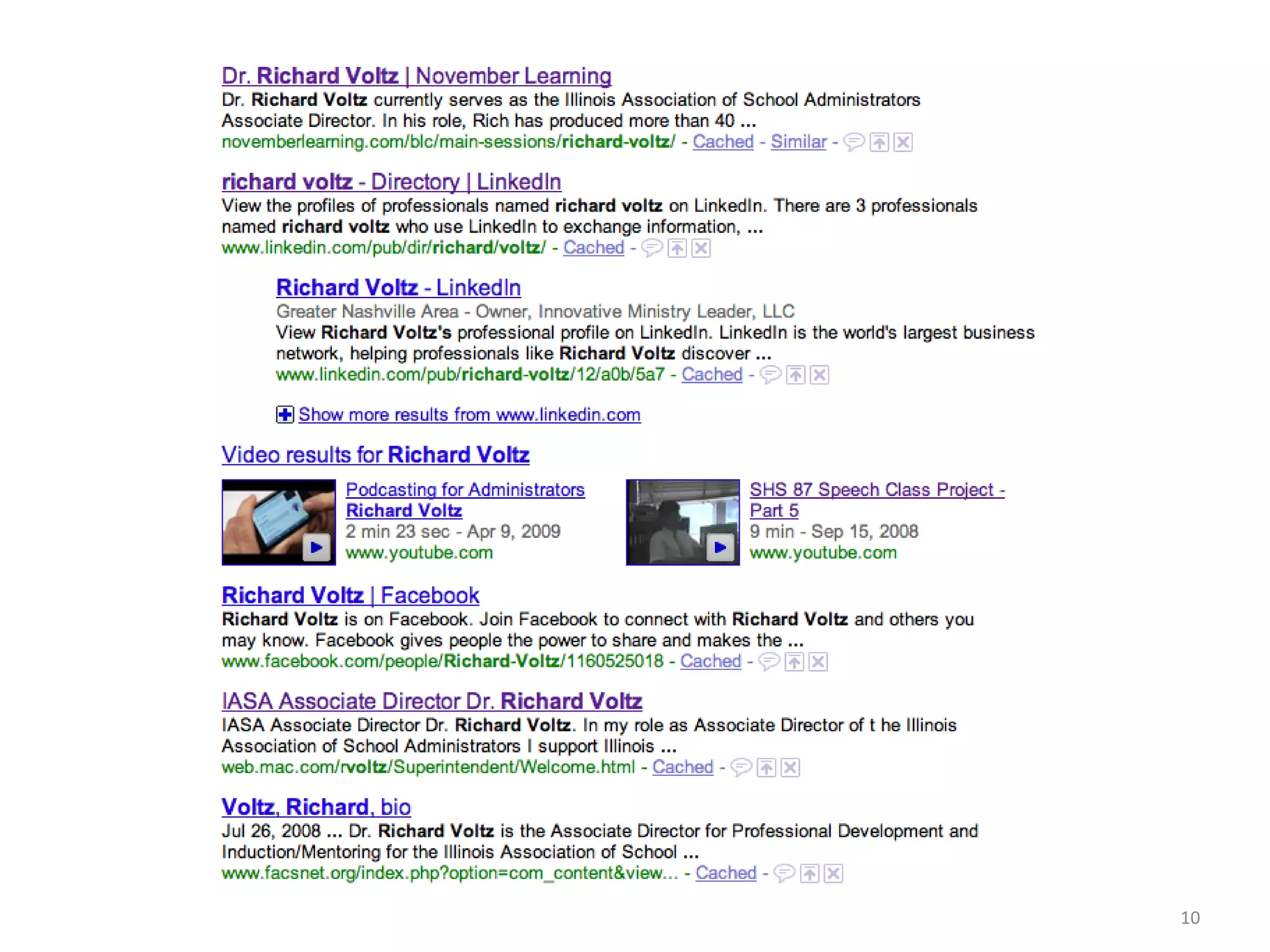
Google Yourself What are the results?
 
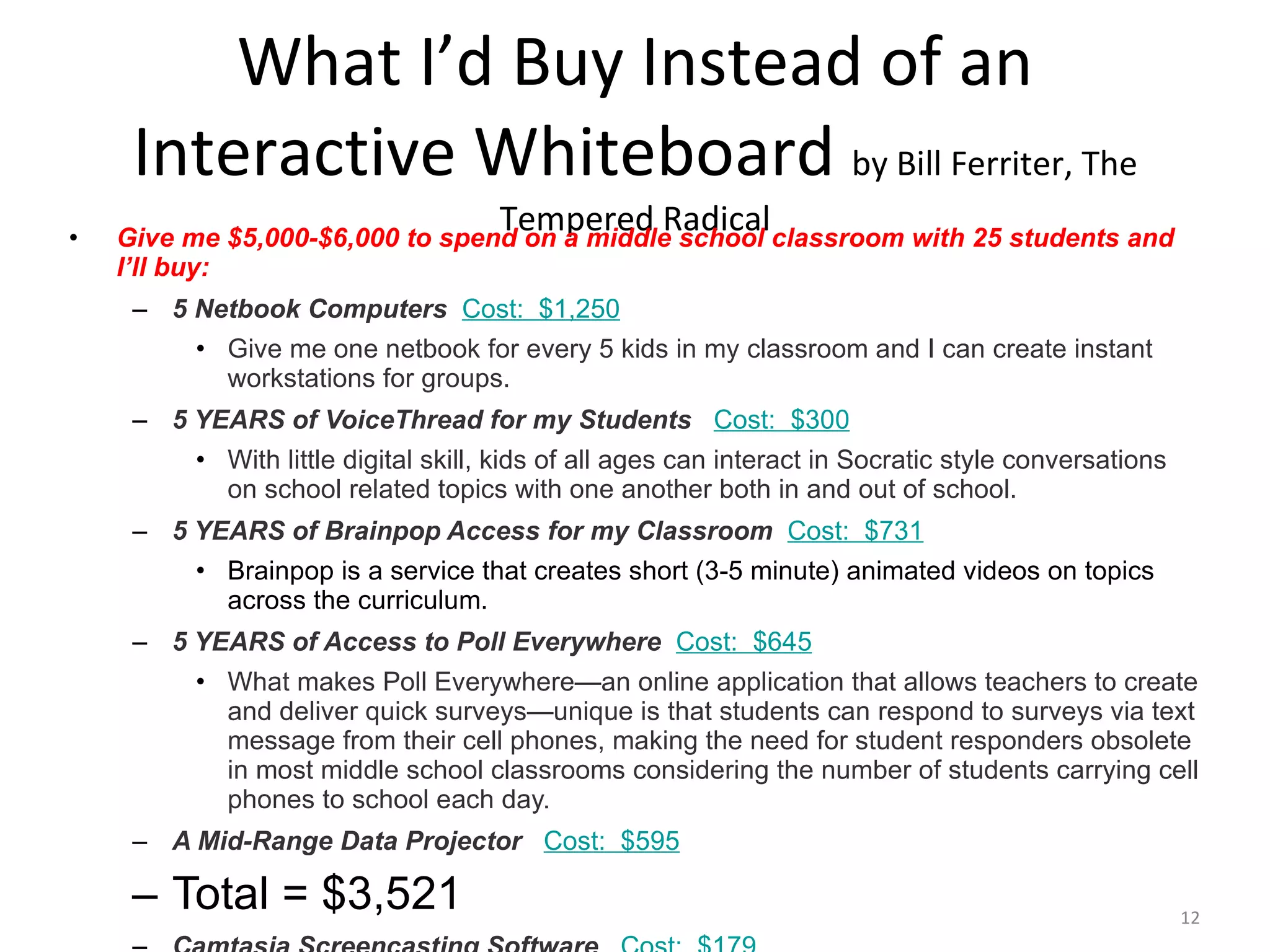
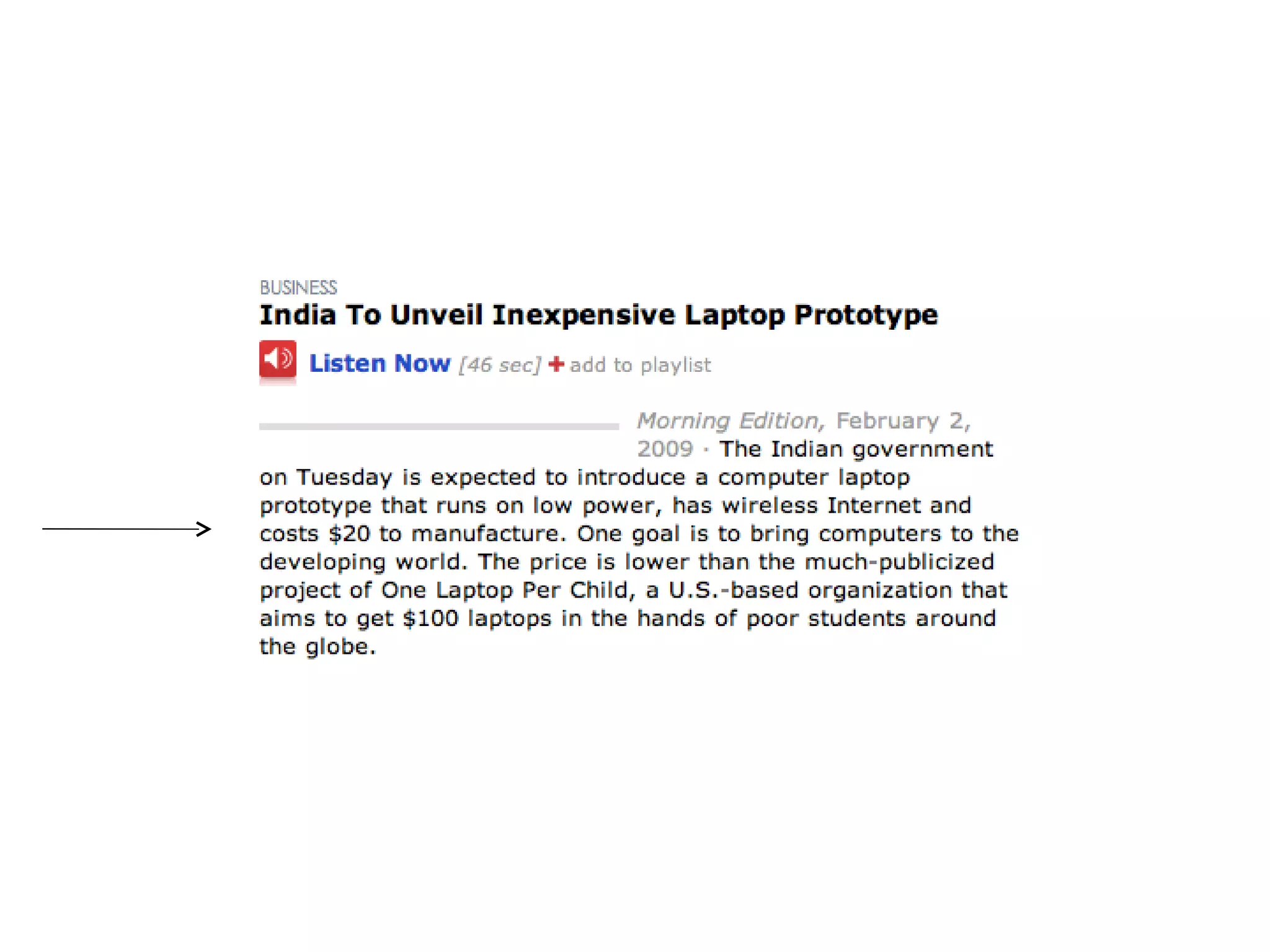
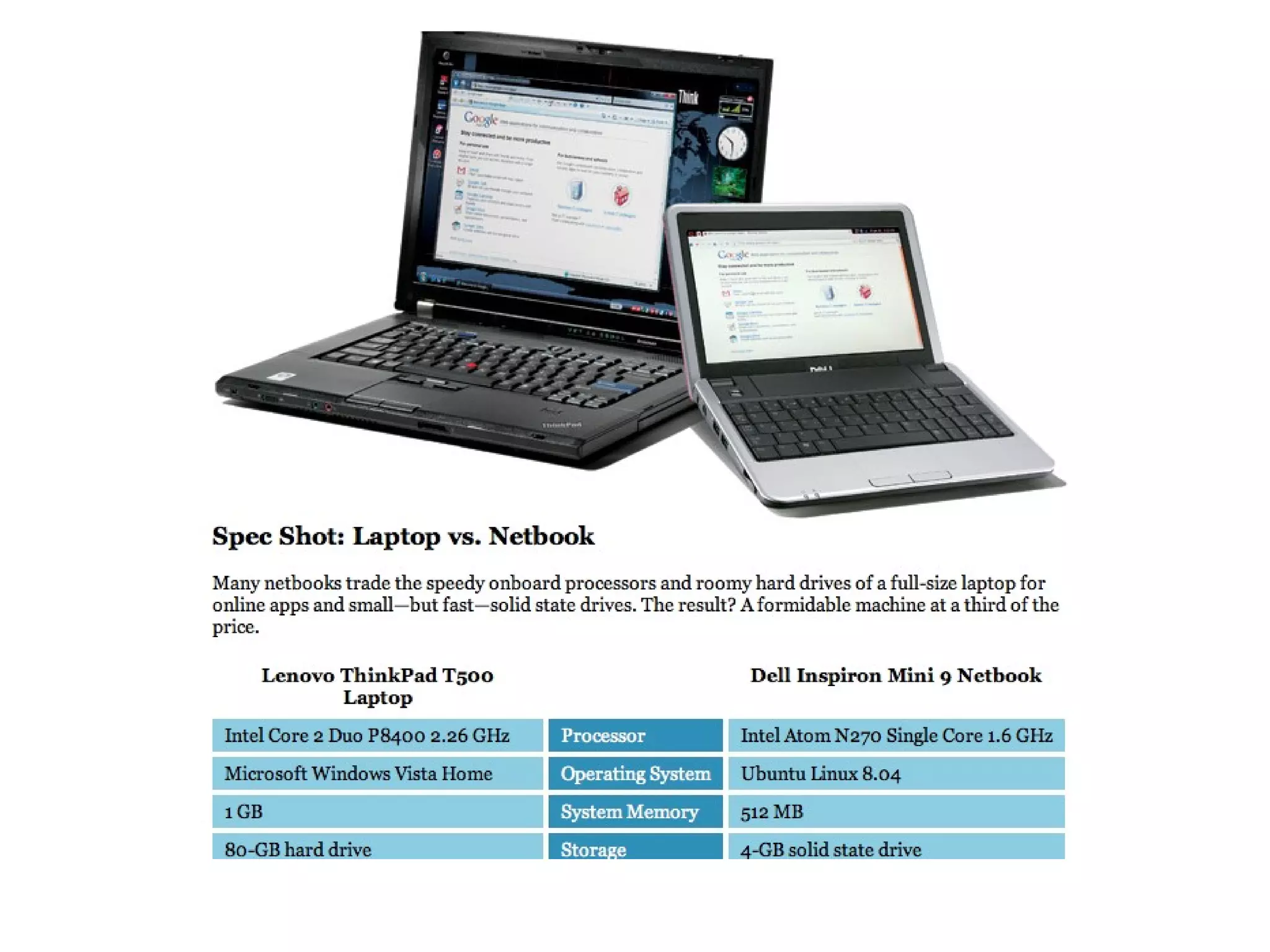
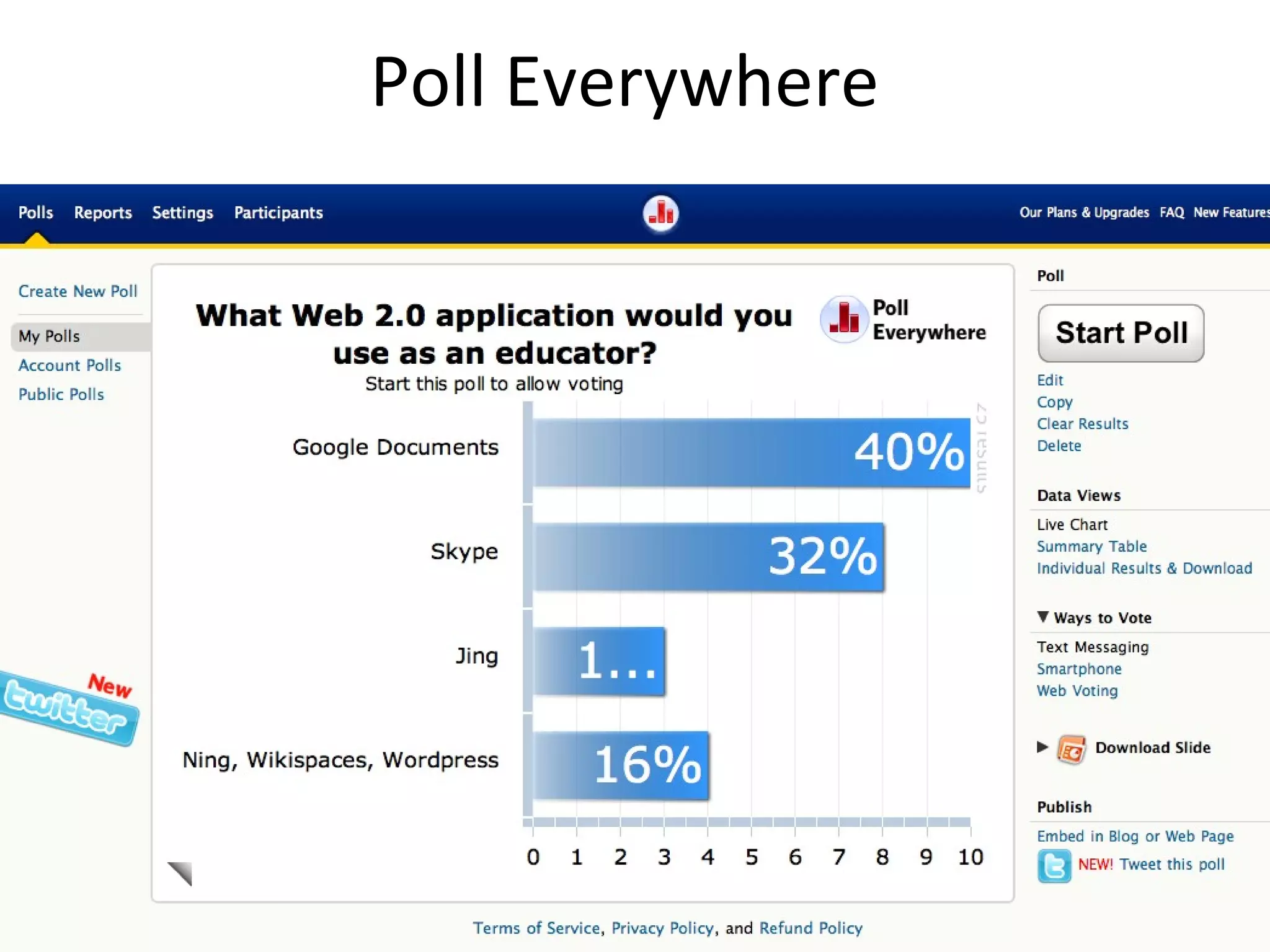
What I’d Buy Instead of an Interactive Whiteboard  by Bill Ferriter, The Tempered Radical Give me $5,000-$6,000 to spend on a middle school classroom with 25 students and I’ll buy: 5 Netbook Computers    Cost:  $1,250 Give me one netbook for every 5 kids in my classroom and I can create instant workstations for groups. 5 YEARS of VoiceThread for my Students     Cost:  $300 With little digital skill, kids of all ages can interact in Socratic style conversations on school related topics with one another both in and out of school. 5 YEARS of Brainpop Access for my Classroom    Cost:  $731 Brainpop is a service that creates short (3-5 minute) animated videos on topics across the curriculum. 5 YEARS of Access to Poll Everywhere    Cost:  $645 What makes Poll Everywhere—an online application that allows teachers to create and deliver quick surveys—unique is that students can respond to surveys via text message from their cell phones, making the need for student responders obsolete in most middle school classrooms considering the number of students carrying cell phones to school each day. A Mid-Range Data Projector     Cost:  $595 Total = $3,521 Camtasia Screencasting Software     Cost:  $179
 
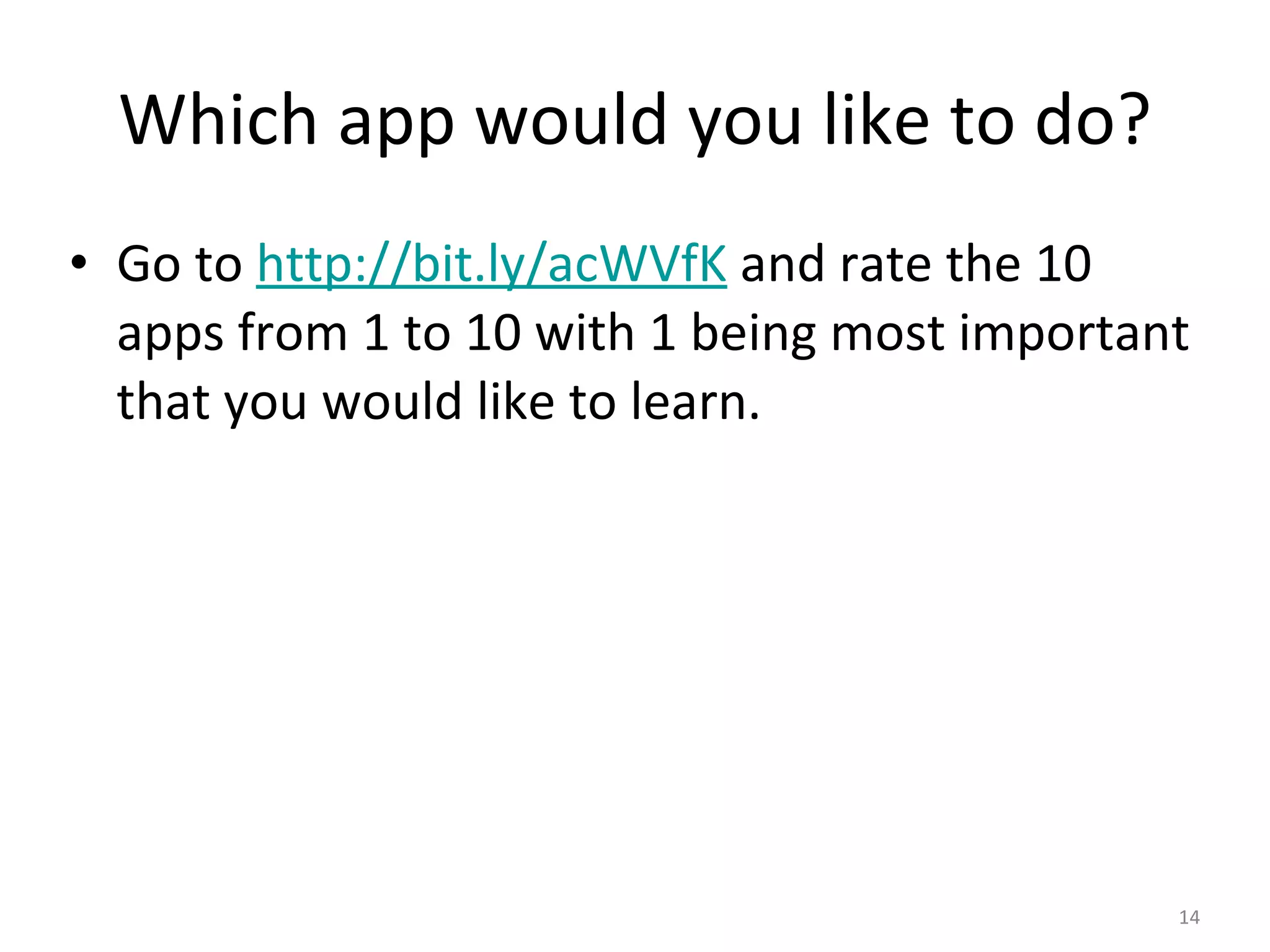
Which app would you like to do? Go to  http://bit.ly/acWVfK  and rate the 10 apps from 1 to 10 with 1 being most important that you would like to learn.
 
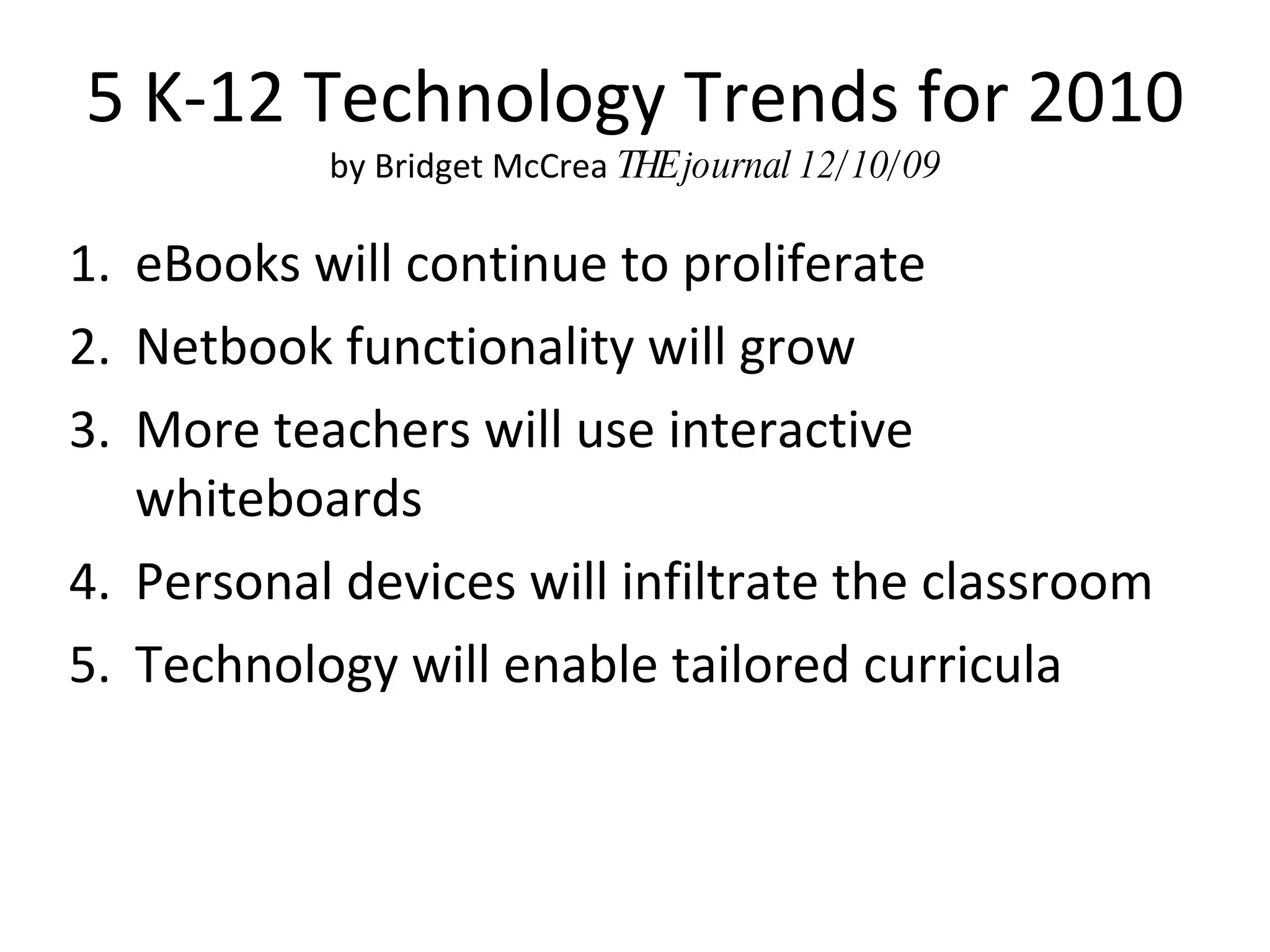
5 K-12 Technology Trends for 2010 by Bridget McCrea  THE journal 12/10/09 eBooks will continue to proliferate Netbook functionality will grow More teachers will use interactive whiteboards Personal devices will infiltrate the classroom Technology will enable tailored curricula
What do you think of these predictions?
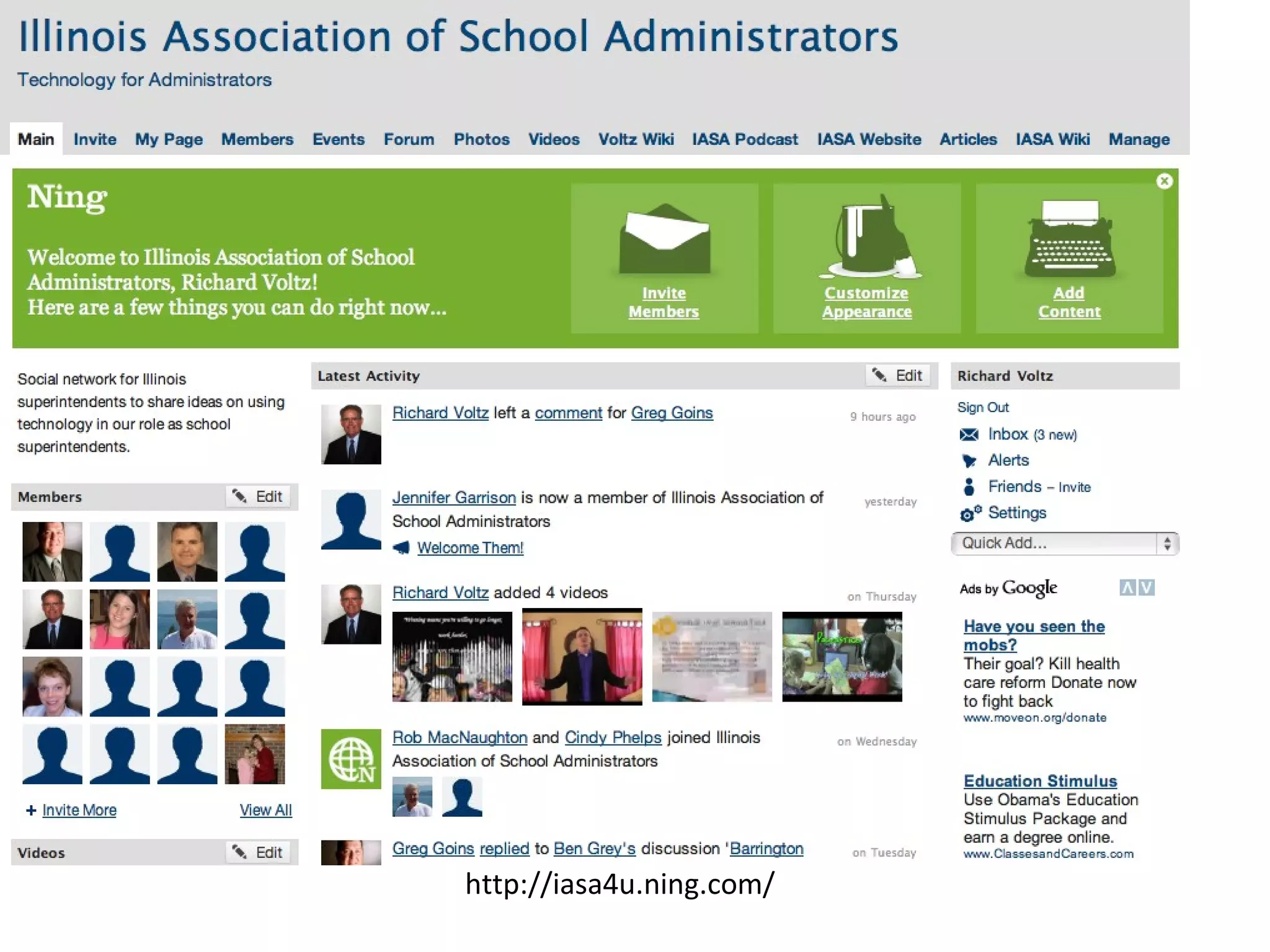
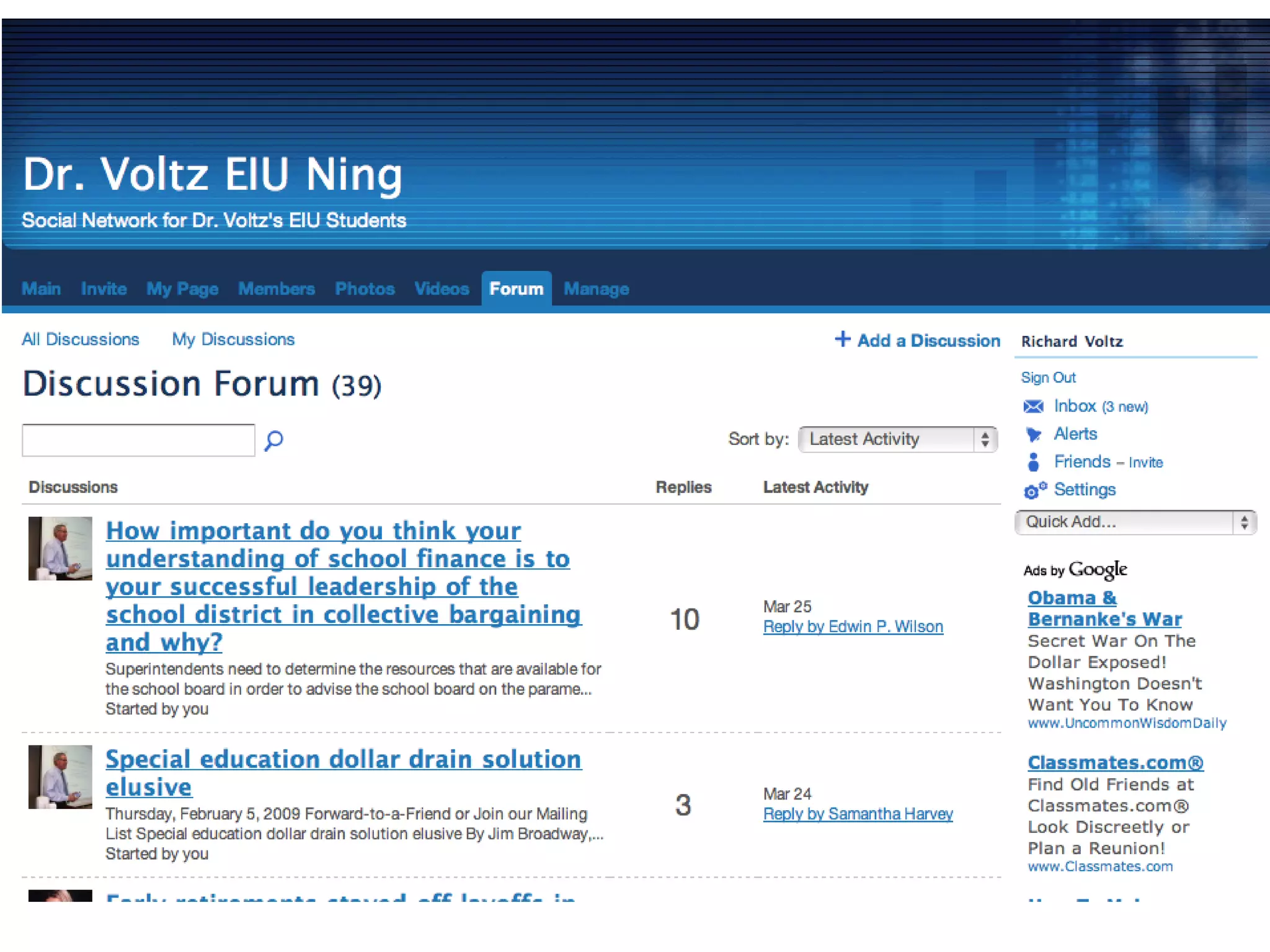
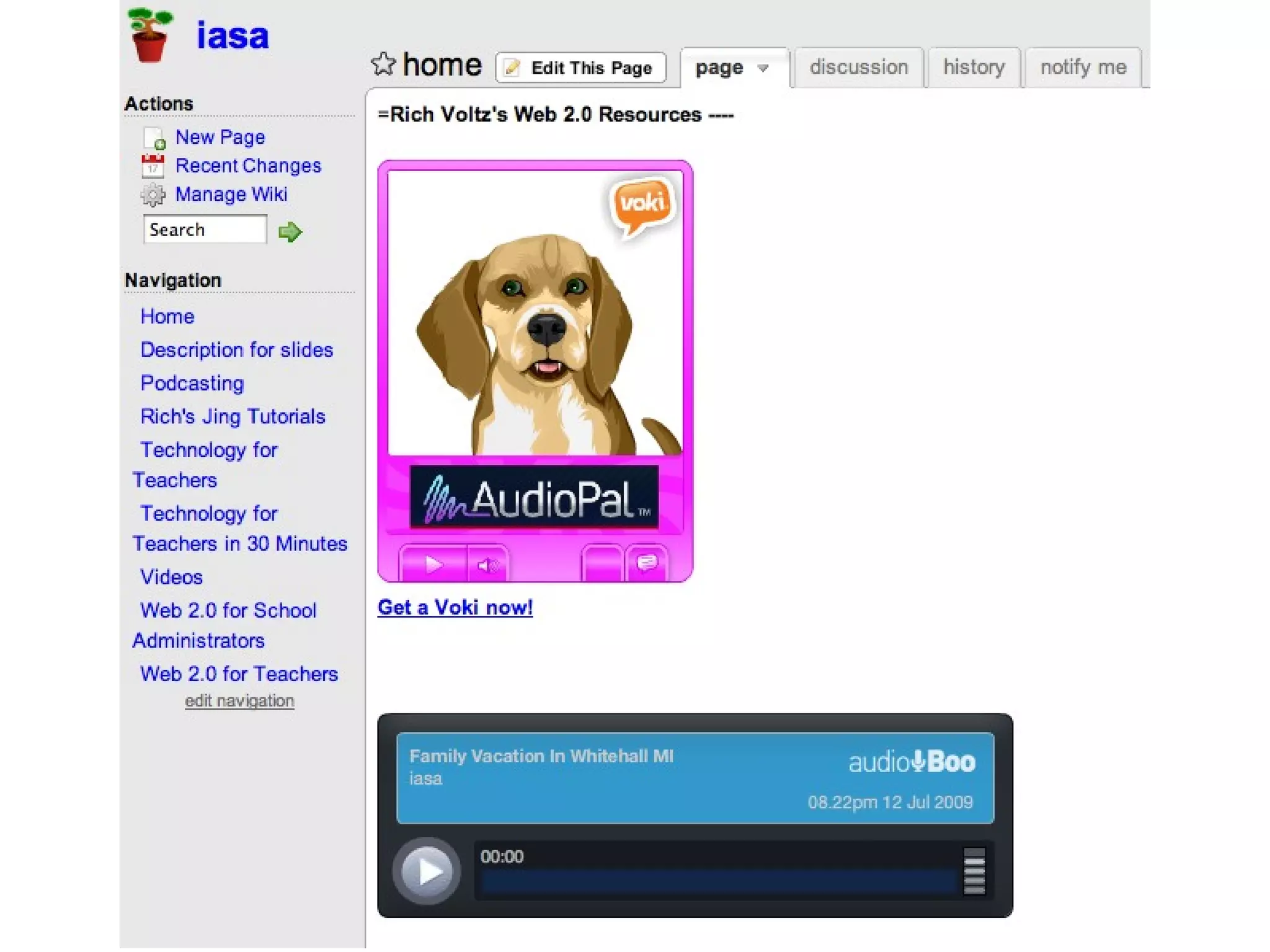
Webpage for technology for administrators is http://iasa4u.ning.com Webpage containing tutorial for various technology functions is http://iasa.wikispaces .com
The single most important factor in a student's achievement is the quality of his or her teacher. Reports by: The National Council on Teacher Quality ("Increasing the Odds," 2005) and  The New Teacher Project ("The Widget Effect," 2009)
Web 2.0 Enables Web 2.0 Tools for Teachers by Nik Peachey
Socialization  – Through socialization our students can use the language and skills they are learning to build networks and develop relationships with real people. Web 2.0 Tools for Teachers by Nik Peachey
Collaboration  – They can work together with others to construct and share real knowledge. Web 2.0 Tools for Teachers by Nik Peachey
Creativity  – They can create genuine products, in a wide range and combination of media to high standards, that will have a real audience. Web 2.0 Tools for Teachers by Nik Peachey
Authenticity  – The tasks and activities they do and the people they communicate with to do them are real and motivating. Web 2.0 Tools for Teachers by Nik Peachey
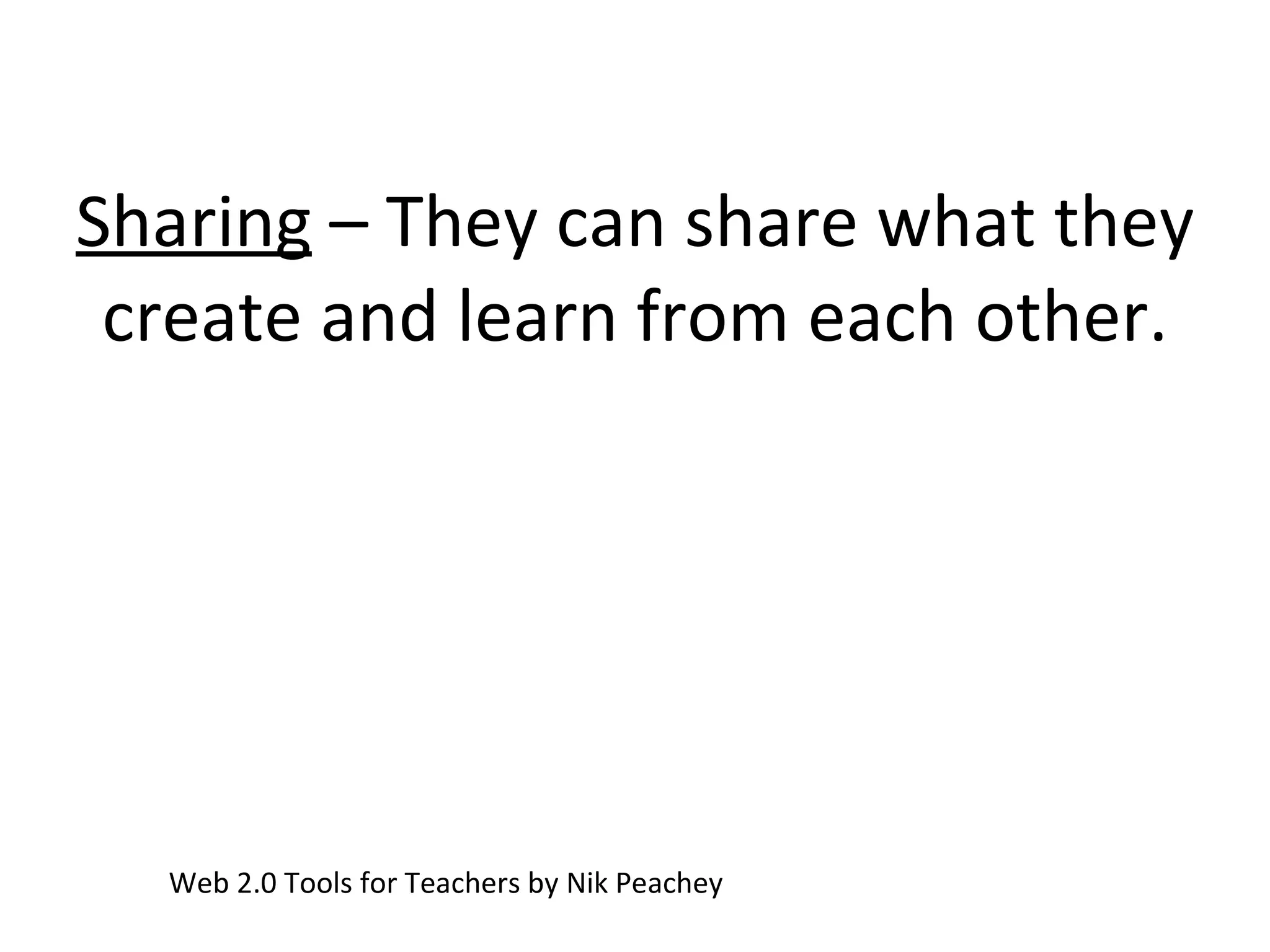
Sharing  – They can share what they create and learn from each other. Web 2.0 Tools for Teachers by Nik Peachey
 
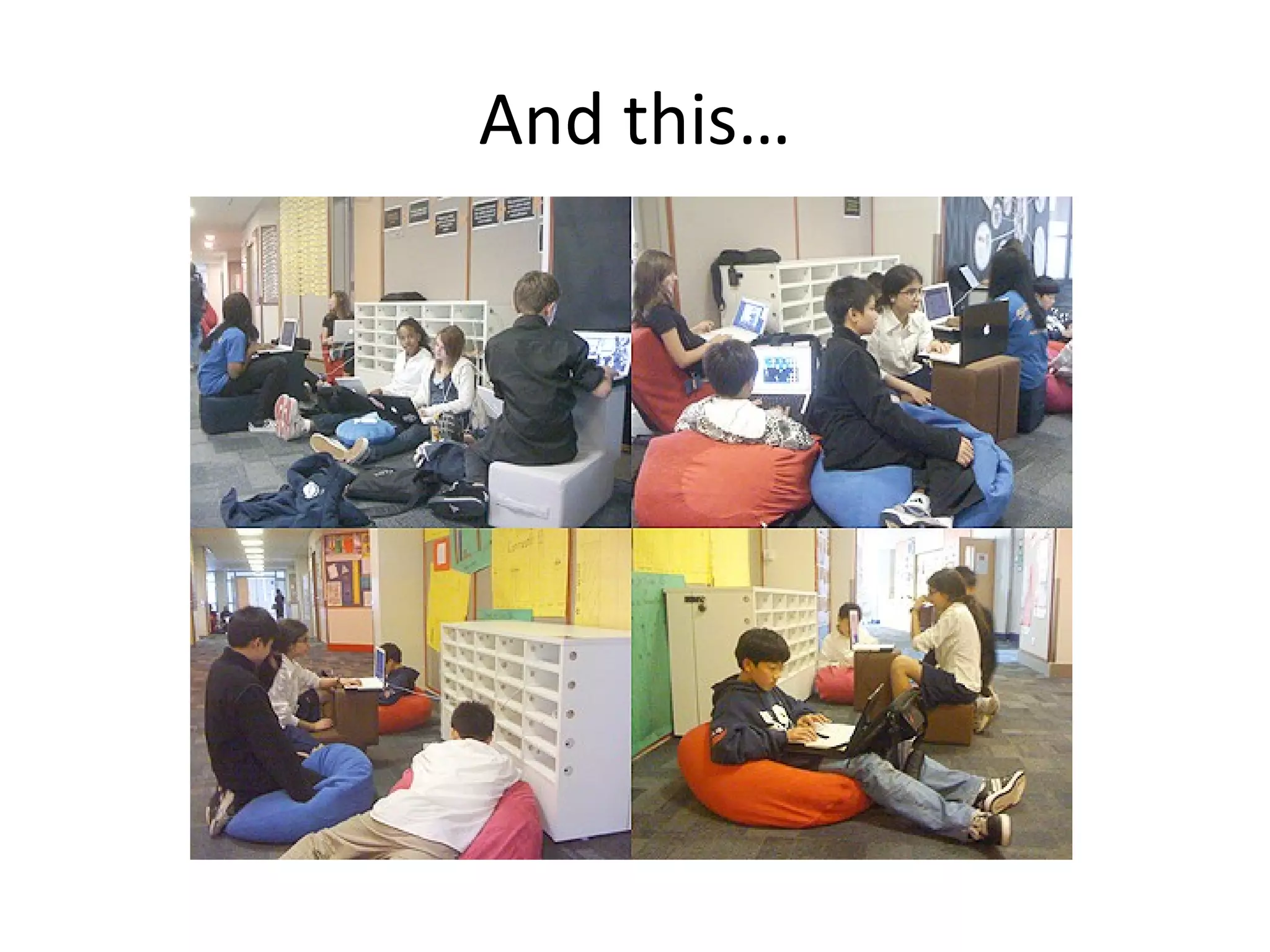
And this…


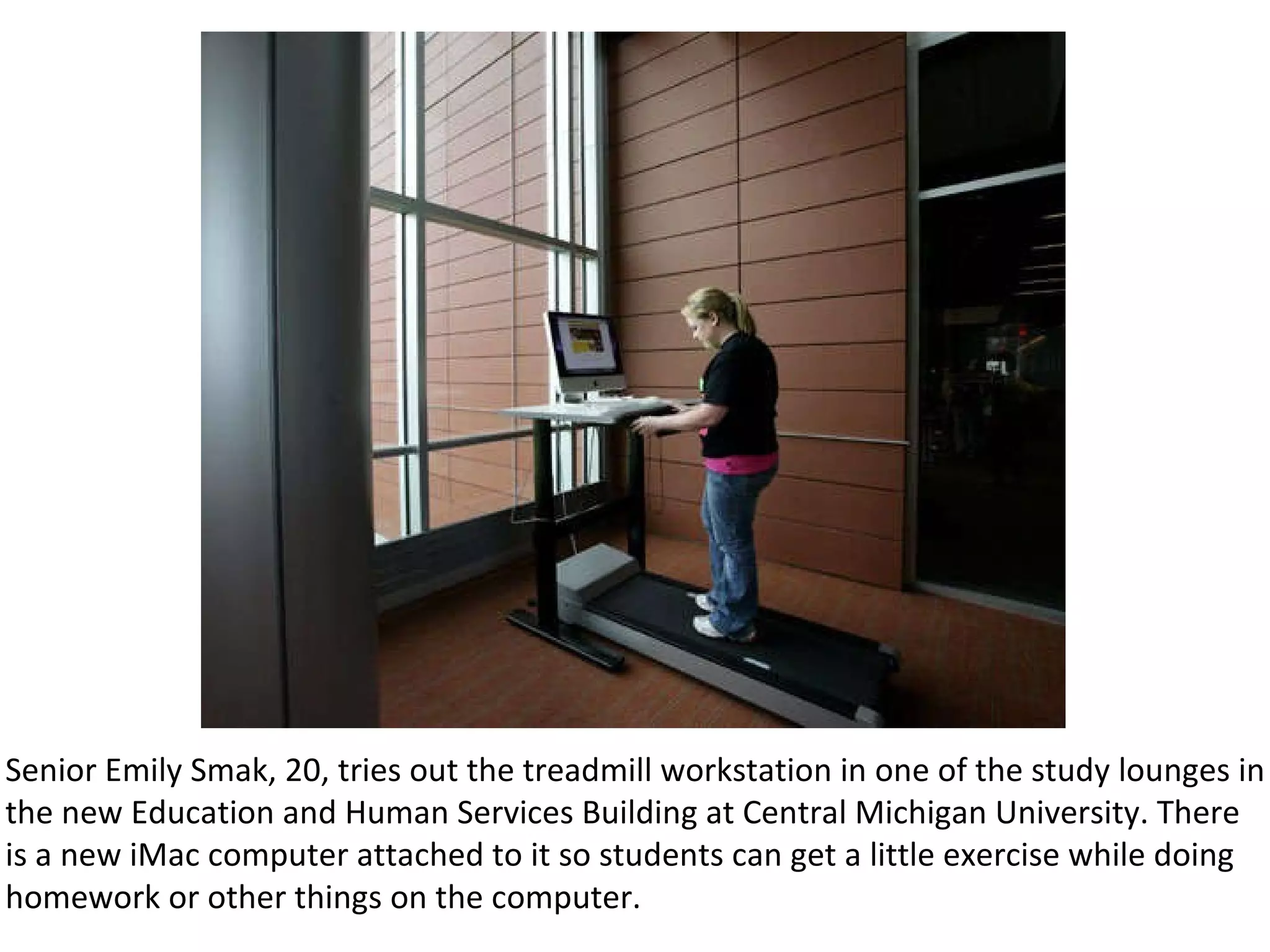
Senior Emily Smak, 20, tries out the treadmill workstation in one of the study lounges in the new Education and Human Services Building at Central Michigan University. There is a new iMac computer attached to it so students can get a little exercise while doing homework or other things on the computer.
Do you think students are more engaged outside of school than in school?
What is your school doing about it?
Did You Know 4.0
Go To http://bit.ly/7tGT7W To participate in the discussion…
Education, Today and Tomorrow
What are your initial reactions to what you saw in the presentation?
How are these changes manifesting themselves in your personal lives? professional lives?
What do we think it means to prepare students for the 21st century? What skills do students need to survive and thrive in this new era?
What implications does this have for our current way of doing things?
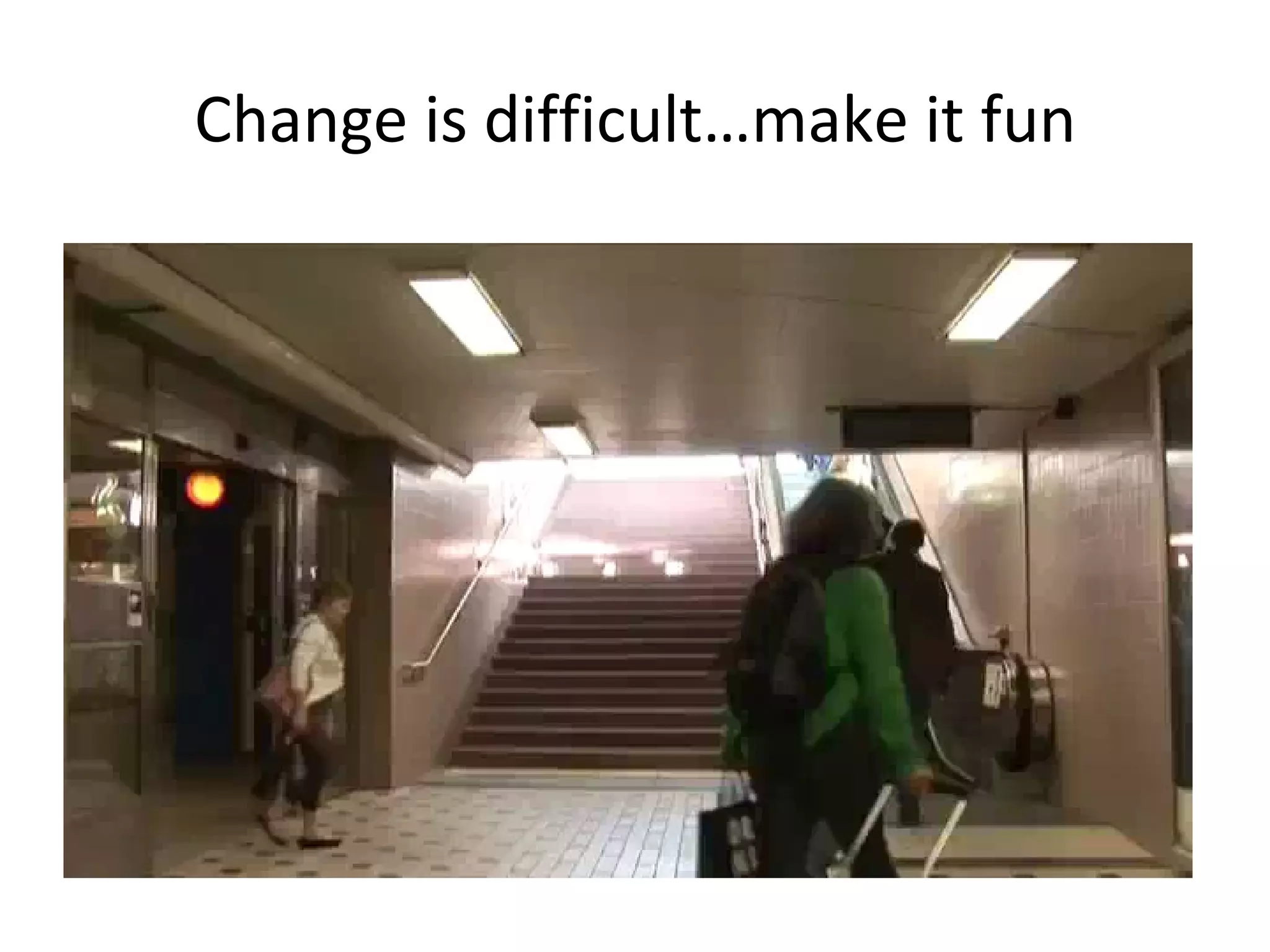
Change is difficult…make it fun
Student Voices on Technology
Infrastructure & Connectivity
What do teachers and schools need to do to stay in front in this race toward 21st Century learning?
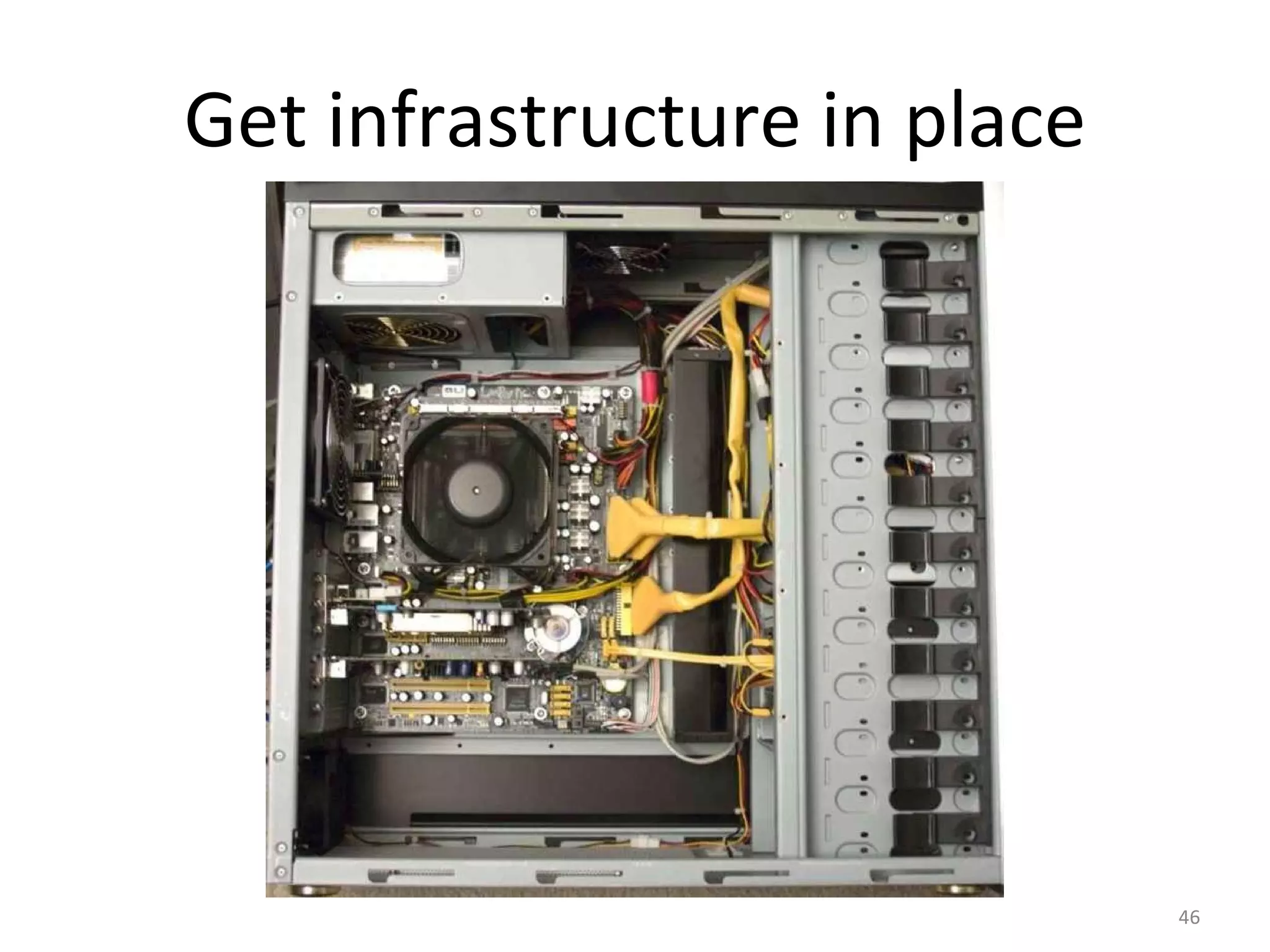
Get infrastructure in place
Have a plan
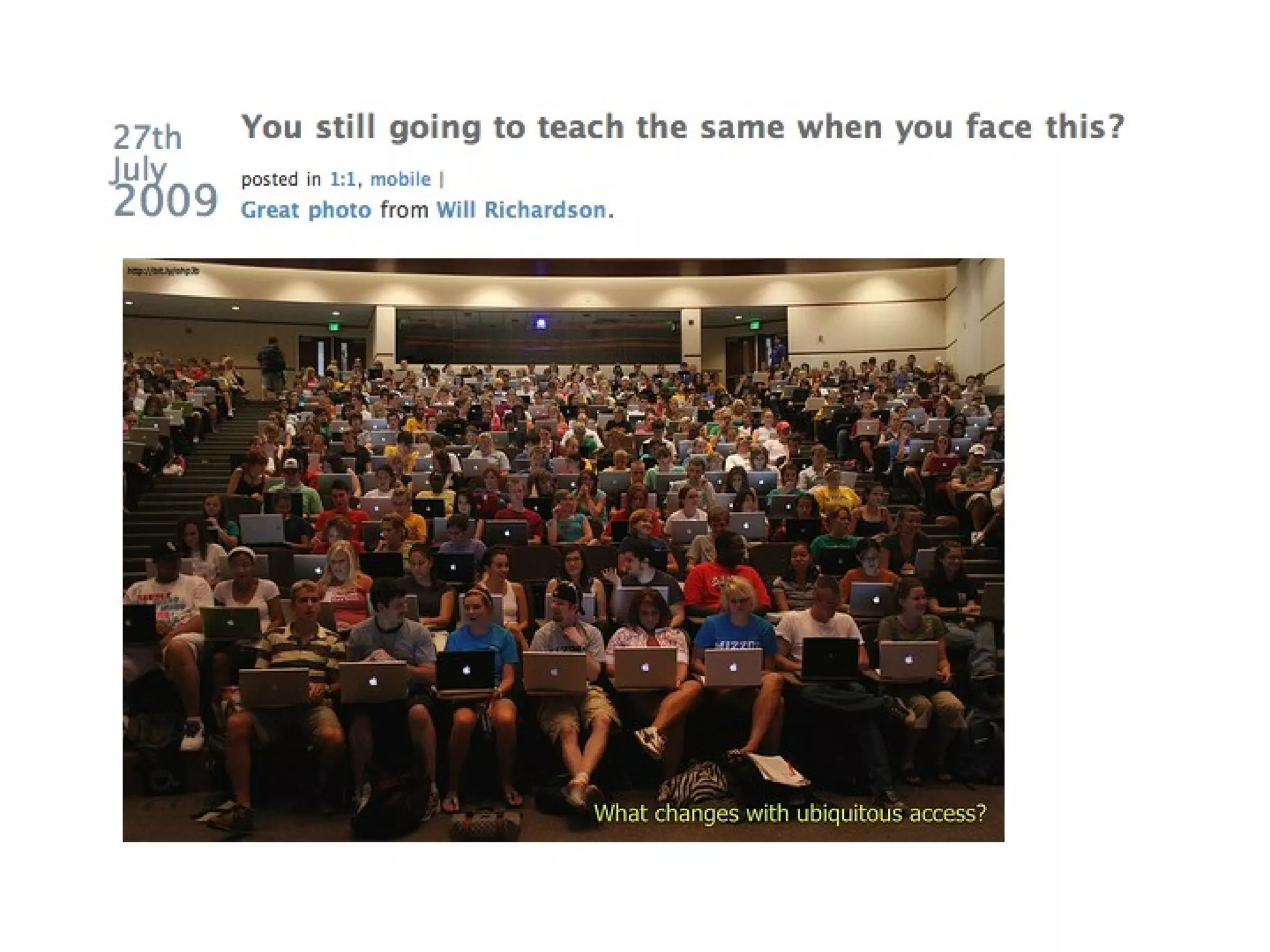
If public education spends $ on technology then we cannot  still teach the same.
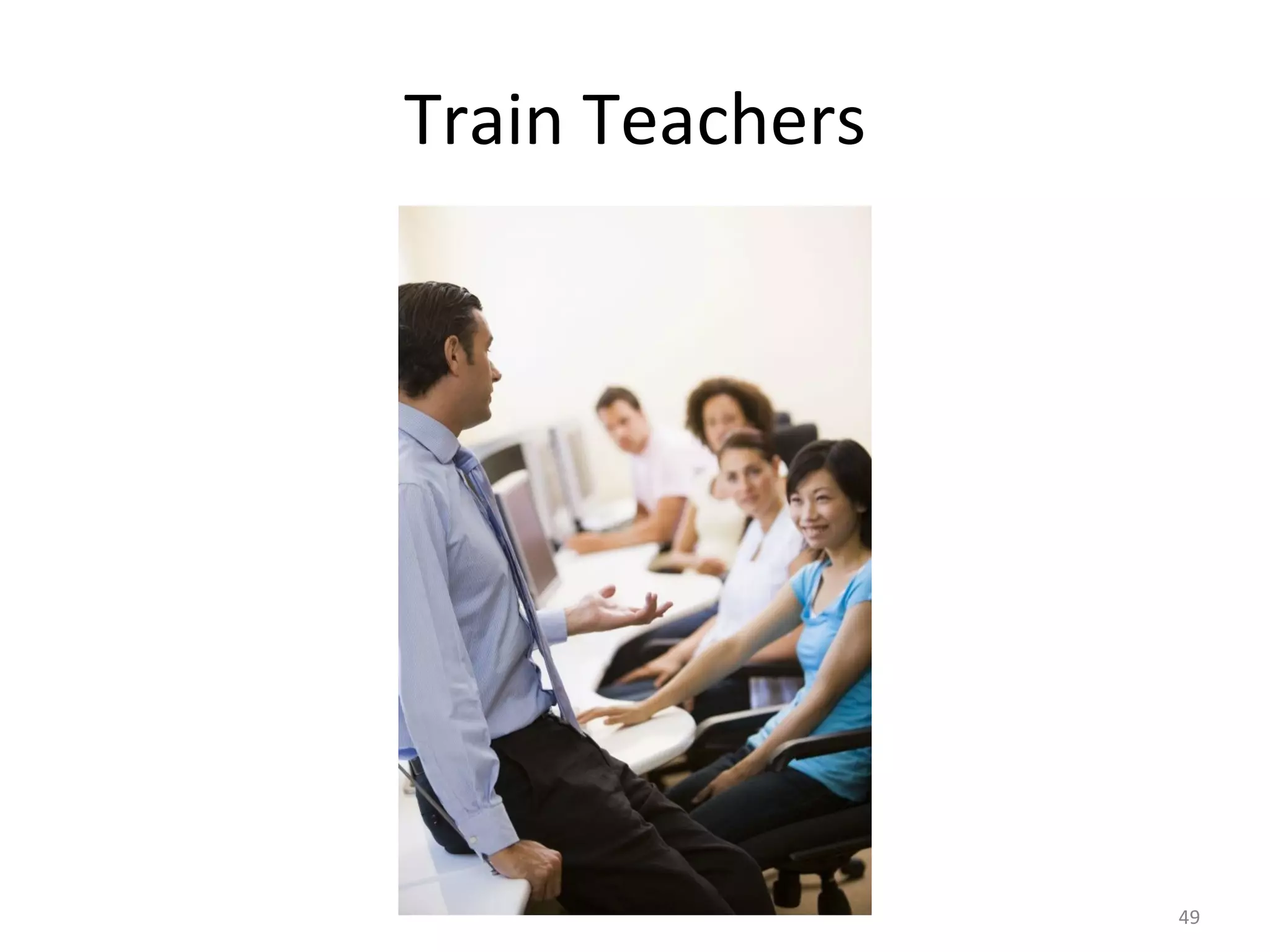
Train Teachers
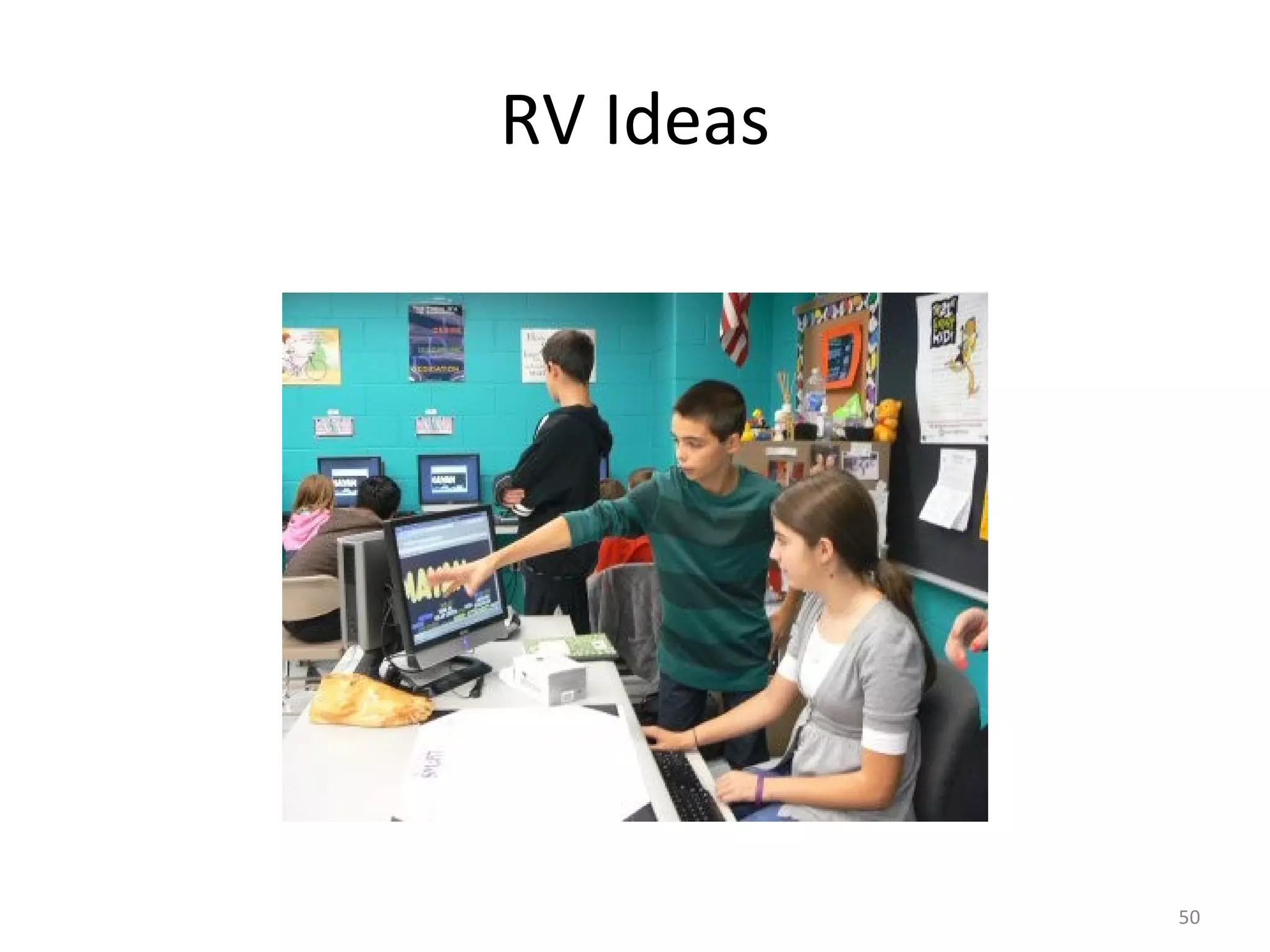
RV Ideas
Technology costs, where can you save?
Try new teaching strategies
Mathtrain-1.TV   Probability with Ben and Jerry
 
Determine what works for you...
Remedial Software
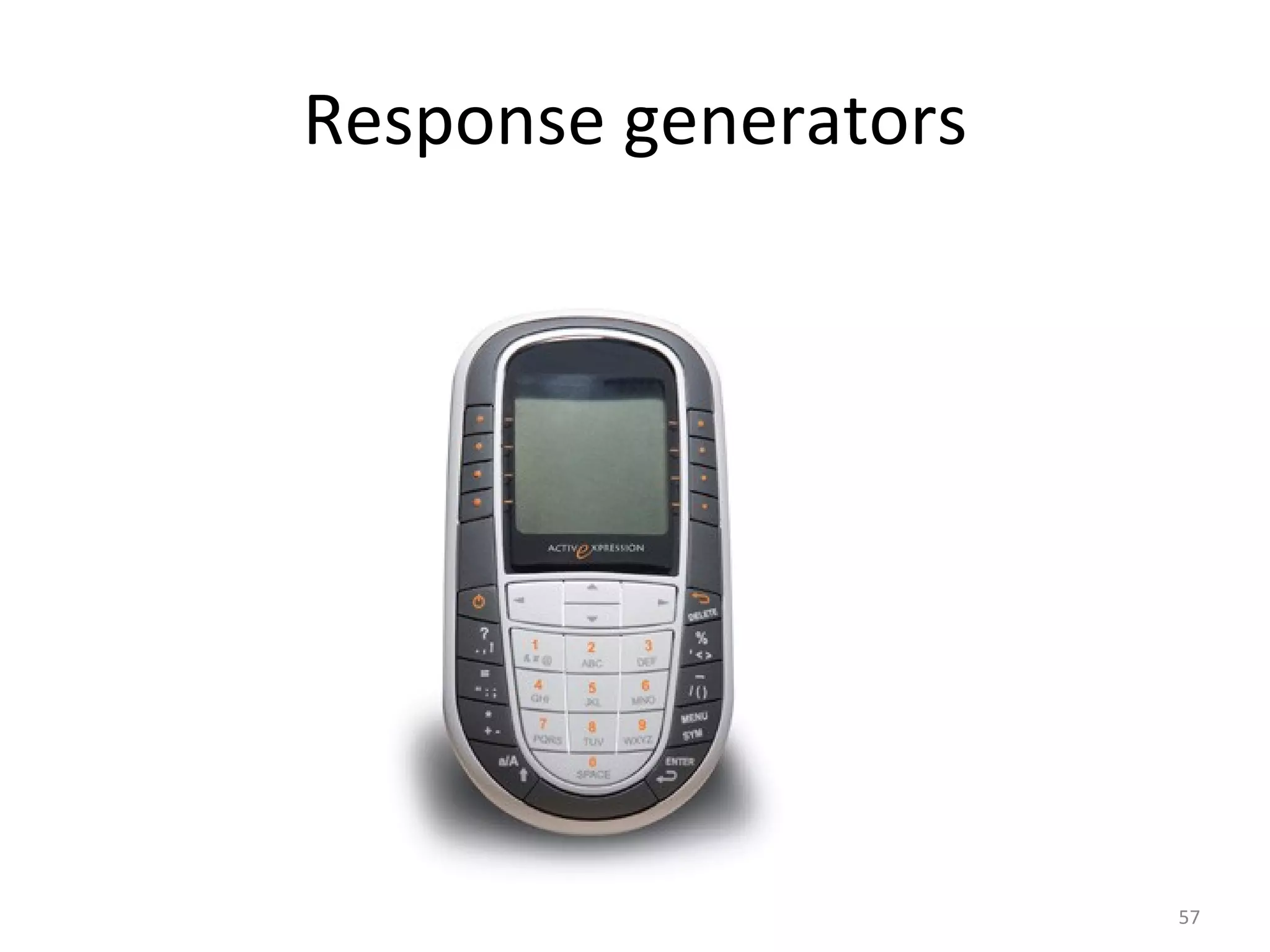
Response generators
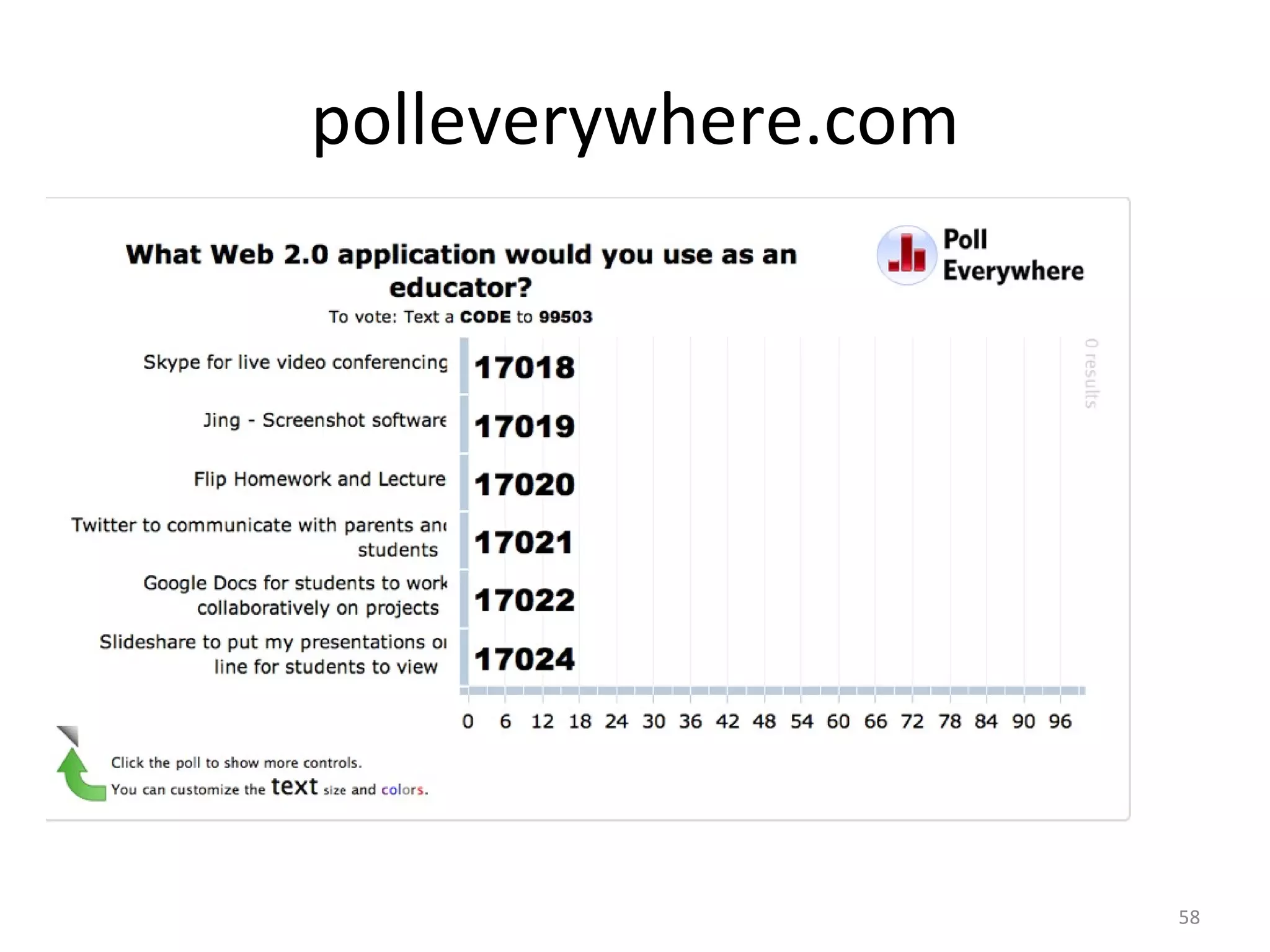
polleverywhere.com
http://bit.ly/9vvv4B
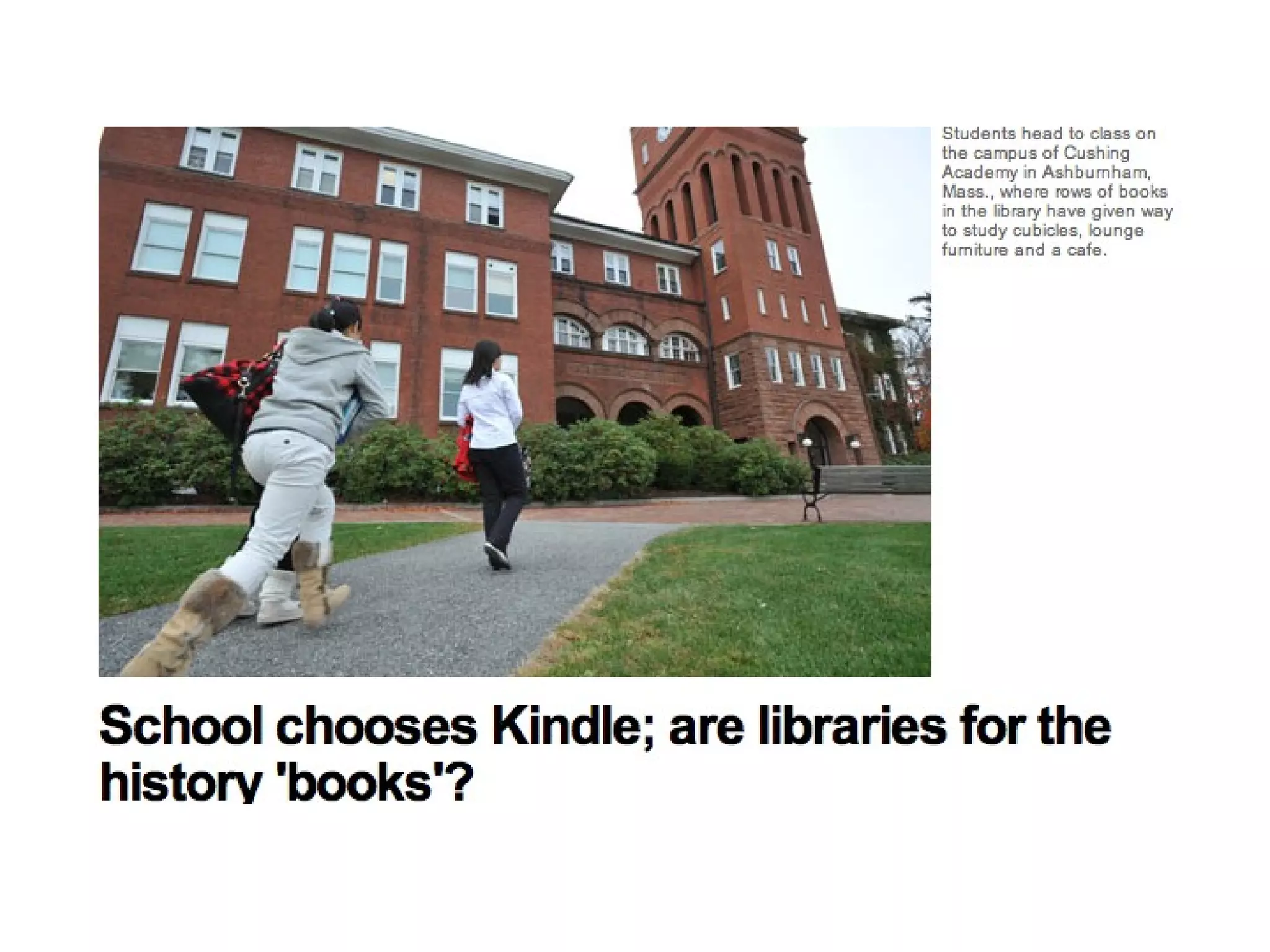
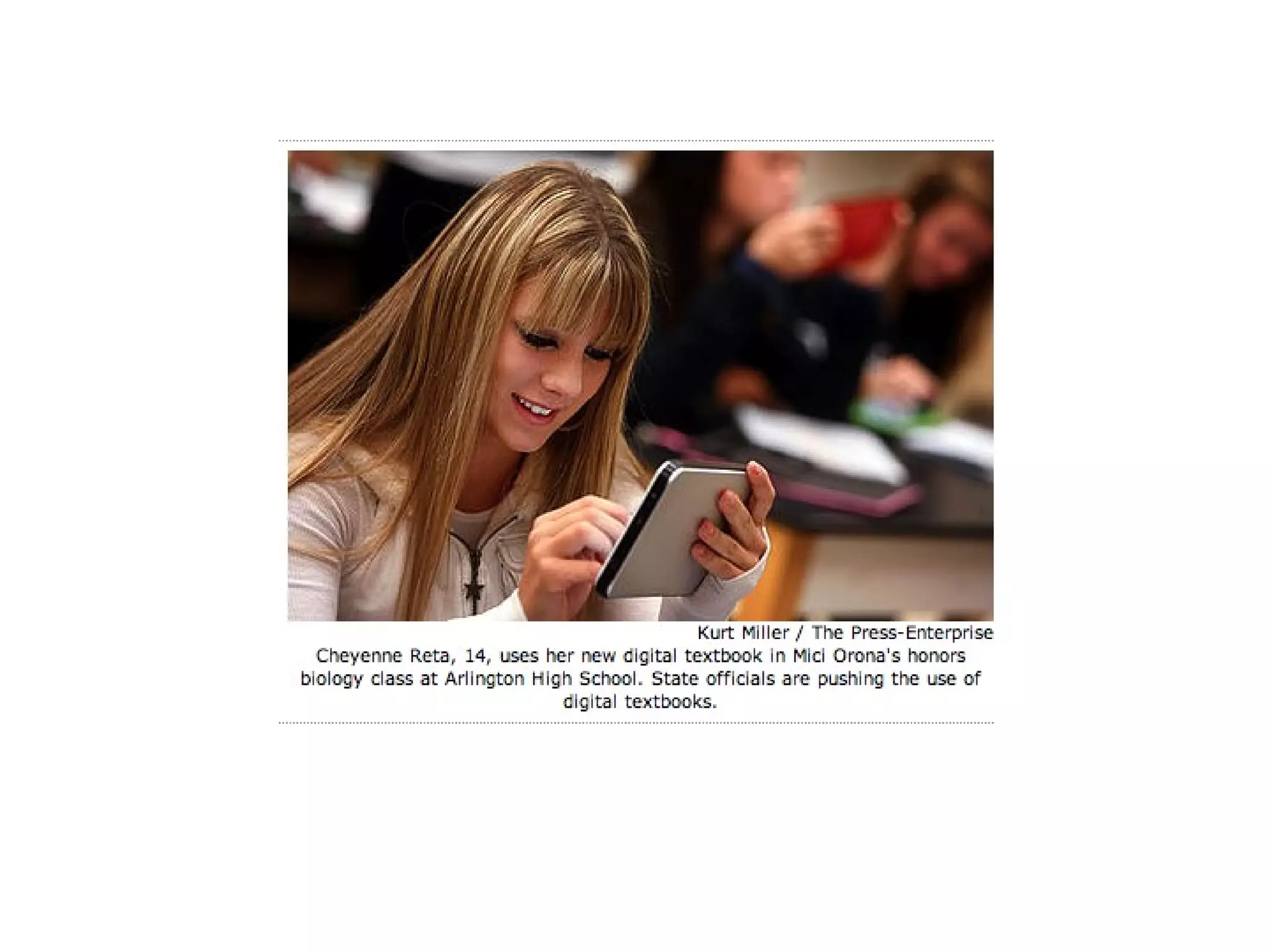
Will paper copy library books ever be replaced with digital books?
 
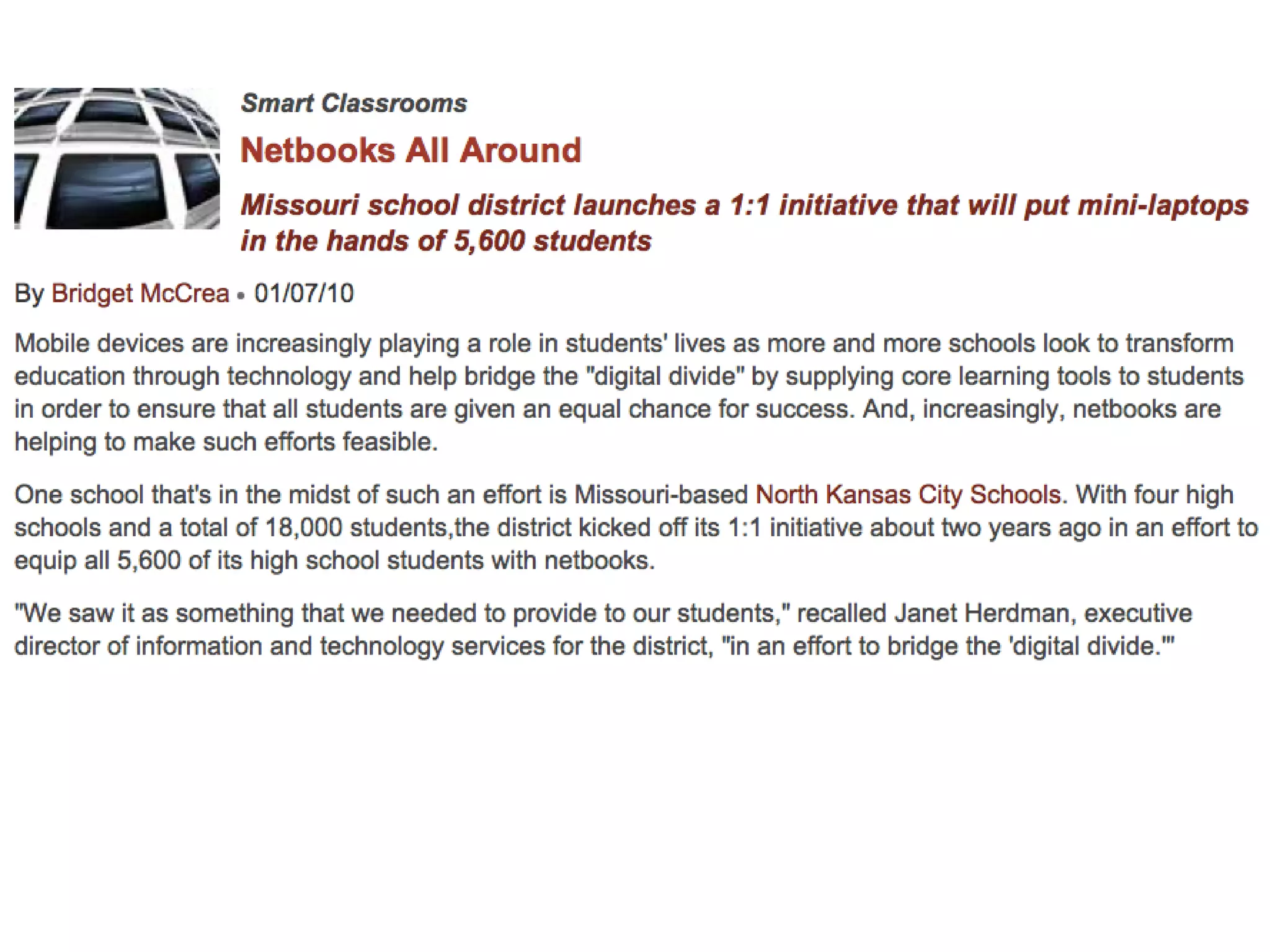
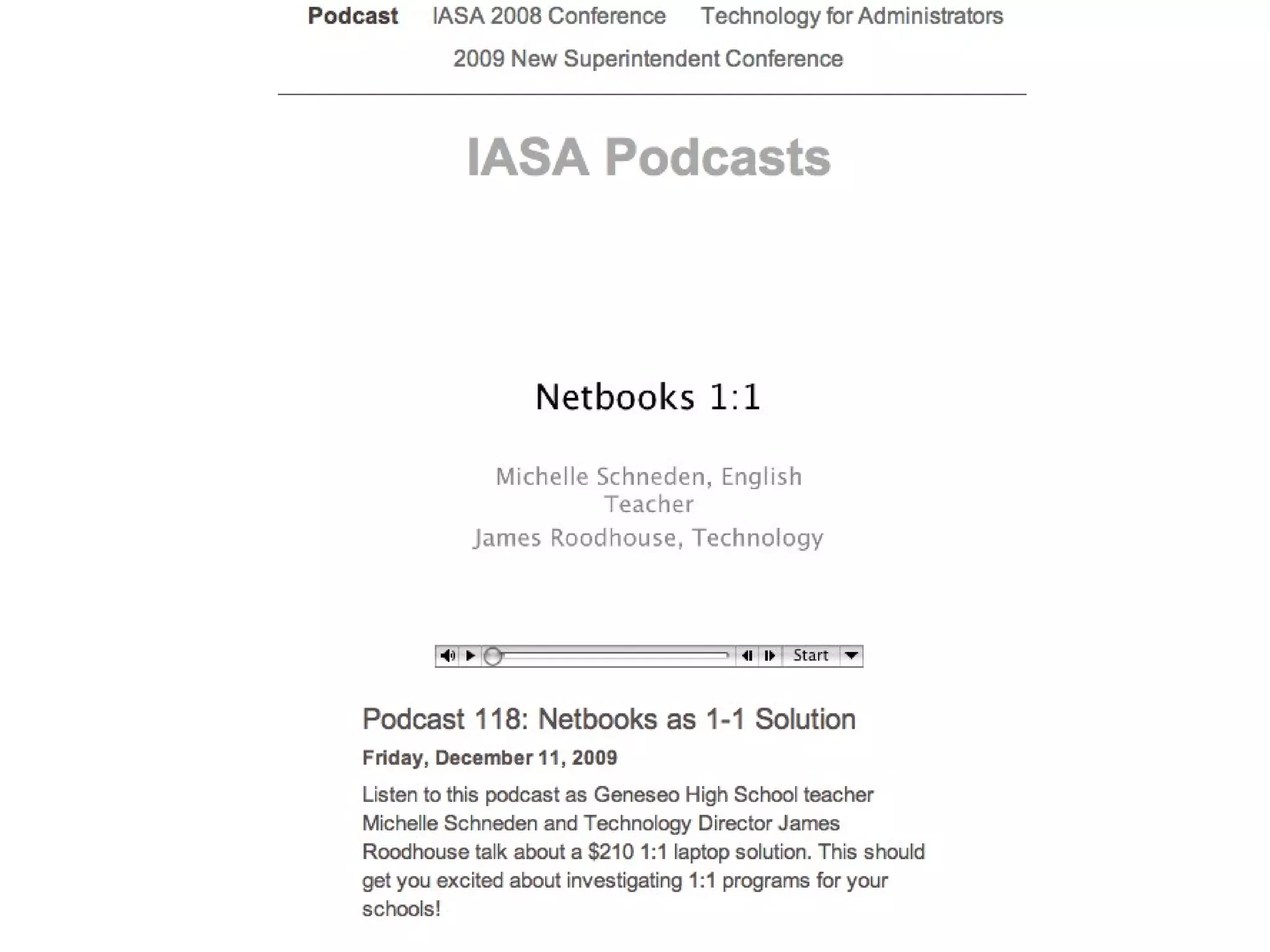
How close are we to 1:1 classroom computing?
Intermediate School Increases Math Scores in 1:1 Program
 
 
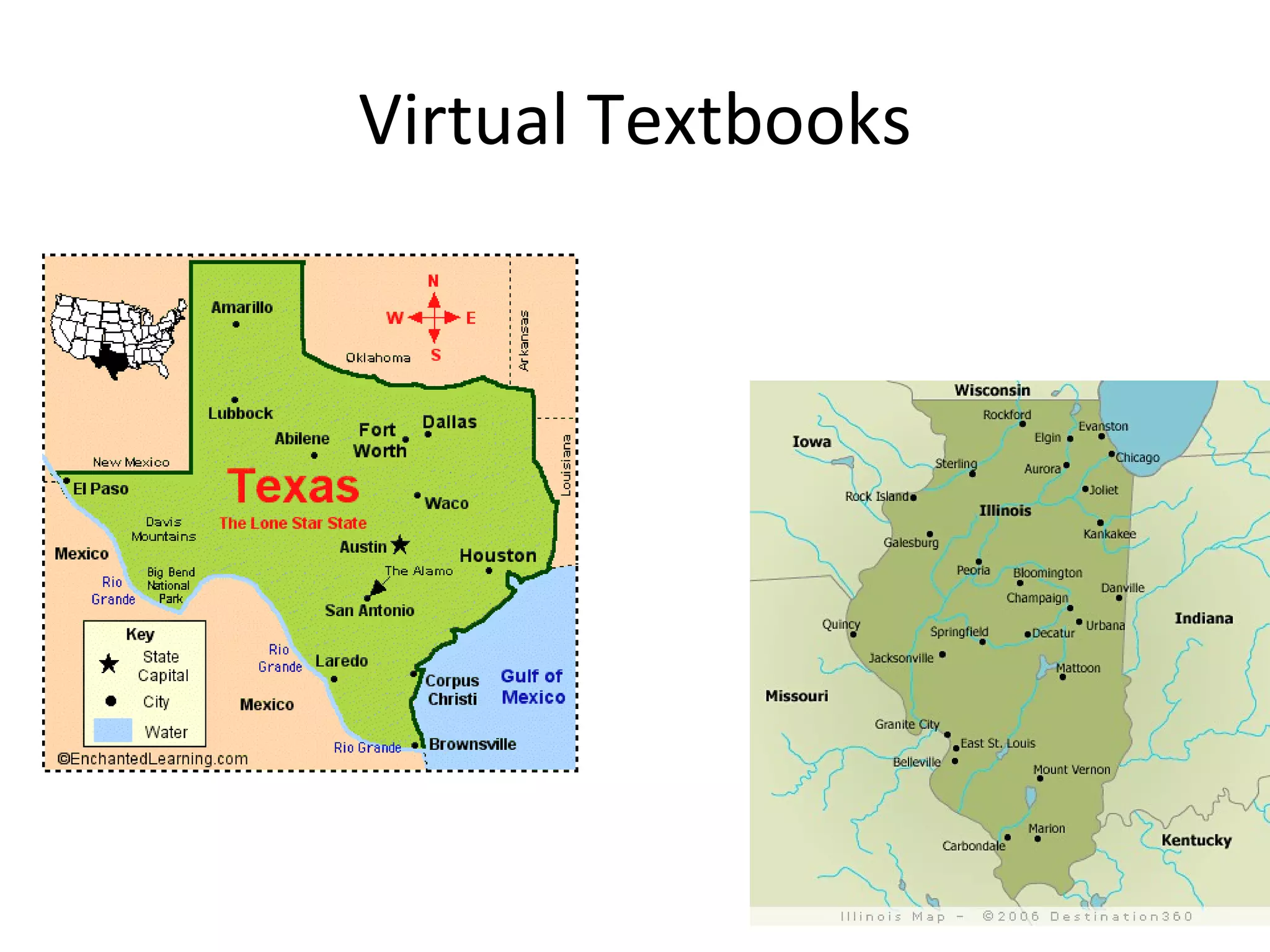
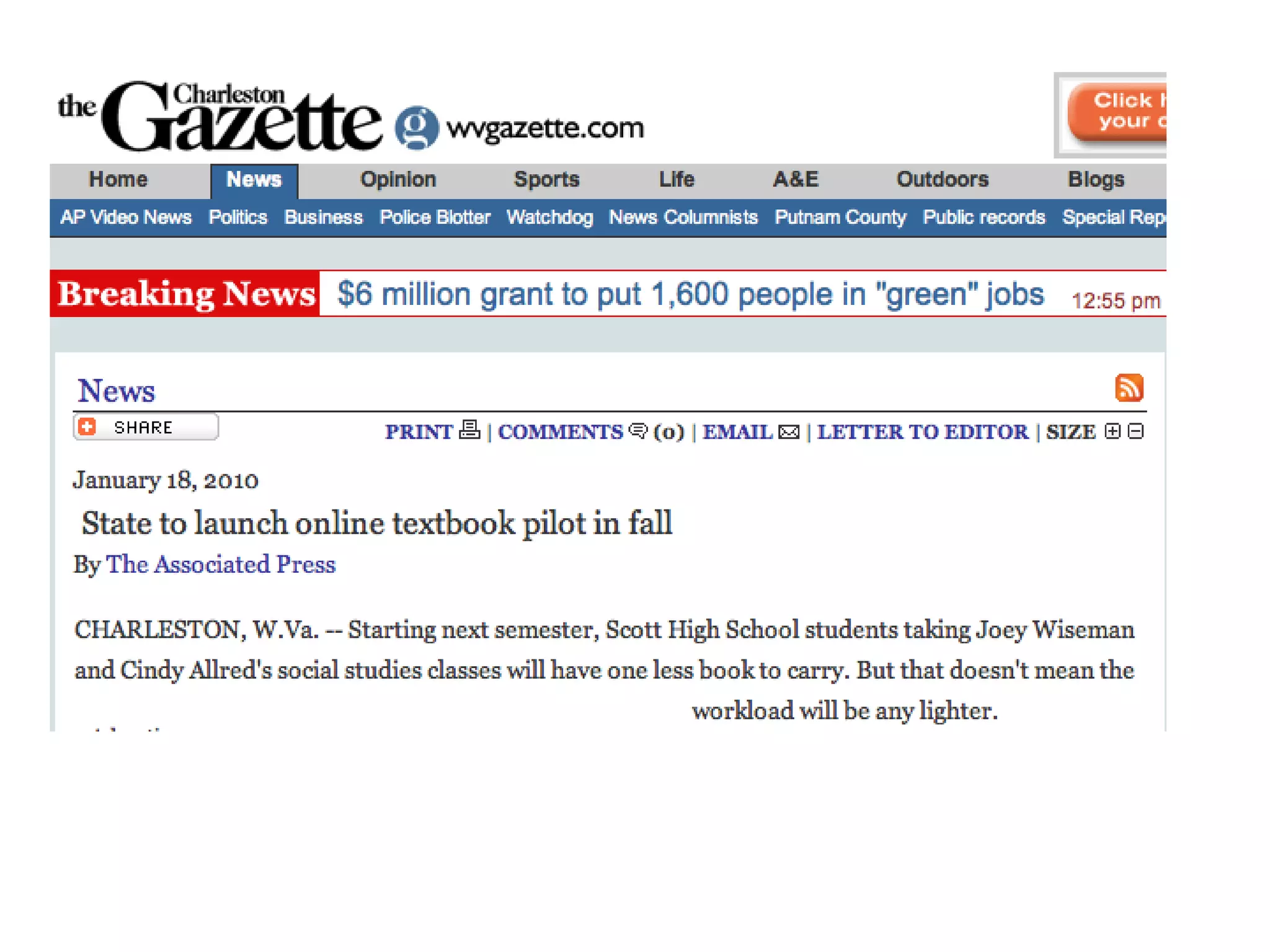
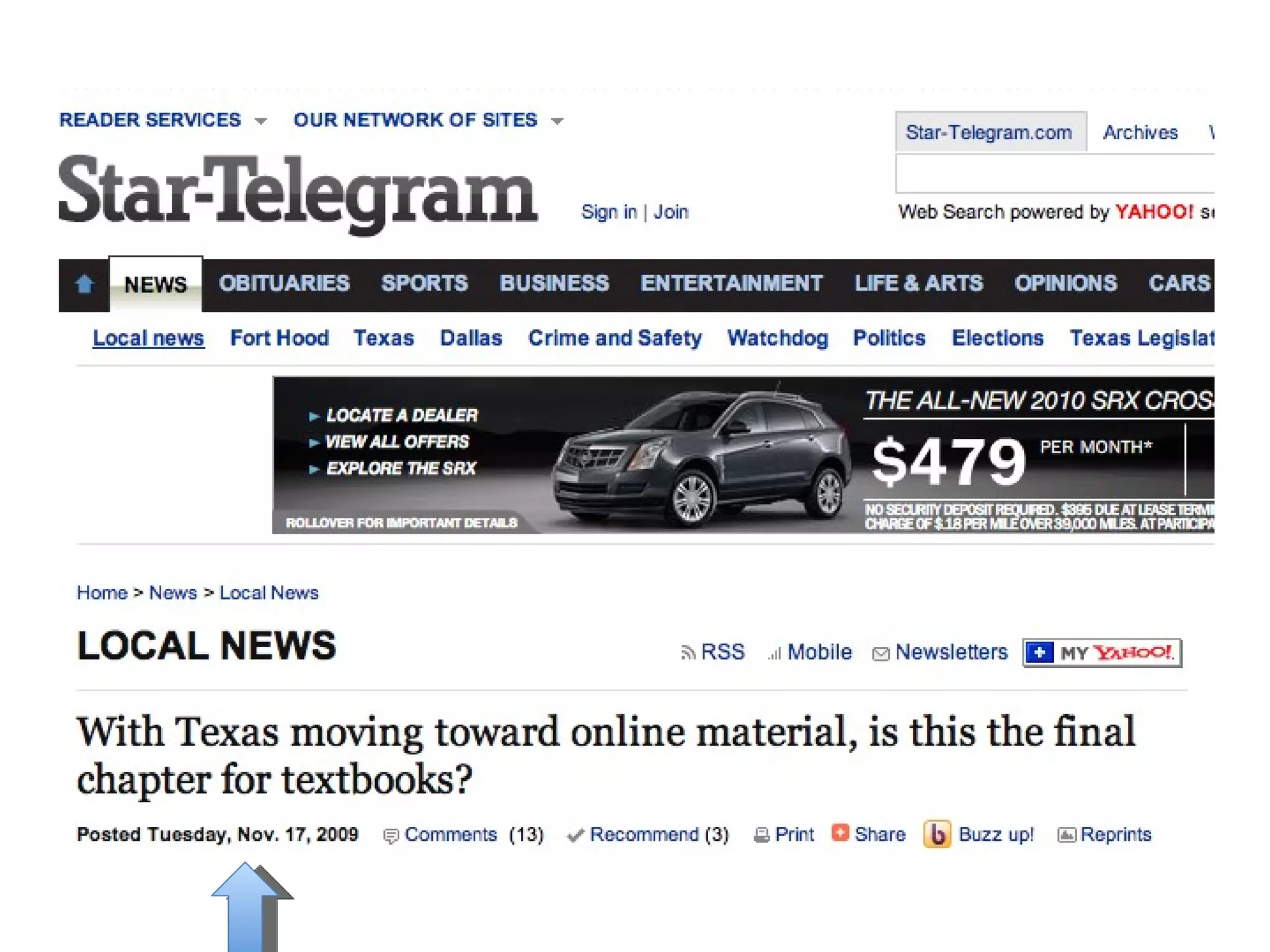
Virtual Textbooks
 
 
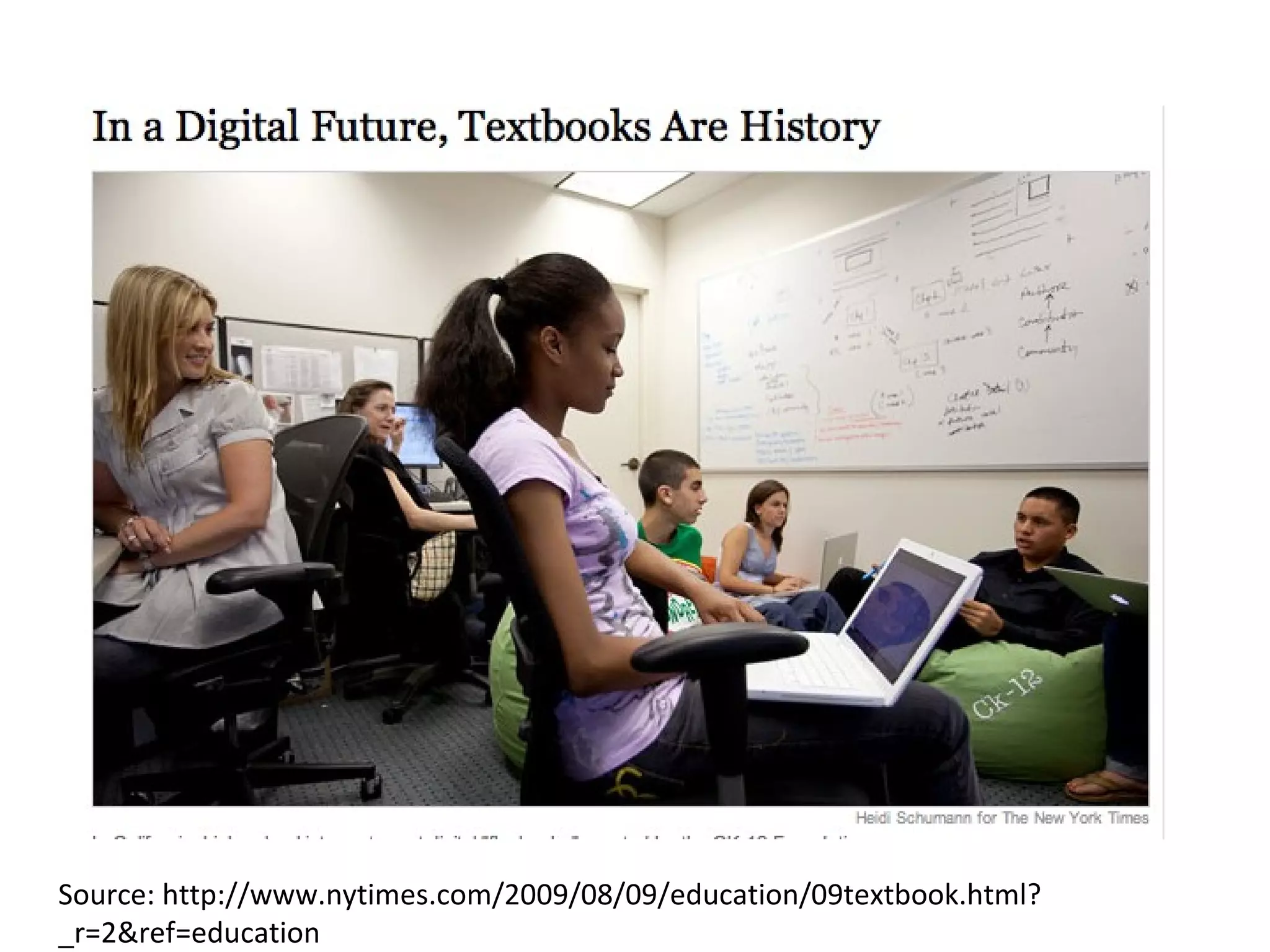
This month, the Texas Education Agency is taking the first step by calling for bids for online material from both traditional publishers and online content providers. Officials there expect to have the first open-source textbooks and other materials online for students next fall.
Source: http://www.nytimes.com/2009/08/09/education/09textbook.html?_r=2&ref=education
 
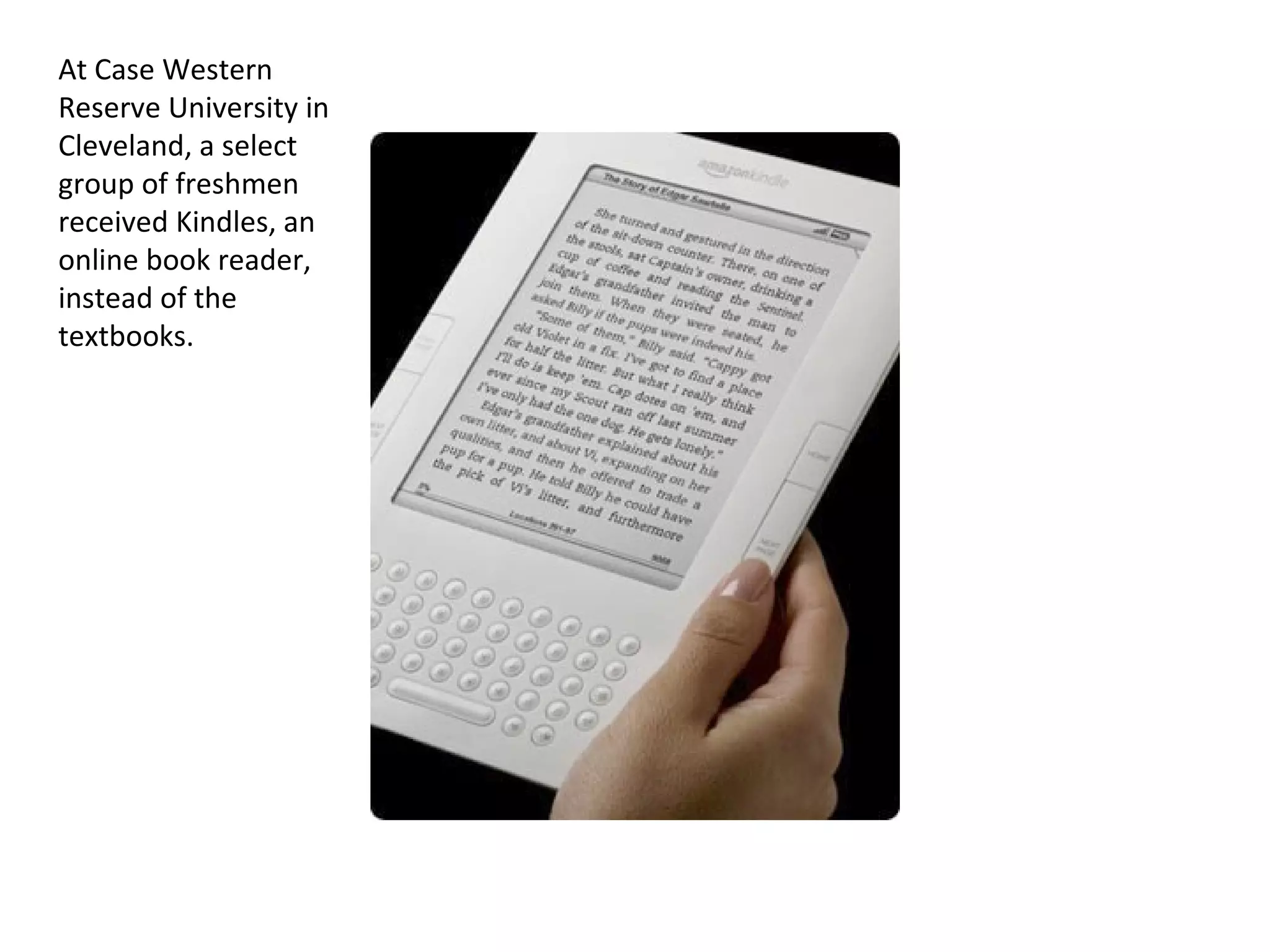
At Case Western Reserve University in Cleveland, a select group of freshmen received Kindles, an online book reader, instead of the textbooks.
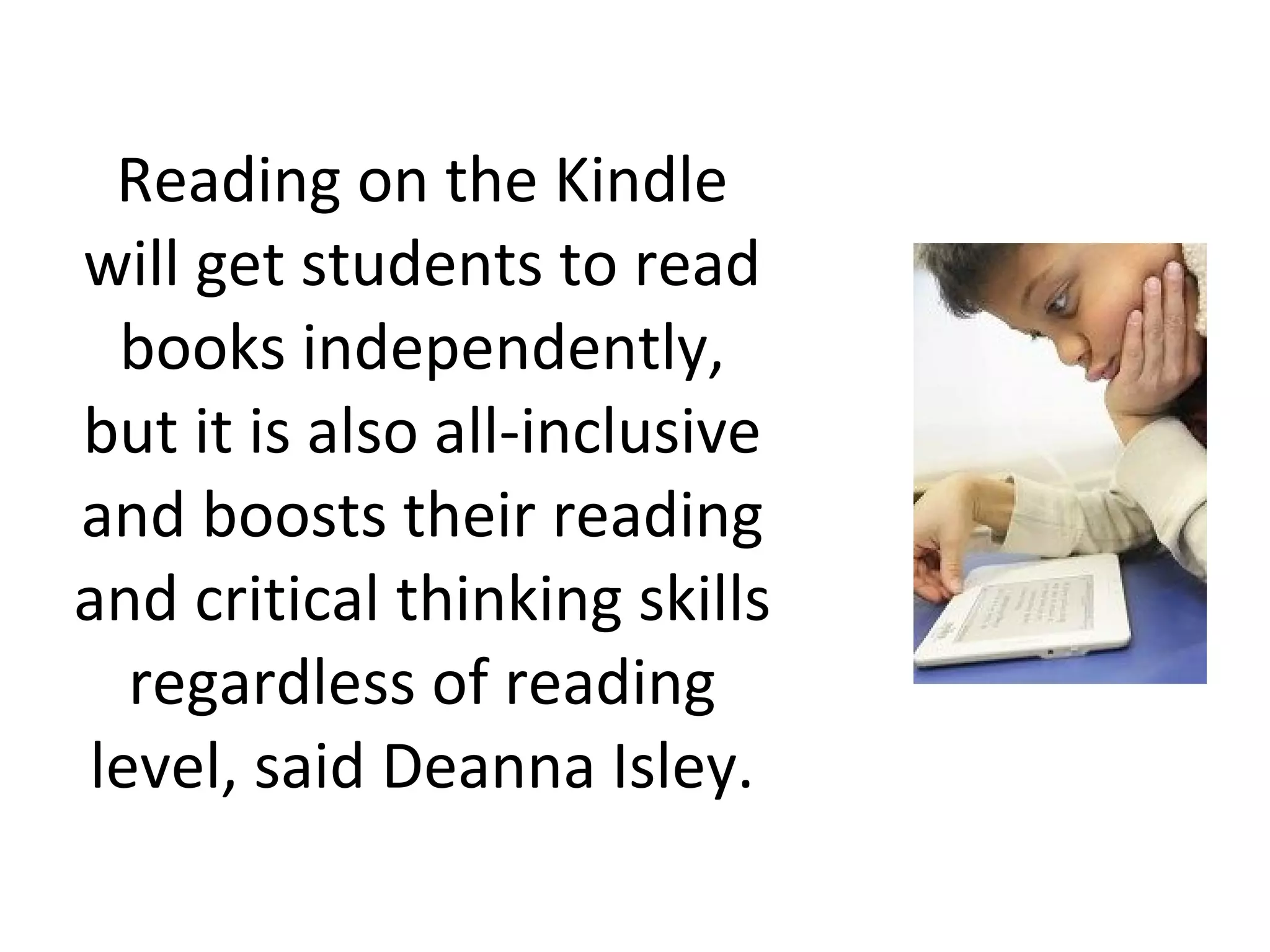
Reading on the Kindle will get students to read books independently, but it is also all-inclusive and boosts their reading and critical thinking skills regardless of reading level, said Deanna Isley.
 
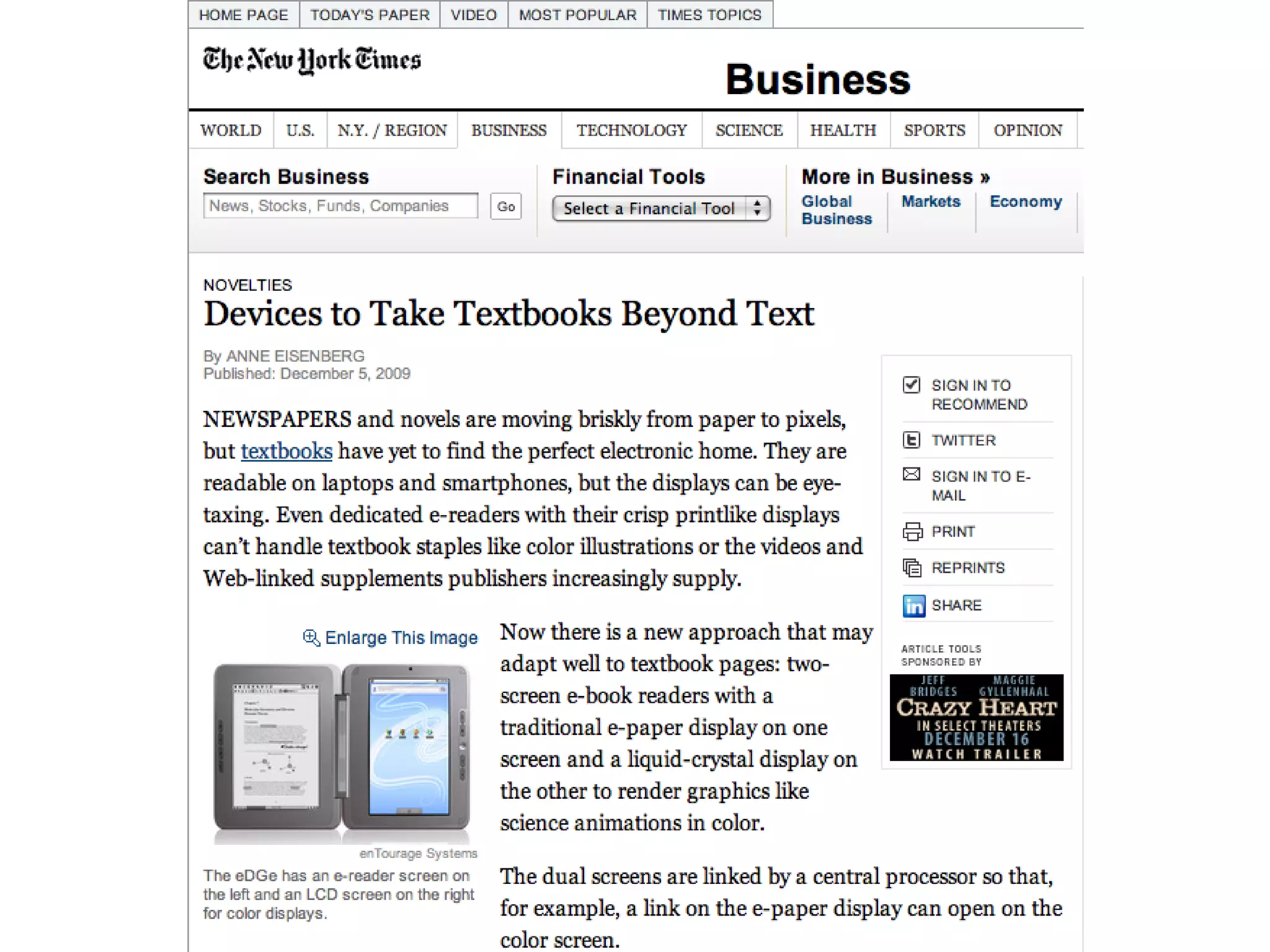
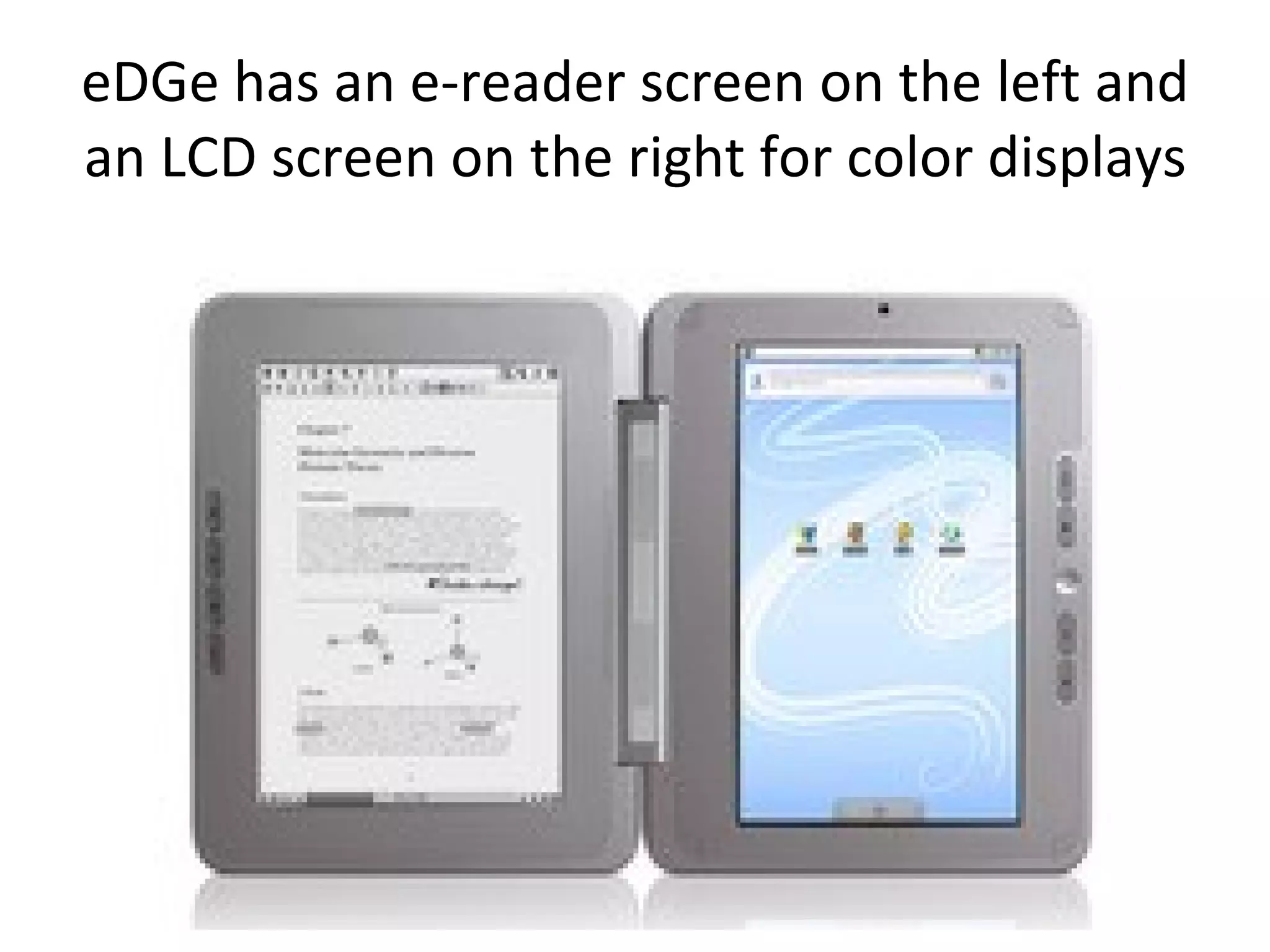
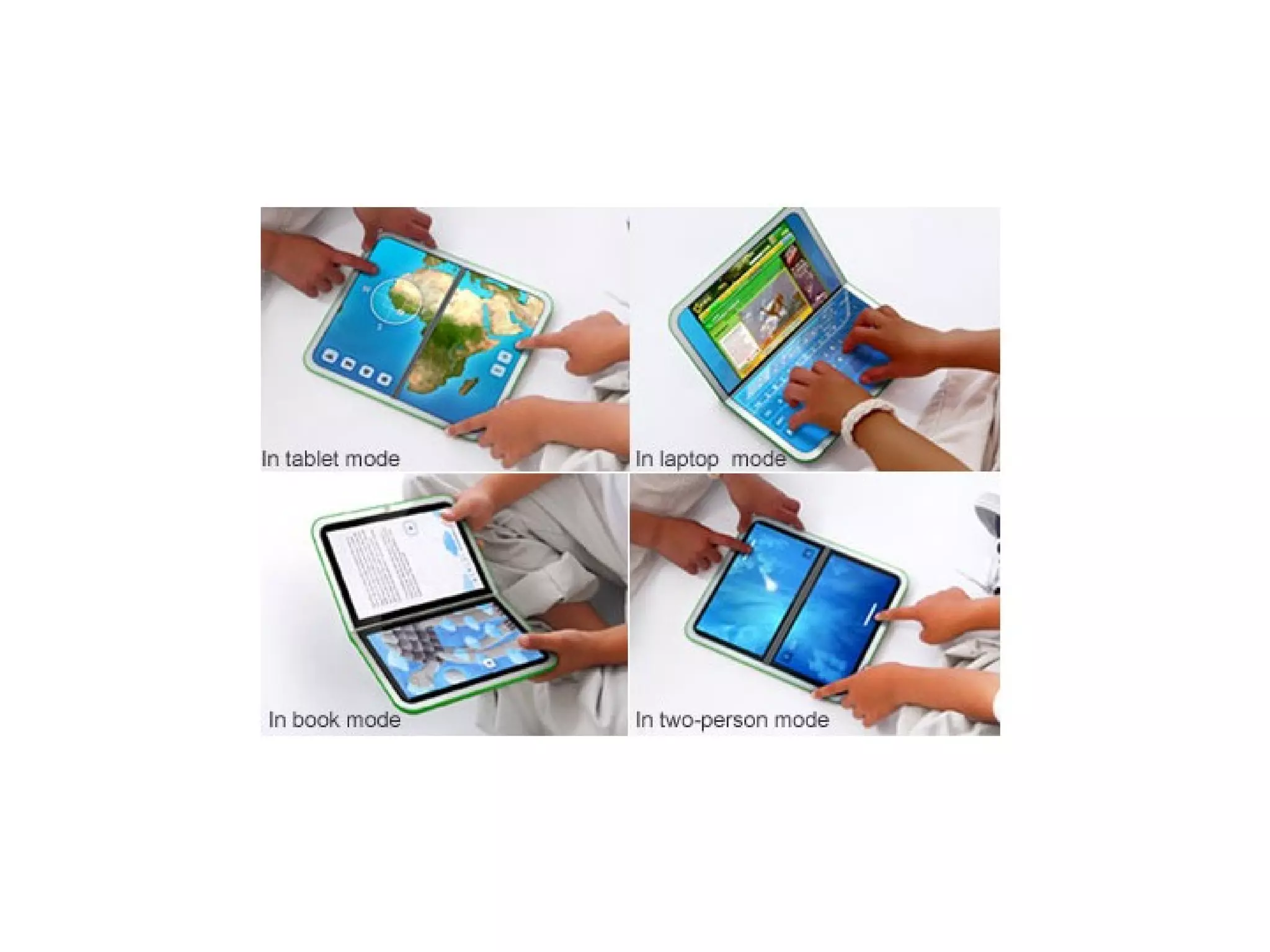
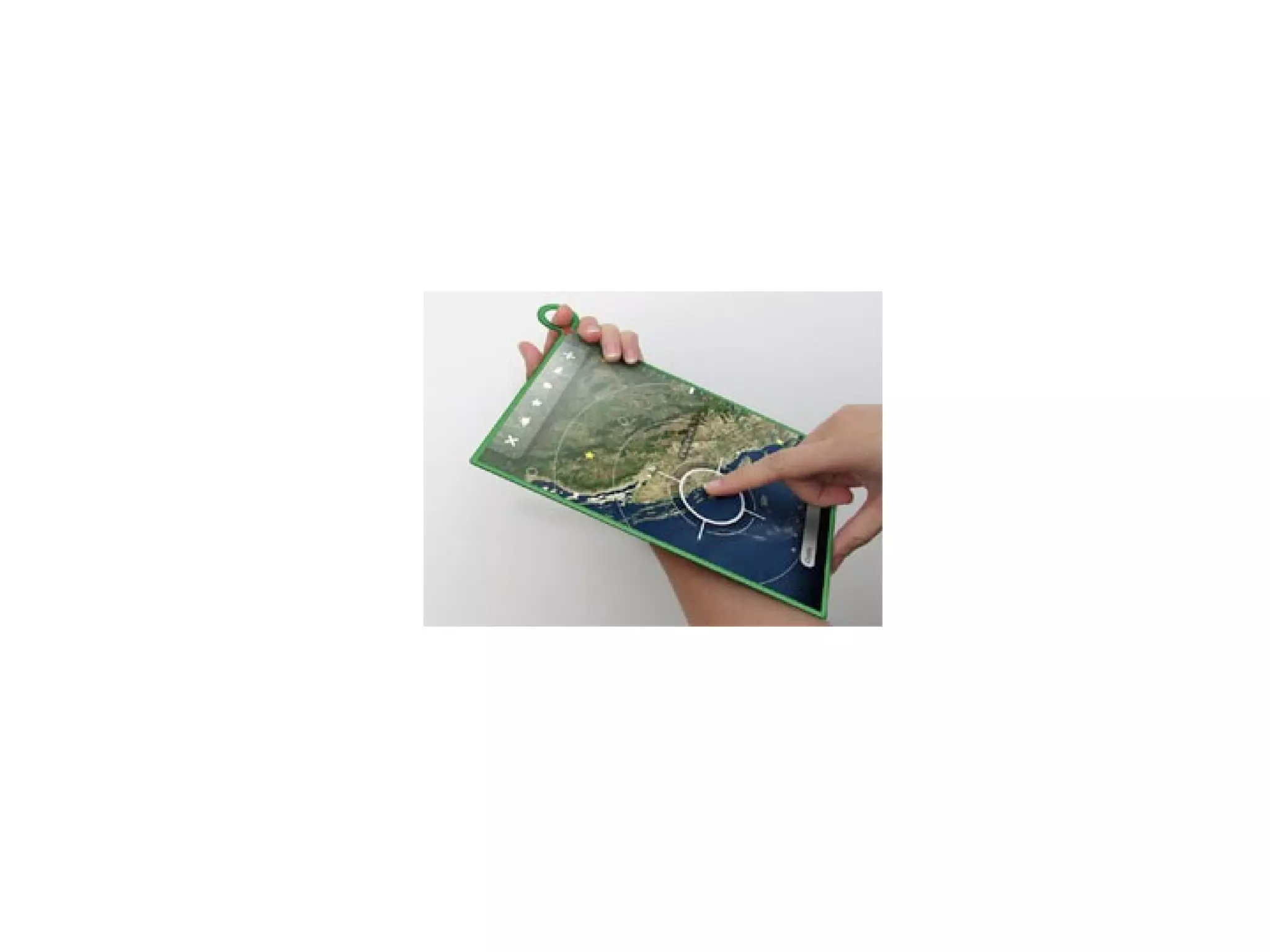
eDGe has an e-reader screen on the left and an LCD screen on the right for color displays


iPhone Book


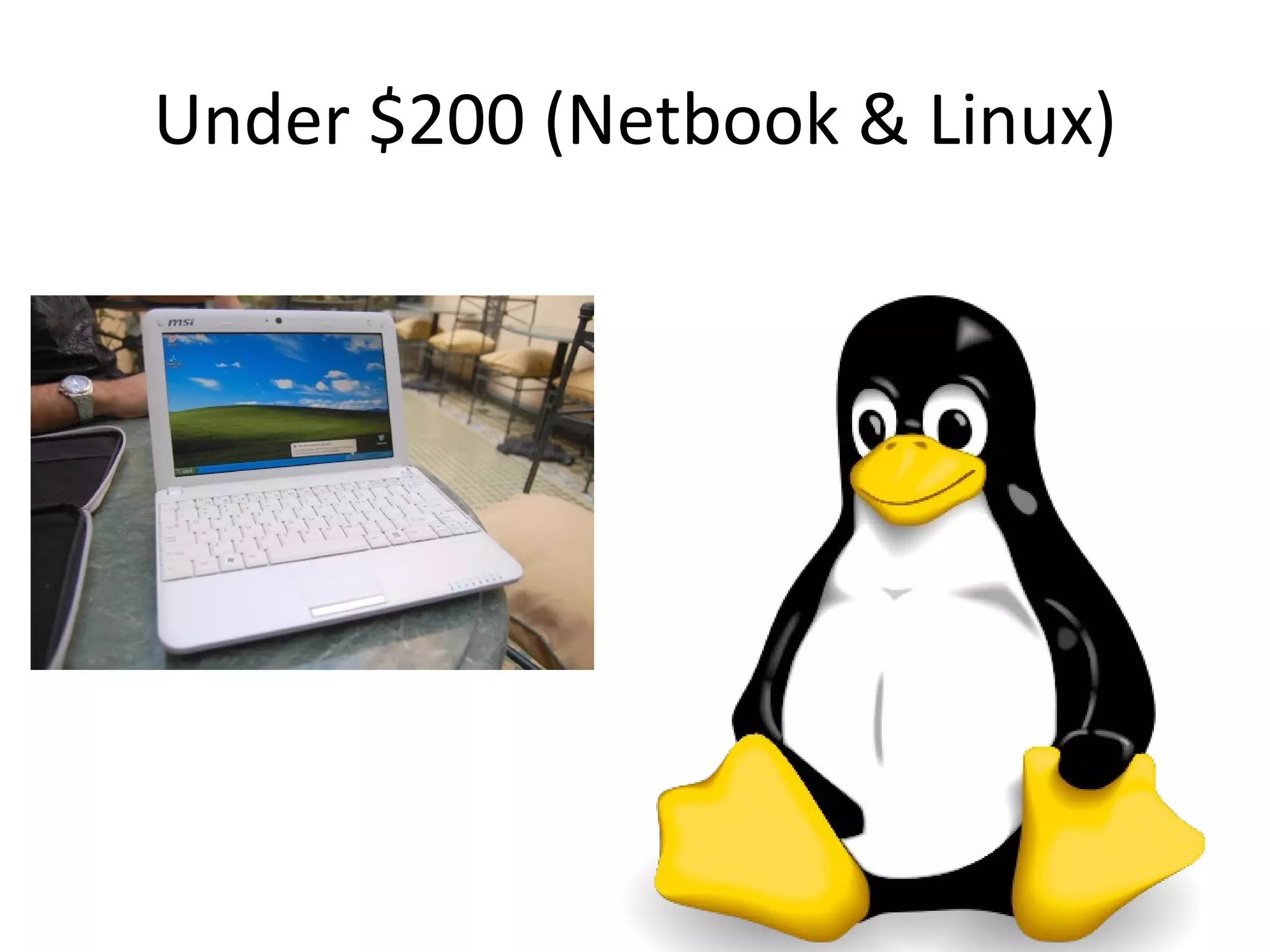
Under $200 (Netbook & Linux)
 
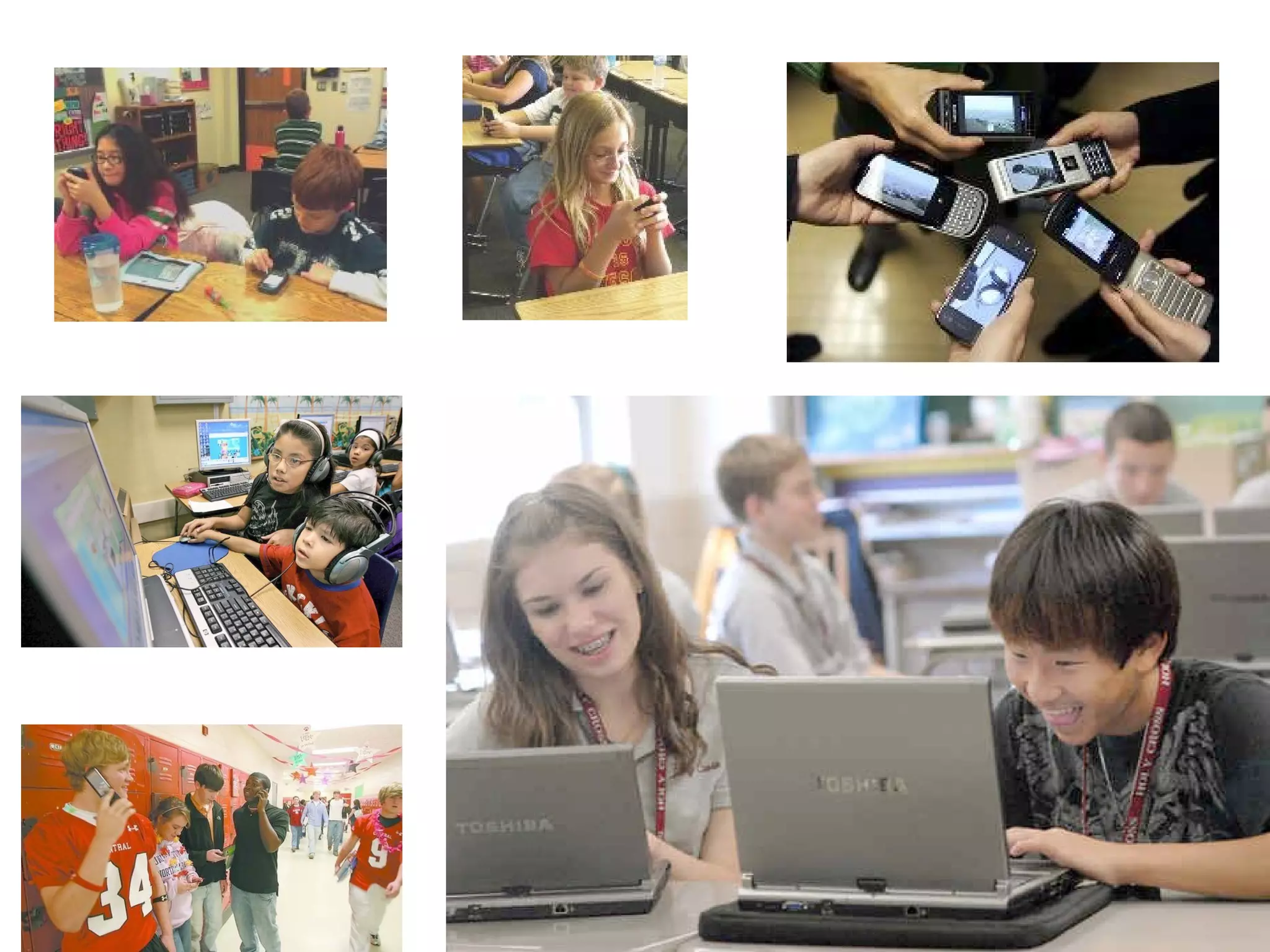
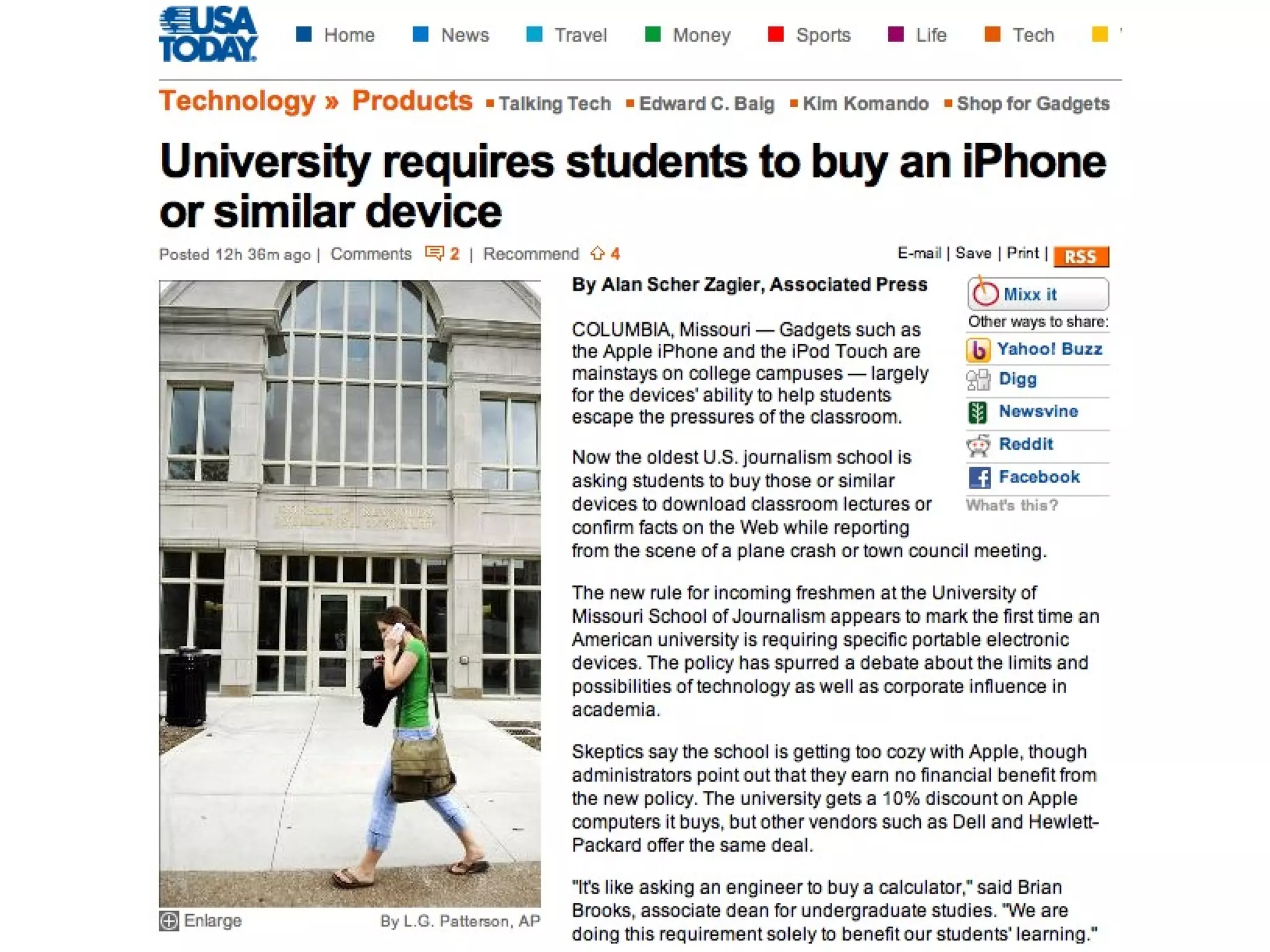
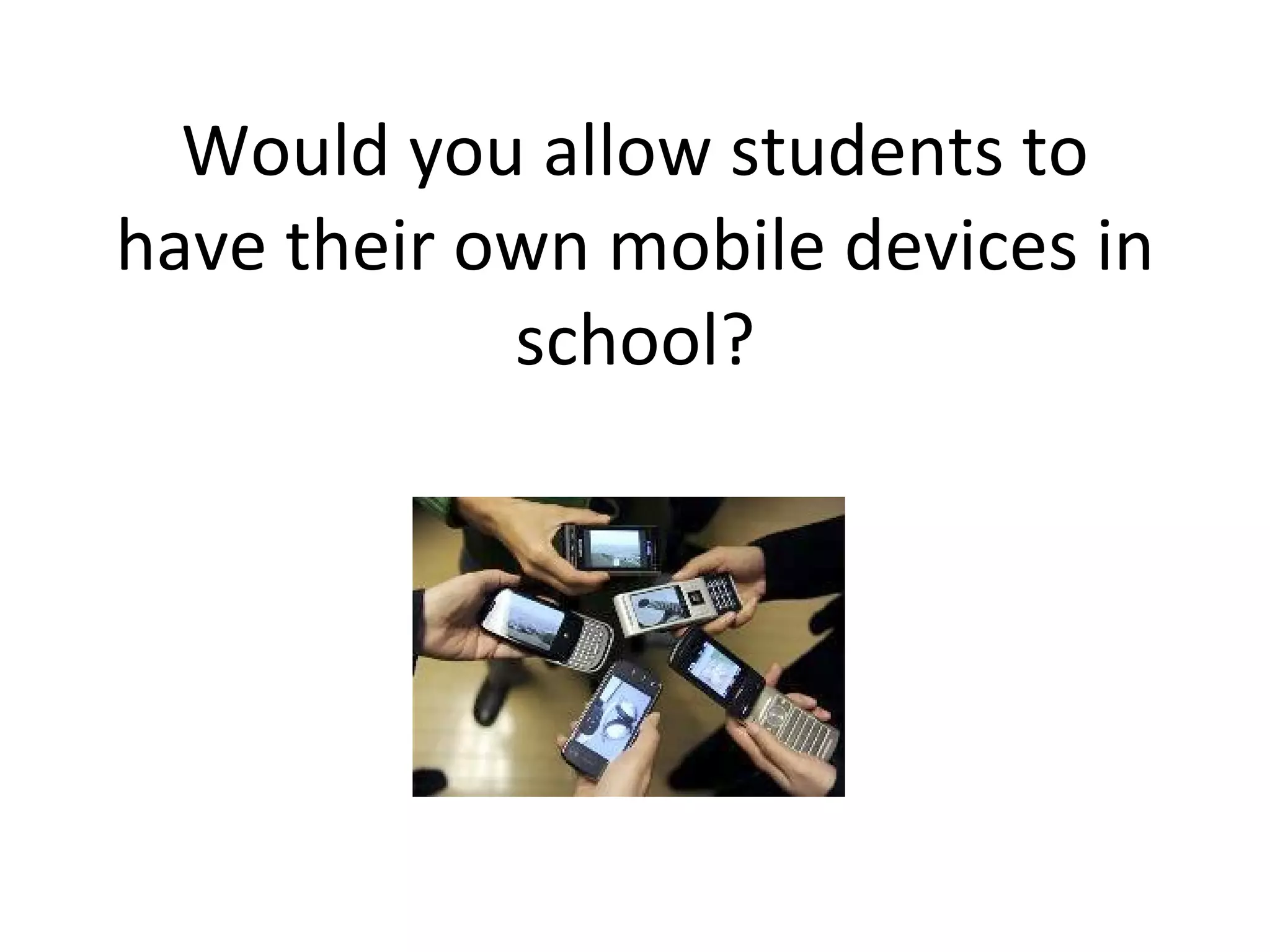
Would you allow students to have their own mobile devices in school?
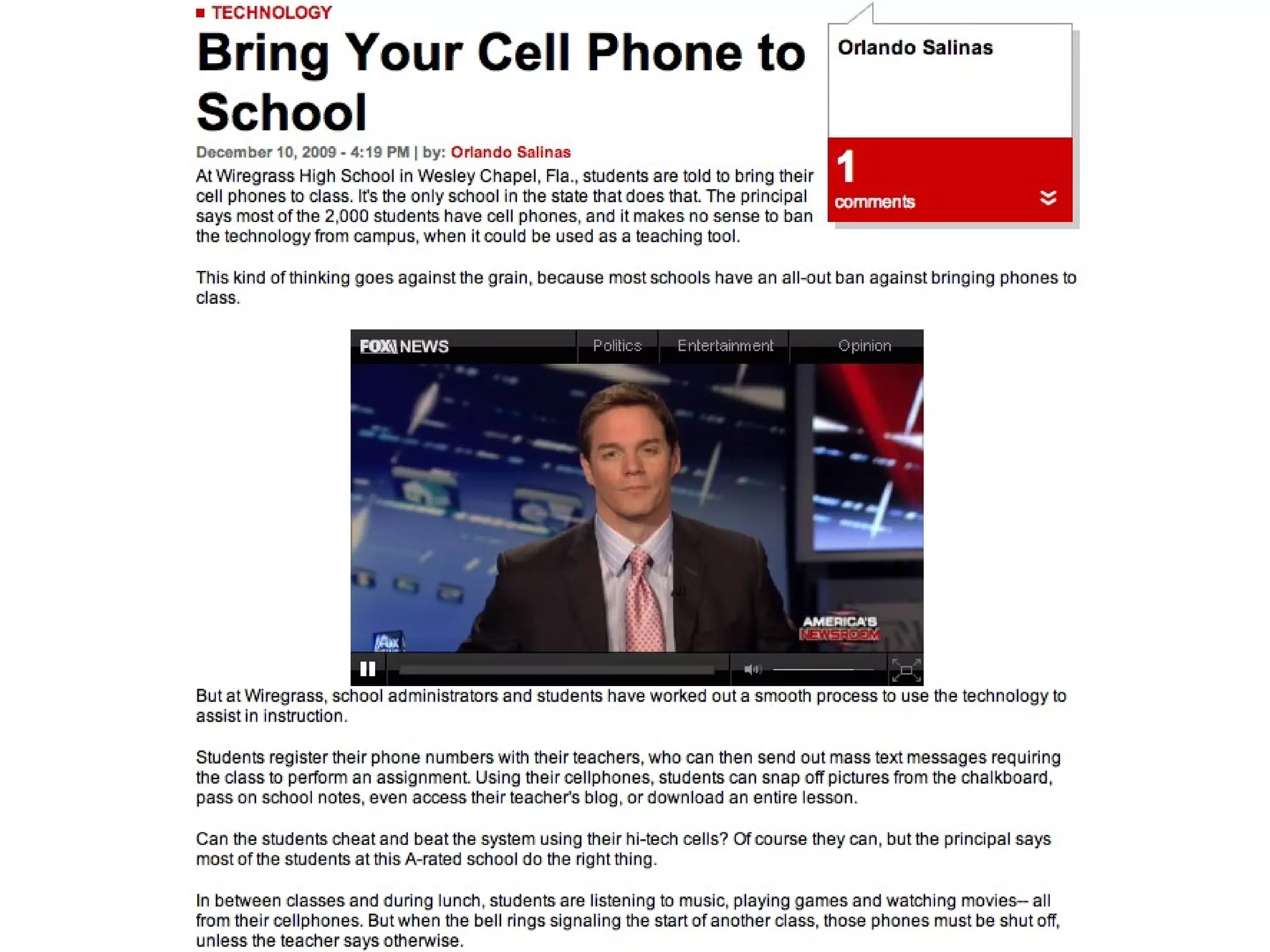
English Via Cell Phone
 
 
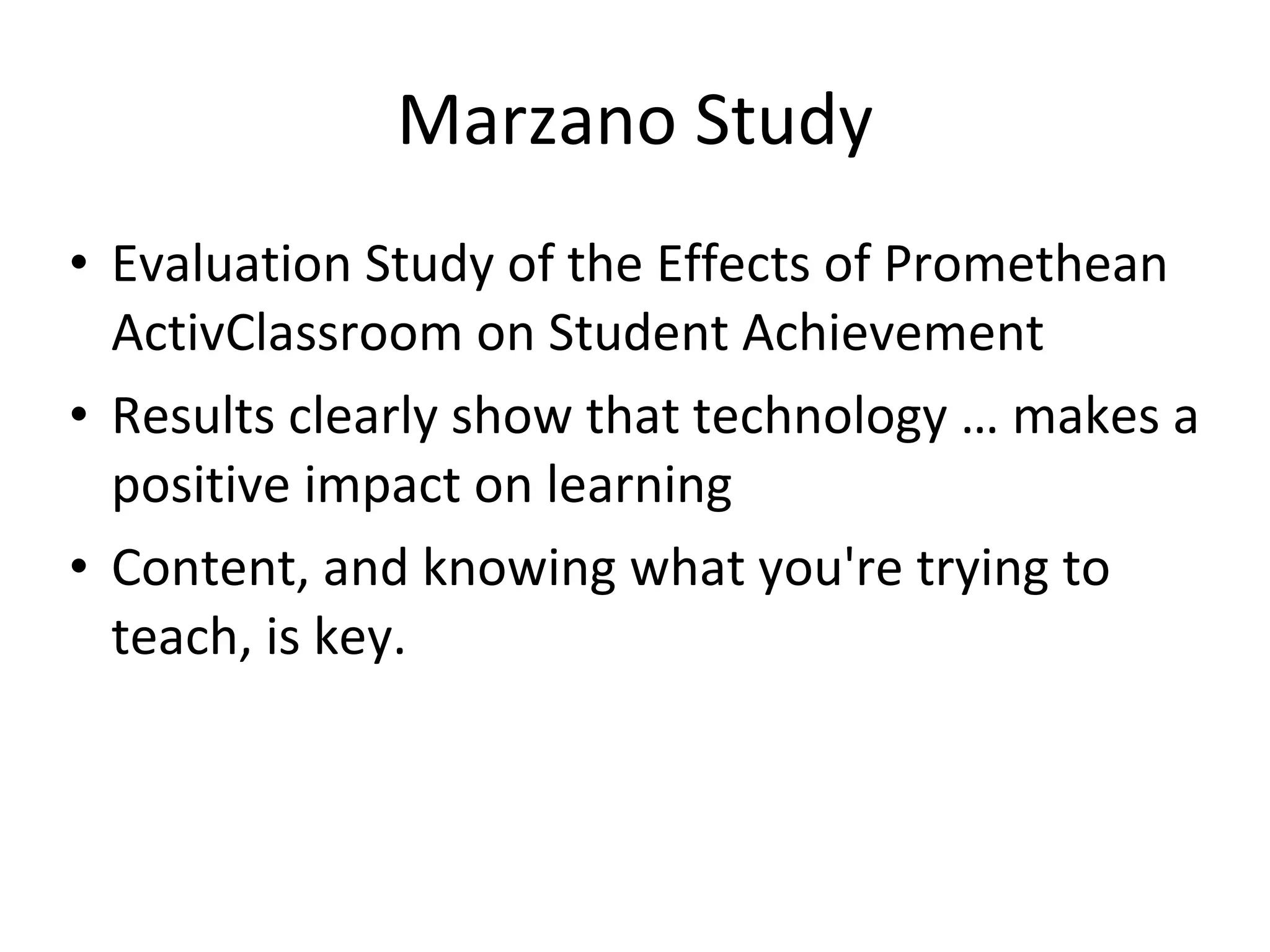
Marzano Study Evaluation Study of the Effects of Promethean ActivClassroom on Student Achievement Results clearly show that technology … makes a positive impact on learning Content, and knowing what you're trying to teach, is key.
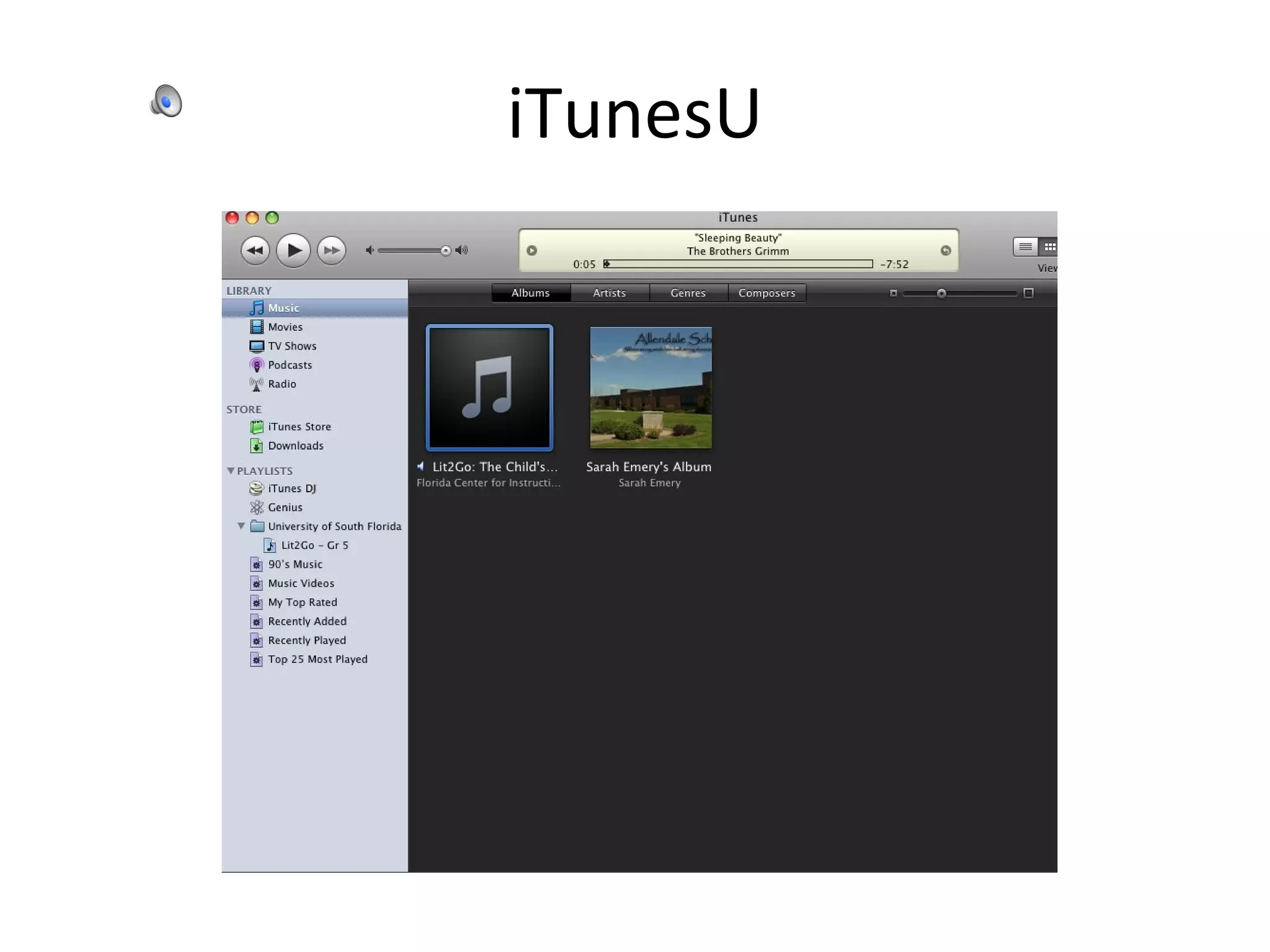
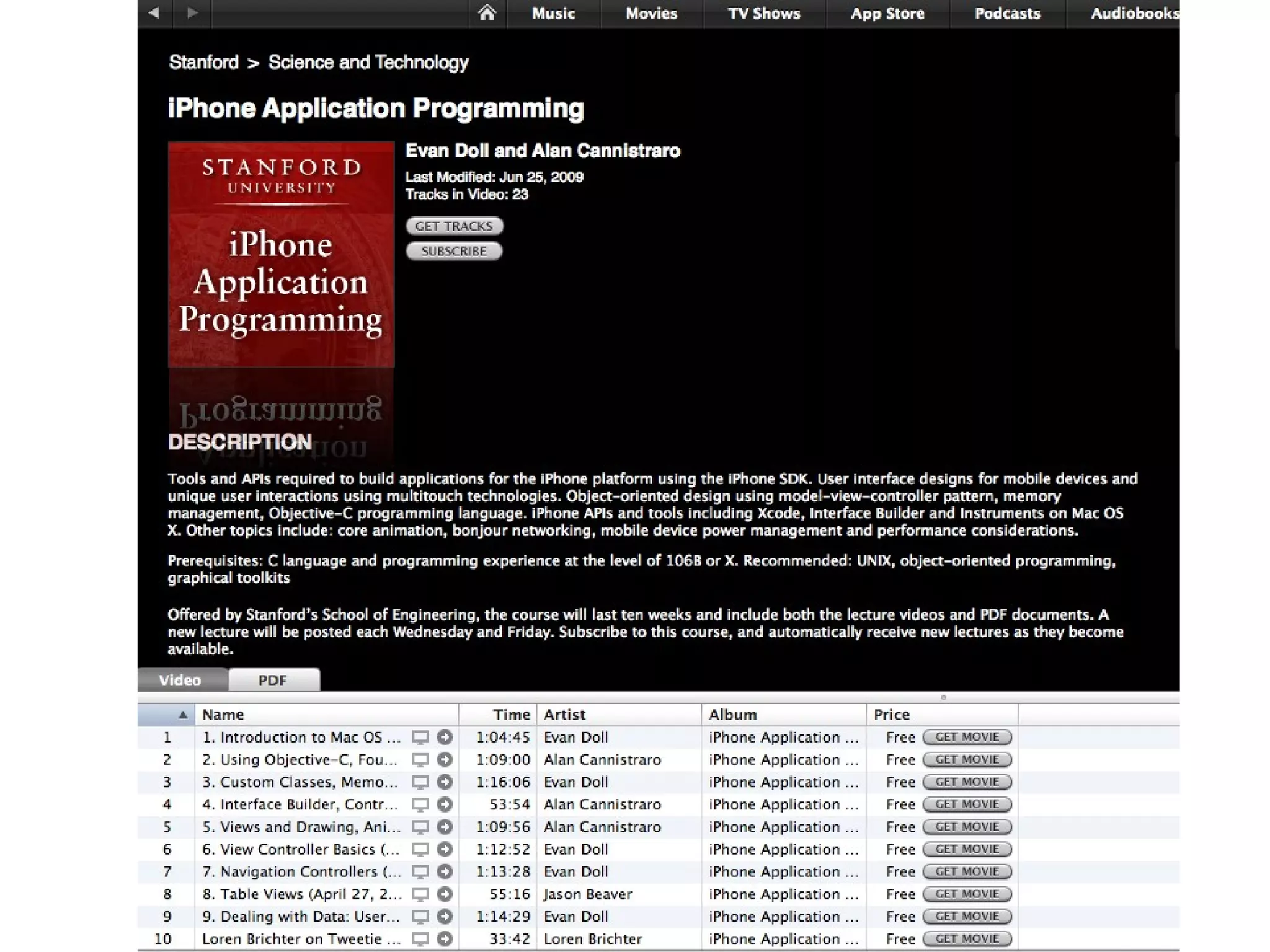
iTunesU


WolframAlpha
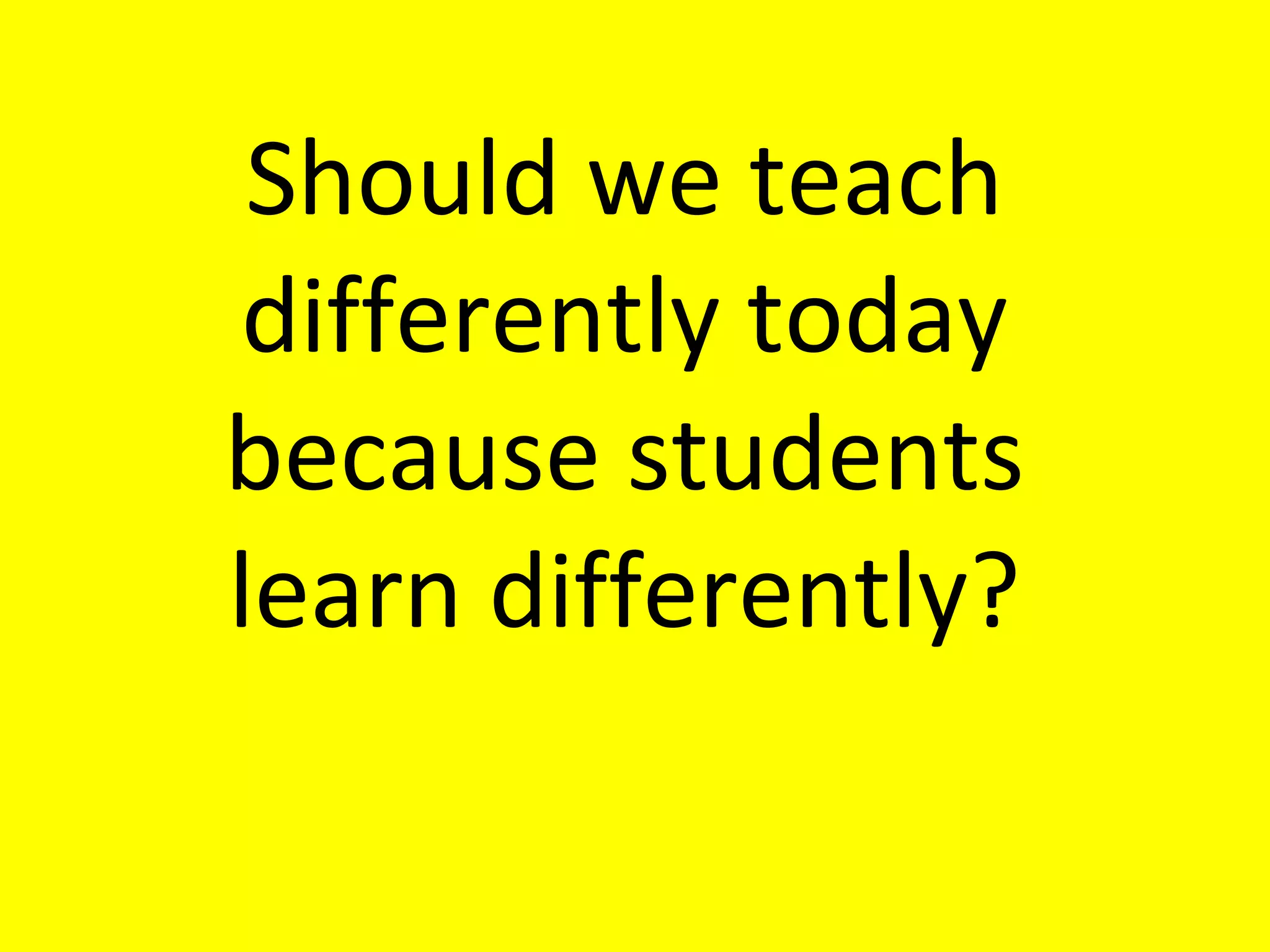
Should we teach differently today because students learn differently?
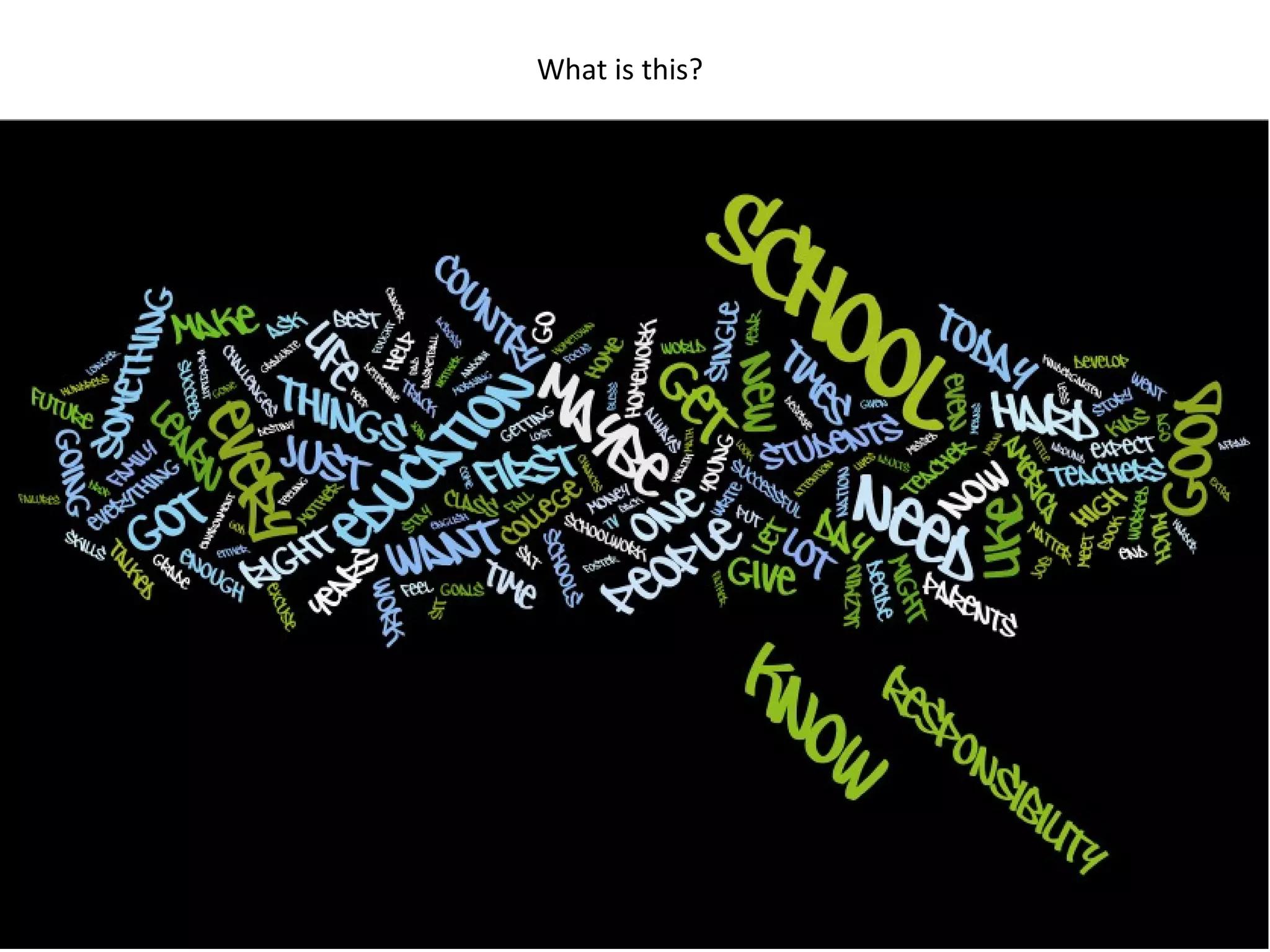
What is this?
Virtual Book Study
How young professionals say they learn.
 
“ I can look it up on-line, find an expert and then collaborate with that person on a solution.”
When I was growing up, my parents told me, “Finish your dinner. People in China and India are starving.” I tell my daughters, “Finish your homework. People in India and China are starving for your job.” ---Thomas Friedman, 2005
A Classroom Today
Scribes Team: Have students use Google Docs  to take class notes
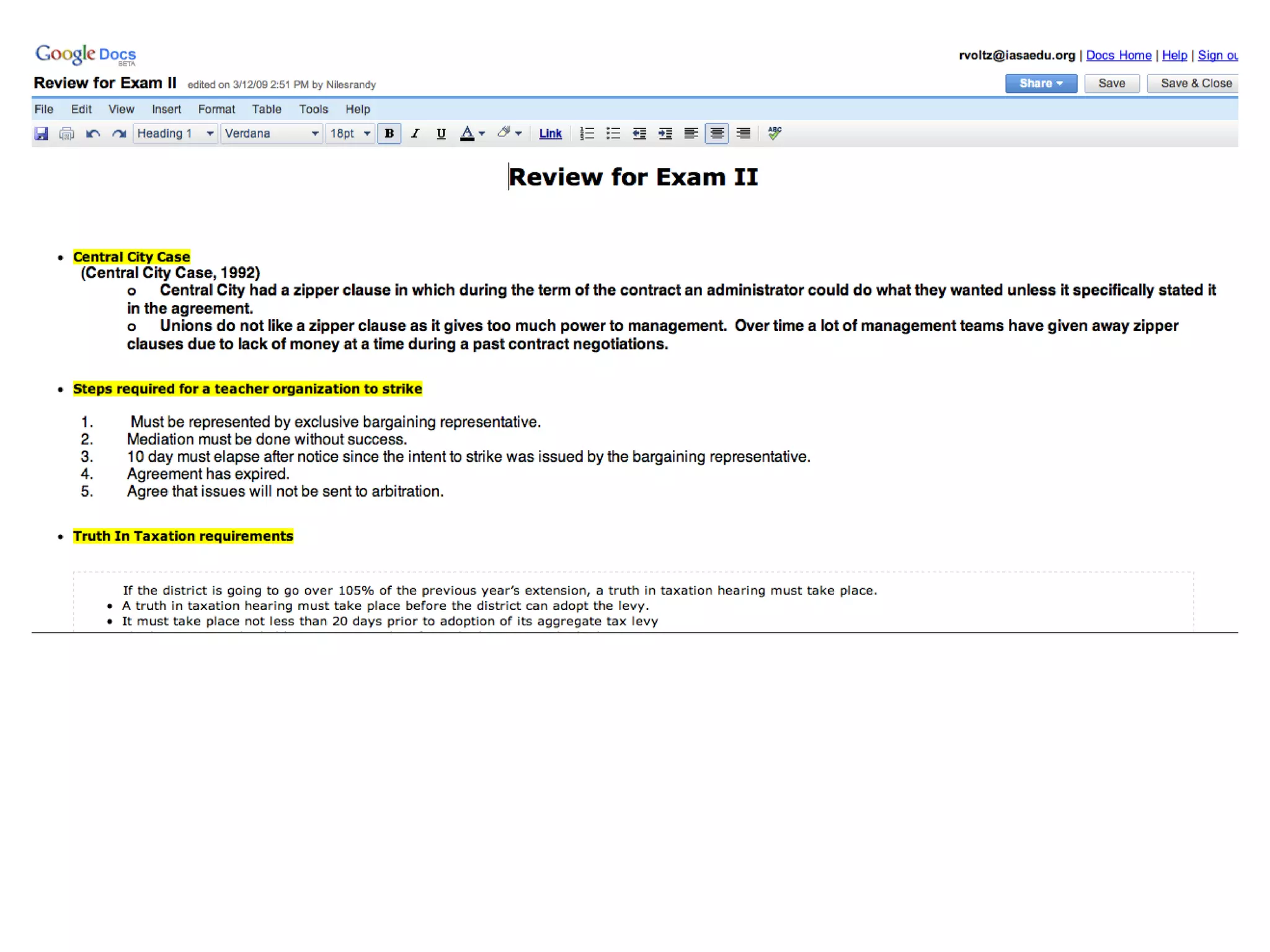
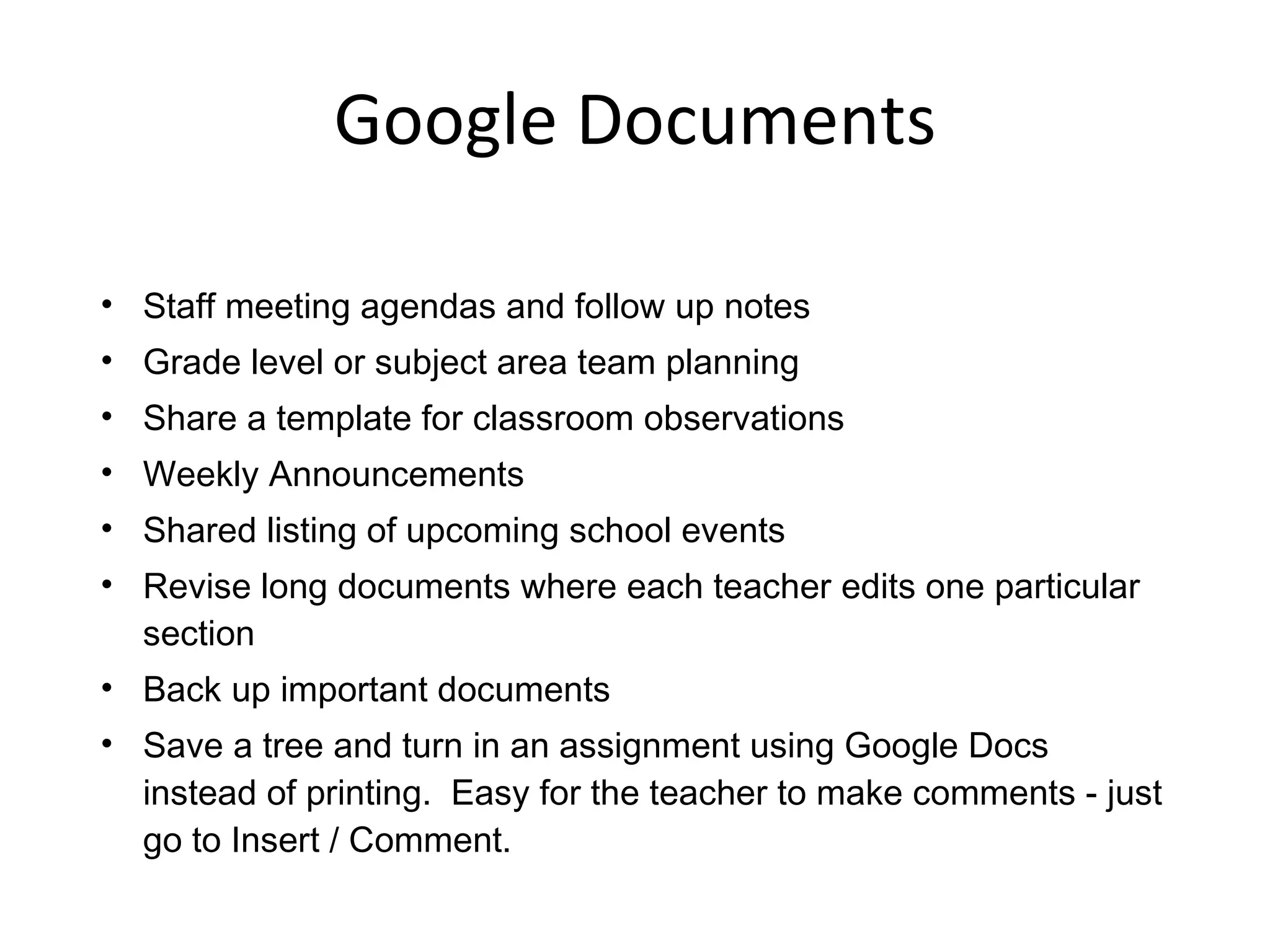
Google Documents
 
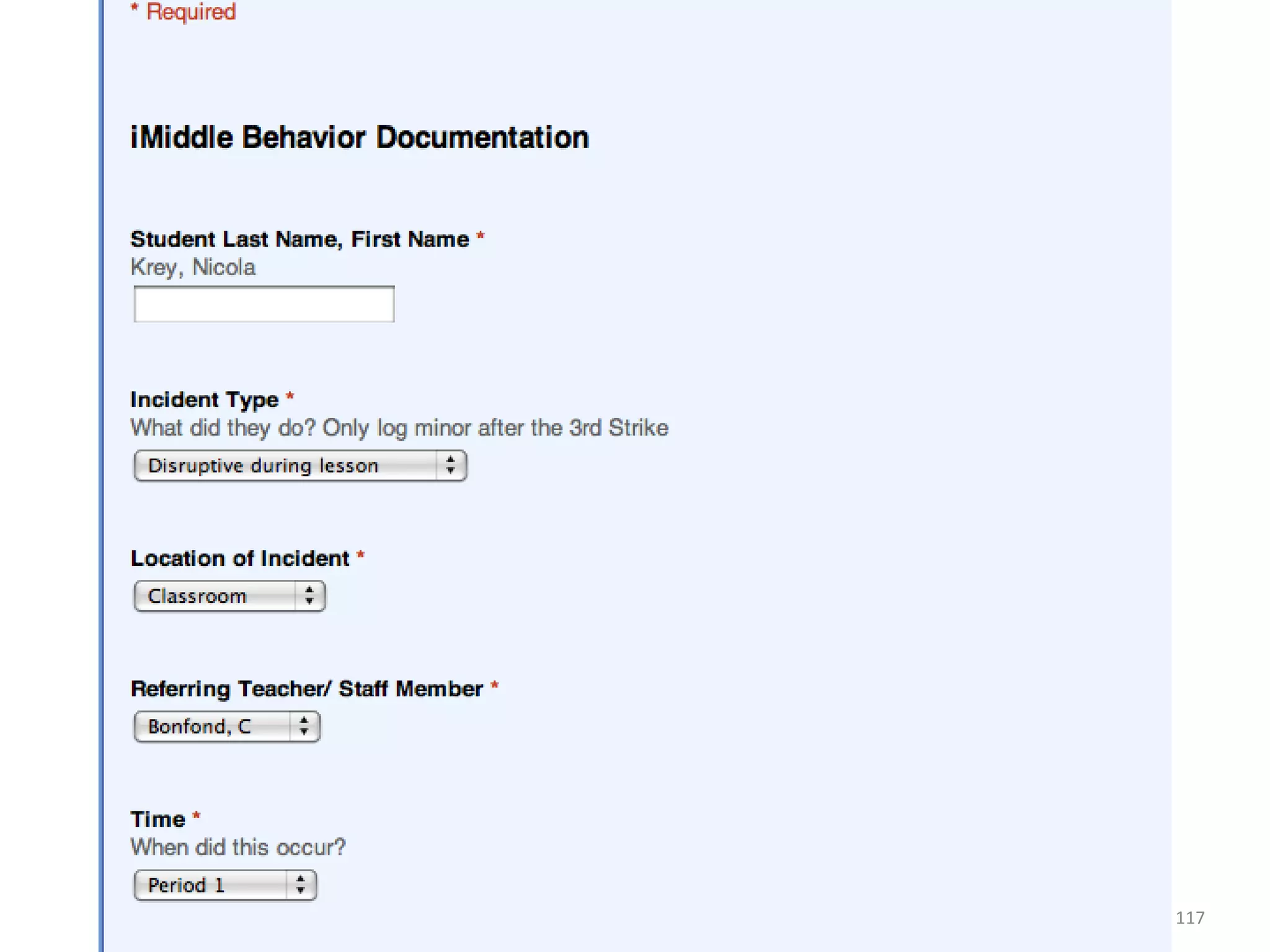
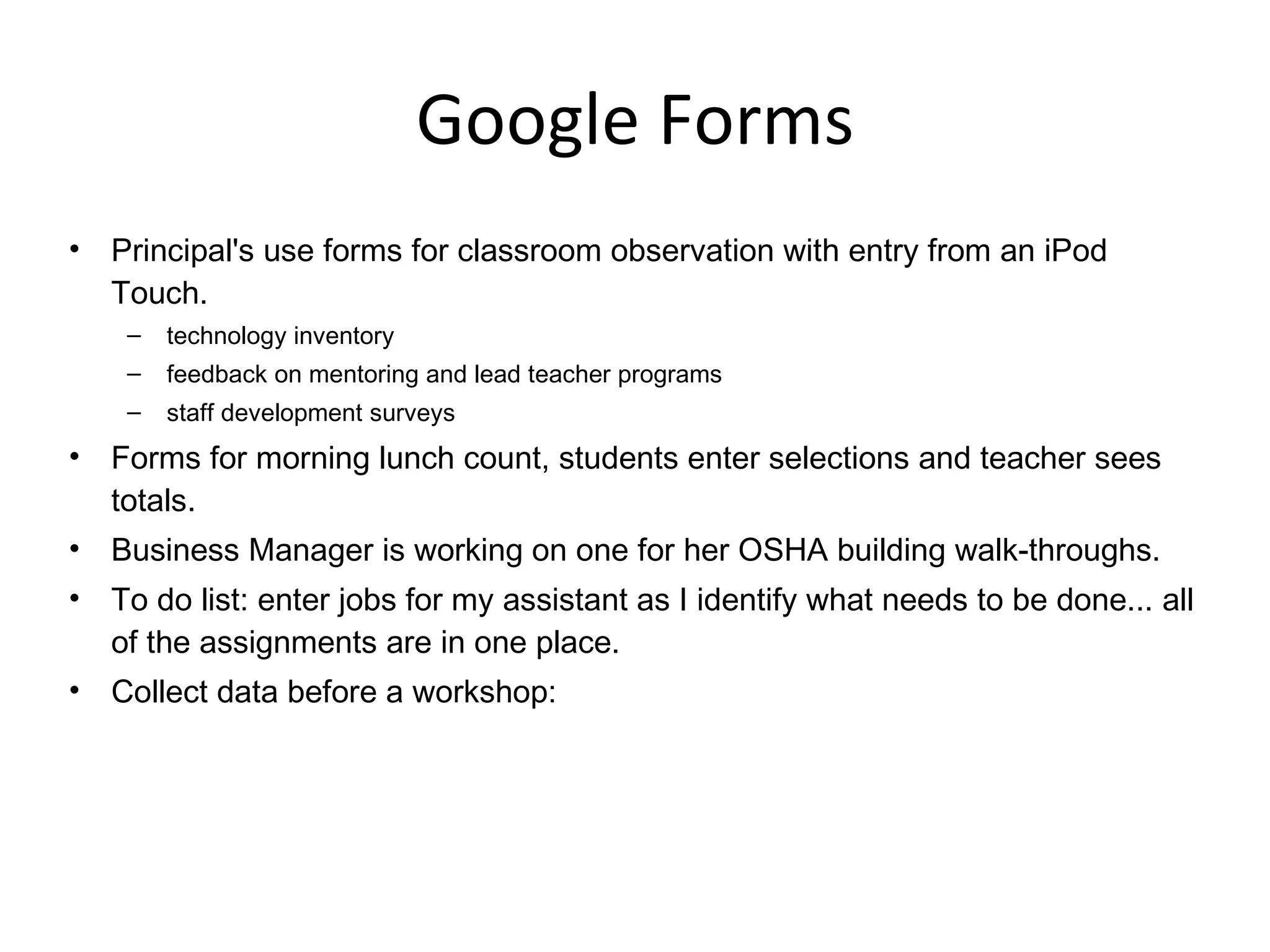
Google Forms
 
How would you use Google Documents?
Google Documents Staff meeting agendas and follow up notes Grade level or subject area team planning Share a template for classroom observations Weekly Announcements Shared listing of upcoming school events Revise long documents where each teacher edits one particular section Back up important documents Save a tree and turn in an assignment using Google Docs instead of printing.  Easy for the teacher to make comments - just go to Insert / Comment.
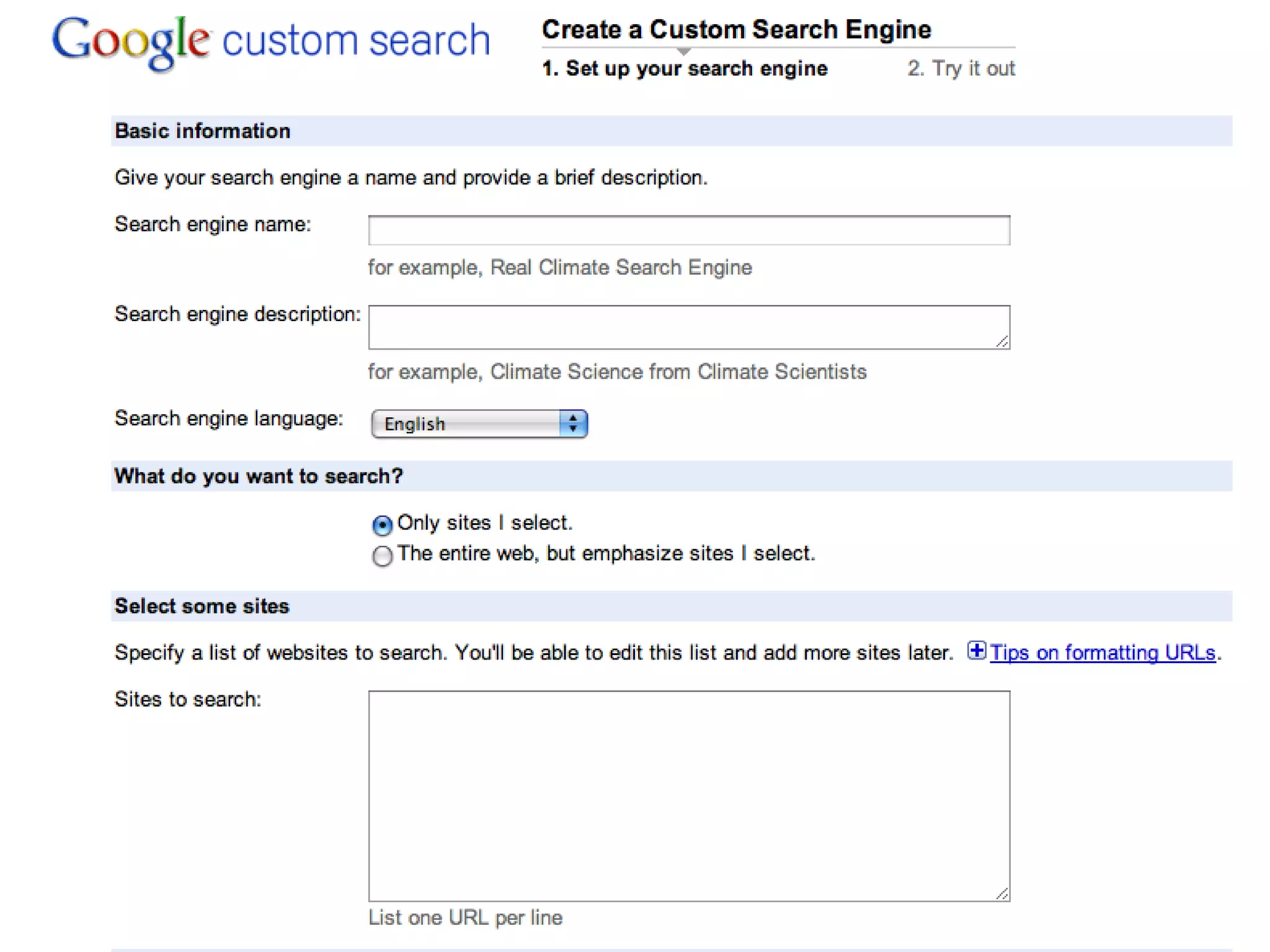
Google Forms Principal's use forms for classroom observation with entry from an iPod Touch. technology inventory feedback on mentoring and lead teacher programs staff development surveys Forms for morning lunch count, students enter selections and teacher sees totals. Business Manager is working on one for her OSHA building walk-throughs. To do list: enter jobs for my assistant as I identify what needs to be done... all of the assignments are in one place. Collect data before a workshop:
Research team: Use Google and AltaVista for students to do research
 
 
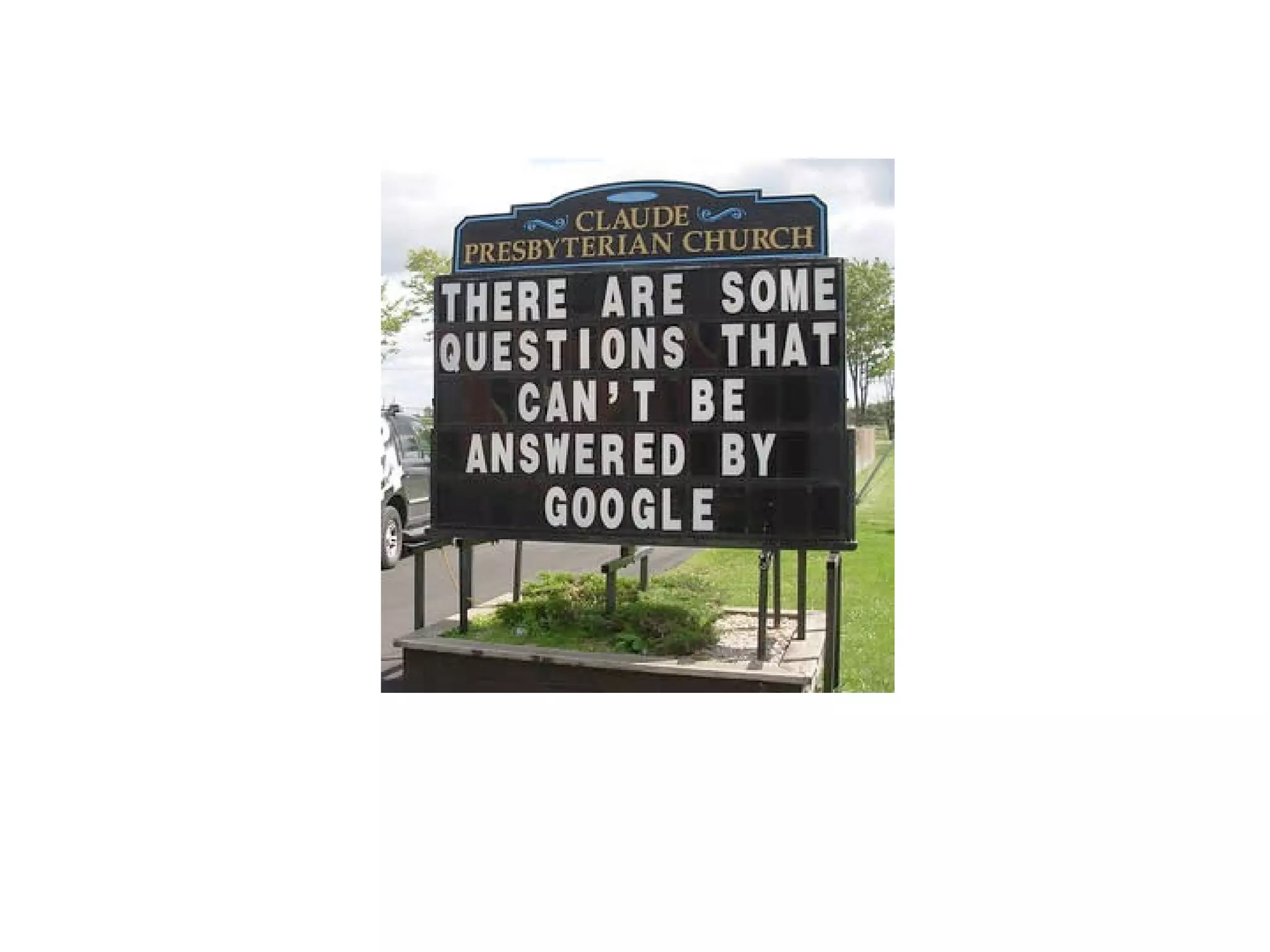
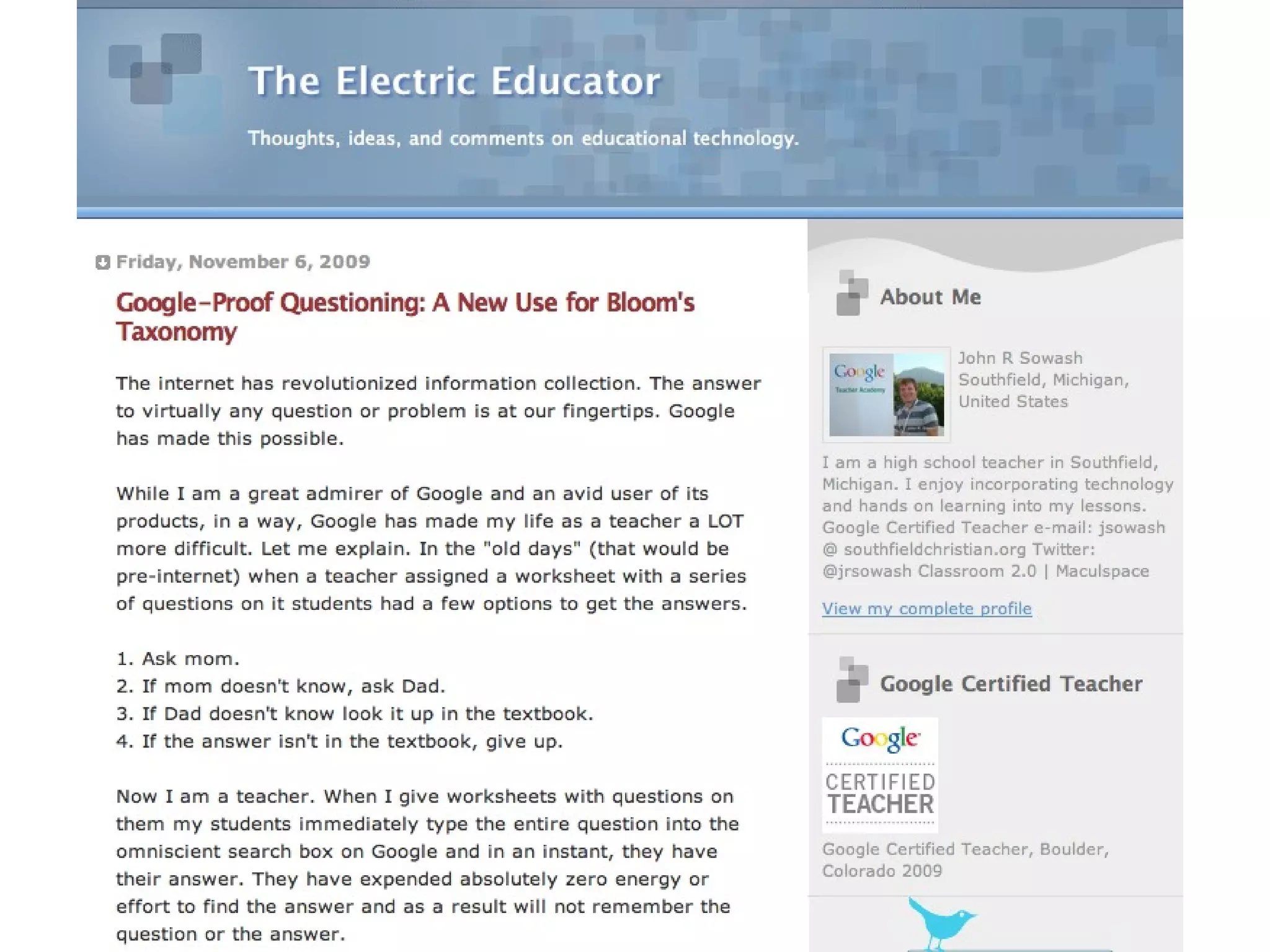
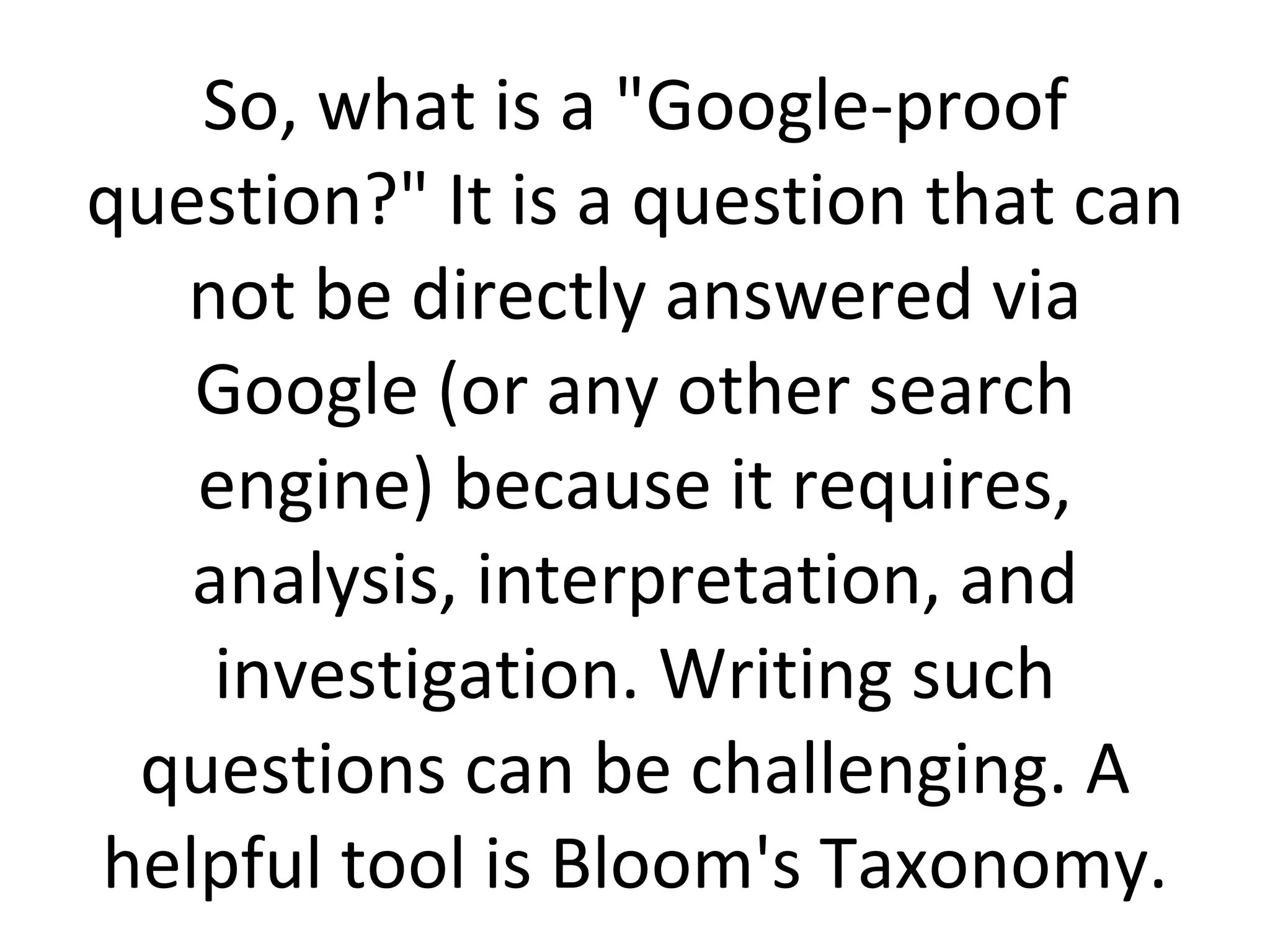
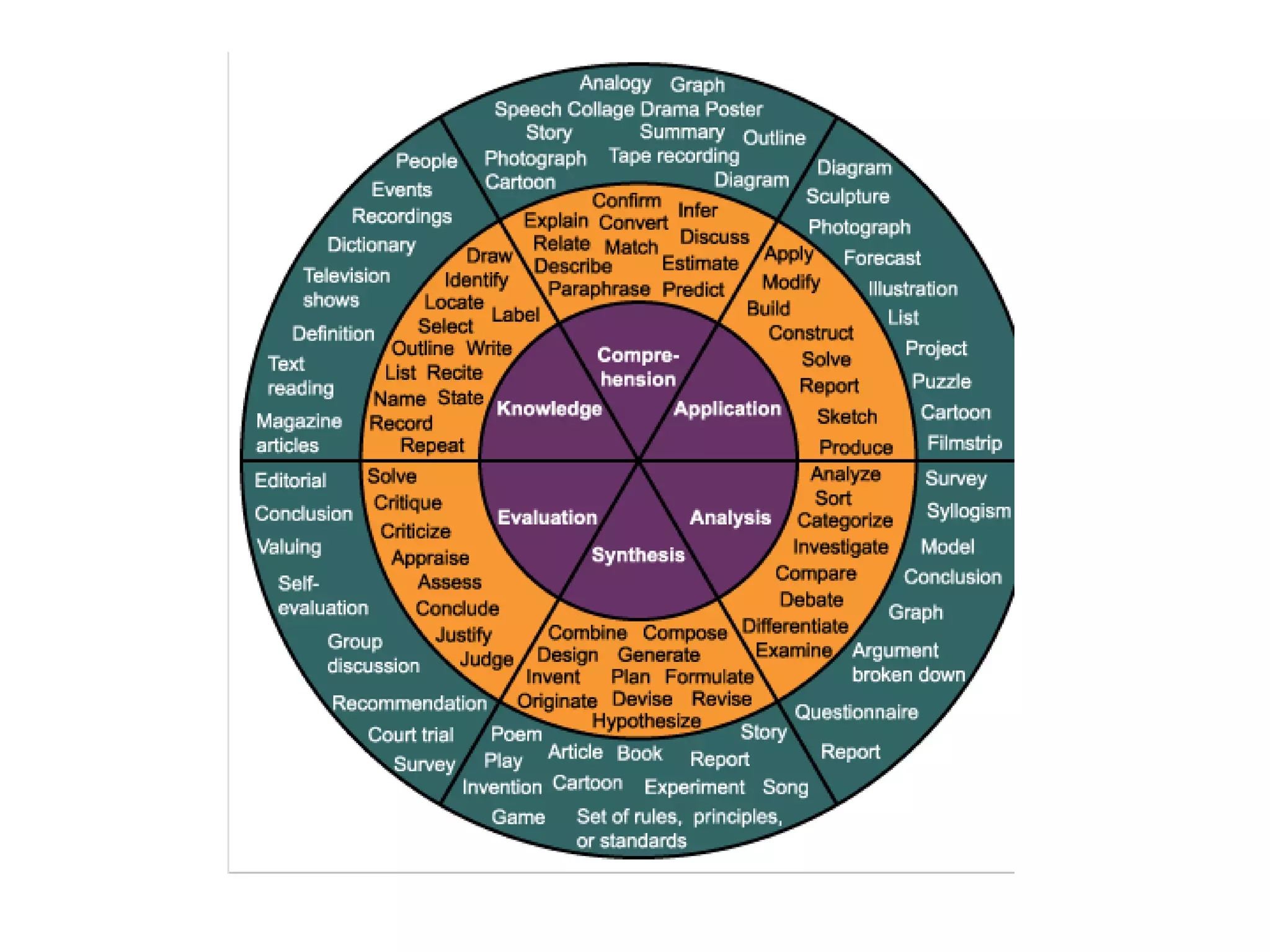
So, what is a "Google-proof question?" It is a question that can not be directly answered via Google (or any other search engine) because it requires, analysis, interpretation, and investigation. Writing such questions can be challenging. A helpful tool is Bloom's Taxonomy.
 
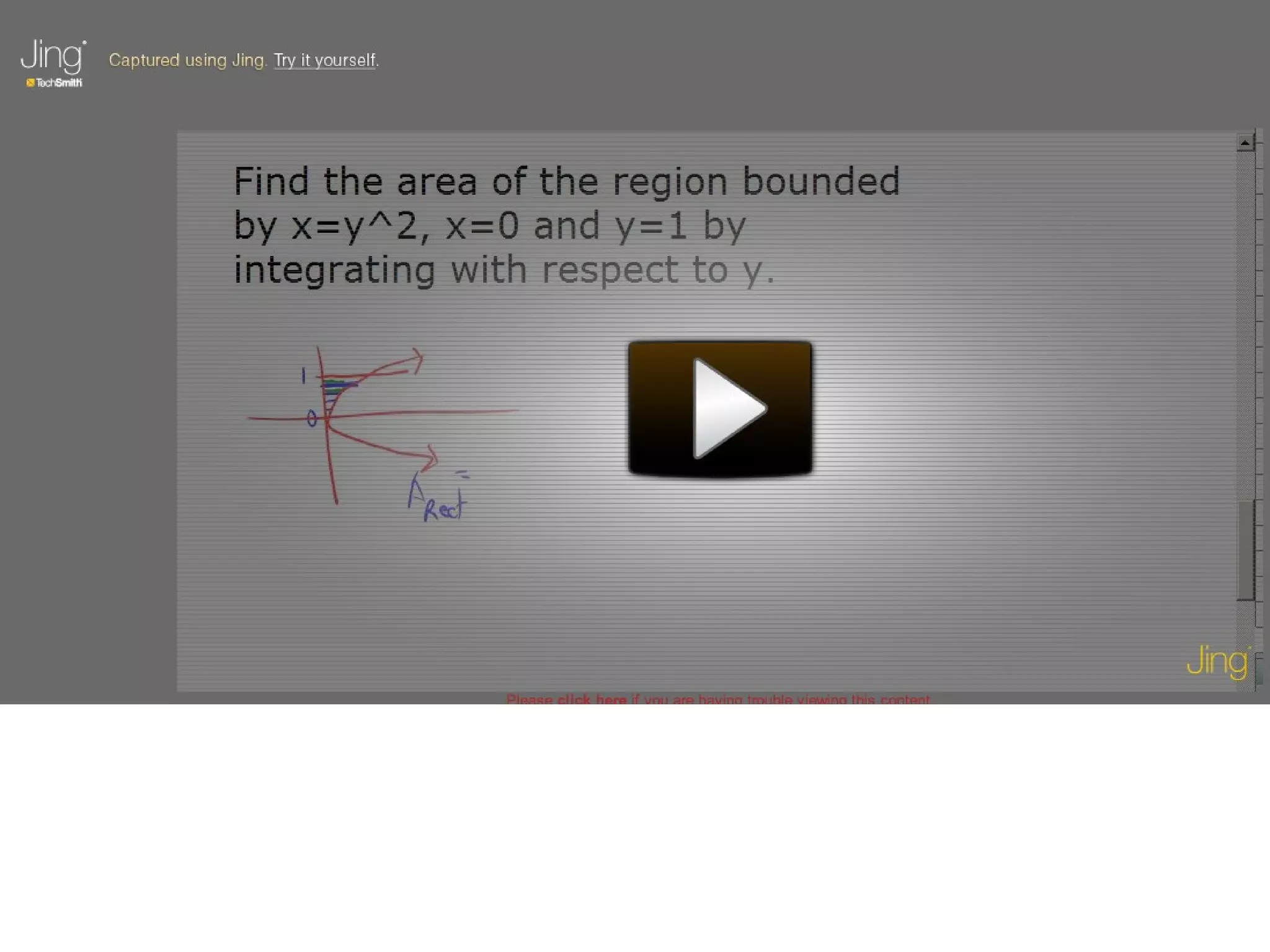
Tutorial Team: Students and teachers can use Jing to Create Screencasts
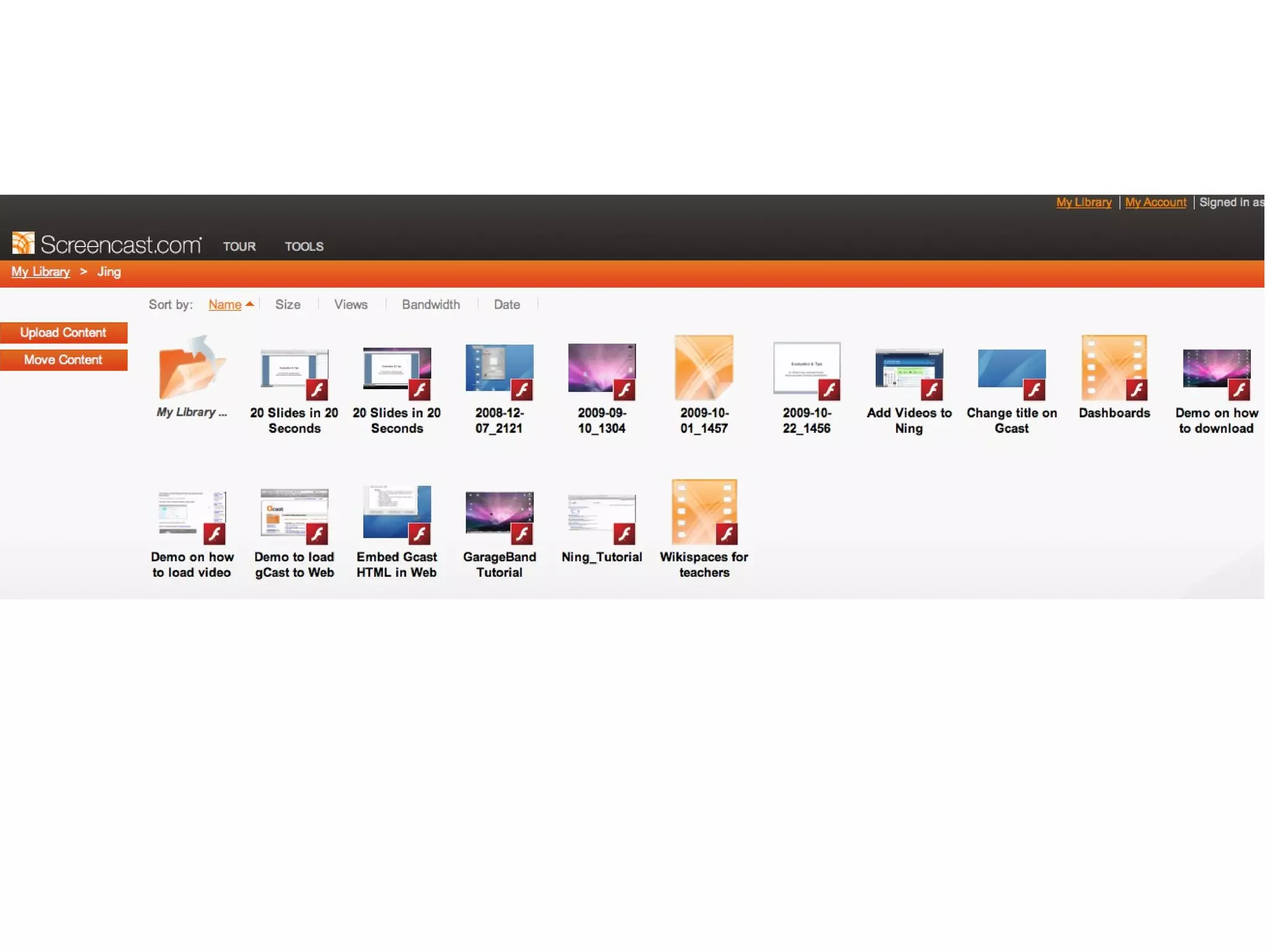
Jing
 
Mathtrain-1.TV   Probability with Ben and Jerry
Student made Common Craft like video
How would an administrator use Jing?


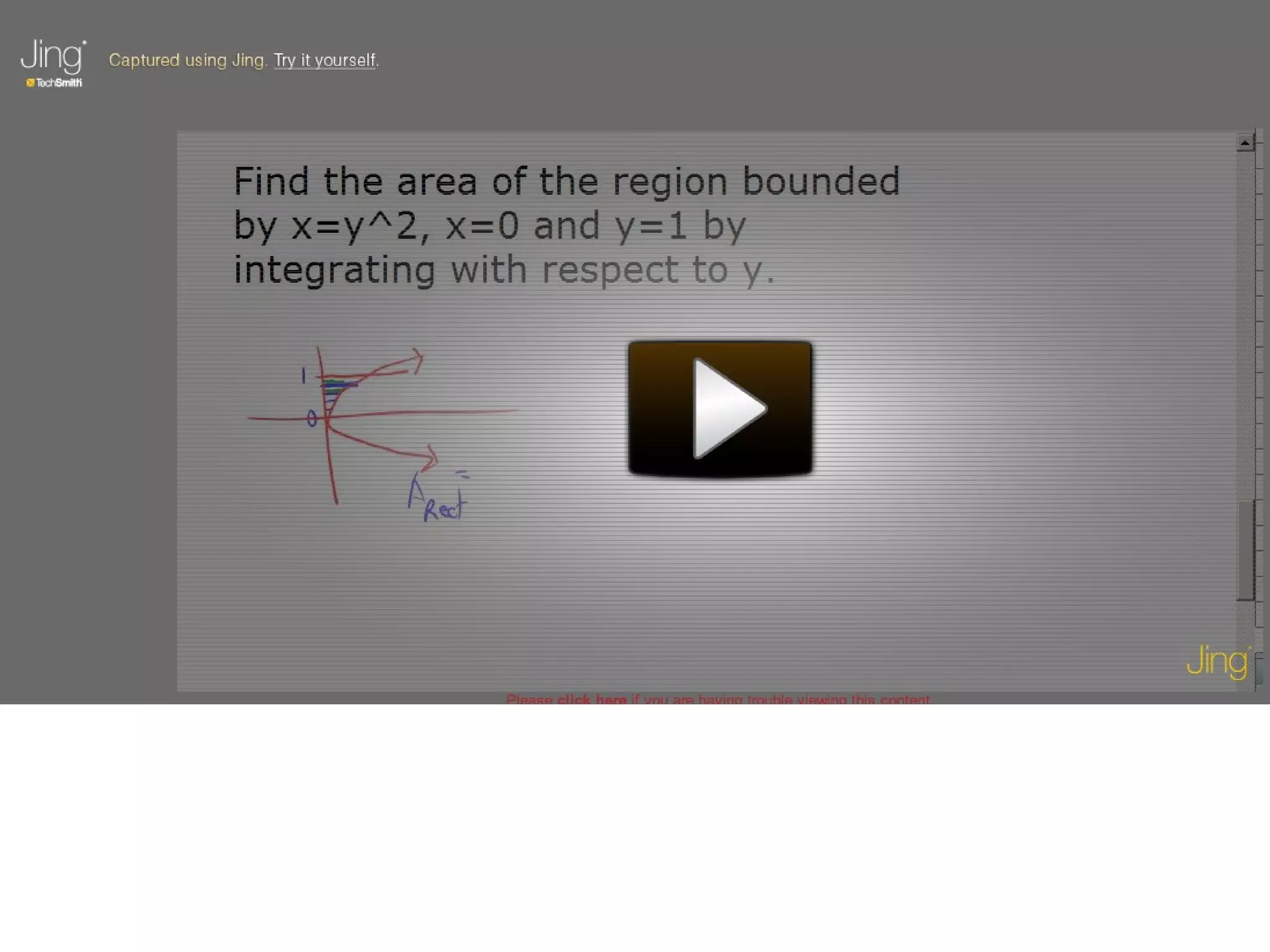
Teachers can make screenshot tutorials
 
Teachers can record lessons Put on web site Absent students can view Students on homebound instruction can view Students who need to see and hear for further understanding can view When teacher is absent, real teacher is actually teaching
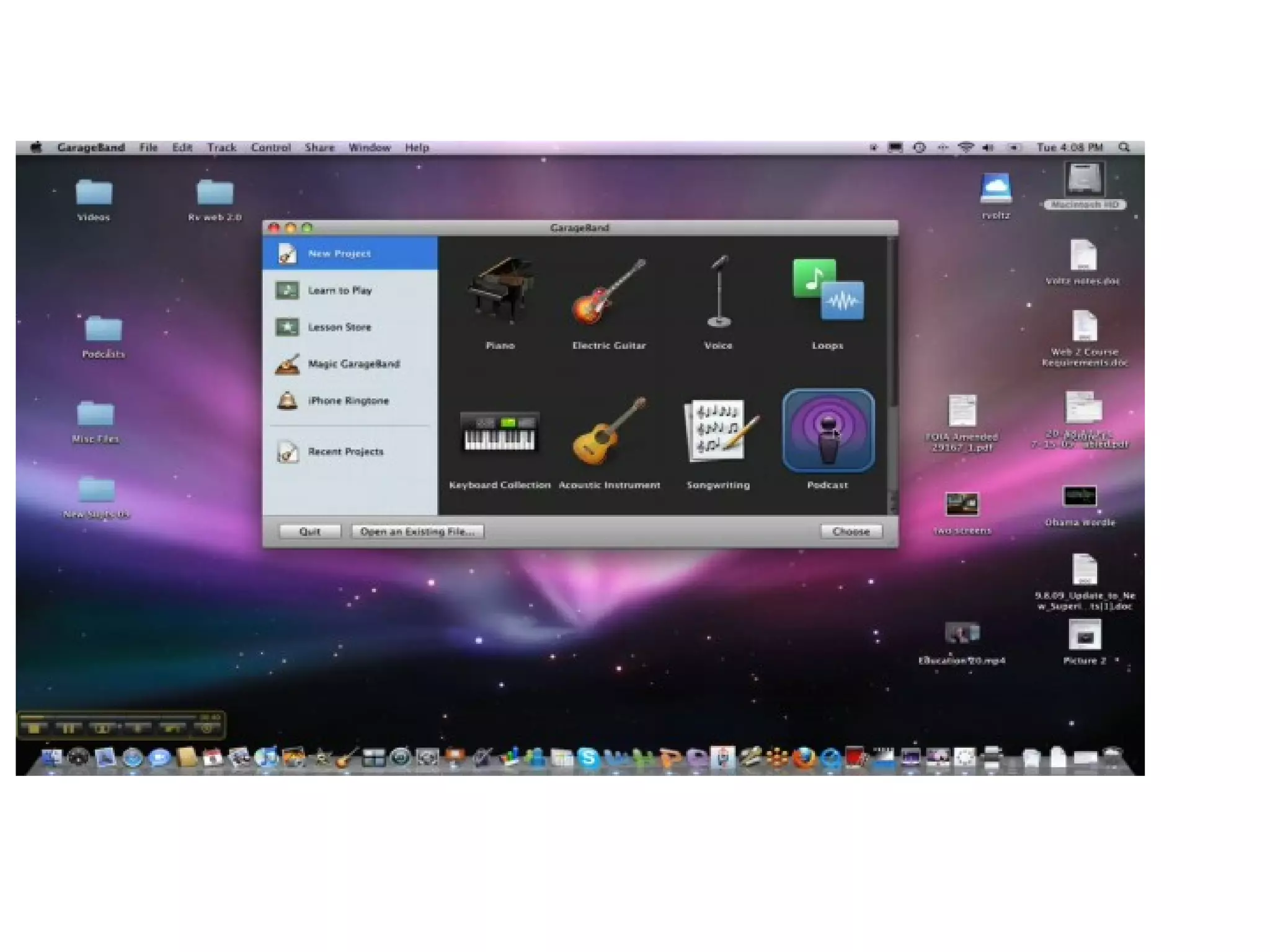
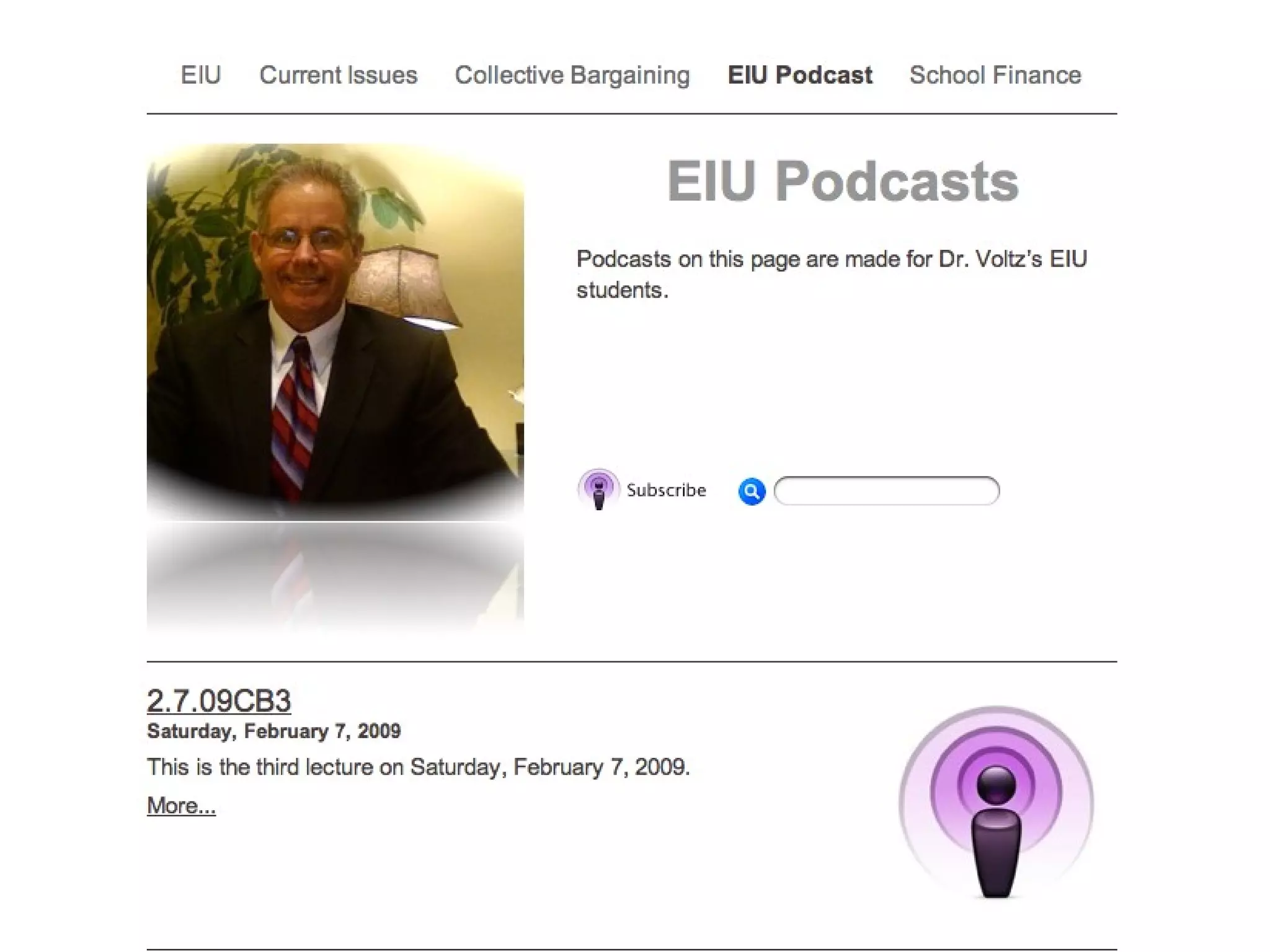
Record Lecture Using ProfCast Save to GarageBand Embed in iWeb Upload to WebPage
 
Curriculum Team: Have Students Make Video and Audio Podcasts
YouTube Started in February 2005 Bought by Google in November 2006 for $1.65M Already has more content than TV and TV started in 1940’s. If TV played 24/7 since inception, YouTube still has more content.
 
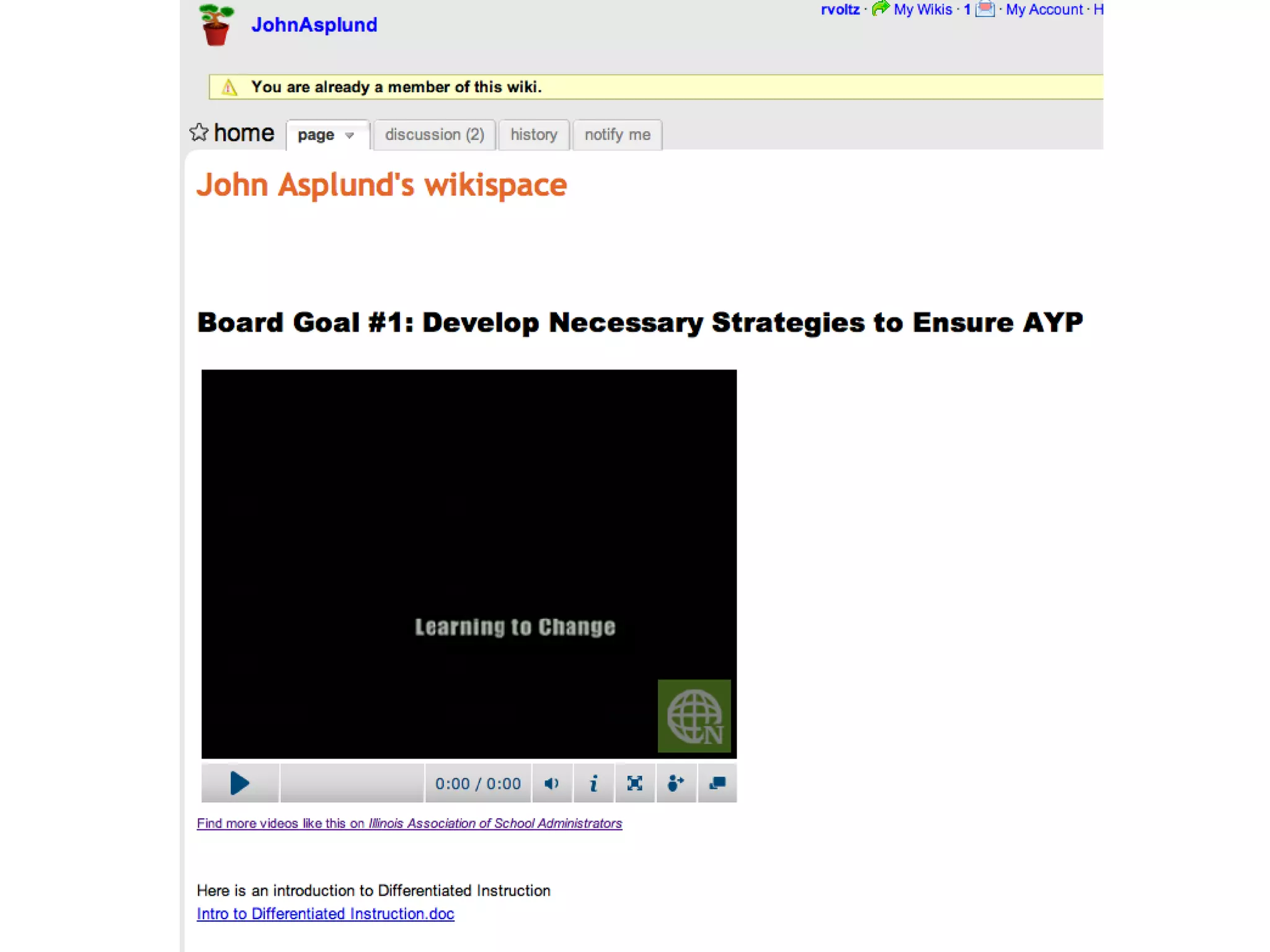
Administrators Can Make Video Podcasts


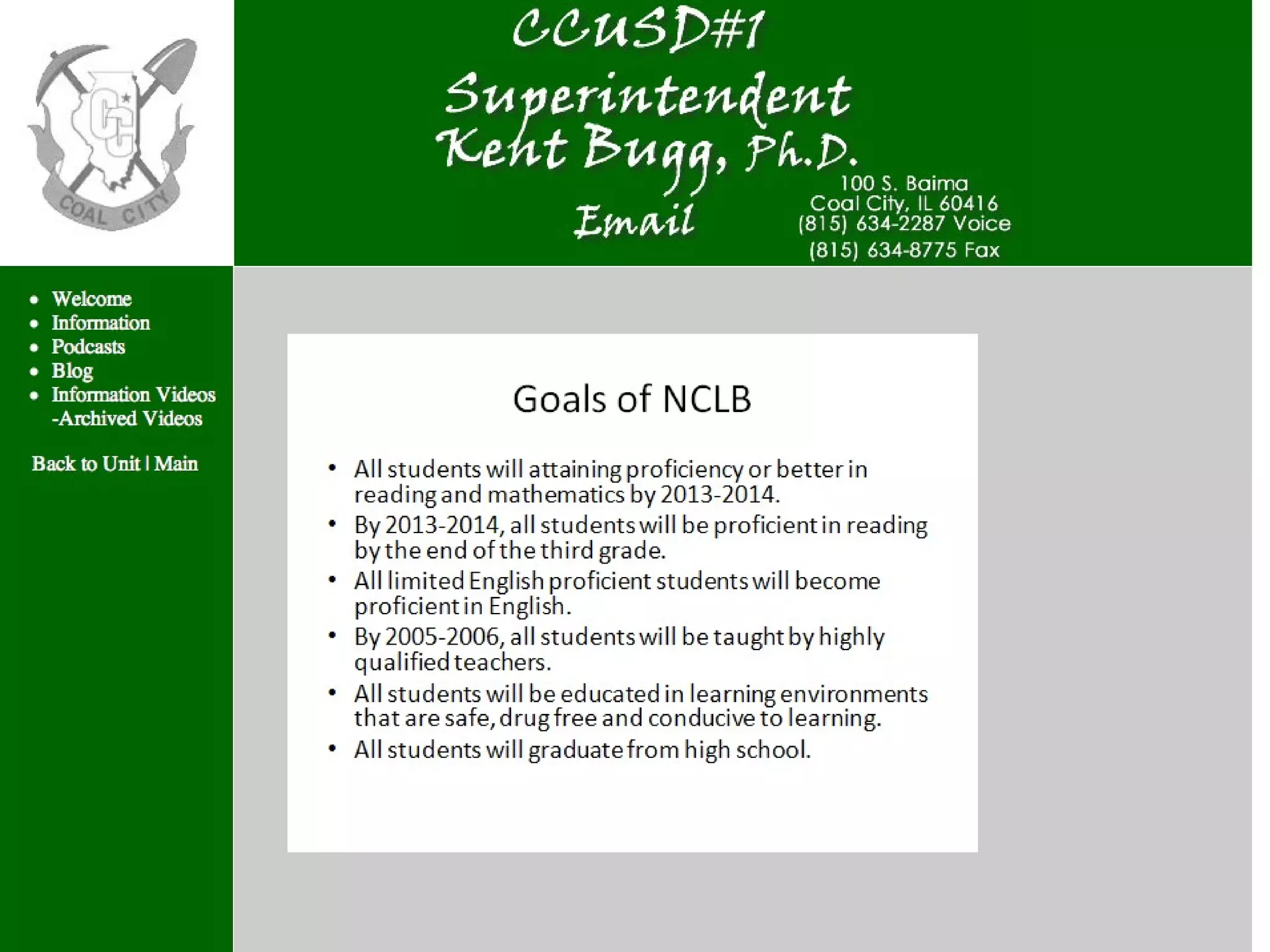
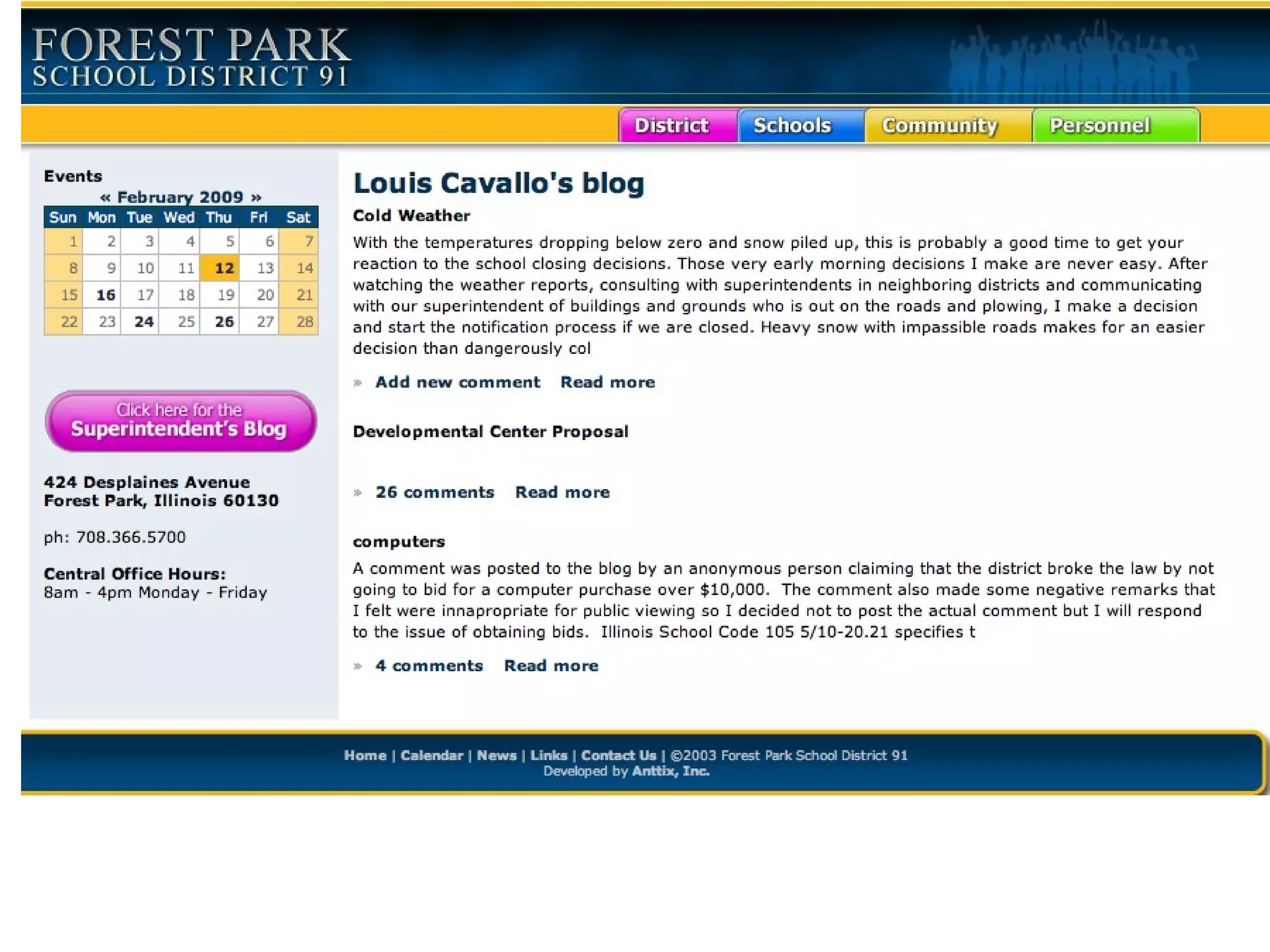
Carmel Clay IN Superintendent
 
Superintendent Video On Referendum
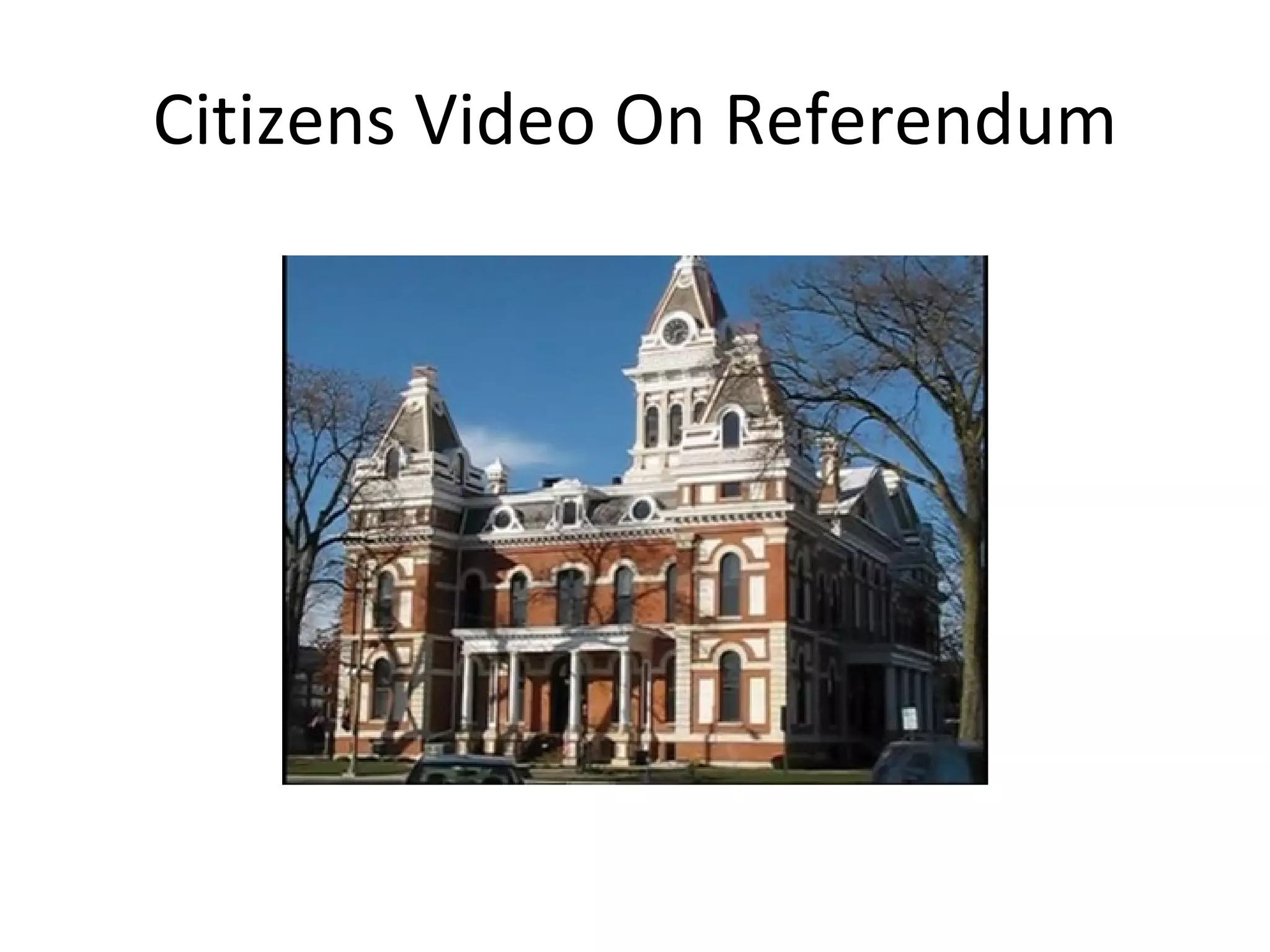
Citizens Video On Referendum
 
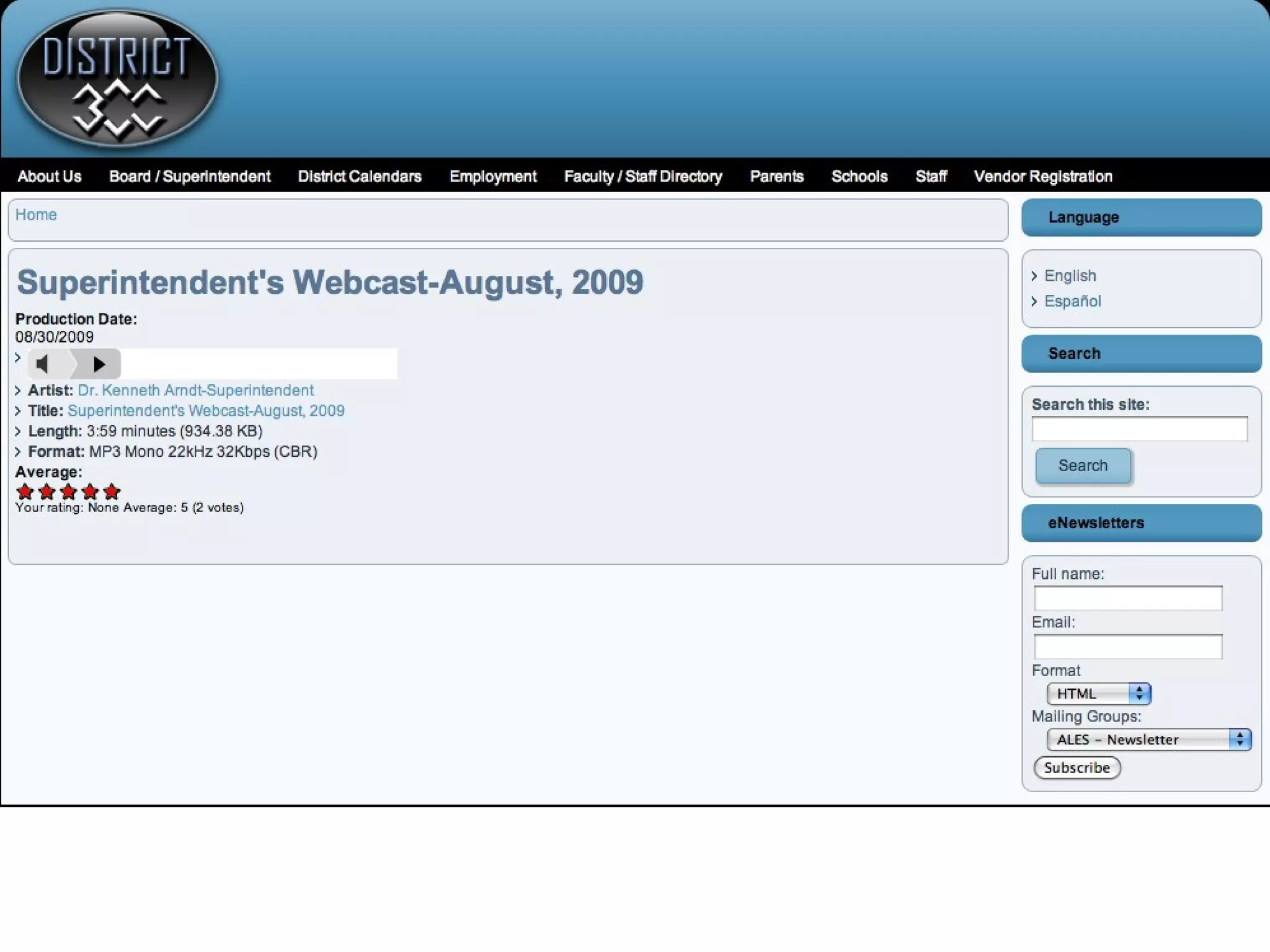
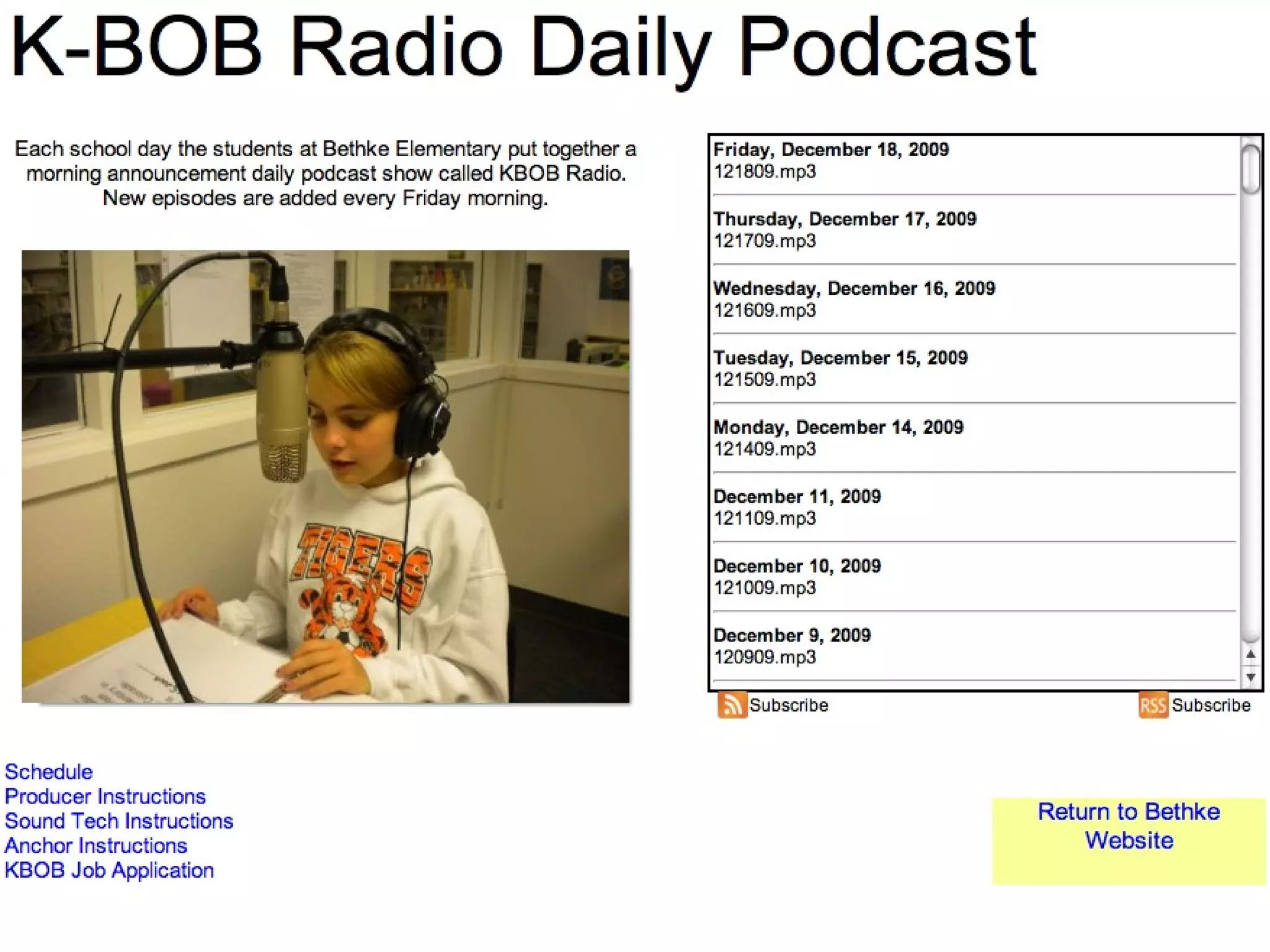
Administrators Can Make Audio Podcasts
 
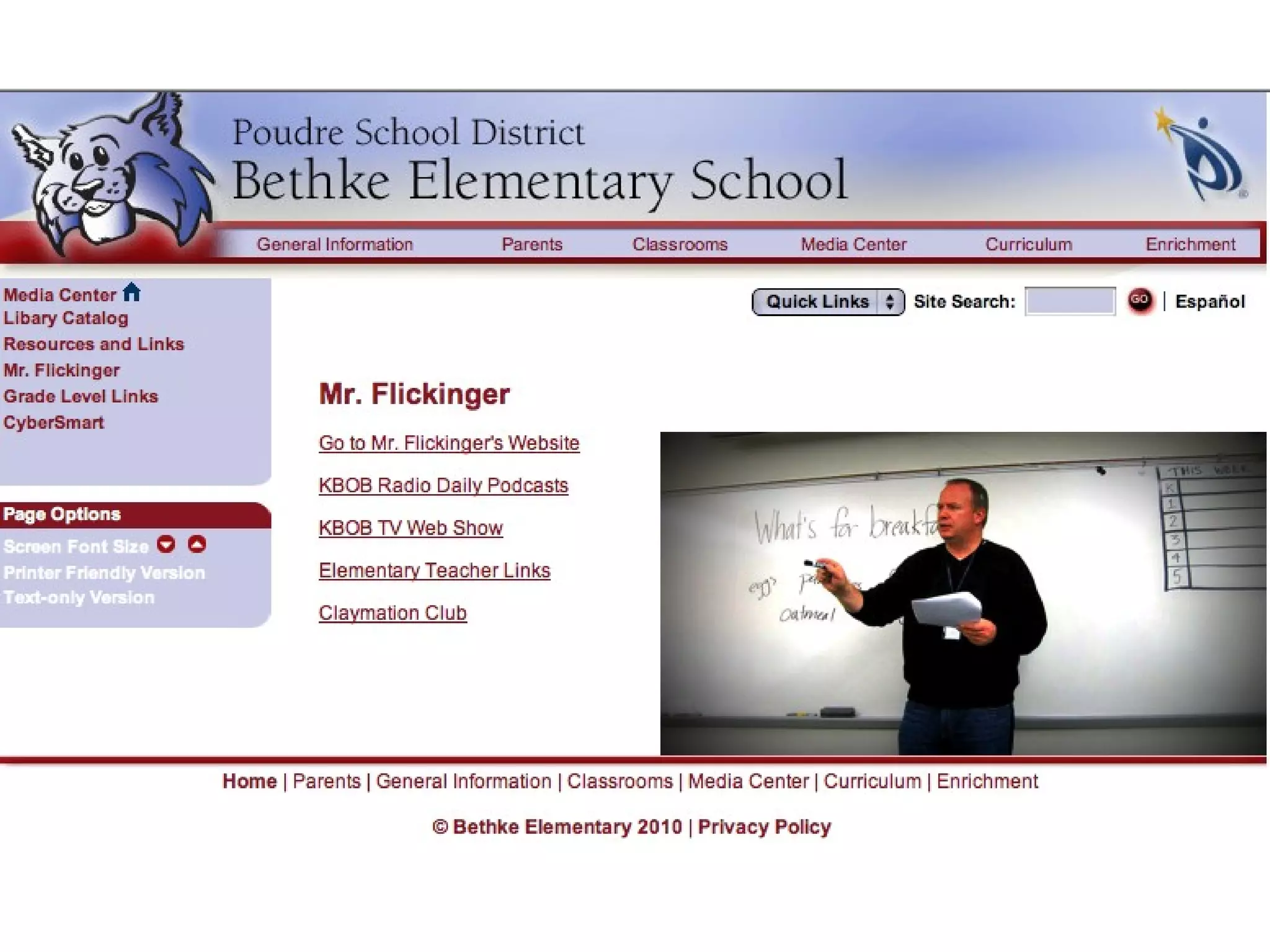
Educational Videos by Developer of Wikipedia
 
 
Evergreen Park HS Uses Audioboo
Evergreen Park HS Uses YouTube
 
 
How would you use audio or video podcasting?
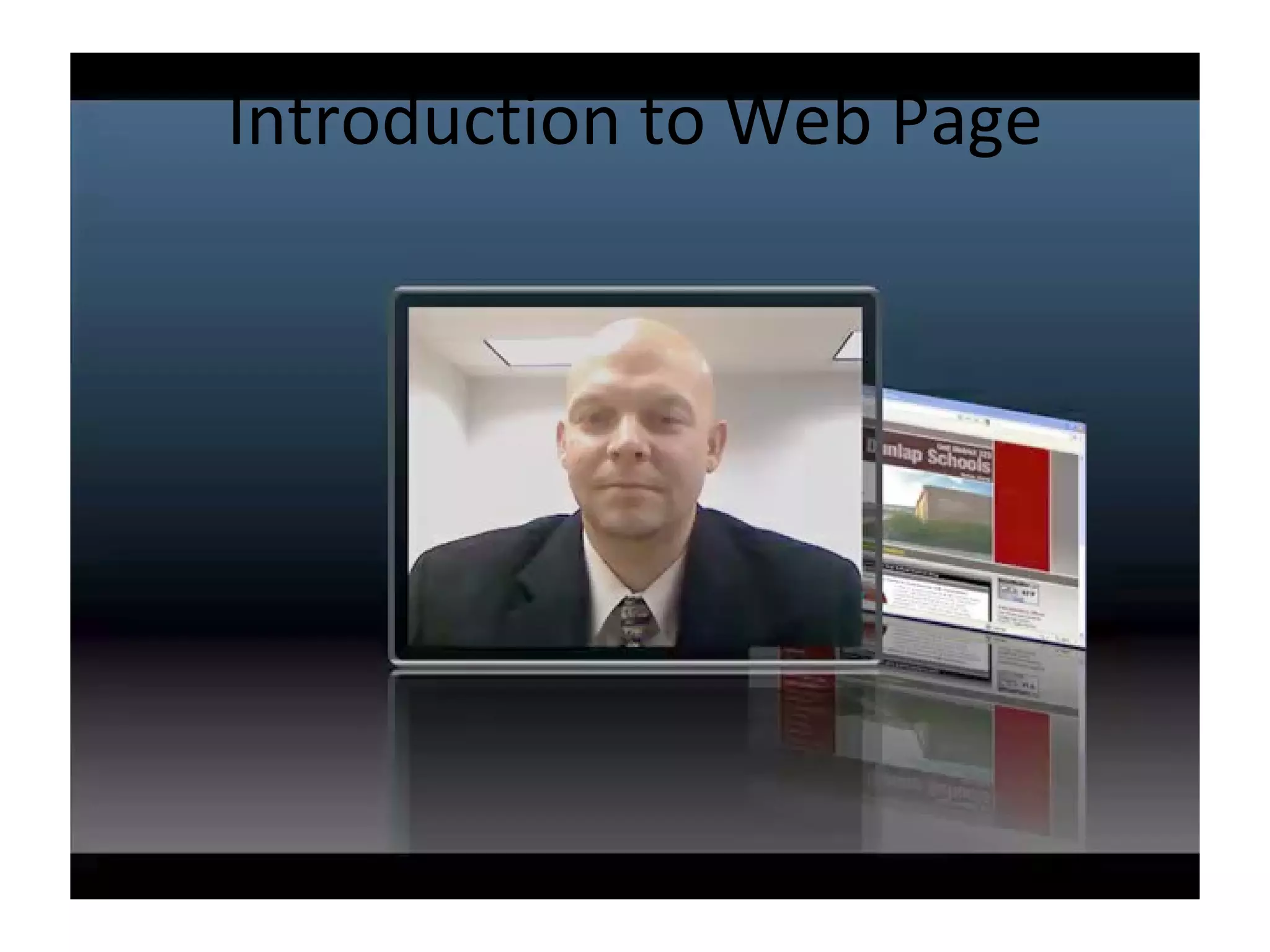
Introduction to Web Page
Strategic Planning…involve community
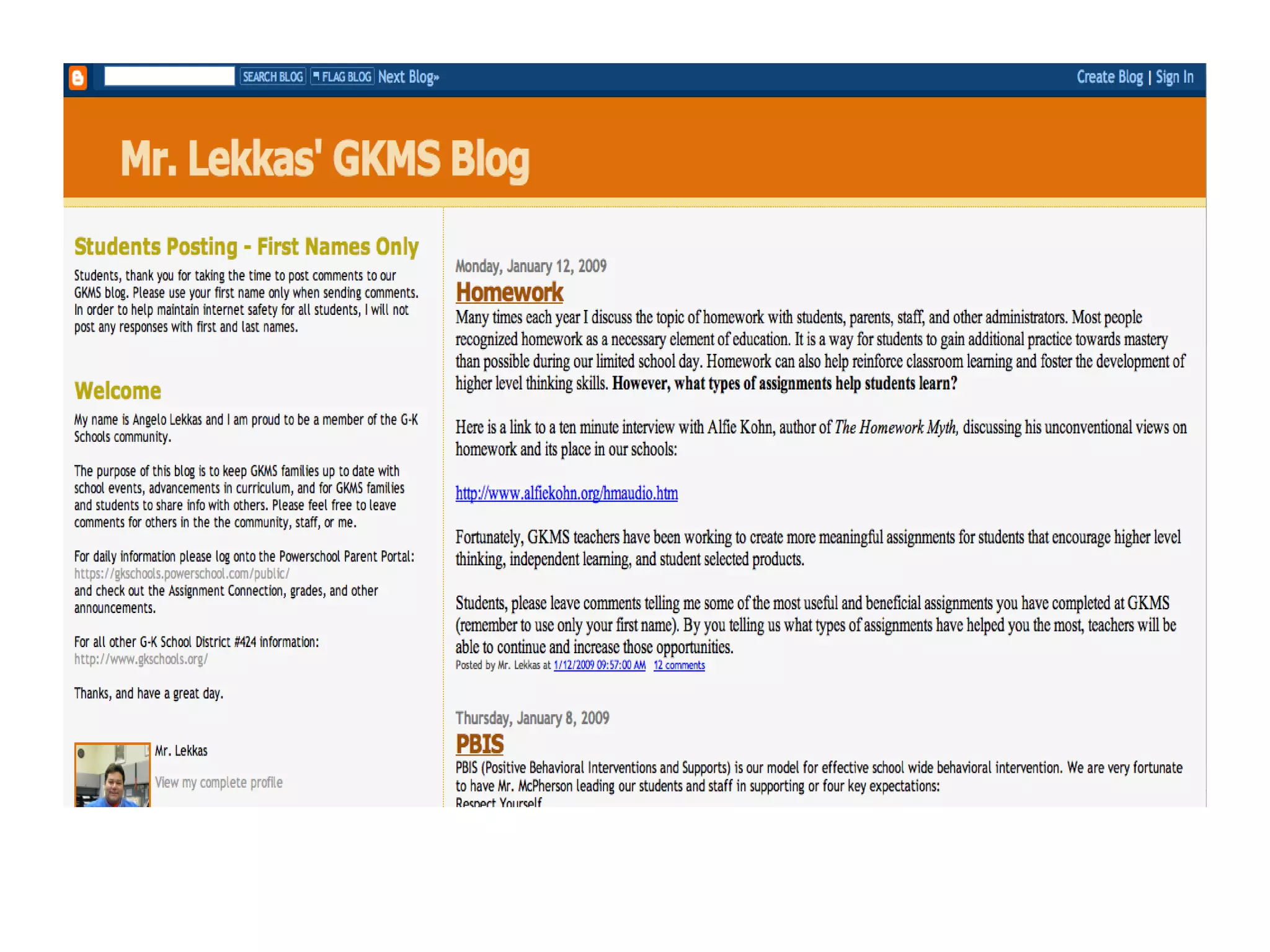
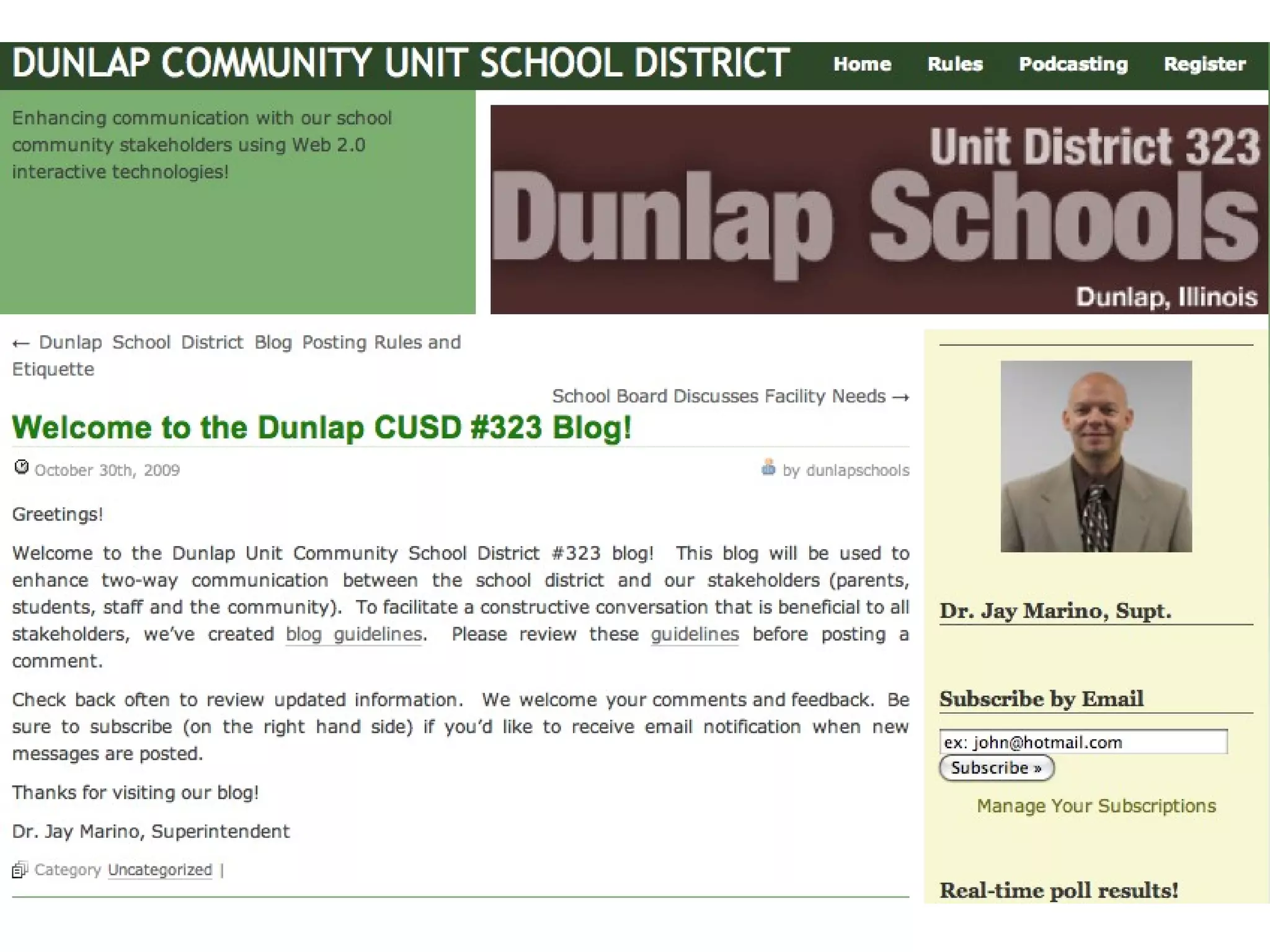
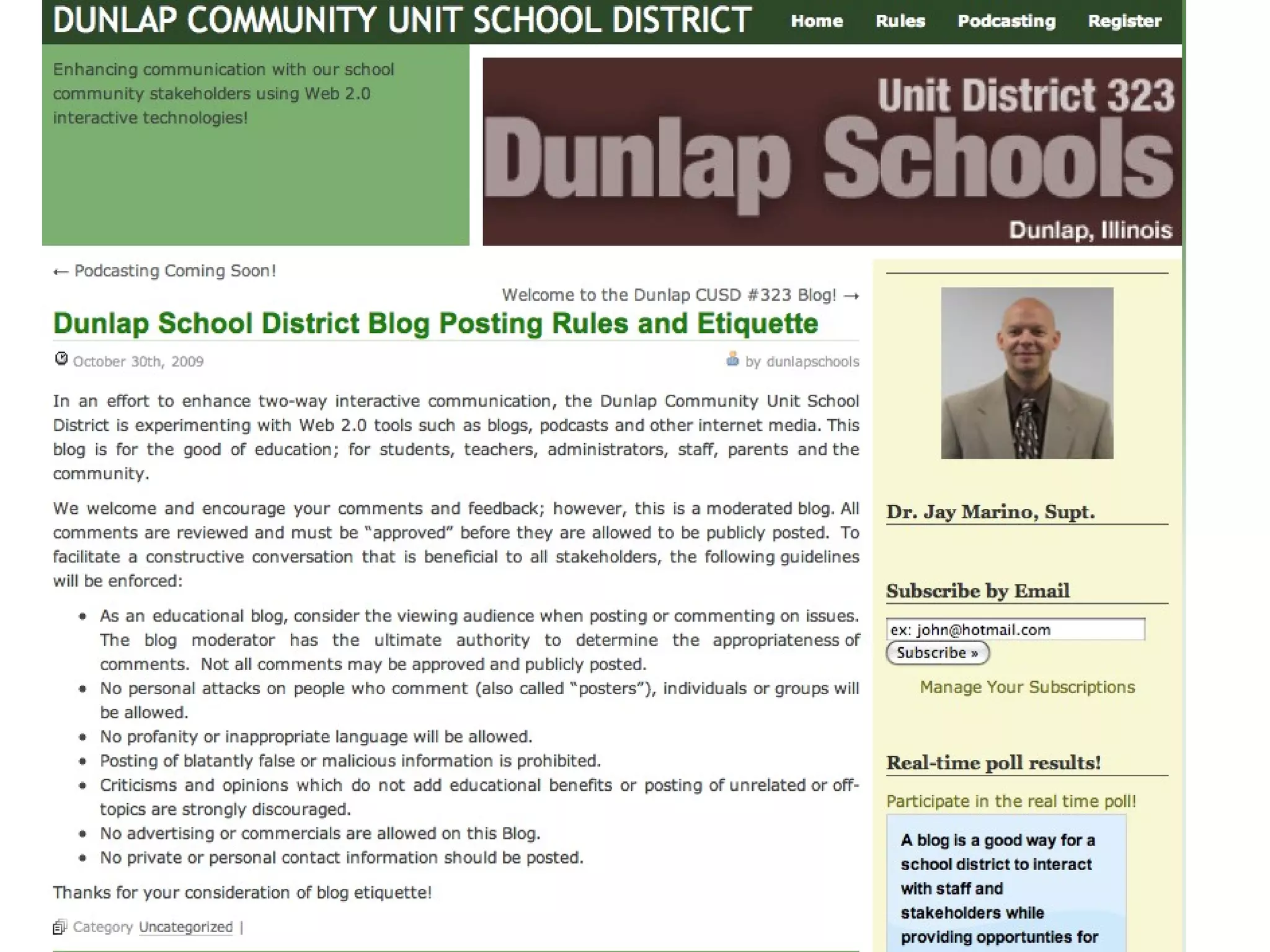
Blog Start Your Own Blog
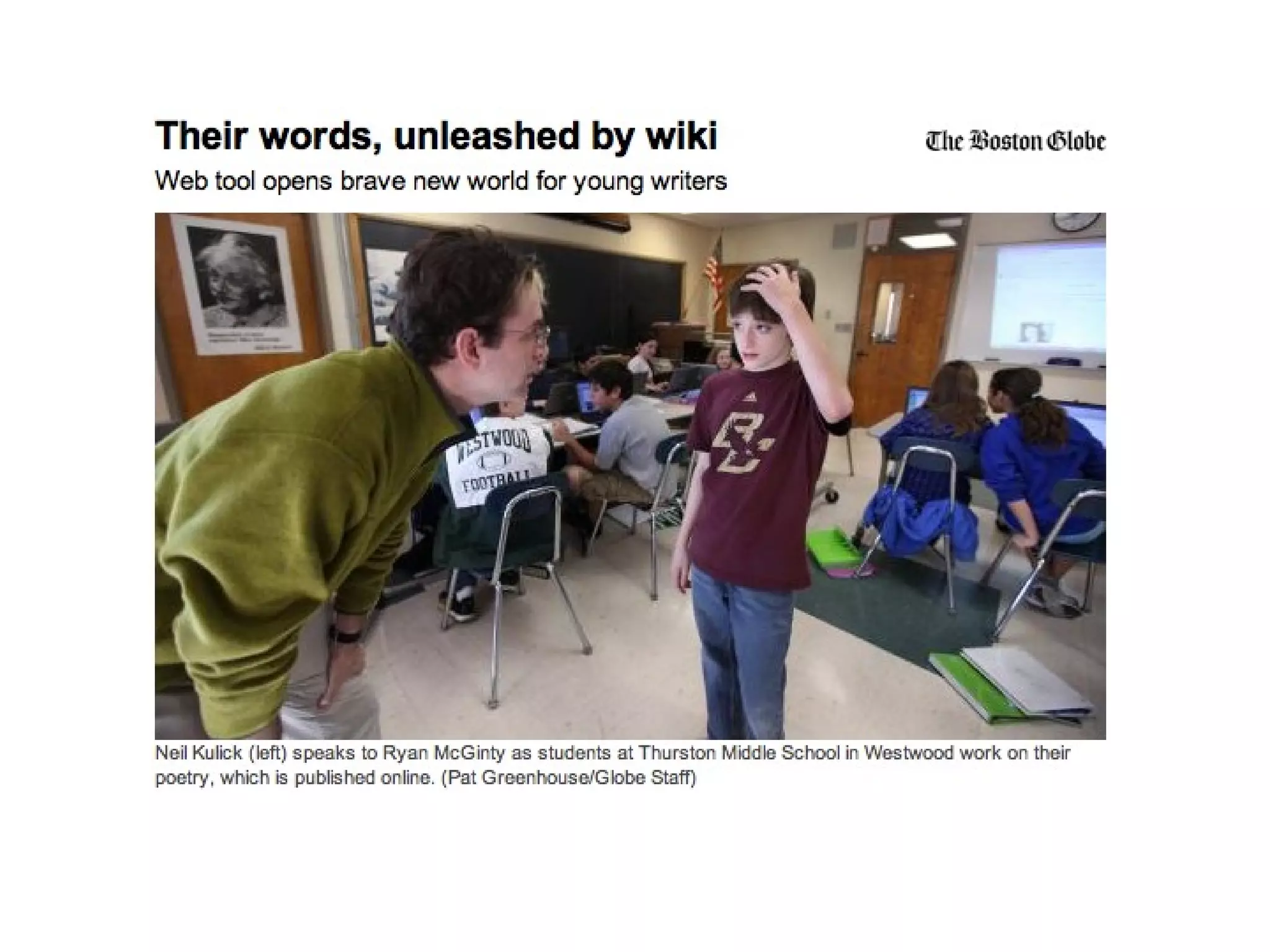
Study: Children Who Blog Or Use Facebook Have Higher Literacy Levels A research by The National Literacy Trust on 3,001 children from England and Scotland showed that schoolchildren who blog or own social networking profiles on Facebook have higher literacy levels and greater confidence in writing.
 
 
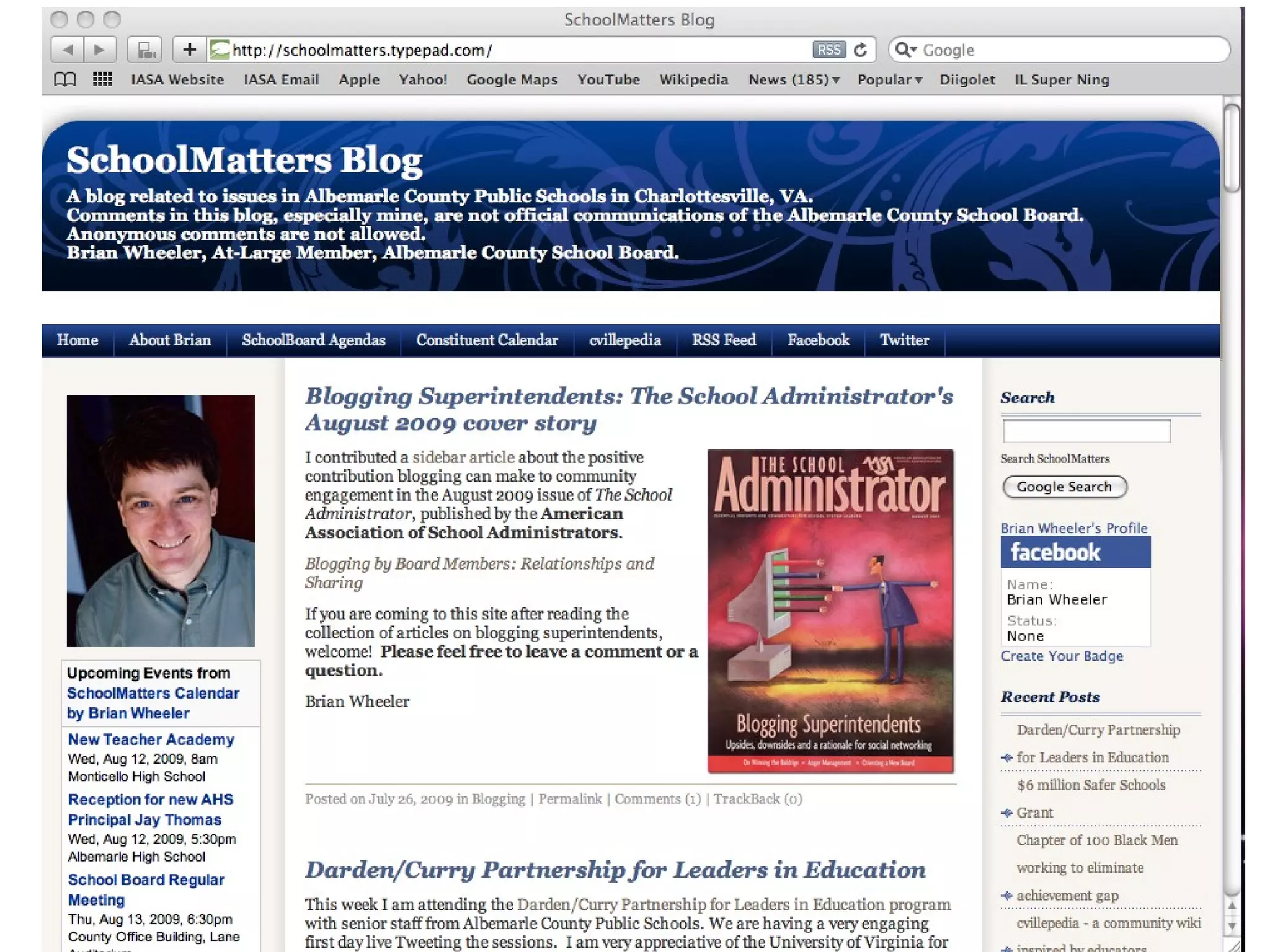
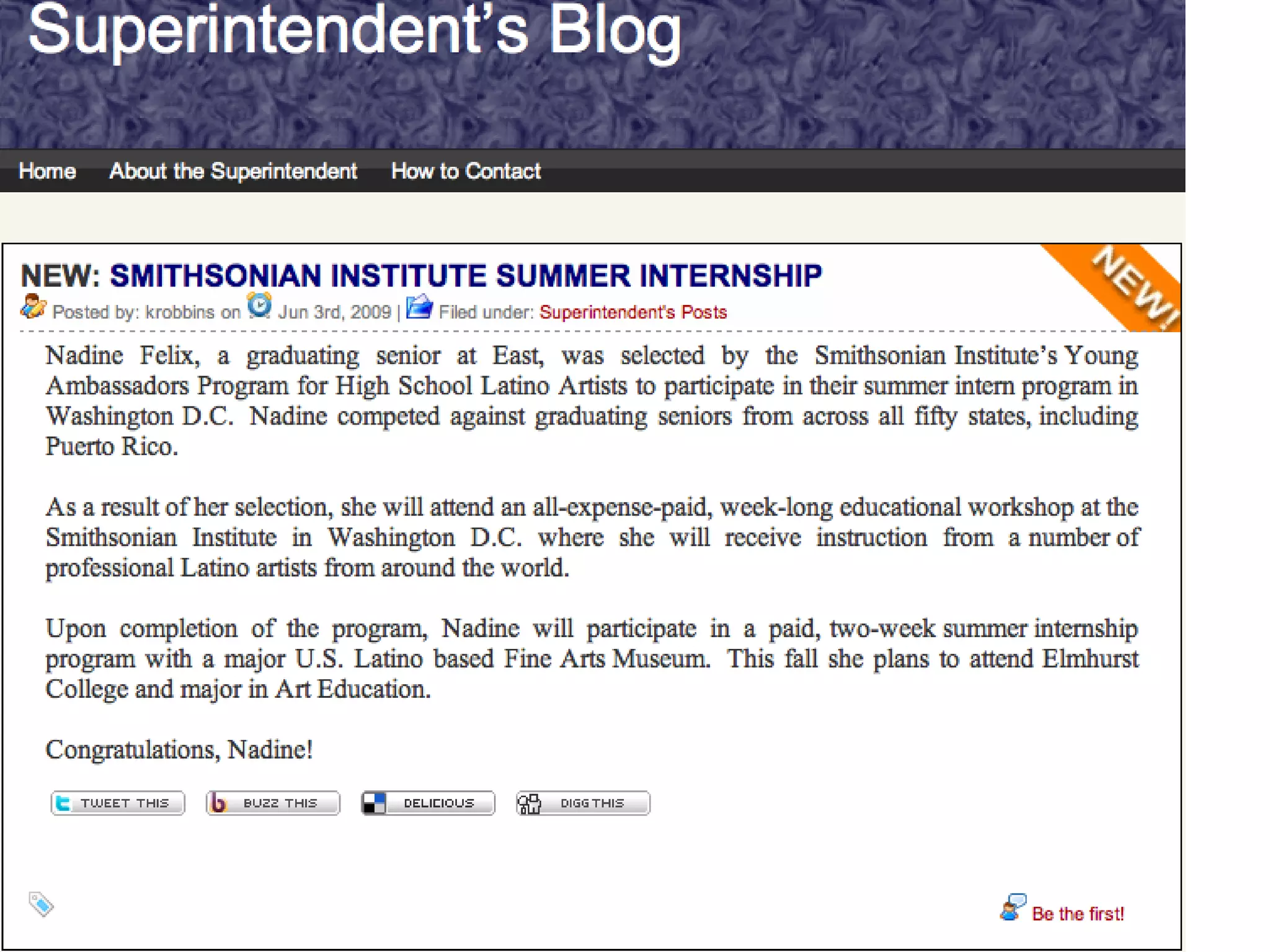
Superintendent Blogging Mark J. Stock The School Administrator; August 2009 Number 7, Vol.66 You can get news out more quickly. You can respond to traditional media. Your message can be accessed by readers on their schedules. You can increase coverage in the traditional media. You can build a sense of community.


Would you blog?
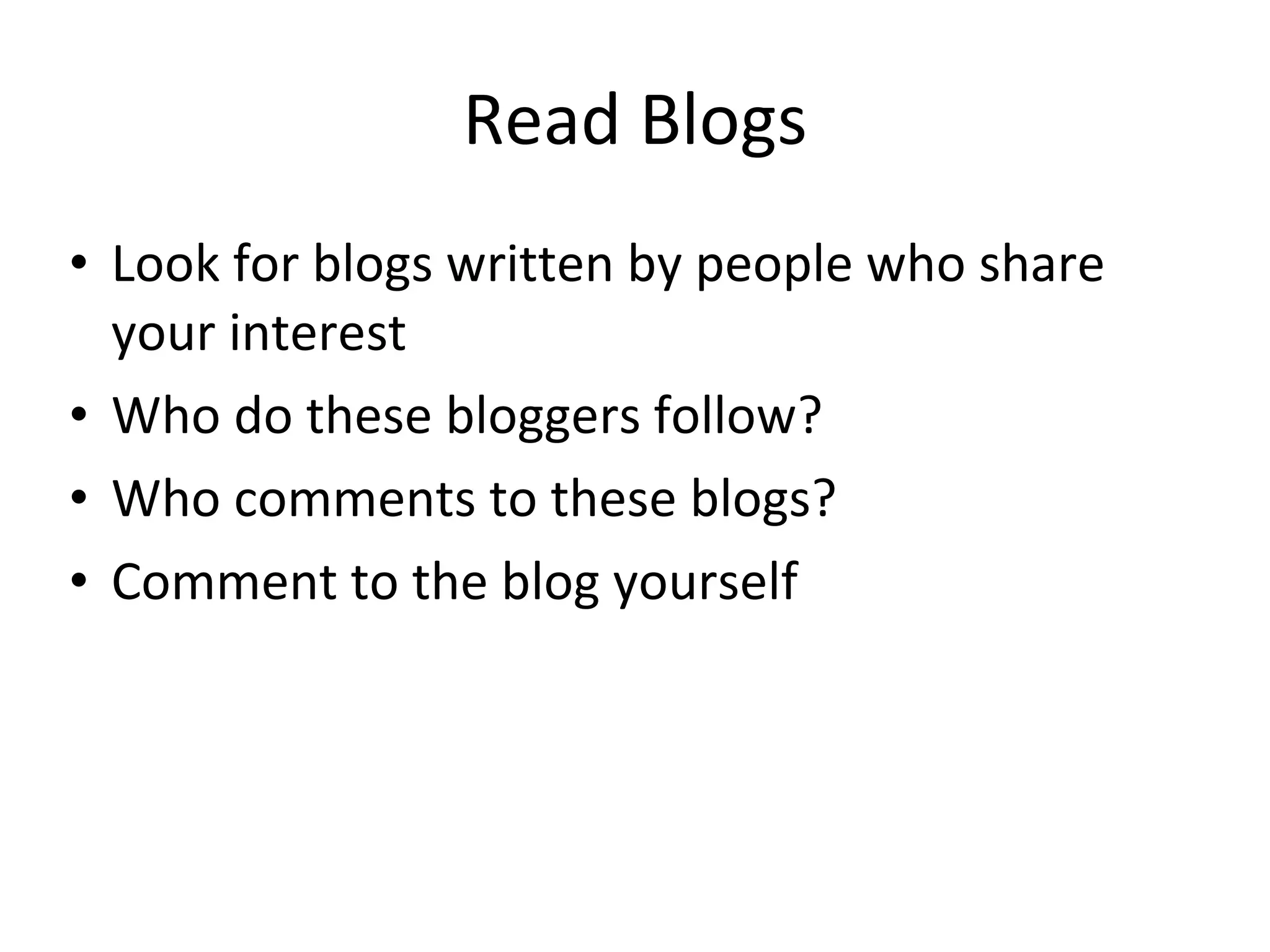
Read Blogs Look for blogs written by people who share your interest Who do these bloggers follow? Who comments to these blogs? Comment to the blog yourself
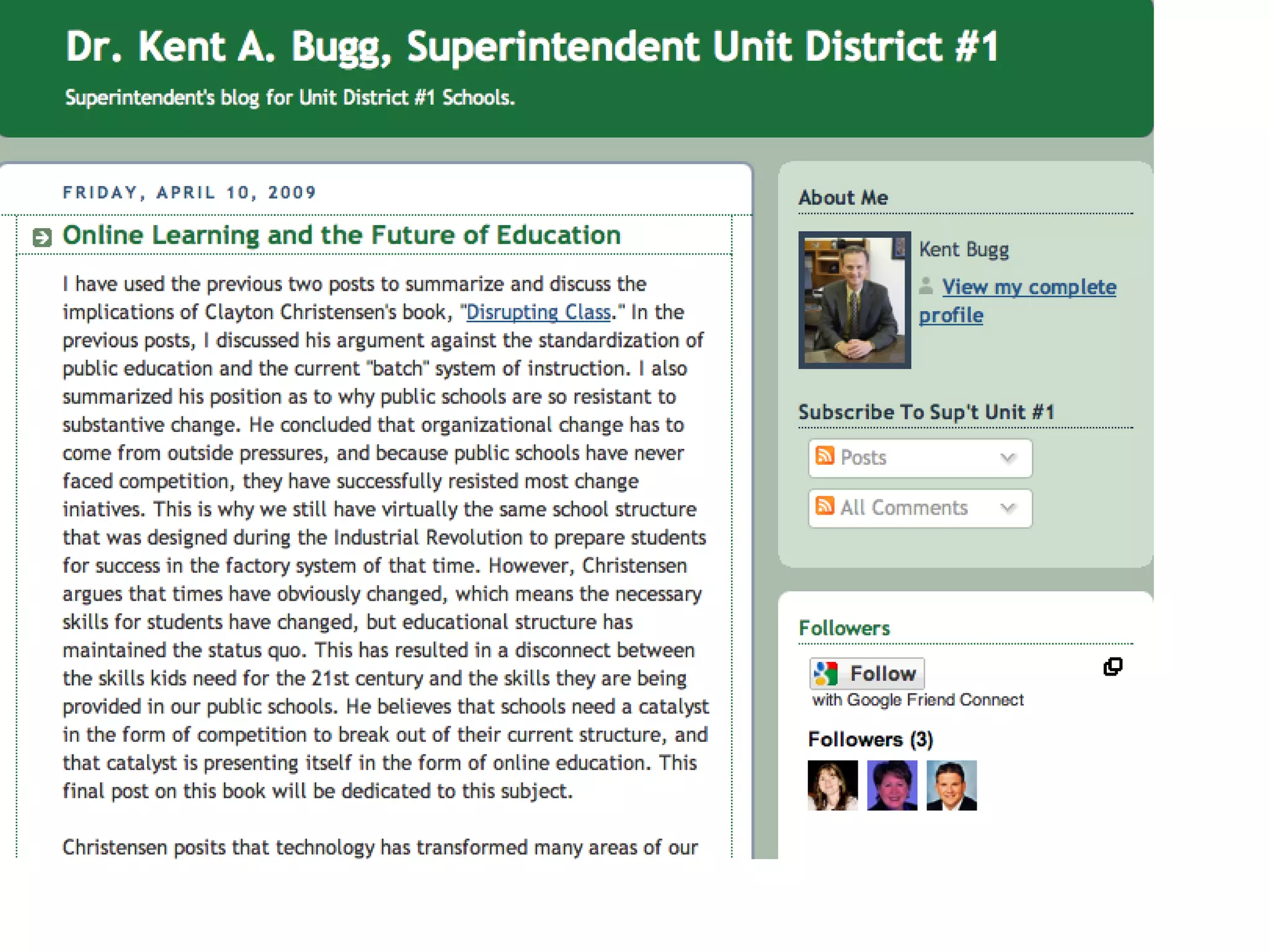
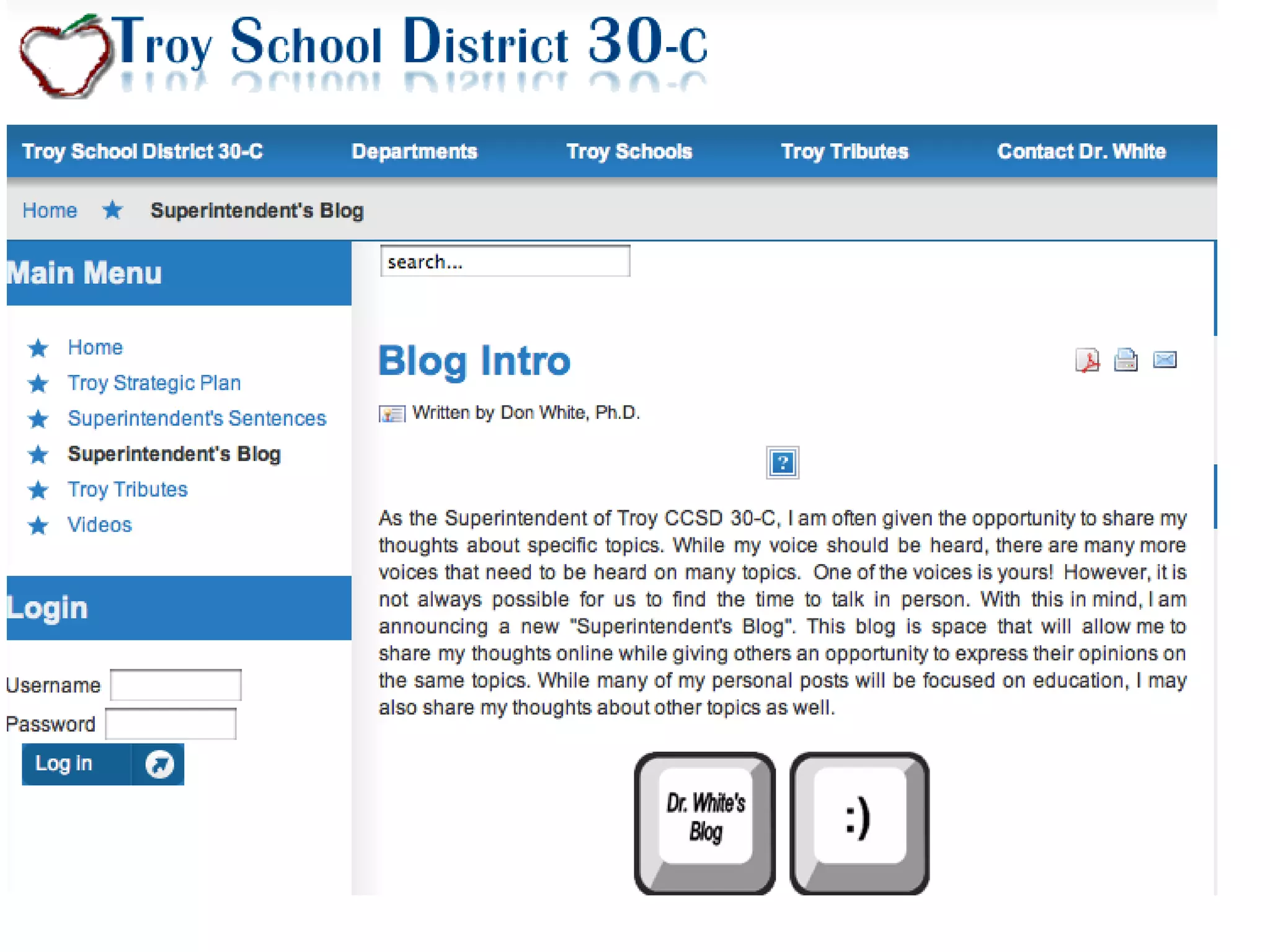
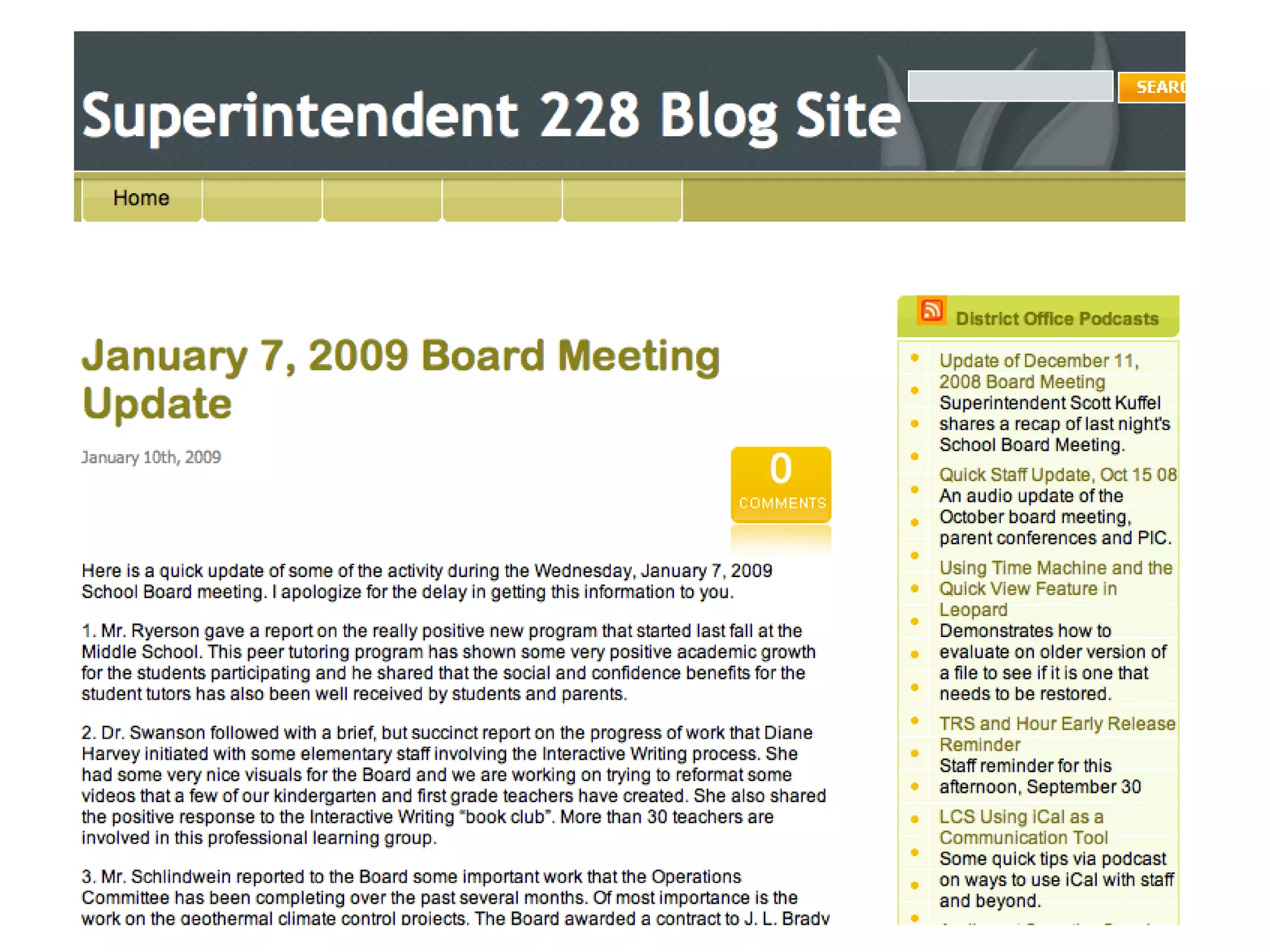
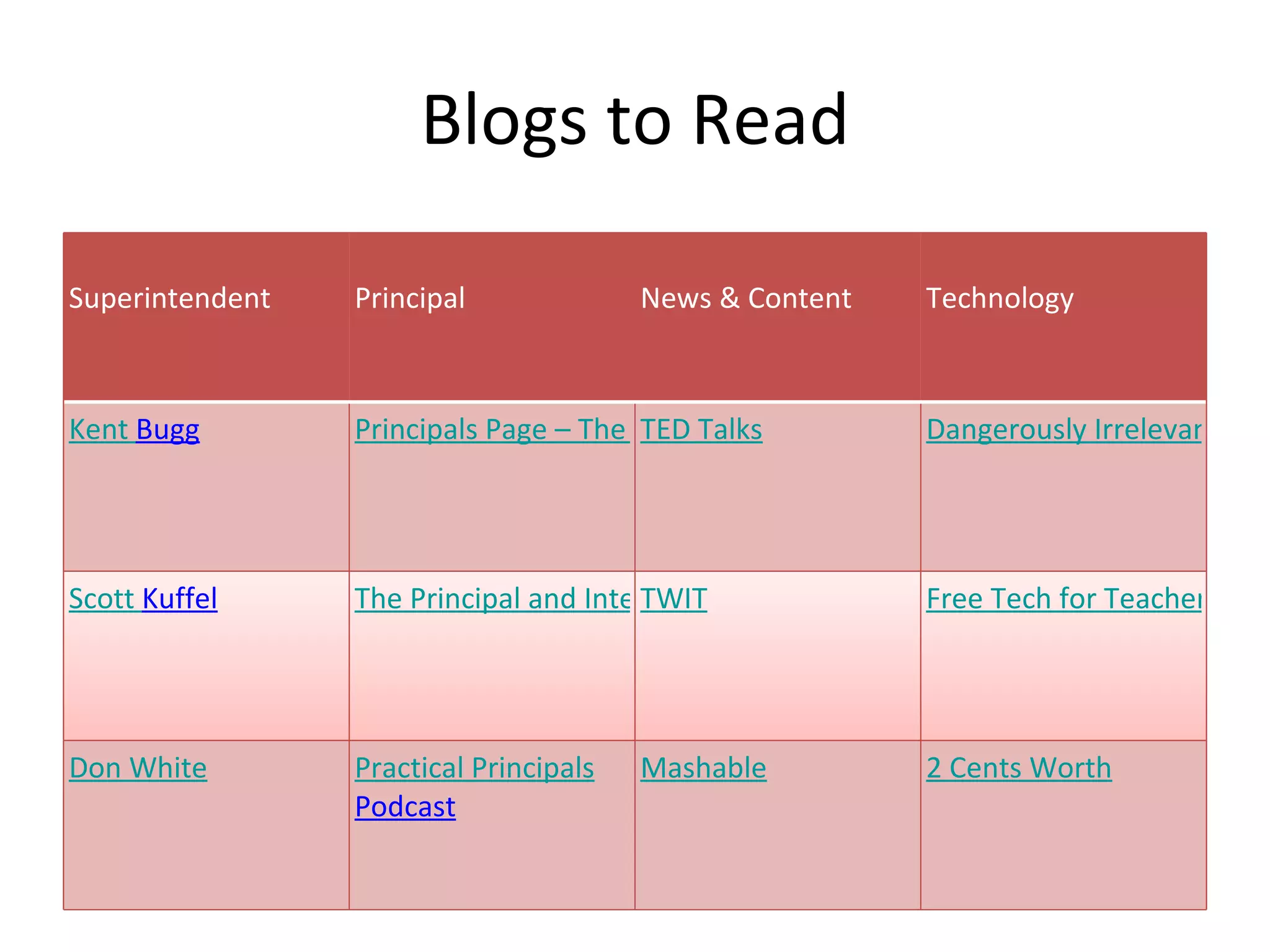
Blogs to Read Superintendent Principal News & Content Technology Kent  Bugg Principals Page – The Blog TED Talks Dangerously Irrelevant Scott  Kuffel The Principal and Interest TWIT Free Tech for Teachers Don White Practical Principals  Podcast Mashable 2 Cents Worth
Administrators, Teachers and Students can make their own web pages using Ning, Wiki, WordPress, and others
 
Ning
http://iasa4u.ning.com/
 
Wiki
 
 
http://iasa.wikispaces.com/
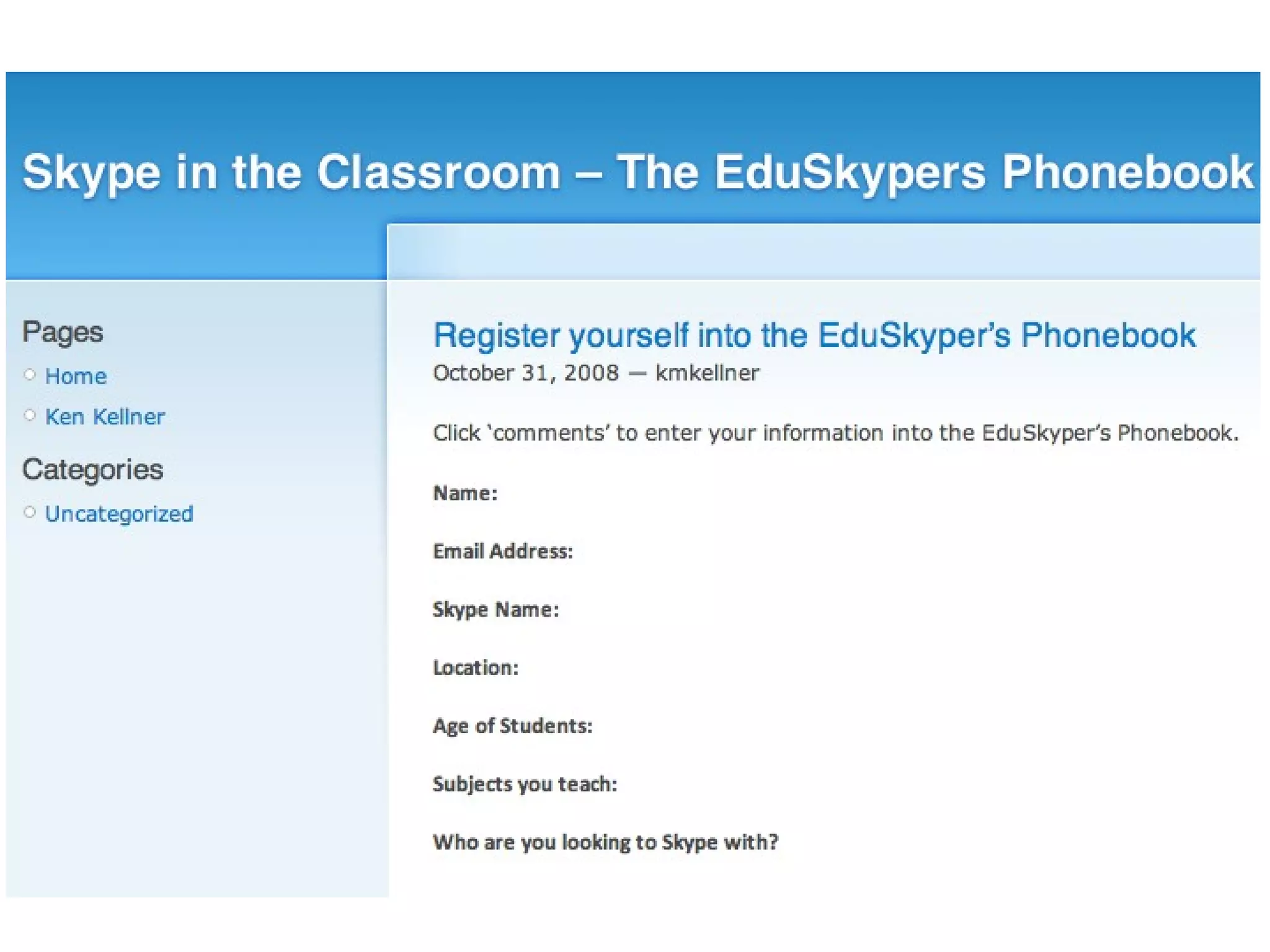
Global team: Teachers can use e-pals  and Skype to connect to others all over the world.
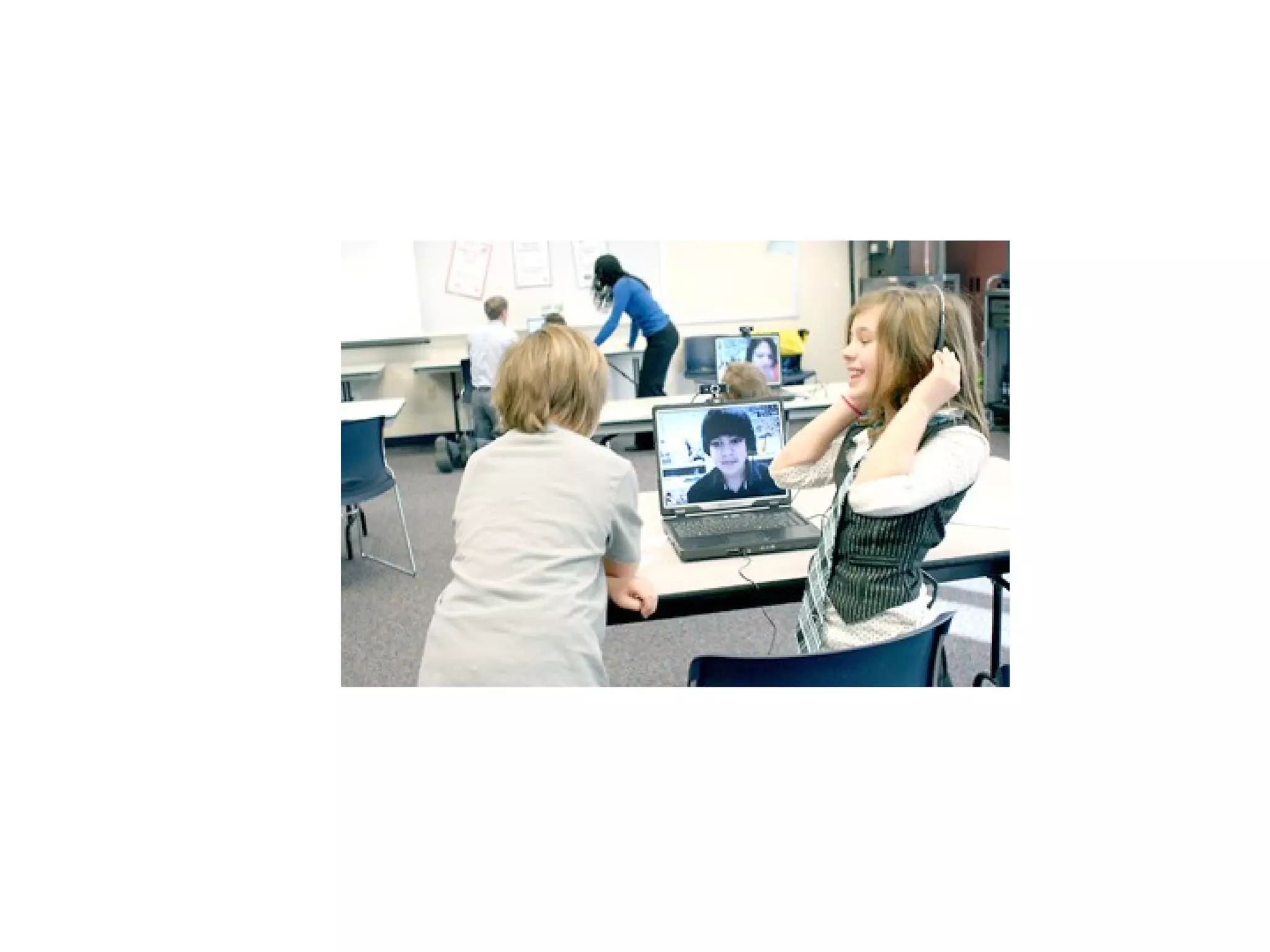
Teachers can use Skype In their classrooms


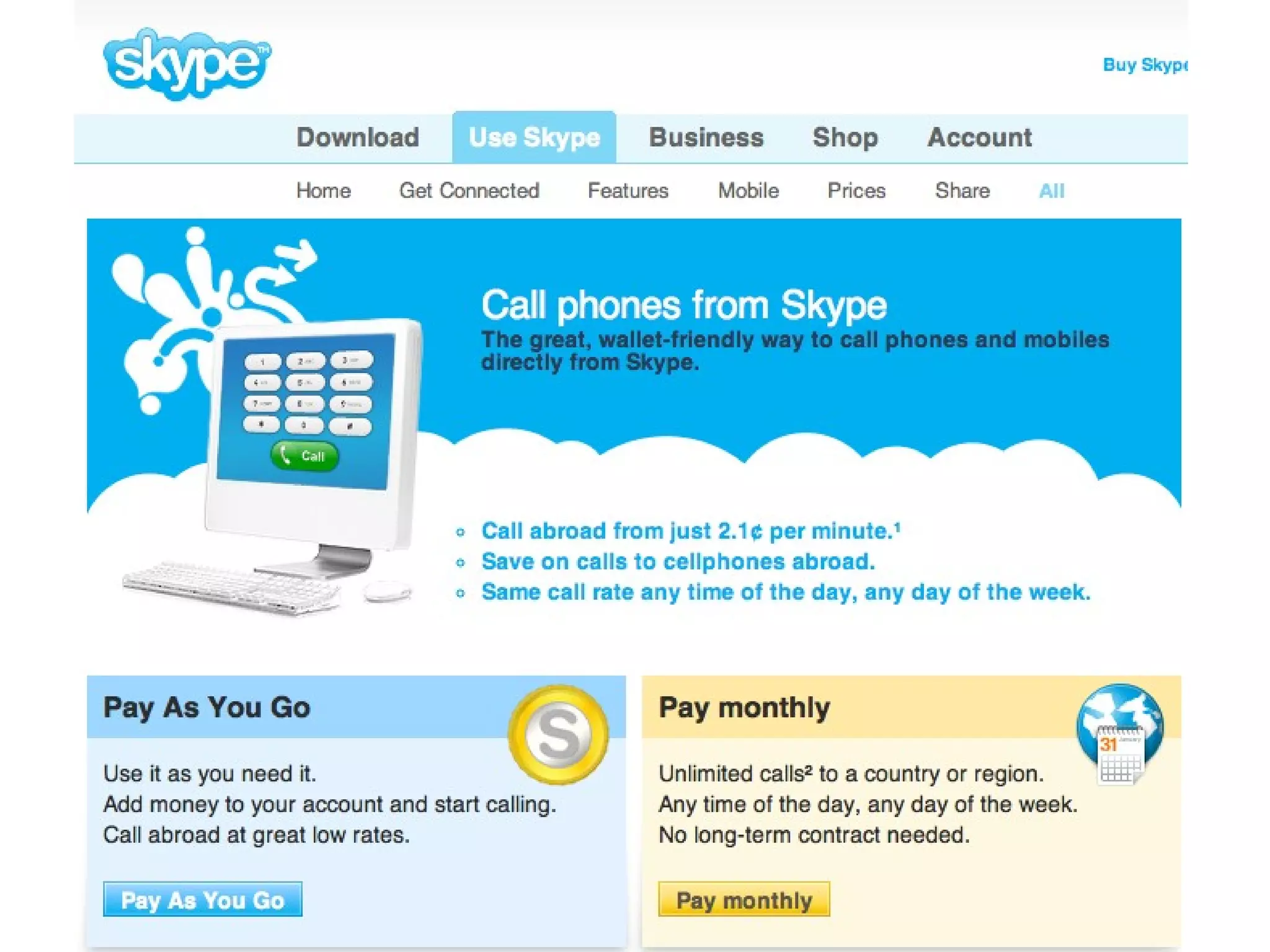
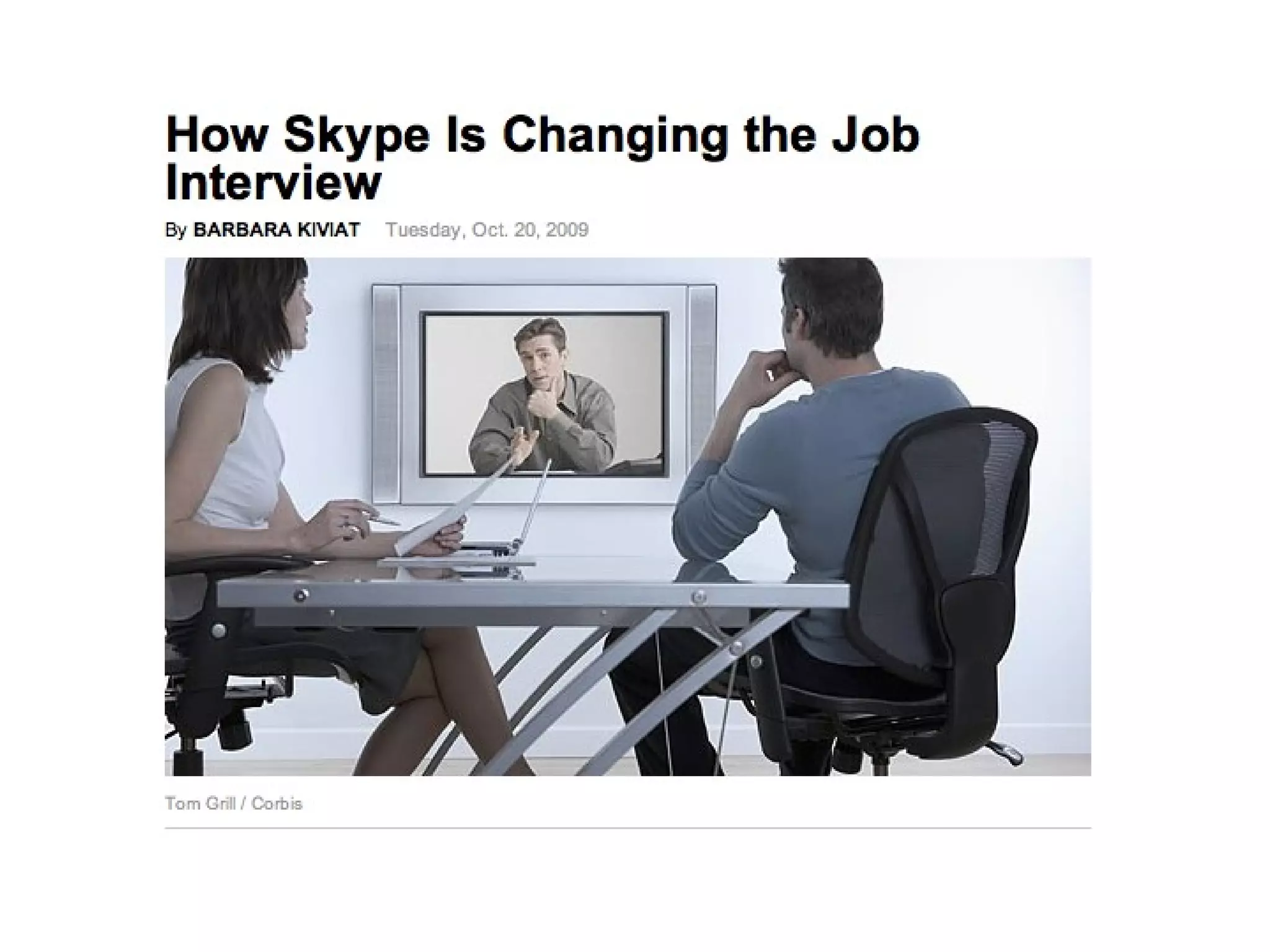
How could administrators use Skype?
 
How does digital text (hypertext) change education?
 
 
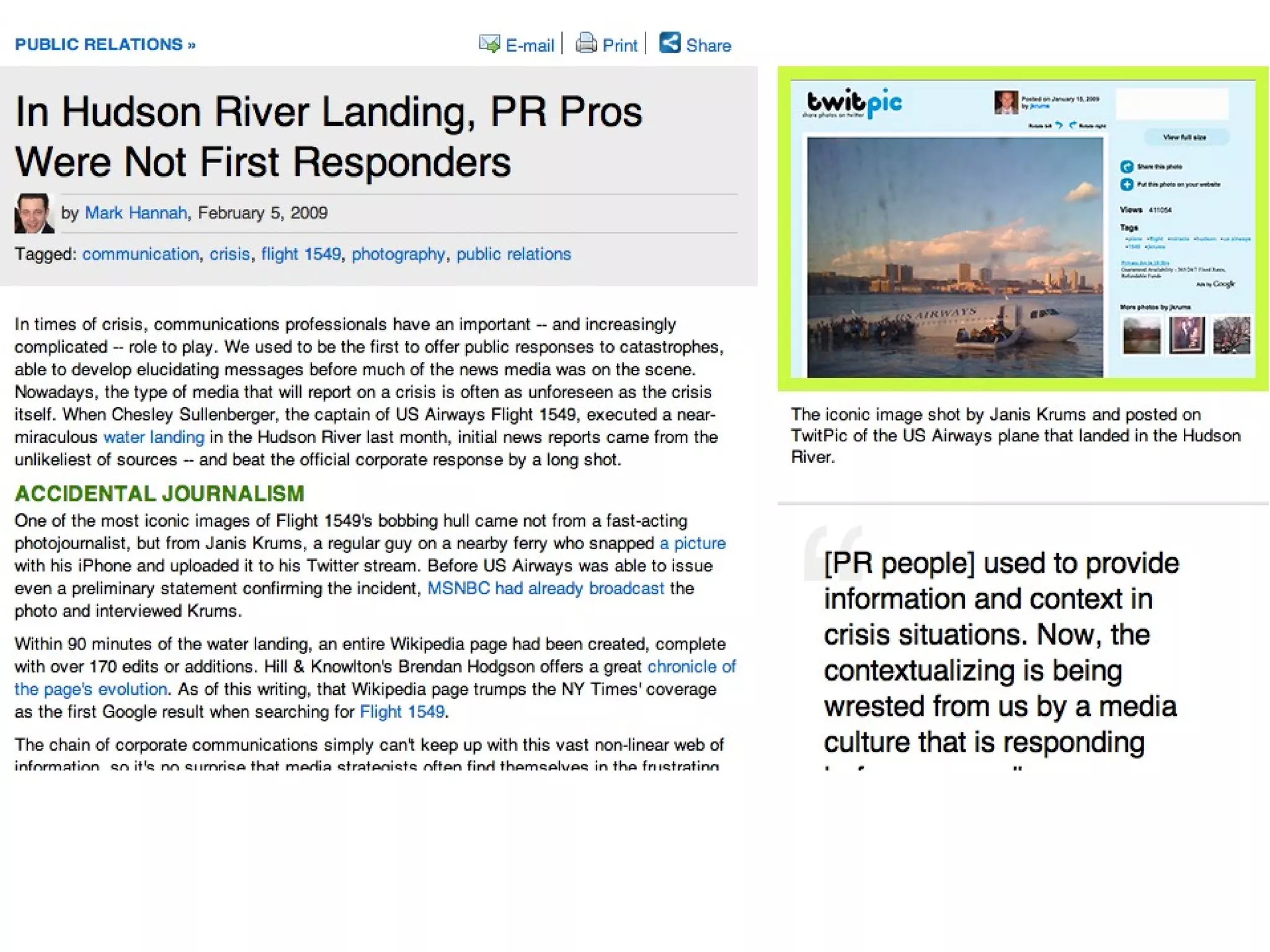
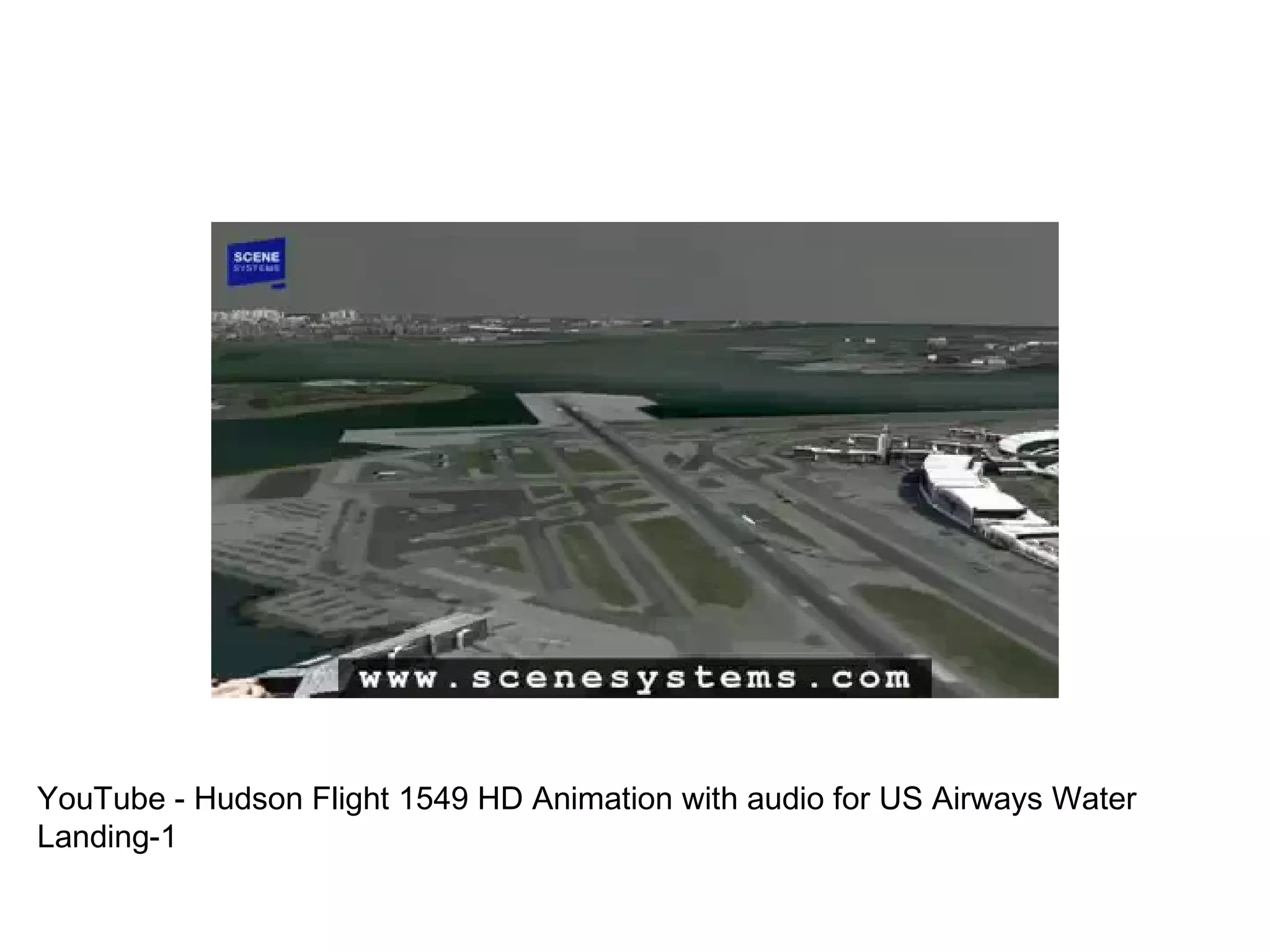
YouTube - Hudson Flight 1549 HD Animation with audio for US Airways Water Landing-1


Poll Everywhere
How open should the Internet be for teachers?
How open should the Internet be for students?
Social Networking in School
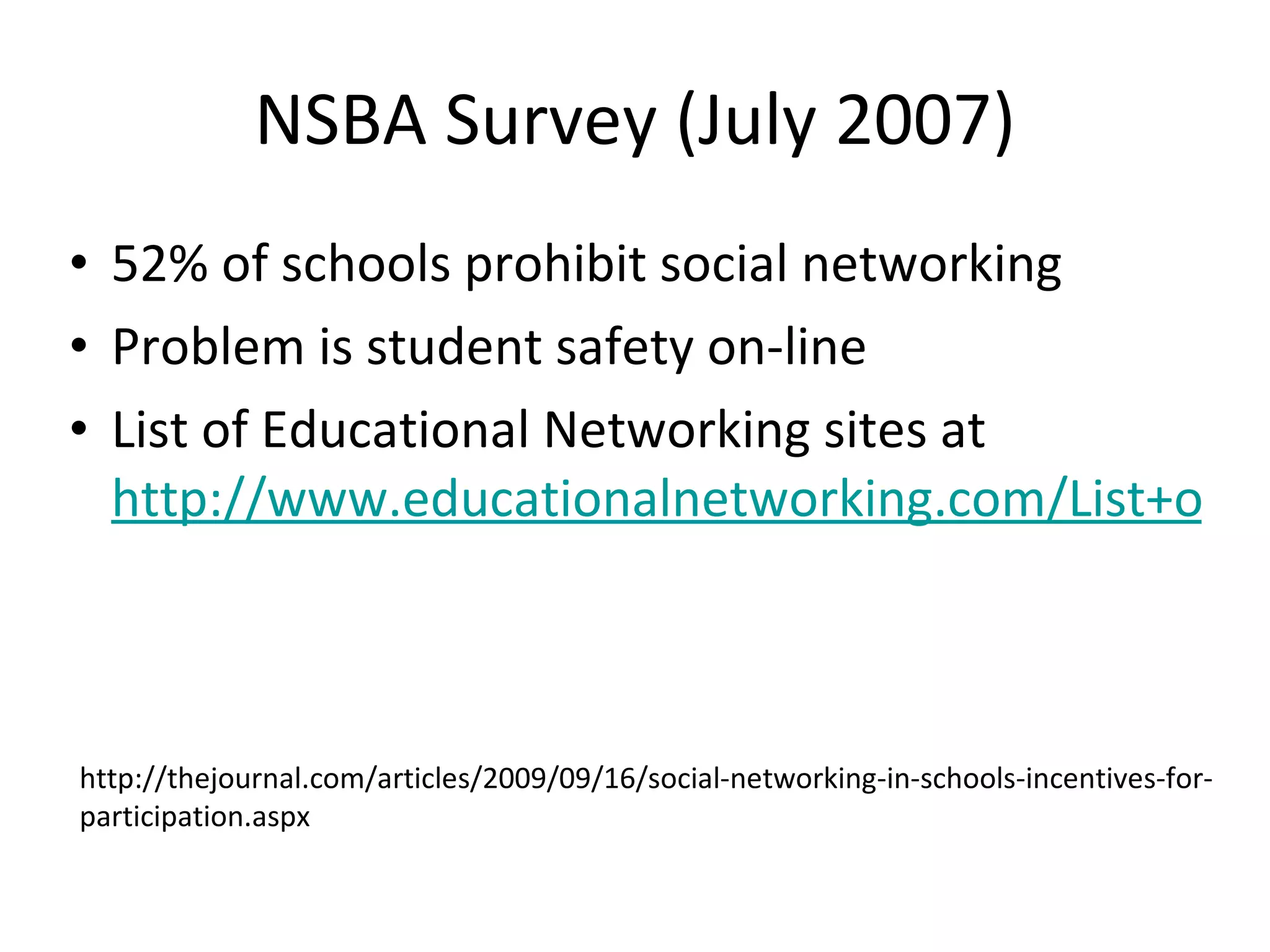
NSBA Survey (July 2007) 52% of schools prohibit social networking Problem is student safety on-line List of Educational Networking sites at  http://www.educationalnetworking.com/List+of+Networks http://thejournal.com/articles/2009/09/16/social-networking-in-schools-incentives-for-participation.aspx
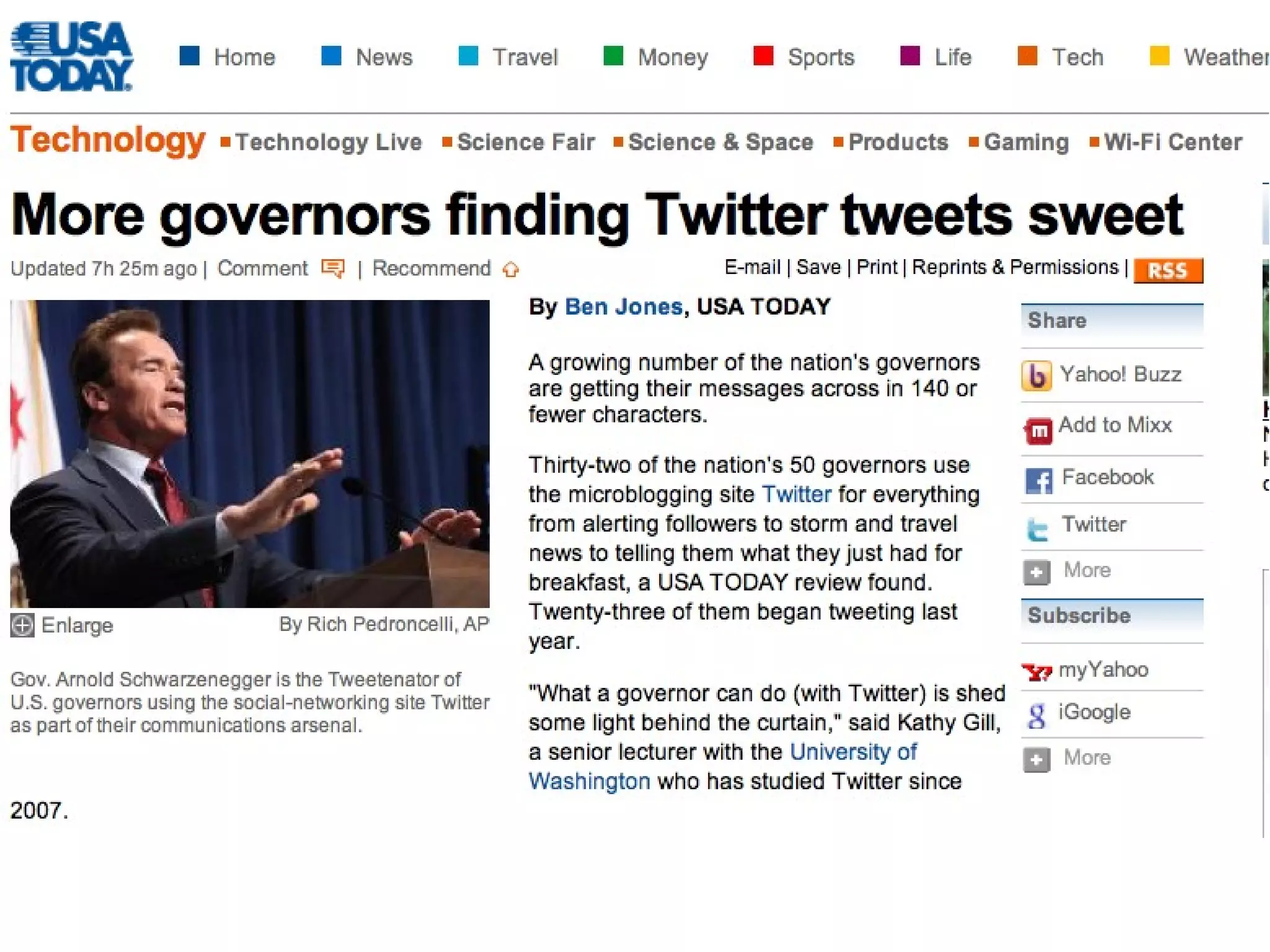
Add Twitter To Your Communication
 
Follow me on Twitter at rvoltz and IllinoisASA
 
Teachers use Twitter To communicate with students and parents on homework and class activities To link up with other teachers in a type of professional learning community
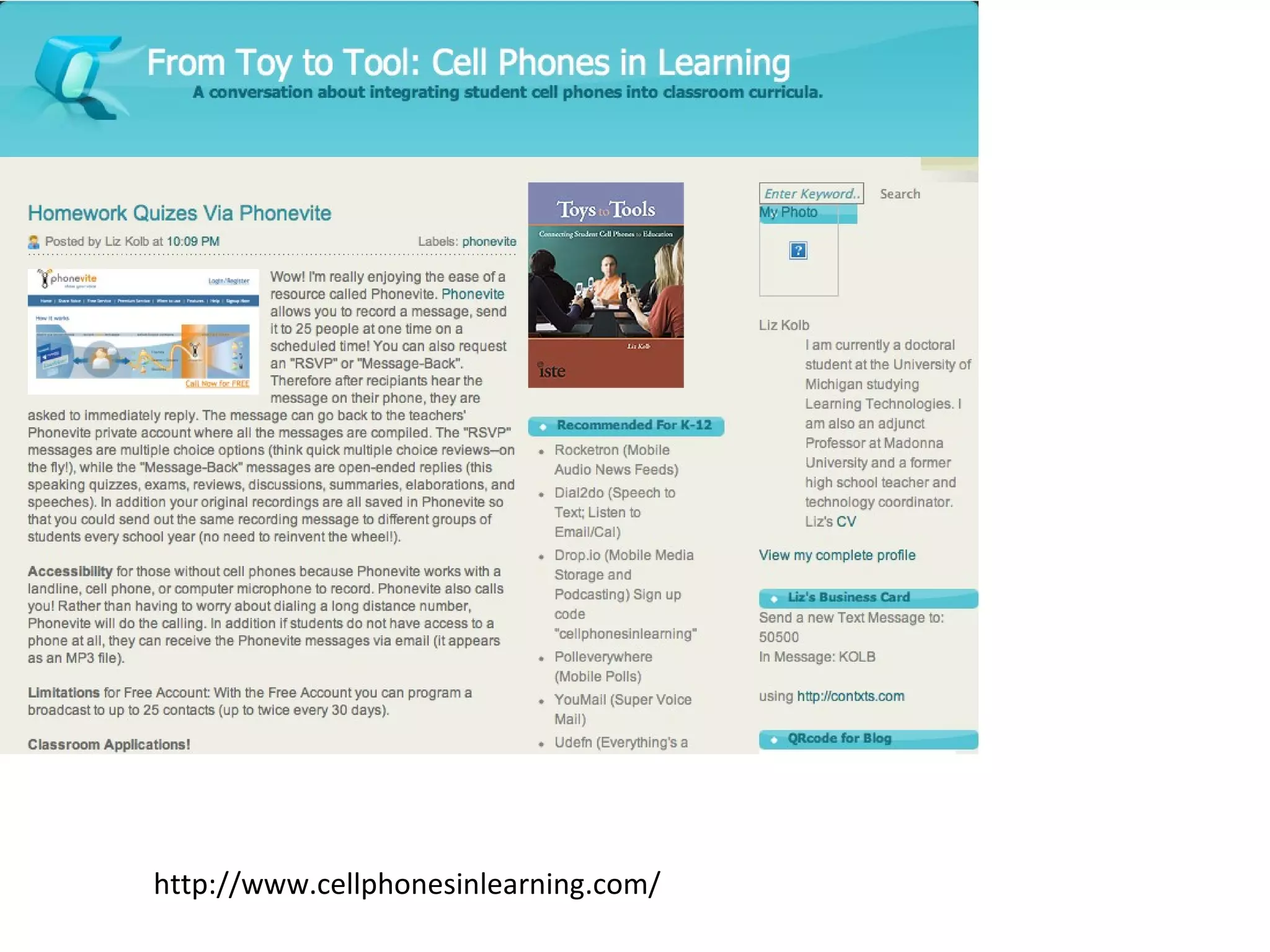
http://www.cellphonesinlearning.com/
Encourage teachers to engage students in their own learning
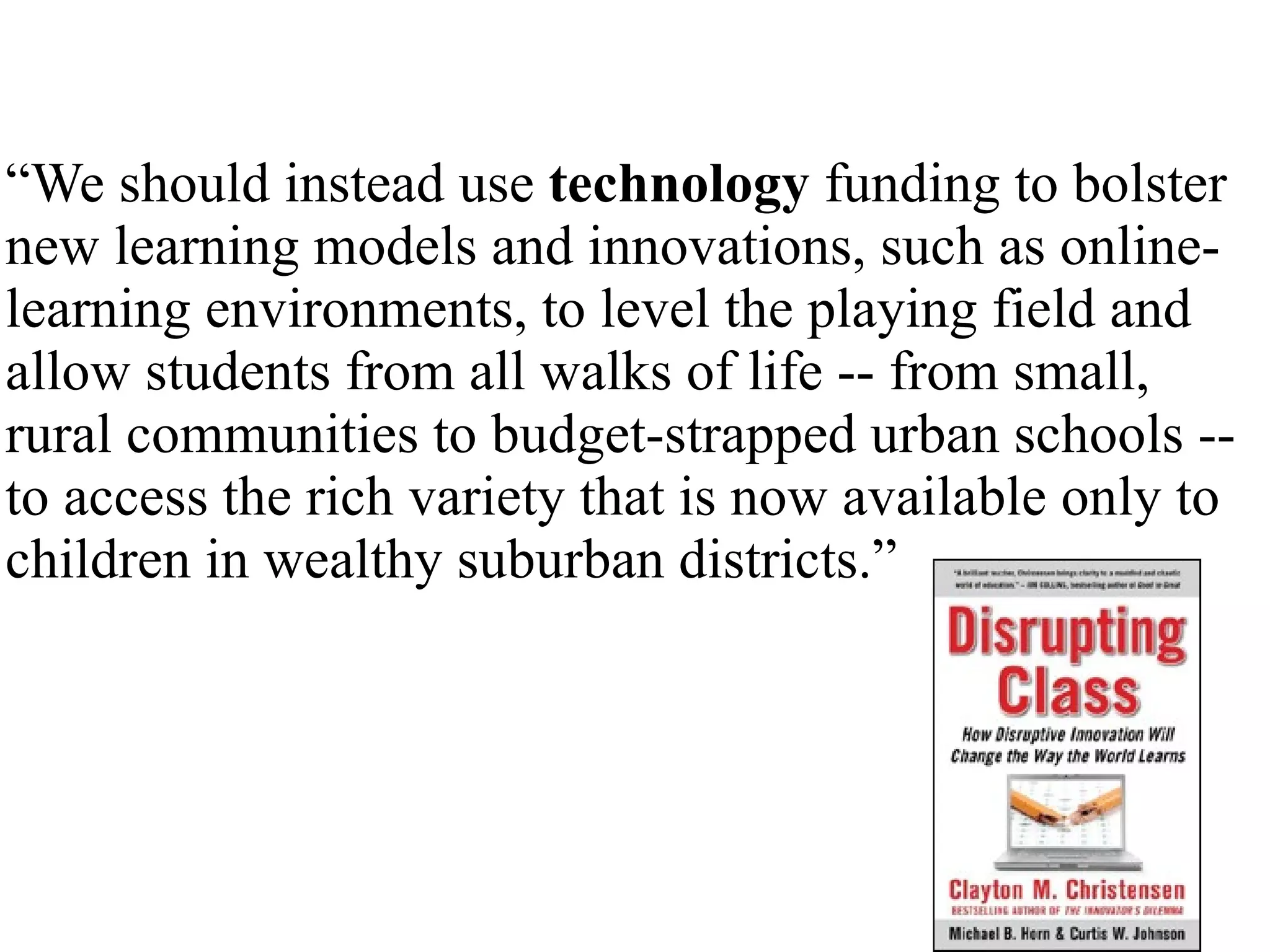
“ We should instead use  technology  funding to bolster new learning models and innovations, such as online-learning environments, to level the playing field and allow students from all walks of life -- from small, rural communities to budget-strapped urban schools -- to access the rich variety that is now available only to children in wealthy suburban districts.”
Inspiring Idea
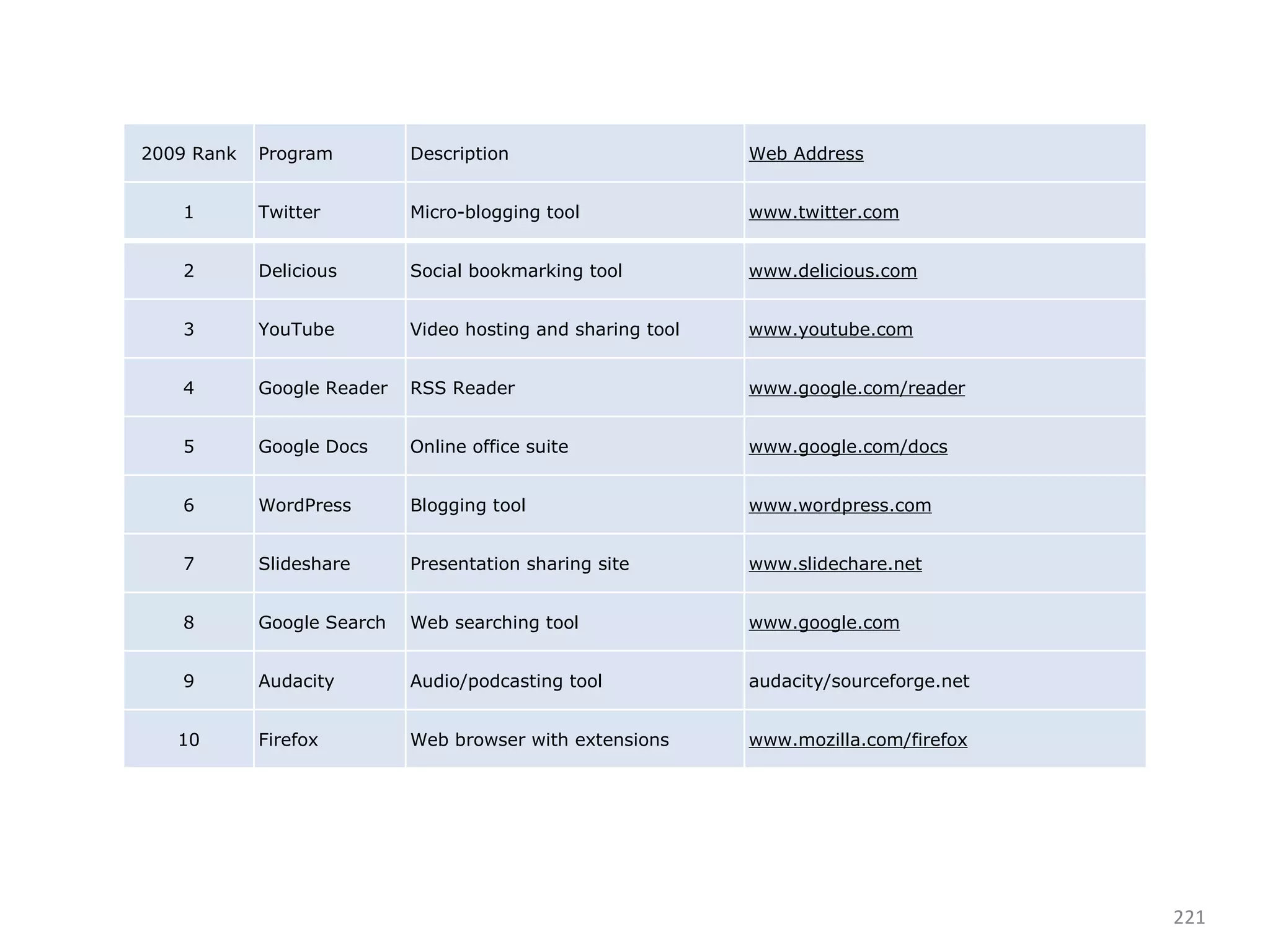
2009 Rank Program Description Web Address 1 Twitter Micro-blogging tool www.twitter.com 2 Delicious Social bookmarking tool www.delicious.com 3 YouTube Video hosting and sharing tool www.youtube.com 4 Google Reader RSS Reader www.google.com/reader 5 Google Docs Online office suite www.google.com/docs 6 WordPress Blogging tool www.wordpress.com 7 Slideshare Presentation sharing site www.slidechare.net 8 Google Search Web searching tool www.google.com 9 Audacity Audio/podcasting tool audacity/sourceforge.net 10 Firefox Web browser with extensions www.mozilla.com/firefox
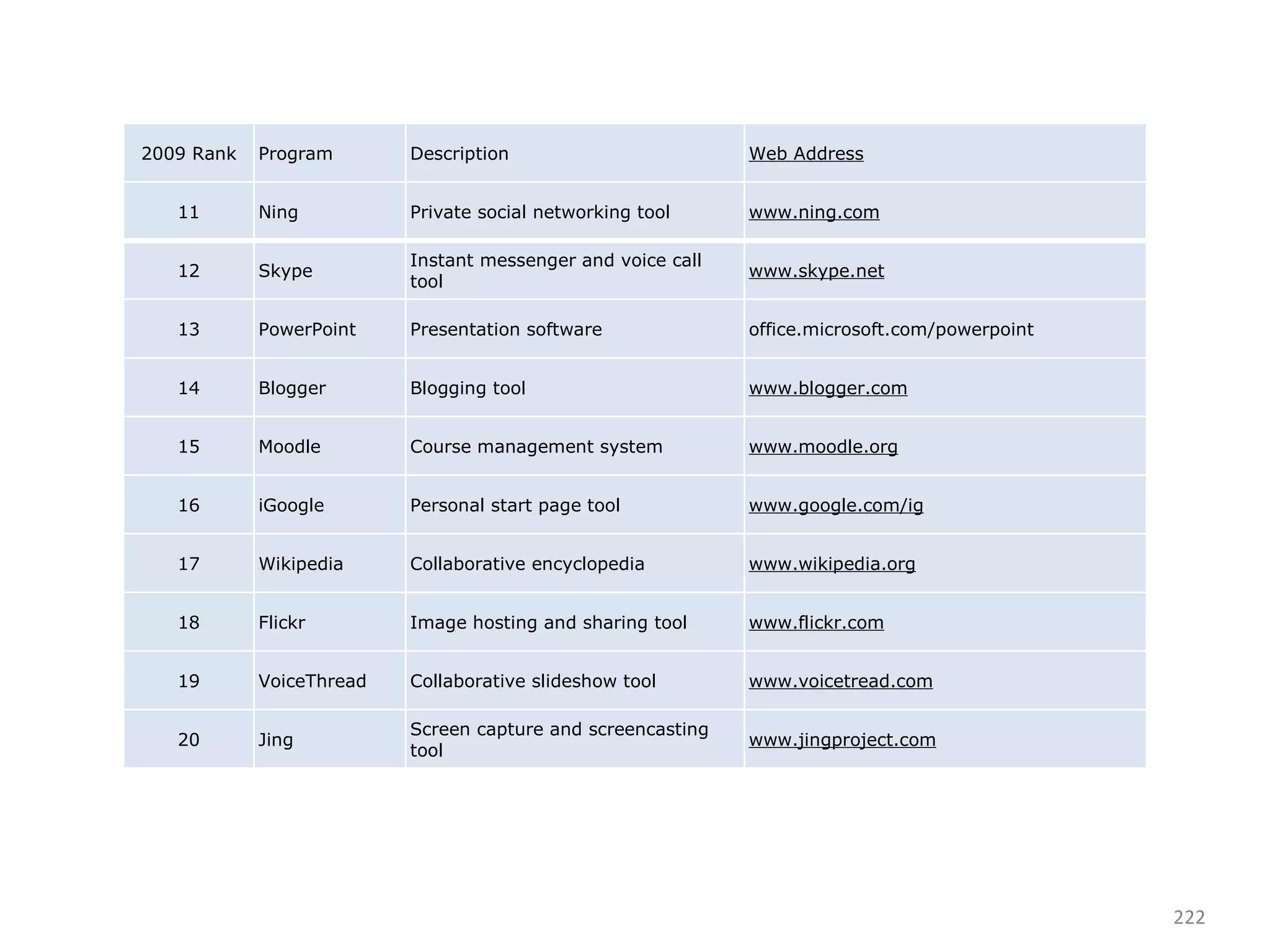
2009 Rank Program Description Web Address 11 Ning Private social networking tool www.ning.com 12 Skype Instant messenger and voice call tool www.skype.net 13 PowerPoint Presentation software office.microsoft.com/powerpoint 14 Blogger Blogging tool www.blogger.com 15 Moodle Course management system www.moodle.org 16 iGoogle Personal start page tool www.google.com/ig 17 Wikipedia Collaborative encyclopedia www.wikipedia.org 18 Flickr Image hosting and sharing tool www.flickr.com 19 VoiceThread Collaborative slideshow tool www.voicetread.com 20 Jing Screen capture and screencasting tool www.jingproject.com
http://bit.ly/7fyVVs To join IASA4U.NING.COM
[email_address]

Web 2 0 For Administrators In Pp

  • 1.
    Web 2.0 forAdministrators Dr. Richard Voltz, Associate Director Illinois Association of School Administrators
  • 2.
  • 3.
  • 4.
    Objectives of AcademyTo become aware of the changing educational technology landscape To sharpen your skills about how technology can increase your productivity, communication, leadership and student achievement To encourage you to critically evaluate your paradigm for education
  • 6.
    "If you area thought leader and you are running a school system, then you should be technologically on the front lines and you should be the voice of that school system," she said. "I urge you to blog, to use the Web anyway that you can to get the great news about your schools out."
  • 7.
    Ustream video withyour iPhone
  • 8.
  • 9.
    Google Yourself Whatare the results?
  • 11.
  • 12.
    What I’d BuyInstead of an Interactive Whiteboard by Bill Ferriter, The Tempered Radical Give me $5,000-$6,000 to spend on a middle school classroom with 25 students and I’ll buy: 5 Netbook Computers   Cost:  $1,250 Give me one netbook for every 5 kids in my classroom and I can create instant workstations for groups. 5 YEARS of VoiceThread for my Students    Cost:  $300 With little digital skill, kids of all ages can interact in Socratic style conversations on school related topics with one another both in and out of school. 5 YEARS of Brainpop Access for my Classroom   Cost:  $731 Brainpop is a service that creates short (3-5 minute) animated videos on topics across the curriculum. 5 YEARS of Access to Poll Everywhere   Cost:  $645 What makes Poll Everywhere—an online application that allows teachers to create and deliver quick surveys—unique is that students can respond to surveys via text message from their cell phones, making the need for student responders obsolete in most middle school classrooms considering the number of students carrying cell phones to school each day. A Mid-Range Data Projector    Cost:  $595 Total = $3,521 Camtasia Screencasting Software    Cost:  $179
  • 13.
  • 14.
    Which app wouldyou like to do? Go to http://bit.ly/acWVfK and rate the 10 apps from 1 to 10 with 1 being most important that you would like to learn.
  • 15.
  • 16.
    5 K-12 TechnologyTrends for 2010 by Bridget McCrea THE journal 12/10/09 eBooks will continue to proliferate Netbook functionality will grow More teachers will use interactive whiteboards Personal devices will infiltrate the classroom Technology will enable tailored curricula
  • 17.
    What do youthink of these predictions?
  • 18.
    Webpage for technologyfor administrators is http://iasa4u.ning.com Webpage containing tutorial for various technology functions is http://iasa.wikispaces .com
  • 19.
    The single mostimportant factor in a student's achievement is the quality of his or her teacher. Reports by: The National Council on Teacher Quality ("Increasing the Odds," 2005) and The New Teacher Project ("The Widget Effect," 2009)
  • 20.
    Web 2.0 EnablesWeb 2.0 Tools for Teachers by Nik Peachey
  • 21.
    Socialization –Through socialization our students can use the language and skills they are learning to build networks and develop relationships with real people. Web 2.0 Tools for Teachers by Nik Peachey
  • 22.
    Collaboration –They can work together with others to construct and share real knowledge. Web 2.0 Tools for Teachers by Nik Peachey
  • 23.
    Creativity –They can create genuine products, in a wide range and combination of media to high standards, that will have a real audience. Web 2.0 Tools for Teachers by Nik Peachey
  • 24.
    Authenticity –The tasks and activities they do and the people they communicate with to do them are real and motivating. Web 2.0 Tools for Teachers by Nik Peachey
  • 25.
    Sharing –They can share what they create and learn from each other. Web 2.0 Tools for Teachers by Nik Peachey
  • 26.
  • 27.
  • 28.
  • 29.
  • 30.
  • 31.
    Senior Emily Smak,20, tries out the treadmill workstation in one of the study lounges in the new Education and Human Services Building at Central Michigan University. There is a new iMac computer attached to it so students can get a little exercise while doing homework or other things on the computer.
  • 33.
    Do you thinkstudents are more engaged outside of school than in school?
  • 34.
    What is yourschool doing about it?
  • 35.
  • 36.
    Go To http://bit.ly/7tGT7WTo participate in the discussion…
  • 37.
  • 38.
    What are yourinitial reactions to what you saw in the presentation?
  • 39.
    How are thesechanges manifesting themselves in your personal lives? professional lives?
  • 40.
    What do wethink it means to prepare students for the 21st century? What skills do students need to survive and thrive in this new era?
  • 41.
    What implications doesthis have for our current way of doing things?
  • 42.
  • 43.
  • 44.
  • 45.
    What do teachersand schools need to do to stay in front in this race toward 21st Century learning?
  • 46.
  • 47.
  • 48.
    If public educationspends $ on technology then we cannot still teach the same.
  • 49.
  • 50.
  • 51.
  • 52.
    Try new teachingstrategies
  • 53.
  • 54.
  • 55.
  • 56.
  • 57.
  • 58.
  • 59.
  • 60.
    Will paper copylibrary books ever be replaced with digital books?
  • 61.
  • 62.
    How close arewe to 1:1 classroom computing?
  • 63.
    Intermediate School IncreasesMath Scores in 1:1 Program
  • 64.
  • 65.
  • 66.
  • 67.
  • 68.
  • 69.
    This month, theTexas Education Agency is taking the first step by calling for bids for online material from both traditional publishers and online content providers. Officials there expect to have the first open-source textbooks and other materials online for students next fall.
  • 70.
  • 71.
  • 72.
    At Case WesternReserve University in Cleveland, a select group of freshmen received Kindles, an online book reader, instead of the textbooks.
  • 73.
    Reading on theKindle will get students to read books independently, but it is also all-inclusive and boosts their reading and critical thinking skills regardless of reading level, said Deanna Isley.
  • 74.
  • 75.
    eDGe has ane-reader screen on the left and an LCD screen on the right for color displays
  • 76.
  • 77.
  • 78.
  • 79.
  • 80.
  • 81.
  • 82.
  • 83.
  • 84.
  • 85.
  • 86.
  • 87.
  • 88.
  • 89.
  • 90.
  • 91.
  • 92.
  • 93.
  • 94.
  • 95.
    Would you allowstudents to have their own mobile devices in school?
  • 96.
  • 97.
  • 98.
  • 99.
    Marzano Study EvaluationStudy of the Effects of Promethean ActivClassroom on Student Achievement Results clearly show that technology … makes a positive impact on learning Content, and knowing what you're trying to teach, is key.
  • 100.
  • 101.
  • 102.
  • 103.
  • 104.
  • 105.
    Should we teachdifferently today because students learn differently?
  • 106.
  • 107.
  • 108.
    How young professionalssay they learn.
  • 109.
  • 110.
    “ I canlook it up on-line, find an expert and then collaborate with that person on a solution.”
  • 111.
    When I wasgrowing up, my parents told me, “Finish your dinner. People in China and India are starving.” I tell my daughters, “Finish your homework. People in India and China are starving for your job.” ---Thomas Friedman, 2005
  • 112.
  • 113.
    Scribes Team: Havestudents use Google Docs to take class notes
  • 114.
  • 115.
  • 116.
  • 118.
  • 119.
    How would youuse Google Documents?
  • 120.
    Google Documents Staffmeeting agendas and follow up notes Grade level or subject area team planning Share a template for classroom observations Weekly Announcements Shared listing of upcoming school events Revise long documents where each teacher edits one particular section Back up important documents Save a tree and turn in an assignment using Google Docs instead of printing. Easy for the teacher to make comments - just go to Insert / Comment.
  • 121.
    Google Forms Principal'suse forms for classroom observation with entry from an iPod Touch. technology inventory feedback on mentoring and lead teacher programs staff development surveys Forms for morning lunch count, students enter selections and teacher sees totals. Business Manager is working on one for her OSHA building walk-throughs. To do list: enter jobs for my assistant as I identify what needs to be done... all of the assignments are in one place. Collect data before a workshop:
  • 122.
    Research team: UseGoogle and AltaVista for students to do research
  • 123.
  • 124.
  • 125.
    So, what isa "Google-proof question?" It is a question that can not be directly answered via Google (or any other search engine) because it requires, analysis, interpretation, and investigation. Writing such questions can be challenging. A helpful tool is Bloom's Taxonomy.
  • 126.
  • 127.
    Tutorial Team: Studentsand teachers can use Jing to Create Screencasts
  • 128.
  • 129.
  • 130.
  • 131.
    Student made CommonCraft like video
  • 132.
    How would anadministrator use Jing?
  • 133.
  • 134.
  • 135.
  • 136.
    Teachers can makescreenshot tutorials
  • 137.
  • 138.
    Teachers can recordlessons Put on web site Absent students can view Students on homebound instruction can view Students who need to see and hear for further understanding can view When teacher is absent, real teacher is actually teaching
  • 139.
    Record Lecture UsingProfCast Save to GarageBand Embed in iWeb Upload to WebPage
  • 140.
  • 141.
    Curriculum Team: HaveStudents Make Video and Audio Podcasts
  • 142.
    YouTube Started inFebruary 2005 Bought by Google in November 2006 for $1.65M Already has more content than TV and TV started in 1940’s. If TV played 24/7 since inception, YouTube still has more content.
  • 143.
  • 144.
  • 145.
  • 146.
  • 147.
  • 148.
  • 149.
    Carmel Clay INSuperintendent
  • 150.
  • 151.
  • 152.
  • 153.
  • 154.
  • 155.
  • 156.
    Educational Videos byDeveloper of Wikipedia
  • 157.
  • 158.
  • 159.
    Evergreen Park HSUses Audioboo
  • 161.
    Evergreen Park HSUses YouTube
  • 162.
  • 163.
  • 164.
    How would youuse audio or video podcasting?
  • 165.
  • 166.
  • 167.
  • 168.
    Study: Children WhoBlog Or Use Facebook Have Higher Literacy Levels A research by The National Literacy Trust on 3,001 children from England and Scotland showed that schoolchildren who blog or own social networking profiles on Facebook have higher literacy levels and greater confidence in writing.
  • 169.
  • 170.
  • 171.
    Superintendent Blogging MarkJ. Stock The School Administrator; August 2009 Number 7, Vol.66 You can get news out more quickly. You can respond to traditional media. Your message can be accessed by readers on their schedules. You can increase coverage in the traditional media. You can build a sense of community.
  • 172.
  • 173.
  • 174.
  • 175.
  • 176.
  • 177.
  • 178.
  • 179.
  • 180.
  • 181.
    Read Blogs Lookfor blogs written by people who share your interest Who do these bloggers follow? Who comments to these blogs? Comment to the blog yourself
  • 182.
    Blogs to ReadSuperintendent Principal News & Content Technology Kent Bugg Principals Page – The Blog TED Talks Dangerously Irrelevant Scott Kuffel The Principal and Interest TWIT Free Tech for Teachers Don White Practical Principals Podcast Mashable 2 Cents Worth
  • 183.
    Administrators, Teachers andStudents can make their own web pages using Ning, Wiki, WordPress, and others
  • 184.
  • 185.
  • 186.
  • 187.
  • 188.
  • 189.
  • 190.
  • 191.
  • 192.
    Global team: Teacherscan use e-pals and Skype to connect to others all over the world.
  • 193.
    Teachers can useSkype In their classrooms
  • 194.
  • 195.
  • 196.
  • 197.
  • 198.
  • 199.
  • 200.
    How does digitaltext (hypertext) change education?
  • 201.
  • 202.
  • 203.
    YouTube - HudsonFlight 1549 HD Animation with audio for US Airways Water Landing-1
  • 204.
  • 205.
  • 206.
  • 207.
  • 208.
    How open shouldthe Internet be for teachers?
  • 209.
    How open shouldthe Internet be for students?
  • 210.
  • 211.
    NSBA Survey (July2007) 52% of schools prohibit social networking Problem is student safety on-line List of Educational Networking sites at http://www.educationalnetworking.com/List+of+Networks http://thejournal.com/articles/2009/09/16/social-networking-in-schools-incentives-for-participation.aspx
  • 212.
    Add Twitter ToYour Communication
  • 213.
  • 214.
    Follow me onTwitter at rvoltz and IllinoisASA
  • 215.
  • 216.
    Teachers use TwitterTo communicate with students and parents on homework and class activities To link up with other teachers in a type of professional learning community
  • 217.
  • 218.
    Encourage teachers toengage students in their own learning
  • 219.
    “ We shouldinstead use technology funding to bolster new learning models and innovations, such as online-learning environments, to level the playing field and allow students from all walks of life -- from small, rural communities to budget-strapped urban schools -- to access the rich variety that is now available only to children in wealthy suburban districts.”
  • 220.
  • 221.
    2009 Rank ProgramDescription Web Address 1 Twitter Micro-blogging tool www.twitter.com 2 Delicious Social bookmarking tool www.delicious.com 3 YouTube Video hosting and sharing tool www.youtube.com 4 Google Reader RSS Reader www.google.com/reader 5 Google Docs Online office suite www.google.com/docs 6 WordPress Blogging tool www.wordpress.com 7 Slideshare Presentation sharing site www.slidechare.net 8 Google Search Web searching tool www.google.com 9 Audacity Audio/podcasting tool audacity/sourceforge.net 10 Firefox Web browser with extensions www.mozilla.com/firefox
  • 222.
    2009 Rank ProgramDescription Web Address 11 Ning Private social networking tool www.ning.com 12 Skype Instant messenger and voice call tool www.skype.net 13 PowerPoint Presentation software office.microsoft.com/powerpoint 14 Blogger Blogging tool www.blogger.com 15 Moodle Course management system www.moodle.org 16 iGoogle Personal start page tool www.google.com/ig 17 Wikipedia Collaborative encyclopedia www.wikipedia.org 18 Flickr Image hosting and sharing tool www.flickr.com 19 VoiceThread Collaborative slideshow tool www.voicetread.com 20 Jing Screen capture and screencasting tool www.jingproject.com
  • 223.
  • 224.

Editor's Notes