AAnn AAlleerrtt!!!!!!!!!!!!!!!!
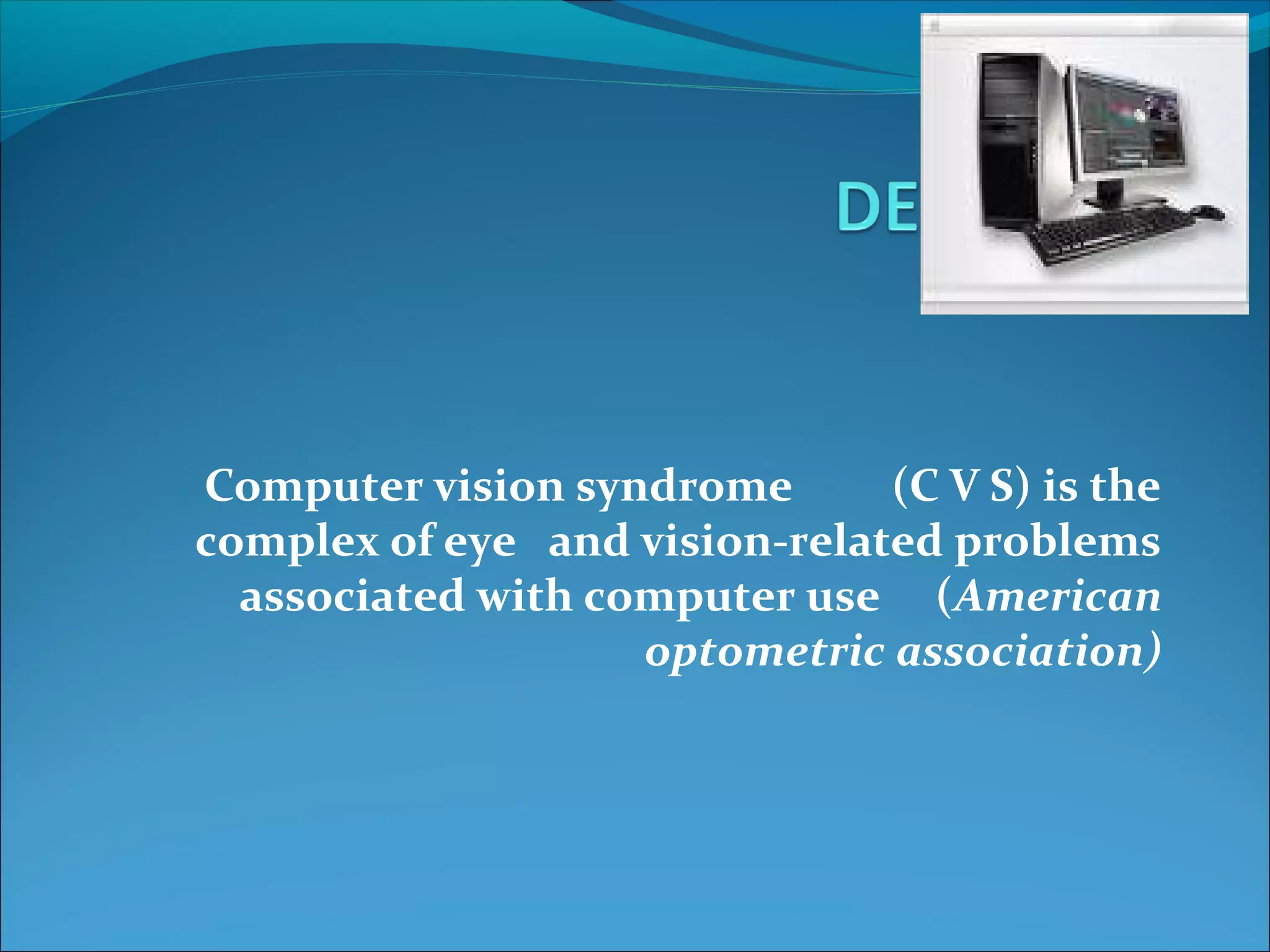
Computer vision syndrome (C V S) is the 
complex of eye and vision-related problems 
associated with computer use (American 
optometric association)
CAUSES 
Long time focusing 
Decreased blinking reflex 
Staring at a computer for several hours 
Extending short distance focusing 
Poor lighting 
Poor posture 
Excessive glare
Magnified view of 
a printed letter 
Manified view 
of a letter on a 
computer 
screen
CAUSES 
Long time focusing 
Decreased blinking reflex 
Staring at a computer for several hours 
Extending short distance focusing 
Poor lighting 
Poor posture 
Excessive glare
Do u have????????
SYMPTOMS 
Head ache 
Neck,shoulder,back pain 
Dry vision 
Blurred vision 
Asthenopia 
Pseudomyopia 
Halos 
Double vision
TIPS TO PREVENT 
C V S
Proper lighting 
Avoid bright light 
Use lower intensity bulbs 
Use curtains to limit amount of sunlight beaming in
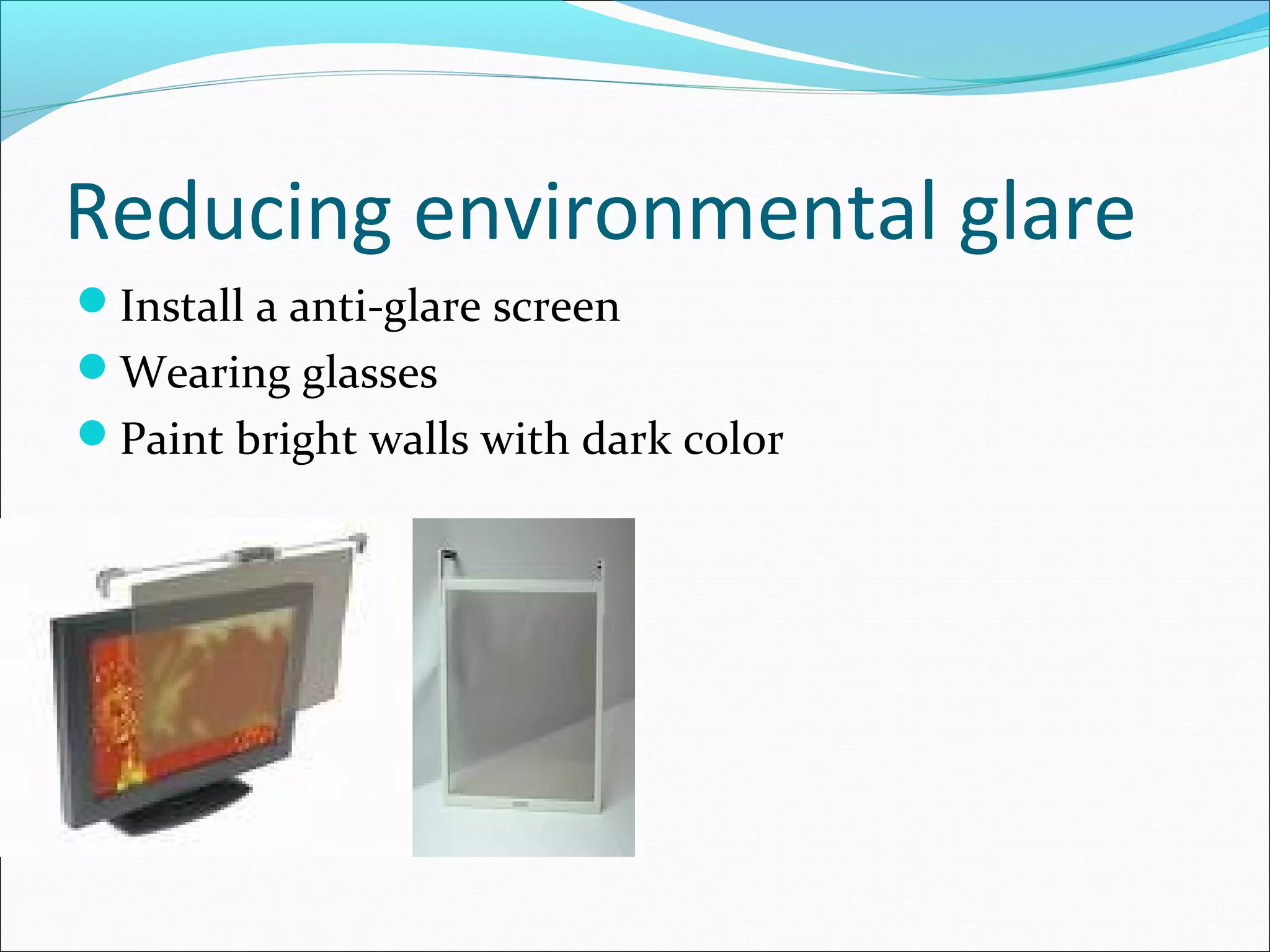
Reducing environmental glare 
Install a anti-glare screen 
Wearing glasses 
Paint bright walls with dark color
Proper computer settings 
Brightness and contrast settings of the monitor 
On-screen text’s size and color 
Black text on a white background 
Avoid dark background
Cleaning the screen 
Make a habit to wipe off the screen frequently
Position copy correctly 
Place the printed copy close to monitor 
Use copy stand 
Use small desk lamp with soft light
Monitor & its correct position 
Opt for LCD monitors 
Positioned 20-24 inches from the eyes 
Center of the monitor should be 10-15 degrees below 
the eyes
Proper posture 
Work station & chair should be in correct height 
Arms should be parallel to the desk 
Feet should be flat on the floor 
Keep back straight & shoulder back
Break is essential!!!! 
5 min break for every hour 
Blink frequently
Computer glasses 
Better to wear computer glasses
Converging exercise 
Hold out a pen at an arm’s length 
Look at the tip 
Slowly bring the tip close to the eyes 
Hold for 10 sec 
Take it back
Artificial tear drops 
ITONE
Computer Vision Syndrome

Computer Vision Syndrome

  • 2.
  • 4.
    Computer vision syndrome(C V S) is the complex of eye and vision-related problems associated with computer use (American optometric association)
  • 5.
    CAUSES Long timefocusing Decreased blinking reflex Staring at a computer for several hours Extending short distance focusing Poor lighting Poor posture Excessive glare
  • 6.
    Magnified view of a printed letter Manified view of a letter on a computer screen
  • 7.
    CAUSES Long timefocusing Decreased blinking reflex Staring at a computer for several hours Extending short distance focusing Poor lighting Poor posture Excessive glare
  • 8.
  • 9.
    SYMPTOMS Head ache Neck,shoulder,back pain Dry vision Blurred vision Asthenopia Pseudomyopia Halos Double vision
  • 10.
  • 11.
    Proper lighting Avoidbright light Use lower intensity bulbs Use curtains to limit amount of sunlight beaming in
  • 12.
    Reducing environmental glare Install a anti-glare screen Wearing glasses Paint bright walls with dark color
  • 13.
    Proper computer settings Brightness and contrast settings of the monitor On-screen text’s size and color Black text on a white background Avoid dark background
  • 14.
    Cleaning the screen Make a habit to wipe off the screen frequently
  • 15.
    Position copy correctly Place the printed copy close to monitor Use copy stand Use small desk lamp with soft light
  • 16.
    Monitor & itscorrect position Opt for LCD monitors Positioned 20-24 inches from the eyes Center of the monitor should be 10-15 degrees below the eyes
  • 17.
    Proper posture Workstation & chair should be in correct height Arms should be parallel to the desk Feet should be flat on the floor Keep back straight & shoulder back
  • 18.
    Break is essential!!!! 5 min break for every hour Blink frequently
  • 19.
    Computer glasses Betterto wear computer glasses
  • 20.
    Converging exercise Holdout a pen at an arm’s length Look at the tip Slowly bring the tip close to the eyes Hold for 10 sec Take it back
  • 21.