
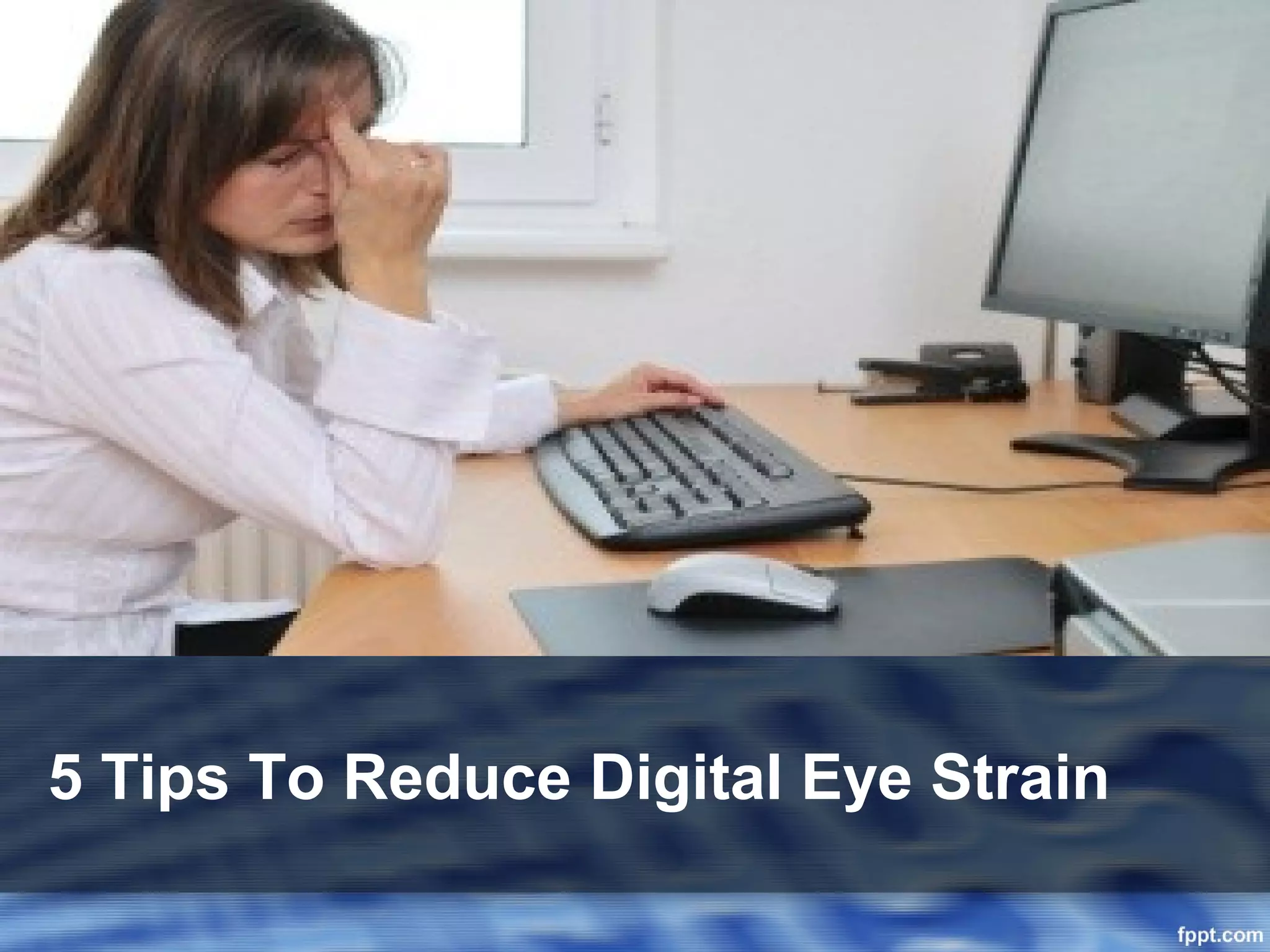
5 Tips To Reduce Digital Eye Strain
1. Blink More Often
• The blink rate reduces by 70% while working in
  front of computer.
• The tears in the eyes evaporate rapidly during
  the non blinking stage.
• Investigation has revealed that less blinking is
  one of the major causes behind ā€œcomputer vision
  syndrome (CVS)ā€.
• Blinking is very important while working in front
  of the computer screen.
• It keeps the eyes lubricated and prevents
  dryness.
• If required, You can also use artificial tears to
  keep the eyes lubricated.
2. Adjust The Display Setting

• Check the computer display setting and try to
  adjust it properly.
  – Brightness: The level of brightness should be same as
    the brightness of surrounding workplace.
  – Contrast: Extremely Low or High contrast is never
    recommended.
  – Text Size: Adjust the text size so that you can read
    them comfortably.


• The display setting can be adjusted from the
  control panel if you are using windows operating
  System.
• For Apple OS users, display setting can be
  adjusted from system preferences.
3. Take Frequent Breaks

• Prolonged viewing of computer screen is the
  major cause of eye strain.
• Hence take frequent breaks to provide relaxation
  to the eyes.
• This can reduce the possibility of eye strain and
  eye fatigue.
• During the break, move here and there, stretch
  your arms, hands, shoulders and neck.
• Practicing few eye exercises can be helpful as
  well.
• Taking frequent breaks may also increase your
  productivity.
4. Go For Regular Eye Check-Up


• Going for regular eye check-up is the best way to
  stay away from computer vision problems.
• Visit an experienced Eye-specialist and discuss
  your problems with him/her.
• If you are suffering from red or tired eyes, this
  may lead to Eye fatigue problem later on.
• Prevention is better than cure and you can get rid
  from the future vision problems through regular
  eye exams/tests.
5. Buy A Pair Of Computer Eyewear

• Computer glasses are specially designed to
  protect the eyes from the harmful rays emitting
  from the computer screen.
• By wearing a pair of computer eyewear, you can
  easily protect your vision and prevent eye strain.
• Gunnar computer glasses powered with i-AMP
  lens technology can help you to spend elongated
  time duration staring at the computer screen.
• Now you can play your favorite video games and
  enjoy long movies on your PC without eye strain.
Get Your Computer Eyewear Today:
                Contact Us

• Office Address:
      Gunnar Optiks India
      C/O- Sparen International
      199, Ashoka Shopping Center
      2nd Floor, L.T. Marg
      Mumbai – 400001

     info@gunnars.co.in
     www.gunnars.co.in

Eye strain.ppt

  • 1.
    5 Tips ToReduce Digital Eye Strain
  • 2.
    1. Blink MoreOften • The blink rate reduces by 70% while working in front of computer. • The tears in the eyes evaporate rapidly during the non blinking stage. • Investigation has revealed that less blinking is one of the major causes behind ā€œcomputer vision syndrome (CVS)ā€. • Blinking is very important while working in front of the computer screen. • It keeps the eyes lubricated and prevents dryness. • If required, You can also use artificial tears to keep the eyes lubricated.
  • 3.
    2. Adjust TheDisplay Setting • Check the computer display setting and try to adjust it properly. – Brightness: The level of brightness should be same as the brightness of surrounding workplace. – Contrast: Extremely Low or High contrast is never recommended. – Text Size: Adjust the text size so that you can read them comfortably. • The display setting can be adjusted from the control panel if you are using windows operating System. • For Apple OS users, display setting can be adjusted from system preferences.
  • 4.
    3. Take FrequentBreaks • Prolonged viewing of computer screen is the major cause of eye strain. • Hence take frequent breaks to provide relaxation to the eyes. • This can reduce the possibility of eye strain and eye fatigue. • During the break, move here and there, stretch your arms, hands, shoulders and neck. • Practicing few eye exercises can be helpful as well. • Taking frequent breaks may also increase your productivity.
  • 5.
    4. Go ForRegular Eye Check-Up • Going for regular eye check-up is the best way to stay away from computer vision problems. • Visit an experienced Eye-specialist and discuss your problems with him/her. • If you are suffering from red or tired eyes, this may lead to Eye fatigue problem later on. • Prevention is better than cure and you can get rid from the future vision problems through regular eye exams/tests.
  • 6.
    5. Buy APair Of Computer Eyewear • Computer glasses are specially designed to protect the eyes from the harmful rays emitting from the computer screen. • By wearing a pair of computer eyewear, you can easily protect your vision and prevent eye strain. • Gunnar computer glasses powered with i-AMP lens technology can help you to spend elongated time duration staring at the computer screen. • Now you can play your favorite video games and enjoy long movies on your PC without eye strain.
  • 7.
    Get Your ComputerEyewear Today: Contact Us • Office Address: Gunnar Optiks India C/O- Sparen International 199, Ashoka Shopping Center 2nd Floor, L.T. Marg Mumbai – 400001 info@gunnars.co.in www.gunnars.co.in