www.firebase.com.br 1 © 2014 – Carlos H. Cantu 
Creating logs for data auditing 
Carlos H. Cantu 
www.firebase.com.br 
www.firebirdnews.org
www.firebase.com.br 2 © 2014 – Carlos H. Cantu 
Who am I? 
• 
Maintainer of www.firebase.com.br and www.firebirdnews.org 
• 
Author of 2 Firebird books published in Brazil 
• 
Software developer for about 30 years 
• 
Organizer of the Firebird Developers Day conference 
• 
Firebird consultant
www.firebase.com.br 3 © 2014 – Carlos H. Cantu 
Why logging? 
• 
To know what, when, who and where information was inserted, deleted or altered. 
• 
Technical information: transaction number, isolation, protocol, etc.. 
• 
Avoid (once for all) allegations like: 
– 
The record disappeared! 
– 
I didn’t change anything!
www.firebase.com.br 4 © 2014 – Carlos H. Cantu 
Proposed solution 
• 
Log routines implemented using native features of Firebird >= 2.1 (i.e.: PSQL, triggers and procedures). 
• 
Two log tables used: 
– 
Operations executed 
– 
Data associated with those operations 
• 
The creation and maintenance of the log triggers will be entire done by a single store procedure.
www.firebase.com.br 5 © 2014 – Carlos H. Cantu 
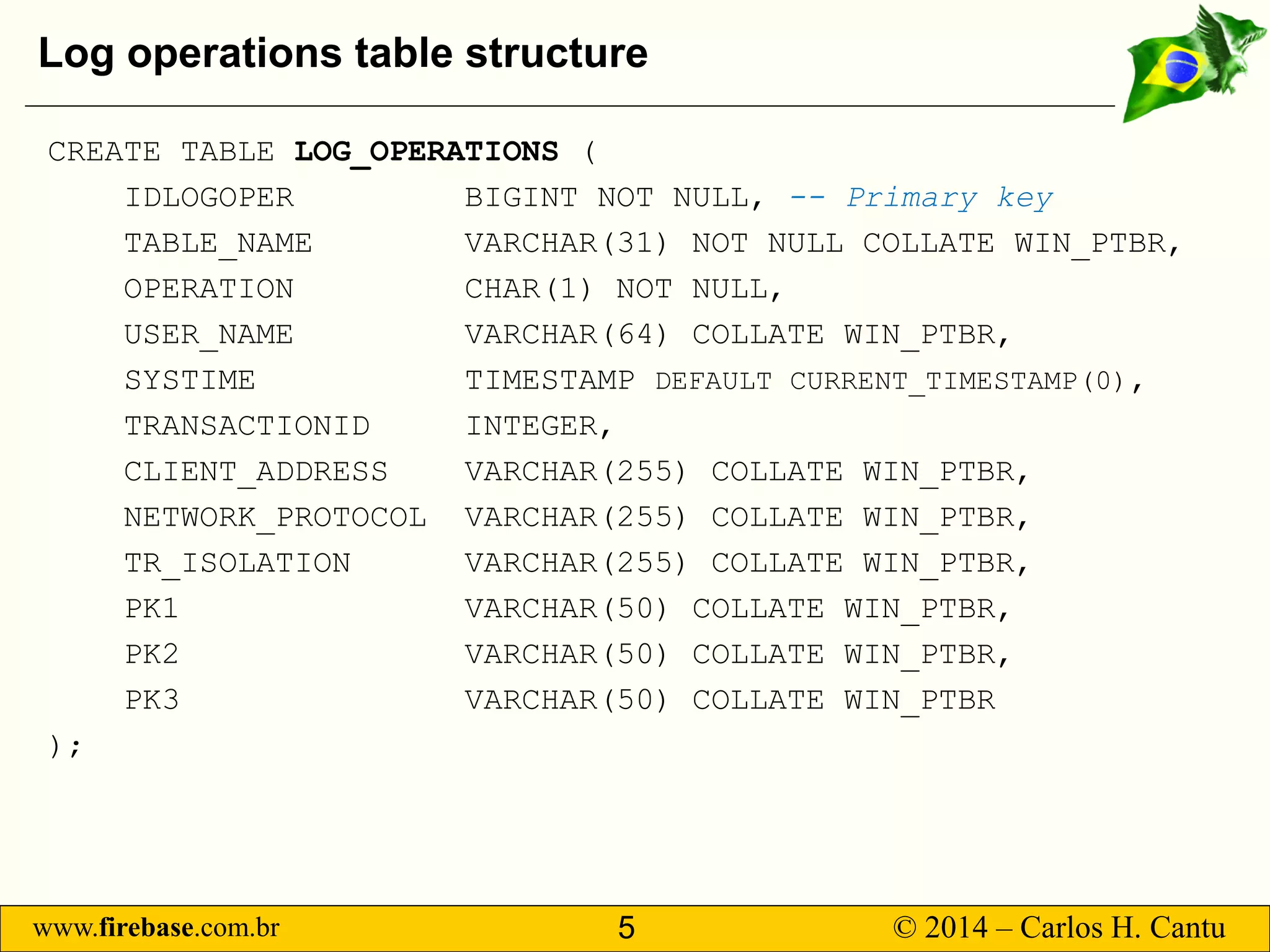
Log operations table structure 
CREATE TABLE LOG_OPERATIONS( 
IDLOGOPER BIGINT NOT NULL, --Primary key 
TABLE_NAME VARCHAR(31) NOT NULL COLLATE WIN_PTBR, 
OPERATION CHAR(1) NOT NULL, 
USER_NAME VARCHAR(64) COLLATE WIN_PTBR, 
SYSTIME TIMESTAMP DEFAULT CURRENT_TIMESTAMP(0), 
TRANSACTIONID INTEGER, 
CLIENT_ADDRESS VARCHAR(255) COLLATE WIN_PTBR, 
NETWORK_PROTOCOL VARCHAR(255) COLLATE WIN_PTBR, 
TR_ISOLATION VARCHAR(255) COLLATE WIN_PTBR, 
PK1 VARCHAR(50) COLLATE WIN_PTBR, 
PK2 VARCHAR(50) COLLATE WIN_PTBR, 
PK3 VARCHAR(50) COLLATE WIN_PTBR 
);
www.firebase.com.br 6 © 2014 – Carlos H. Cantu 
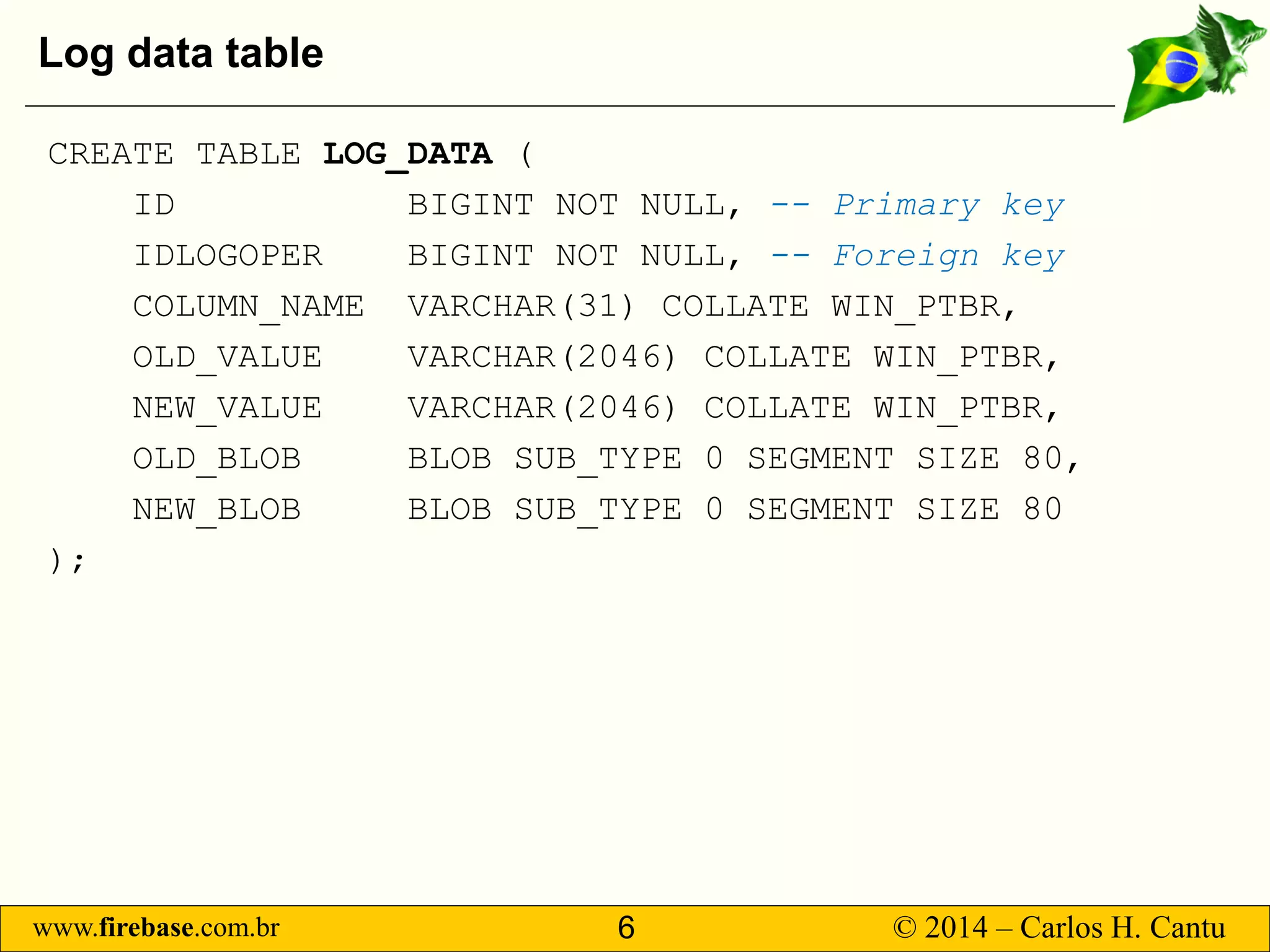
Log data table 
CREATE TABLE LOG_DATA( 
ID BIGINT NOT NULL,--Primary key 
IDLOGOPER BIGINT NOT NULL, --Foreign key 
COLUMN_NAME VARCHAR(31) COLLATE WIN_PTBR, 
OLD_VALUE VARCHAR(2046) COLLATE WIN_PTBR, 
NEW_VALUE VARCHAR(2046) COLLATE WIN_PTBR, 
OLD_BLOB BLOB SUB_TYPE 0 SEGMENT SIZE 80, 
NEW_BLOB BLOB SUB_TYPE 0 SEGMENT SIZE 80 
);
www.firebase.com.br 7 © 2014 – Carlos H. Cantu 
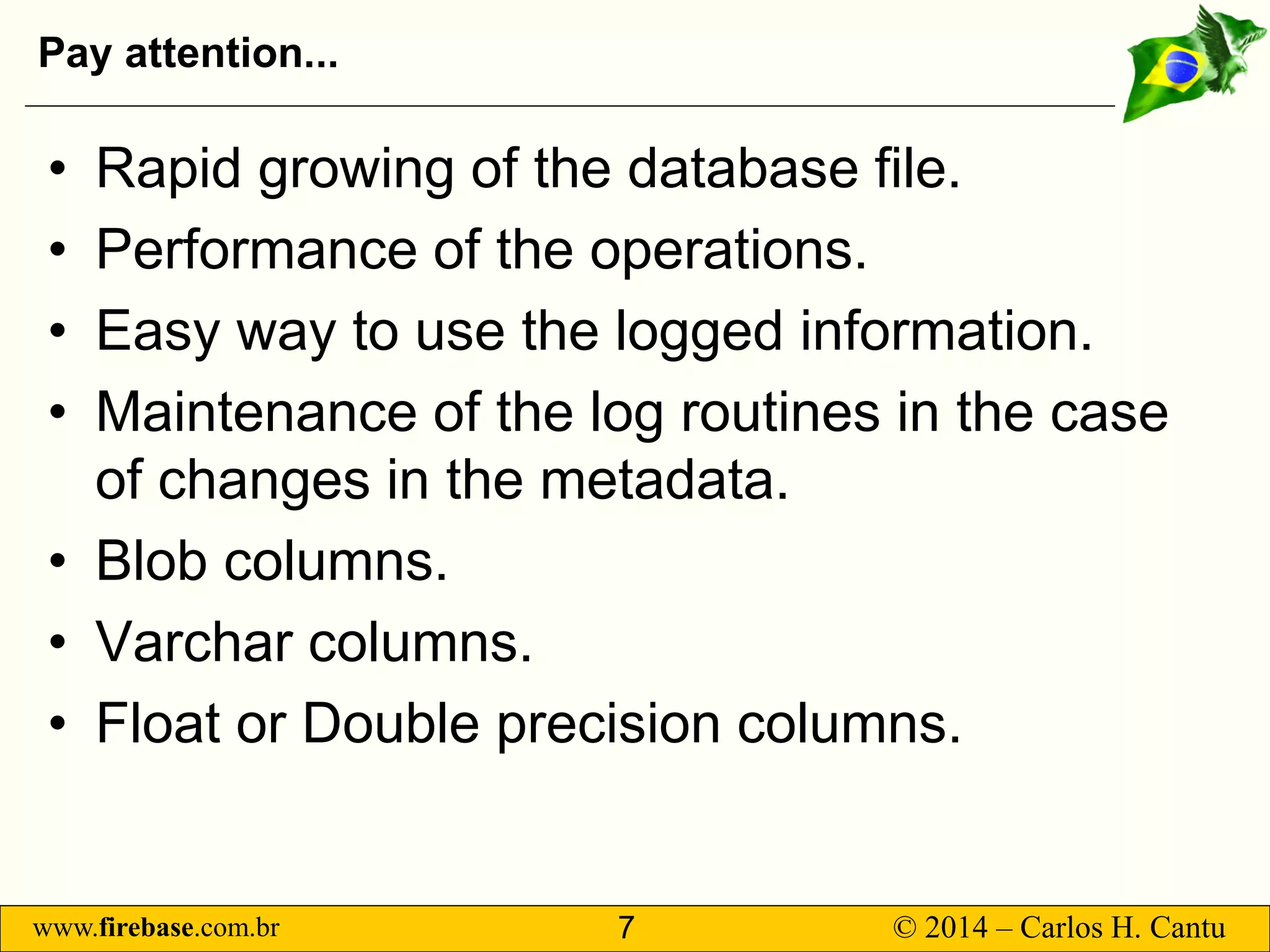
Pay attention... 
• 
Rapid growing of the database file. 
• 
Performance of the operations. 
• 
Easy way to use the logged information. 
• 
Maintenance of the log routines in the case of changes in the metadata. 
• 
Blob columns. 
• 
Varchar columns. 
• 
Float or Double precision columns.
www.firebase.com.br 8 © 2014 – Carlos H. Cantu 
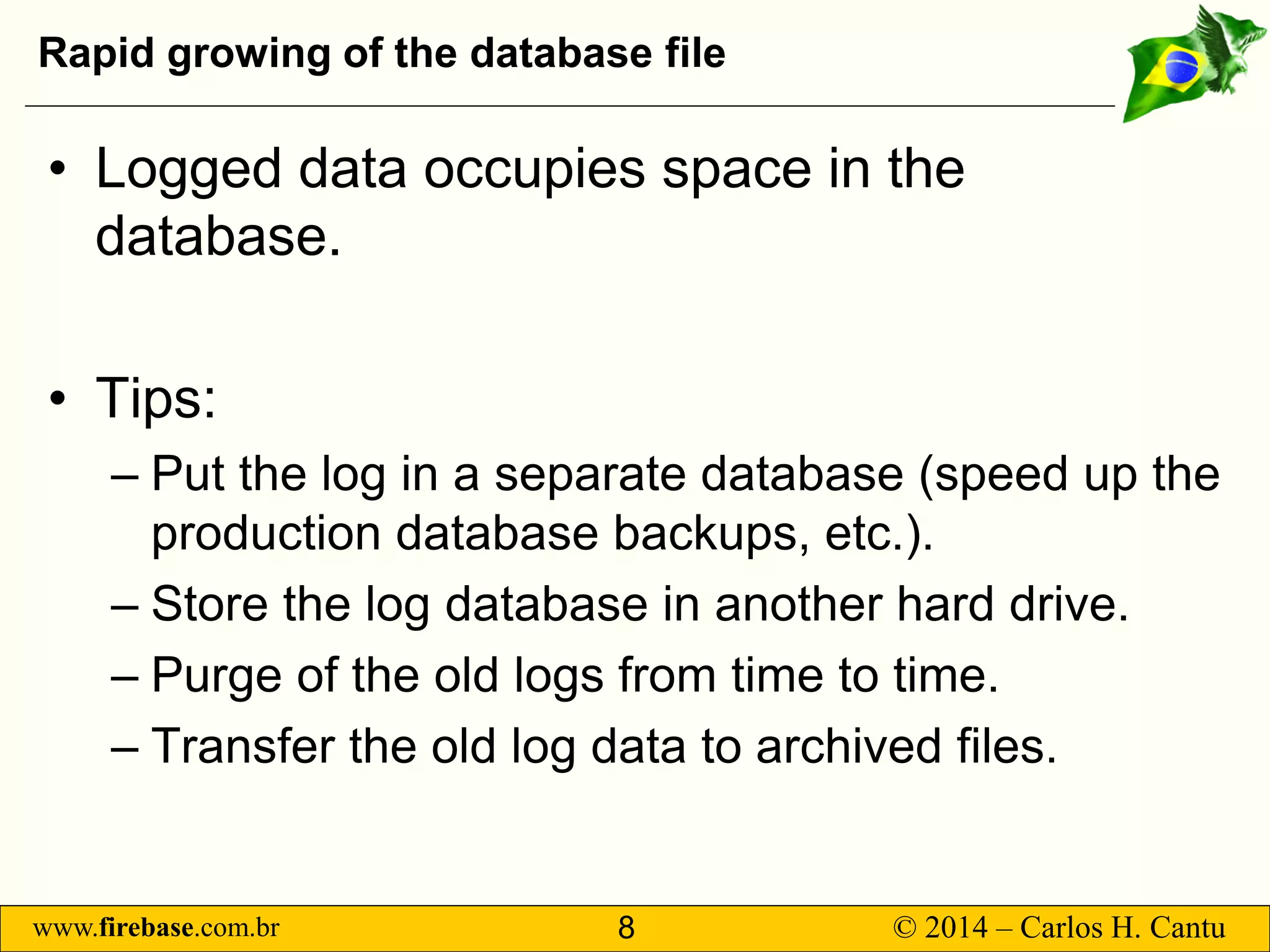
Rapid growing of the database file 
• 
Logged data occupies space in the database. 
• 
Tips: 
– 
Put the log in a separate database (speed up the production database backups, etc.). 
– 
Store the log database in another hard drive. 
– 
Purge of the old logs from time to time. 
– 
Transfer the old log data to archived files.
www.firebase.com.br 9 © 2014 – Carlos H. Cantu 
Operations performance 
• 
In normal usage conditions, the performance degradation is not noticed by the users. 
• 
Batch operations can show perceptible performance loss. 
• 
Take care of combination of FW = ON + Barrier active in Linux systems!
www.firebase.com.br 10 © 2014 – Carlos H. Cantu 
Easy way to use logged data 
• 
The logged information are stored in “normal” tables in the database, so they can be accessed using selects. 
• 
You can create user friendly GUI in your app, allowing users to make their own searches in the logged data.
www.firebase.com.br 11 © 2014 – Carlos H. Cantu 
Log routines maintenance 
• 
Any change in the database table’s metadata needs the log trigger of that table to be updated. 
• 
Updating the log trigger isquick and easy (ie: just run the procedure and it will recreate the log trigger).
www.firebase.com.br 12 © 2014 – Carlos H. Cantu 
Blob columns 
• 
Blob can has “any” size. 
• 
Null blobs occupies only a few bytes in the database page.
www.firebase.com.br 13 © 2014 – Carlos H. Cantu 
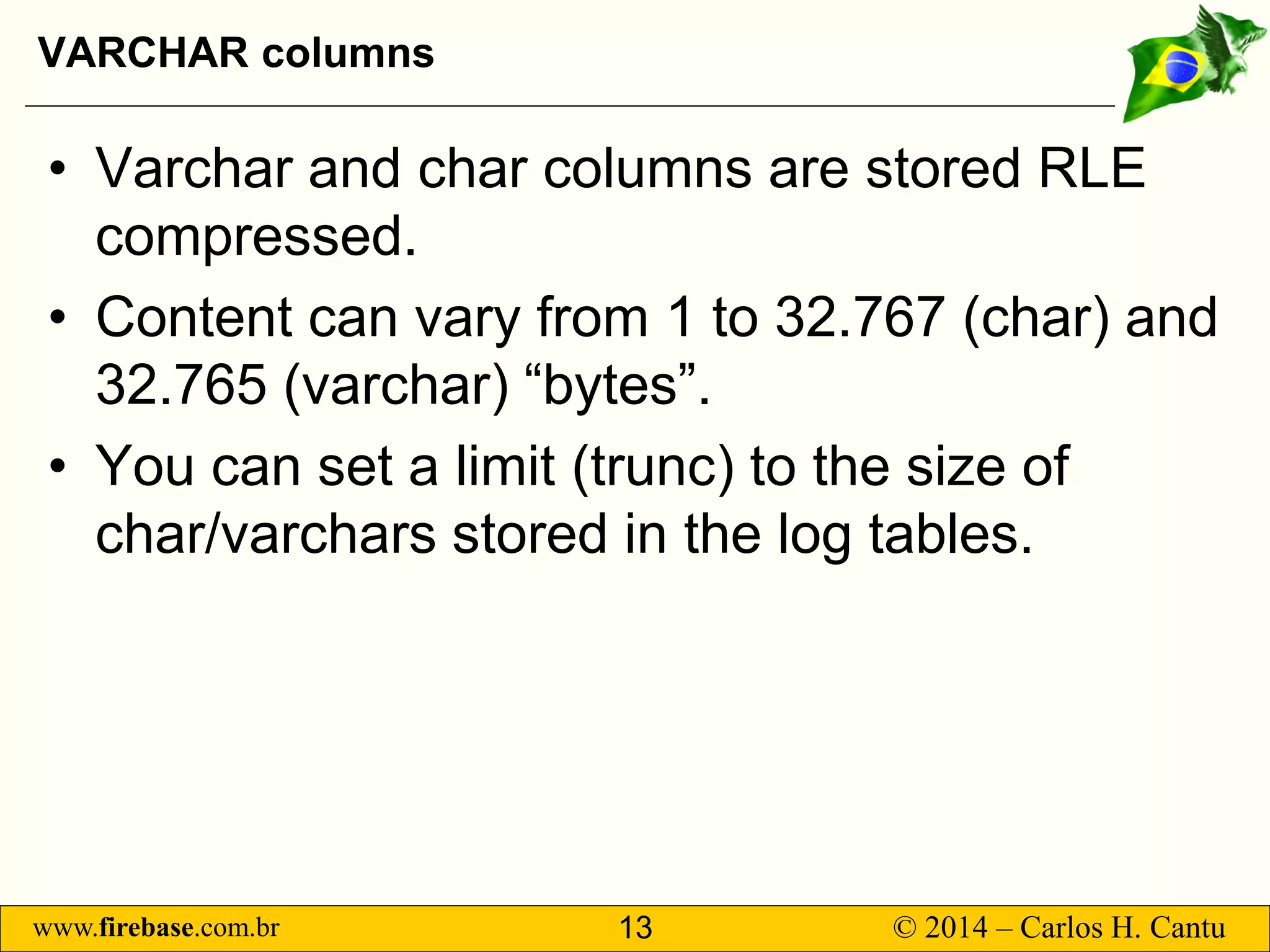
VARCHAR columns 
• 
Varchar and char columns are stored RLE compressed. 
• 
Content can vary from 1 to 32.767 (char) and 32.765 (varchar) “bytes”. 
• 
You can set a limit (trunc) to the size of char/varchars stored in the log tables.
www.firebase.com.br 14 © 2014 – Carlos H. Cantu 
Float or Double Precision columns 
• 
Take care with the precision! 
• 
The “string” version of the values may not be exactly equal to the original value (IEEE standard inherited “problem”). 
• 
Always when possible, prefer to use decimalor numeric(with dialect 3) to avoid inaccurate values problem.
www.firebase.com.br 15 © 2014 – Carlos H. Cantu 
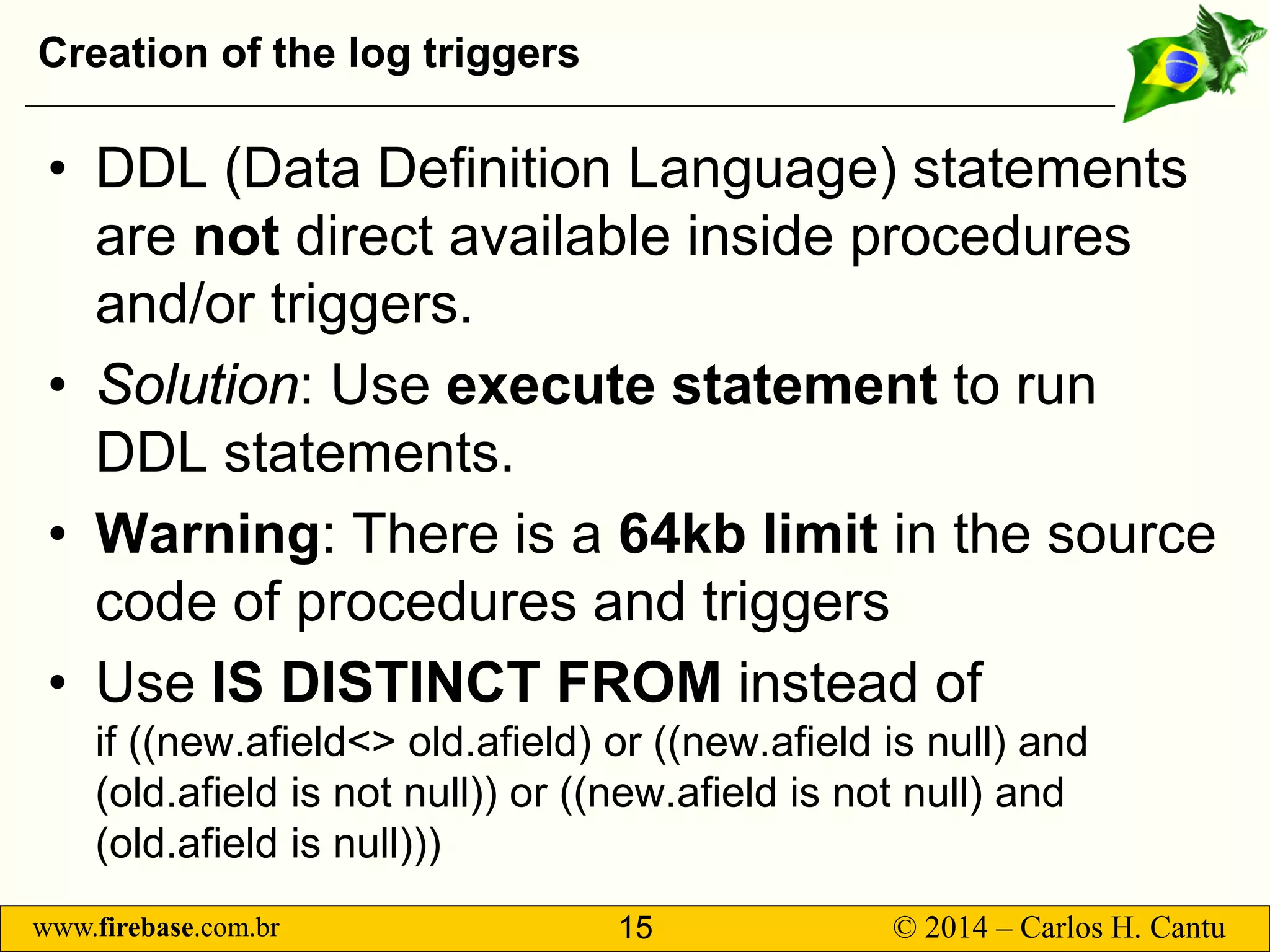
Creation of the log triggers 
• 
DDL (Data Definition Language) statements are notdirect available inside procedures and/or triggers. 
• 
Solution: Use execute statement to run DDL statements. 
• 
Warning: There is a 64kb limitin the source code of procedures and triggers 
• 
Use IS DISTINCT FROM instead ofif ((new.afield<> old.afield) or ((new.afield is null) and (old.afield is not null)) or ((new.afieldis not null) and (old.afieldis null)))
www.firebase.com.br 16 © 2014 – Carlos H. Cantu 
Storing the log in external databases 
• 
Firebird >= 2.5 brought some enhancements to execute statement 
• 
It allows to access external databases! 
• 
EXECUTE STATEMENT <query_text> [(<input_parameters>)] [ON EXTERNAL[DATA SOURCE] <connection_string>] [WITH {AUTONOMOUS | COMMON} TRANSACTION] [AS USER <user_name>] [PASSWORD <password>] [ROLE <role_name>] [WITH CALLER PRIVILEGES] [INTO <variables>]
www.firebase.com.br 17 © 2014 – Carlos H. Cantu 
Example database
www.firebase.com.br 18 © 2014 – Carlos H. Cantu 
Benchmarks 
• 
Batch operations: 100.000 inserts20.000 updates10.000 deletes 
• 
Firebird 2.5.2 SS 
• 
Windows 8.1 Pro 64bits 
• 
Intel QuadCore+ 16GB RAM 
Obs: All operations were executed inside a single transaction.
www.firebase.com.br 19 © 2014 – Carlos H. Cantu 
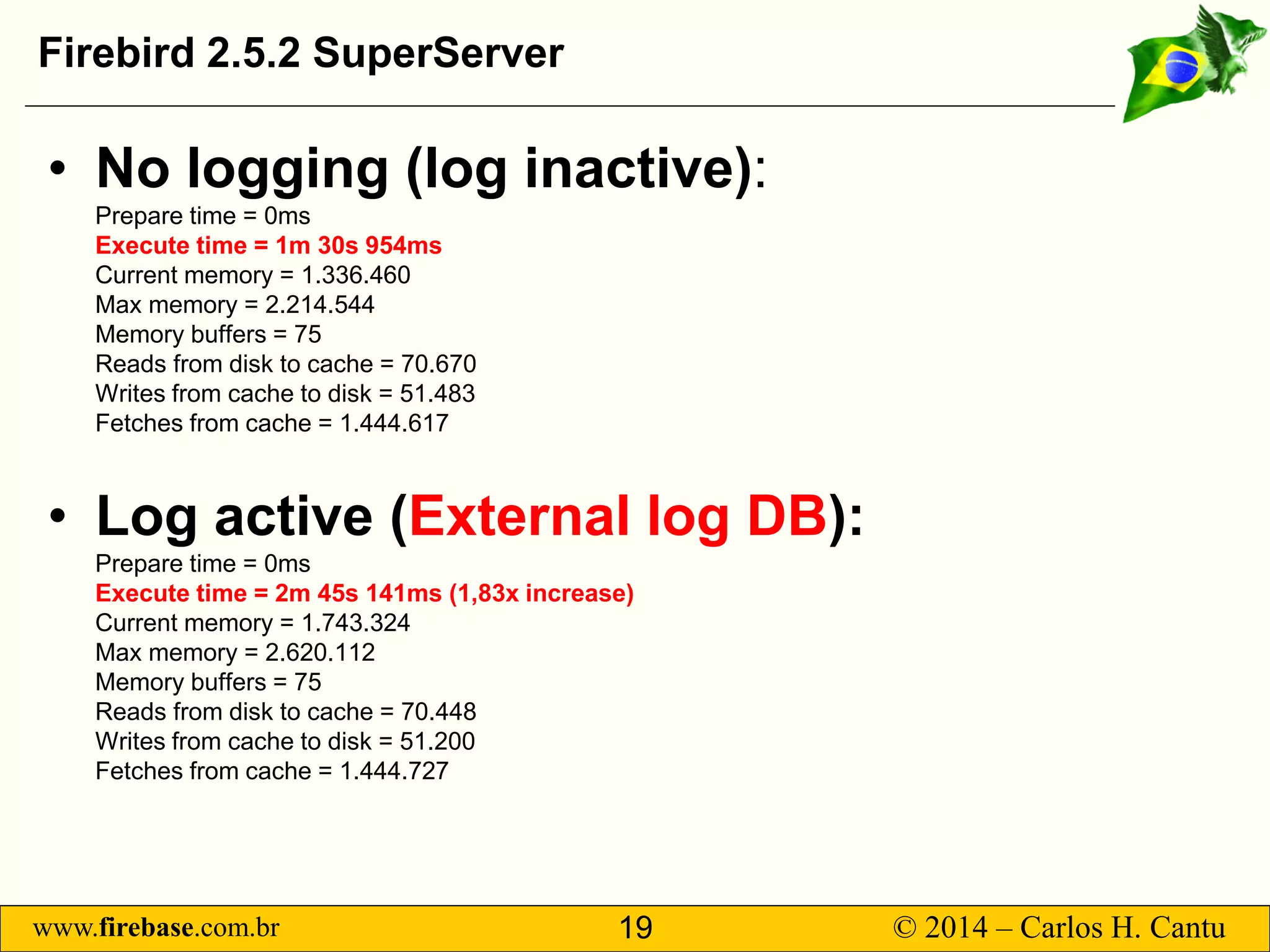
Firebird 2.5.2 SuperServer 
• 
No logging (log inactive): Prepare time = 0msExecute time = 1m 30s 954msCurrent memory = 1.336.460Max memory = 2.214.544Memory buffers = 75Reads from disk to cache = 70.670Writes from cache to disk = 51.483Fetches from cache = 1.444.617 
• 
Logactive (Externallog DB): Prepare time = 0msExecute time = 2m 45s 141ms (1,83x increase) Current memory = 1.743.324Max memory = 2.620.112Memory buffers = 75Reads from disk to cache = 70.448Writes from cache to disk = 51.200Fetches from cache = 1.444.727
www.firebase.com.br 20 © 2014 – Carlos H. Cantu 
Firebird 2.5.2 SuperServer 
• 
log active (internal log tables) Prepare time = 0msExecute time = 4m 57s 375ms (3,3x increase) Current memory = 2.016.788Max memory = 3.191.832Memory buffers = 90Reads from disk to cache = 84.734Writes from cache to disk = 83.495Fetches from cache = 13.645.639Log DB size = ~118MB
www.firebase.com.br 21 © 2014 – Carlos H. Cantu 
Possible improvements 
• 
Allow to specify if want to log only inserts, deletes or updates (or a combination of them). 
• 
Use internal function rdb$get_contextto retrieve the logged user, instead of the connected user (current_user) 
• 
Reduce the name of the log procedures, to save bytes in the triggers source code.
www.firebase.com.br 22 © 2014 – Carlos H. Cantu 
Tips 
• 
In extreme cases, to increase log performance in batch operations, you can deactivate the indexes of the log tables before executing them, and activate them after it is finished 
• 
Connect to the external database using an “embedded” connection. 
• 
Configure the log database with the “-use full” option.
www.firebase.com.br 23 © 2014 – Carlos H. Cantu 
FIM 
Questions? 
www.firebase.com.br 
www.firebirdnews.org 
Download the scripts at http://www.firebase.com.br/fb/imgdocs/cantu_log_bds.zip 
ThankstoallConferencesponsors:

Creating logs for data auditing in FirebirdSQL

  • 1.
    www.firebase.com.br 1 ©2014 – Carlos H. Cantu Creating logs for data auditing Carlos H. Cantu www.firebase.com.br www.firebirdnews.org
  • 2.
    www.firebase.com.br 2 ©2014 – Carlos H. Cantu Who am I? • Maintainer of www.firebase.com.br and www.firebirdnews.org • Author of 2 Firebird books published in Brazil • Software developer for about 30 years • Organizer of the Firebird Developers Day conference • Firebird consultant
  • 3.
    www.firebase.com.br 3 ©2014 – Carlos H. Cantu Why logging? • To know what, when, who and where information was inserted, deleted or altered. • Technical information: transaction number, isolation, protocol, etc.. • Avoid (once for all) allegations like: – The record disappeared! – I didn’t change anything!
  • 4.
    www.firebase.com.br 4 ©2014 – Carlos H. Cantu Proposed solution • Log routines implemented using native features of Firebird >= 2.1 (i.e.: PSQL, triggers and procedures). • Two log tables used: – Operations executed – Data associated with those operations • The creation and maintenance of the log triggers will be entire done by a single store procedure.
  • 5.
    www.firebase.com.br 5 ©2014 – Carlos H. Cantu Log operations table structure CREATE TABLE LOG_OPERATIONS( IDLOGOPER BIGINT NOT NULL, --Primary key TABLE_NAME VARCHAR(31) NOT NULL COLLATE WIN_PTBR, OPERATION CHAR(1) NOT NULL, USER_NAME VARCHAR(64) COLLATE WIN_PTBR, SYSTIME TIMESTAMP DEFAULT CURRENT_TIMESTAMP(0), TRANSACTIONID INTEGER, CLIENT_ADDRESS VARCHAR(255) COLLATE WIN_PTBR, NETWORK_PROTOCOL VARCHAR(255) COLLATE WIN_PTBR, TR_ISOLATION VARCHAR(255) COLLATE WIN_PTBR, PK1 VARCHAR(50) COLLATE WIN_PTBR, PK2 VARCHAR(50) COLLATE WIN_PTBR, PK3 VARCHAR(50) COLLATE WIN_PTBR );
  • 6.
    www.firebase.com.br 6 ©2014 – Carlos H. Cantu Log data table CREATE TABLE LOG_DATA( ID BIGINT NOT NULL,--Primary key IDLOGOPER BIGINT NOT NULL, --Foreign key COLUMN_NAME VARCHAR(31) COLLATE WIN_PTBR, OLD_VALUE VARCHAR(2046) COLLATE WIN_PTBR, NEW_VALUE VARCHAR(2046) COLLATE WIN_PTBR, OLD_BLOB BLOB SUB_TYPE 0 SEGMENT SIZE 80, NEW_BLOB BLOB SUB_TYPE 0 SEGMENT SIZE 80 );
  • 7.
    www.firebase.com.br 7 ©2014 – Carlos H. Cantu Pay attention... • Rapid growing of the database file. • Performance of the operations. • Easy way to use the logged information. • Maintenance of the log routines in the case of changes in the metadata. • Blob columns. • Varchar columns. • Float or Double precision columns.
  • 8.
    www.firebase.com.br 8 ©2014 – Carlos H. Cantu Rapid growing of the database file • Logged data occupies space in the database. • Tips: – Put the log in a separate database (speed up the production database backups, etc.). – Store the log database in another hard drive. – Purge of the old logs from time to time. – Transfer the old log data to archived files.
  • 9.
    www.firebase.com.br 9 ©2014 – Carlos H. Cantu Operations performance • In normal usage conditions, the performance degradation is not noticed by the users. • Batch operations can show perceptible performance loss. • Take care of combination of FW = ON + Barrier active in Linux systems!
  • 10.
    www.firebase.com.br 10 ©2014 – Carlos H. Cantu Easy way to use logged data • The logged information are stored in “normal” tables in the database, so they can be accessed using selects. • You can create user friendly GUI in your app, allowing users to make their own searches in the logged data.
  • 11.
    www.firebase.com.br 11 ©2014 – Carlos H. Cantu Log routines maintenance • Any change in the database table’s metadata needs the log trigger of that table to be updated. • Updating the log trigger isquick and easy (ie: just run the procedure and it will recreate the log trigger).
  • 12.
    www.firebase.com.br 12 ©2014 – Carlos H. Cantu Blob columns • Blob can has “any” size. • Null blobs occupies only a few bytes in the database page.
  • 13.
    www.firebase.com.br 13 ©2014 – Carlos H. Cantu VARCHAR columns • Varchar and char columns are stored RLE compressed. • Content can vary from 1 to 32.767 (char) and 32.765 (varchar) “bytes”. • You can set a limit (trunc) to the size of char/varchars stored in the log tables.
  • 14.
    www.firebase.com.br 14 ©2014 – Carlos H. Cantu Float or Double Precision columns • Take care with the precision! • The “string” version of the values may not be exactly equal to the original value (IEEE standard inherited “problem”). • Always when possible, prefer to use decimalor numeric(with dialect 3) to avoid inaccurate values problem.
  • 15.
    www.firebase.com.br 15 ©2014 – Carlos H. Cantu Creation of the log triggers • DDL (Data Definition Language) statements are notdirect available inside procedures and/or triggers. • Solution: Use execute statement to run DDL statements. • Warning: There is a 64kb limitin the source code of procedures and triggers • Use IS DISTINCT FROM instead ofif ((new.afield<> old.afield) or ((new.afield is null) and (old.afield is not null)) or ((new.afieldis not null) and (old.afieldis null)))
  • 16.
    www.firebase.com.br 16 ©2014 – Carlos H. Cantu Storing the log in external databases • Firebird >= 2.5 brought some enhancements to execute statement • It allows to access external databases! • EXECUTE STATEMENT <query_text> [(<input_parameters>)] [ON EXTERNAL[DATA SOURCE] <connection_string>] [WITH {AUTONOMOUS | COMMON} TRANSACTION] [AS USER <user_name>] [PASSWORD <password>] [ROLE <role_name>] [WITH CALLER PRIVILEGES] [INTO <variables>]
  • 17.
    www.firebase.com.br 17 ©2014 – Carlos H. Cantu Example database
  • 18.
    www.firebase.com.br 18 ©2014 – Carlos H. Cantu Benchmarks • Batch operations: 100.000 inserts20.000 updates10.000 deletes • Firebird 2.5.2 SS • Windows 8.1 Pro 64bits • Intel QuadCore+ 16GB RAM Obs: All operations were executed inside a single transaction.
  • 19.
    www.firebase.com.br 19 ©2014 – Carlos H. Cantu Firebird 2.5.2 SuperServer • No logging (log inactive): Prepare time = 0msExecute time = 1m 30s 954msCurrent memory = 1.336.460Max memory = 2.214.544Memory buffers = 75Reads from disk to cache = 70.670Writes from cache to disk = 51.483Fetches from cache = 1.444.617 • Logactive (Externallog DB): Prepare time = 0msExecute time = 2m 45s 141ms (1,83x increase) Current memory = 1.743.324Max memory = 2.620.112Memory buffers = 75Reads from disk to cache = 70.448Writes from cache to disk = 51.200Fetches from cache = 1.444.727
  • 20.
    www.firebase.com.br 20 ©2014 – Carlos H. Cantu Firebird 2.5.2 SuperServer • log active (internal log tables) Prepare time = 0msExecute time = 4m 57s 375ms (3,3x increase) Current memory = 2.016.788Max memory = 3.191.832Memory buffers = 90Reads from disk to cache = 84.734Writes from cache to disk = 83.495Fetches from cache = 13.645.639Log DB size = ~118MB
  • 21.
    www.firebase.com.br 21 ©2014 – Carlos H. Cantu Possible improvements • Allow to specify if want to log only inserts, deletes or updates (or a combination of them). • Use internal function rdb$get_contextto retrieve the logged user, instead of the connected user (current_user) • Reduce the name of the log procedures, to save bytes in the triggers source code.
  • 22.
    www.firebase.com.br 22 ©2014 – Carlos H. Cantu Tips • In extreme cases, to increase log performance in batch operations, you can deactivate the indexes of the log tables before executing them, and activate them after it is finished • Connect to the external database using an “embedded” connection. • Configure the log database with the “-use full” option.
  • 23.
    www.firebase.com.br 23 ©2014 – Carlos H. Cantu FIM Questions? www.firebase.com.br www.firebirdnews.org Download the scripts at http://www.firebase.com.br/fb/imgdocs/cantu_log_bds.zip ThankstoallConferencesponsors: