Presentation
        on
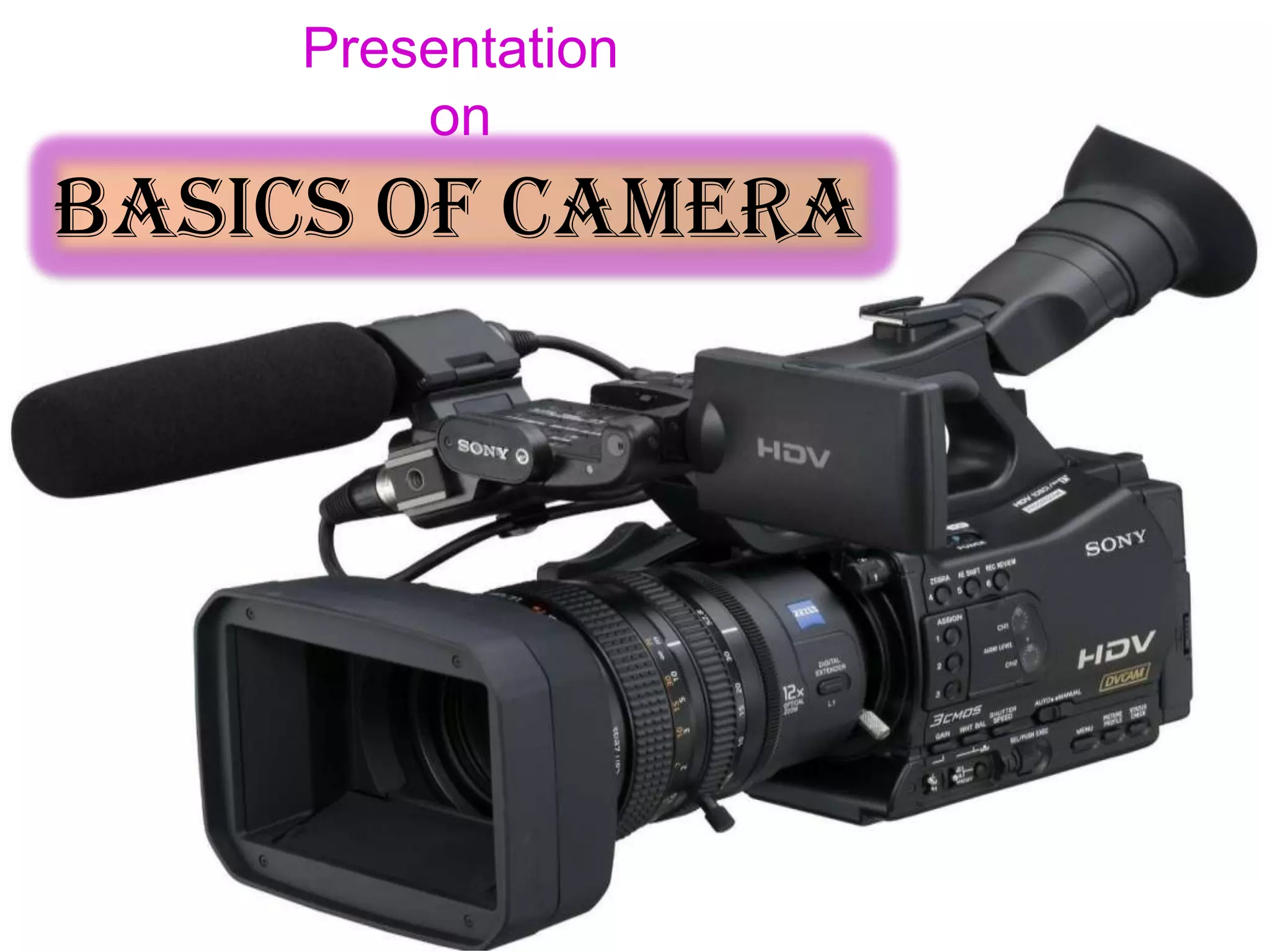
Basics of Camera
About Camera:-

    Today I explain you the basic operations of
Sony PD Camera. PD Camera is popular because
it is small in size, light weight and easy to handle.
It is popular for making documentaries. No need
of setting manually when PD has the special
function and it adjust automatically as per the
shooting climate and provides a good videos. If u
want to adjust manually you can. So, It is very
user friendly.
Important Parts of Camera


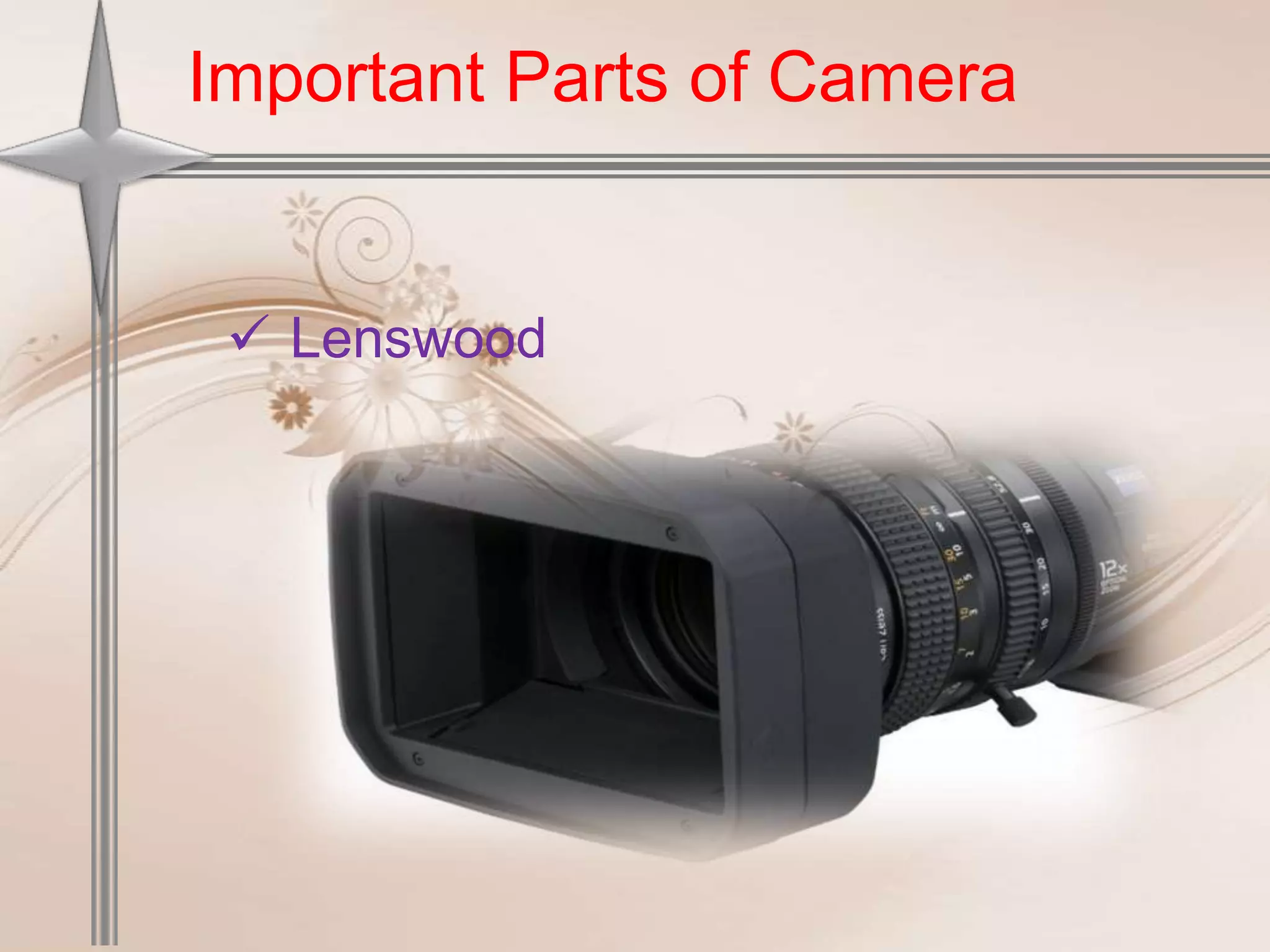
  Lenswood
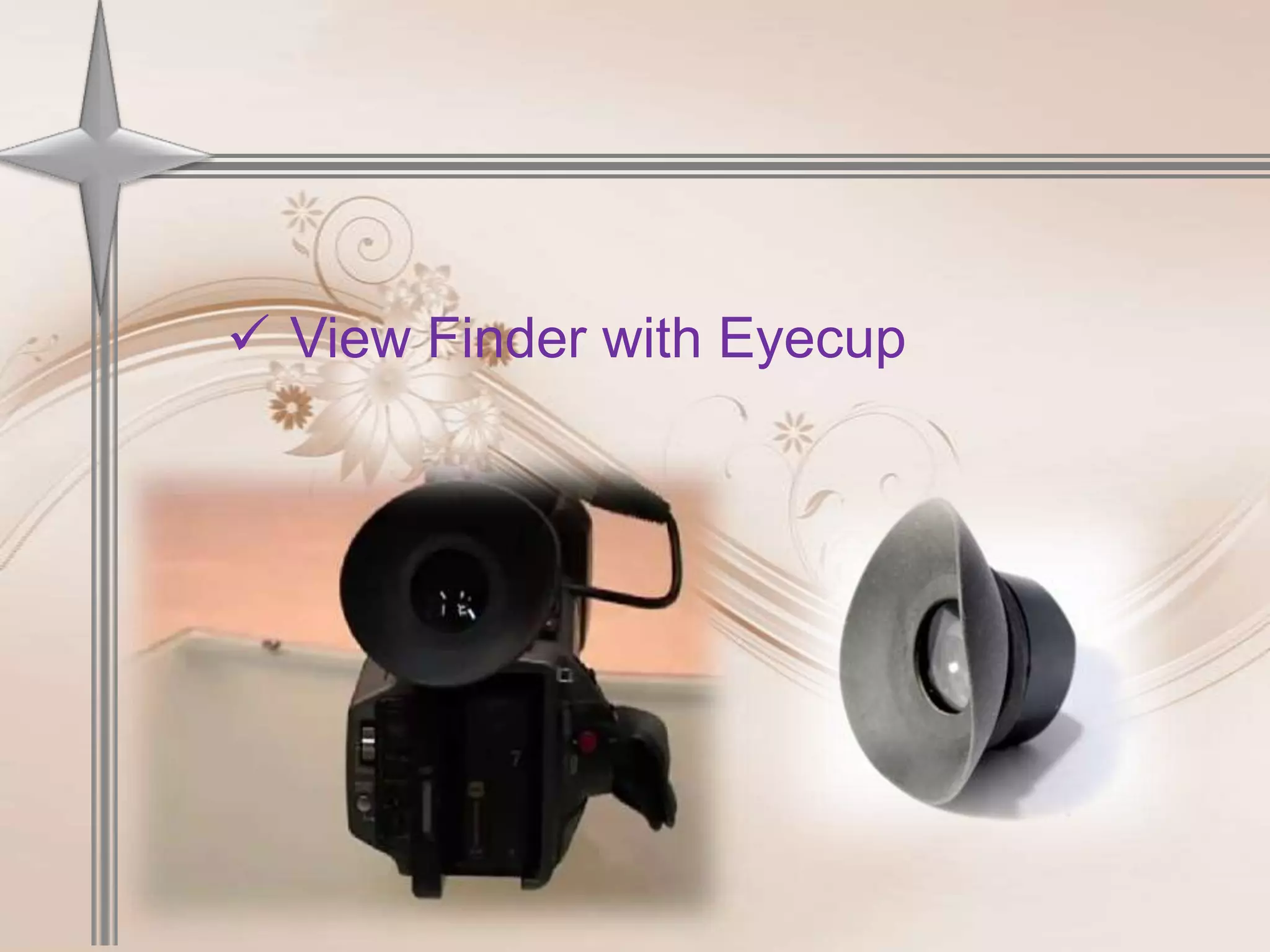
 View Finder with Eyecup
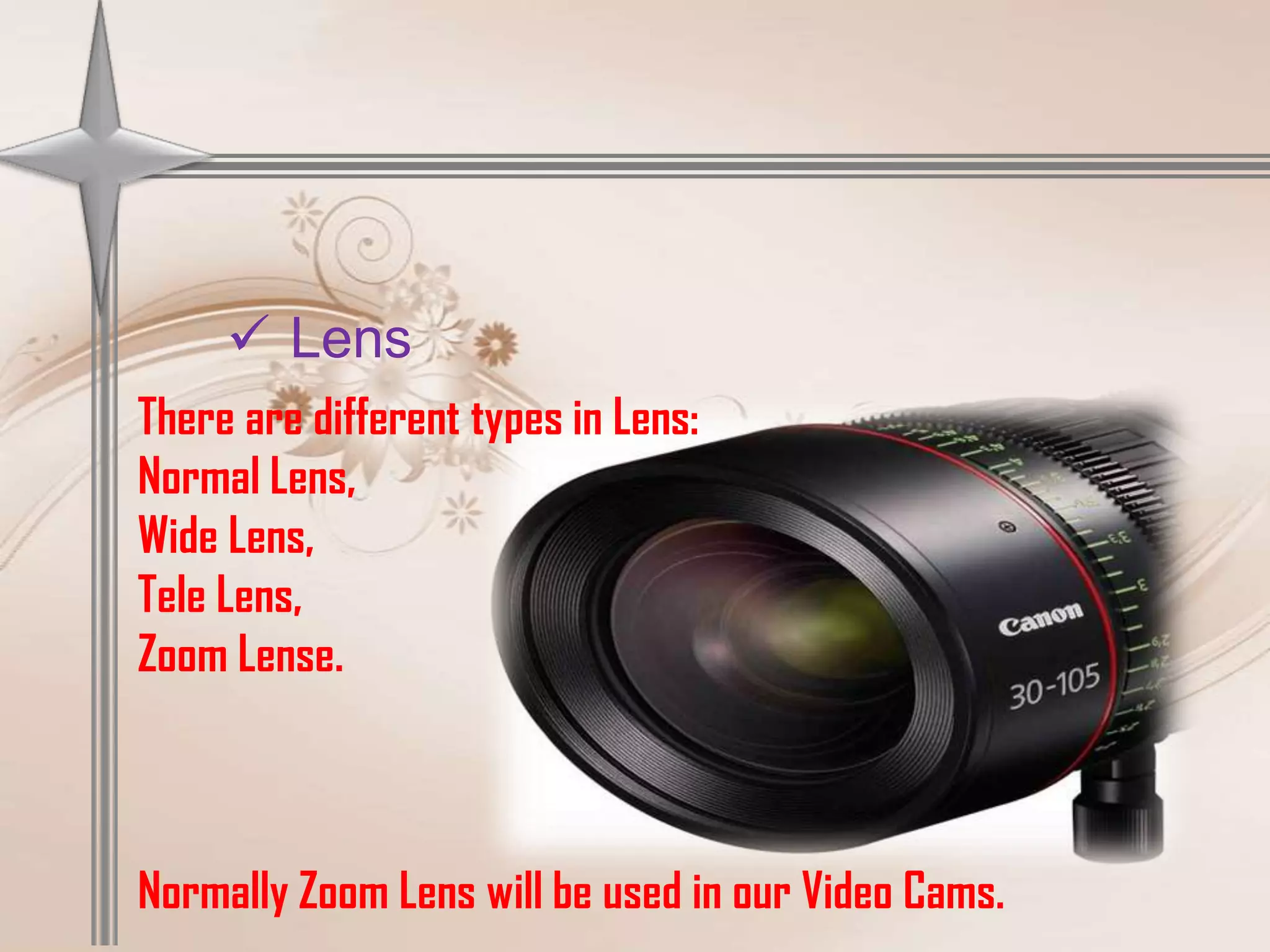
 Lens
There are different types in Lens:
Normal Lens,
Wide Lens,
Tele Lens,
Zoom Lense.


Normally Zoom Lens will be used in our Video Cams.
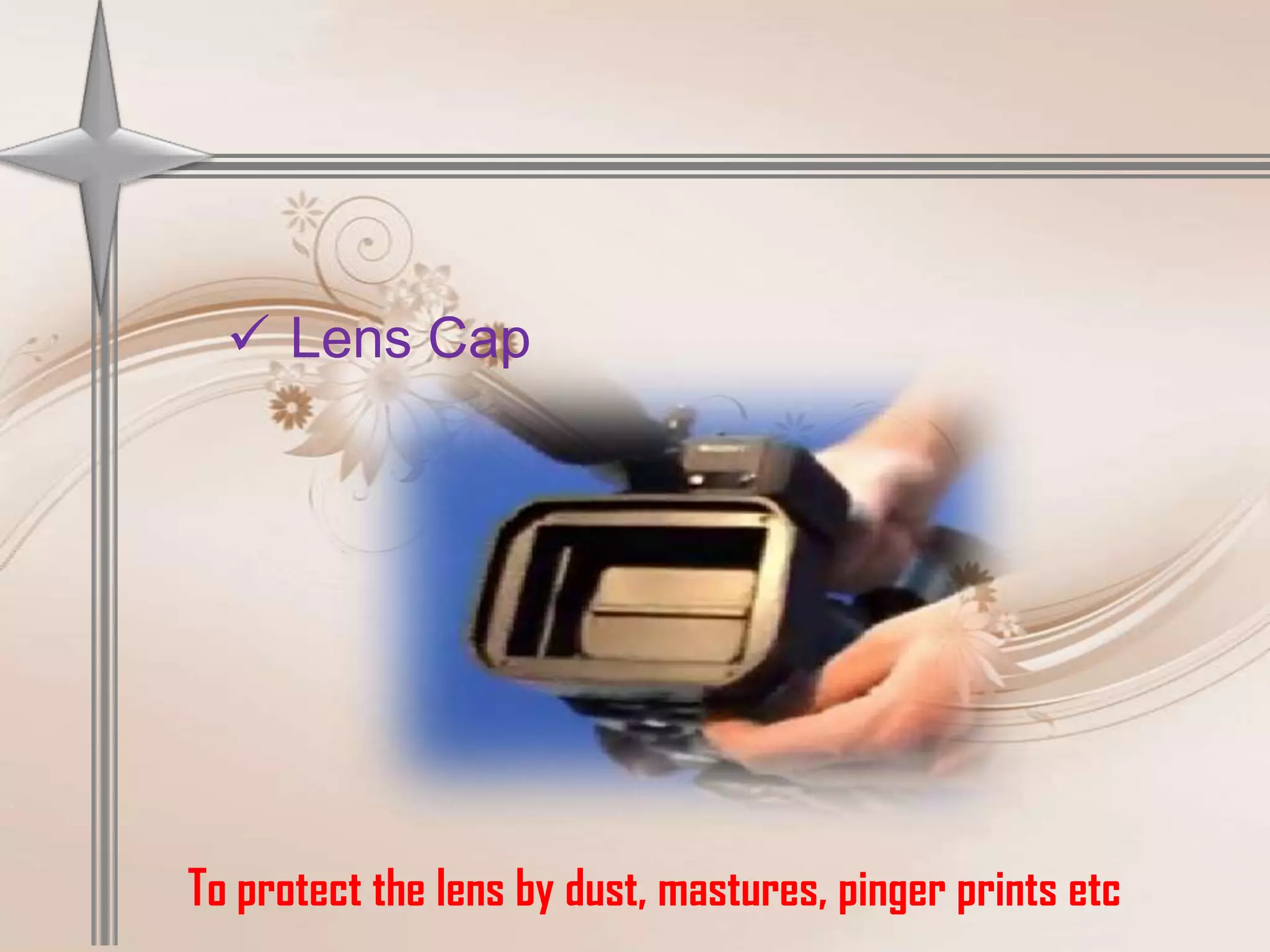
 Lens Cap


To protect the lens by dust, mastures, pinger prints etc
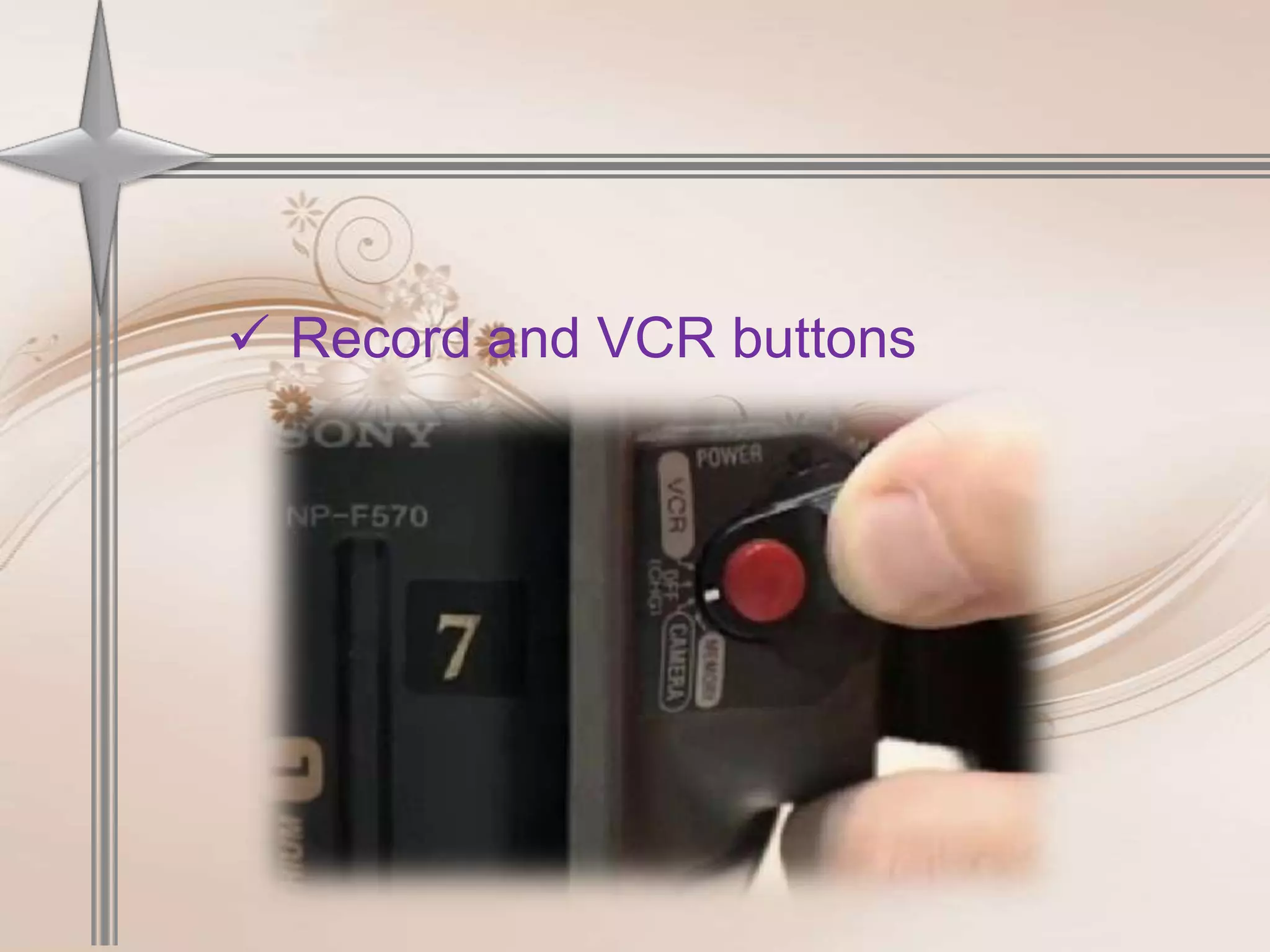
 Record and VCR buttons
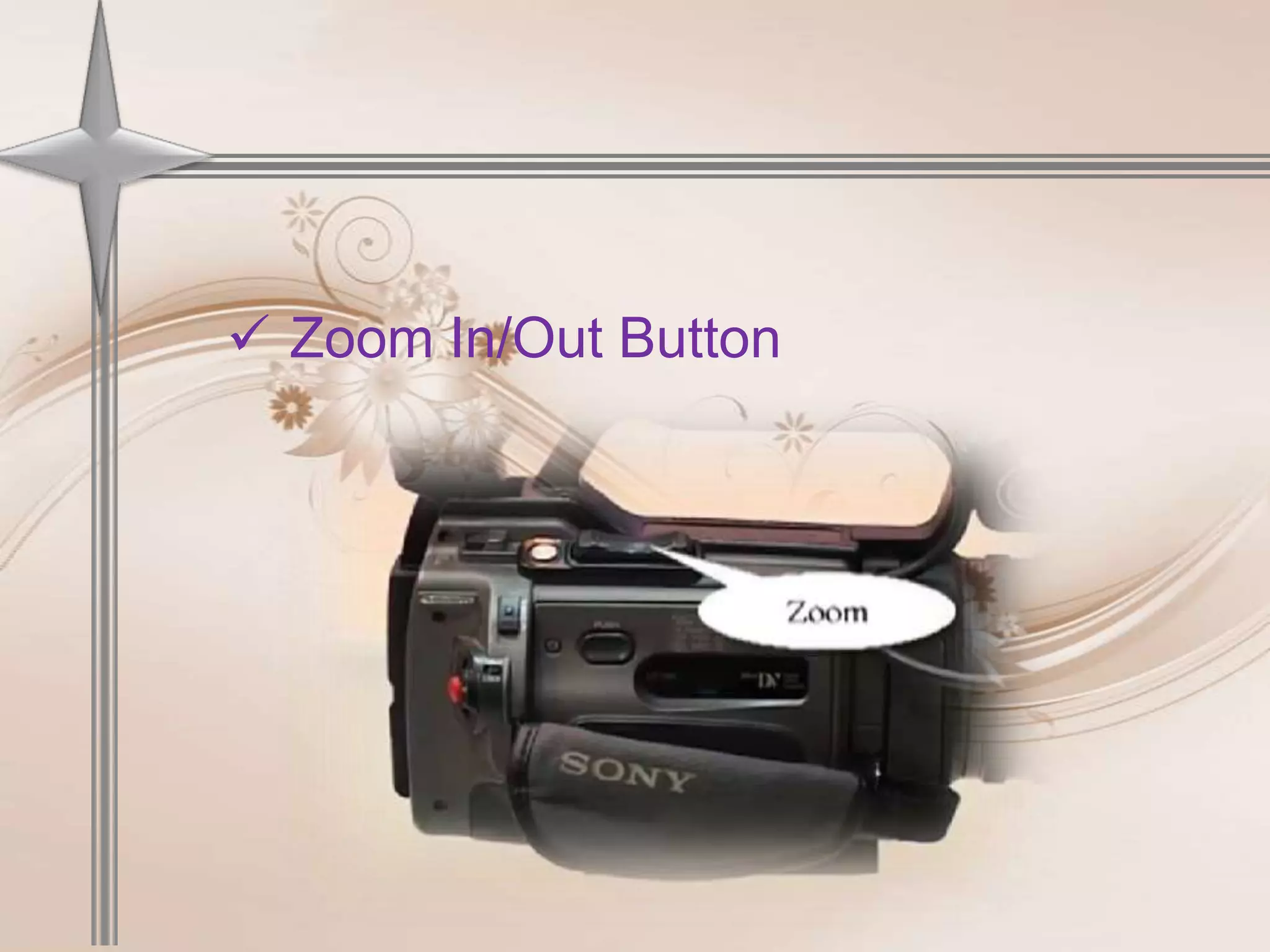
 Zoom In/Out Button
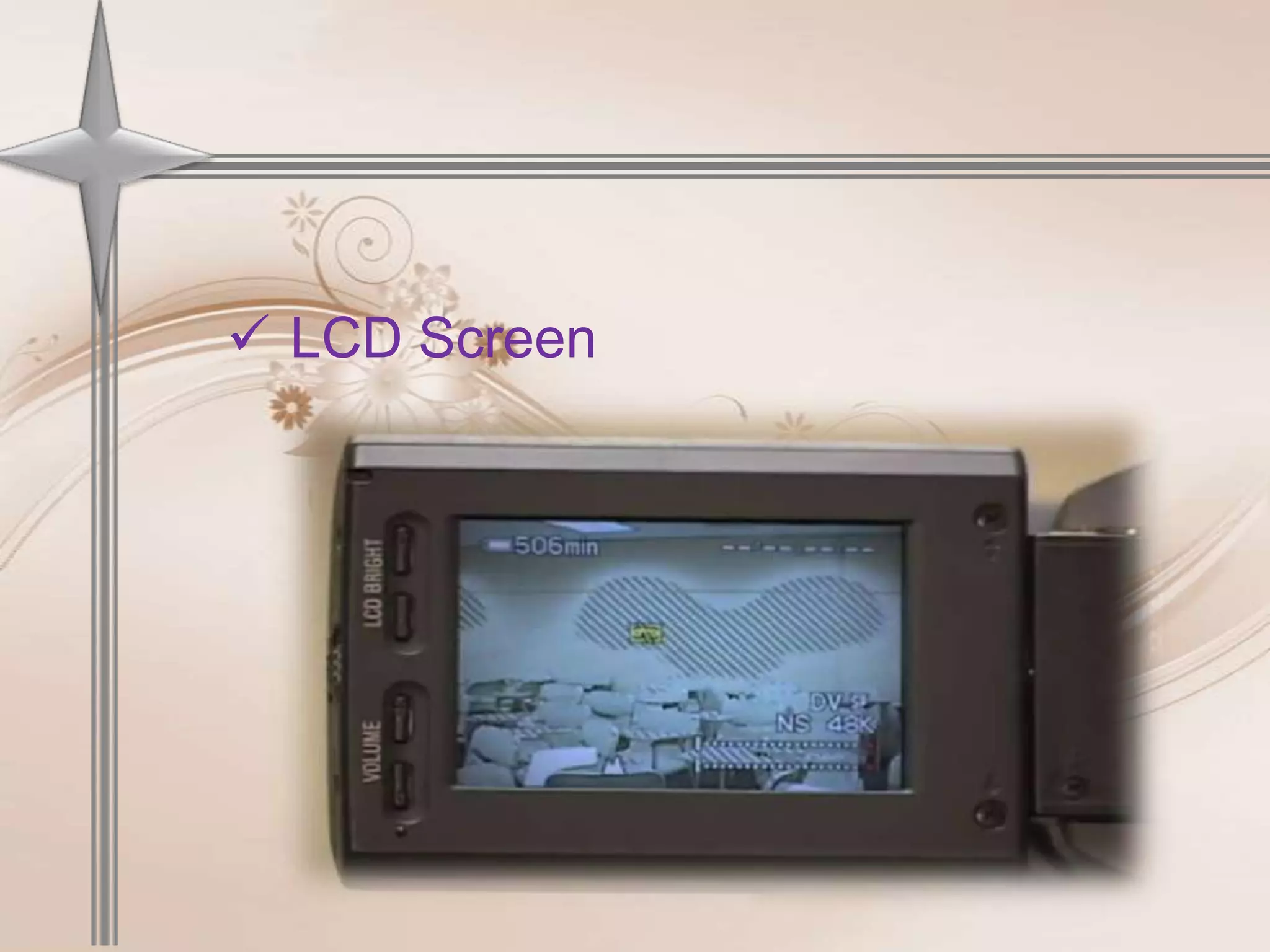
 LCD Screen
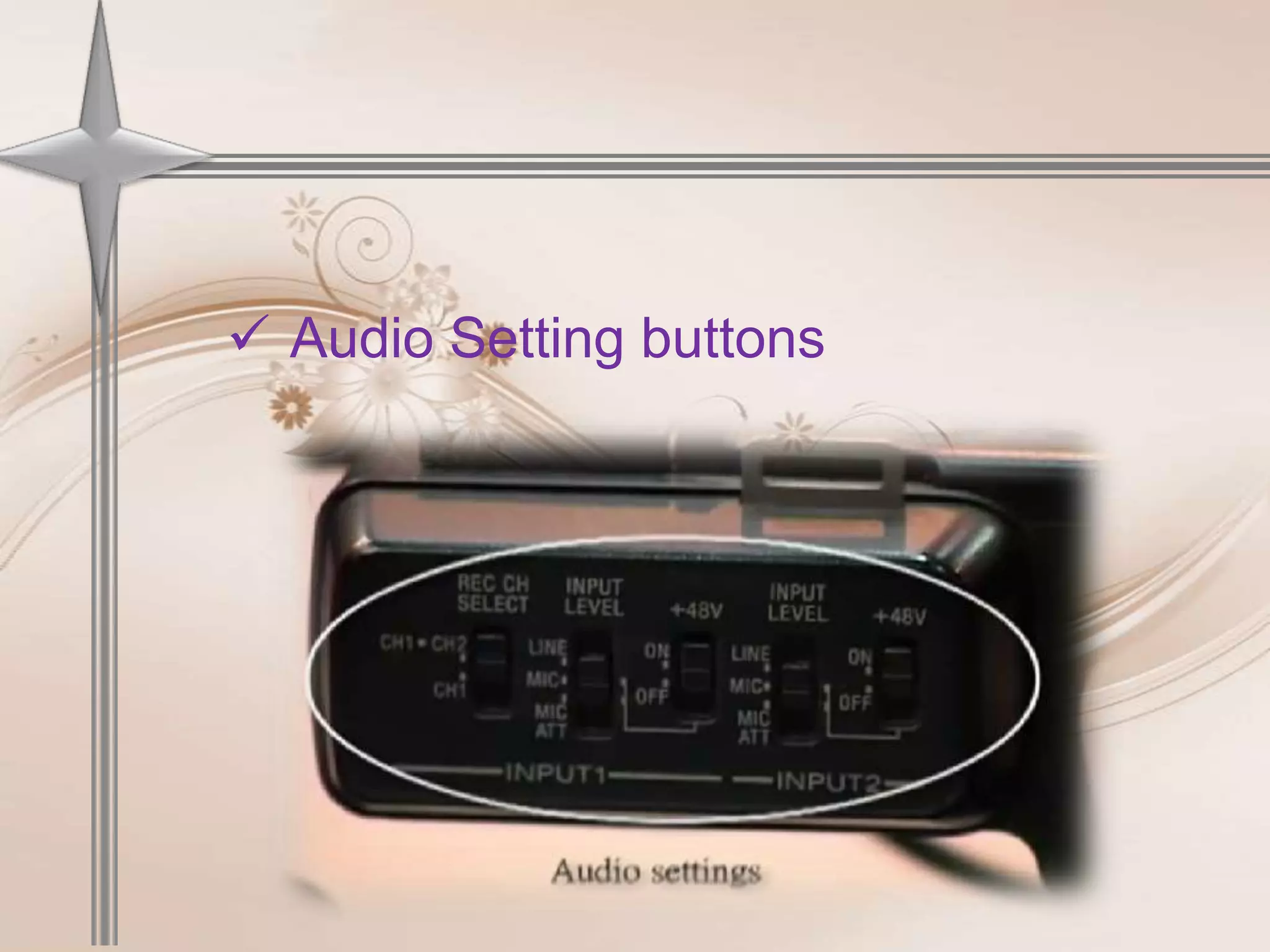
 Audio Setting buttons
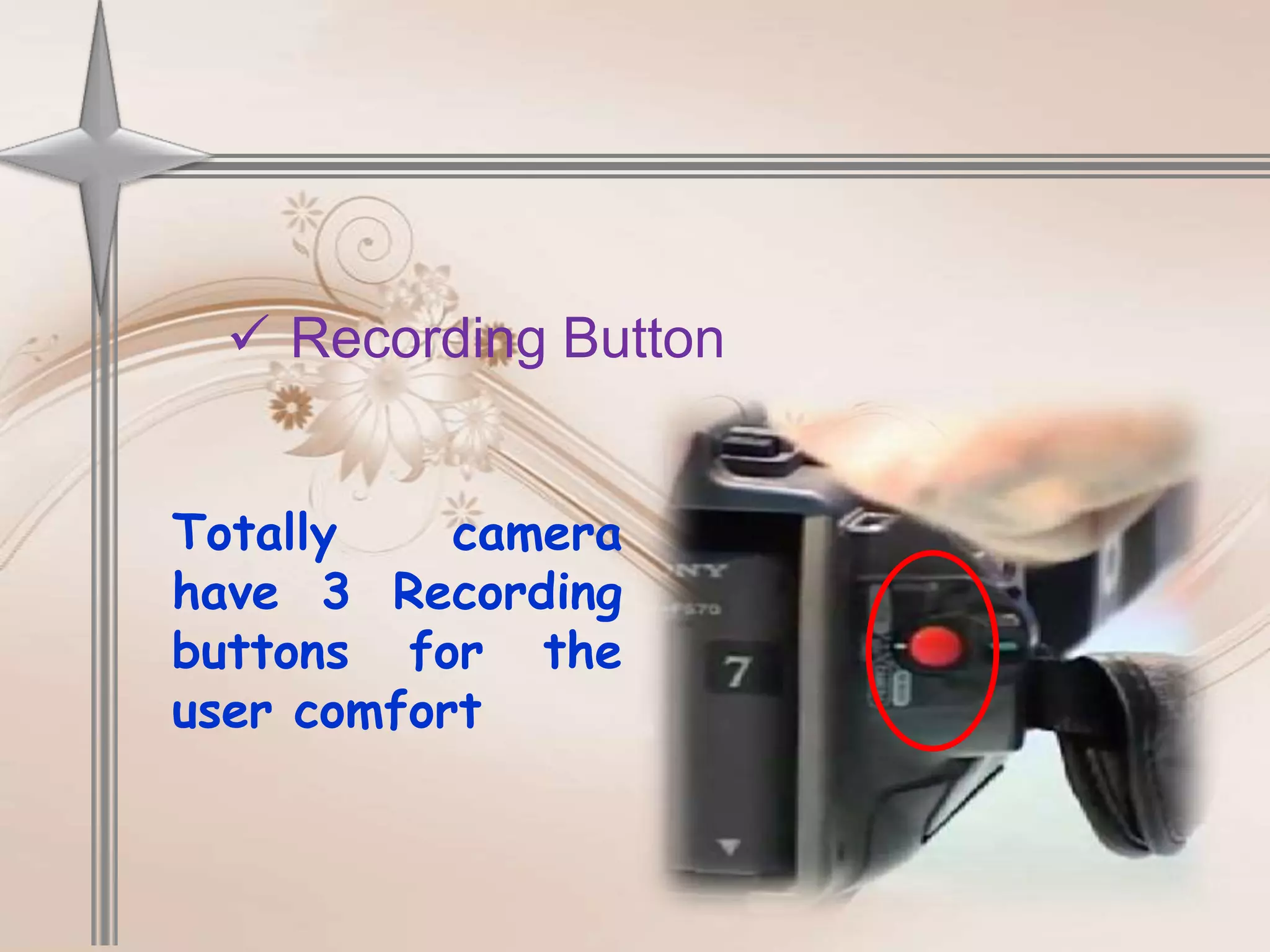
 Recording Button


Totally    camera
have 3 Recording
buttons for the
user comfort
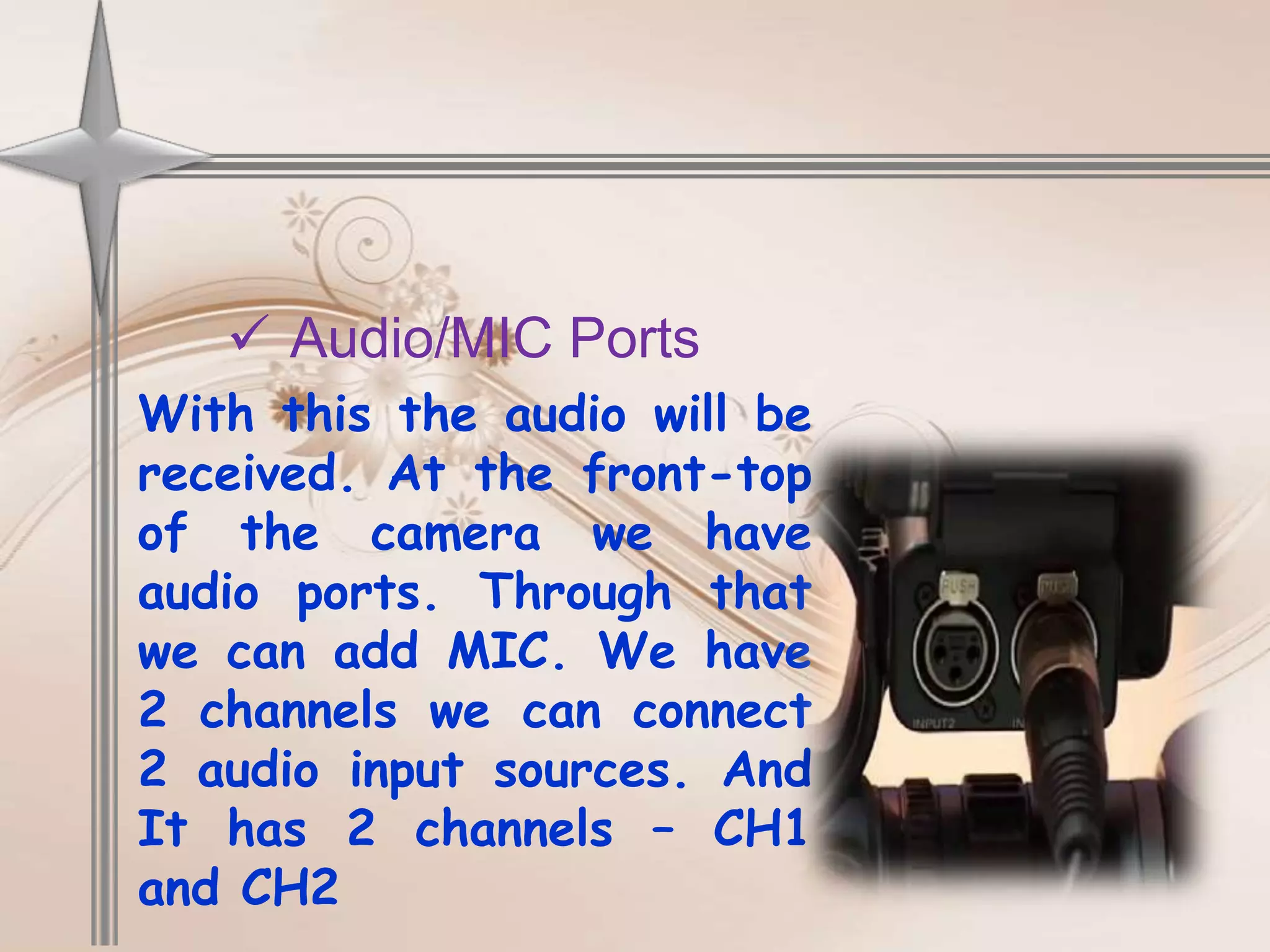
 Audio/MIC Ports
With this the audio will be
received. At the front-top
of the camera we have
audio ports. Through that
we can add MIC. We have
2 channels we can connect
2 audio input sources. And
It has 2 channels – CH1
and CH2
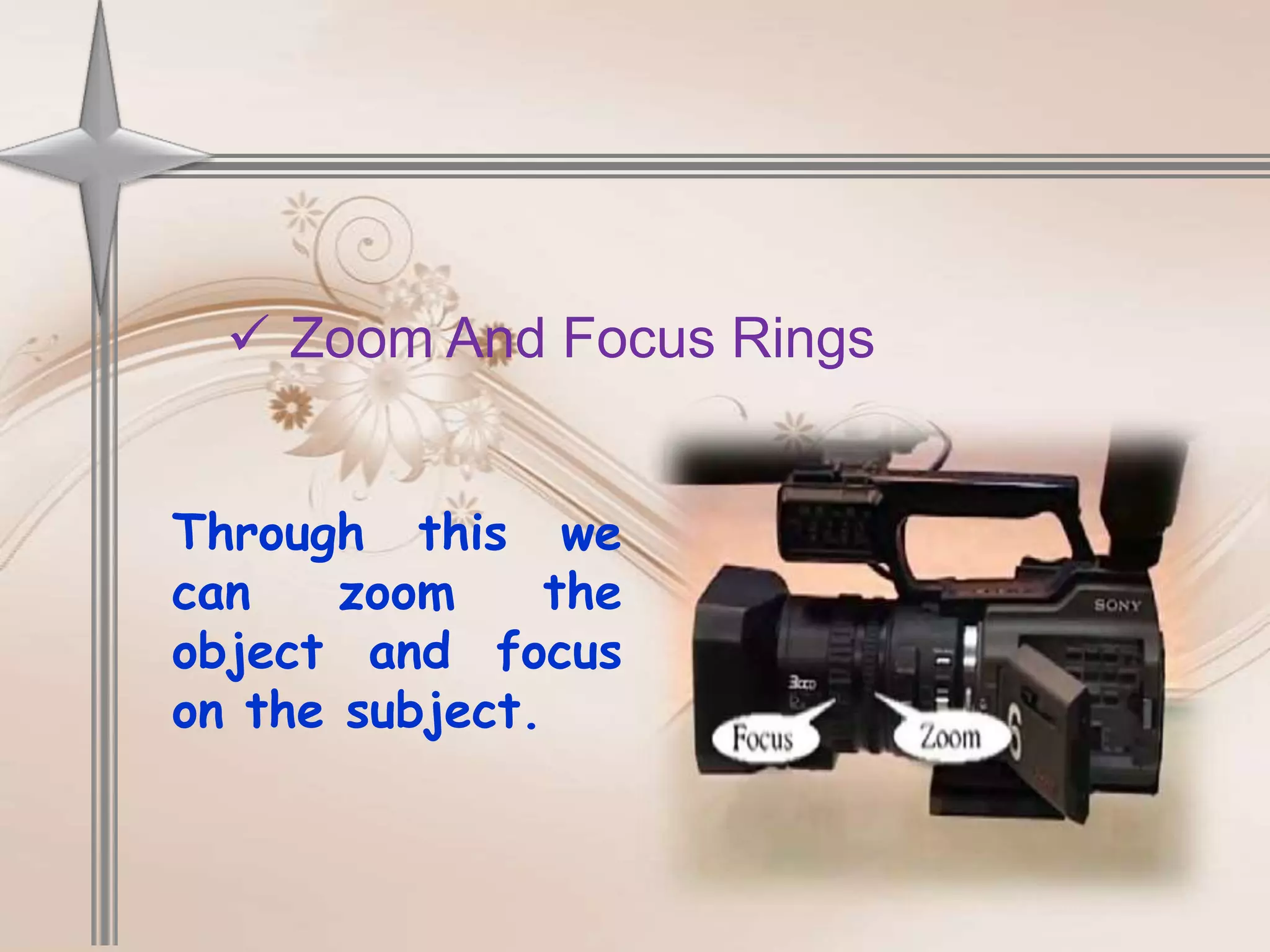
 Zoom And Focus Rings


Through this we
can    zoom     the
object and focus
on the subject.
Some Basic Operations &
          Functions

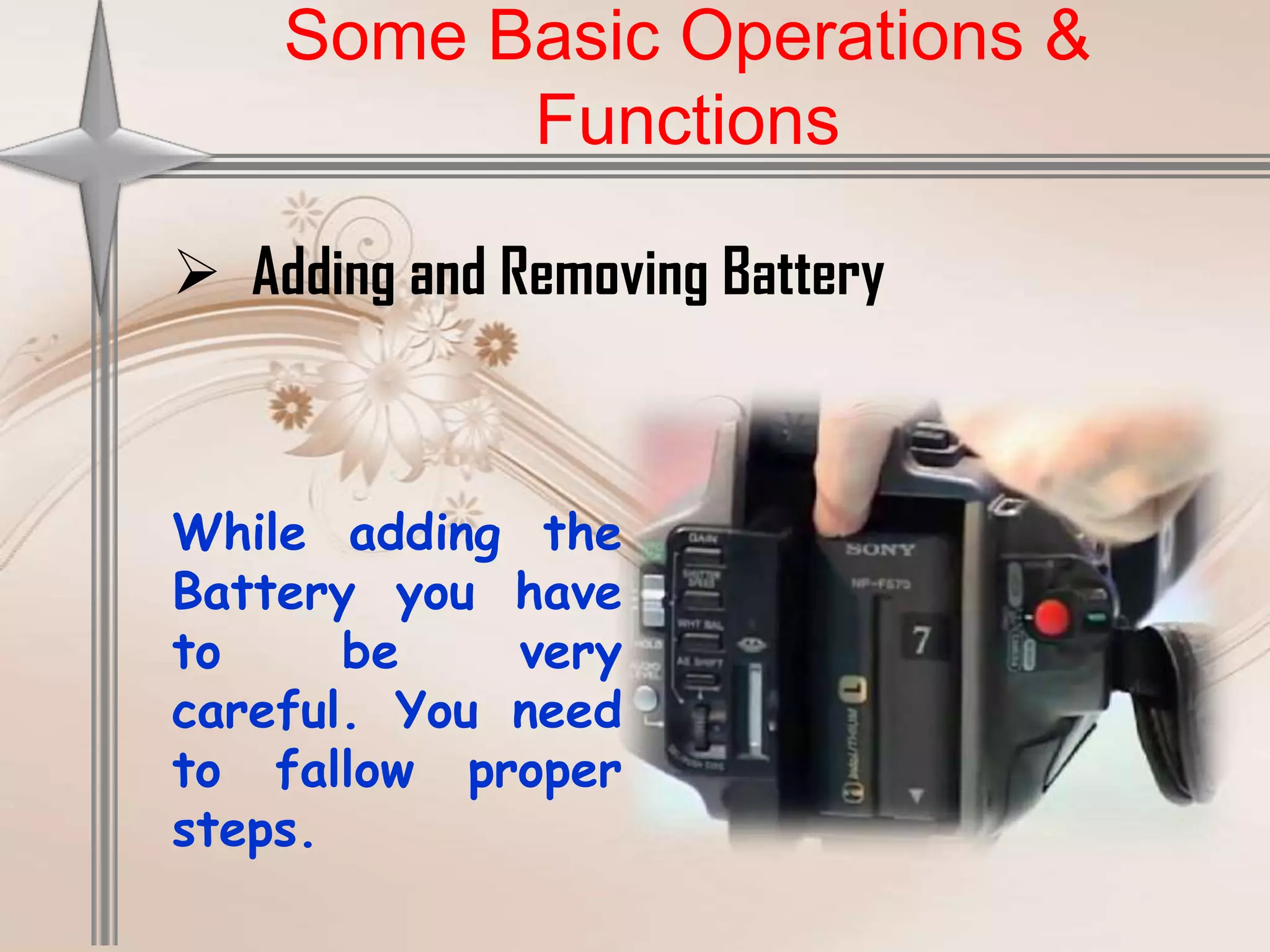
 Adding and Removing Battery


While adding the
Battery you have
to     be    very
careful. You need
to fallow proper
steps.
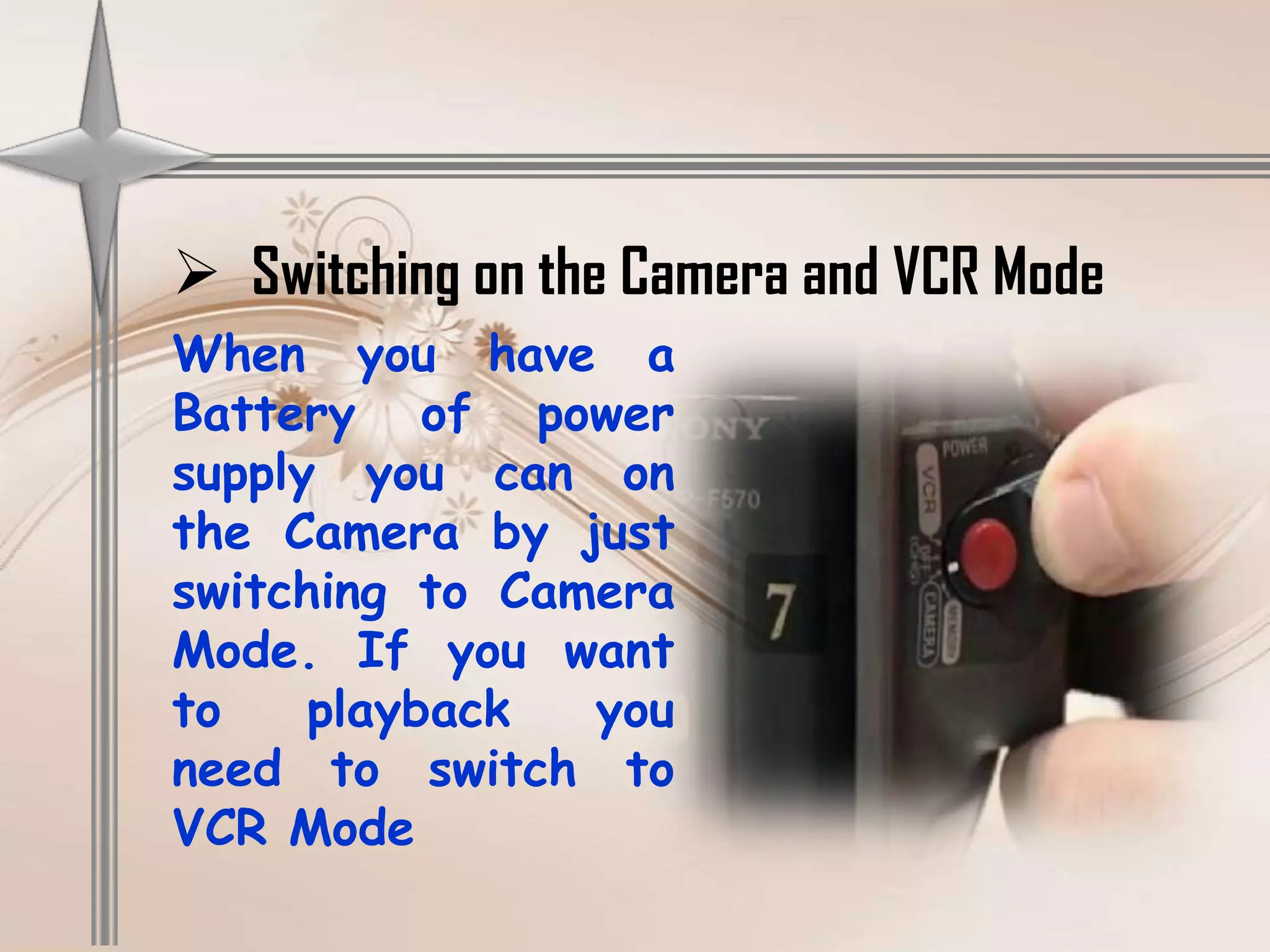
 Switching on the Camera and VCR Mode
When you have a
Battery of power
supply you can on
the Camera by just
switching to Camera
Mode. If you want
to    playback  you
need to switch to
VCR Mode
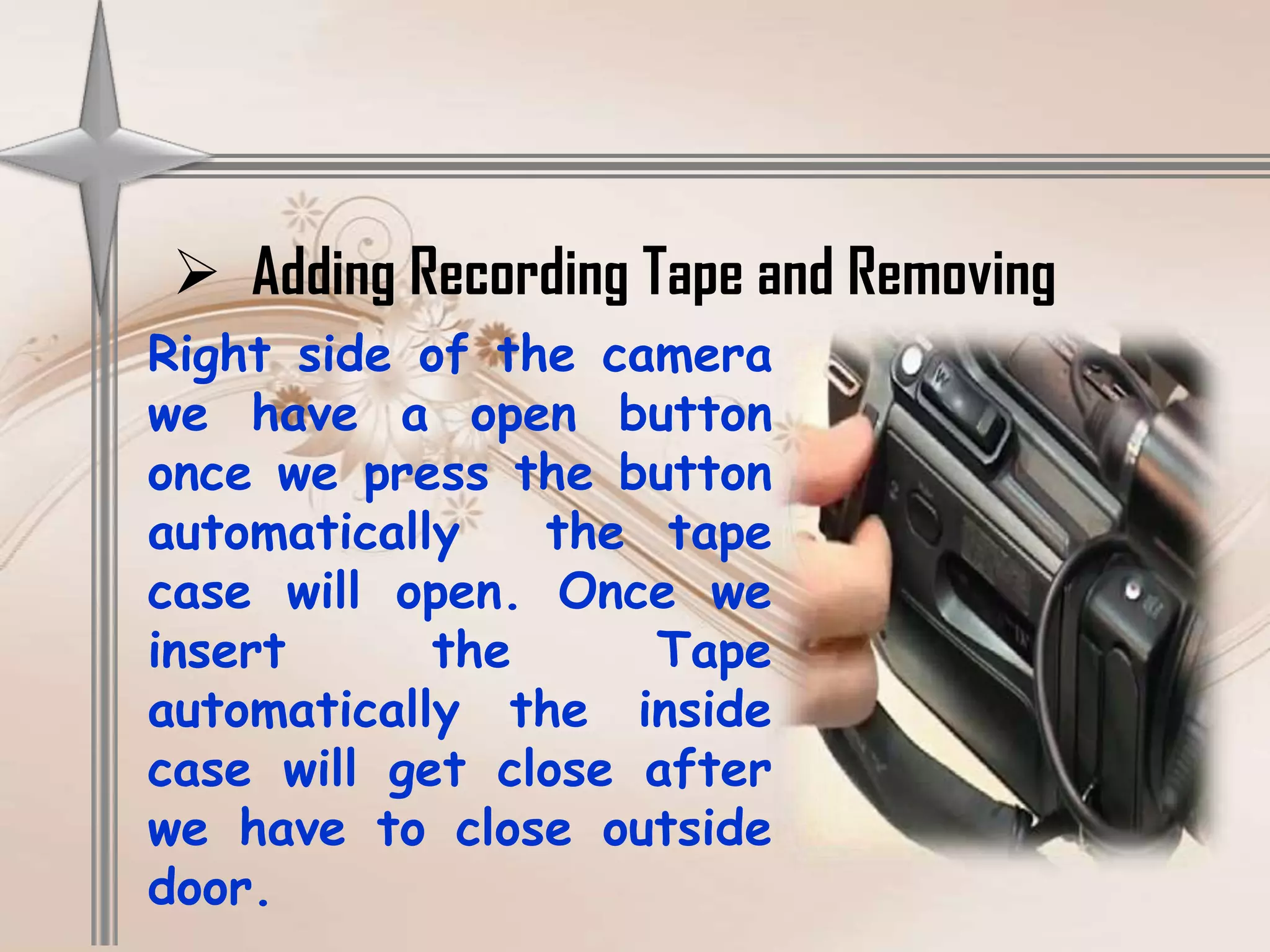
 Adding Recording Tape and Removing
Right side of the camera
we have a open button
once we press the button
automatically   the tape
case will open. Once we
insert      the     Tape
automatically the inside
case will get close after
we have to close outside
door.
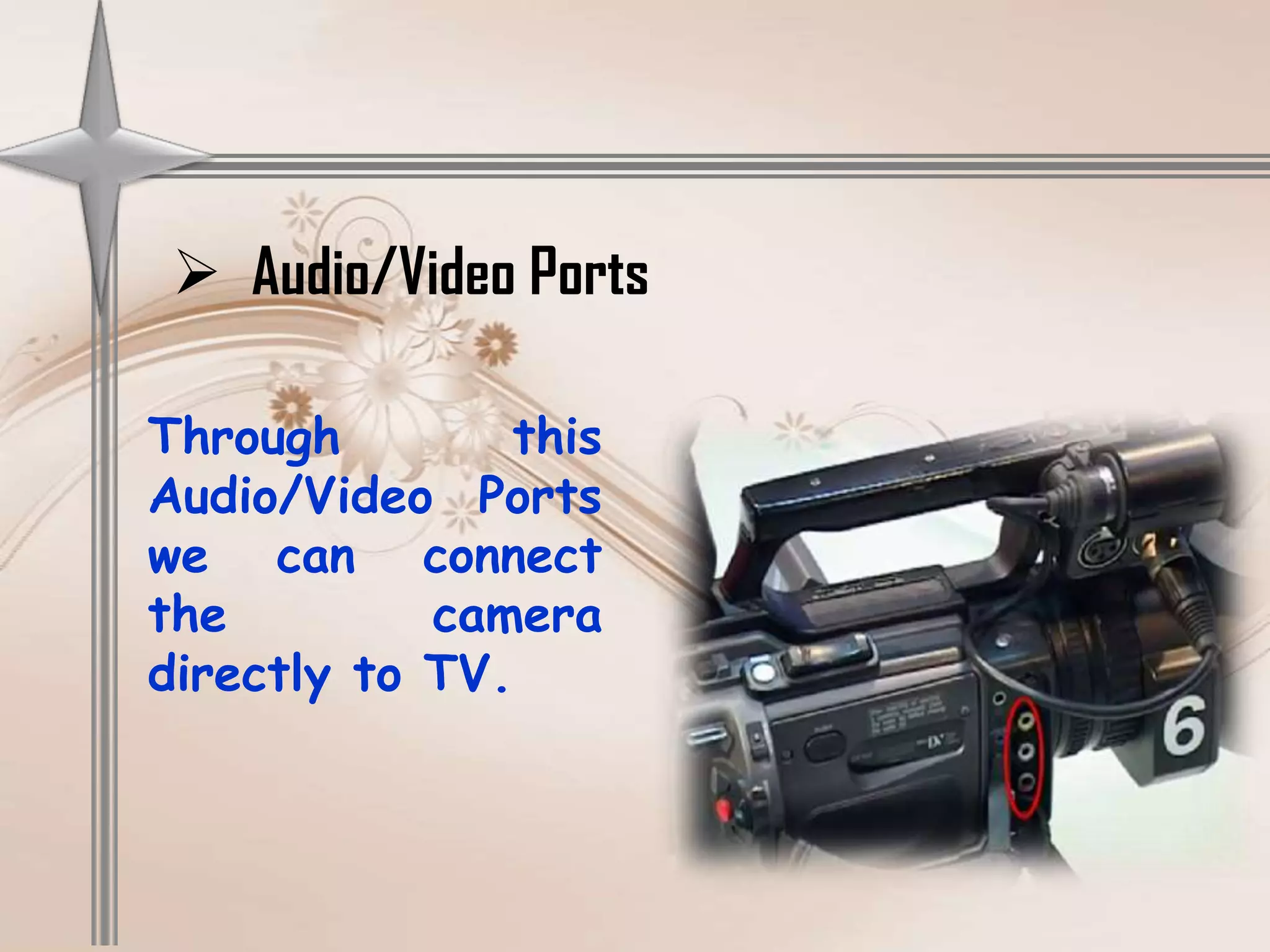
 Audio/Video Ports

Through        this
Audio/Video Ports
we can connect
the         camera
directly to TV.
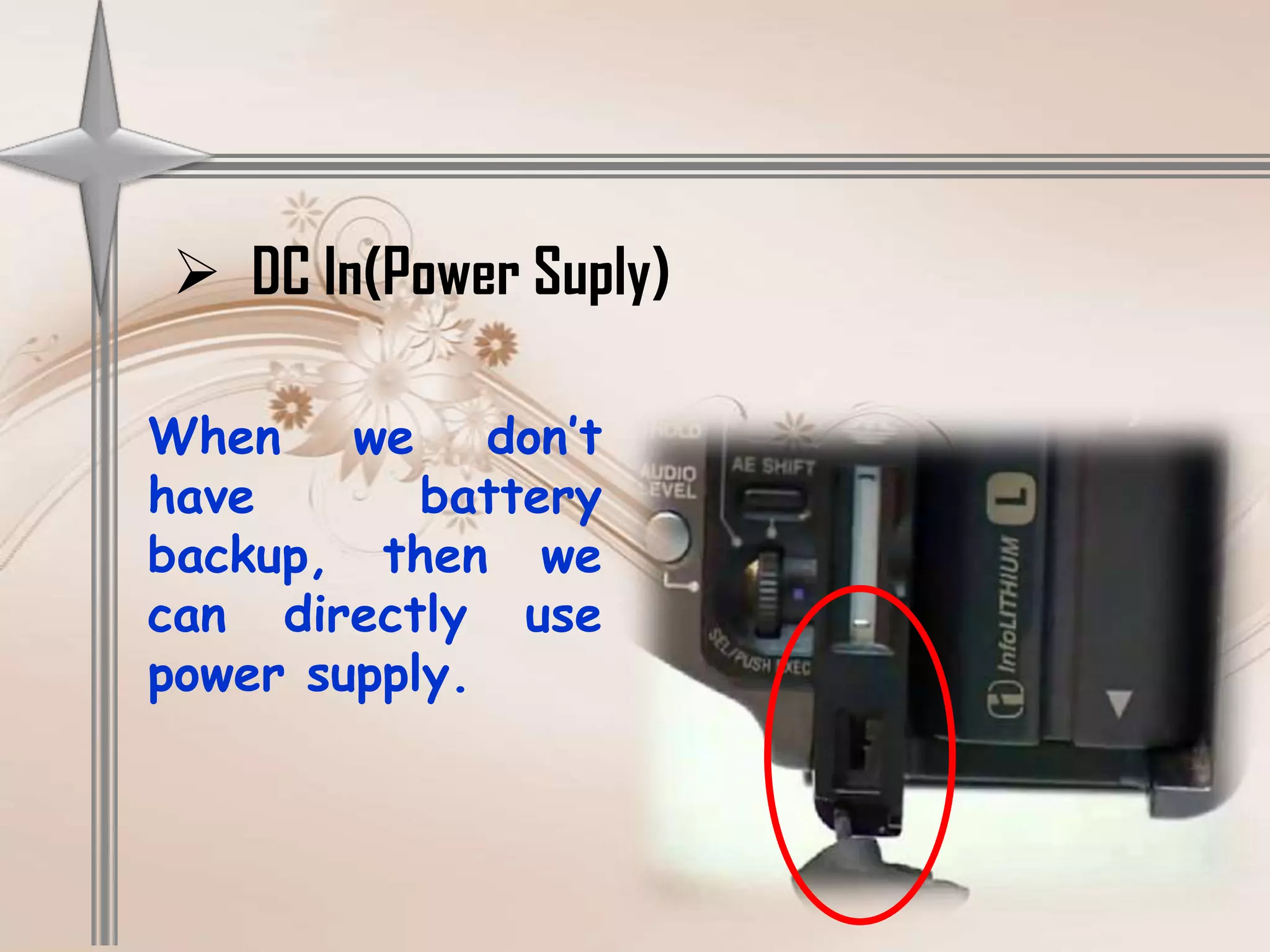
 DC In(Power Suply)

When we don’t
have       battery
backup, then we
can directly use
power supply.
How to use
          Manual Settings

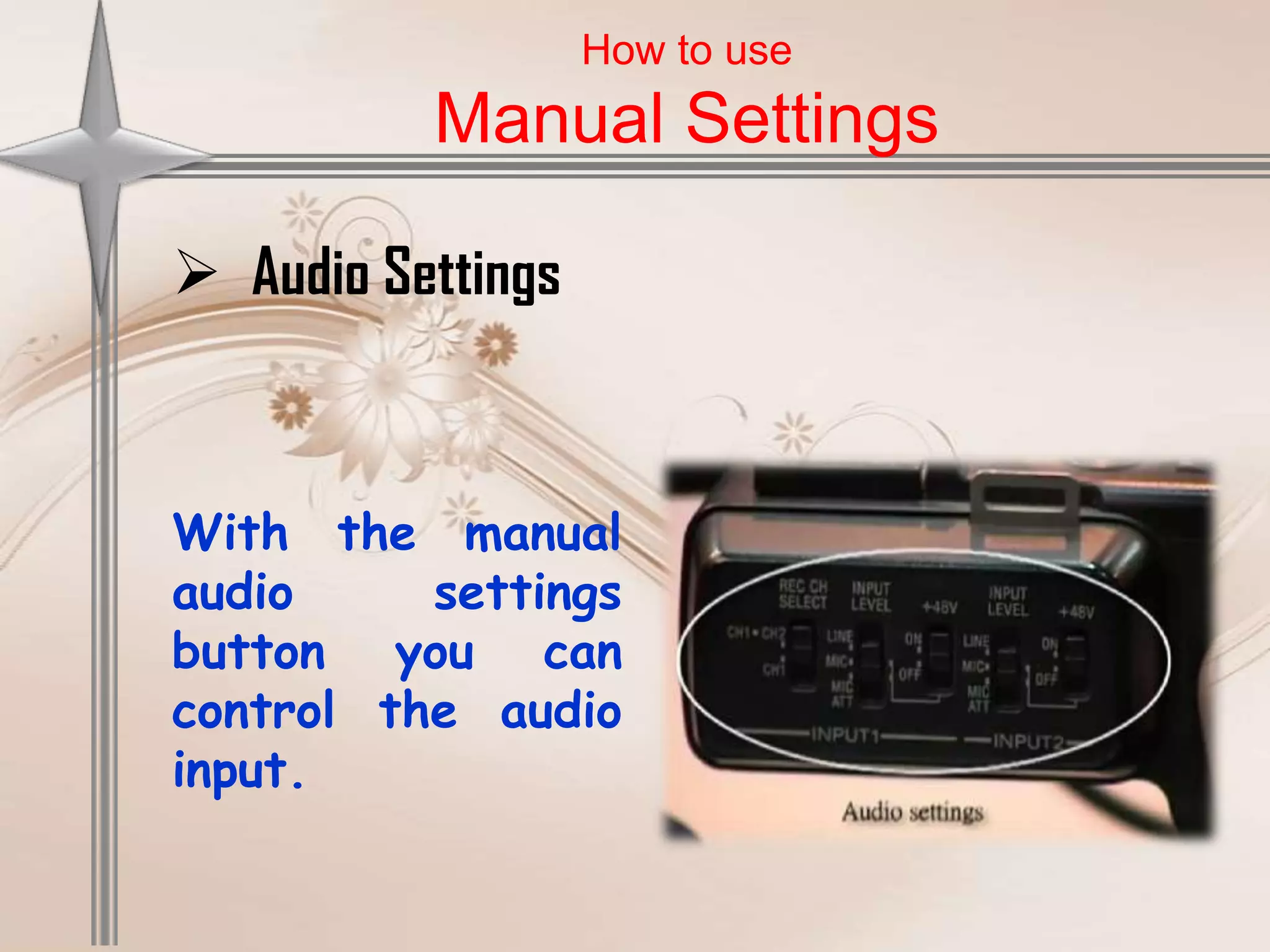
 Audio Settings


With the manual
audio     settings
button you can
control the audio
input.
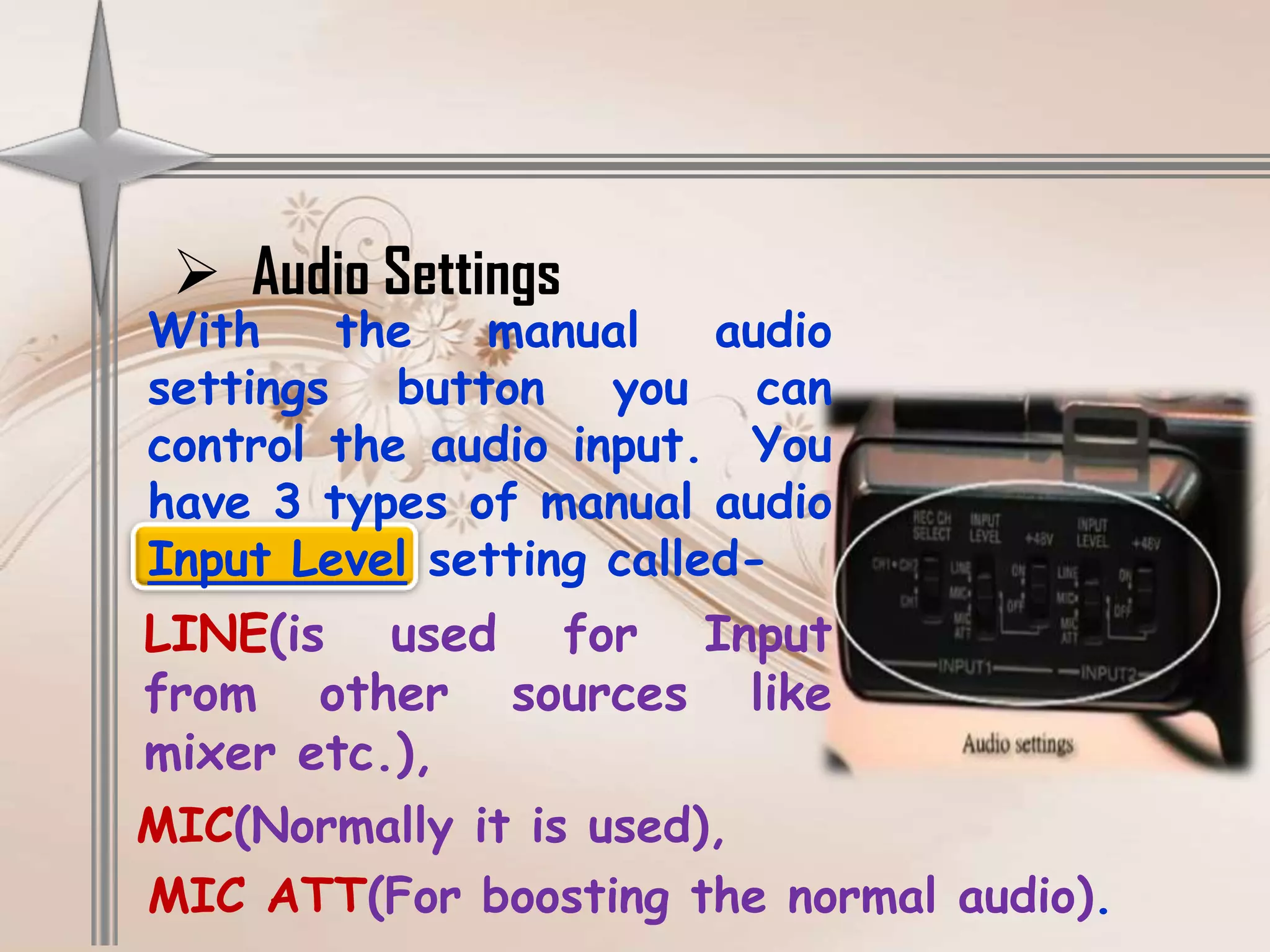
 Audio Settings
With    the   manual     audio
settings button you can
control the audio input. You
have 3 types of manual audio
Input Level setting called-
LINE(is used for Input
from other sources like
mixer etc.),
MIC(Normally it is used),
MIC ATT(For boosting the normal audio).
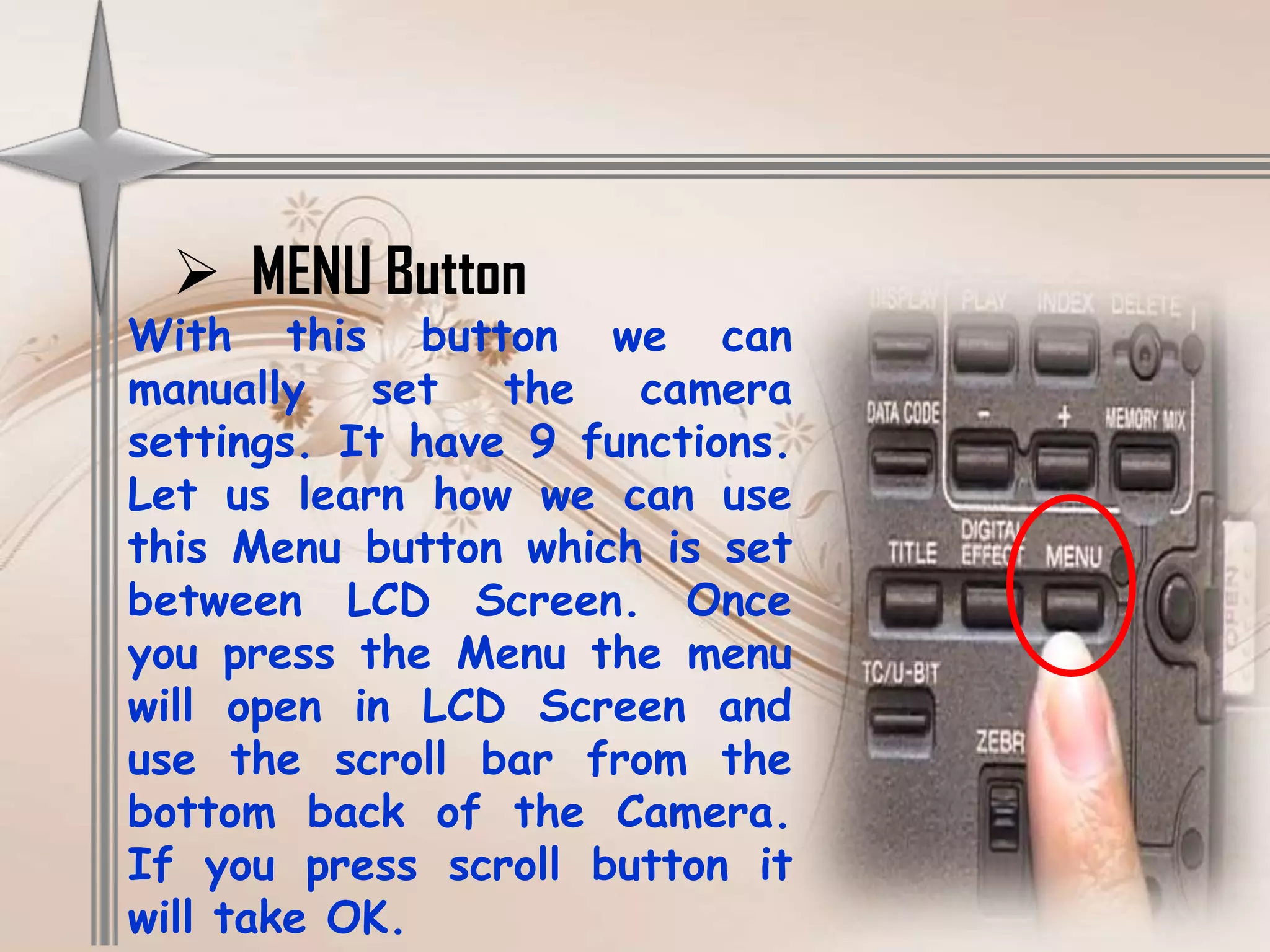
 MENU Button
With this button we can
manually set the camera
settings. It have 9 functions.
Let us learn how we can use
this Menu button which is set
between LCD Screen. Once
you press the Menu the menu
will open in LCD Screen and
use the scroll bar from the
bottom back of the Camera.
If you press scroll button it
will take OK.
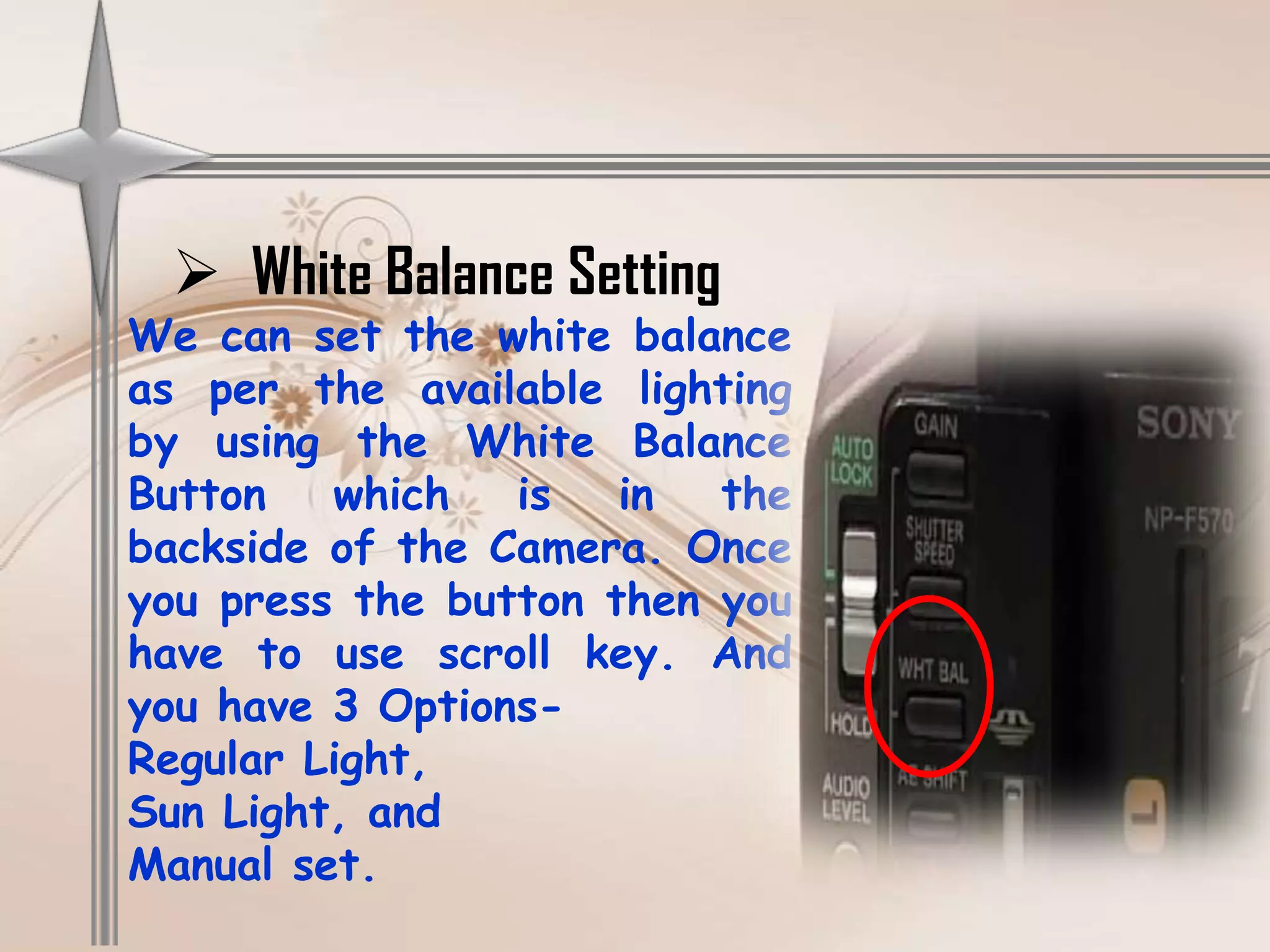
 White Balance Setting
We can set the white balance
as per the available lighting
by using the White Balance
Button   which   is   in  the
backside of the Camera. Once
you press the button then you
have to use scroll key. And
you have 3 Options-
Regular Light,
Sun Light, and
Manual set.
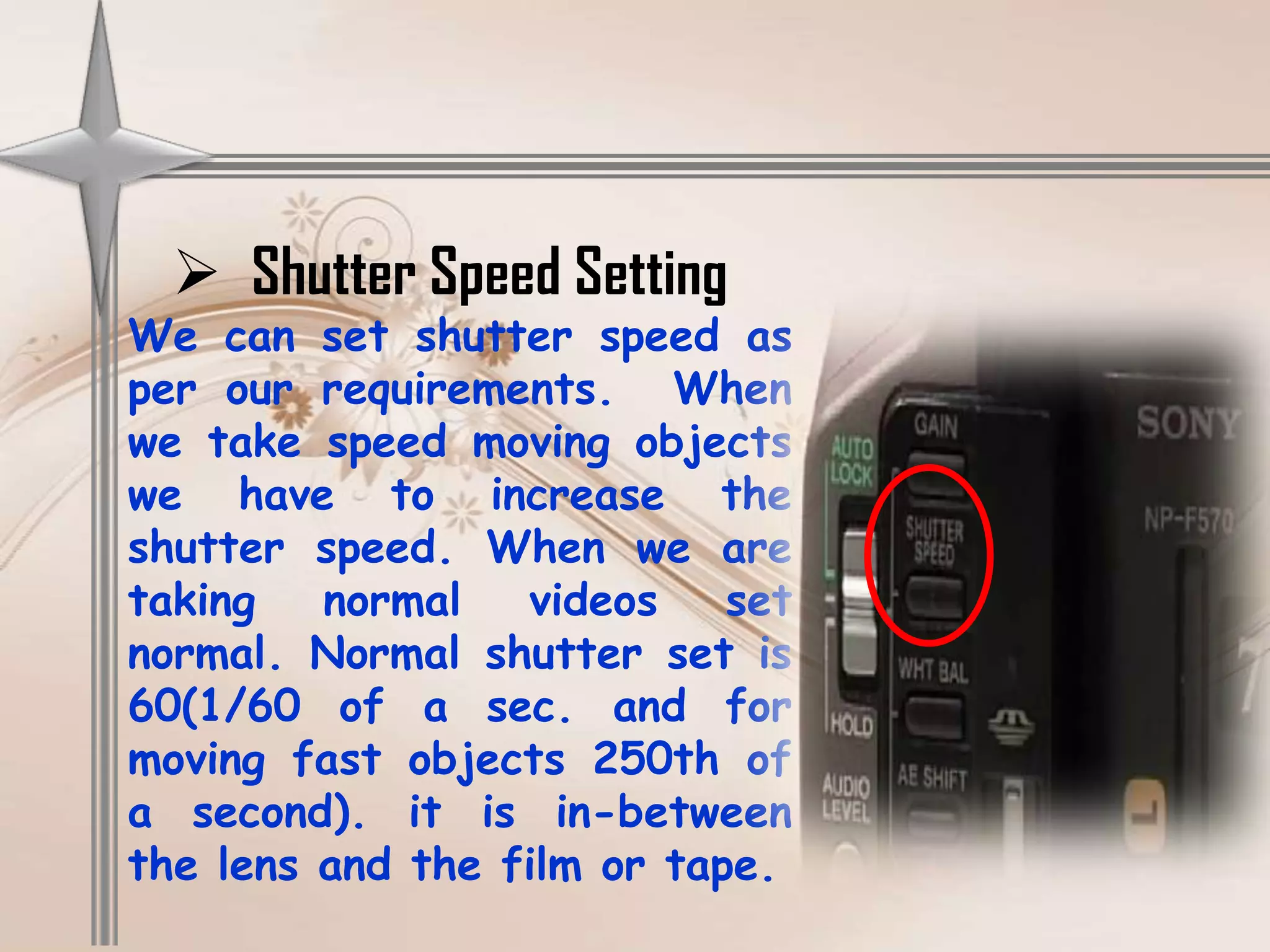
 Shutter Speed Setting
We can set shutter speed as
per our requirements. When
we take speed moving objects
we have to increase the
shutter speed. When we are
taking   normal   videos    set
normal. Normal shutter set is
60(1/60 of a sec. and for
moving fast objects 250th of
a second). it is in-between
the lens and the film or tape.
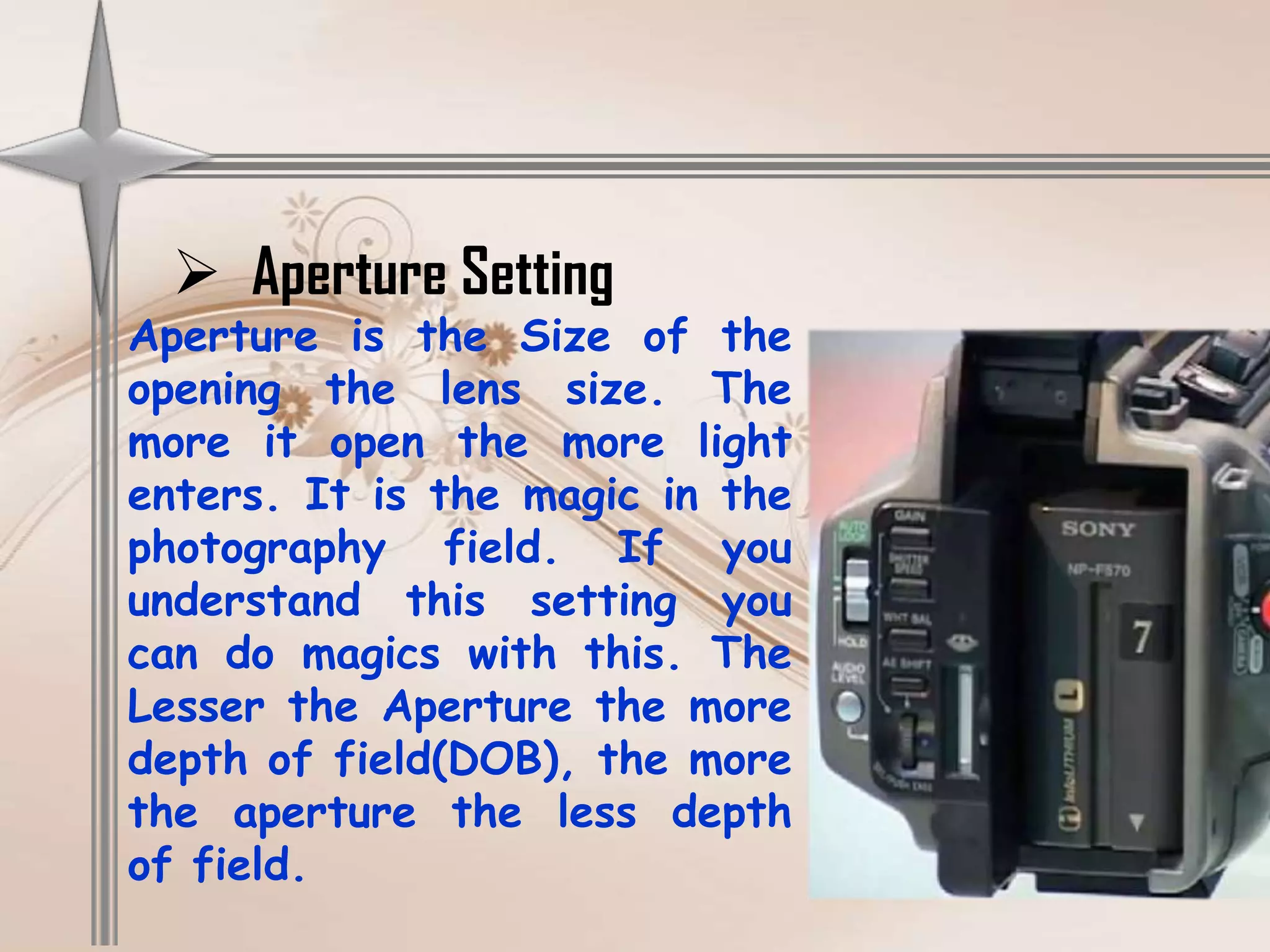
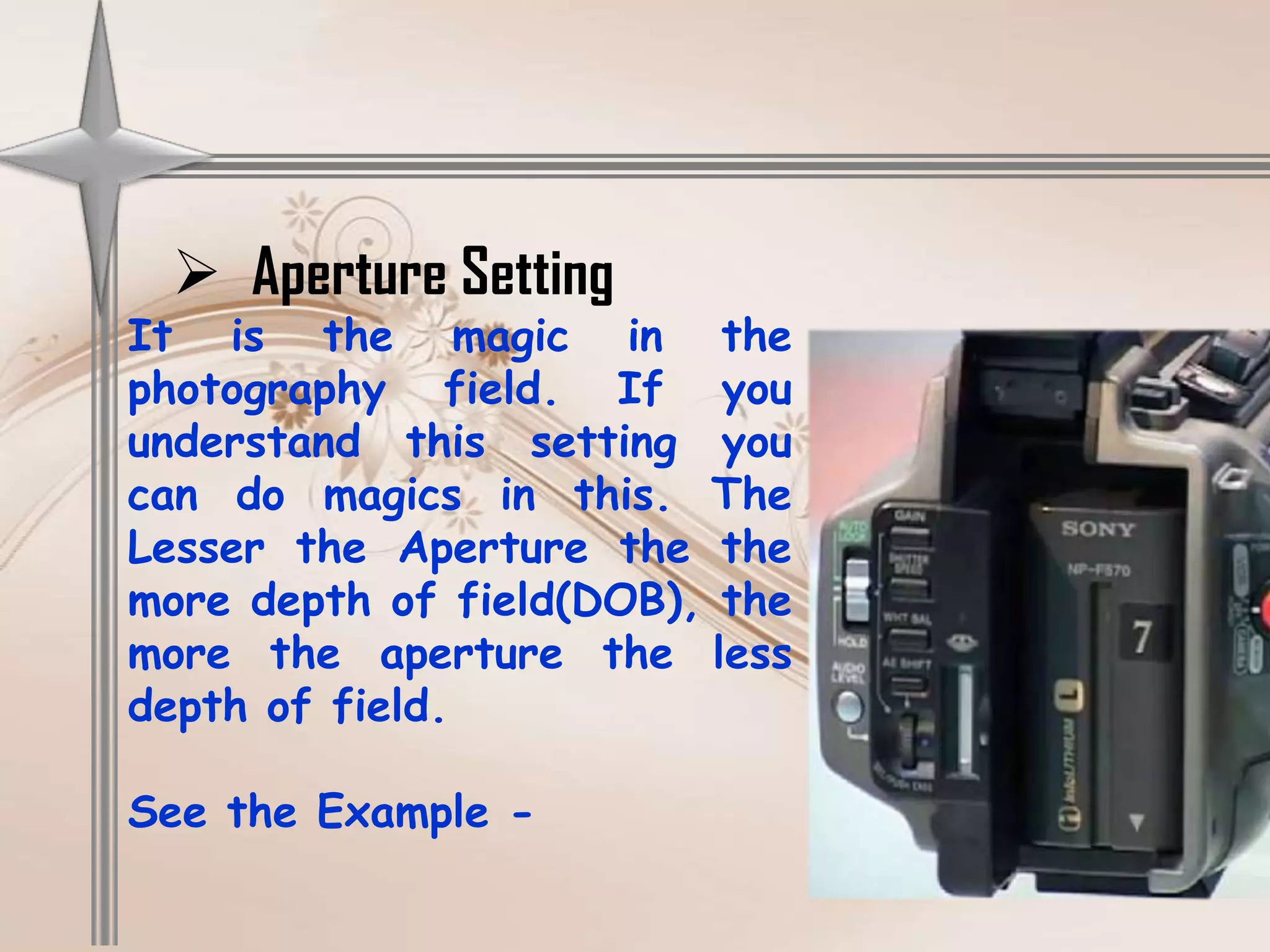
 Aperture Setting
Aperture is the Size of the
opening the lens size. The
more it open the more light
enters. It is the magic in the
photography field. If you
understand this setting you
can do magics with this. The
Lesser the Aperture the more
depth of field(DOB), the more
the aperture the less depth
of field.
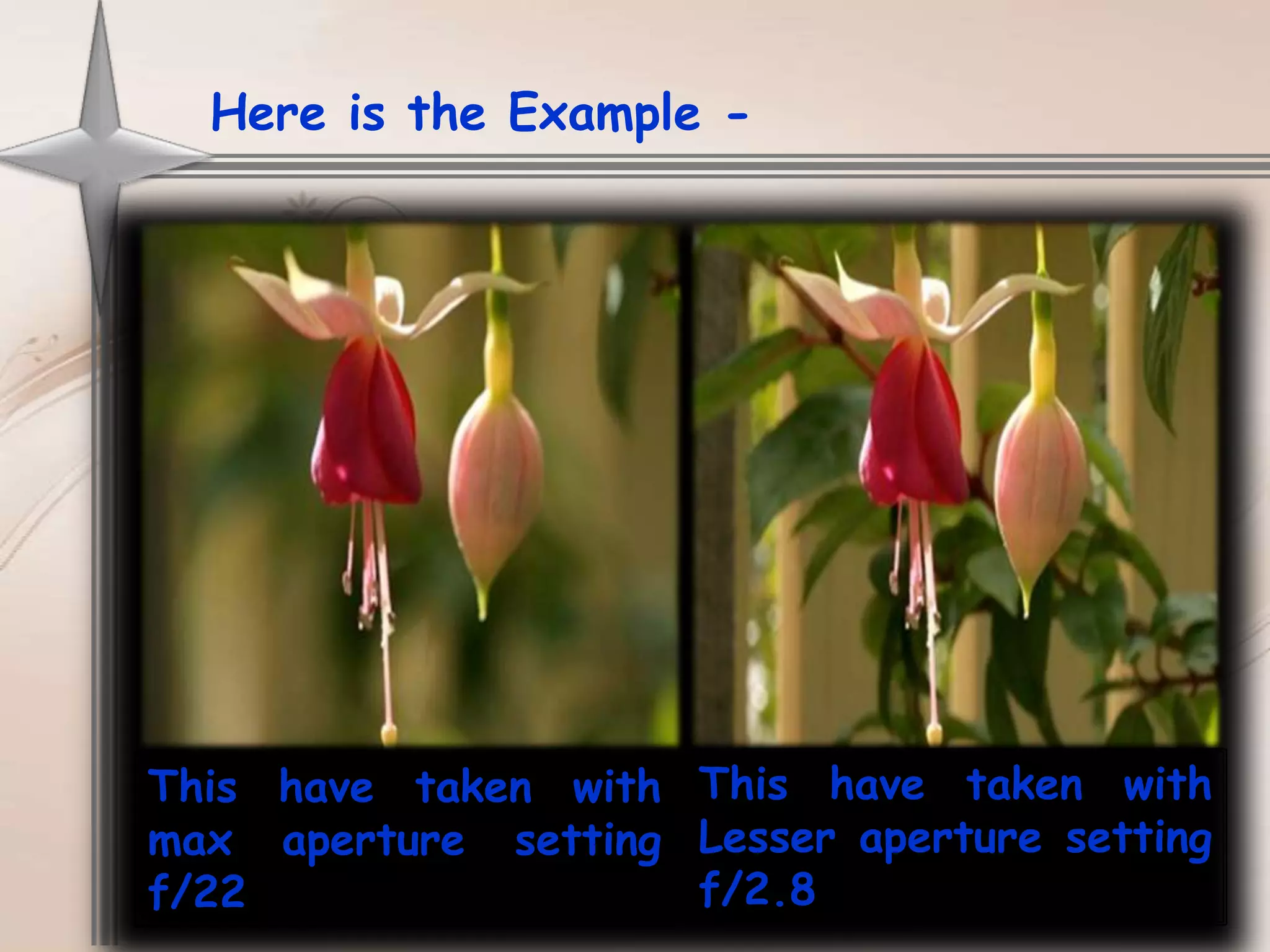
Here is the Example -


This have taken with This have taken with
max aperture setting Lesser aperture setting
f/22                 f/2.8
 Aperture Setting
It is the magic in the
photography field. If you
understand this setting you
can do magics in this. The
Lesser the Aperture the the
more depth of field(DOB), the
more the aperture the less
depth of field.

See the Example -
Causion

 Once camera Work over we have to close
  with the lens Cap.
 We need to handle all buttons smoothly while
  manually setting up.
 We have to be careful while closing the
  cassette case. We should not close both
  doors in one time.
 We should not use the buttons which
  we don’t know what functions it do.
Any Questions?
Basayya M Hosurmath
Educational Technology Multimedia Center
Karnataka University Dharwad

Basics of Production Camera and Camera Operations

  • 1.
    Presentation on Basics of Camera
  • 2.
    About Camera:- Today I explain you the basic operations of Sony PD Camera. PD Camera is popular because it is small in size, light weight and easy to handle. It is popular for making documentaries. No need of setting manually when PD has the special function and it adjust automatically as per the shooting climate and provides a good videos. If u want to adjust manually you can. So, It is very user friendly.
  • 3.
    Important Parts ofCamera  Lenswood
  • 4.
     View Finderwith Eyecup
  • 5.
     Lens There aredifferent types in Lens: Normal Lens, Wide Lens, Tele Lens, Zoom Lense. Normally Zoom Lens will be used in our Video Cams.
  • 6.
     Lens Cap Toprotect the lens by dust, mastures, pinger prints etc
  • 7.
     Record andVCR buttons
  • 8.
  • 9.
  • 10.
  • 11.
     Recording Button Totally camera have 3 Recording buttons for the user comfort
  • 12.
     Audio/MIC Ports Withthis the audio will be received. At the front-top of the camera we have audio ports. Through that we can add MIC. We have 2 channels we can connect 2 audio input sources. And It has 2 channels – CH1 and CH2
  • 13.
     Zoom AndFocus Rings Through this we can zoom the object and focus on the subject.
  • 14.
    Some Basic Operations& Functions  Adding and Removing Battery While adding the Battery you have to be very careful. You need to fallow proper steps.
  • 15.
     Switching onthe Camera and VCR Mode When you have a Battery of power supply you can on the Camera by just switching to Camera Mode. If you want to playback you need to switch to VCR Mode
  • 16.
     Adding RecordingTape and Removing Right side of the camera we have a open button once we press the button automatically the tape case will open. Once we insert the Tape automatically the inside case will get close after we have to close outside door.
  • 17.
     Audio/Video Ports Through this Audio/Video Ports we can connect the camera directly to TV.
  • 18.
     DC In(PowerSuply) When we don’t have battery backup, then we can directly use power supply.
  • 19.
    How to use Manual Settings  Audio Settings With the manual audio settings button you can control the audio input.
  • 20.
     Audio Settings With the manual audio settings button you can control the audio input. You have 3 types of manual audio Input Level setting called- LINE(is used for Input from other sources like mixer etc.), MIC(Normally it is used), MIC ATT(For boosting the normal audio).
  • 21.
     MENU Button Withthis button we can manually set the camera settings. It have 9 functions. Let us learn how we can use this Menu button which is set between LCD Screen. Once you press the Menu the menu will open in LCD Screen and use the scroll bar from the bottom back of the Camera. If you press scroll button it will take OK.
  • 22.
     White BalanceSetting We can set the white balance as per the available lighting by using the White Balance Button which is in the backside of the Camera. Once you press the button then you have to use scroll key. And you have 3 Options- Regular Light, Sun Light, and Manual set.
  • 23.
     Shutter SpeedSetting We can set shutter speed as per our requirements. When we take speed moving objects we have to increase the shutter speed. When we are taking normal videos set normal. Normal shutter set is 60(1/60 of a sec. and for moving fast objects 250th of a second). it is in-between the lens and the film or tape.
  • 24.
     Aperture Setting Apertureis the Size of the opening the lens size. The more it open the more light enters. It is the magic in the photography field. If you understand this setting you can do magics with this. The Lesser the Aperture the more depth of field(DOB), the more the aperture the less depth of field.
  • 25.
    Here is theExample - This have taken with This have taken with max aperture setting Lesser aperture setting f/22 f/2.8
  • 26.
     Aperture Setting Itis the magic in the photography field. If you understand this setting you can do magics in this. The Lesser the Aperture the the more depth of field(DOB), the more the aperture the less depth of field. See the Example -
  • 27.
    Causion  Once cameraWork over we have to close with the lens Cap.  We need to handle all buttons smoothly while manually setting up.  We have to be careful while closing the cassette case. We should not close both doors in one time.  We should not use the buttons which we don’t know what functions it do.
  • 28.
  • 29.
    Basayya M Hosurmath EducationalTechnology Multimedia Center Karnataka University Dharwad