
Camera Composition
(Shots, Angles, &
Movement)
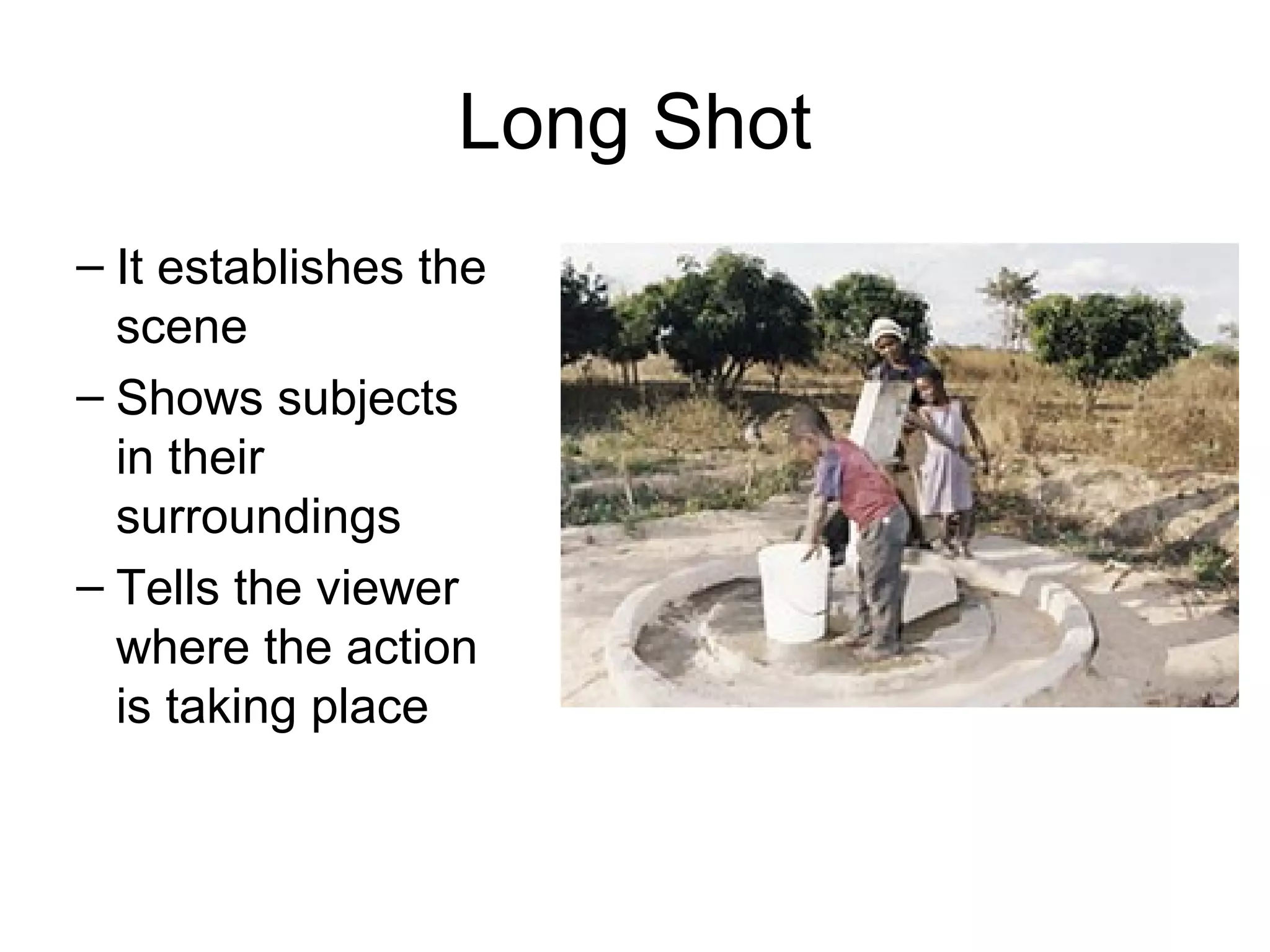
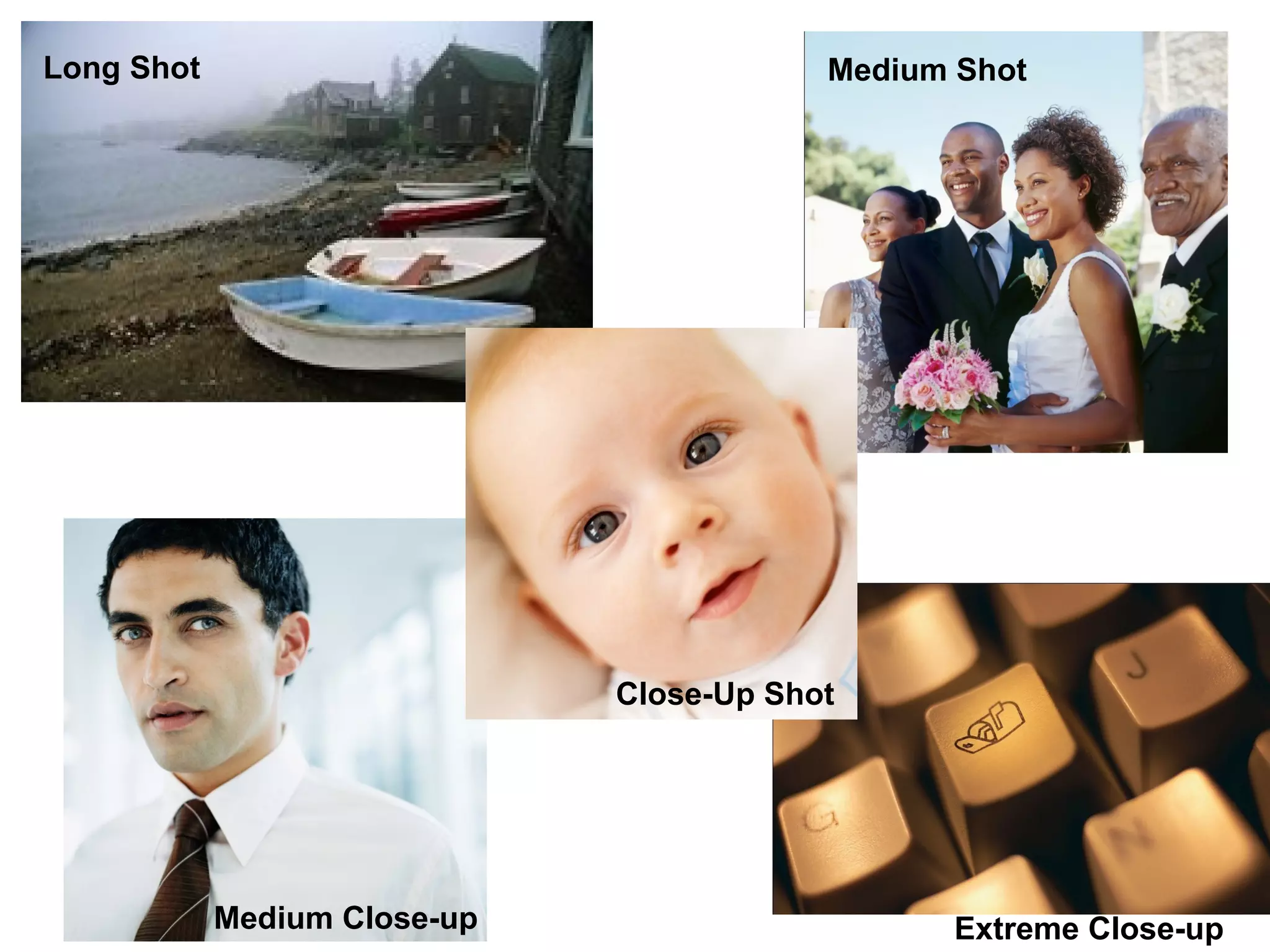
Long Shot
– It establishes the
scene
– Shows subjects
in their
surroundings
– Tells the viewer
where the action
is taking place
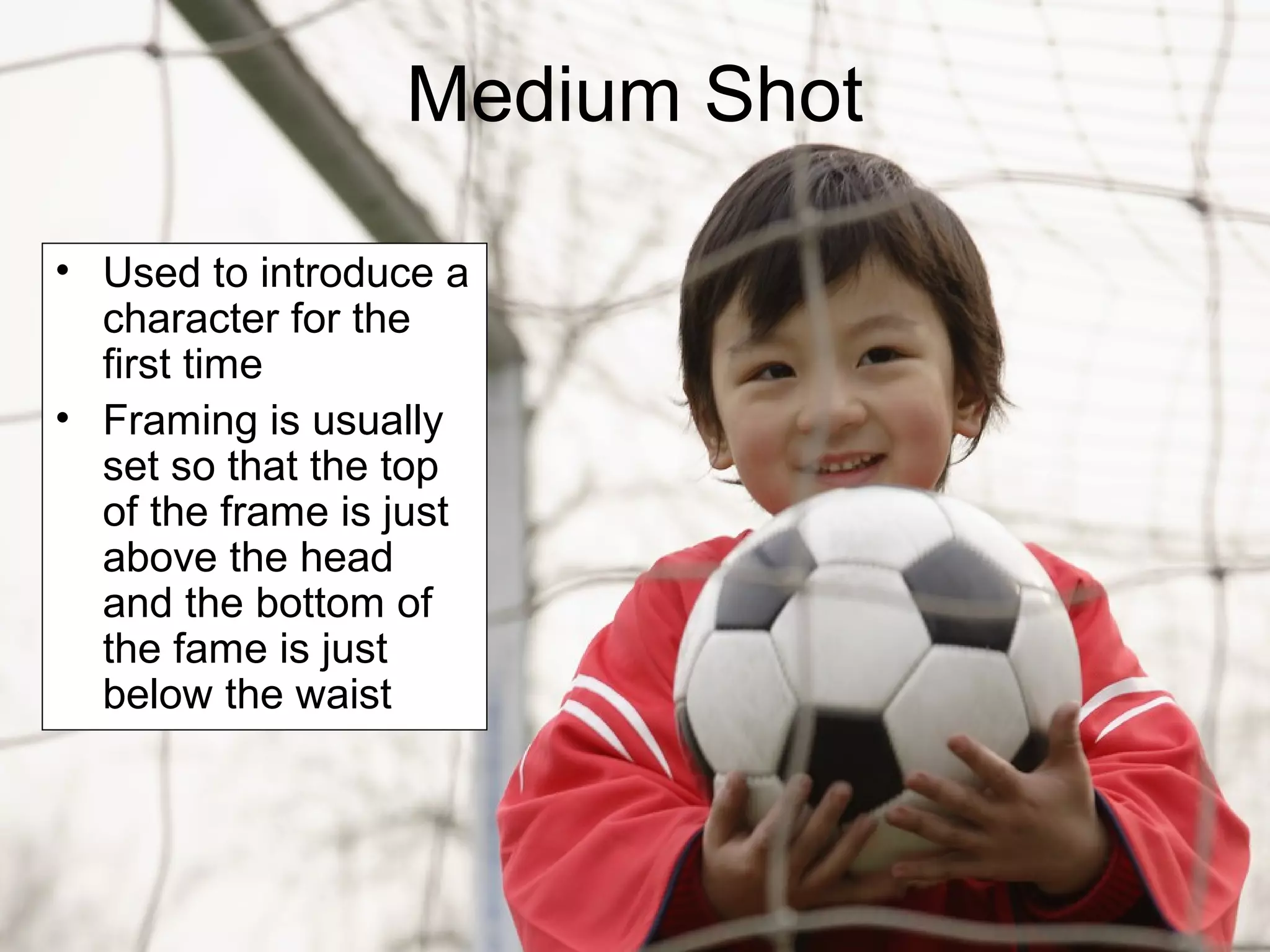
Medium Shot
• Used to introduce a
character for the
first time
• Framing is usually
set so that the top
of the frame is just
above the head
and the bottom of
the fame is just
below the waist
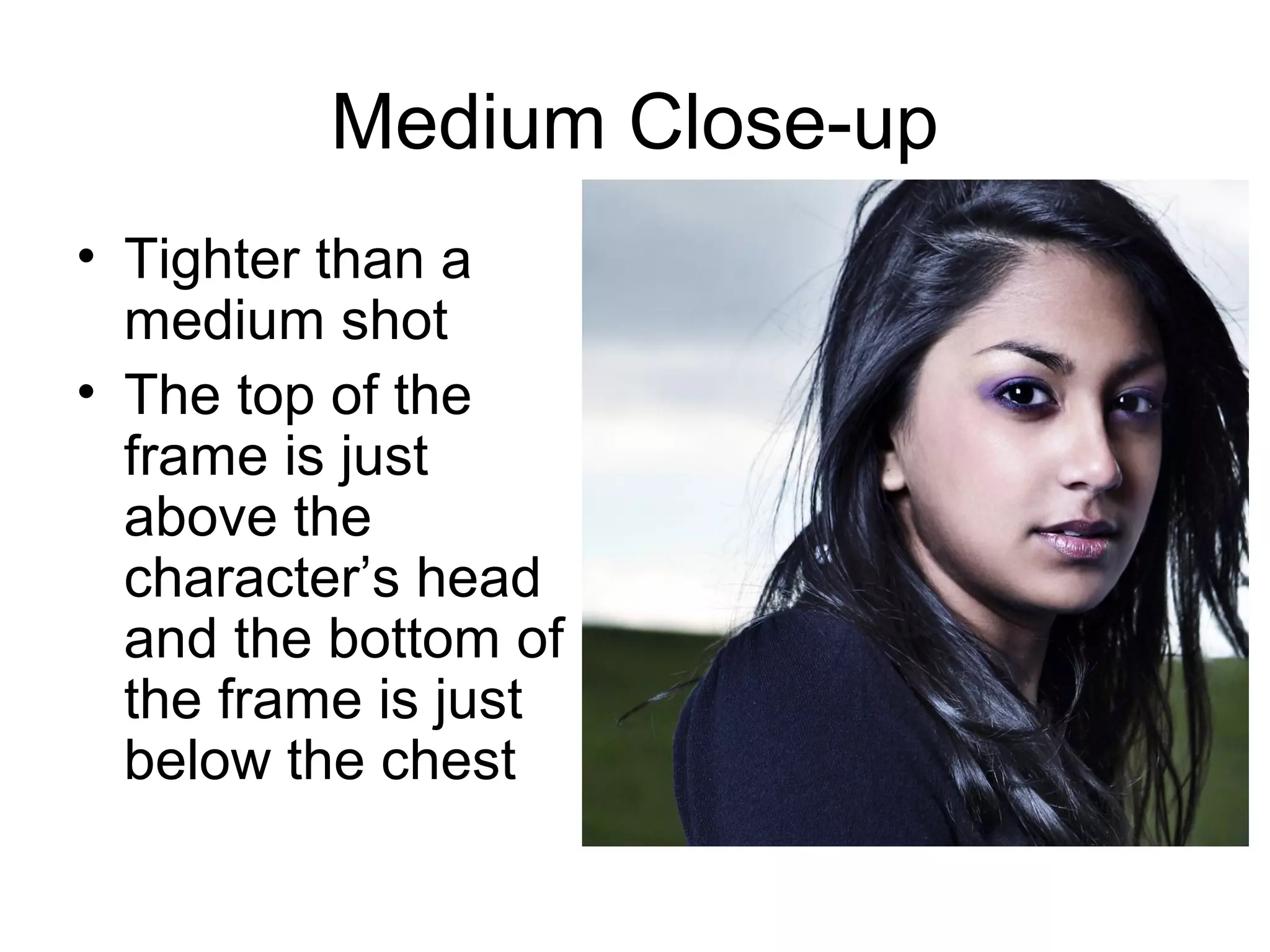
Medium Close-up
• Tighter than a
medium shot
• The top of the
frame is just
above the
character’s head
and the bottom of
the frame is just
below the chest
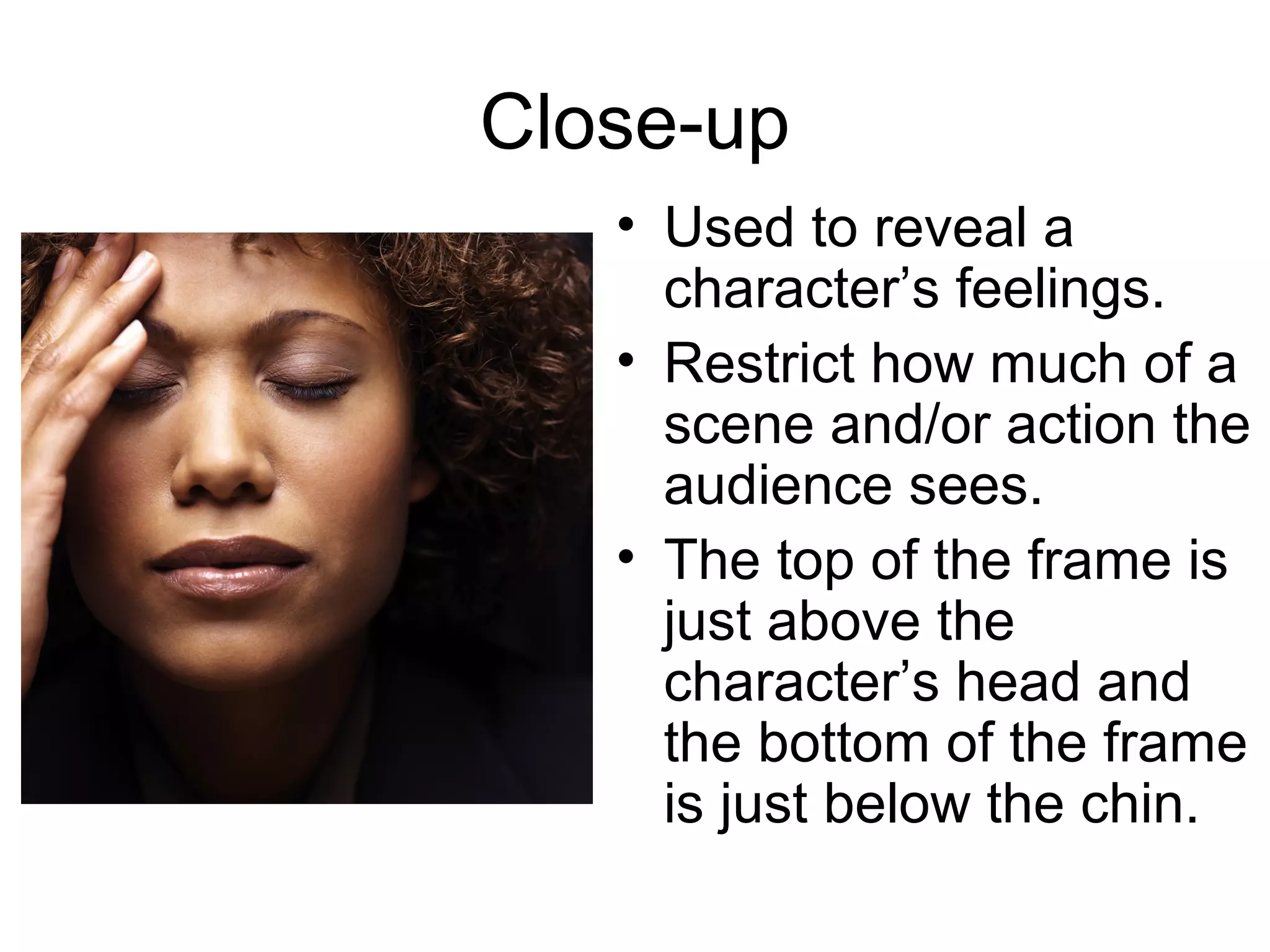
Close-up
• Used to reveal a
character’s feelings.
• Restrict how much of a
scene and/or action the
audience sees.
• The top of the frame is
just above the
character’s head and
the bottom of the frame
is just below the chin.
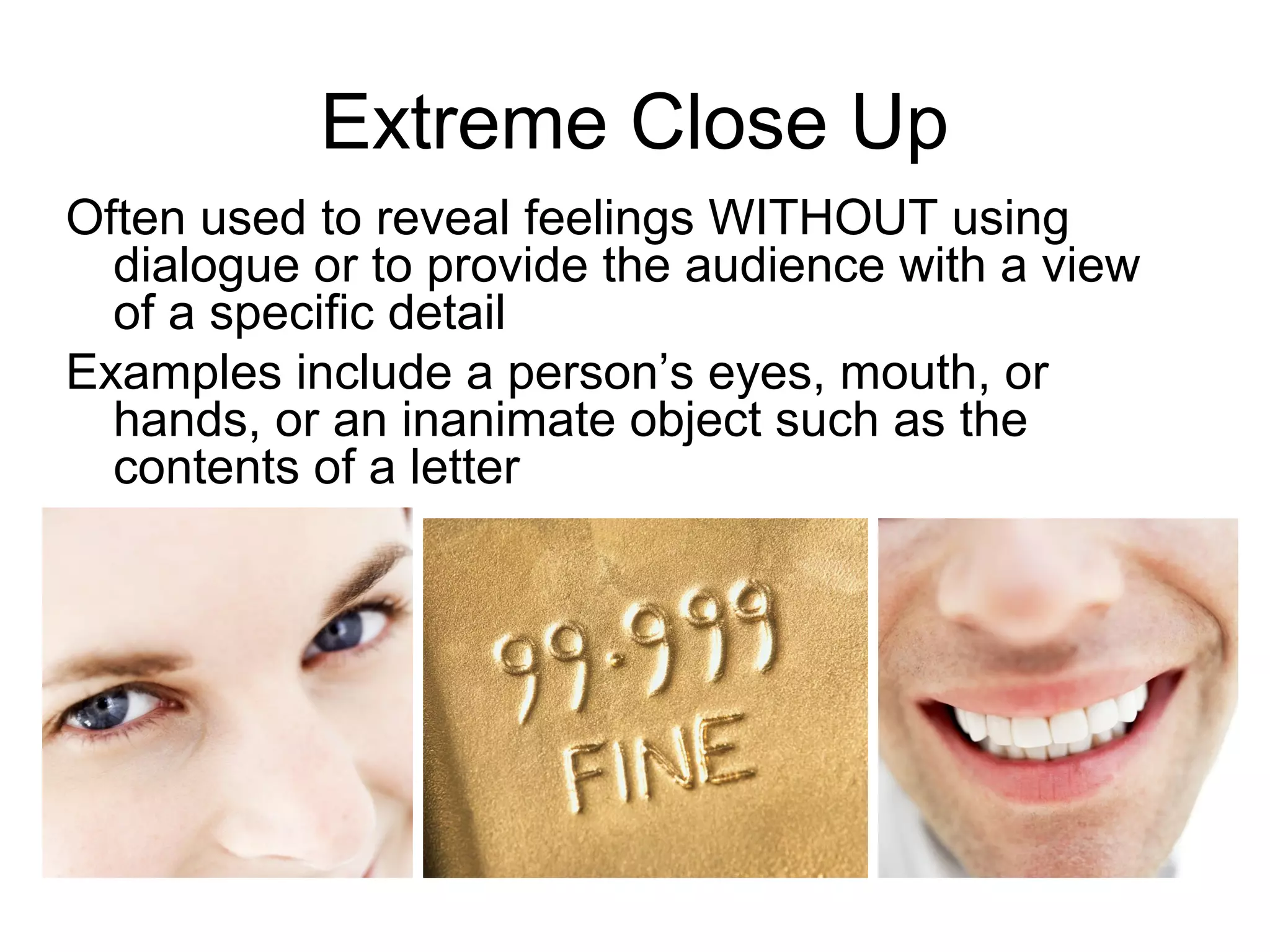
Extreme Close Up
Often used to reveal feelings WITHOUT using
dialogue or to provide the audience with a view
of a specific detail
Examples include a person’s eyes, mouth, or
hands, or an inanimate object such as the
contents of a letter
Long Shot Medium Shot
Extreme Close-upMedium Close-up
Close-Up Shot
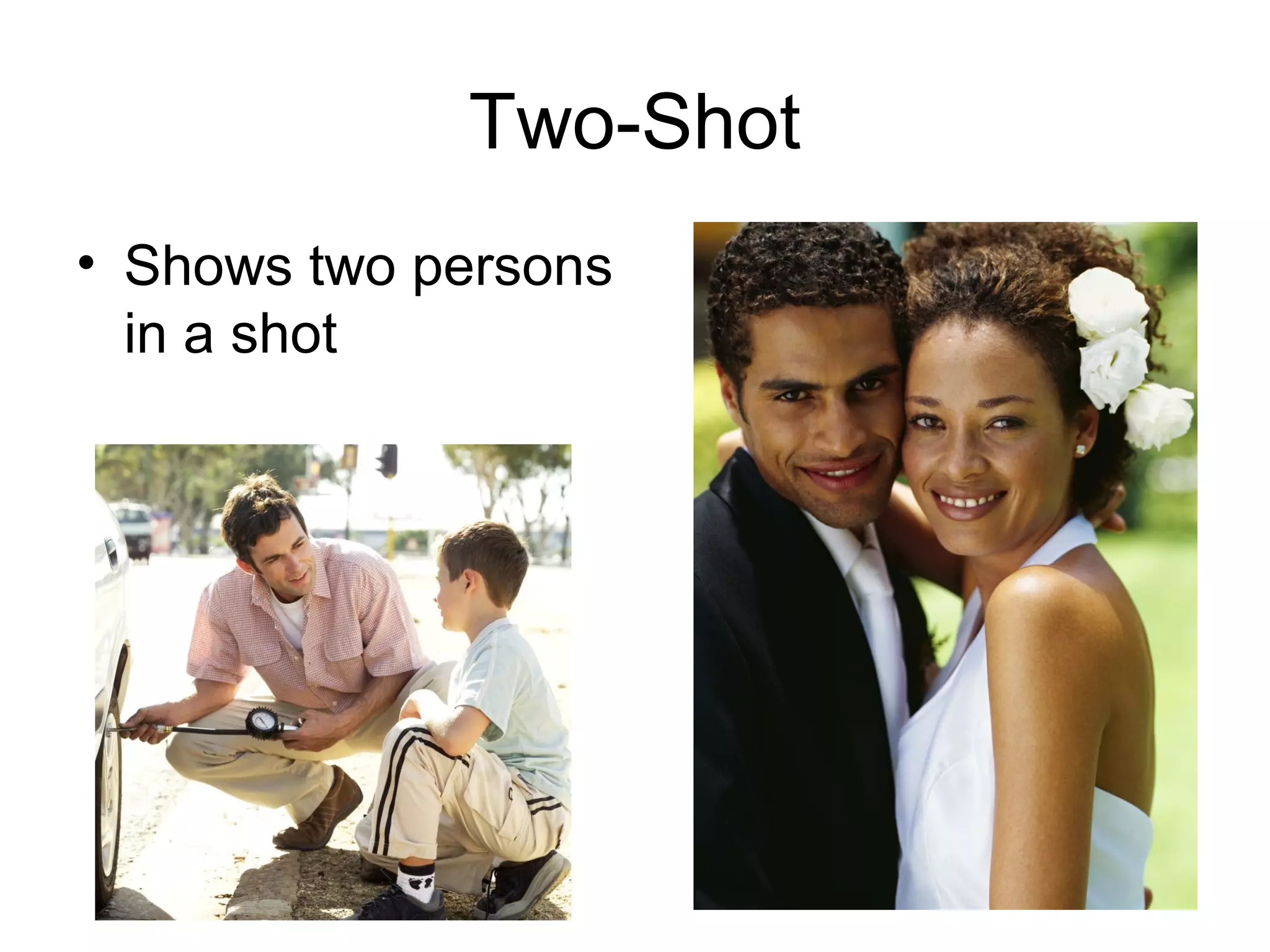
Two-Shot
• Shows two persons
in a shot
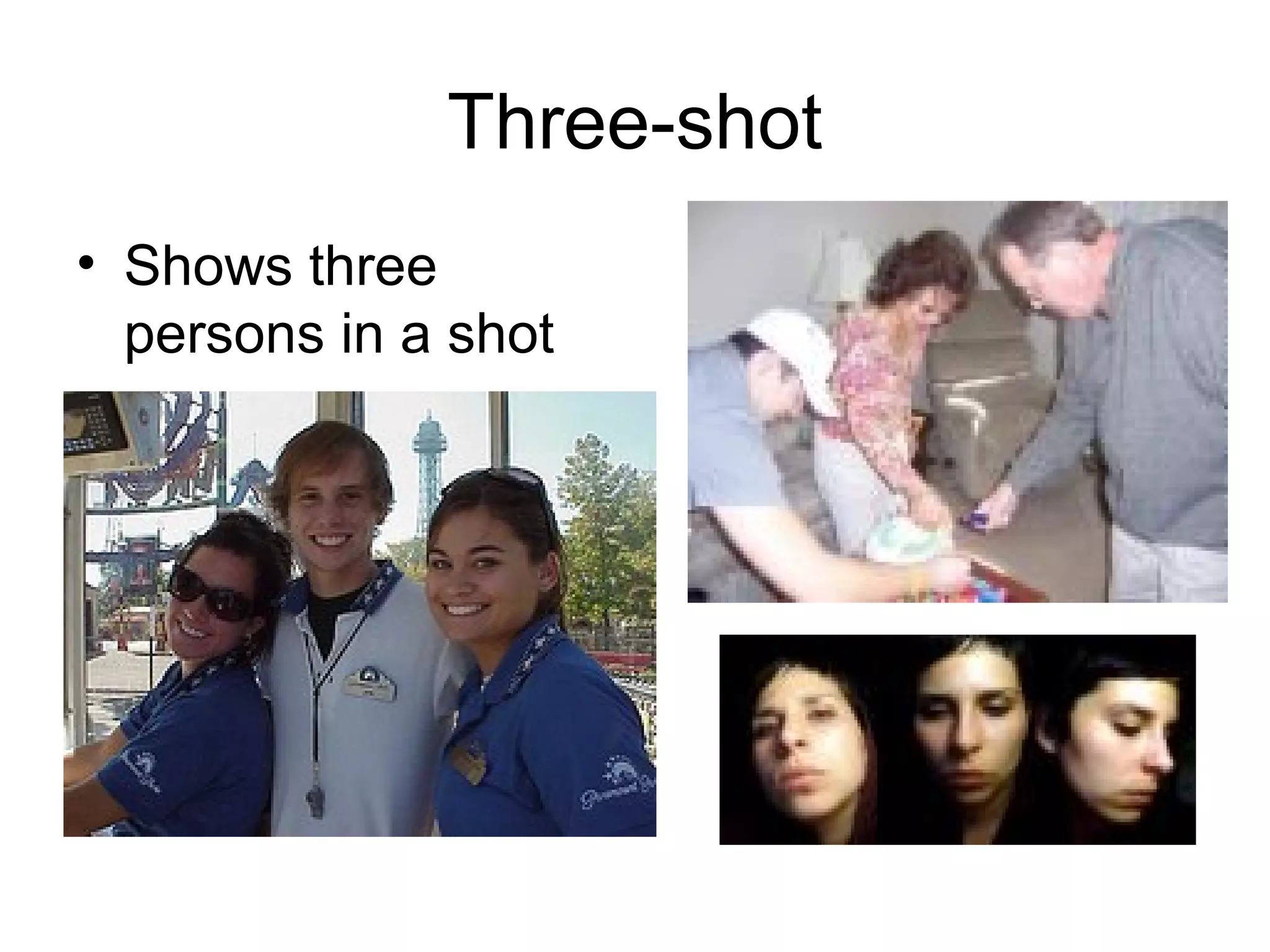
Three-shot
• Shows three
persons in a shot
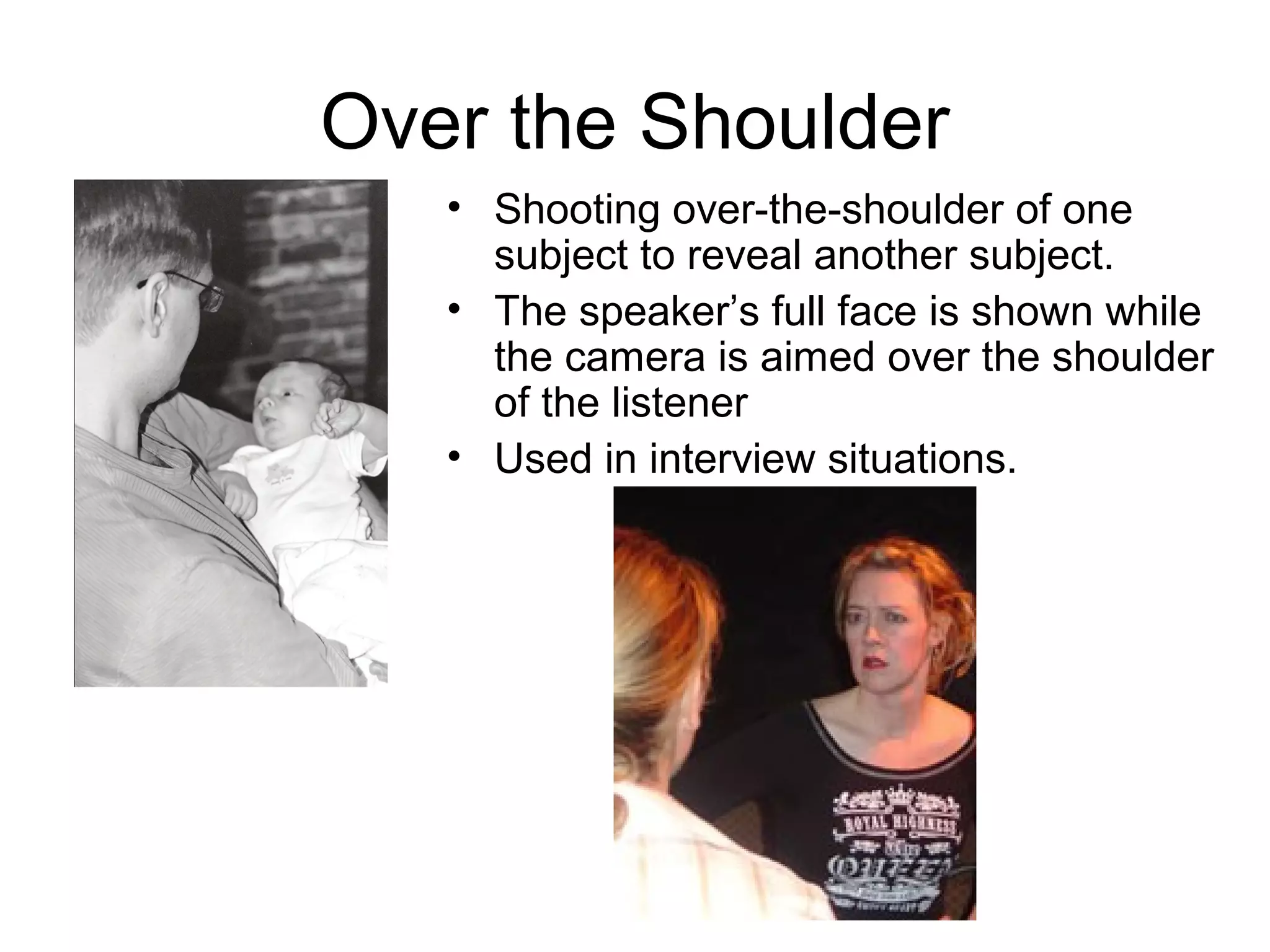
Over the Shoulder
• Shooting over-the-shoulder of one
subject to reveal another subject.
• The speaker’s full face is shown while
the camera is aimed over the shoulder
of the listener
• Used in interview situations.
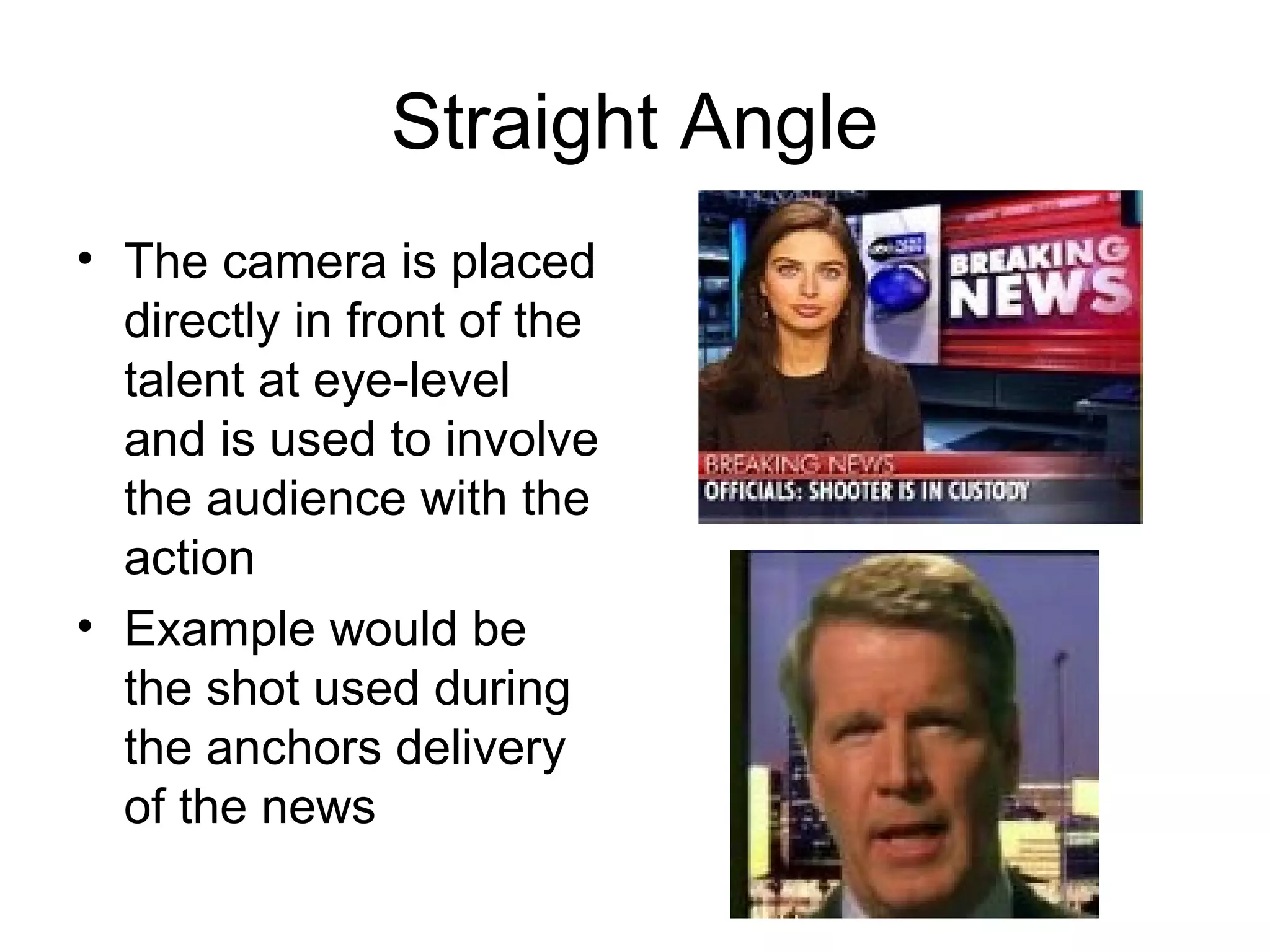
Straight Angle
• The camera is placed
directly in front of the
talent at eye-level
and is used to involve
the audience with the
action
• Example would be
the shot used during
the anchors delivery
of the news
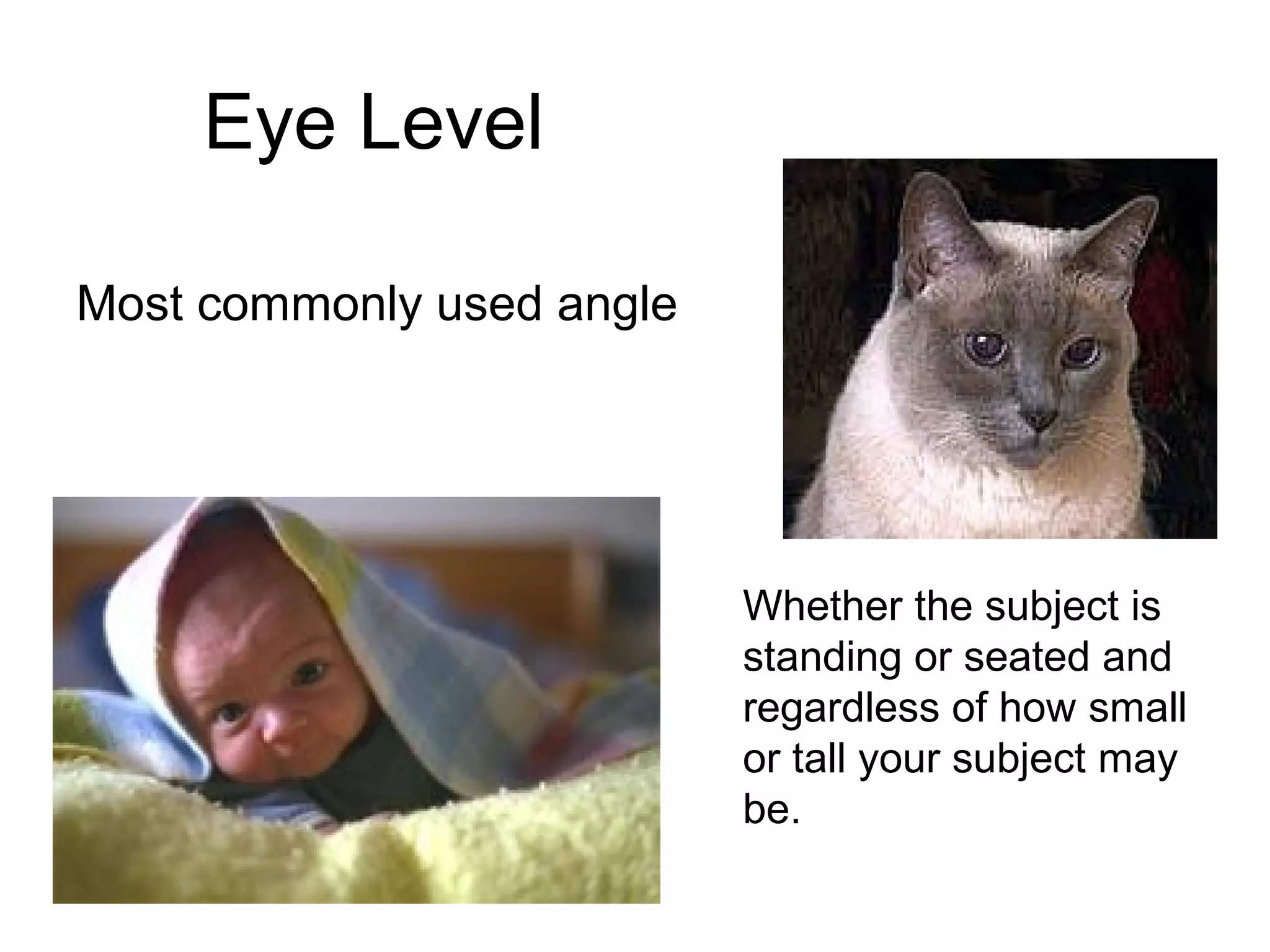
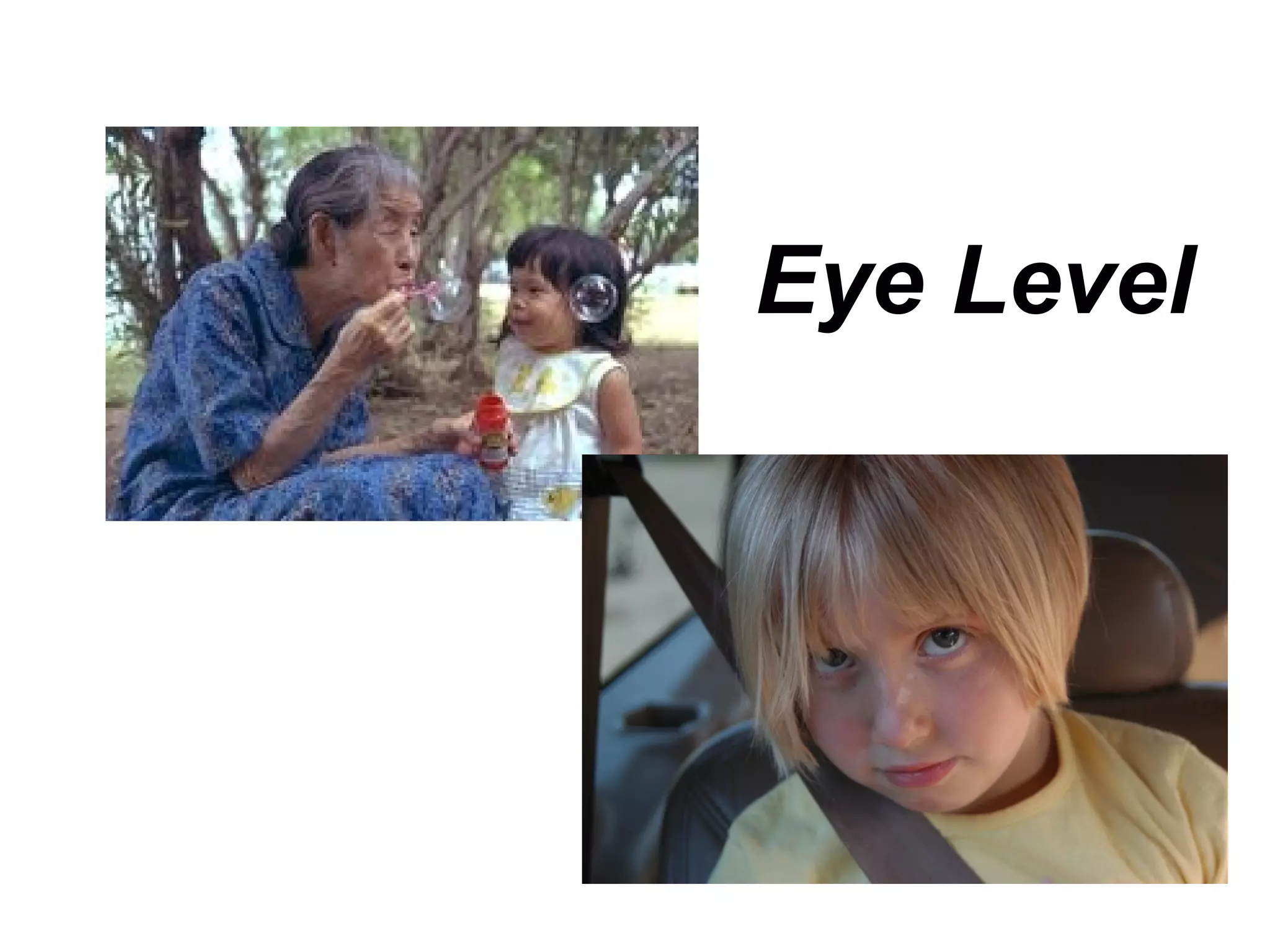
Eye Level
Most commonly used angle
Whether the subject is
standing or seated and
regardless of how small
or tall your subject may
be.
Eye Level
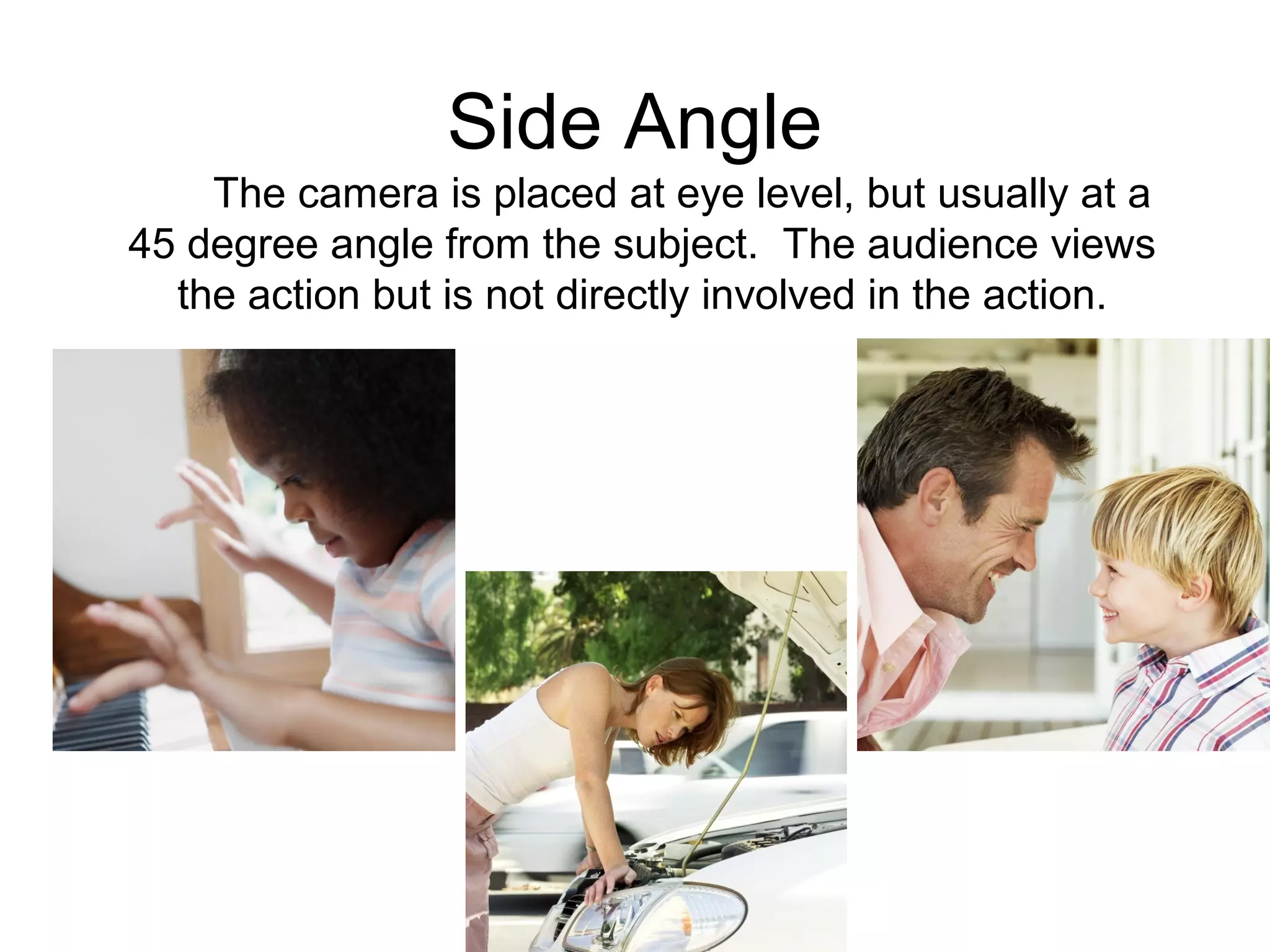
Side Angle
The camera is placed at eye level, but usually at a
45 degree angle from the subject. The audience views
the action but is not directly involved in the action.
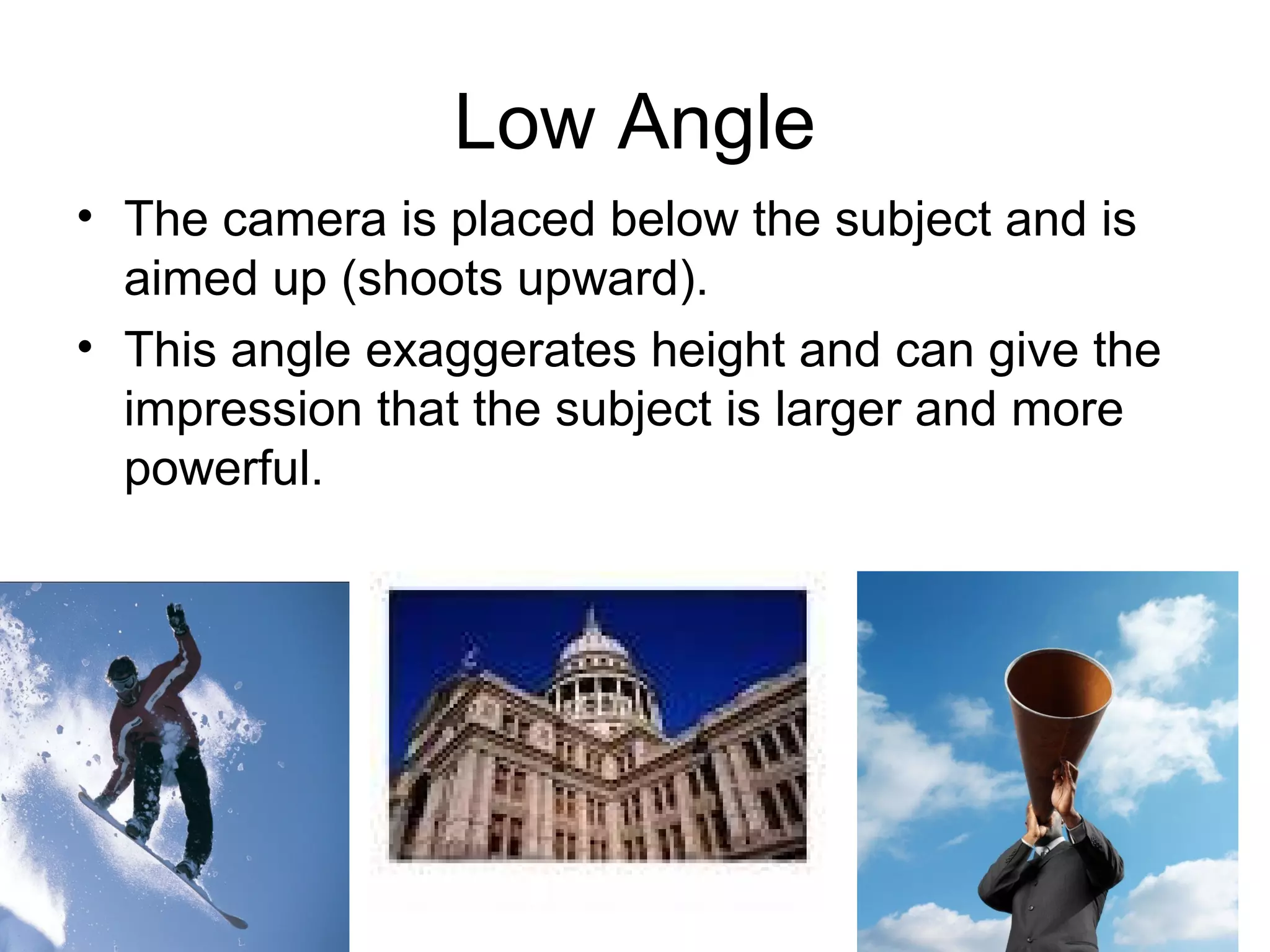
Low Angle
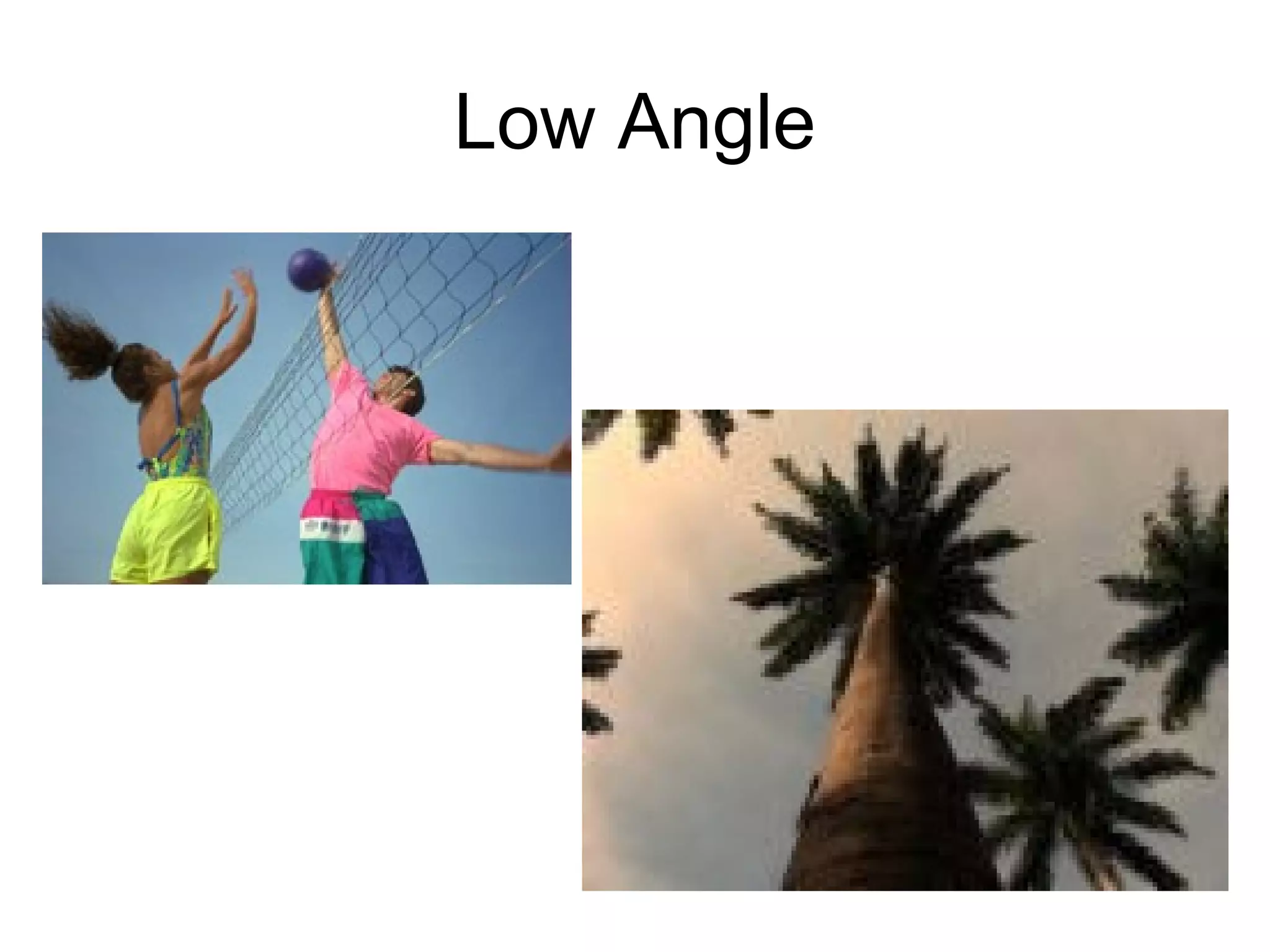
• The camera is placed below the subject and is
aimed up (shoots upward).
• This angle exaggerates height and can give the
impression that the subject is larger and more
powerful.
Low Angle
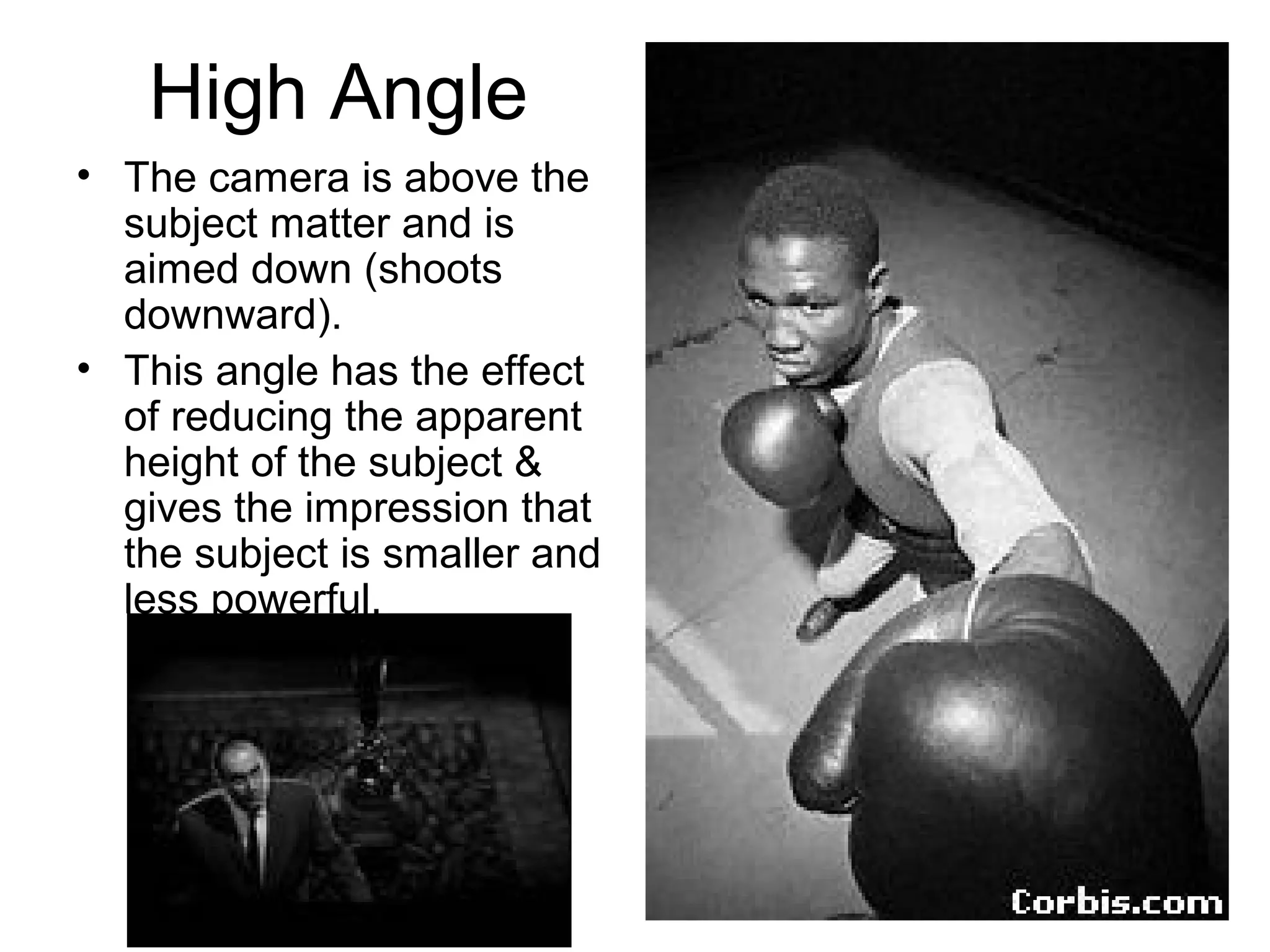
High Angle
• The camera is above the
subject matter and is
aimed down (shoots
downward).
• This angle has the effect
of reducing the apparent
height of the subject &
gives the impression that
the subject is smaller and
less powerful.
High Angle
Camera Movements
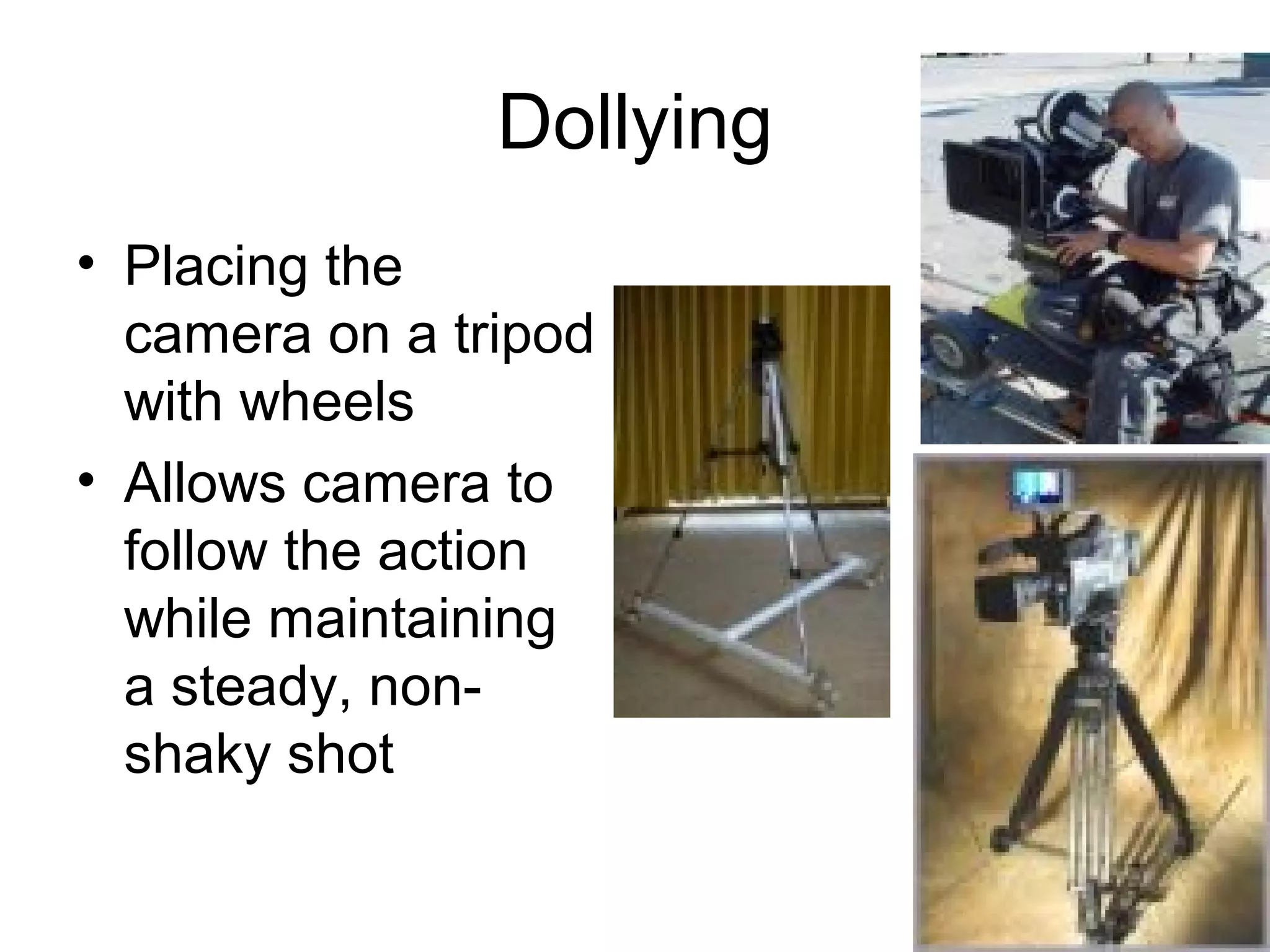
Dollying
• Placing the
camera on a tripod
with wheels
• Allows camera to
follow the action
while maintaining
a steady, non-
shaky shot
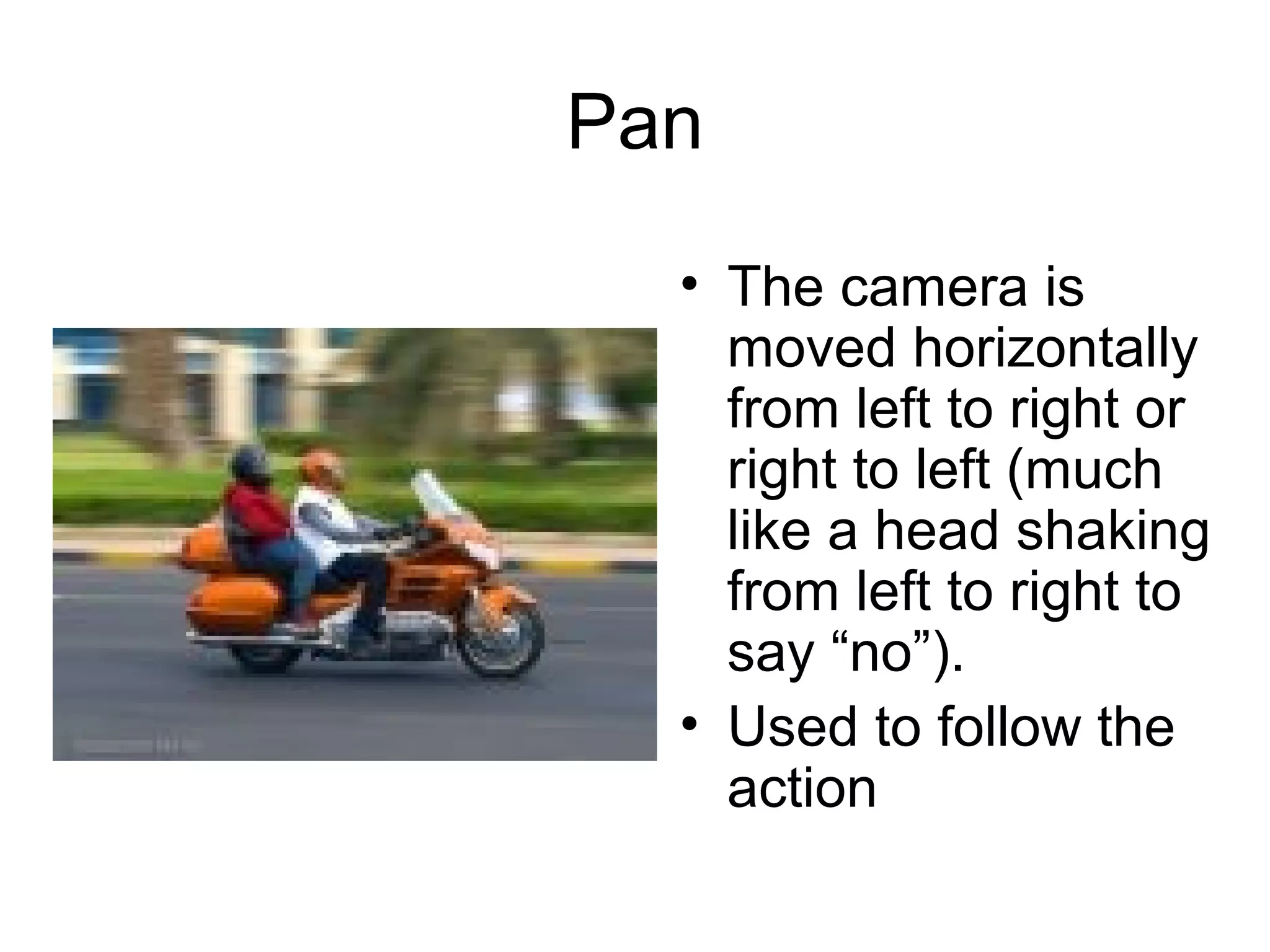
Pan
• The camera is
moved horizontally
from left to right or
right to left (much
like a head shaking
from left to right to
say “no”).
• Used to follow the
action
Tilt
• The camera is
moved vertically up
or down (much like
a head nodding
“yes”)
• Can be used to
follow something
as it falls, or rises
Zoom
• Accomplished by
pressing the W or
the T on the zoom
control.
• Brings the viewer
closer to or further
away from the
action
Tricky Shots
• Match Cut - Changing camera angles without
breaking the continuity of motion from scene to
scene
– Imagine a Long Shot, Side Angle scene of someone
walking, then dropping something; then, in the next
scene you have a Close-Up Shot, Straight Angle of
the person’s face showing his/her reaction to the
dropping of the item. Although the scene may
actually have been filmed using two cameras or the
action may have been stopped in order for the one
and only camera to change positions, the audience
never notices any disruption in the action.
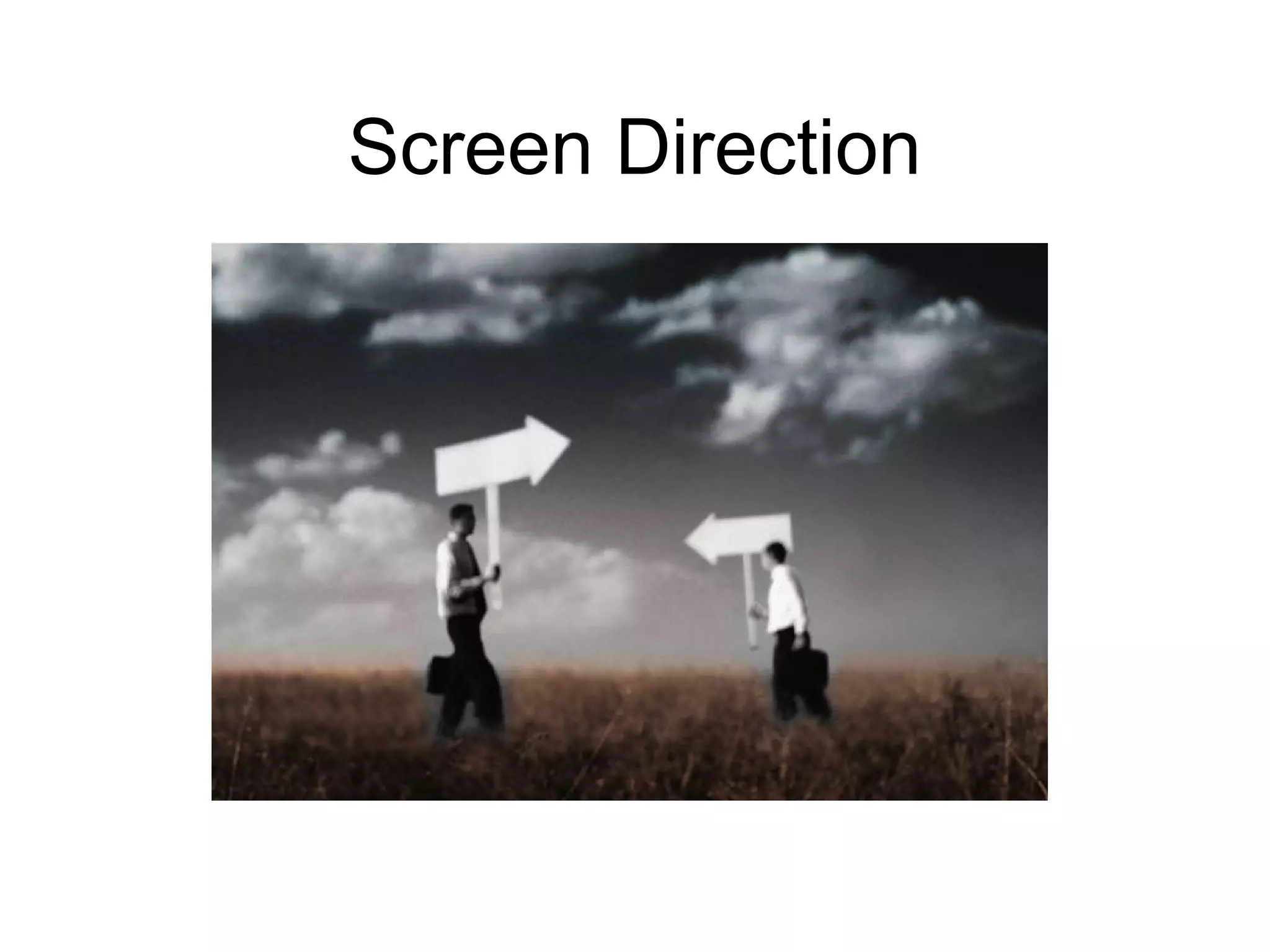
Screen Direction
What is screen direction?
• Screen direction is the direction people
and objects face when viewed through the
camera. When shooting a scene, place
the center of interests on an imaginary
line. This line should not be crossed by
the cameraperson to avoid reversal of
screen direction.
Example of Screen Direction
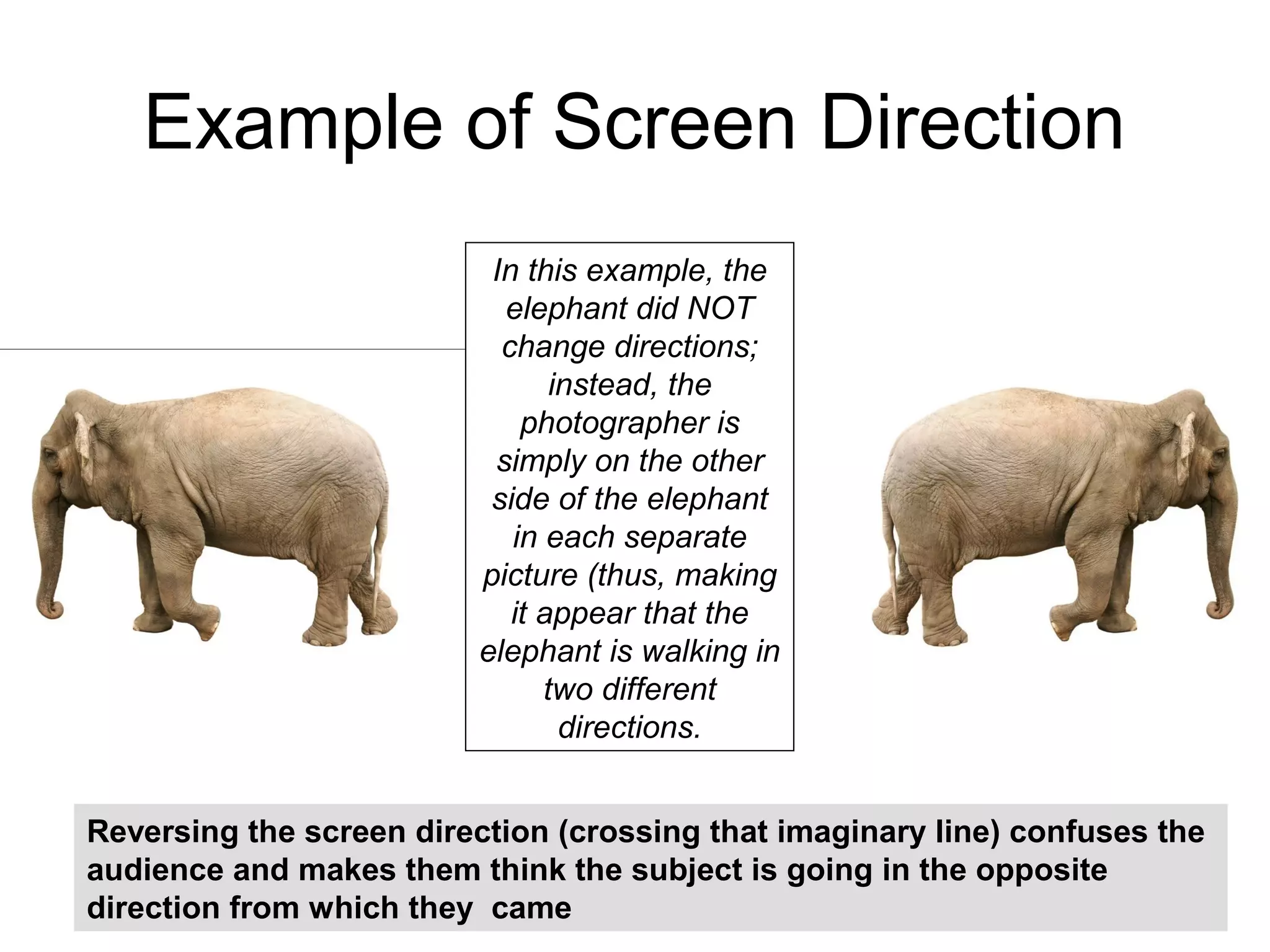
Reversing the screen direction (crossing that imaginary line) confuses the
audience and makes them think the subject is going in the opposite
direction from which they came
In this example, the
elephant did NOT
change directions;
instead, the
photographer is
simply on the other
side of the elephant
in each separate
picture (thus, making
it appear that the
elephant is walking in
two different
directions.
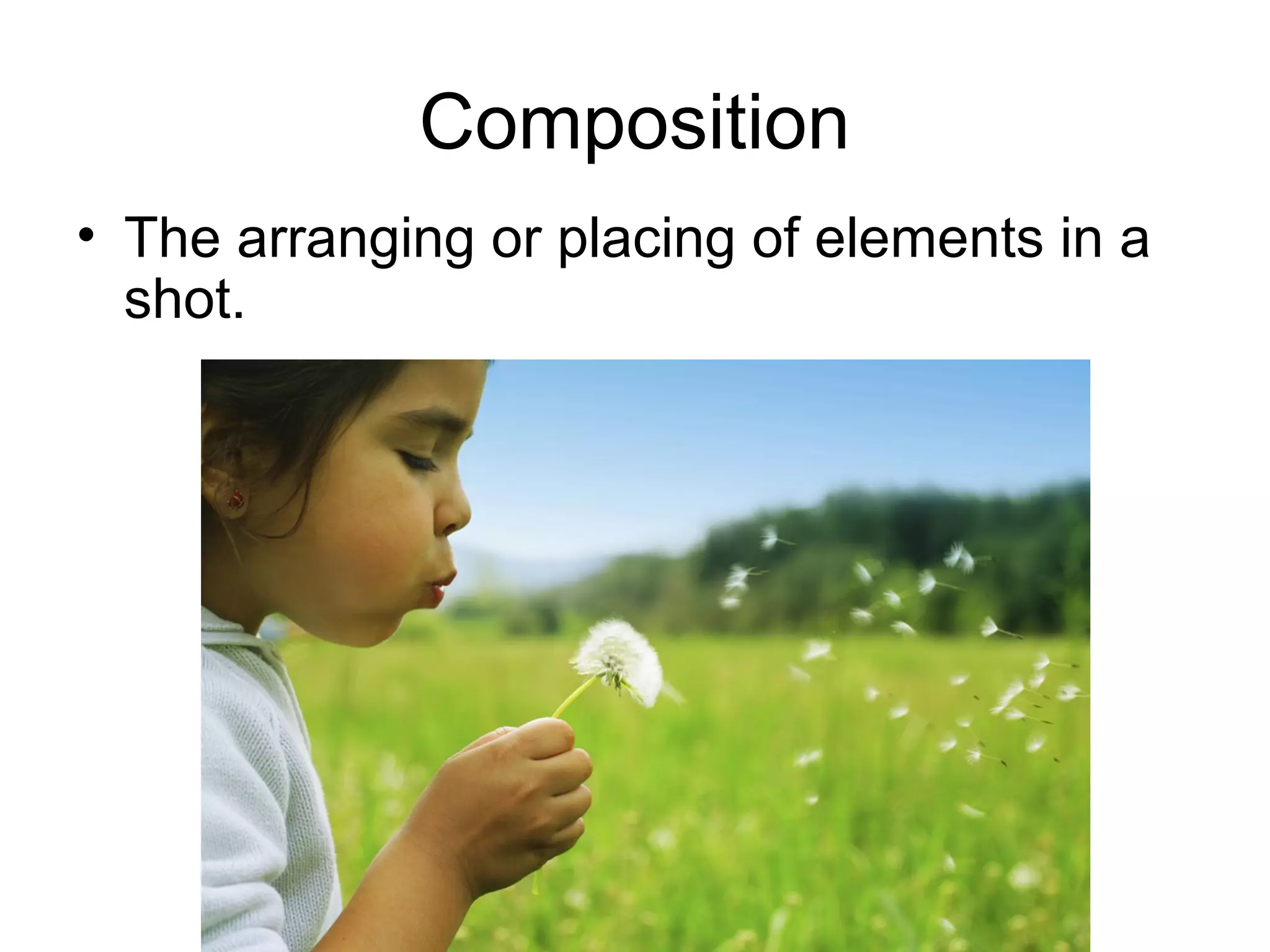
Composition
• The arranging or placing of elements in a
shot.
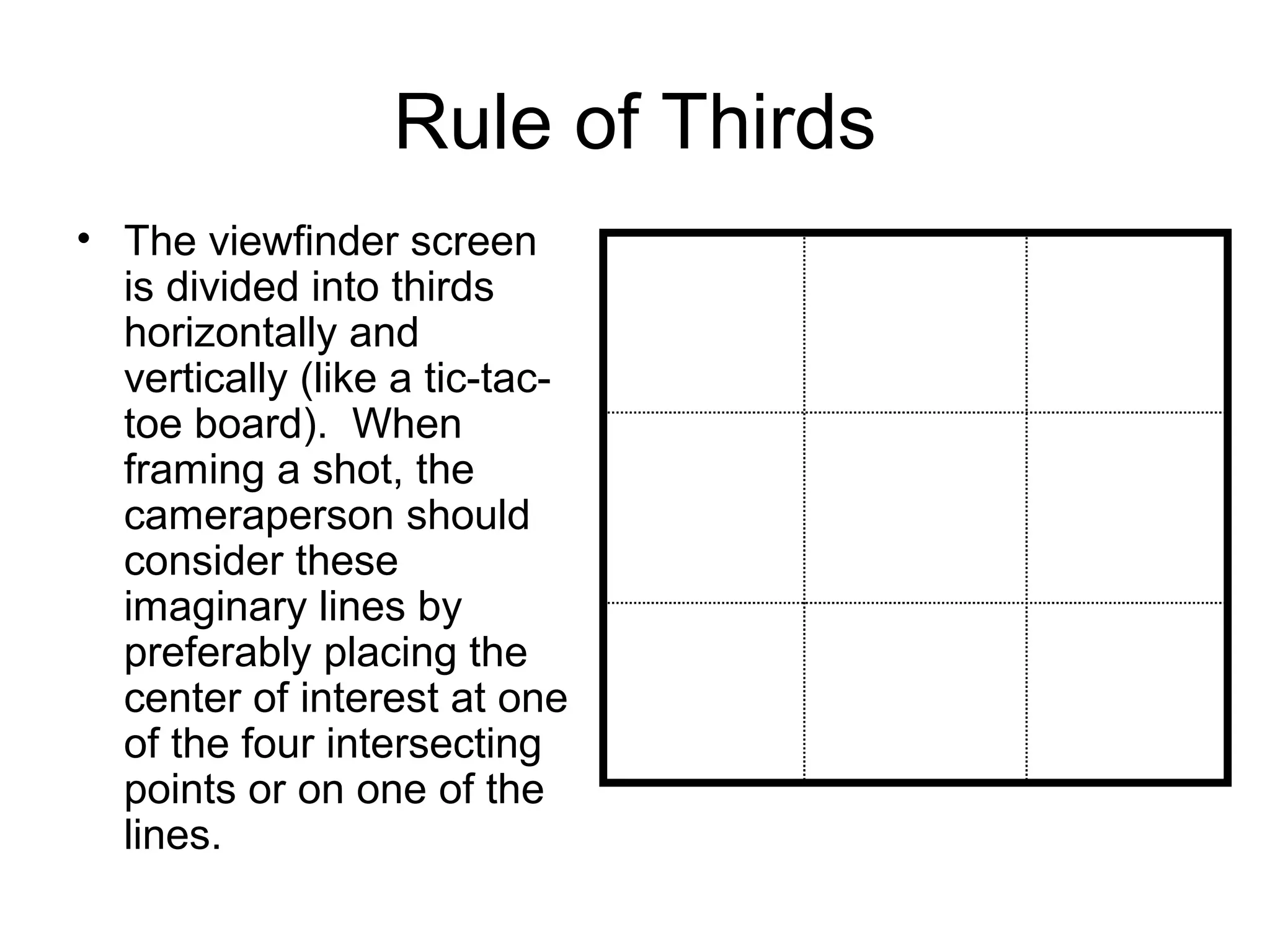
Rule of Thirds
• The viewfinder screen
is divided into thirds
horizontally and
vertically (like a tic-tac-
toe board). When
framing a shot, the
cameraperson should
consider these
imaginary lines by
preferably placing the
center of interest at one
of the four intersecting
points or on one of the
lines.
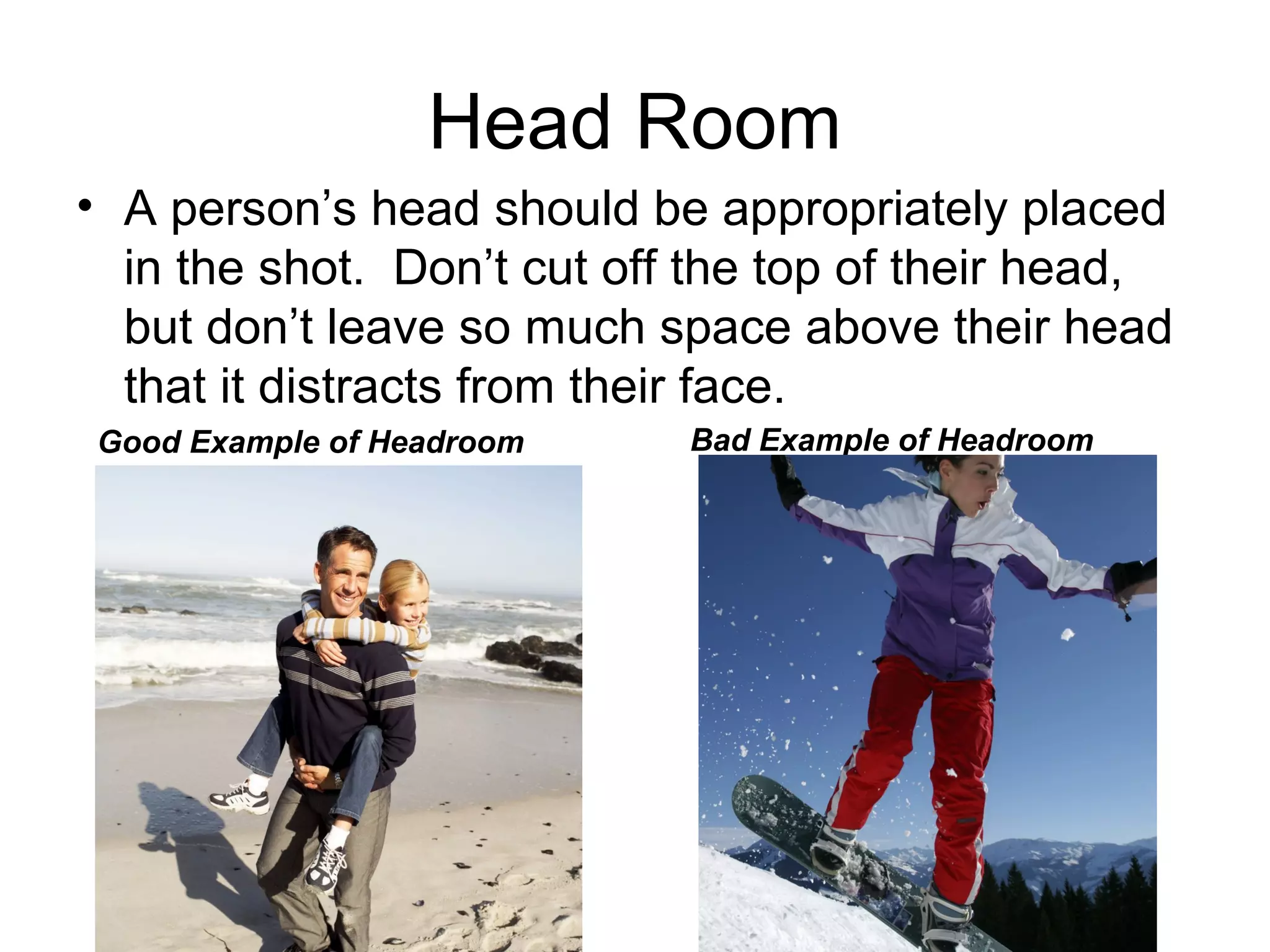
Head Room
• A person’s head should be appropriately placed
in the shot. Don’t cut off the top of their head,
but don’t leave so much space above their head
that it distracts from their face.
Good Example of Headroom Bad Example of Headroom
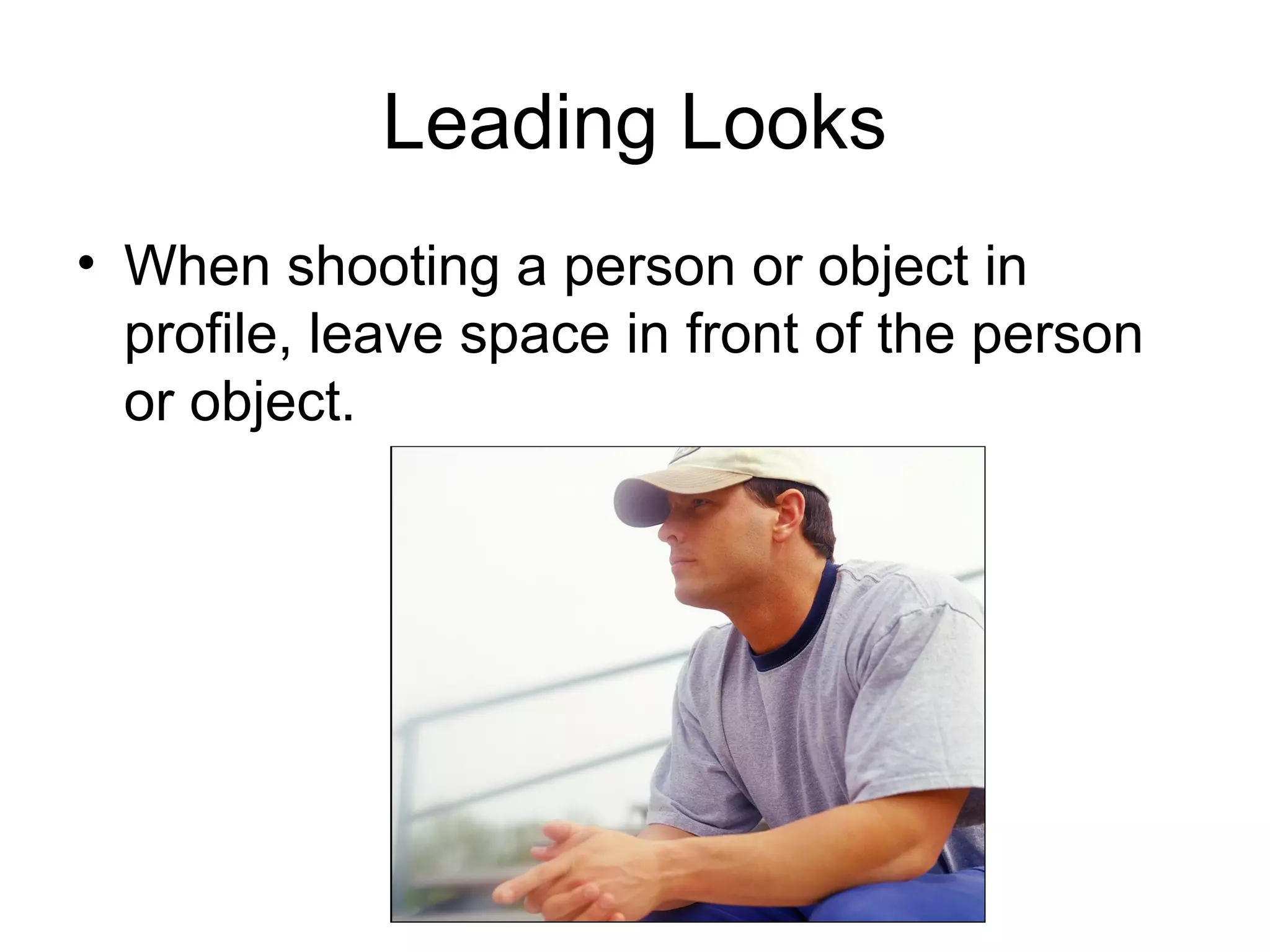
Leading Looks
• When shooting a person or object in
profile, leave space in front of the person
or object.
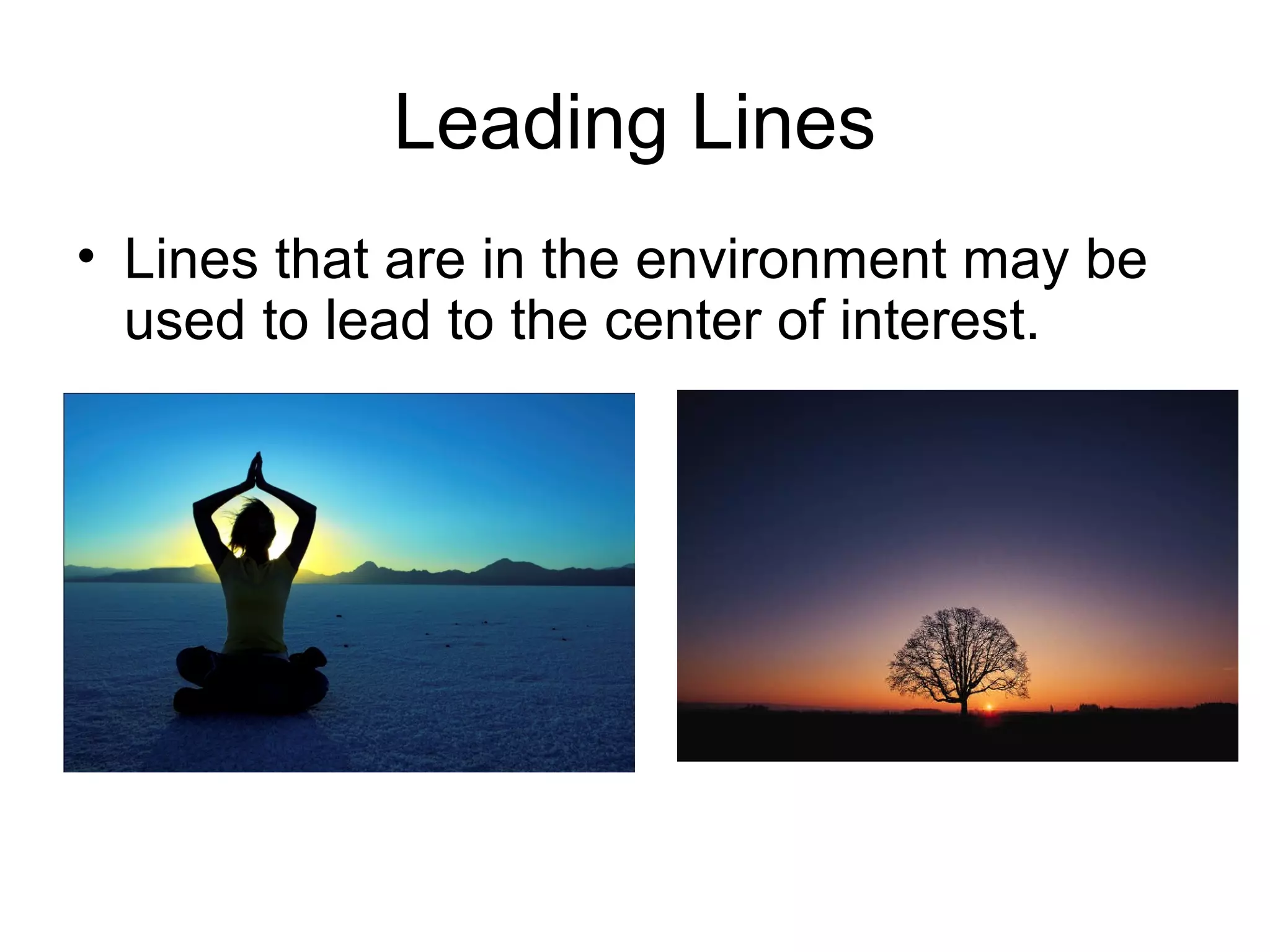
Leading Lines
• Lines that are in the environment may be
used to lead to the center of interest.
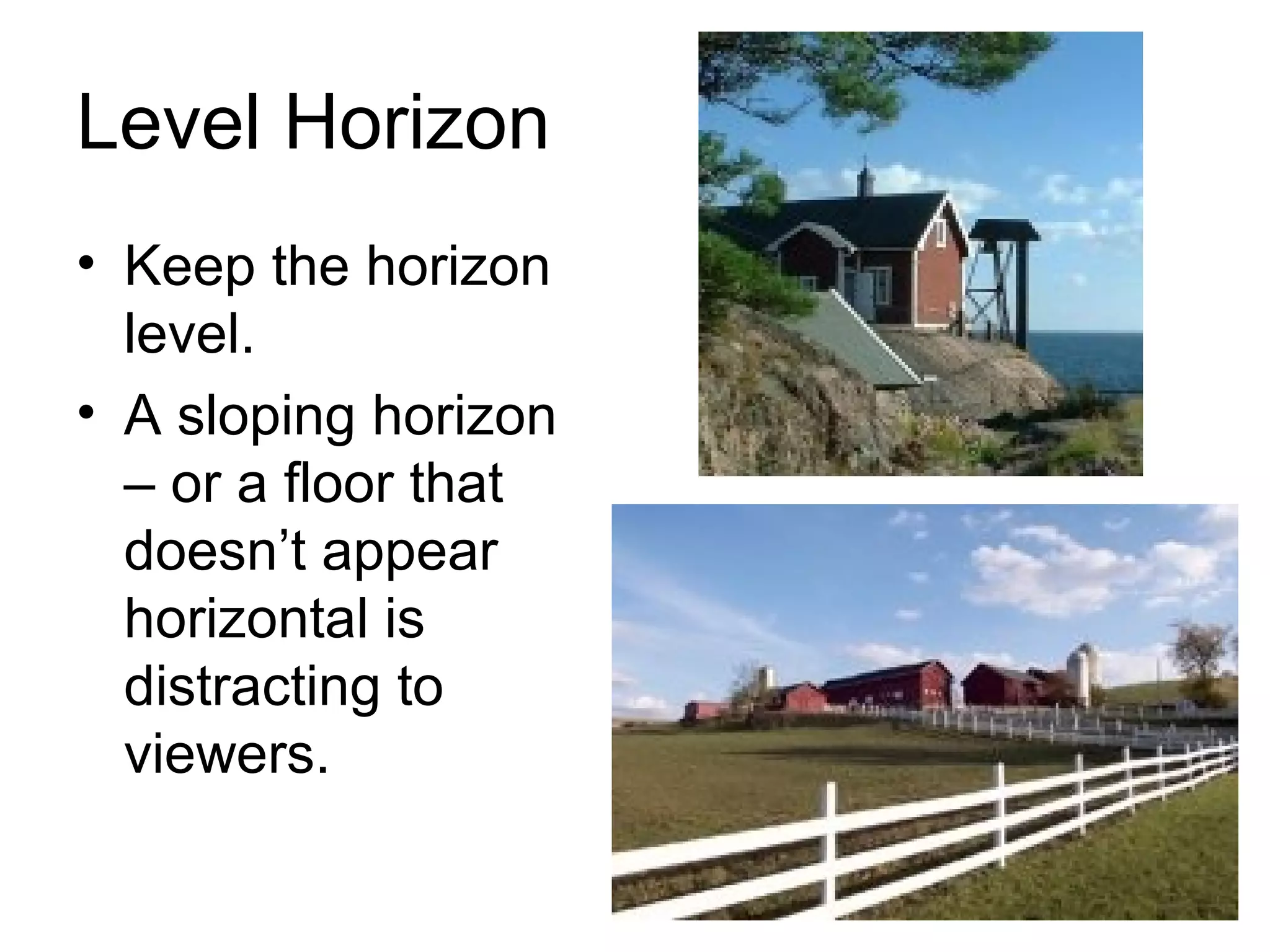
Level Horizon
• Keep the horizon
level.
• A sloping horizon
– or a floor that
doesn’t appear
horizontal is
distracting to
viewers.
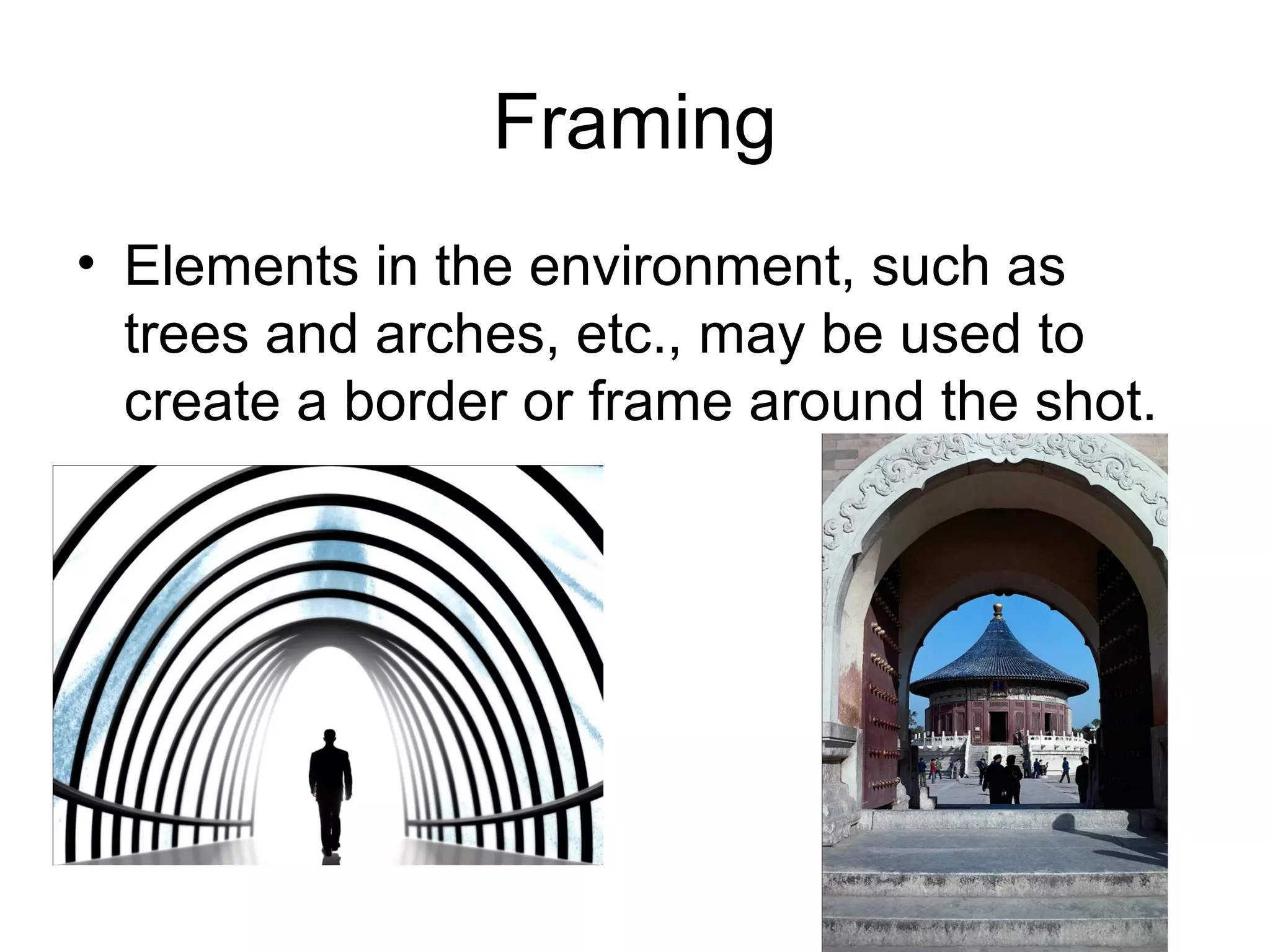
Framing
• Elements in the environment, such as
trees and arches, etc., may be used to
create a border or frame around the shot.
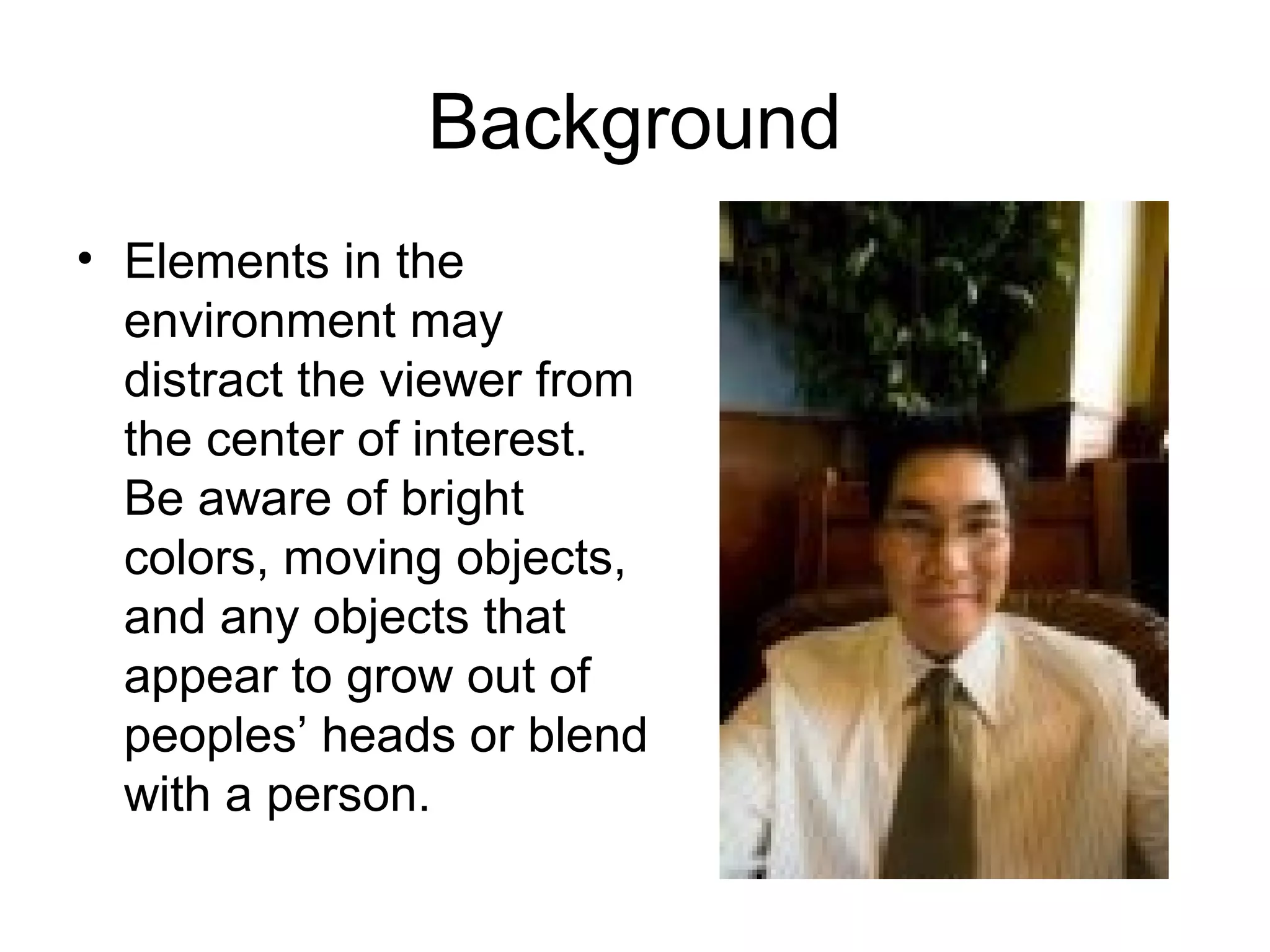
Background
• Elements in the
environment may
distract the viewer from
the center of interest.
Be aware of bright
colors, moving objects,
and any objects that
appear to grow out of
peoples’ heads or blend
with a person.
Other things to consider…
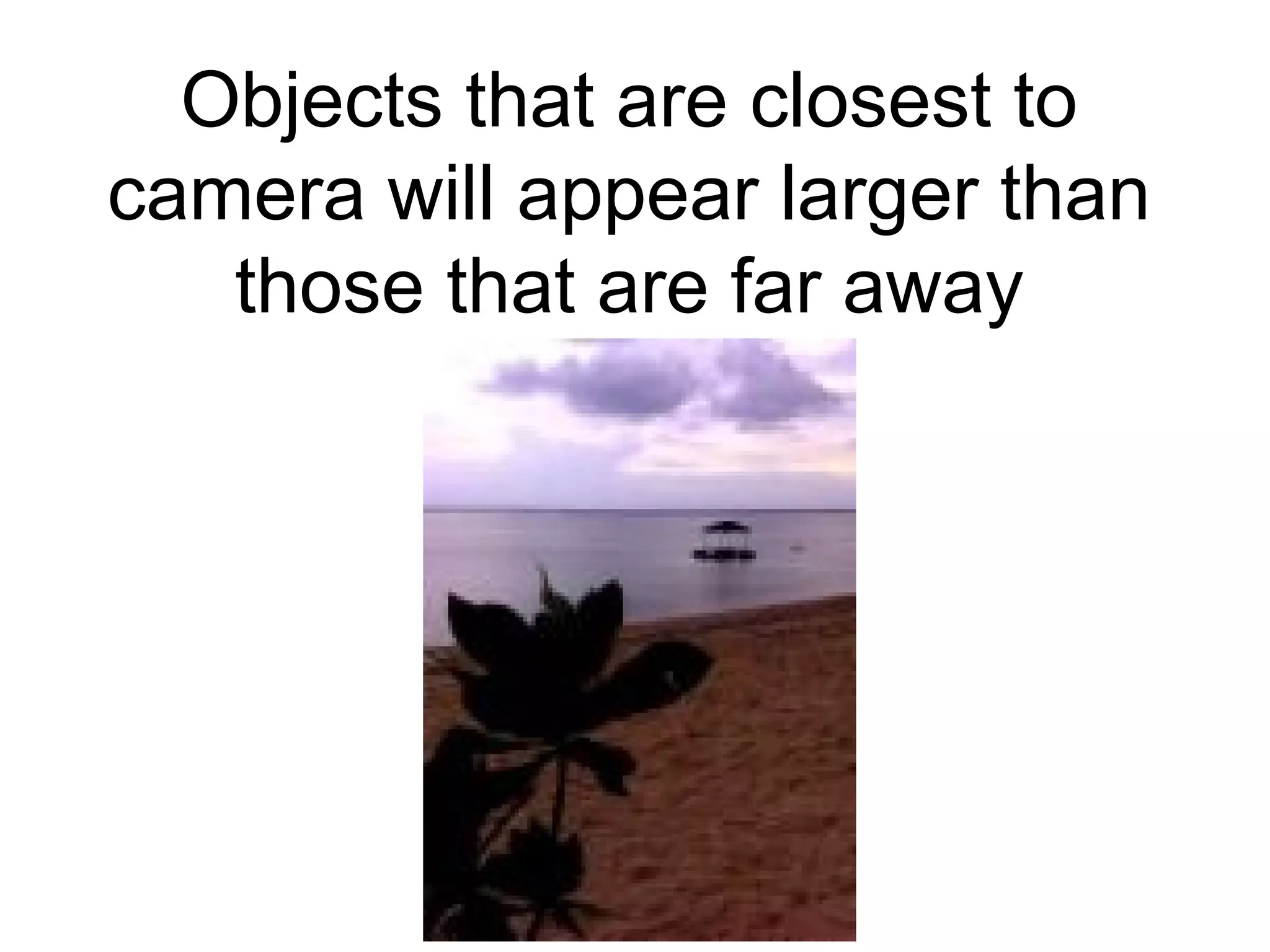
Objects that are closest to
camera will appear larger than
those that are far away
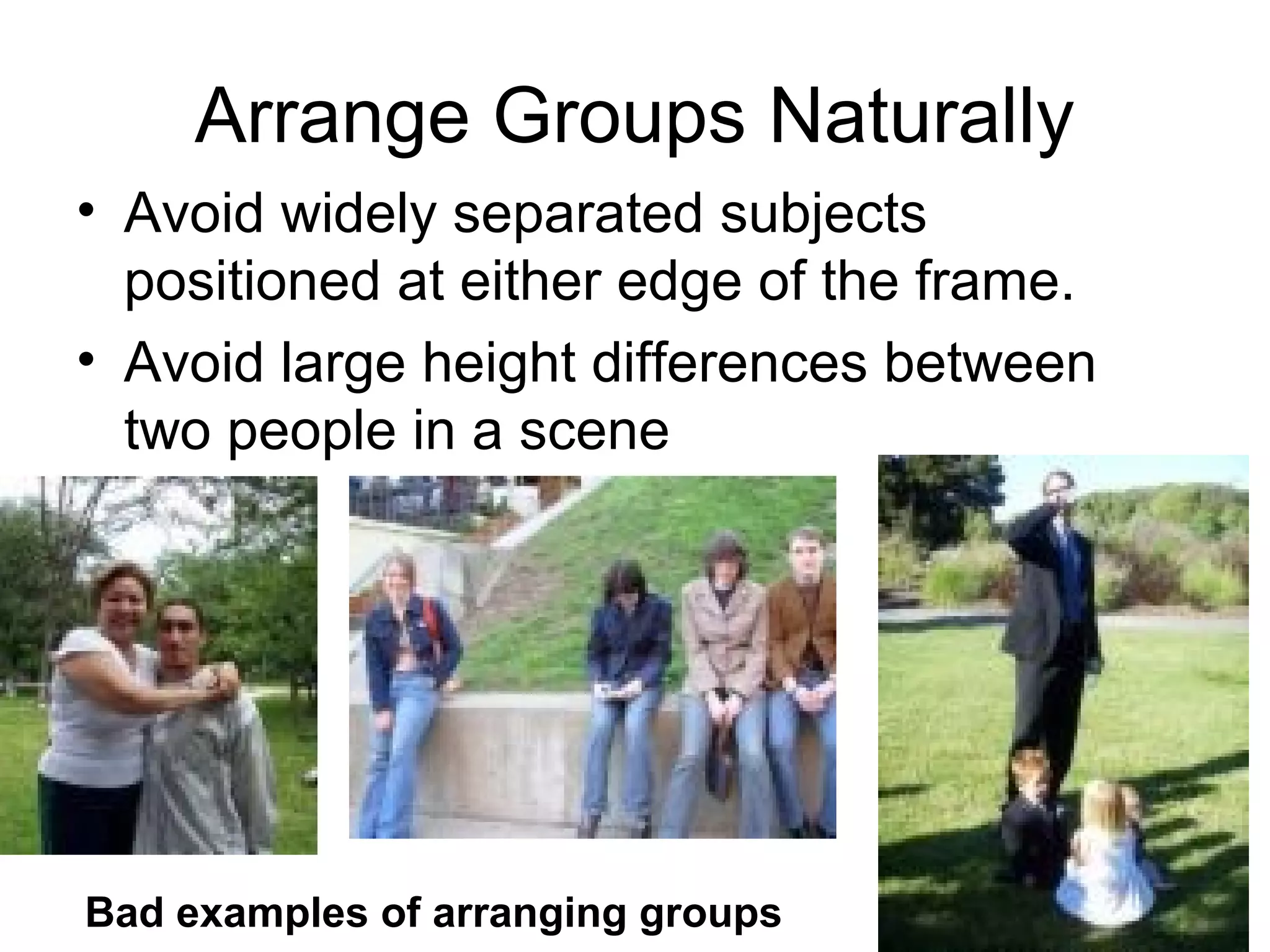
Arrange Groups Naturally
• Avoid widely separated subjects
positioned at either edge of the frame.
• Avoid large height differences between
two people in a scene
Bad examples of arranging groups
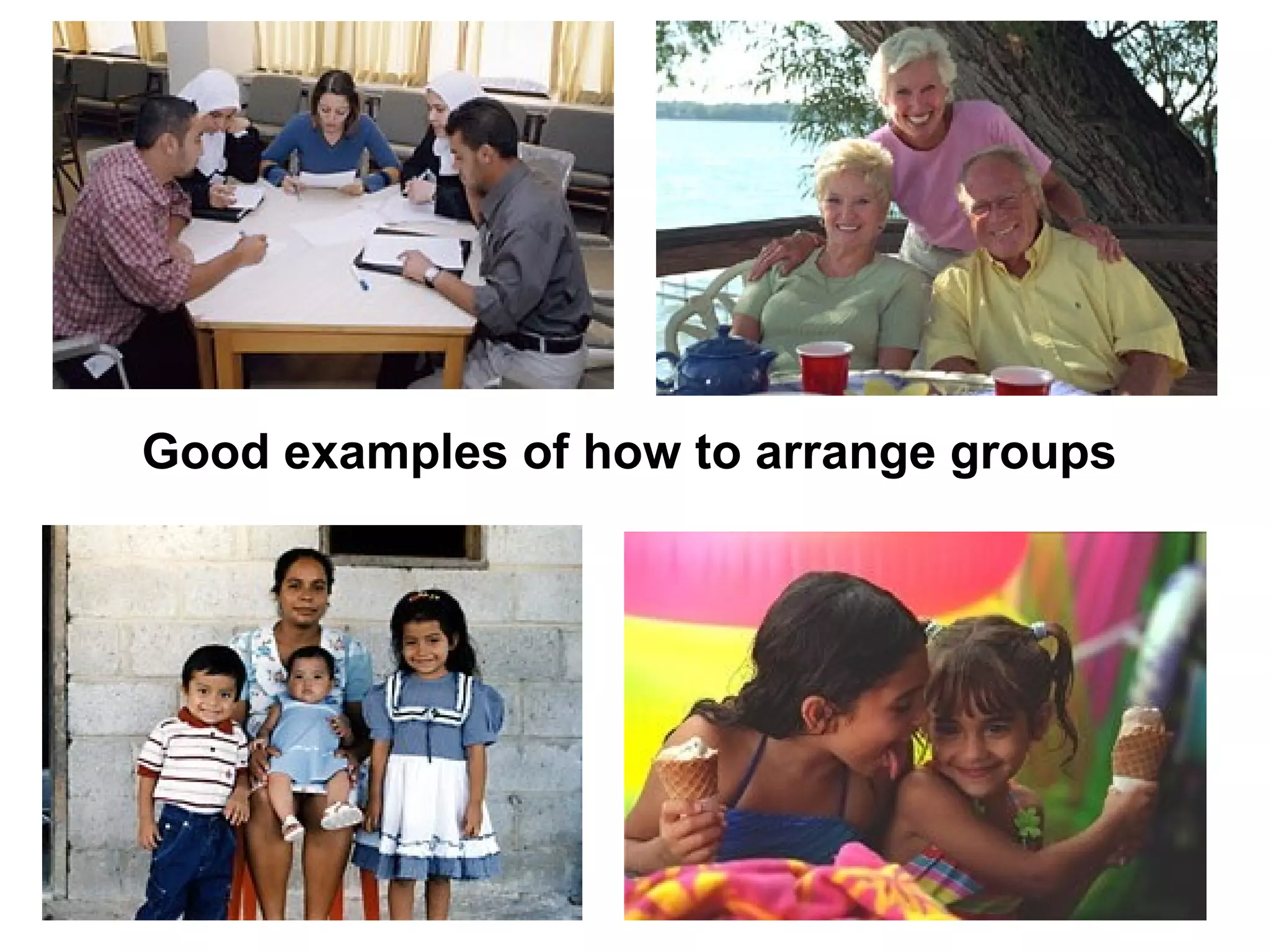
Good examples of how to arrange groups
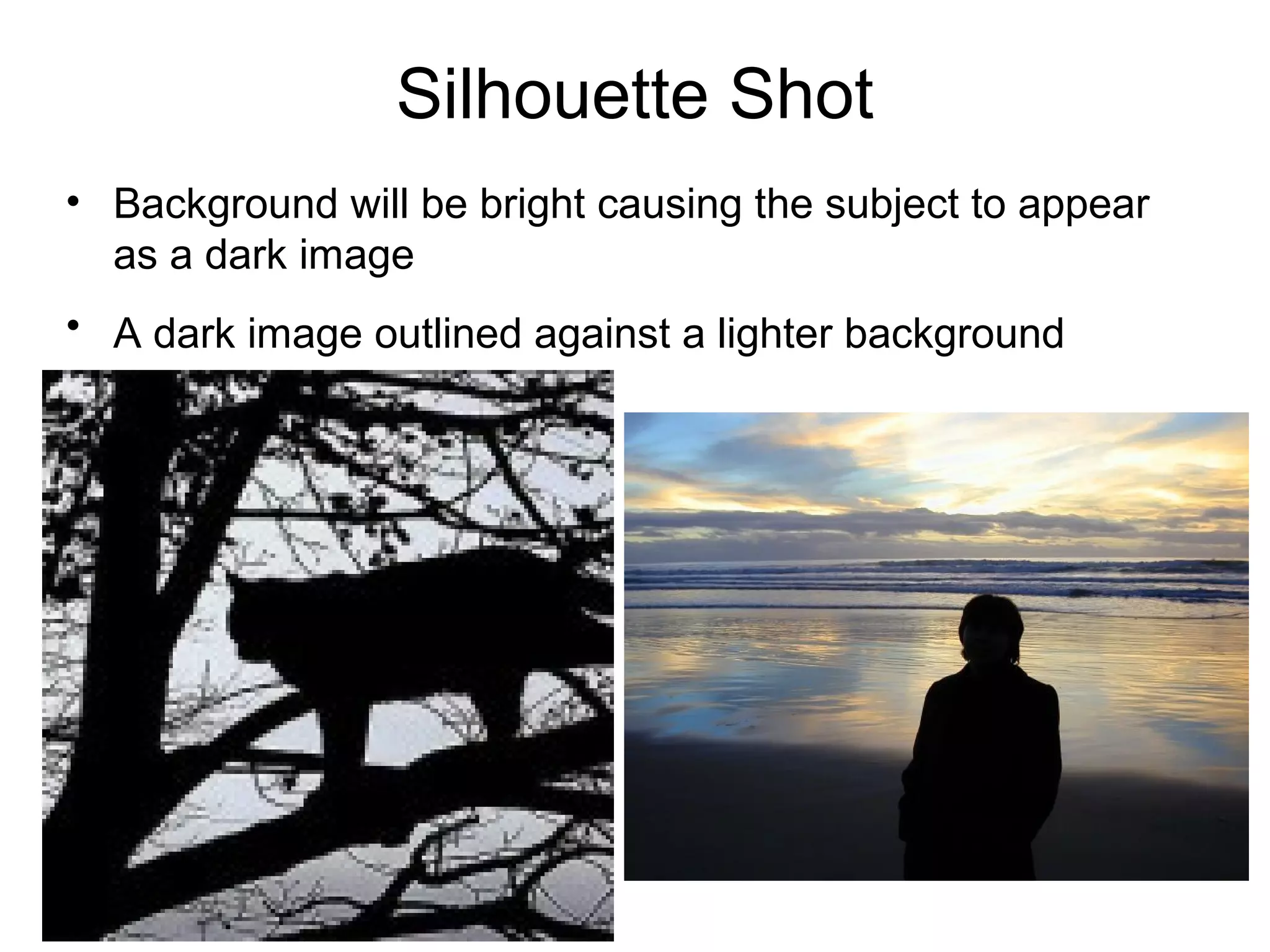
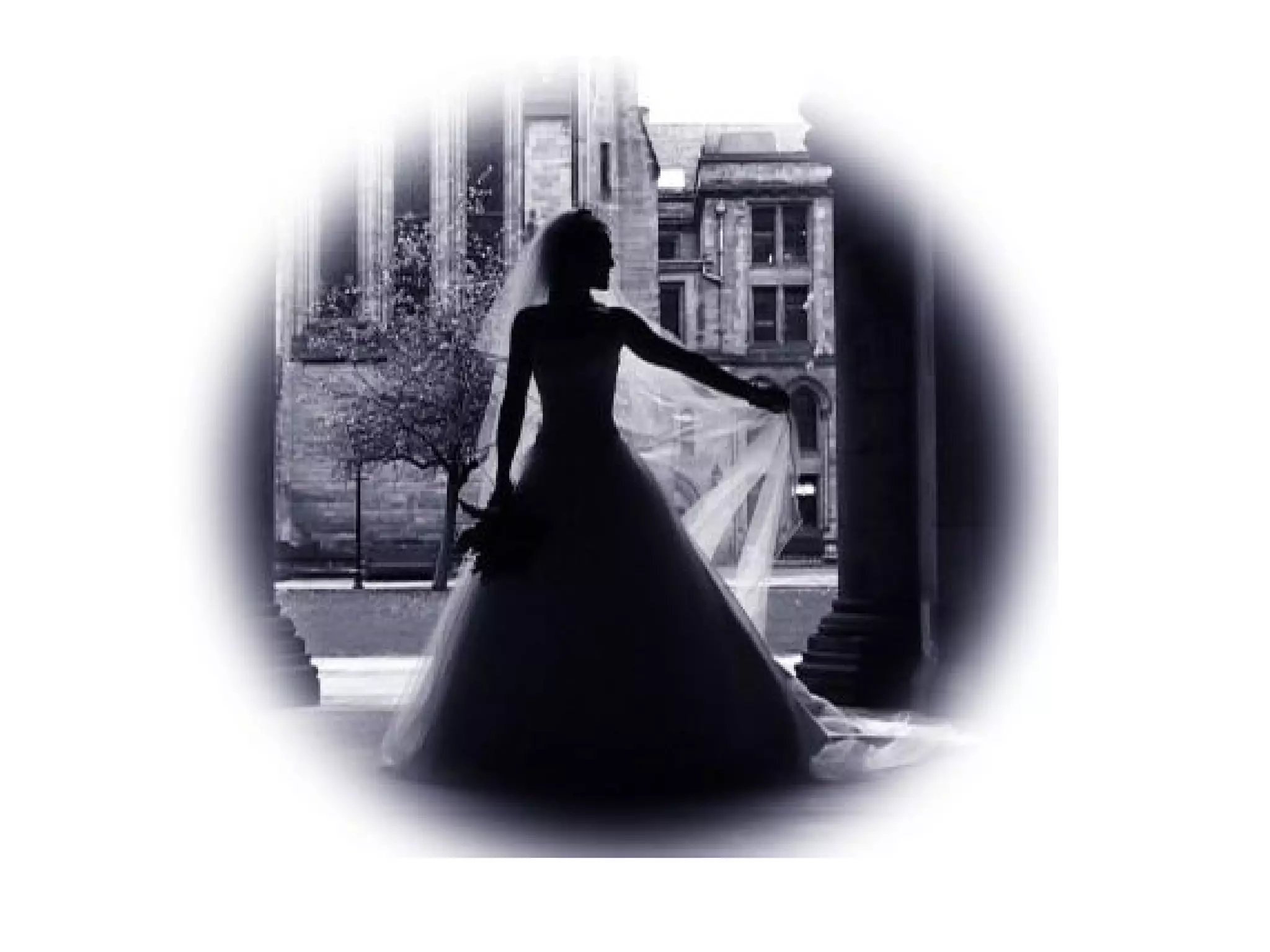
Silhouette Shot
• Background will be bright causing the subject to appear
as a dark image
• A dark image outlined against a lighter background
Camera composition shots angles and movements

Camera composition shots angles and movements

  • 2.
  • 3.
    Long Shot – Itestablishes the scene – Shows subjects in their surroundings – Tells the viewer where the action is taking place
  • 4.
    Medium Shot • Usedto introduce a character for the first time • Framing is usually set so that the top of the frame is just above the head and the bottom of the fame is just below the waist
  • 5.
    Medium Close-up • Tighterthan a medium shot • The top of the frame is just above the character’s head and the bottom of the frame is just below the chest
  • 6.
    Close-up • Used toreveal a character’s feelings. • Restrict how much of a scene and/or action the audience sees. • The top of the frame is just above the character’s head and the bottom of the frame is just below the chin.
  • 7.
    Extreme Close Up Oftenused to reveal feelings WITHOUT using dialogue or to provide the audience with a view of a specific detail Examples include a person’s eyes, mouth, or hands, or an inanimate object such as the contents of a letter
  • 8.
    Long Shot MediumShot Extreme Close-upMedium Close-up Close-Up Shot
  • 9.
    Two-Shot • Shows twopersons in a shot
  • 10.
  • 11.
    Over the Shoulder •Shooting over-the-shoulder of one subject to reveal another subject. • The speaker’s full face is shown while the camera is aimed over the shoulder of the listener • Used in interview situations.
  • 12.
    Straight Angle • Thecamera is placed directly in front of the talent at eye-level and is used to involve the audience with the action • Example would be the shot used during the anchors delivery of the news
  • 13.
    Eye Level Most commonlyused angle Whether the subject is standing or seated and regardless of how small or tall your subject may be.
  • 14.
  • 15.
    Side Angle The camerais placed at eye level, but usually at a 45 degree angle from the subject. The audience views the action but is not directly involved in the action.
  • 16.
    Low Angle • Thecamera is placed below the subject and is aimed up (shoots upward). • This angle exaggerates height and can give the impression that the subject is larger and more powerful.
  • 17.
  • 18.
    High Angle • Thecamera is above the subject matter and is aimed down (shoots downward). • This angle has the effect of reducing the apparent height of the subject & gives the impression that the subject is smaller and less powerful.
  • 19.
  • 20.
  • 21.
    Dollying • Placing the cameraon a tripod with wheels • Allows camera to follow the action while maintaining a steady, non- shaky shot
  • 22.
    Pan • The camerais moved horizontally from left to right or right to left (much like a head shaking from left to right to say “no”). • Used to follow the action
  • 23.
    Tilt • The camerais moved vertically up or down (much like a head nodding “yes”) • Can be used to follow something as it falls, or rises
  • 24.
    Zoom • Accomplished by pressingthe W or the T on the zoom control. • Brings the viewer closer to or further away from the action
  • 25.
    Tricky Shots • MatchCut - Changing camera angles without breaking the continuity of motion from scene to scene – Imagine a Long Shot, Side Angle scene of someone walking, then dropping something; then, in the next scene you have a Close-Up Shot, Straight Angle of the person’s face showing his/her reaction to the dropping of the item. Although the scene may actually have been filmed using two cameras or the action may have been stopped in order for the one and only camera to change positions, the audience never notices any disruption in the action.
  • 26.
  • 27.
    What is screendirection? • Screen direction is the direction people and objects face when viewed through the camera. When shooting a scene, place the center of interests on an imaginary line. This line should not be crossed by the cameraperson to avoid reversal of screen direction.
  • 28.
    Example of ScreenDirection Reversing the screen direction (crossing that imaginary line) confuses the audience and makes them think the subject is going in the opposite direction from which they came In this example, the elephant did NOT change directions; instead, the photographer is simply on the other side of the elephant in each separate picture (thus, making it appear that the elephant is walking in two different directions.
  • 29.
    Composition • The arrangingor placing of elements in a shot.
  • 30.
    Rule of Thirds •The viewfinder screen is divided into thirds horizontally and vertically (like a tic-tac- toe board). When framing a shot, the cameraperson should consider these imaginary lines by preferably placing the center of interest at one of the four intersecting points or on one of the lines.
  • 31.
    Head Room • Aperson’s head should be appropriately placed in the shot. Don’t cut off the top of their head, but don’t leave so much space above their head that it distracts from their face. Good Example of Headroom Bad Example of Headroom
  • 32.
    Leading Looks • Whenshooting a person or object in profile, leave space in front of the person or object.
  • 33.
    Leading Lines • Linesthat are in the environment may be used to lead to the center of interest.
  • 34.
    Level Horizon • Keepthe horizon level. • A sloping horizon – or a floor that doesn’t appear horizontal is distracting to viewers.
  • 35.
    Framing • Elements inthe environment, such as trees and arches, etc., may be used to create a border or frame around the shot.
  • 36.
    Background • Elements inthe environment may distract the viewer from the center of interest. Be aware of bright colors, moving objects, and any objects that appear to grow out of peoples’ heads or blend with a person.
  • 37.
    Other things toconsider…
  • 38.
    Objects that areclosest to camera will appear larger than those that are far away
  • 39.
    Arrange Groups Naturally •Avoid widely separated subjects positioned at either edge of the frame. • Avoid large height differences between two people in a scene Bad examples of arranging groups
  • 40.
    Good examples ofhow to arrange groups
  • 42.
    Silhouette Shot • Backgroundwill be bright causing the subject to appear as a dark image • A dark image outlined against a lighter background