Downloaded 1,241 times











This document provides an overview of a basic computer skills seminar presented by Meridian Career Institute. The seminar covers identifying basic computer hardware parts, operating systems, software, input devices, mouse skills including clicking, dragging and right clicking. It also covers what the internet and world wide web are, how to surf the web using search engines like Google, and introduces some common Microsoft office programs like Word, Excel, Publisher and PowerPoint.
Introduction to Meridian Career Institute and the objectives of the Basic Computer Skills Seminar.
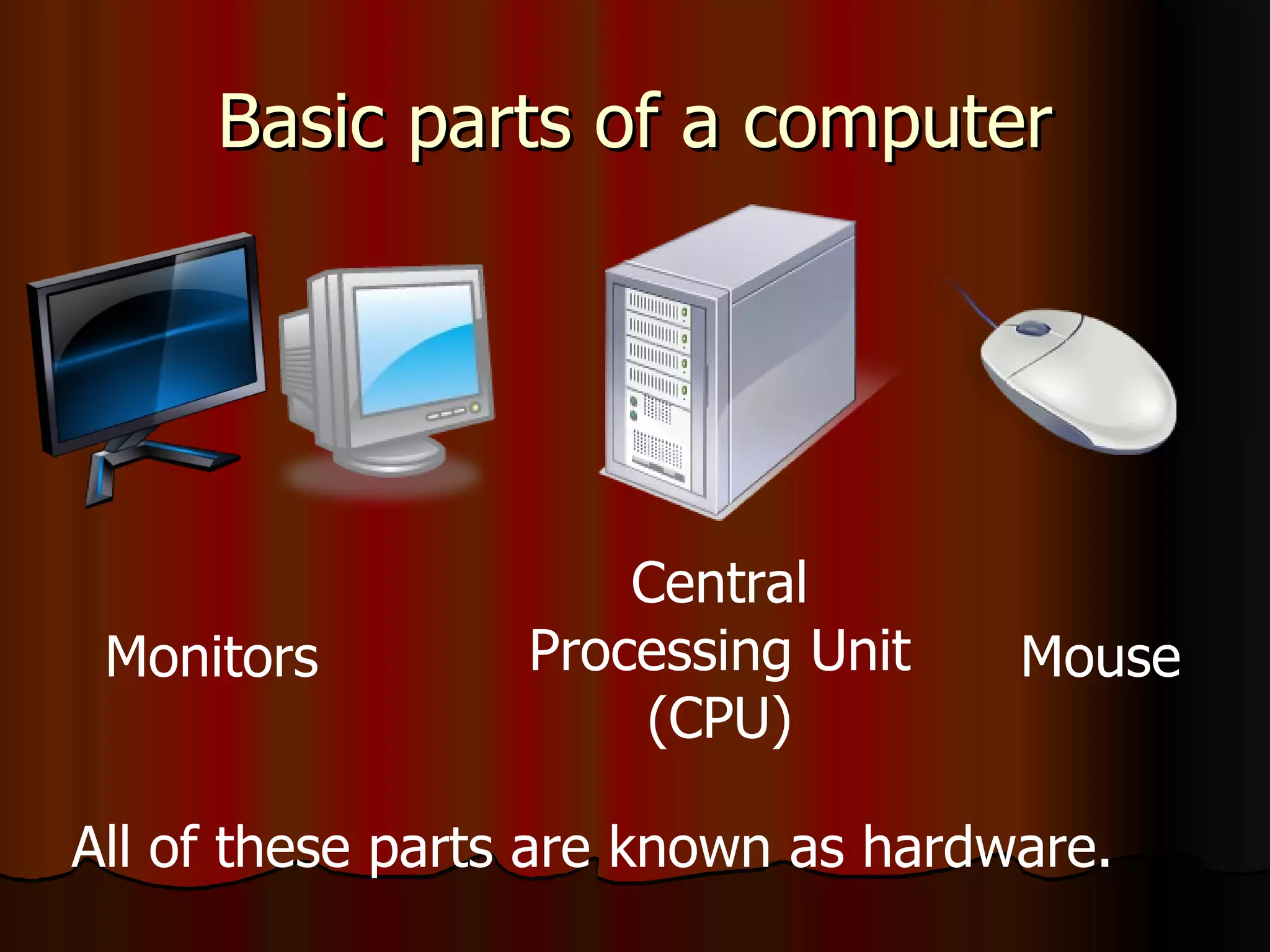
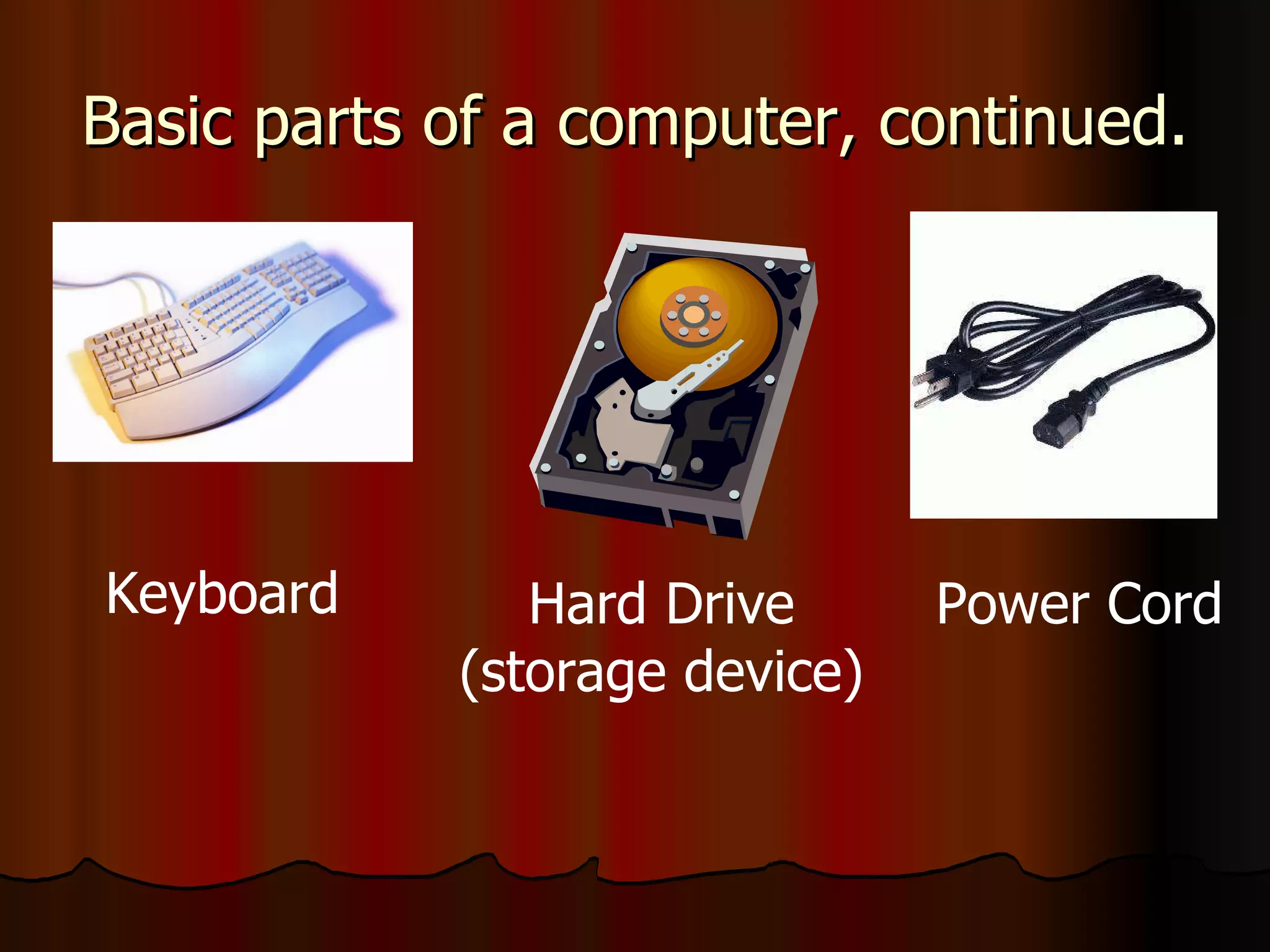
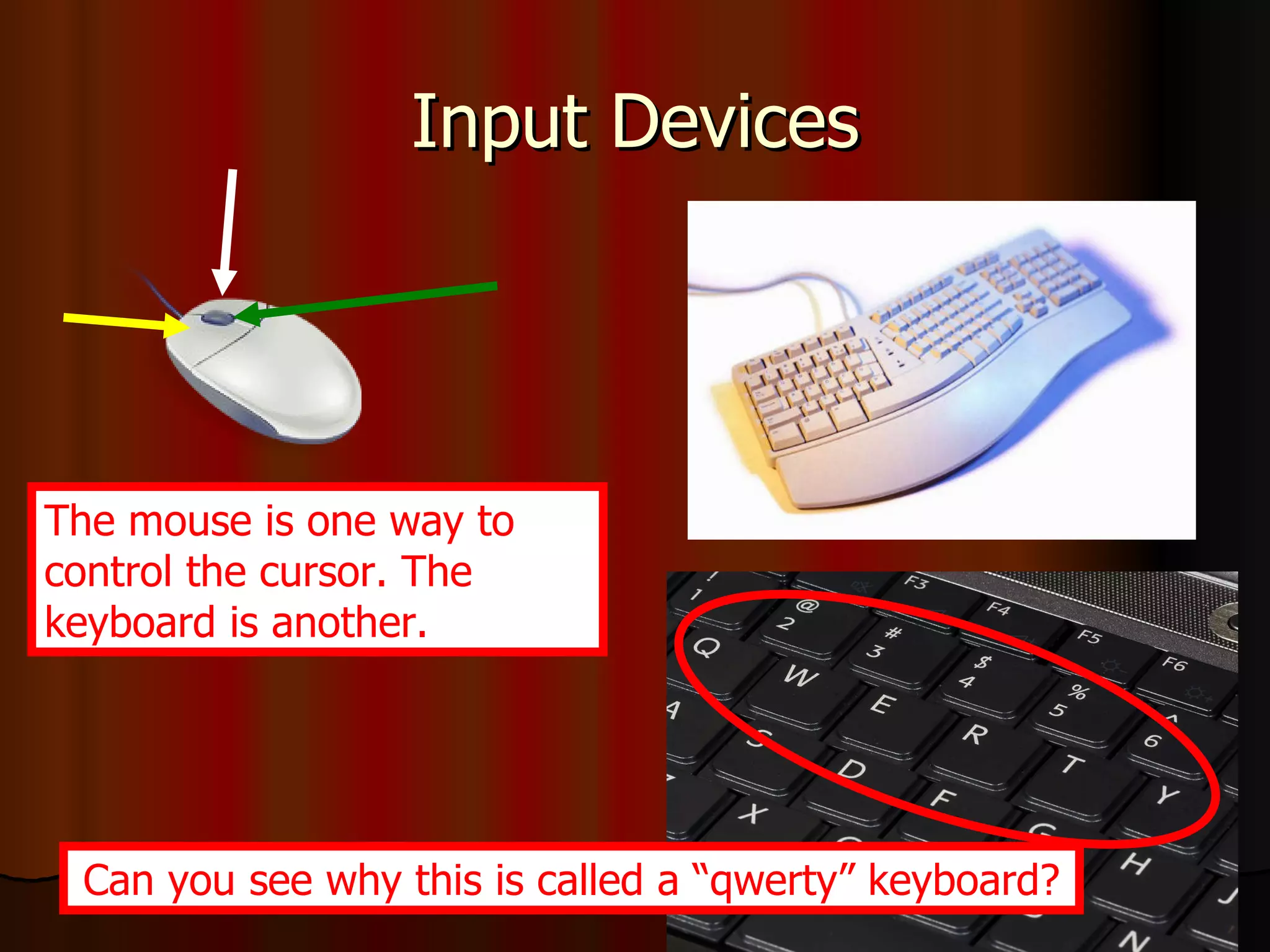
Overview of basic computer hardware components including CPU, monitor, keyboard, hard drive, and mouse.
Description of operating systems (Windows XP) and software as instructions for computer tasks.
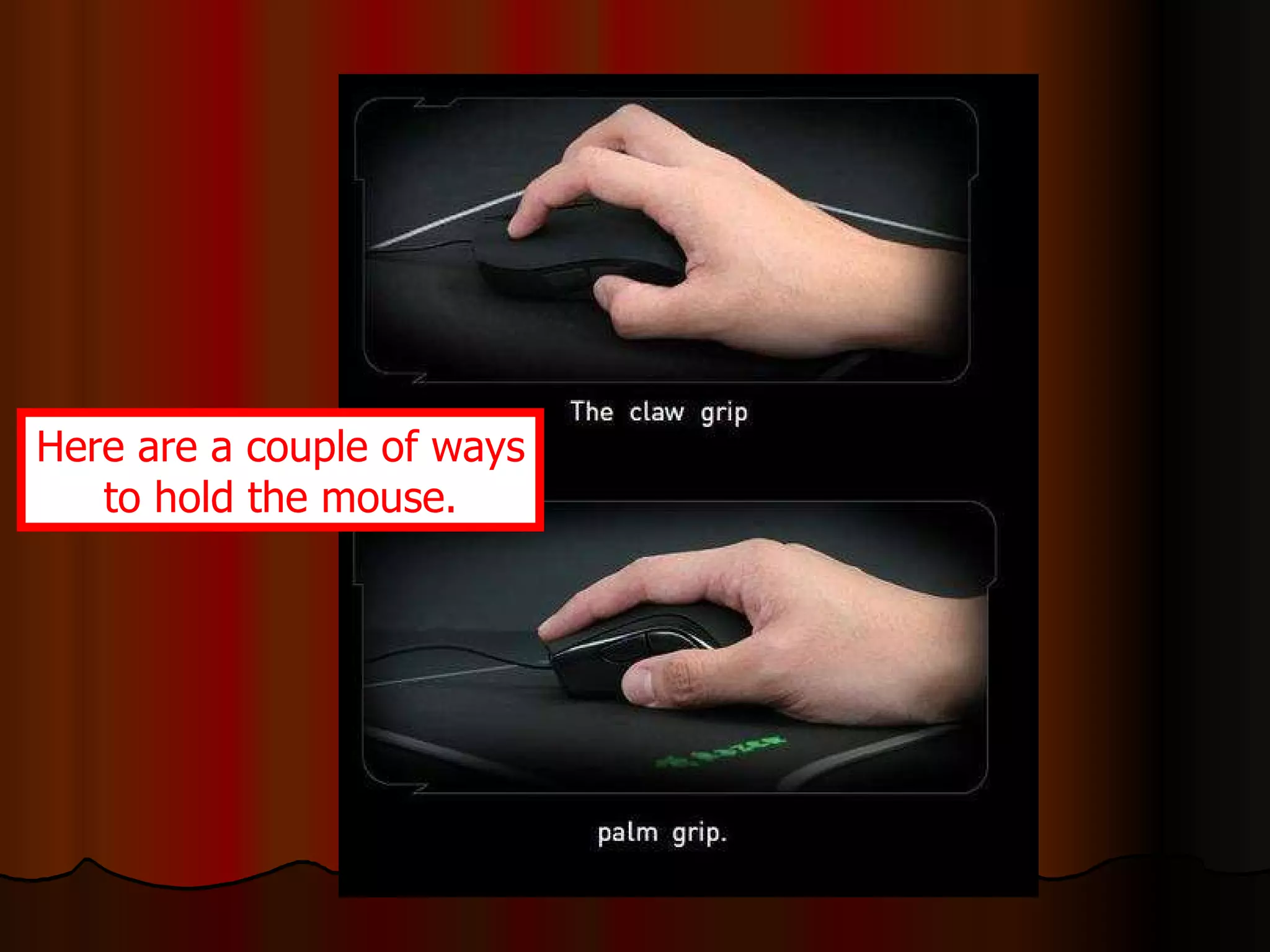
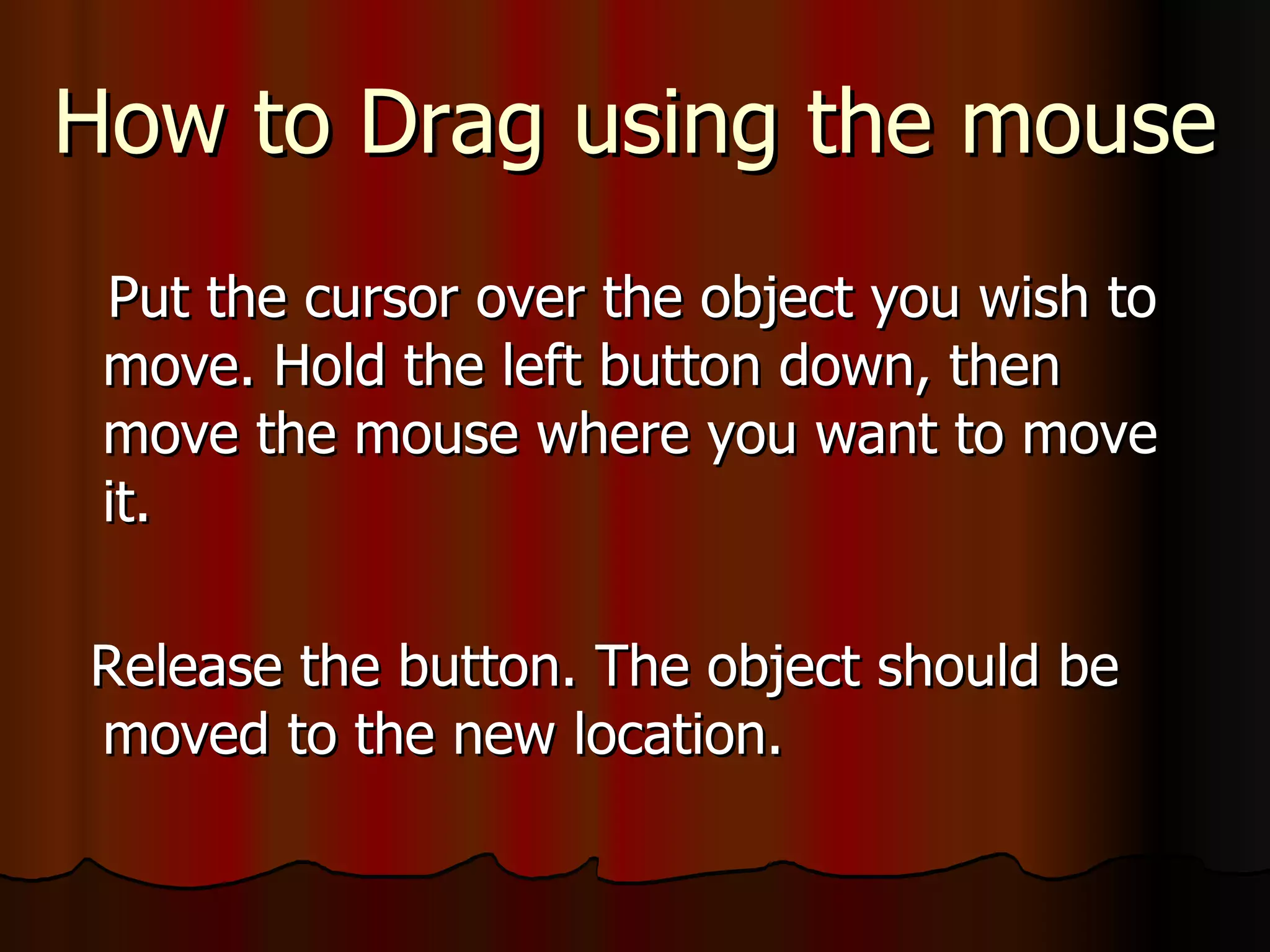
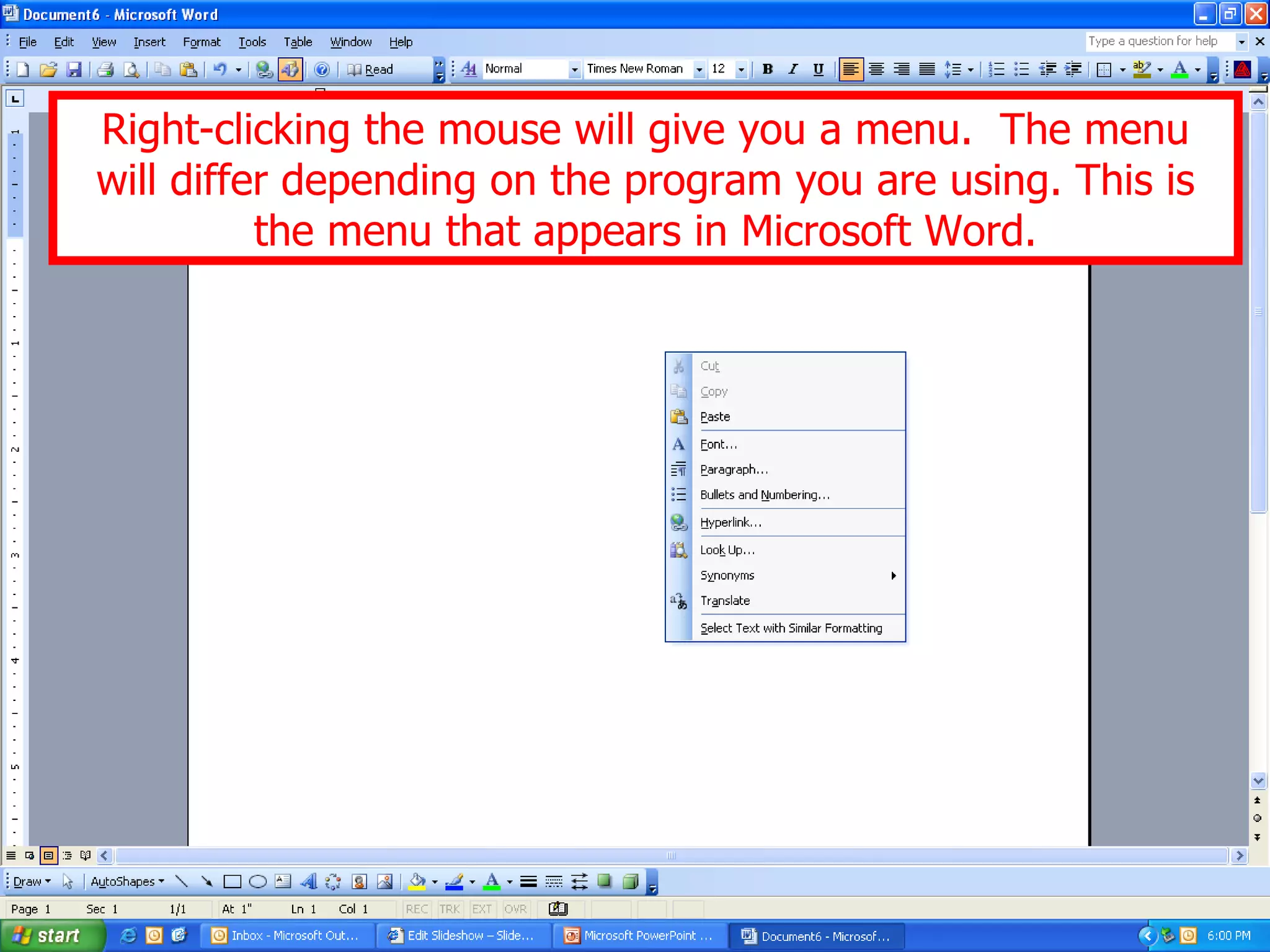
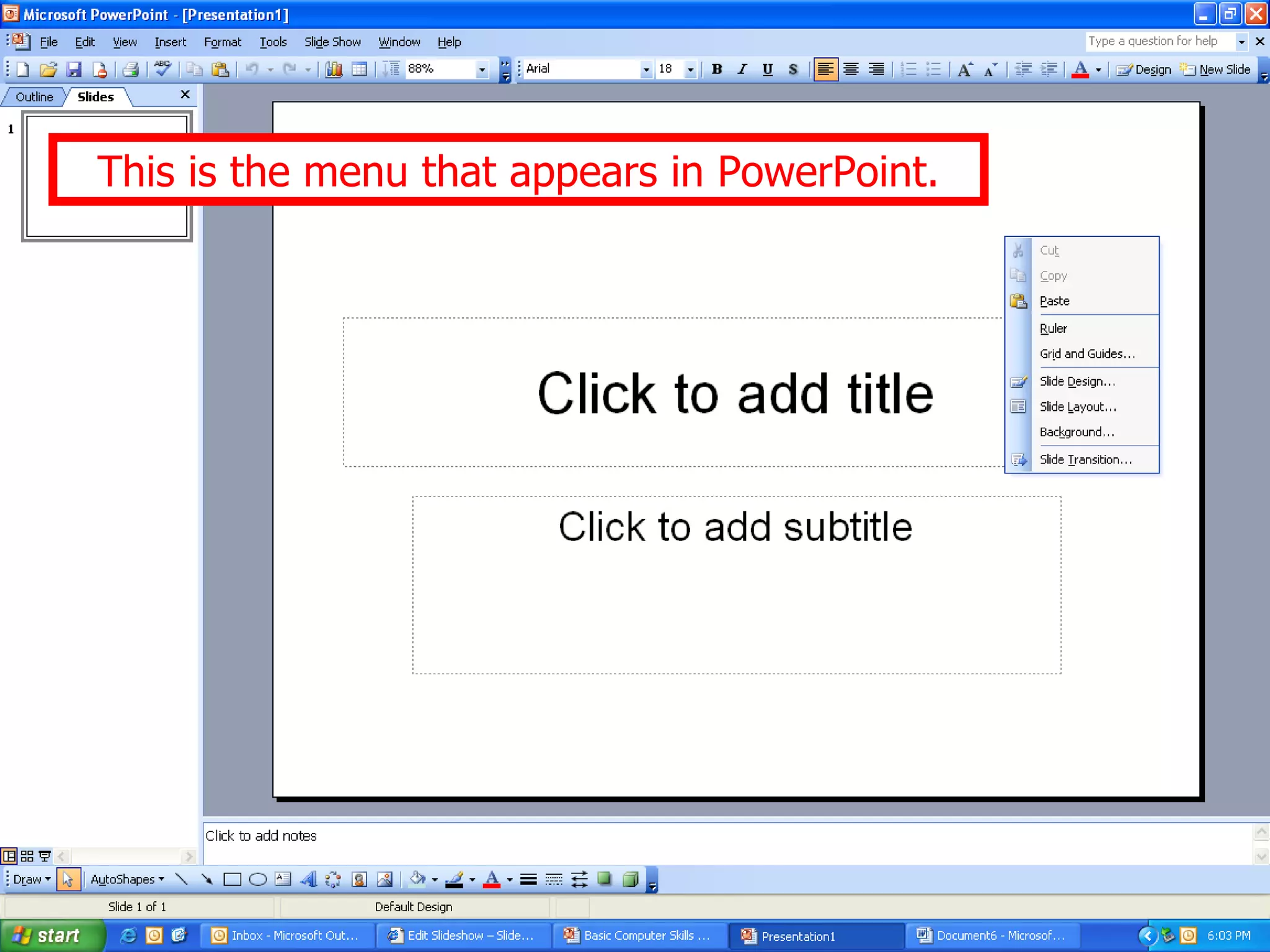
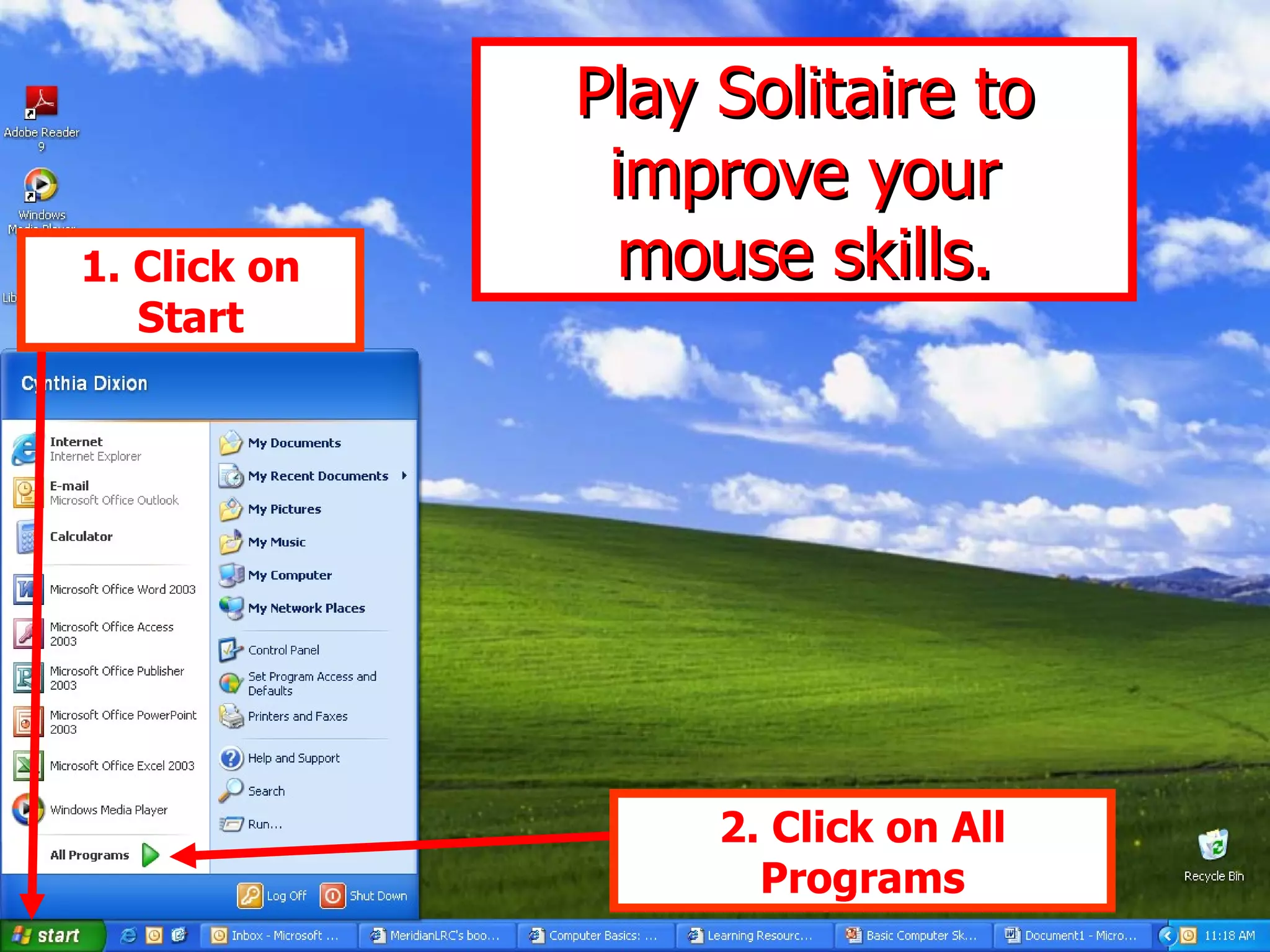
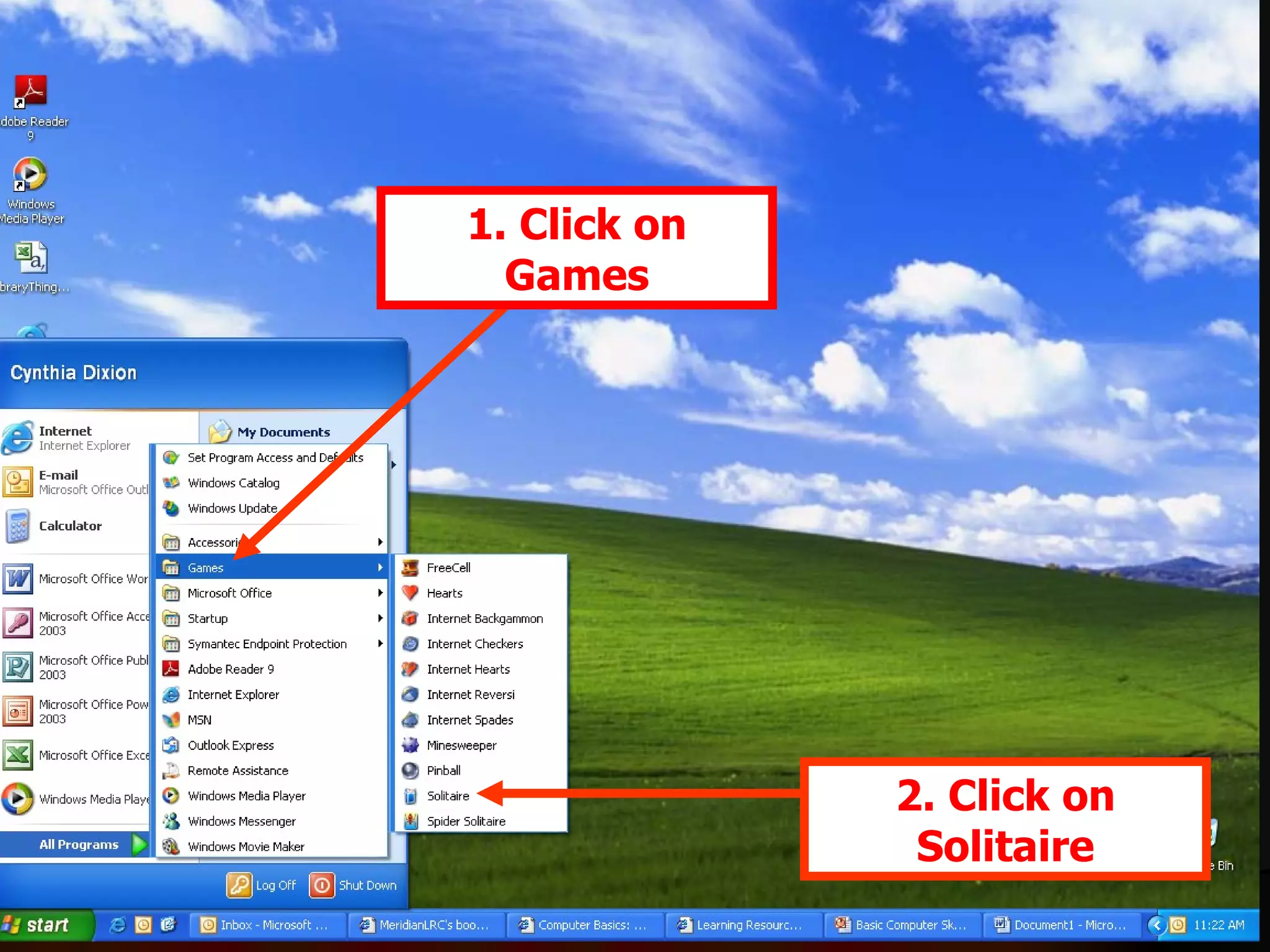
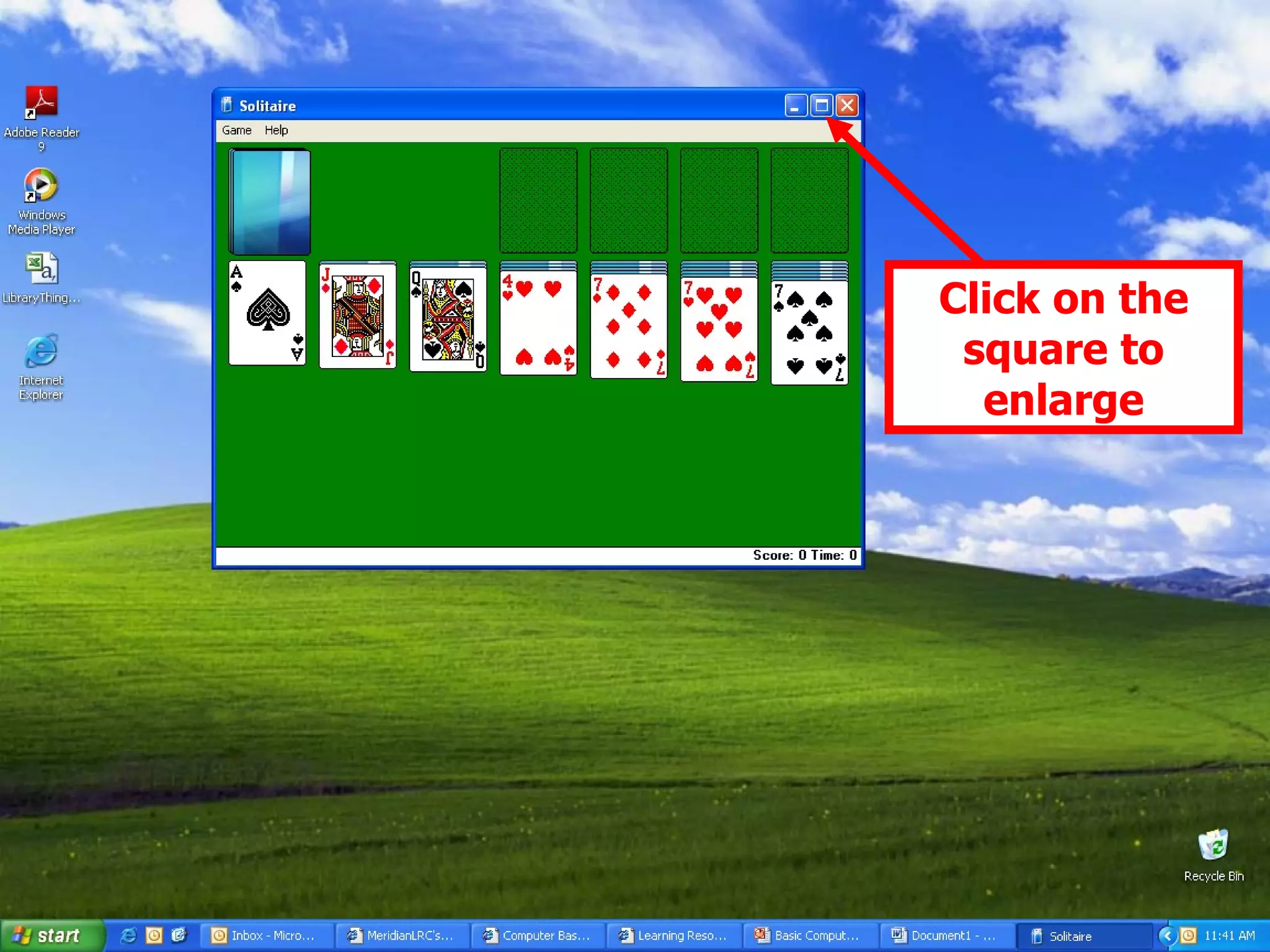
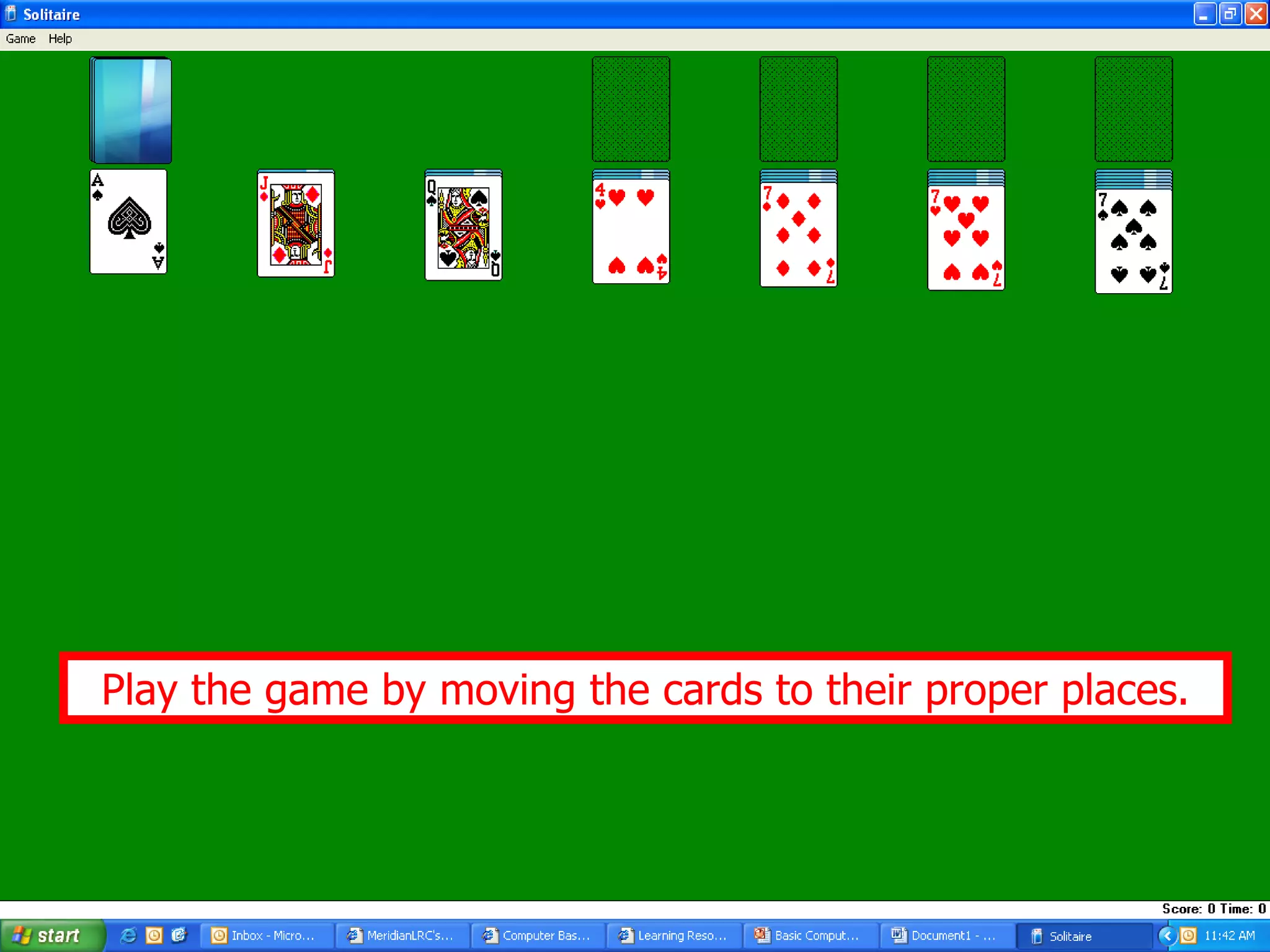
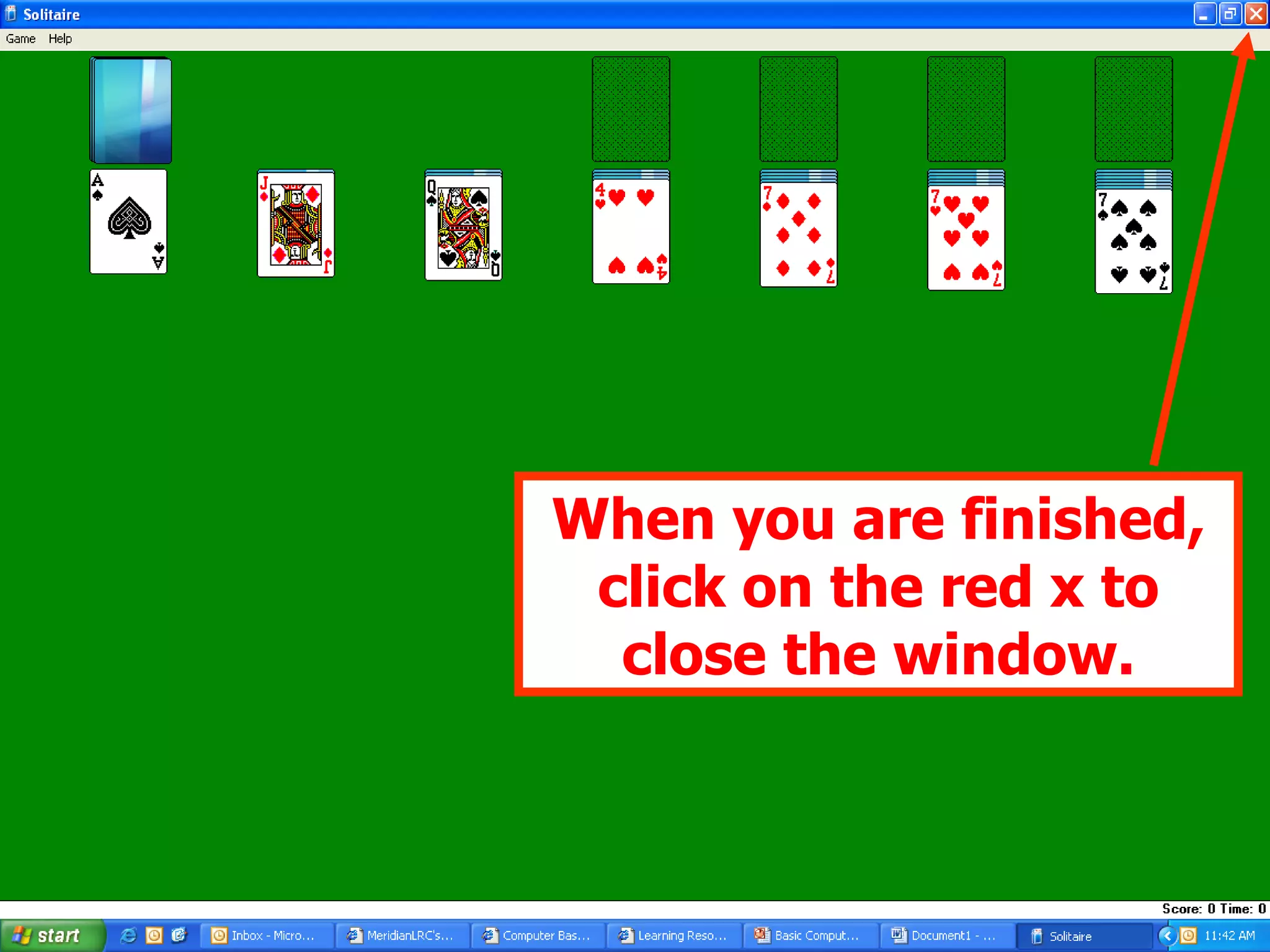
Techniques for using a mouse including clicking, dragging, and practicing skills through games like Solitaire.
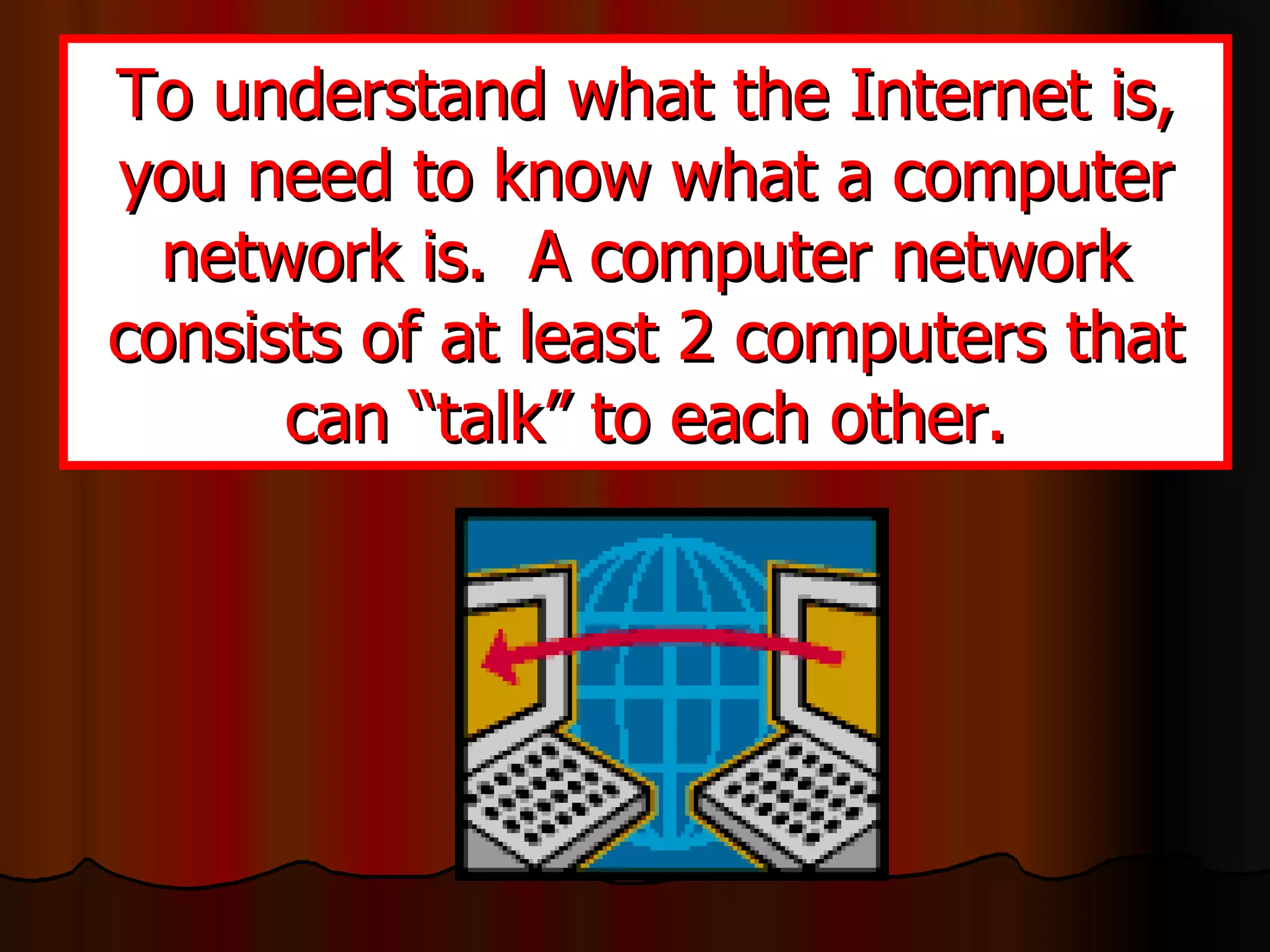
Concept of the Internet as a global network of computers and differentiation from a computer network.
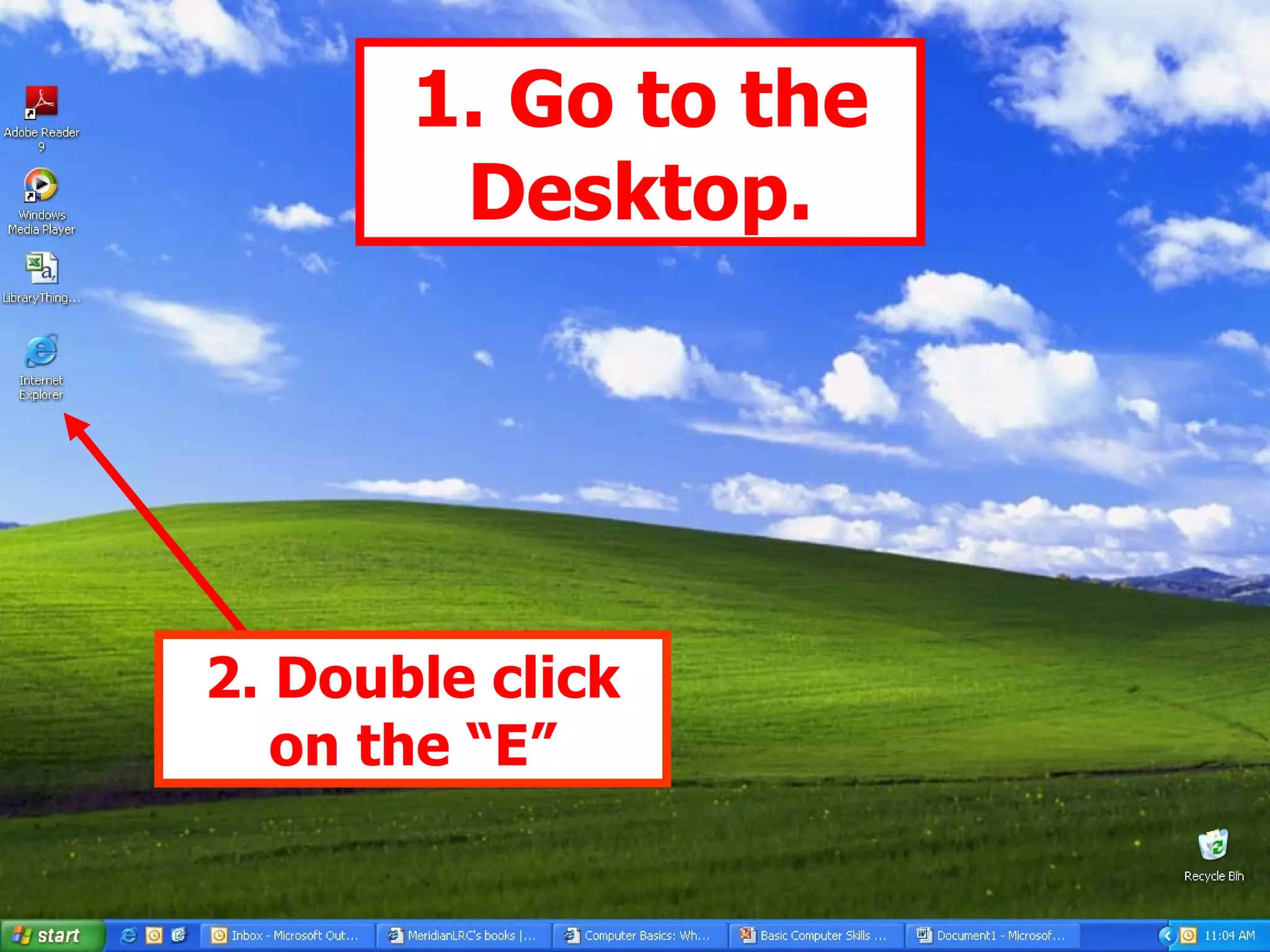
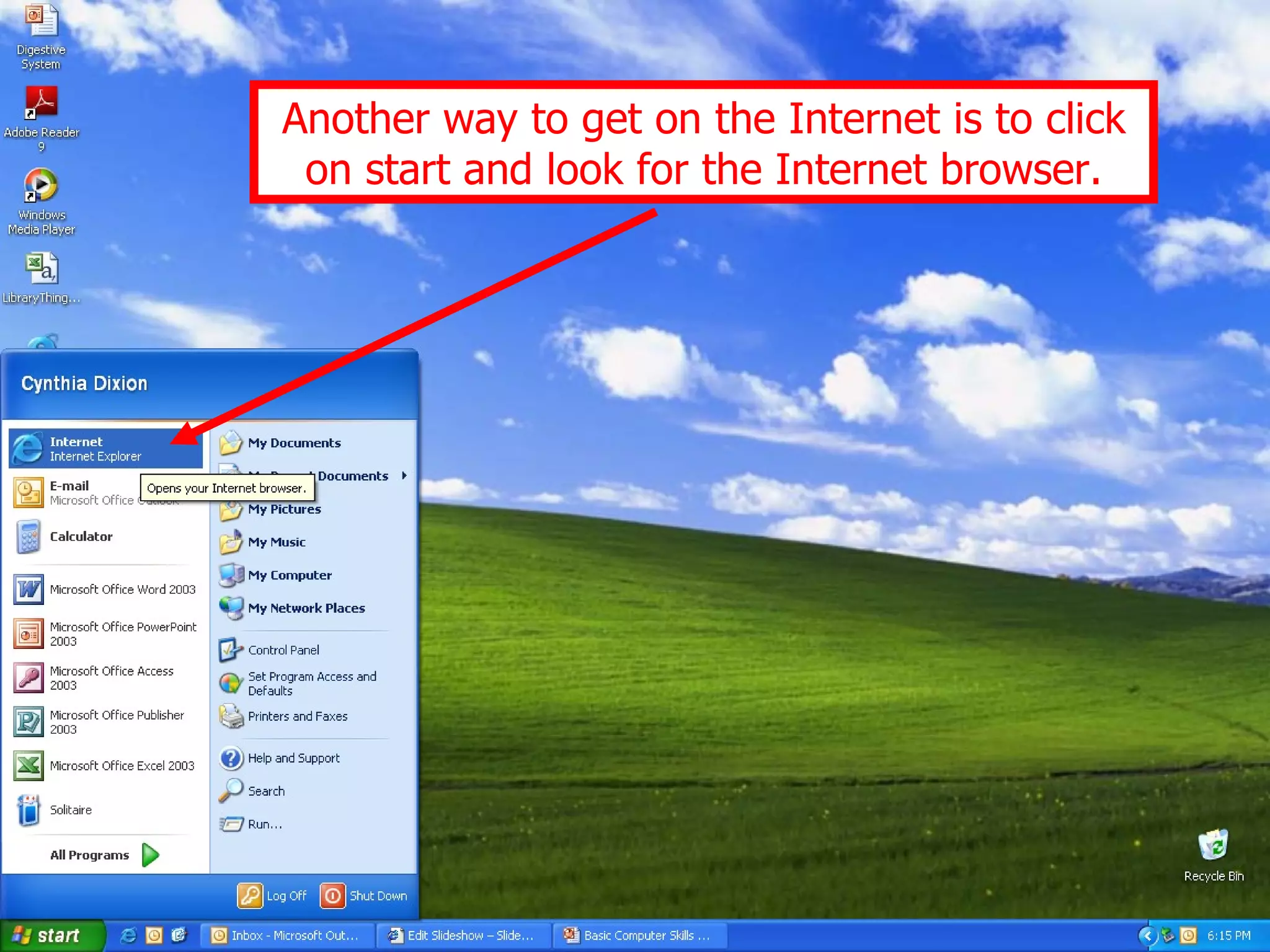
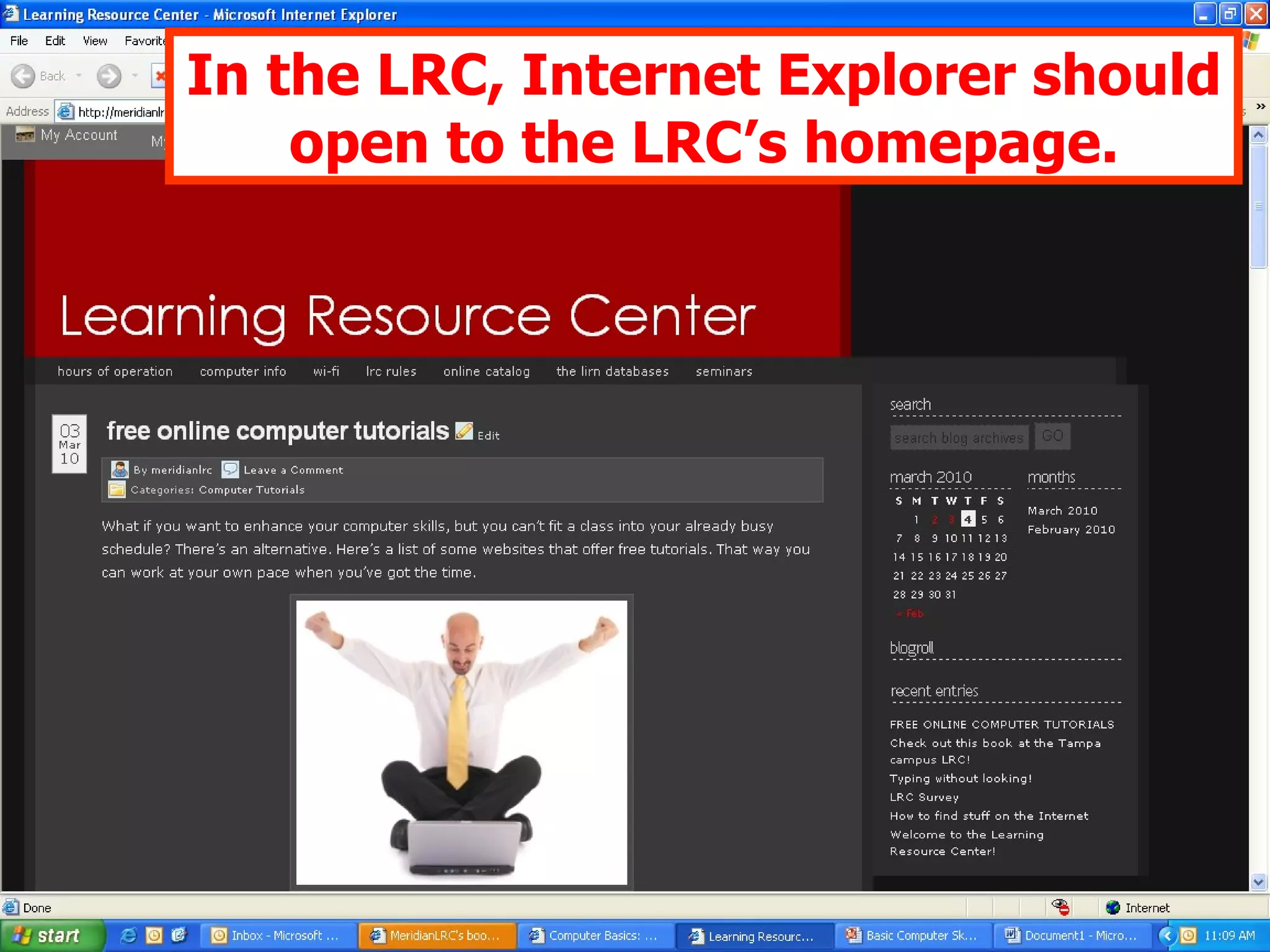
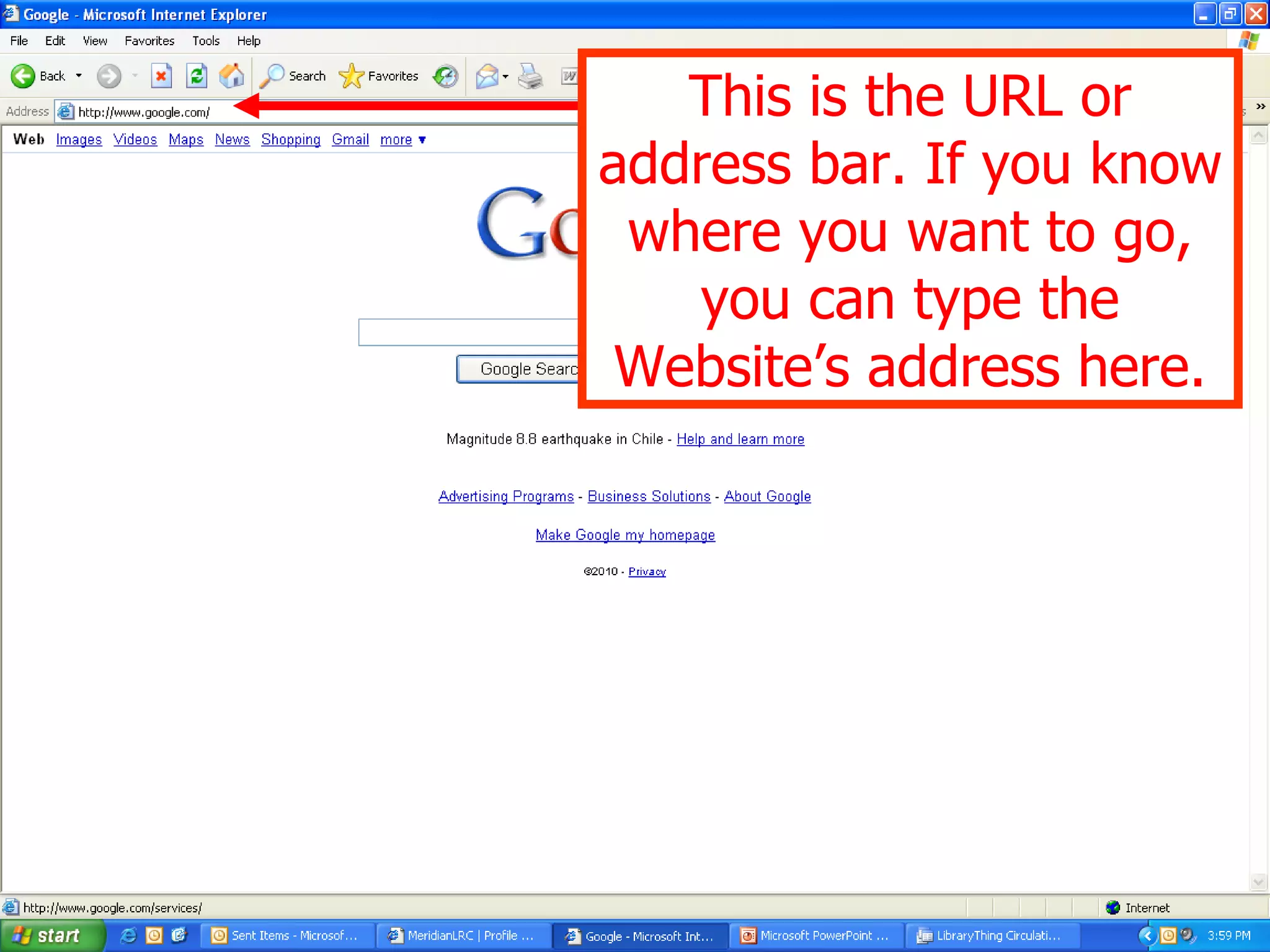
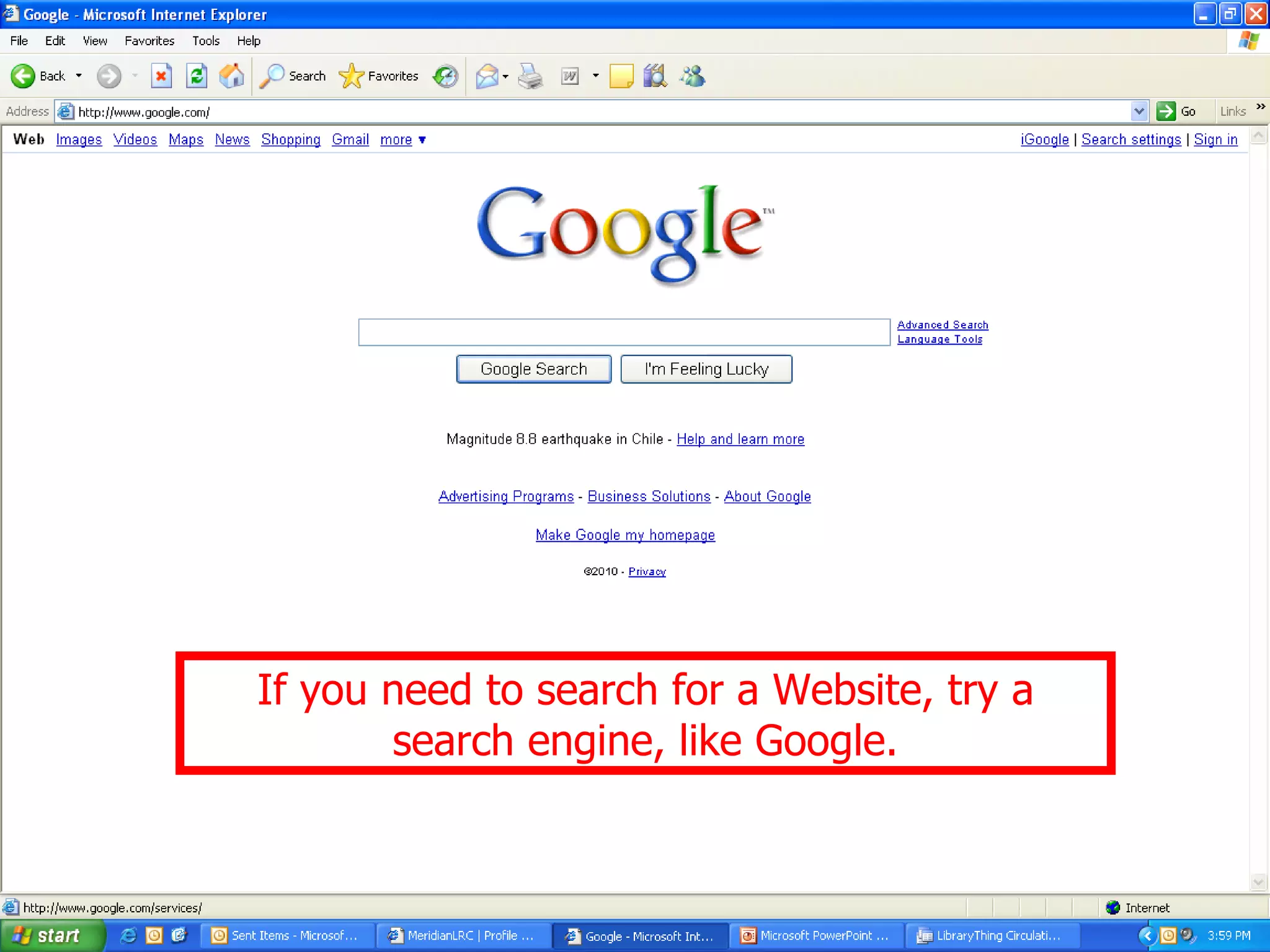
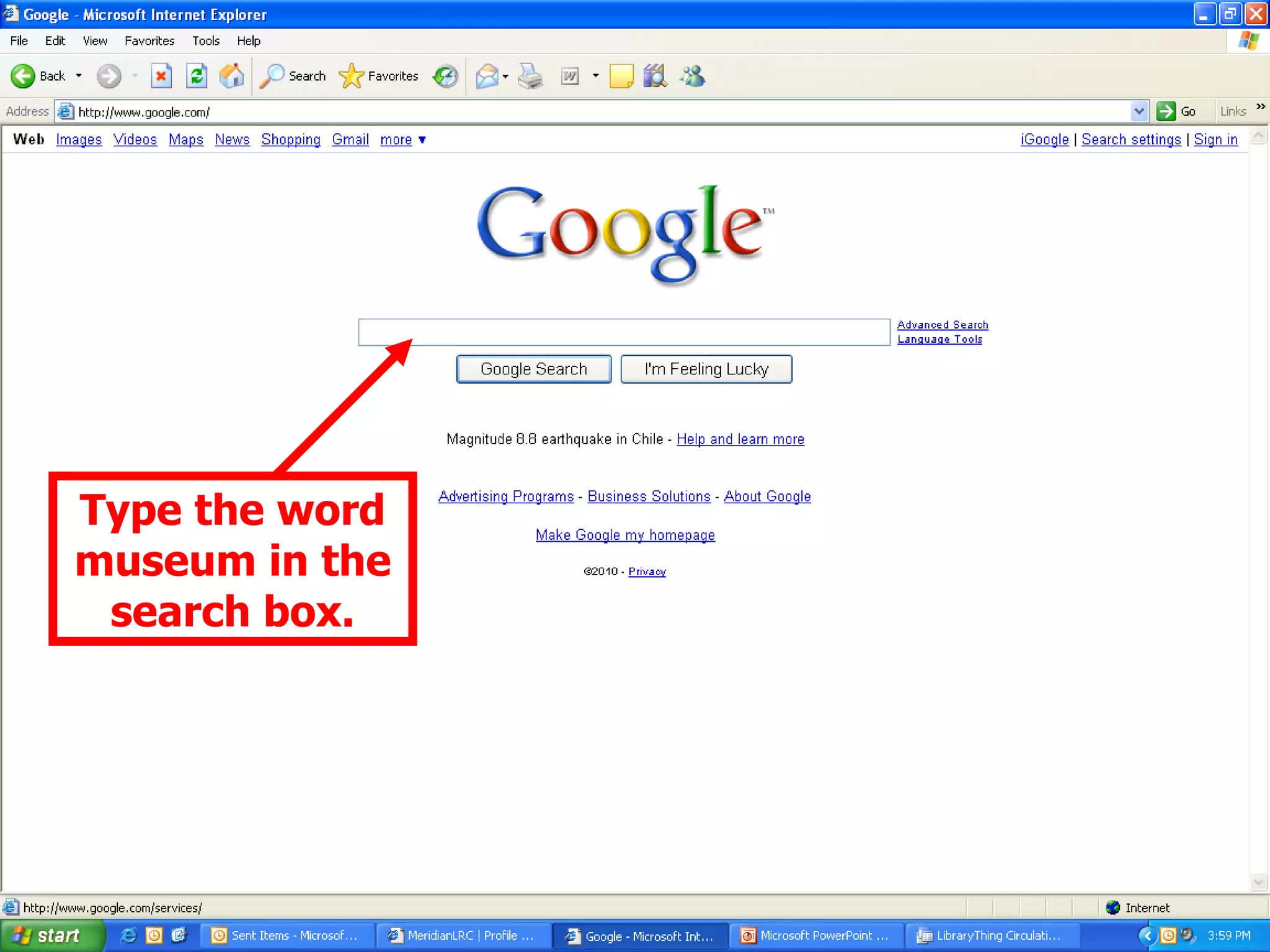
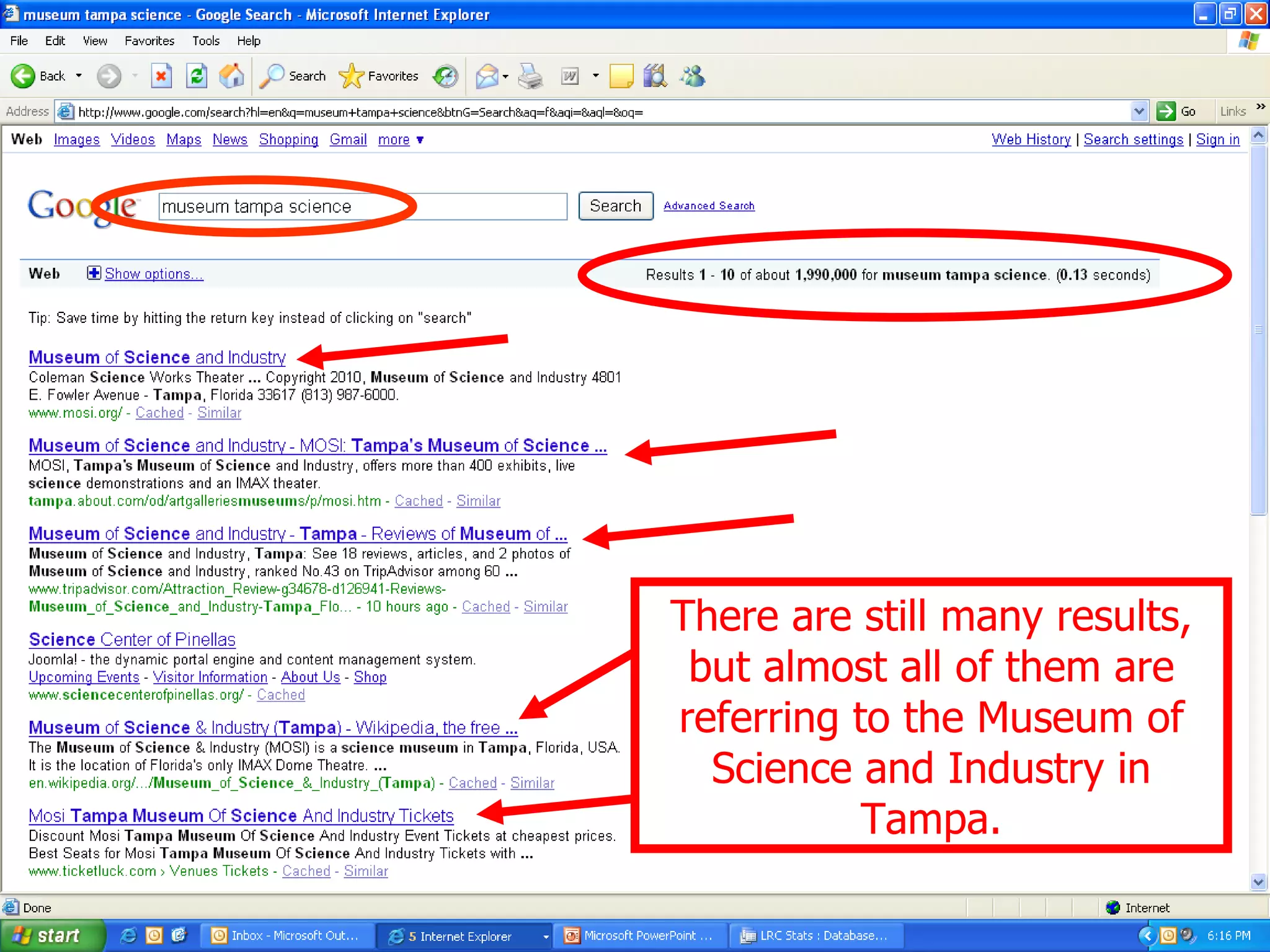
Understanding the World Wide Web and instructions for accessing websites and using search engines.
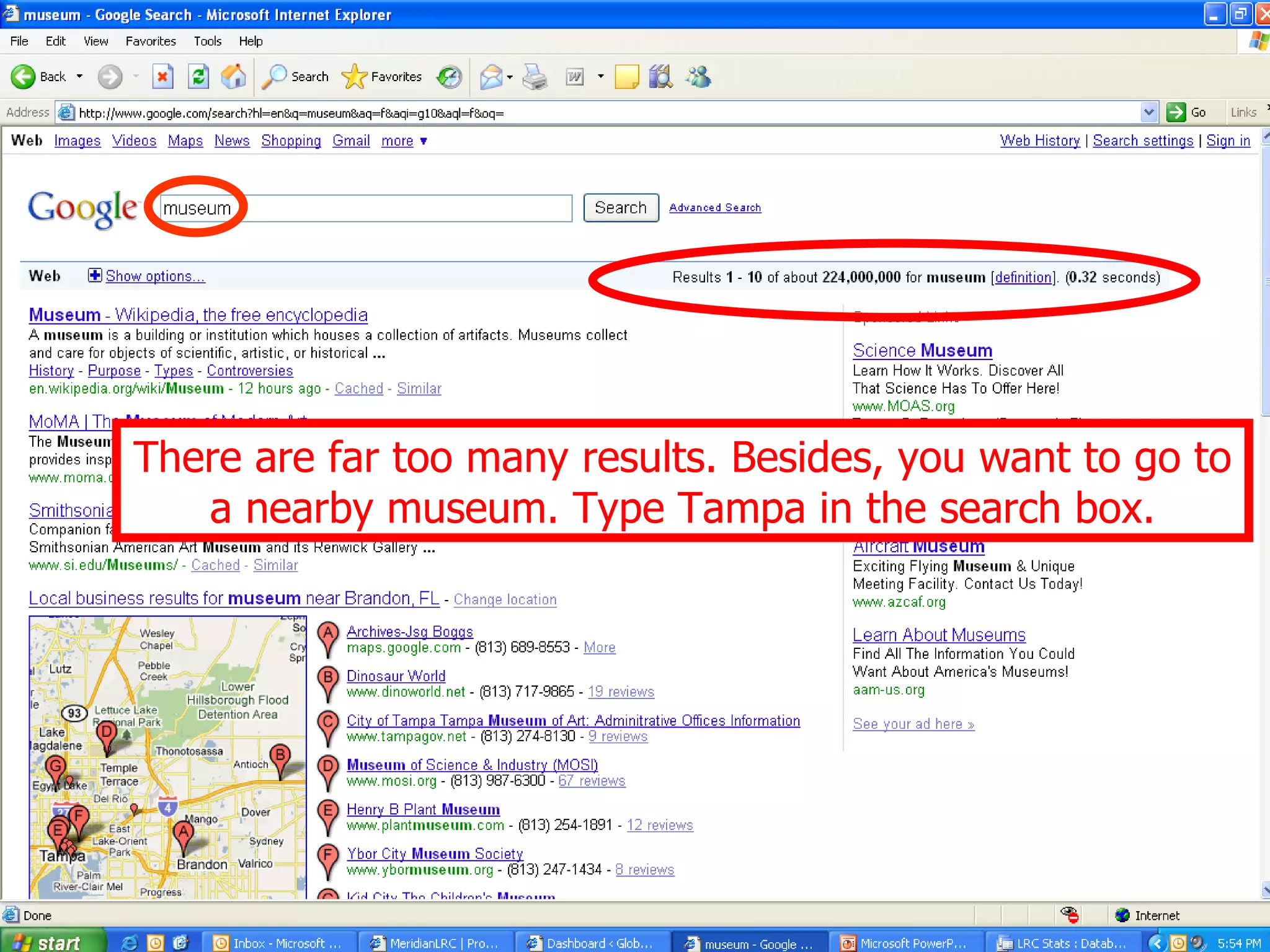
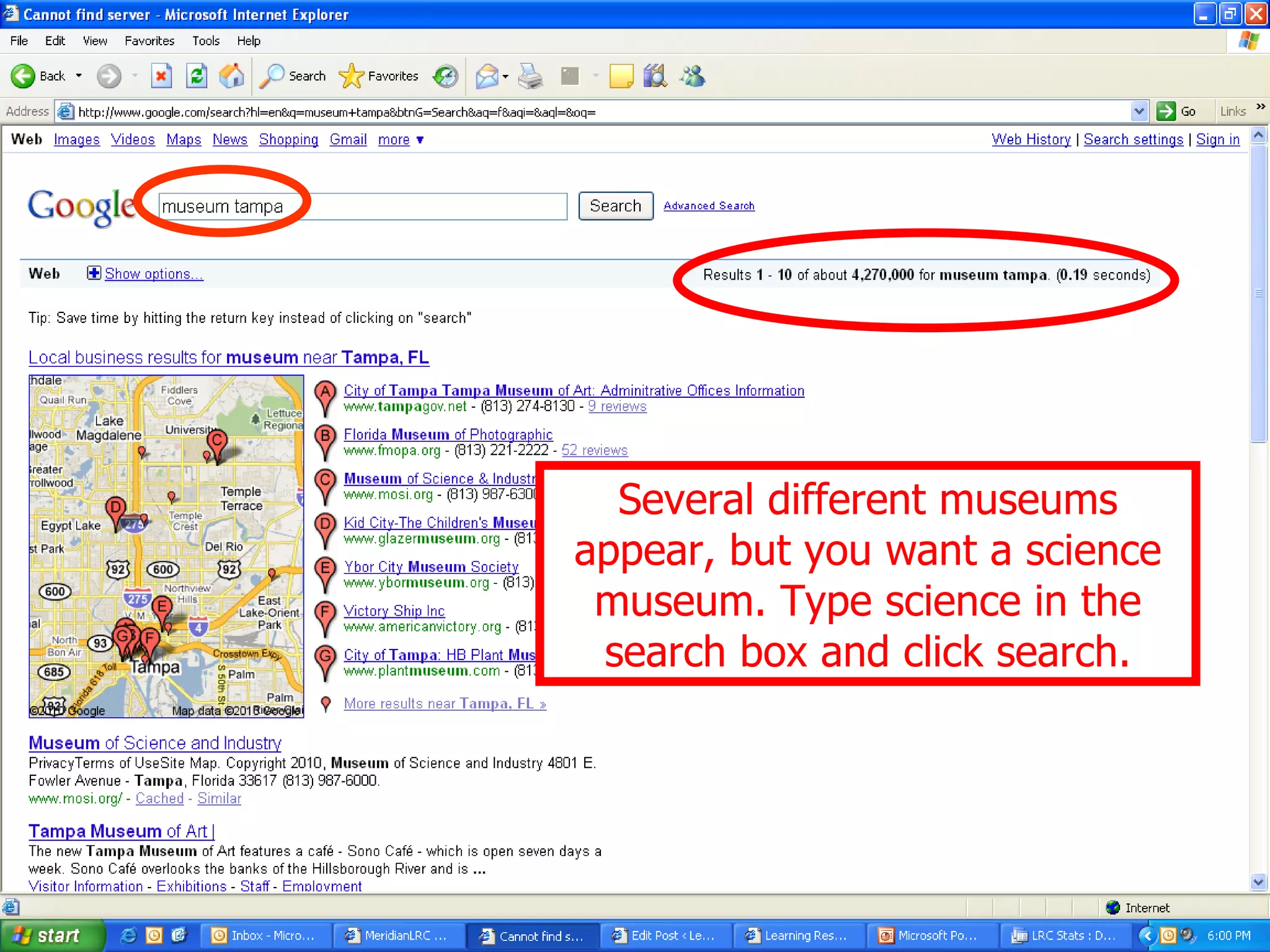
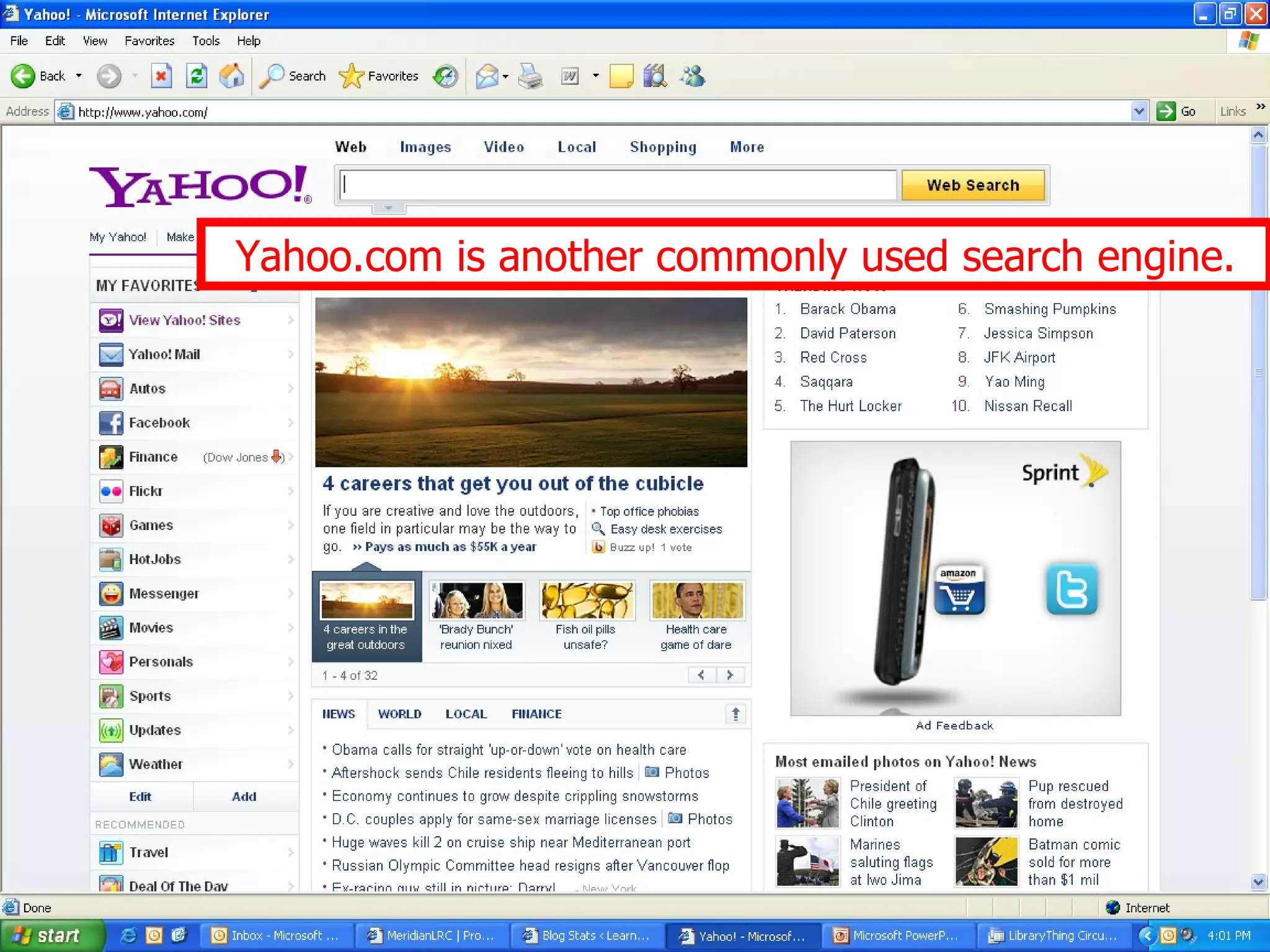
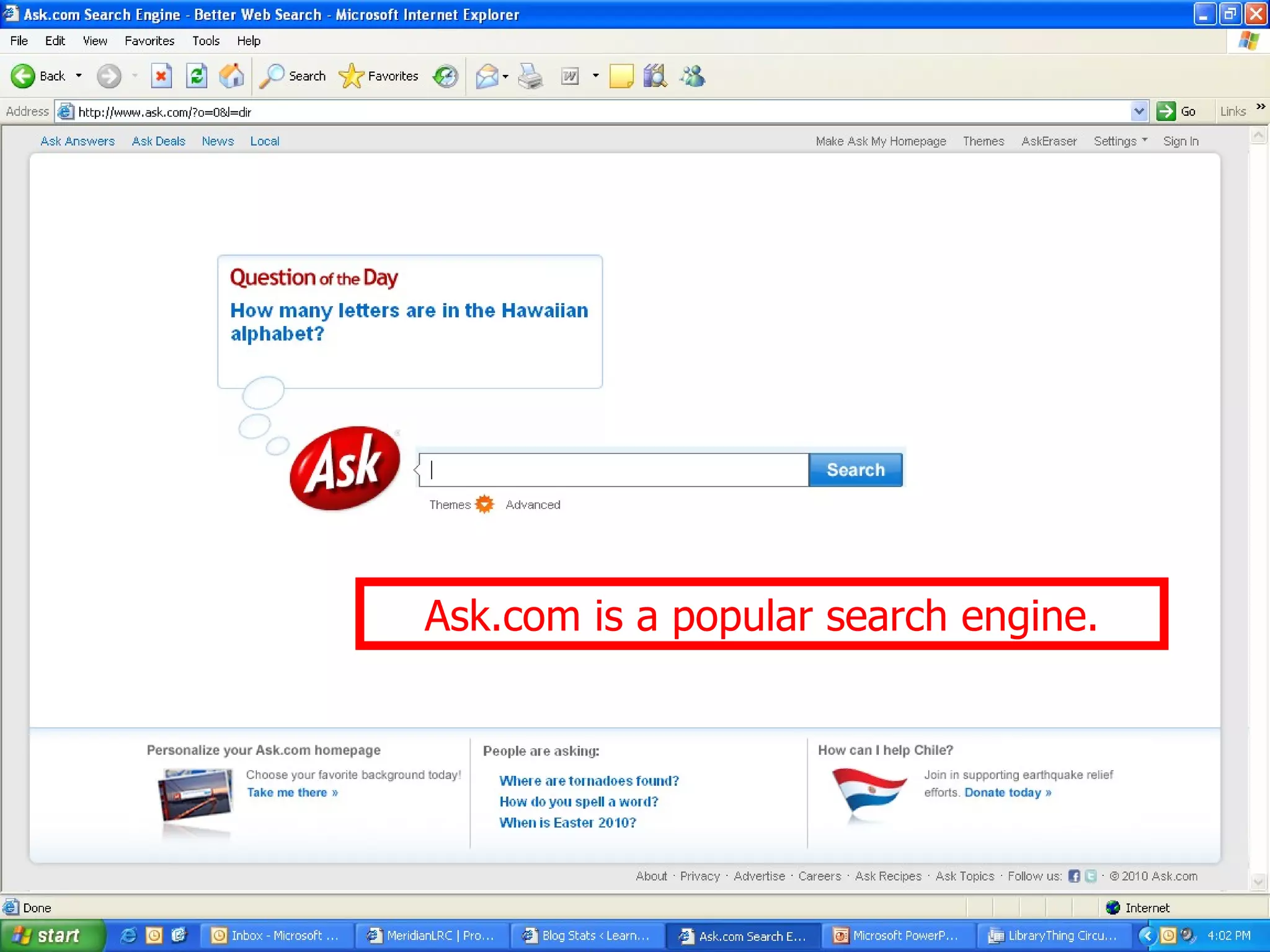
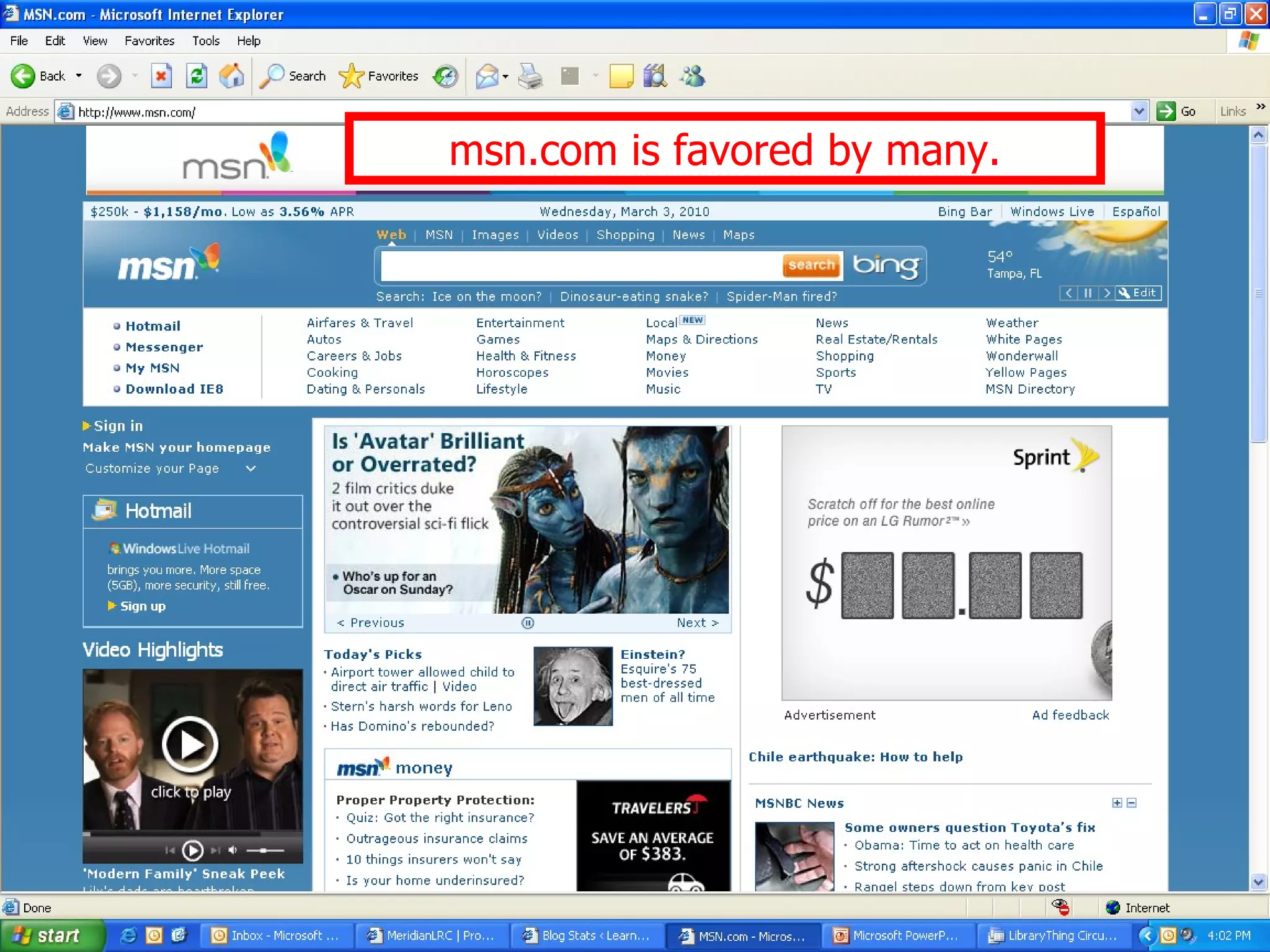
Step-by-step process for finding websites using Google, Yahoo, Ask.com, and msn.com search engines.
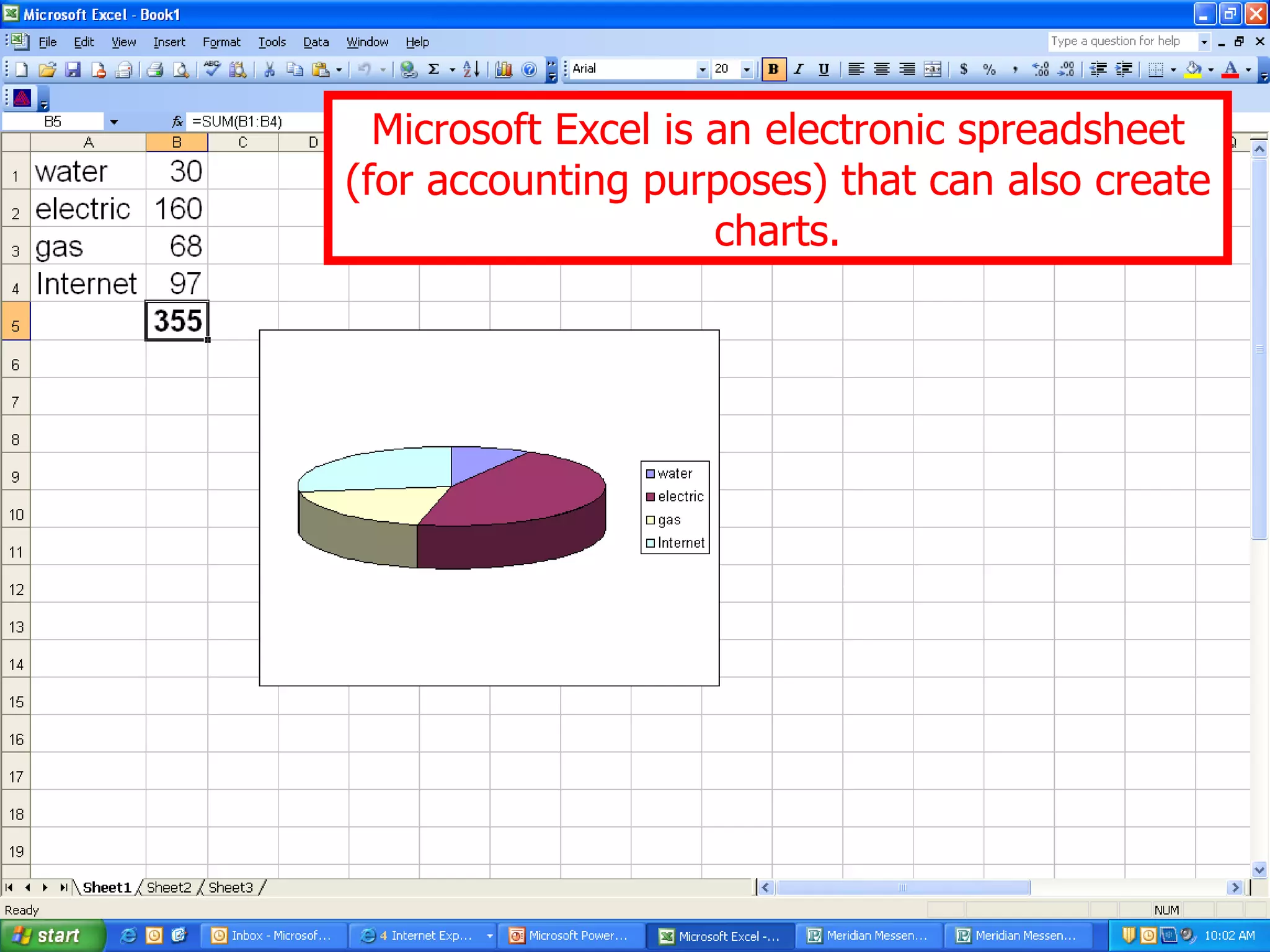
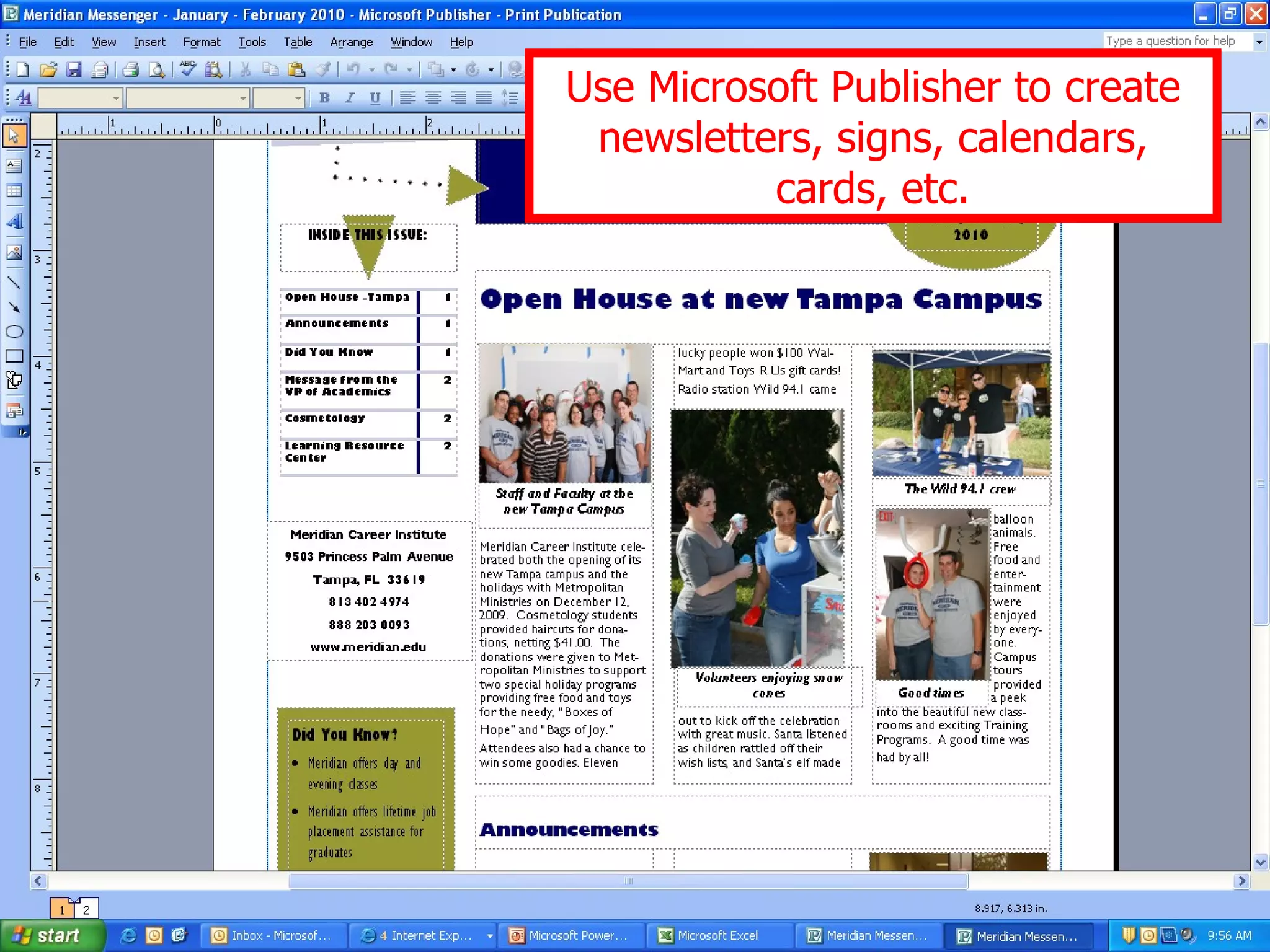
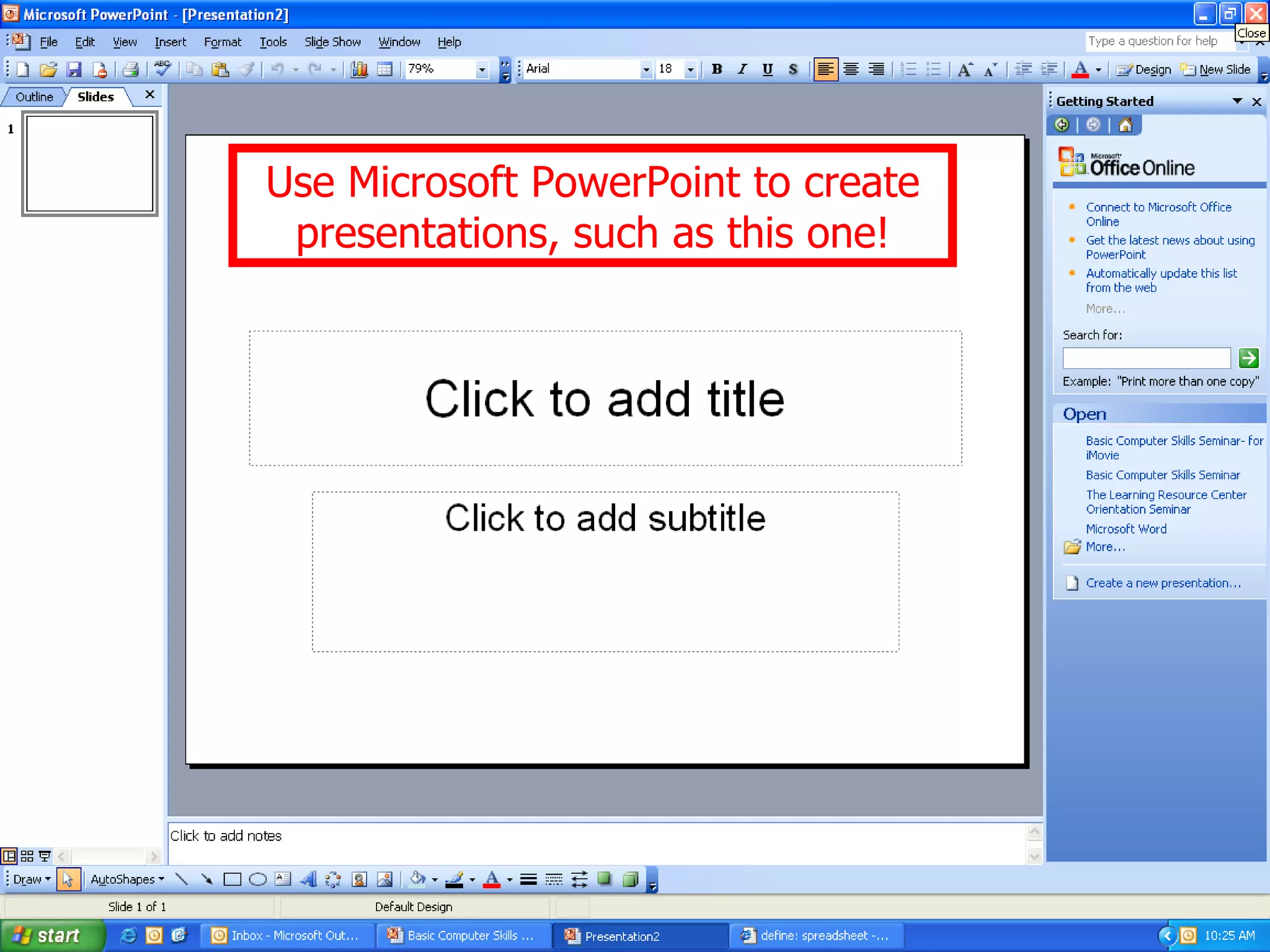
Introduction to various Microsoft products like Word, Excel, Publisher, and PowerPoint; seminar sign-up information.


