This document provides an introduction to basic computer skills, including:
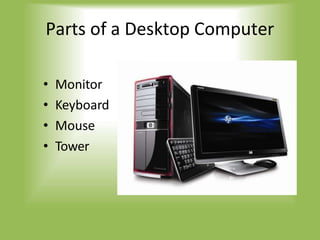
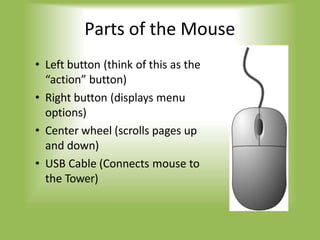
- Parts of a computer like the monitor, keyboard, mouse and tower.
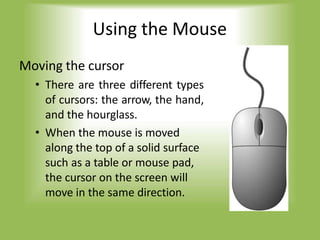
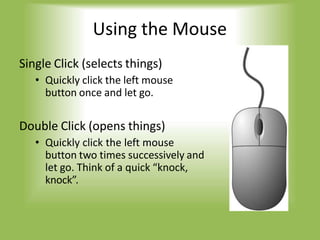
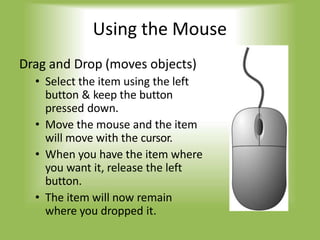
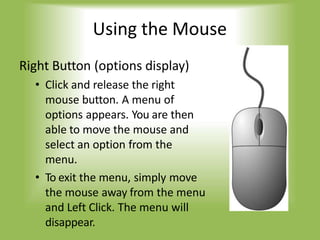
- How to use a mouse, such as clicking, dragging and dropping, and right clicking.
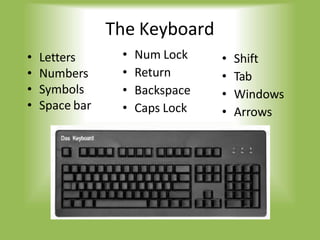
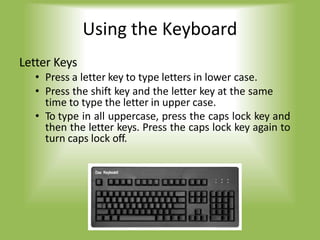
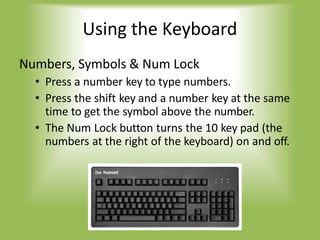
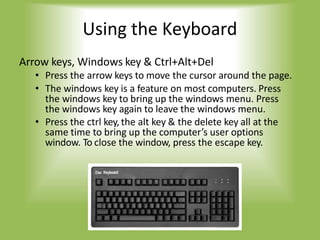
- How to use a keyboard including typing letters, numbers, symbols and special keys.
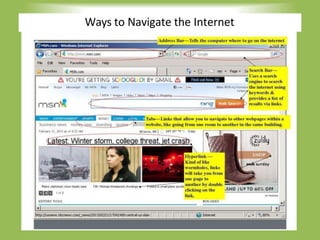
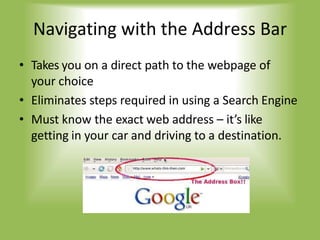
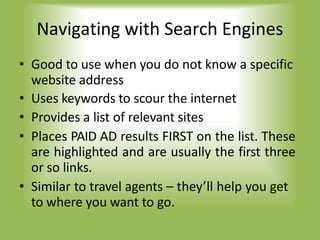
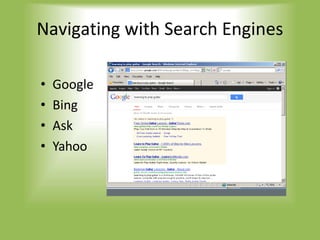
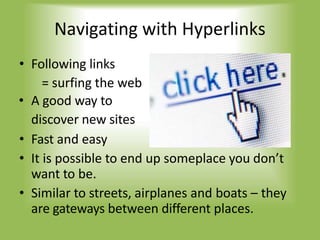
- Navigating the internet using the address bar, search engines, hyperlinks and tabs.
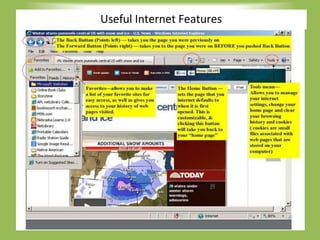
- Useful internet features including email for sending and receiving messages and attachments.
- Tips for staying safe online such as only providing personal information to secure sites.