20 Common port
numbers
&
their purposes
Protocol: (FTP)
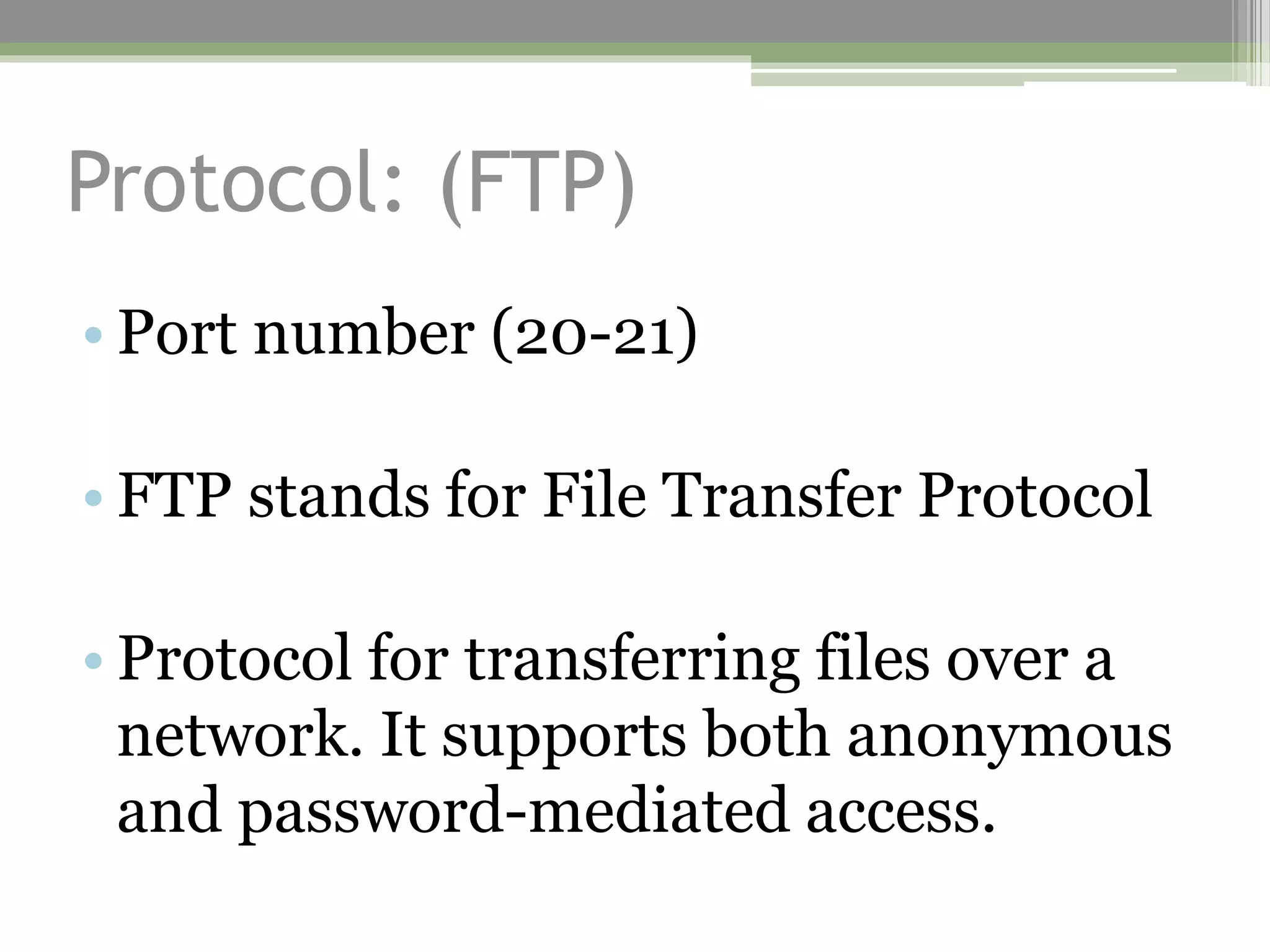
• Port number (20-21)
• FTP stands for File Transfer Protocol
• Protocol for transferring files over a
network. It supports both anonymous
and password-mediated access.
Protocol: (SSH)
• Port number (22)
• SSH stands for Secure Shell
• Its an encrypted remote access tool.
It supports file transfers and
encrypting other protocols.
Protocol: (Telnet)
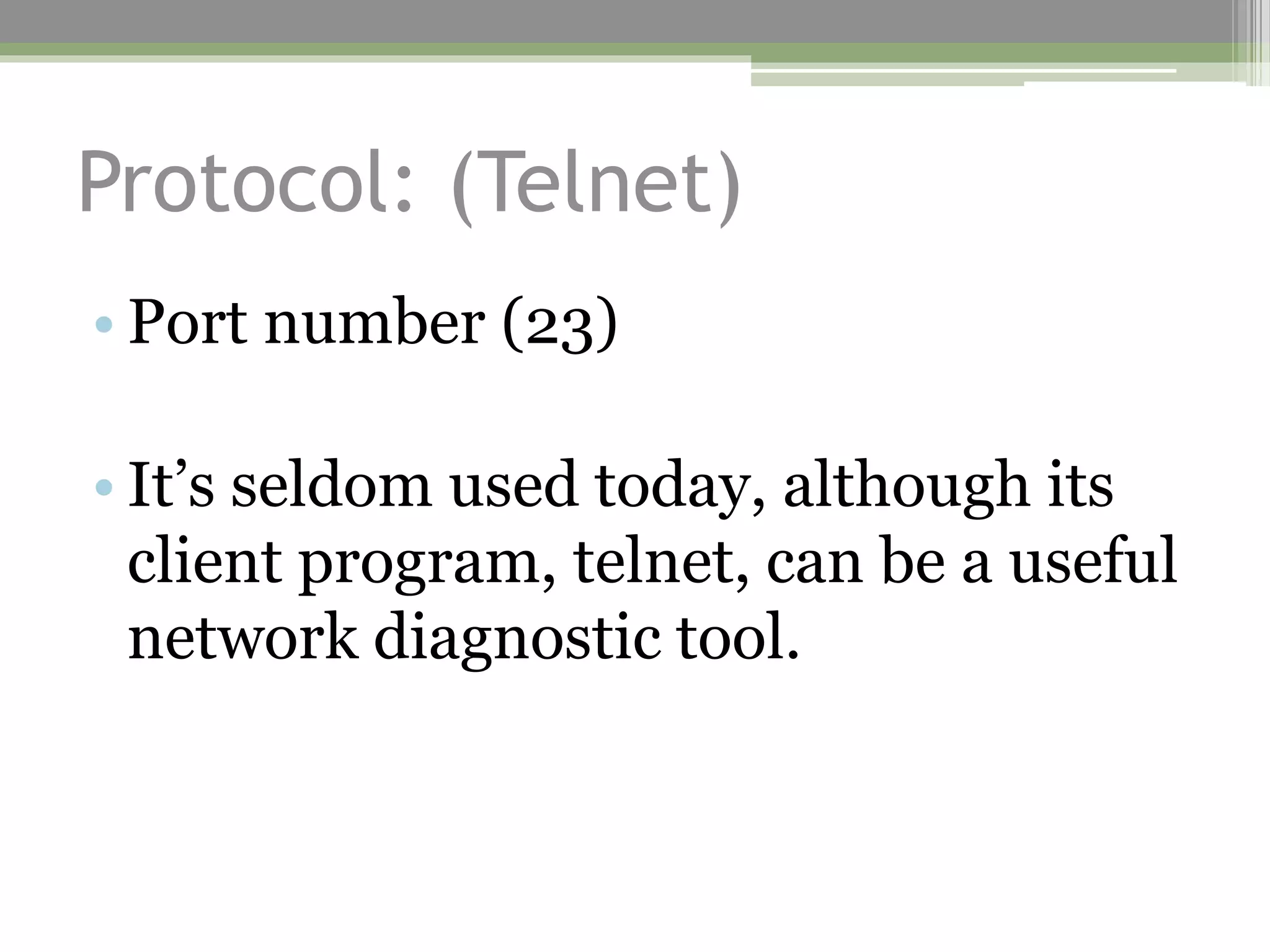
• Port number (23)
• It’s seldom used today, although its
client program, telnet, can be a useful
network diagnostic tool.
Protocol: (SMTP)
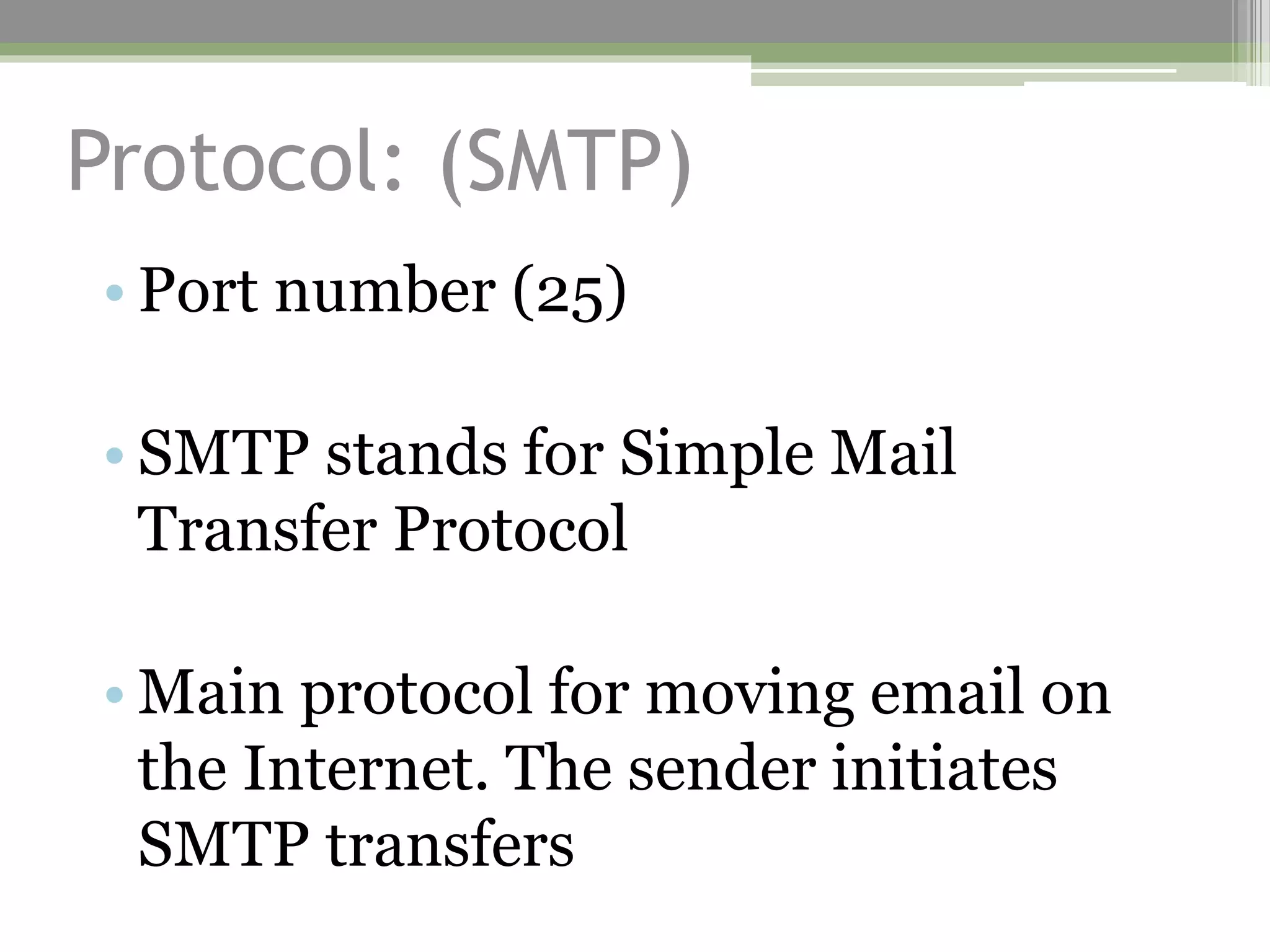
• Port number (25)
• SMTP stands for Simple Mail
Transfer Protocol
• Main protocol for moving email on
the Internet. The sender initiates
SMTP transfers
Protocol: (DNS)
• Port number (42)
• DNS stands for Domain Name Service
• enables computers to look up an IP
address by providing a hostname, or
vice-versa.
Protocol: (BOOTP, DHCP)
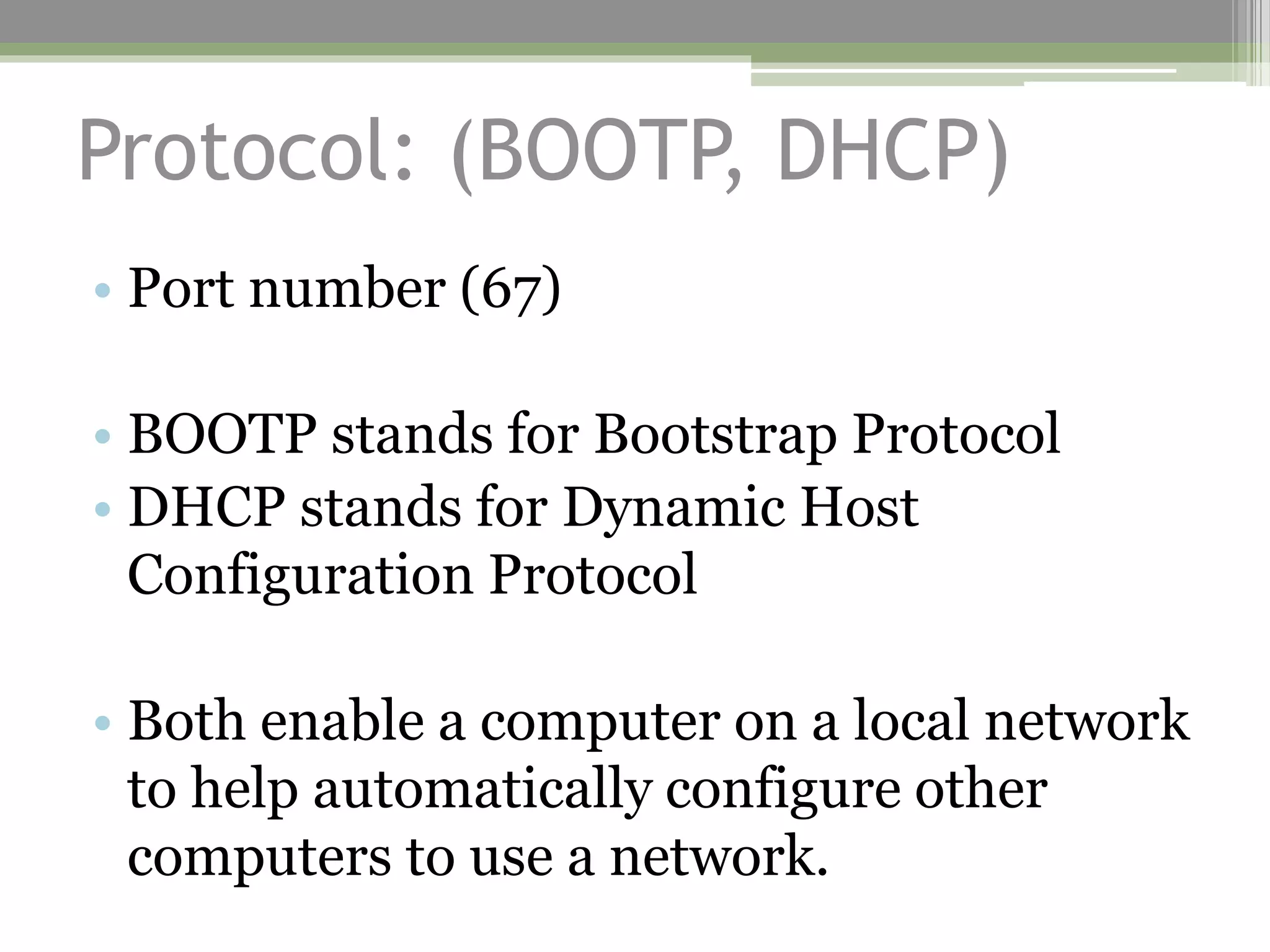
• Port number (67)
• BOOTP stands for Bootstrap Protocol
• DHCP stands for Dynamic Host
Configuration Protocol
• Both enable a computer on a local network
to help automatically configure other
computers to use a network.
Protocol (HTTP)
• Port number(80)
• HTTP stands for Hypertext Transfer
Protocol
• HTTP is the basis of the World Wide
Web
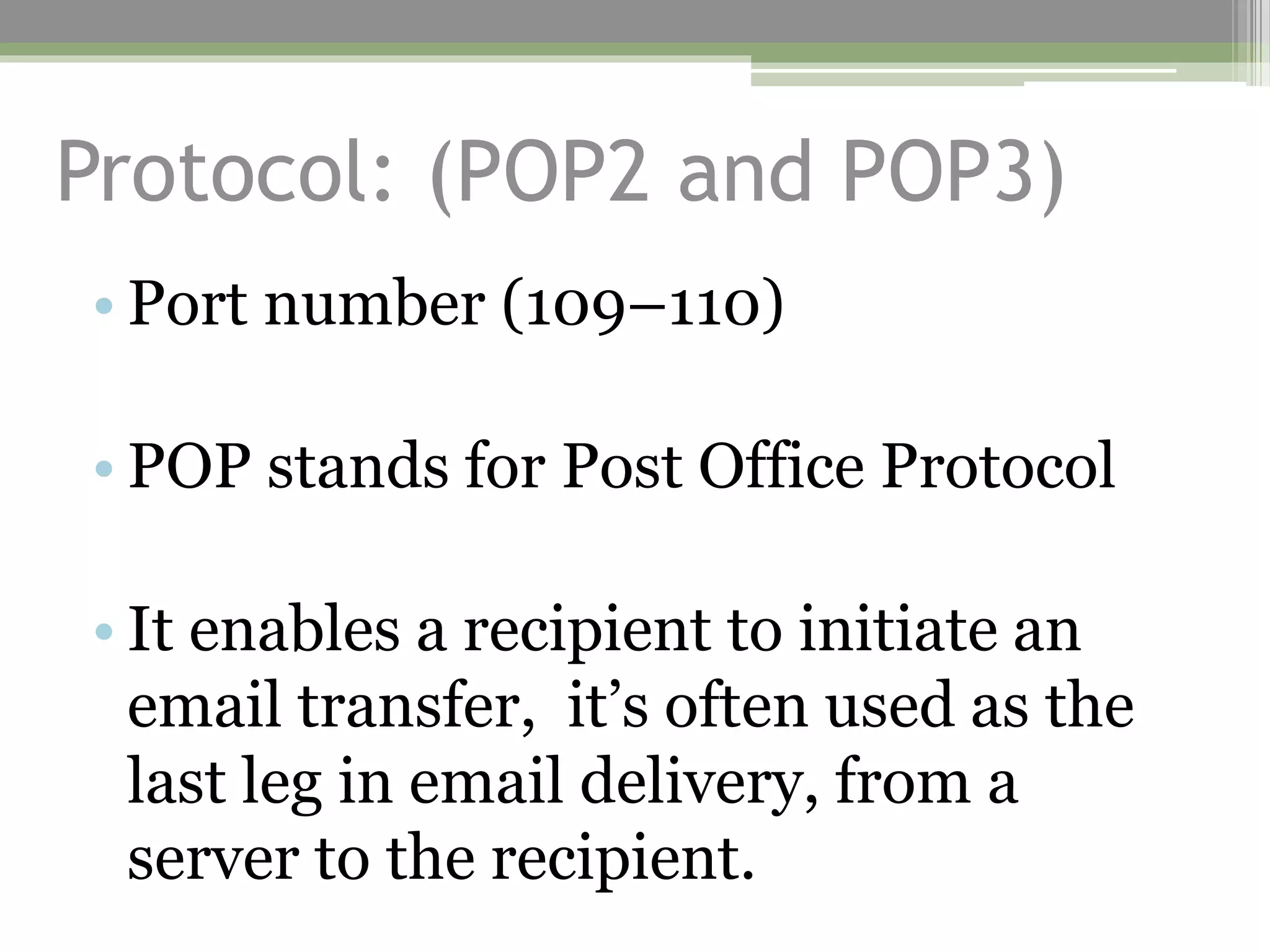
Protocol: (POP2 and POP3)
• Port number (109–110)
• POP stands for Post Office Protocol
• It enables a recipient to initiate an
email transfer, it’s often used as the
last leg in email delivery, from a
server to the recipient.
Protocol: (SQL)
• Port number (118)
• SQL stands for Structured Query
Language
• Its a network-enabled database interface
language. If you run an SQL server on
your network, client computers can access
and modify that database.
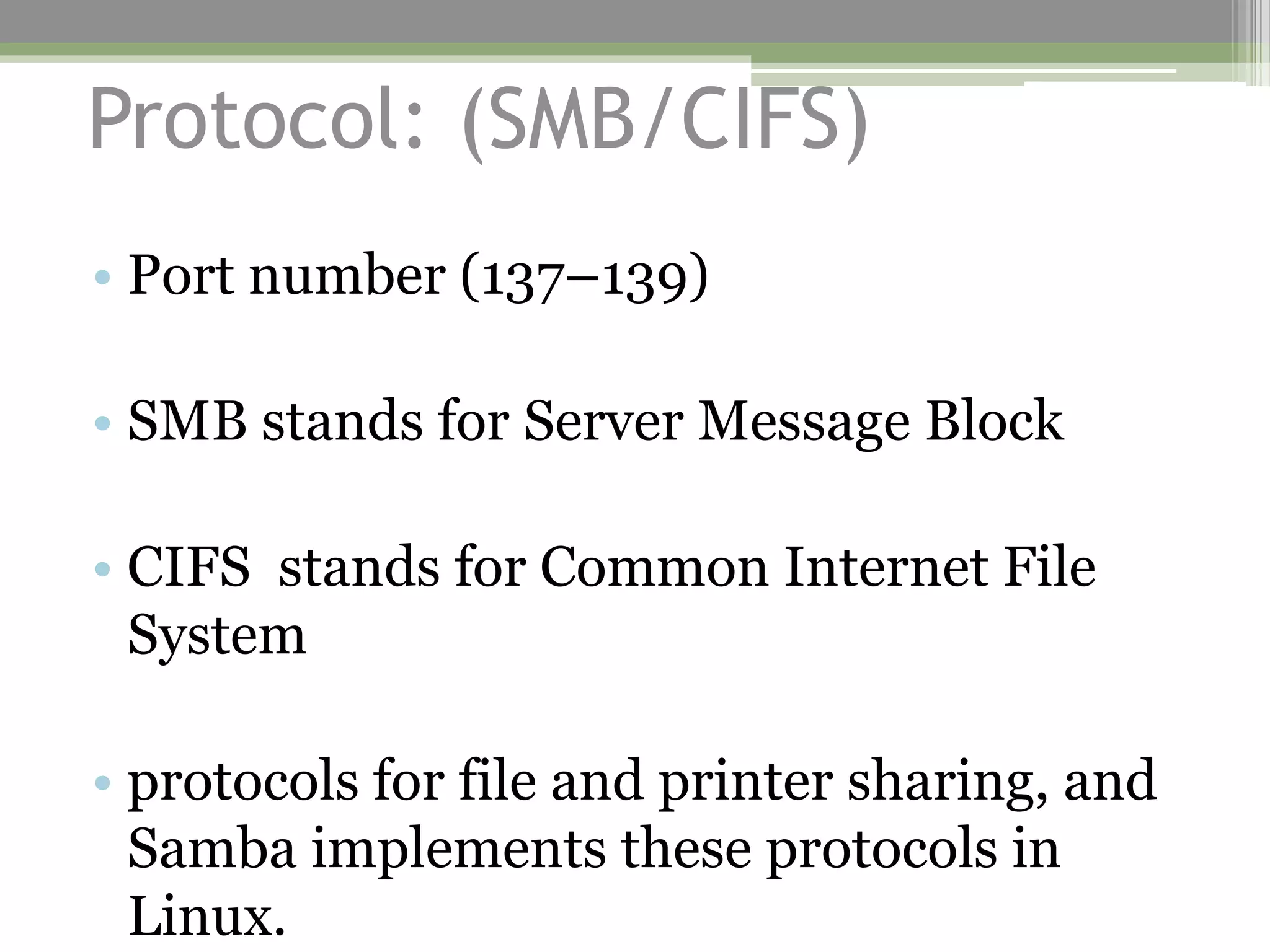
Protocol: (SMB/CIFS)
• Port number (137–139)
• SMB stands for Server Message Block
• CIFS stands for Common Internet File
System
• protocols for file and printer sharing, and
Samba implements these protocols in
Linux.
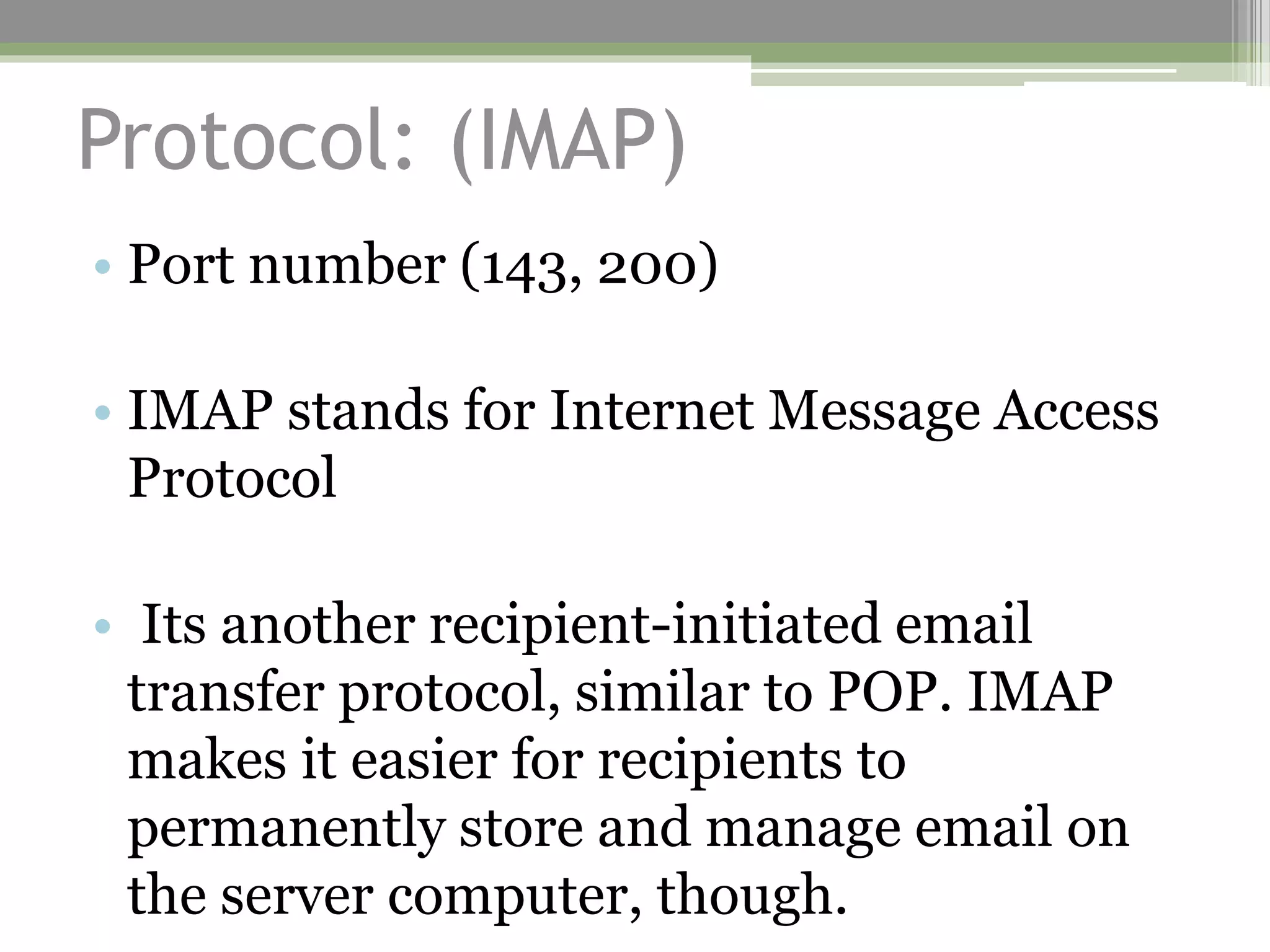
Protocol: (IMAP)
• Port number (143, 200)
• IMAP stands for Internet Message Access
Protocol
• Its another recipient-initiated email
transfer protocol, similar to POP. IMAP
makes it easier for recipients to
permanently store and manage email on
the server computer, though.
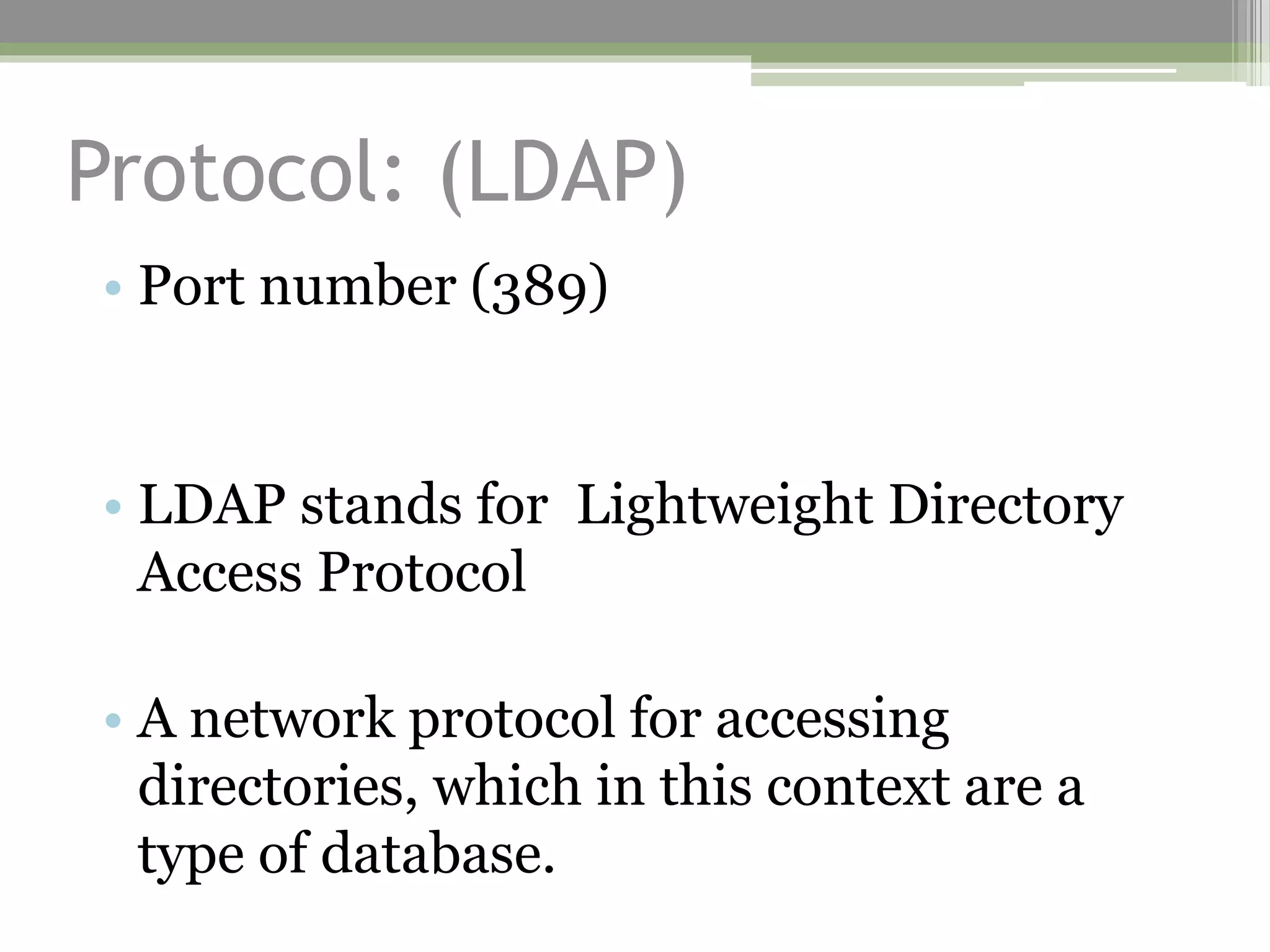
Protocol: (LDAP)
• Port number (389)
• LDAP stands for Lightweight Directory
Access Protocol
• A network protocol for accessing
directories, which in this context are a
type of database.
Protocol: (HTTPS)
• Port number (443)
• This protocol is a secure (encrypted)
variant of HTTP.
Protocol: (NFS)
• Port number (2049)
• NFS stands form Network File System
• A protocol, and a server of the same name,
for file sharing between Unix and Unix-
like OSs

20 common port numbers and their purposes

  • 1.
  • 2.
    Protocol: (FTP) • Portnumber (20-21) • FTP stands for File Transfer Protocol • Protocol for transferring files over a network. It supports both anonymous and password-mediated access.
  • 3.
    Protocol: (SSH) • Portnumber (22) • SSH stands for Secure Shell • Its an encrypted remote access tool. It supports file transfers and encrypting other protocols.
  • 4.
    Protocol: (Telnet) • Portnumber (23) • It’s seldom used today, although its client program, telnet, can be a useful network diagnostic tool.
  • 5.
    Protocol: (SMTP) • Portnumber (25) • SMTP stands for Simple Mail Transfer Protocol • Main protocol for moving email on the Internet. The sender initiates SMTP transfers
  • 6.
    Protocol: (DNS) • Portnumber (42) • DNS stands for Domain Name Service • enables computers to look up an IP address by providing a hostname, or vice-versa.
  • 7.
    Protocol: (BOOTP, DHCP) •Port number (67) • BOOTP stands for Bootstrap Protocol • DHCP stands for Dynamic Host Configuration Protocol • Both enable a computer on a local network to help automatically configure other computers to use a network.
  • 8.
    Protocol (HTTP) • Portnumber(80) • HTTP stands for Hypertext Transfer Protocol • HTTP is the basis of the World Wide Web
  • 9.
    Protocol: (POP2 andPOP3) • Port number (109–110) • POP stands for Post Office Protocol • It enables a recipient to initiate an email transfer, it’s often used as the last leg in email delivery, from a server to the recipient.
  • 10.
    Protocol: (SQL) • Portnumber (118) • SQL stands for Structured Query Language • Its a network-enabled database interface language. If you run an SQL server on your network, client computers can access and modify that database.
  • 11.
    Protocol: (SMB/CIFS) • Portnumber (137–139) • SMB stands for Server Message Block • CIFS stands for Common Internet File System • protocols for file and printer sharing, and Samba implements these protocols in Linux.
  • 12.
    Protocol: (IMAP) • Portnumber (143, 200) • IMAP stands for Internet Message Access Protocol • Its another recipient-initiated email transfer protocol, similar to POP. IMAP makes it easier for recipients to permanently store and manage email on the server computer, though.
  • 13.
    Protocol: (LDAP) • Portnumber (389) • LDAP stands for Lightweight Directory Access Protocol • A network protocol for accessing directories, which in this context are a type of database.
  • 14.
    Protocol: (HTTPS) • Portnumber (443) • This protocol is a secure (encrypted) variant of HTTP.
  • 15.
    Protocol: (NFS) • Portnumber (2049) • NFS stands form Network File System • A protocol, and a server of the same name, for file sharing between Unix and Unix- like OSs