CS6701 CRYPTOGRAPHY AND
NETWORK SECURITY
UNIT – IV
Dr.A.Kathirvel, Professor, Dept of CSE
M N M Jain Engineering College, Chennai
UNIT - IV
SECURITY PRACTICE & SYSTEM SECURITY
Authentication applications – Kerberos – X.509
Authentication services – Internet Firewalls for
Trusted System: Roles of Firewalls – Firewall related
terminology- Types of Firewalls – Firewall designs –
SET for E-Commerce Transactions. Intruder – Intrusion
detection system – Virus and related threats –
Countermeasures – Firewalls design principles – Trusted
systems – Practical implementation of
cryptography and security.
2
AUTHENTICATION APPLICATIONS
• will consider authentication functions
• developed to support application-level
authentication & digital signatures
• will consider Kerberos – a private-key
authentication service
• then X.509 directory authentication
service
3
KERBEROS
•Part of project Athena (MIT).
•Trusted 3rd party authentication
scheme.
•Assumes that hosts are not trustworthy.
•Requires that each client (each request
for service) prove it’s identity.
•Does not require user to enter password
every time a service is requested!
4
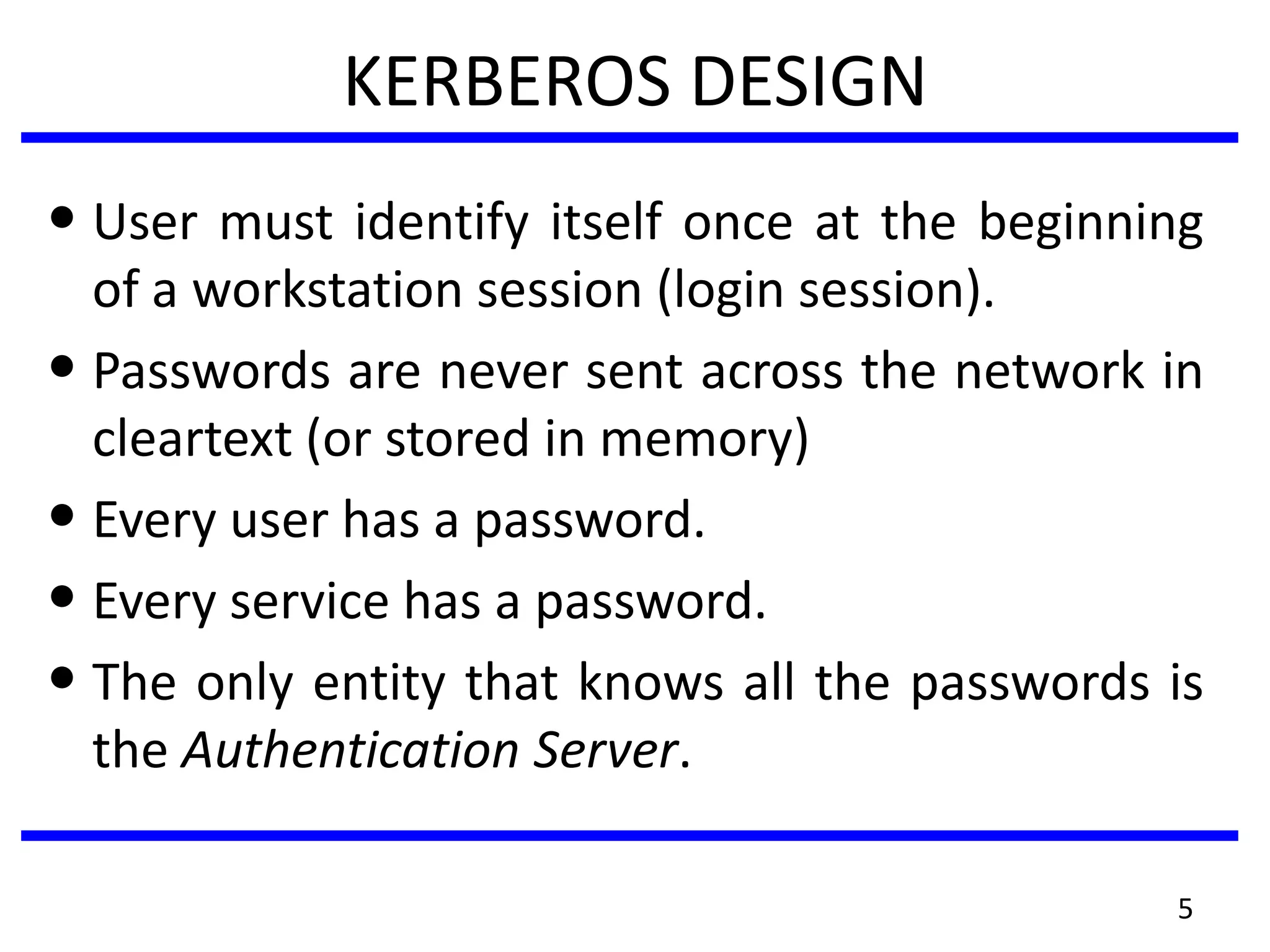
KERBEROS DESIGN
• User must identify itself once at the beginning
of a workstation session (login session).
• Passwords are never sent across the network in
cleartext (or stored in memory)
• Every user has a password.
• Every service has a password.
• The only entity that knows all the passwords is
the Authentication Server.
5
6
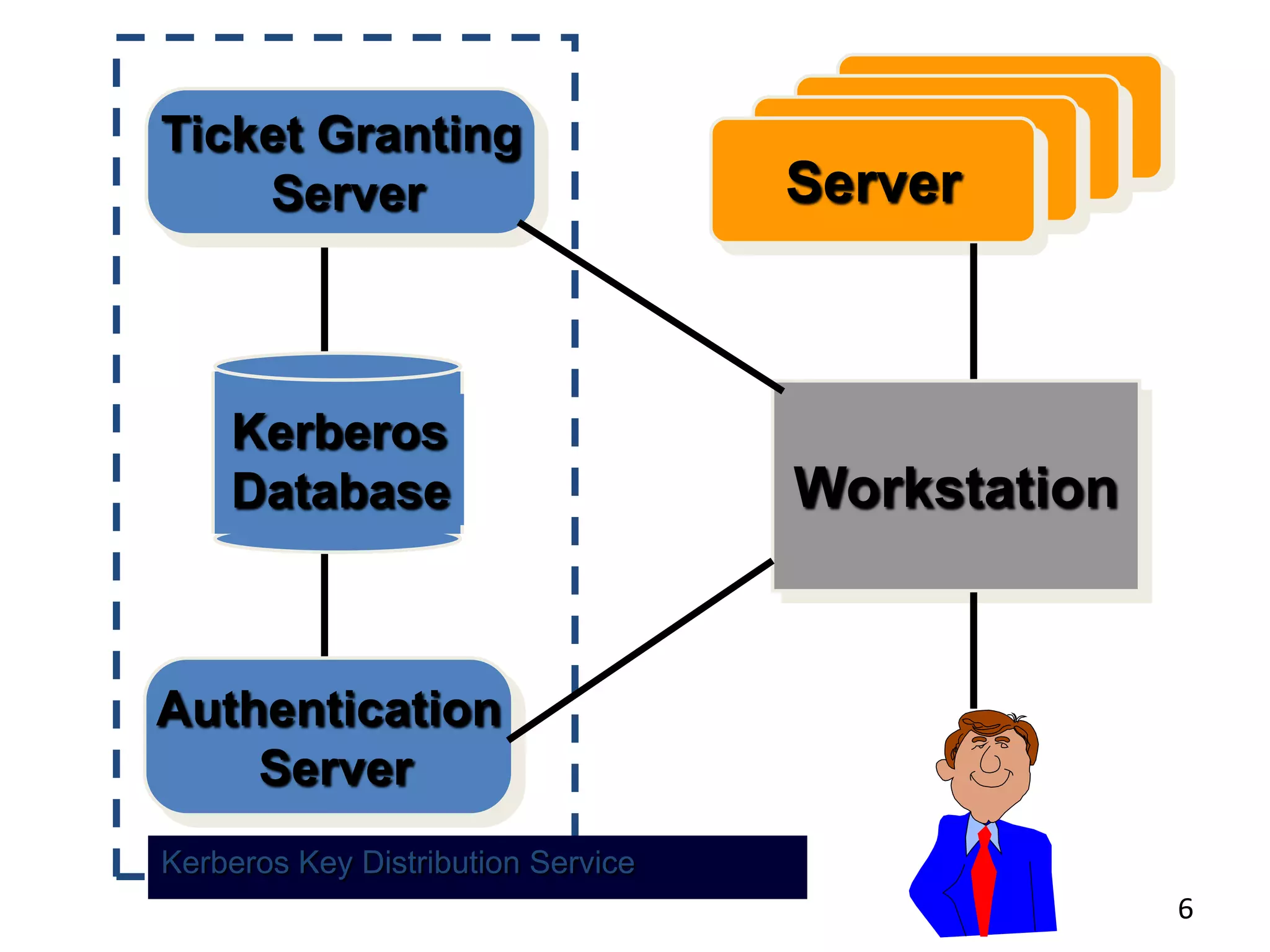
ServerServerServerServer
Kerberos
Database
Ticket Granting
Server
Authentication
Server
Workstation
Kerberos Key Distribution Service
7
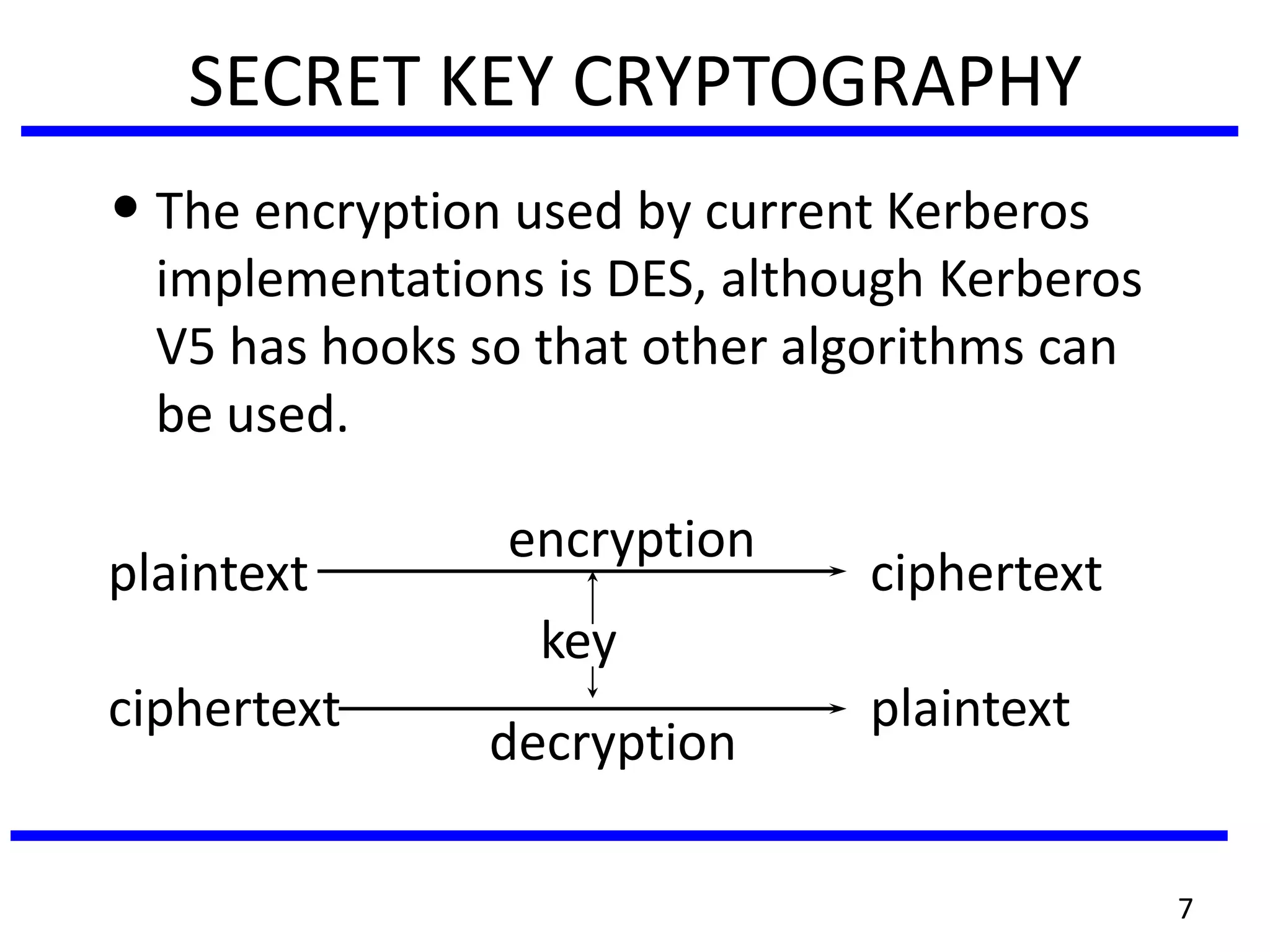
SECRET KEY CRYPTOGRAPHY
• The encryption used by current Kerberos
implementations is DES, although Kerberos
V5 has hooks so that other algorithms can
be used.
encryption
plaintext ciphertext
key
ciphertext plaintext
decryption
8
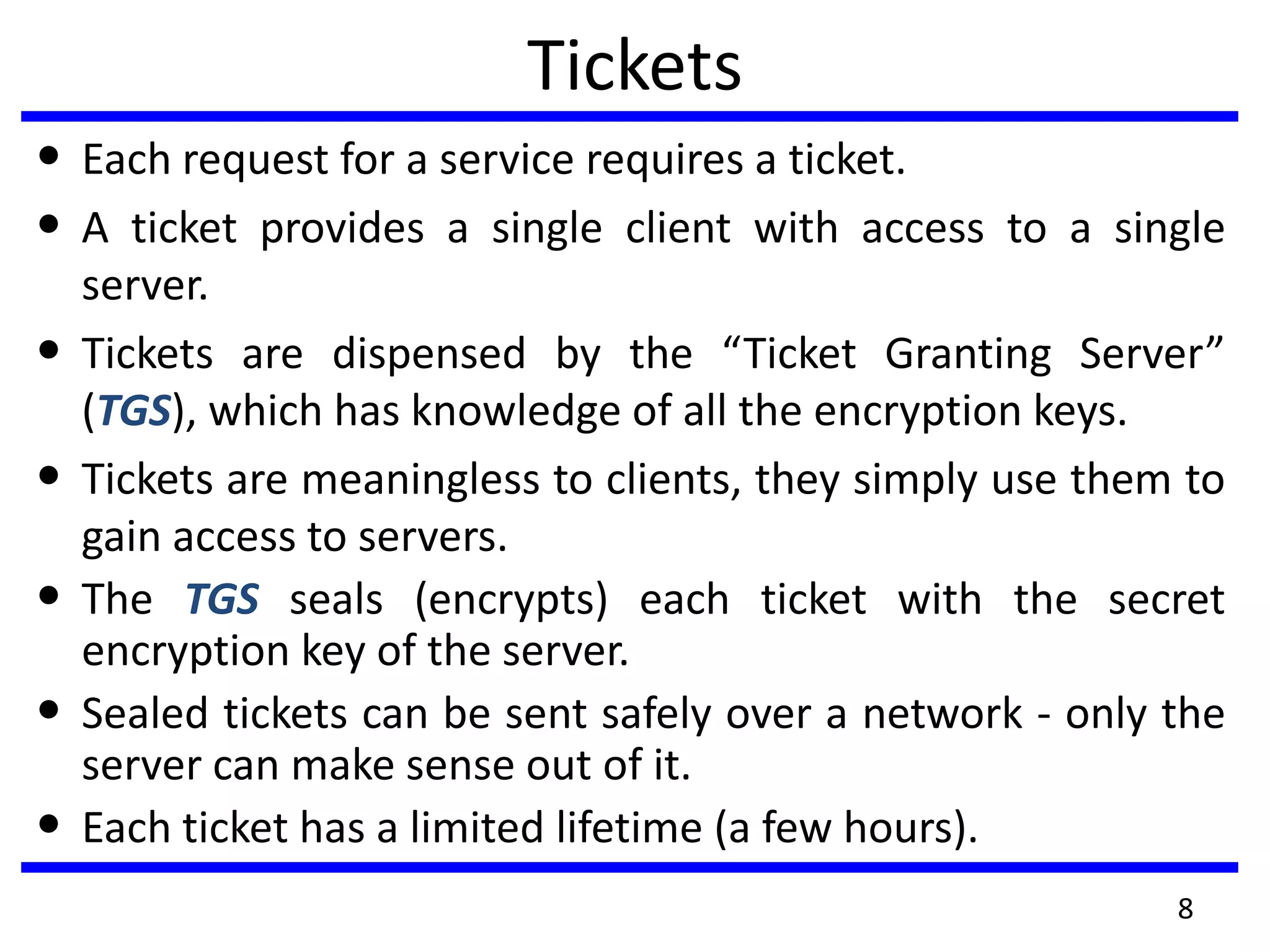
Tickets
• Each request for a service requires a ticket.
• A ticket provides a single client with access to a single
server.
• Tickets are dispensed by the “Ticket Granting Server”
(TGS), which has knowledge of all the encryption keys.
• Tickets are meaningless to clients, they simply use them to
gain access to servers.
• The TGS seals (encrypts) each ticket with the secret
encryption key of the server.
• Sealed tickets can be sent safely over a network - only the
server can make sense out of it.
• Each ticket has a limited lifetime (a few hours).
9
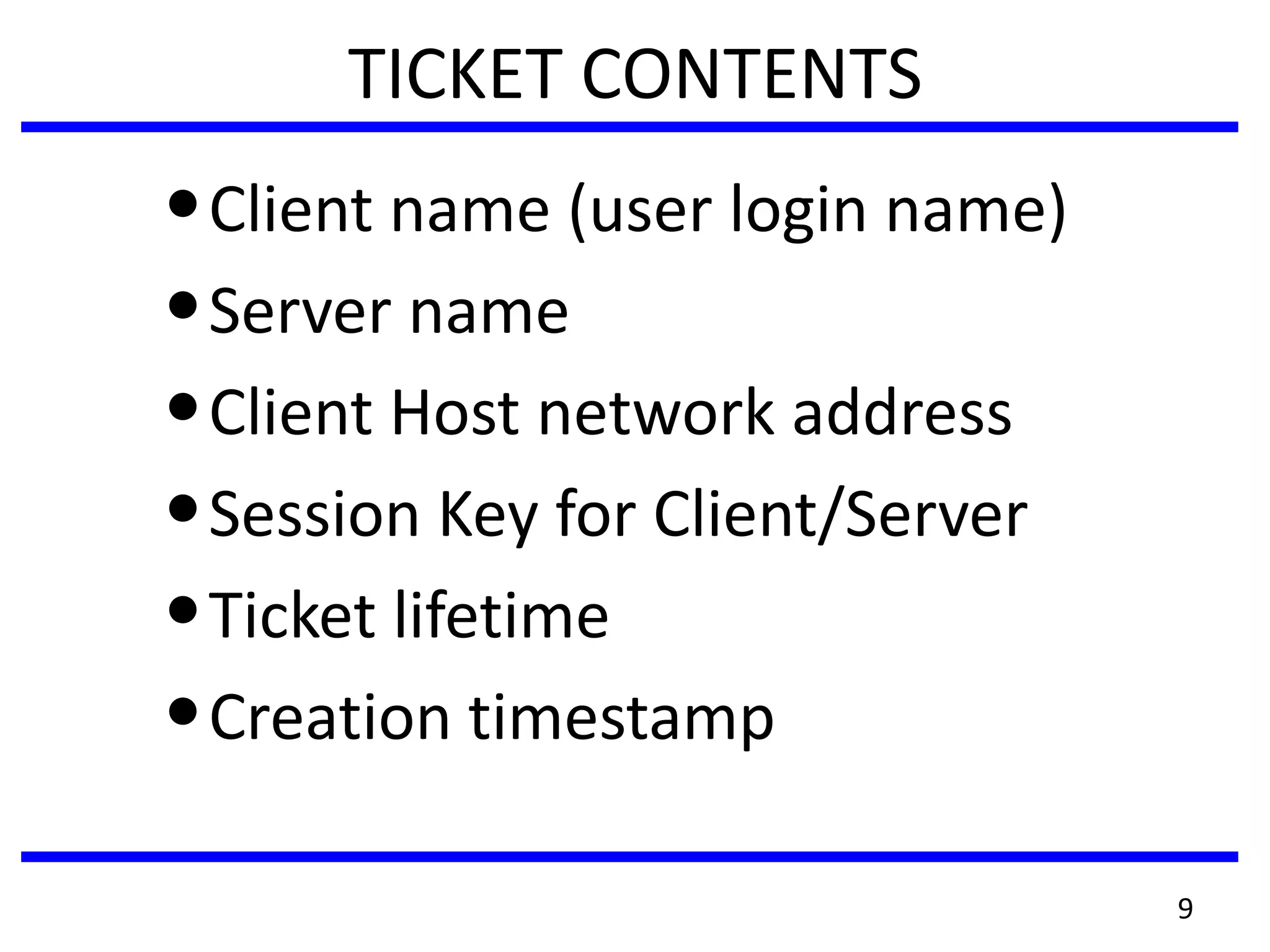
TICKET CONTENTS
•Client name (user login name)
•Server name
•Client Host network address
•Session Key for Client/Server
•Ticket lifetime
•Creation timestamp
10
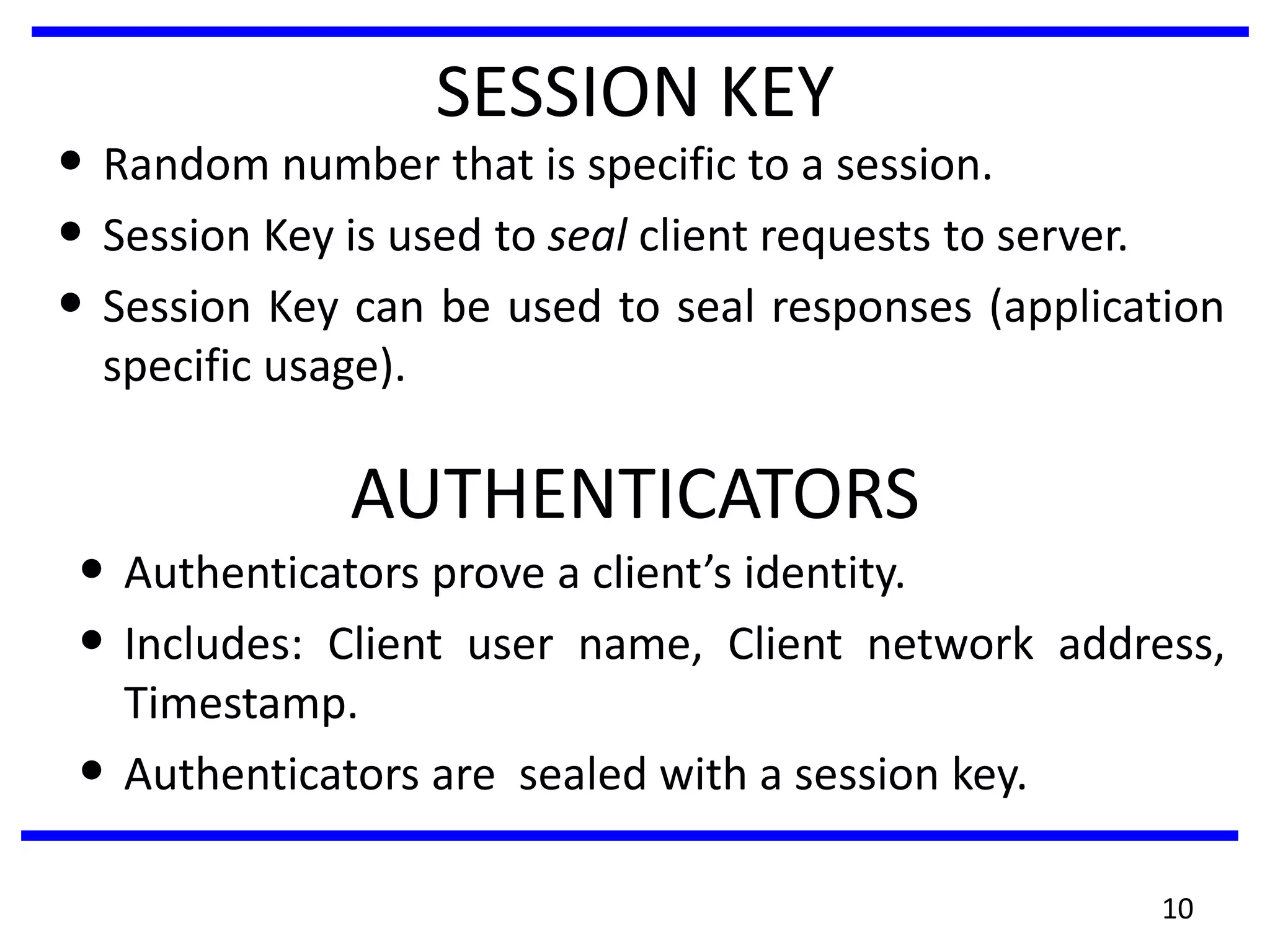
SESSION KEY
• Random number that is specific to a session.
• Session Key is used to seal client requests to server.
• Session Key can be used to seal responses (application
specific usage).
AUTHENTICATORS
• Authenticators prove a client’s identity.
• Includes: Client user name, Client network address,
Timestamp.
• Authenticators are sealed with a session key.
11
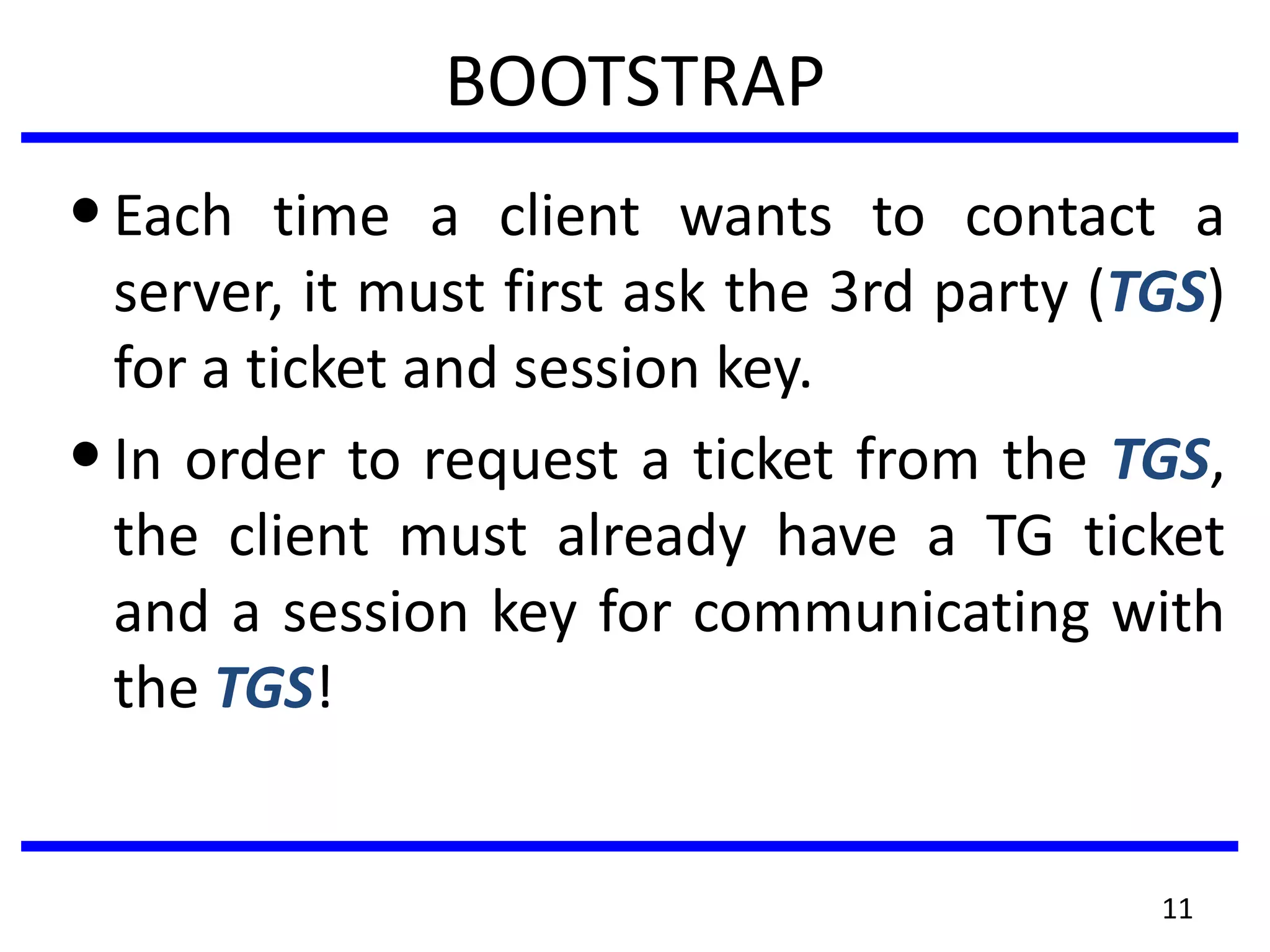
BOOTSTRAP
•Each time a client wants to contact a
server, it must first ask the 3rd party (TGS)
for a ticket and session key.
•In order to request a ticket from the TGS,
the client must already have a TG ticket
and a session key for communicating with
the TGS!
12
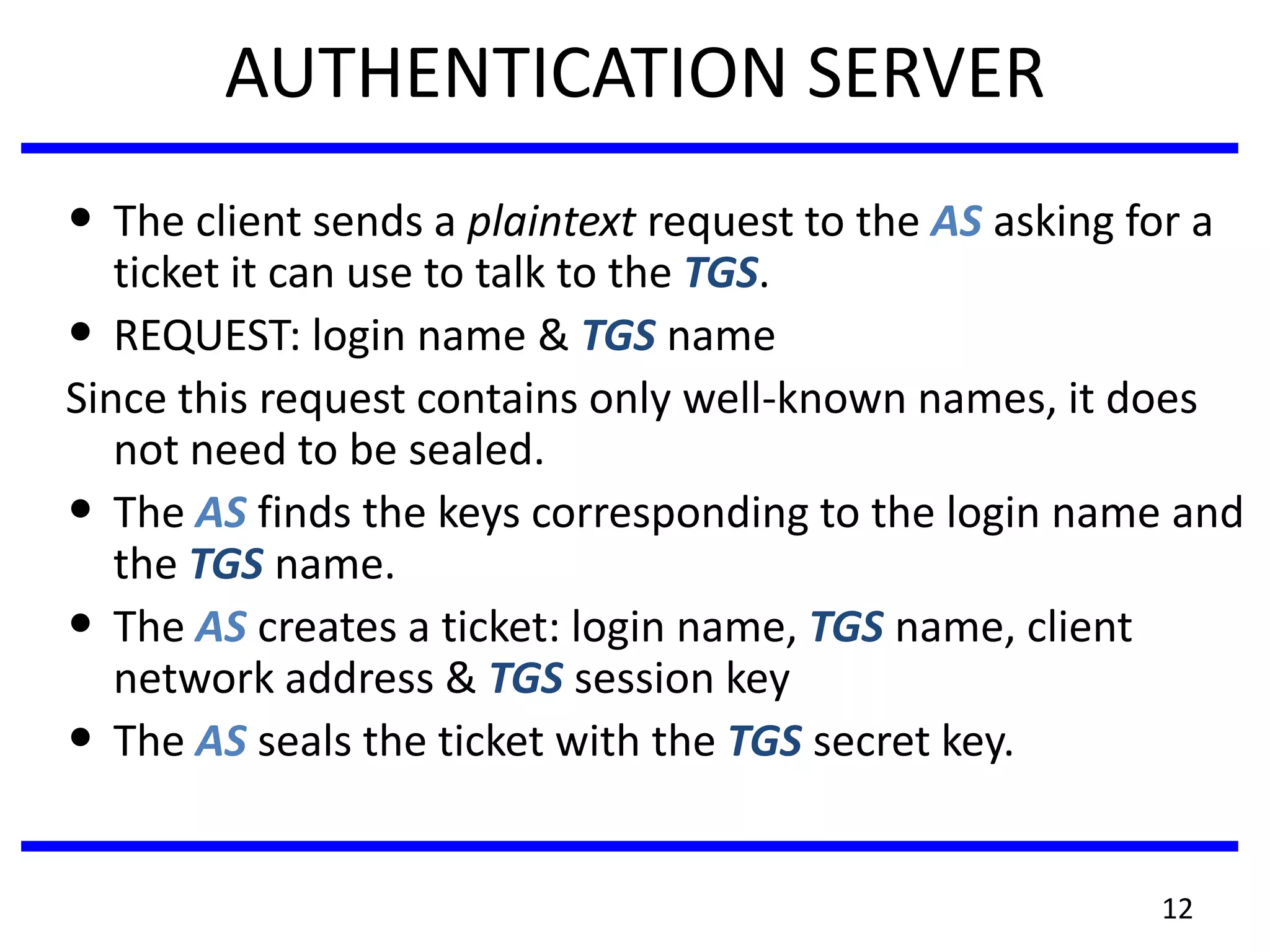
AUTHENTICATION SERVER
• The client sends a plaintext request to the AS asking for a
ticket it can use to talk to the TGS.
• REQUEST: login name & TGS name
Since this request contains only well-known names, it does
not need to be sealed.
• The AS finds the keys corresponding to the login name and
the TGS name.
• The AS creates a ticket: login name, TGS name, client
network address & TGS session key
• The AS seals the ticket with the TGS secret key.
13
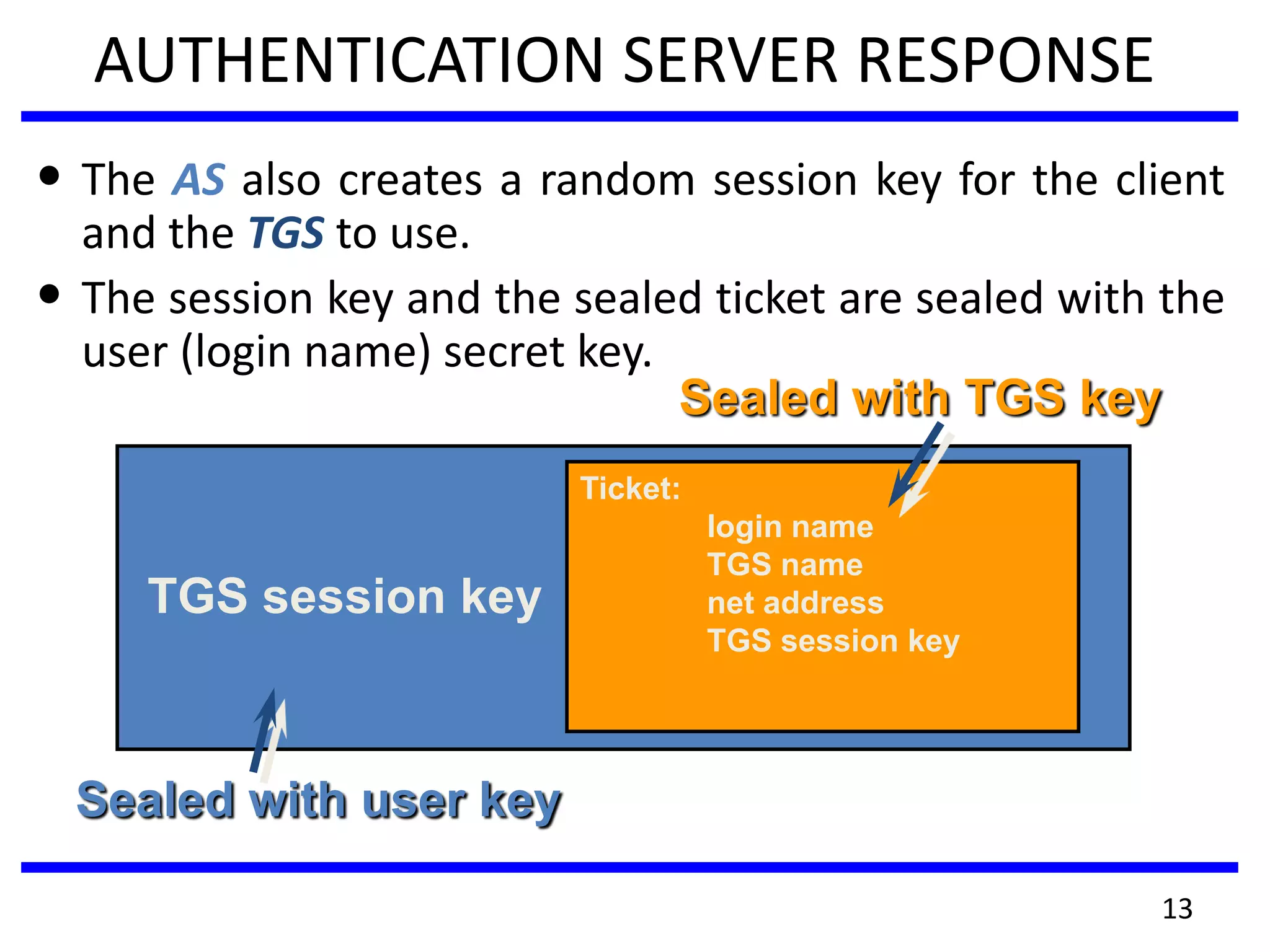
AUTHENTICATION SERVER RESPONSE
• The AS also creates a random session key for the client
and the TGS to use.
• The session key and the sealed ticket are sealed with the
user (login name) secret key.
TGS session key
Ticket:
login name
TGS name
net address
TGS session key
Sealed with user key
Sealed with TGS key
14
ACCESSING THE TGS
•The client decrypts the message using
the user’s password as the secret key.
•The client now has a session key and
ticket that can be used to contact the
TGS.
•The client cannot see inside the ticket,
since the client does not know the TGS
secret key.
15
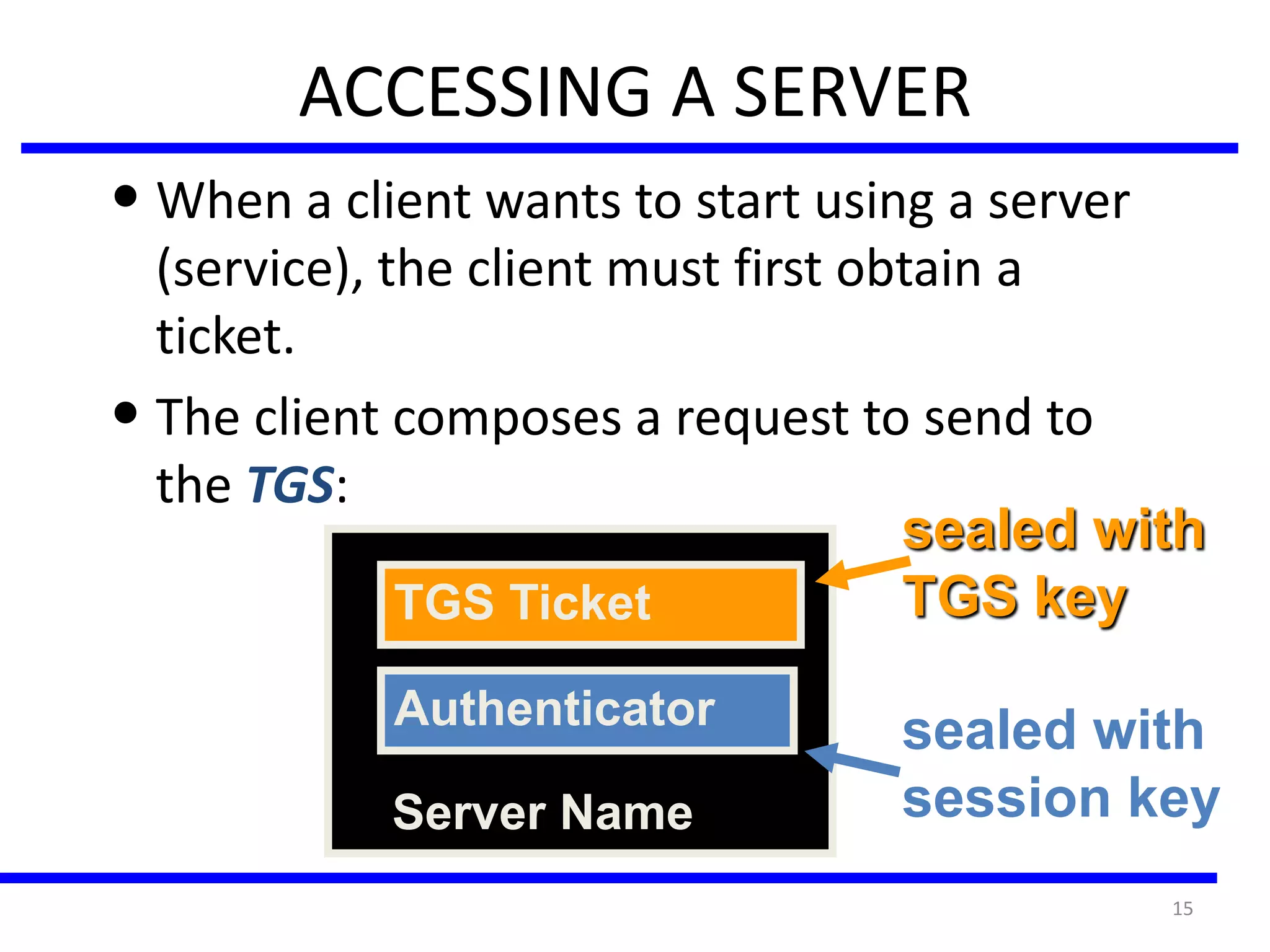
• When a client wants to start using a server
(service), the client must first obtain a
ticket.
• The client composes a request to send to
the TGS:
ACCESSING A SERVER
TGS Ticket
Authenticator
Server Name
sealed with
TGS key
sealed with
session key
16
TGS RESPONSE
• The TGS decrypts the ticket using it’s secret key. Inside is the
TGS session key.
• The TGS decrypts the Authenticator using the session key.
• The TGS check to make sure login names, client addresses and
TGS server name are all OK.
• TGS makes sure the Authenticator is recent.
Once everything checks out - the TGS:
• builds a ticket for the client and requested server. The ticket is
sealed with the server key.
• creates a session key
• seals the entire message with the TGS session key and sends it
to the client.
17
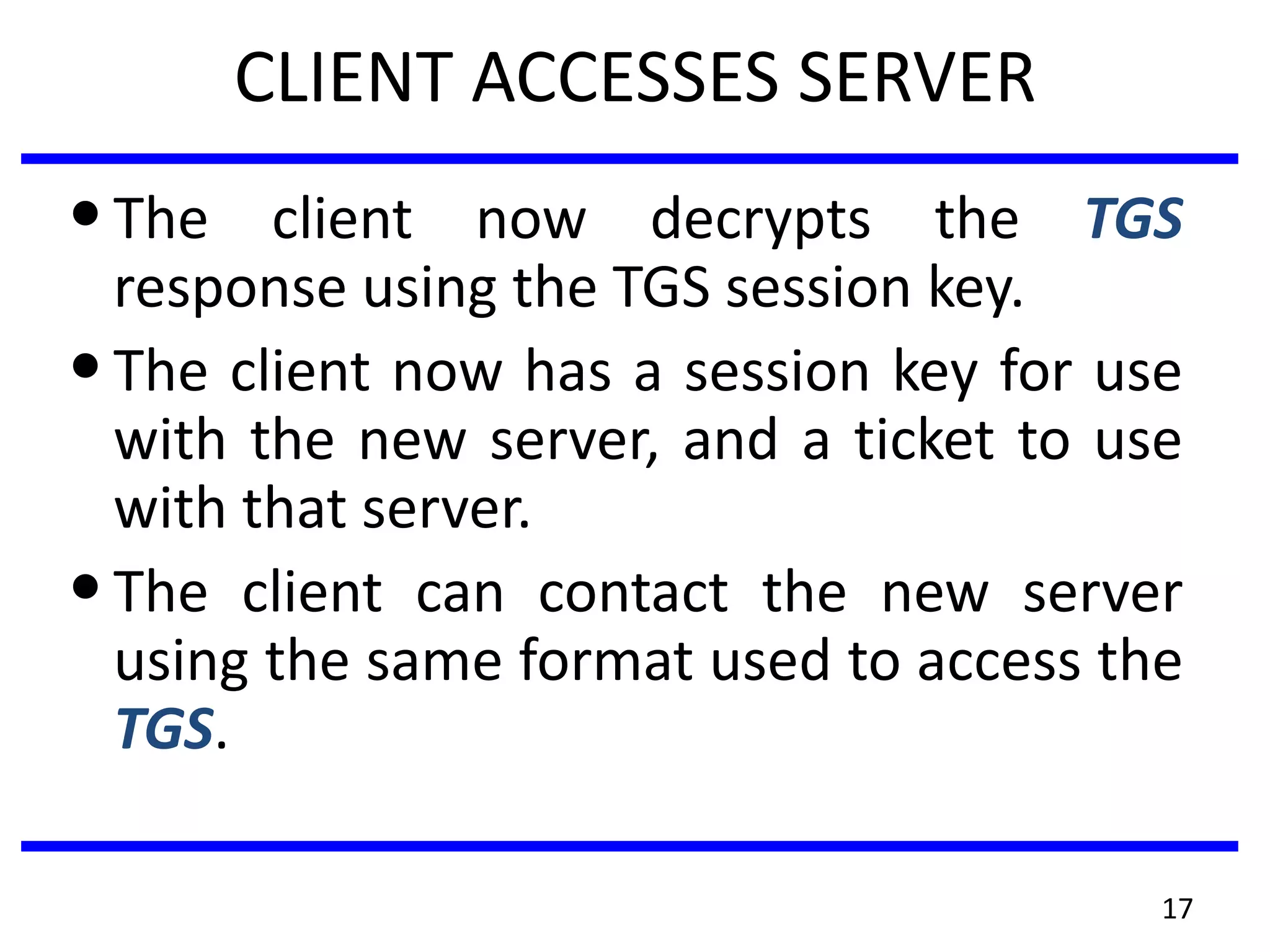
CLIENT ACCESSES SERVER
•The client now decrypts the TGS
response using the TGS session key.
•The client now has a session key for use
with the new server, and a ticket to use
with that server.
•The client can contact the new server
using the same format used to access the
TGS.
Kerberos versions
• trusted key server system from MIT
• provides centralised private-key third-party
authentication in a distributed network
–allows users access to services distributed
through network
–without needing to trust all workstations
–rather all trust a central authentication server
• two versions in use: 4 & 5
18
KERBEROS REQUIREMENTS
• first published report identified its
requirements as:
–security
–reliability
–transparency
–scalability
• implemented using an authentication
protocol based on Needham-Schroeder
19
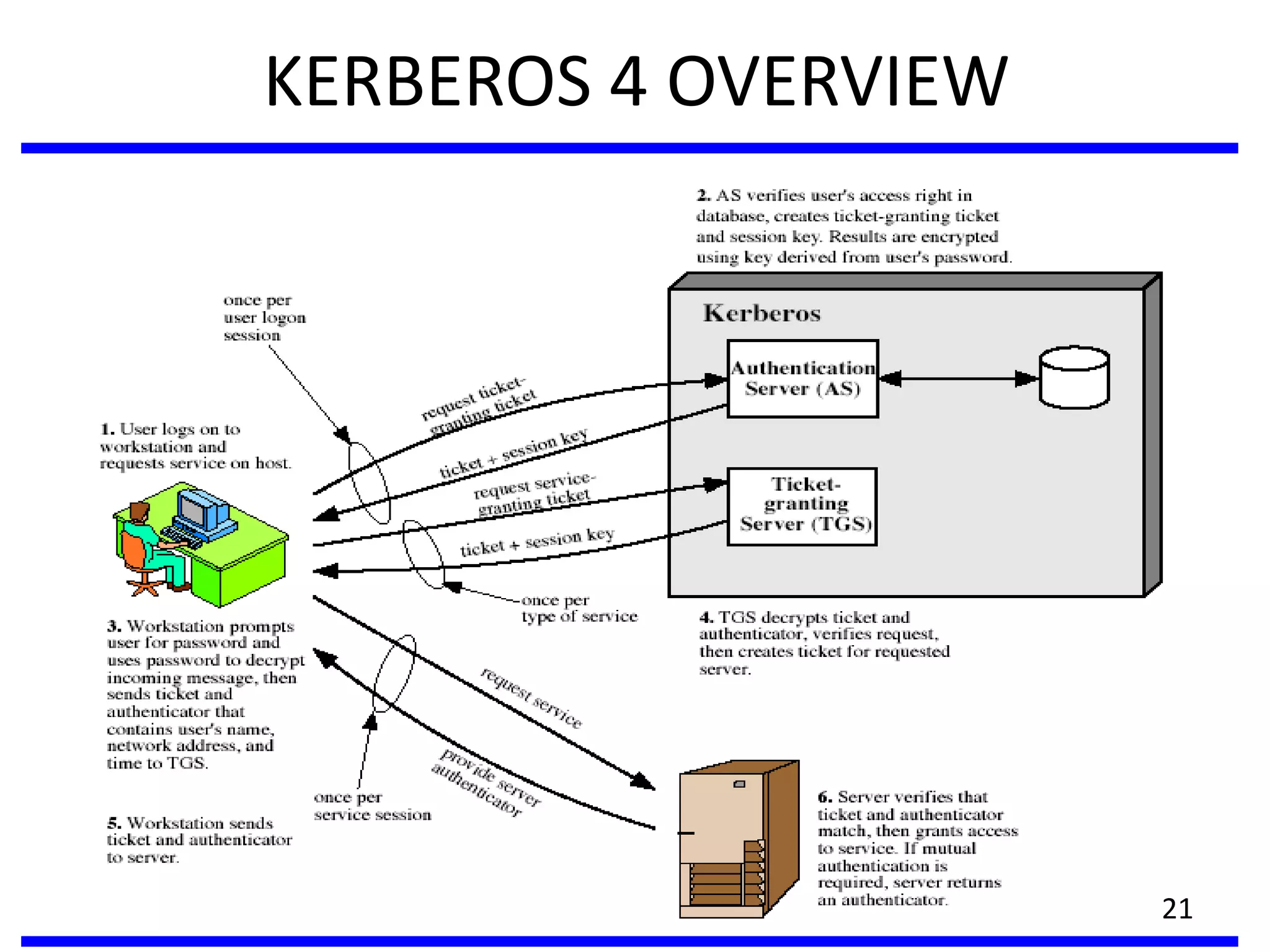
KERBEROS 4 OVERVIEW
• a basic third-party authentication scheme
• have an Authentication Server (AS)
–users initially negotiate with AS to identify self
–AS provides a non-corruptible authentication
credential (ticket granting ticket TGT)
• have a Ticket Granting server (TGS)
–users subsequently request access to other
services from TGS on basis of users TGT
20
KERBEROS 4 OVERVIEW
21
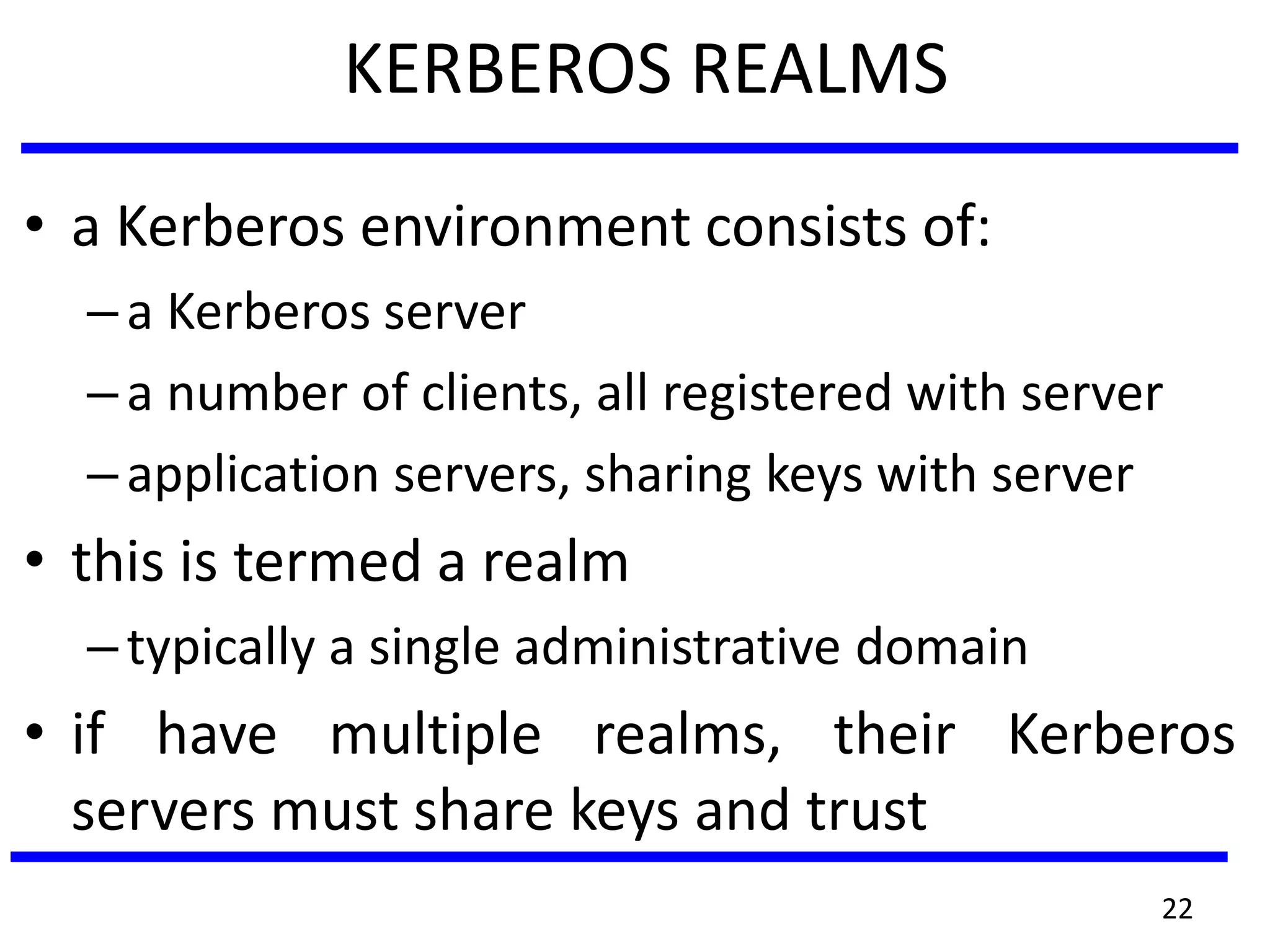
KERBEROS REALMS
• a Kerberos environment consists of:
–a Kerberos server
–a number of clients, all registered with server
–application servers, sharing keys with server
• this is termed a realm
–typically a single administrative domain
• if have multiple realms, their Kerberos
servers must share keys and trust
22
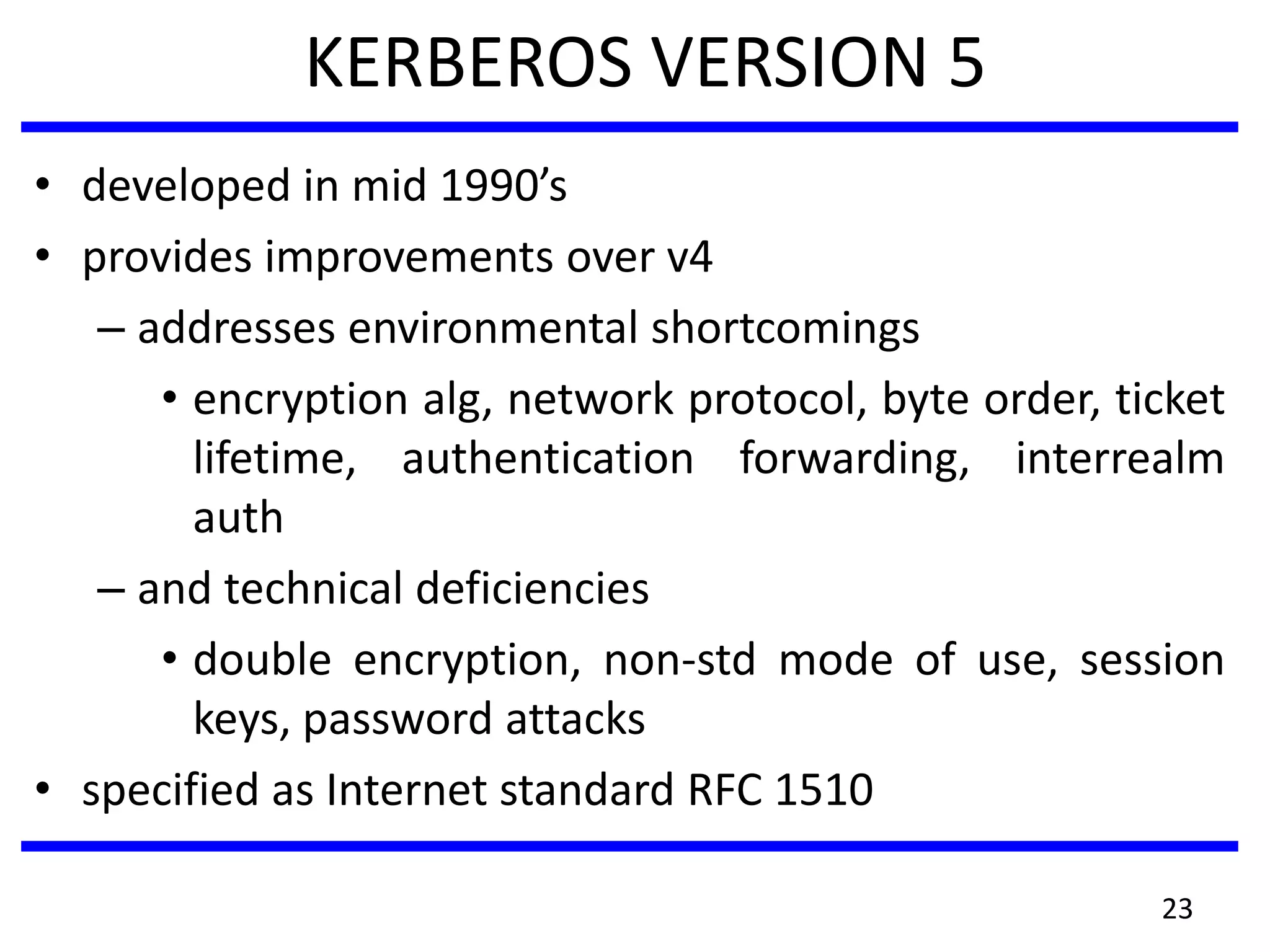
KERBEROS VERSION 5
• developed in mid 1990’s
• provides improvements over v4
– addresses environmental shortcomings
• encryption alg, network protocol, byte order, ticket
lifetime, authentication forwarding, interrealm
auth
– and technical deficiencies
• double encryption, non-std mode of use, session
keys, password attacks
• specified as Internet standard RFC 1510
23
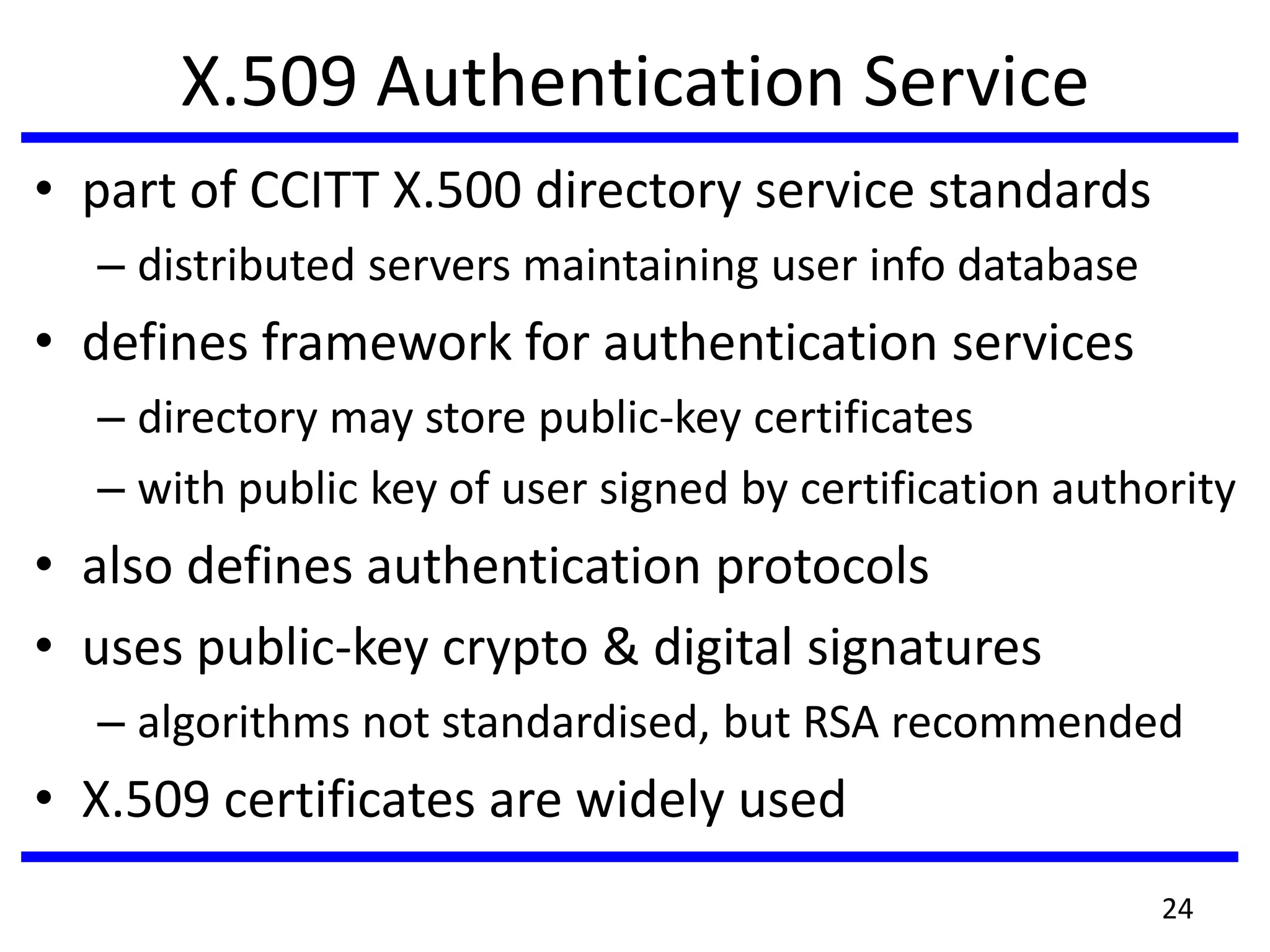
X.509 Authentication Service
• part of CCITT X.500 directory service standards
– distributed servers maintaining user info database
• defines framework for authentication services
– directory may store public-key certificates
– with public key of user signed by certification authority
• also defines authentication protocols
• uses public-key crypto & digital signatures
– algorithms not standardised, but RSA recommended
• X.509 certificates are widely used
24
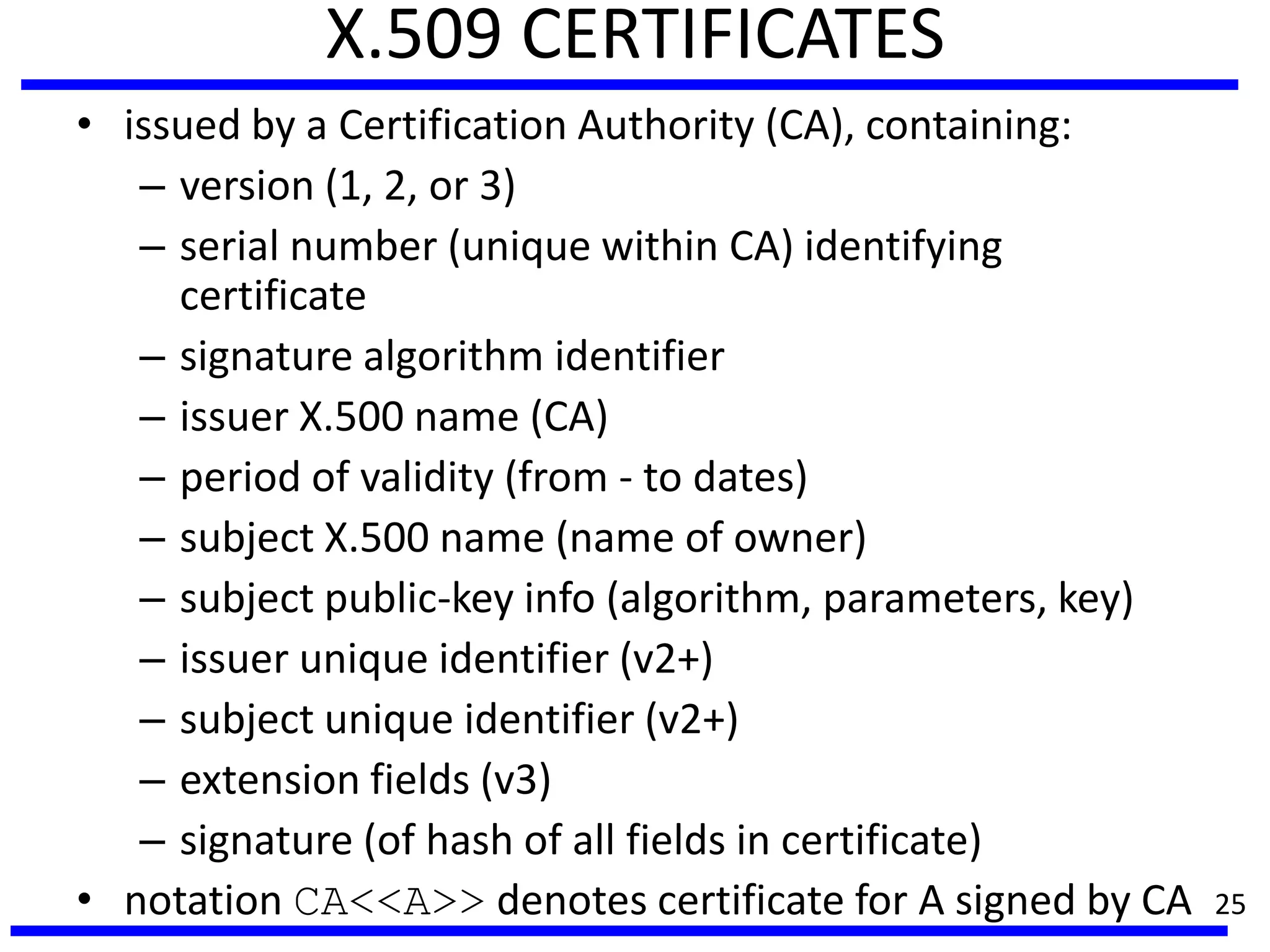
X.509 CERTIFICATES
• issued by a Certification Authority (CA), containing:
– version (1, 2, or 3)
– serial number (unique within CA) identifying
certificate
– signature algorithm identifier
– issuer X.500 name (CA)
– period of validity (from - to dates)
– subject X.500 name (name of owner)
– subject public-key info (algorithm, parameters, key)
– issuer unique identifier (v2+)
– subject unique identifier (v2+)
– extension fields (v3)
– signature (of hash of all fields in certificate)
• notation CA<<A>> denotes certificate for A signed by CA 25
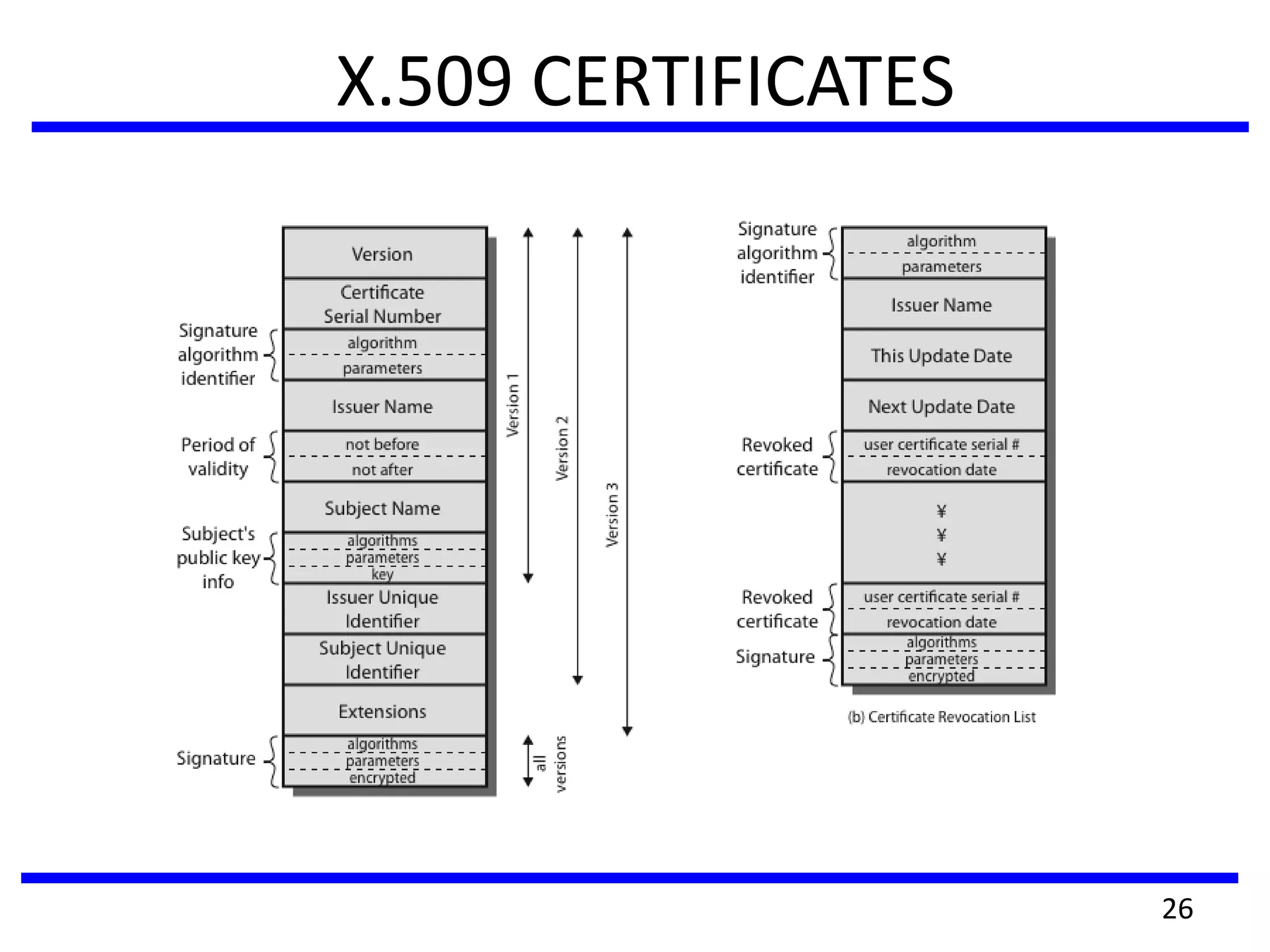
X.509 CERTIFICATES
26
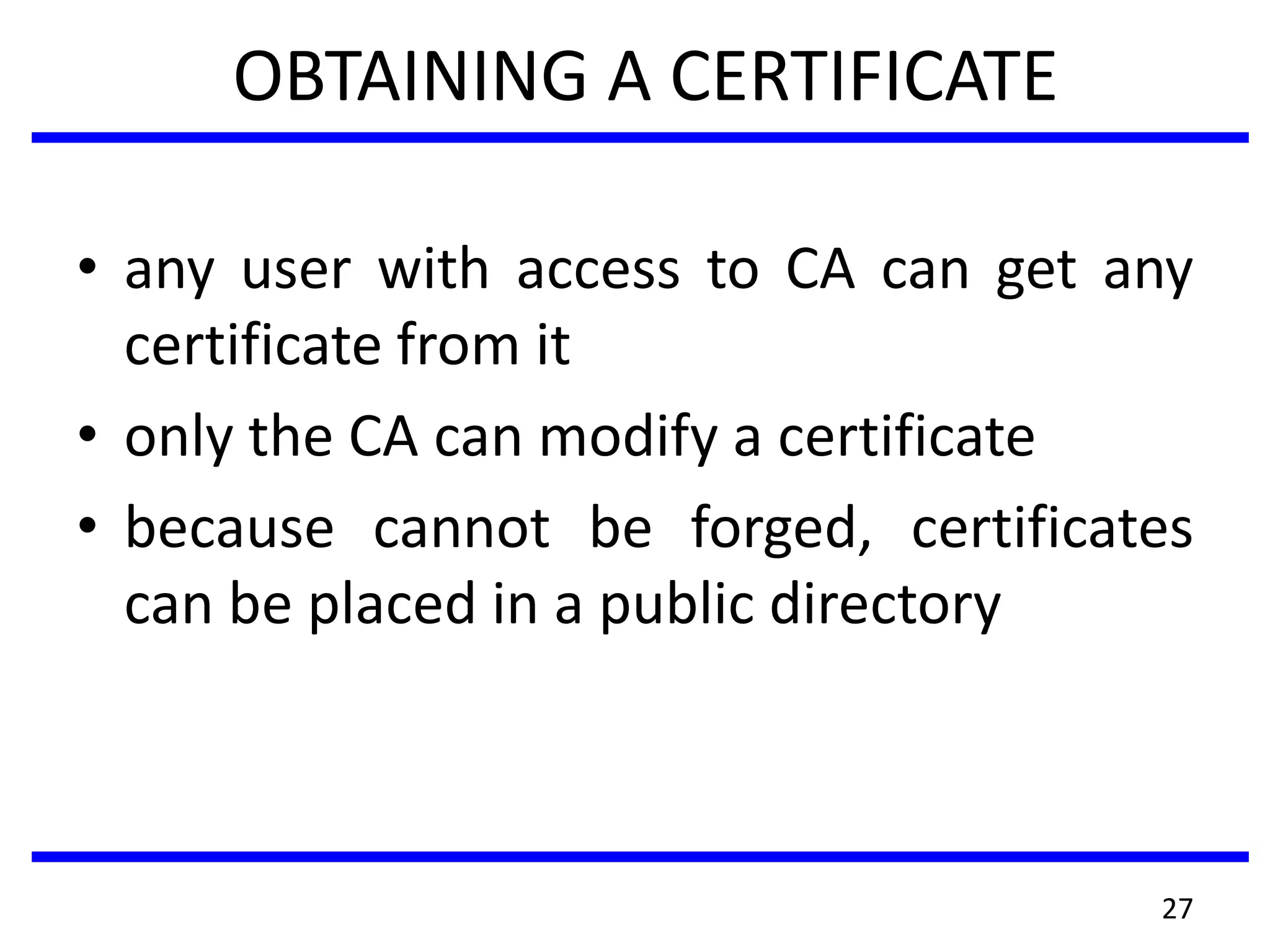
OBTAINING A CERTIFICATE
• any user with access to CA can get any
certificate from it
• only the CA can modify a certificate
• because cannot be forged, certificates
can be placed in a public directory
27
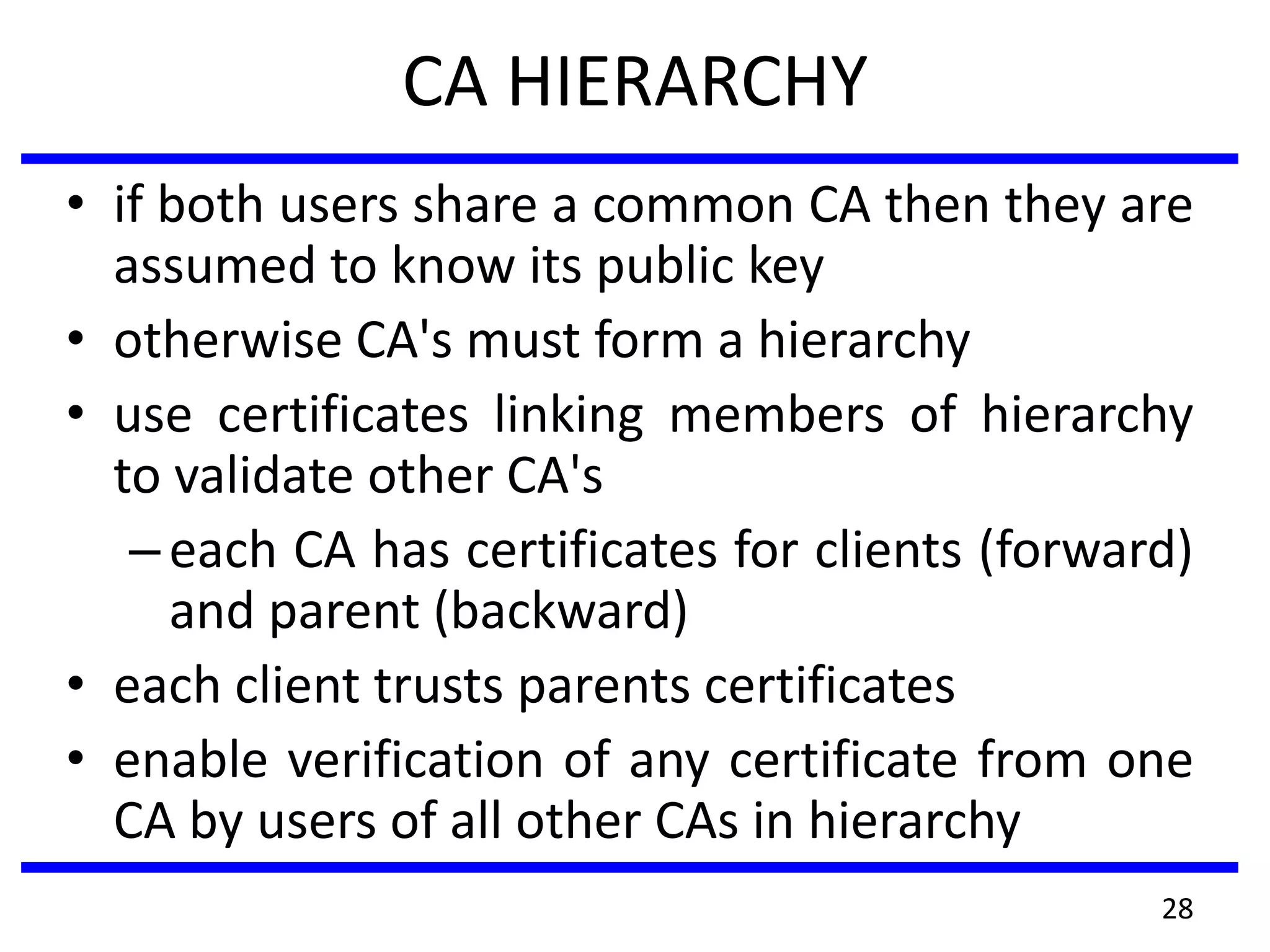
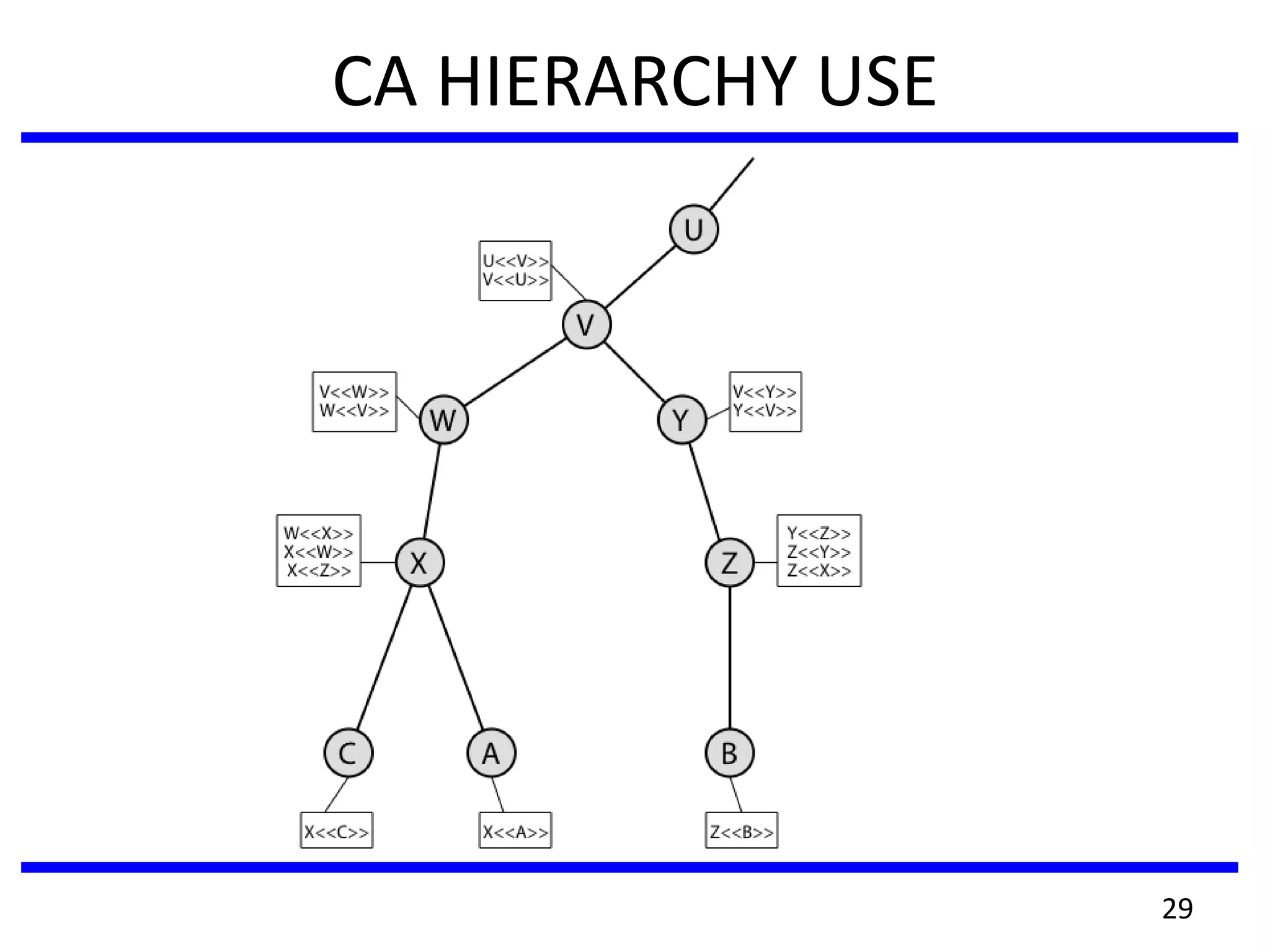
CA HIERARCHY
• if both users share a common CA then they are
assumed to know its public key
• otherwise CA's must form a hierarchy
• use certificates linking members of hierarchy
to validate other CA's
–each CA has certificates for clients (forward)
and parent (backward)
• each client trusts parents certificates
• enable verification of any certificate from one
CA by users of all other CAs in hierarchy
28
CA HIERARCHY USE
29
CERTIFICATE REVOCATION
• certificates have a period of validity
• may need to revoke before expiry, eg:
1. user's private key is compromised
2. user is no longer certified by this CA
3. CA's certificate is compromised
• CA’s maintain list of revoked certificates
– the Certificate Revocation List (CRL)
• users should check certificates with CA’s CRL
30
AUTHENTICATION PROCEDURES
• X.509 includes three alternative
authentication procedures:
• One-Way Authentication
• Two-Way Authentication
• Three-Way Authentication
• all use public-key signatures
31
One-Way Authentication
• 1 message ( A->B) used to establish
–the identity of A and that message is from A
–message was intended for B
–integrity & originality of message
• message must include timestamp, nonce, B's
identity and is signed by A
• may include additional info for B
–eg session key
32
Two-Way Authentication
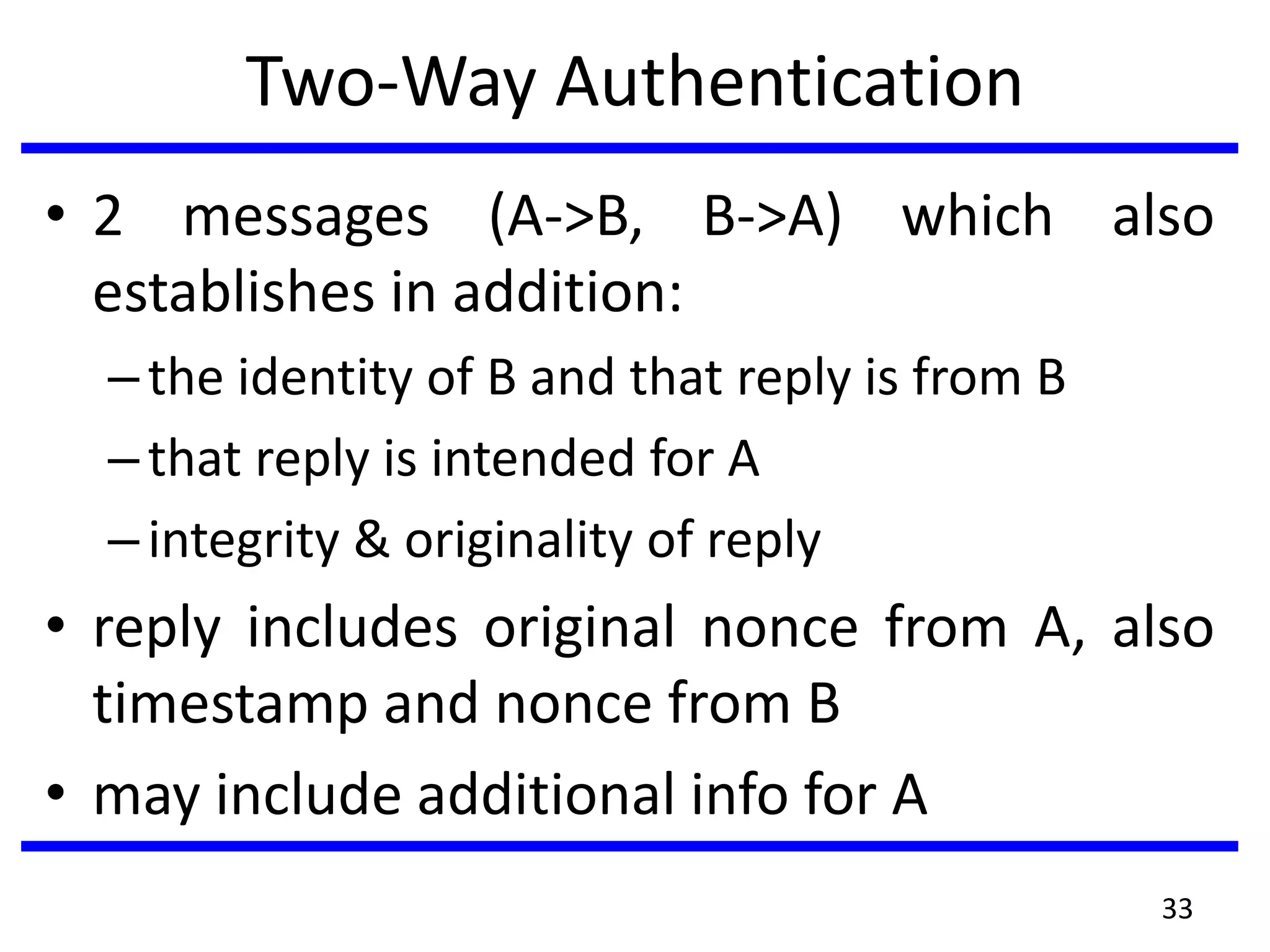
• 2 messages (A->B, B->A) which also
establishes in addition:
–the identity of B and that reply is from B
–that reply is intended for A
–integrity & originality of reply
• reply includes original nonce from A, also
timestamp and nonce from B
• may include additional info for A
33
THREE-WAY AUTHENTICATION
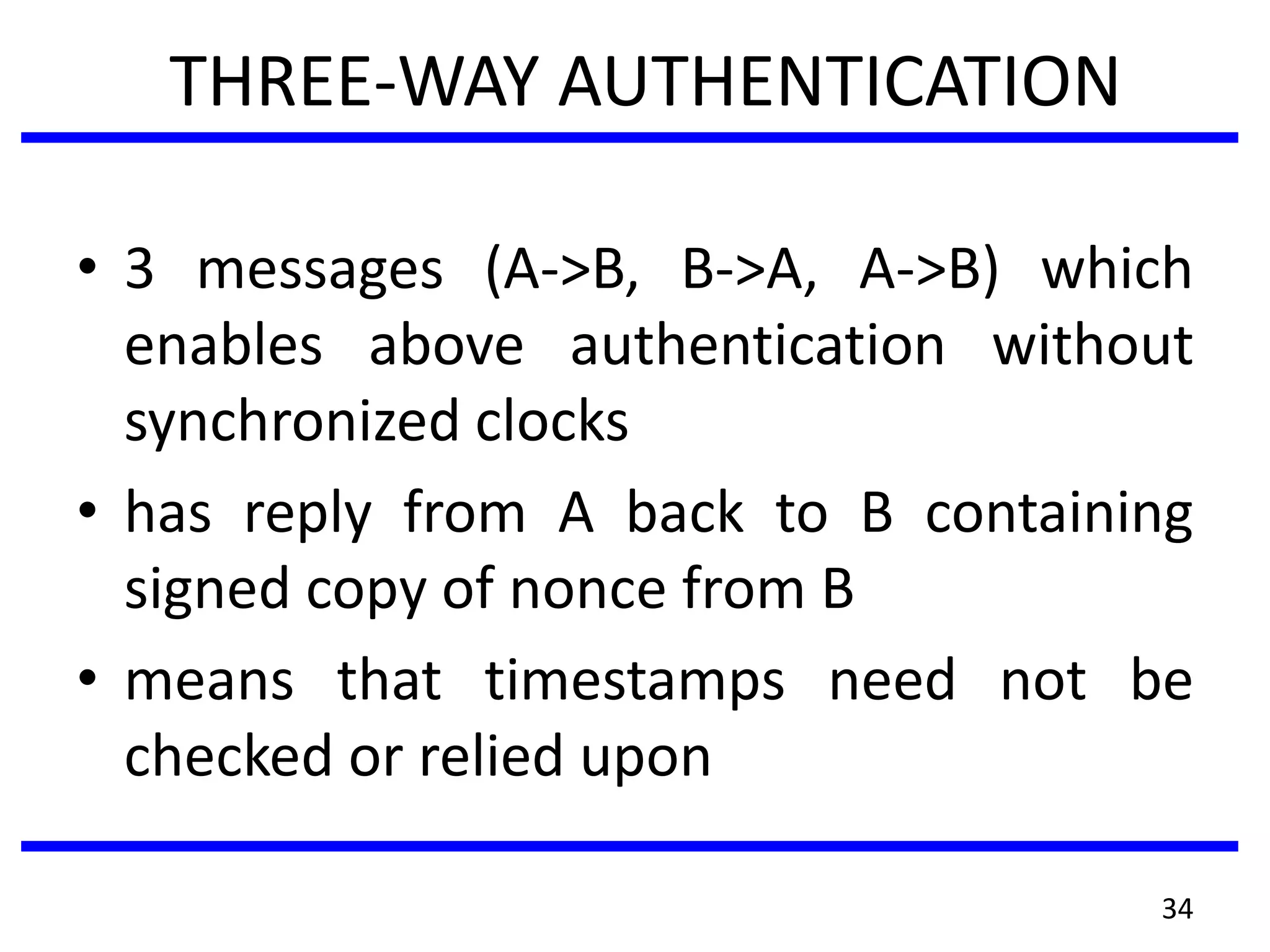
• 3 messages (A->B, B->A, A->B) which
enables above authentication without
synchronized clocks
• has reply from A back to B containing
signed copy of nonce from B
• means that timestamps need not be
checked or relied upon
34
X.509 VERSION 3
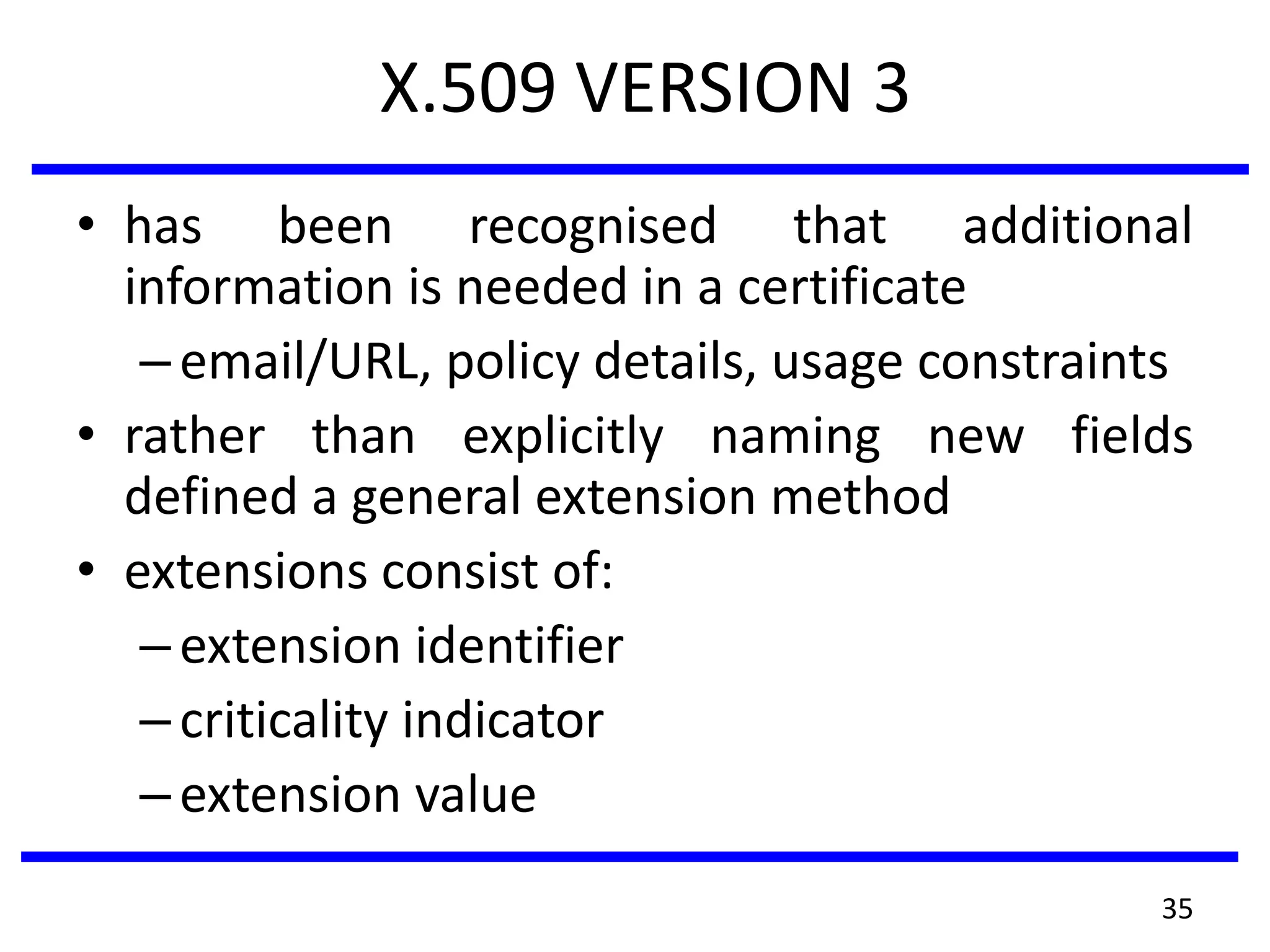
• has been recognised that additional
information is needed in a certificate
–email/URL, policy details, usage constraints
• rather than explicitly naming new fields
defined a general extension method
• extensions consist of:
–extension identifier
–criticality indicator
–extension value
35
Certificate Extensions
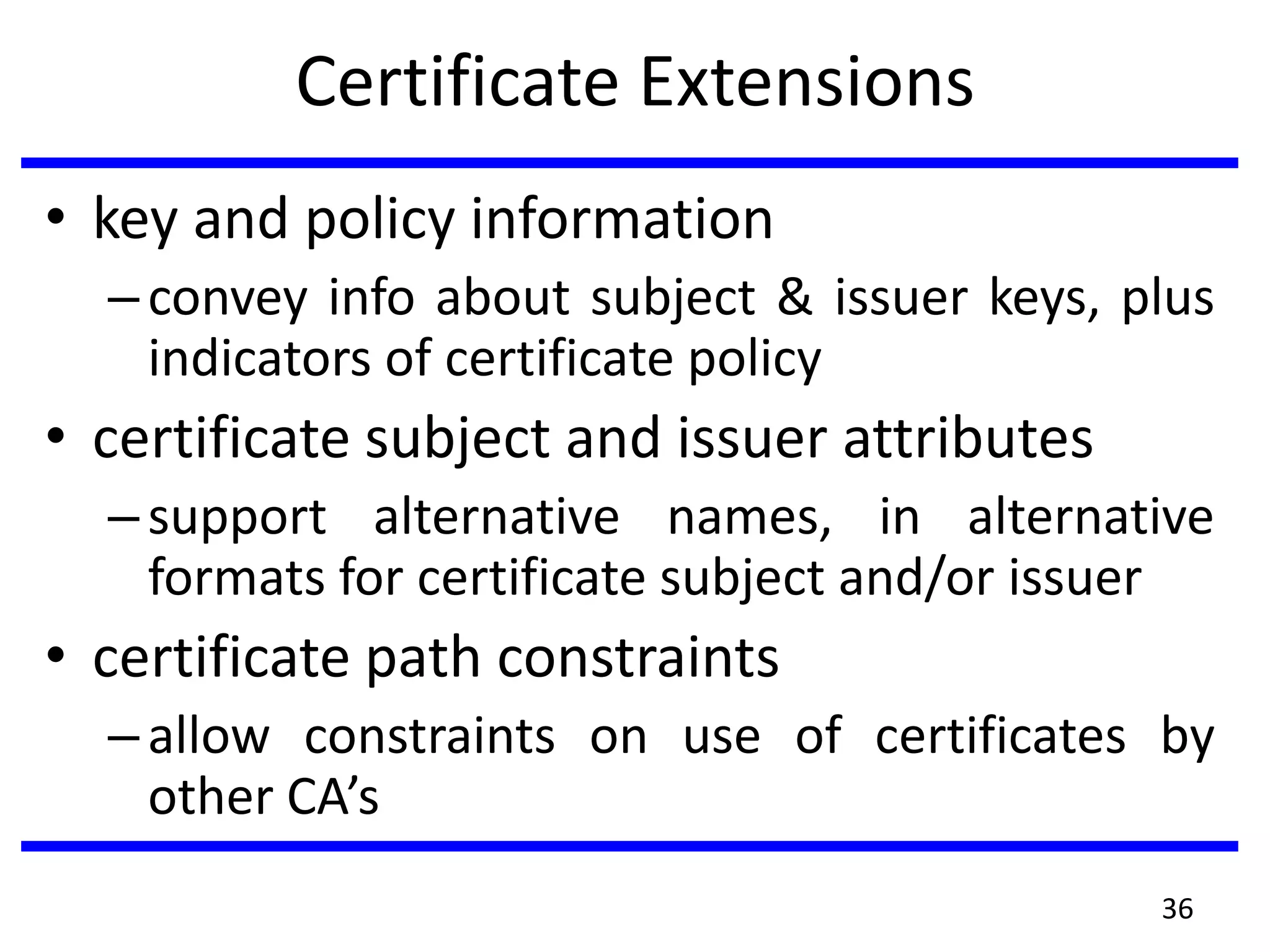
• key and policy information
–convey info about subject & issuer keys, plus
indicators of certificate policy
• certificate subject and issuer attributes
–support alternative names, in alternative
formats for certificate subject and/or issuer
• certificate path constraints
–allow constraints on use of certificates by
other CA’s
36
Secure Electronic Transactions (SET)
• Protocol- to protect Internet credit card
transactions
• developed in 1996 by Mastercard, Visa etc
• not a payment system
• rather a set of security protocols & formats
– secure communications amongst parties
– trust from use of X.509v3 certificates
– privacy by restricted info to those who need it
37
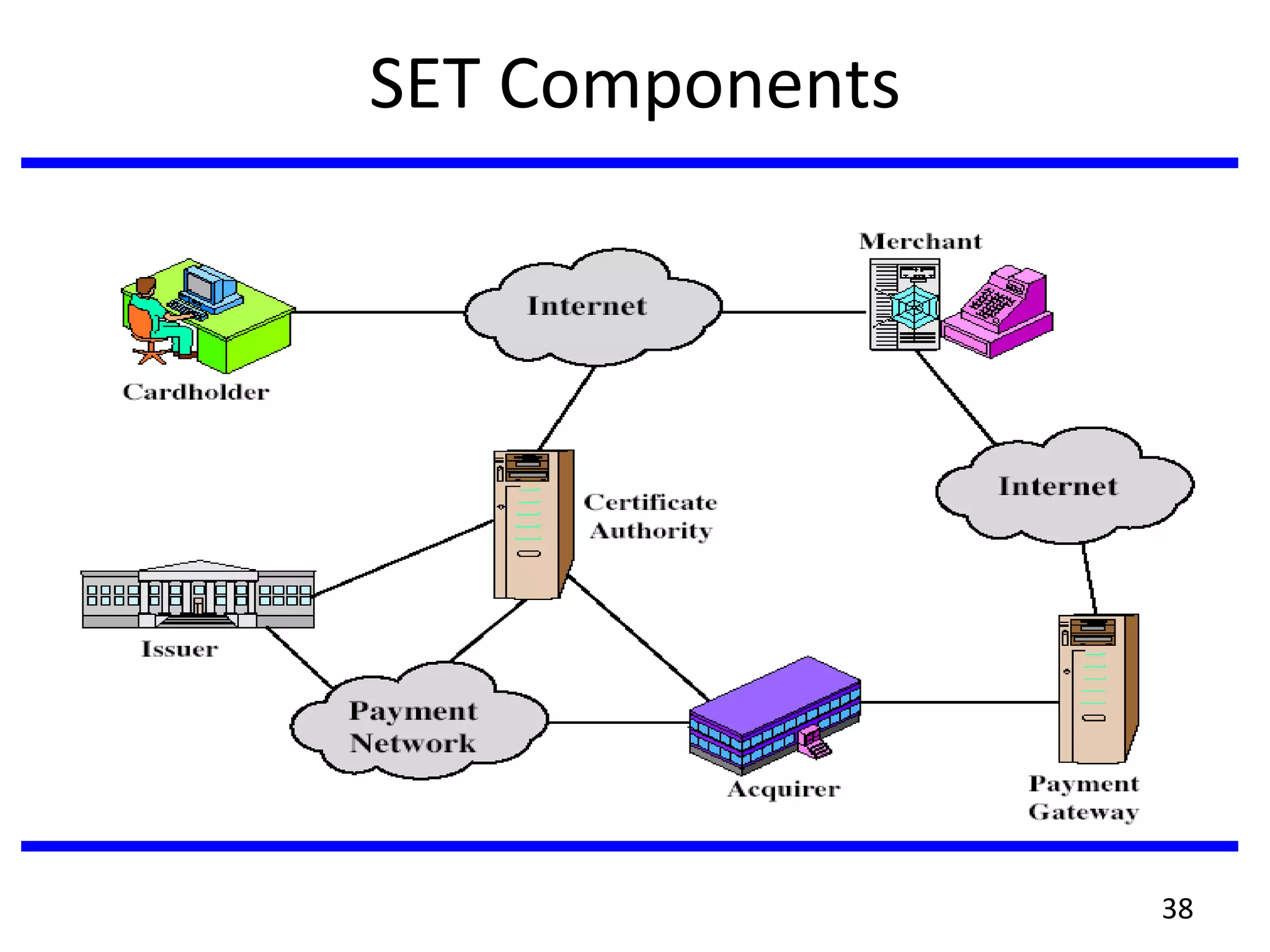
SET Components
38
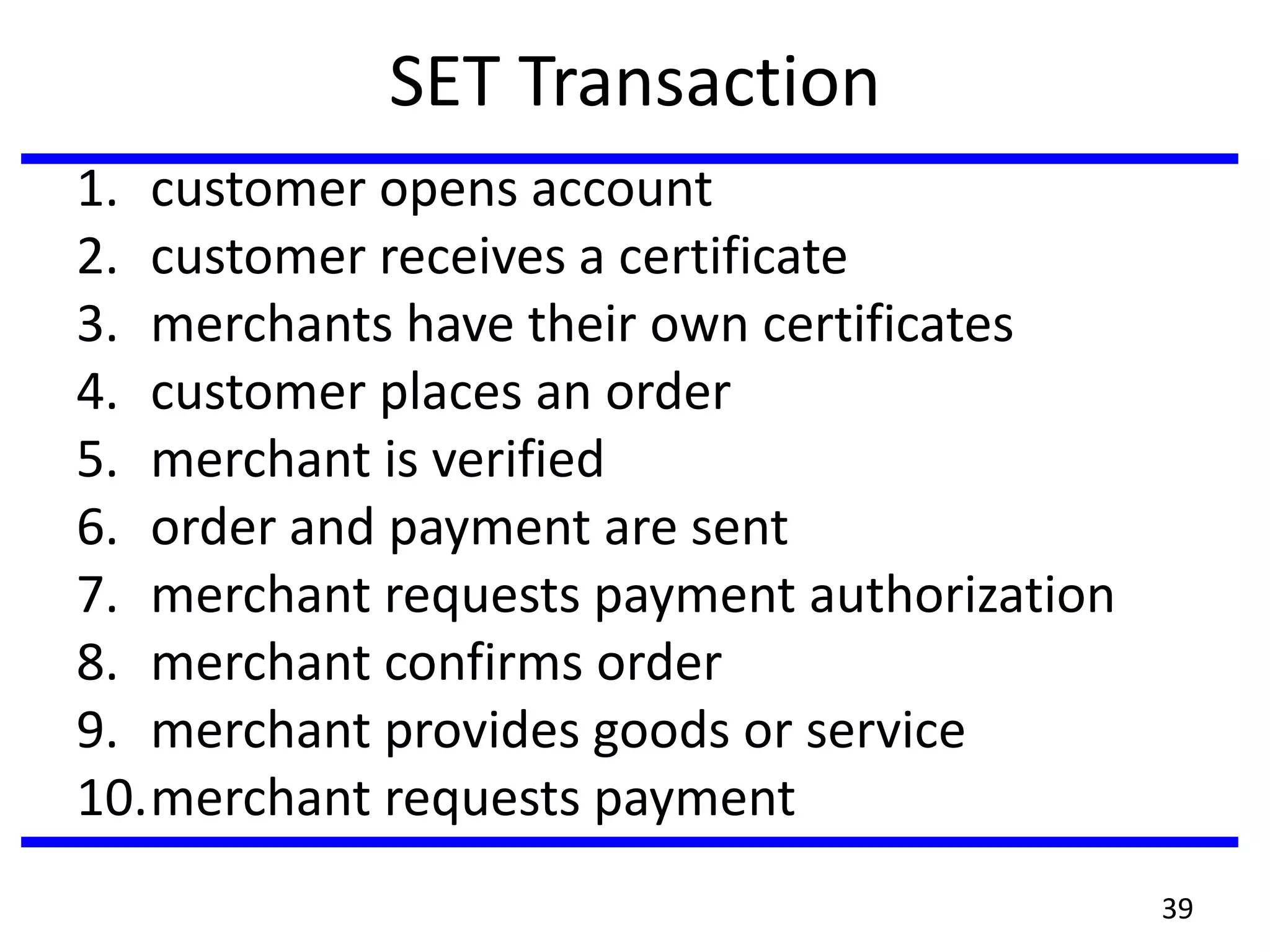
SET Transaction
1. customer opens account
2. customer receives a certificate
3. merchants have their own certificates
4. customer places an order
5. merchant is verified
6. order and payment are sent
7. merchant requests payment authorization
8. merchant confirms order
9. merchant provides goods or service
10.merchant requests payment
39
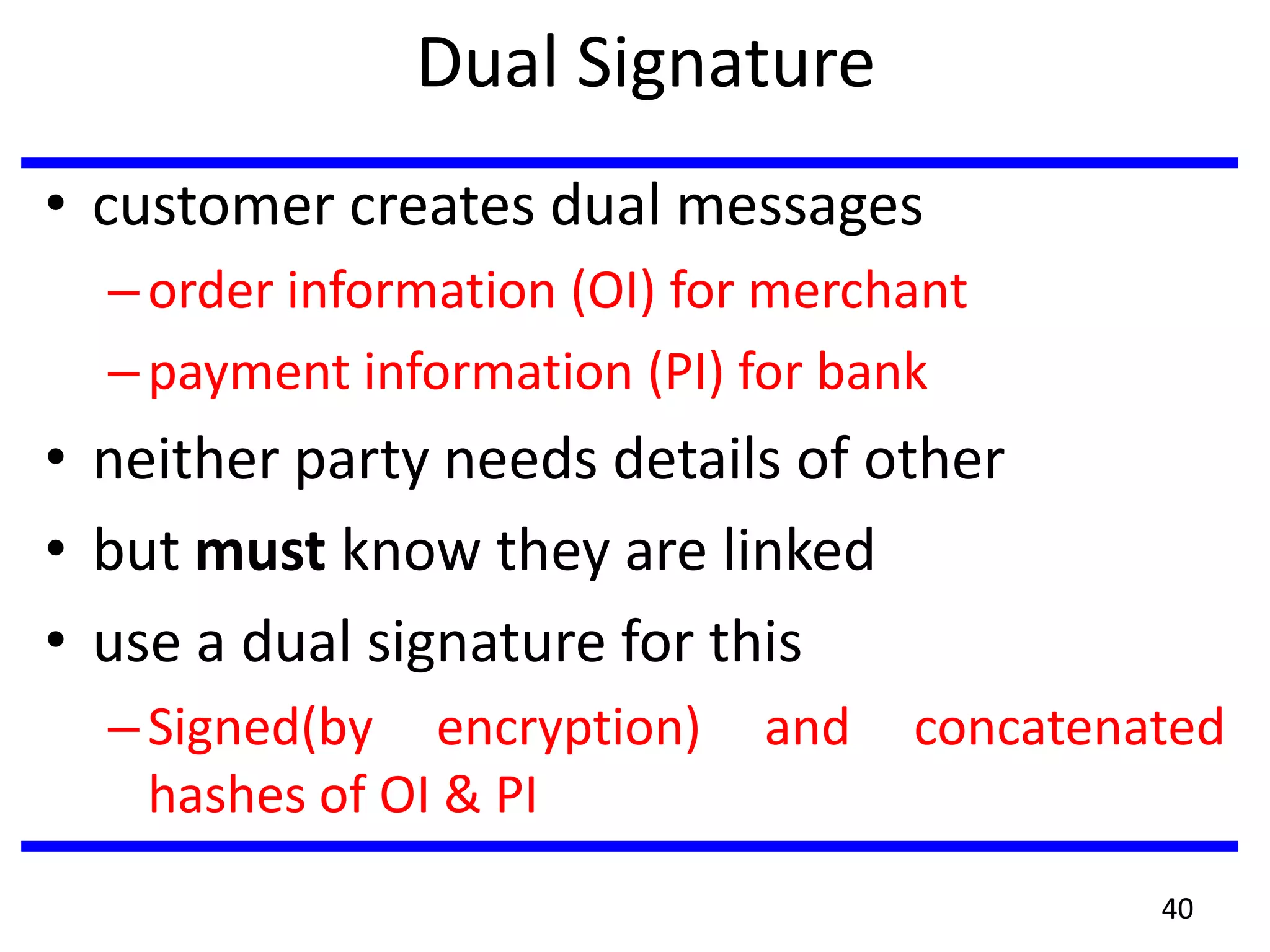
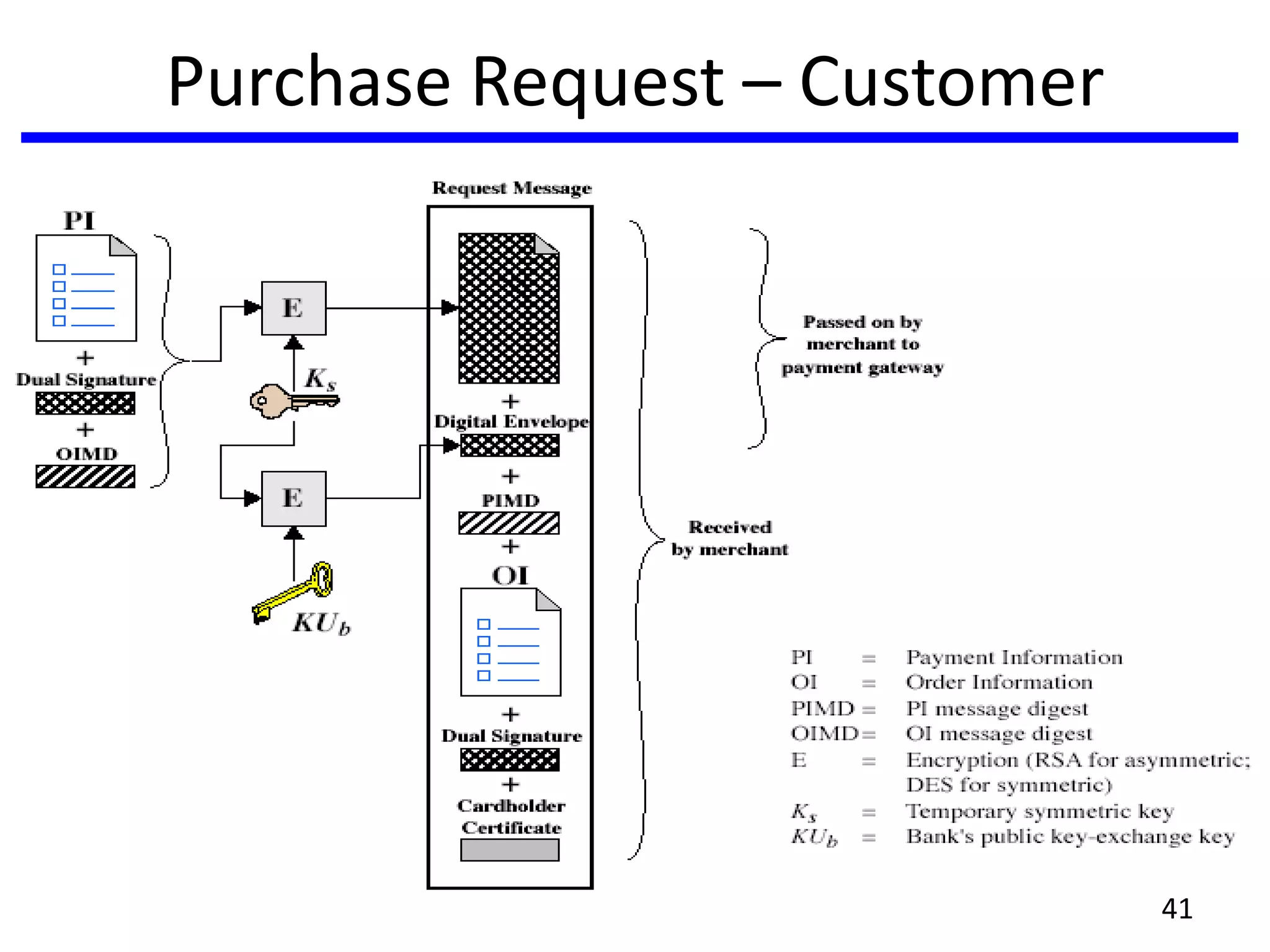
Dual Signature
• customer creates dual messages
–order information (OI) for merchant
–payment information (PI) for bank
• neither party needs details of other
• but must know they are linked
• use a dual signature for this
–Signed(by encryption) and concatenated
hashes of OI & PI
40
Purchase Request – Customer
41
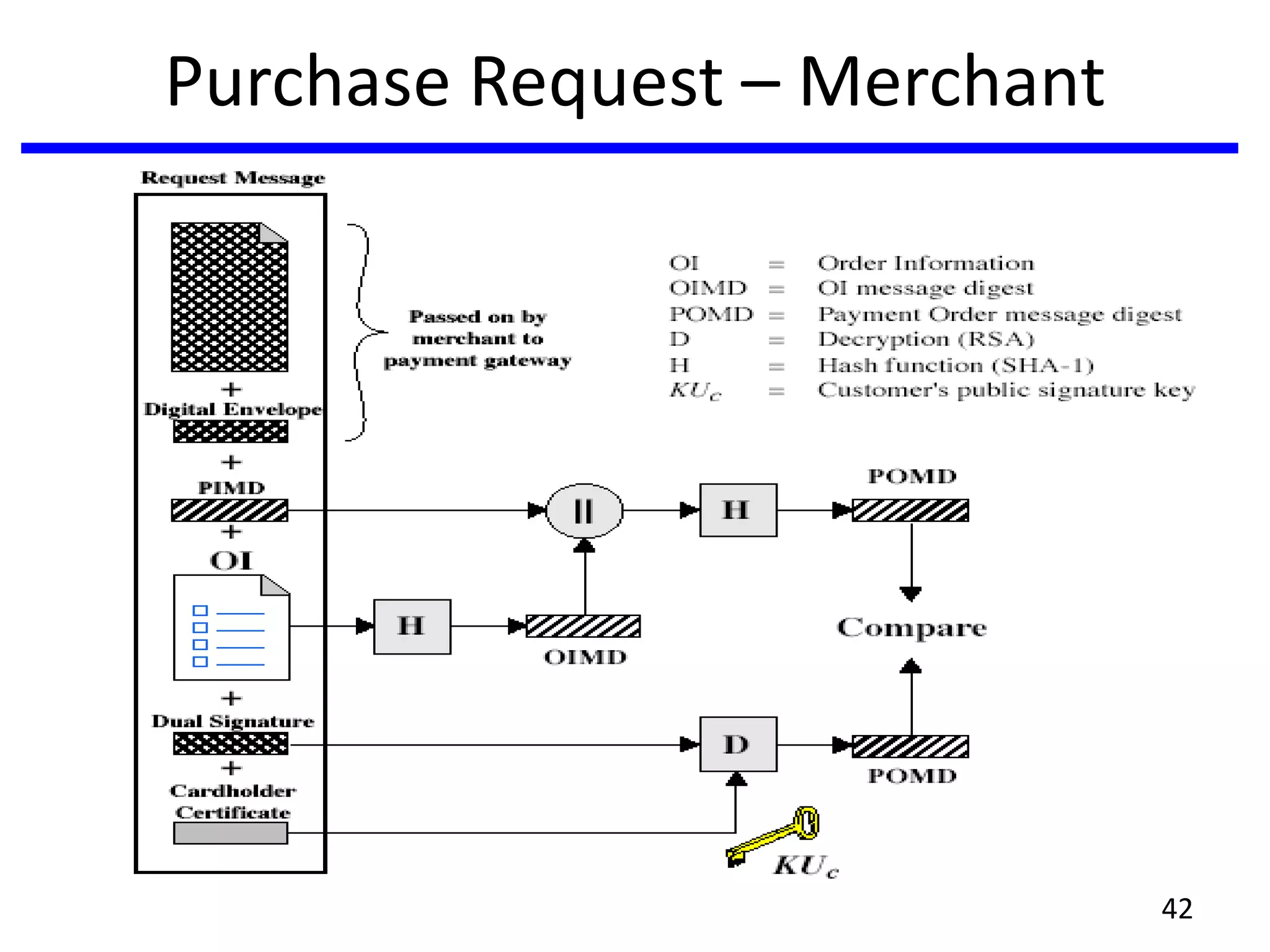
Purchase Request – Merchant
42
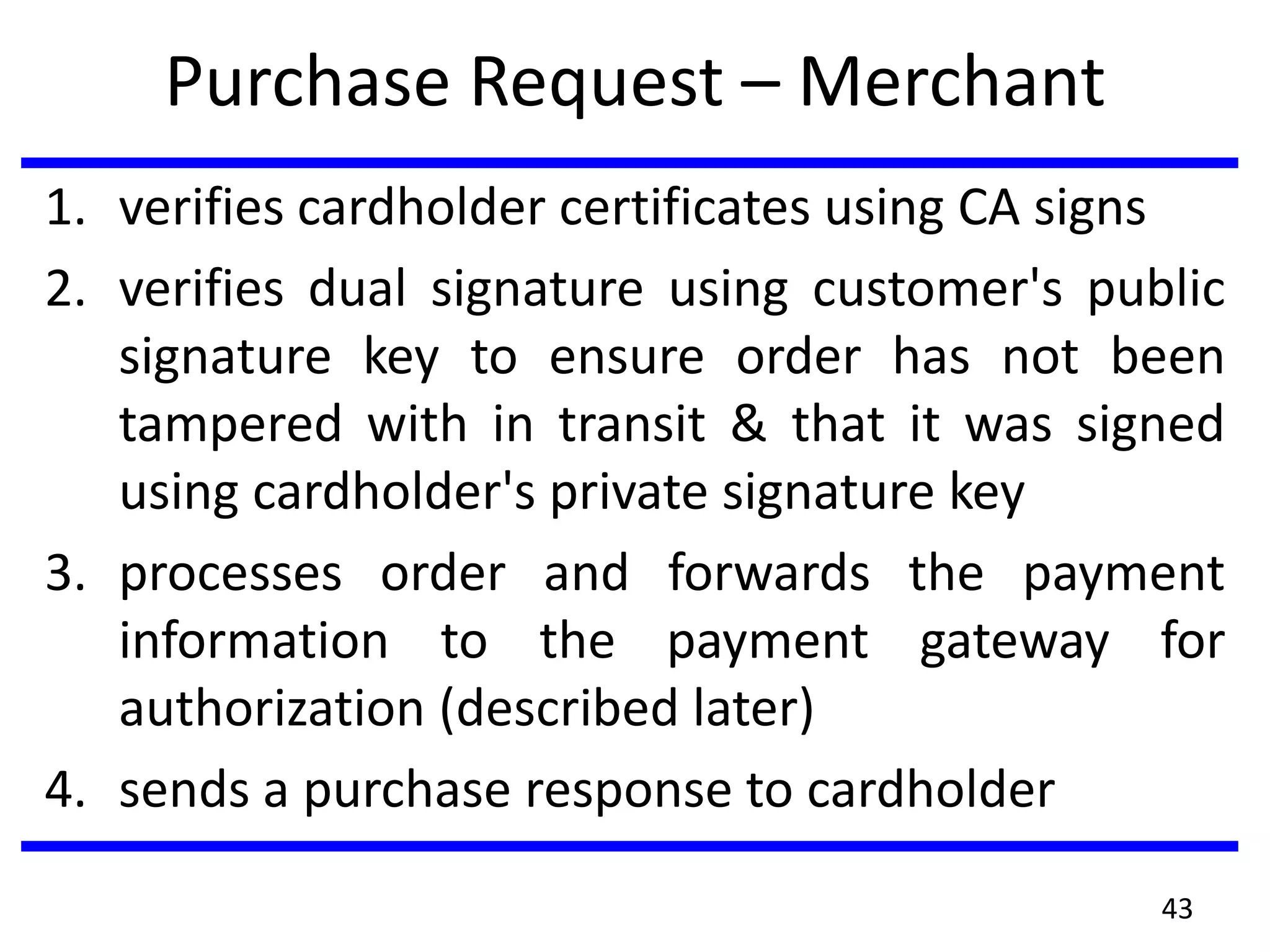
Purchase Request – Merchant
1. verifies cardholder certificates using CA signs
2. verifies dual signature using customer's public
signature key to ensure order has not been
tampered with in transit & that it was signed
using cardholder's private signature key
3. processes order and forwards the payment
information to the payment gateway for
authorization (described later)
4. sends a purchase response to cardholder
43
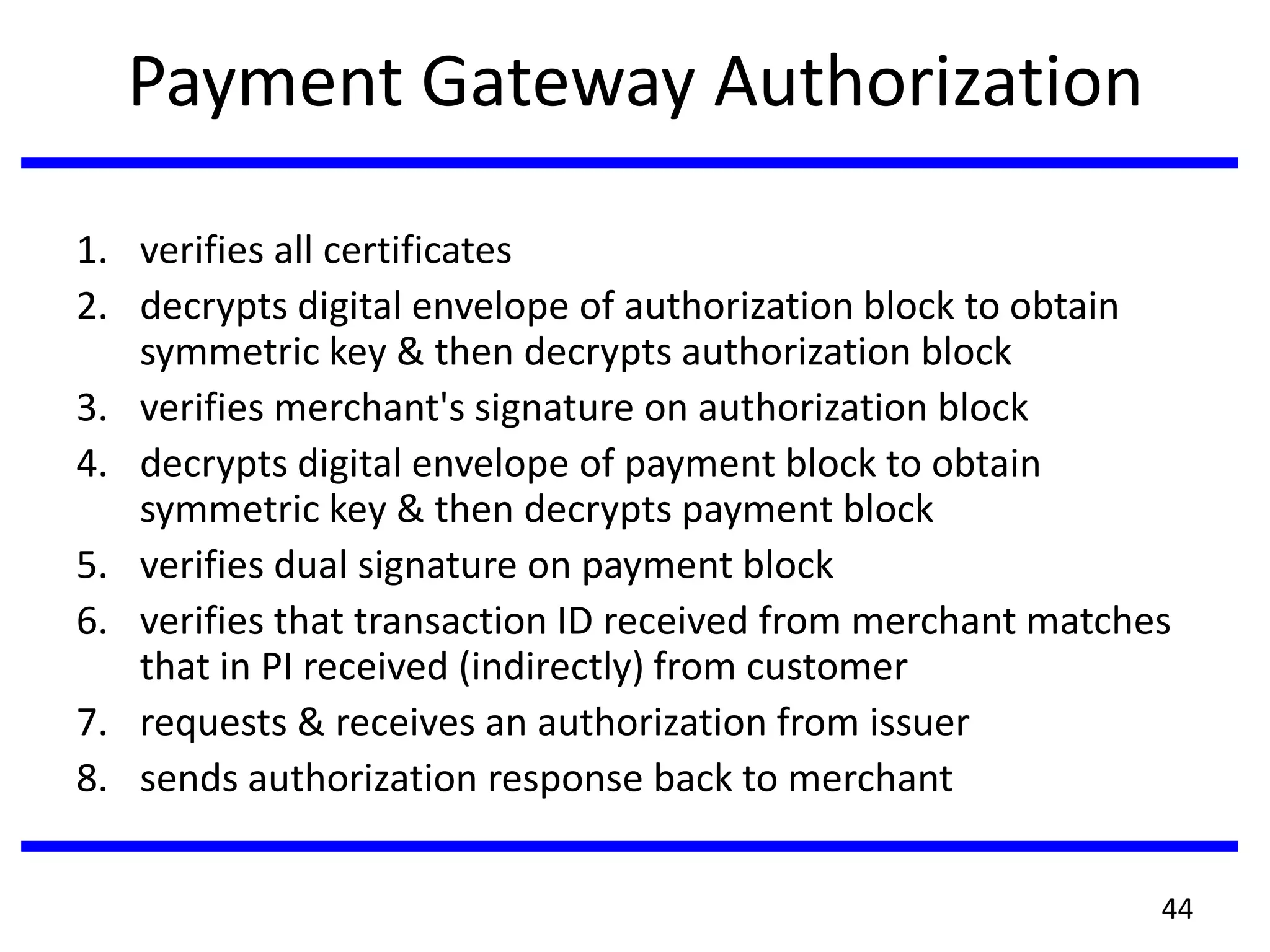
Payment Gateway Authorization
1. verifies all certificates
2. decrypts digital envelope of authorization block to obtain
symmetric key & then decrypts authorization block
3. verifies merchant's signature on authorization block
4. decrypts digital envelope of payment block to obtain
symmetric key & then decrypts payment block
5. verifies dual signature on payment block
6. verifies that transaction ID received from merchant matches
that in PI received (indirectly) from customer
7. requests & receives an authorization from issuer
8. sends authorization response back to merchant
44
Payment Capture
• merchant sends payment gateway a
payment capture request
• gateway checks request
• then causes funds to be transferred
to merchants account
• notifies merchant using capture
response
45
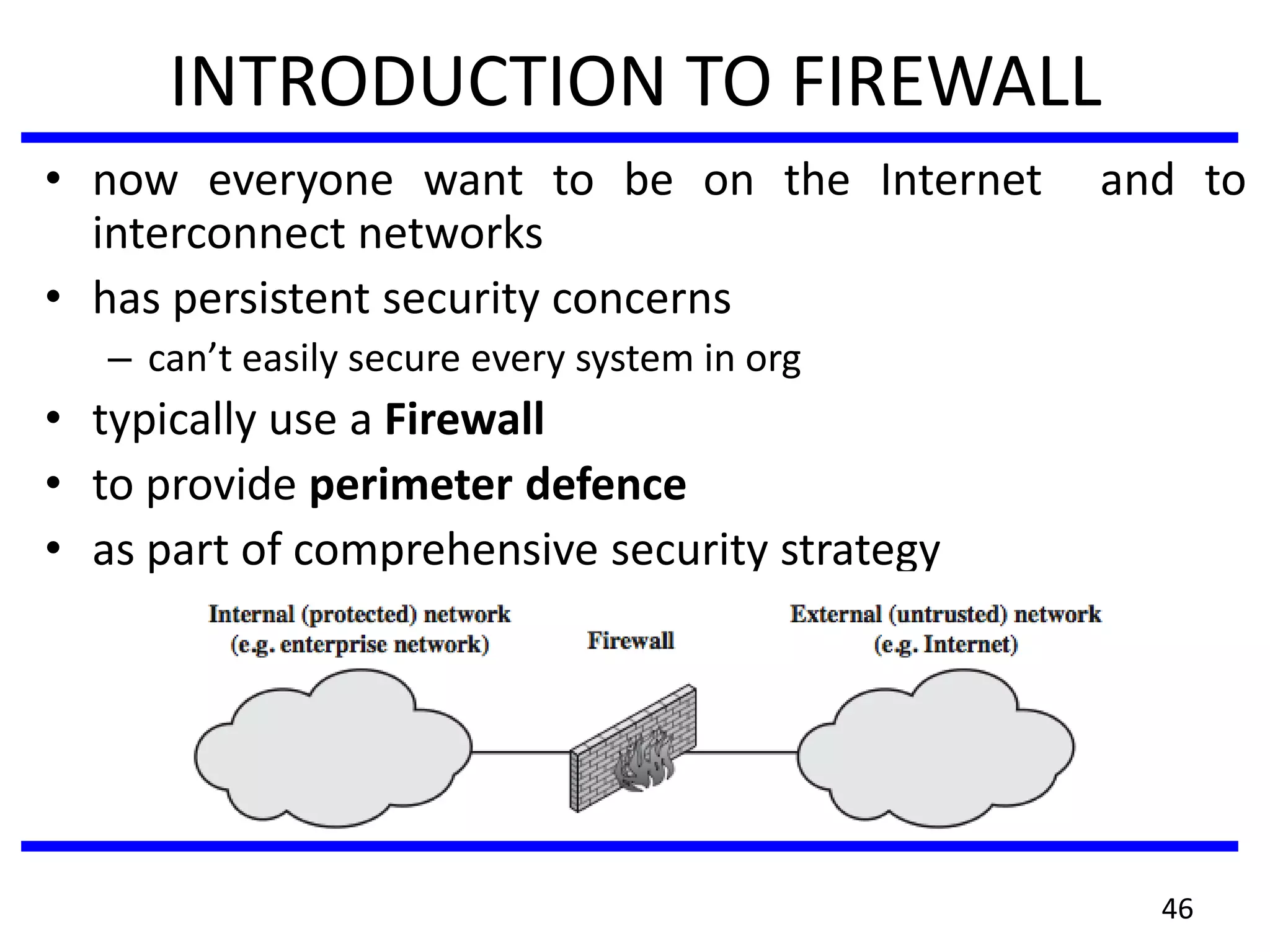
INTRODUCTION TO FIREWALL
• now everyone want to be on the Internet and to
interconnect networks
• has persistent security concerns
– can’t easily secure every system in org
• typically use a Firewall
• to provide perimeter defence
• as part of comprehensive security strategy
46
What is a Firewall?
• a choke point of control and monitoring
• interconnects networks with differing trust
• imposes restrictions on network services
– only authorized traffic is allowed
• auditing and controlling access
– can implement alarms for abnormal behavior
• provide NAT & usage monitoring
• implement VPNs using IPSec
• must be immune to penetration
47
Firewall Limitations
• cannot protect from attacks bypassing it
–eg sneaker net, utility modems, trusted
organisations, trusted services (eg SSL/SSH)
• cannot protect against internal threats
–eg disgruntled or colluding employees
• cannot protect against access via WLAN
–if improperly secured against external use
• cannot protect against malware imported
via laptop, PDA, storage infected outside
48
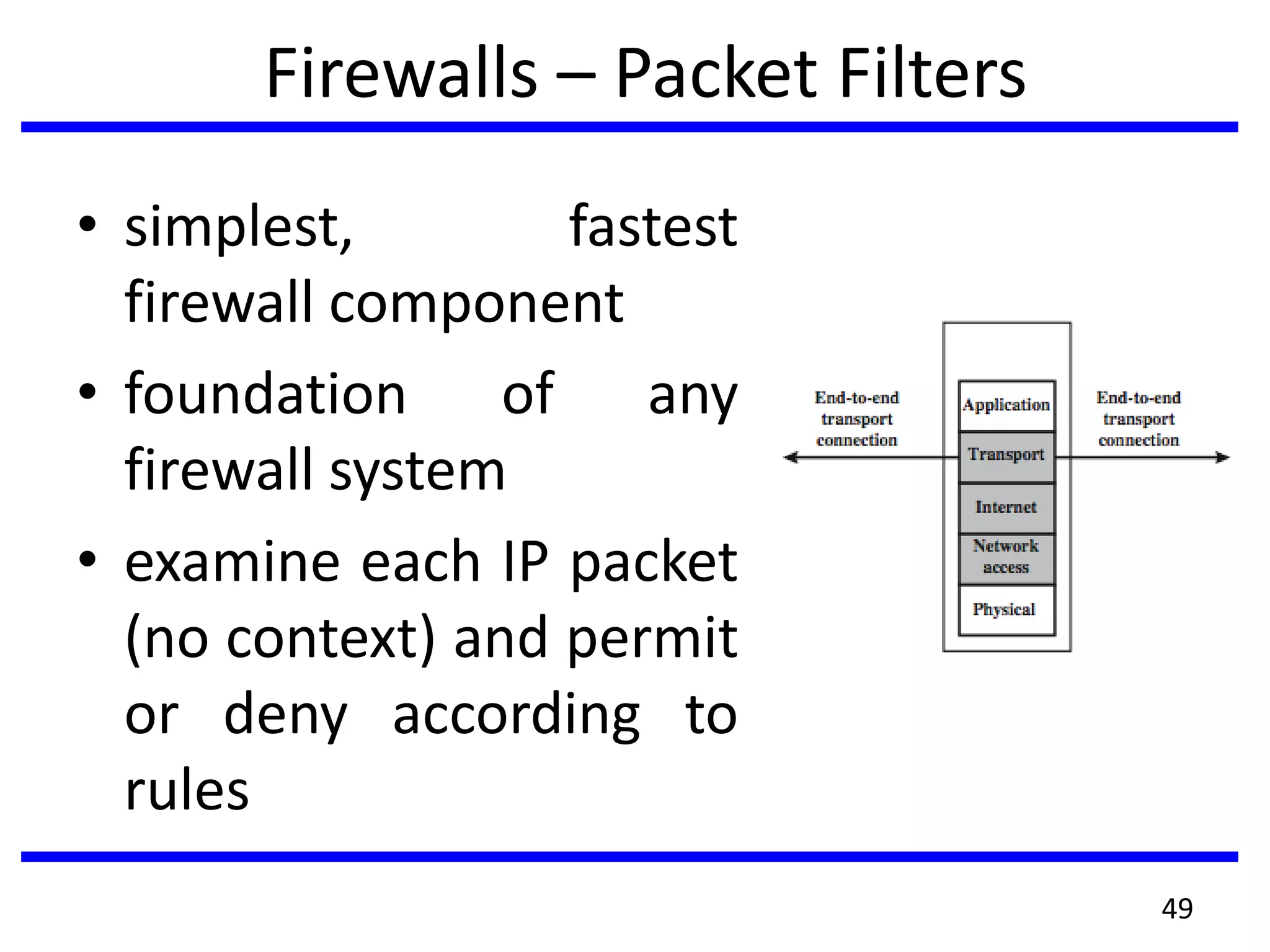
Firewalls – Packet Filters
• simplest, fastest
firewall component
• foundation of any
firewall system
• examine each IP packet
(no context) and permit
or deny according to
rules
49
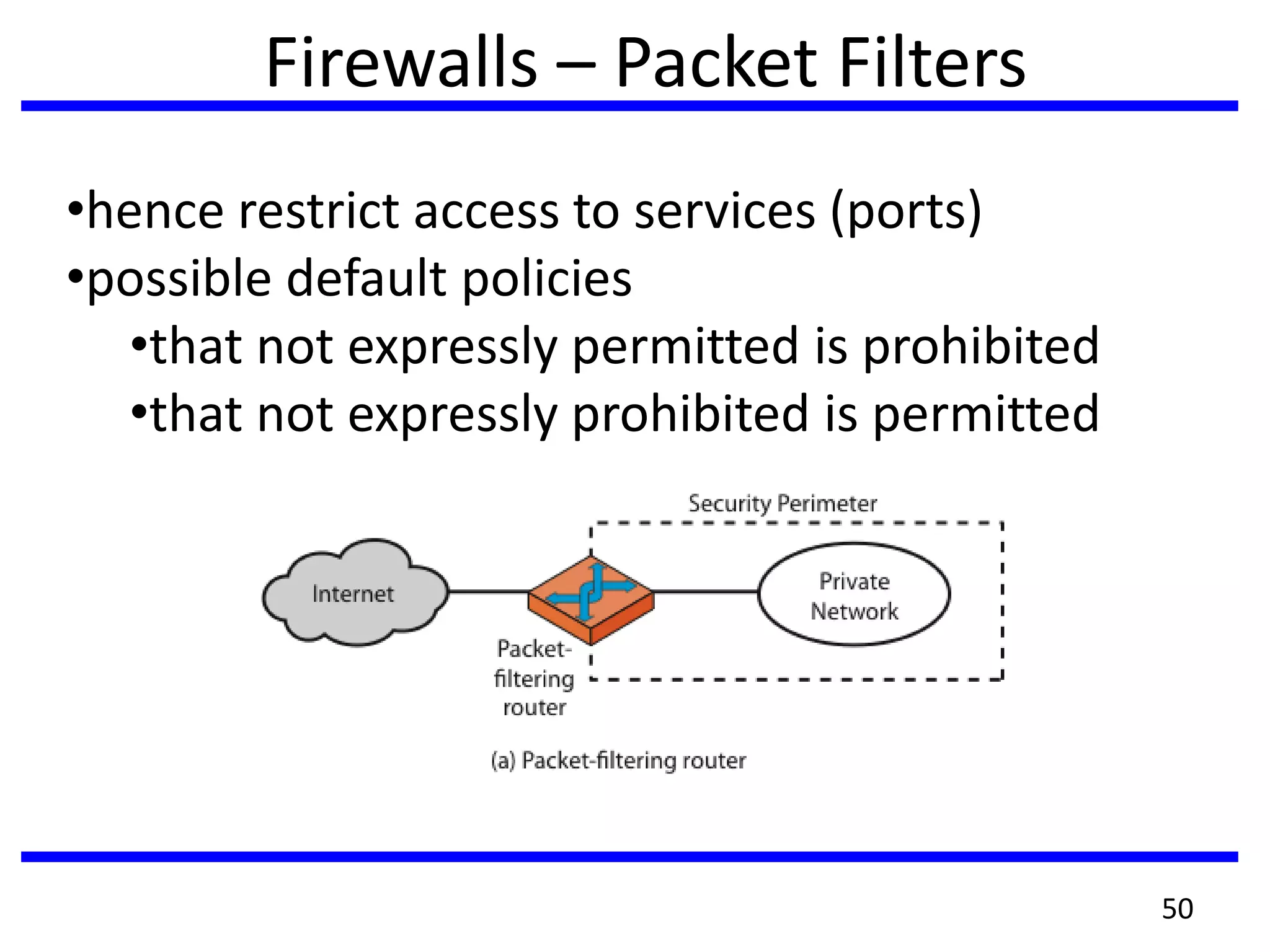
Firewalls – Packet Filters
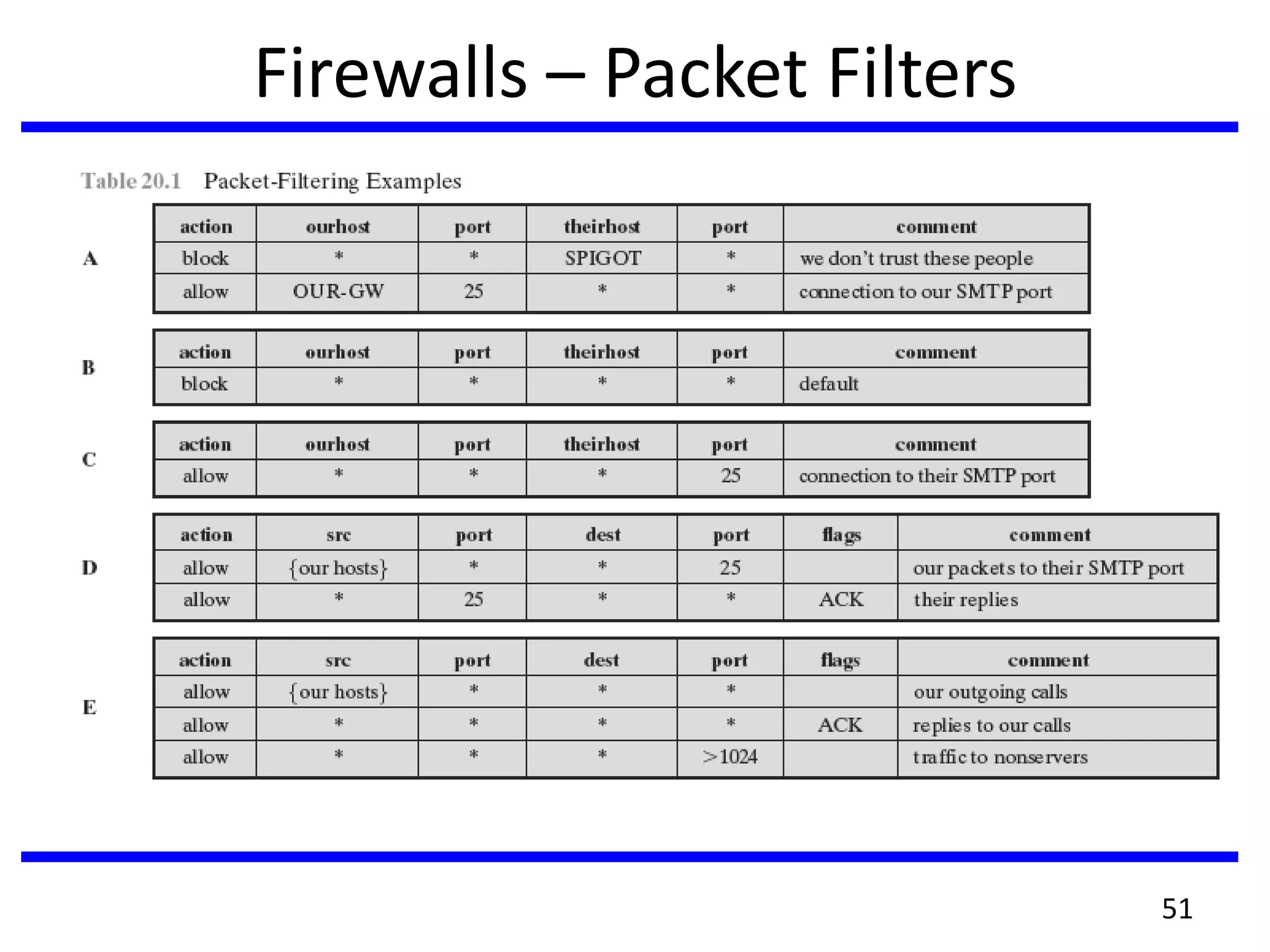
•hence restrict access to services (ports)
•possible default policies
•that not expressly permitted is prohibited
•that not expressly prohibited is permitted
50
Firewalls – Packet Filters
51
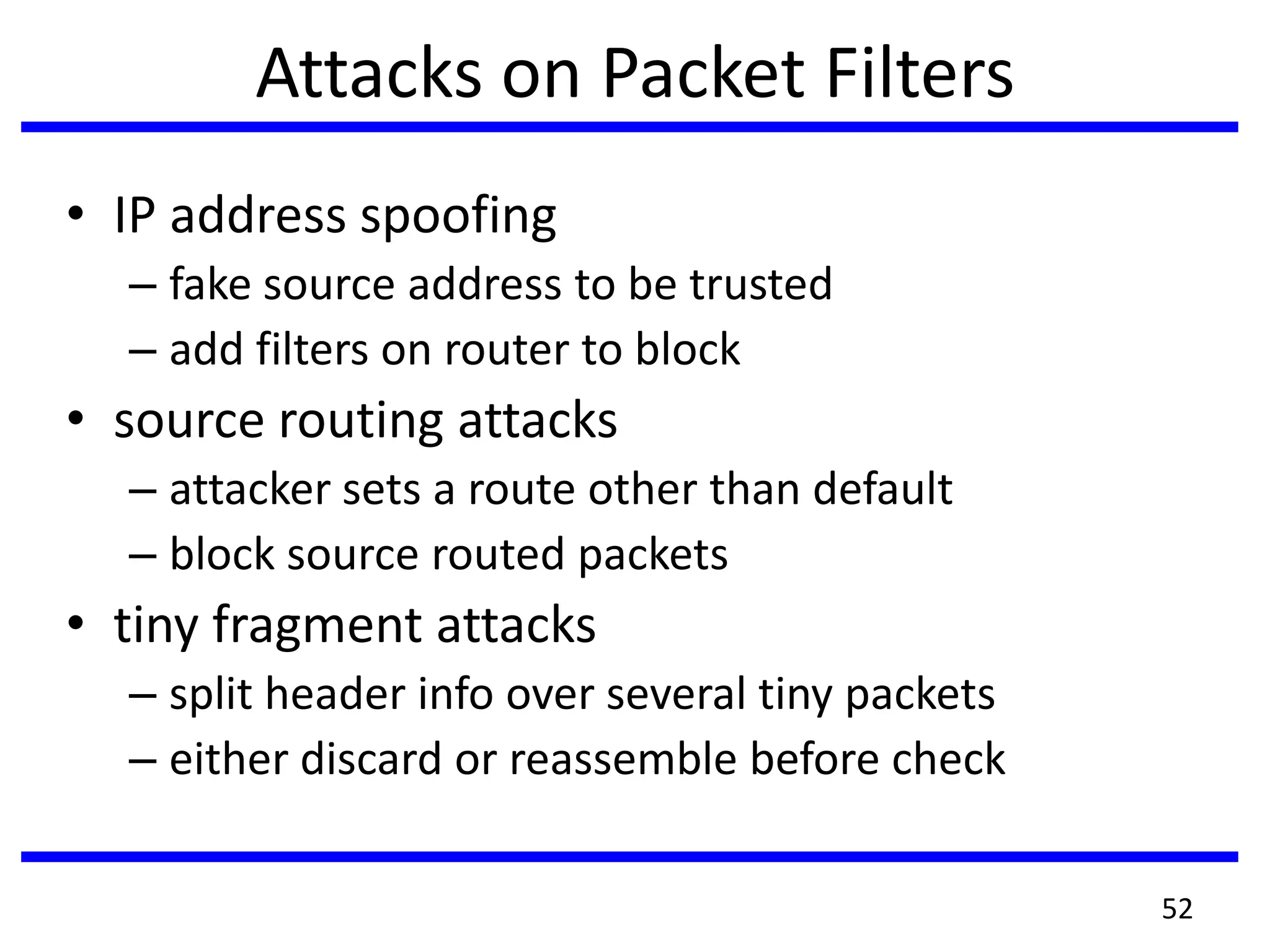
Attacks on Packet Filters
• IP address spoofing
– fake source address to be trusted
– add filters on router to block
• source routing attacks
– attacker sets a route other than default
– block source routed packets
• tiny fragment attacks
– split header info over several tiny packets
– either discard or reassemble before check
52
Firewalls – Stateful Packet Filters
• traditional packet filters do not examine higher
layer context
– ie matching return packets with outgoing flow
• stateful packet filters address this need
• they examine each IP packet in context
– keep track of client-server sessions
– check each packet validly belongs to one
• hence are better able to detect bogus packets
out of context
• may even inspect limited application data
53
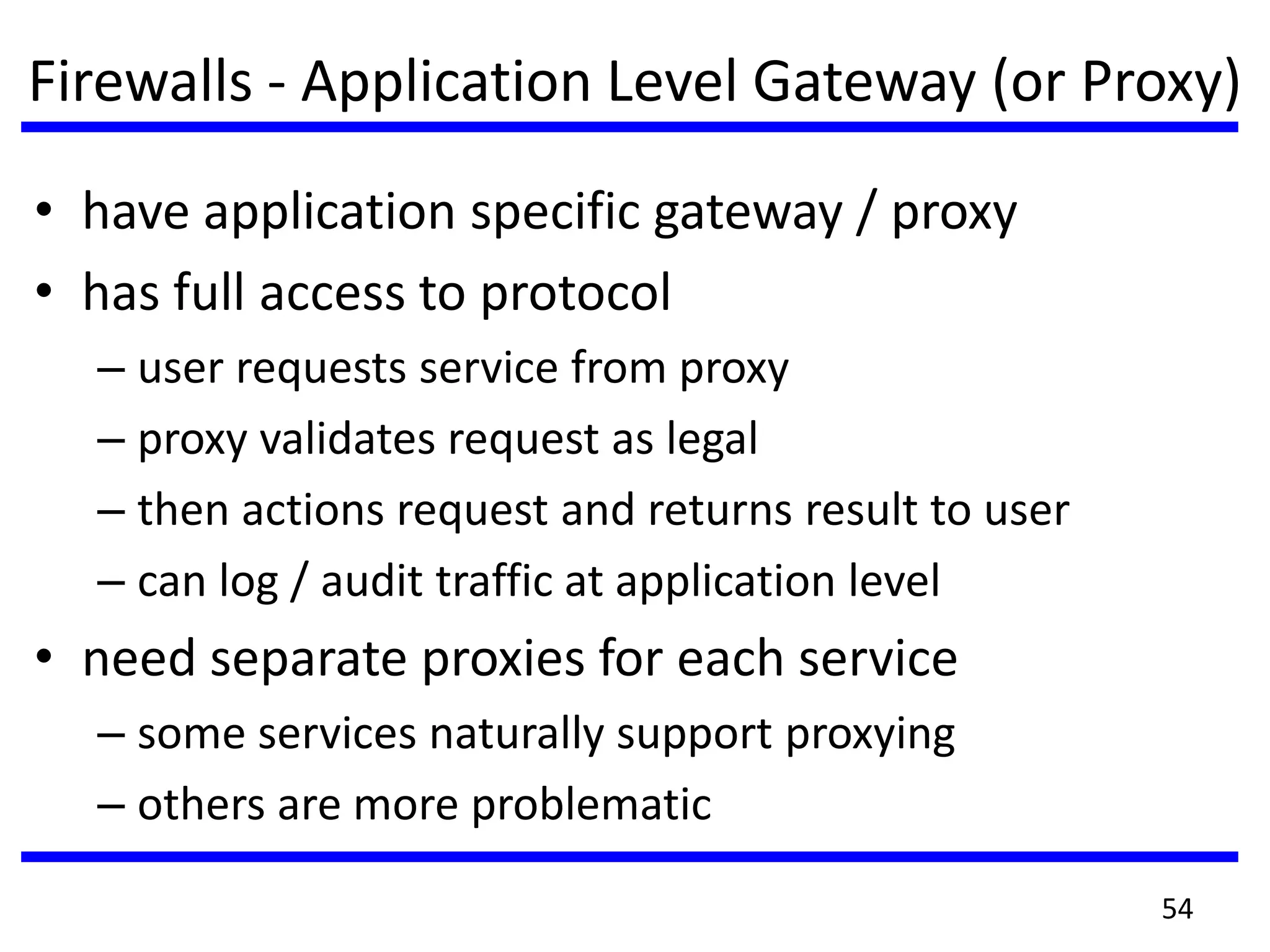
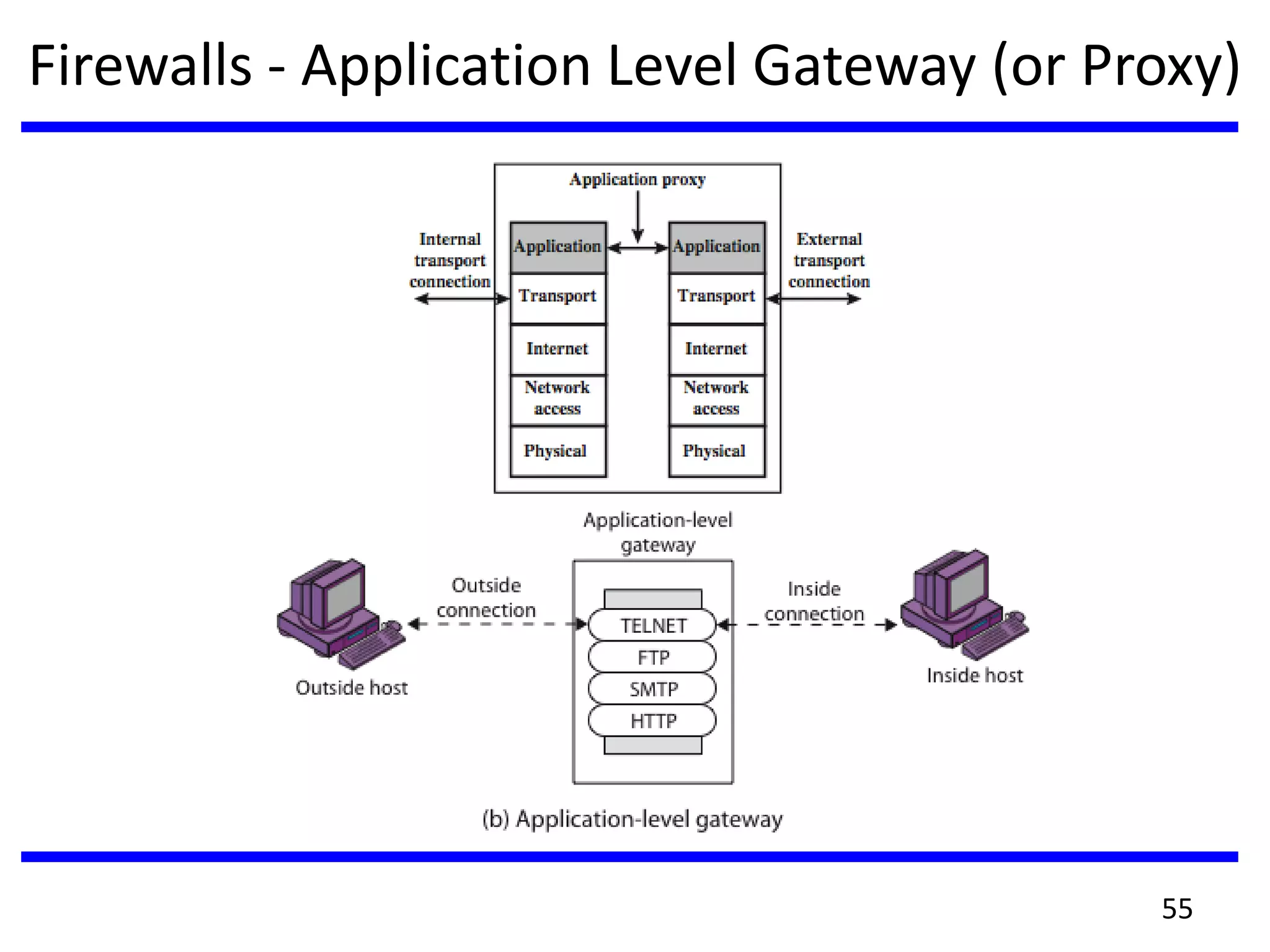
Firewalls - Application Level Gateway (or Proxy)
• have application specific gateway / proxy
• has full access to protocol
– user requests service from proxy
– proxy validates request as legal
– then actions request and returns result to user
– can log / audit traffic at application level
• need separate proxies for each service
– some services naturally support proxying
– others are more problematic
54
Firewalls - Application Level Gateway (or Proxy)
55
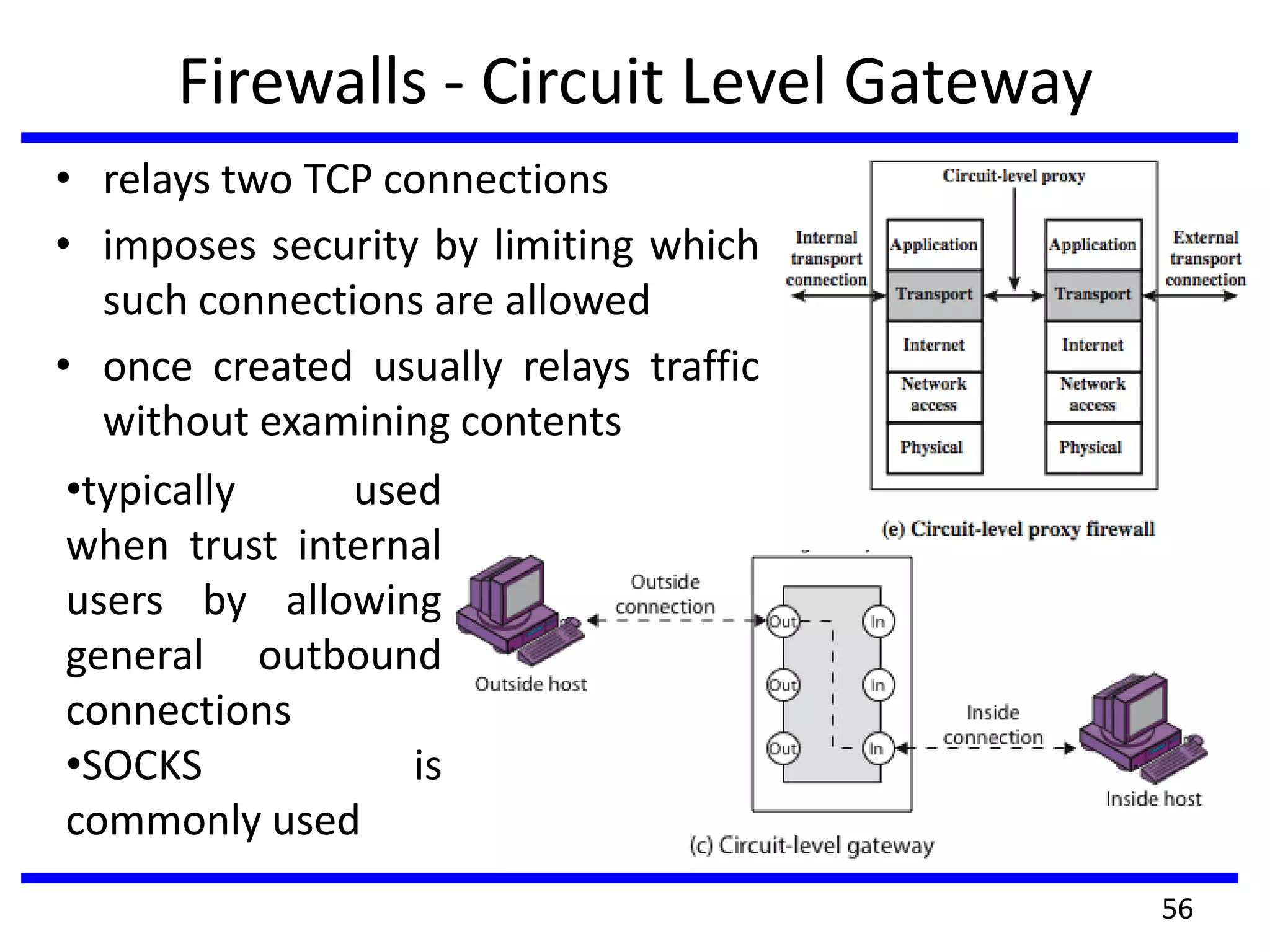
Firewalls - Circuit Level Gateway
• relays two TCP connections
• imposes security by limiting which
such connections are allowed
• once created usually relays traffic
without examining contents
56
•typically used
when trust internal
users by allowing
general outbound
connections
•SOCKS is
commonly used
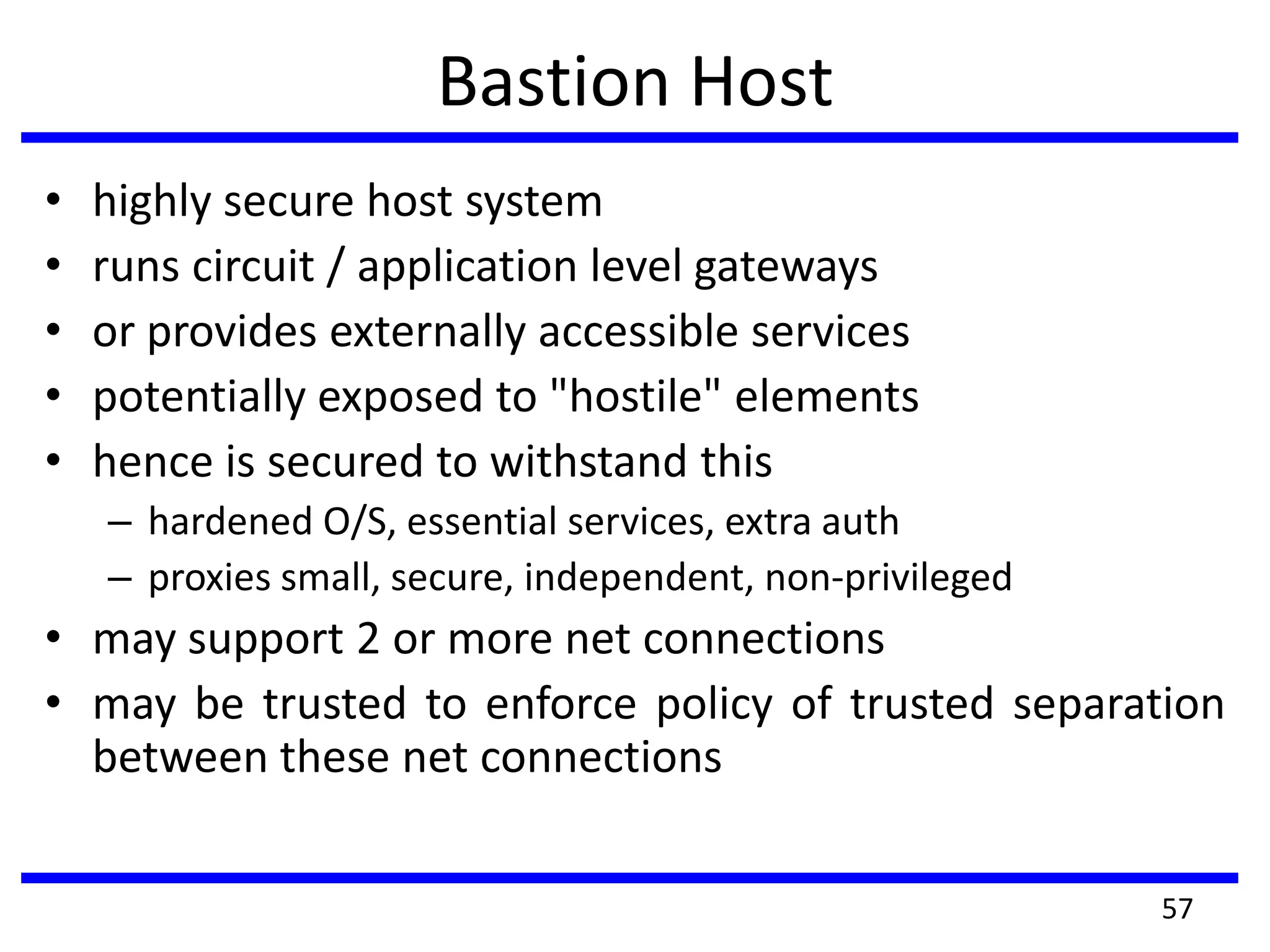
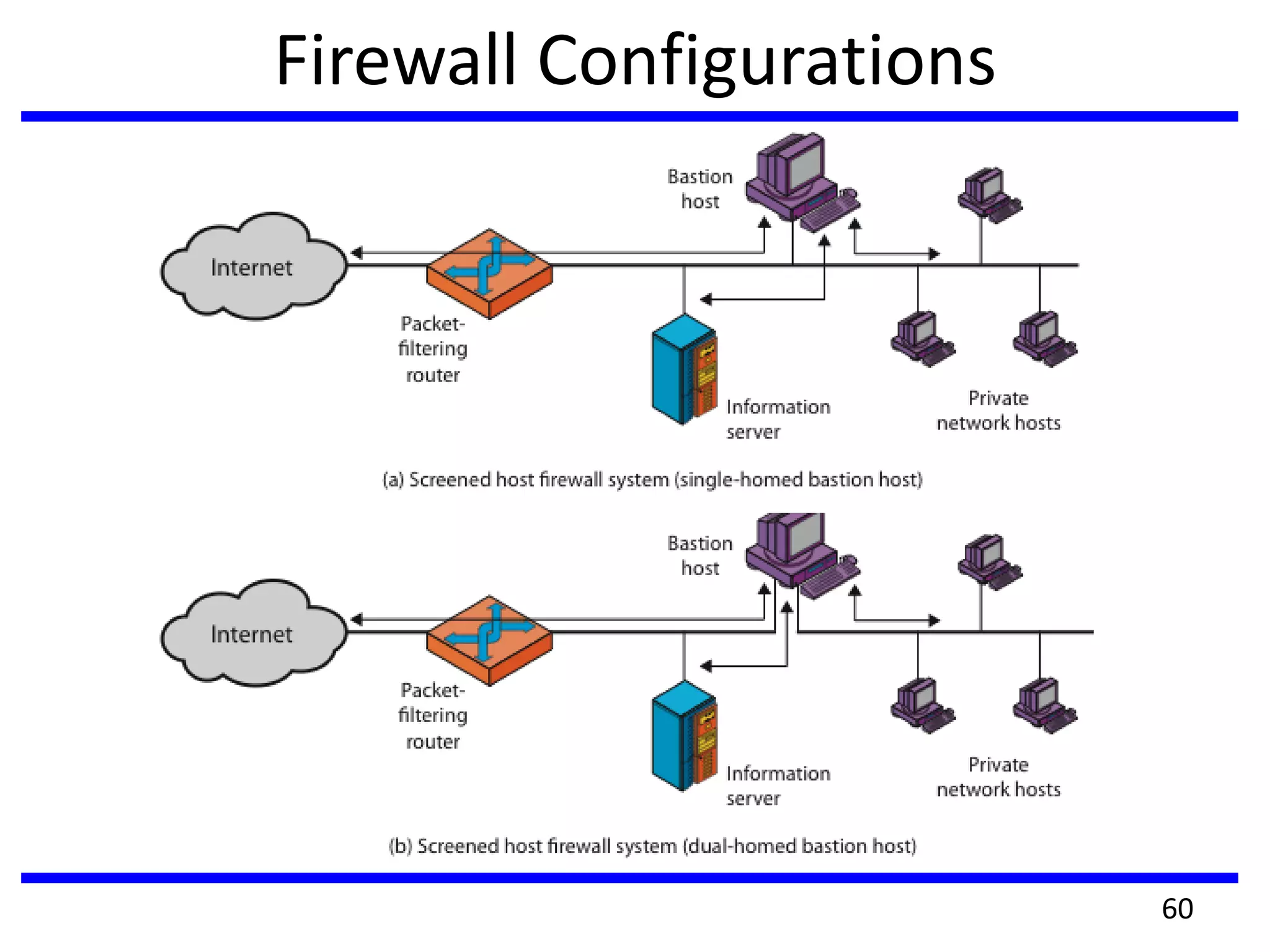
Bastion Host
• highly secure host system
• runs circuit / application level gateways
• or provides externally accessible services
• potentially exposed to "hostile" elements
• hence is secured to withstand this
– hardened O/S, essential services, extra auth
– proxies small, secure, independent, non-privileged
• may support 2 or more net connections
• may be trusted to enforce policy of trusted separation
between these net connections
57
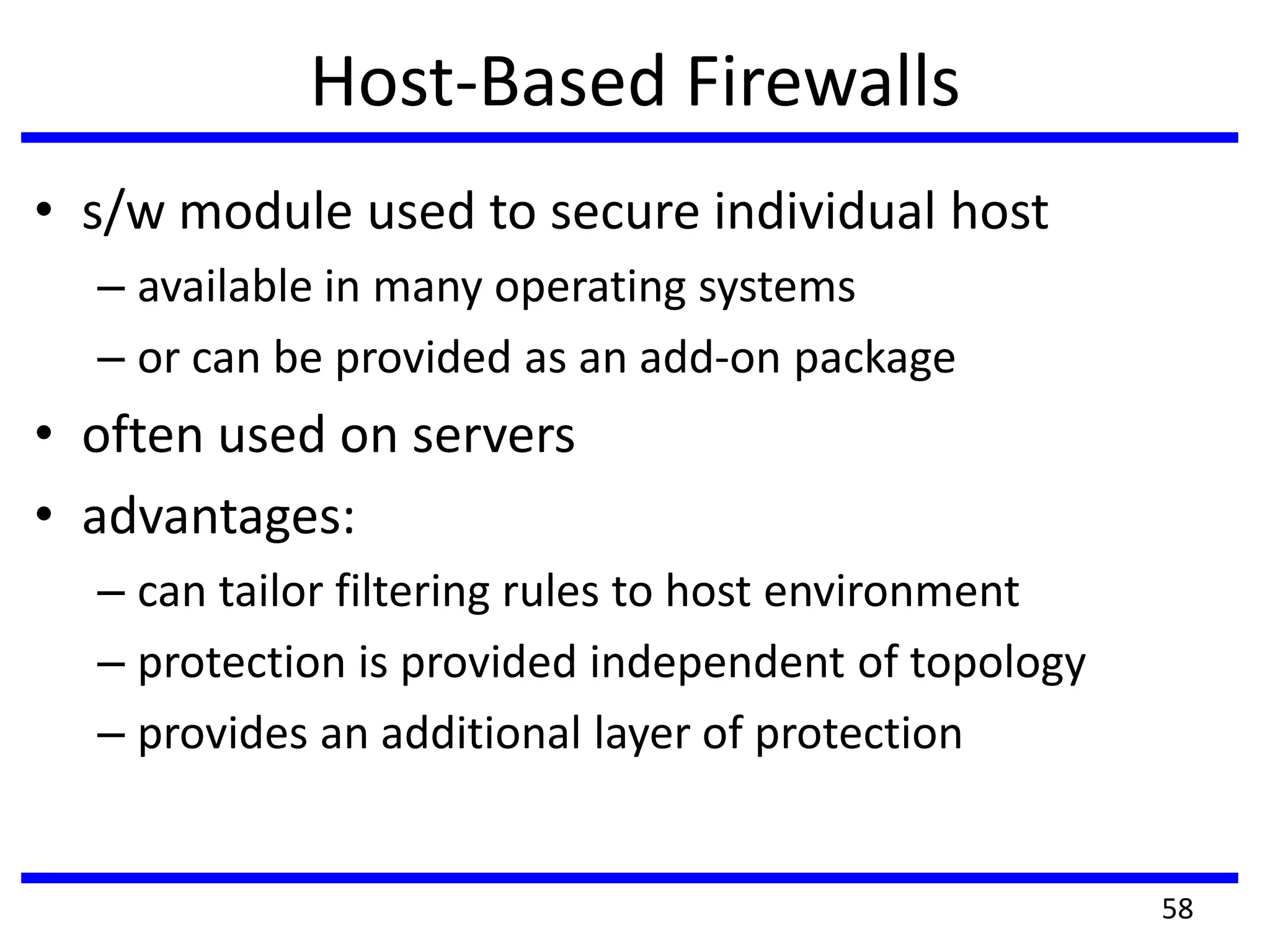
Host-Based Firewalls
• s/w module used to secure individual host
– available in many operating systems
– or can be provided as an add-on package
• often used on servers
• advantages:
– can tailor filtering rules to host environment
– protection is provided independent of topology
– provides an additional layer of protection
58
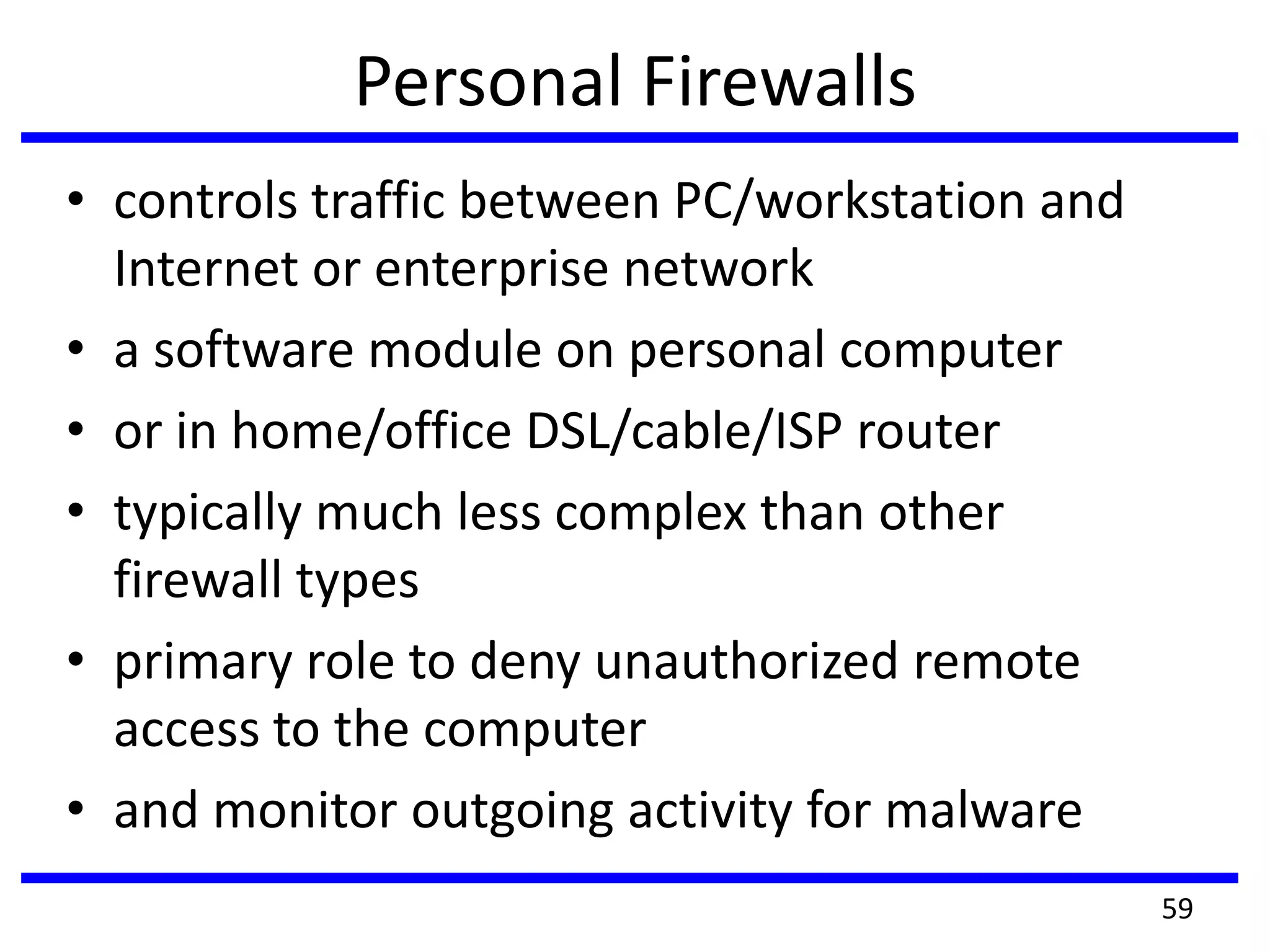
Personal Firewalls
• controls traffic between PC/workstation and
Internet or enterprise network
• a software module on personal computer
• or in home/office DSL/cable/ISP router
• typically much less complex than other
firewall types
• primary role to deny unauthorized remote
access to the computer
• and monitor outgoing activity for malware
59
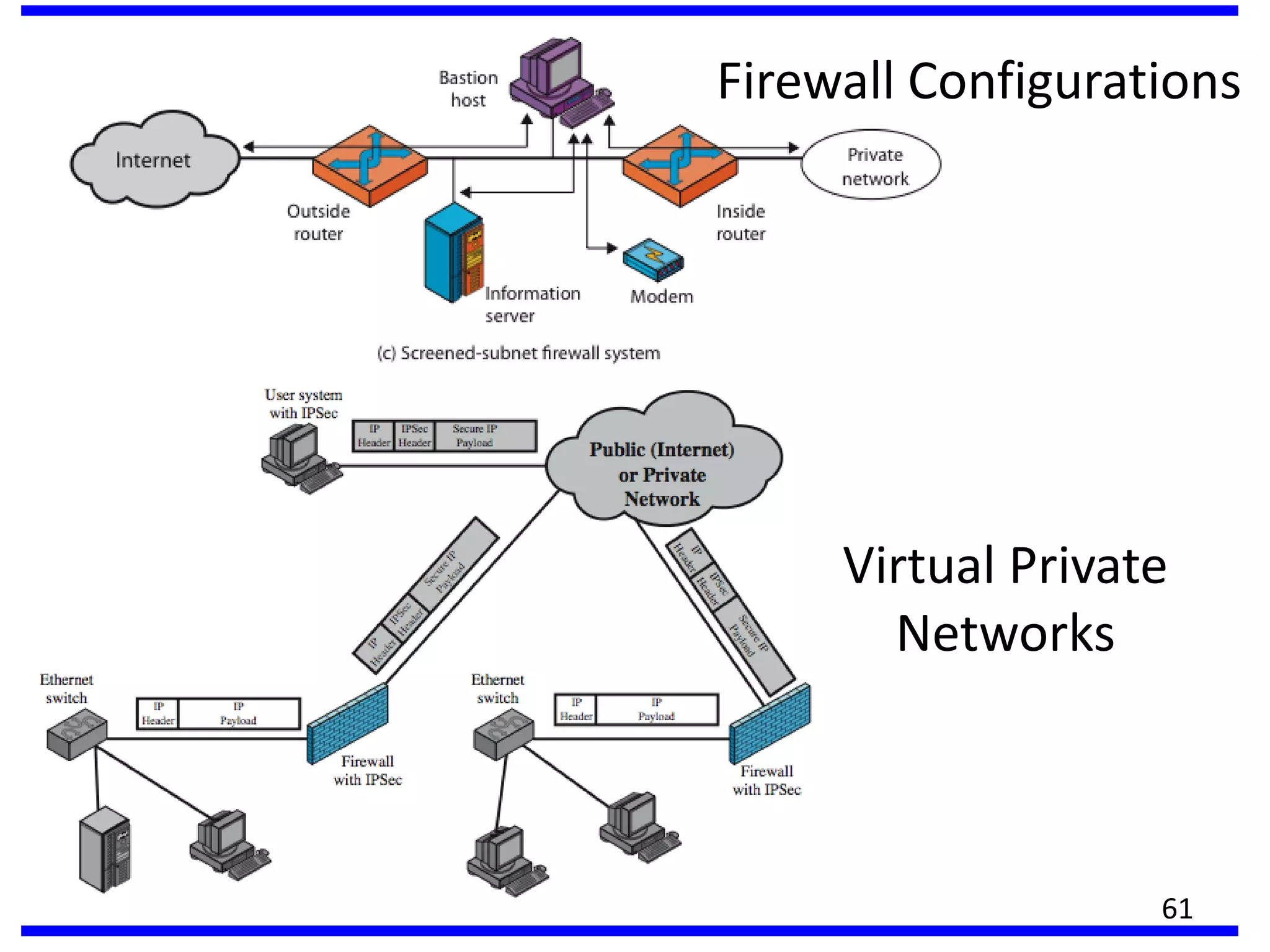
Firewall Configurations
60
Firewall Configurations
61
Virtual Private
Networks
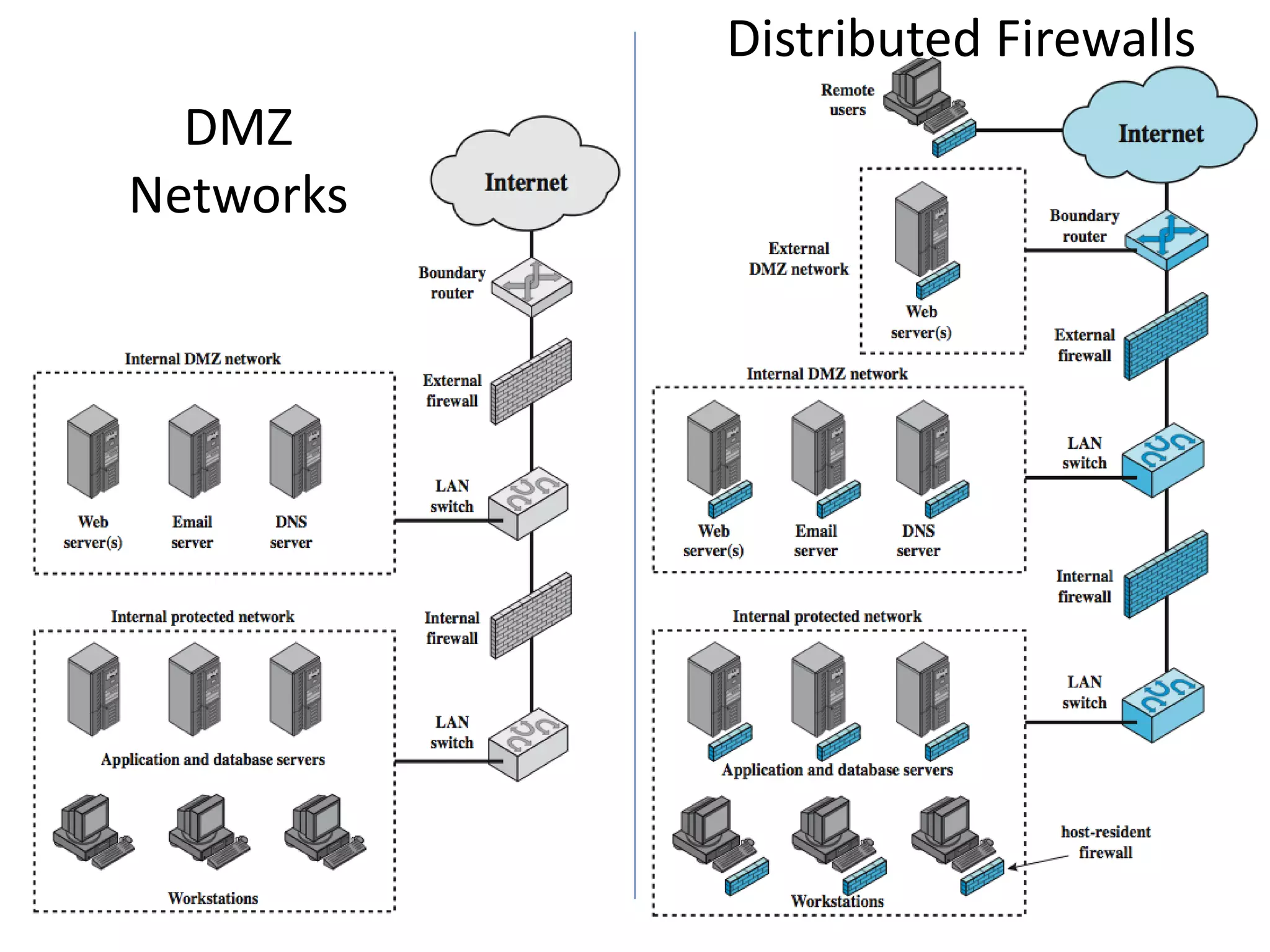
DMZ
Networks
62
Distributed Firewalls
Summary of Firewall Locations and
Topologies
• host-resident firewall
• screening router
• single bastion inline
• single bastion T
• double bastion inline
• double bastion T
• distributed firewall configuration
63
INTRUDER DETECTION SYSTEM
• significant issue for networked systems is hostile or
unwanted access
• either via network or local
• can identify classes of intruders:
1.Masquerader-An individual who is not authorized to use
the computer (outsider)
2.Misfeasor-A legitimate user who accesses unauthorized
data, programs, or resources (insider)
3. clandestine user-An individual who seizes supervisory
control of the system and uses this control to evade
auditing and access controls or to suppress audit
collection
• Intruder attacks range from the benign to the serious
64
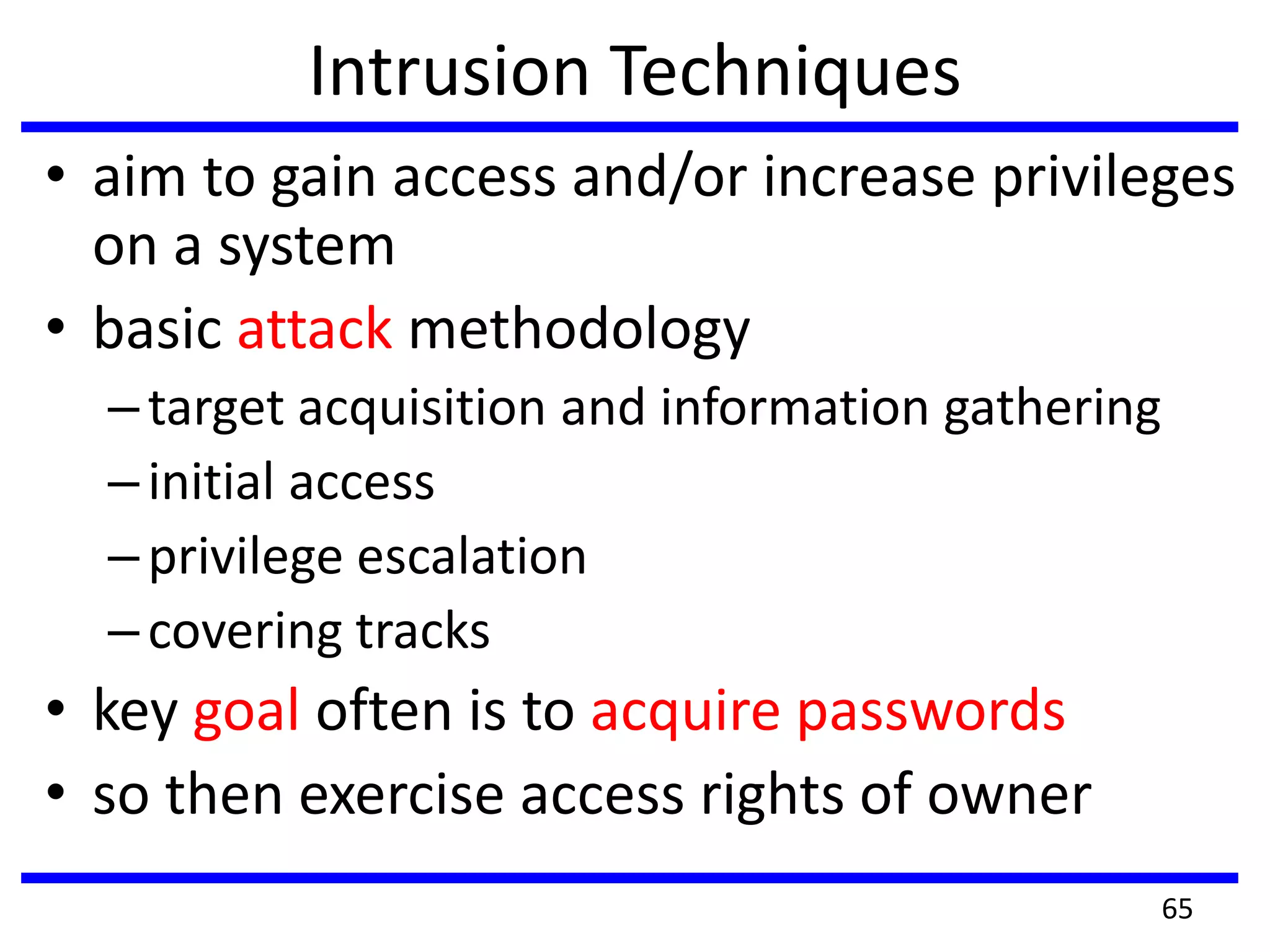
Intrusion Techniques
• aim to gain access and/or increase privileges
on a system
• basic attack methodology
–target acquisition and information gathering
–initial access
–privilege escalation
–covering tracks
• key goal often is to acquire passwords
• so then exercise access rights of owner
65
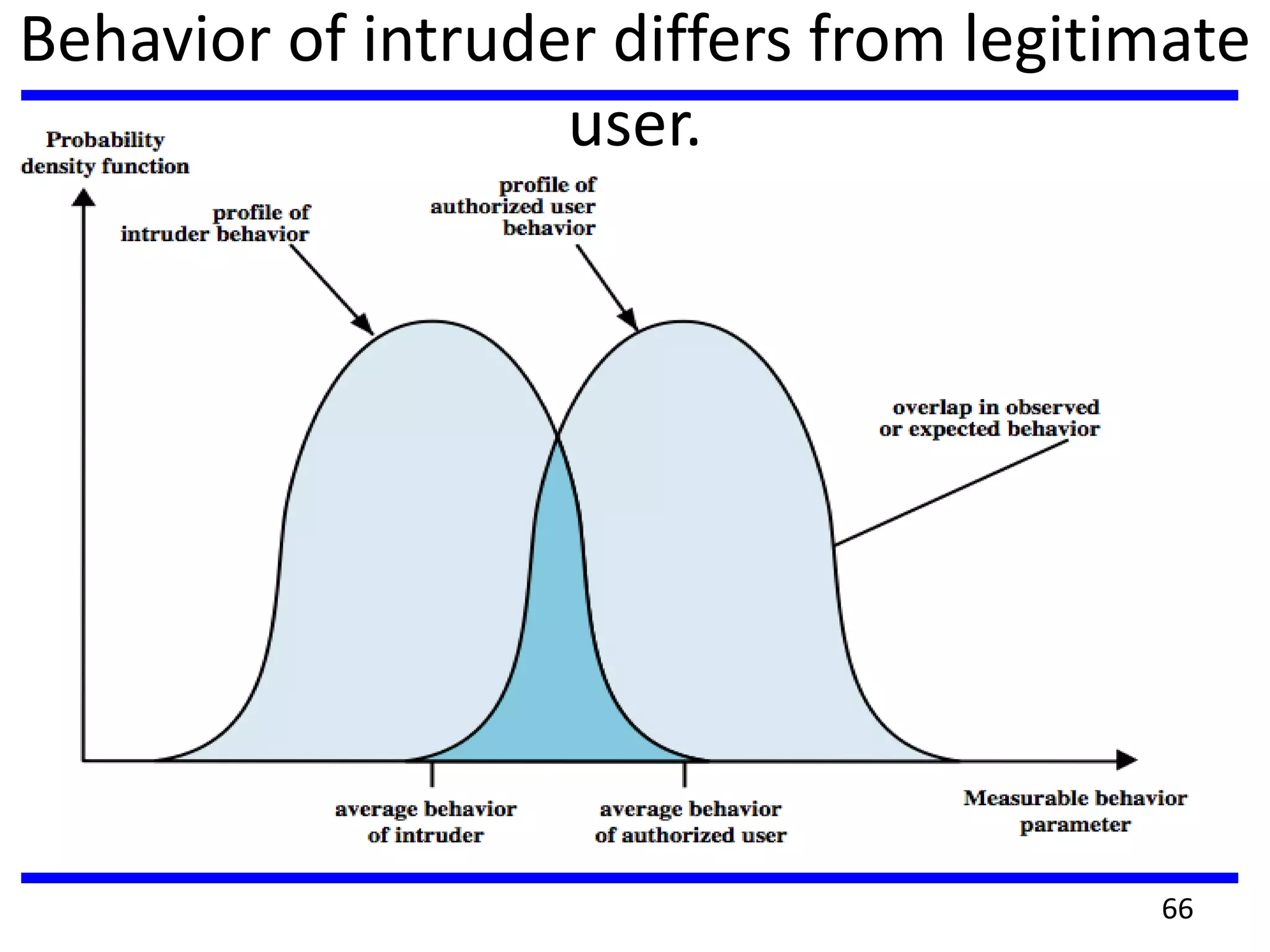
Behavior of intruder differs from legitimate
user.
66
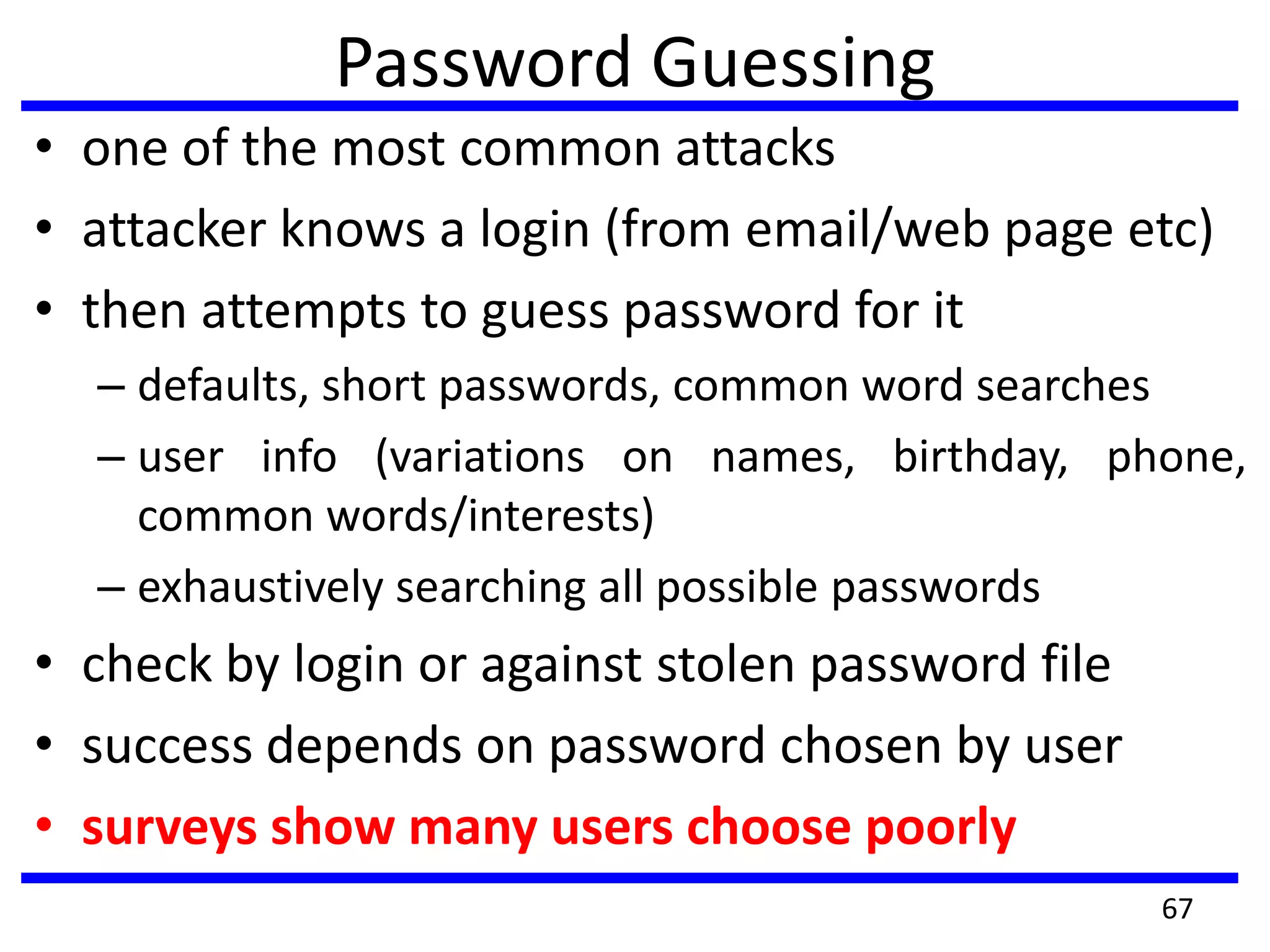
Password Guessing
• one of the most common attacks
• attacker knows a login (from email/web page etc)
• then attempts to guess password for it
– defaults, short passwords, common word searches
– user info (variations on names, birthday, phone,
common words/interests)
– exhaustively searching all possible passwords
• check by login or against stolen password file
• success depends on password chosen by user
• surveys show many users choose poorly
67
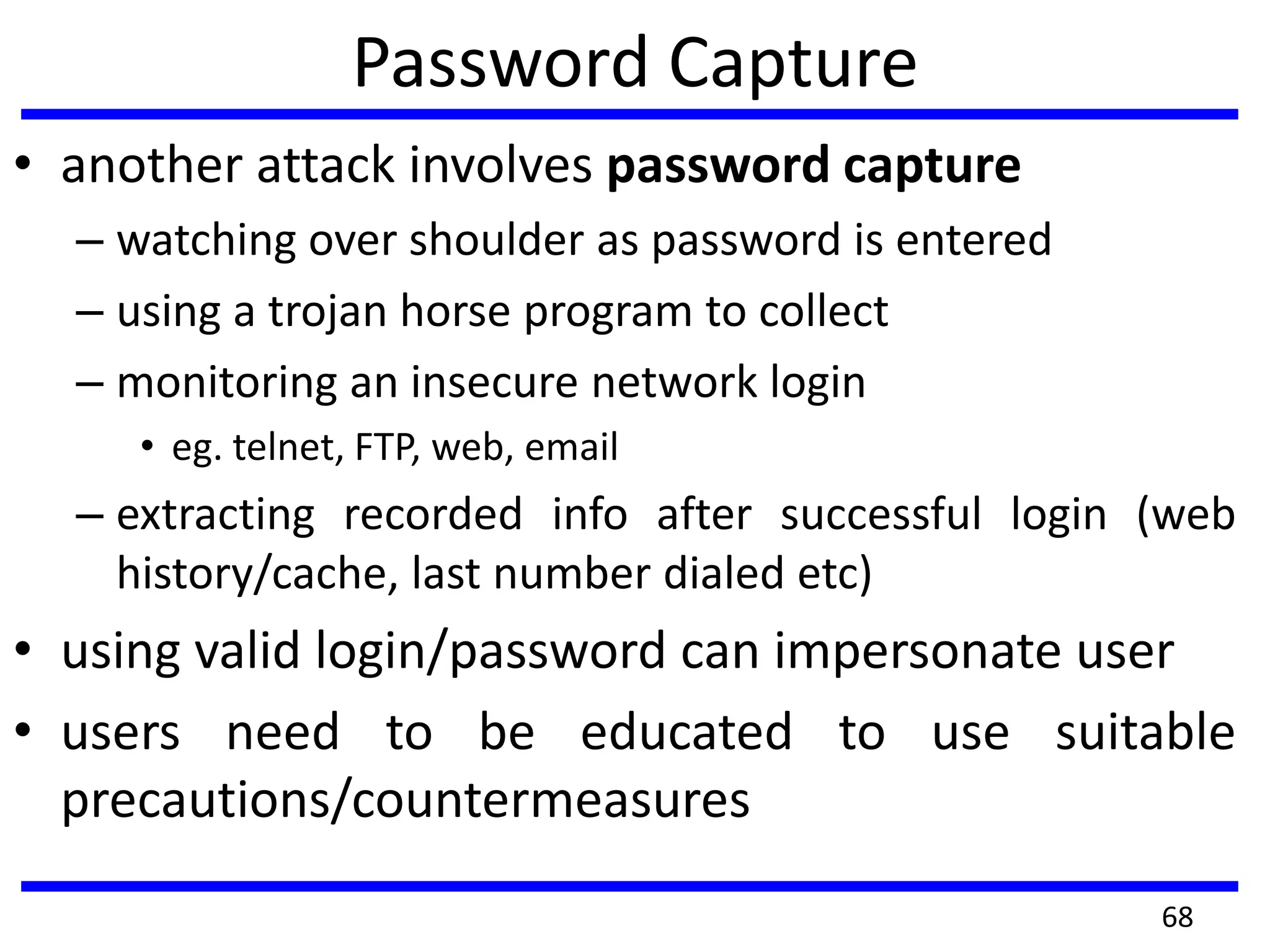
Password Capture
• another attack involves password capture
– watching over shoulder as password is entered
– using a trojan horse program to collect
– monitoring an insecure network login
• eg. telnet, FTP, web, email
– extracting recorded info after successful login (web
history/cache, last number dialed etc)
• using valid login/password can impersonate user
• users need to be educated to use suitable
precautions/countermeasures
68
Intrusion Detection
• inevitably will have security failures
• so need also to detect intrusions so can
– block if detected quickly
– act as deterrent
– collect info to improve security
• assume intruder will behave differently to a
legitimate user
– but will have imperfect distinction between
69
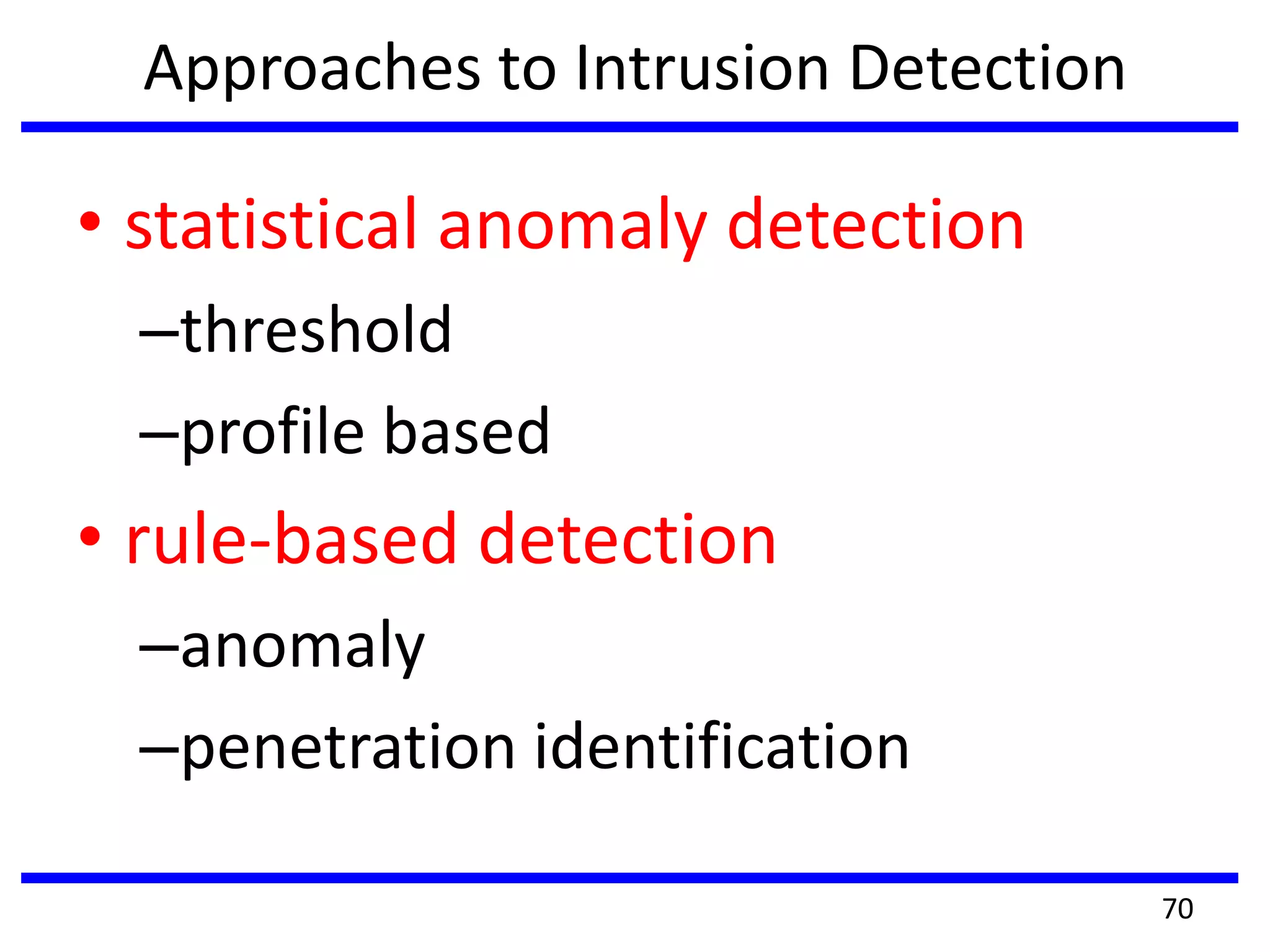
Approaches to Intrusion Detection
• statistical anomaly detection
–threshold
–profile based
• rule-based detection
–anomaly
–penetration identification
70
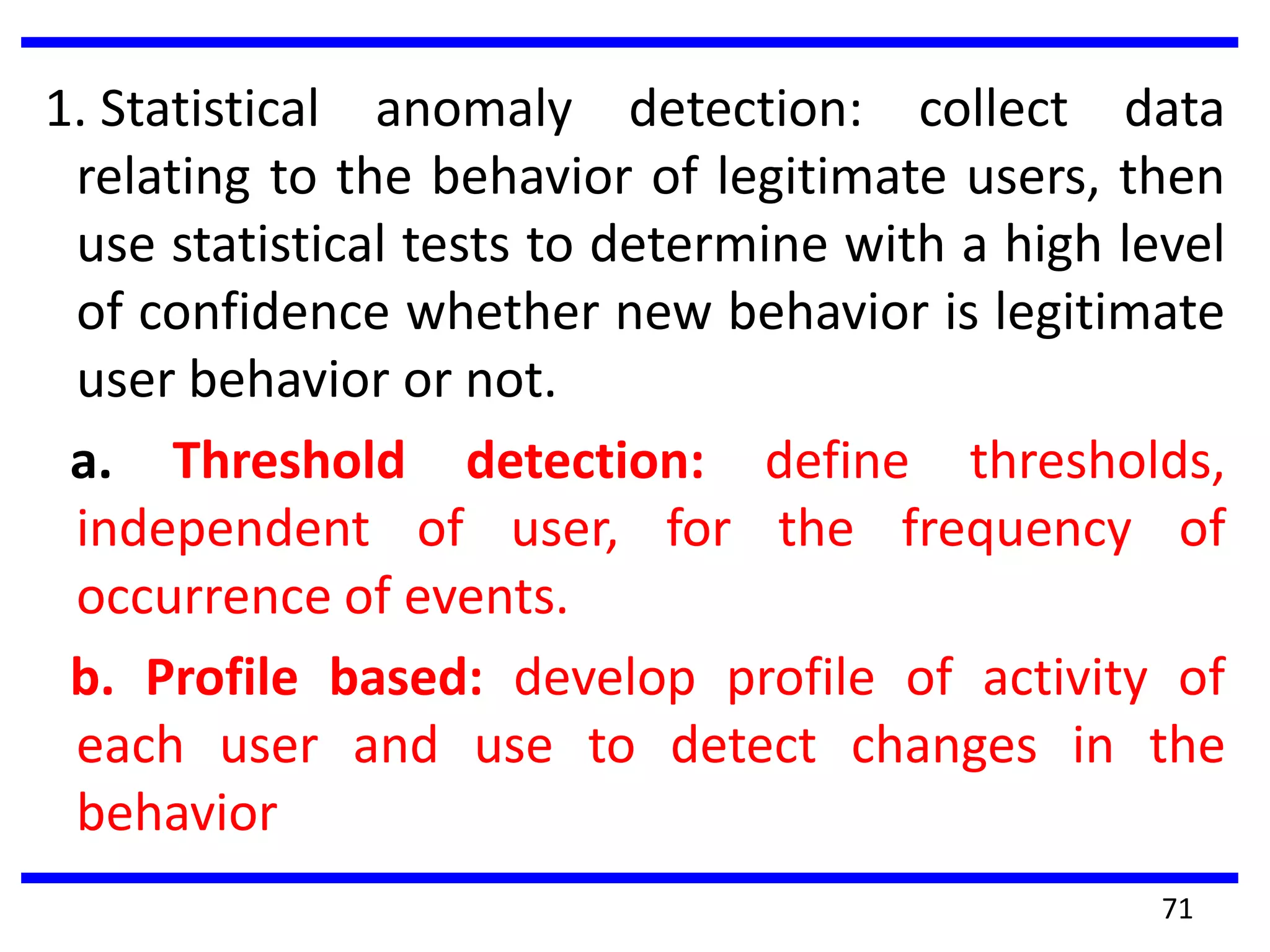
1. Statistical anomaly detection: collect data
relating to the behavior of legitimate users, then
use statistical tests to determine with a high level
of confidence whether new behavior is legitimate
user behavior or not.
a. Threshold detection: define thresholds,
independent of user, for the frequency of
occurrence of events.
b. Profile based: develop profile of activity of
each user and use to detect changes in the
behavior
71
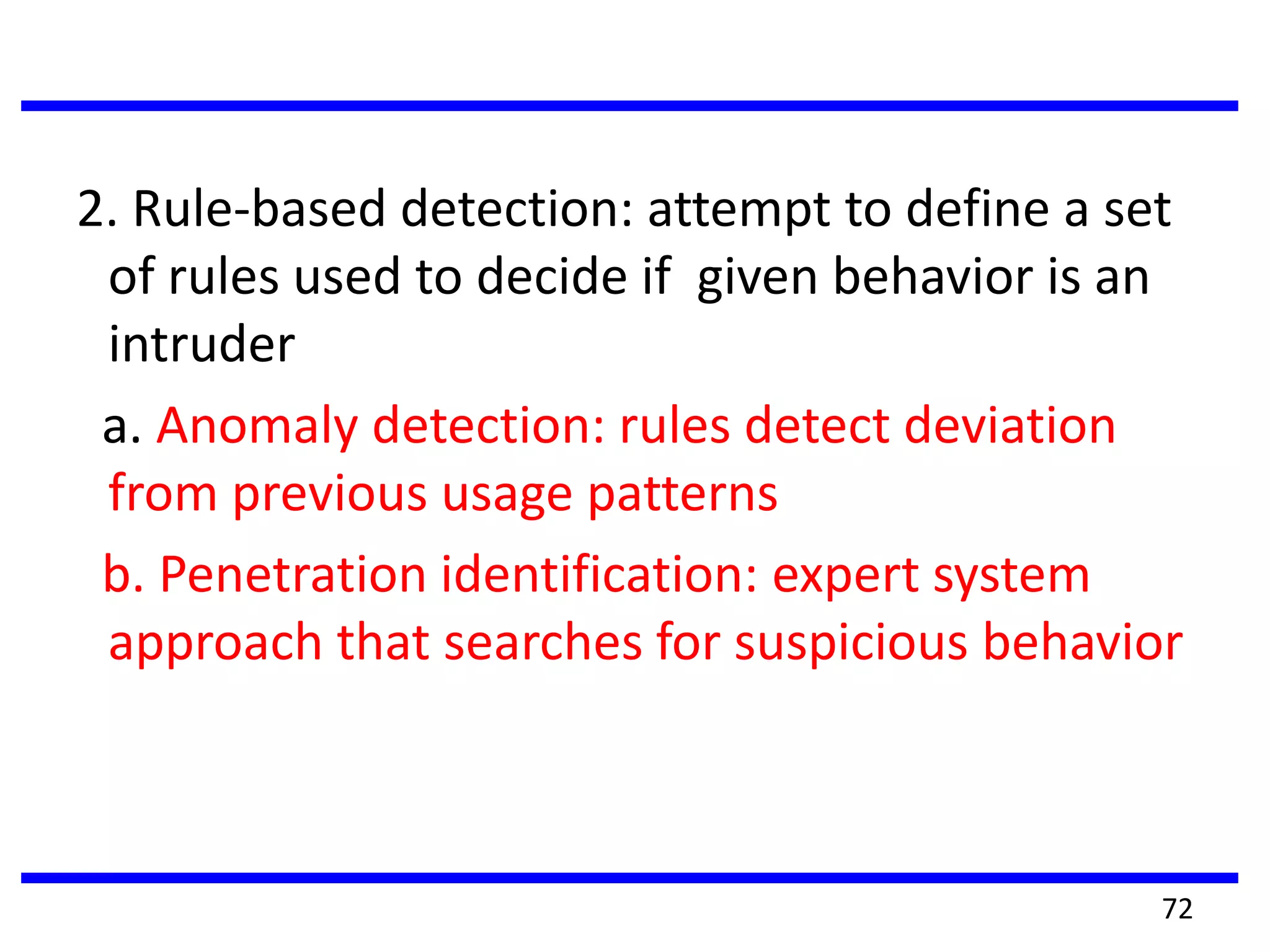
2. Rule-based detection: attempt to define a set
of rules used to decide if given behavior is an
intruder
a. Anomaly detection: rules detect deviation
from previous usage patterns
b. Penetration identification: expert system
approach that searches for suspicious behavior
72
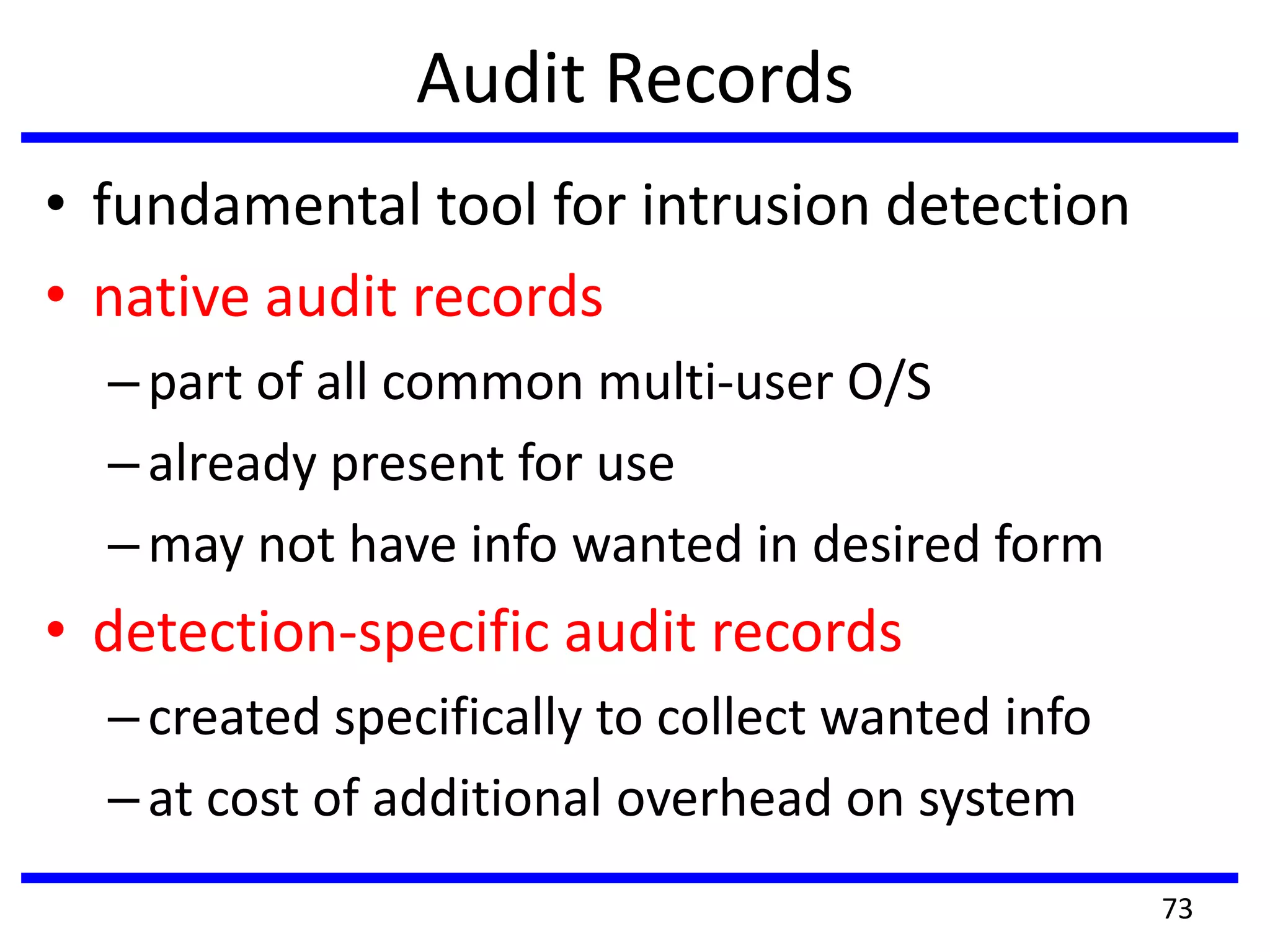
Audit Records
• fundamental tool for intrusion detection
• native audit records
–part of all common multi-user O/S
–already present for use
–may not have info wanted in desired form
• detection-specific audit records
–created specifically to collect wanted info
–at cost of additional overhead on system
73
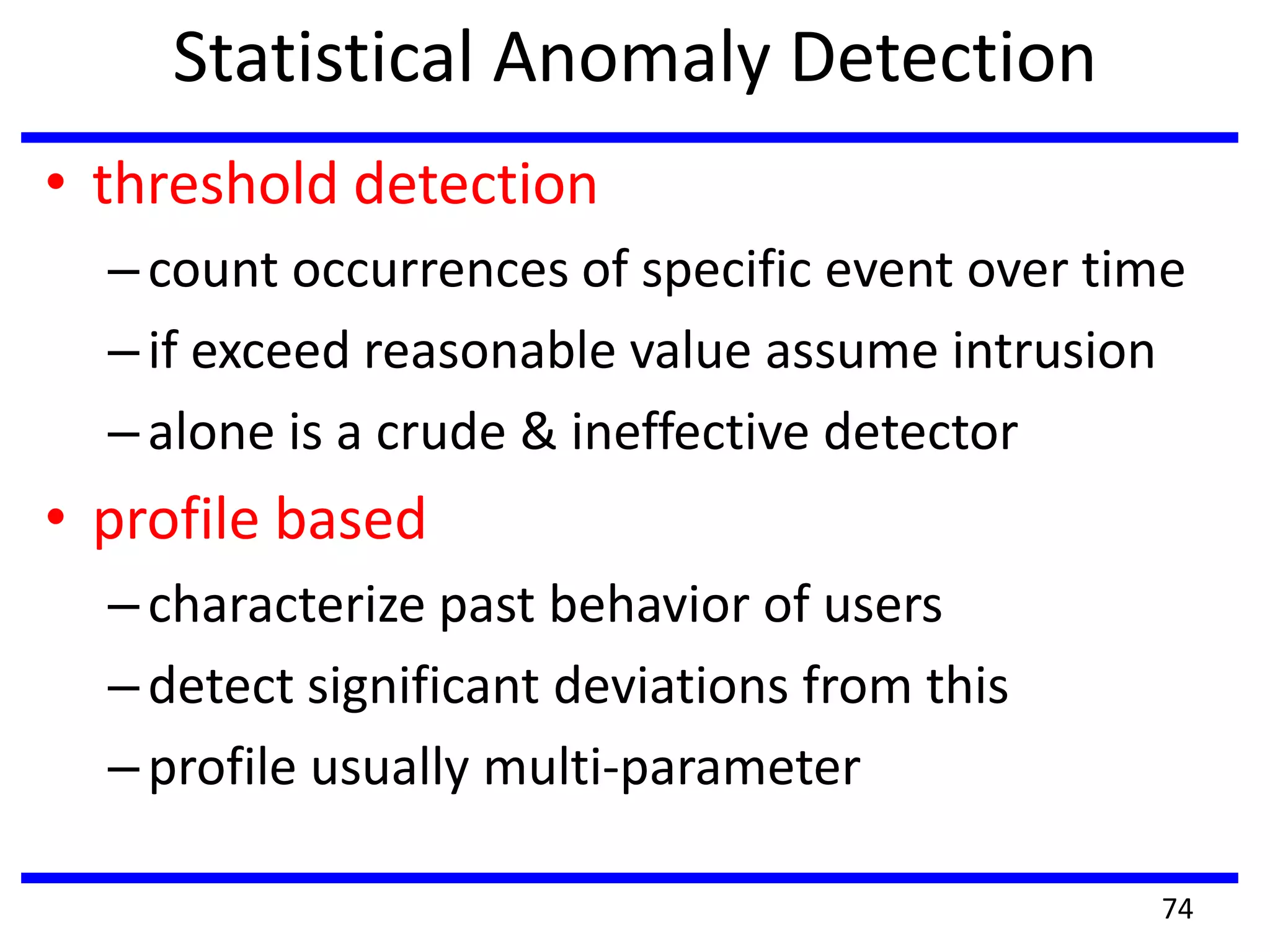
Statistical Anomaly Detection
• threshold detection
–count occurrences of specific event over time
–if exceed reasonable value assume intrusion
–alone is a crude & ineffective detector
• profile based
–characterize past behavior of users
–detect significant deviations from this
–profile usually multi-parameter
74
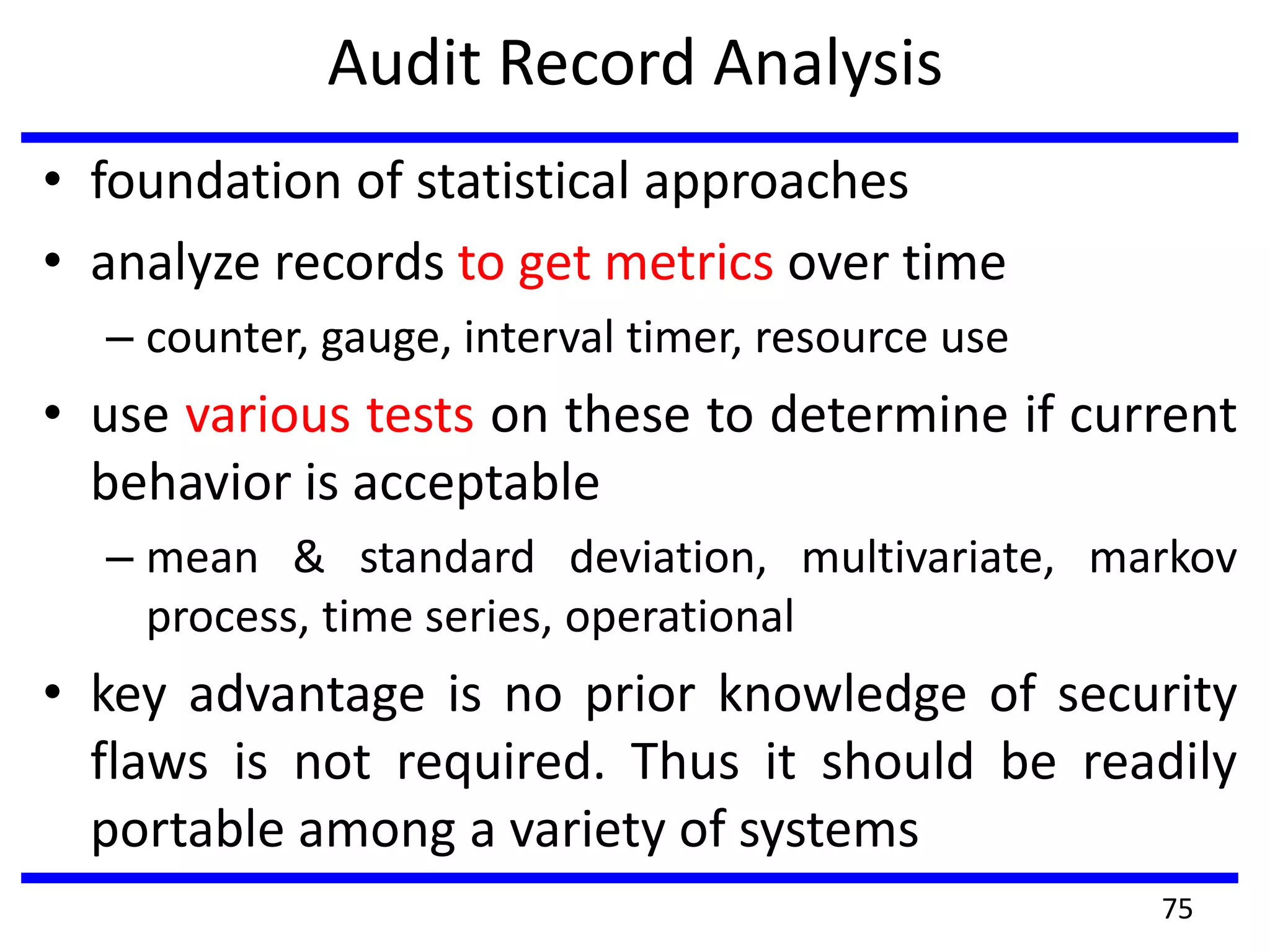
Audit Record Analysis
• foundation of statistical approaches
• analyze records to get metrics over time
– counter, gauge, interval timer, resource use
• use various tests on these to determine if current
behavior is acceptable
– mean & standard deviation, multivariate, markov
process, time series, operational
• key advantage is no prior knowledge of security
flaws is not required. Thus it should be readily
portable among a variety of systems
75
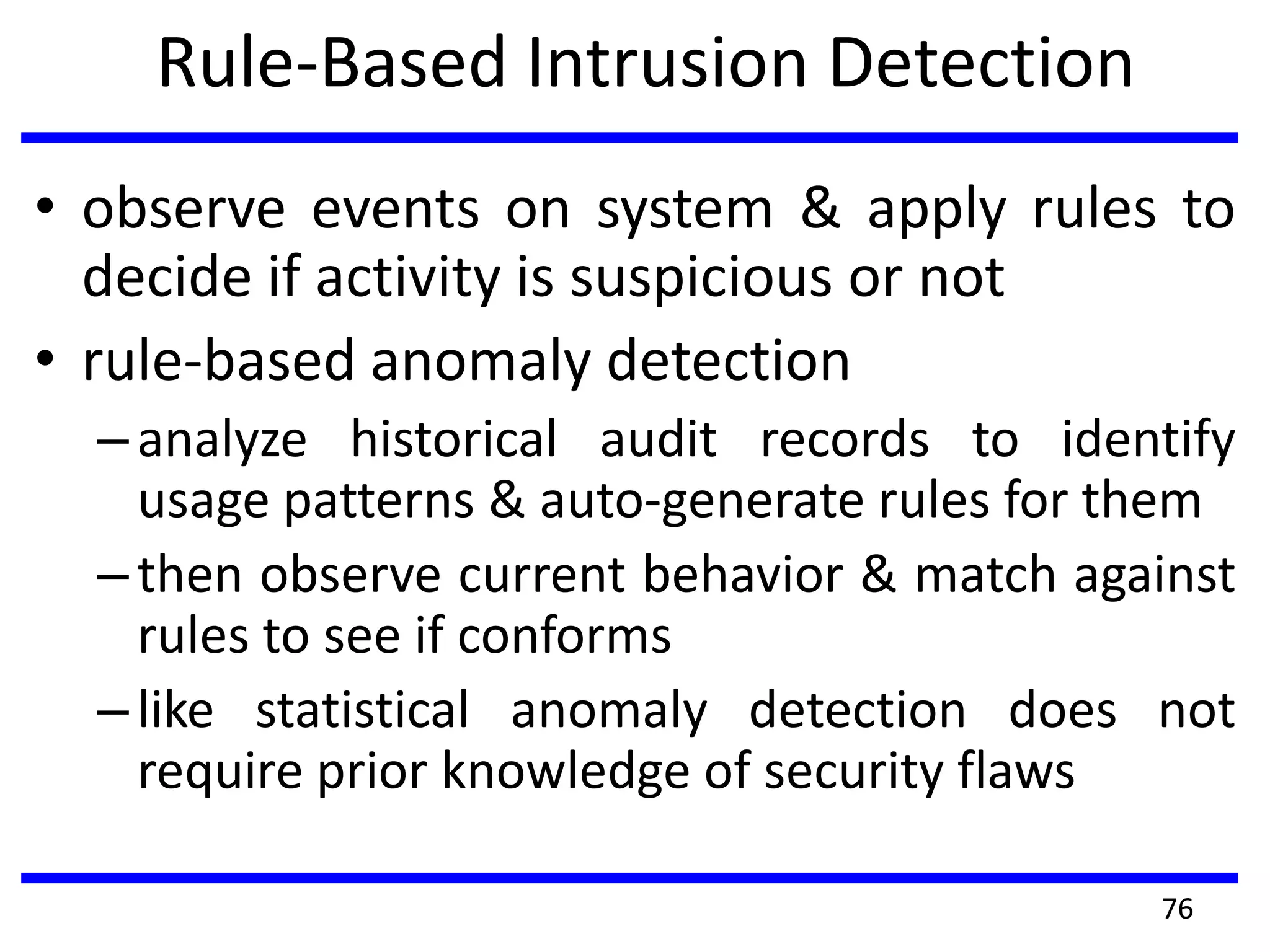
Rule-Based Intrusion Detection
• observe events on system & apply rules to
decide if activity is suspicious or not
• rule-based anomaly detection
–analyze historical audit records to identify
usage patterns & auto-generate rules for them
–then observe current behavior & match against
rules to see if conforms
–like statistical anomaly detection does not
require prior knowledge of security flaws
76
Rule-Based Intrusion Detection
• rule-based penetration identification
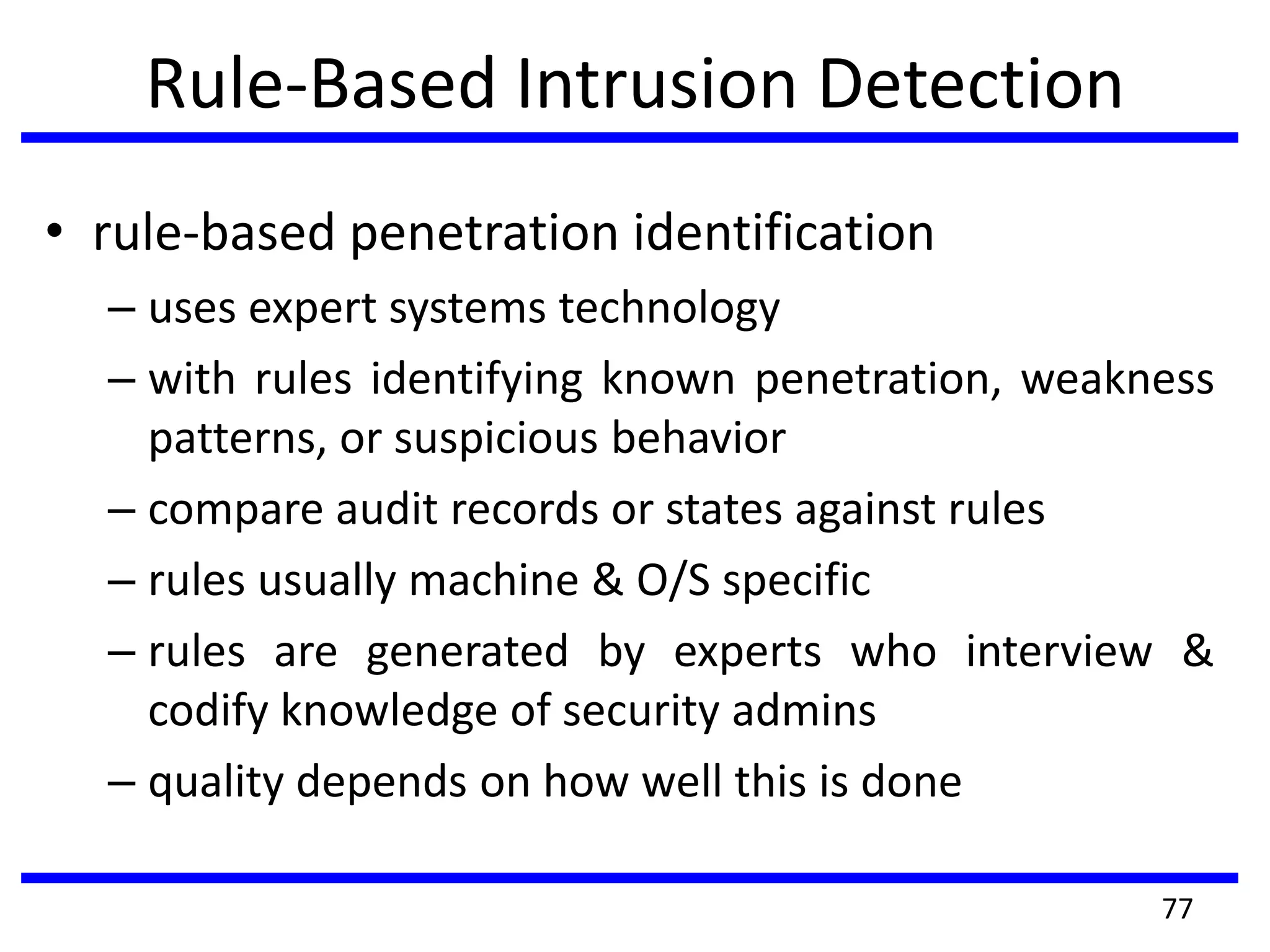
– uses expert systems technology
– with rules identifying known penetration, weakness
patterns, or suspicious behavior
– compare audit records or states against rules
– rules usually machine & O/S specific
– rules are generated by experts who interview &
codify knowledge of security admins
– quality depends on how well this is done
77
Distributed Intrusion Detection
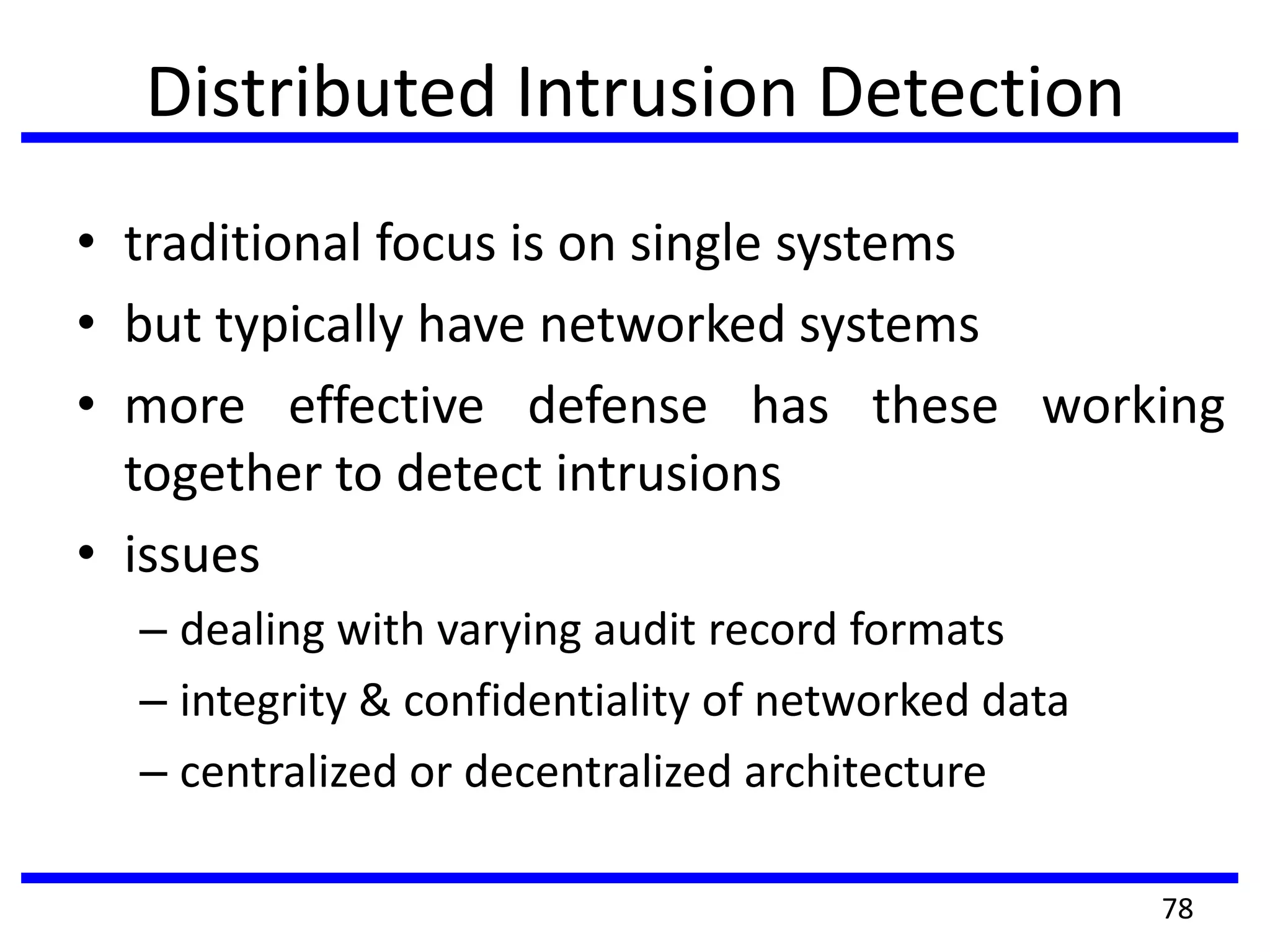
• traditional focus is on single systems
• but typically have networked systems
• more effective defense has these working
together to detect intrusions
• issues
– dealing with varying audit record formats
– integrity & confidentiality of networked data
– centralized or decentralized architecture
78
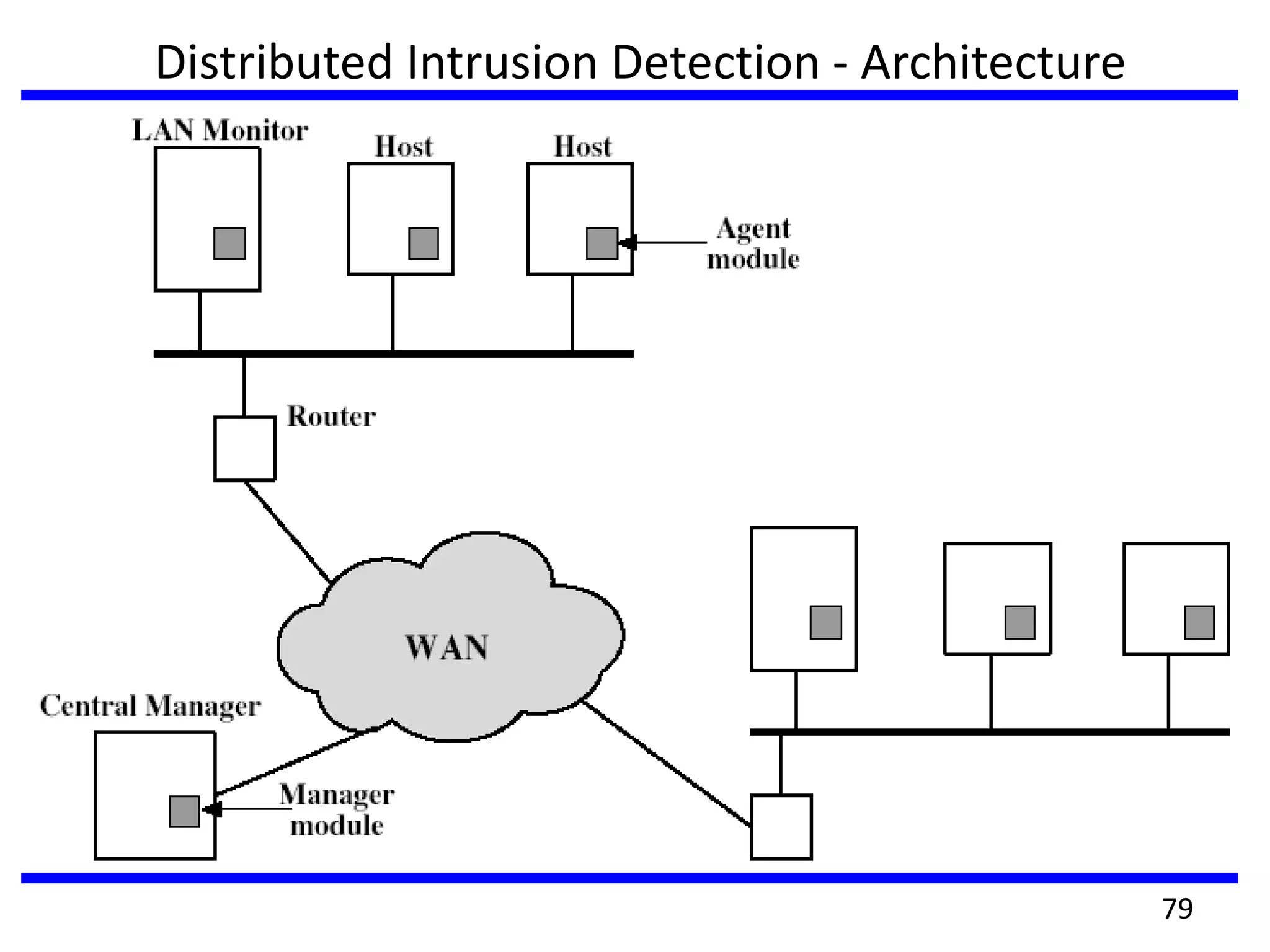
Distributed Intrusion Detection - Architecture
79
Distributed Intrusion Detection: Agent
Implementation
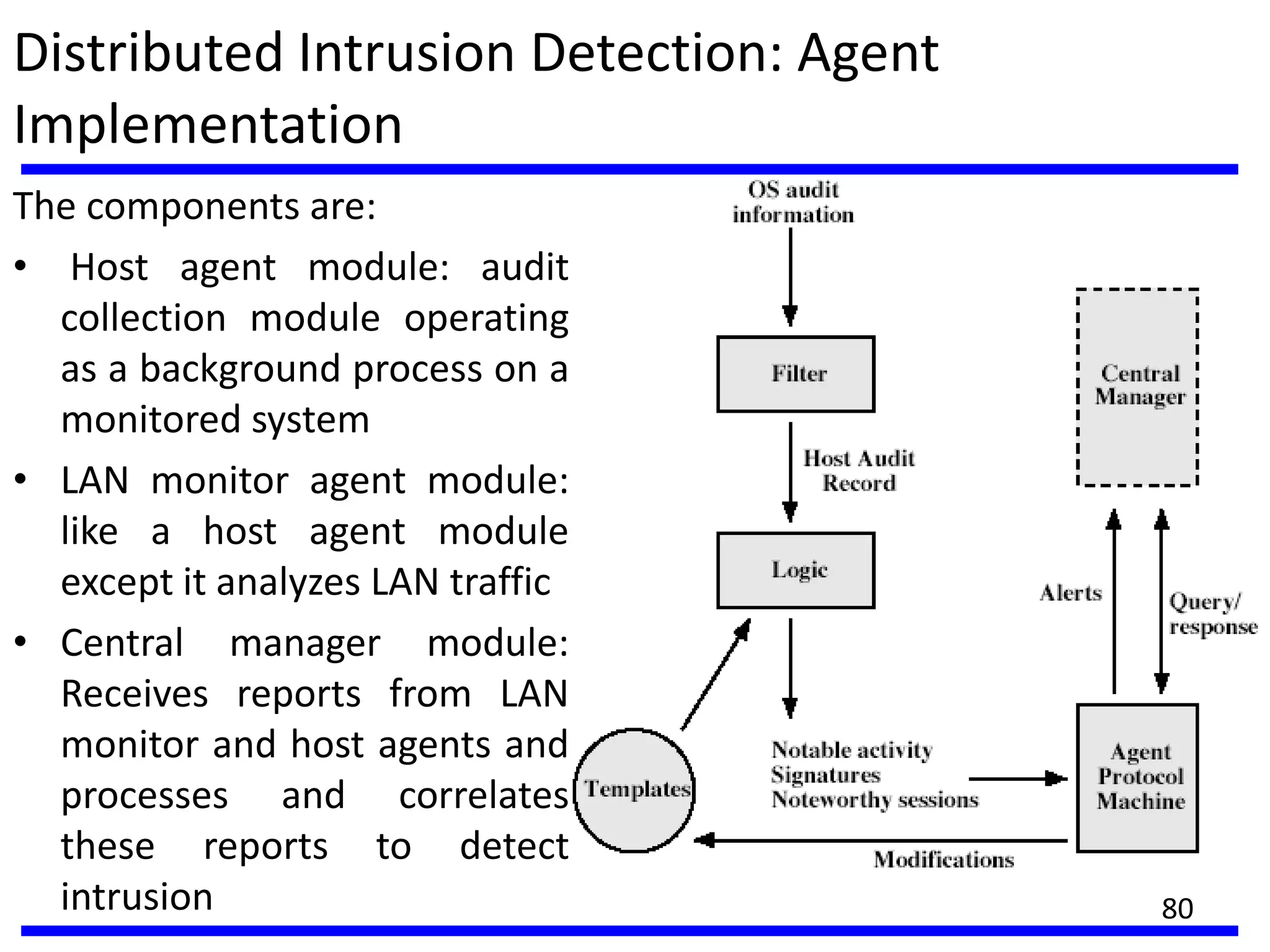
The components are:
• Host agent module: audit
collection module operating
as a background process on a
monitored system
• LAN monitor agent module:
like a host agent module
except it analyzes LAN traffic
• Central manager module:
Receives reports from LAN
monitor and host agents and
processes and correlates
these reports to detect
intrusion 80
Honeypots
• decoy systems to lure attackers
– away from accessing critical systems
– to collect information of their activities
– to encourage attacker to stay on system so administrator can
respond
• are filled with fabricated information
• Instrumented with sensitive monitors and event loggers that detect
these accesses and to collect detailed information on attackers
activities
• Have seen evolution from single host honeypots to honeynets of
multiple dispersed system
• single or multiple networked systems
• cf IETF Intrusion Detection WG standards
81
Password Management
• front-line defense against intruders
• users supply both:
– login – determines privileges of that user
– password – to identify them
• passwords often stored encrypted
– Unix uses multiple DES (variant with salt)
– more recent systems use crypto hash function
• should protect password file on system
82
Password Studies
• Purdue 1992 - many short passwords
• Klein 1990 - many guessable passwords
• conclusion is that users choose poor passwords
too often
• need some approach to counter this
83
Managing Passwords - Education
• can use policies and good user education
• educate on importance of good passwords
• give guidelines for good passwords
– minimum length (>6)
– require a mix of upper & lower case letters, numbers,
punctuation
– not dictionary words
• but likely to be ignored by many users
84
Managing Passwords-Computer Generated
• let computer create passwords
• if random likely not memorisable, so will be
written down (sticky label syndrome)
• even pronounceable not remembered
• have history of poor user acceptance
• FIPS PUB 181 one of best generators
– has both description & sample code
– generates words from concatenating random
pronounceable syllables
85
Managing Passwords - Reactive Checking
• reactively run password guessing tools
– note that good dictionaries exist for almost any
language/interest group
• cracked passwords are disabled
• but is resource intensive
• bad passwords are vulnerable till found
86
Managing Passwords - Proactive Checking
• most promising approach to improving password
security
• allow users to select own password
• but have system verify it is acceptable
– simple rule enforcement (see earlier slide)
– compare against dictionary of bad passwords
– use algorithmic (markov model or bloom filter) to
detect poor choices
87
TRUSTED SYSTRM
• Way to enhance the ability of a system to defend
against intruders and malicious software.
• Trusted system uses Data Access control
Basic elements of access control system are
Subject,
Object &
Access right.
88
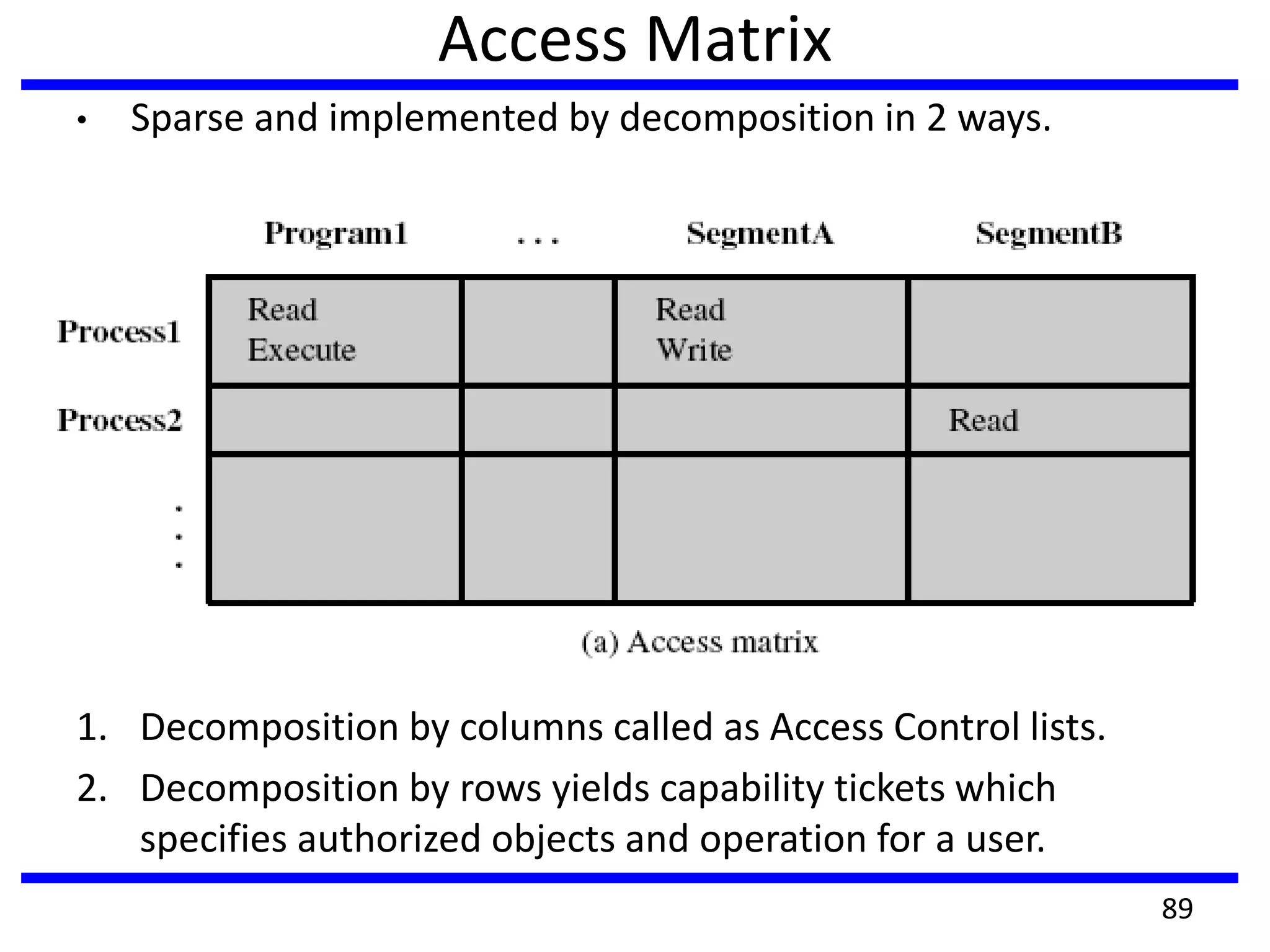
Access Matrix
• Sparse and implemented by decomposition in 2 ways.
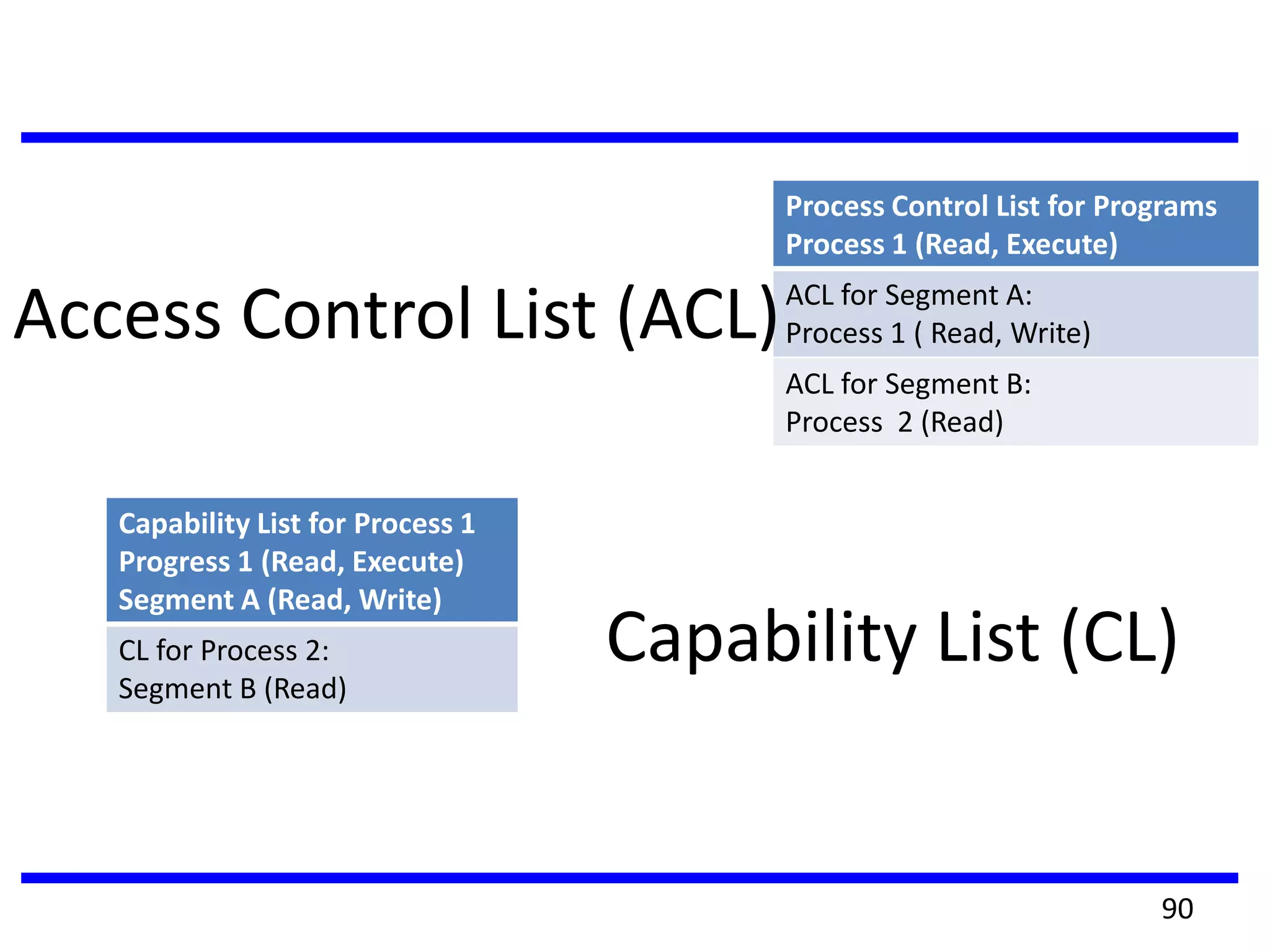
1. Decomposition by columns called as Access Control lists.
2. Decomposition by rows yields capability tickets which
specifies authorized objects and operation for a user.
89
Process Control List for Programs
Process 1 (Read, Execute)
ACL for Segment A:
Process 1 ( Read, Write)
ACL for Segment B:
Process 2 (Read)
Access Control List (ACL)
Capability List (CL)
Capability List for Process 1
Progress 1 (Read, Execute)
Segment A (Read, Write)
CL for Process 2:
Segment B (Read)
90
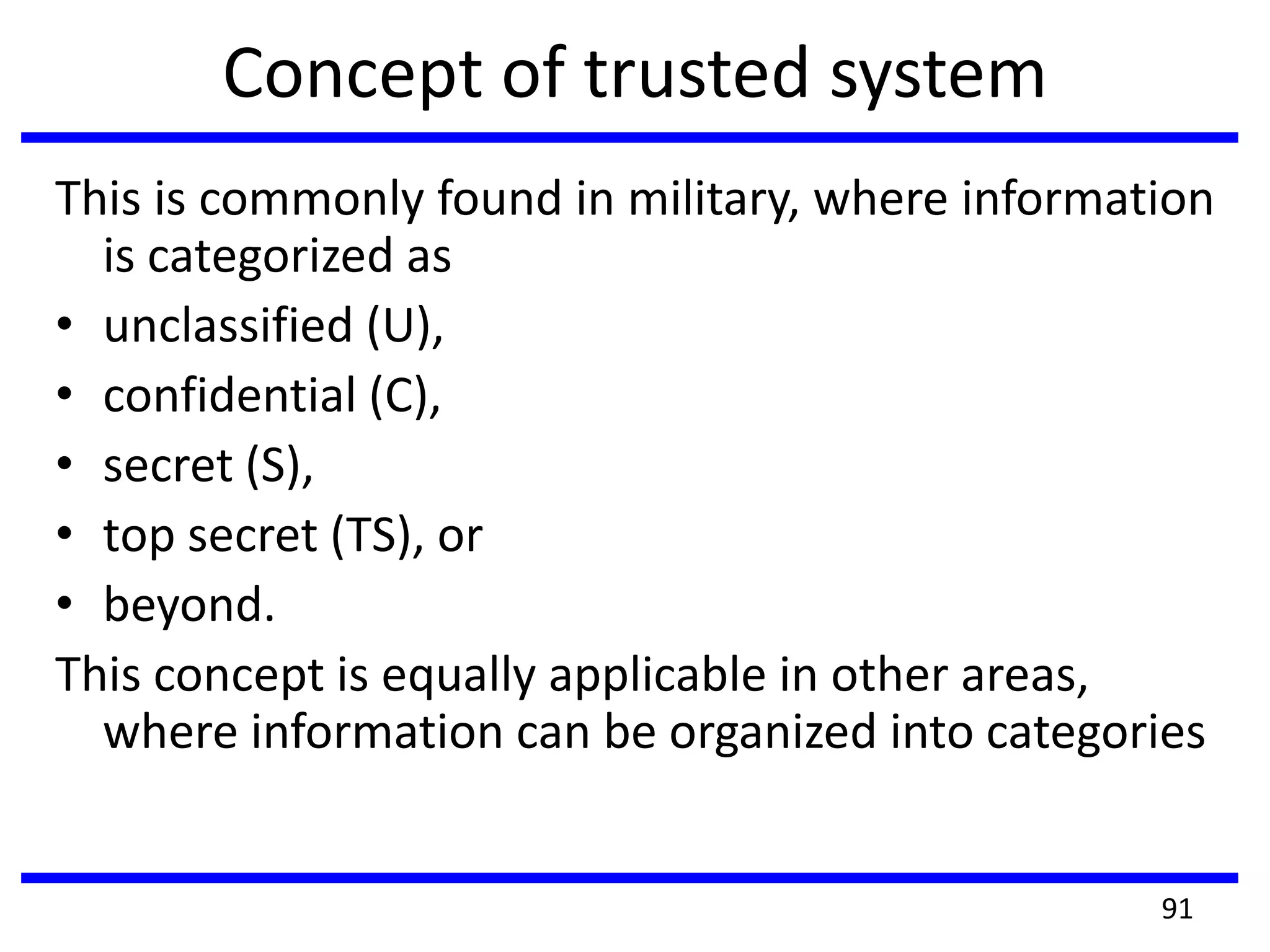
Concept of trusted system
This is commonly found in military, where information
is categorized as
• unclassified (U),
• confidential (C),
• secret (S),
• top secret (TS), or
• beyond.
This concept is equally applicable in other areas,
where information can be organized into categories
91
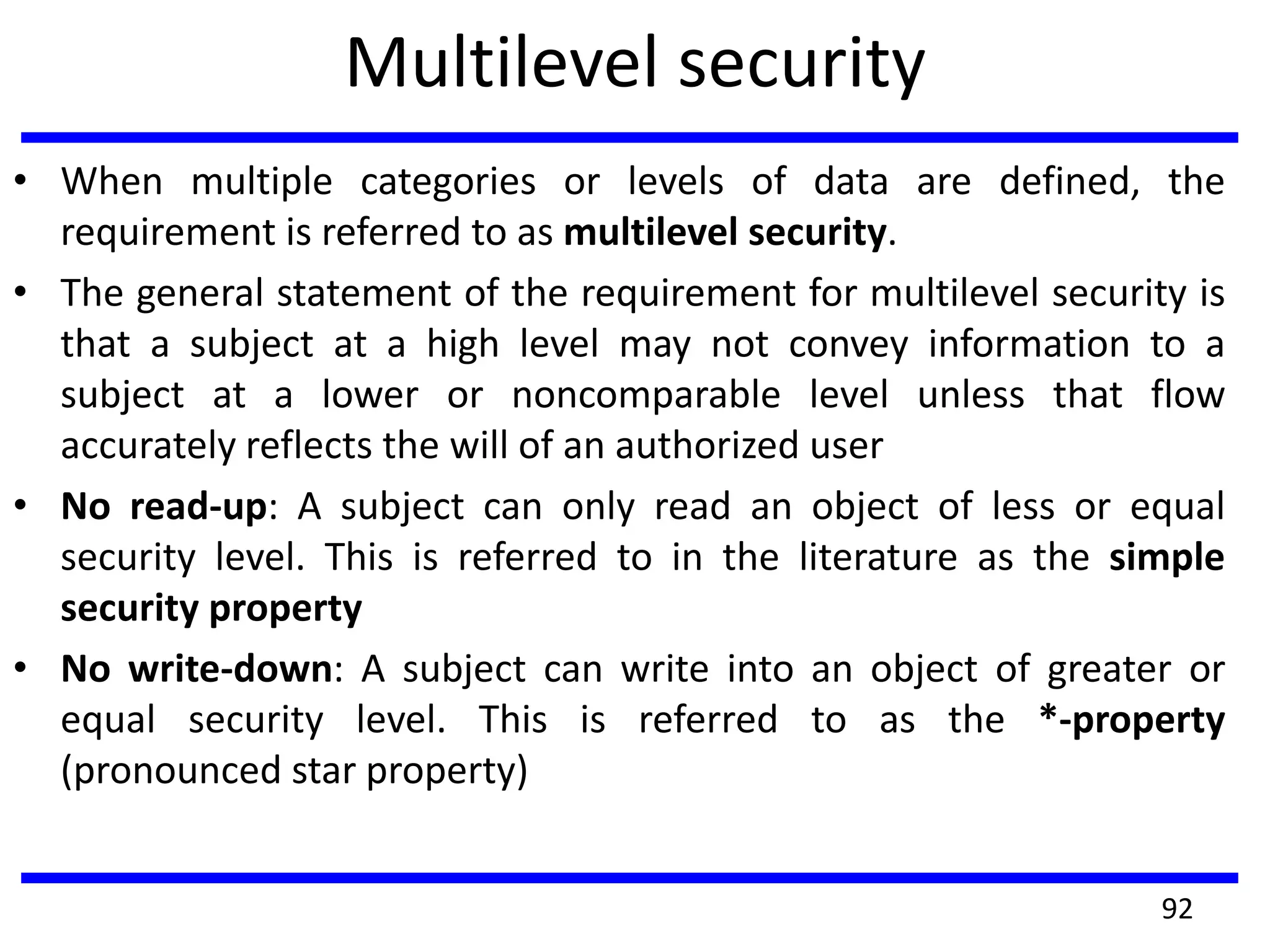
Multilevel security
• When multiple categories or levels of data are defined, the
requirement is referred to as multilevel security.
• The general statement of the requirement for multilevel security is
that a subject at a high level may not convey information to a
subject at a lower or noncomparable level unless that flow
accurately reflects the will of an authorized user
• No read-up: A subject can only read an object of less or equal
security level. This is referred to in the literature as the simple
security property
• No write-down: A subject can write into an object of greater or
equal security level. This is referred to as the *-property
(pronounced star property)
92
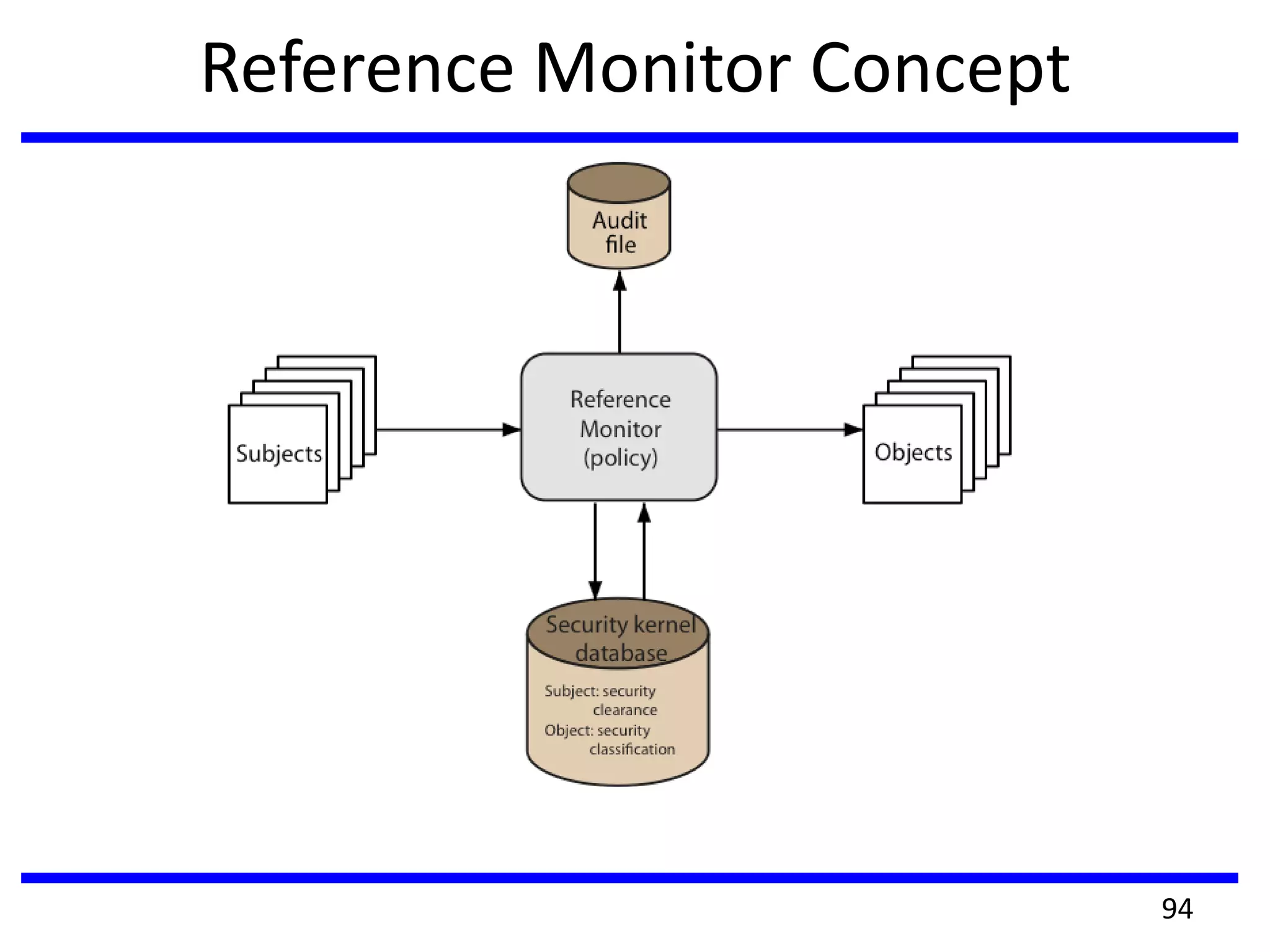
Reference Monitor Concept
• These two rules( no read up and write down) , if properly enforced,
provide multilevel security. For a data processing system, the approach
that has been taken, and has been the object of much research and
development, is based on the reference monitor concept.
• The reference monitor is a controlling element in the hardware and
operating system of a computer that regulates the access of subjects to
objects on the basis of security parameters of the subject and object.
• The reference monitor has access to a file, known as the security kernel
database that lists the access privilege (security clearance) of each subject
and the protection attributes (classification level) of each object.
• The reference monitor enforces the security rules (no read-up, no write-
down) and has the following properties:
1. Complete Meditation 2. Isolation 3.Verifiability
93
Reference Monitor Concept
94
Trojan Horse defense
• One way to secure against Trojan horse
attacks is the use of a secure, trusted
operating system
• The Trojan horse attack begins when a hostile
user, named Alice, gains legitimate access to
the system and installs both a Trojan horse
program and a private file to be used in the
attack as a “back-pocket”.
9595
Trojan Horse defense
96
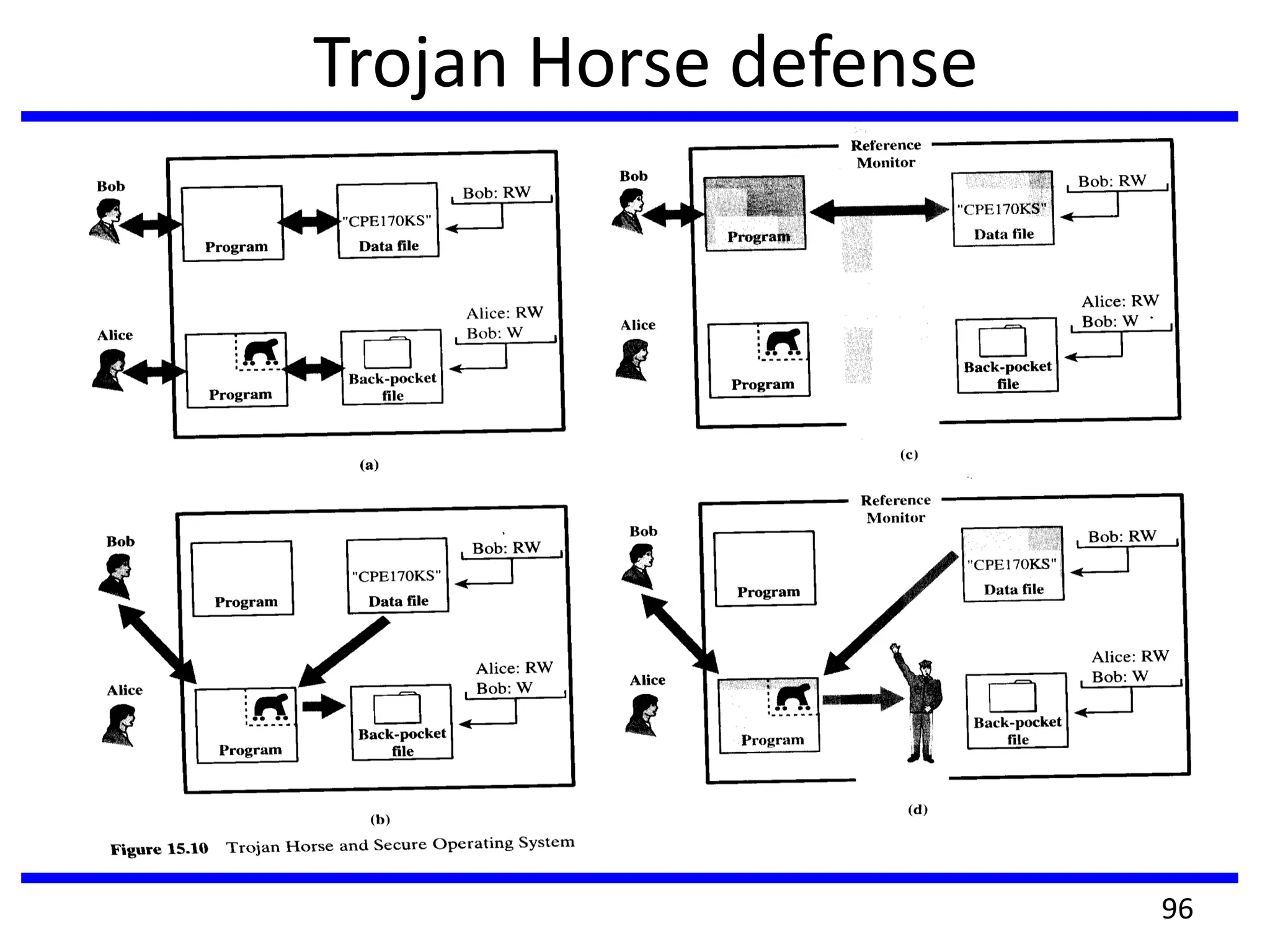
Trojan horse defense example
• Alice gives read/write permission to herself and gives Bob write-only permission (Fig. a).
• Alice now induces Bob to invoke the Trojan horse program, perhaps by advertising it as a
useful utility. When the program detects that it is being executed by Bob, it reads the
sensitive character string from Bob’s file and copies it into Alice’s back-pocket file (Fig.b).
• Both the read and write operations satisfy the constraints imposed by access control lists.
Alice then has only to access her file at a later time to learn the value of the string.
• Now consider the use of a secure operating system in this scenario (Fig. 15.10c). Security
levels are assigned to subjects at logon on the basis of criteria such as the terminal from
which the computer is being accessed and the user involved, as identified by password/ID.
• In this example, there are two security levels, sensitive (gray) and public (white), ordered so
that sensitive is higher than public. Processes owned by Bob and Bob’s data file are assigned
the security level sensitive. Alice’s files and processes are restricted to public.
• If Bob invokes the Trojan horse program (Fig. 15.10d), that program acquires Bob’s level
security. It is therefore able, under the simple security property, to observe the sensitive
character string.
• When the program attempts to store the string in a public file (the back pocket file),
however, the *-property is violated and the attempt is disallowed by the reference monitor.
• Thus, the attempt to write into the back-pocket file is denied even though the access
control list permits it: The security policy takes precedence over the access control list
mechanism. 97
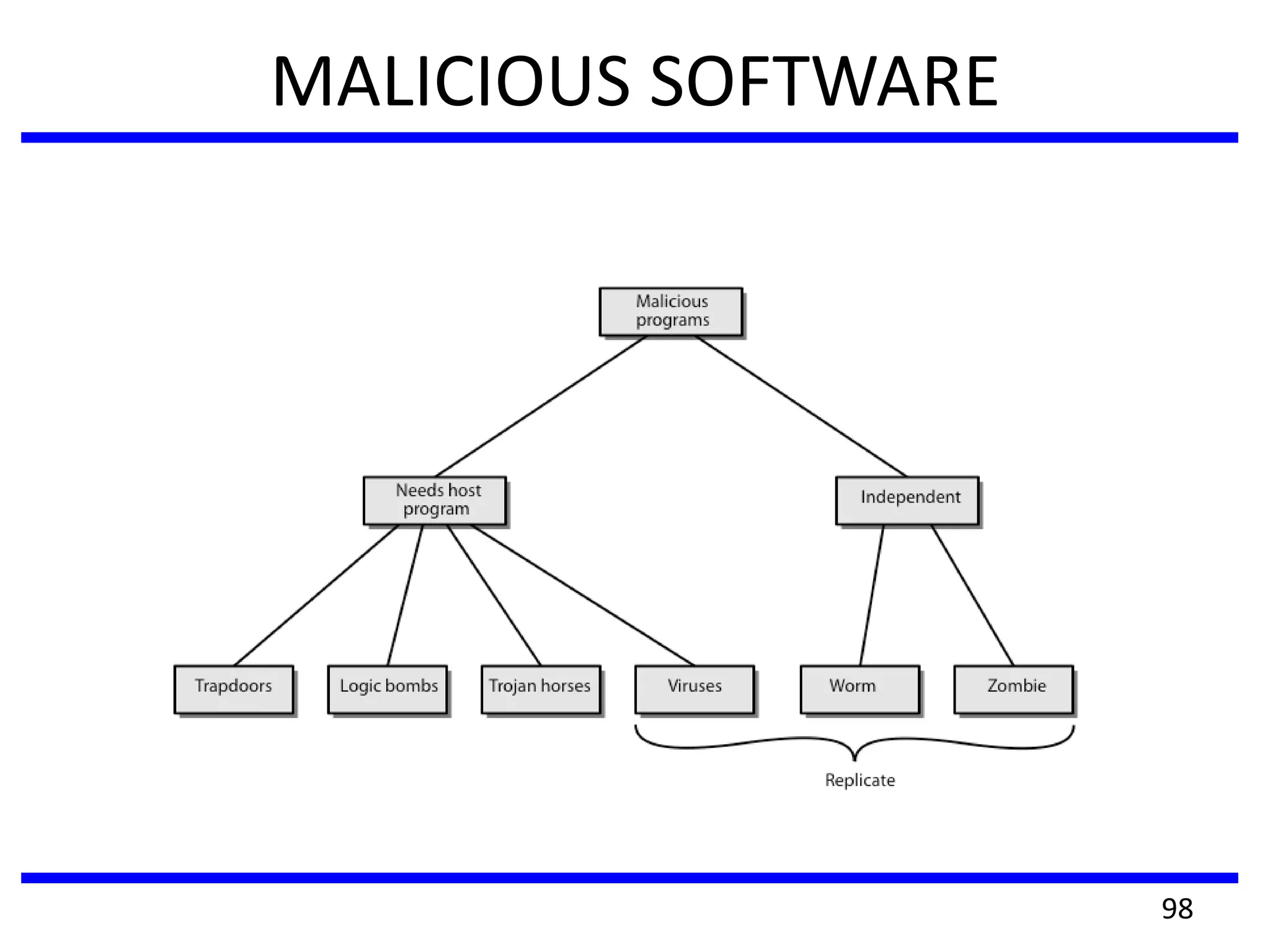
MALICIOUS SOFTWARE
98
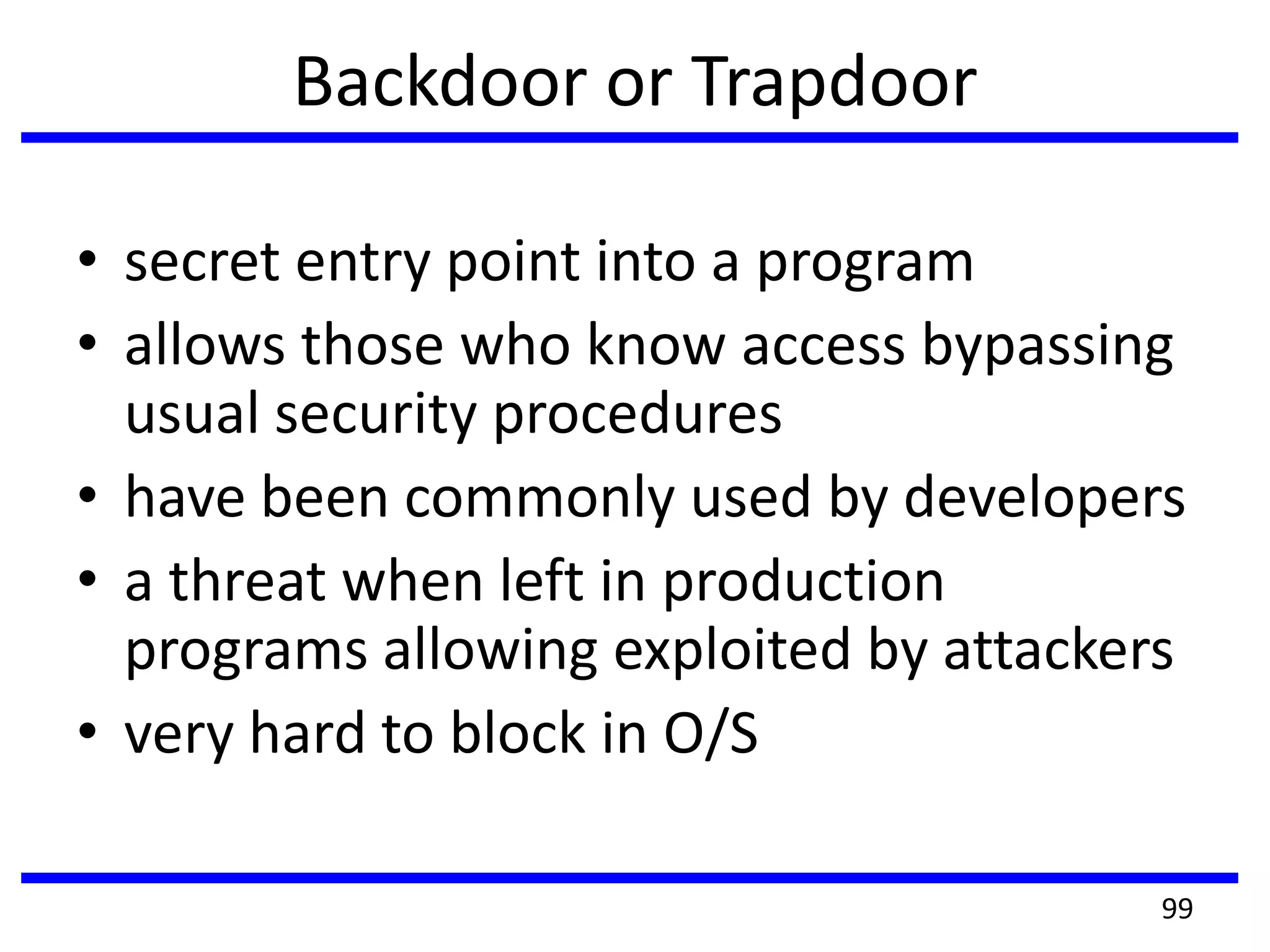
Backdoor or Trapdoor
• secret entry point into a program
• allows those who know access bypassing
usual security procedures
• have been commonly used by developers
• a threat when left in production
programs allowing exploited by attackers
• very hard to block in O/S
99
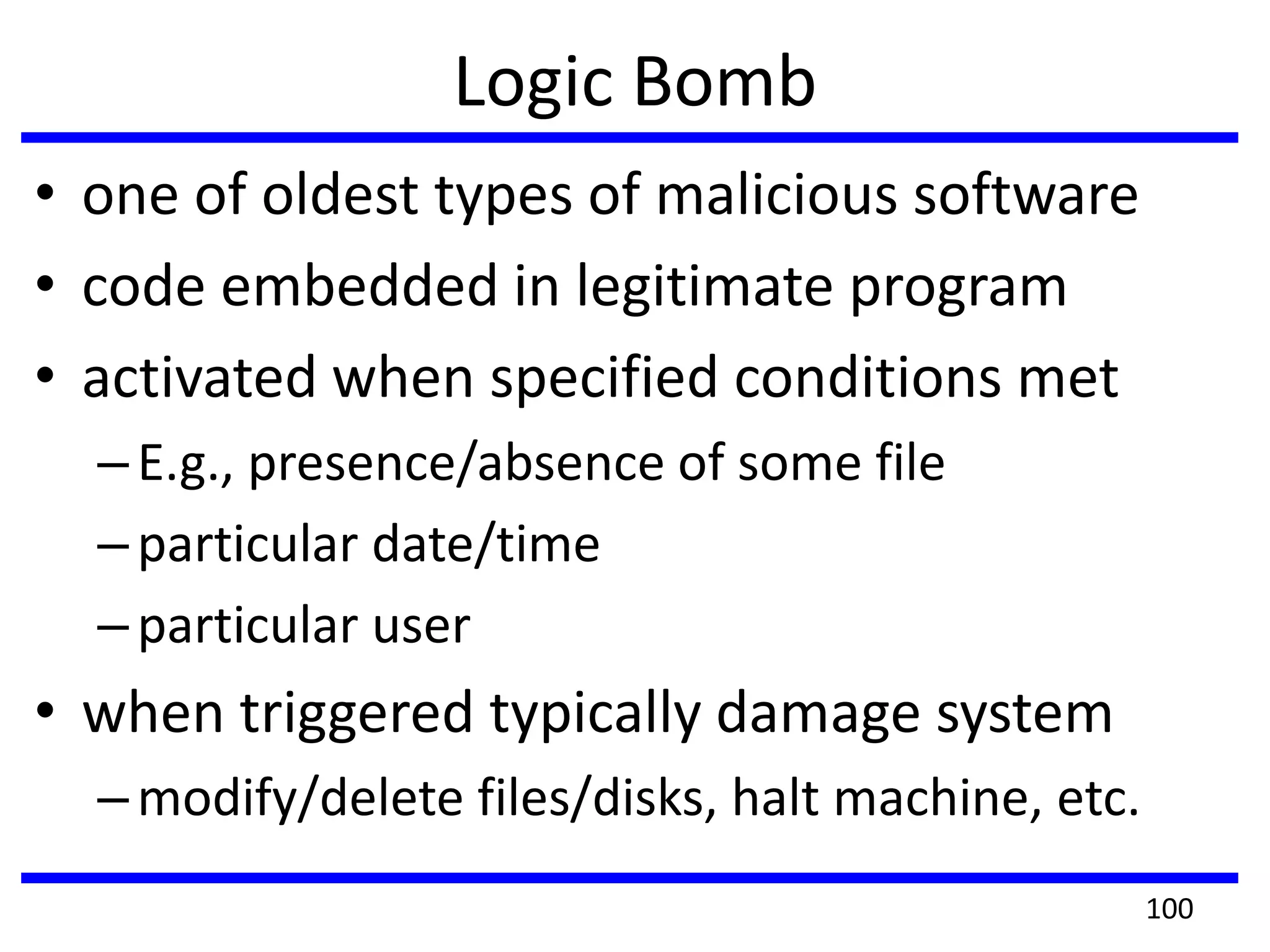
Logic Bomb
• one of oldest types of malicious software
• code embedded in legitimate program
• activated when specified conditions met
–E.g., presence/absence of some file
–particular date/time
–particular user
• when triggered typically damage system
–modify/delete files/disks, halt machine, etc.
100
Trojan Horse
• program with hidden side-effects
• which is usually superficially attractive
– E.g., game, s/w upgrade, etc.
• when run performs some additional tasks
– allows attacker to indirectly gain access they do
not have directly
• often used to propagate a virus/worm or
install a backdoor
• or simply to destroy data
• Mail the password file.
101
Zombie
• program which secretly takes over another
networked computer
• then uses it to indirectly launch attacks
(difficult to trace zombie’s creator)
• often used to launch distributed denial of
service (DDoS) attacks
• exploits known flaws in network systems
102
Viruses
• a piece of self-replicating code attached to
some other code
• attaches itself to another program and
executes secretly when the host program is
executed.
• propagates itself & carries a payload
– carries code to make copies of itself
– as well as code to perform some covert task
103
Virus Operation
• virus phases:
–dormant – waiting on trigger event
–propagation – replicating to programs/disks
–triggering – by event to execute payload
–execution – of payload
• details usually machine/OS specific
–exploiting features/weaknesses
104
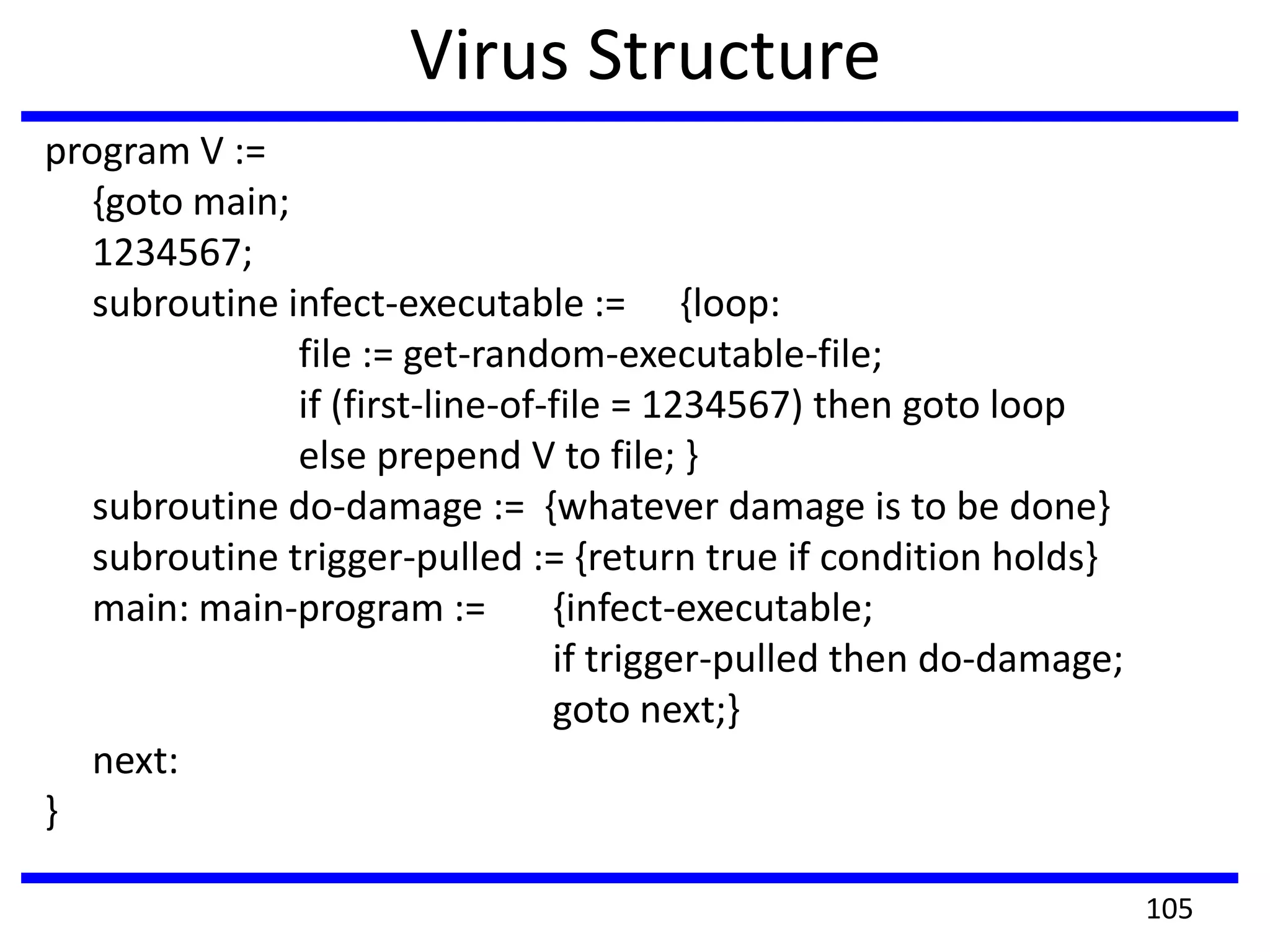
Virus Structure
program V :=
{goto main;
1234567;
subroutine infect-executable := {loop:
file := get-random-executable-file;
if (first-line-of-file = 1234567) then goto loop
else prepend V to file; }
subroutine do-damage := {whatever damage is to be done}
subroutine trigger-pulled := {return true if condition holds}
main: main-program := {infect-executable;
if trigger-pulled then do-damage;
goto next;}
next:
}
105
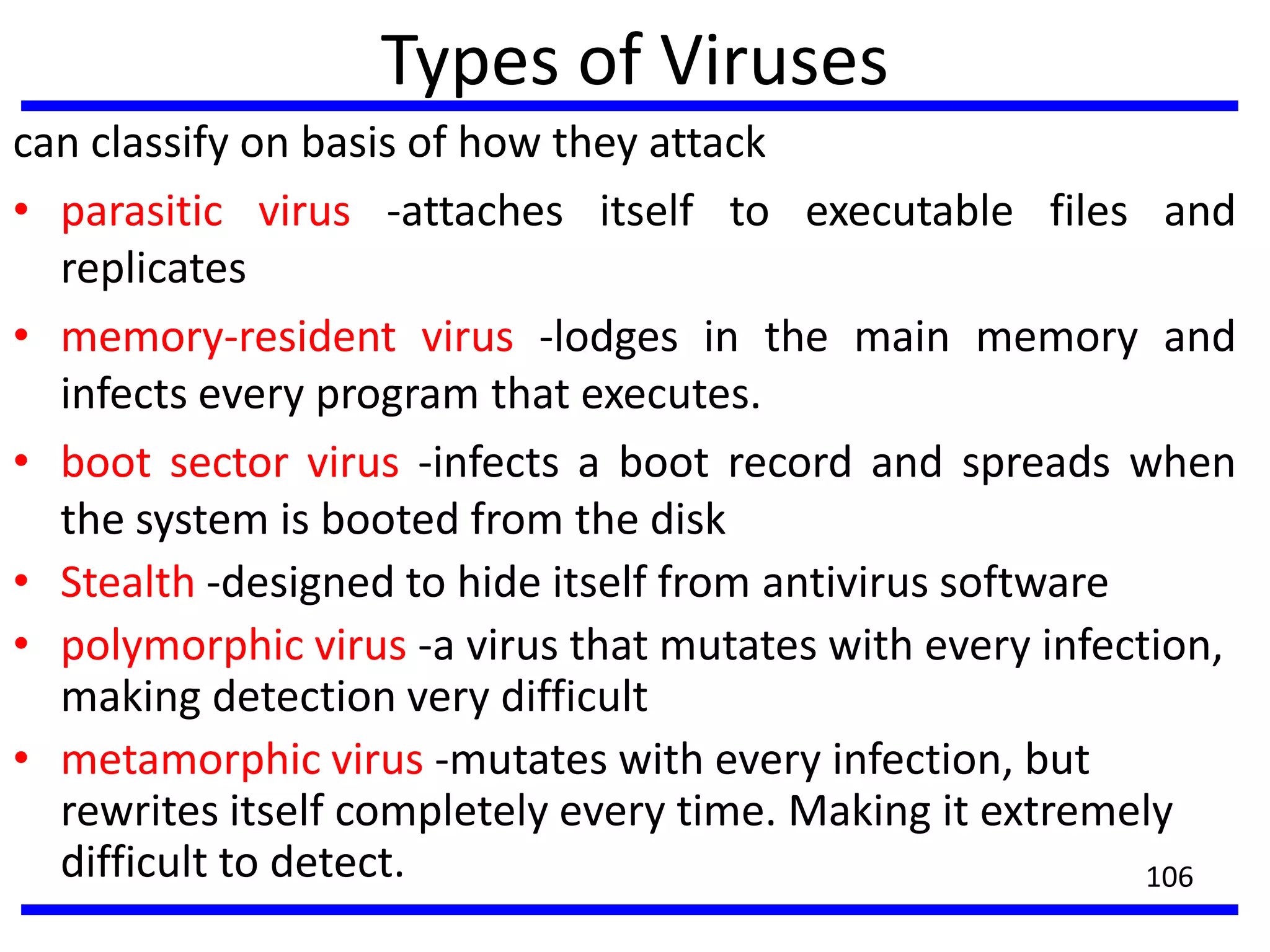
Types of Viruses
can classify on basis of how they attack
• parasitic virus -attaches itself to executable files and
replicates
• memory-resident virus -lodges in the main memory and
infects every program that executes.
• boot sector virus -infects a boot record and spreads when
the system is booted from the disk
• Stealth -designed to hide itself from antivirus software
• polymorphic virus -a virus that mutates with every infection,
making detection very difficult
• metamorphic virus -mutates with every infection, but
rewrites itself completely every time. Making it extremely
difficult to detect. 106
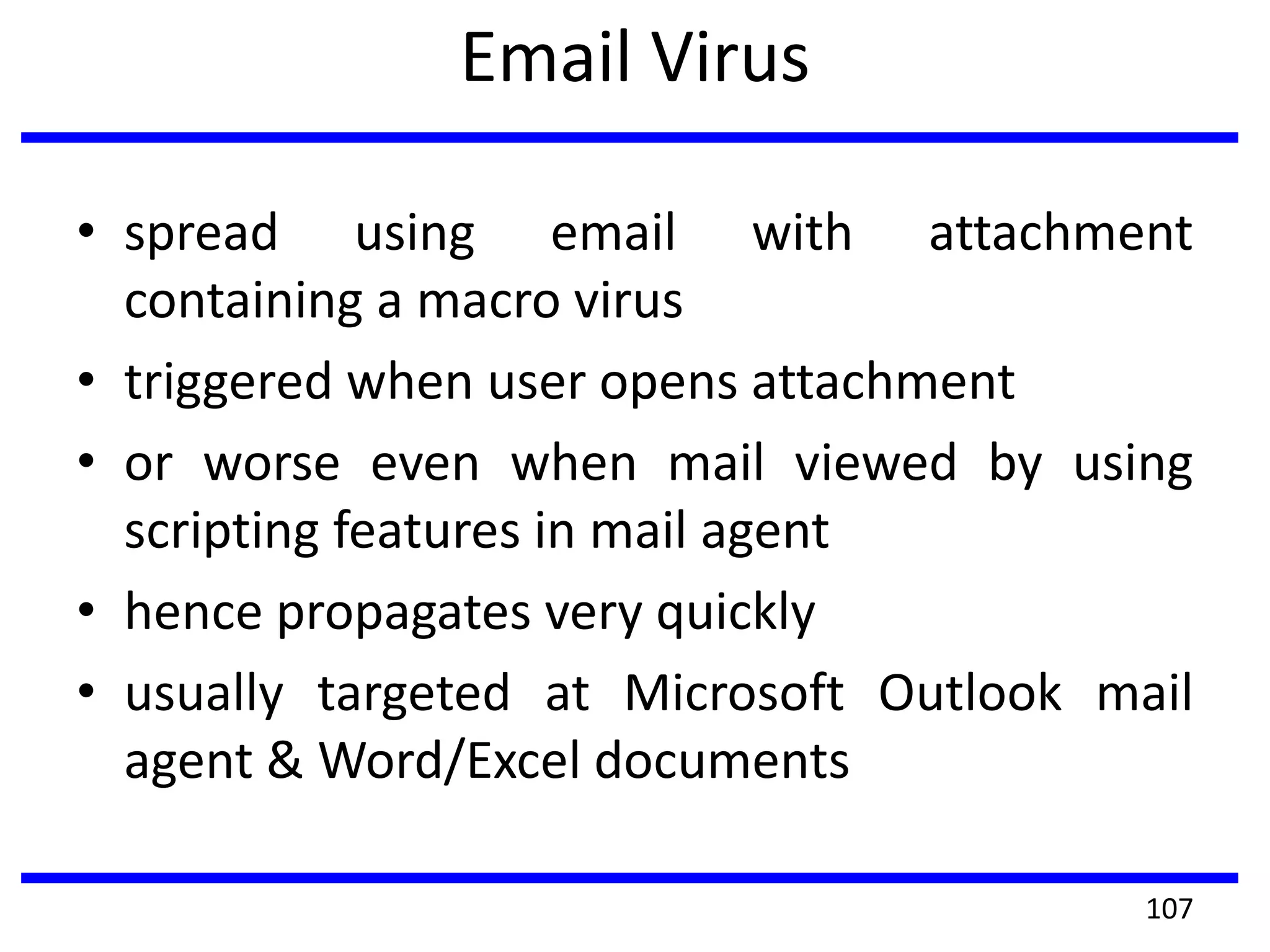
Email Virus
• spread using email with attachment
containing a macro virus
• triggered when user opens attachment
• or worse even when mail viewed by using
scripting features in mail agent
• hence propagates very quickly
• usually targeted at Microsoft Outlook mail
agent & Word/Excel documents
107
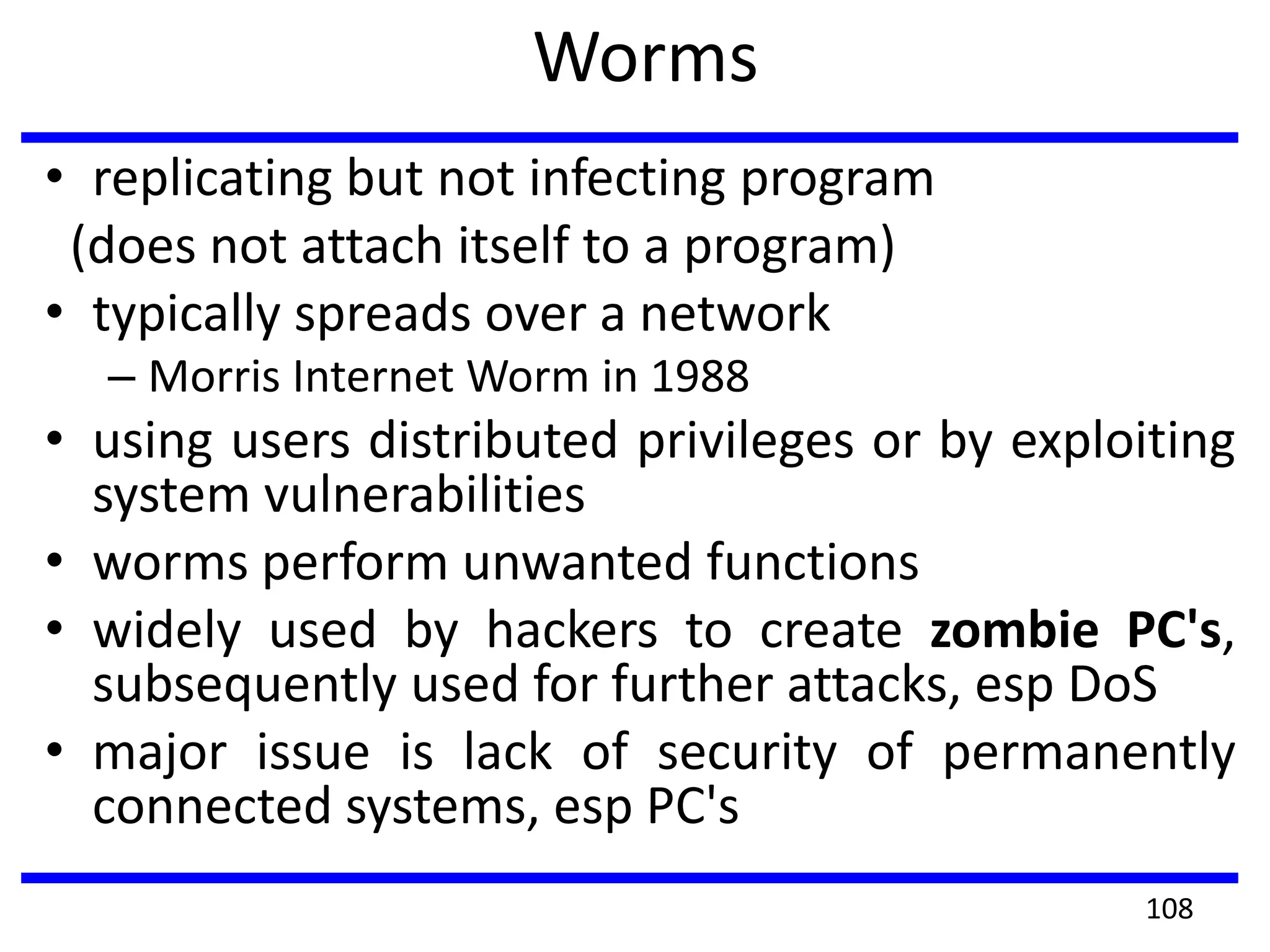
Worms
• replicating but not infecting program
(does not attach itself to a program)
• typically spreads over a network
– Morris Internet Worm in 1988
• using users distributed privileges or by exploiting
system vulnerabilities
• worms perform unwanted functions
• widely used by hackers to create zombie PC's,
subsequently used for further attacks, esp DoS
• major issue is lack of security of permanently
connected systems, esp PC's
108
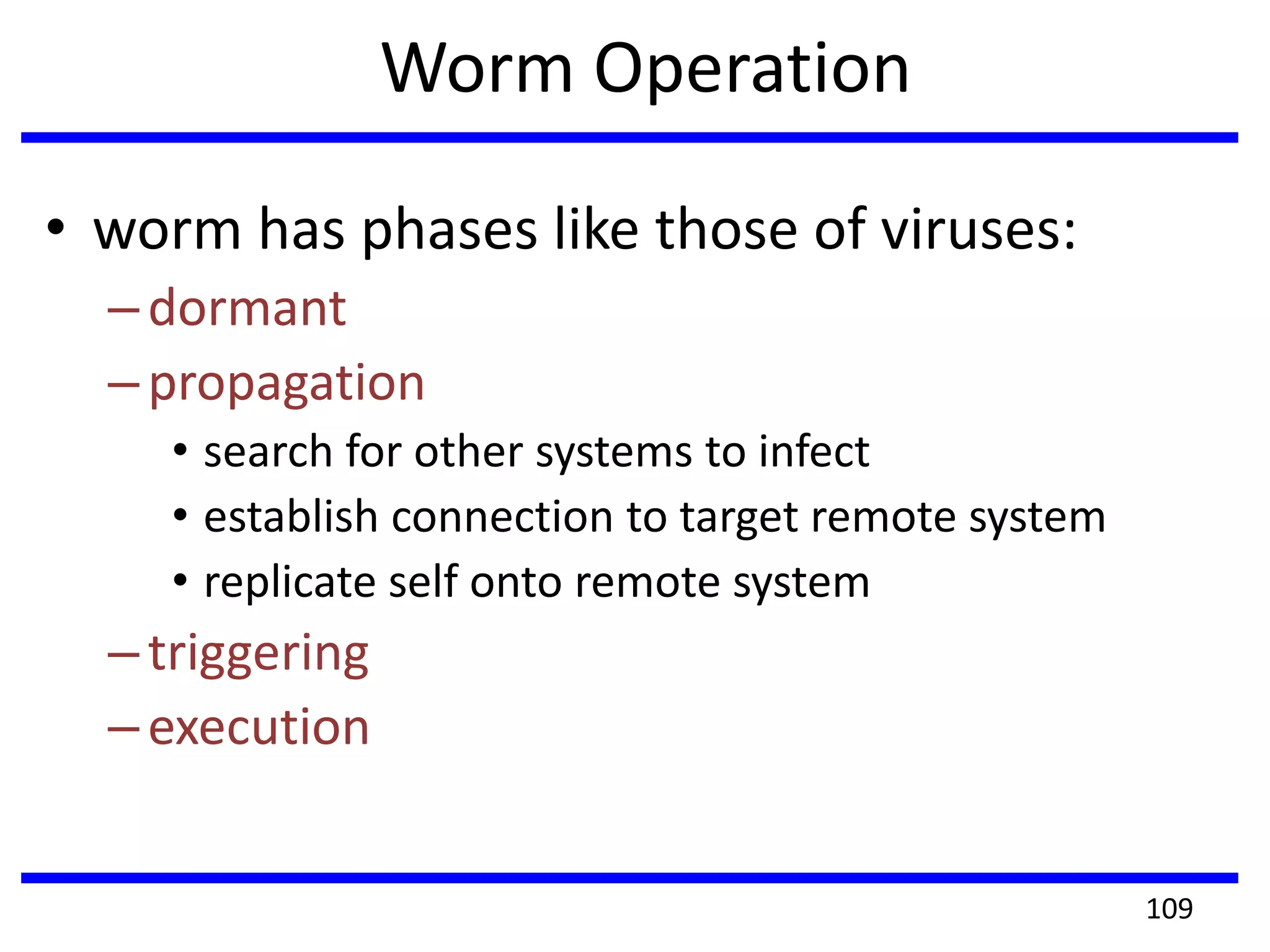
Worm Operation
• worm has phases like those of viruses:
–dormant
–propagation
• search for other systems to infect
• establish connection to target remote system
• replicate self onto remote system
–triggering
–execution
109
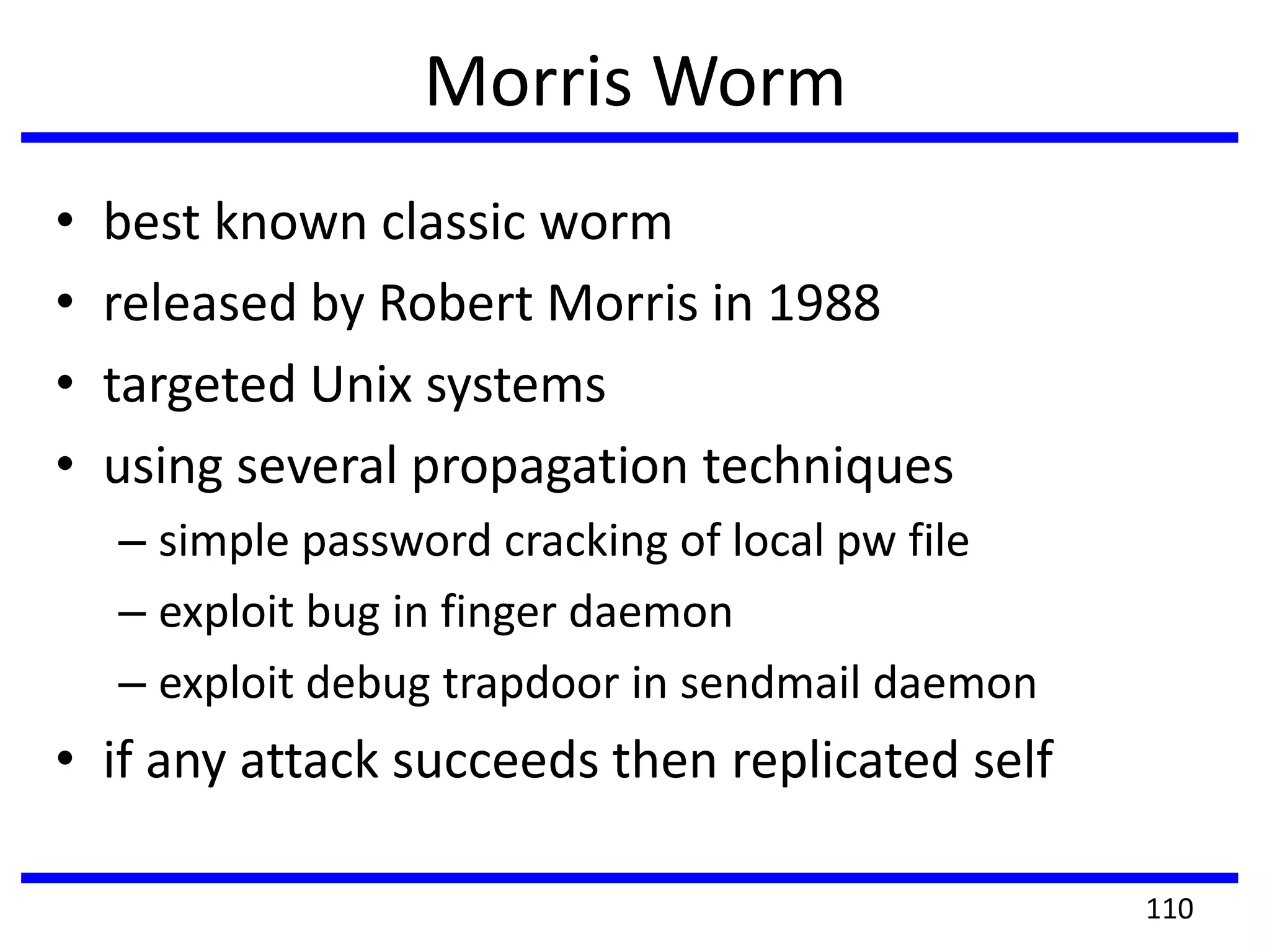
Morris Worm
• best known classic worm
• released by Robert Morris in 1988
• targeted Unix systems
• using several propagation techniques
– simple password cracking of local pw file
– exploit bug in finger daemon
– exploit debug trapdoor in sendmail daemon
• if any attack succeeds then replicated self
110
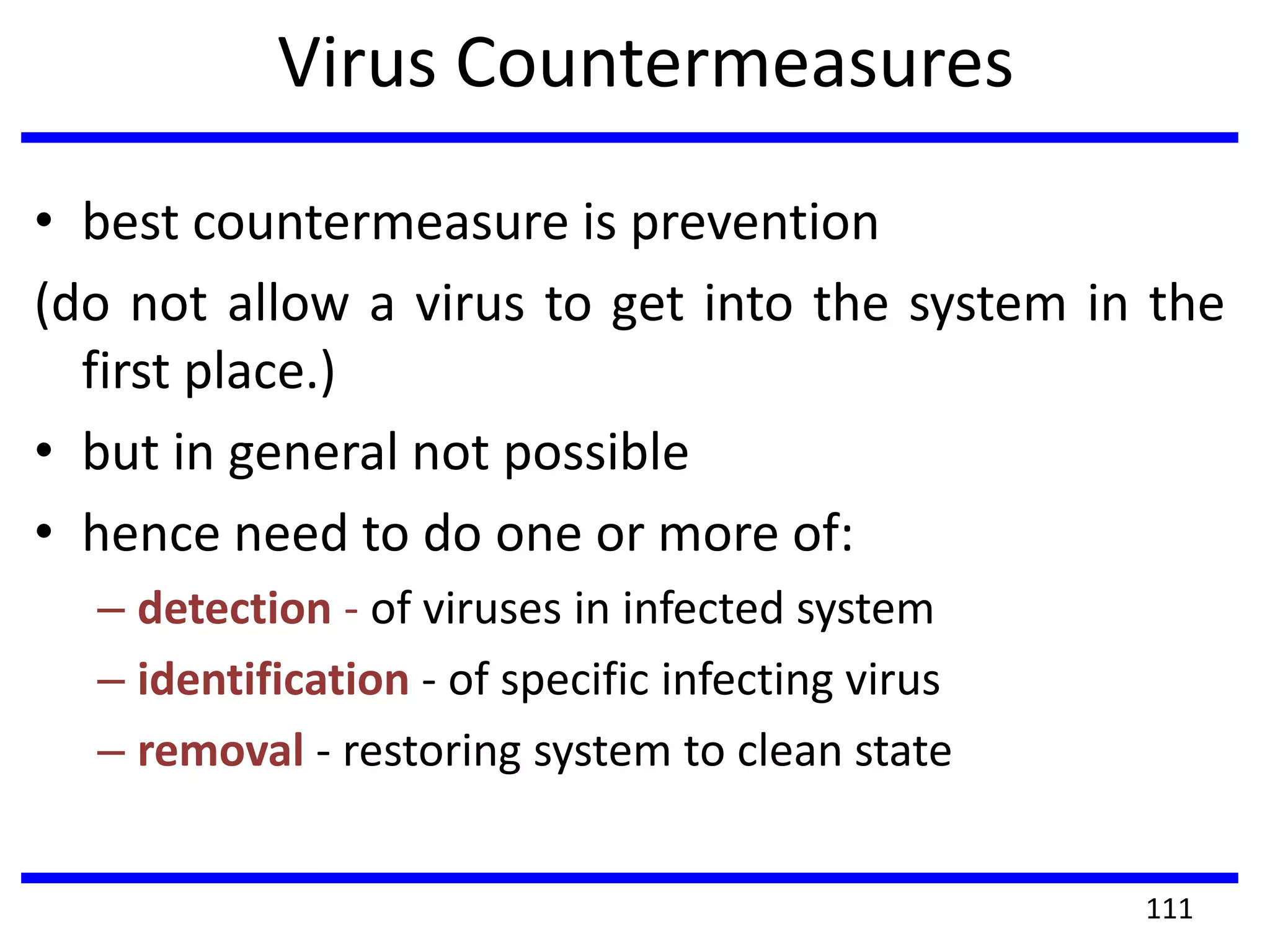
Virus Countermeasures
• best countermeasure is prevention
(do not allow a virus to get into the system in the
first place.)
• but in general not possible
• hence need to do one or more of:
– detection - of viruses in infected system
– identification - of specific infecting virus
– removal - restoring system to clean state
111
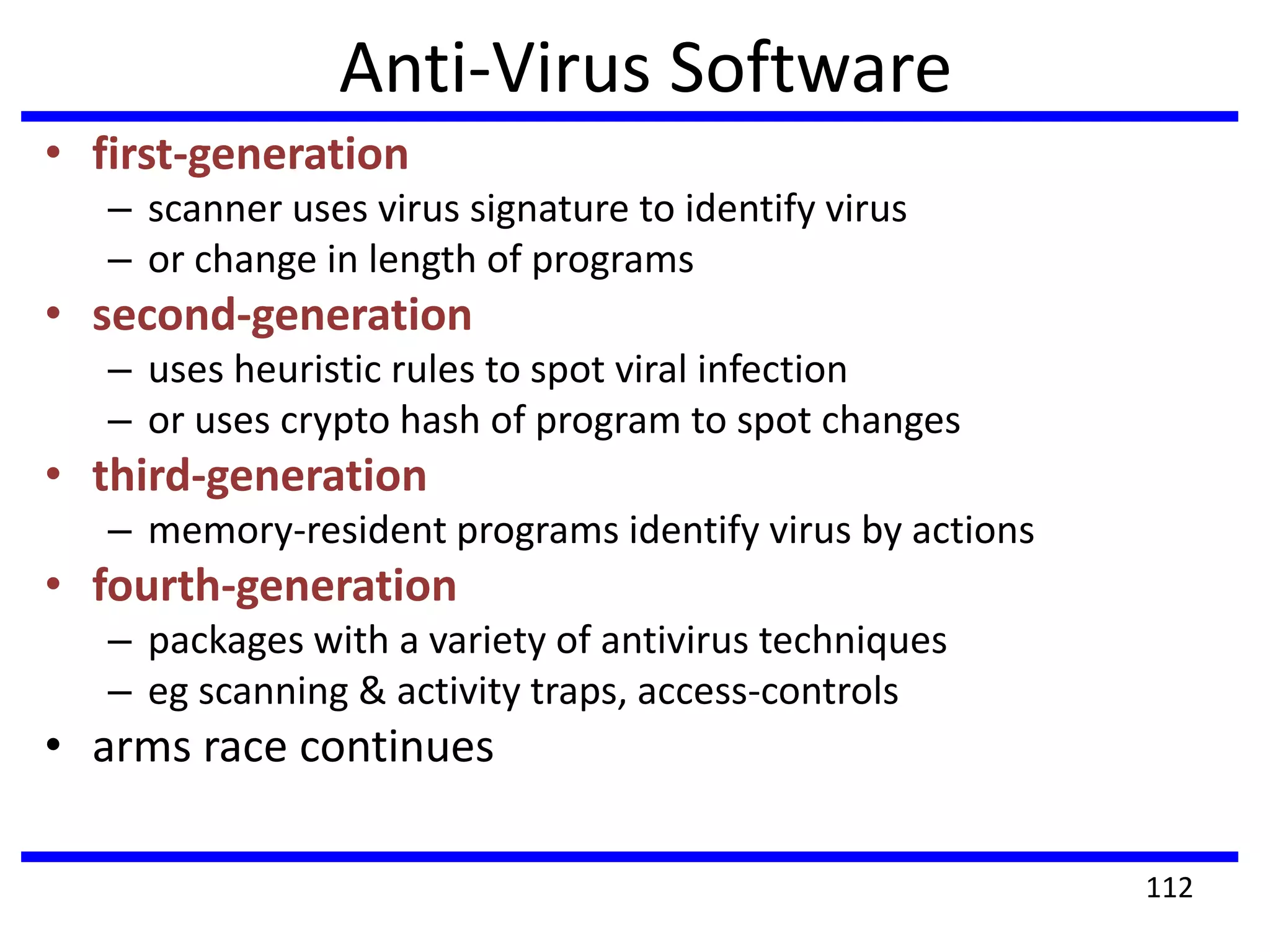
Anti-Virus Software
• first-generation
– scanner uses virus signature to identify virus
– or change in length of programs
• second-generation
– uses heuristic rules to spot viral infection
– or uses crypto hash of program to spot changes
• third-generation
– memory-resident programs identify virus by actions
• fourth-generation
– packages with a variety of antivirus techniques
– eg scanning & activity traps, access-controls
• arms race continues
112
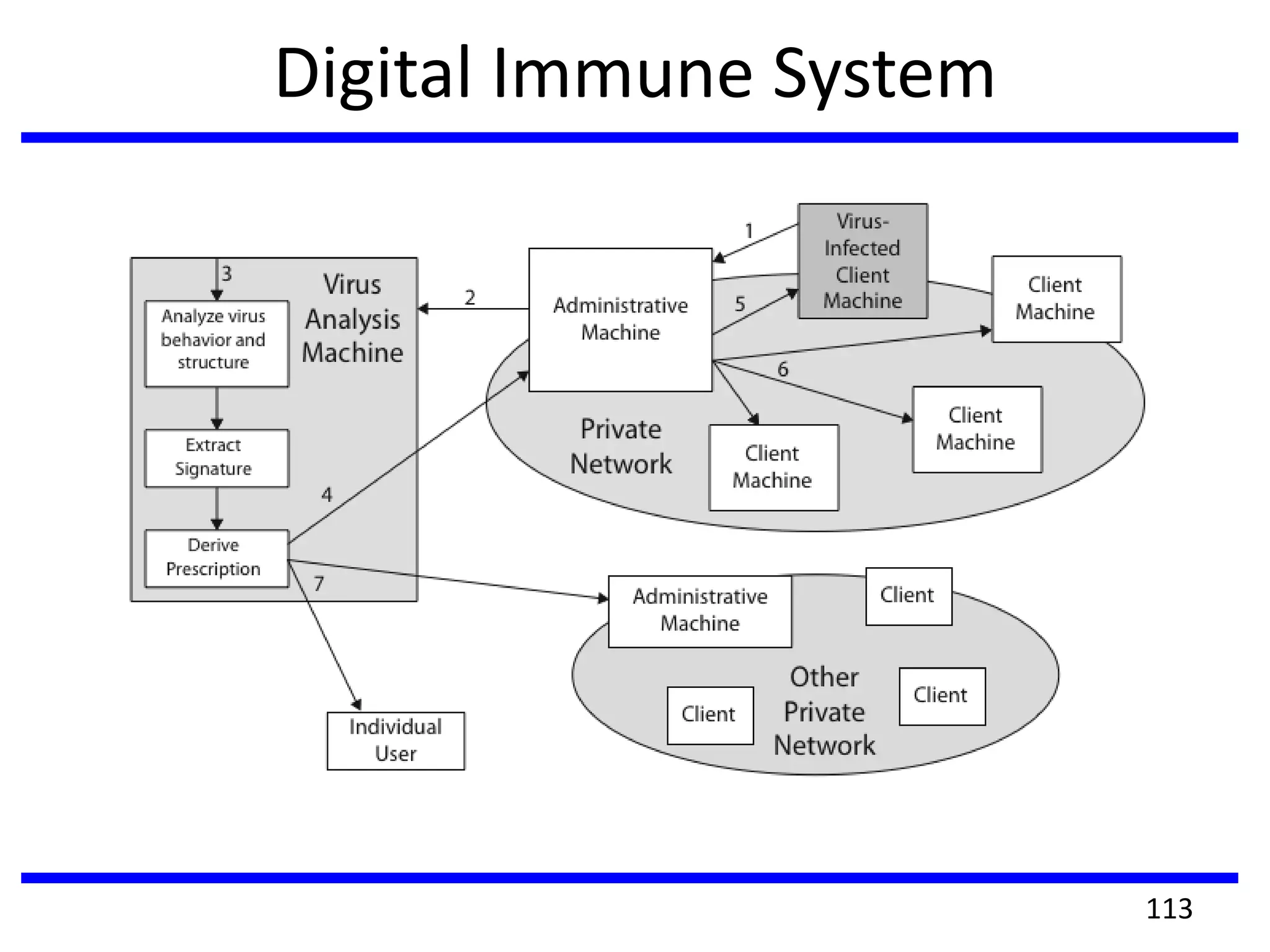
Digital Immune System
113
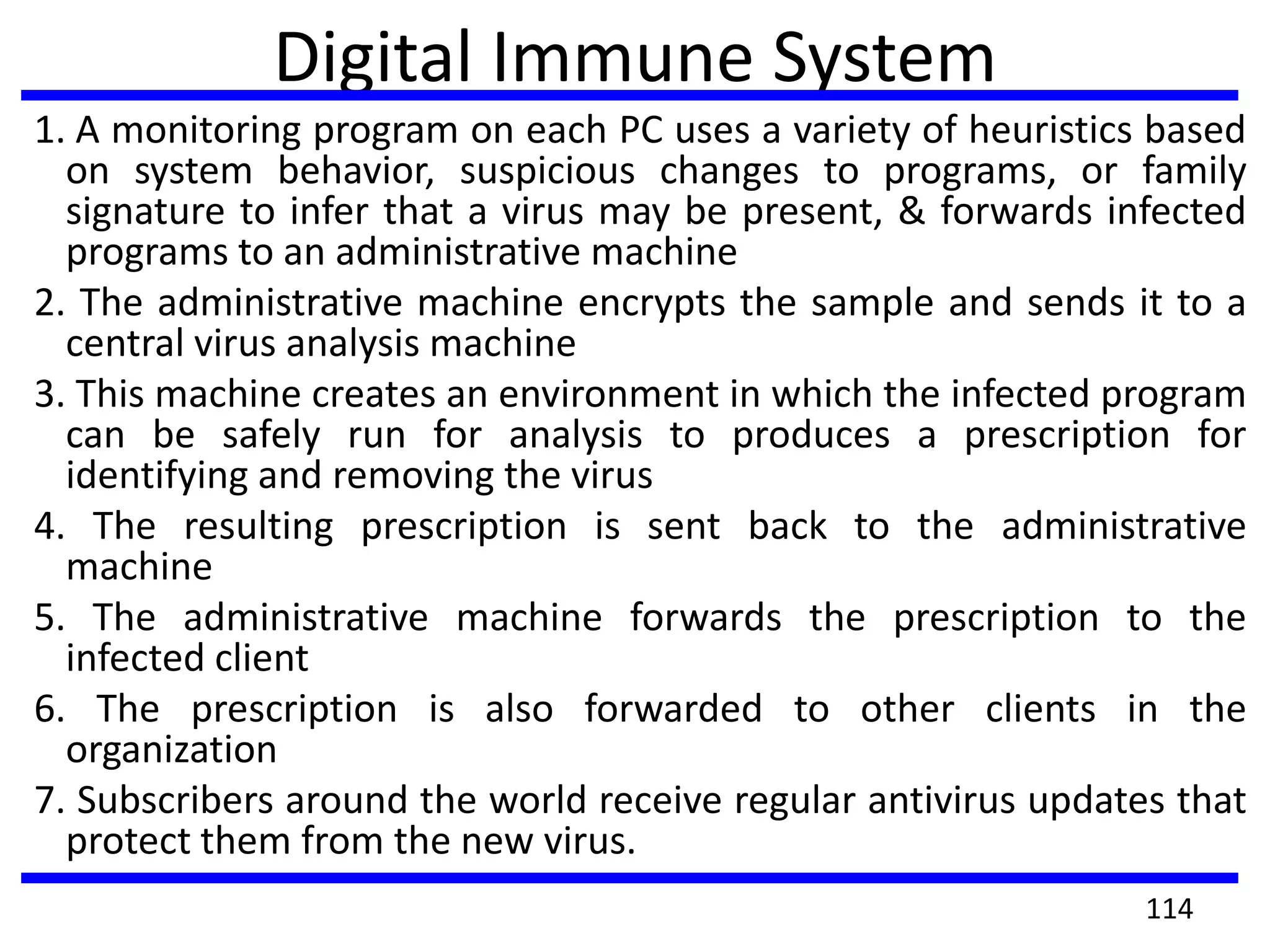
Digital Immune System
1. A monitoring program on each PC uses a variety of heuristics based
on system behavior, suspicious changes to programs, or family
signature to infer that a virus may be present, & forwards infected
programs to an administrative machine
2. The administrative machine encrypts the sample and sends it to a
central virus analysis machine
3. This machine creates an environment in which the infected program
can be safely run for analysis to produces a prescription for
identifying and removing the virus
4. The resulting prescription is sent back to the administrative
machine
5. The administrative machine forwards the prescription to the
infected client
6. The prescription is also forwarded to other clients in the
organization
7. Subscribers around the world receive regular antivirus updates that
protect them from the new virus.
114
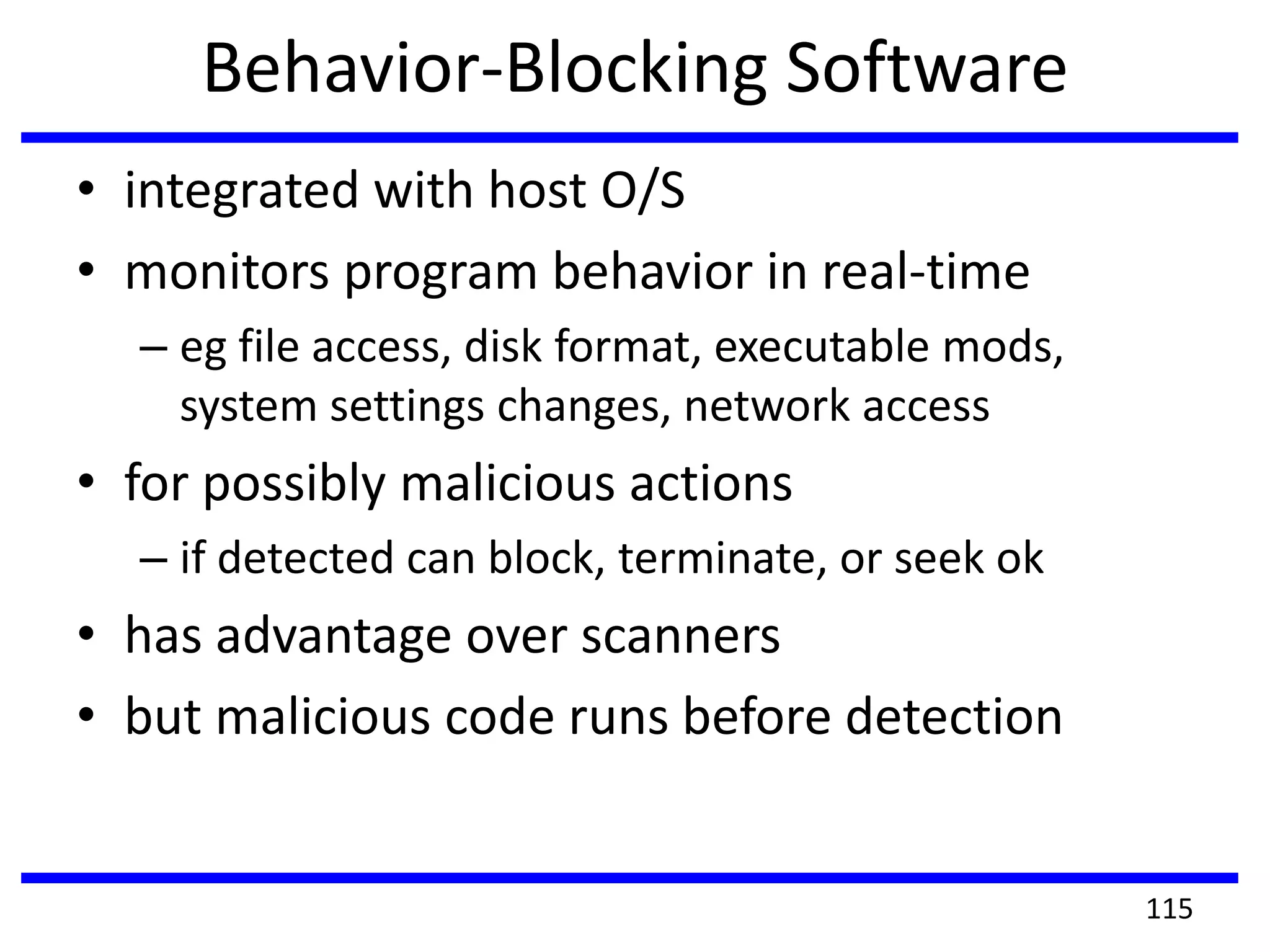
Behavior-Blocking Software
• integrated with host O/S
• monitors program behavior in real-time
– eg file access, disk format, executable mods,
system settings changes, network access
• for possibly malicious actions
– if detected can block, terminate, or seek ok
• has advantage over scanners
• but malicious code runs before detection
115
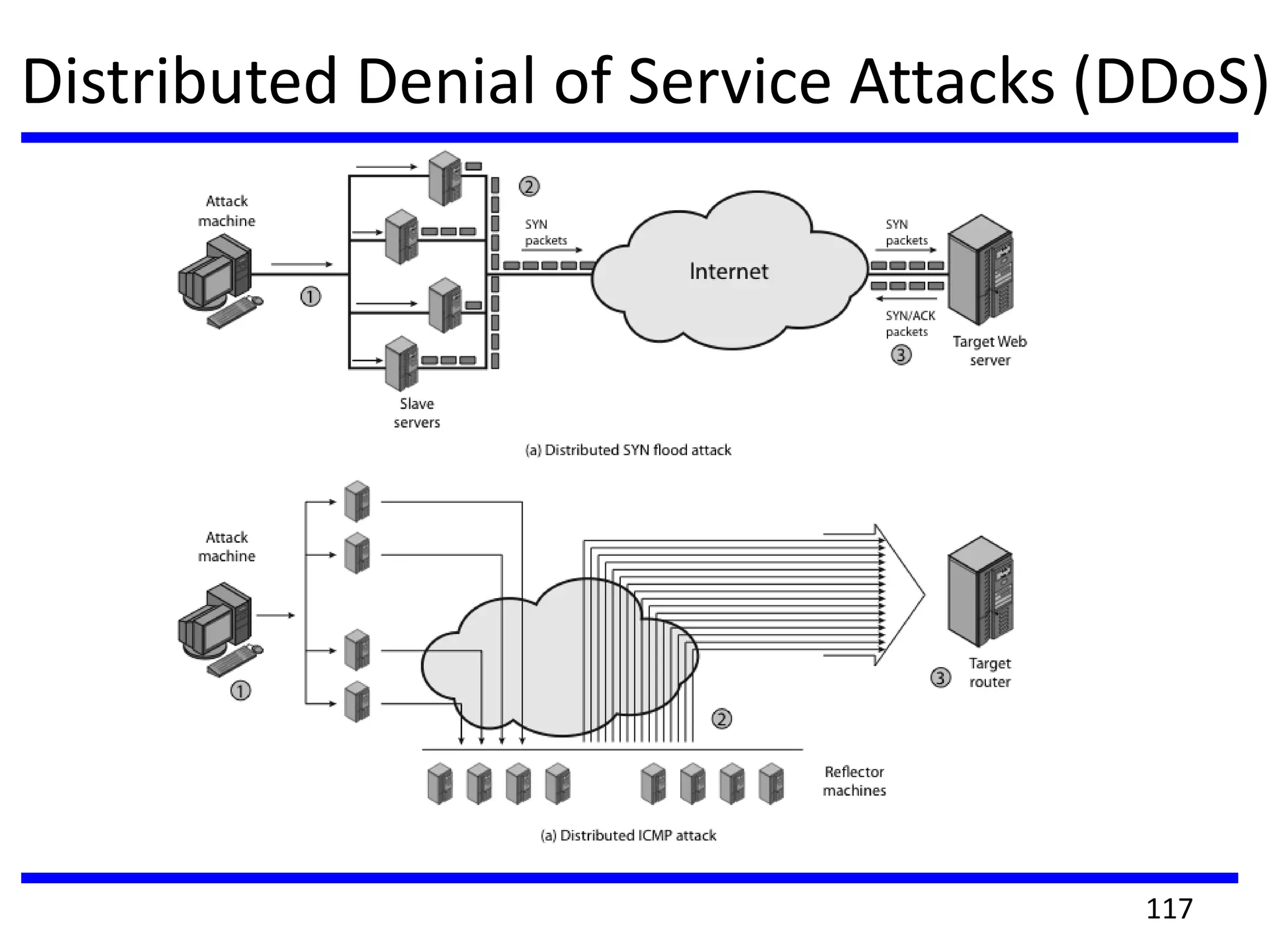
Distributed Denial of Service Attacks (DDoS)
• Distributed Denial of Service (DDoS) attacks form
a significant security threat
• making networked systems unavailable
• by flooding with useless traffic
• using large numbers of “zombies”
• growing sophistication of attacks
• defense technologies struggling to cope
116
Distributed Denial of Service Attacks (DDoS)
117
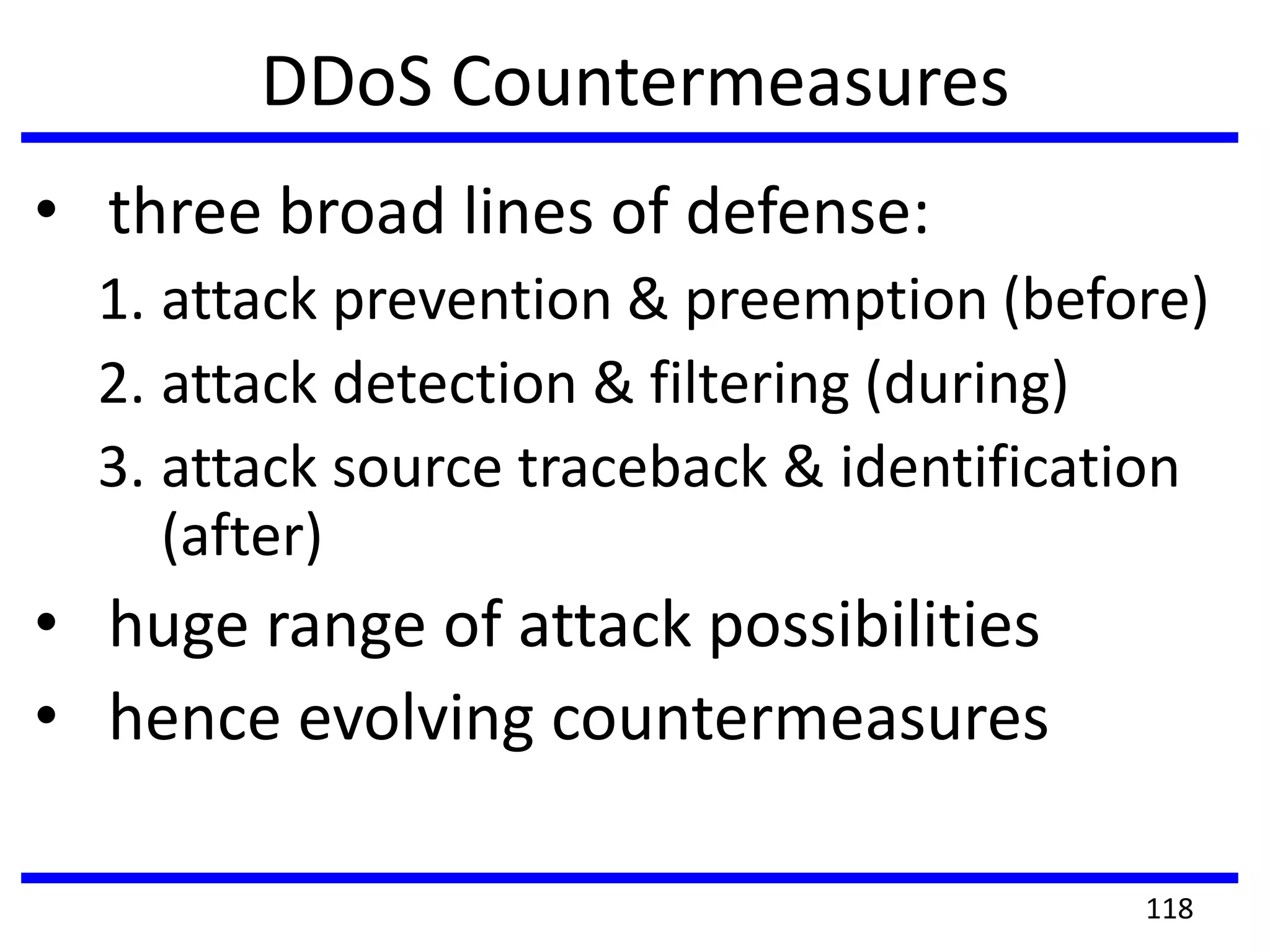
DDoS Countermeasures
• three broad lines of defense:
1. attack prevention & preemption (before)
2. attack detection & filtering (during)
3. attack source traceback & identification
(after)
• huge range of attack possibilities
• hence evolving countermeasures
118
CS6701 CRYPTOGRAPHY AND NETWORK SECURITY

CS6701 CRYPTOGRAPHY AND NETWORK SECURITY

  • 1.
    CS6701 CRYPTOGRAPHY AND NETWORKSECURITY UNIT – IV Dr.A.Kathirvel, Professor, Dept of CSE M N M Jain Engineering College, Chennai
  • 2.
    UNIT - IV SECURITYPRACTICE & SYSTEM SECURITY Authentication applications – Kerberos – X.509 Authentication services – Internet Firewalls for Trusted System: Roles of Firewalls – Firewall related terminology- Types of Firewalls – Firewall designs – SET for E-Commerce Transactions. Intruder – Intrusion detection system – Virus and related threats – Countermeasures – Firewalls design principles – Trusted systems – Practical implementation of cryptography and security. 2
  • 3.
    AUTHENTICATION APPLICATIONS • willconsider authentication functions • developed to support application-level authentication & digital signatures • will consider Kerberos – a private-key authentication service • then X.509 directory authentication service 3
  • 4.
    KERBEROS •Part of projectAthena (MIT). •Trusted 3rd party authentication scheme. •Assumes that hosts are not trustworthy. •Requires that each client (each request for service) prove it’s identity. •Does not require user to enter password every time a service is requested! 4
  • 5.
    KERBEROS DESIGN • Usermust identify itself once at the beginning of a workstation session (login session). • Passwords are never sent across the network in cleartext (or stored in memory) • Every user has a password. • Every service has a password. • The only entity that knows all the passwords is the Authentication Server. 5
  • 6.
  • 7.
    7 SECRET KEY CRYPTOGRAPHY •The encryption used by current Kerberos implementations is DES, although Kerberos V5 has hooks so that other algorithms can be used. encryption plaintext ciphertext key ciphertext plaintext decryption
  • 8.
    8 Tickets • Each requestfor a service requires a ticket. • A ticket provides a single client with access to a single server. • Tickets are dispensed by the “Ticket Granting Server” (TGS), which has knowledge of all the encryption keys. • Tickets are meaningless to clients, they simply use them to gain access to servers. • The TGS seals (encrypts) each ticket with the secret encryption key of the server. • Sealed tickets can be sent safely over a network - only the server can make sense out of it. • Each ticket has a limited lifetime (a few hours).
  • 9.
    9 TICKET CONTENTS •Client name(user login name) •Server name •Client Host network address •Session Key for Client/Server •Ticket lifetime •Creation timestamp
  • 10.
    10 SESSION KEY • Randomnumber that is specific to a session. • Session Key is used to seal client requests to server. • Session Key can be used to seal responses (application specific usage). AUTHENTICATORS • Authenticators prove a client’s identity. • Includes: Client user name, Client network address, Timestamp. • Authenticators are sealed with a session key.
  • 11.
    11 BOOTSTRAP •Each time aclient wants to contact a server, it must first ask the 3rd party (TGS) for a ticket and session key. •In order to request a ticket from the TGS, the client must already have a TG ticket and a session key for communicating with the TGS!
  • 12.
    12 AUTHENTICATION SERVER • Theclient sends a plaintext request to the AS asking for a ticket it can use to talk to the TGS. • REQUEST: login name & TGS name Since this request contains only well-known names, it does not need to be sealed. • The AS finds the keys corresponding to the login name and the TGS name. • The AS creates a ticket: login name, TGS name, client network address & TGS session key • The AS seals the ticket with the TGS secret key.
  • 13.
    13 AUTHENTICATION SERVER RESPONSE •The AS also creates a random session key for the client and the TGS to use. • The session key and the sealed ticket are sealed with the user (login name) secret key. TGS session key Ticket: login name TGS name net address TGS session key Sealed with user key Sealed with TGS key
  • 14.
    14 ACCESSING THE TGS •Theclient decrypts the message using the user’s password as the secret key. •The client now has a session key and ticket that can be used to contact the TGS. •The client cannot see inside the ticket, since the client does not know the TGS secret key.
  • 15.
    15 • When aclient wants to start using a server (service), the client must first obtain a ticket. • The client composes a request to send to the TGS: ACCESSING A SERVER TGS Ticket Authenticator Server Name sealed with TGS key sealed with session key
  • 16.
    16 TGS RESPONSE • TheTGS decrypts the ticket using it’s secret key. Inside is the TGS session key. • The TGS decrypts the Authenticator using the session key. • The TGS check to make sure login names, client addresses and TGS server name are all OK. • TGS makes sure the Authenticator is recent. Once everything checks out - the TGS: • builds a ticket for the client and requested server. The ticket is sealed with the server key. • creates a session key • seals the entire message with the TGS session key and sends it to the client.
  • 17.
    17 CLIENT ACCESSES SERVER •Theclient now decrypts the TGS response using the TGS session key. •The client now has a session key for use with the new server, and a ticket to use with that server. •The client can contact the new server using the same format used to access the TGS.
  • 18.
    Kerberos versions • trustedkey server system from MIT • provides centralised private-key third-party authentication in a distributed network –allows users access to services distributed through network –without needing to trust all workstations –rather all trust a central authentication server • two versions in use: 4 & 5 18
  • 19.
    KERBEROS REQUIREMENTS • firstpublished report identified its requirements as: –security –reliability –transparency –scalability • implemented using an authentication protocol based on Needham-Schroeder 19
  • 20.
    KERBEROS 4 OVERVIEW •a basic third-party authentication scheme • have an Authentication Server (AS) –users initially negotiate with AS to identify self –AS provides a non-corruptible authentication credential (ticket granting ticket TGT) • have a Ticket Granting server (TGS) –users subsequently request access to other services from TGS on basis of users TGT 20
  • 21.
  • 22.
    KERBEROS REALMS • aKerberos environment consists of: –a Kerberos server –a number of clients, all registered with server –application servers, sharing keys with server • this is termed a realm –typically a single administrative domain • if have multiple realms, their Kerberos servers must share keys and trust 22
  • 23.
    KERBEROS VERSION 5 •developed in mid 1990’s • provides improvements over v4 – addresses environmental shortcomings • encryption alg, network protocol, byte order, ticket lifetime, authentication forwarding, interrealm auth – and technical deficiencies • double encryption, non-std mode of use, session keys, password attacks • specified as Internet standard RFC 1510 23
  • 24.
    X.509 Authentication Service •part of CCITT X.500 directory service standards – distributed servers maintaining user info database • defines framework for authentication services – directory may store public-key certificates – with public key of user signed by certification authority • also defines authentication protocols • uses public-key crypto & digital signatures – algorithms not standardised, but RSA recommended • X.509 certificates are widely used 24
  • 25.
    X.509 CERTIFICATES • issuedby a Certification Authority (CA), containing: – version (1, 2, or 3) – serial number (unique within CA) identifying certificate – signature algorithm identifier – issuer X.500 name (CA) – period of validity (from - to dates) – subject X.500 name (name of owner) – subject public-key info (algorithm, parameters, key) – issuer unique identifier (v2+) – subject unique identifier (v2+) – extension fields (v3) – signature (of hash of all fields in certificate) • notation CA<<A>> denotes certificate for A signed by CA 25
  • 26.
  • 27.
    OBTAINING A CERTIFICATE •any user with access to CA can get any certificate from it • only the CA can modify a certificate • because cannot be forged, certificates can be placed in a public directory 27
  • 28.
    CA HIERARCHY • ifboth users share a common CA then they are assumed to know its public key • otherwise CA's must form a hierarchy • use certificates linking members of hierarchy to validate other CA's –each CA has certificates for clients (forward) and parent (backward) • each client trusts parents certificates • enable verification of any certificate from one CA by users of all other CAs in hierarchy 28
  • 29.
  • 30.
    CERTIFICATE REVOCATION • certificateshave a period of validity • may need to revoke before expiry, eg: 1. user's private key is compromised 2. user is no longer certified by this CA 3. CA's certificate is compromised • CA’s maintain list of revoked certificates – the Certificate Revocation List (CRL) • users should check certificates with CA’s CRL 30
  • 31.
    AUTHENTICATION PROCEDURES • X.509includes three alternative authentication procedures: • One-Way Authentication • Two-Way Authentication • Three-Way Authentication • all use public-key signatures 31
  • 32.
    One-Way Authentication • 1message ( A->B) used to establish –the identity of A and that message is from A –message was intended for B –integrity & originality of message • message must include timestamp, nonce, B's identity and is signed by A • may include additional info for B –eg session key 32
  • 33.
    Two-Way Authentication • 2messages (A->B, B->A) which also establishes in addition: –the identity of B and that reply is from B –that reply is intended for A –integrity & originality of reply • reply includes original nonce from A, also timestamp and nonce from B • may include additional info for A 33
  • 34.
    THREE-WAY AUTHENTICATION • 3messages (A->B, B->A, A->B) which enables above authentication without synchronized clocks • has reply from A back to B containing signed copy of nonce from B • means that timestamps need not be checked or relied upon 34
  • 35.
    X.509 VERSION 3 •has been recognised that additional information is needed in a certificate –email/URL, policy details, usage constraints • rather than explicitly naming new fields defined a general extension method • extensions consist of: –extension identifier –criticality indicator –extension value 35
  • 36.
    Certificate Extensions • keyand policy information –convey info about subject & issuer keys, plus indicators of certificate policy • certificate subject and issuer attributes –support alternative names, in alternative formats for certificate subject and/or issuer • certificate path constraints –allow constraints on use of certificates by other CA’s 36
  • 37.
    Secure Electronic Transactions(SET) • Protocol- to protect Internet credit card transactions • developed in 1996 by Mastercard, Visa etc • not a payment system • rather a set of security protocols & formats – secure communications amongst parties – trust from use of X.509v3 certificates – privacy by restricted info to those who need it 37
  • 38.
  • 39.
    SET Transaction 1. customeropens account 2. customer receives a certificate 3. merchants have their own certificates 4. customer places an order 5. merchant is verified 6. order and payment are sent 7. merchant requests payment authorization 8. merchant confirms order 9. merchant provides goods or service 10.merchant requests payment 39
  • 40.
    Dual Signature • customercreates dual messages –order information (OI) for merchant –payment information (PI) for bank • neither party needs details of other • but must know they are linked • use a dual signature for this –Signed(by encryption) and concatenated hashes of OI & PI 40
  • 41.
  • 42.
  • 43.
    Purchase Request –Merchant 1. verifies cardholder certificates using CA signs 2. verifies dual signature using customer's public signature key to ensure order has not been tampered with in transit & that it was signed using cardholder's private signature key 3. processes order and forwards the payment information to the payment gateway for authorization (described later) 4. sends a purchase response to cardholder 43
  • 44.
    Payment Gateway Authorization 1.verifies all certificates 2. decrypts digital envelope of authorization block to obtain symmetric key & then decrypts authorization block 3. verifies merchant's signature on authorization block 4. decrypts digital envelope of payment block to obtain symmetric key & then decrypts payment block 5. verifies dual signature on payment block 6. verifies that transaction ID received from merchant matches that in PI received (indirectly) from customer 7. requests & receives an authorization from issuer 8. sends authorization response back to merchant 44
  • 45.
    Payment Capture • merchantsends payment gateway a payment capture request • gateway checks request • then causes funds to be transferred to merchants account • notifies merchant using capture response 45
  • 46.
    INTRODUCTION TO FIREWALL •now everyone want to be on the Internet and to interconnect networks • has persistent security concerns – can’t easily secure every system in org • typically use a Firewall • to provide perimeter defence • as part of comprehensive security strategy 46
  • 47.
    What is aFirewall? • a choke point of control and monitoring • interconnects networks with differing trust • imposes restrictions on network services – only authorized traffic is allowed • auditing and controlling access – can implement alarms for abnormal behavior • provide NAT & usage monitoring • implement VPNs using IPSec • must be immune to penetration 47
  • 48.
    Firewall Limitations • cannotprotect from attacks bypassing it –eg sneaker net, utility modems, trusted organisations, trusted services (eg SSL/SSH) • cannot protect against internal threats –eg disgruntled or colluding employees • cannot protect against access via WLAN –if improperly secured against external use • cannot protect against malware imported via laptop, PDA, storage infected outside 48
  • 49.
    Firewalls – PacketFilters • simplest, fastest firewall component • foundation of any firewall system • examine each IP packet (no context) and permit or deny according to rules 49
  • 50.
    Firewalls – PacketFilters •hence restrict access to services (ports) •possible default policies •that not expressly permitted is prohibited •that not expressly prohibited is permitted 50
  • 51.
  • 52.
    Attacks on PacketFilters • IP address spoofing – fake source address to be trusted – add filters on router to block • source routing attacks – attacker sets a route other than default – block source routed packets • tiny fragment attacks – split header info over several tiny packets – either discard or reassemble before check 52
  • 53.
    Firewalls – StatefulPacket Filters • traditional packet filters do not examine higher layer context – ie matching return packets with outgoing flow • stateful packet filters address this need • they examine each IP packet in context – keep track of client-server sessions – check each packet validly belongs to one • hence are better able to detect bogus packets out of context • may even inspect limited application data 53
  • 54.
    Firewalls - ApplicationLevel Gateway (or Proxy) • have application specific gateway / proxy • has full access to protocol – user requests service from proxy – proxy validates request as legal – then actions request and returns result to user – can log / audit traffic at application level • need separate proxies for each service – some services naturally support proxying – others are more problematic 54
  • 55.
    Firewalls - ApplicationLevel Gateway (or Proxy) 55
  • 56.
    Firewalls - CircuitLevel Gateway • relays two TCP connections • imposes security by limiting which such connections are allowed • once created usually relays traffic without examining contents 56 •typically used when trust internal users by allowing general outbound connections •SOCKS is commonly used
  • 57.
    Bastion Host • highlysecure host system • runs circuit / application level gateways • or provides externally accessible services • potentially exposed to "hostile" elements • hence is secured to withstand this – hardened O/S, essential services, extra auth – proxies small, secure, independent, non-privileged • may support 2 or more net connections • may be trusted to enforce policy of trusted separation between these net connections 57
  • 58.
    Host-Based Firewalls • s/wmodule used to secure individual host – available in many operating systems – or can be provided as an add-on package • often used on servers • advantages: – can tailor filtering rules to host environment – protection is provided independent of topology – provides an additional layer of protection 58
  • 59.
    Personal Firewalls • controlstraffic between PC/workstation and Internet or enterprise network • a software module on personal computer • or in home/office DSL/cable/ISP router • typically much less complex than other firewall types • primary role to deny unauthorized remote access to the computer • and monitor outgoing activity for malware 59
  • 60.
  • 61.
  • 62.
  • 63.
    Summary of FirewallLocations and Topologies • host-resident firewall • screening router • single bastion inline • single bastion T • double bastion inline • double bastion T • distributed firewall configuration 63
  • 64.
    INTRUDER DETECTION SYSTEM •significant issue for networked systems is hostile or unwanted access • either via network or local • can identify classes of intruders: 1.Masquerader-An individual who is not authorized to use the computer (outsider) 2.Misfeasor-A legitimate user who accesses unauthorized data, programs, or resources (insider) 3. clandestine user-An individual who seizes supervisory control of the system and uses this control to evade auditing and access controls or to suppress audit collection • Intruder attacks range from the benign to the serious 64
  • 65.
    Intrusion Techniques • aimto gain access and/or increase privileges on a system • basic attack methodology –target acquisition and information gathering –initial access –privilege escalation –covering tracks • key goal often is to acquire passwords • so then exercise access rights of owner 65
  • 66.
    Behavior of intruderdiffers from legitimate user. 66
  • 67.
    Password Guessing • oneof the most common attacks • attacker knows a login (from email/web page etc) • then attempts to guess password for it – defaults, short passwords, common word searches – user info (variations on names, birthday, phone, common words/interests) – exhaustively searching all possible passwords • check by login or against stolen password file • success depends on password chosen by user • surveys show many users choose poorly 67
  • 68.
    Password Capture • anotherattack involves password capture – watching over shoulder as password is entered – using a trojan horse program to collect – monitoring an insecure network login • eg. telnet, FTP, web, email – extracting recorded info after successful login (web history/cache, last number dialed etc) • using valid login/password can impersonate user • users need to be educated to use suitable precautions/countermeasures 68
  • 69.
    Intrusion Detection • inevitablywill have security failures • so need also to detect intrusions so can – block if detected quickly – act as deterrent – collect info to improve security • assume intruder will behave differently to a legitimate user – but will have imperfect distinction between 69
  • 70.
    Approaches to IntrusionDetection • statistical anomaly detection –threshold –profile based • rule-based detection –anomaly –penetration identification 70
  • 71.
    1. Statistical anomalydetection: collect data relating to the behavior of legitimate users, then use statistical tests to determine with a high level of confidence whether new behavior is legitimate user behavior or not. a. Threshold detection: define thresholds, independent of user, for the frequency of occurrence of events. b. Profile based: develop profile of activity of each user and use to detect changes in the behavior 71
  • 72.
    2. Rule-based detection:attempt to define a set of rules used to decide if given behavior is an intruder a. Anomaly detection: rules detect deviation from previous usage patterns b. Penetration identification: expert system approach that searches for suspicious behavior 72
  • 73.
    Audit Records • fundamentaltool for intrusion detection • native audit records –part of all common multi-user O/S –already present for use –may not have info wanted in desired form • detection-specific audit records –created specifically to collect wanted info –at cost of additional overhead on system 73
  • 74.
    Statistical Anomaly Detection •threshold detection –count occurrences of specific event over time –if exceed reasonable value assume intrusion –alone is a crude & ineffective detector • profile based –characterize past behavior of users –detect significant deviations from this –profile usually multi-parameter 74
  • 75.
    Audit Record Analysis •foundation of statistical approaches • analyze records to get metrics over time – counter, gauge, interval timer, resource use • use various tests on these to determine if current behavior is acceptable – mean & standard deviation, multivariate, markov process, time series, operational • key advantage is no prior knowledge of security flaws is not required. Thus it should be readily portable among a variety of systems 75
  • 76.
    Rule-Based Intrusion Detection •observe events on system & apply rules to decide if activity is suspicious or not • rule-based anomaly detection –analyze historical audit records to identify usage patterns & auto-generate rules for them –then observe current behavior & match against rules to see if conforms –like statistical anomaly detection does not require prior knowledge of security flaws 76
  • 77.
    Rule-Based Intrusion Detection •rule-based penetration identification – uses expert systems technology – with rules identifying known penetration, weakness patterns, or suspicious behavior – compare audit records or states against rules – rules usually machine & O/S specific – rules are generated by experts who interview & codify knowledge of security admins – quality depends on how well this is done 77
  • 78.
    Distributed Intrusion Detection •traditional focus is on single systems • but typically have networked systems • more effective defense has these working together to detect intrusions • issues – dealing with varying audit record formats – integrity & confidentiality of networked data – centralized or decentralized architecture 78
  • 79.
  • 80.
    Distributed Intrusion Detection:Agent Implementation The components are: • Host agent module: audit collection module operating as a background process on a monitored system • LAN monitor agent module: like a host agent module except it analyzes LAN traffic • Central manager module: Receives reports from LAN monitor and host agents and processes and correlates these reports to detect intrusion 80
  • 81.
    Honeypots • decoy systemsto lure attackers – away from accessing critical systems – to collect information of their activities – to encourage attacker to stay on system so administrator can respond • are filled with fabricated information • Instrumented with sensitive monitors and event loggers that detect these accesses and to collect detailed information on attackers activities • Have seen evolution from single host honeypots to honeynets of multiple dispersed system • single or multiple networked systems • cf IETF Intrusion Detection WG standards 81
  • 82.
    Password Management • front-linedefense against intruders • users supply both: – login – determines privileges of that user – password – to identify them • passwords often stored encrypted – Unix uses multiple DES (variant with salt) – more recent systems use crypto hash function • should protect password file on system 82
  • 83.
    Password Studies • Purdue1992 - many short passwords • Klein 1990 - many guessable passwords • conclusion is that users choose poor passwords too often • need some approach to counter this 83
  • 84.
    Managing Passwords -Education • can use policies and good user education • educate on importance of good passwords • give guidelines for good passwords – minimum length (>6) – require a mix of upper & lower case letters, numbers, punctuation – not dictionary words • but likely to be ignored by many users 84
  • 85.
    Managing Passwords-Computer Generated •let computer create passwords • if random likely not memorisable, so will be written down (sticky label syndrome) • even pronounceable not remembered • have history of poor user acceptance • FIPS PUB 181 one of best generators – has both description & sample code – generates words from concatenating random pronounceable syllables 85
  • 86.
    Managing Passwords -Reactive Checking • reactively run password guessing tools – note that good dictionaries exist for almost any language/interest group • cracked passwords are disabled • but is resource intensive • bad passwords are vulnerable till found 86
  • 87.
    Managing Passwords -Proactive Checking • most promising approach to improving password security • allow users to select own password • but have system verify it is acceptable – simple rule enforcement (see earlier slide) – compare against dictionary of bad passwords – use algorithmic (markov model or bloom filter) to detect poor choices 87
  • 88.
    TRUSTED SYSTRM • Wayto enhance the ability of a system to defend against intruders and malicious software. • Trusted system uses Data Access control Basic elements of access control system are Subject, Object & Access right. 88
  • 89.
    Access Matrix • Sparseand implemented by decomposition in 2 ways. 1. Decomposition by columns called as Access Control lists. 2. Decomposition by rows yields capability tickets which specifies authorized objects and operation for a user. 89
  • 90.
    Process Control Listfor Programs Process 1 (Read, Execute) ACL for Segment A: Process 1 ( Read, Write) ACL for Segment B: Process 2 (Read) Access Control List (ACL) Capability List (CL) Capability List for Process 1 Progress 1 (Read, Execute) Segment A (Read, Write) CL for Process 2: Segment B (Read) 90
  • 91.
    Concept of trustedsystem This is commonly found in military, where information is categorized as • unclassified (U), • confidential (C), • secret (S), • top secret (TS), or • beyond. This concept is equally applicable in other areas, where information can be organized into categories 91
  • 92.
    Multilevel security • Whenmultiple categories or levels of data are defined, the requirement is referred to as multilevel security. • The general statement of the requirement for multilevel security is that a subject at a high level may not convey information to a subject at a lower or noncomparable level unless that flow accurately reflects the will of an authorized user • No read-up: A subject can only read an object of less or equal security level. This is referred to in the literature as the simple security property • No write-down: A subject can write into an object of greater or equal security level. This is referred to as the *-property (pronounced star property) 92
  • 93.
    Reference Monitor Concept •These two rules( no read up and write down) , if properly enforced, provide multilevel security. For a data processing system, the approach that has been taken, and has been the object of much research and development, is based on the reference monitor concept. • The reference monitor is a controlling element in the hardware and operating system of a computer that regulates the access of subjects to objects on the basis of security parameters of the subject and object. • The reference monitor has access to a file, known as the security kernel database that lists the access privilege (security clearance) of each subject and the protection attributes (classification level) of each object. • The reference monitor enforces the security rules (no read-up, no write- down) and has the following properties: 1. Complete Meditation 2. Isolation 3.Verifiability 93
  • 94.
  • 95.
    Trojan Horse defense •One way to secure against Trojan horse attacks is the use of a secure, trusted operating system • The Trojan horse attack begins when a hostile user, named Alice, gains legitimate access to the system and installs both a Trojan horse program and a private file to be used in the attack as a “back-pocket”. 9595
  • 96.
  • 97.
    Trojan horse defenseexample • Alice gives read/write permission to herself and gives Bob write-only permission (Fig. a). • Alice now induces Bob to invoke the Trojan horse program, perhaps by advertising it as a useful utility. When the program detects that it is being executed by Bob, it reads the sensitive character string from Bob’s file and copies it into Alice’s back-pocket file (Fig.b). • Both the read and write operations satisfy the constraints imposed by access control lists. Alice then has only to access her file at a later time to learn the value of the string. • Now consider the use of a secure operating system in this scenario (Fig. 15.10c). Security levels are assigned to subjects at logon on the basis of criteria such as the terminal from which the computer is being accessed and the user involved, as identified by password/ID. • In this example, there are two security levels, sensitive (gray) and public (white), ordered so that sensitive is higher than public. Processes owned by Bob and Bob’s data file are assigned the security level sensitive. Alice’s files and processes are restricted to public. • If Bob invokes the Trojan horse program (Fig. 15.10d), that program acquires Bob’s level security. It is therefore able, under the simple security property, to observe the sensitive character string. • When the program attempts to store the string in a public file (the back pocket file), however, the *-property is violated and the attempt is disallowed by the reference monitor. • Thus, the attempt to write into the back-pocket file is denied even though the access control list permits it: The security policy takes precedence over the access control list mechanism. 97
  • 98.
  • 99.
    Backdoor or Trapdoor •secret entry point into a program • allows those who know access bypassing usual security procedures • have been commonly used by developers • a threat when left in production programs allowing exploited by attackers • very hard to block in O/S 99
  • 100.
    Logic Bomb • oneof oldest types of malicious software • code embedded in legitimate program • activated when specified conditions met –E.g., presence/absence of some file –particular date/time –particular user • when triggered typically damage system –modify/delete files/disks, halt machine, etc. 100
  • 101.
    Trojan Horse • programwith hidden side-effects • which is usually superficially attractive – E.g., game, s/w upgrade, etc. • when run performs some additional tasks – allows attacker to indirectly gain access they do not have directly • often used to propagate a virus/worm or install a backdoor • or simply to destroy data • Mail the password file. 101
  • 102.
    Zombie • program whichsecretly takes over another networked computer • then uses it to indirectly launch attacks (difficult to trace zombie’s creator) • often used to launch distributed denial of service (DDoS) attacks • exploits known flaws in network systems 102
  • 103.
    Viruses • a pieceof self-replicating code attached to some other code • attaches itself to another program and executes secretly when the host program is executed. • propagates itself & carries a payload – carries code to make copies of itself – as well as code to perform some covert task 103
  • 104.
    Virus Operation • virusphases: –dormant – waiting on trigger event –propagation – replicating to programs/disks –triggering – by event to execute payload –execution – of payload • details usually machine/OS specific –exploiting features/weaknesses 104
  • 105.
    Virus Structure program V:= {goto main; 1234567; subroutine infect-executable := {loop: file := get-random-executable-file; if (first-line-of-file = 1234567) then goto loop else prepend V to file; } subroutine do-damage := {whatever damage is to be done} subroutine trigger-pulled := {return true if condition holds} main: main-program := {infect-executable; if trigger-pulled then do-damage; goto next;} next: } 105
  • 106.
    Types of Viruses canclassify on basis of how they attack • parasitic virus -attaches itself to executable files and replicates • memory-resident virus -lodges in the main memory and infects every program that executes. • boot sector virus -infects a boot record and spreads when the system is booted from the disk • Stealth -designed to hide itself from antivirus software • polymorphic virus -a virus that mutates with every infection, making detection very difficult • metamorphic virus -mutates with every infection, but rewrites itself completely every time. Making it extremely difficult to detect. 106
  • 107.
    Email Virus • spreadusing email with attachment containing a macro virus • triggered when user opens attachment • or worse even when mail viewed by using scripting features in mail agent • hence propagates very quickly • usually targeted at Microsoft Outlook mail agent & Word/Excel documents 107
  • 108.
    Worms • replicating butnot infecting program (does not attach itself to a program) • typically spreads over a network – Morris Internet Worm in 1988 • using users distributed privileges or by exploiting system vulnerabilities • worms perform unwanted functions • widely used by hackers to create zombie PC's, subsequently used for further attacks, esp DoS • major issue is lack of security of permanently connected systems, esp PC's 108
  • 109.
    Worm Operation • wormhas phases like those of viruses: –dormant –propagation • search for other systems to infect • establish connection to target remote system • replicate self onto remote system –triggering –execution 109
  • 110.
    Morris Worm • bestknown classic worm • released by Robert Morris in 1988 • targeted Unix systems • using several propagation techniques – simple password cracking of local pw file – exploit bug in finger daemon – exploit debug trapdoor in sendmail daemon • if any attack succeeds then replicated self 110
  • 111.
    Virus Countermeasures • bestcountermeasure is prevention (do not allow a virus to get into the system in the first place.) • but in general not possible • hence need to do one or more of: – detection - of viruses in infected system – identification - of specific infecting virus – removal - restoring system to clean state 111
  • 112.
    Anti-Virus Software • first-generation –scanner uses virus signature to identify virus – or change in length of programs • second-generation – uses heuristic rules to spot viral infection – or uses crypto hash of program to spot changes • third-generation – memory-resident programs identify virus by actions • fourth-generation – packages with a variety of antivirus techniques – eg scanning & activity traps, access-controls • arms race continues 112
  • 113.
  • 114.
    Digital Immune System 1.A monitoring program on each PC uses a variety of heuristics based on system behavior, suspicious changes to programs, or family signature to infer that a virus may be present, & forwards infected programs to an administrative machine 2. The administrative machine encrypts the sample and sends it to a central virus analysis machine 3. This machine creates an environment in which the infected program can be safely run for analysis to produces a prescription for identifying and removing the virus 4. The resulting prescription is sent back to the administrative machine 5. The administrative machine forwards the prescription to the infected client 6. The prescription is also forwarded to other clients in the organization 7. Subscribers around the world receive regular antivirus updates that protect them from the new virus. 114
  • 115.
    Behavior-Blocking Software • integratedwith host O/S • monitors program behavior in real-time – eg file access, disk format, executable mods, system settings changes, network access • for possibly malicious actions – if detected can block, terminate, or seek ok • has advantage over scanners • but malicious code runs before detection 115
  • 116.
    Distributed Denial ofService Attacks (DDoS) • Distributed Denial of Service (DDoS) attacks form a significant security threat • making networked systems unavailable • by flooding with useless traffic • using large numbers of “zombies” • growing sophistication of attacks • defense technologies struggling to cope 116
  • 117.
    Distributed Denial ofService Attacks (DDoS) 117
  • 118.
    DDoS Countermeasures • threebroad lines of defense: 1. attack prevention & preemption (before) 2. attack detection & filtering (during) 3. attack source traceback & identification (after) • huge range of attack possibilities • hence evolving countermeasures 118