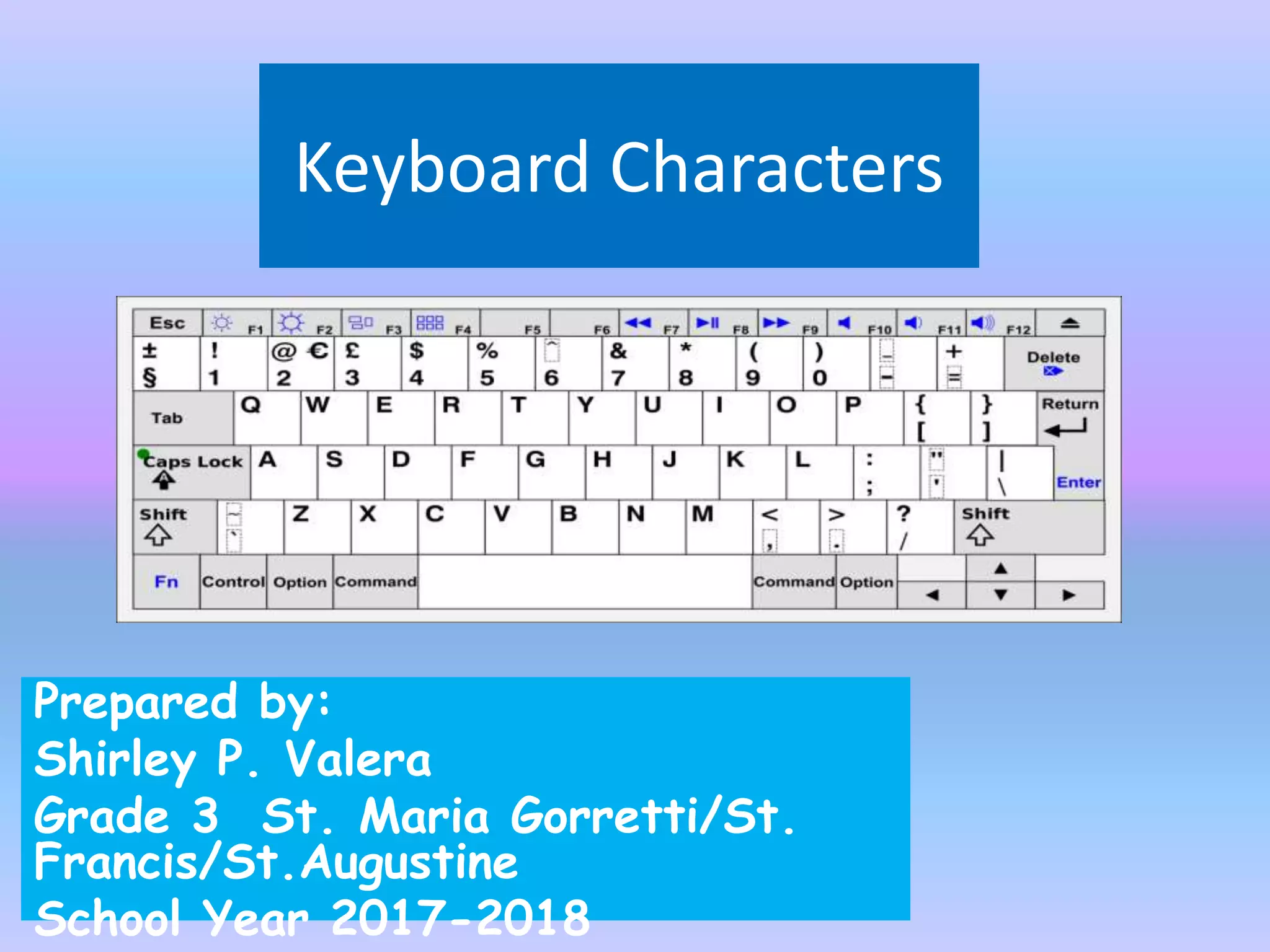
Keyboard Characters
Prepared by:
Shirley P. Valera
Grade 3 St. Maria Gorretti/St.
Francis/St.Augustine
School Year 2017-2018
Objectives
• Identify and use the different
parts of the computer
keyboard
Pupils
will recite
all the letters
of the
keyboard
a. What are the parts of the
computer keyboard?
b. How does they function to make
the keyboard useful?
Questions
Video: ABC’s on the keyboard
Parts of the keyboard – has several parts
and function.
Parts of the keyboard
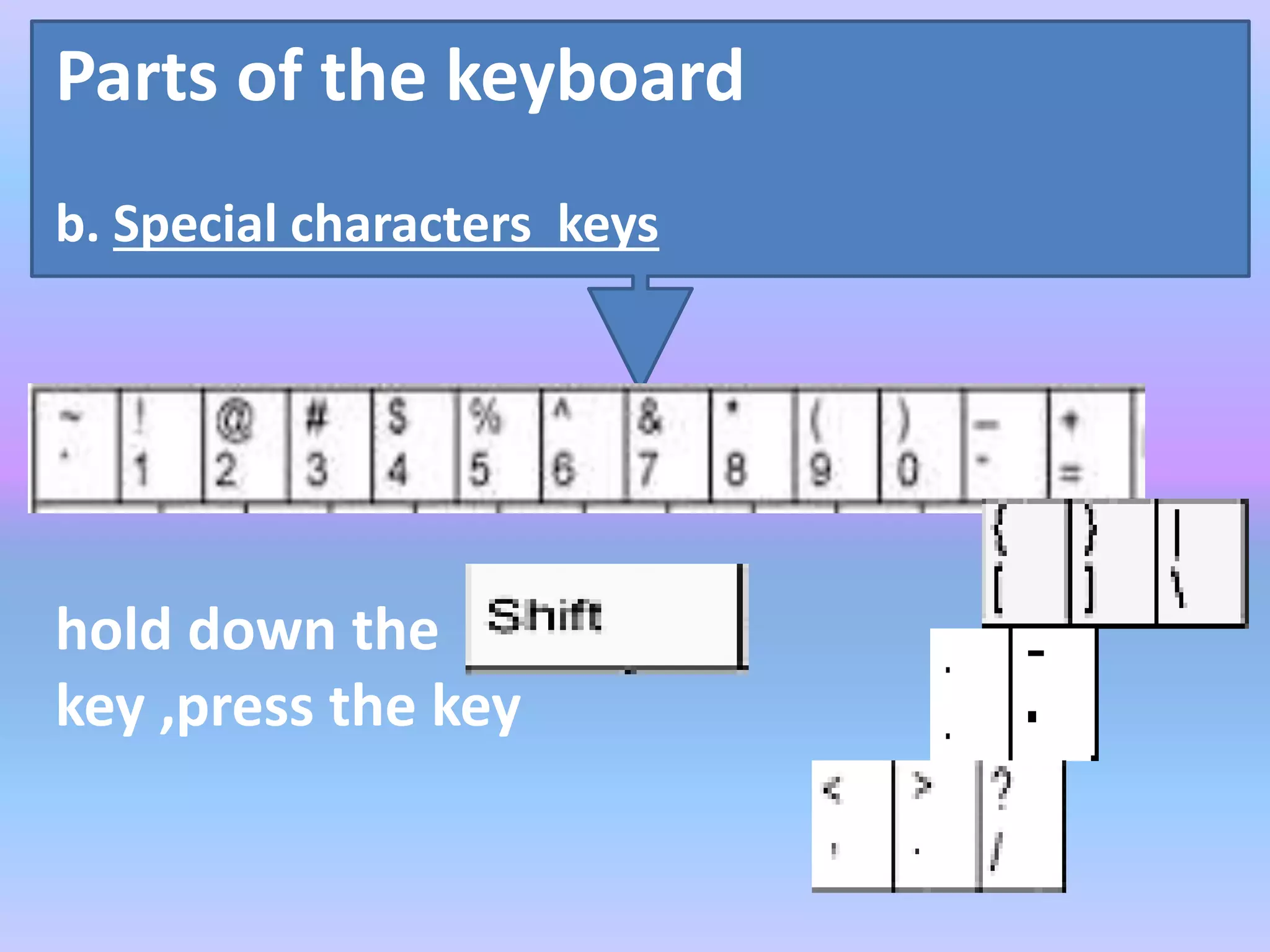
b. Special characters keys
hold down the
key ,press the key
Parts of the keyboard
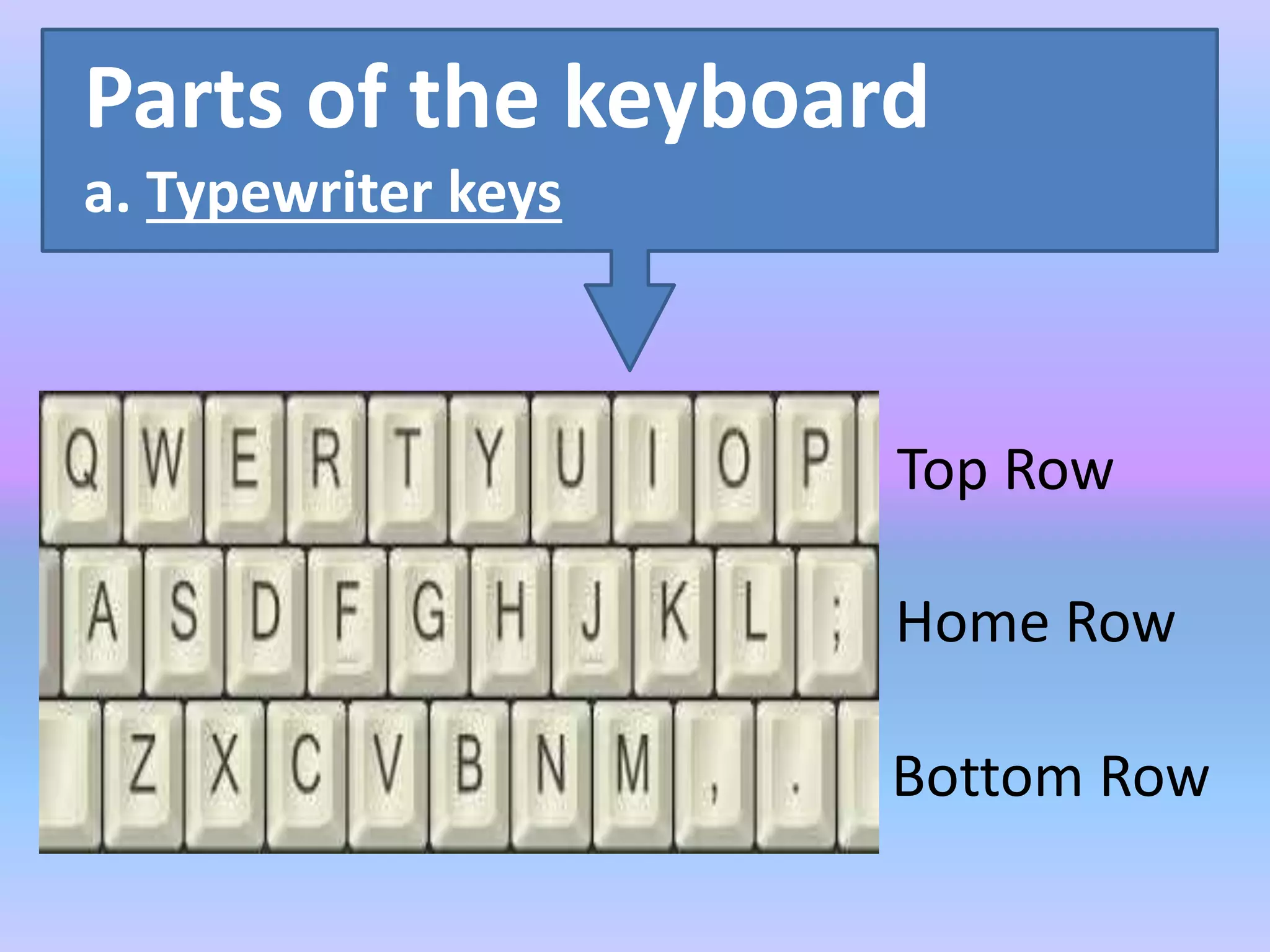
a. Typewriter keys
Top Row
Home Row
Bottom Row
Parts of the keyboard
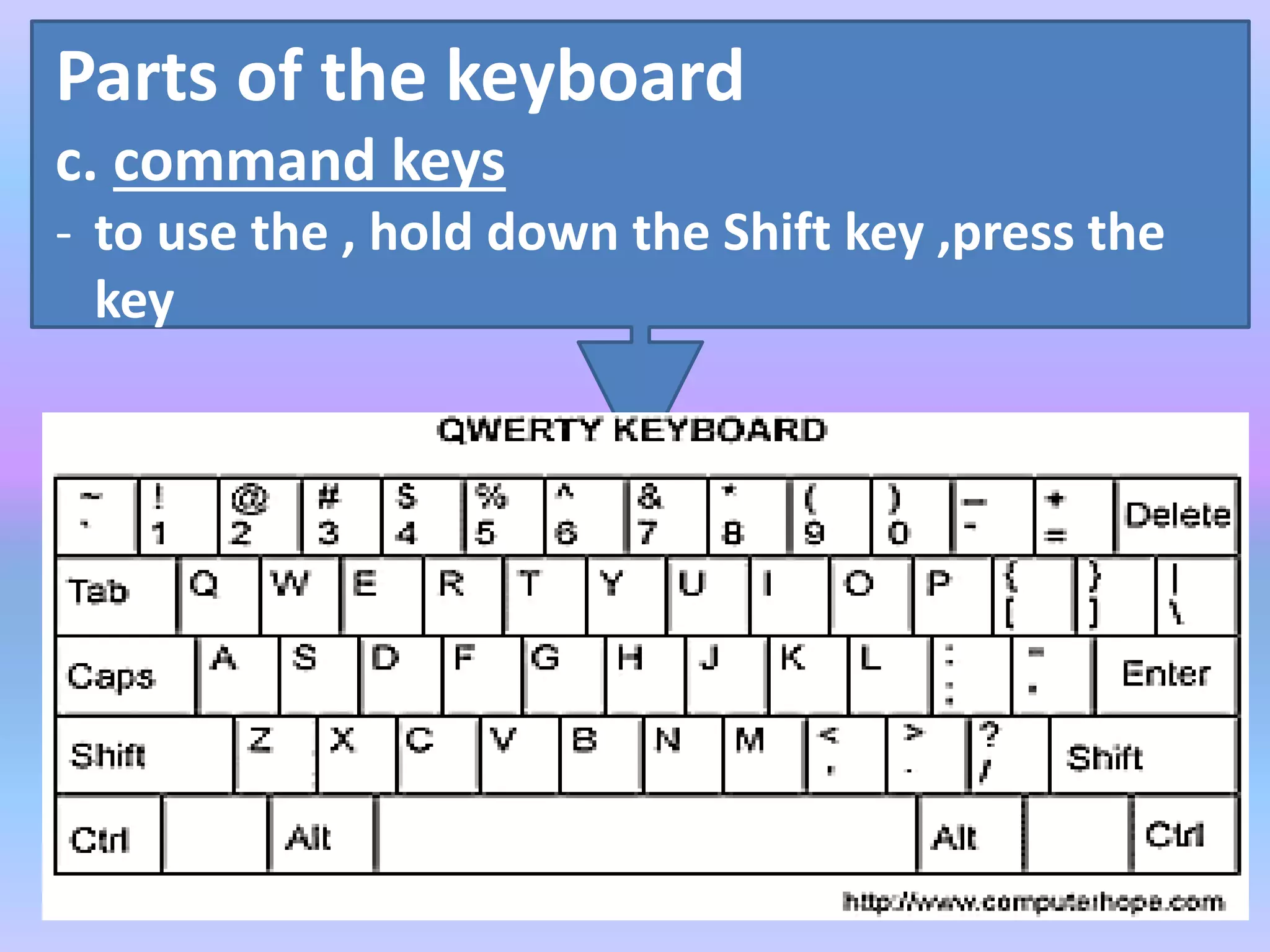
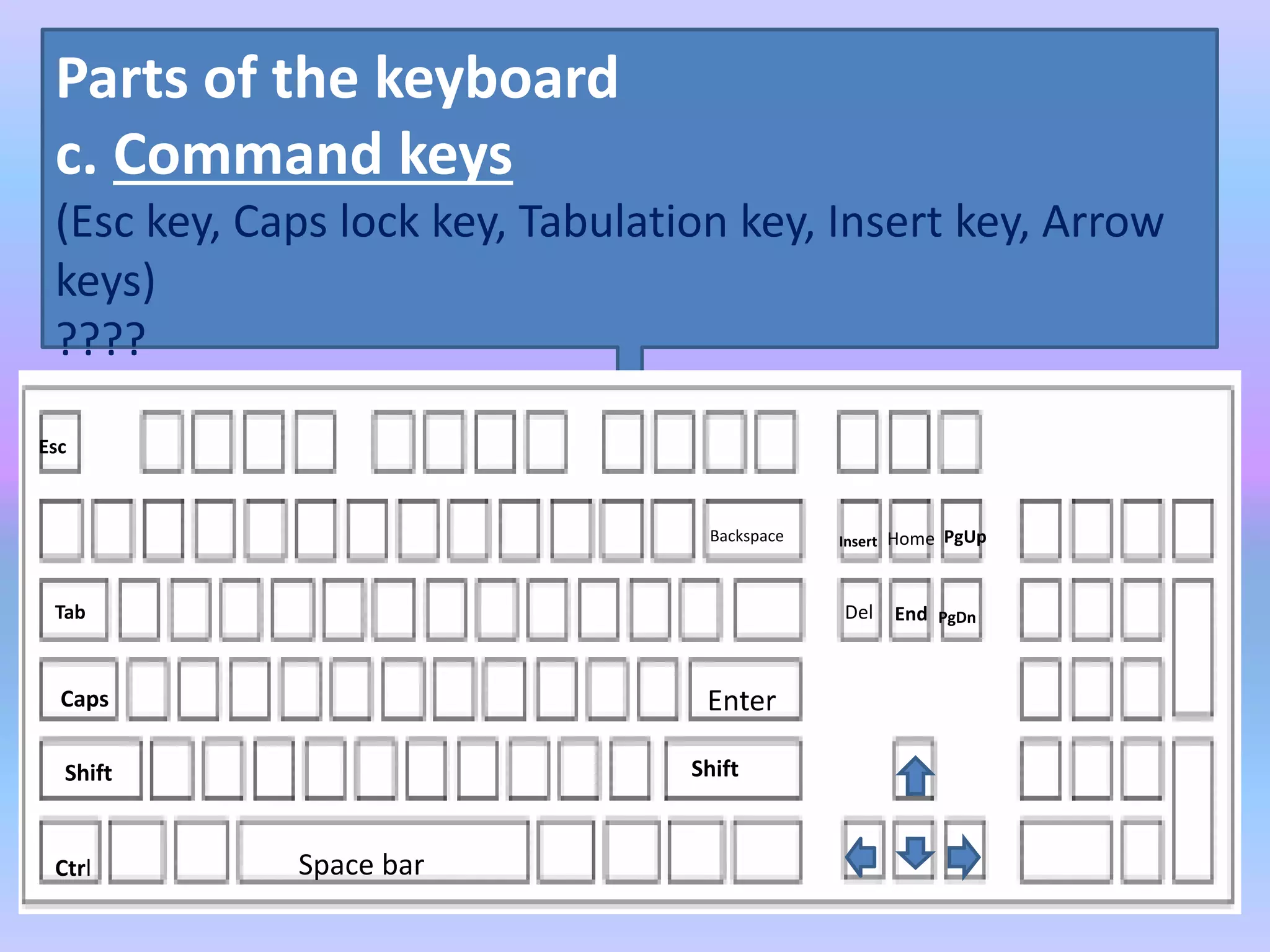
c. command keys
- to use the , hold down the Shift key ,press the
key
Parts of the keyboard
c. Command keys
(Esc key, Caps lock key, Tabulation key, Insert key, Arrow
keys)
????
Esc
Tab
Caps
Shift
Ctrl Space bar
Shift
Enter
Del
Backspace HomeInsert PgUp
End PgDn
Parts of the keyboard
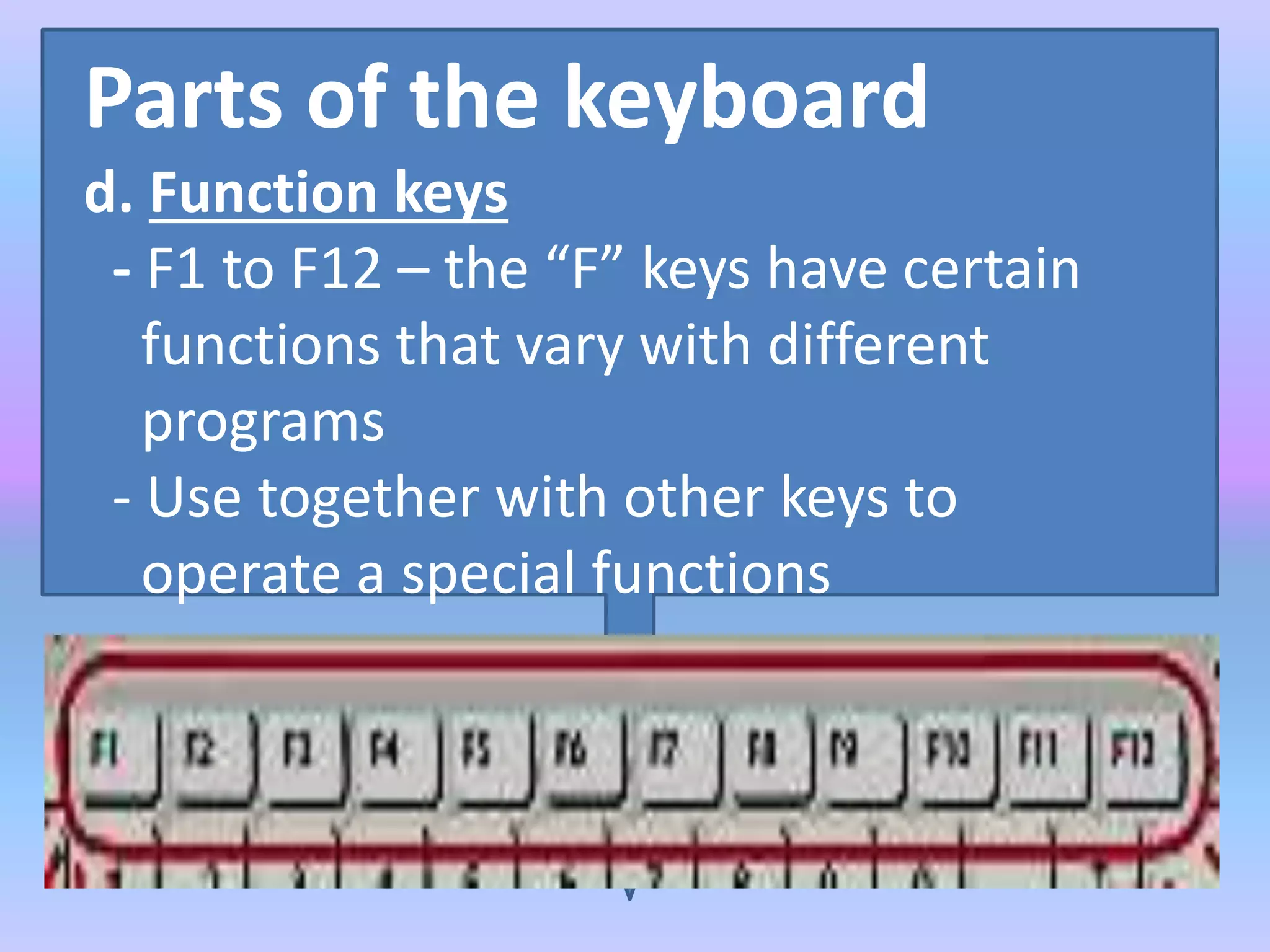
d. Function keys
- F1 to F12 – the “F” keys have certain
functions that vary with different
programs
- Use together with other keys to
operate a special functions
Parts of the keyboard
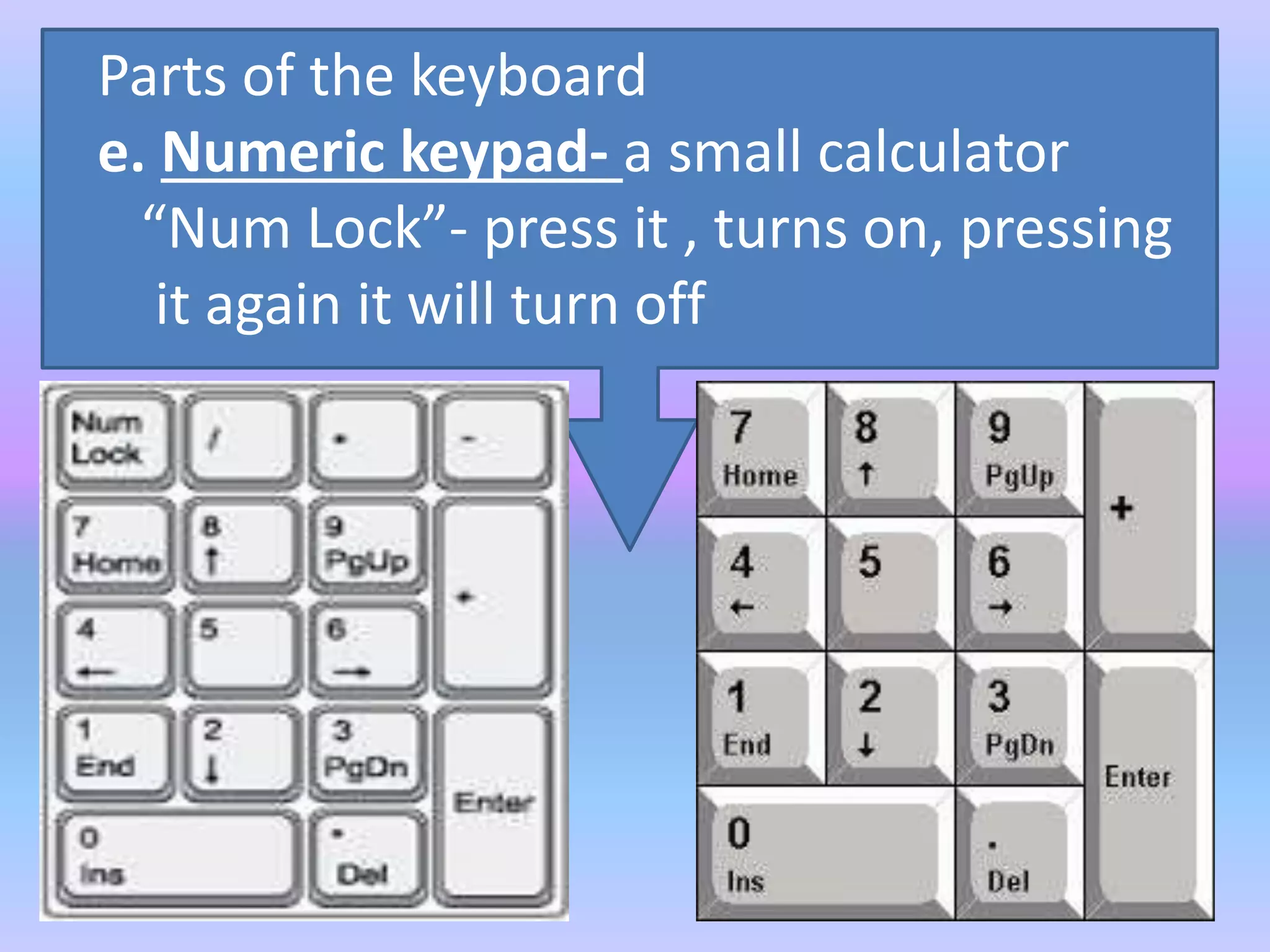
e. Numeric keypad- a small calculator
“Num Lock”- press it , turns on, pressing
it again it will turn off
Generalization
- there are 110 keys on a
computer keyboard
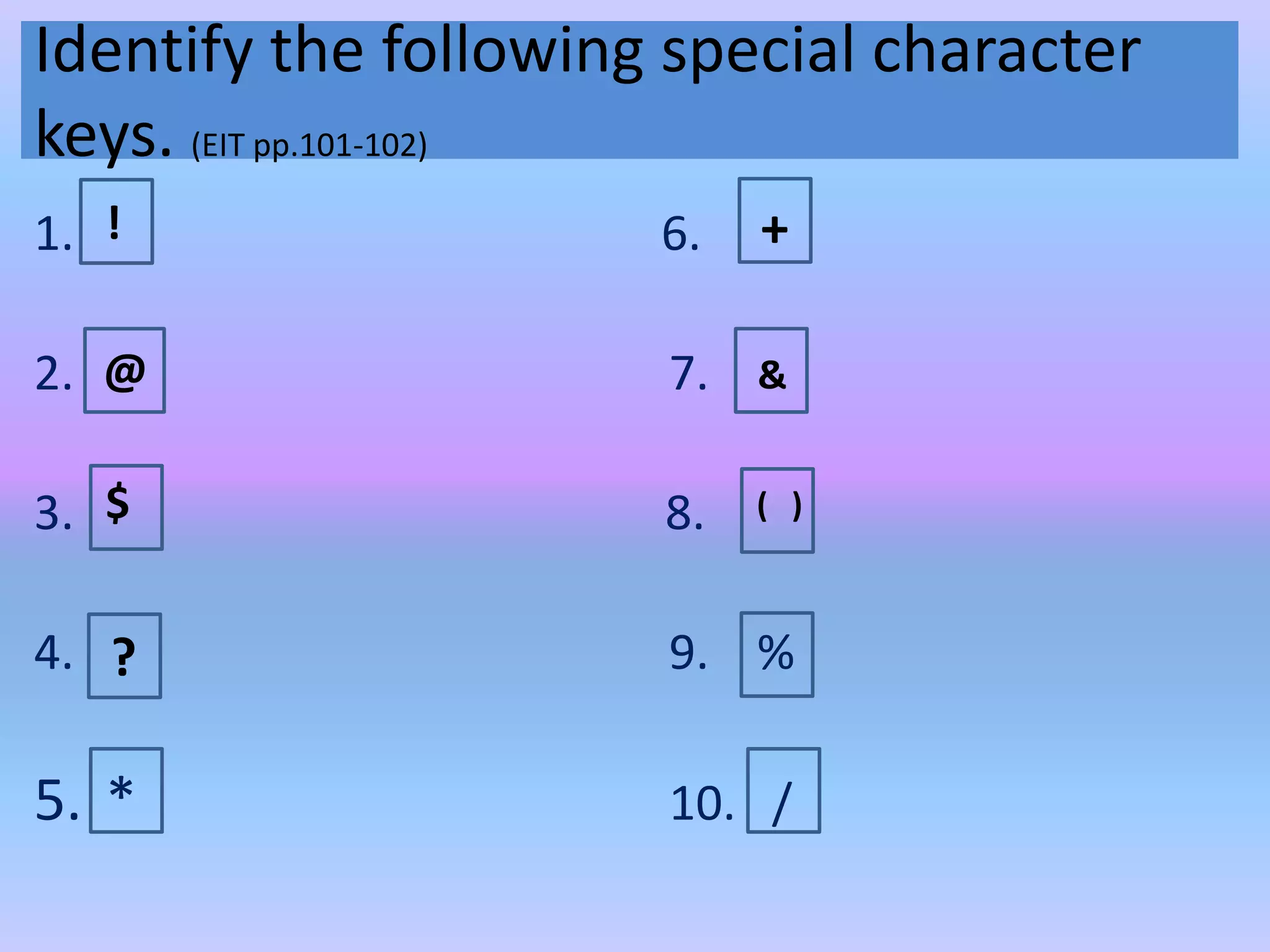
Identify the following special character
keys. (EIT pp.101-102)
1. 6.
2. 7.
3. 8.
4. 9. %
5. * 10. /
! +
@ &
$ ( )
?
Identify the following special character
keys. (EIT pp.101-102)
1. { } 6. “
2. [ ] 7. <
3. | 8.
4. ; 9. ,
5. - 10. .
>
Write the missing keyboard letter.(JIT p.74)
_______________ KEYS
Write the missing keyboard letter.(JIT p.74)
_____________ keys
H
Write the missing keyboard letter.(JIT p.74)
_______________ KEYS
C v
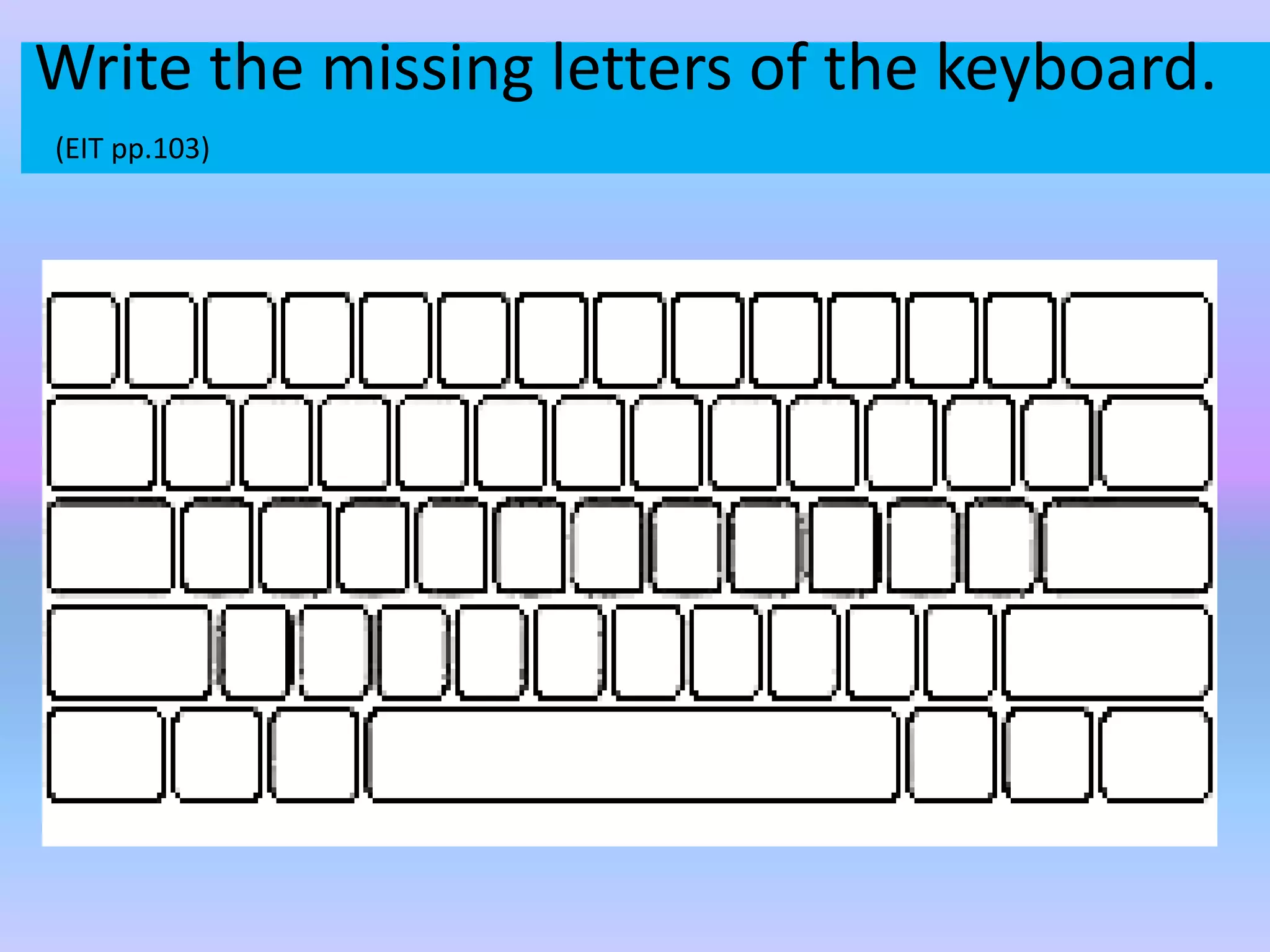
Write the missing letters of the keyboard.
(EIT pp.103)
References
Enjoying I.T. pp.94-105
Video
PPT(optional)

# 2 2nd gr.3 keyboard characters