Keyboarding Basics
What we are going to be talking about… 
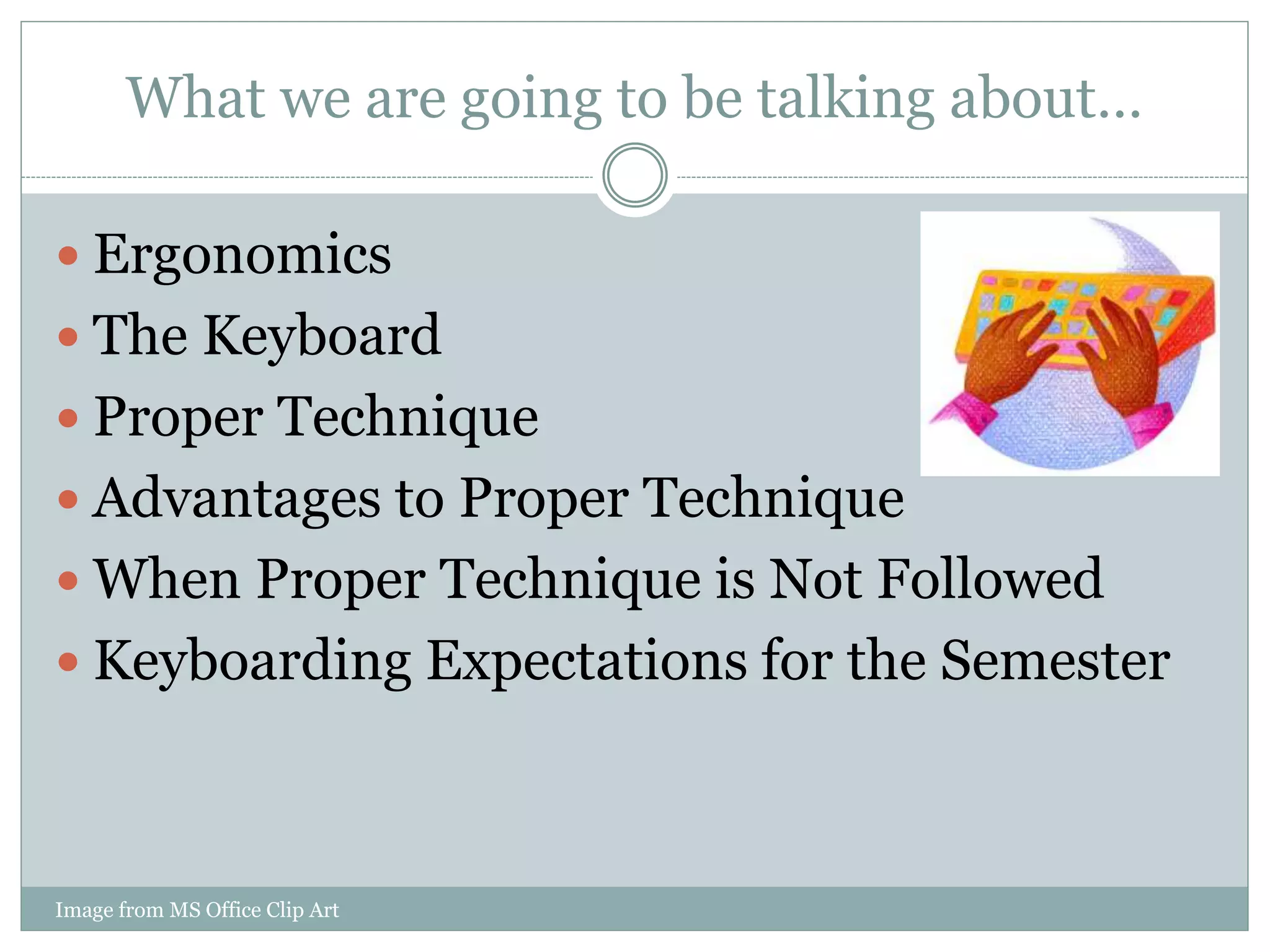
 Ergonomics 
 The Keyboard 
 Proper Technique 
 Advantages to Proper Technique 
 When Proper Technique is Not Followed 
 Keyboarding Expectations for the Semester 
Image from MS Office Clip Art
Ergonomics Definition 
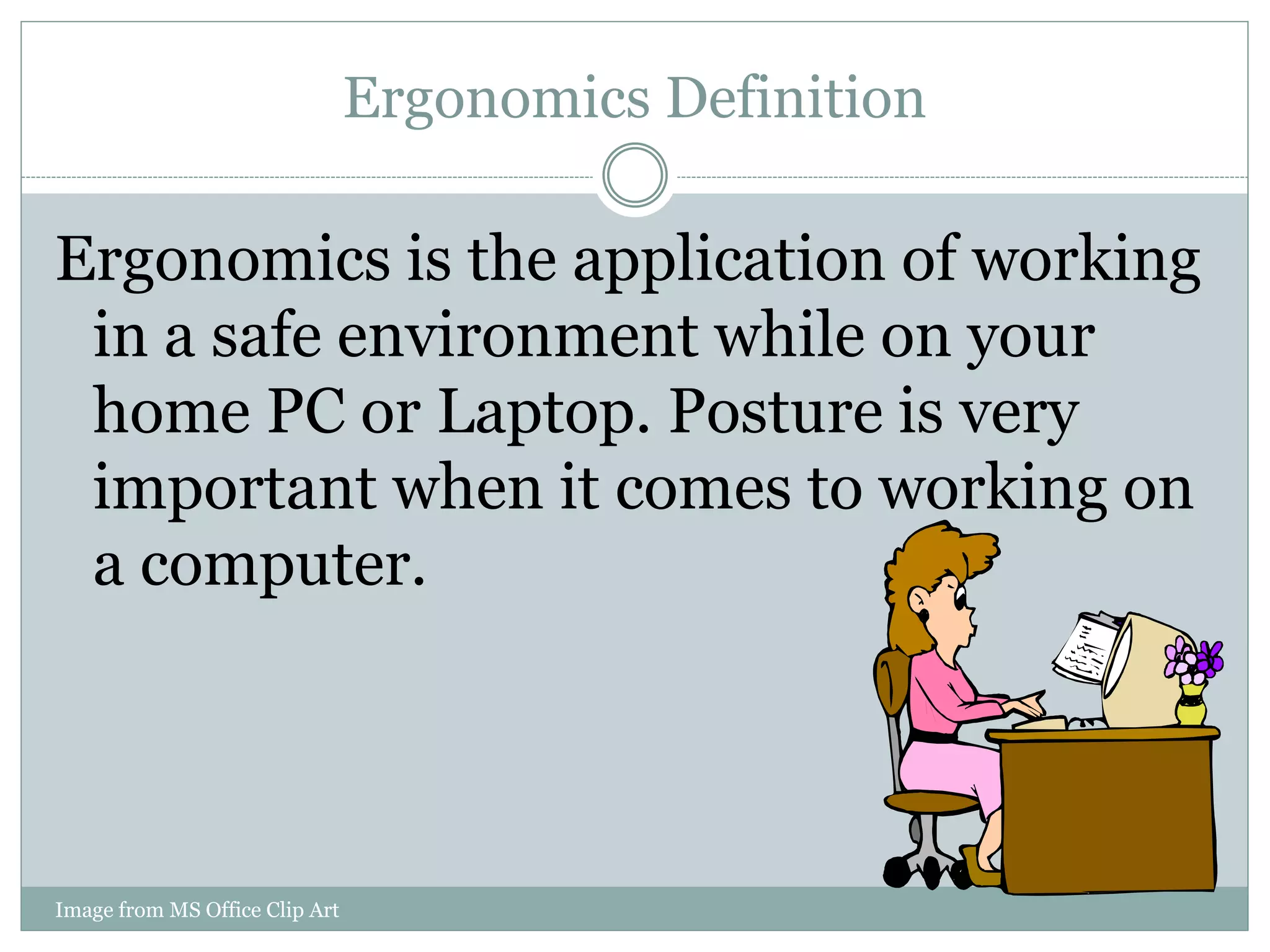
Ergonomics is the application of working 
in a safe environment while on your 
home PC or Laptop. Posture is very 
important when it comes to working on 
a computer. 
Image from MS Office Clip Art
Tips for an Ergonomic Computer Workstation 
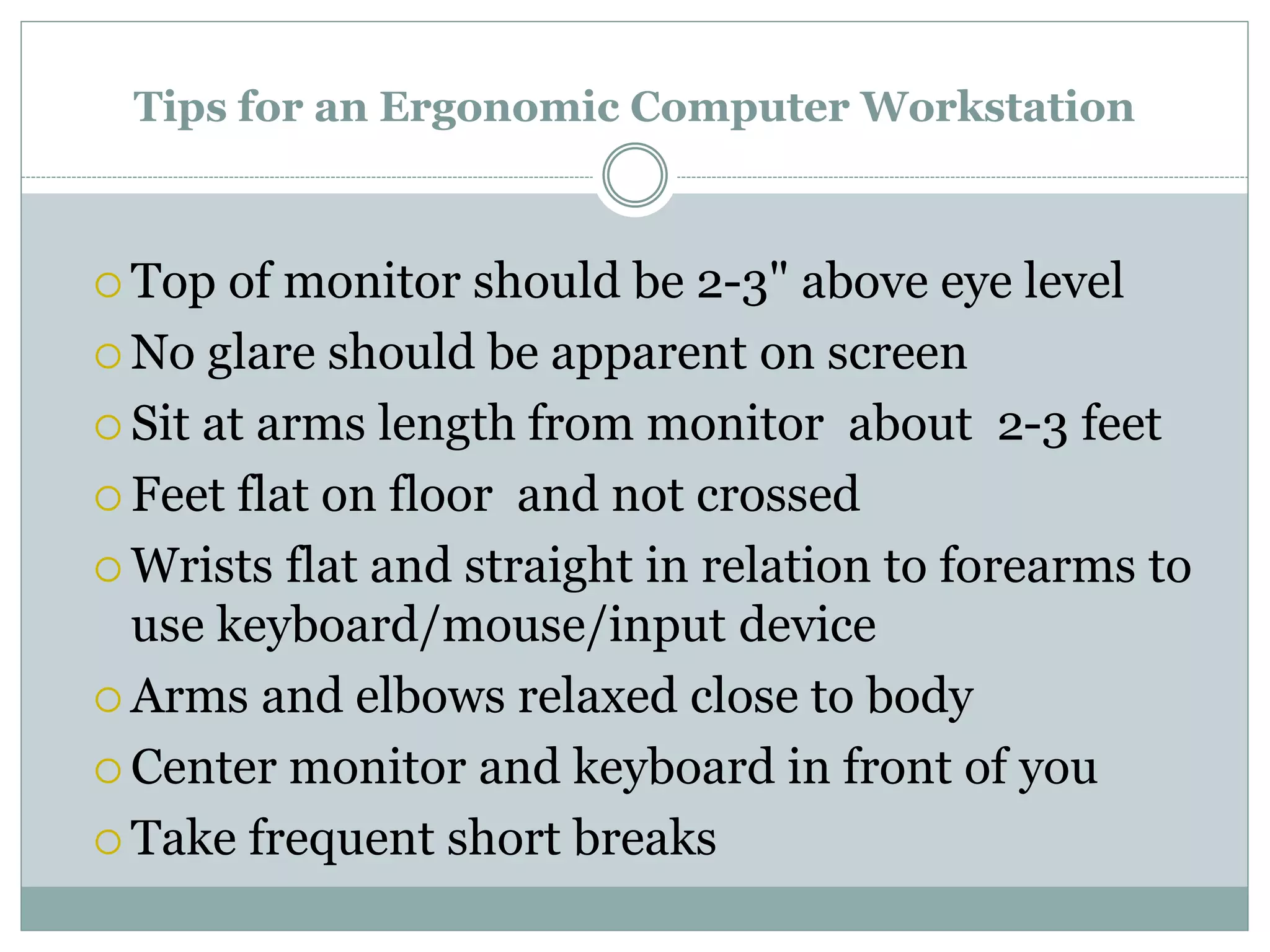
 Top of monitor should be 2-3" above eye level 
No glare should be apparent on screen 
 Sit at arms length from monitor about 2-3 feet 
 Feet flat on floor and not crossed 
 Wrists flat and straight in relation to forearms to 
use keyboard/mouse/input device 
Arms and elbows relaxed close to body 
 Center monitor and keyboard in front of you 
 Take frequent short breaks
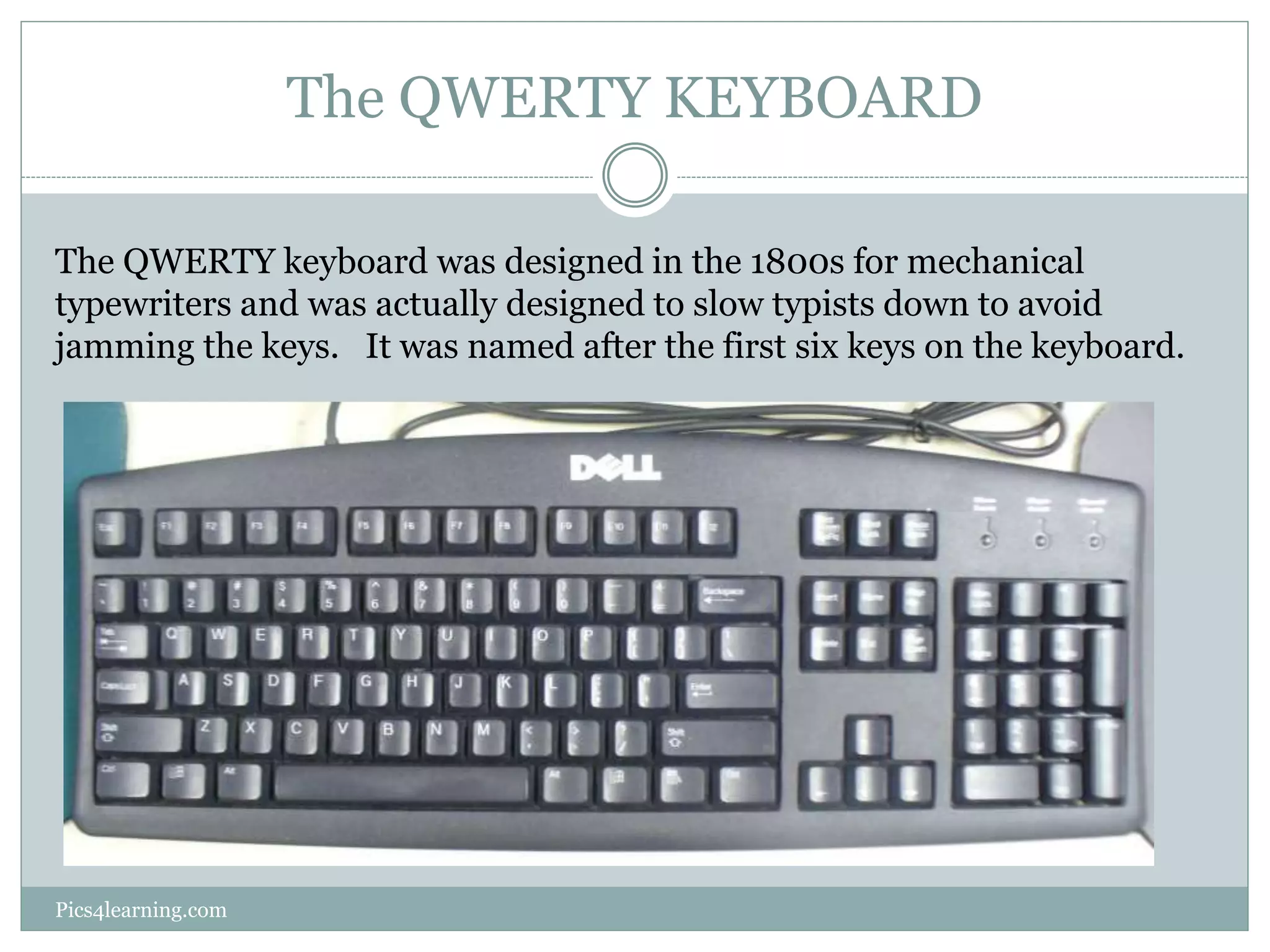
The QWERTY KEYBOARD 
The QWERTY keyboard was designed in the 1800s for mechanical 
typewriters and was actually designed to slow typists down to avoid 
jamming the keys. It was named after the first six keys on the keyboard. 
Pics4learning.com
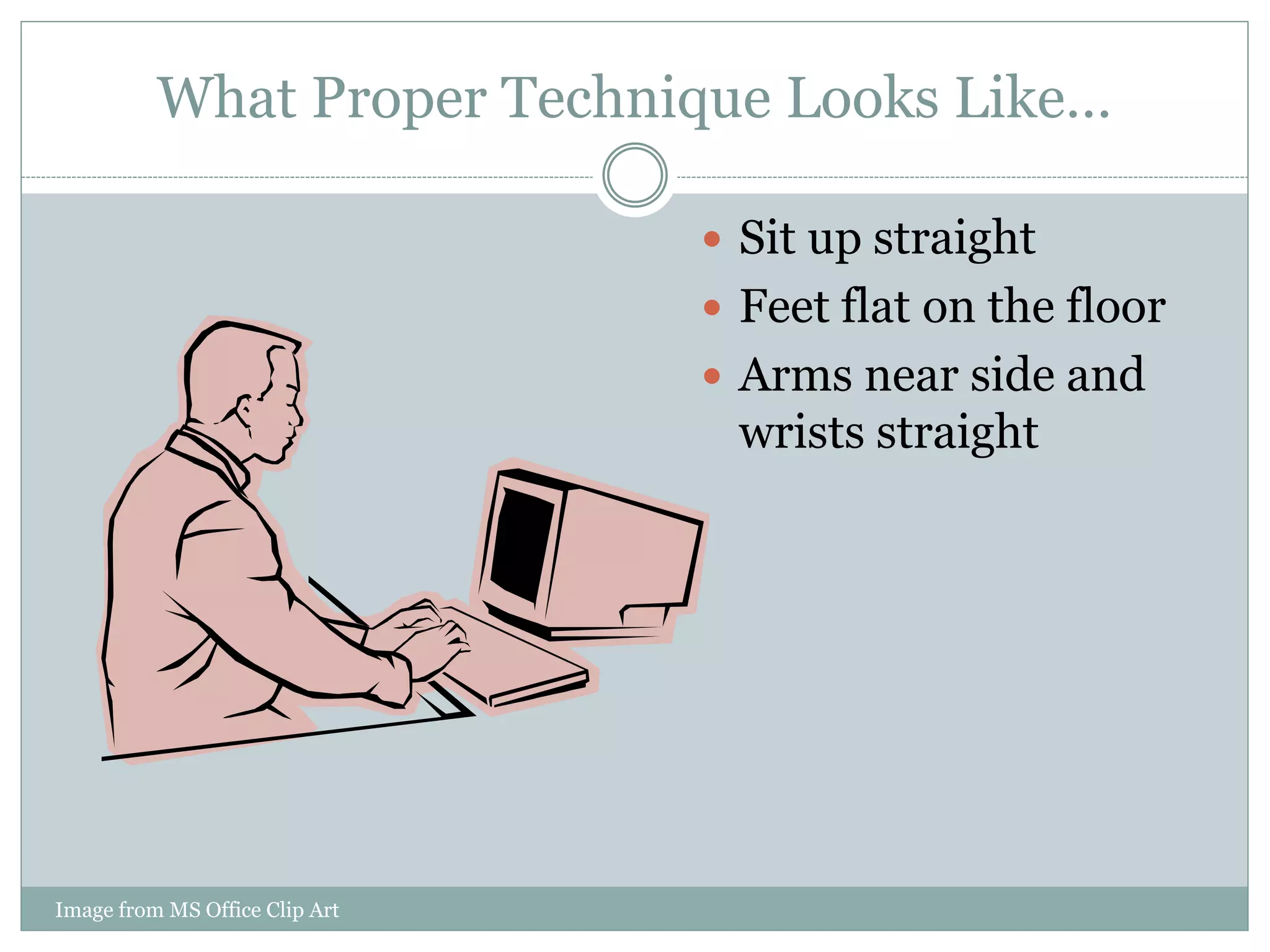
What Proper Technique Looks Like… 
Image from MS Office Clip Art 
 Sit up straight 
 Feet flat on the floor 
 Arms near side and 
wrists straight
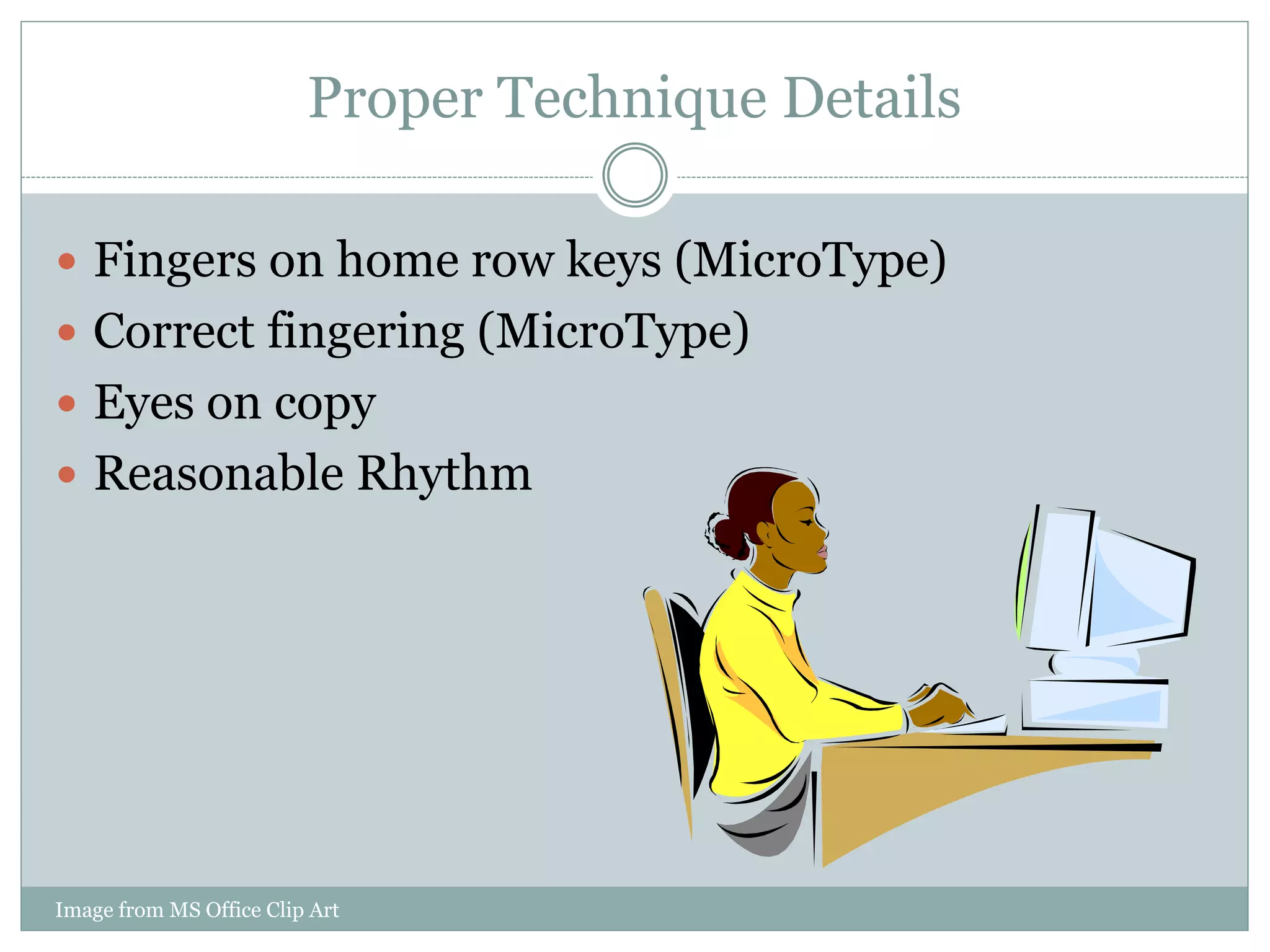
Proper Technique Details 
 Fingers on home row keys (MicroType) 
 Correct fingering (MicroType) 
 Eyes on copy 
 Reasonable Rhythm 
Image from MS Office Clip Art
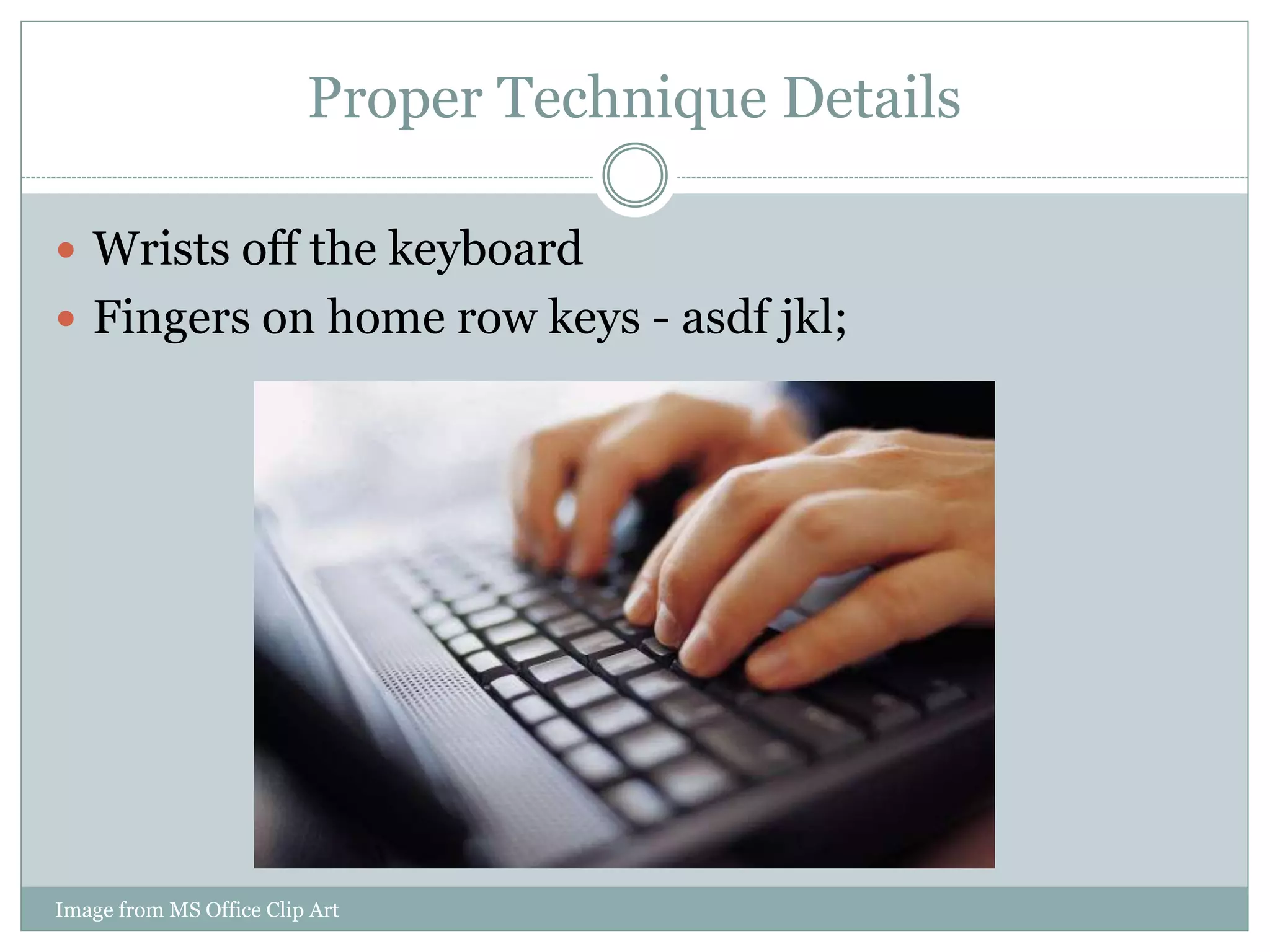
Proper Technique Details 
 Wrists off the keyboard 
 Fingers on home row keys - asdf jkl; 
Image from MS Office Clip Art
Proper Technique Details 
 Right little finger on 
Enter 
 Thumb used on space 
bar
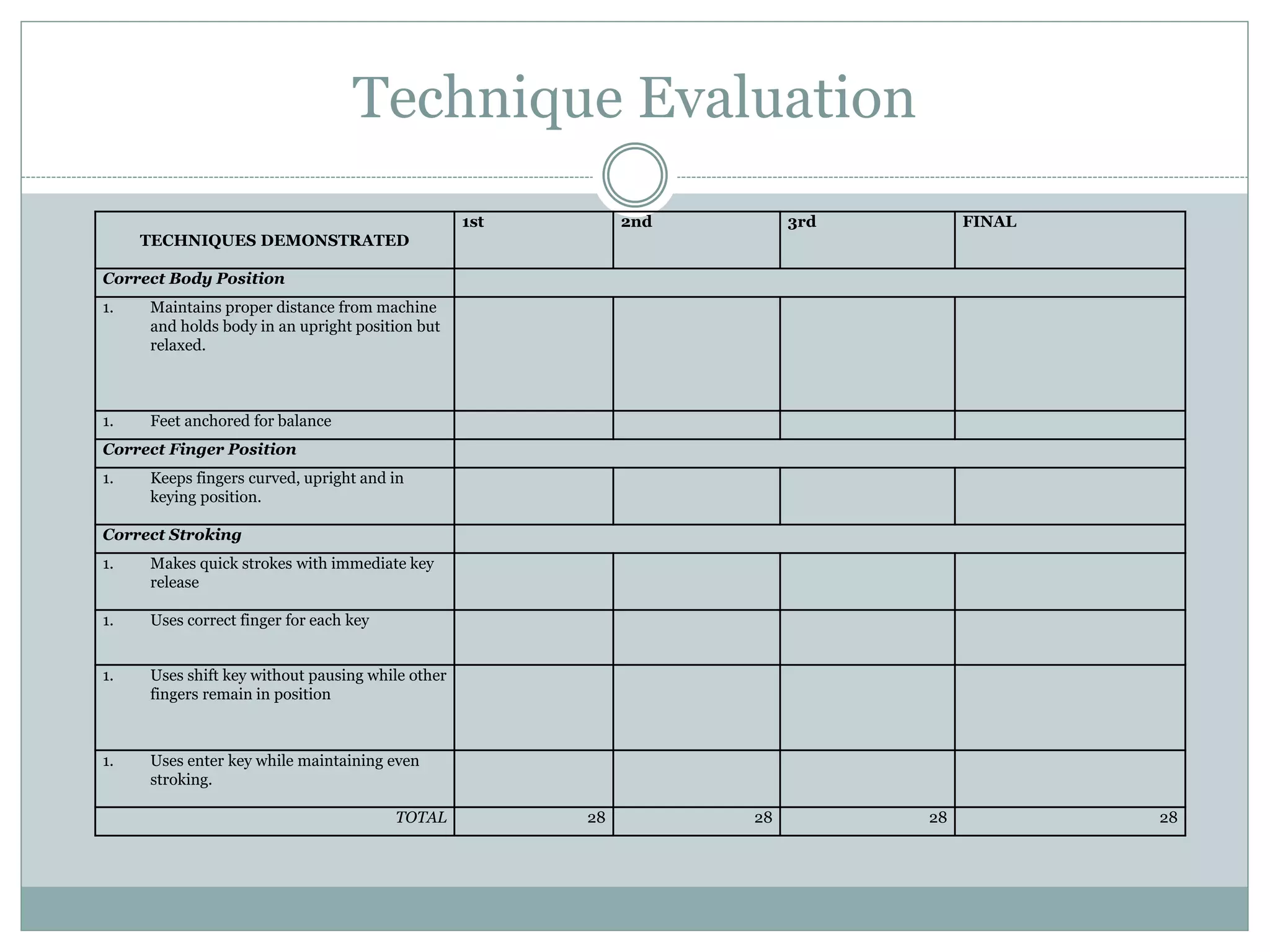
Technique Evaluation 
TECHNIQUES DEMONSTRATED 
1st 2nd 3rd FINAL 
Correct Body Position 
1. Maintains proper distance from machine 
and holds body in an upright position but 
relaxed. 
1. Feet anchored for balance 
Correct Finger Position 
1. Keeps fingers curved, upright and in 
keying position. 
Correct Stroking 
1. Makes quick strokes with immediate key 
release 
1. Uses correct finger for each key 
1. Uses shift key without pausing while other 
fingers remain in position 
1. Uses enter key while maintaining even 
stroking. 
TOTAL 28 28 28 28
If Proper Technique is Followed… 
 You will type faster. 
 You will make fewer mistakes. 
 You will be able to type longer without getting as 
tired. 
 It will be less likely that you will have health 
problems with your hands and wrists.
If Proper Technique is NOT Followed… 
 You run the risk of developing a variety of health 
problems that deal with your hands/wrists, back, 
neck/shoulders, or eyes, and Carpal Tunnel 
Syndrome. 
 Carpal Tunnel Syndrome is a repetitive strain injury 
produced by making the same small movements 
associated wit keyboarding. 
 It may take you longer to complete a task. 
 You may tire faster.
Keyboarding Expectations 
 In Computer Solutions, throughout the semester, 
you will be learning and perfecting your keyboarding 
skills. In order to do so you will complete the 
following… 
 Alphabetic Lessons in MicroType 
 Numeric Keyboarding Lessons in MicroType 
 Timed Writings 
 Technique Evaluations

Keyboarding Basics

  • 1.
  • 2.
    What we aregoing to be talking about…  Ergonomics  The Keyboard  Proper Technique  Advantages to Proper Technique  When Proper Technique is Not Followed  Keyboarding Expectations for the Semester Image from MS Office Clip Art
  • 3.
    Ergonomics Definition Ergonomicsis the application of working in a safe environment while on your home PC or Laptop. Posture is very important when it comes to working on a computer. Image from MS Office Clip Art
  • 4.
    Tips for anErgonomic Computer Workstation  Top of monitor should be 2-3" above eye level No glare should be apparent on screen  Sit at arms length from monitor about 2-3 feet  Feet flat on floor and not crossed  Wrists flat and straight in relation to forearms to use keyboard/mouse/input device Arms and elbows relaxed close to body  Center monitor and keyboard in front of you  Take frequent short breaks
  • 5.
    The QWERTY KEYBOARD The QWERTY keyboard was designed in the 1800s for mechanical typewriters and was actually designed to slow typists down to avoid jamming the keys. It was named after the first six keys on the keyboard. Pics4learning.com
  • 6.
    What Proper TechniqueLooks Like… Image from MS Office Clip Art  Sit up straight  Feet flat on the floor  Arms near side and wrists straight
  • 7.
    Proper Technique Details  Fingers on home row keys (MicroType)  Correct fingering (MicroType)  Eyes on copy  Reasonable Rhythm Image from MS Office Clip Art
  • 8.
    Proper Technique Details  Wrists off the keyboard  Fingers on home row keys - asdf jkl; Image from MS Office Clip Art
  • 9.
    Proper Technique Details  Right little finger on Enter  Thumb used on space bar
  • 10.
    Technique Evaluation TECHNIQUESDEMONSTRATED 1st 2nd 3rd FINAL Correct Body Position 1. Maintains proper distance from machine and holds body in an upright position but relaxed. 1. Feet anchored for balance Correct Finger Position 1. Keeps fingers curved, upright and in keying position. Correct Stroking 1. Makes quick strokes with immediate key release 1. Uses correct finger for each key 1. Uses shift key without pausing while other fingers remain in position 1. Uses enter key while maintaining even stroking. TOTAL 28 28 28 28
  • 11.
    If Proper Techniqueis Followed…  You will type faster.  You will make fewer mistakes.  You will be able to type longer without getting as tired.  It will be less likely that you will have health problems with your hands and wrists.
  • 12.
    If Proper Techniqueis NOT Followed…  You run the risk of developing a variety of health problems that deal with your hands/wrists, back, neck/shoulders, or eyes, and Carpal Tunnel Syndrome.  Carpal Tunnel Syndrome is a repetitive strain injury produced by making the same small movements associated wit keyboarding.  It may take you longer to complete a task.  You may tire faster.
  • 13.
    Keyboarding Expectations In Computer Solutions, throughout the semester, you will be learning and perfecting your keyboarding skills. In order to do so you will complete the following…  Alphabetic Lessons in MicroType  Numeric Keyboarding Lessons in MicroType  Timed Writings  Technique Evaluations

Editor's Notes

  • #5 Information gathered for this slide on 7/9/10 from Cornell University Ergonomics Web