Starting to Draw
Prepared by:
Shirley P. Valera
School Year 201-2018
Grade 1- St. Clare / St. Bernadette / St. Catherine
Objectives
1. Familiarize with the Microsoft
Paint Editing.
2. Familiarize with the Microsoft
Paint drawing tools.
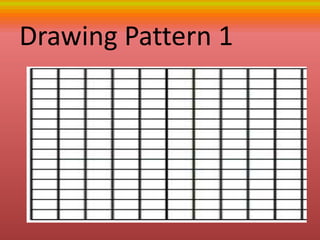
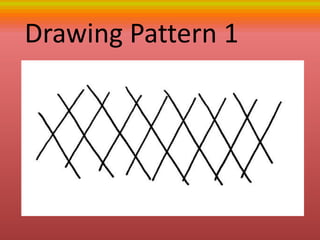
Drawing Pattern 1
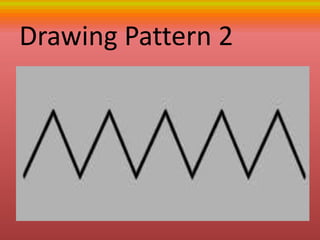
Drawing Pattern 2
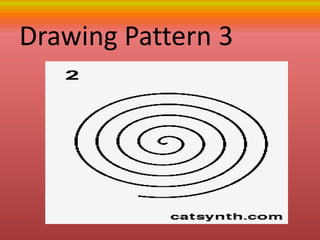
Drawing Pattern 3
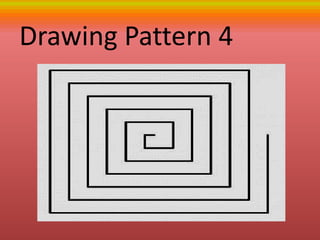
Drawing Pattern 4
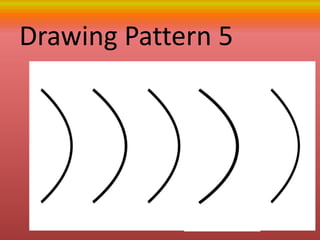
Drawing Pattern 5
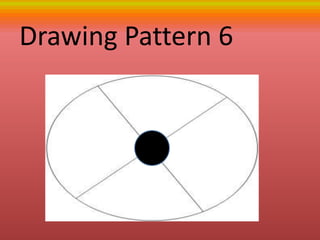
Drawing Pattern 6
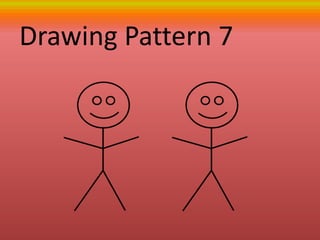
Drawing Pattern 7
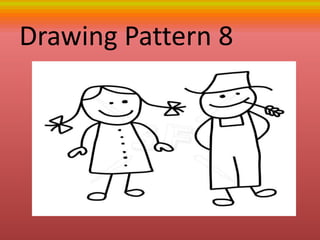
Drawing Pattern 8
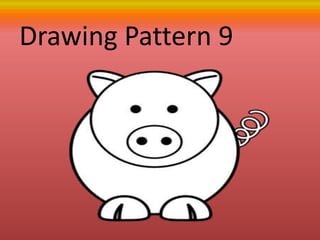
Drawing Pattern 9
Drawing Pattern 1
Generalization
- draw from pencil drawing to
computer MS Paint program
following the pattern to build
creative drawing skills
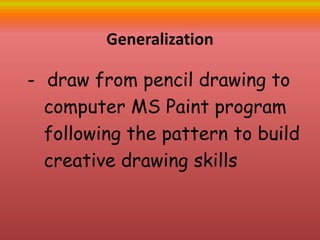
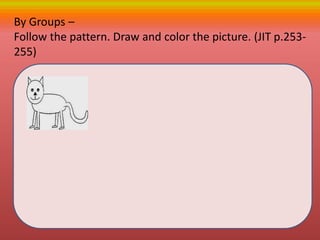
By Groups –
Follow the pattern. Draw and color the picture. (JIT p.253-
255)
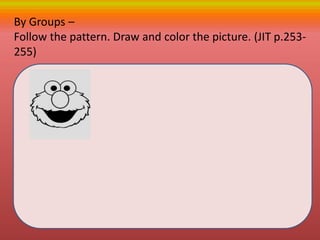
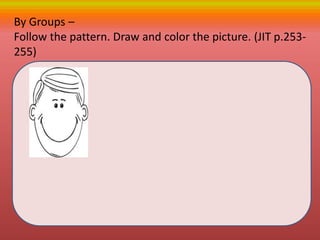
By Groups –
Follow the pattern. Draw and color the picture. (JIT p.253-
255)
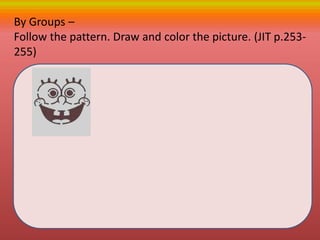
By Groups –
Follow the pattern. Draw and color the picture. (JIT p.253-
255)
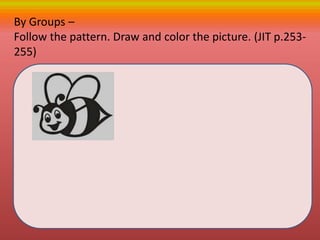
By Groups –
Follow the pattern. Draw and color the picture. (JIT p.253-
255)
By Groups –
Follow the pattern. Draw and color the picture. (JIT p.253-
255)
Create a figure according to the given
shape {page 256-257}
line. Curve and square
Create a figure according to the given
shape {page 256-257}
Circle , curve and Line
Create a figure according to the given
shape {page 256-257}
Rectangle , Circle and Line
Create a figure according to the given
shape {page 256-257}
Circle , Square and Curve
Create a figure according to the given
shape {page 256-257}
Square , Rectangle and Curve
Draw your favoriite cartoon characte
(page 256-258)
Reference
Jumpstart I.T pp. 246- 262

#5 4th gr 1-starting to draw