Special Tools
Prepared by:
Shirley P. Valera
School Year 201-2018
Grade 1- St. Clare/St. Bernadette/ St. Catherine
A. Use color, fill and other
tools that will help in
adding effects to the
drawing.
Objective
Review: Starting to Draw
1. What are the different effects that
you can add to your drawing?
2. What are the tools to use to make it
effective?
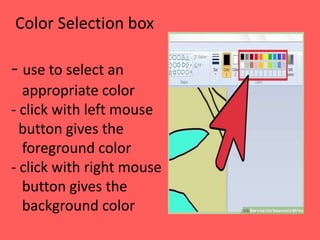
Color Selection box
- use to select an
appropriate color
- click with left mouse
button gives the
foreground color
- click with right mouse
button gives the
background color
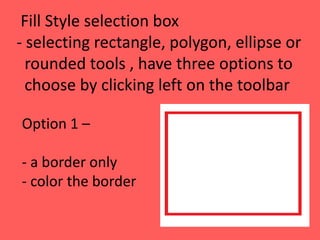
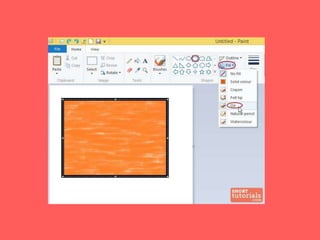
Fill Style selection box
- selecting rectangle, polygon, ellipse or
rounded tools , have three options to
choose by clicking left on the toolbar
Option 1 –
- a border only
- color the border
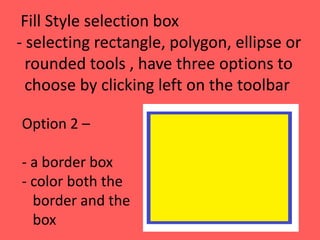
Fill Style selection box
- selecting rectangle, polygon, ellipse or
rounded tools , have three options to
choose by clicking left on the toolbar
Option 2 –
- a border box
- color both the
border and the
box
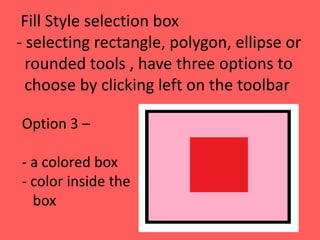
Fill Style selection box
- selecting rectangle, polygon, ellipse or
rounded tools , have three options to
choose by clicking left on the toolbar
Option 3 –
- a colored box
- color inside the
box
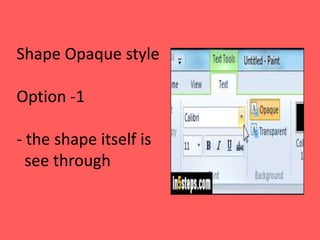
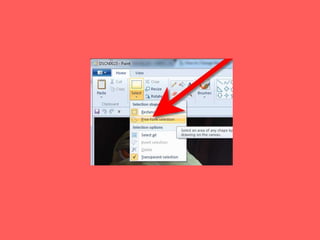
Shape Opaque style
Option -1
- the shape itself is
see through
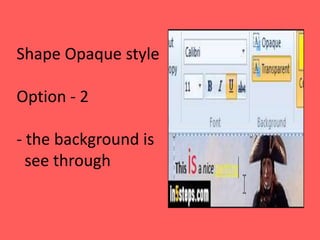
Shape Opaque style
Option - 2
- the background is
see through
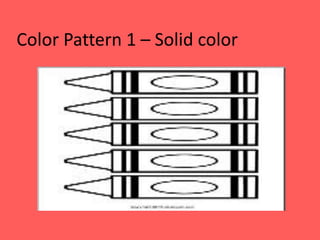
Color Pattern 1 – Solid color
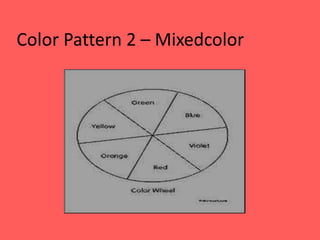
Color Pattern 2 – Mixedcolor
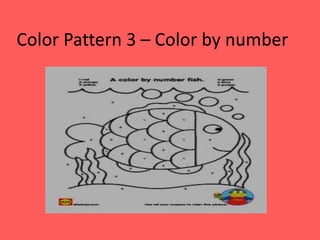
Color Pattern 3 – Color by number
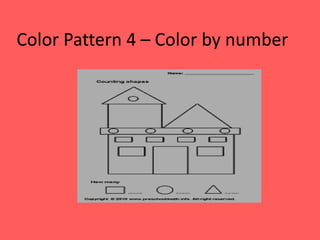
Color Pattern 4 – Color by number
Color Pattern 5 –
Color the Border only
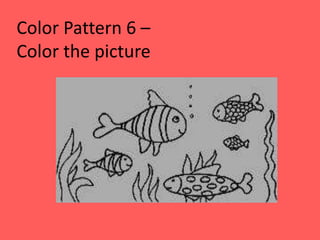
Color Pattern 6 –
Color the picture
Jumpstart I.T pp. 263- 282.
Reference

#6 4th qtr. ppt gr.1 special tools