Introduction to Computer Studies
COMP 1112
Year 1 - Semester I

Lecture 04

– Components of computer system

Rajarata University of Sri Lanka

Faculty of Social Sciences and Humanities
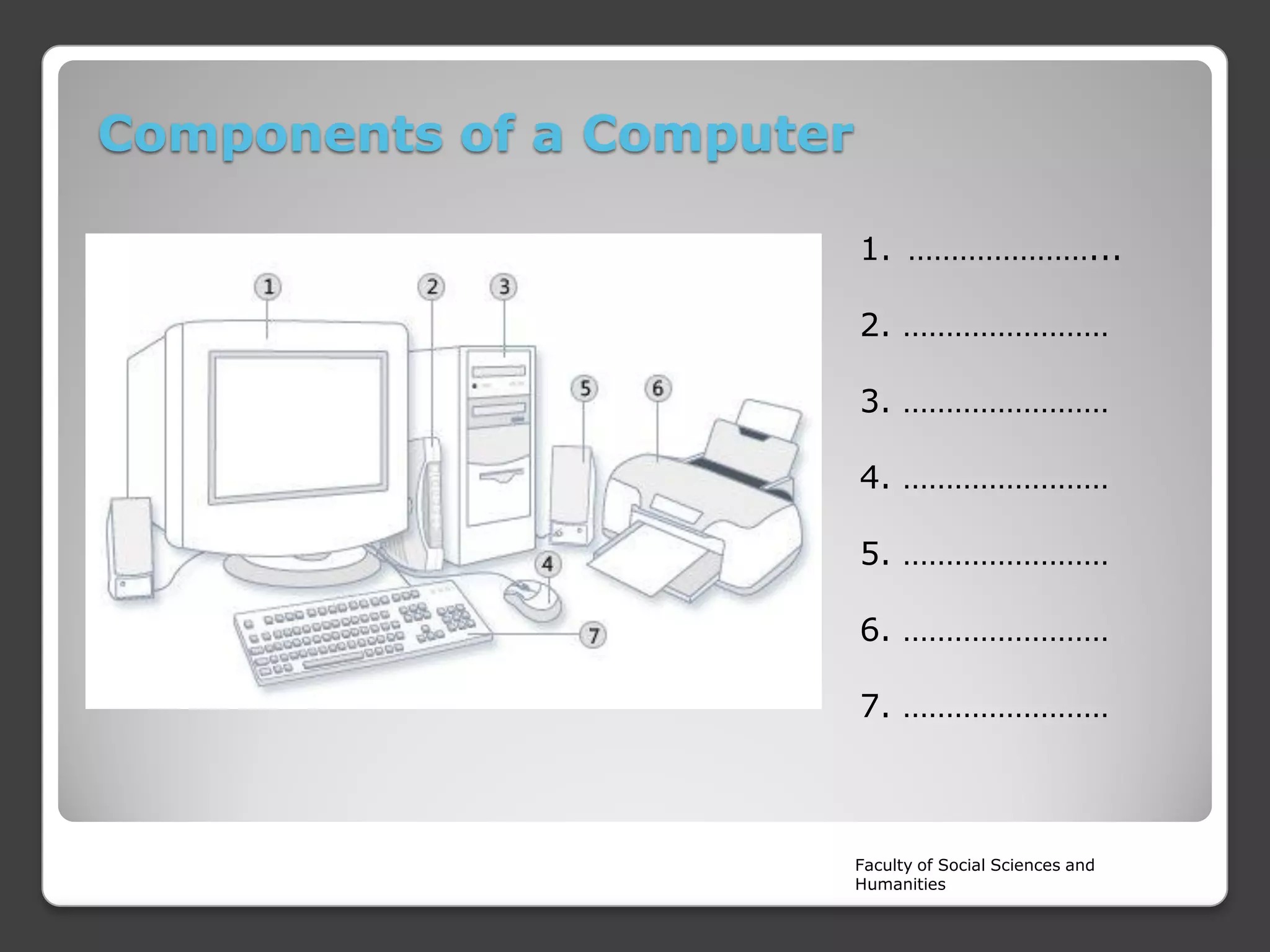
Components of a Computer
1. …………………...

2. ……………………
3. ……………………
4. ……………………
5. ……………………
6. ……………………

7. ……………………

Faculty of Social Sciences and
Humanities
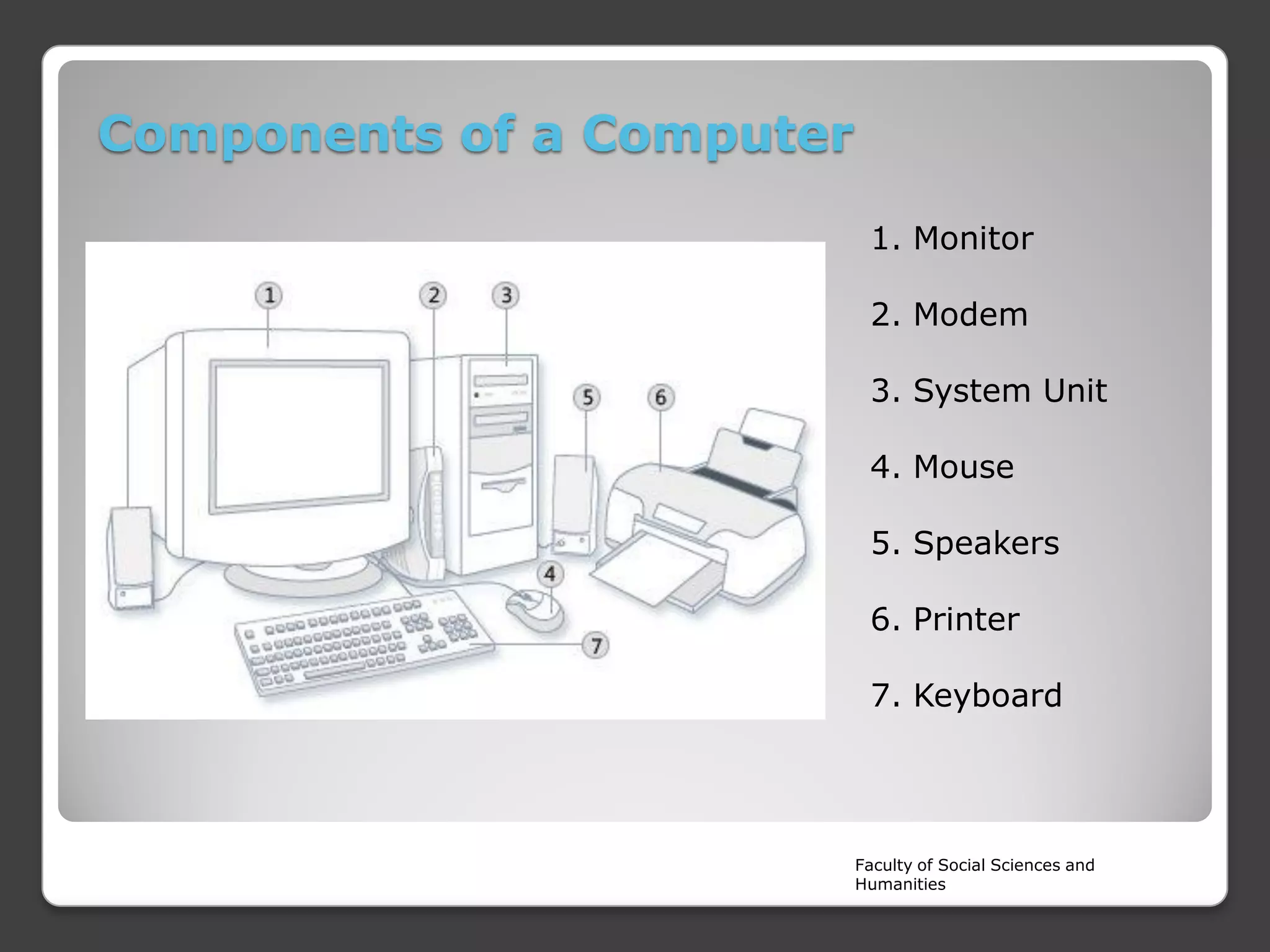
Components of a Computer
1. Monitor
2. Modem
3. System Unit
4. Mouse
5. Speakers
6. Printer

7. Keyboard

Faculty of Social Sciences and
Humanities
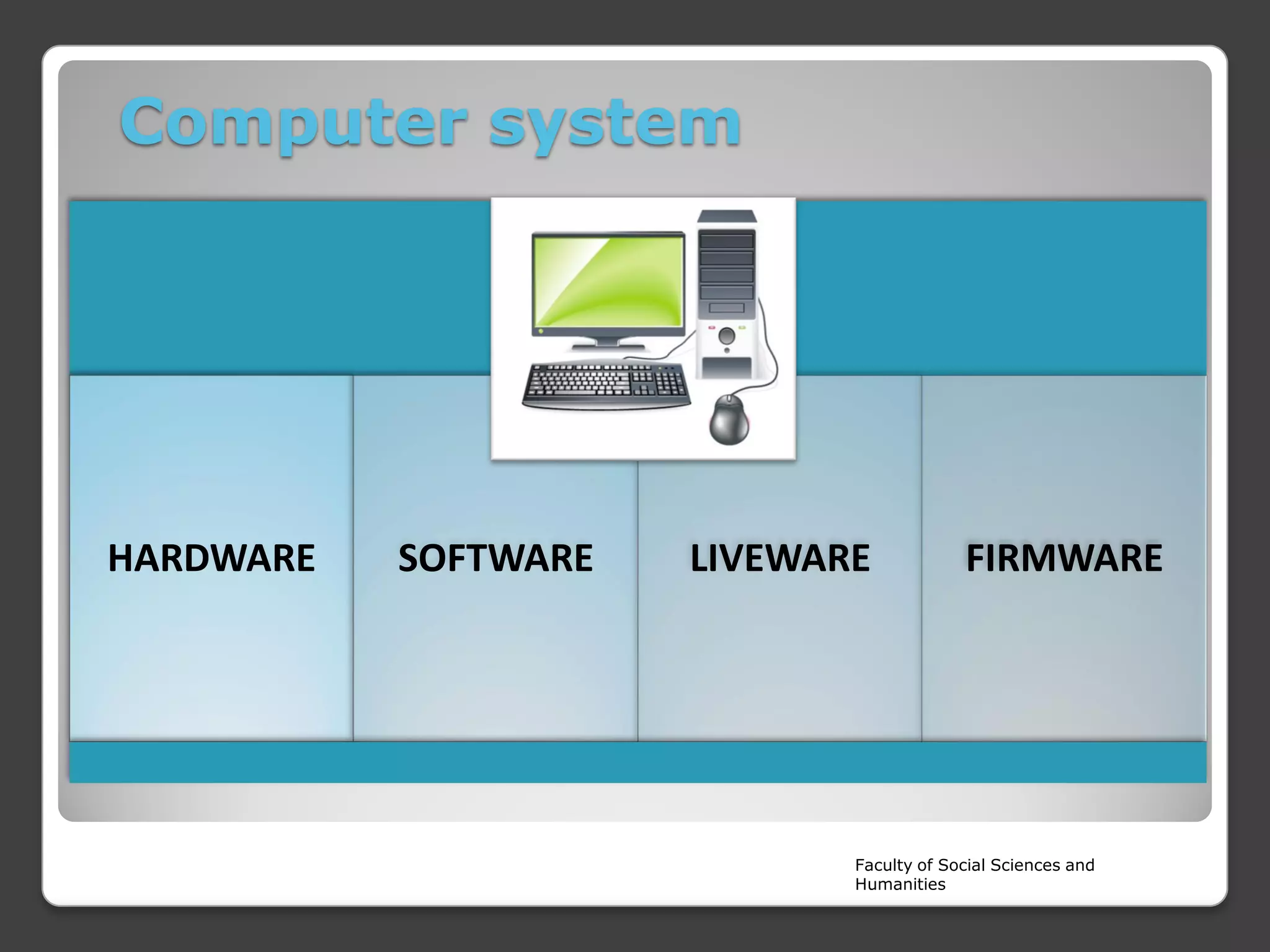
Computer system

HARDWARE

SOFTWARE

LIVEWARE

FIRMWARE

Faculty of Social Sciences and
Humanities
Hardware



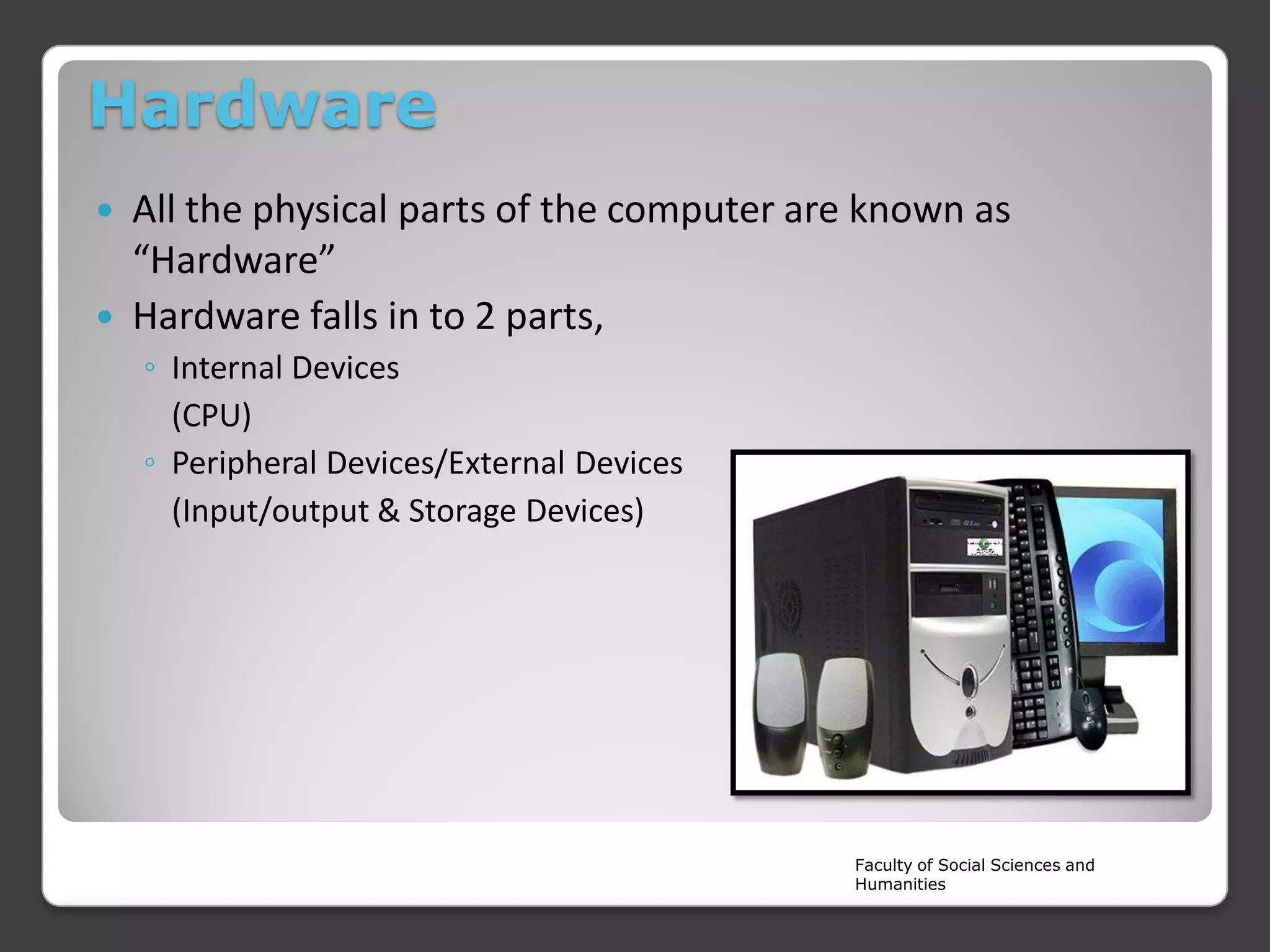
All the physical parts of the computer are known as
“Hardware”
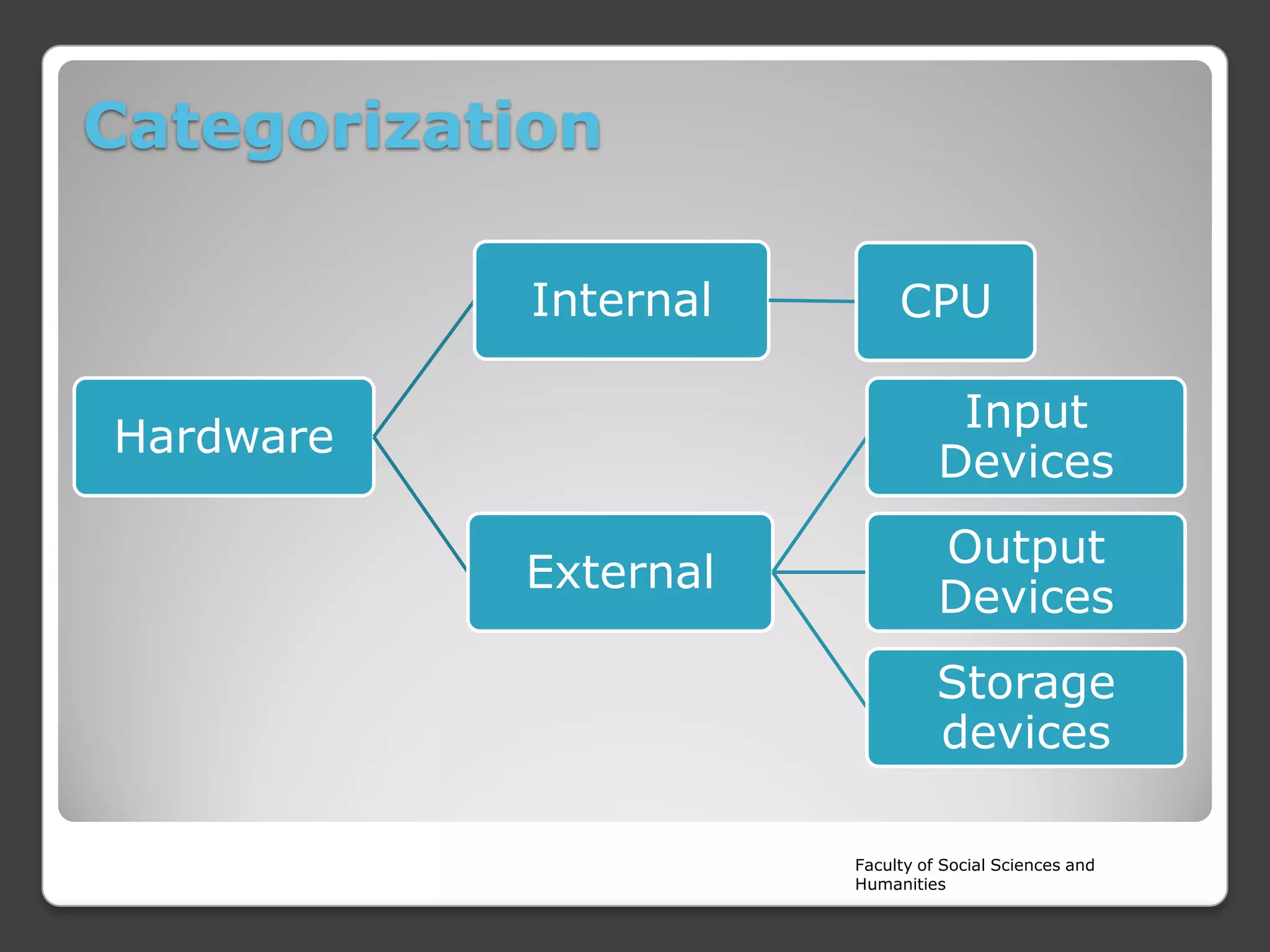
Hardware falls in to 2 parts,
◦ Internal Devices
(CPU)
◦ Peripheral Devices/External Devices
(Input/output & Storage Devices)

Faculty of Social Sciences and
Humanities
Software
Programme instructions which controls and manage the
Hardware components are called “Software”. Computer HW
depends on software instructions.
 Software can be categorized in to 2 sections


◦ System Software
◦ Application Software

Faculty of Social Sciences and
Humanities
Liveware


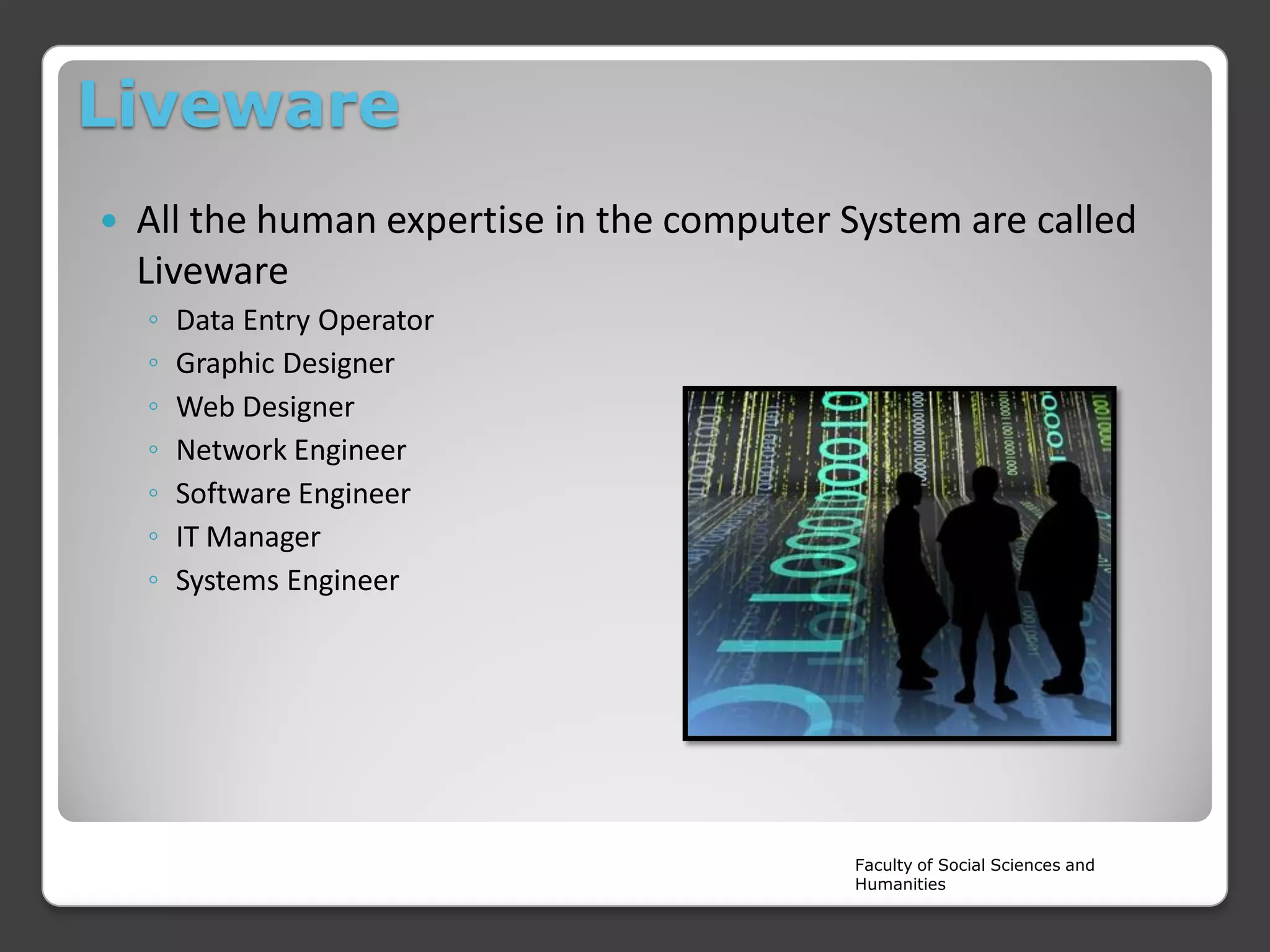
All the human expertise in the computer System are called
Liveware
◦
◦
◦
◦
◦
◦
◦

Data Entry Operator
Graphic Designer
Web Designer
Network Engineer
Software Engineer
IT Manager
Systems Engineer

Faculty of Social Sciences and
Humanities
Firmware


Special kind of programme (Software),which embedded in to
the Hardware components in order to communicate between
HW and SW.
◦ BIOS /ROM Chip
◦ Automatic Washing machine
◦ Automobiles Dashboard

Faculty of Social Sciences and
Humanities
Types of Hardware
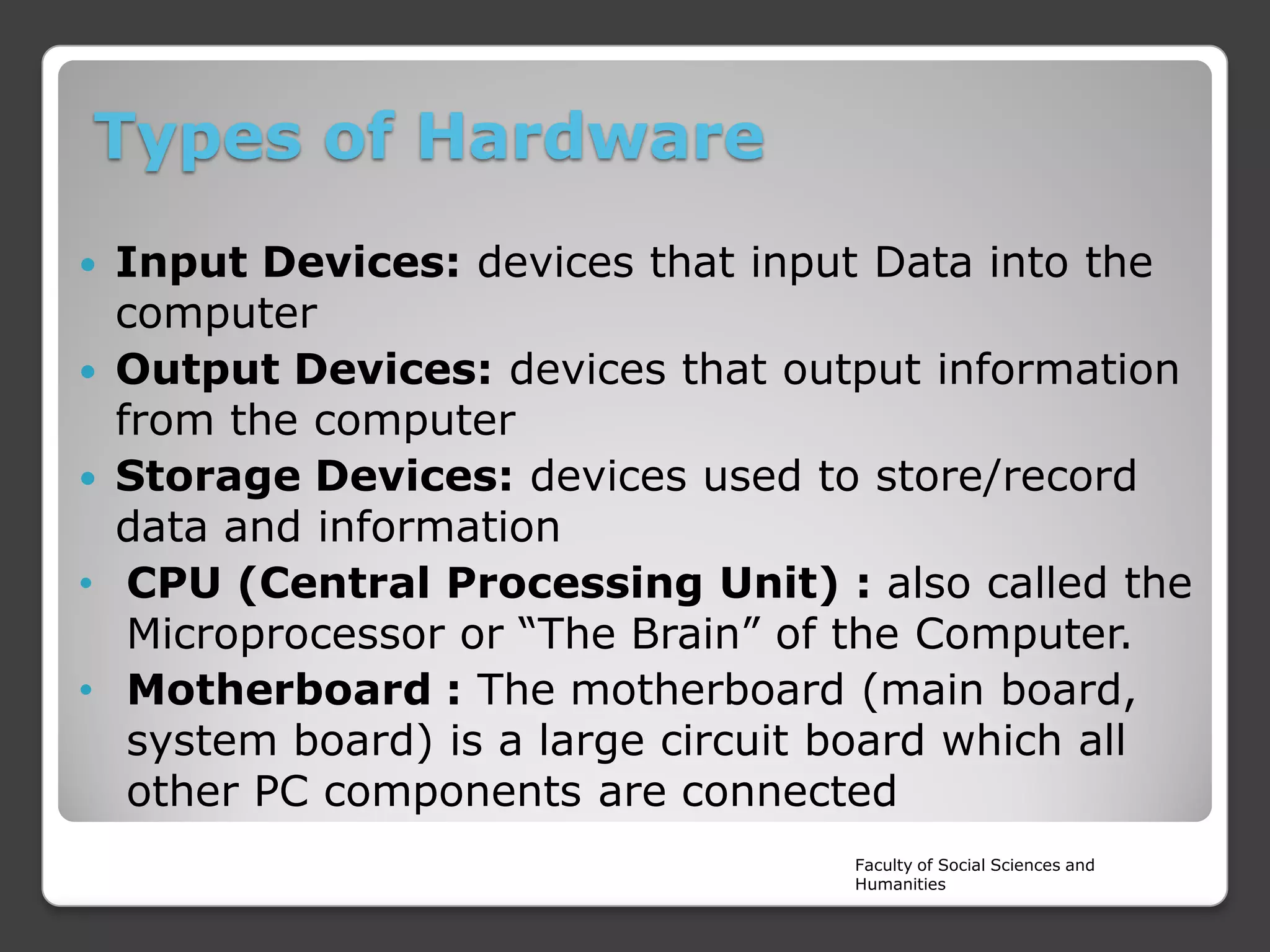
Input Devices: devices that input Data into the
computer
 Output Devices: devices that output information
from the computer
 Storage Devices: devices used to store/record
data and information
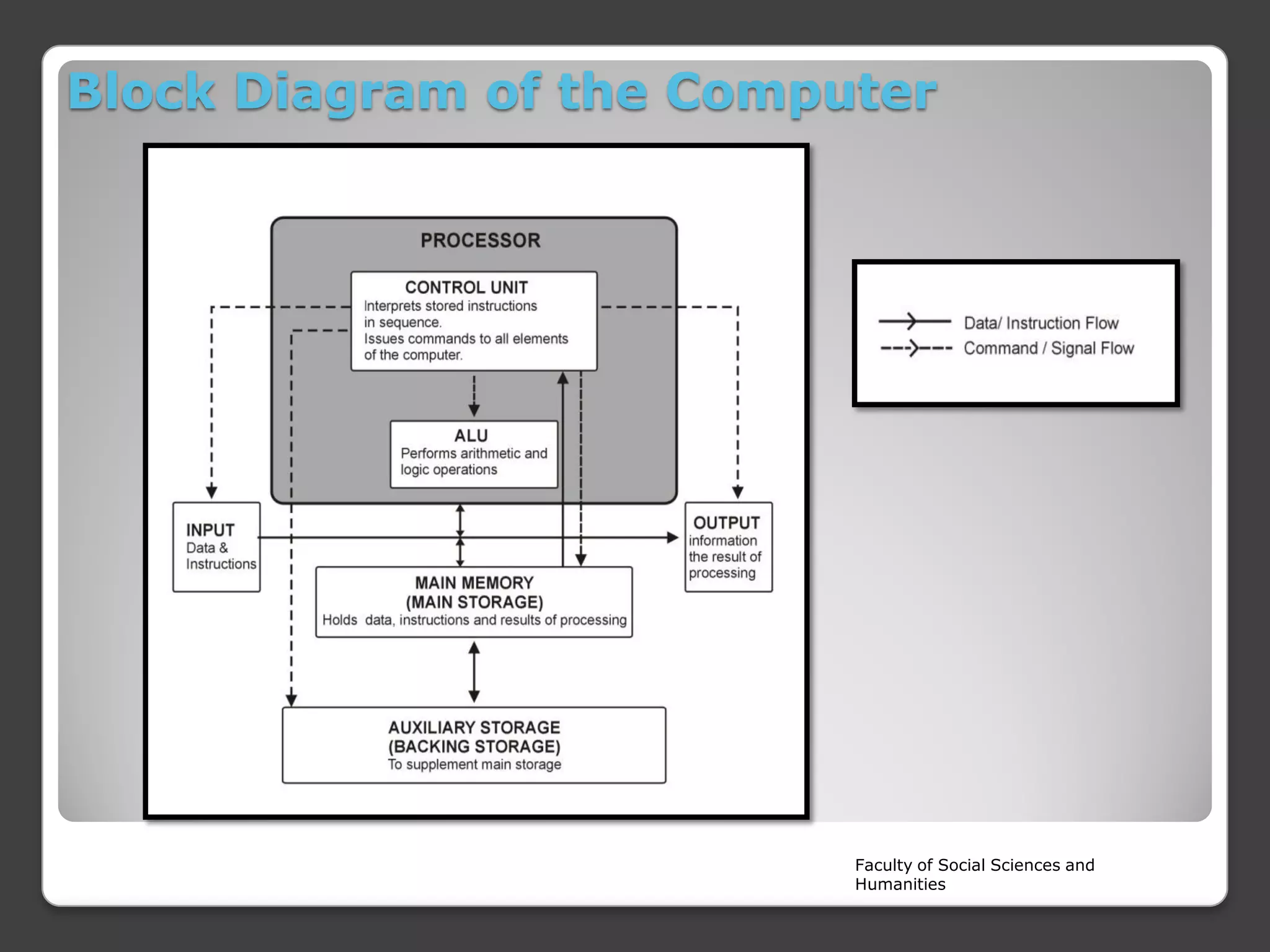
• CPU (Central Processing Unit) : also called the
Microprocessor or “The Brain” of the Computer.
• Motherboard : The motherboard (main board,
system board) is a large circuit board which all
other PC components are connected


Faculty of Social Sciences and
Humanities
Categorization
Internal

CPU

Input
Devices

Hardware
External

Output
Devices
Storage
devices
Faculty of Social Sciences and
Humanities
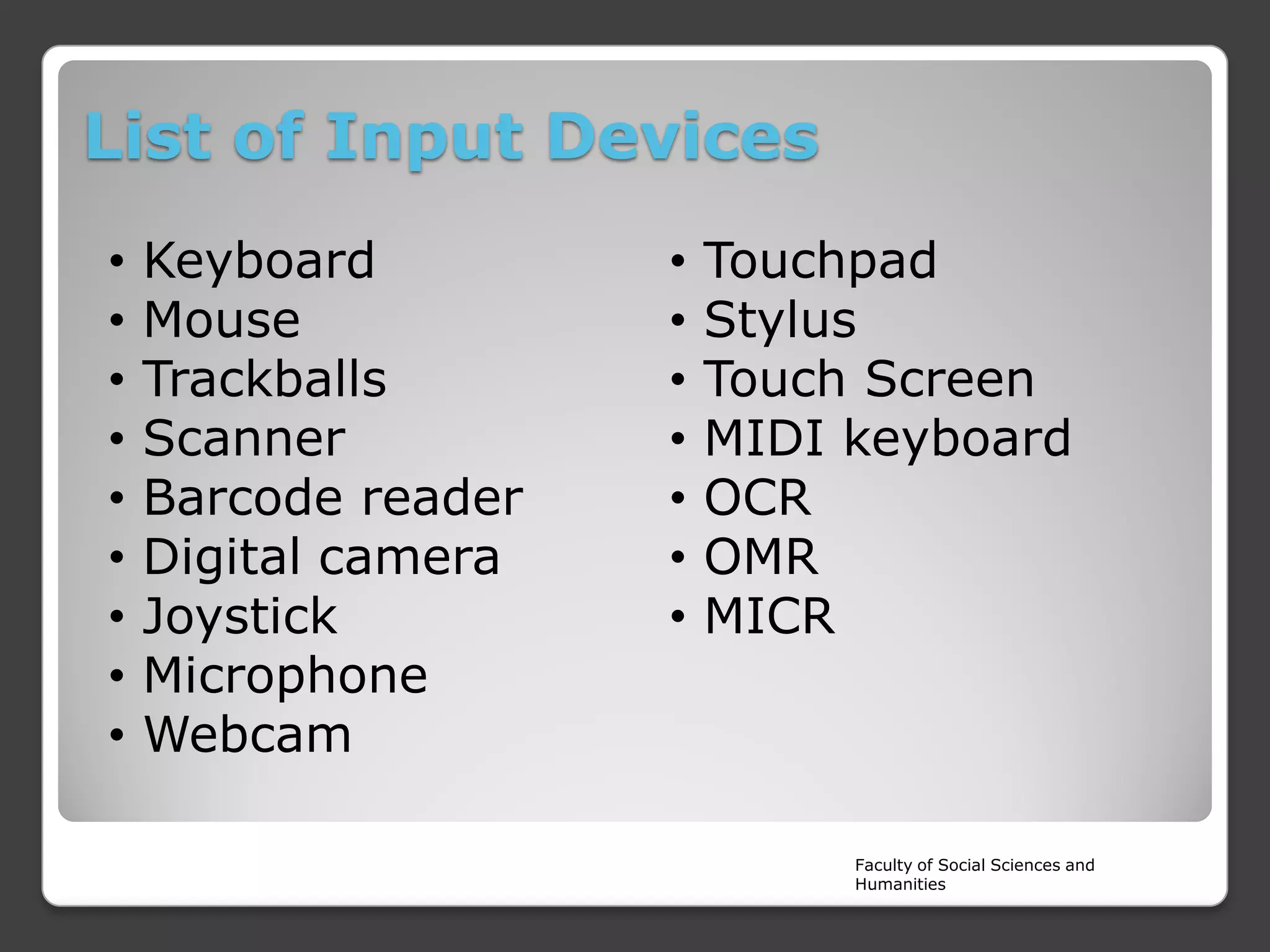
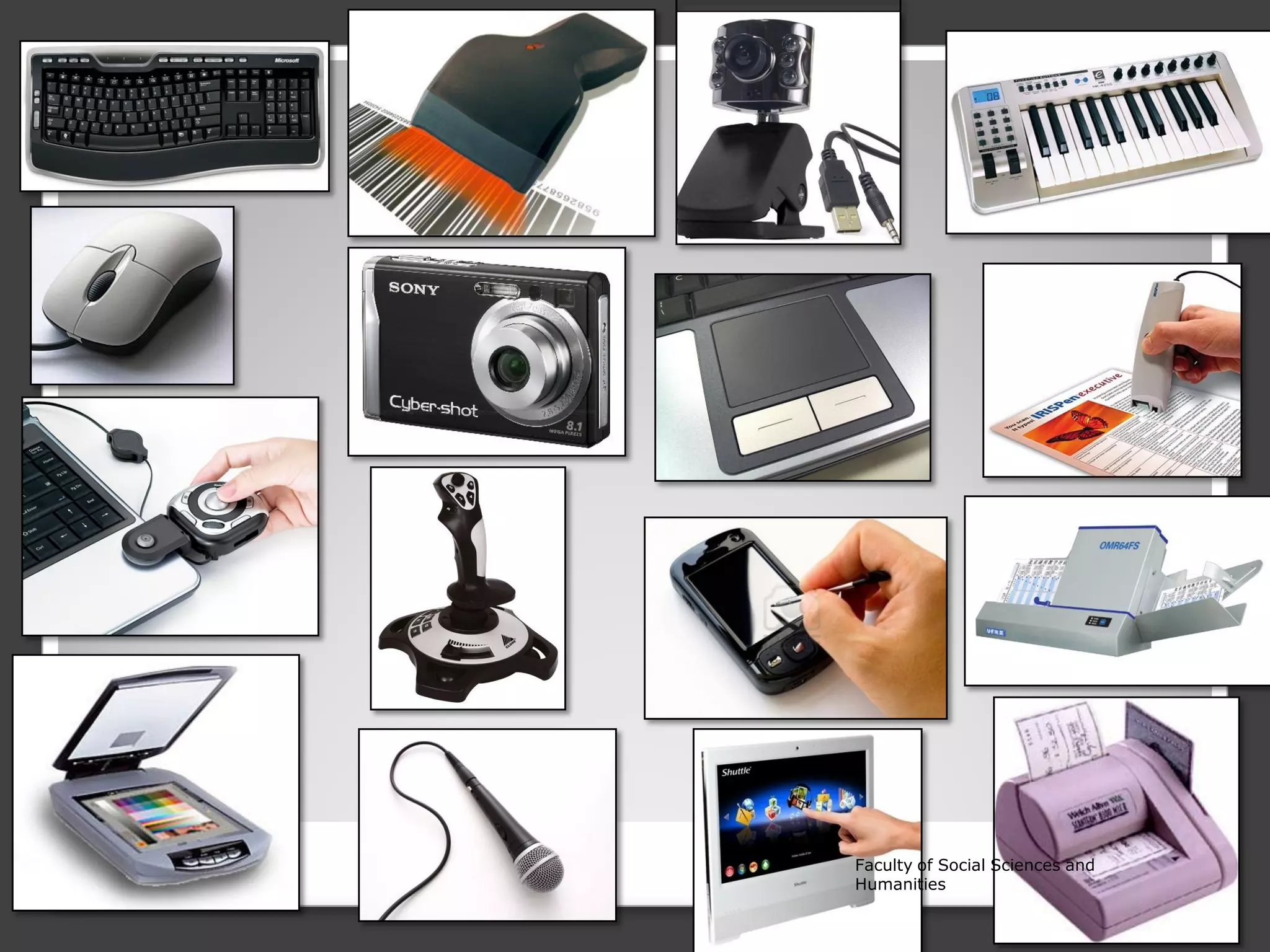
List of Input Devices
•
•
•
•
•
•
•
•
•

Keyboard
Mouse
Trackballs
Scanner
Barcode reader
Digital camera
Joystick
Microphone
Webcam

•
•
•
•
•
•
•

Touchpad
Stylus
Touch Screen
MIDI keyboard
OCR
OMR
MICR

Faculty of Social Sciences and
Humanities
Faculty of Social Sciences and
Humanities
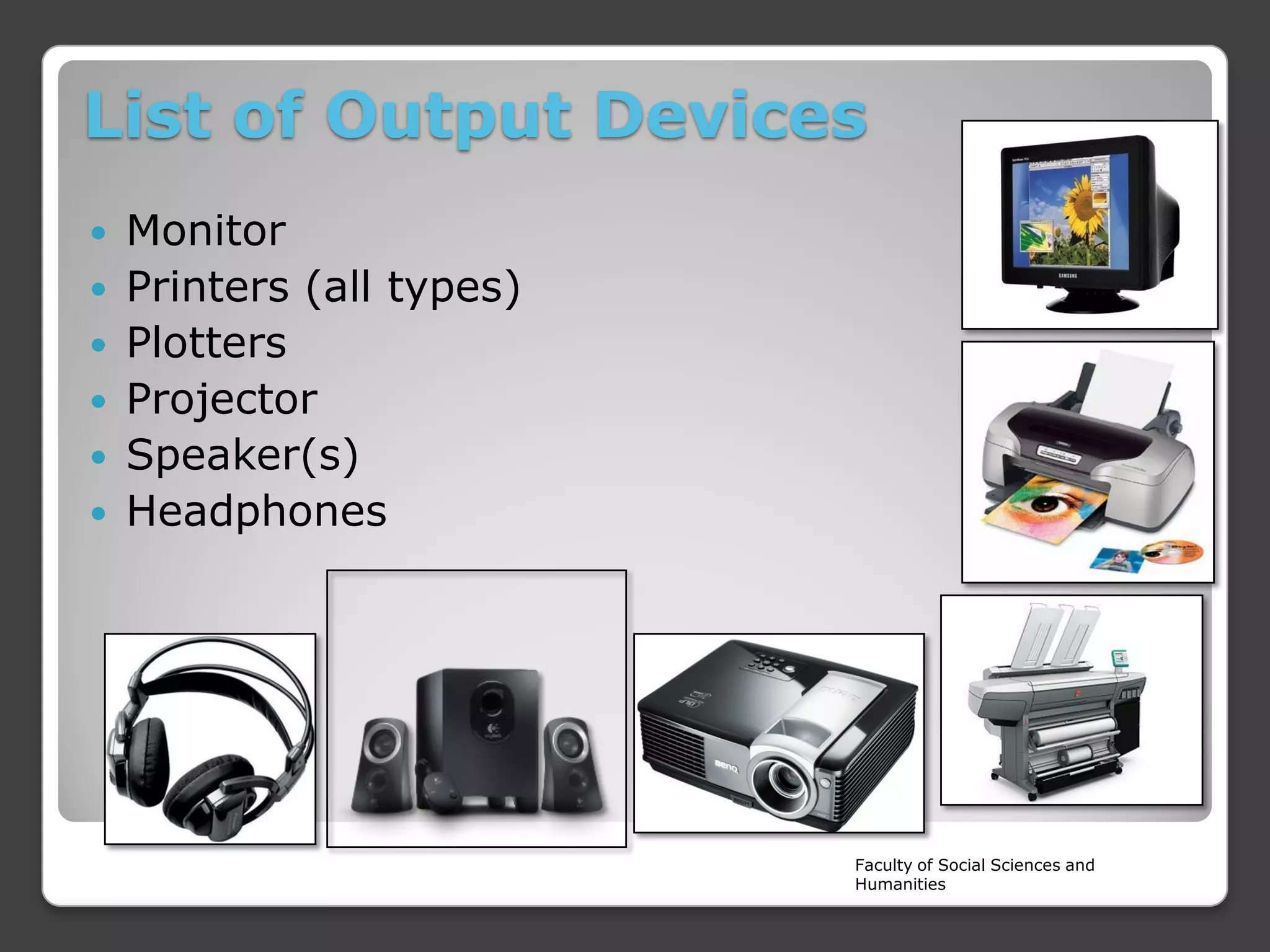
List of Output Devices
Monitor
 Printers (all types)
 Plotters
 Projector
 Speaker(s)
 Headphones


Faculty of Social Sciences and
Humanities
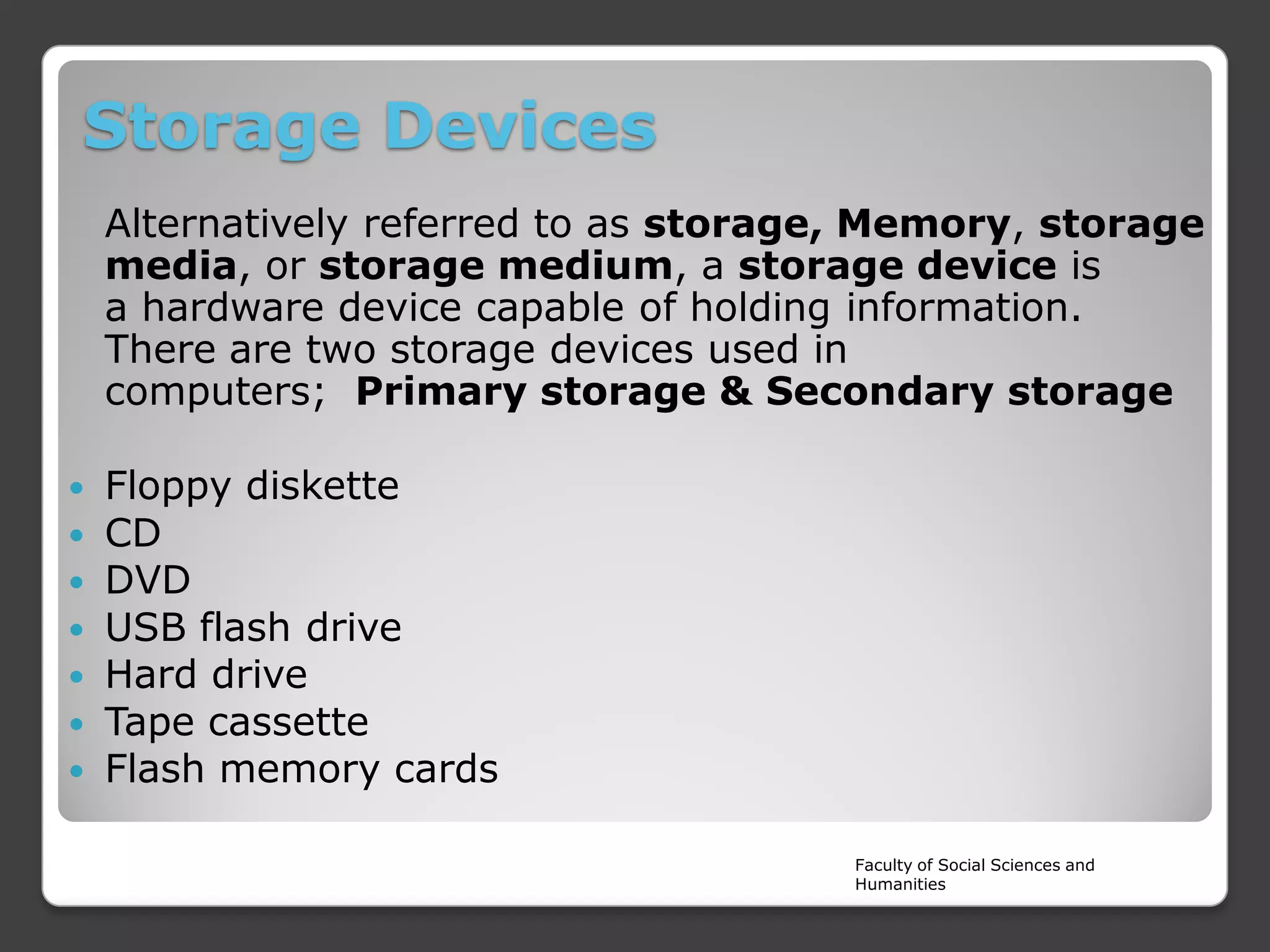
Storage Devices
Alternatively referred to as storage, Memory, storage
media, or storage medium, a storage device is
a hardware device capable of holding information.
There are two storage devices used in
computers; Primary storage & Secondary storage








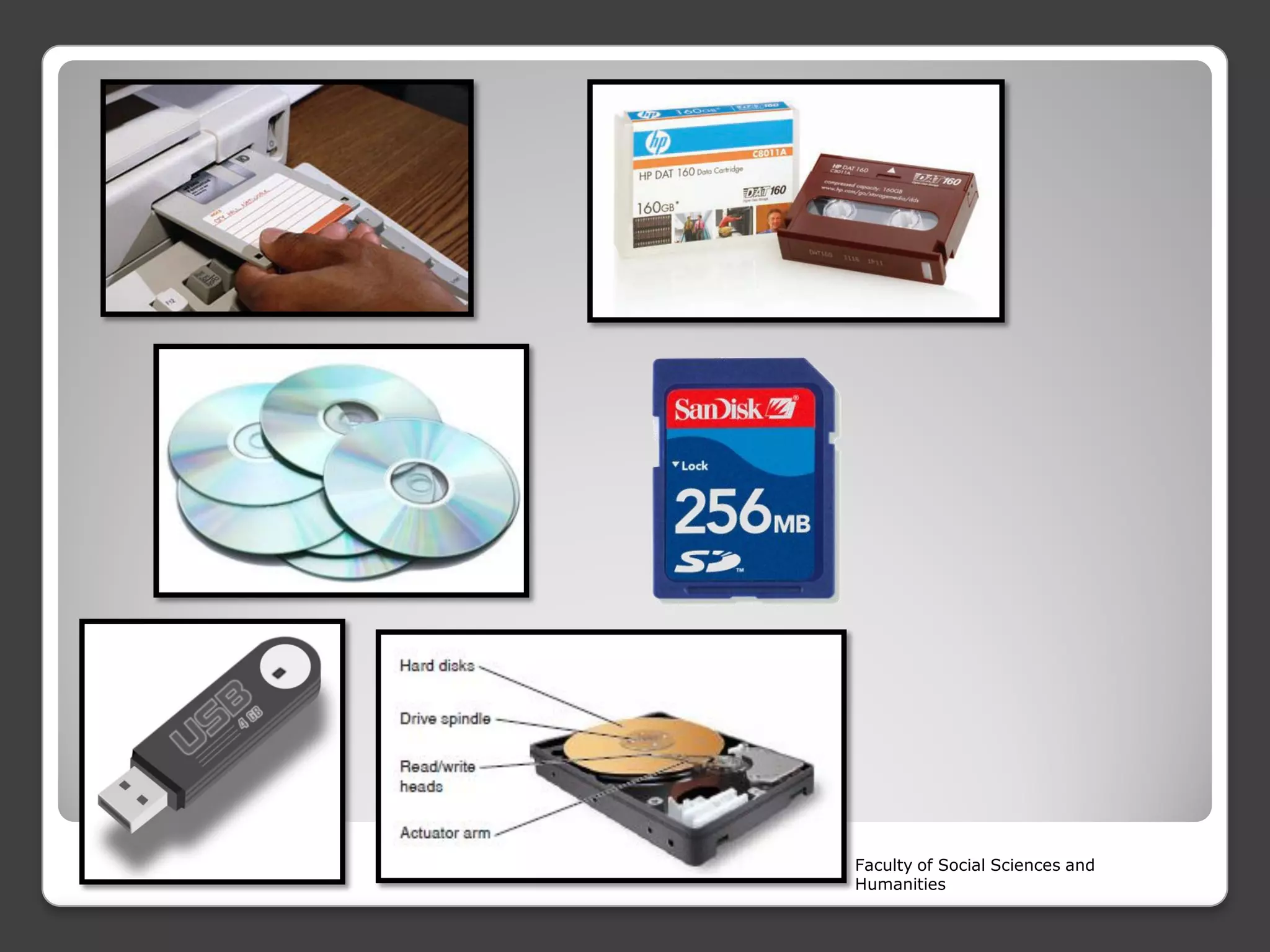
Floppy diskette
CD
DVD
USB flash drive
Hard drive
Tape cassette
Flash memory cards
Faculty of Social Sciences and
Humanities
Faculty of Social Sciences and
Humanities
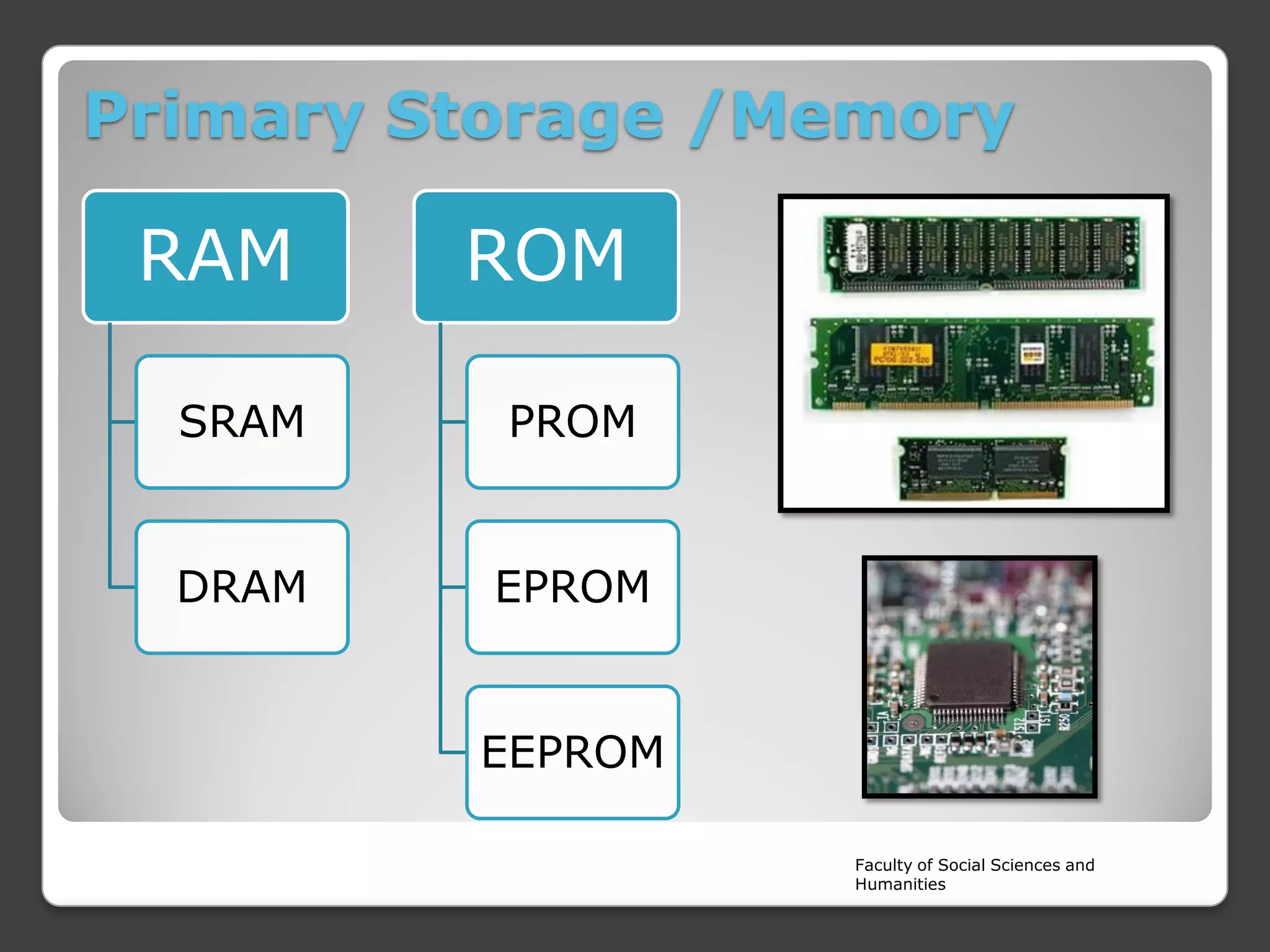
Primary Storage /Memory

RAM

ROM

SRAM

PROM

DRAM

EPROM

EEPROM
Faculty of Social Sciences and
Humanities
RAM (Random Access Memory)











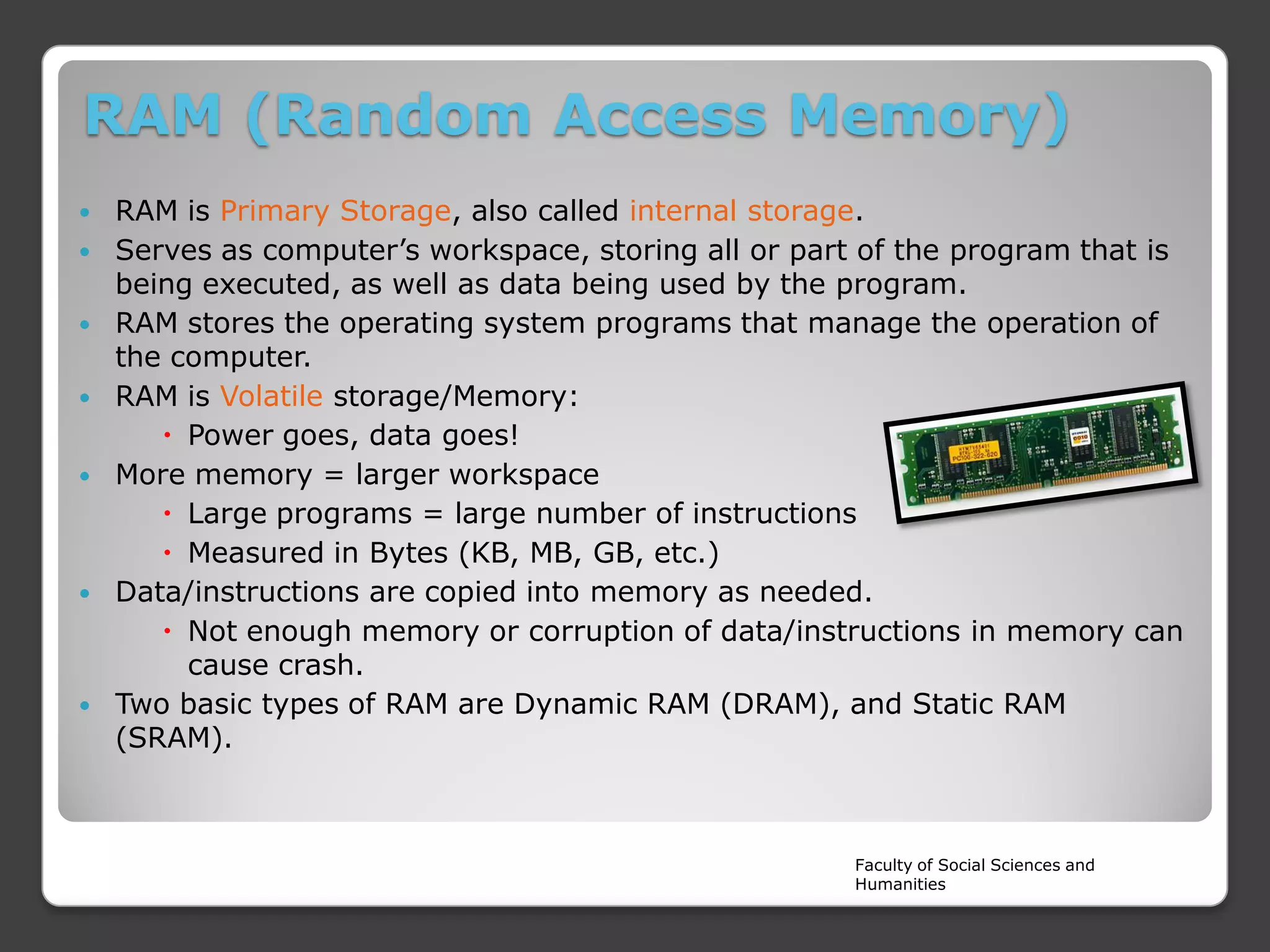
RAM is Primary Storage, also called internal storage.
Serves as computer’s workspace, storing all or part of the program that is
being executed, as well as data being used by the program.
RAM stores the operating system programs that manage the operation of
the computer.
RAM is Volatile storage/Memory:
 Power goes, data goes!
More memory = larger workspace
 Large programs = large number of instructions
 Measured in Bytes (KB, MB, GB, etc.)
Data/instructions are copied into memory as needed.
 Not enough memory or corruption of data/instructions in memory can
cause crash.
Two basic types of RAM are Dynamic RAM (DRAM), and Static RAM
(SRAM).

Faculty of Social Sciences and
Humanities
ROM (Read Only Memory)
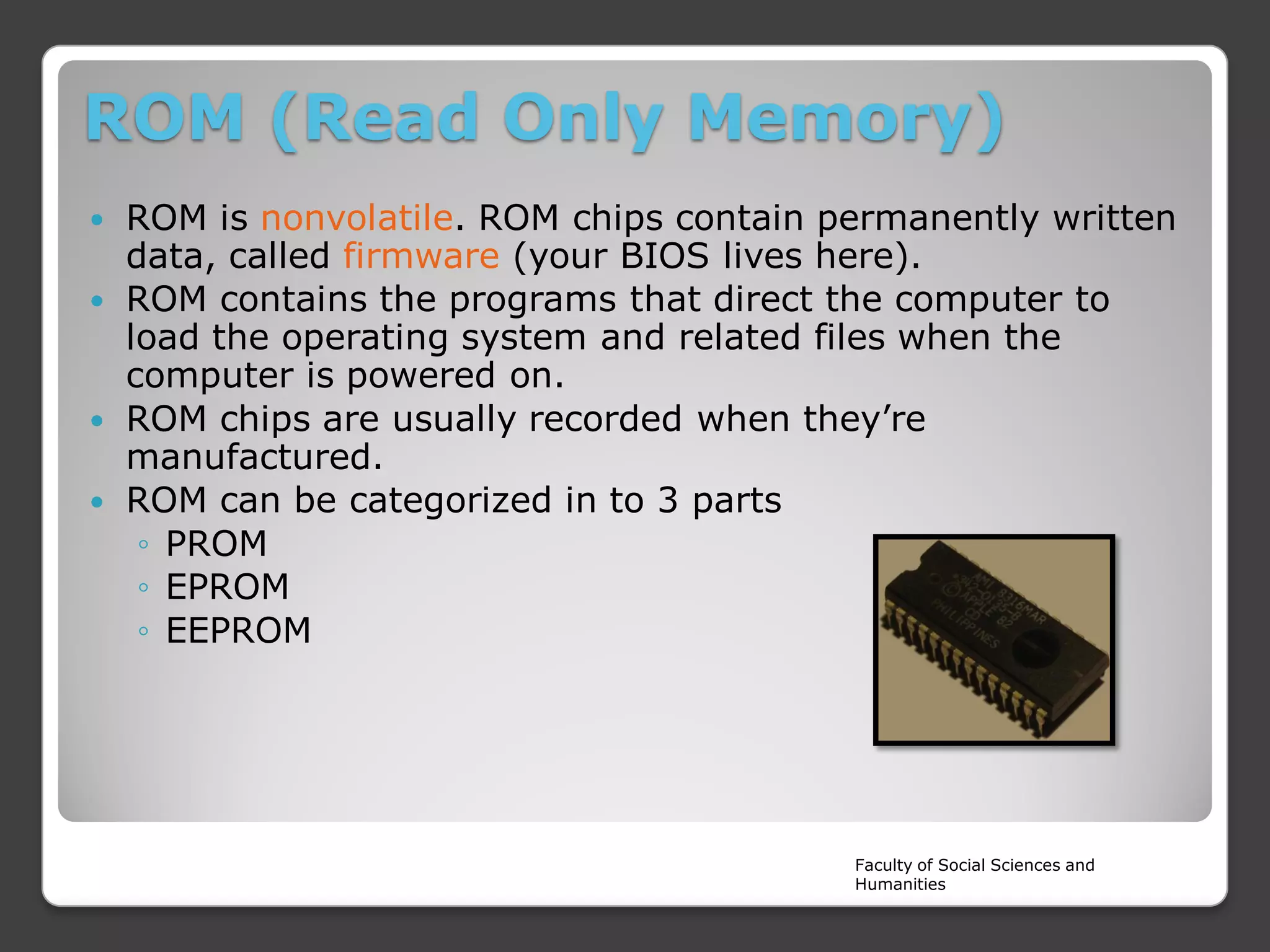
ROM is nonvolatile. ROM chips contain permanently written
data, called firmware (your BIOS lives here).
 ROM contains the programs that direct the computer to
load the operating system and related files when the
computer is powered on.
 ROM chips are usually recorded when they’re
manufactured.
 ROM can be categorized in to 3 parts
◦ PROM
◦ EPROM
◦ EEPROM


Faculty of Social Sciences and
Humanities
Comparison RAM Vs ROM
RAM

ROM

Faculty of Social Sciences and
Humanities
CPU (Central Processing Unit)









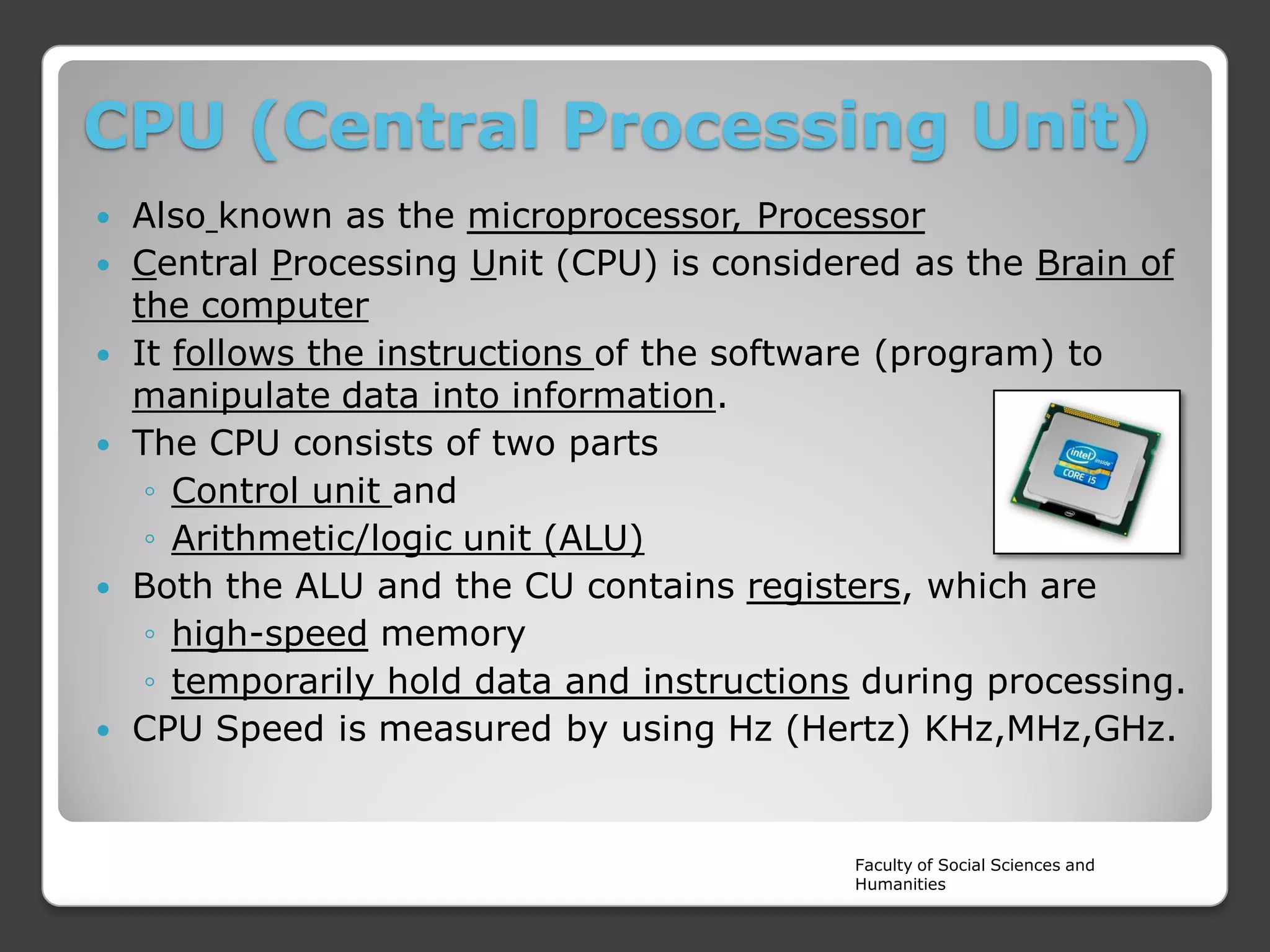
Also known as the microprocessor, Processor
Central Processing Unit (CPU) is considered as the Brain of
the computer
It follows the instructions of the software (program) to
manipulate data into information.
The CPU consists of two parts
◦ Control unit and
◦ Arithmetic/logic unit (ALU)
Both the ALU and the CU contains registers, which are
◦ high-speed memory
◦ temporarily hold data and instructions during processing.
CPU Speed is measured by using Hz (Hertz) KHz,MHz,GHz.

Faculty of Social Sciences and
Humanities
Motherboard

Faculty of Social Sciences and
Humanities
Block Diagram of the Computer

Faculty of Social Sciences and
Humanities
 Questions

??????

Faculty of Social Sciences and
Humanities

Computer System Basics

  • 1.
    Introduction to ComputerStudies COMP 1112 Year 1 - Semester I Lecture 04 – Components of computer system Rajarata University of Sri Lanka Faculty of Social Sciences and Humanities
  • 2.
    Components of aComputer 1. …………………... 2. …………………… 3. …………………… 4. …………………… 5. …………………… 6. …………………… 7. …………………… Faculty of Social Sciences and Humanities
  • 3.
    Components of aComputer 1. Monitor 2. Modem 3. System Unit 4. Mouse 5. Speakers 6. Printer 7. Keyboard Faculty of Social Sciences and Humanities
  • 4.
  • 5.
    Hardware   All the physicalparts of the computer are known as “Hardware” Hardware falls in to 2 parts, ◦ Internal Devices (CPU) ◦ Peripheral Devices/External Devices (Input/output & Storage Devices) Faculty of Social Sciences and Humanities
  • 6.
    Software Programme instructions whichcontrols and manage the Hardware components are called “Software”. Computer HW depends on software instructions.  Software can be categorized in to 2 sections  ◦ System Software ◦ Application Software Faculty of Social Sciences and Humanities
  • 7.
    Liveware  All the humanexpertise in the computer System are called Liveware ◦ ◦ ◦ ◦ ◦ ◦ ◦ Data Entry Operator Graphic Designer Web Designer Network Engineer Software Engineer IT Manager Systems Engineer Faculty of Social Sciences and Humanities
  • 8.
    Firmware  Special kind ofprogramme (Software),which embedded in to the Hardware components in order to communicate between HW and SW. ◦ BIOS /ROM Chip ◦ Automatic Washing machine ◦ Automobiles Dashboard Faculty of Social Sciences and Humanities
  • 9.
    Types of Hardware InputDevices: devices that input Data into the computer  Output Devices: devices that output information from the computer  Storage Devices: devices used to store/record data and information • CPU (Central Processing Unit) : also called the Microprocessor or “The Brain” of the Computer. • Motherboard : The motherboard (main board, system board) is a large circuit board which all other PC components are connected  Faculty of Social Sciences and Humanities
  • 10.
  • 11.
    List of InputDevices • • • • • • • • • Keyboard Mouse Trackballs Scanner Barcode reader Digital camera Joystick Microphone Webcam • • • • • • • Touchpad Stylus Touch Screen MIDI keyboard OCR OMR MICR Faculty of Social Sciences and Humanities
  • 12.
    Faculty of SocialSciences and Humanities
  • 13.
    List of OutputDevices Monitor  Printers (all types)  Plotters  Projector  Speaker(s)  Headphones  Faculty of Social Sciences and Humanities
  • 14.
    Storage Devices Alternatively referredto as storage, Memory, storage media, or storage medium, a storage device is a hardware device capable of holding information. There are two storage devices used in computers; Primary storage & Secondary storage        Floppy diskette CD DVD USB flash drive Hard drive Tape cassette Flash memory cards Faculty of Social Sciences and Humanities
  • 15.
    Faculty of SocialSciences and Humanities
  • 16.
  • 17.
    RAM (Random AccessMemory)        RAM is Primary Storage, also called internal storage. Serves as computer’s workspace, storing all or part of the program that is being executed, as well as data being used by the program. RAM stores the operating system programs that manage the operation of the computer. RAM is Volatile storage/Memory:  Power goes, data goes! More memory = larger workspace  Large programs = large number of instructions  Measured in Bytes (KB, MB, GB, etc.) Data/instructions are copied into memory as needed.  Not enough memory or corruption of data/instructions in memory can cause crash. Two basic types of RAM are Dynamic RAM (DRAM), and Static RAM (SRAM). Faculty of Social Sciences and Humanities
  • 18.
    ROM (Read OnlyMemory) ROM is nonvolatile. ROM chips contain permanently written data, called firmware (your BIOS lives here).  ROM contains the programs that direct the computer to load the operating system and related files when the computer is powered on.  ROM chips are usually recorded when they’re manufactured.  ROM can be categorized in to 3 parts ◦ PROM ◦ EPROM ◦ EEPROM  Faculty of Social Sciences and Humanities
  • 19.
    Comparison RAM VsROM RAM ROM Faculty of Social Sciences and Humanities
  • 20.
    CPU (Central ProcessingUnit)       Also known as the microprocessor, Processor Central Processing Unit (CPU) is considered as the Brain of the computer It follows the instructions of the software (program) to manipulate data into information. The CPU consists of two parts ◦ Control unit and ◦ Arithmetic/logic unit (ALU) Both the ALU and the CU contains registers, which are ◦ high-speed memory ◦ temporarily hold data and instructions during processing. CPU Speed is measured by using Hz (Hertz) KHz,MHz,GHz. Faculty of Social Sciences and Humanities
  • 21.
    Motherboard Faculty of SocialSciences and Humanities
  • 22.
    Block Diagram ofthe Computer Faculty of Social Sciences and Humanities
  • 23.
     Questions ?????? Faculty ofSocial Sciences and Humanities