Introduction to Multimedia
Chapter 2 Multimedia Technology
Introduction to Multimedia
Part 1: Computer Hardware
2.1
Computer
Hardware
There are FIVE major factors for a
computer to be powerful:
Speed
Reliability
Accuracy
Storage
Communication
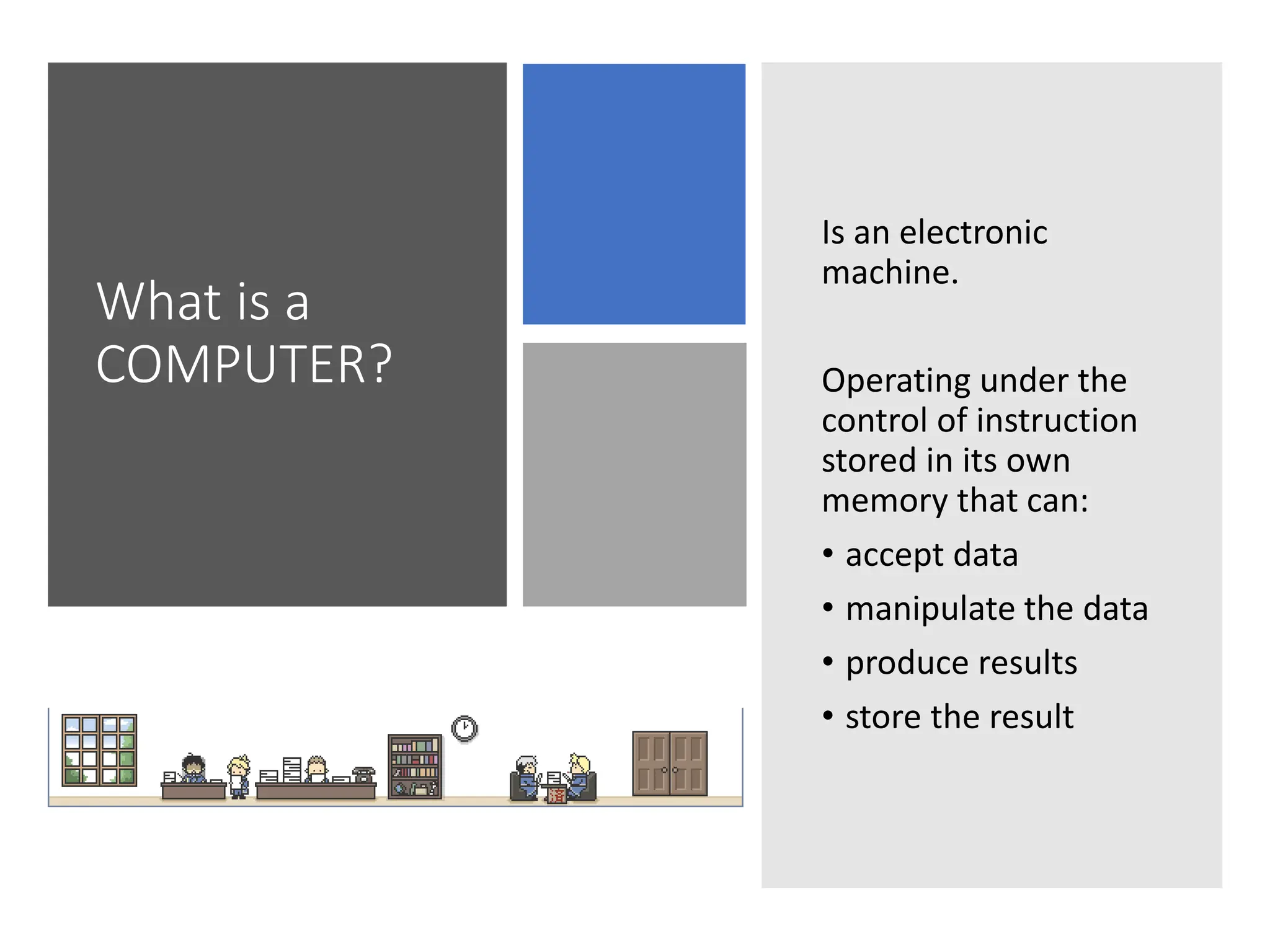
What is a
COMPUTER?
Is an electronic
machine.
Operating under the
control of instruction
stored in its own
memory that can:
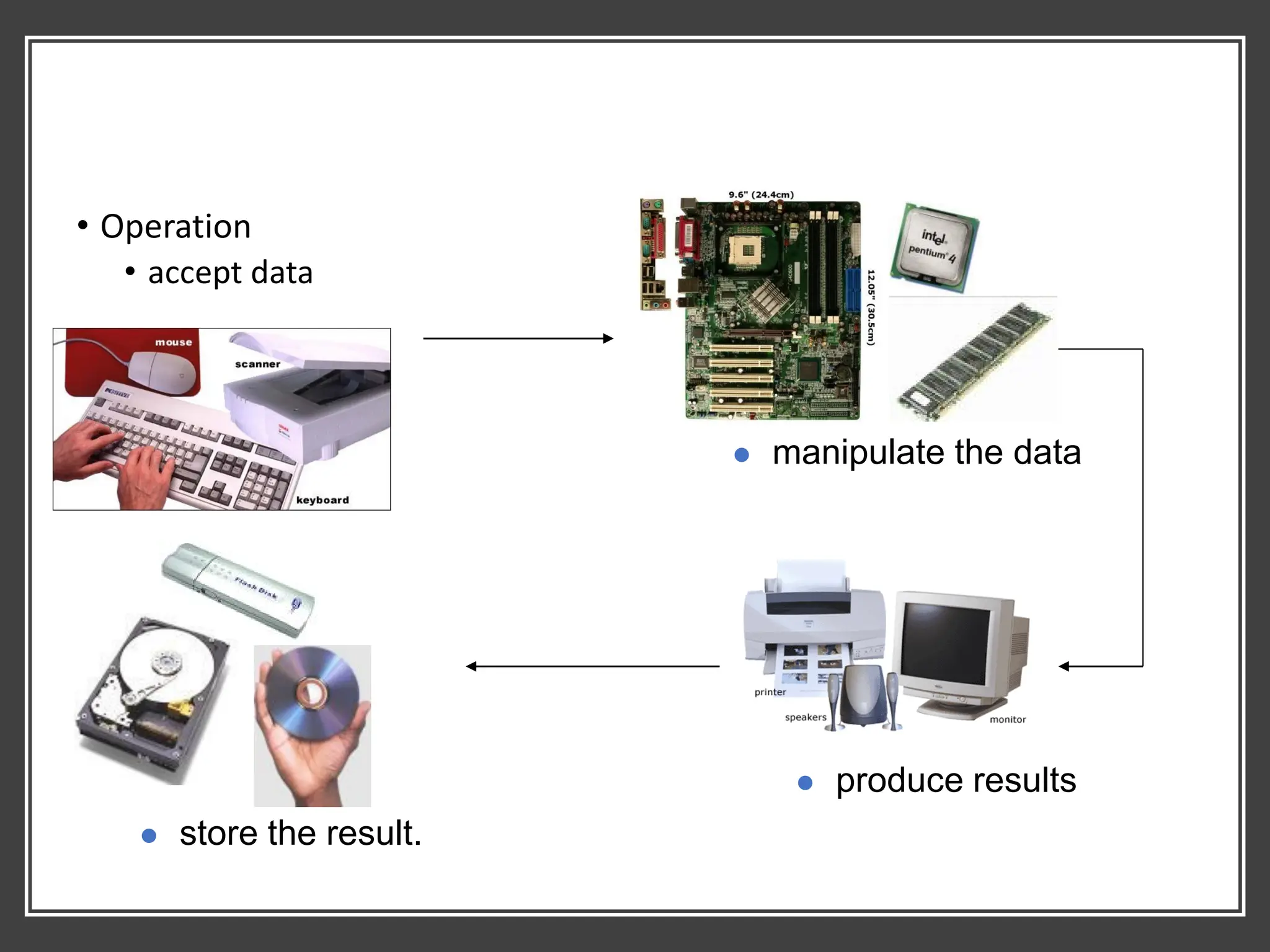
• accept data
• manipulate the data
• produce results
• store the result
• Operation
• accept data
⚫ manipulate the data
⚫ produce results
⚫ store the result.
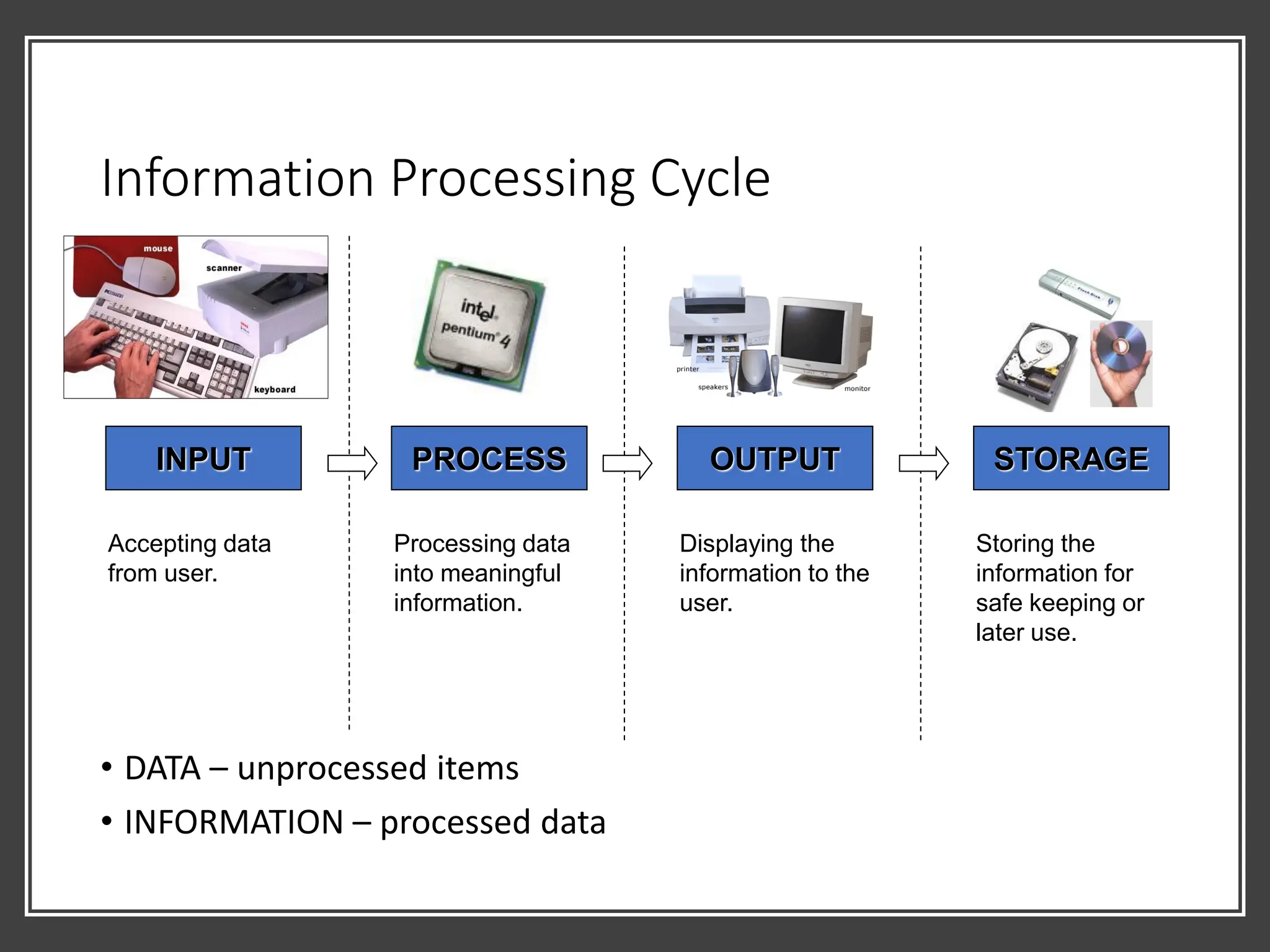
Information Processing Cycle
• DATA – unprocessed items
• INFORMATION – processed data
INPUT PROCESS OUTPUT STORAGE
Accepting data
from user.
Processing data
into meaningful
information.
Displaying the
information to the
user.
Storing the
information for
safe keeping or
later use.
Computer Component
Major Component of a Computer:
• Hardware
• The electric, electronic and mechanical equipment that make up a
computer.
• Software
• The series of instructions that tells the hardware how to perform
tasks.
Part 1: Computer Hardware
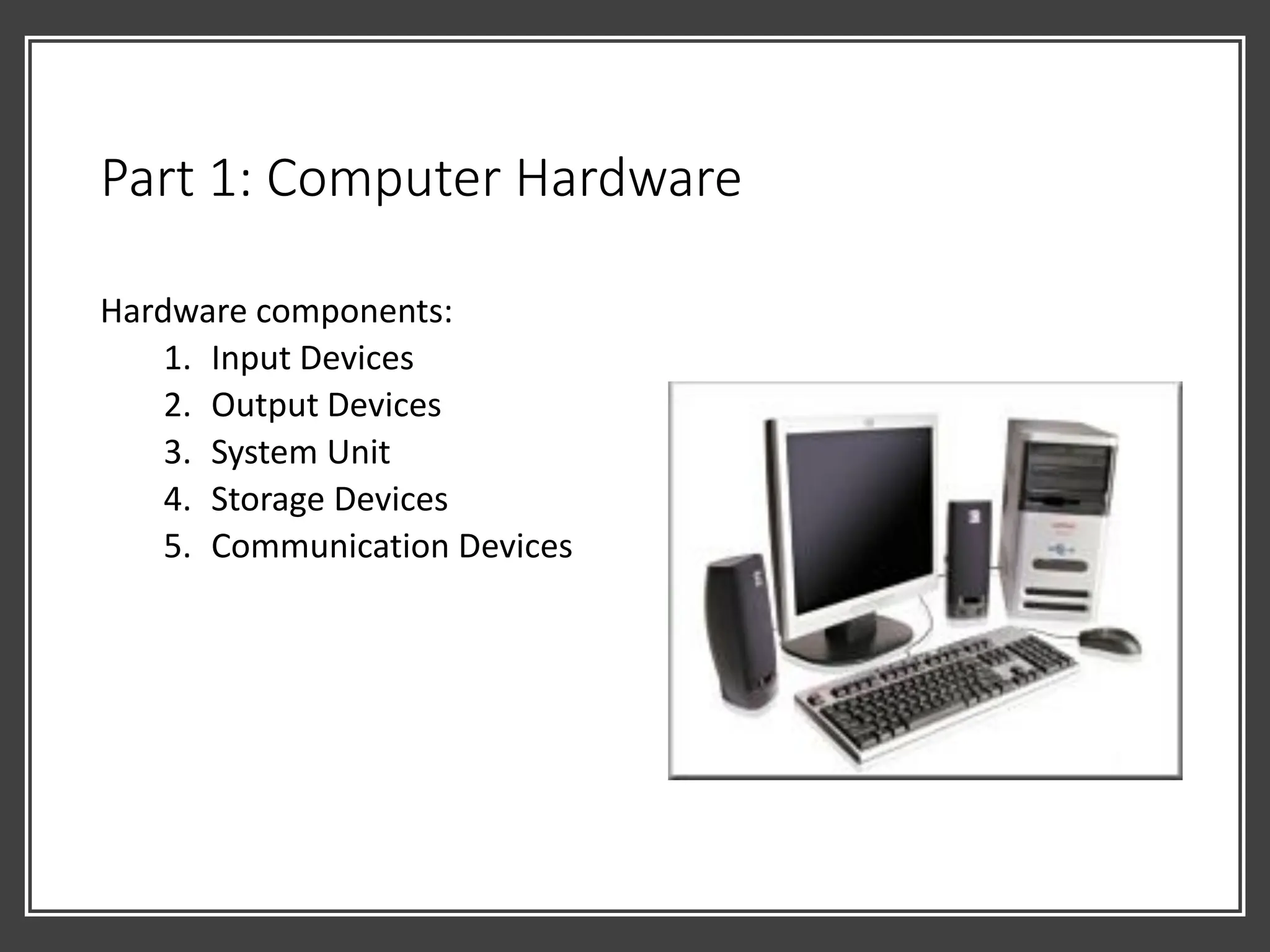
Hardware components:
1. Input Devices
2. Output Devices
3. System Unit
4. Storage Devices
5. Communication Devices
1. Input Devices
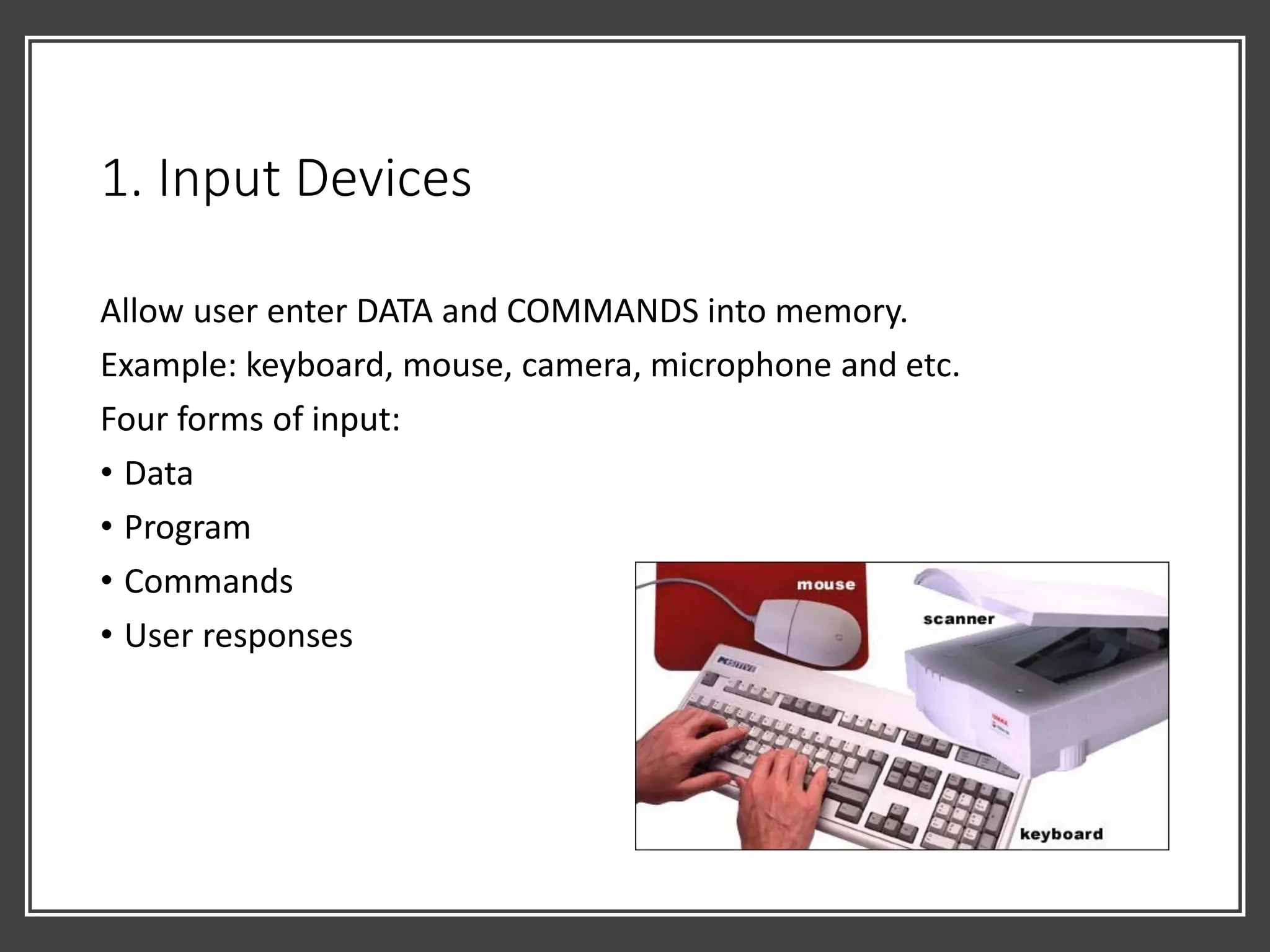
Allow user enter DATA and COMMANDS into memory.
Example: keyboard, mouse, camera, microphone and etc.
Four forms of input:
• Data
• Program
• Commands
• User responses
2. Output Devices
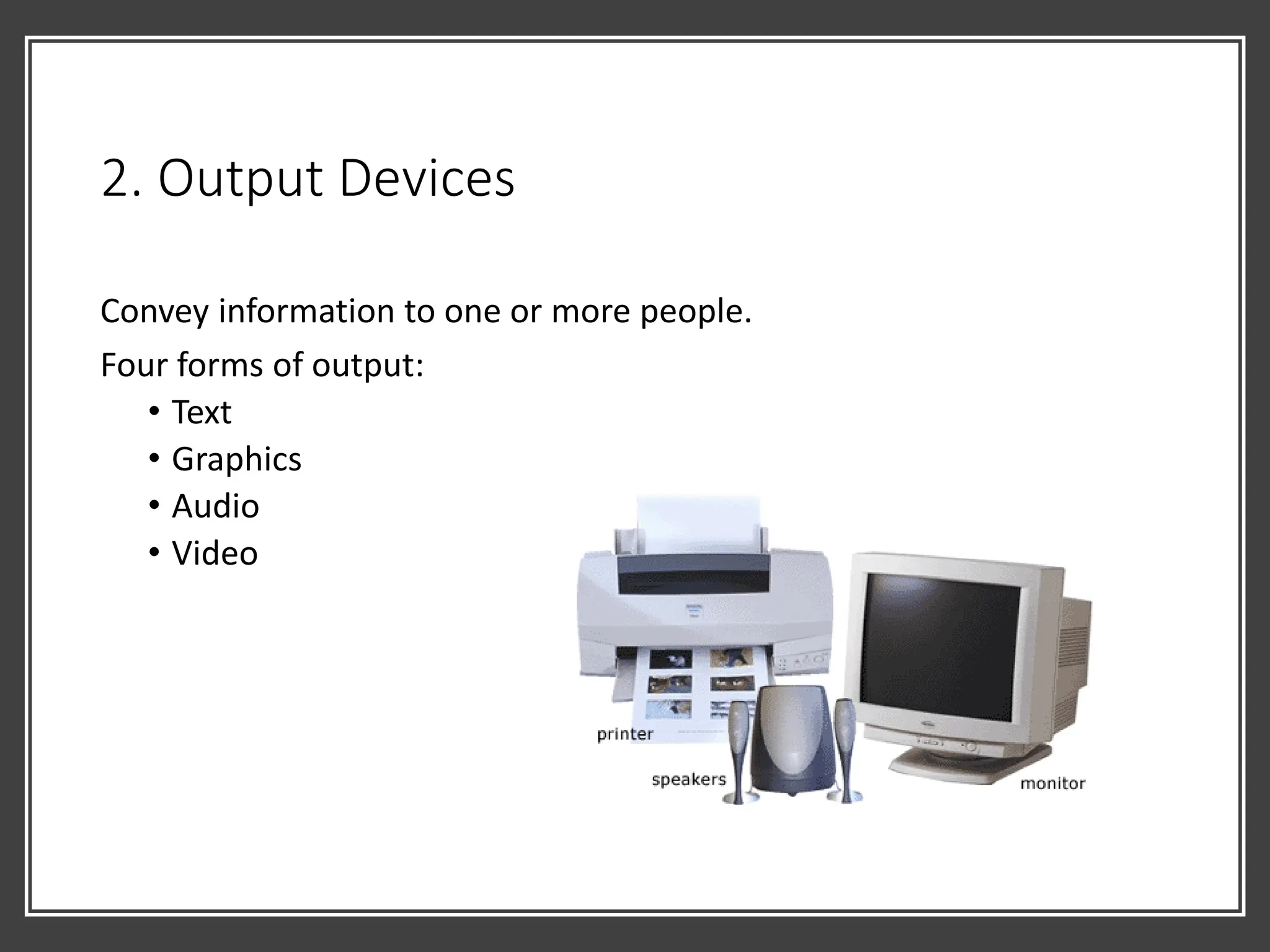
Convey information to one or more people.
Four forms of output:
• Text
• Graphics
• Audio
• Video
3. System Unit
• Box like case that contains electronic components of the computer
that is used to process data. [1]
• Usually is part of or is connected to a circuit board called
MOTHERBOARD. [2]
• Electronic components attached to motherboard – cards, processors,
memory chip. [3]
[1] [2] [3]
3. System Unit
Components of a motherboard:
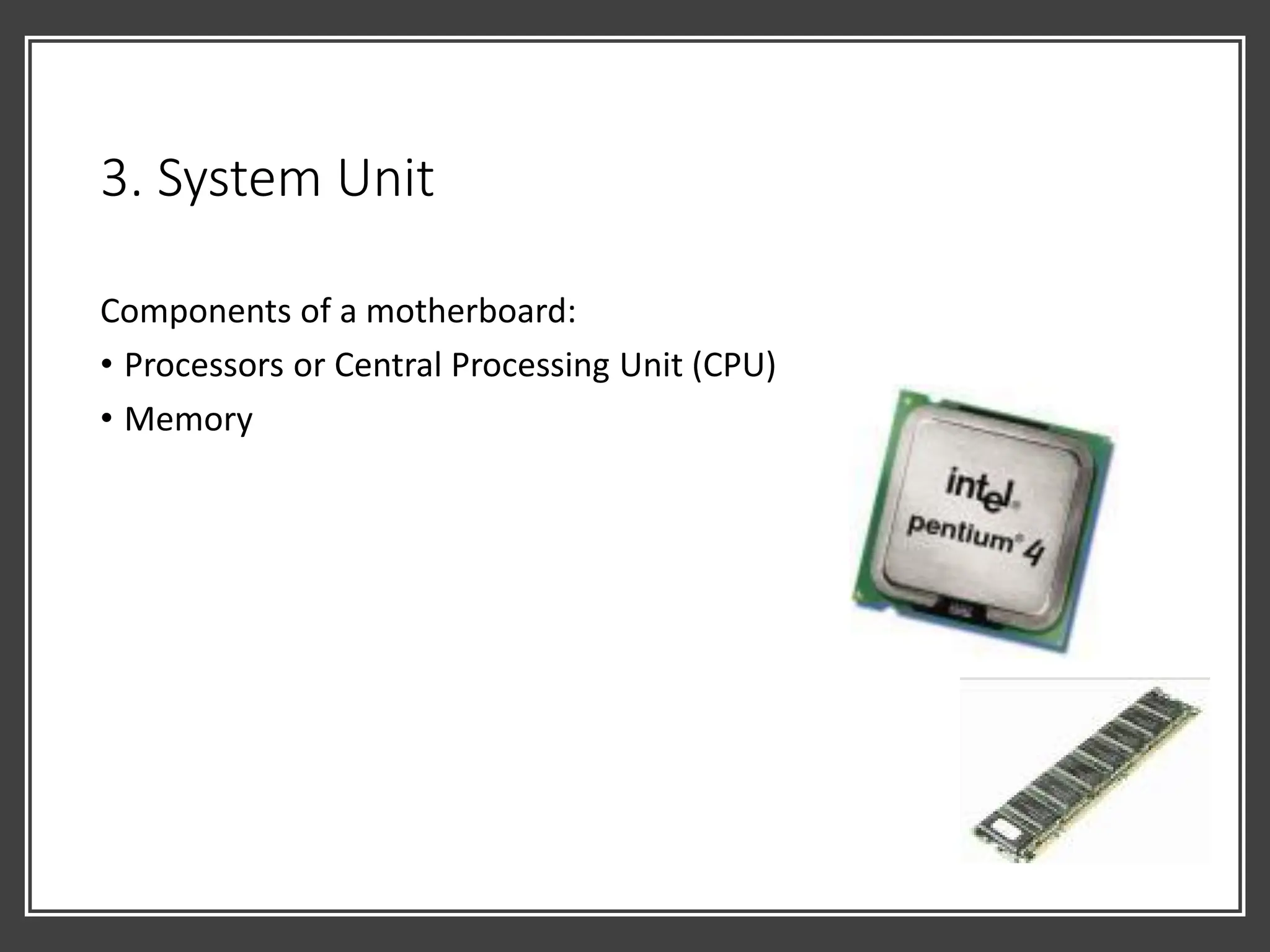
• Processors or Central Processing Unit (CPU)
• Memory
3. System Unit: CPU
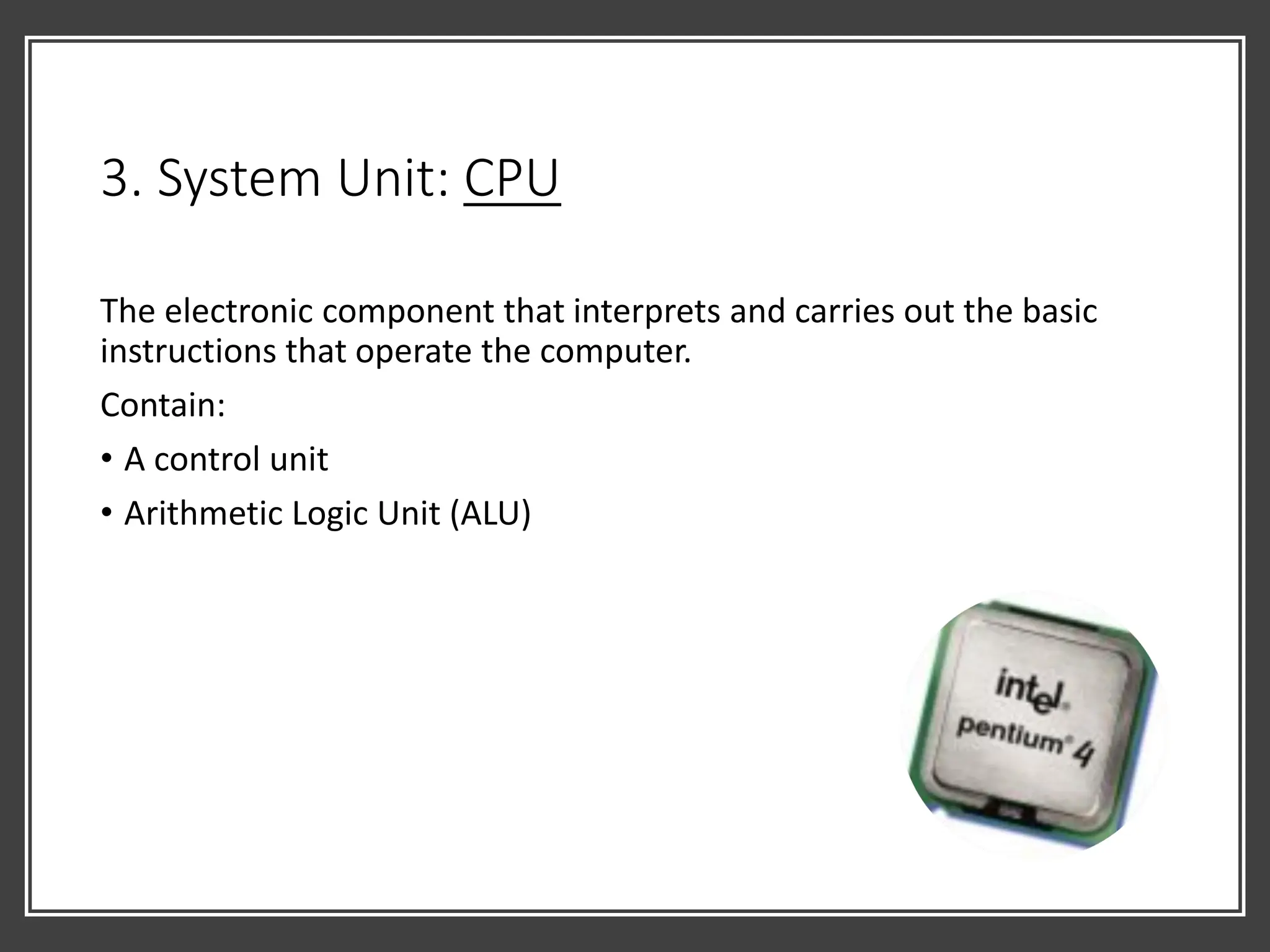
The electronic component that interprets and carries out the basic
instructions that operate the computer.
Contain:
• A control unit
• Arithmetic Logic Unit (ALU)
3. System Unit: CPU
Machine Cycle - for every instructions, a processor repeats a set of four
basic operation:
• Fetching
• Decoding
• Executing
• Storing
3. System Unit: Memory
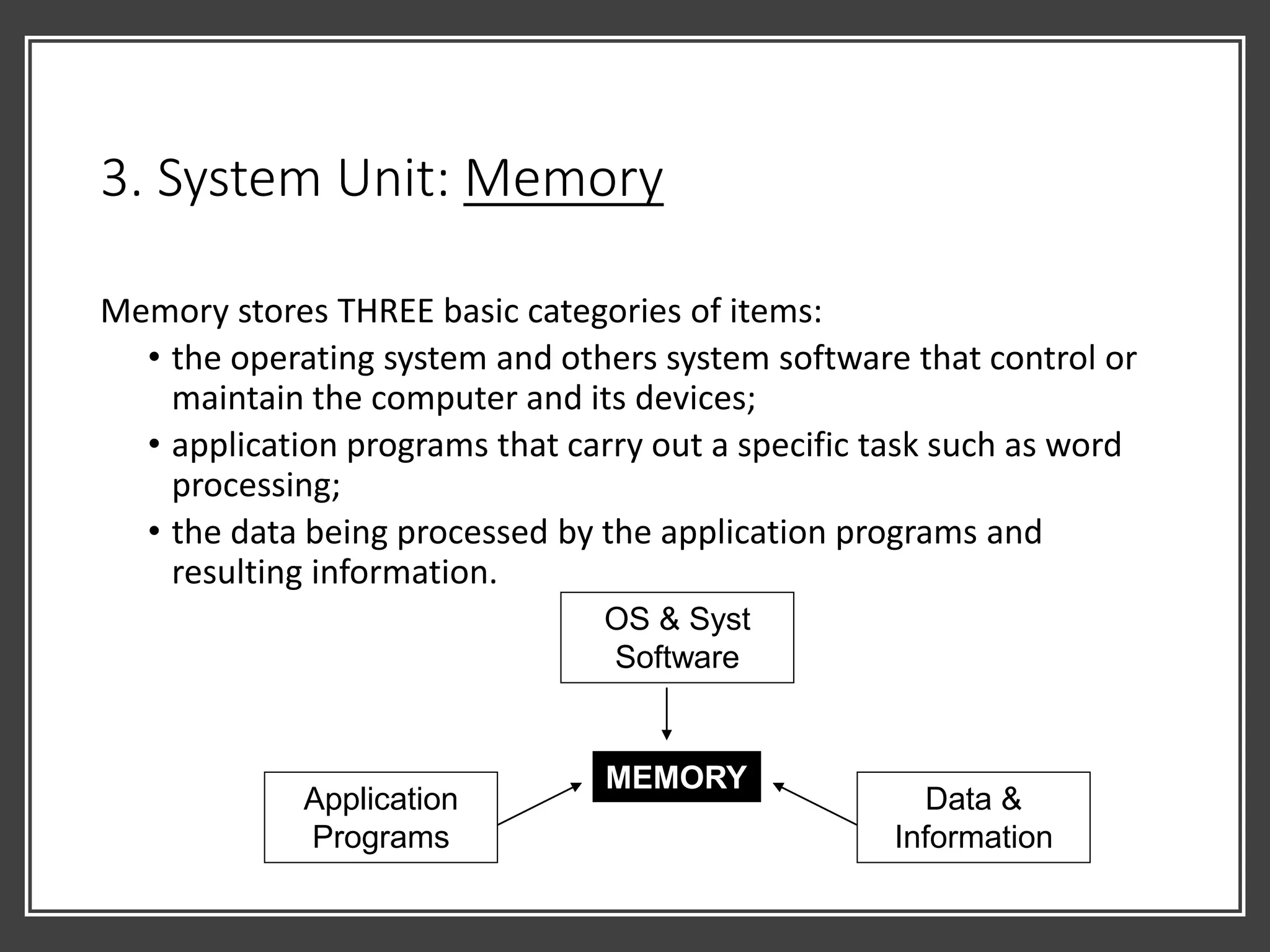
Memory stores THREE basic categories of items:
• the operating system and others system software that control or
maintain the computer and its devices;
• application programs that carry out a specific task such as word
processing;
• the data being processed by the application programs and
resulting information.
MEMORY
OS & Syst
Software
Application
Programs
Data &
Information
3. System Unit: Memory
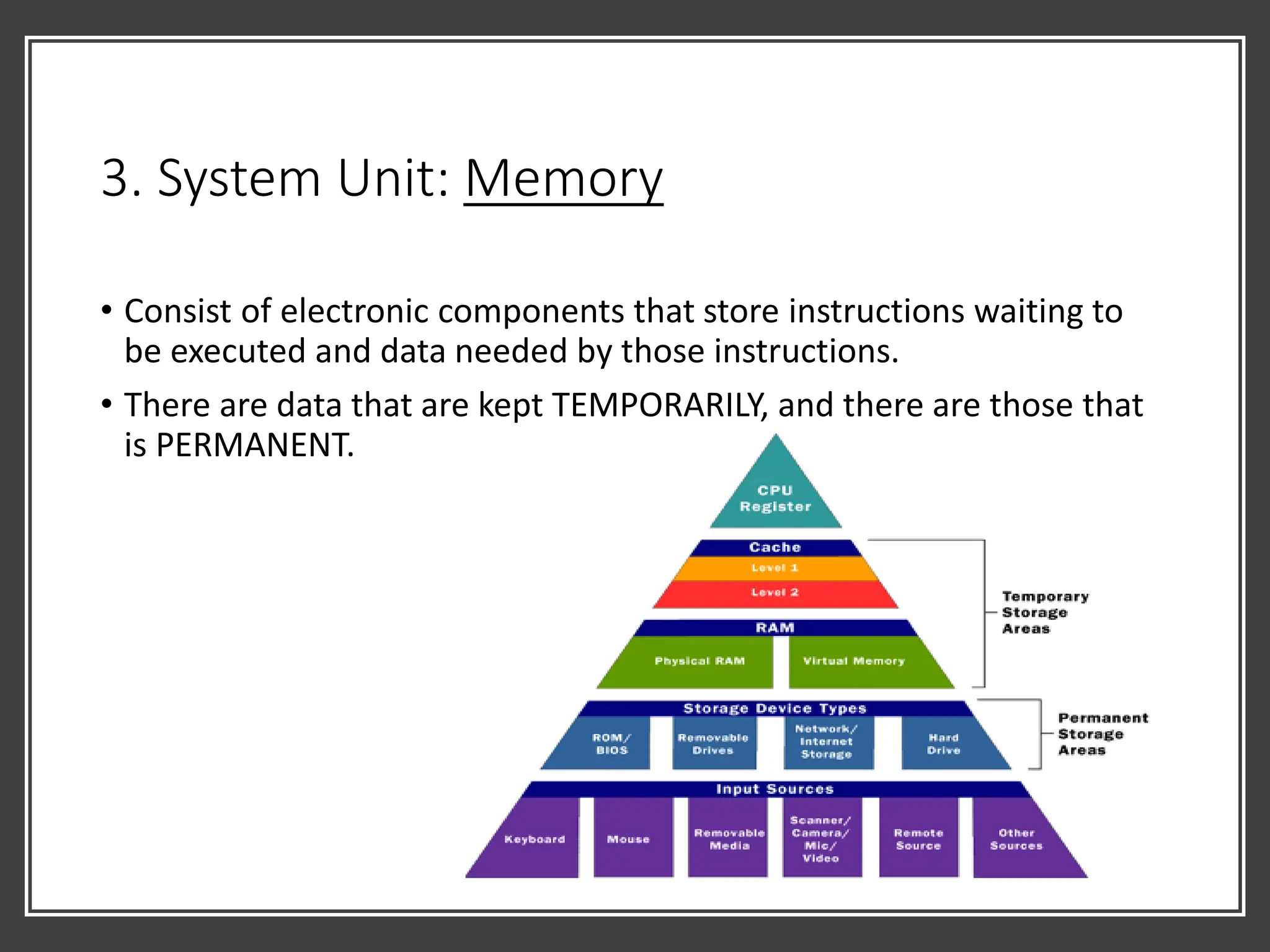
• Consist of electronic components that store instructions waiting to
be executed and data needed by those instructions.
• There are data that are kept TEMPORARILY, and there are those that
is PERMANENT.
3. System Unit: Memory
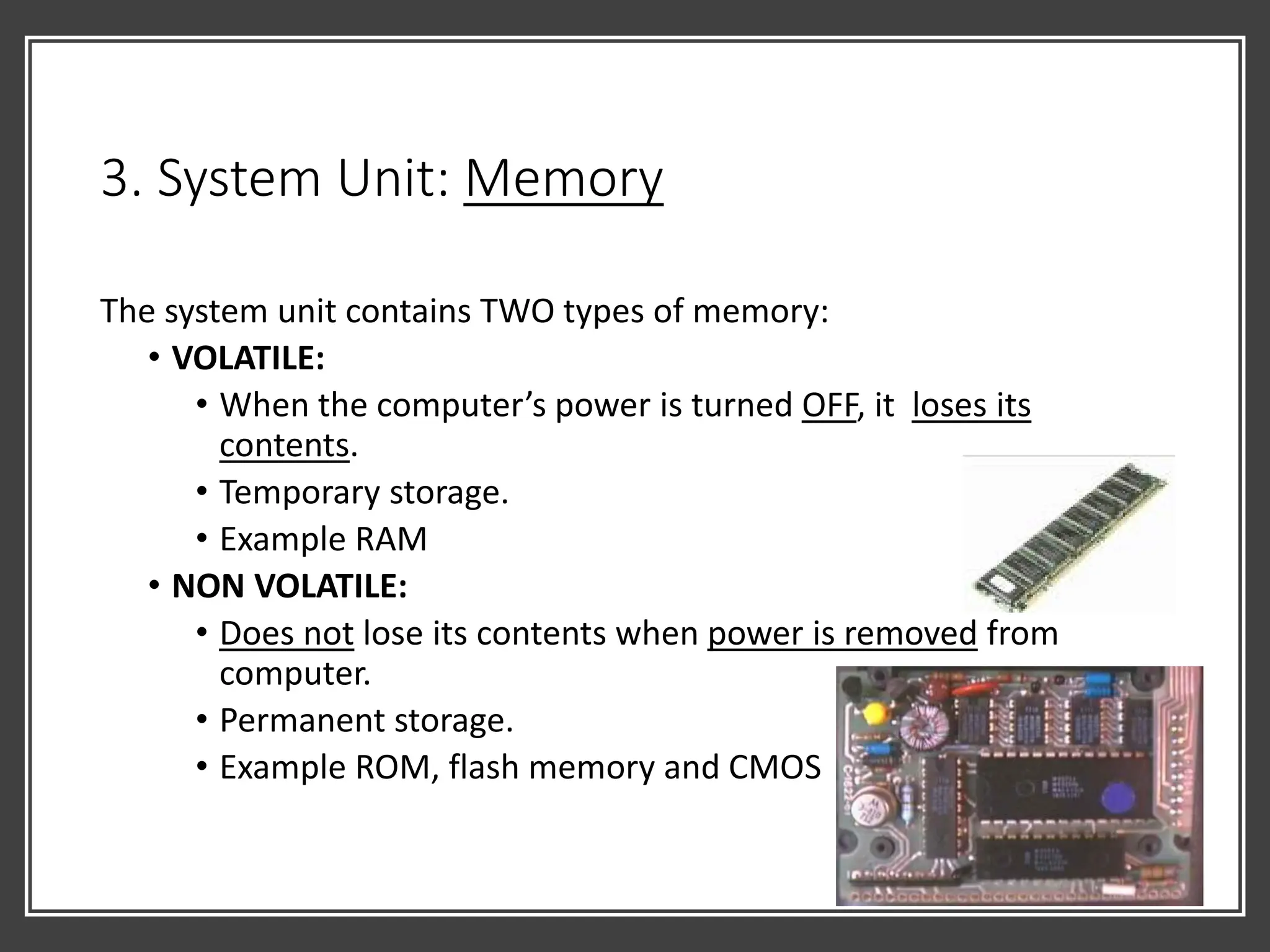
The system unit contains TWO types of memory:
• VOLATILE:
• When the computer’s power is turned OFF, it loses its
contents.
• Temporary storage.
• Example RAM
• NON VOLATILE:
• Does not lose its contents when power is removed from
computer.
• Permanent storage.
• Example ROM, flash memory and CMOS
3. System Unit: Memory
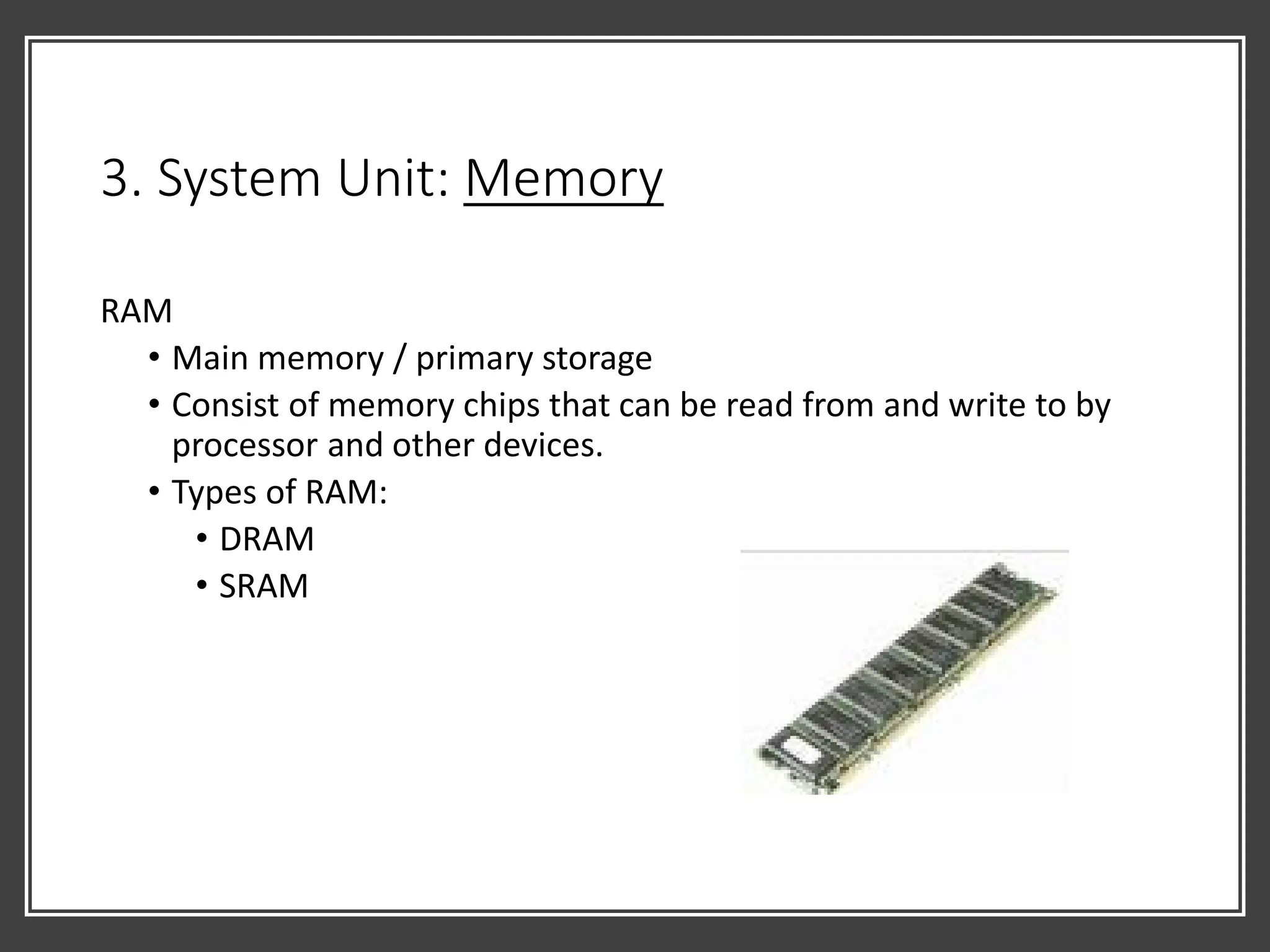
RAM
• Main memory / primary storage
• Consist of memory chips that can be read from and write to by
processor and other devices.
• Types of RAM:
• DRAM
• SRAM
3. System Unit: Memory
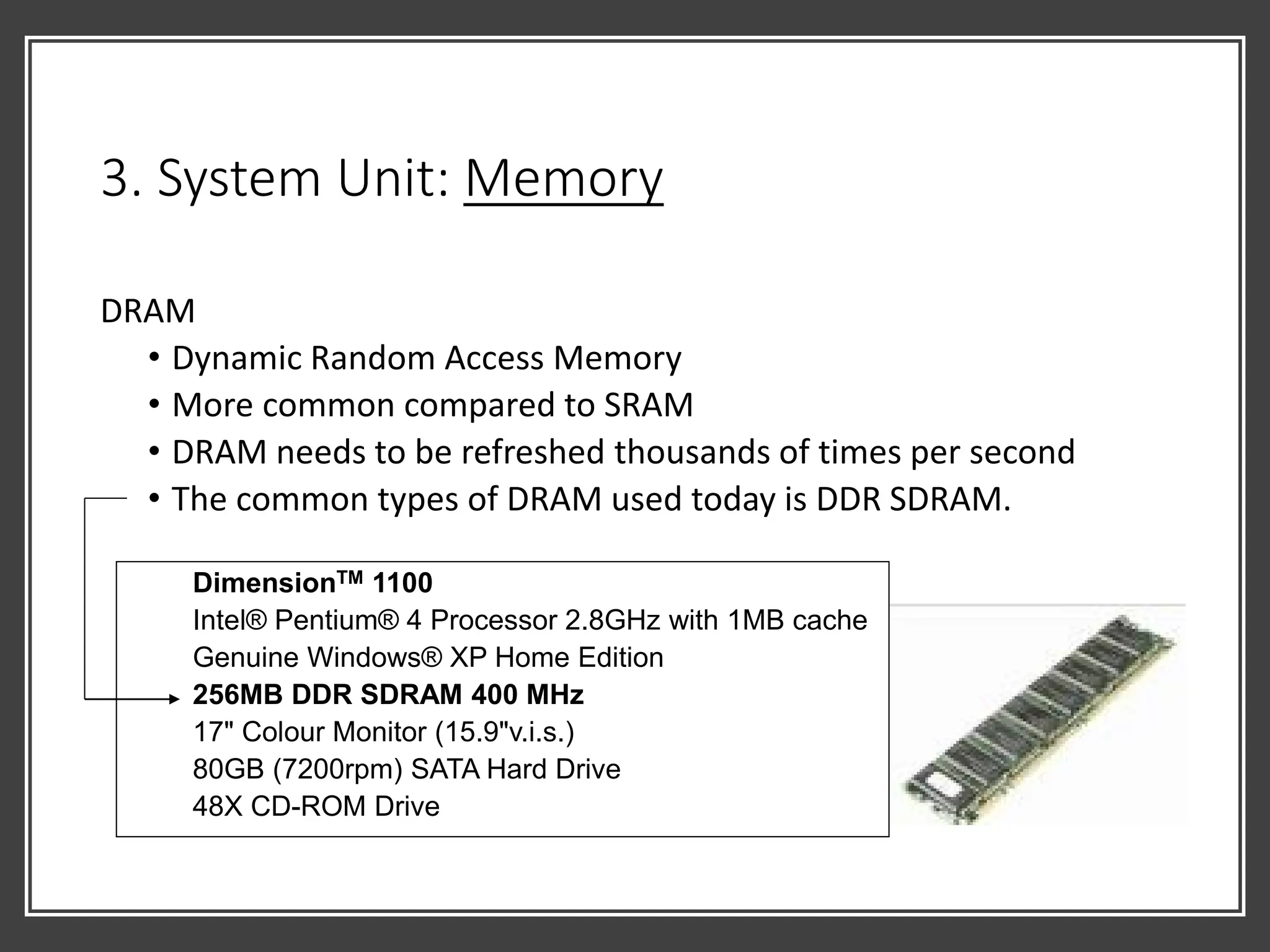
DRAM
• Dynamic Random Access Memory
• More common compared to SRAM
• DRAM needs to be refreshed thousands of times per second
• The common types of DRAM used today is DDR SDRAM.
DimensionTM 1100
Intel® Pentium® 4 Processor 2.8GHz with 1MB cache
Genuine Windows® XP Home Edition
256MB DDR SDRAM 400 MHz
17" Colour Monitor (15.9"v.i.s.)
80GB (7200rpm) SATA Hard Drive
48X CD-ROM Drive
3. System Unit: Memory
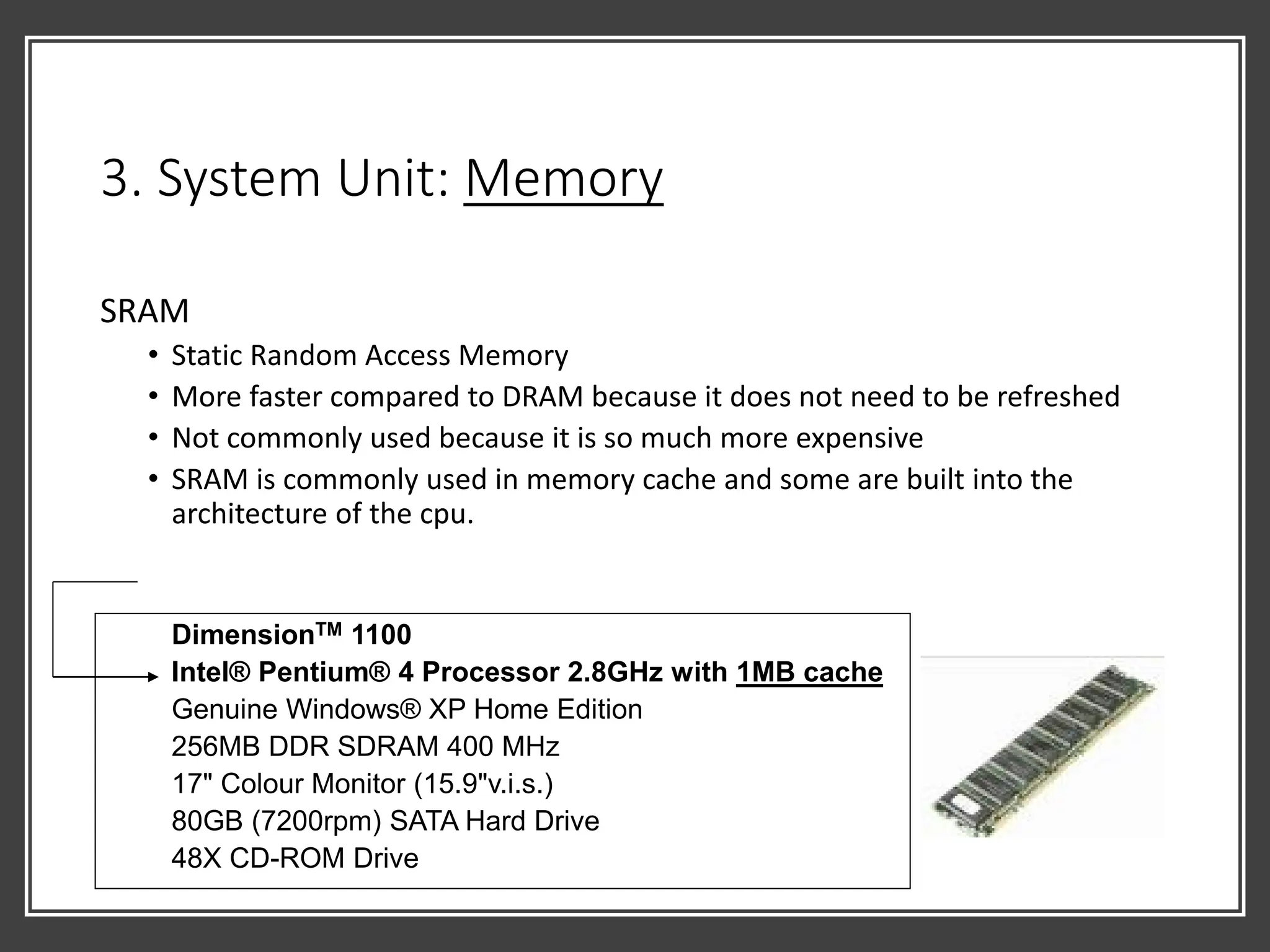
SRAM
• Static Random Access Memory
• More faster compared to DRAM because it does not need to be refreshed
• Not commonly used because it is so much more expensive
• SRAM is commonly used in memory cache and some are built into the
architecture of the cpu.
DimensionTM 1100
Intel® Pentium® 4 Processor 2.8GHz with 1MB cache
Genuine Windows® XP Home Edition
256MB DDR SDRAM 400 MHz
17" Colour Monitor (15.9"v.i.s.)
80GB (7200rpm) SATA Hard Drive
48X CD-ROM Drive
3. System Unit: Memory
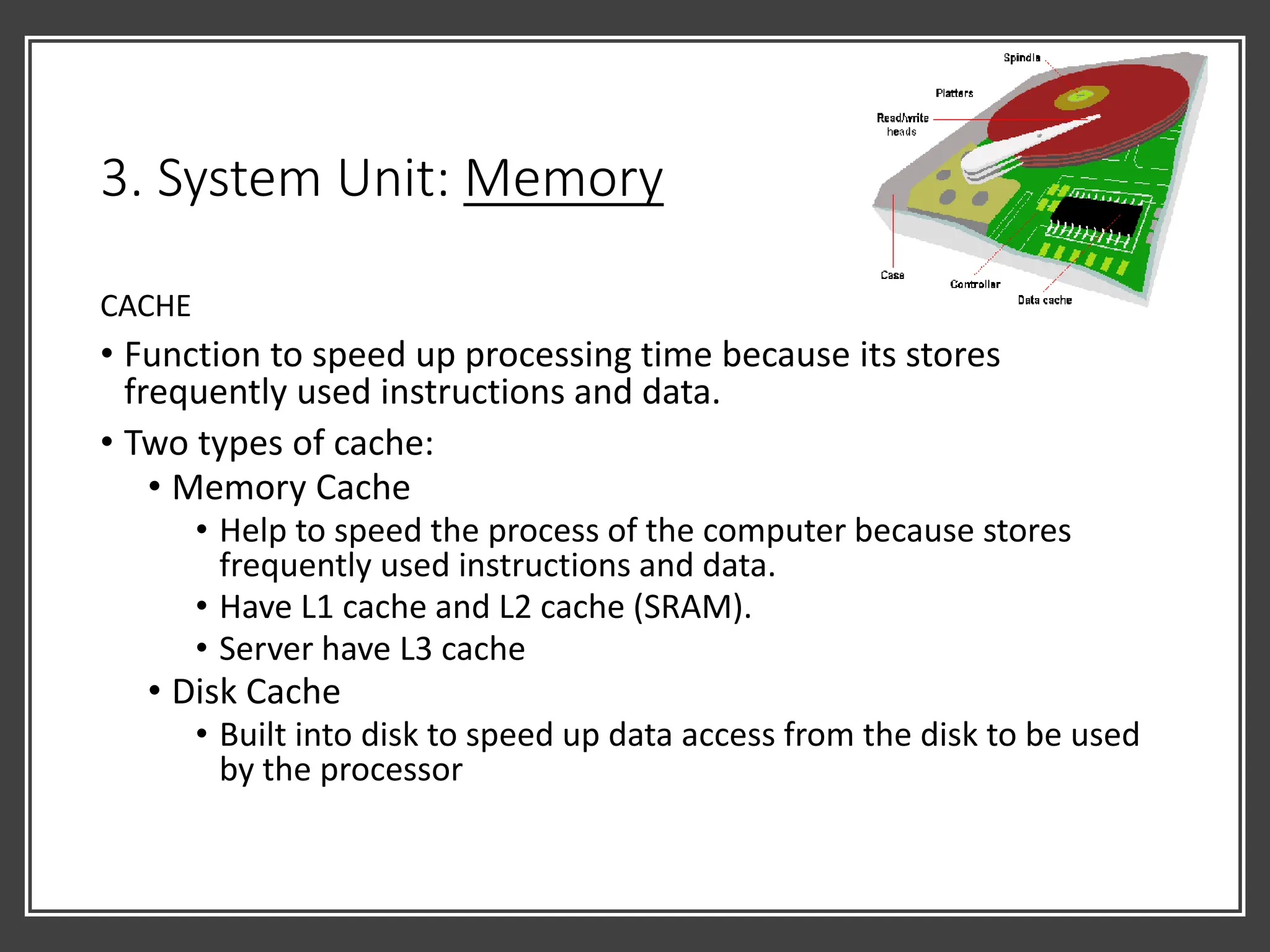
CACHE
• Function to speed up processing time because its stores
frequently used instructions and data.
• Two types of cache:
• Memory Cache
• Help to speed the process of the computer because stores
frequently used instructions and data.
• Have L1 cache and L2 cache (SRAM).
• Server have L3 cache
• Disk Cache
• Built into disk to speed up data access from the disk to be used
by the processor
3. System Unit: Memory
ROM
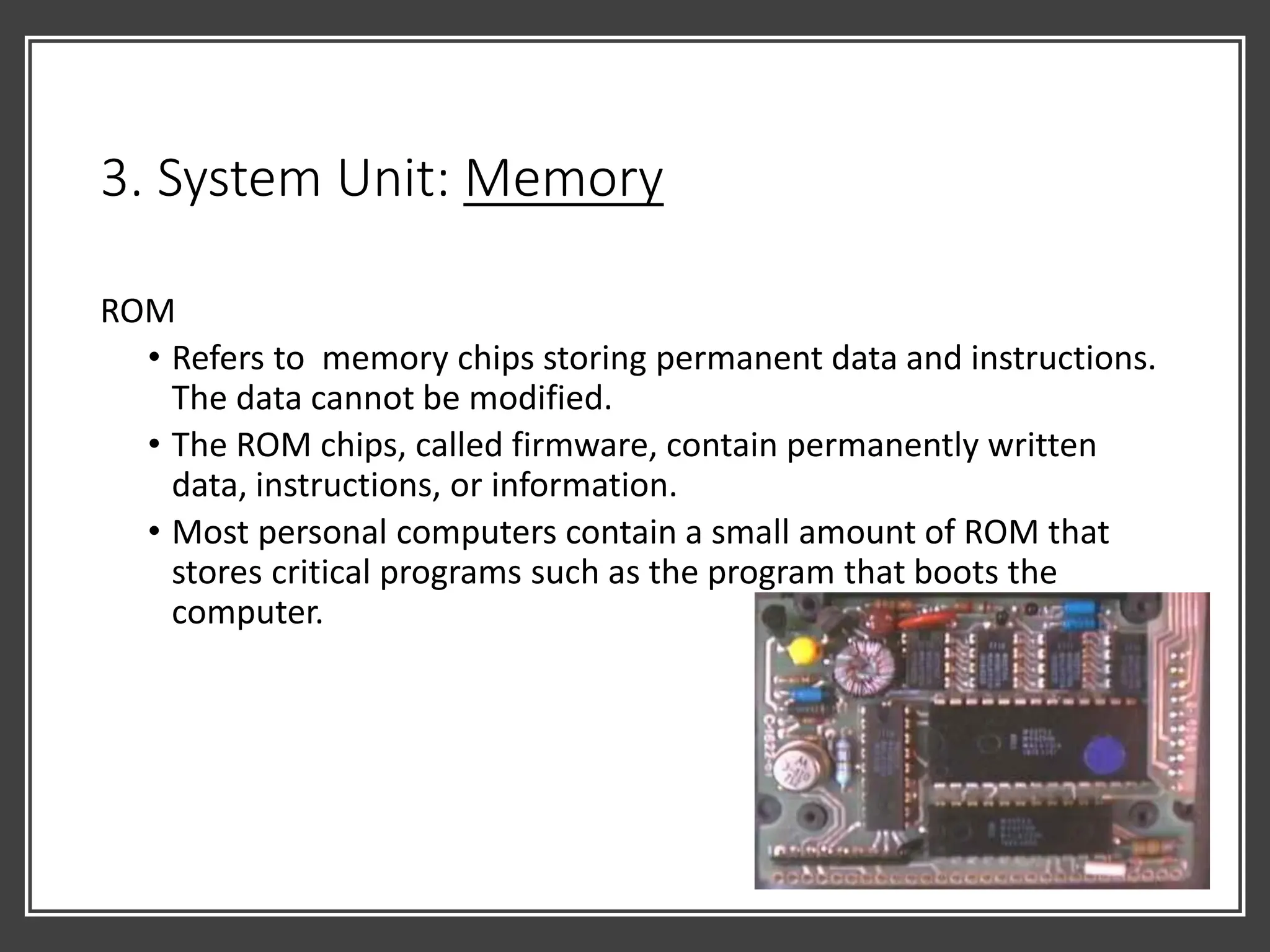
• Refers to memory chips storing permanent data and instructions.
The data cannot be modified.
• The ROM chips, called firmware, contain permanently written
data, instructions, or information.
• Most personal computers contain a small amount of ROM that
stores critical programs such as the program that boots the
computer.
3. System Unit: Memory
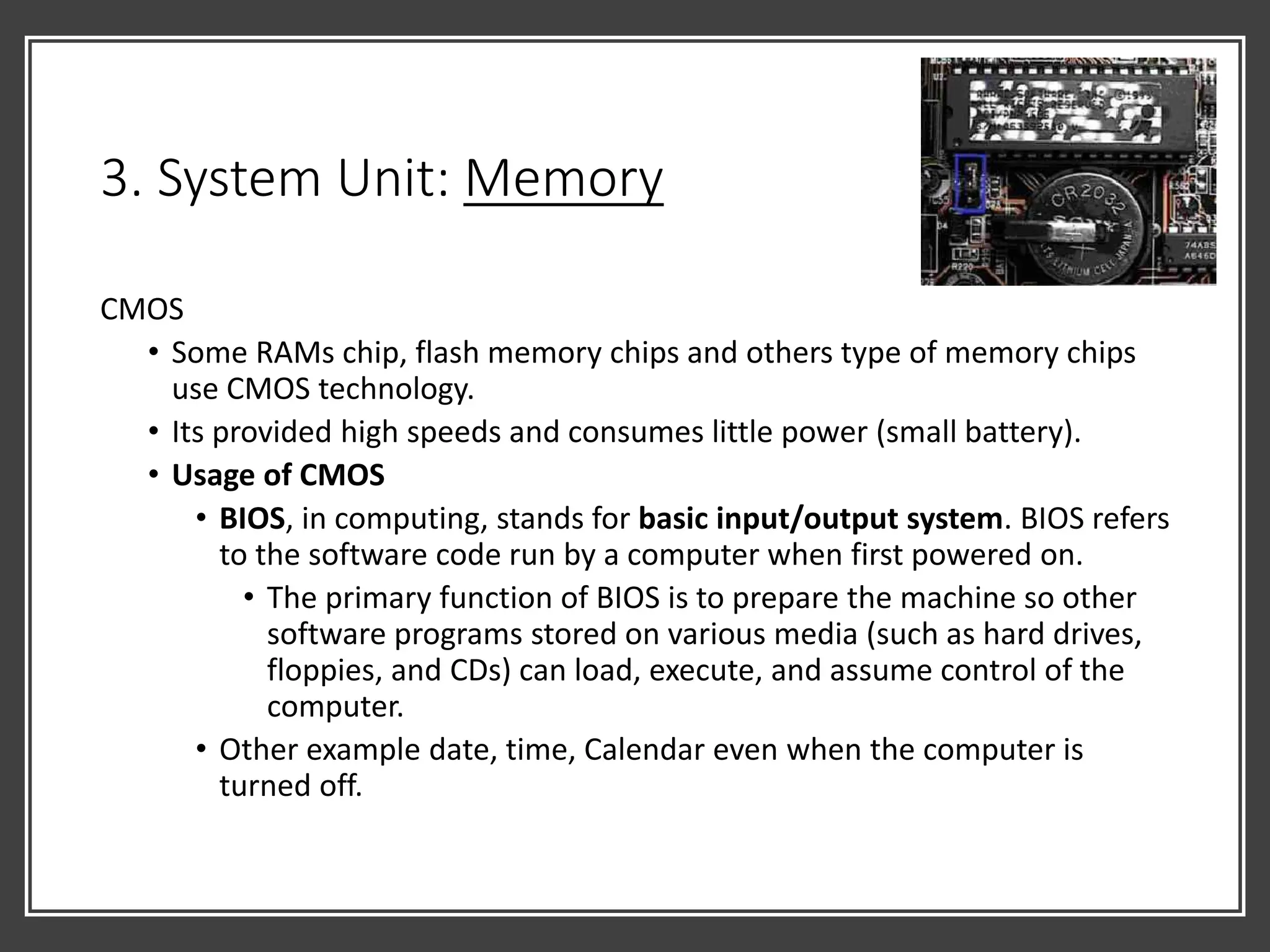
CMOS
• Some RAMs chip, flash memory chips and others type of memory chips
use CMOS technology.
• Its provided high speeds and consumes little power (small battery).
• Usage of CMOS
• BIOS, in computing, stands for basic input/output system. BIOS refers
to the software code run by a computer when first powered on.
• The primary function of BIOS is to prepare the machine so other
software programs stored on various media (such as hard drives,
floppies, and CDs) can load, execute, and assume control of the
computer.
• Other example date, time, Calendar even when the computer is
turned off.
3. System Unit: Memory
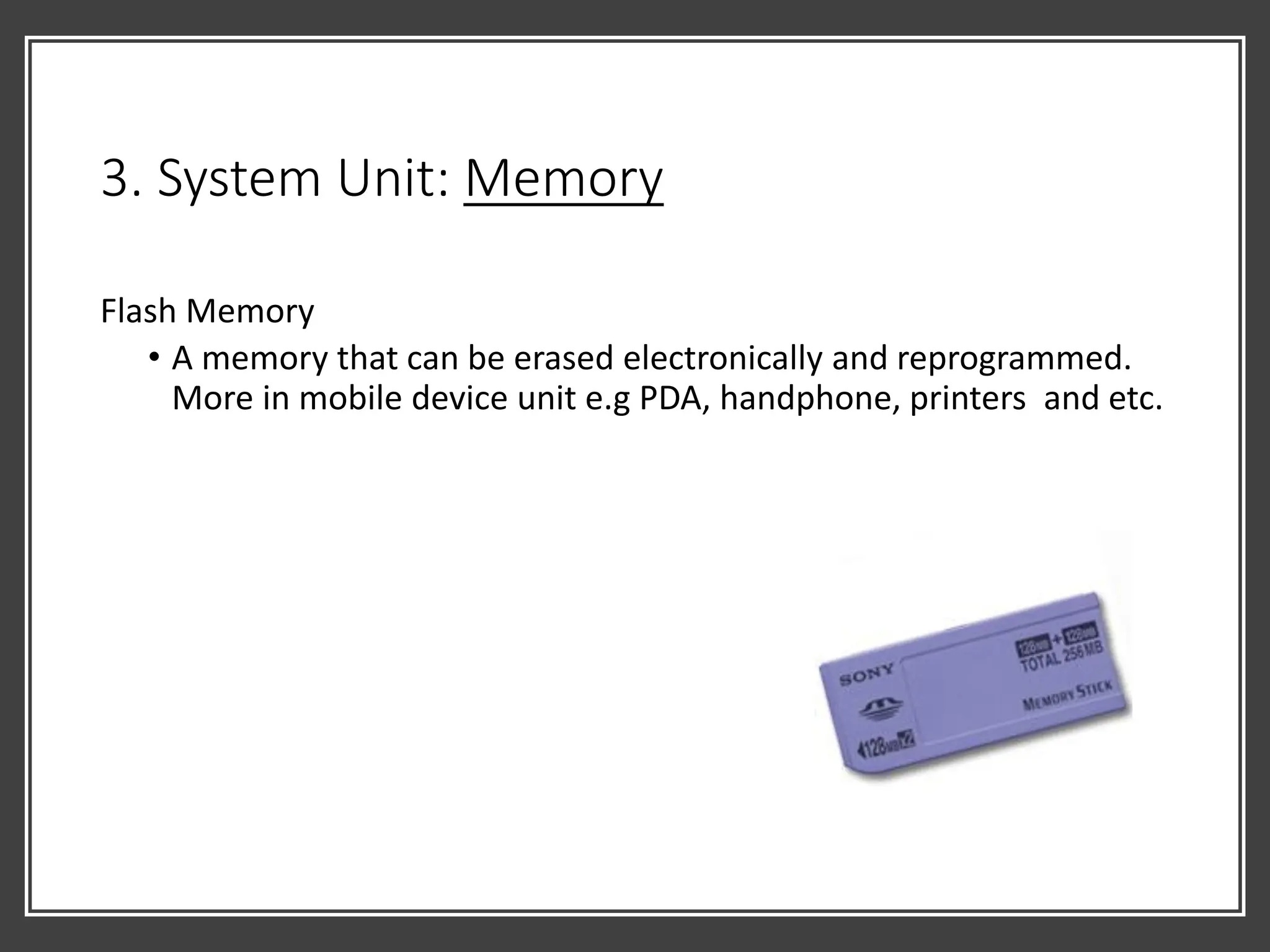
Flash Memory
• A memory that can be erased electronically and reprogrammed.
More in mobile device unit e.g PDA, handphone, printers and etc.
3. System Unit: Buses
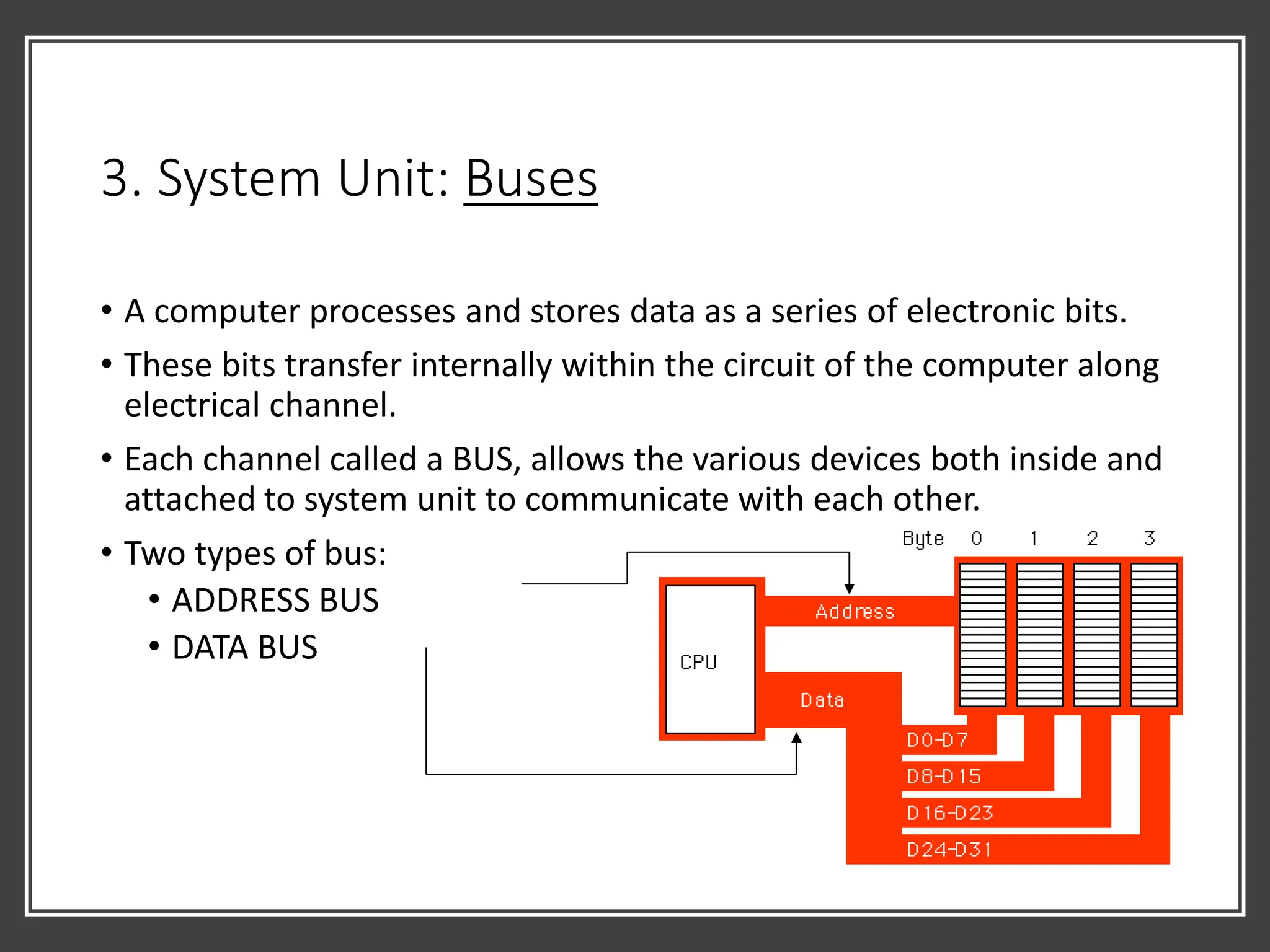
• A computer processes and stores data as a series of electronic bits.
• These bits transfer internally within the circuit of the computer along
electrical channel.
• Each channel called a BUS, allows the various devices both inside and
attached to system unit to communicate with each other.
• Two types of bus:
• ADDRESS BUS
• DATA BUS
3. System Unit: Basic Type of Buses
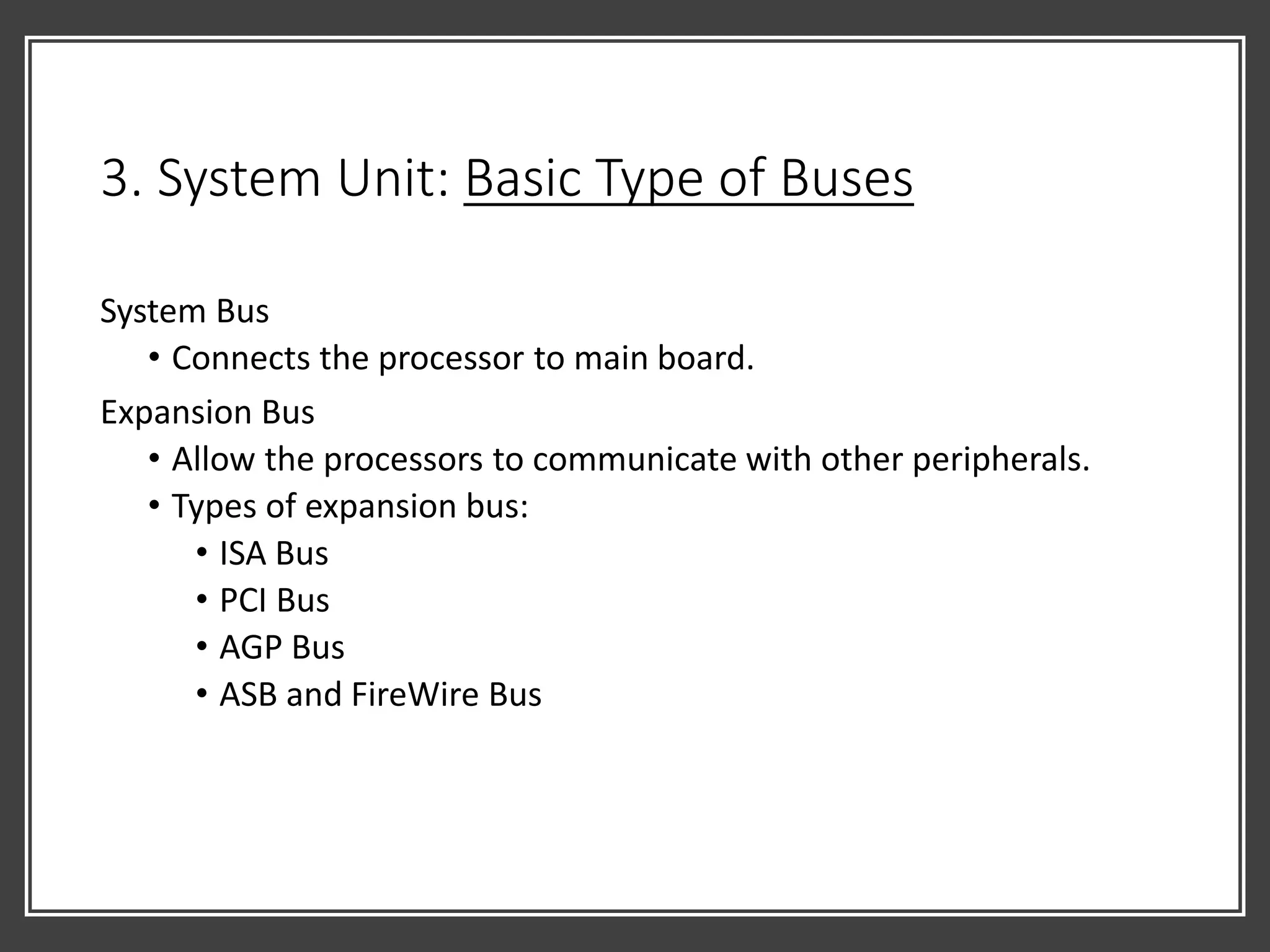
System Bus
• Connects the processor to main board.
Expansion Bus
• Allow the processors to communicate with other peripherals.
• Types of expansion bus:
• ISA Bus
• PCI Bus
• AGP Bus
• ASB and FireWire Bus
3. System Unit: Ports and Connectors
• A port is:
• the point at which a peripheral attaches to a system unit so it can
send data or received information from computer.
• Ports have different types of connectors.
• A connector joins a cable to a peripheral.
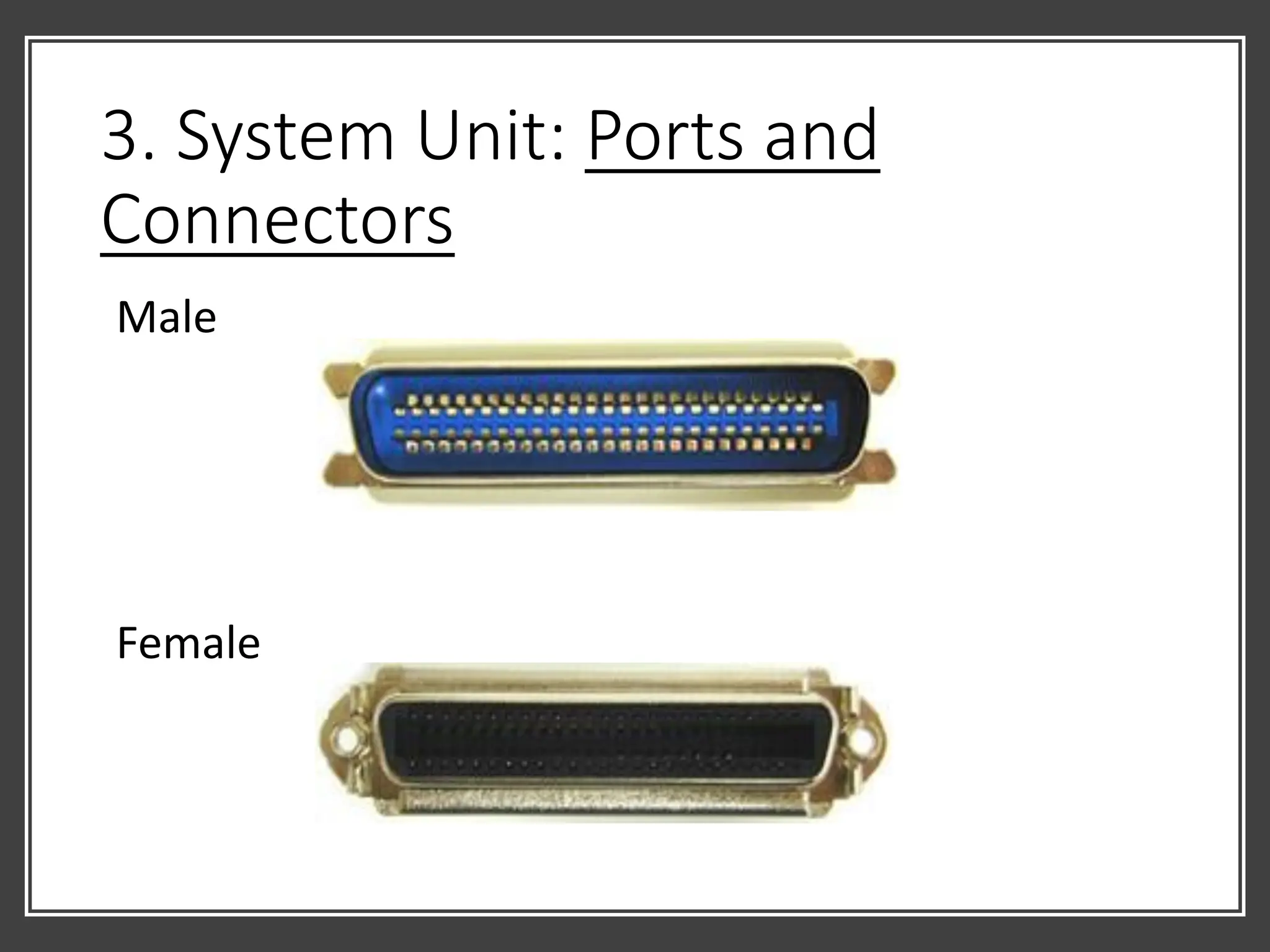
• Most connector are available in one of two gender : MALE and
FEMALE.
3. System Unit: Ports and
Connectors
Male
Female
Types of Ports
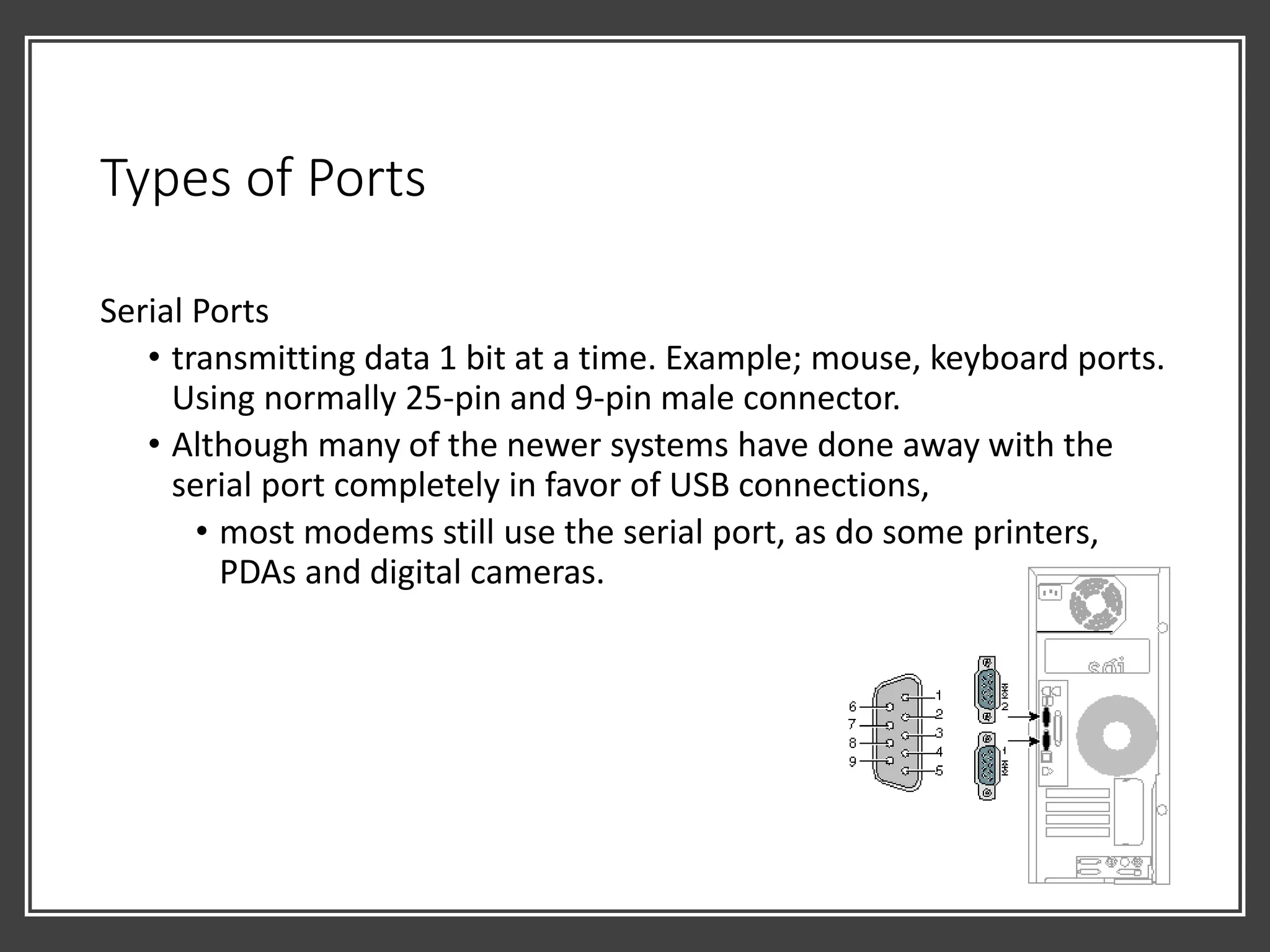
Serial Ports
• transmitting data 1 bit at a time. Example; mouse, keyboard ports.
Using normally 25-pin and 9-pin male connector.
• Although many of the newer systems have done away with the
serial port completely in favor of USB connections,
• most modems still use the serial port, as do some printers,
PDAs and digital cameras.
3. System Unit: Types of Ports
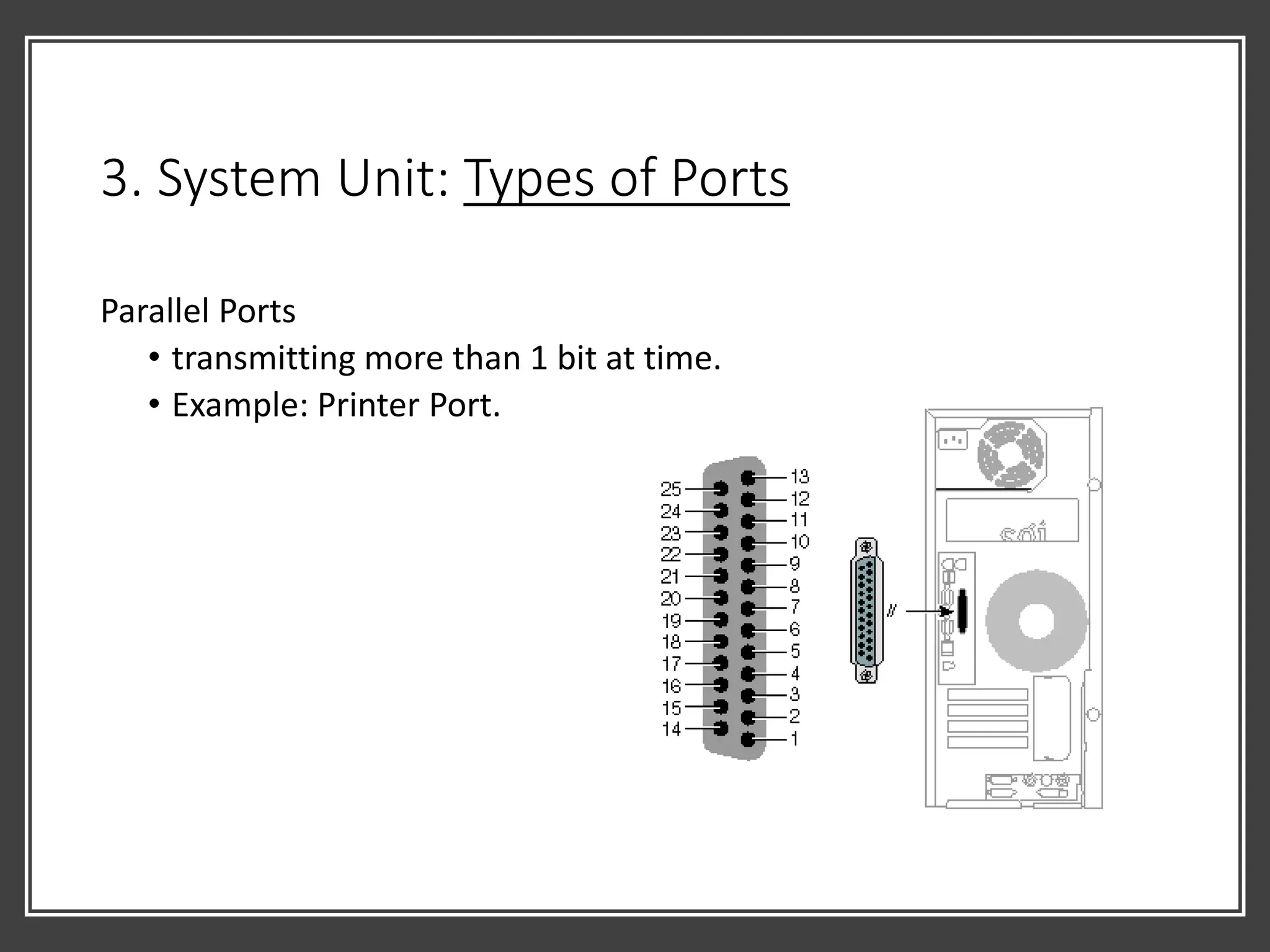
Parallel Ports
• transmitting more than 1 bit at time.
• Example: Printer Port.
3. System Unit: Types of Ports
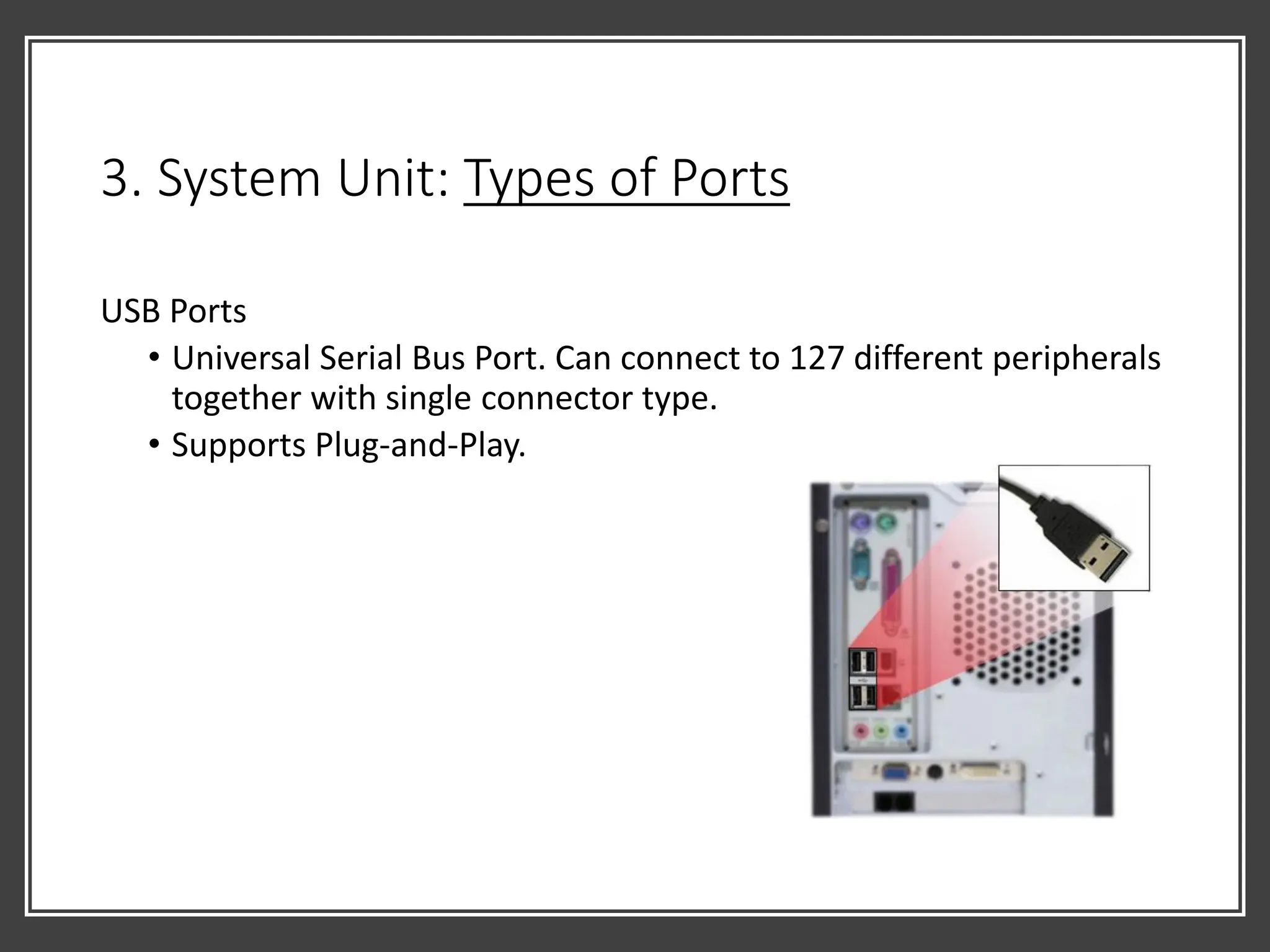
USB Ports
• Universal Serial Bus Port. Can connect to 127 different peripherals
together with single connector type.
• Supports Plug-and-Play.
3. System Unit: Types of Ports
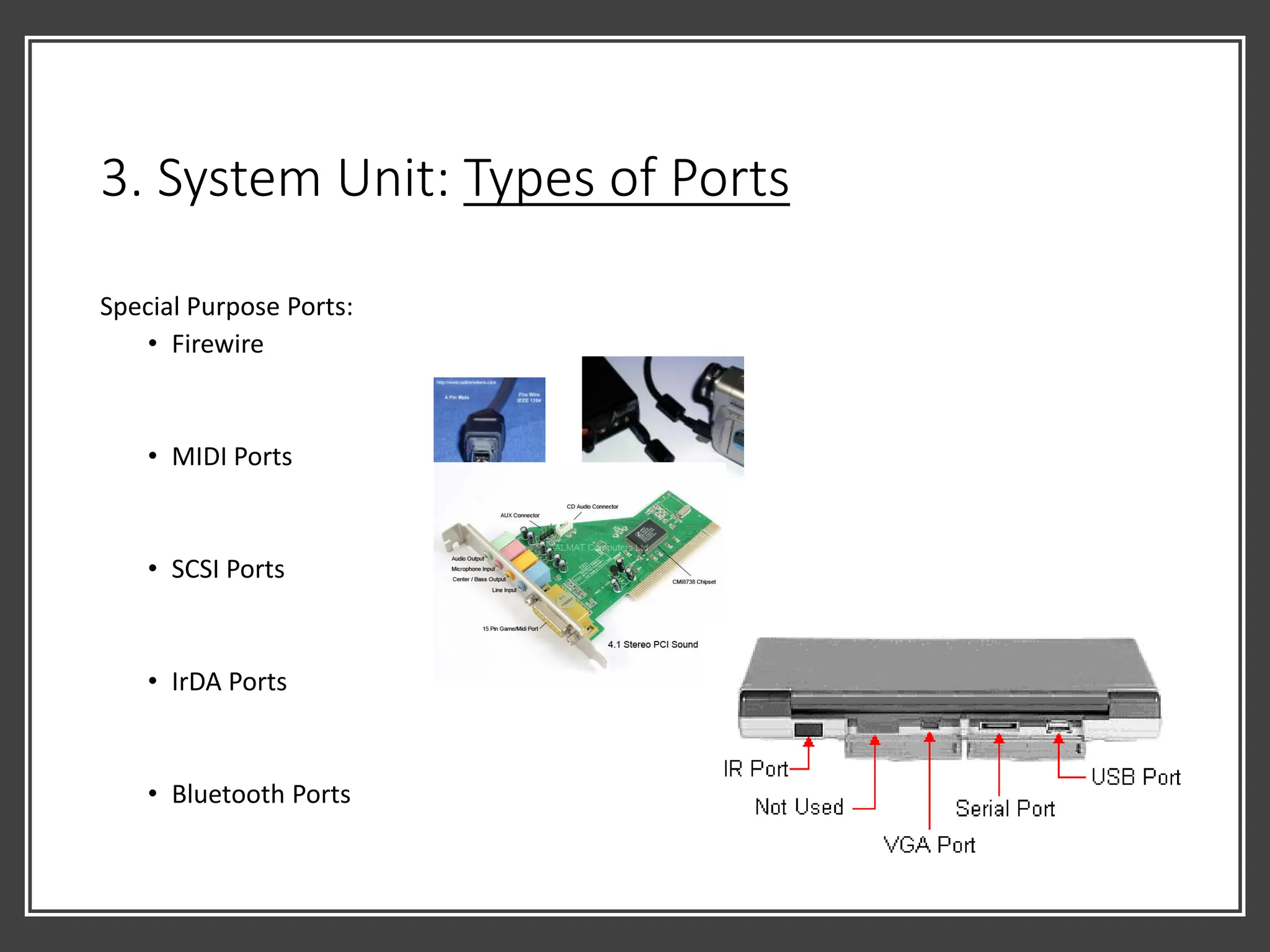
Special Purpose Ports:
• Firewire
• MIDI Ports
• SCSI Ports
• IrDA Ports
• Bluetooth Ports
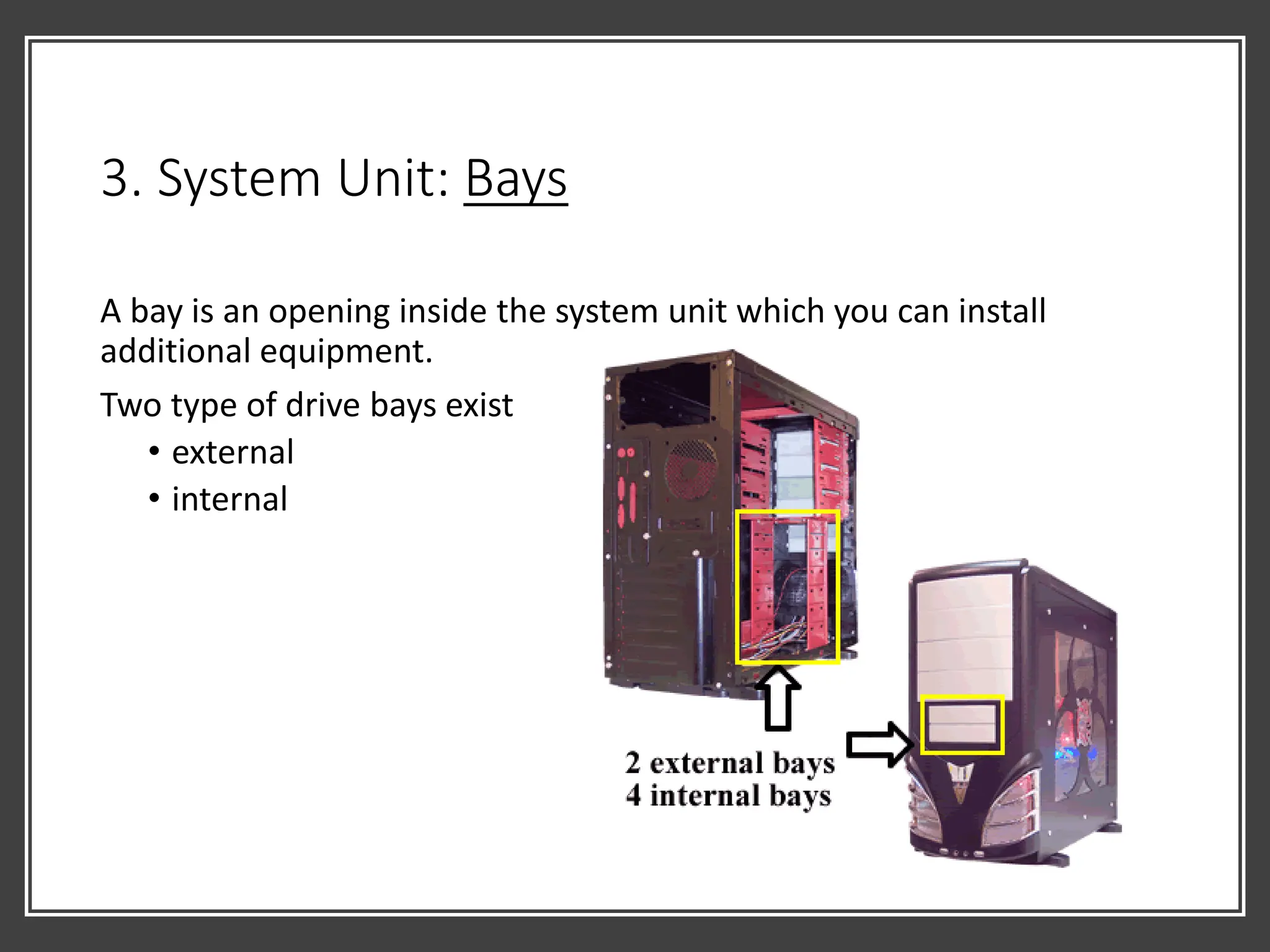
3. System Unit: Bays
A bay is an opening inside the system unit which you can install
additional equipment.
Two type of drive bays exist
• external
• internal
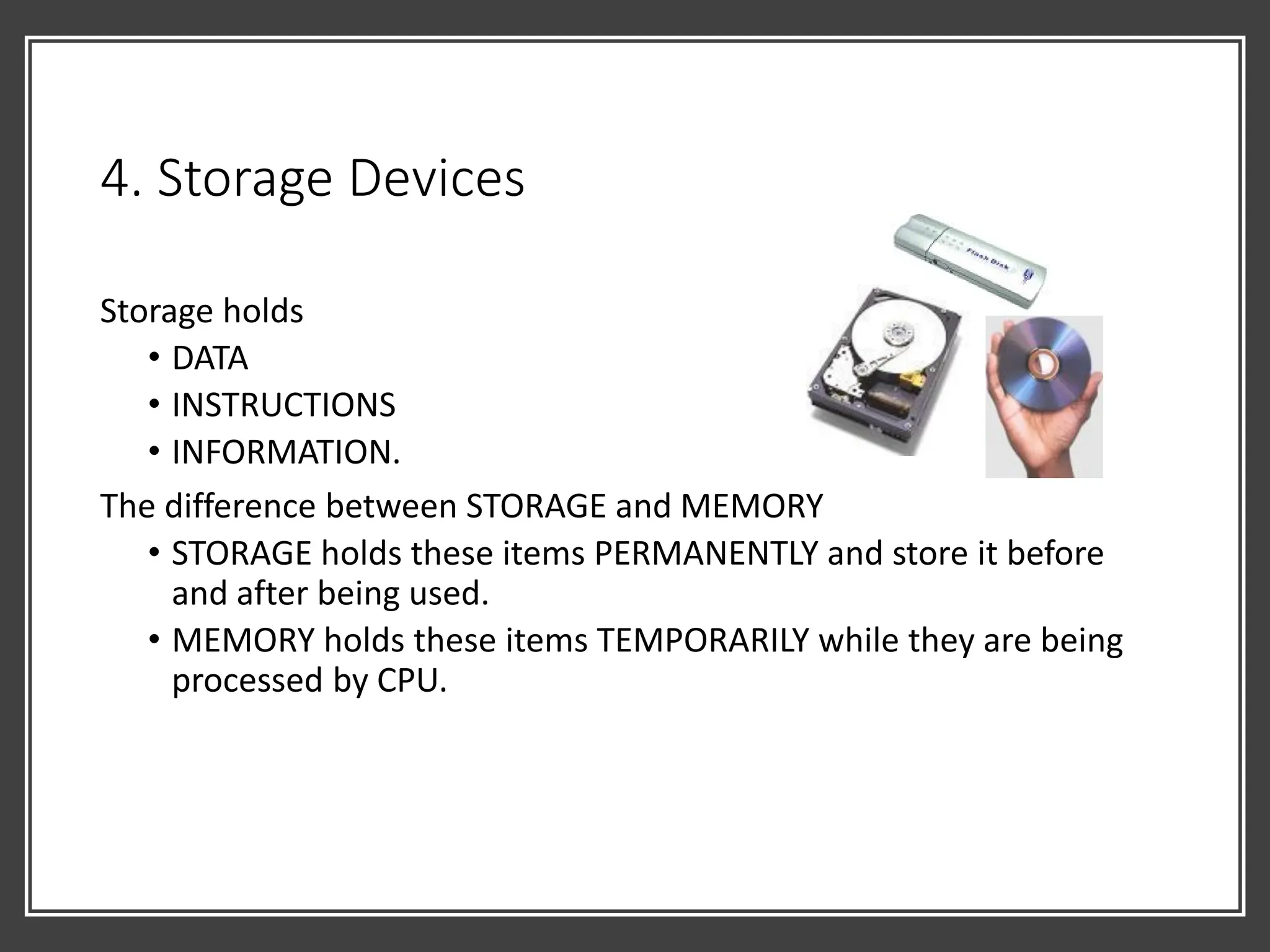
4. Storage Devices
Storage holds
• DATA
• INSTRUCTIONS
• INFORMATION.
The difference between STORAGE and MEMORY
• STORAGE holds these items PERMANENTLY and store it before
and after being used.
• MEMORY holds these items TEMPORARILY while they are being
processed by CPU.
4. Storage
Devices: Storage
Media
• Is the physical material on
which data, instruction and
information are STORED.
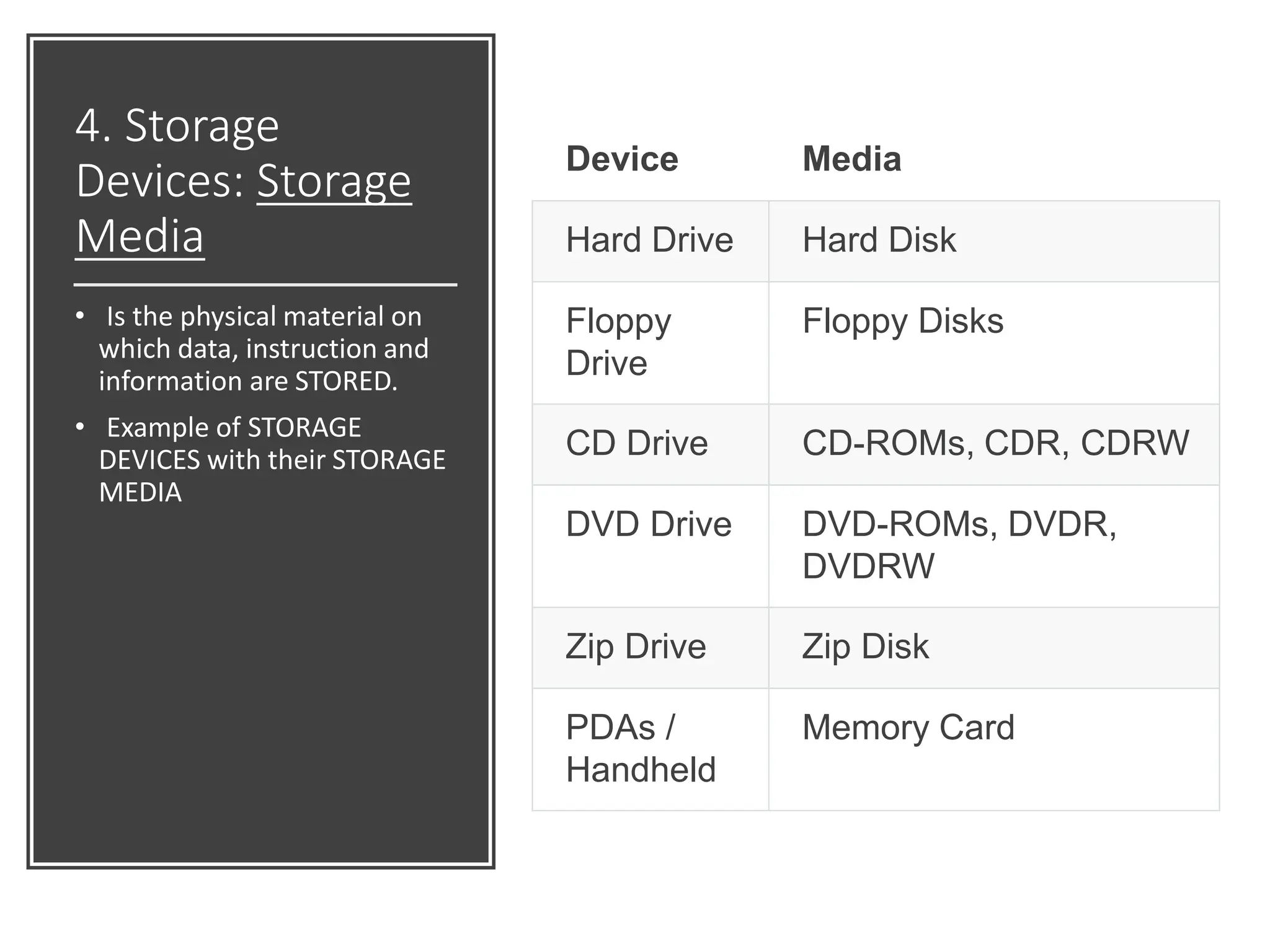
• Example of STORAGE
DEVICES with their STORAGE
MEDIA
Device Media
Hard Drive Hard Disk
Floppy
Drive
Floppy Disks
CD Drive CD-ROMs, CDR, CDRW
DVD Drive DVD-ROMs, DVDR,
DVDRW
Zip Drive Zip Disk
PDAs /
Handheld
Memory Card
Relationship between CPU, Bus, Memory,
Storage
• Each time a process needs to be done,the CPU will take it from the
storage media and bring it into the RAM. [1]
⚫ The process is done in the
RAM [2]
⚫ When the SAVE button is
pressed, the processed
information will be sent into
the storage media [3] for
permanent storage.
⚫ CPU assigns each data a unique address.
⚫ Each time a data needed to be accessed,
its address is called so that the data can
be fetched.
⚫ Every data is sent through the bus. [4]
2 1
3
4
5. Communication
Devices
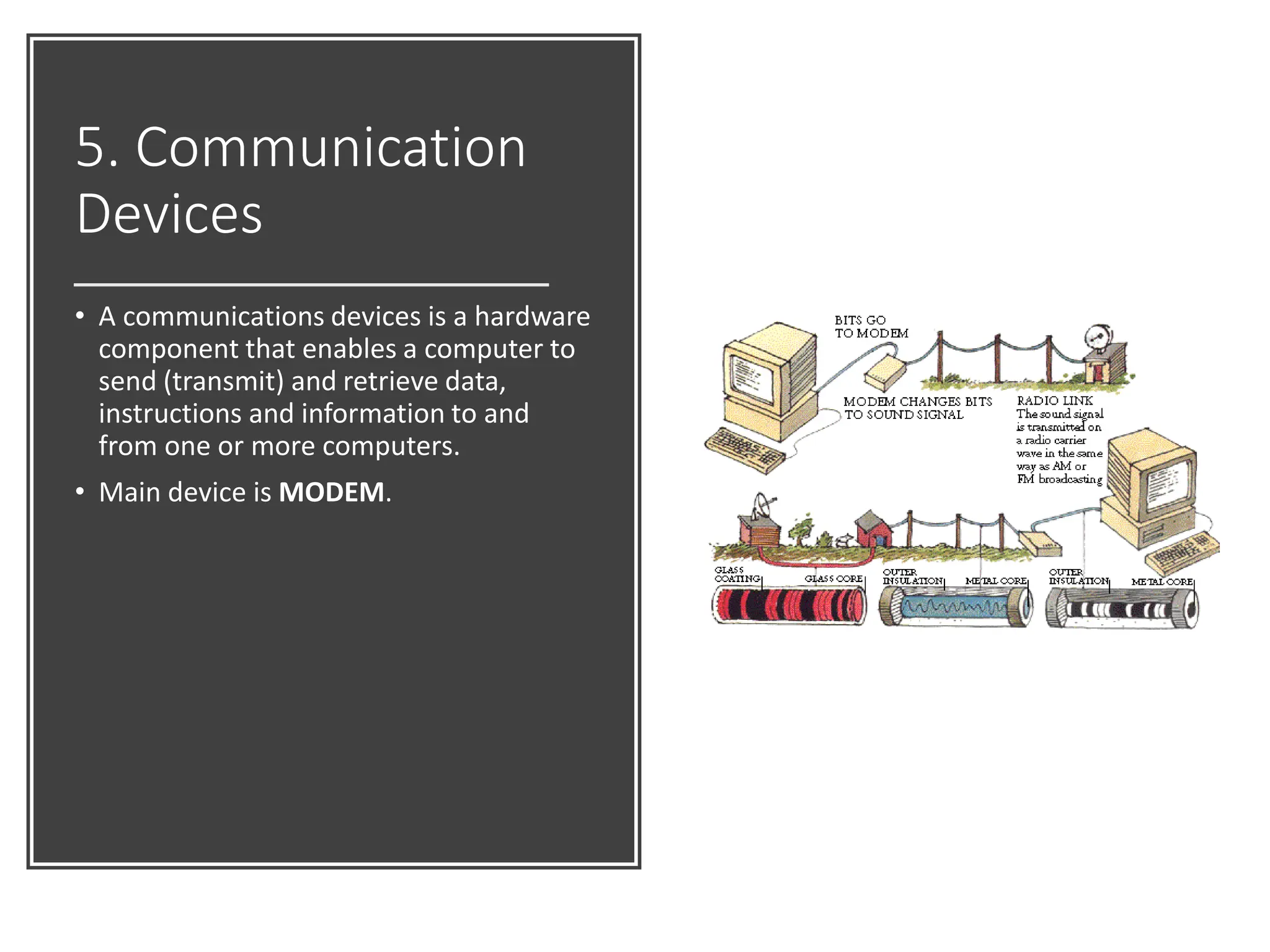
• A communications devices is a hardware
component that enables a computer to
send (transmit) and retrieve data,
instructions and information to and
from one or more computers.
• Main device is MODEM.

Multimedia Chapter 2 - Multimedia Technology Part 1.pdf

  • 1.
    Introduction to Multimedia Chapter2 Multimedia Technology
  • 2.
    Introduction to Multimedia Part1: Computer Hardware
  • 3.
    2.1 Computer Hardware There are FIVEmajor factors for a computer to be powerful: Speed Reliability Accuracy Storage Communication
  • 4.
    What is a COMPUTER? Isan electronic machine. Operating under the control of instruction stored in its own memory that can: • accept data • manipulate the data • produce results • store the result
  • 5.
    • Operation • acceptdata ⚫ manipulate the data ⚫ produce results ⚫ store the result.
  • 6.
    Information Processing Cycle •DATA – unprocessed items • INFORMATION – processed data INPUT PROCESS OUTPUT STORAGE Accepting data from user. Processing data into meaningful information. Displaying the information to the user. Storing the information for safe keeping or later use.
  • 7.
    Computer Component Major Componentof a Computer: • Hardware • The electric, electronic and mechanical equipment that make up a computer. • Software • The series of instructions that tells the hardware how to perform tasks.
  • 8.
    Part 1: ComputerHardware Hardware components: 1. Input Devices 2. Output Devices 3. System Unit 4. Storage Devices 5. Communication Devices
  • 9.
    1. Input Devices Allowuser enter DATA and COMMANDS into memory. Example: keyboard, mouse, camera, microphone and etc. Four forms of input: • Data • Program • Commands • User responses
  • 10.
    2. Output Devices Conveyinformation to one or more people. Four forms of output: • Text • Graphics • Audio • Video
  • 11.
    3. System Unit •Box like case that contains electronic components of the computer that is used to process data. [1] • Usually is part of or is connected to a circuit board called MOTHERBOARD. [2] • Electronic components attached to motherboard – cards, processors, memory chip. [3] [1] [2] [3]
  • 12.
    3. System Unit Componentsof a motherboard: • Processors or Central Processing Unit (CPU) • Memory
  • 13.
    3. System Unit:CPU The electronic component that interprets and carries out the basic instructions that operate the computer. Contain: • A control unit • Arithmetic Logic Unit (ALU)
  • 14.
    3. System Unit:CPU Machine Cycle - for every instructions, a processor repeats a set of four basic operation: • Fetching • Decoding • Executing • Storing
  • 15.
    3. System Unit:Memory Memory stores THREE basic categories of items: • the operating system and others system software that control or maintain the computer and its devices; • application programs that carry out a specific task such as word processing; • the data being processed by the application programs and resulting information. MEMORY OS & Syst Software Application Programs Data & Information
  • 16.
    3. System Unit:Memory • Consist of electronic components that store instructions waiting to be executed and data needed by those instructions. • There are data that are kept TEMPORARILY, and there are those that is PERMANENT.
  • 17.
    3. System Unit:Memory The system unit contains TWO types of memory: • VOLATILE: • When the computer’s power is turned OFF, it loses its contents. • Temporary storage. • Example RAM • NON VOLATILE: • Does not lose its contents when power is removed from computer. • Permanent storage. • Example ROM, flash memory and CMOS
  • 18.
    3. System Unit:Memory RAM • Main memory / primary storage • Consist of memory chips that can be read from and write to by processor and other devices. • Types of RAM: • DRAM • SRAM
  • 19.
    3. System Unit:Memory DRAM • Dynamic Random Access Memory • More common compared to SRAM • DRAM needs to be refreshed thousands of times per second • The common types of DRAM used today is DDR SDRAM. DimensionTM 1100 Intel® Pentium® 4 Processor 2.8GHz with 1MB cache Genuine Windows® XP Home Edition 256MB DDR SDRAM 400 MHz 17" Colour Monitor (15.9"v.i.s.) 80GB (7200rpm) SATA Hard Drive 48X CD-ROM Drive
  • 20.
    3. System Unit:Memory SRAM • Static Random Access Memory • More faster compared to DRAM because it does not need to be refreshed • Not commonly used because it is so much more expensive • SRAM is commonly used in memory cache and some are built into the architecture of the cpu. DimensionTM 1100 Intel® Pentium® 4 Processor 2.8GHz with 1MB cache Genuine Windows® XP Home Edition 256MB DDR SDRAM 400 MHz 17" Colour Monitor (15.9"v.i.s.) 80GB (7200rpm) SATA Hard Drive 48X CD-ROM Drive
  • 21.
    3. System Unit:Memory CACHE • Function to speed up processing time because its stores frequently used instructions and data. • Two types of cache: • Memory Cache • Help to speed the process of the computer because stores frequently used instructions and data. • Have L1 cache and L2 cache (SRAM). • Server have L3 cache • Disk Cache • Built into disk to speed up data access from the disk to be used by the processor
  • 22.
    3. System Unit:Memory ROM • Refers to memory chips storing permanent data and instructions. The data cannot be modified. • The ROM chips, called firmware, contain permanently written data, instructions, or information. • Most personal computers contain a small amount of ROM that stores critical programs such as the program that boots the computer.
  • 23.
    3. System Unit:Memory CMOS • Some RAMs chip, flash memory chips and others type of memory chips use CMOS technology. • Its provided high speeds and consumes little power (small battery). • Usage of CMOS • BIOS, in computing, stands for basic input/output system. BIOS refers to the software code run by a computer when first powered on. • The primary function of BIOS is to prepare the machine so other software programs stored on various media (such as hard drives, floppies, and CDs) can load, execute, and assume control of the computer. • Other example date, time, Calendar even when the computer is turned off.
  • 24.
    3. System Unit:Memory Flash Memory • A memory that can be erased electronically and reprogrammed. More in mobile device unit e.g PDA, handphone, printers and etc.
  • 25.
    3. System Unit:Buses • A computer processes and stores data as a series of electronic bits. • These bits transfer internally within the circuit of the computer along electrical channel. • Each channel called a BUS, allows the various devices both inside and attached to system unit to communicate with each other. • Two types of bus: • ADDRESS BUS • DATA BUS
  • 26.
    3. System Unit:Basic Type of Buses System Bus • Connects the processor to main board. Expansion Bus • Allow the processors to communicate with other peripherals. • Types of expansion bus: • ISA Bus • PCI Bus • AGP Bus • ASB and FireWire Bus
  • 27.
    3. System Unit:Ports and Connectors • A port is: • the point at which a peripheral attaches to a system unit so it can send data or received information from computer. • Ports have different types of connectors. • A connector joins a cable to a peripheral. • Most connector are available in one of two gender : MALE and FEMALE.
  • 28.
    3. System Unit:Ports and Connectors Male Female
  • 29.
    Types of Ports SerialPorts • transmitting data 1 bit at a time. Example; mouse, keyboard ports. Using normally 25-pin and 9-pin male connector. • Although many of the newer systems have done away with the serial port completely in favor of USB connections, • most modems still use the serial port, as do some printers, PDAs and digital cameras.
  • 30.
    3. System Unit:Types of Ports Parallel Ports • transmitting more than 1 bit at time. • Example: Printer Port.
  • 31.
    3. System Unit:Types of Ports USB Ports • Universal Serial Bus Port. Can connect to 127 different peripherals together with single connector type. • Supports Plug-and-Play.
  • 32.
    3. System Unit:Types of Ports Special Purpose Ports: • Firewire • MIDI Ports • SCSI Ports • IrDA Ports • Bluetooth Ports
  • 33.
    3. System Unit:Bays A bay is an opening inside the system unit which you can install additional equipment. Two type of drive bays exist • external • internal
  • 34.
    4. Storage Devices Storageholds • DATA • INSTRUCTIONS • INFORMATION. The difference between STORAGE and MEMORY • STORAGE holds these items PERMANENTLY and store it before and after being used. • MEMORY holds these items TEMPORARILY while they are being processed by CPU.
  • 35.
    4. Storage Devices: Storage Media •Is the physical material on which data, instruction and information are STORED. • Example of STORAGE DEVICES with their STORAGE MEDIA Device Media Hard Drive Hard Disk Floppy Drive Floppy Disks CD Drive CD-ROMs, CDR, CDRW DVD Drive DVD-ROMs, DVDR, DVDRW Zip Drive Zip Disk PDAs / Handheld Memory Card
  • 36.
    Relationship between CPU,Bus, Memory, Storage • Each time a process needs to be done,the CPU will take it from the storage media and bring it into the RAM. [1] ⚫ The process is done in the RAM [2] ⚫ When the SAVE button is pressed, the processed information will be sent into the storage media [3] for permanent storage. ⚫ CPU assigns each data a unique address. ⚫ Each time a data needed to be accessed, its address is called so that the data can be fetched. ⚫ Every data is sent through the bus. [4] 2 1 3 4
  • 37.
    5. Communication Devices • Acommunications devices is a hardware component that enables a computer to send (transmit) and retrieve data, instructions and information to and from one or more computers. • Main device is MODEM.