TITLE HERE
• All of your information would go in this area. For all fonts, just select and replace
  with the content.

• Bullet 1

• Bullet 2

• Bullet 3

• Bullet 4

• Bullet 5

• Bullet 6
Learning Oracle with Oracle VM
VirtualBox
Leighton L. Nelson
Oracle DBA Team Lead (10 yrs experience, 5 years with RAC)
RAC SIG US Events Chair and IOUG Liaison


Session #374
Presentation Overview

•   Getting started with Virtual Box

•   VirtualBox Use Cases

•   OTN Pre-Built Development VMs

•   Learning Resources

•   VirtualBox Tips
Getting Started


Quote: “Why using Oracle VM VirtualBox makes
 my inner geek go genuinely giddy.”
Ginny Henningsen
Getting Started
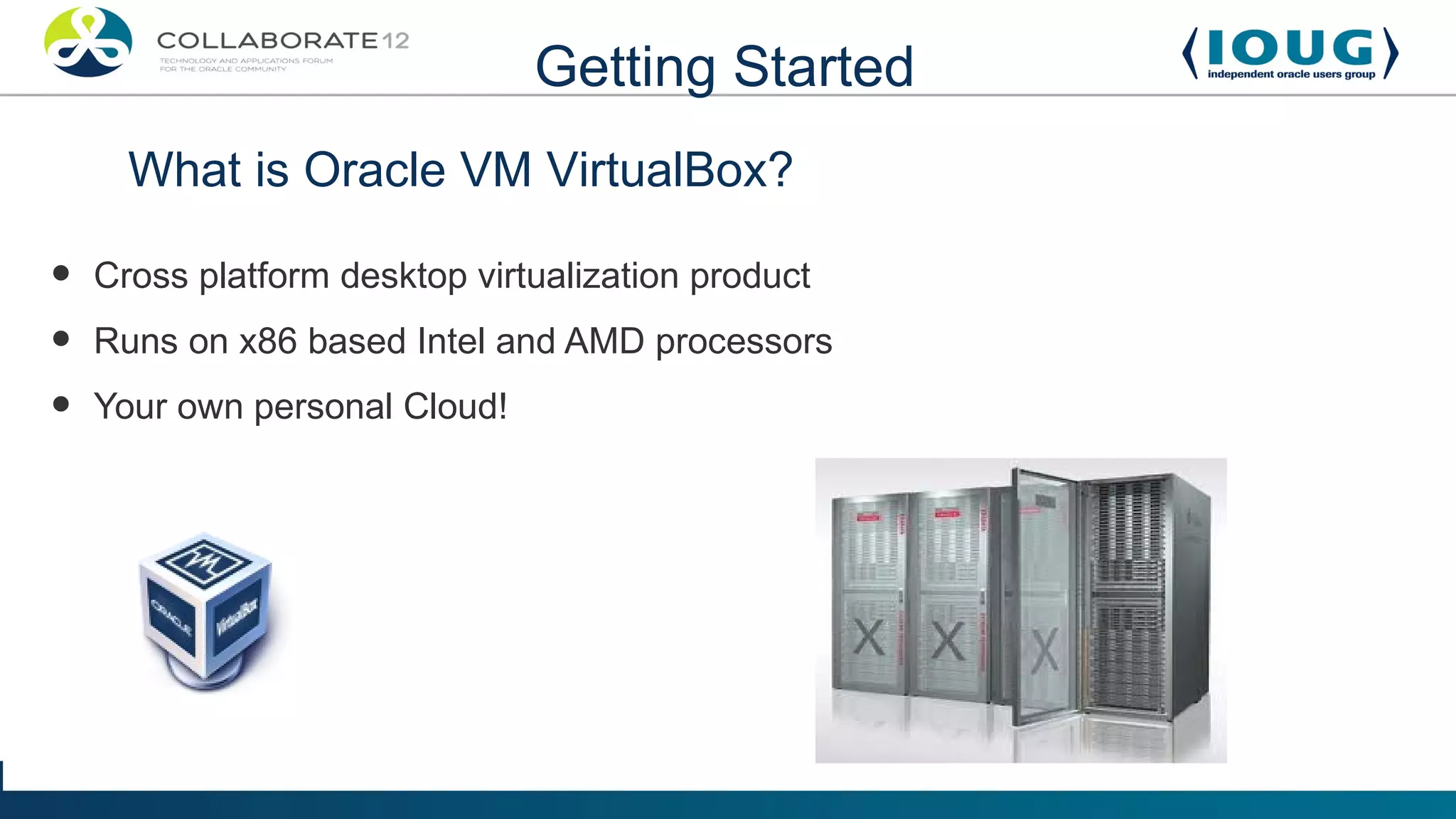
      What is Oracle VM VirtualBox?

•   Cross platform desktop virtualization product
•   Runs on x86 based Intel and AMD processors
•   Your own personal Cloud!
Getting Started
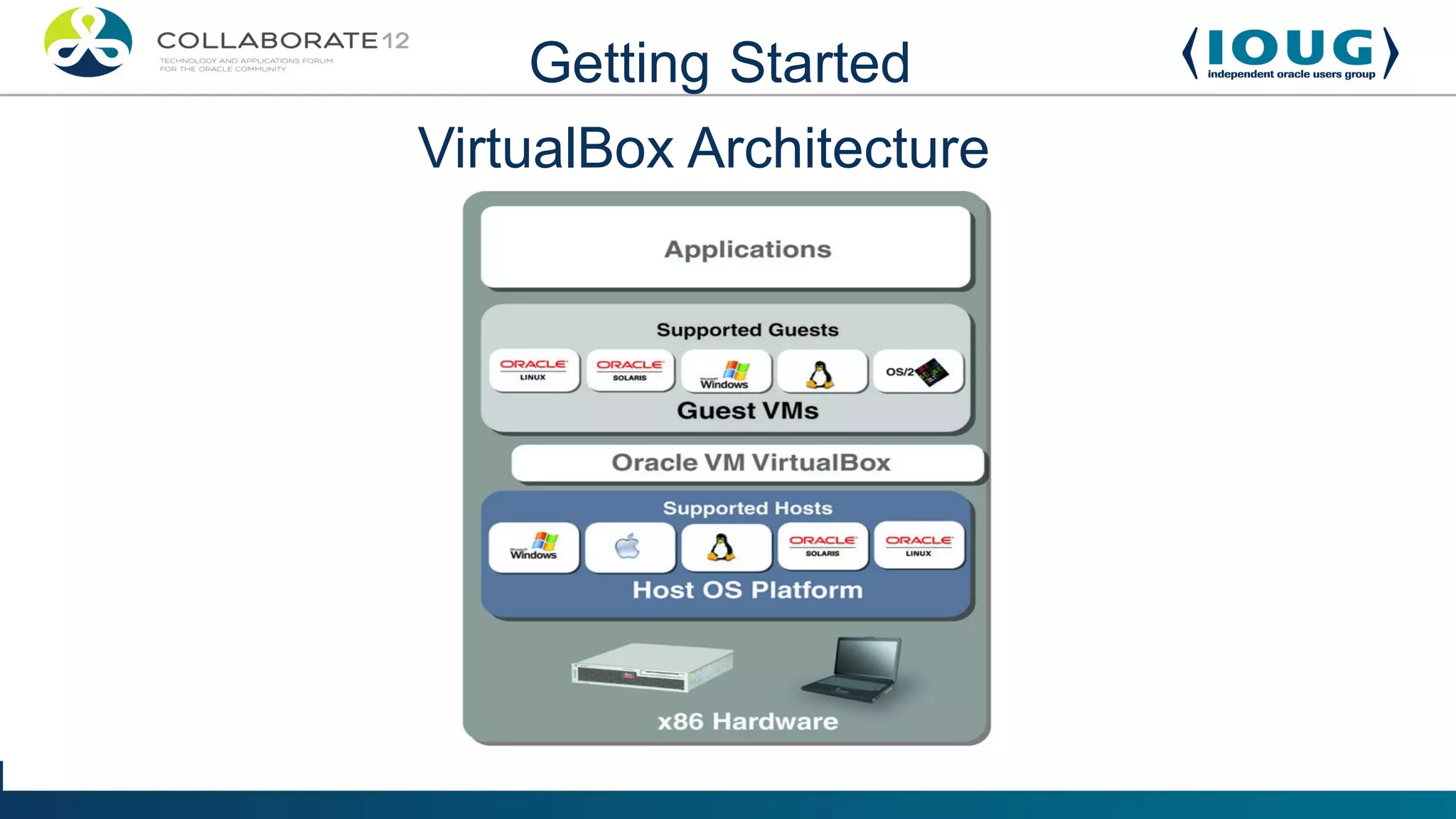
VirtualBox Architecture
Getting Started
                             Benefits
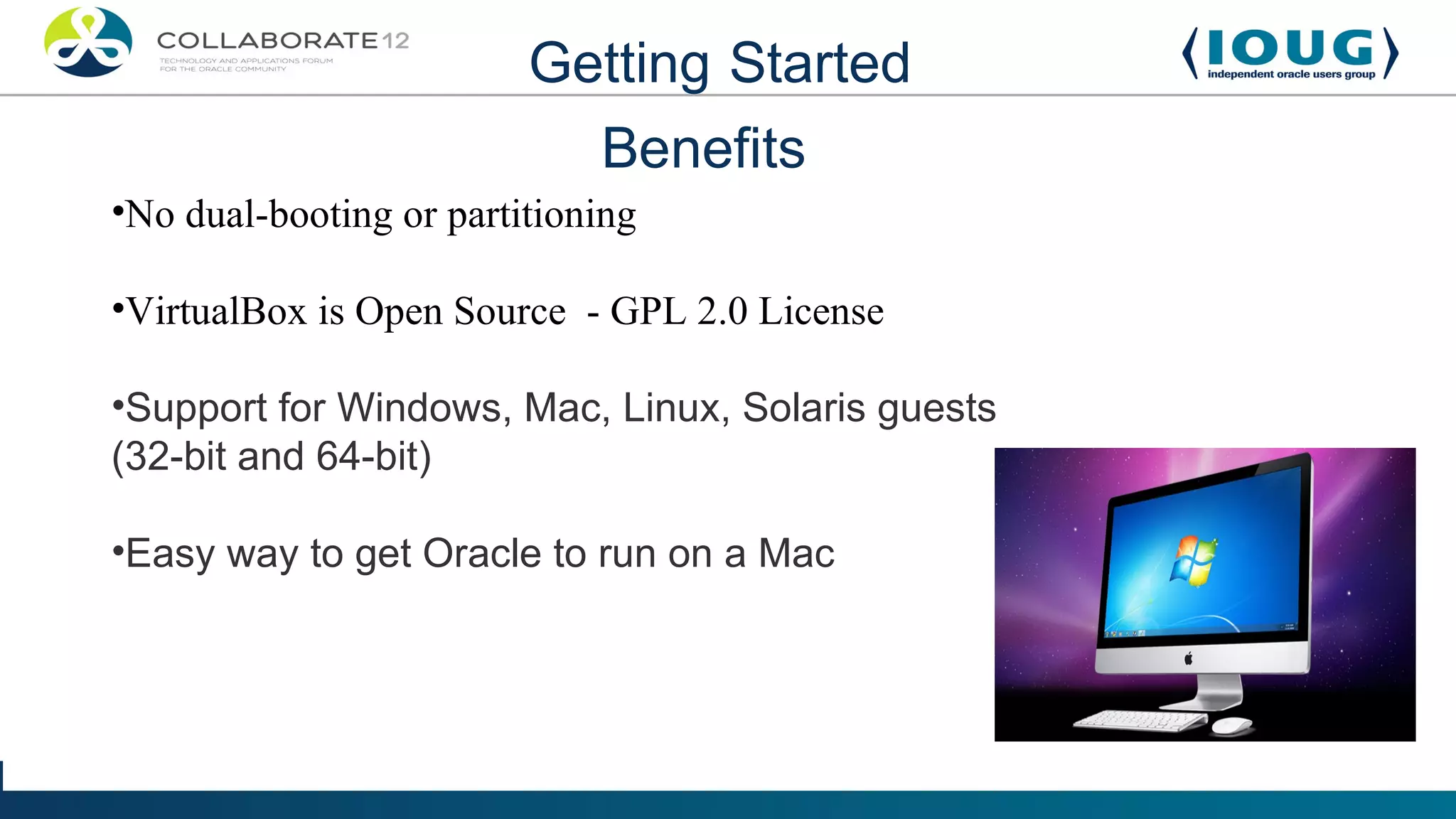
•No dual-booting or partitioning

•VirtualBox is Open Source - GPL 2.0 License

•Support for Windows, Mac, Linux, Solaris guests
(32-bit and 64-bit)

•Easy way to get Oracle to run on a Mac
Getting Started

What do I need to run VirtualBox?

•   A modern computer preferably with Virtualization
    support

•   Lots of memory (4GB or more recommended)

•   Plenty of hard disk space (especially for snapshots)
Getting started with VirtualBox
Use Cases

        Who can benefit from using VirtualBox?

• System Administrators - Solaris, Oracle Linux
• Developers - Java, PHP, SQL, PL/SQL, APEX
• Database Administrators – Oracle Database, MySQL Server
• Middleware Administrators – WebLogic, Coherence,
 Webcenter, Apache Maven
Use Cases


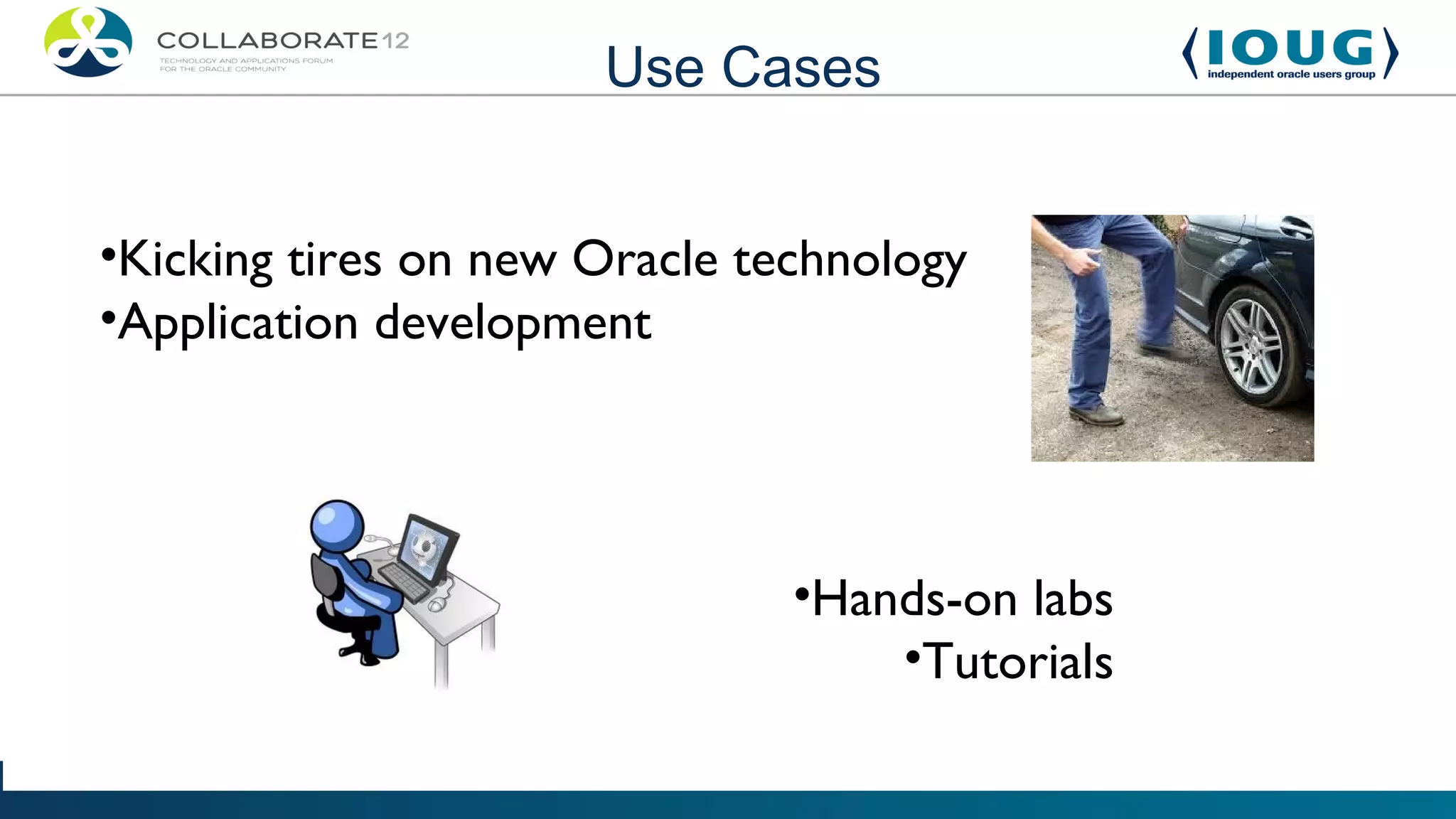
•Kicking tires on new Oracle technology
•Application development


                               •Hands-on labs
                                   •Tutorials
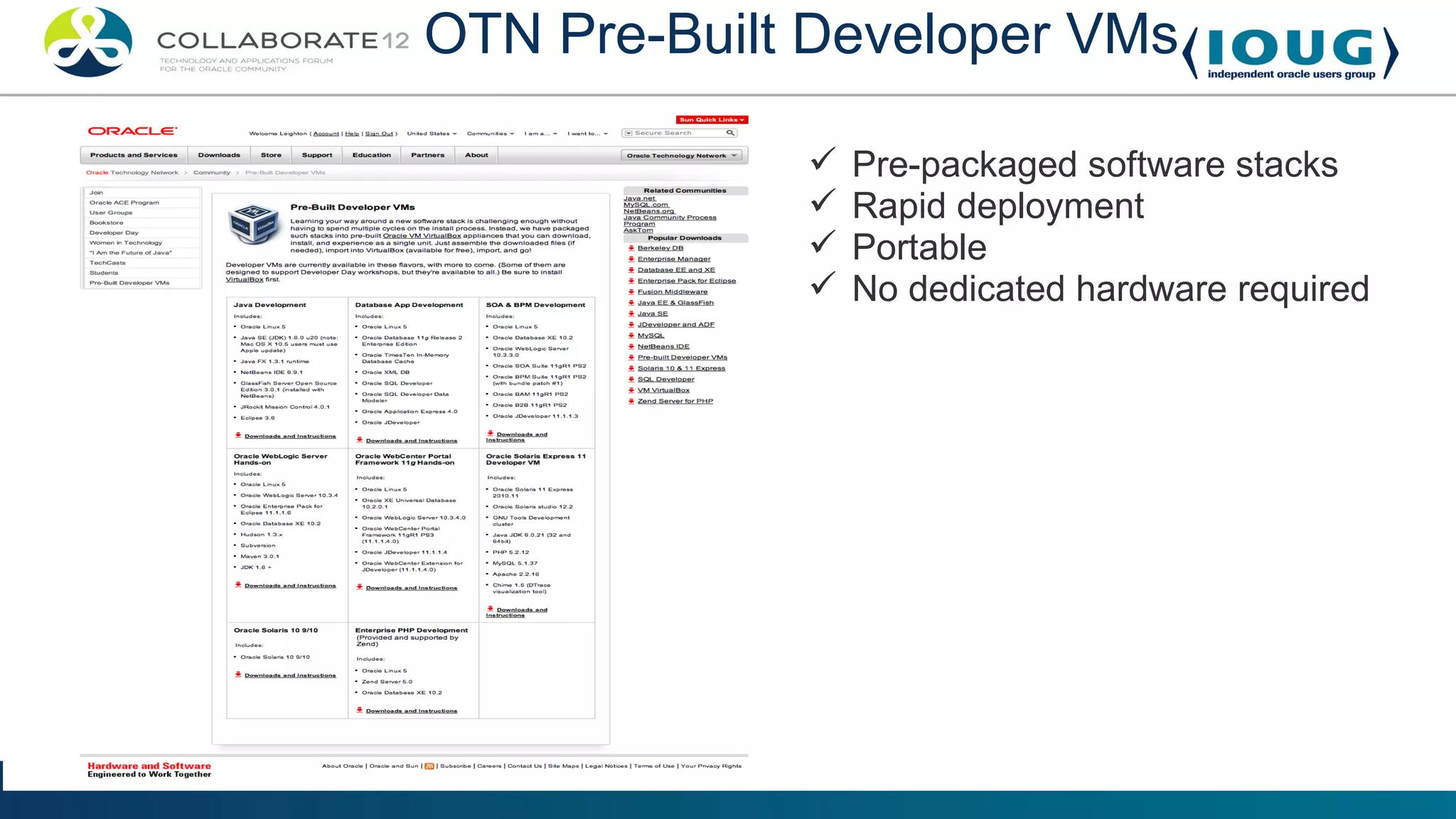
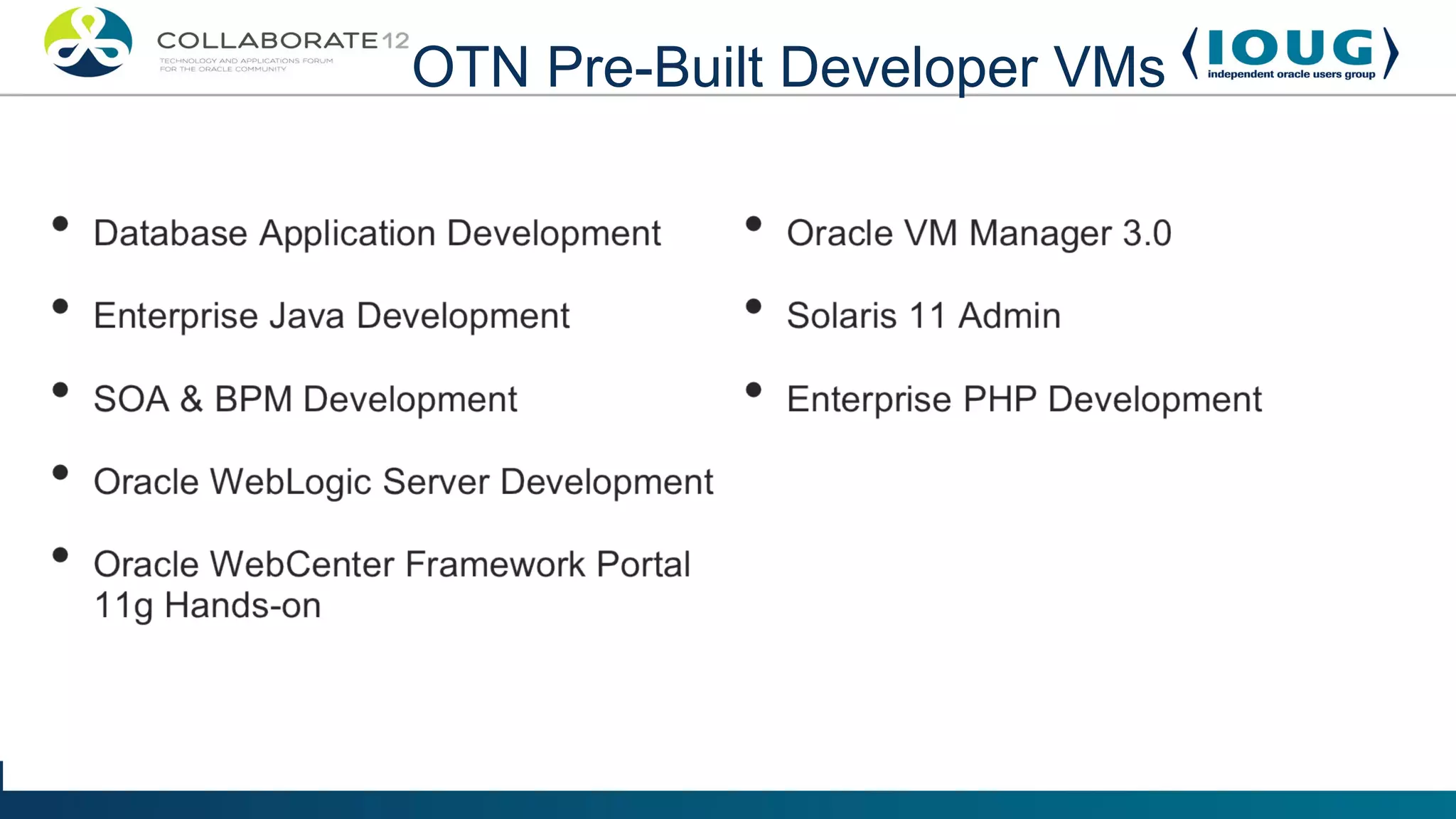
OTN Pre-Built Developer VMs

                Pre-packaged software stacks
                Rapid deployment
                Portable
                No dedicated hardware required
OTN Pre-Built Developer VMs
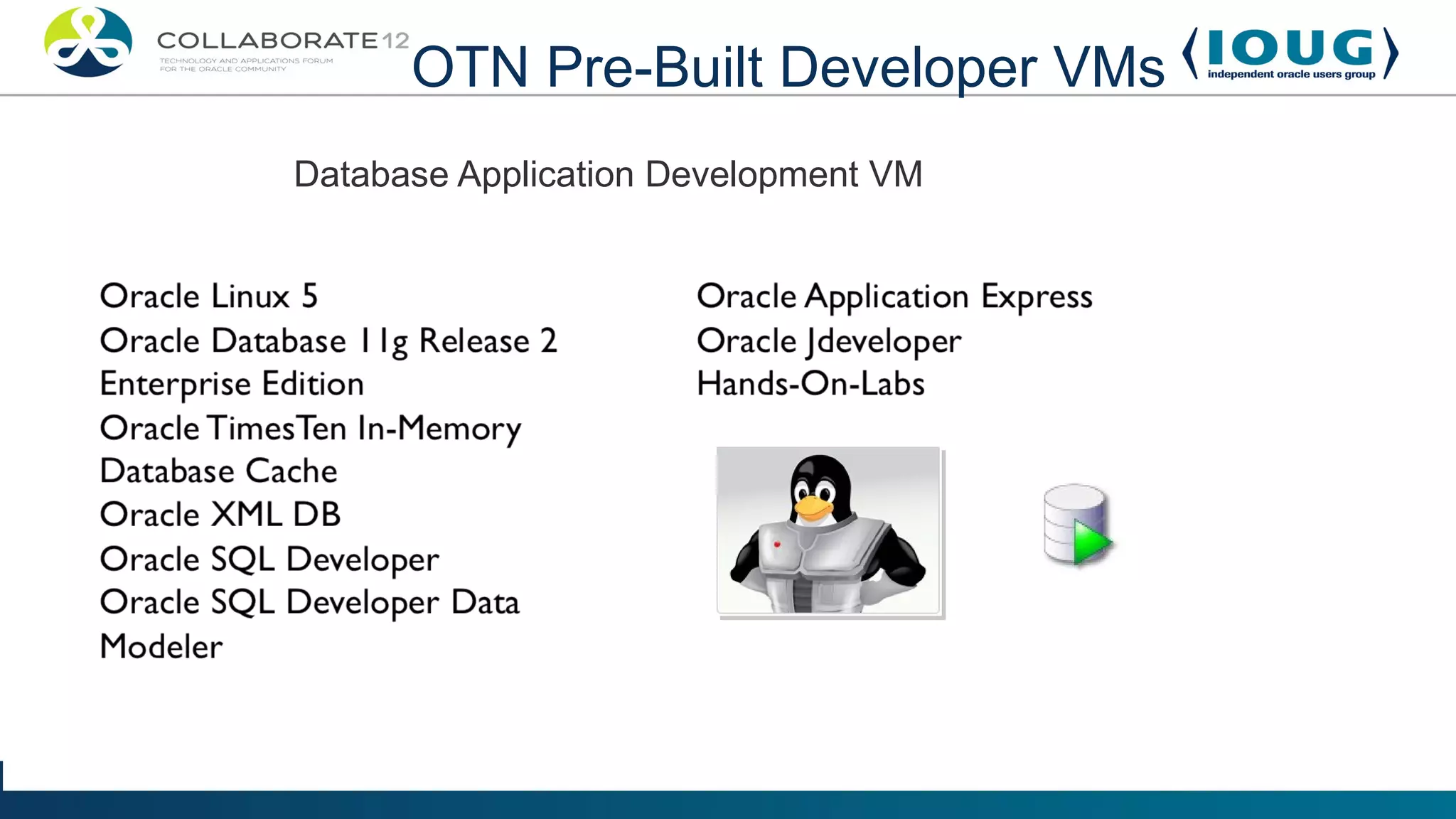
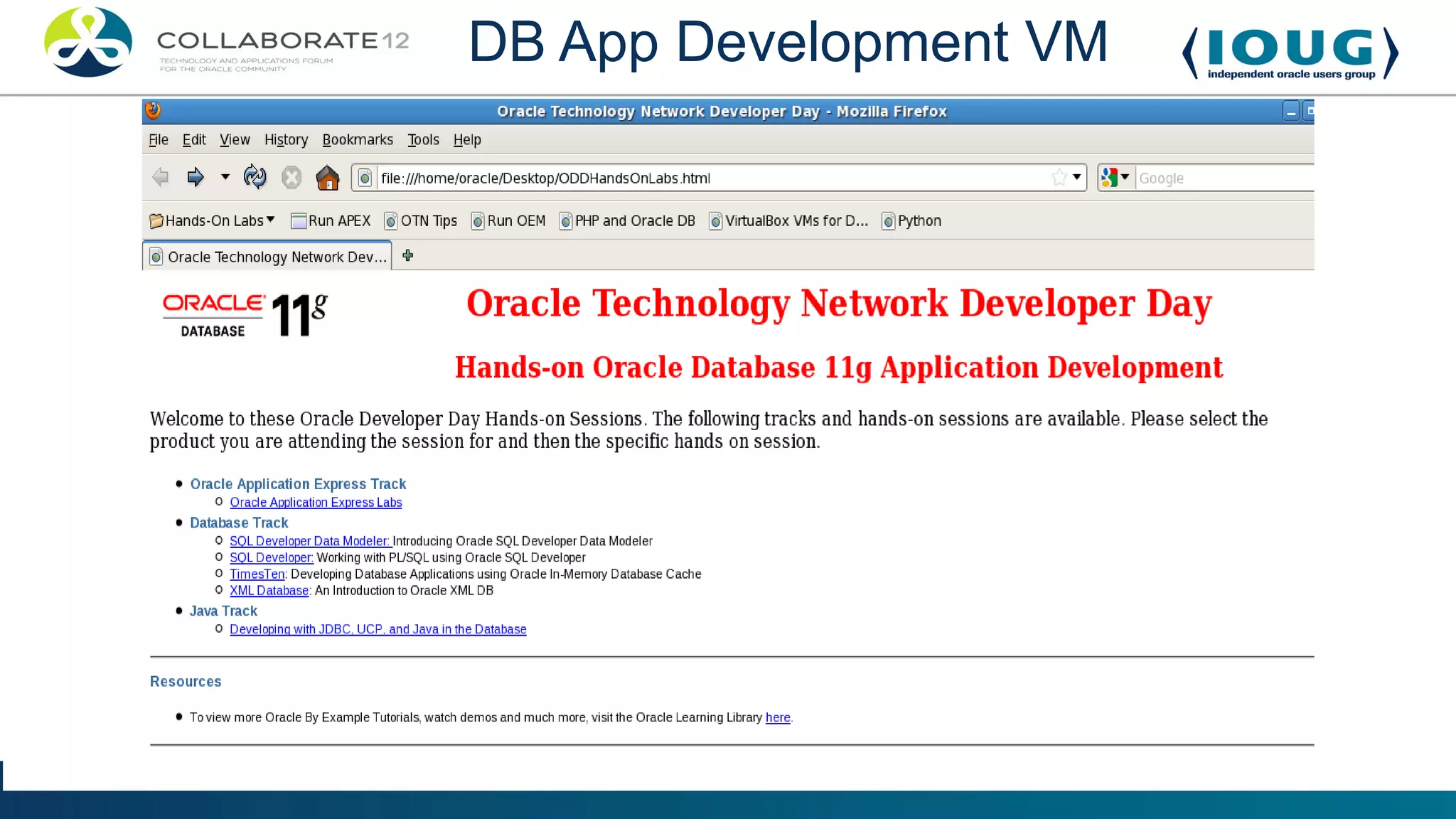
Database Application Development VM
Getting Started


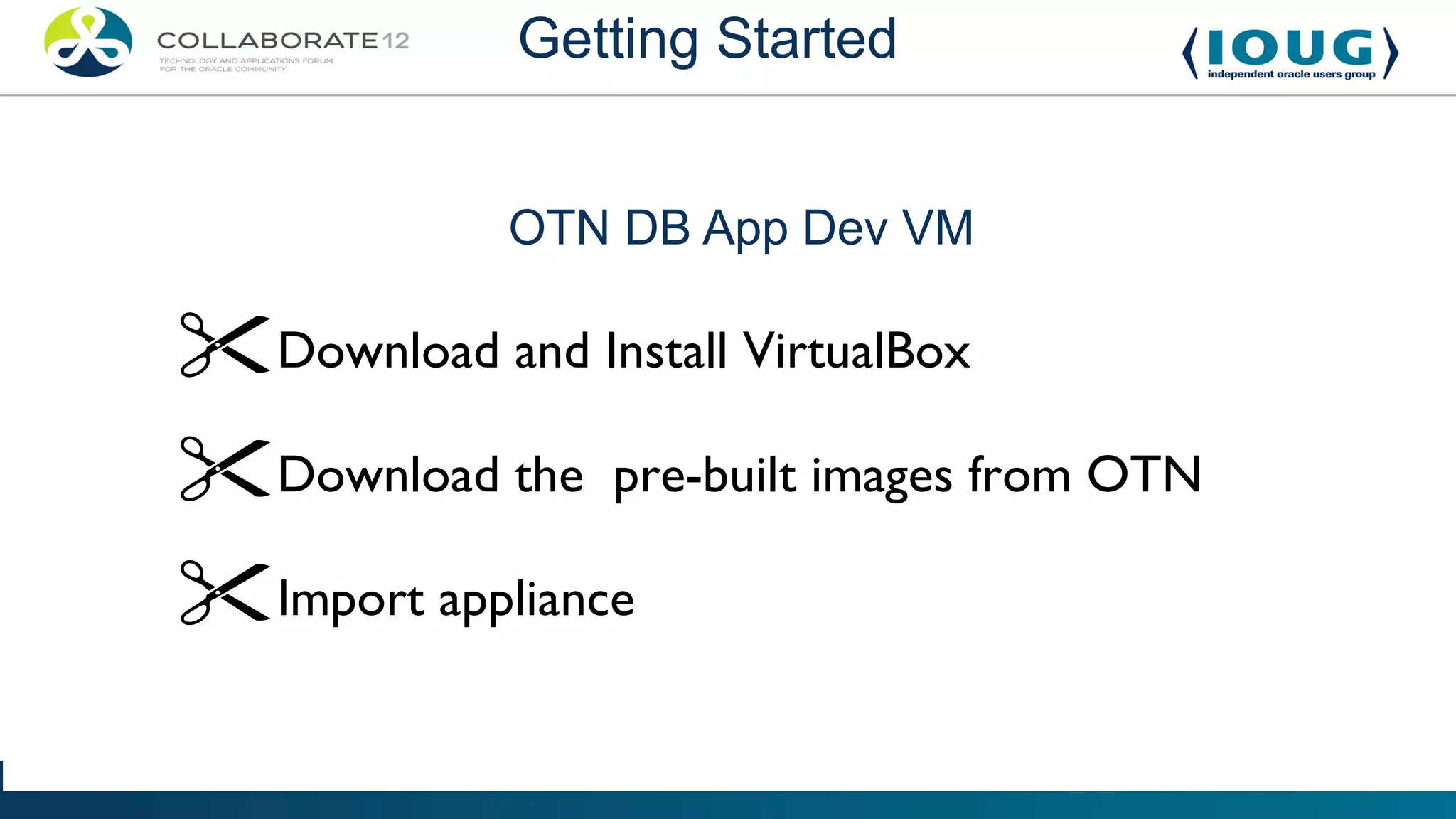
            OTN DB App Dev VM

Download and Install VirtualBox
Download the pre-built images from OTN
Import appliance
Getting Started


Import Demo
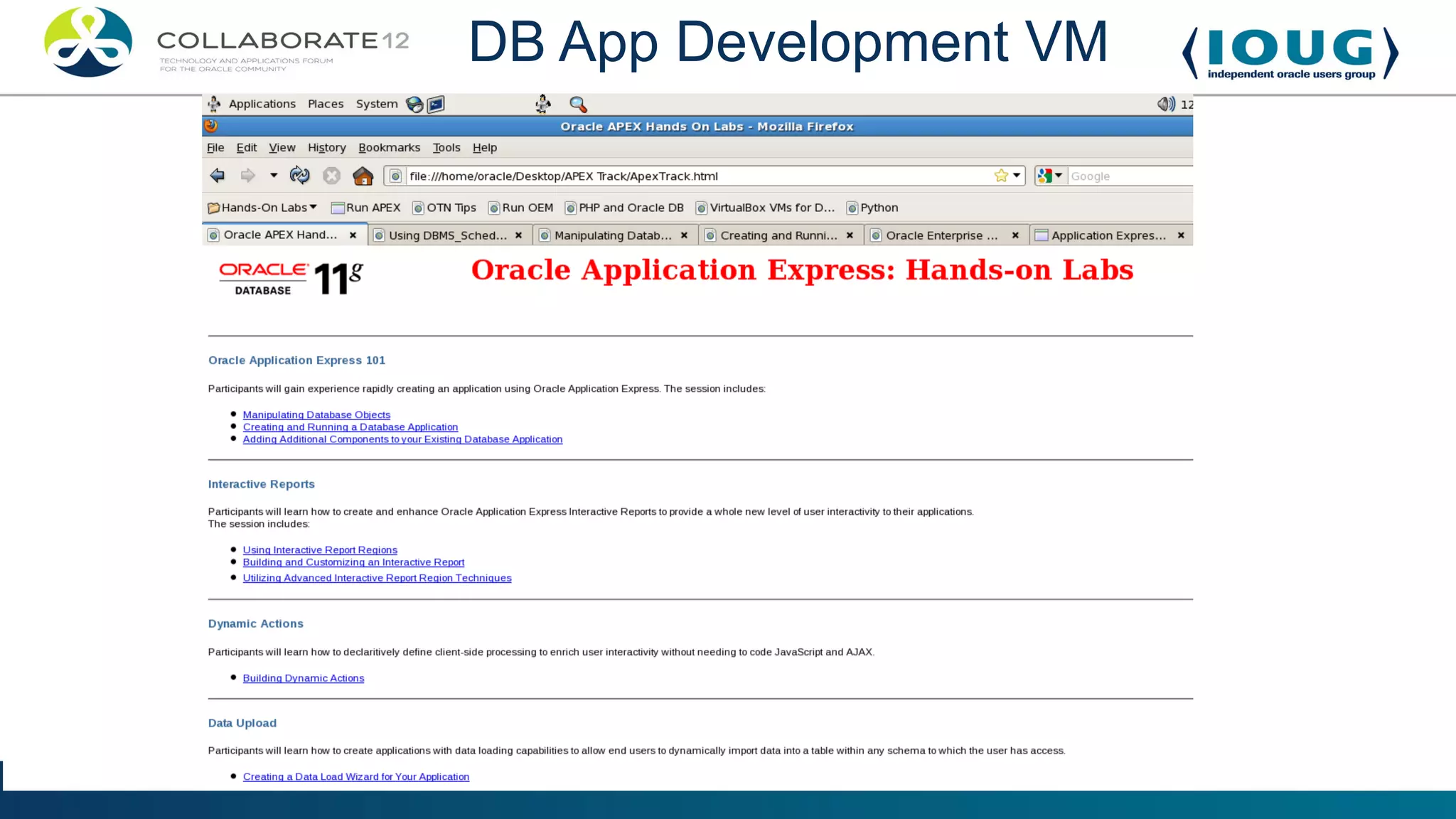
DB App Development VM
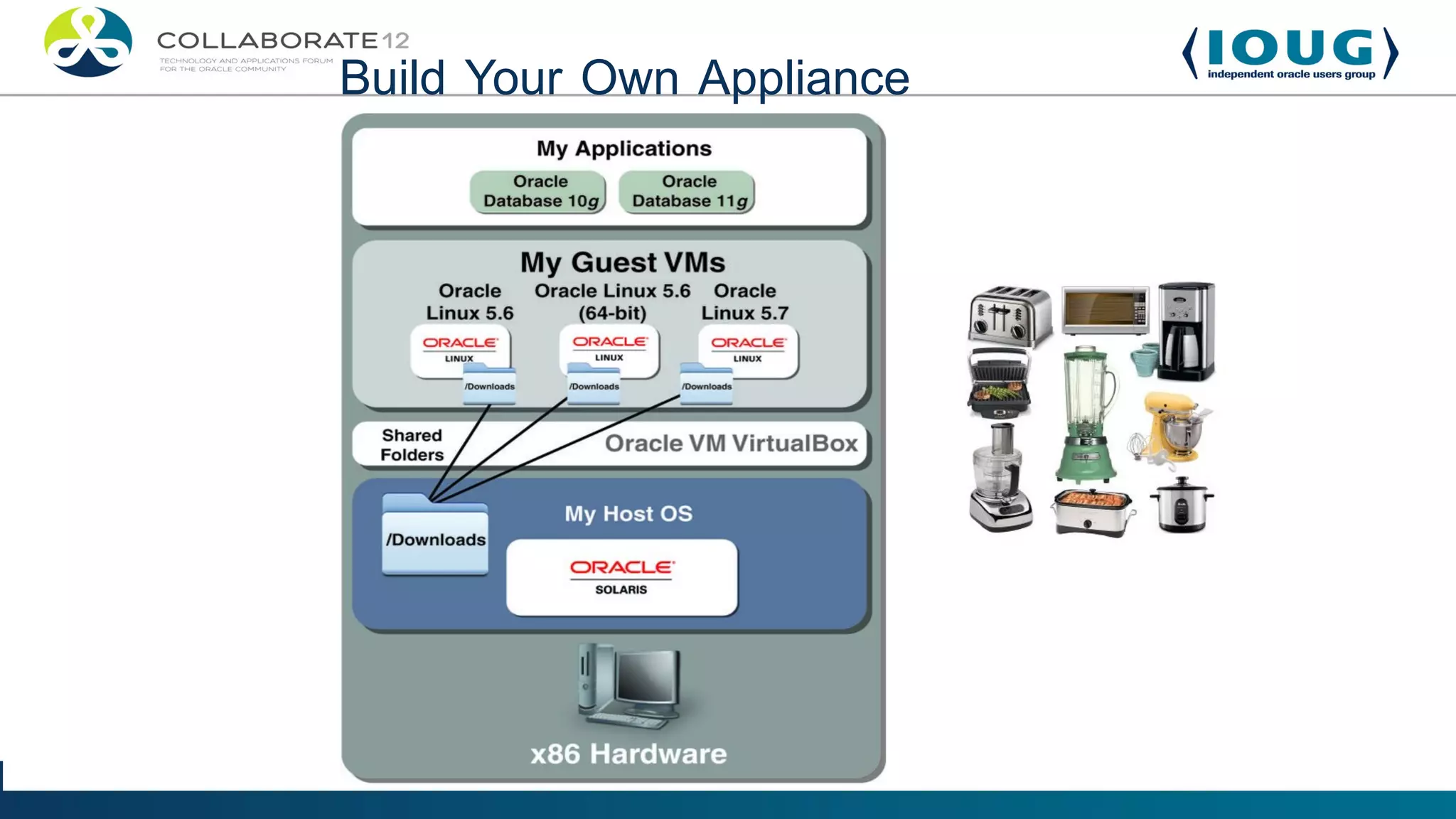
Build Your Own Appliance
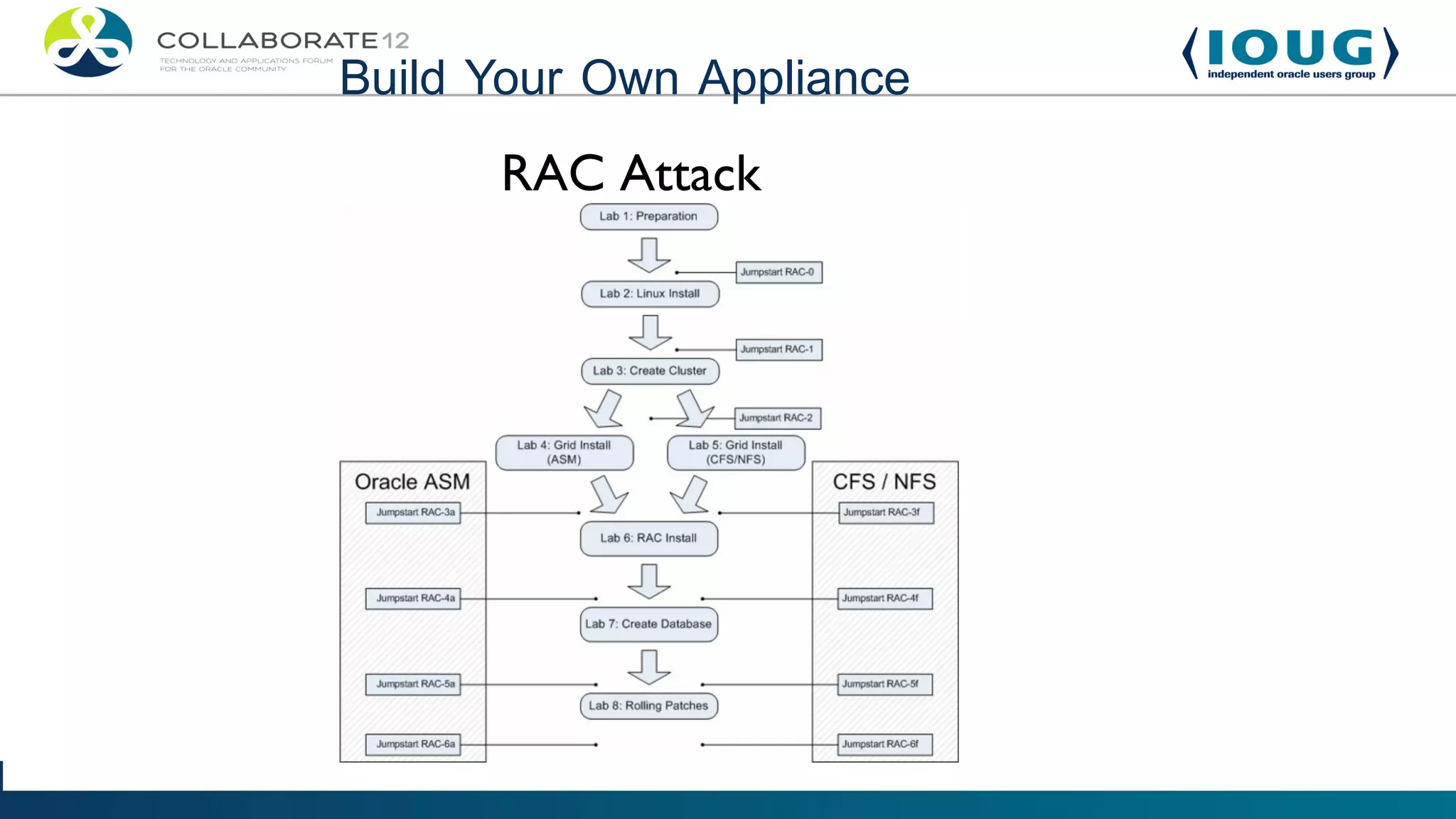
      RAC Attack
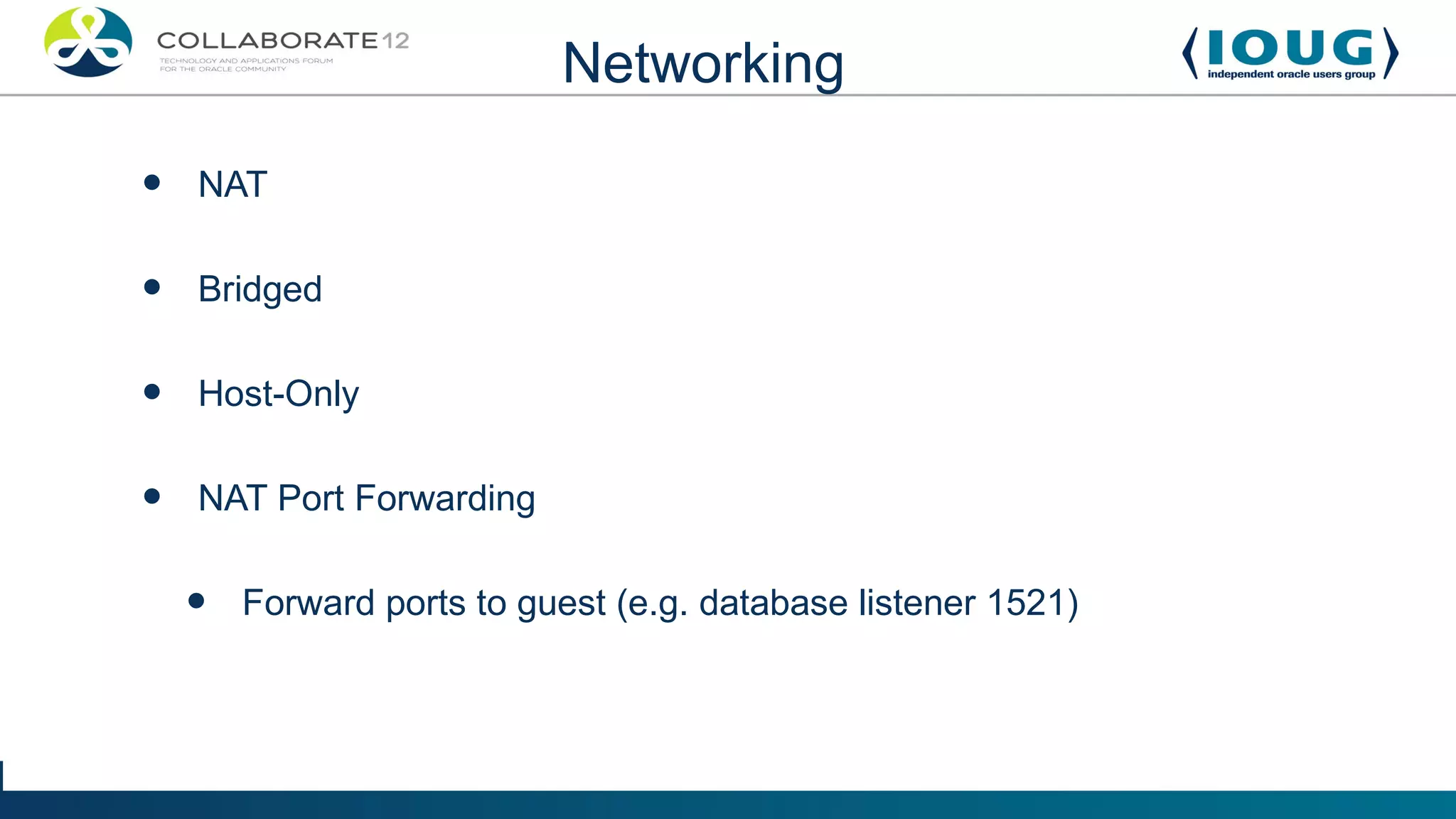
Networking

•   NAT


•   Bridged


•   Host-Only


•   NAT Port Forwarding


    •   Forward ports to guest (e.g. database listener 1521)
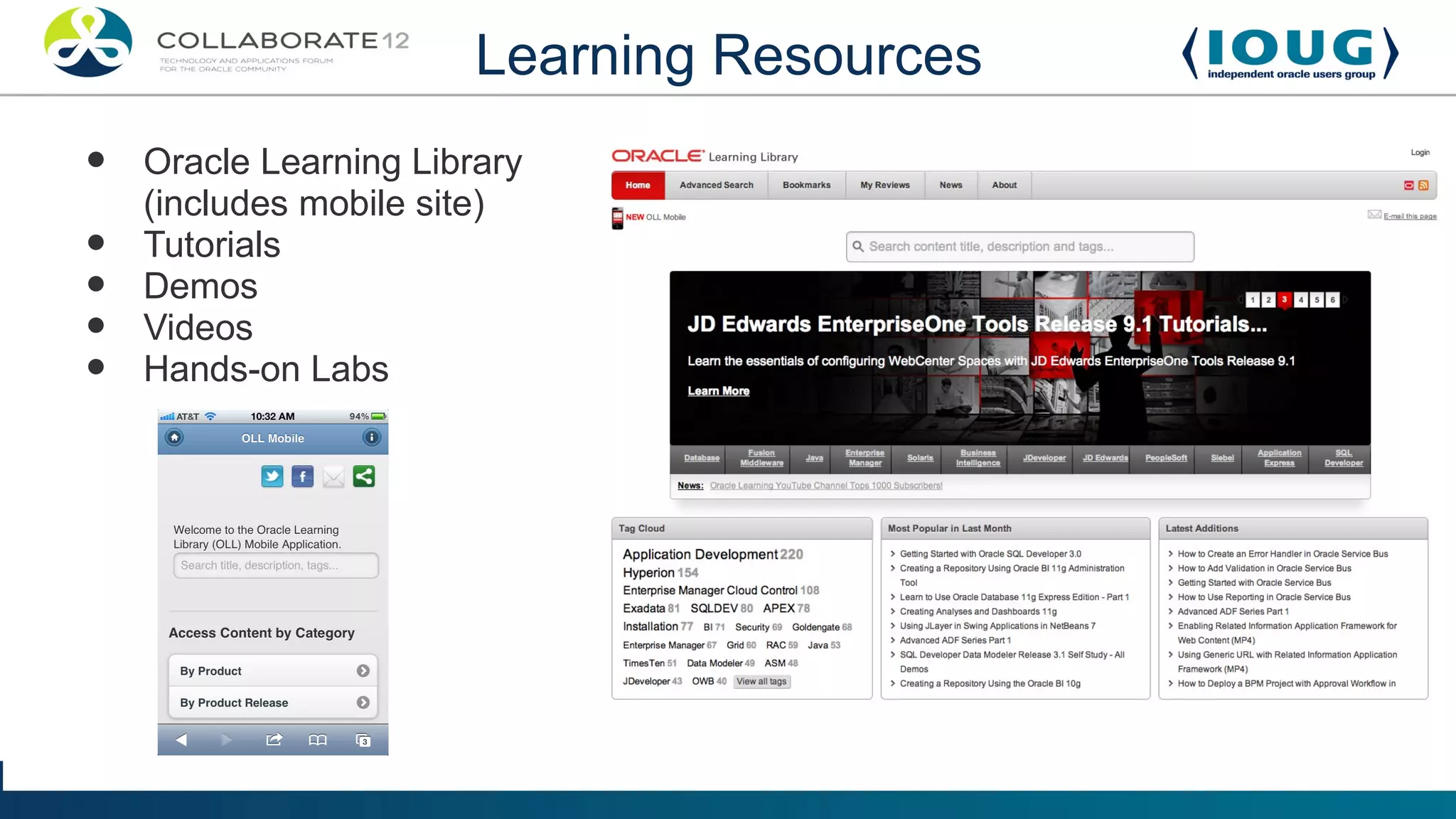
Learning Resources
•   Oracle Learning Library
    (includes mobile site)
•   Tutorials
•   Demos
•   Videos
•   Hands-on Labs
Learning Resources


Oracle Learning Library Demo
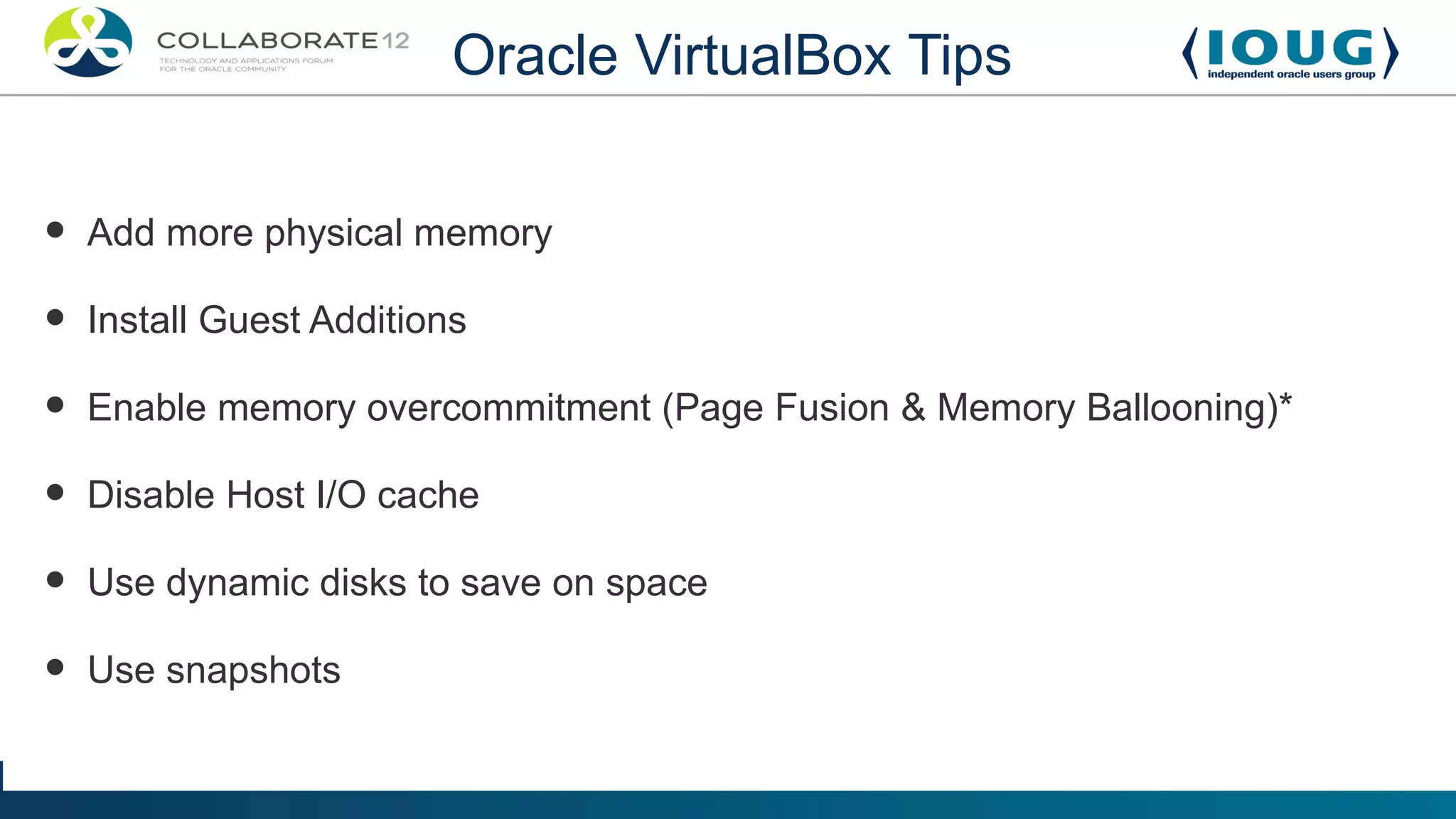
Oracle VirtualBox Tips


•   Add more physical memory

•   Install Guest Additions

•   Enable memory overcommitment (Page Fusion & Memory Ballooning)*

•   Disable Host I/O cache

•   Use dynamic disks to save on space

•   Use snapshots
Snapshots

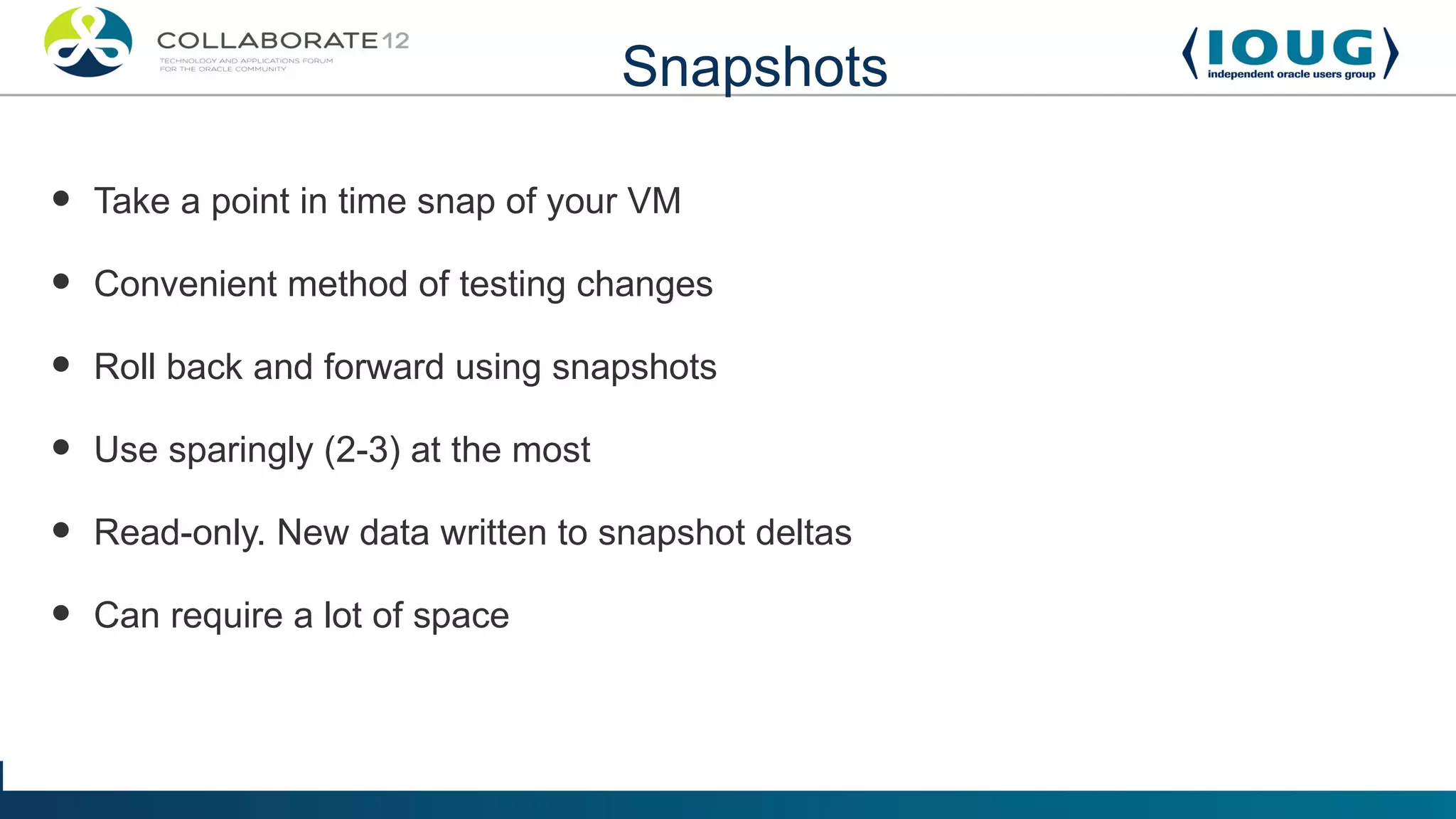
•   Take a point in time snap of your VM

•   Convenient method of testing changes

•   Roll back and forward using snapshots

•   Use sparingly (2-3) at the most

•   Read-only. New data written to snapshot deltas

•   Can require a lot of space
Additional Resources

•Oracle Technology Network
•Oracle Learning Library
•Oracle Documentation
•The Fat Bloke's Blog http://blogs.oracle.com/fatbloke/
•Computer Inside Your Computer: How To Use
VirtualBox
Contact Information


Website - blogs.griddba.com

LinkedIn – Leighton Nelson

Twitter - @leight0nn

Email: leighton.nelson@mercy.net

Learning Oracle with Oracle VM VirtualBox

  • 1.
    TITLE HERE • Allof your information would go in this area. For all fonts, just select and replace with the content. • Bullet 1 • Bullet 2 • Bullet 3 • Bullet 4 • Bullet 5 • Bullet 6
  • 2.
    Learning Oracle withOracle VM VirtualBox Leighton L. Nelson Oracle DBA Team Lead (10 yrs experience, 5 years with RAC) RAC SIG US Events Chair and IOUG Liaison Session #374
  • 3.
    Presentation Overview • Getting started with Virtual Box • VirtualBox Use Cases • OTN Pre-Built Development VMs • Learning Resources • VirtualBox Tips
  • 4.
    Getting Started Quote: “Whyusing Oracle VM VirtualBox makes my inner geek go genuinely giddy.” Ginny Henningsen
  • 5.
    Getting Started What is Oracle VM VirtualBox? • Cross platform desktop virtualization product • Runs on x86 based Intel and AMD processors • Your own personal Cloud!
  • 6.
  • 7.
    Getting Started Benefits •No dual-booting or partitioning •VirtualBox is Open Source - GPL 2.0 License •Support for Windows, Mac, Linux, Solaris guests (32-bit and 64-bit) •Easy way to get Oracle to run on a Mac
  • 8.
    Getting Started What doI need to run VirtualBox? • A modern computer preferably with Virtualization support • Lots of memory (4GB or more recommended) • Plenty of hard disk space (especially for snapshots)
  • 9.
  • 10.
    Use Cases Who can benefit from using VirtualBox? • System Administrators - Solaris, Oracle Linux • Developers - Java, PHP, SQL, PL/SQL, APEX • Database Administrators – Oracle Database, MySQL Server • Middleware Administrators – WebLogic, Coherence, Webcenter, Apache Maven
  • 11.
    Use Cases •Kicking tireson new Oracle technology •Application development •Hands-on labs •Tutorials
  • 12.
    OTN Pre-Built DeveloperVMs  Pre-packaged software stacks  Rapid deployment  Portable  No dedicated hardware required
  • 13.
  • 14.
    OTN Pre-Built DeveloperVMs Database Application Development VM
  • 15.
    Getting Started OTN DB App Dev VM Download and Install VirtualBox Download the pre-built images from OTN Import appliance
  • 16.
  • 17.
  • 18.
  • 19.
    Build Your OwnAppliance
  • 20.
    Build Your OwnAppliance RAC Attack
  • 21.
    Networking • NAT • Bridged • Host-Only • NAT Port Forwarding • Forward ports to guest (e.g. database listener 1521)
  • 22.
    Learning Resources • Oracle Learning Library (includes mobile site) • Tutorials • Demos • Videos • Hands-on Labs
  • 23.
  • 24.
    Oracle VirtualBox Tips • Add more physical memory • Install Guest Additions • Enable memory overcommitment (Page Fusion & Memory Ballooning)* • Disable Host I/O cache • Use dynamic disks to save on space • Use snapshots
  • 25.
    Snapshots • Take a point in time snap of your VM • Convenient method of testing changes • Roll back and forward using snapshots • Use sparingly (2-3) at the most • Read-only. New data written to snapshot deltas • Can require a lot of space
  • 26.
    Additional Resources •Oracle TechnologyNetwork •Oracle Learning Library •Oracle Documentation •The Fat Bloke's Blog http://blogs.oracle.com/fatbloke/ •Computer Inside Your Computer: How To Use VirtualBox
  • 27.
    Contact Information Website -blogs.griddba.com LinkedIn – Leighton Nelson Twitter - @leight0nn Email: leighton.nelson@mercy.net

Editor's Notes

  • #5 A virtual machine (VM) is a software implementation of a physical machine. VirtualBox is Open Source Comparable to VMware Server/Fusion/Player or Parallels Support for Windows, Mac, Linux, Solaris guests (32-bit and 64-bit) Easy way to get Oracle to run on a Mac
  • #6 A virtual machine (VM) is a software implementation of a physical machine. VirtualBox is Open Source Comparable to VMware Server/Fusion/Player or Parallels Support for Windows, Mac, Linux, Solaris guests (32-bit and 64-bit) Easy way to get Oracle to run on a Mac
  • #7 Most modern computers are multi-core with CPUs supporting the two main virtualization architectures – VT-x (vmx) and AMD-V (svm) The amount of memory depends on the types and numbers of guest you will be running simultaneously. No need to dual-boot Users can use external drives for Virtualbox images – faster is better. Think SSD
  • #8 Most modern computers are multi-core with CPUs supporting the two main virtualization architectures – VT-x (vmx) and AMD-V (svm) The amount of memory depends on the types and numbers of guest you will be running simultaneously. No need to dual-boot Users can use external drives for Virtualbox images – faster is better. Think SSD
  • #10 Software can be downloaded from VirtualBox.org or OTN Install extension packs for additional functionality – USB, remote RDP
  • #13 Requires OTN Account Download, assemble, import and go Skip installation and begin learning in minutes.
  • #14 OTN Developer Days is a series of Workshops put on by Oracle Some VMs include Hands-On labs
  • #15 OTN Developer Days is a series of Workshops put on by Oracle Some VMs include Hands-On labs
  • #16 For an archive file (OVA) File->Import Appliance If files are zipped then unzip and assemble if necessary and then import (OVF)
  • #17 For an archive file (OVA) File->Import Appliance If files are zipped then unzip and assemble if necessary and then import (OVF)
  • #18 OTN Virtual Developer Days VM – Refreshed regularly. Latest version include Oracle 11.2.0.2, SQL Developer 3.1 and APEX 4.1 Development using APEX, SQL Developer, JDeveloper, XMLDB, Java APEX track takes you through building using objects and building applications
  • #19 OTN Virtual Developer Days VM – Refreshed regularly. Latest version include Oracle 11.2.0.2, SQL Developer 3.1 and APEX 4.1 Development using APEX, SQL Developer, JDeveloper, XMLDB, Java APEX track takes you through building using objects and building applications
  • #20 Most software can be downloaded and used with OTN Developer License Create VM -> Install and Configure OS ->Install software
  • #21 RAC Attack shows you how to build a complete 2-node RAC cluster on your laptop/PC using Vmware/Virtualbox
  • #22 Forward specific ports to single VM e.g. Port 1521 used for database listener Bridged networking can be used to access multiple VMs using guest IP address
  • #23 Demo list of tutorials at https://apex.oracle.com/pls/apex/f?p=44785:1:2367083891624498
  • #24 Demo list of tutorials at https://apex.oracle.com/pls/apex/f?p=44785:1:2367083891624498
  • #25 Guest Additions is software installed inside a VM to improve its functionality – mouse capture automatically, dynamic resizing of display, shared folders and other performance improvements Mike Ault's Optimizing Oracle on VMware presentation Jeremy Schneider's Low-Memory Linux article: http://www.ardentperf.com/2010/09/02/rac-investigation-on-low-memory-linux/ *Only available on certain platforms
  • #26 Snapshots create deltas. Read requests to deltas and parents Write requests to deltas only.
  • #27 2-Day Docs