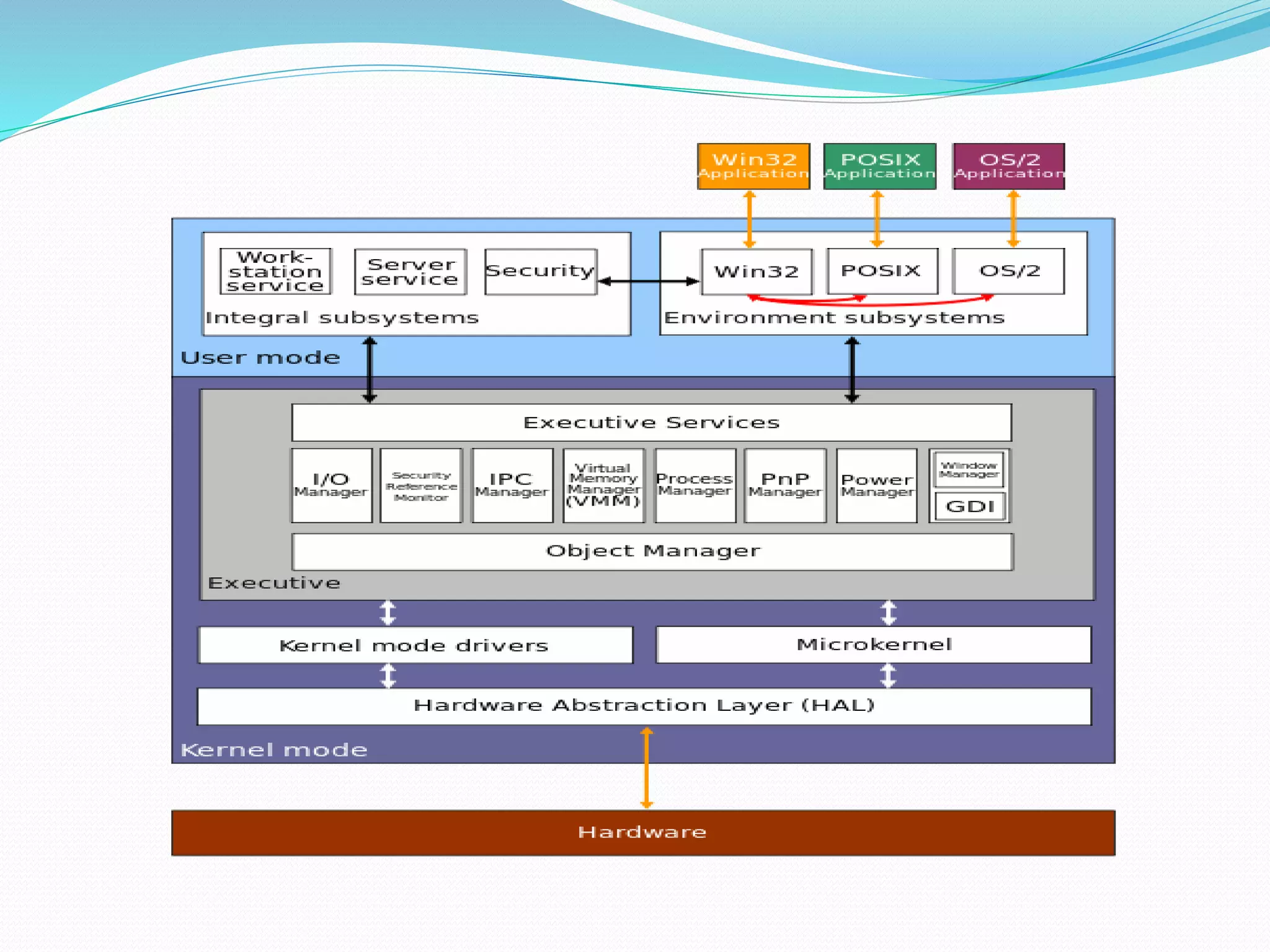
Windows 2000 architecture has a layered design with a kernel mode and user mode. The kernel mode consists of the hardware abstraction layer, kernel, and executive services which have unrestricted system access. The user mode contains subsystems and has limited resource access. The kernel schedules processes and handles interrupts, synchronization, and recovery. Executive services provide common functions like I/O management, security, and power management through components like the object manager and process manager. Environment subsystems allow running applications from other operating systems by converting their API calls.
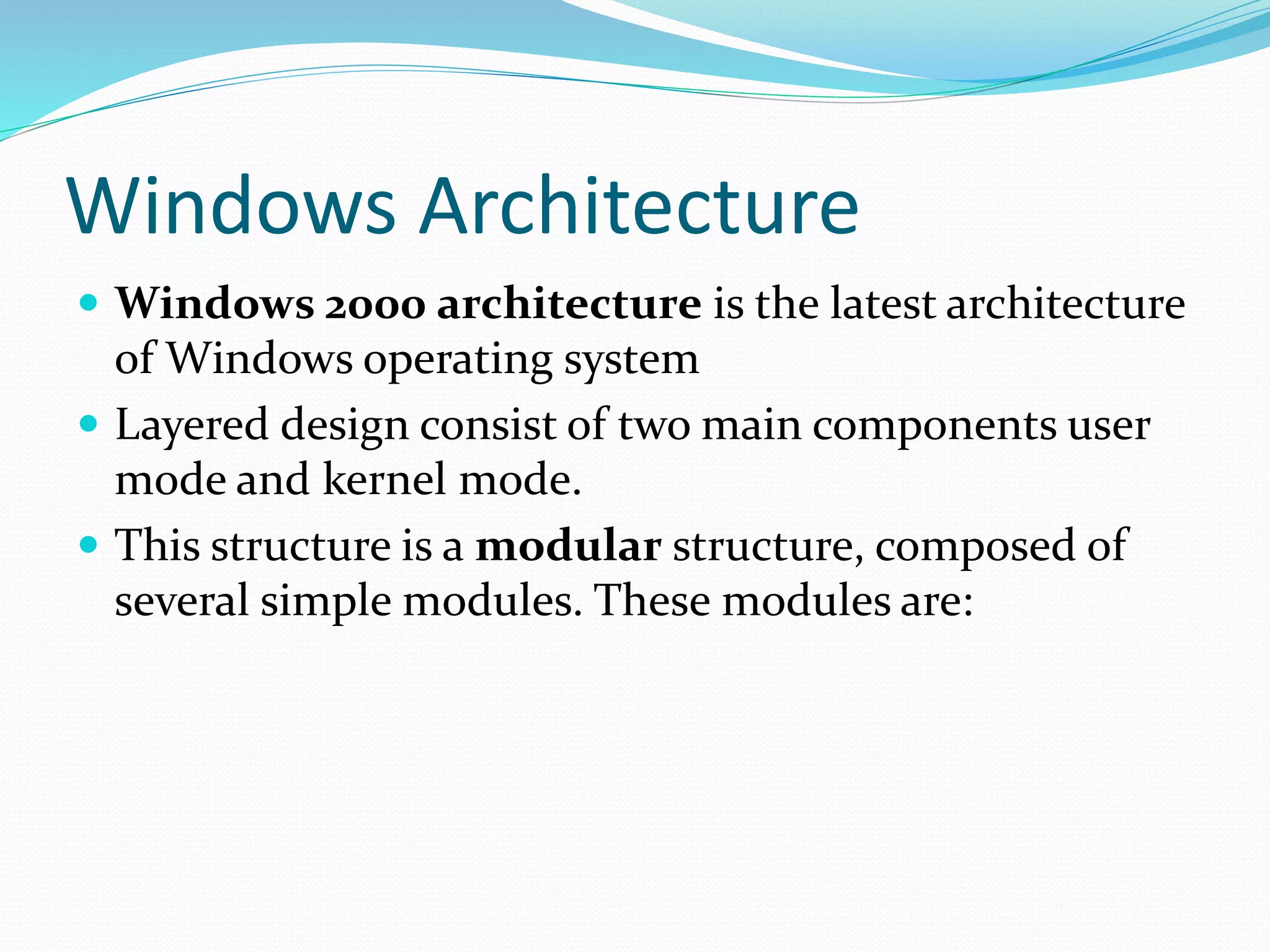
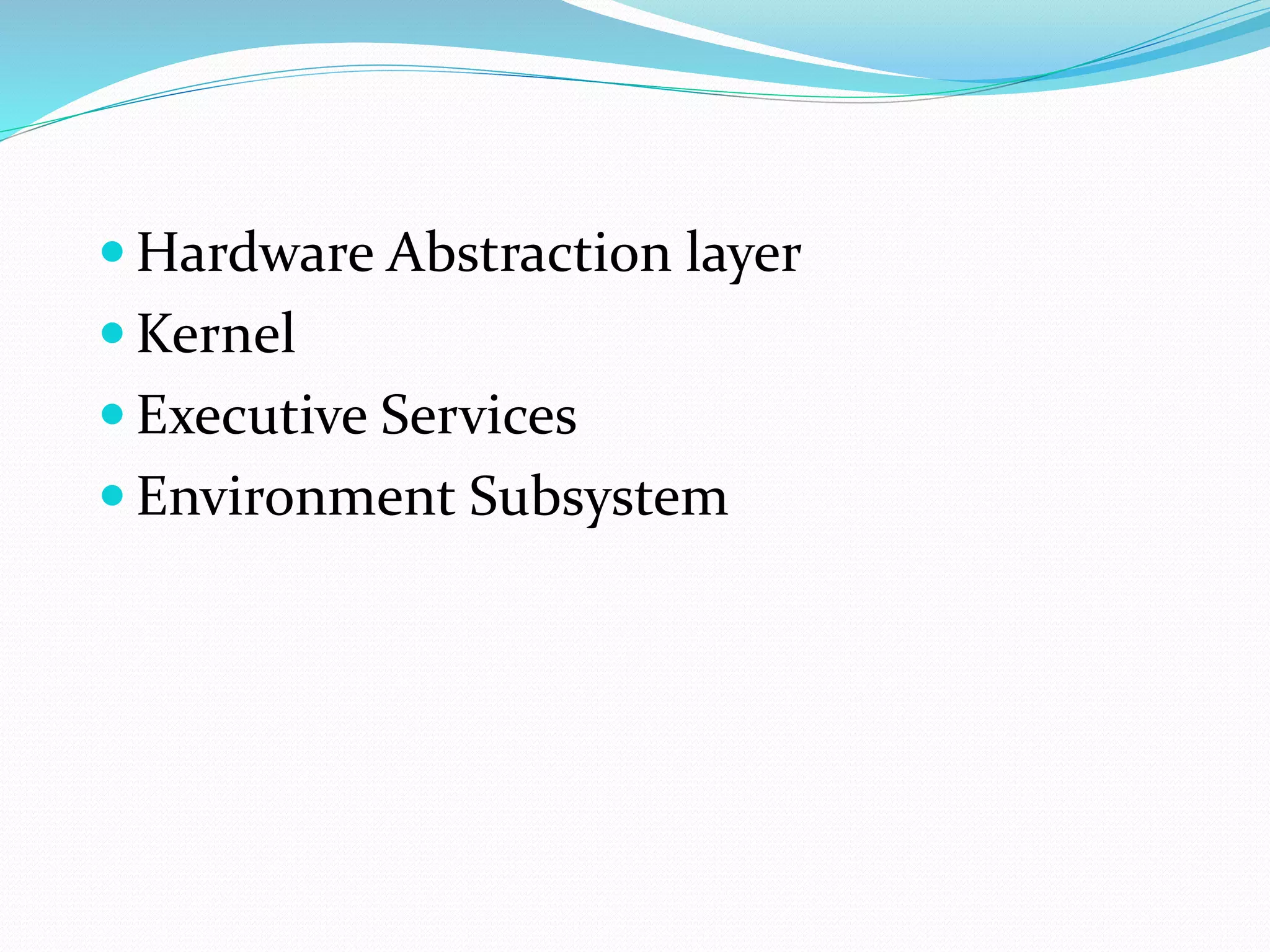
Windows 2000 architecture features a layered design with user and kernel mode, consisting of modules like HAL, Kernel, Executive Services, and Environment Subsystem.
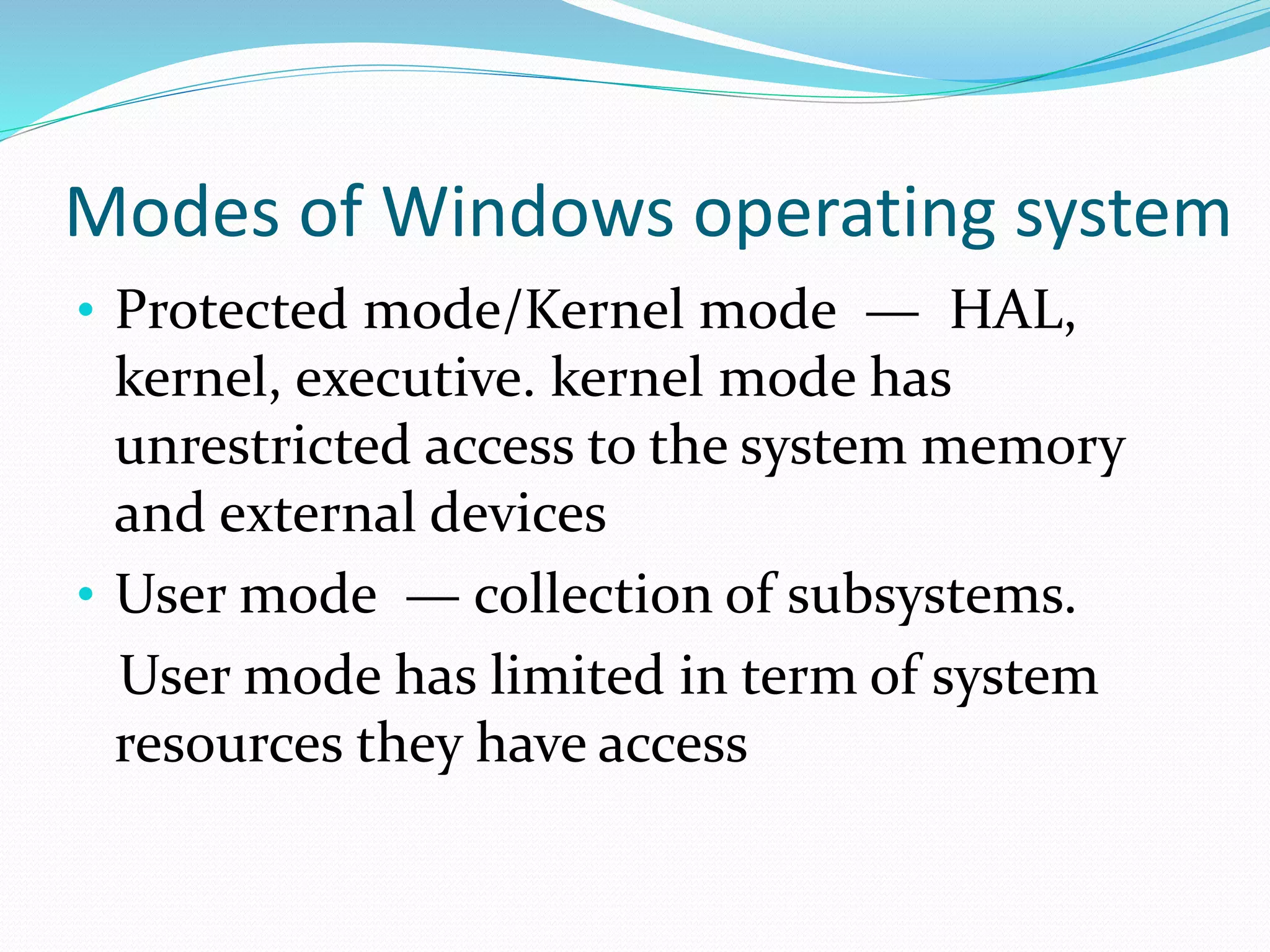
The Windows operating system operates in Protected/Kernel mode and User mode, with Kernel mode having unrestricted access to system resources, while User mode has limitations.
The Hardware Abstraction Layer abstracts hardware differences to enable Windows 2000 portability across platforms, using functions that hide hardware specifics.
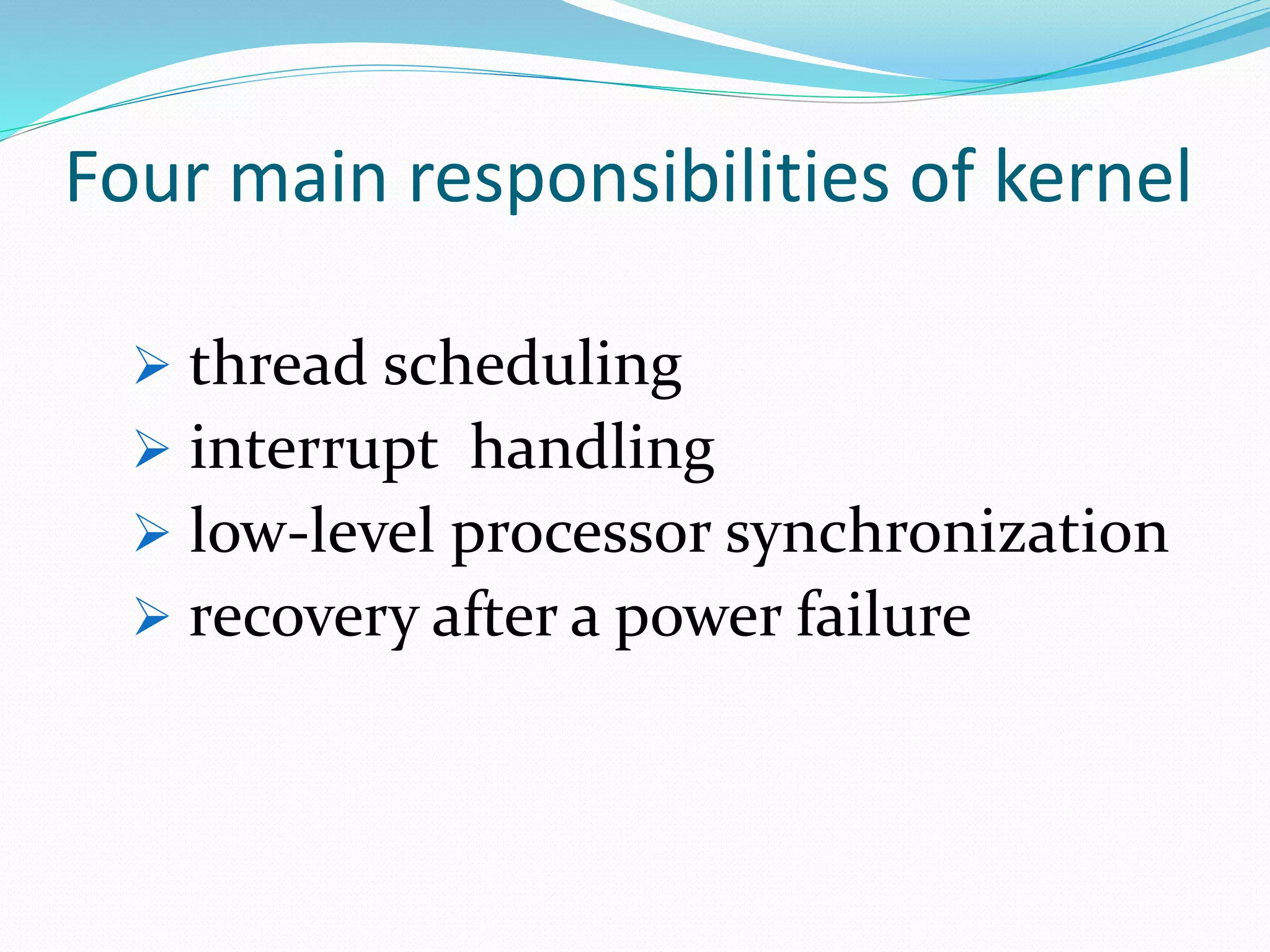
The Windows Kernel is a hybrid type that manages CPU activities, prevents unauthorized access, and is tasked with responsibilities like thread scheduling and recovery.
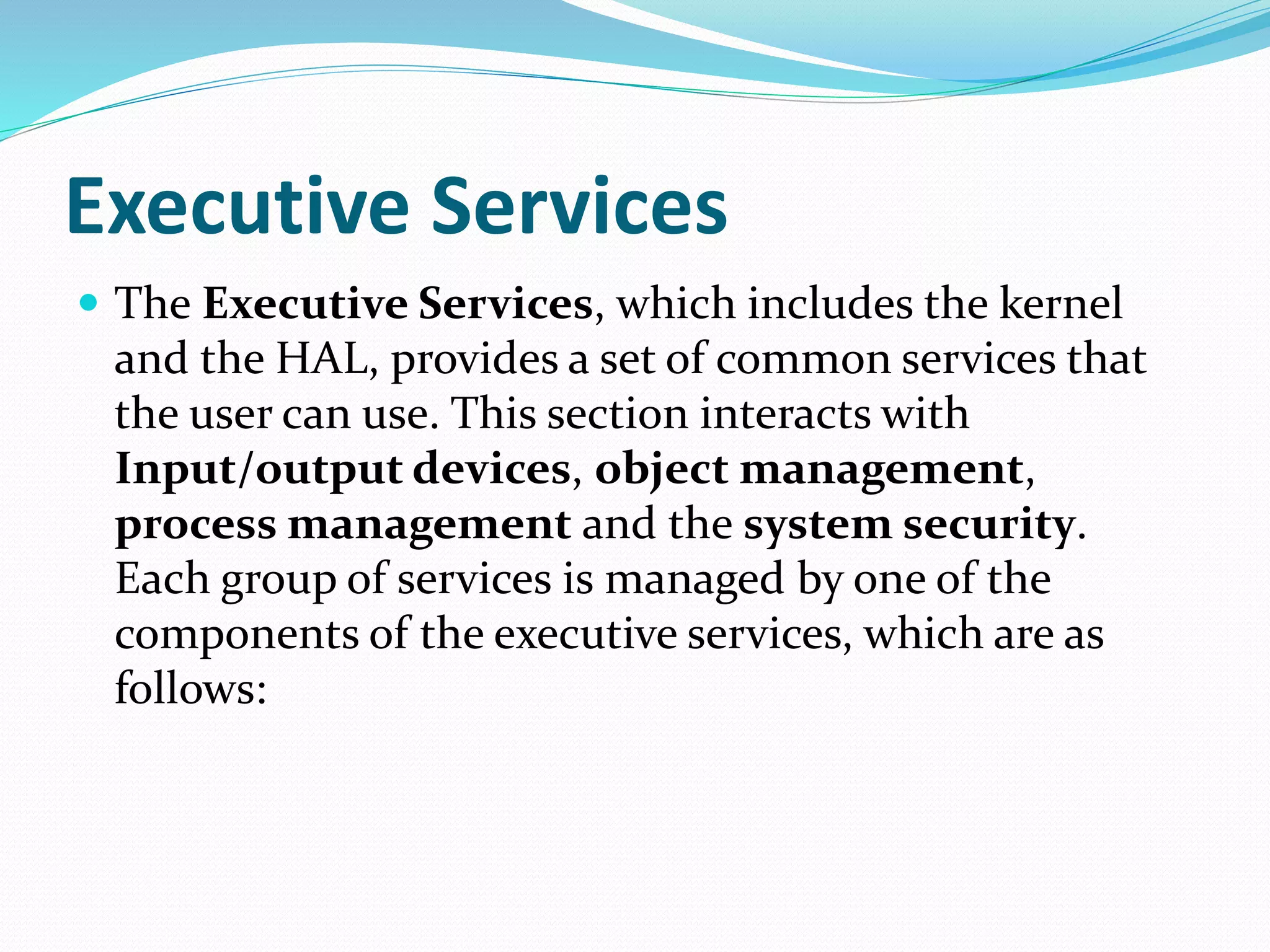
The Executive Services, comprising the kernel and HAL, provide common services for I/O devices, object management, process management, and security.
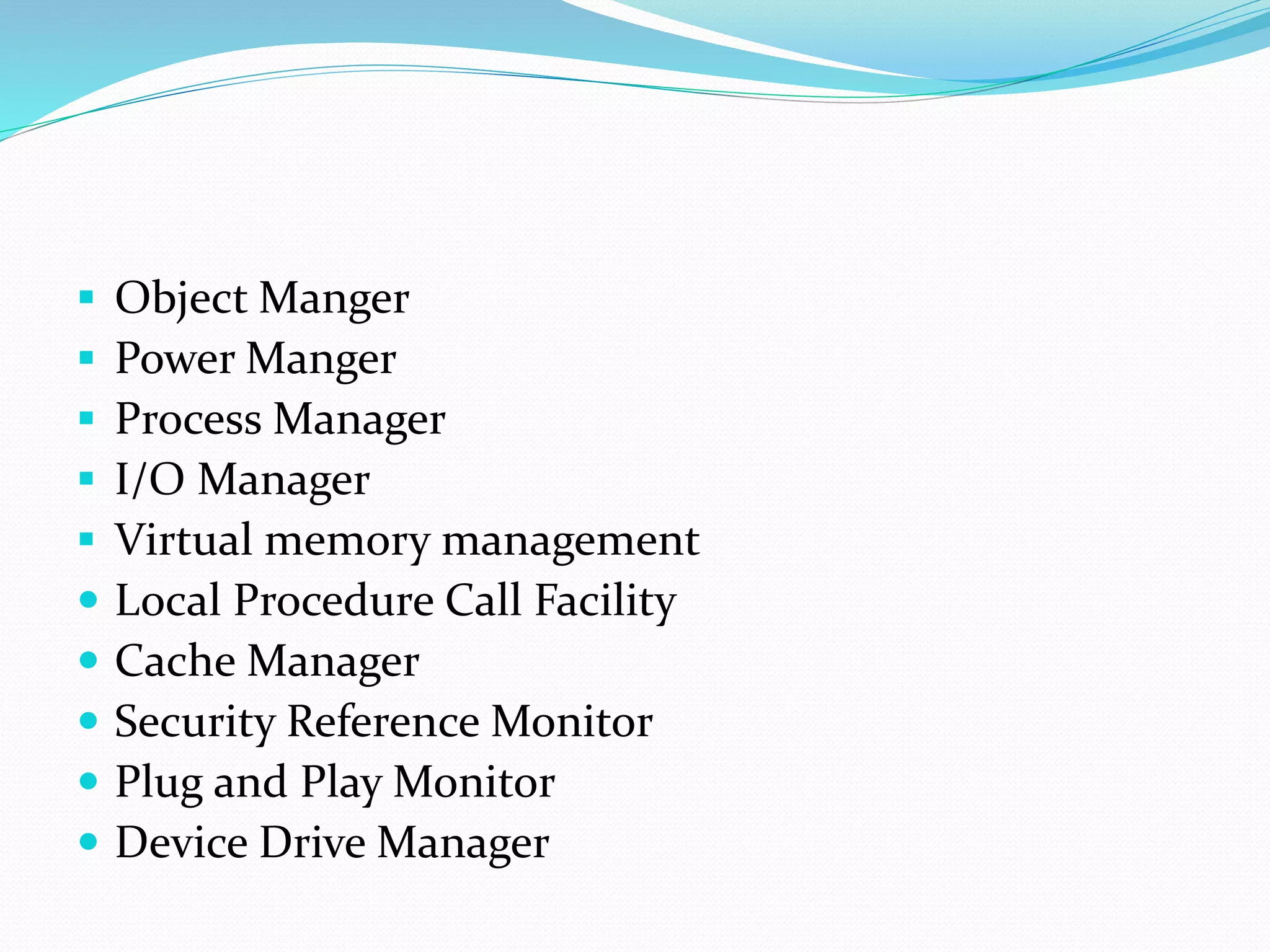
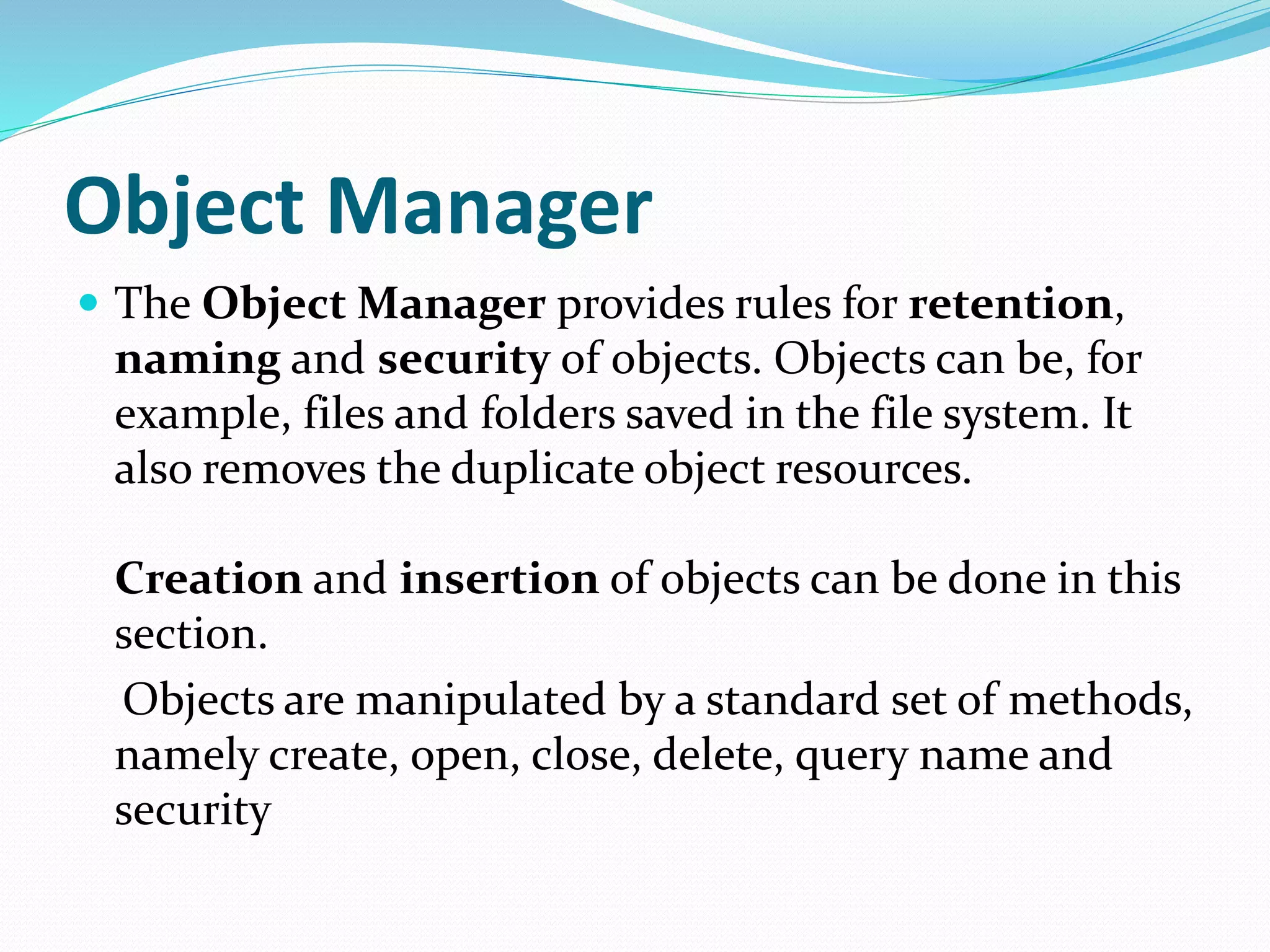
The Object Manager manages object security and lifecycle, while the Power Manager handles power events and supports standards like APM and ACPI.
The Process Manager oversees creation and deletion of processes, whereas the I/O Manager handles communications with all drivers and ensures uniformity in I/O operations.
The Local Procedure Call Facility facilitates message passing, and the Cache Manager improves I/O system performance by using memory caching.
The Security Reference Monitor enforces access policies, while the Plug and Play Manager streamlines hardware detection and integration in Windows 2000.
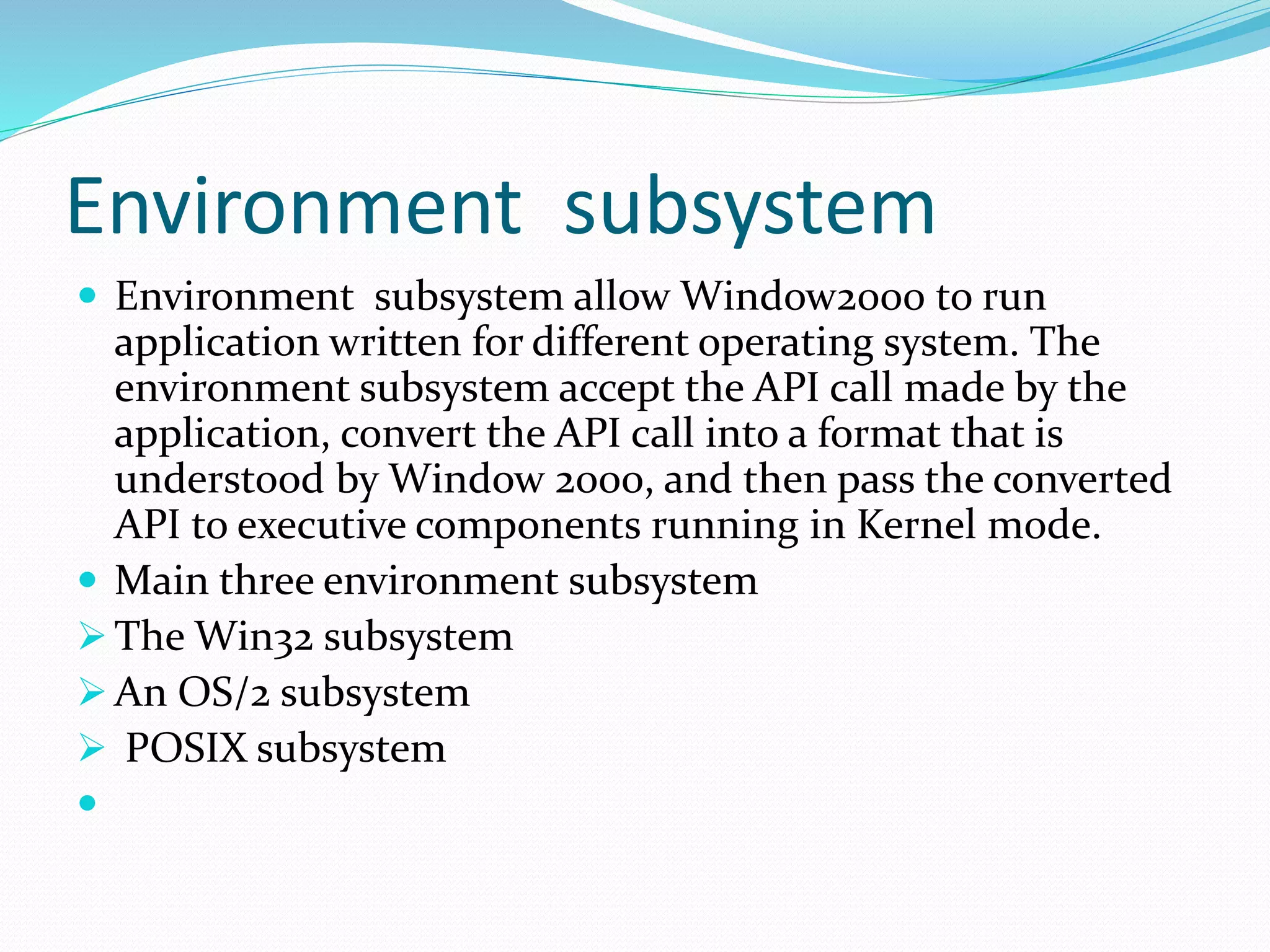
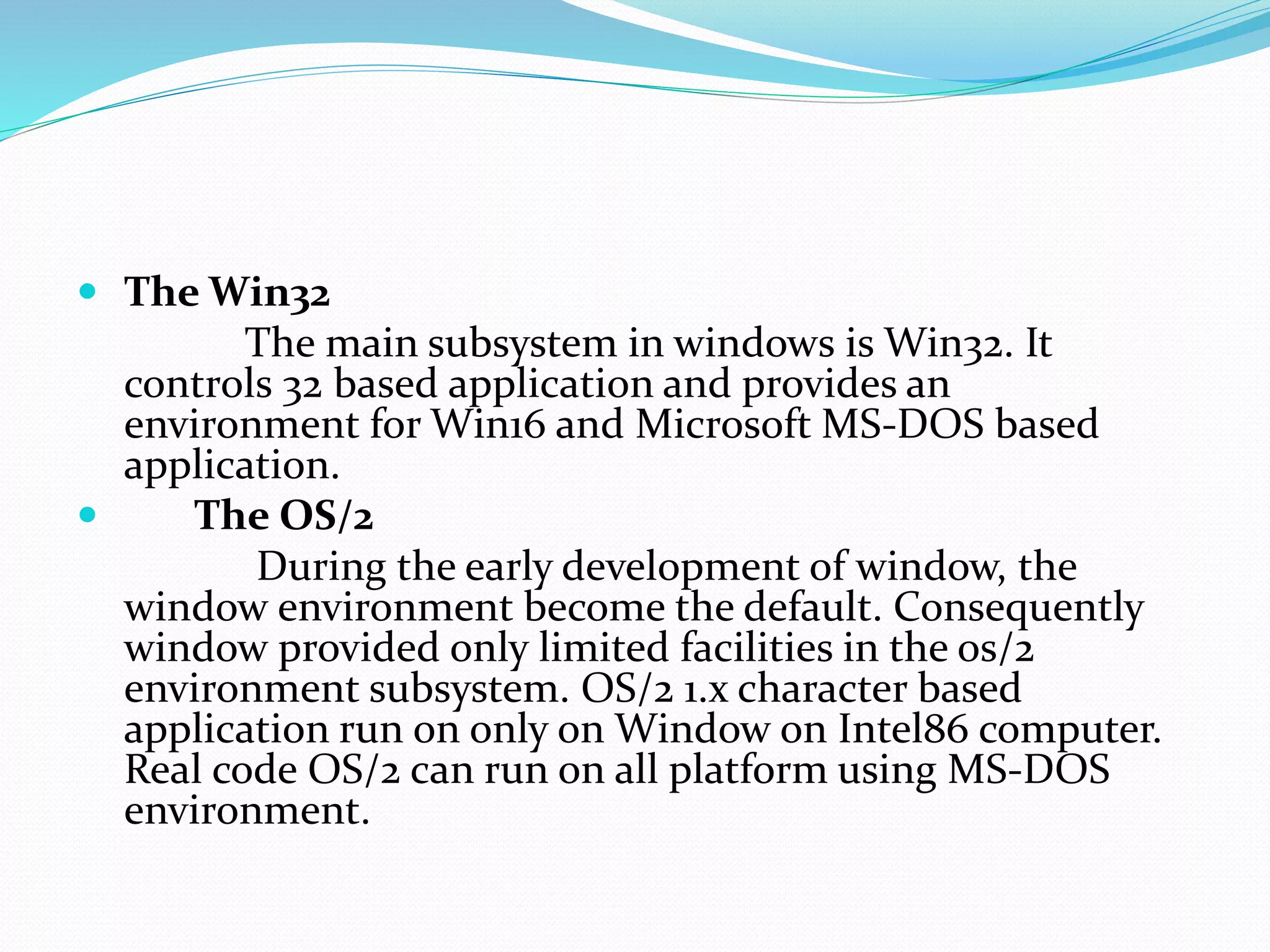
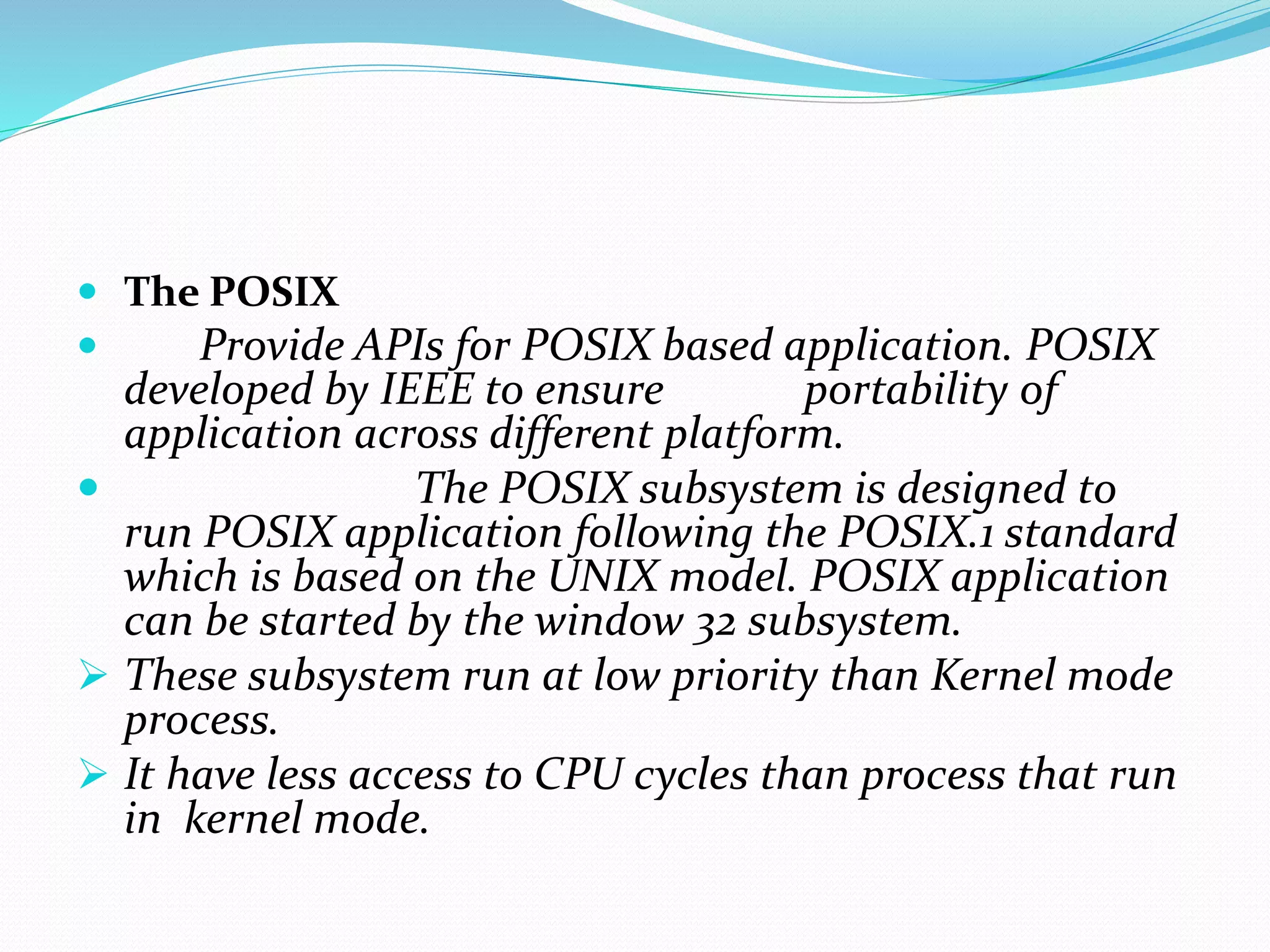
Environment subsystems in Windows 2000 support applications from other OSs, focusing on Win32, OS/2, and POSIX to ensure interoperability.
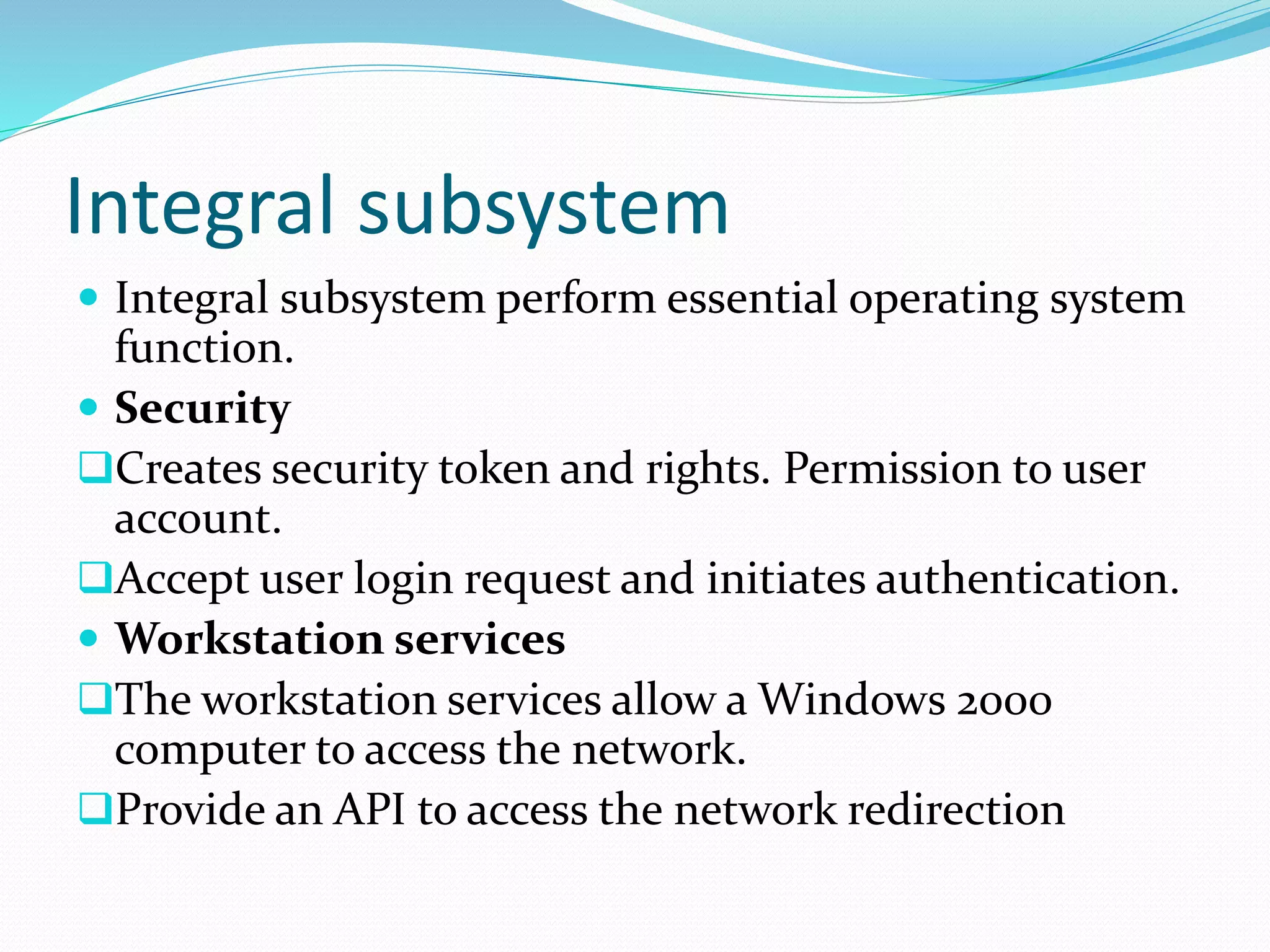
Integral subsystems manage essential functions like security token creation and user authentication, along with network access through workstation services.
Windows Architecture
Windows2000 architecture is the latest architecture
of Windows operating system
Layered design consist of two main components user
mode and kernel mode.
This structure is a modular structure, composed of
several simple modules. These modules are:
Modes of Windowsoperating system
• Protected mode/Kernel mode — HAL,
kernel, executive. kernel mode has
unrestricted access to the system memory
and external devices
• User mode — collection of subsystems.
User mode has limited in term of system
resources they have access
6.
Hardware Abstraction Layer
It is a layer of software or programming that hides
(Abstraction) the hardware differences from the
operating system.
This allows Windows 2000 to be portable from one
hardware platform to another.
The HAL consists of a series of function that hides or
abstract differences between hardware platforms.
7.
Kernel
Windows Kernelis known as hybrid kernel.
The Kernel works very closely with the HAL
It schedules the activities to be performed by the CPU.
kernel synchronizes activity among processors to optimize
performance.
kernel mode stops user mode services and applications
from accessing critical areas of the operating system that
should not have access to.
Kernel mode drivers exist in three levels.
1) Highest level drivers
2) Intermediate level drivers
3) Low level drivers
8.
The Microkernelis a collection of programs that can
provide tasks such as address space management,
thread management and inter-process
communication (IPC).
The Microkernel along with the Windows kernel to
make the operating system work efficiently.
9.
Four main responsibilitiesof kernel
thread scheduling
interrupt handling
low-level processor synchronization
recovery after a power failure
10.
Executive Services
TheExecutive Services, which includes the kernel
and the HAL, provides a set of common services that
the user can use. This section interacts with
Input/output devices, object management,
process management and the system security.
Each group of services is managed by one of the
components of the executive services, which are as
follows:
11.
Object Manger
Power Manger
Process Manager
I/O Manager
Virtual memory management
Local Procedure Call Facility
Cache Manager
Security Reference Monitor
Plug and Play Monitor
Device Drive Manager
12.
Object Manager
TheObject Manager provides rules for retention,
naming and security of objects. Objects can be, for
example, files and folders saved in the file system. It
also removes the duplicate object resources.
Creation and insertion of objects can be done in this
section.
Objects are manipulated by a standard set of methods,
namely create, open, close, delete, query name and
security
13.
Power Manger
ThePower Manger deals with power events like
power-off, stand-by, and hibernate. Windows 2000
supports all of the latest standards in Power
Management including the Advanced Power
Management (AMP) and Advanced Configuration
and Power Interface (ACPI).
Consequently, network devices can be powered off
when not in use and dynamically reactivated when
network access is required.
Check network security.
14.
Process Manager
TheProcess Manager manages the creation and
deletion of processes. It provides a standard set of
services for creating and using processes
Process is started via the Create Process routine
which loads any dynamic link libraries that are used by
the process, and creates a primary thread
Every dynamic link library or executable file that is
loaded into the address space of a process is identified
by an instance handle
15.
I/O Manager
TheI/O Manager manages all the input and output
for the operating system. It supports all file system
drivers, hardware device drivers and network drivers, .
The I/O Manager provides a common interface that all
drivers, such as FAT file system driver. This allows the
I/O Manager to communicate with all drivers in the
same way, without any knowledge of how the devices
they control actually work.
16.
Local Procedure CallFacility
The executive system implements a message
passing facility called a Local Procedure Call
(LPC). Applications communicate with the
environment subsystems by passing messages
via the LPC facility.
17.
Cache Manager
The CacheManager is a part of the I/O architecture. It
handles caching for the entire I/O system. Caching is
used to improve the performance of the I/O systems.
Instead of reading and writing directly to disk,
frequently used files are temporarily stored in a cache in
memory, and read and write operations are performed to
these files in the memory.
18.
Security Reference Monitor
The Security Reference Monitor (SRM) is
responsible for enforcing the access validation and
audit-generation policy defined by the local security
subsystem.
19.
Plug and PlayManager
Plug and Play, which made its first appearance with
Microsoft Windows 95, is now a feature of Windows
2000. Changes have been made within the system
architecture of Windows 2000 to accommodate this
facility.
20.
Device Manager
DeviceManager allows you to check the status of
your hardware devices and to update device drivers
for the hardware installed on your computer.
21.
Environment subsystem
Environmentsubsystem allow Window2000 to run
application written for different operating system. The
environment subsystem accept the API call made by the
application, convert the API call into a format that is
understood by Window 2000, and then pass the converted
API to executive components running in Kernel mode.
Main three environment subsystem
The Win32 subsystem
An OS/2 subsystem
POSIX subsystem
22.
The Win32
Themain subsystem in windows is Win32. It
controls 32 based application and provides an
environment for Win16 and Microsoft MS-DOS based
application.
The OS/2
During the early development of window, the
window environment become the default. Consequently
window provided only limited facilities in the os/2
environment subsystem. OS/2 1.x character based
application run on only on Window on Intel86 computer.
Real code OS/2 can run on all platform using MS-DOS
environment.
23.
The POSIX
Provide APIs for POSIX based application. POSIX
developed by IEEE to ensure portability of
application across different platform.
The POSIX subsystem is designed to
run POSIX application following the POSIX.1 standard
which is based on the UNIX model. POSIX application
can be started by the window 32 subsystem.
These subsystem run at low priority than Kernel mode
process.
It have less access to CPU cycles than process that run
in kernel mode.
24.
Integral subsystem
Integralsubsystem perform essential operating system
function.
Security
Creates security token and rights. Permission to user
account.
Accept user login request and initiates authentication.
Workstation services
The workstation services allow a Windows 2000
computer to access the network.
Provide an API to access the network redirection