Downloaded 22 times
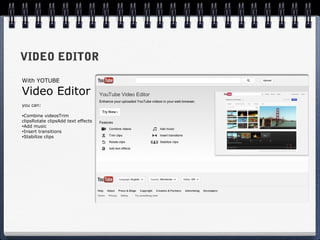
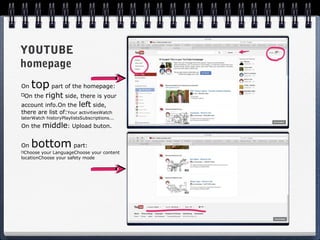
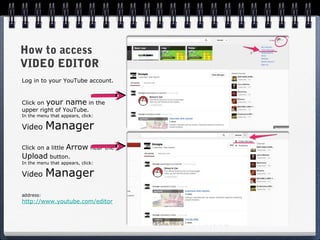
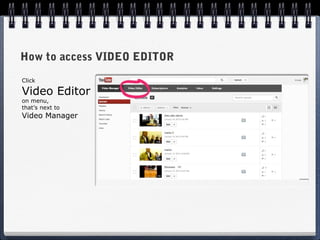
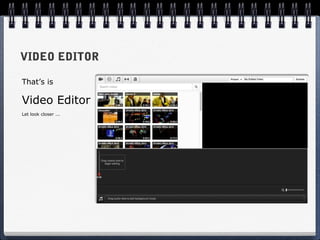
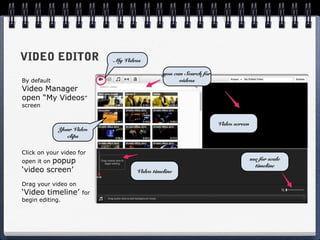
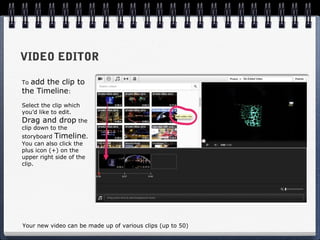
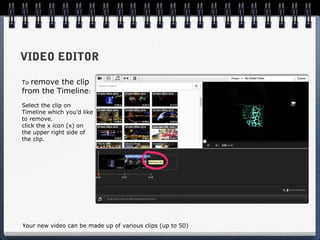
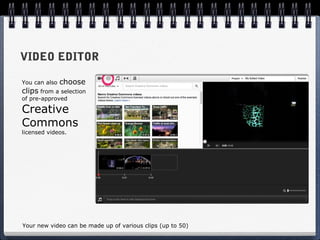
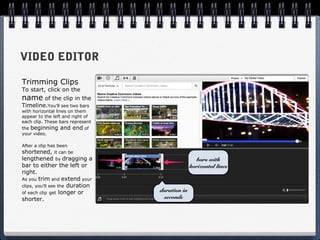
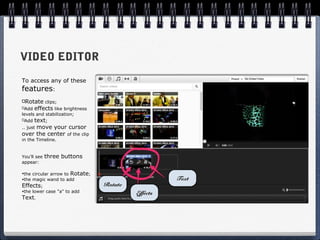
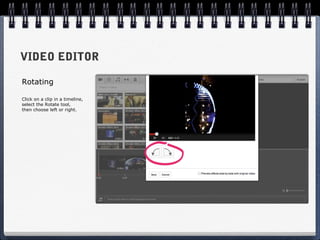
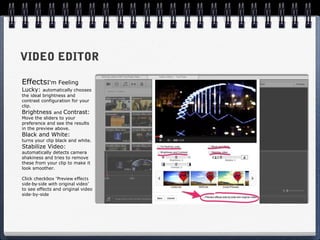
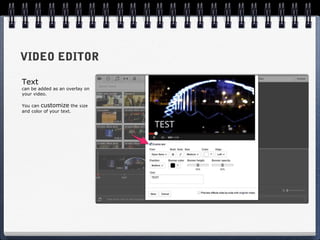
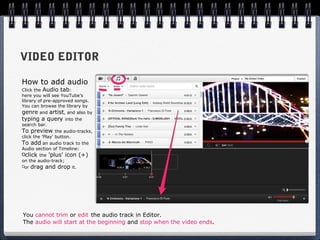
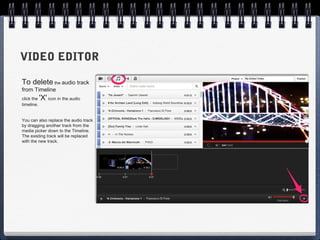
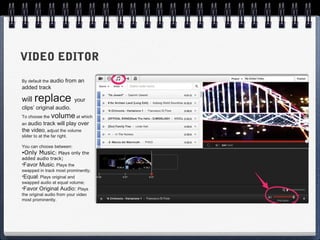
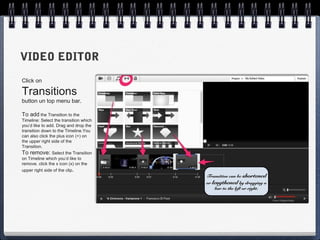
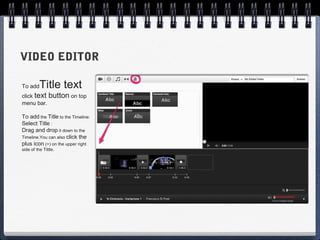
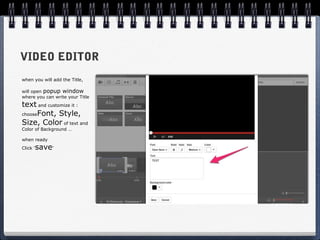
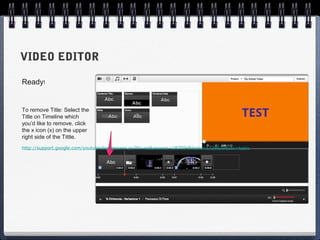
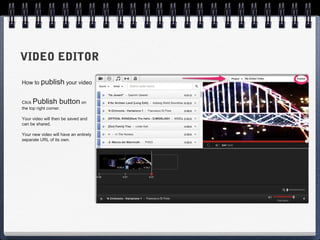
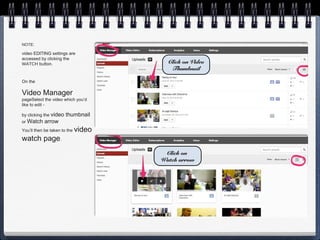
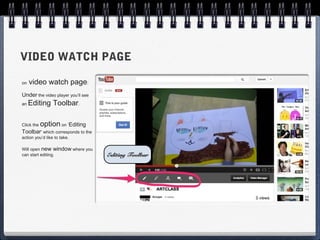

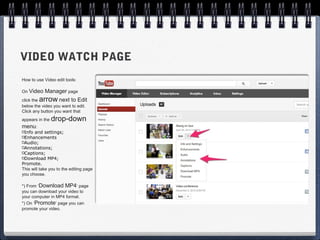

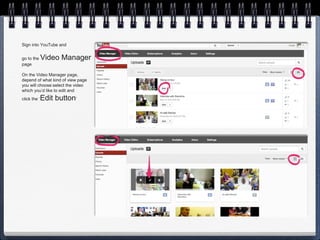
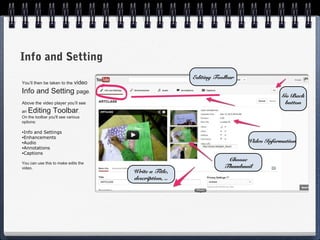
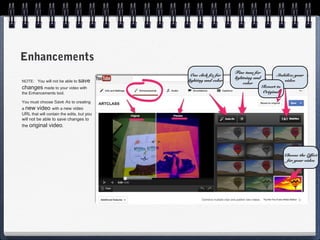
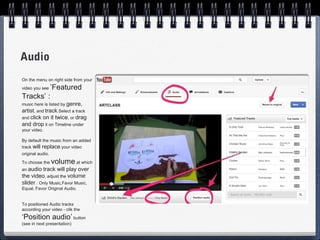
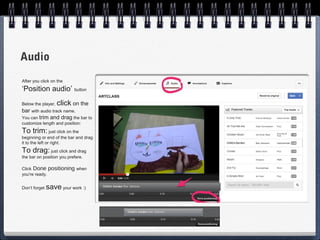
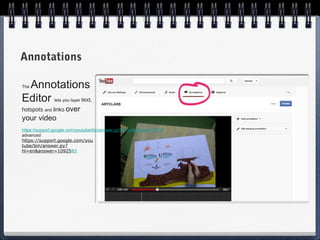
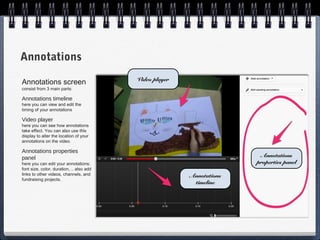
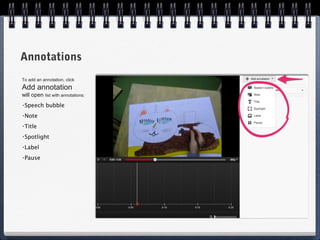
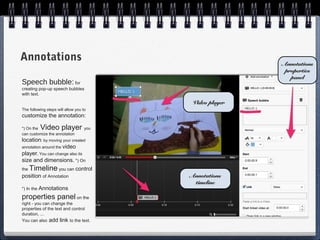
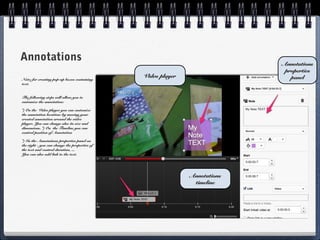
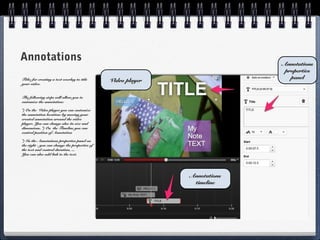
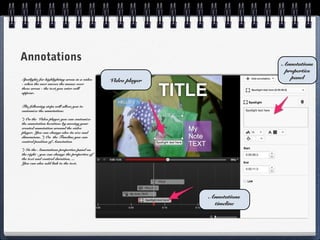
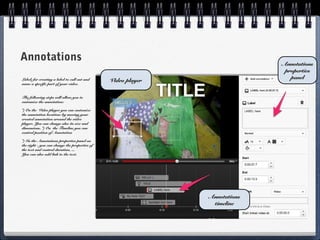
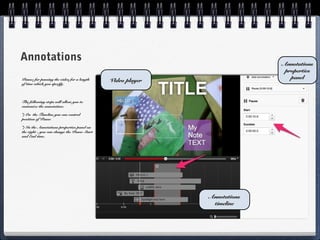
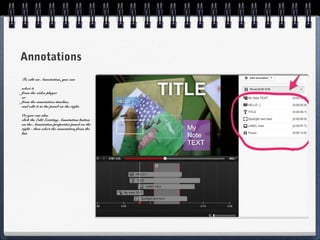
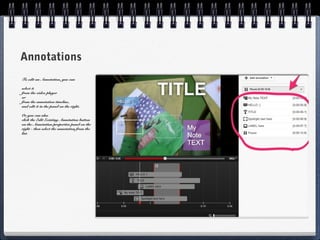
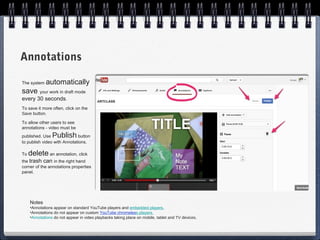
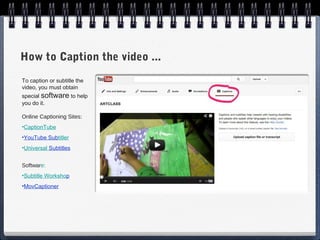
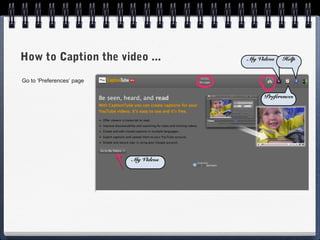
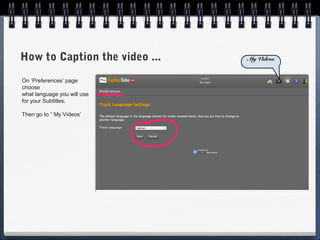
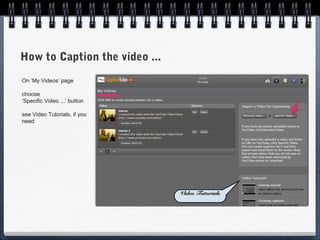
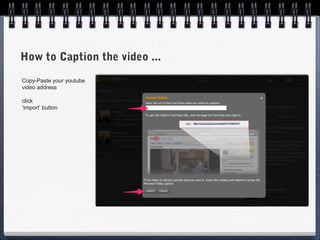
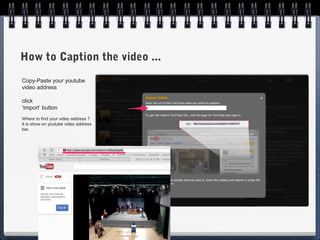
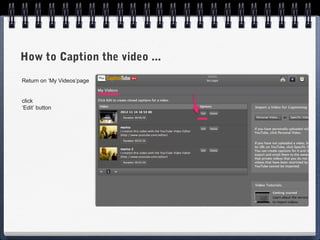
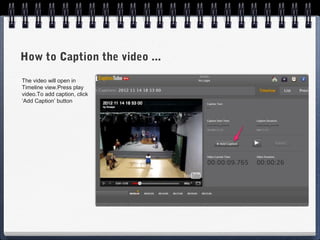
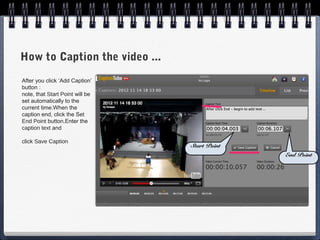
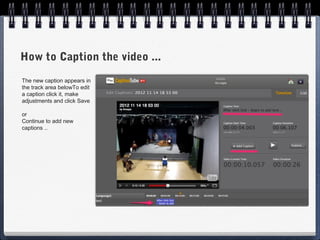
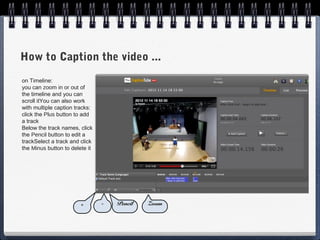
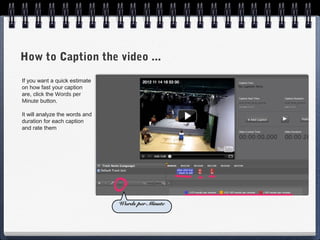
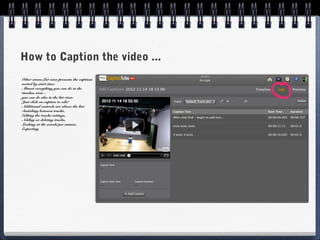
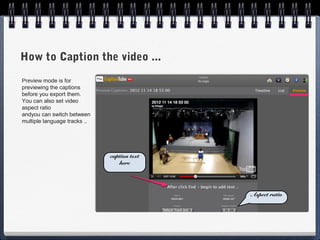
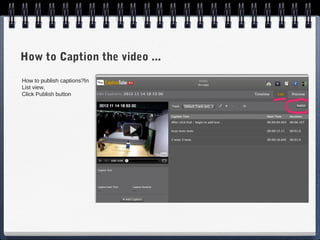
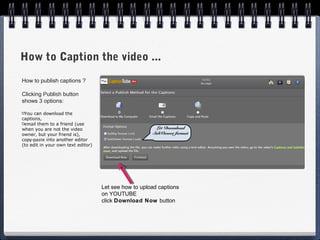
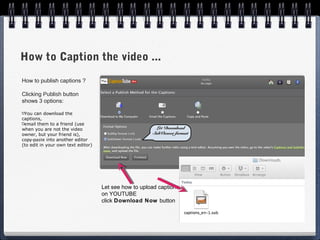
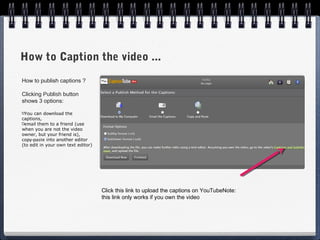
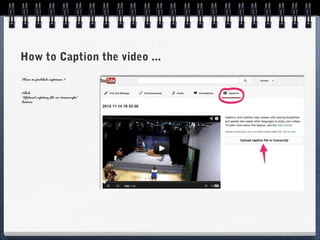
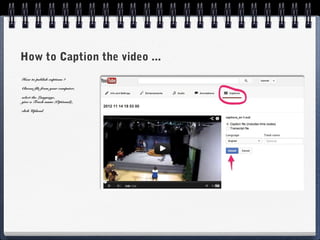
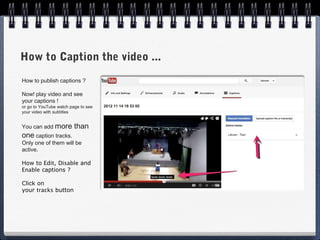
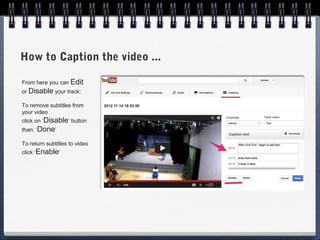


The document provides instructions for editing videos using YouTube's video editor. It explains how to access the video editor, combine and trim clips, add transitions, music, effects, and text. Key steps include dragging clips onto the timeline, trimming clips by adjusting bars, and customizing titles. The summary also notes you can publish edited videos separately on YouTube.


