Video Editing Basics
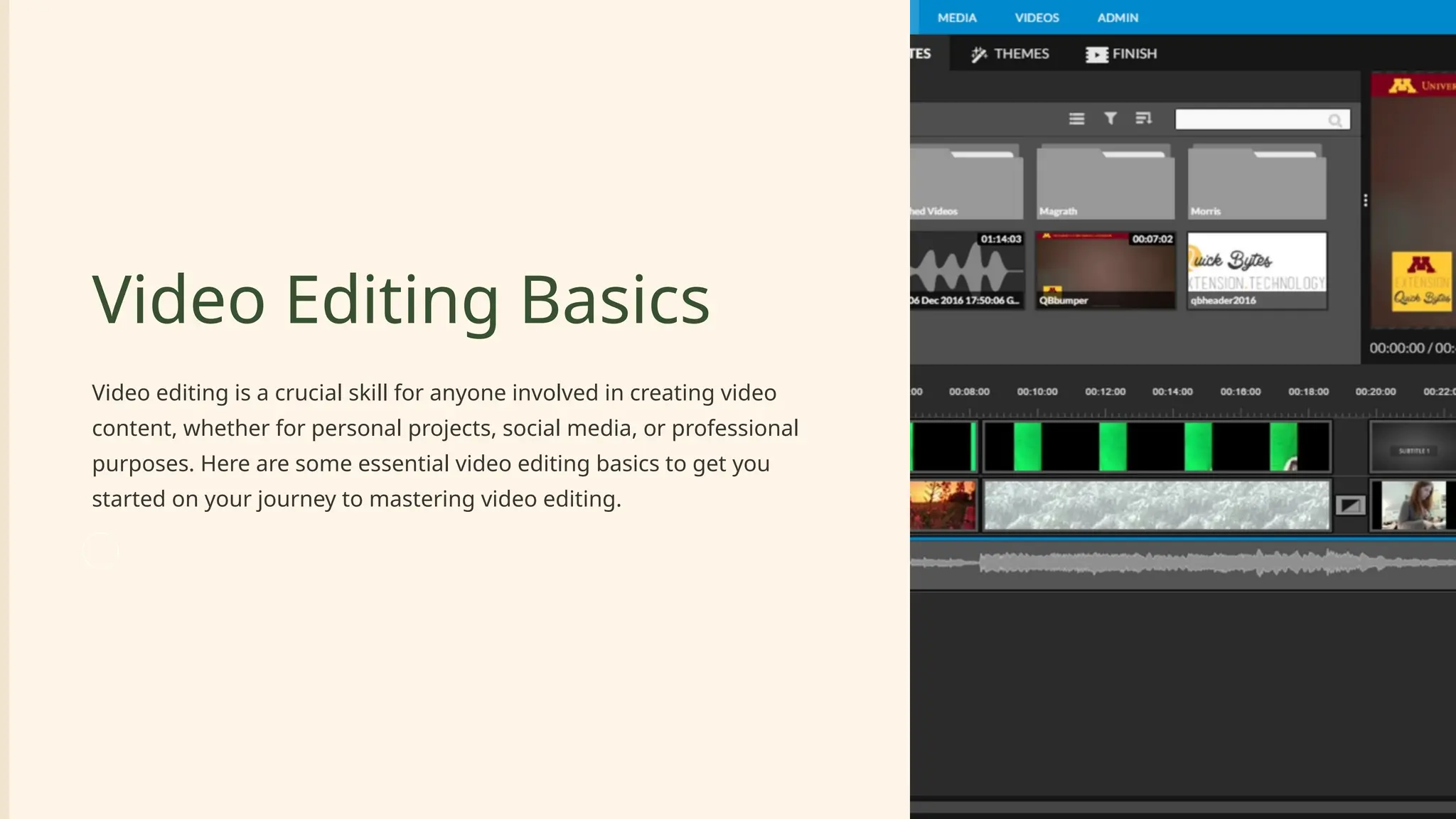
Video editing is a crucial skill for anyone involved in creating video
content, whether for personal projects, social media, or professional
purposes. Here are some essential video editing basics to get you
started on your journey to mastering video editing.
Choosing the Right Video Editing
Software
Adobe Premiere Pro
A professional-grade
video editing software
offering a wide range of
features and tools for
advanced editing
processes.
Final Cut Pro
An intuitive and powerful
video editing software
favored by many Mac
users for its seamless
integration with Apple
devices.
DaVinci Resolve
A comprehensive video
editing tool suitable for
both beginners and
professional editors,
known for its color
correction capabilities.
Importing Footage
1 Organize Media Assets
Start by importing your video clips, audio files, and any other media assets into
the editing software to begin the editing process.
Understanding the Interface
1 Familiarize with Layout
Take the time to understand the layout of the editing software, which includes
the timeline, preview window, and tool panels.
Basic Editing Tools
Cutting and
Trimming
Use tools to cut
unnecessary parts and
trim clips to the desired
length for precise
editing.
Splitting Clips
Divide a clip into two
separate sections for
more refined editing
and seamless
transitions.
Adding Clips to
Timeline
Arrange clips on the
timeline in the desired
order to craft a
compelling visual
narrative.
Transitions
Smooth Transition Effects
Explore different transition effects such as fade, dissolve, or slide to
seamlessly move between clips for a polished look.
Adding Music and Audio
Import Audio Tracks
Sync audio tracks with your video to
enhance the overall viewing and
listening experience.
Adjust Audio Levels
Ensure a balanced mix by adjusting the
audio levels for a harmonious blend of
sound and video.
Text and Titles
1 Inserting Text
Add text or titles to provide context, introduce segments, or label
sections in your video.
2 Experimenting with Fonts
Explore various font styles, sizes, and animations to enhance the visual
storytelling of your video.
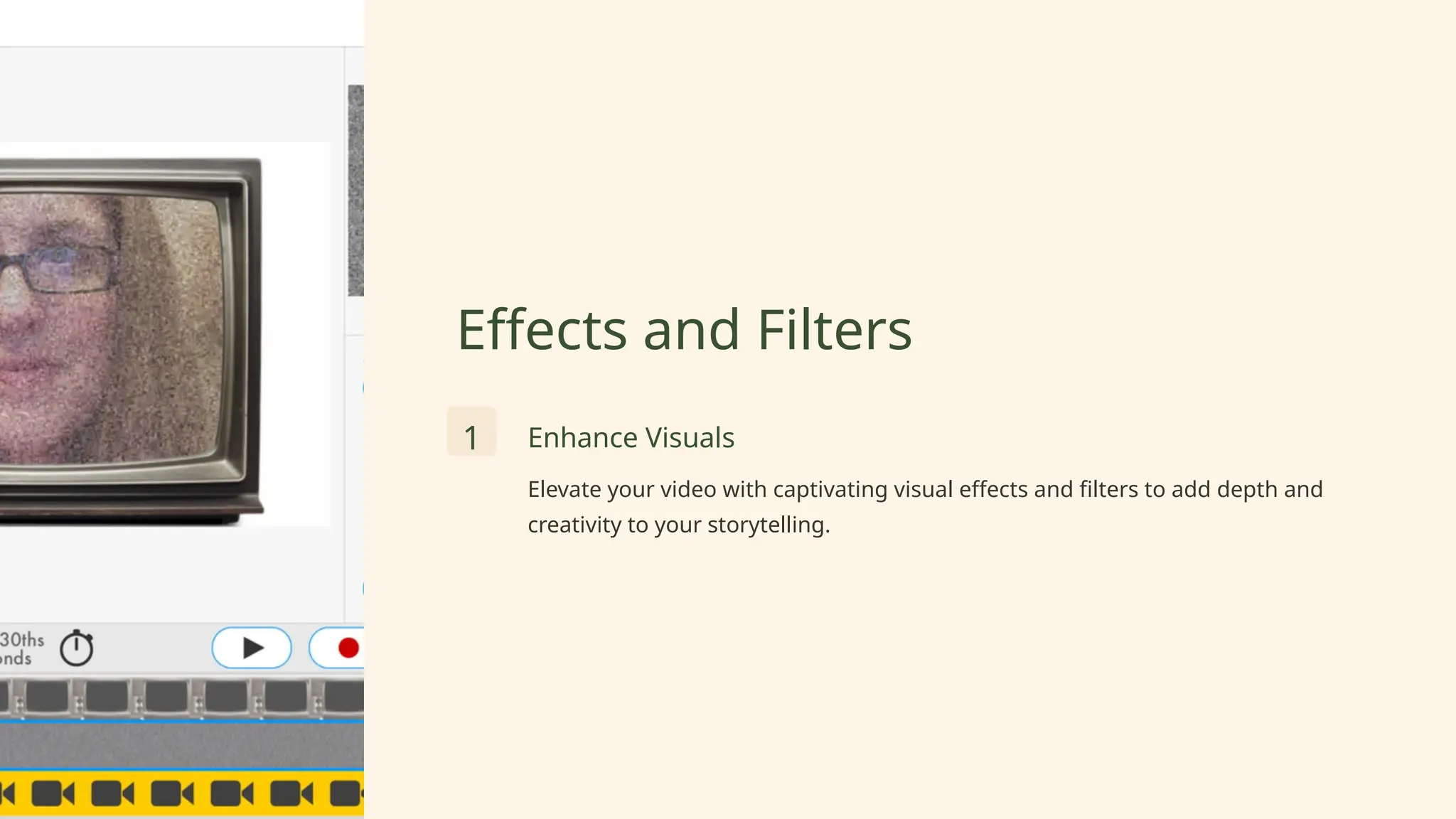
Effects and Filters
1 Enhance Visuals
Elevate your video with captivating visual effects and filters to add depth and
creativity to your storytelling.
Exporting the Final Video
1 Choose Appropriate Settings
Select the ideal export settings based on your intended platform for sharing
your final video.

Video Editing Basics and the Different Things

  • 1.
    Video Editing Basics Videoediting is a crucial skill for anyone involved in creating video content, whether for personal projects, social media, or professional purposes. Here are some essential video editing basics to get you started on your journey to mastering video editing.
  • 2.
    Choosing the RightVideo Editing Software Adobe Premiere Pro A professional-grade video editing software offering a wide range of features and tools for advanced editing processes. Final Cut Pro An intuitive and powerful video editing software favored by many Mac users for its seamless integration with Apple devices. DaVinci Resolve A comprehensive video editing tool suitable for both beginners and professional editors, known for its color correction capabilities.
  • 3.
    Importing Footage 1 OrganizeMedia Assets Start by importing your video clips, audio files, and any other media assets into the editing software to begin the editing process.
  • 4.
    Understanding the Interface 1Familiarize with Layout Take the time to understand the layout of the editing software, which includes the timeline, preview window, and tool panels.
  • 5.
    Basic Editing Tools Cuttingand Trimming Use tools to cut unnecessary parts and trim clips to the desired length for precise editing. Splitting Clips Divide a clip into two separate sections for more refined editing and seamless transitions. Adding Clips to Timeline Arrange clips on the timeline in the desired order to craft a compelling visual narrative.
  • 6.
    Transitions Smooth Transition Effects Exploredifferent transition effects such as fade, dissolve, or slide to seamlessly move between clips for a polished look.
  • 7.
    Adding Music andAudio Import Audio Tracks Sync audio tracks with your video to enhance the overall viewing and listening experience. Adjust Audio Levels Ensure a balanced mix by adjusting the audio levels for a harmonious blend of sound and video.
  • 8.
    Text and Titles 1Inserting Text Add text or titles to provide context, introduce segments, or label sections in your video. 2 Experimenting with Fonts Explore various font styles, sizes, and animations to enhance the visual storytelling of your video.
  • 9.
    Effects and Filters 1Enhance Visuals Elevate your video with captivating visual effects and filters to add depth and creativity to your storytelling.
  • 10.
    Exporting the FinalVideo 1 Choose Appropriate Settings Select the ideal export settings based on your intended platform for sharing your final video.