Microsoft
PowerPoint
Ms. Malsberger
What is PowerPoint?
 PowerPoint
           is a presentation software
 program that allows you
    To create a “slideshow” of your
     presentation
    Using slides – text, images, videos
PowerPoint 2010
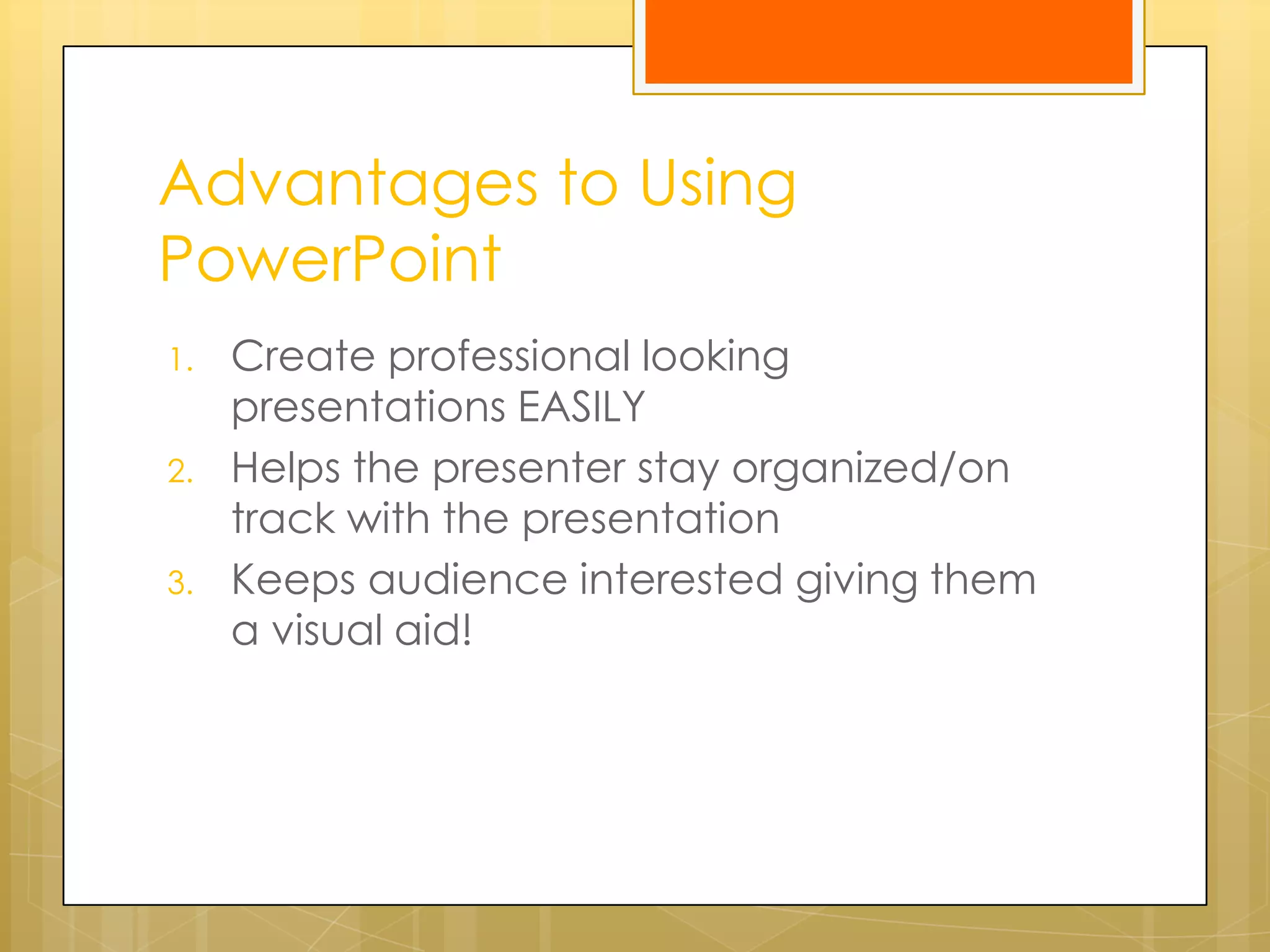
Advantages to Using
PowerPoint
1.   Create professional looking
     presentations EASILY
2.   Helps the presenter stay organized/on
     track with the presentation
3.   Keeps audience interested giving them
     a visual aid!
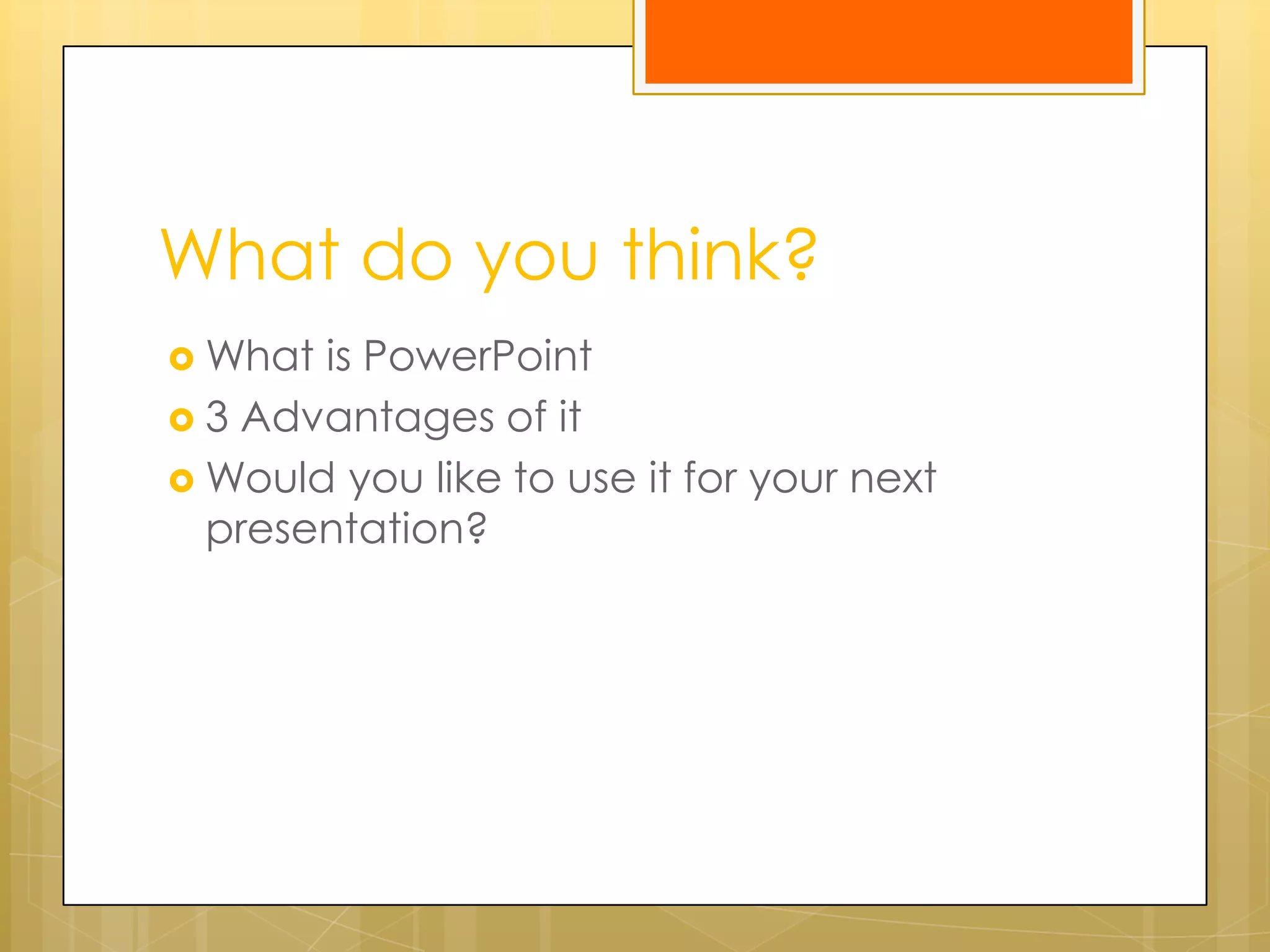
What do you think?
 What is PowerPoint
 3 Advantages of it
 Would you like to use it for your next
  presentation?
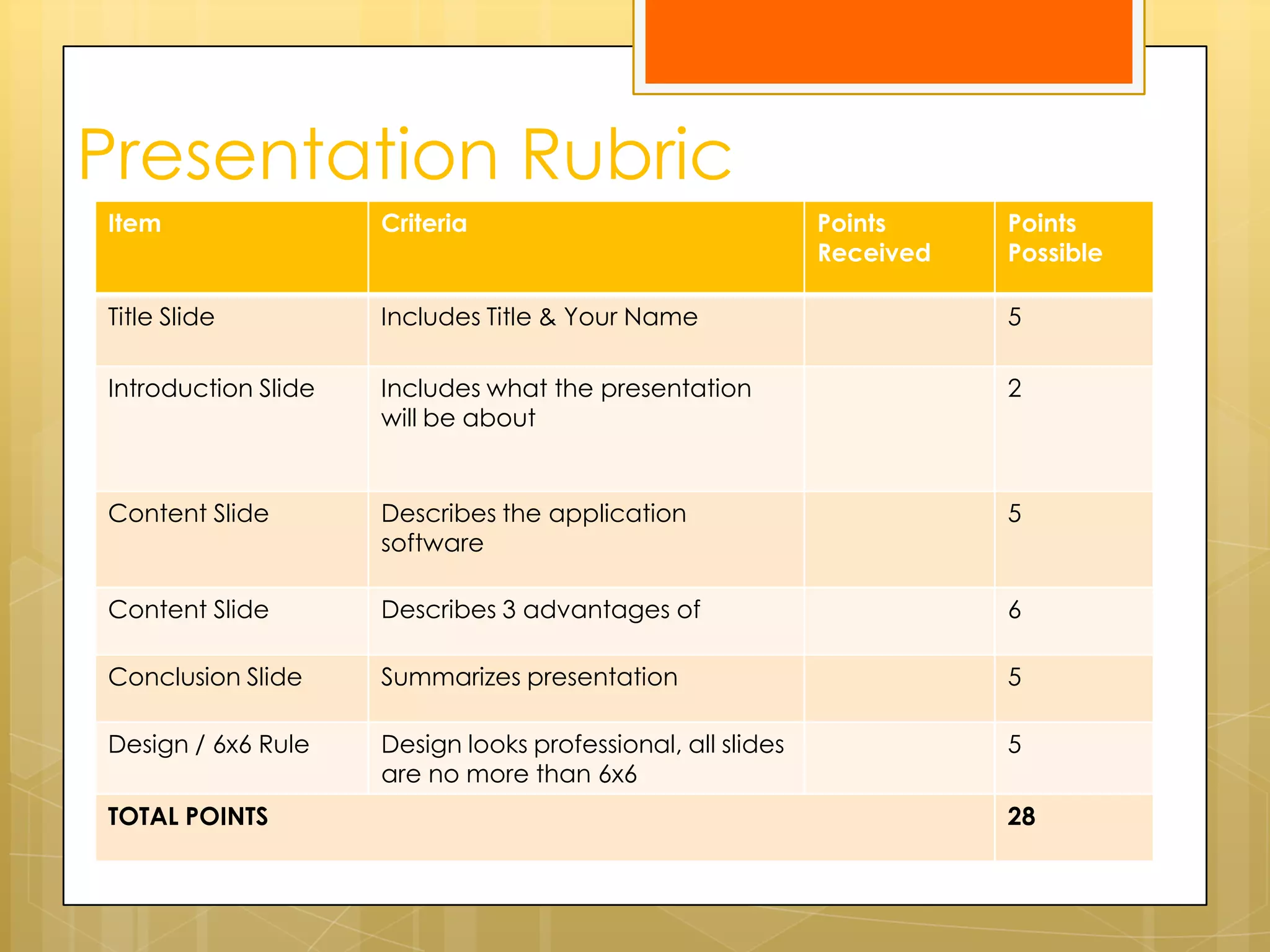
Presentation Rubric
Item                 Criteria                                Points     Points
                                                             Received   Possible

Title Slide          Includes Title & Your Name                         5

Introduction Slide   Includes what the presentation                     2
                     will be about


Content Slide        Describes the application                          5
                     software

Content Slide        Describes 3 advantages of                          6

Conclusion Slide     Summarizes presentation                            5

Design / 6x6 Rule    Design looks professional, all slides              5
                     are no more than 6x6
TOTAL POINTS                                                            28

What Is powerpoint

  • 1.
  • 2.
    What is PowerPoint? PowerPoint is a presentation software program that allows you  To create a “slideshow” of your presentation  Using slides – text, images, videos
  • 3.
  • 4.
    Advantages to Using PowerPoint 1. Create professional looking presentations EASILY 2. Helps the presenter stay organized/on track with the presentation 3. Keeps audience interested giving them a visual aid!
  • 5.
    What do youthink?  What is PowerPoint  3 Advantages of it  Would you like to use it for your next presentation?
  • 6.
    Presentation Rubric Item Criteria Points Points Received Possible Title Slide Includes Title & Your Name 5 Introduction Slide Includes what the presentation 2 will be about Content Slide Describes the application 5 software Content Slide Describes 3 advantages of 6 Conclusion Slide Summarizes presentation 5 Design / 6x6 Rule Design looks professional, all slides 5 are no more than 6x6 TOTAL POINTS 28