Effective Use as a Presentation Tool
 consist of a number of individual
 pages or "slides“

 may contain text, graphics, sound,
 movies, and other objects, which
 may be arranged freely

 can be printed, displayed live on a computer, or
 navigated through at the command of the
 presenter

 can also form the basis of webcasts
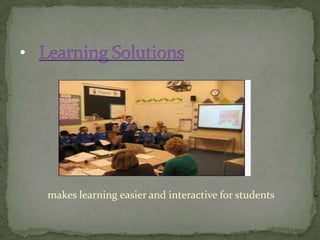
makes learning easier and interactive for students
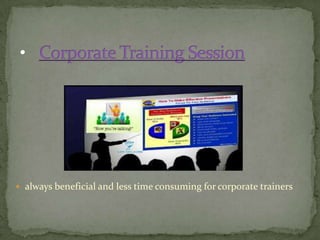
 always beneficial and less time consuming for corporate trainers
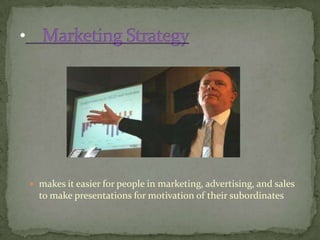
 makes it easier for people in marketing, advertising, and sales
  to make presentations for motivation of their subordinates
1.    Ease your brain
2.    Better preparation
3.    Show your point visually
4.    Less nervous
5.    Templates for different appearance
6.    Easy to add images
7.    The almighty hyperlink
8.    Multimedia output
9.    Cross-platform viewing
10.   Secure presentations
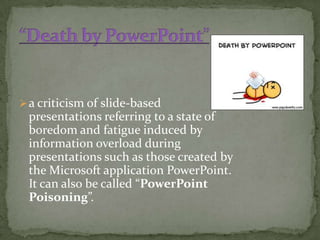
 a criticism of slide-based
 presentations referring to a state of
 boredom and fatigue induced by
 information overload during
 presentations such as those created by
 the Microsoft application PowerPoint.
 It can also be called “PowerPoint
 Poisoning”.
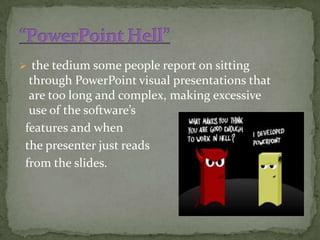
 the tedium some people report on sitting
 through PowerPoint visual presentations that
 are too long and complex, making excessive
 use of the software’s
features and when
the presenter just reads
from the slides.
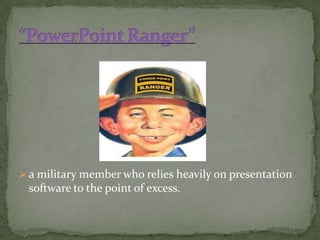
 a military member who relies heavily on presentation
 software to the point of excess.
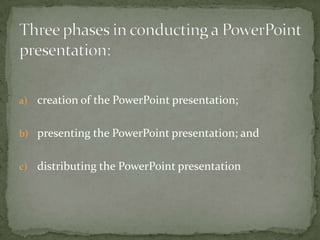
a) creation of the PowerPoint presentation;


b) presenting the PowerPoint presentation; and


c)   distributing the PowerPoint presentation
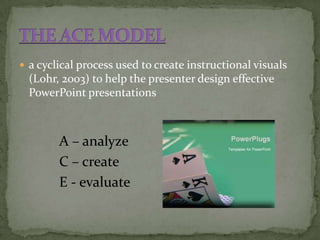
 a cyclical process used to create instructional visuals
  (Lohr, 2003) to help the presenter design effective
  PowerPoint presentations


        A – analyze
        C – create
        E - evaluate
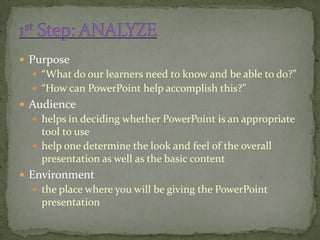
 Purpose
   “What do our learners need to know and be able to do?”
   “How can PowerPoint help accomplish this?”
 Audience
   helps in deciding whether PowerPoint is an appropriate
    tool to use
   help one determine the look and feel of the overall
    presentation as well as the basic content
 Environment
   the place where you will be giving the PowerPoint
    presentation
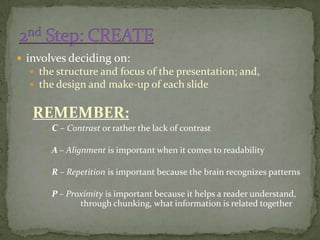
 involves deciding on:
   the structure and focus of the presentation; and,
   the design and make-up of each slide


   REMEMBER:
      C – Contrast or rather the lack of contrast

      A – Alignment is important when it comes to readability

      R – Repetition is important because the brain recognizes patterns

      P – Proximity is important because it helps a reader understand,
              through chunking, what information is related together
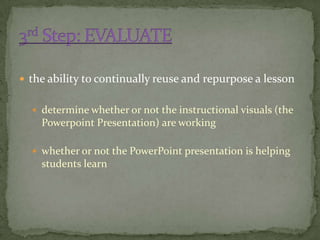
 the ability to continually reuse and repurpose a lesson


   determine whether or not the instructional visuals (the
    Powerpoint Presentation) are working

   whether or not the PowerPoint presentation is helping
    students learn
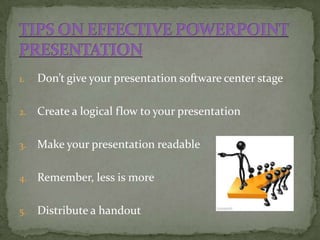
1.   Don’t give your presentation software center stage

2.   Create a logical flow to your presentation

3.   Make your presentation readable

4.   Remember, less is more

5.   Distribute a handout
 use only 10 slides


 talk for no more than 20 minutes


 never use a font smaller than 30 points
Respectfully Submitted to:
Prof. Erwin M. Globio, MSIT

Powerpoint 1

  • 1.
    Effective Use asa Presentation Tool
  • 2.
     consist ofa number of individual pages or "slides“  may contain text, graphics, sound, movies, and other objects, which may be arranged freely  can be printed, displayed live on a computer, or navigated through at the command of the presenter  can also form the basis of webcasts
  • 4.
    makes learning easierand interactive for students
  • 5.
     always beneficialand less time consuming for corporate trainers
  • 6.
     makes iteasier for people in marketing, advertising, and sales to make presentations for motivation of their subordinates
  • 8.
    1. Ease your brain 2. Better preparation 3. Show your point visually 4. Less nervous 5. Templates for different appearance 6. Easy to add images 7. The almighty hyperlink 8. Multimedia output 9. Cross-platform viewing 10. Secure presentations
  • 10.
     a criticismof slide-based presentations referring to a state of boredom and fatigue induced by information overload during presentations such as those created by the Microsoft application PowerPoint. It can also be called “PowerPoint Poisoning”.
  • 11.
     the tediumsome people report on sitting through PowerPoint visual presentations that are too long and complex, making excessive use of the software’s features and when the presenter just reads from the slides.
  • 12.
     a militarymember who relies heavily on presentation software to the point of excess.
  • 14.
    a) creation ofthe PowerPoint presentation; b) presenting the PowerPoint presentation; and c) distributing the PowerPoint presentation
  • 15.
     a cyclicalprocess used to create instructional visuals (Lohr, 2003) to help the presenter design effective PowerPoint presentations A – analyze C – create E - evaluate
  • 16.
     Purpose  “What do our learners need to know and be able to do?”  “How can PowerPoint help accomplish this?”  Audience  helps in deciding whether PowerPoint is an appropriate tool to use  help one determine the look and feel of the overall presentation as well as the basic content  Environment  the place where you will be giving the PowerPoint presentation
  • 17.
     involves decidingon:  the structure and focus of the presentation; and,  the design and make-up of each slide REMEMBER:  C – Contrast or rather the lack of contrast  A – Alignment is important when it comes to readability  R – Repetition is important because the brain recognizes patterns  P – Proximity is important because it helps a reader understand, through chunking, what information is related together
  • 18.
     the abilityto continually reuse and repurpose a lesson  determine whether or not the instructional visuals (the Powerpoint Presentation) are working  whether or not the PowerPoint presentation is helping students learn
  • 19.
    1. Don’t give your presentation software center stage 2. Create a logical flow to your presentation 3. Make your presentation readable 4. Remember, less is more 5. Distribute a handout
  • 21.
     use only10 slides  talk for no more than 20 minutes  never use a font smaller than 30 points
  • 22.
    Respectfully Submitted to: Prof.Erwin M. Globio, MSIT