Setting up your weebly account …
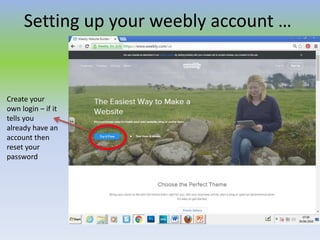
Create your
own login – if it
tells you
already have an
account then
reset your
password
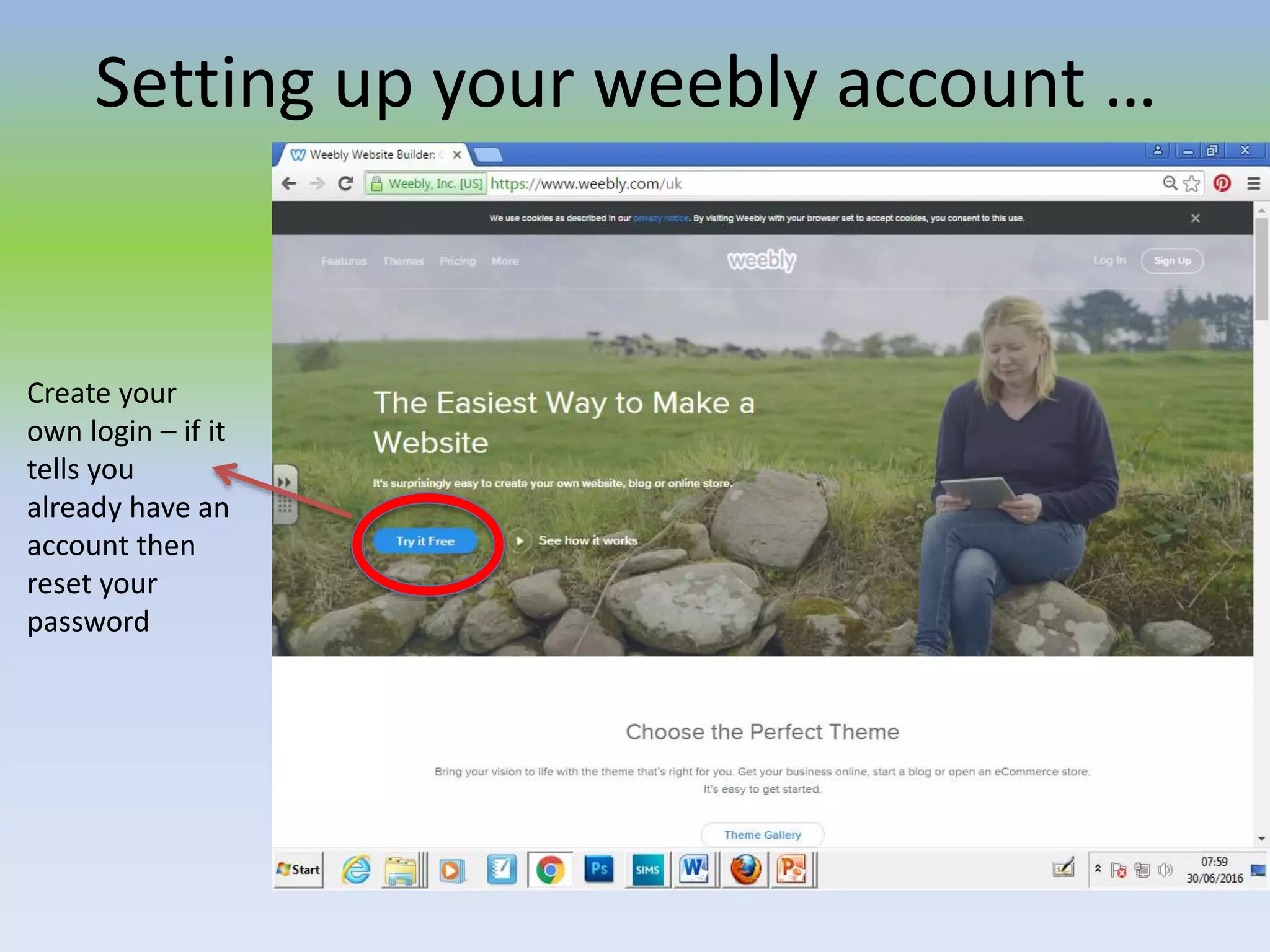
Once you have logged in click on “edit site” and choose a layout – this is like a
style of format for you pages (you can always change these)
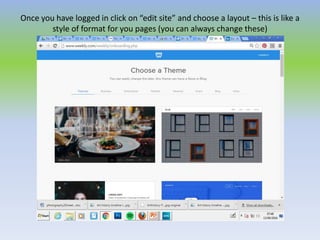
Choose a domain name or website address that
includes your name and you will remember!
Now you are ready to “build”
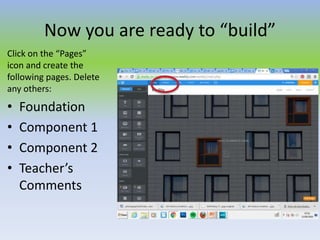
Click on the “Pages”
icon and create the
following pages. Delete
any others:
• Foundation
• Component 1
• Component 2
• Teacher’s
Comments
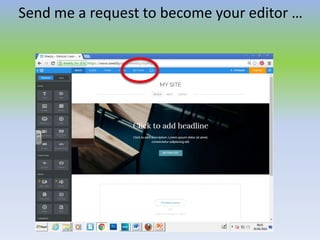
Send me a request to become your editor …
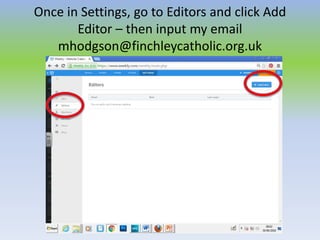
Once in Settings, go to Editors and click Add
Editor – then input my email
mhodgson@finchleycatholic.org.uk
You will be working on your “Foundation” page today.
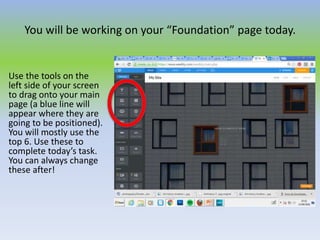
Use the tools on the
left side of your screen
to drag onto your main
page (a blue line will
appear where they are
going to be positioned).
You will mostly use the
top 6. Use these to
complete today’s task.
You can always change
these after!
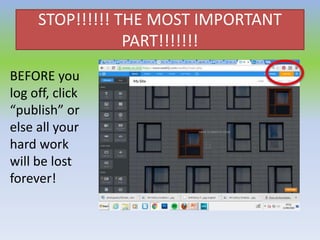
STOP!!!!!! THE MOST IMPORTANT
PART!!!!!!!
BEFORE you
log off, click
“publish” or
else all your
hard work
will be lost
forever!

Weebly set up

  • 1.
    Setting up yourweebly account … Create your own login – if it tells you already have an account then reset your password
  • 2.
    Once you havelogged in click on “edit site” and choose a layout – this is like a style of format for you pages (you can always change these)
  • 3.
    Choose a domainname or website address that includes your name and you will remember!
  • 4.
    Now you areready to “build” Click on the “Pages” icon and create the following pages. Delete any others: • Foundation • Component 1 • Component 2 • Teacher’s Comments
  • 5.
    Send me arequest to become your editor …
  • 6.
    Once in Settings,go to Editors and click Add Editor – then input my email mhodgson@finchleycatholic.org.uk
  • 7.
    You will beworking on your “Foundation” page today. Use the tools on the left side of your screen to drag onto your main page (a blue line will appear where they are going to be positioned). You will mostly use the top 6. Use these to complete today’s task. You can always change these after!
  • 8.
    STOP!!!!!! THE MOSTIMPORTANT PART!!!!!!! BEFORE you log off, click “publish” or else all your hard work will be lost forever!