How to edit your
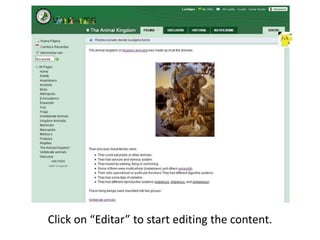
Click on “Editar” to start editing the content.
Click on the buttons that appear on the toolbar to start editing.
You can write on your wiki as you do in Microsoft office word
Click on file if you want to include a picture or anyother file in the page you are editing.
A window like this will appear. Click on “Upload Files”.
Select the picture you want to upload
Then you can select the picture you uploaded.
Now you have your picture posted. You can modify size and alignment by using the toolbar.
You can continue writing. If you want to make a hyperlink, please select the word you want and click on “Link”.
This window will appear. Write the name of your page. The word needs to be similar to that selected. Click on “añadir enlace” to create the new page.
Click on “visitar” to go to the pageyou want to create.
Click on “edit button” or “editar” to start writing.
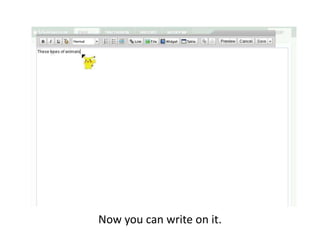
Now you can write on it.
If you want to create a new page, you can click on “nuevapágina”. Then you have to write the name of the page you want to create.
Automatically you can start writing on there.
Don’t forget to cite according to the APA style. Cite like that when you have read information for other source.
ThankYou !

How to edit your wik its