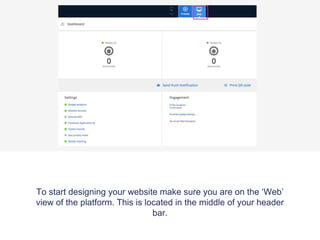
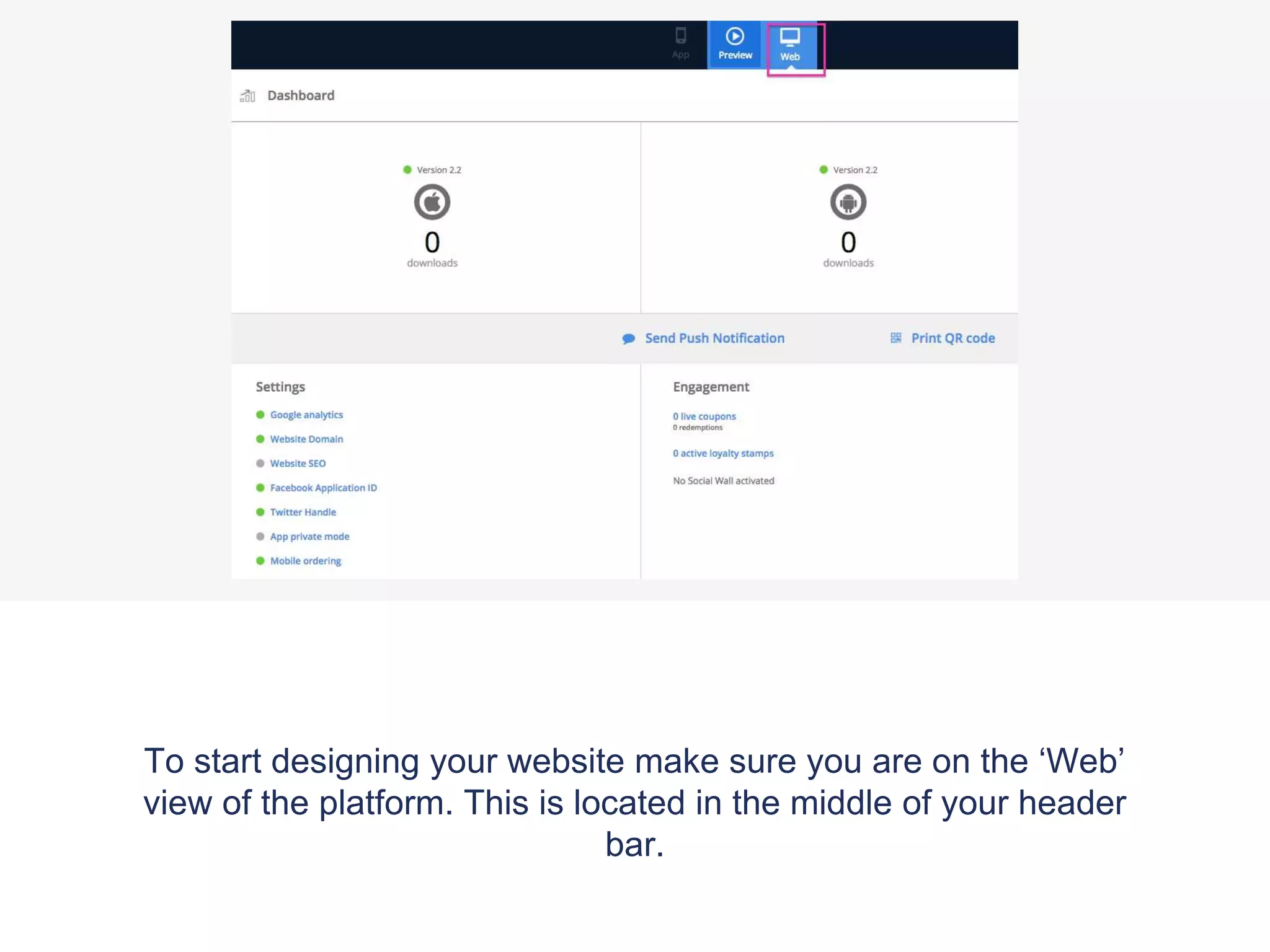
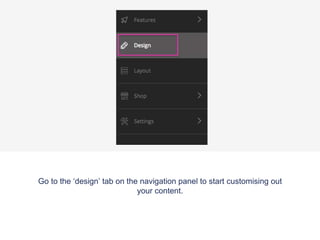
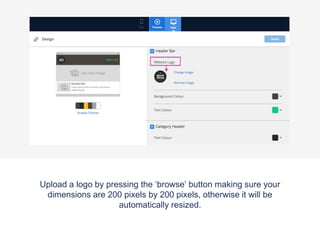
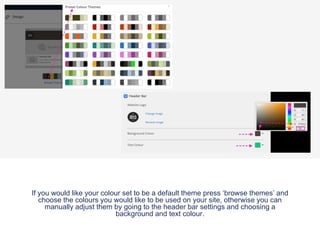
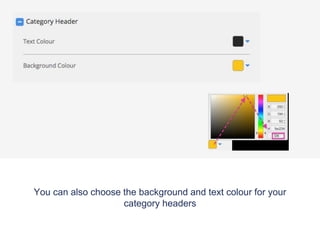
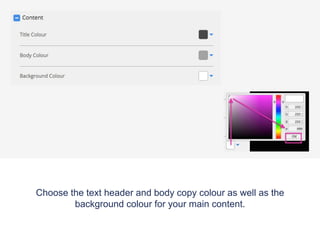
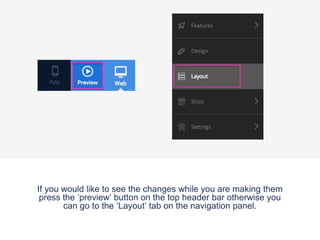
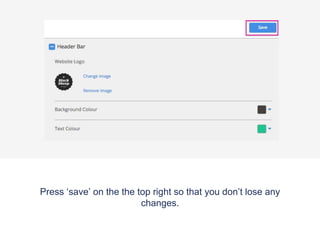
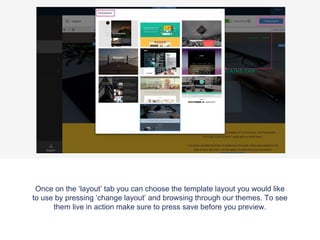
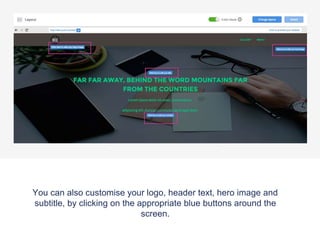
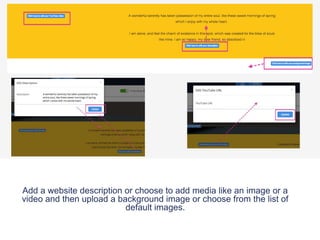
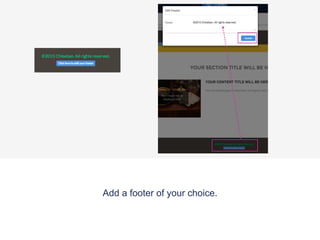
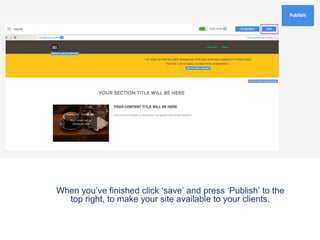
This document provides instructions for designing a website using an online platform. It outlines steps like selecting the 'Web view', going to the 'Design' tab, uploading a logo by browsing and ensuring the dimensions are 200x200 pixels, choosing default themes or manually adjusting colors, selecting colors for category headers and content areas, previewing changes using the preview button, saving work periodically, customizing elements like the logo, header text, and hero image, adding a description, media, or background image, choosing a footer, and finally saving and publishing the site.