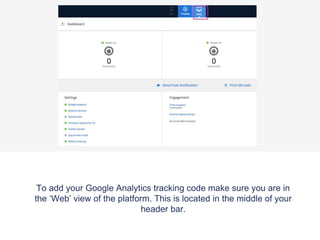
To add your Google Analytics tracking code make sure you are in
the ‘Web’ view of the platform. This is located in the middle of your
header bar.
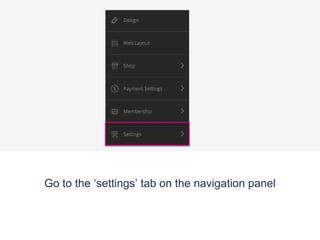
Go to the ‘settings’ tab on the navigation panel
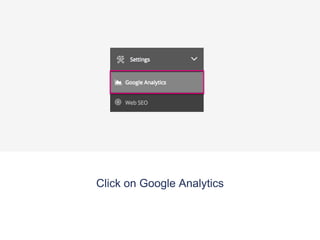
Click on Google Analytics
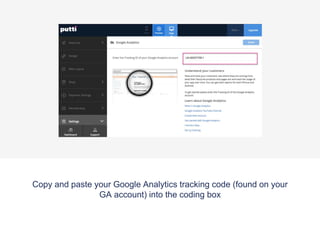
Copy and paste your Google Analytics tracking code (found on your
GA account) into the coding box
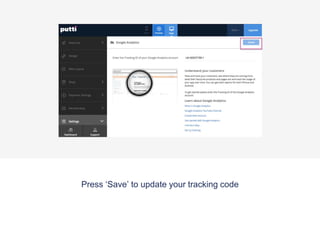
Press ‘Save’ to update your tracking code
Ga

Ga

  • 1.
    To add yourGoogle Analytics tracking code make sure you are in the ‘Web’ view of the platform. This is located in the middle of your header bar.
  • 2.
    Go to the‘settings’ tab on the navigation panel
  • 3.
    Click on GoogleAnalytics
  • 4.
    Copy and pasteyour Google Analytics tracking code (found on your GA account) into the coding box
  • 5.
    Press ‘Save’ toupdate your tracking code