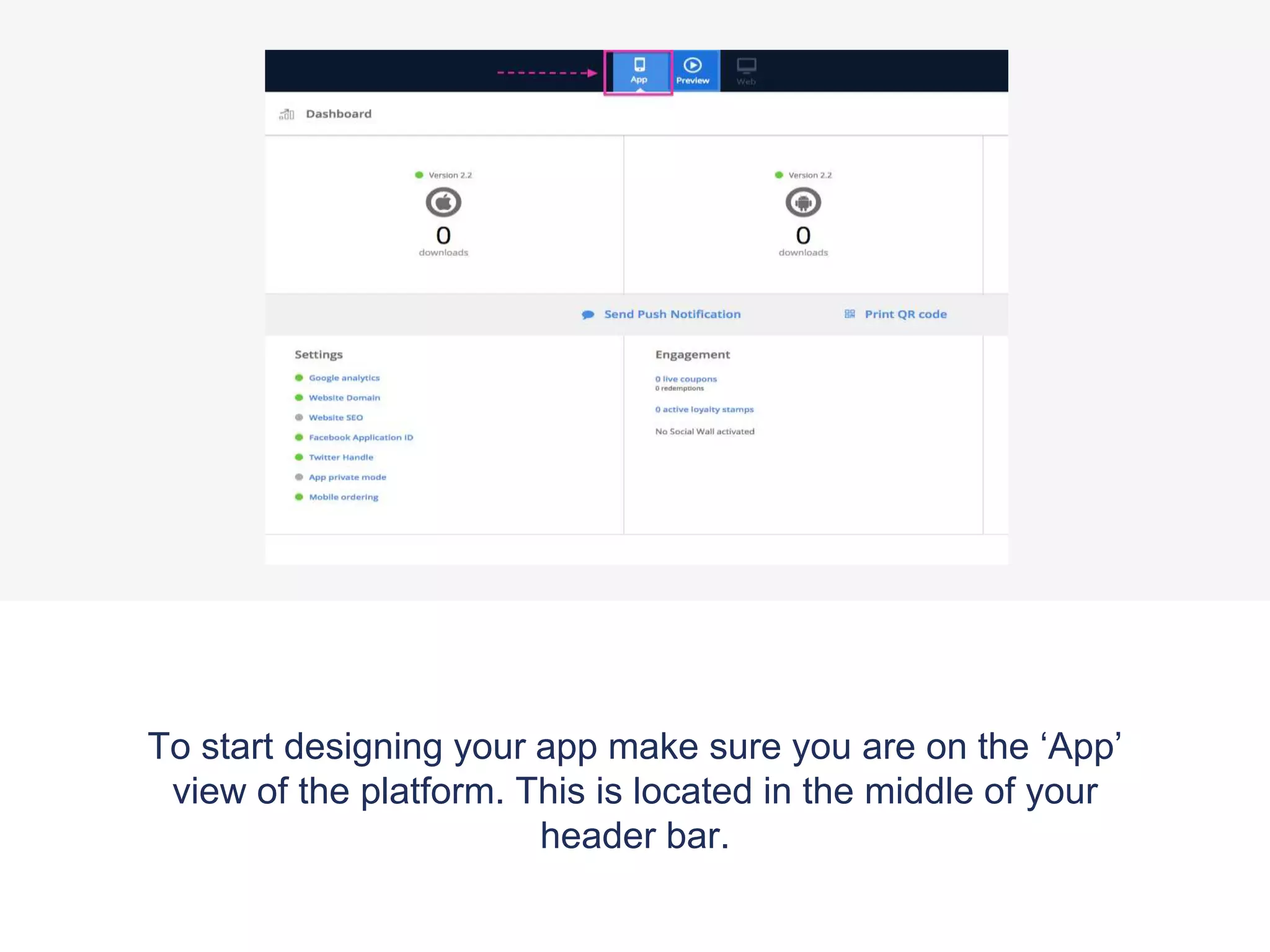
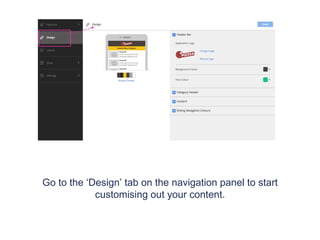
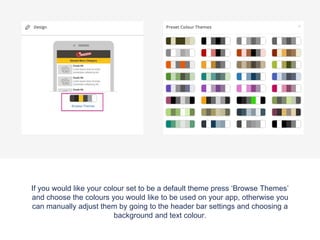
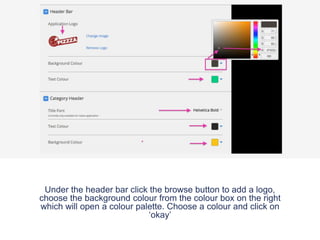
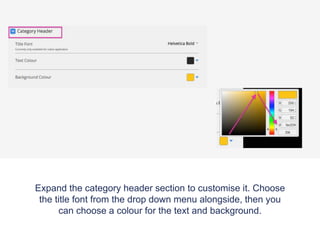
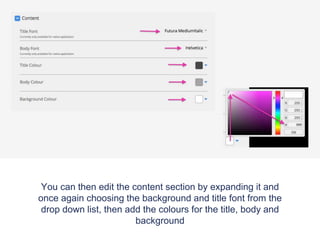
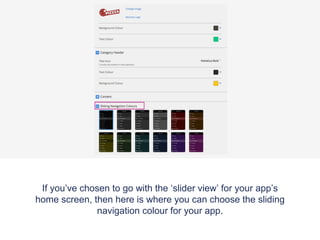
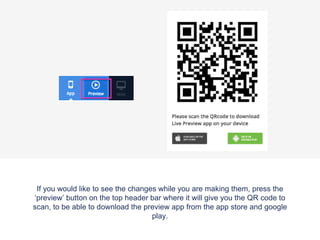
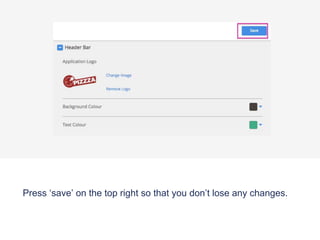
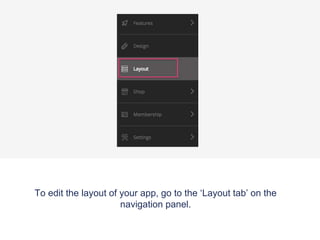
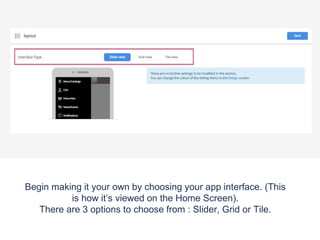
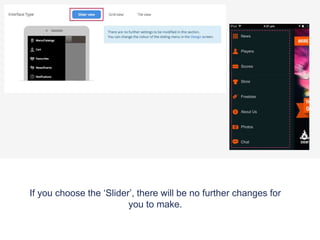
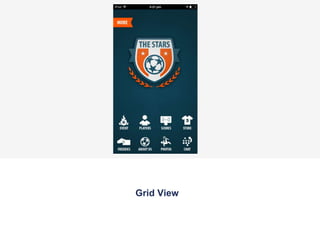
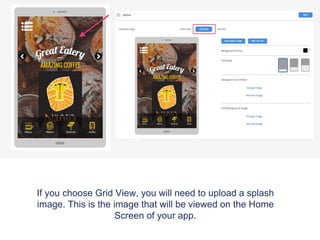
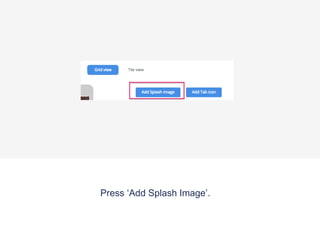
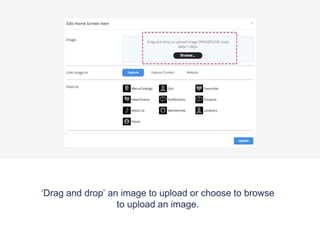
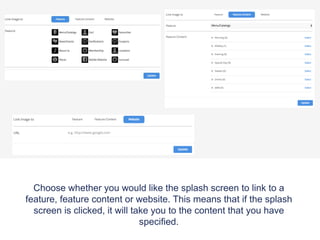
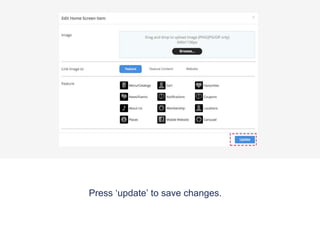
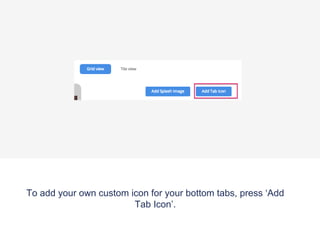
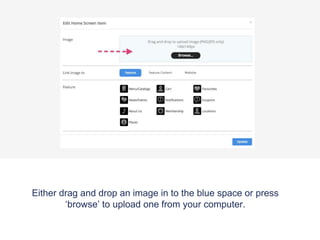
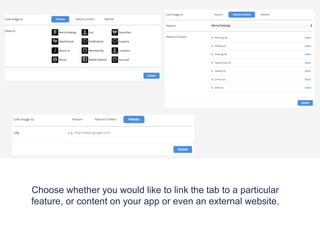
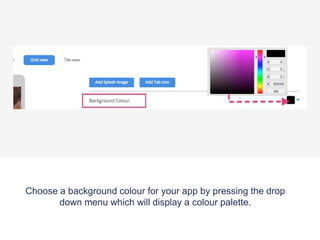
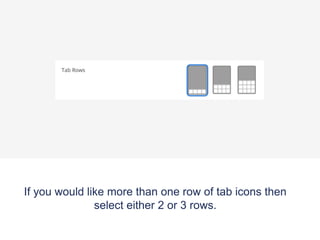
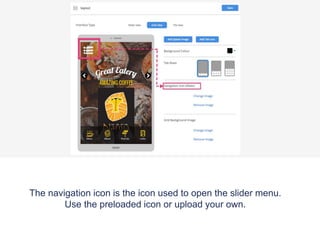
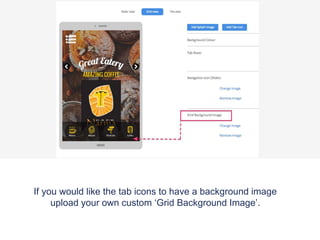
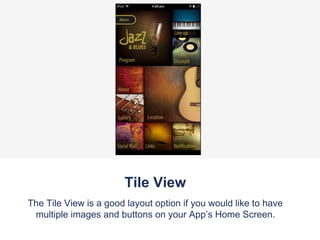
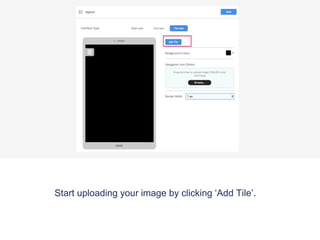
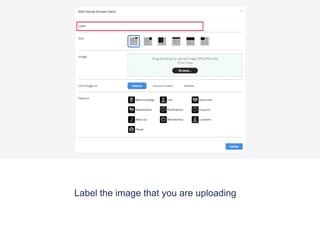
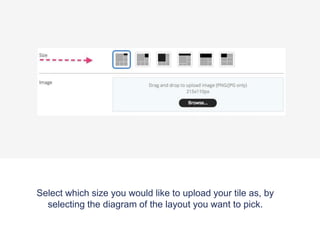
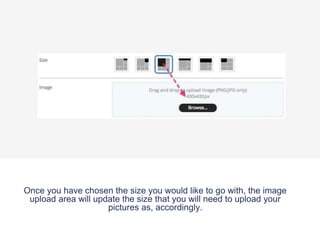
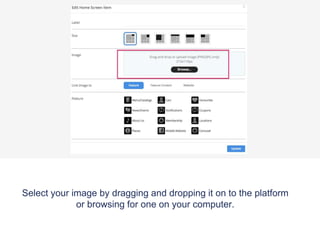
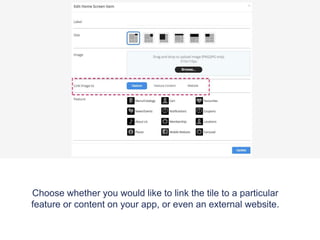
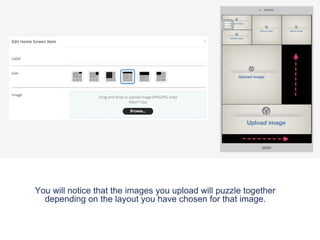
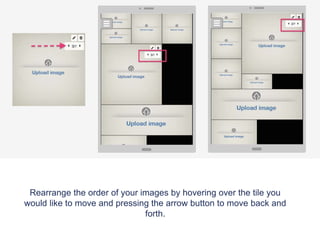
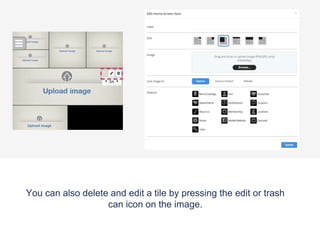
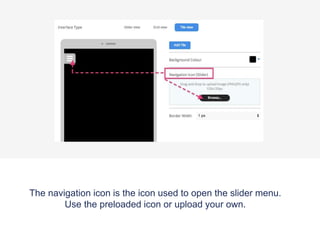
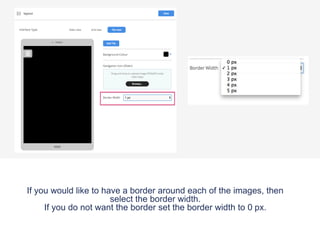
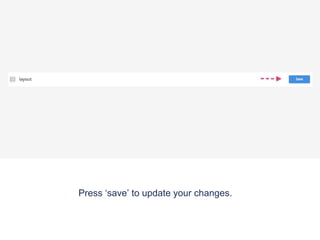
To customize the design of your app, go to the Design tab and choose a default theme or manually select background and text colors. You can add a logo and customize categories, content sections, and sliding navigation by selecting fonts, colors, and background options. The Layout tab allows you to choose between a slider, grid, or tile interface and upload images, set links, and rearrange elements. Saving updates the app design in the platform.