Authentication Applications
• developedto support application-level
authentication & digital signatures
• will discuss Kerberos – a private-key
authentication service
• discuss X.509 - a public-key directory
authentication service
2.
Kerberos
• Authentication servicedeveloped as a part
of MIT’s Athena project
• provides centralized private-key third-party
authentication in a distributed network
– allows users access to services distributed
through network
– without needing to trust all workstations
– rather all trust a central authentication server
• two versions in use: 4 & 5
3.
Athena
• An opendistributed environment
• Any user can access services from any
workstation
• Several security threats exists in such an
environment:
– A user impersonate another user
– A user may change the network address of a w/s and
may make it look as another w/s
– A user may eavesdrop on a session and mount a
replay attak later
4.
Kerberos Requirements
• itsfirst report identified requirements as:
– secure
– reliable
– transparent
– scalable
• implemented using an authentication
protocol based on Needham-Schroeder
5.
Kerberos v4 Overview
•a basic third-party authentication scheme
• have an Authentication Server (AS)
– users initially negotiate with AS to identify self
– AS provides a non-corruptible authentication
credential (ticket granting ticket TGT)
• have a Ticket Granting server (TGS)
– users subsequently request access to other
services from TGS on basis of users TGT
6.
Kerberos v4 Dialogue
1.obtain ticket granting ticket from AS
• once per session
2. obtain service granting ticket from TGT
• for each distinct service required
3. client/server exchange to obtain service
• on every service request
Kerberos Realms
• aKerberos environment consists of:
– a Kerberos server
– a number of clients, all registered with server
– application servers, sharing keys with server
• this is termed a realm
– typically a single administrative domain
• if have multiple realms, Kerberos servers
must share keys and trust each other
Kerberos Version 5
•developed in mid 1990’s to address the
deficiencies of v4
• provides improvements over v4
• encryption algorithm: DES is weak and vulnerable
to attacks. V5 allows a suit of encryption
algorithms.
• V5 breaks away from IP only networks
• V4 uses 8bit ticket lifetime.V5 uses start time and
end time.
•
•
11.
X.509 Authentication Service
•part of CCITT X.500 directory service standards
– distributed servers maintaining user info database
• defines framework for authentication services
– directory may store public-key certificates
– with public key of user signed by certification authority
• also defines authentication protocols
• uses public-key crypto & digital signatures
– algorithms not standardised, but RSA recommended
• X.509 certificates are widely used
12.
X.509 Certificates
• issuedby a Certification Authority (CA), containing:
– version (1, 2, or 3)
– serial number (unique within CA) identifying certificate
– signature algorithm identifier
– issuer X.500 name (CA)
– period of validity (from - to dates)
– subject X.500 name (name of owner)
– subject public-key info (algorithm, parameters, key)
– issuer unique identifier (v2+)
– subject unique identifier (v2+)
– extension fields (v3)
– signature (of hash of all fields in certificate)
• notation CA<<A>> denotes certificate for A signed by CA
Obtaining a Certificate
•any user with access to CA can get any
certificate from it
• only the CA can modify a certificate
• because cannot be forged, certificates can
be placed in a public directory
• If there are a large number of users, one
CA may not be able to handle the load
• Also it is difficult to propagate the public
key of the CA securely.
15.
Certificate Chaining
• ifboth users share a common CA then they are
assumed to know its public key
• What if both users have their certificates issued
by two different CAs? (and one does not know
the public key of the other CA)
• Suppose A’s certificate is issued by X1 and B’s
by X2
• And A does not know the public key of X2.
(A can not verify the public key of B).
16.
Certificate chaining
• SupposeX1 and X2 have securely exchanged
their public keys.
• X1 can prepare a certificate for X2 and sends it
to A.
• A can request this certificate from X1, obtain the
public key of X2, and then verify B’s certificate.
• Notationally,
X1<<X2>>X2<<B>>
--Chain of two certficates.
--need not be limited to two certificates.
17.
CA Hierarchy
• CAscan certify each other.
• CAs are linked by this relation.
• CAs can be organized in several structures
• X.509 suggests CA's must form a hierarchy
• use certificates linking members of hierarchy to
validate other CA's
– each CA has certificates for clients (forward) and
parent (backward)
• each client trusts parents certificates
• enable verification of any certificate from one CA
by users of all other CAs in hierarchy
CA Hierarchy
• Acan verify B’s certificate using the following
certificate chain:
X<<W>>W<<V>>V<<Y>>Y<<Z>>Z<<B>>
-- There is chain of trust also.
• Likewise, B can verify A’s public key using the
following certificate chain:
Z<<Y>>Y<<V>>V<<W>>W<<X>>X<<A>>
--can obtain these certificates from the directory.
20.
Certificate Revocation
• certificateshave a period of validity
• may need to revoke before expiry, e.g.:
1. user's private key is compromised
2. user is no longer certified by this CA
3. CA's certificate is compromised
• CA’s maintain list of revoked certificates
– the Certificate Revocation List (CRL)
– CRL is advertised widely through directory.
• users should check certificates with CA’s CRL
21.
Authentication Procedures
• X.509includes three alternative
authentication procedures:
• One-Way Authentication
• Two-Way Authentication
• Three-Way Authentication
• all use public-key signatures
• It is assumed that the two parties know
each other’s public key.
22.
One-Way Authentication
• 1message ( A->B) used to establish
– the identity of A and that message is from A
– message was intended for B
– integrity & originality of message
• message must include timestamp, nonce,
B's identity and is signed by A
• may include additional info for B
– E.g., session key
23.
Two-Way Authentication
• 2messages (A->B, B->A) which also
establishes in addition:
– the identity of B and that reply is from B
– that reply is intended for A
– integrity & originality of reply
• reply includes original nonce from A, also
timestamp and nonce from B
• may include additional info for A
24.
Three-Way Authentication
• 3messages (A->B, B->A, A->B) which
enables above authentication without
synchronized clocks
• has reply from A back to B containing
signed copy of nonce from B
• means that timestamps need not be
checked or relied upon
25.
X.509 Version 3
•has been recognised that additional
information is needed in a certificate
– email/URL, policy details, usage constraints
• rather than explicitly naming new fields
defined a general extension method
• extensions consist of:
– extension identifier
– criticality indicator
– extension value
26.
Certificate Extensions
Extensions fallinto three categories:
• key and policy information
– convey additional info about subject & issuer keys,
plus indicators of certificate policy
• certificate subject and issuer attributes
– support alternative names, in alternative formats for
certificate subject and/or issuer
• certificate path constraints
– allow constraints on use of certificates by other CA’s
(may restrict the type of certificate issued)
Topics
• Understanding thetechnology
– Cryptography, Digital Signatures, Third
Party Trust, and Public Key Certificates.
• Public Key Infrastructure
– Definitions, Components, Infrastructure,
Processes, and Issues.
30.
Cryptography Methods
• 2Types of Cryptography being used.
– Symmetric Key (shared secret) Cryptography
– Public Key Cryptography
• Each has a role in a Public Key
Infrastructure.
31.
Symmetric Key Cryptography
•1 Key known by both parties (shared)
• A message encrypted by the key can only
be decrypted using the same key.
• Issue: Hard to share the key securely.
Hello Ijfd82*7df Hello
32.
Public Key Cryptography
•2 keys generated. 1 private, 1 public.
• A message encrypted by 1 key can only be decrypted by
the other.
• Public keys are stored in a public repository and are
freely available.
• Private keys are stored on local system protected by a
password. Never transmitted over the network.
Hello 9klfms83f Hello
Bye Jf#f9j3f92 Bye
Private Public
33.
Public key Cryptography
•2 way encrypted communication
possible using 2 sets of public keys.
• Issue: Large resources required.
Hello 9klfms83f Hello
Bye Jf#f9j3f92 Bye
Party A’s
Public
Party B’s
Private
Party A’s
Private
Party B’s
Public
Party A Party B
34.
Their roles inPKI
• Public keys are used
to securely transmit a
symmetric session
key.
• The symmetric key is
used to setup secure
encrypted
communications.
Party B’s
Private
Party B’s
Public
Party A Party B
Hello Ijfd82*7df Hello
Step 1: Party A
creates
symmetric key
and transmits it
to Party B using
their public key.
Step 2: Secure
communications
setup using the
symmetric key.
35.
Digital Signature
• Privatekeys can be used to sign a document.
• The public key is used to decrypt the signature
which verifies that the message came from the
person who owns the private key.
• Issue: How does party B verify Party’s A Public
Key.
Party A’s
Public
Party A’s
Private
Party A Party B
Hello Bob
signed Jonny
Hello Bob
signed dfjlf9#fsi
Hello Bob
signed Jonny
36.
Trusted Third Party
•A trusted third party is someone both
communicating parties trusts.
• This party authenticates Party A using older
style methods (ID Card) and verifies they own
the private key.
• This party then uses its own private key to
digitally sign party A’s public key.
• Since party B trusts the public key of the third
party, when it decrypts the signature on party
A’s Public key it can then trust A’s public key.
• Signed public keys can be used for
authentication.
37.
Public Key Certificate(PKC)
• A public key certificate is a document that:
– Contains the public key of its owner.
– Contains a set of attributes that identifies its owner
– Is digitally signed by a trusted third party called a
Certificate Authority (CA).
– Has an life span (expiry date).
• Certificates are stored in public repositories.
• Used to authenticate, setup secure
communications and trust a digital signature.
38.
Public Key Infrastructure(PKI)
• Defined by the IETF PKIX Working Group
as:
“The set of hardware, software, people, policies and
procedures needed to create, manage, store,
distribute, and revoke public key certificates based on
public key cryptography.”
39.
PKI Component Definitions
•Certificate Authority (CA) : An authority trusted to create and
assign public key certificates. Required to validate user information
and verify they own the private key. Required to maintain CRLs.
• Registration Authority (RA) : An optional authority that can act on
behalf of a CA to validate user information and verify they own the
private key.
• Repository : A data base or directory used to store and distribute
Public Key Certificates and CRLs.
• Certificate Revocation Lists (CRL) : A list of certificates that have
been revoked due to their owners breaking one of the rules in the
certificate policy or by having its private key compromised.
• Certificate Policy (CP) : A set of rules which indicates how a
certificate is to be used by a community of users or set of
applications.
• Certificate Practice Statement (CPS) : A set of guidelines a CA
follows when issuing certificates.
40.
Governed by CertificatePractice Statement.
Governed by Certificate Policy.
The Infrastructure
Repository
for PKCs
and CRLs
Certificate
Authority
Registration
Authority
User
Application
or Server
Certificate
and
revocation
list storage.
Certificate
and
revocation
list retrieval.
Certificate requests
Authentication and
Secure communication
Registration
process
41.
Certificate use.
• Duringsetup of connection between a server and user:
– Certificates are withdrawn from the repository for both
parties.
– Digital signatures are decrypted using the CA’s public key.
– The Certificate revocation list for the signing CA is
referenced to verify that the certificate has not been revoked.
– If all passes then authentication of the server and user has
been accomplished (i.e. each trusts that the private key is
owned by the person identified in the certificate).
• Secure communications are then setup by the user generating a
symmetric session key and transmitting it to the server using the
servers public key to encrypt it. Once the server has decrypted
the session key using its private key a secure socket is setup
using the session key.
42.
The Repository(LDAP)
• ARepository:
– Requires an efficient directory capable of
authentication, replication and redundancy
– should be capable of storing more data than
just certificates and must be capable of
complicated searches
• LDAP provides all the requirements plus:
– can use Public Keys during its authentication
– is being integrated into many other
technologies
– Has a good set of standard APIs
43.
Issues with PKI
•Certificate Revocation is still in its infancy.
• Trust
– Do we trust the commercial CAs out there. Why do we trust them to
authenticate information they are not the authority of.
– How do we trust repositories.
• Non PKI security holes
– How secure are clients, CAs, and repository systems from hackers
and virus attacks. Are they physically secure.
– How well guarded are private keys.
• Is the data in the certificate being check thoroughly.
• The idea of Non-Repudiation.
• Roaming Access (Smart Cards)
Pretty Good Privacy
Originator: Philip R. Zimmerman created
PGP in 1991.
PGP provides a confidentiality and
authentication service that can be used for
electronic mail and file storage applications.
Free, worldwide, works across a variety of
platforms.
Based on known algorithms such as RSA
47.
Why is PGPPopular?
Available free in source code on a variety of
platforms.
Based on publicly reviewed well known
algorithms.
Wide range of applicability
Not developed or controlled by
governmental or standards organizations
Authentication
The stepsfor authentication are as follows
– The sender creates a message
– SHA-1 is used to generate 160-bit hash code
– Hash code is encrypted with RSA using senders
private key
– Receiver uses RSA to decrypt the hash code
– Receiver generates a new hash code and
compares with the decrypted one
50.
Mod1: PGP Messagewith Authentication Only
MD=H(M)
PRa: A’s Private key for PK scheme
PUa: A’s Public key for PK scheme
EP : Public Key Encryption
DP : Public Key Decryption
EC: Symmetric Encryption
DC: Symmetric Decryption
H : Hash Function
|| : Concatenation
Z : Compression using ZIP Algorithm
R64 : Conversion to Radix 64 ASCII format
MD: Message Digest
EP[PRa, H(M) ]
EP[PRa, H(M) ]
Sent Message
M
MD’
MD
M || EP[PRa, H(M) ]
51.
Confidentiality
The stepsto obtain confidentiality are as follows
– The sender generates a message and a random 128-bit
number called the session key
– The message is encrypted with CAST-128
– The session key is encrypted with recipients’ public key
using RSA
– The recipient uses RSA with its private key to decrypt the
session key
– The session key decrypts the message
52.
Mod2: PGP Messagewith Confidentiality Only
Sent Message
PE(PUb, Ks)
PE(PUb, Ks)
Ks
Encrypted M
Ks: Session Key
PRa: A’s Private key for PK scheme
PUa: A’s Public key for PK scheme
EP : Public Key Encryption
DP : Public Key Decryption
EC: Symmetric Encryption
DC: Symmetric Decryption
H : Hash Function
|| : Concatenation
Z : Compression using ZIP Algorithm
R64 : Conversion to Radix 64 ASCII format
MD: Message Digest
Receiver user B
Sender user A
ECKs[ Z(M)] || PE(PUb, Ks)
Z(M)
ECKs[ Z(M)]
53.
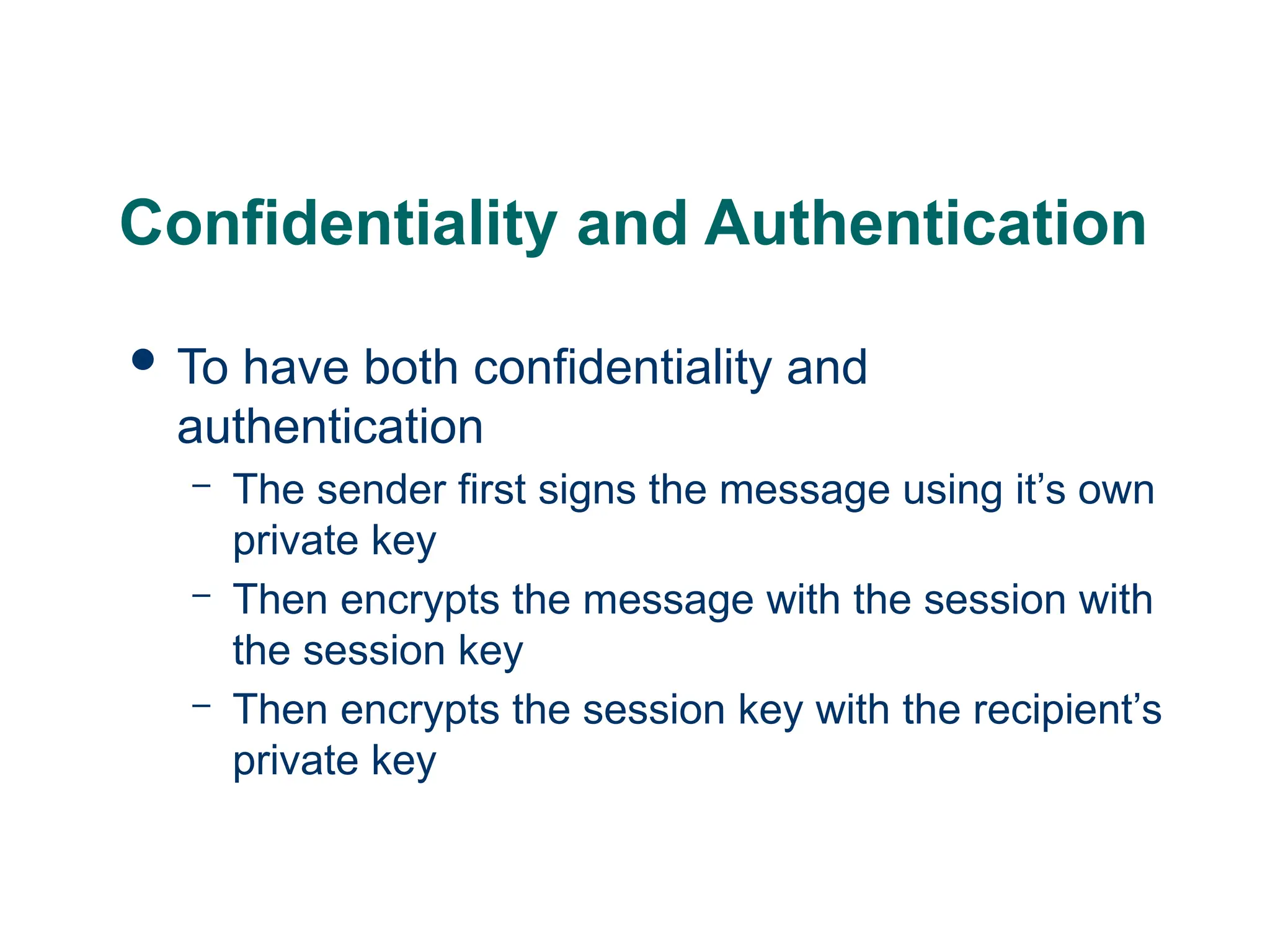
Confidentiality and Authentication
To have both confidentiality and
authentication
– The sender first signs the message using it’s own
private key
– Then encrypts the message with the session with
the session key
– Then encrypts the session key with the recipient’s
private key
54.
Mod3: PGP Messagewith Confidentiality & Authentication
Ks: Session Key
PRa: A’s Private key for PK scheme
PUa: A’s Public key for PK scheme
EP : Public Key Encryption
DP : Public Key Decryption
EC: Symmetric Encryption
DC: Symmetric Decryption
H : Hash Function
|| : Concatenation
Z : Compression using ZIP Algorithm
R64 : Conversion to Radix 64 ASCII format
MD: Message Digest
PE(PUb, Ks)
Signed
Message
PE(PUb, Ks)
Ks
H(M)=MD
PE(PRa, MD)
PE(PRa, MD)
MD’
MD
Sender user A
Receiver user B
M
55.
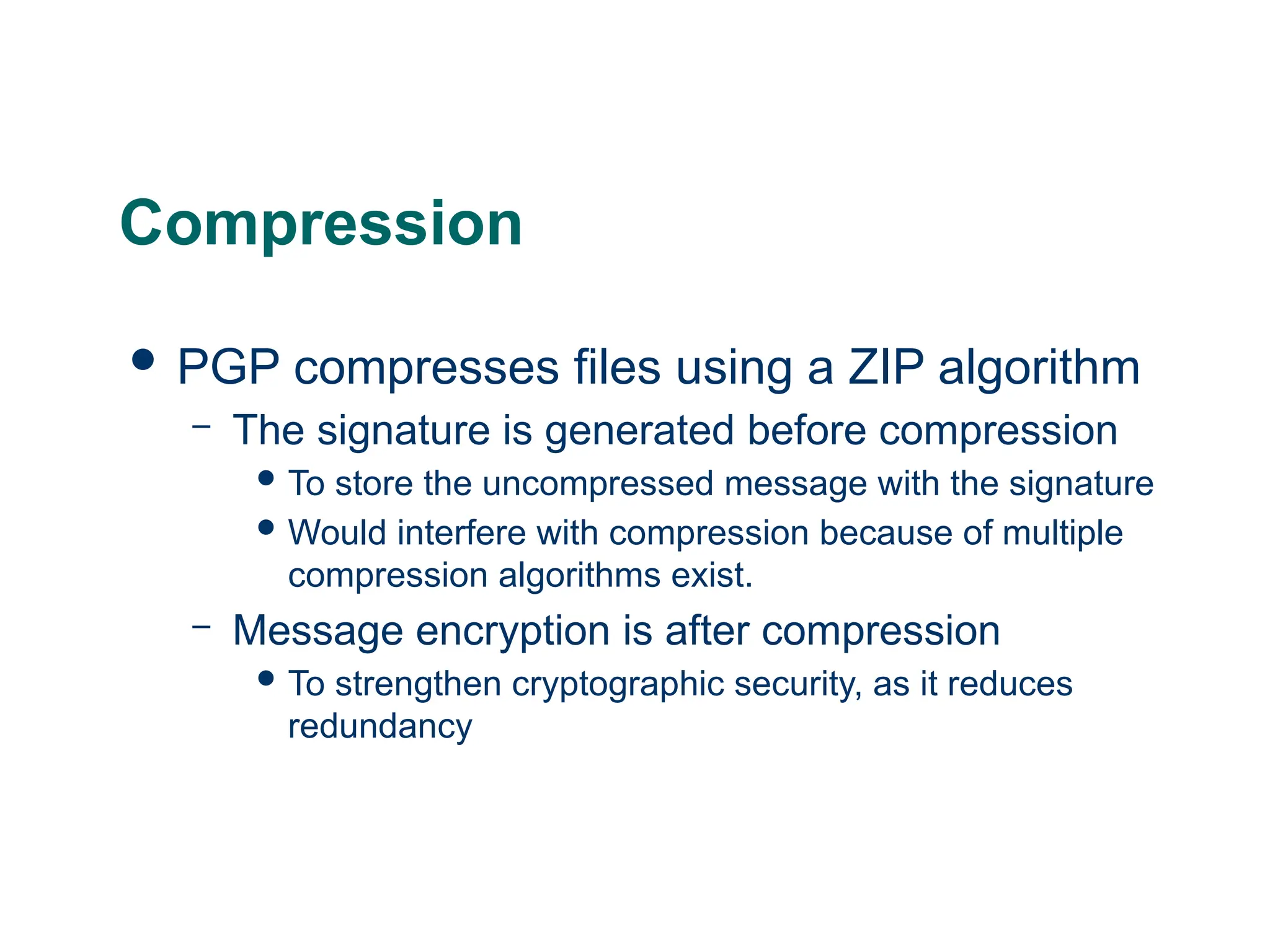
Compression
PGP compressesfiles using a ZIP algorithm
– The signature is generated before compression
To store the uncompressed message with the signature
Would interfere with compression because of multiple
compression algorithms exist.
– Message encryption is after compression
To strengthen cryptographic security, as it reduces
redundancy
56.
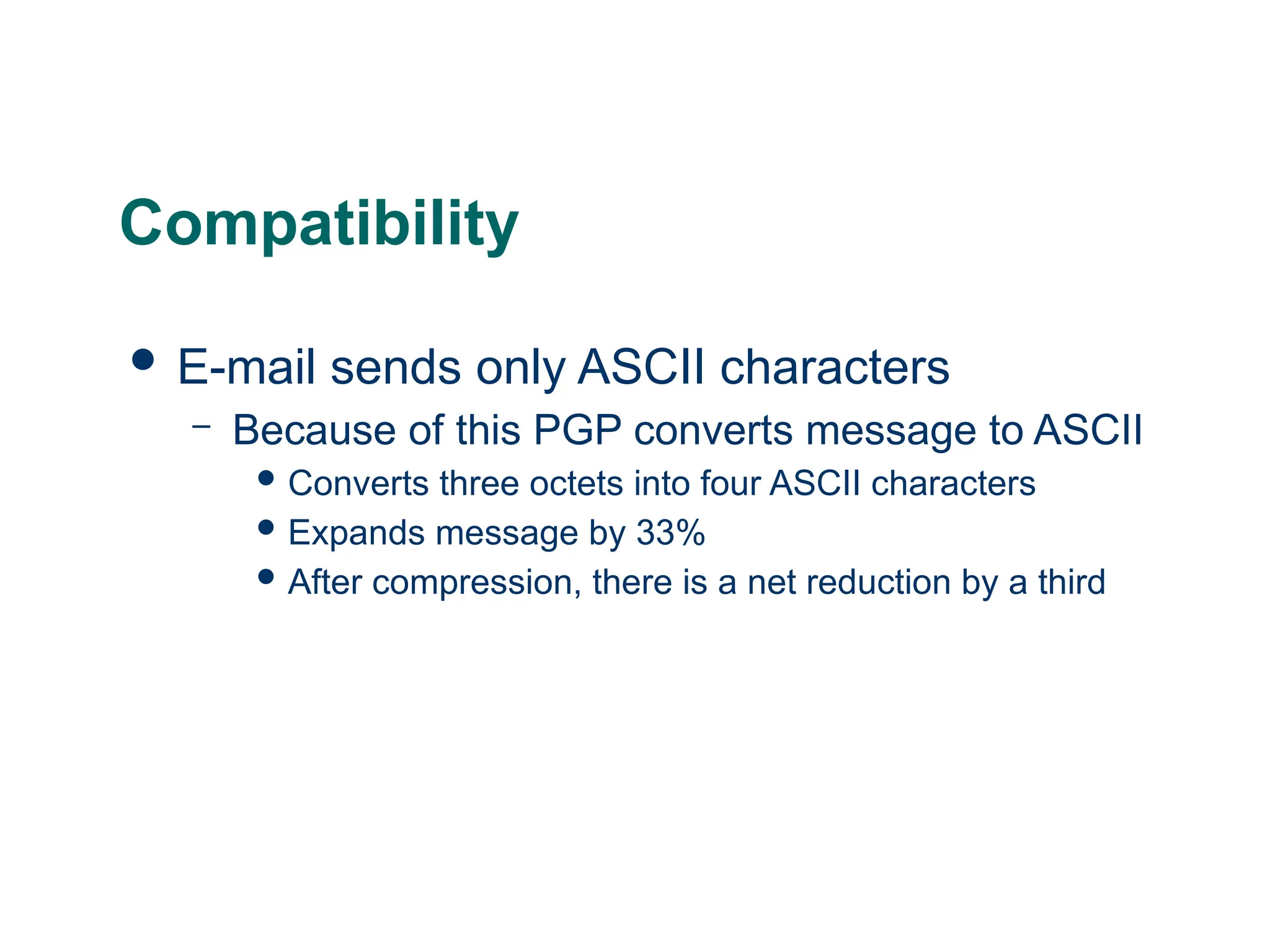
Compatibility
E-mail sendsonly ASCII characters
– Because of this PGP converts message to ASCII
Converts three octets into four ASCII characters
Expands message by 33%
After compression, there is a net reduction by a third
57.
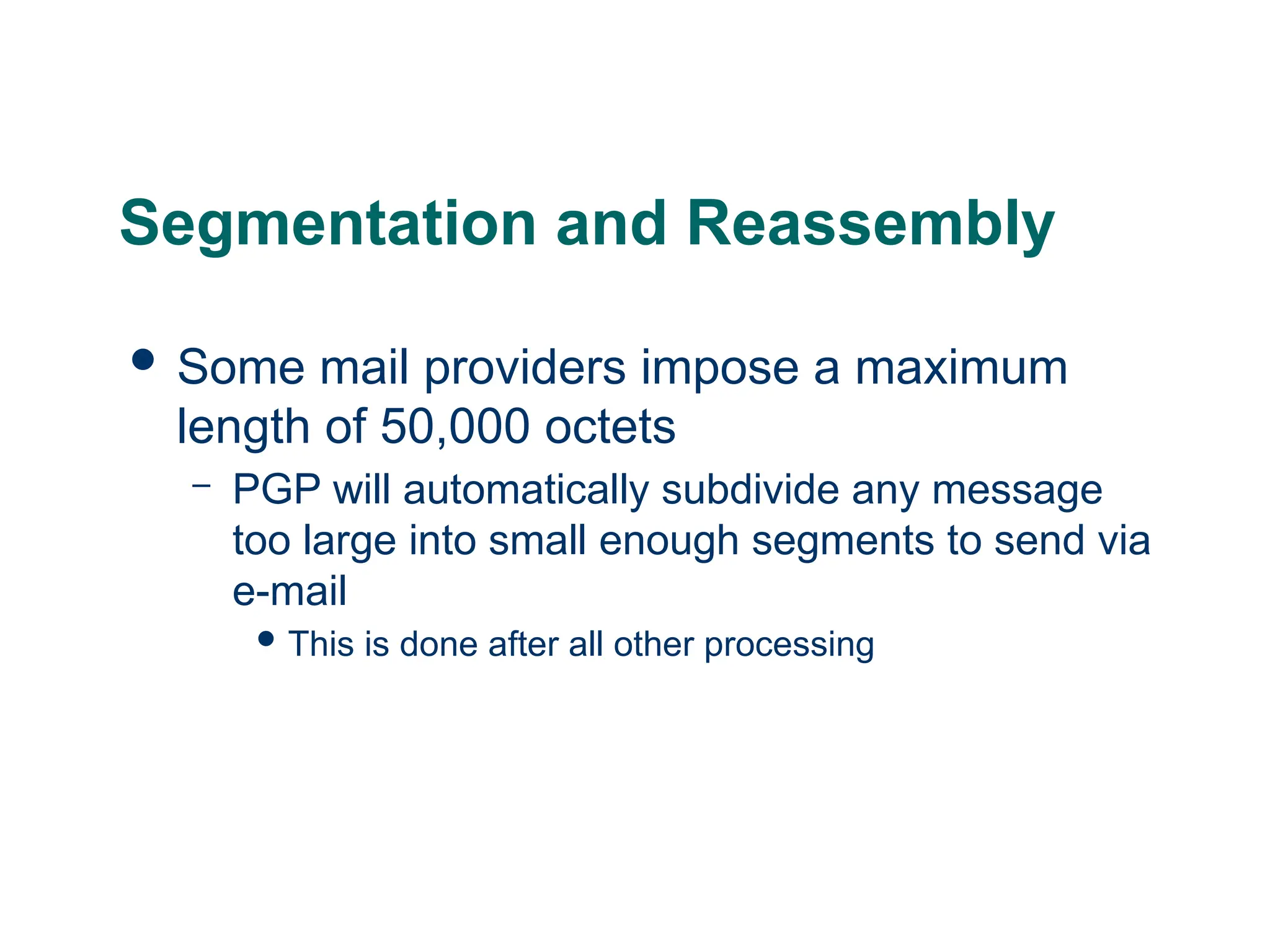
Segmentation and Reassembly
Some mail providers impose a maximum
length of 50,000 octets
– PGP will automatically subdivide any message
too large into small enough segments to send via
e-mail
This is done after all other processing
58.
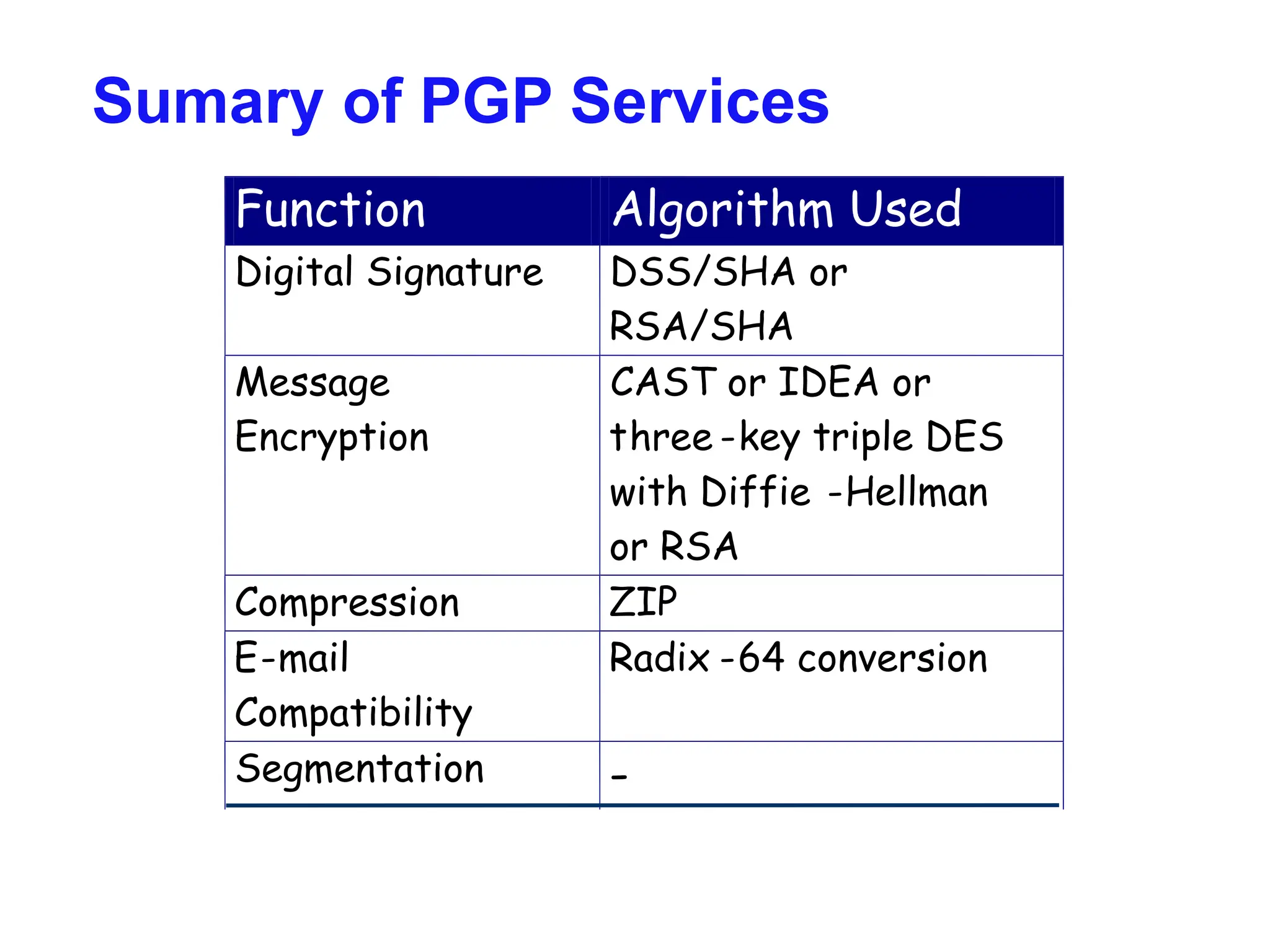
Sumary of PGPServices
Function Algorithm Used
Digital Signature DSS/SHA or
RSA/SHA
Message
Encryption
CAST or IDEA or
three -key triple DES
with Diffie -Hellman
or RSA
Compression ZIP
E-mail
Compatibility
Radix -64 conversion
Segmentation -
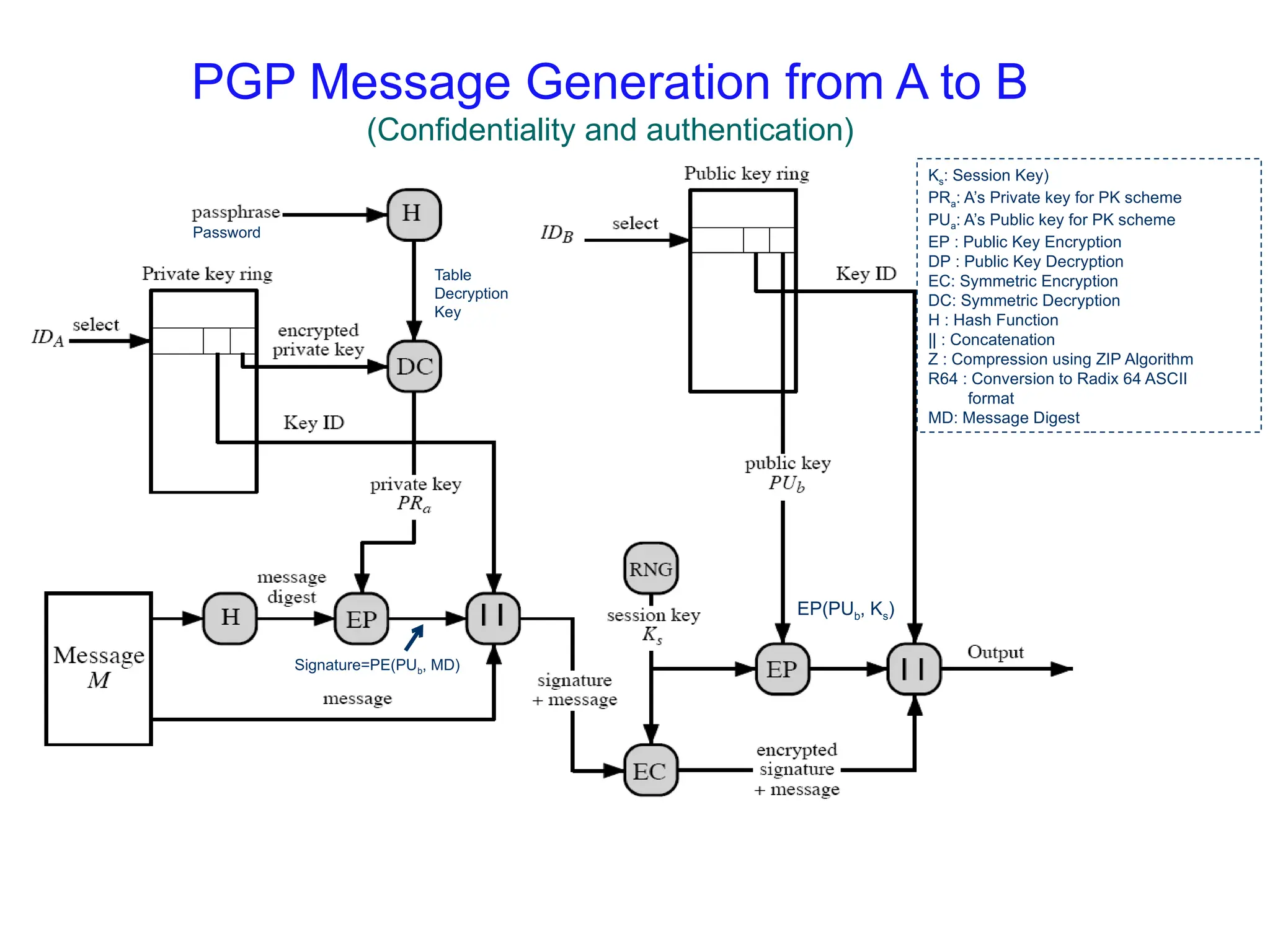
PGP Message Generationfrom A to B
(Confidentiality and authentication)
Table
Decryption
Key
Password
Signature=PE(PUb, MD)
EP(PUb, Ks)
Ks: Session Key)
PRa: A’s Private key for PK scheme
PUa: A’s Public key for PK scheme
EP : Public Key Encryption
DP : Public Key Decryption
EC: Symmetric Encryption
DC: Symmetric Decryption
H : Hash Function
|| : Concatenation
Z : Compression using ZIP Algorithm
R64 : Conversion to Radix 64 ASCII
format
MD: Message Digest
62.
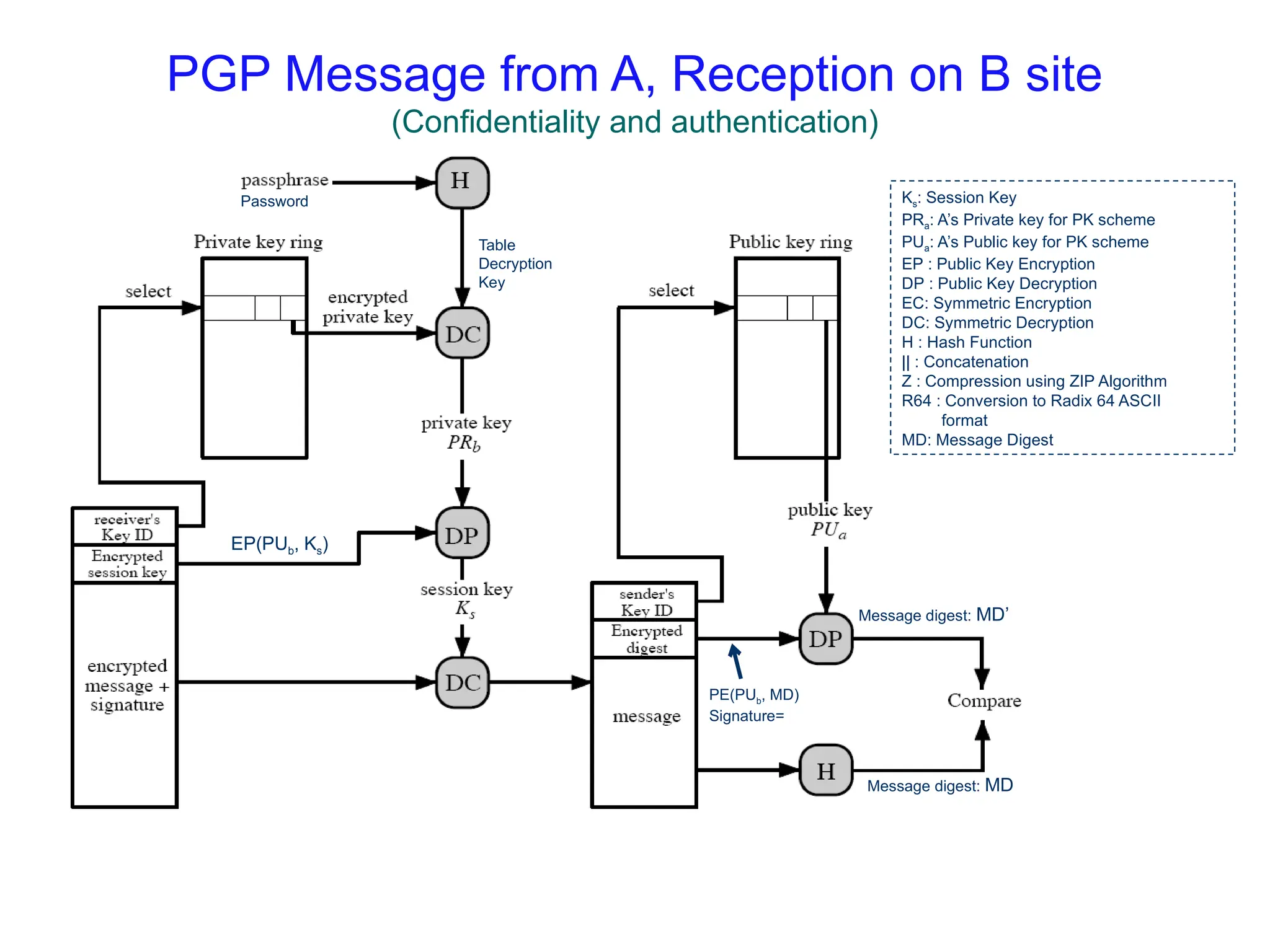
PGP Message fromA, Reception on B site
(Confidentiality and authentication)
Table
Decryption
Key
Password
EP(PUb, Ks)
PE(PUb, MD)
Signature=
Message digest: MD’
Message digest: MD
Ks: Session Key
PRa: A’s Private key for PK scheme
PUa: A’s Public key for PK scheme
EP : Public Key Encryption
DP : Public Key Decryption
EC: Symmetric Encryption
DC: Symmetric Decryption
H : Hash Function
|| : Concatenation
Z : Compression using ZIP Algorithm
R64 : Conversion to Radix 64 ASCII
format
MD: Message Digest
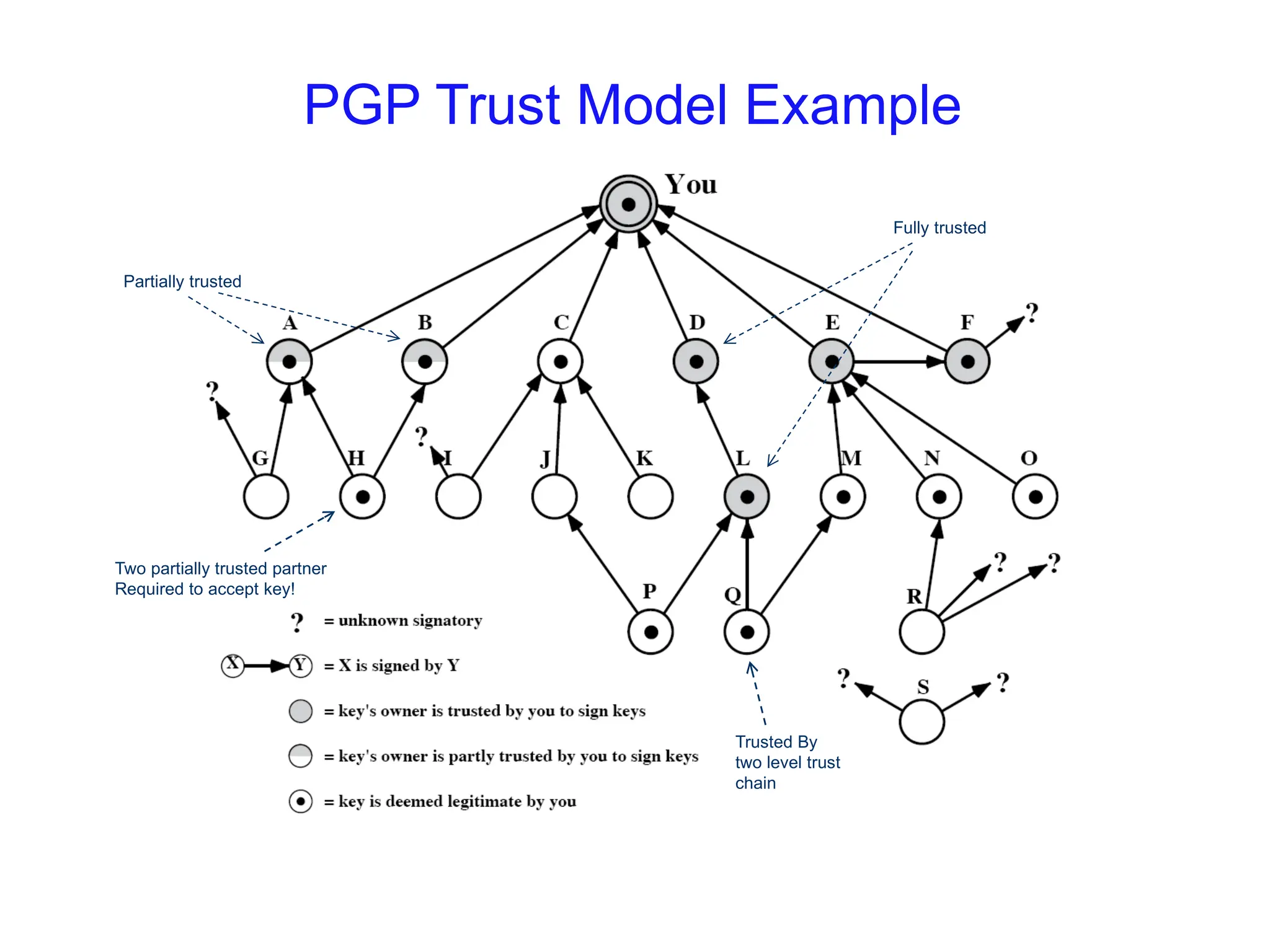
PGP Trust ModelExample
Two partially trusted partner
Required to accept key!
Partially trusted
Fully trusted
Trusted By
two level trust
chain
65.
Revoking Public Keys
Theowner issue a key revocation
certificate.
Normal signature certificate with a revote
indicator.
Corresponding private key is used to sign
the certificate.
66.
Cryptographic Keys
PGPuses four types of keys
– Session keys
– Public keys
– Private Keys
– Passphrase keys
67.
Cryptographic Keys
Threerequirements for the keys
– Needs a mean of generating unpredictable
session keys
– Would like a way to allow each user to have
multiple public/private key pairs
– Maintain a file of the public/private key pairs
68.
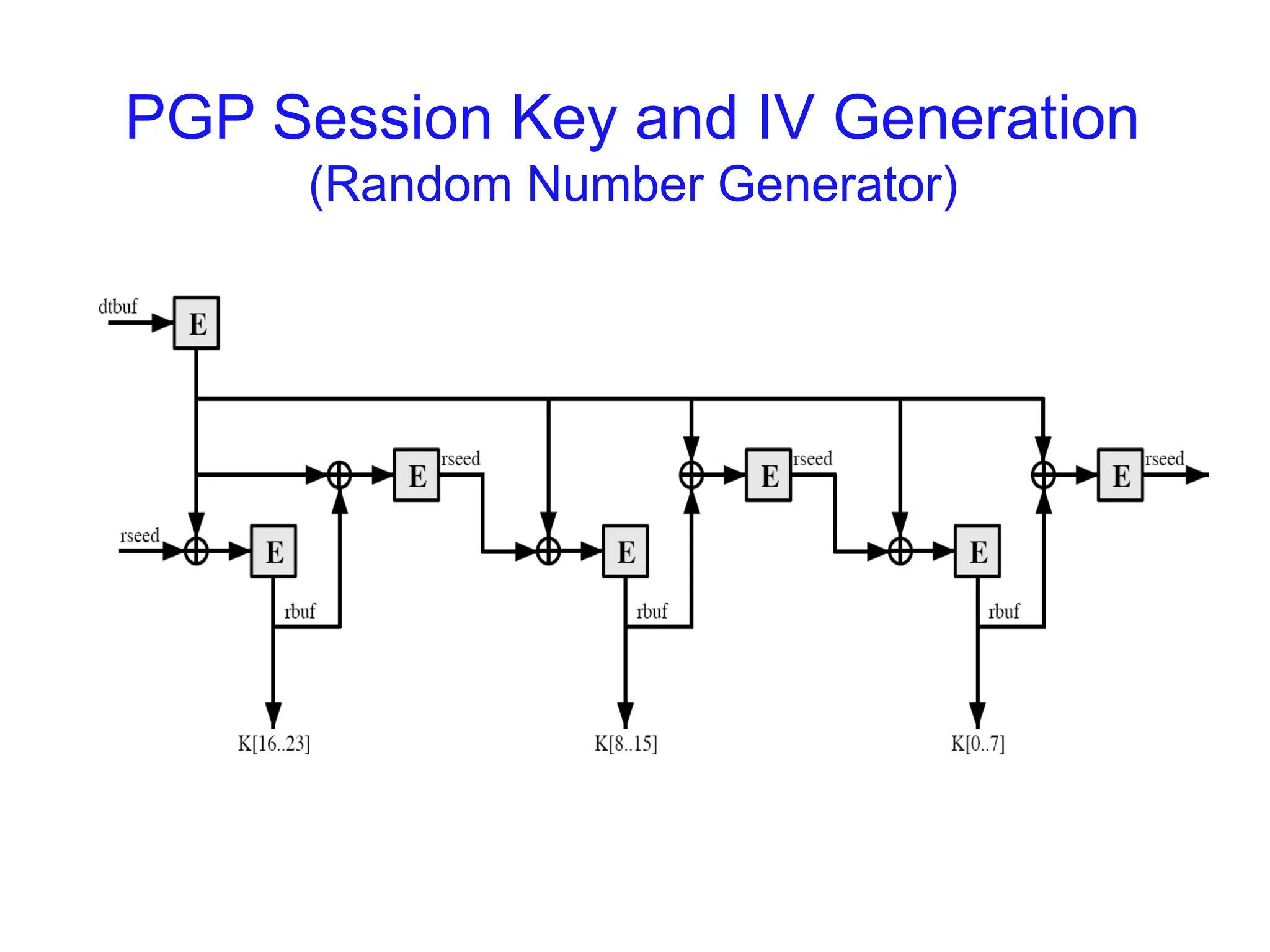
Session Key Generation
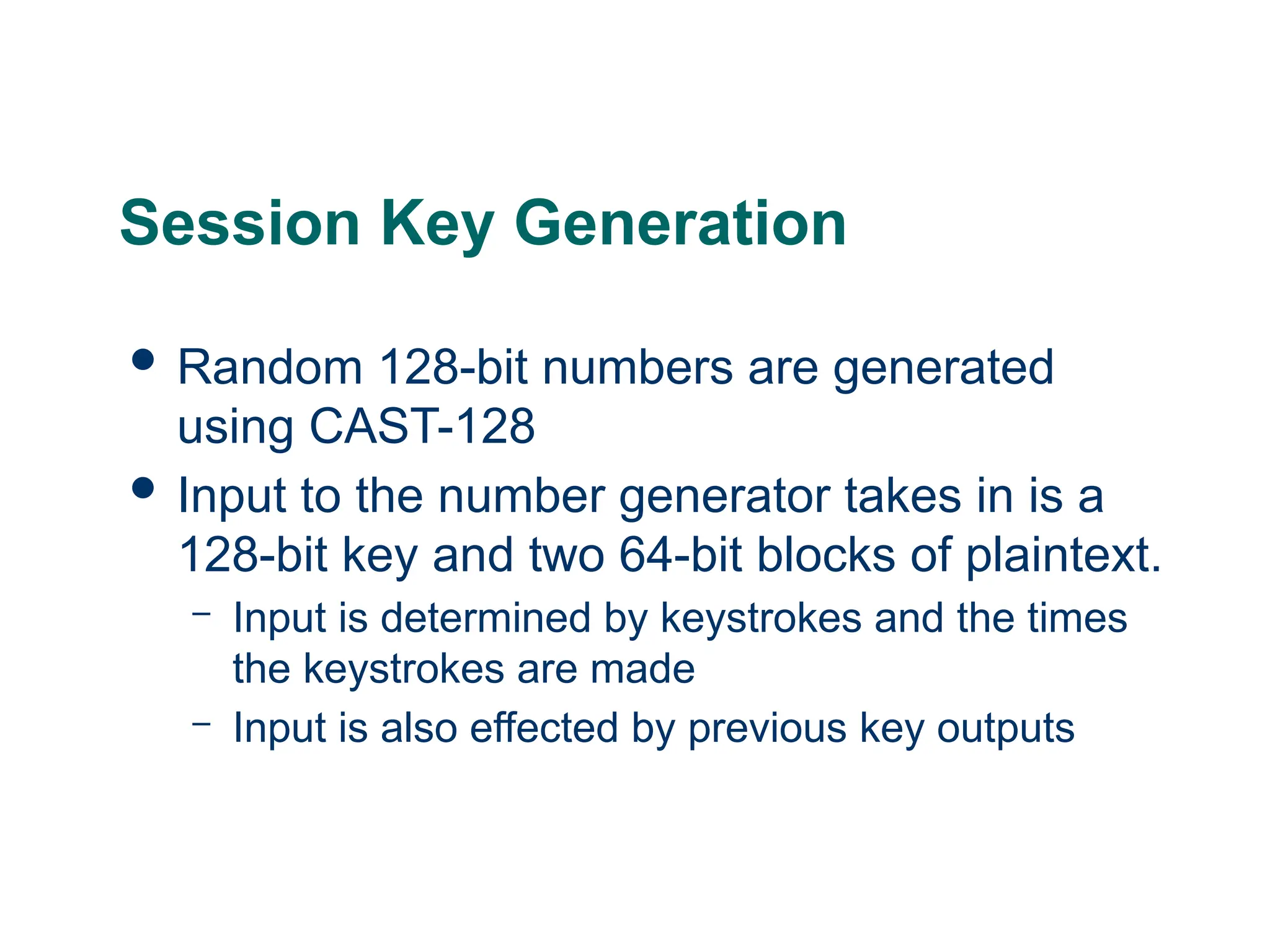
Random 128-bit numbers are generated
using CAST-128
Input to the number generator takes in is a
128-bit key and two 64-bit blocks of plaintext.
– Input is determined by keystrokes and the times
the keystrokes are made
– Input is also effected by previous key outputs
69.
Key identifiers
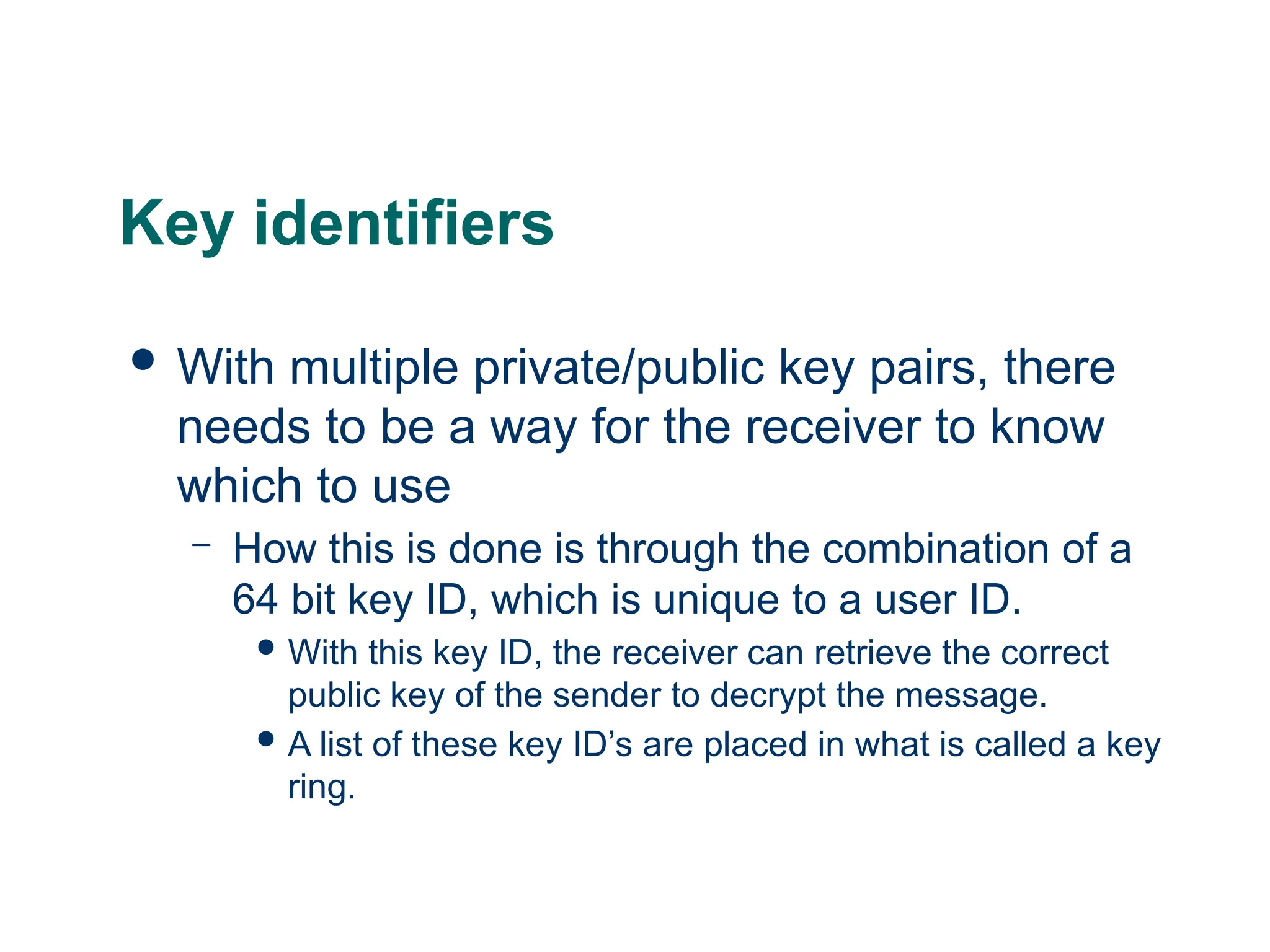
Withmultiple private/public key pairs, there
needs to be a way for the receiver to know
which to use
– How this is done is through the combination of a
64 bit key ID, which is unique to a user ID.
With this key ID, the receiver can retrieve the correct
public key of the sender to decrypt the message.
A list of these key ID’s are placed in what is called a key
ring.
70.
Key Rings
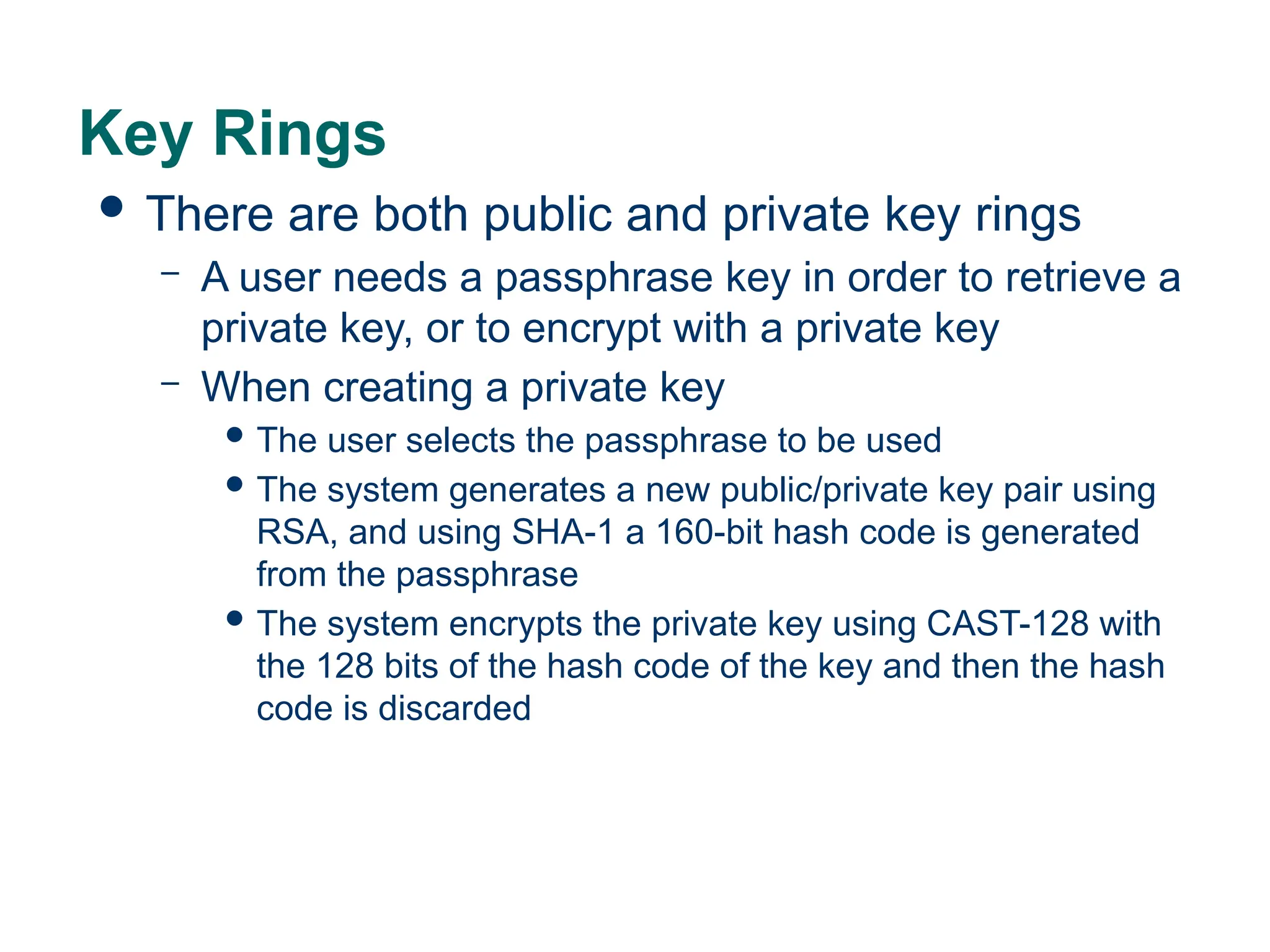
Thereare both public and private key rings
– A user needs a passphrase key in order to retrieve a
private key, or to encrypt with a private key
– When creating a private key
The user selects the passphrase to be used
The system generates a new public/private key pair using
RSA, and using SHA-1 a 160-bit hash code is generated
from the passphrase
The system encrypts the private key using CAST-128 with
the 128 bits of the hash code of the key and then the hash
code is discarded
71.
Key Ring –Signing the message
PGP retrieves sender’s private key using
user-id as an index.
PGP prompts the user for the passphrase to
recover unencrypted private key
Constructs signature component of the
message
72.
Key Ring –Encrypting the Message
PGP generates session key and uses it to
encrypt the message
PGP retrieves the recipient’s public key from
it’s public-key ring using their user ID as an
index
The session key of the message is
constructed
73.
Key Ring –Decrypting the Message
PGP retrieves the receiver’s private key from
the private-key ring using the key ID in the
session key component of the message as
an index
PGP prompts the user for the passphrase to
recover the unencrypted private key
PGP recovers the session key and decrypts
the message.
74.
Key Ring –Authenticating the Message
PGP retrieves the sender’s public key from
the public-key ring using the key ID from the
signature portion of the message as an
index.
PGP recovers the transmitted message
digest
PGP computers the message digest for the
received message
75.
The Use ofTrust
Each public-key ring has a signature and a
signature trust entry for each public key
– This entry indicates the degree the PGP user
trusts the signer to certify public keys.
Each public-key ring has a owner trust field
– This entry indicates the degree to which the public
key is trusted to sign other public key certificates.
76.
S/MIME
Stands forSecure/Multipurpose Internet Mail
Extension
Security enhancement to the MIME internet
e-mail format
77.
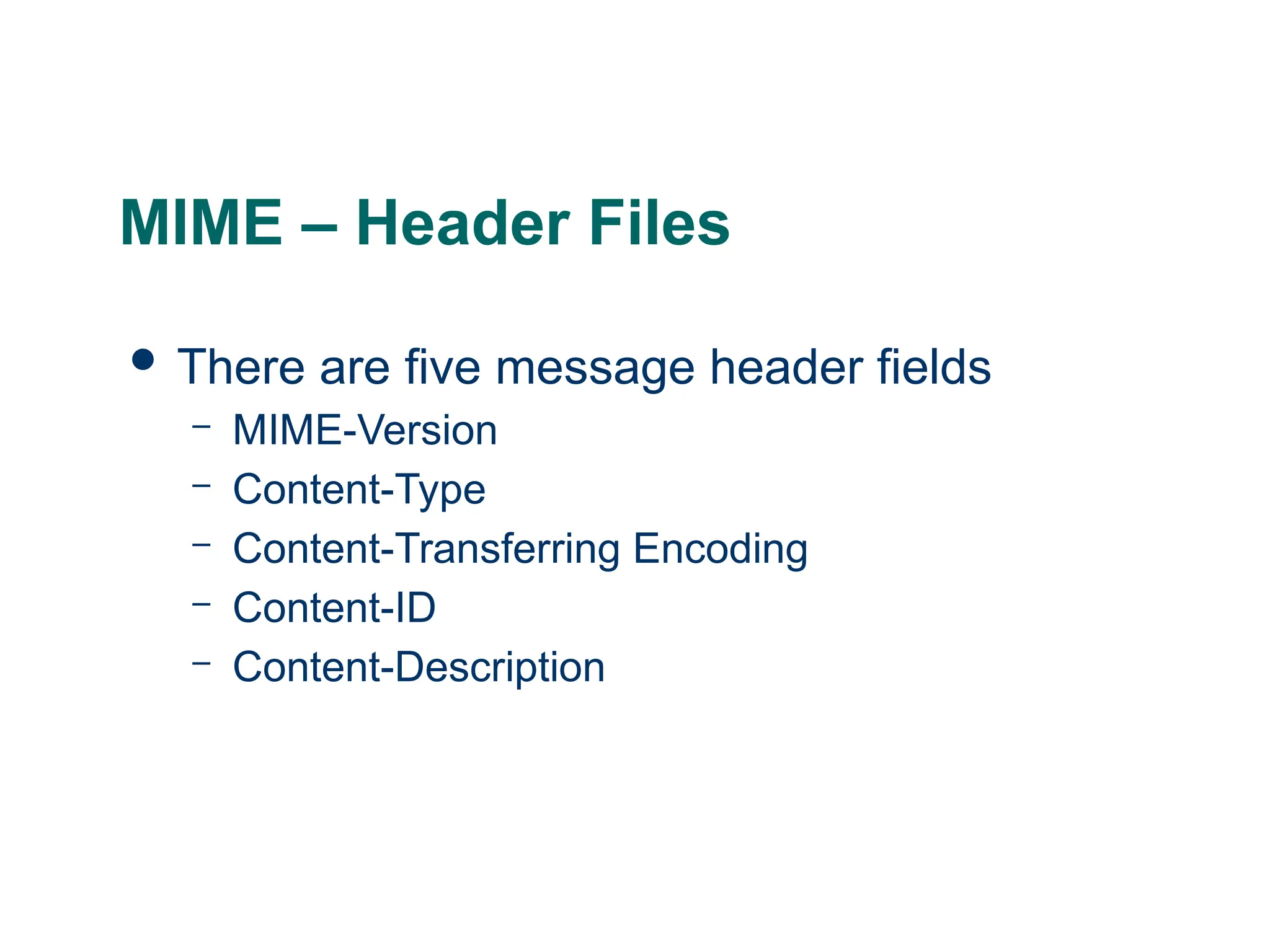
MIME – HeaderFiles
There are five message header fields
– MIME-Version
– Content-Type
– Content-Transferring Encoding
– Content-ID
– Content-Description
78.
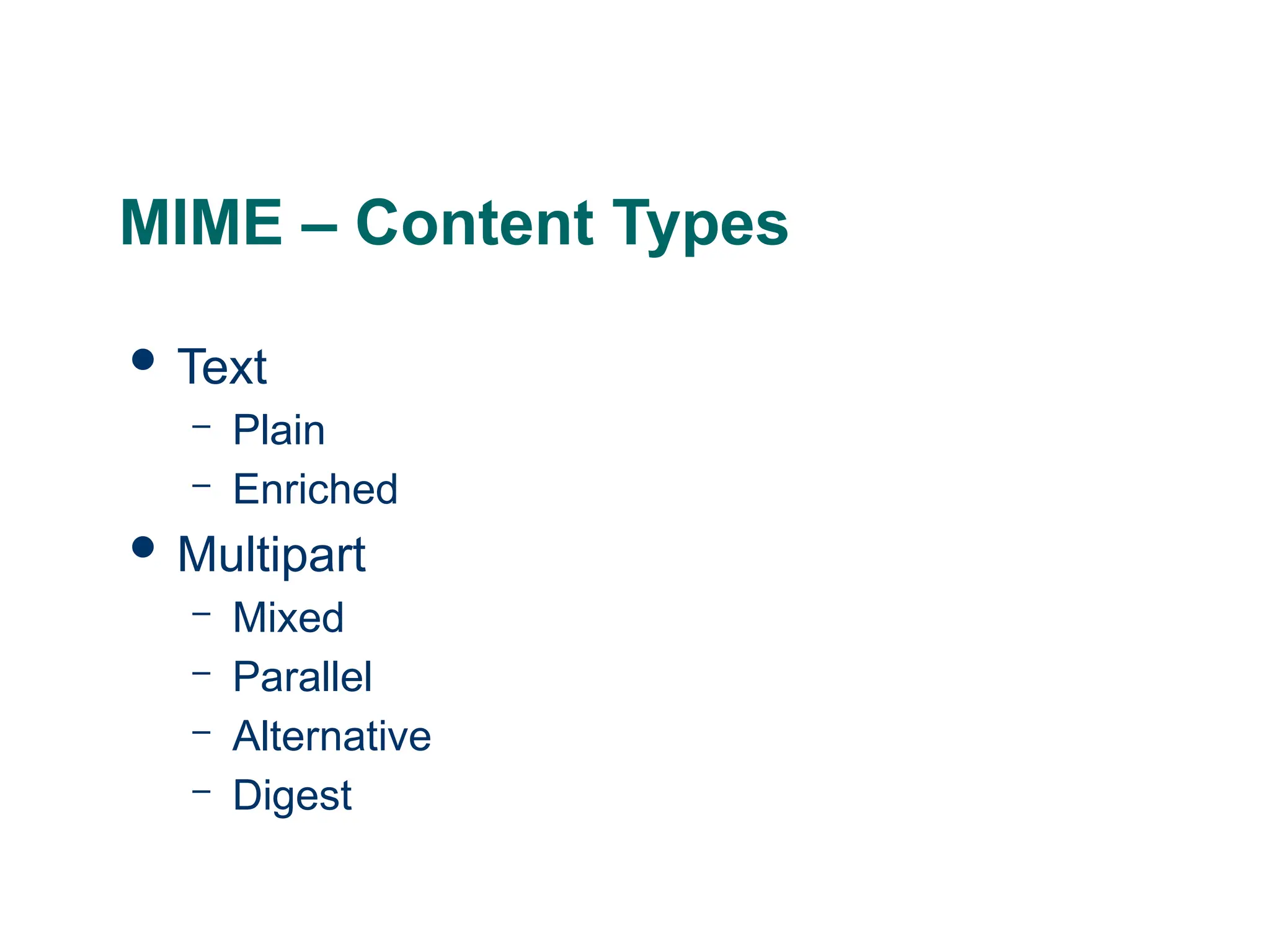
MIME – ContentTypes
Text
– Plain
– Enriched
Multipart
– Mixed
– Parallel
– Alternative
– Digest
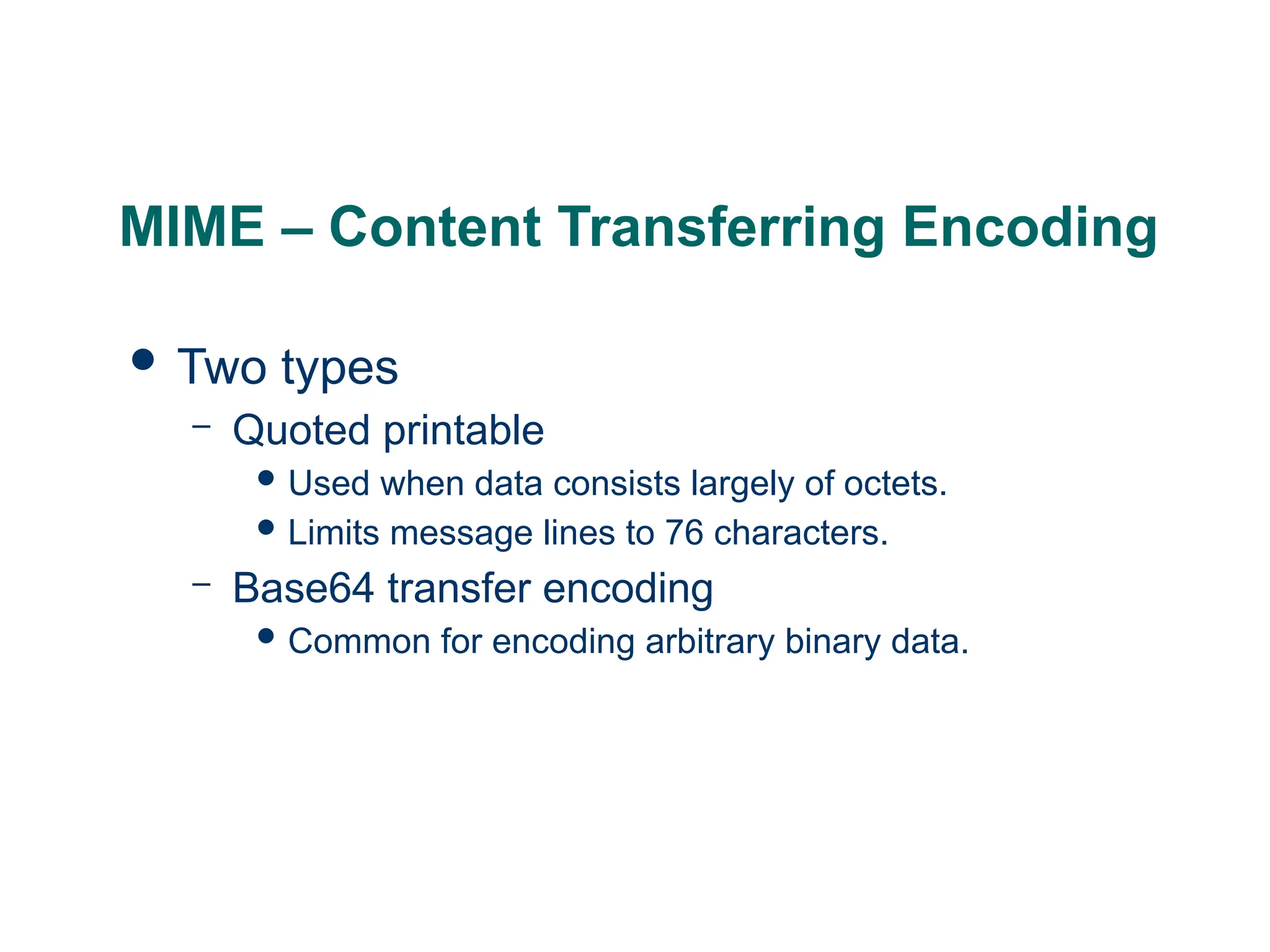
MIME – ContentTransferring Encoding
Two types
– Quoted printable
Used when data consists largely of octets.
Limits message lines to 76 characters.
– Base64 transfer encoding
Common for encoding arbitrary binary data.
82.
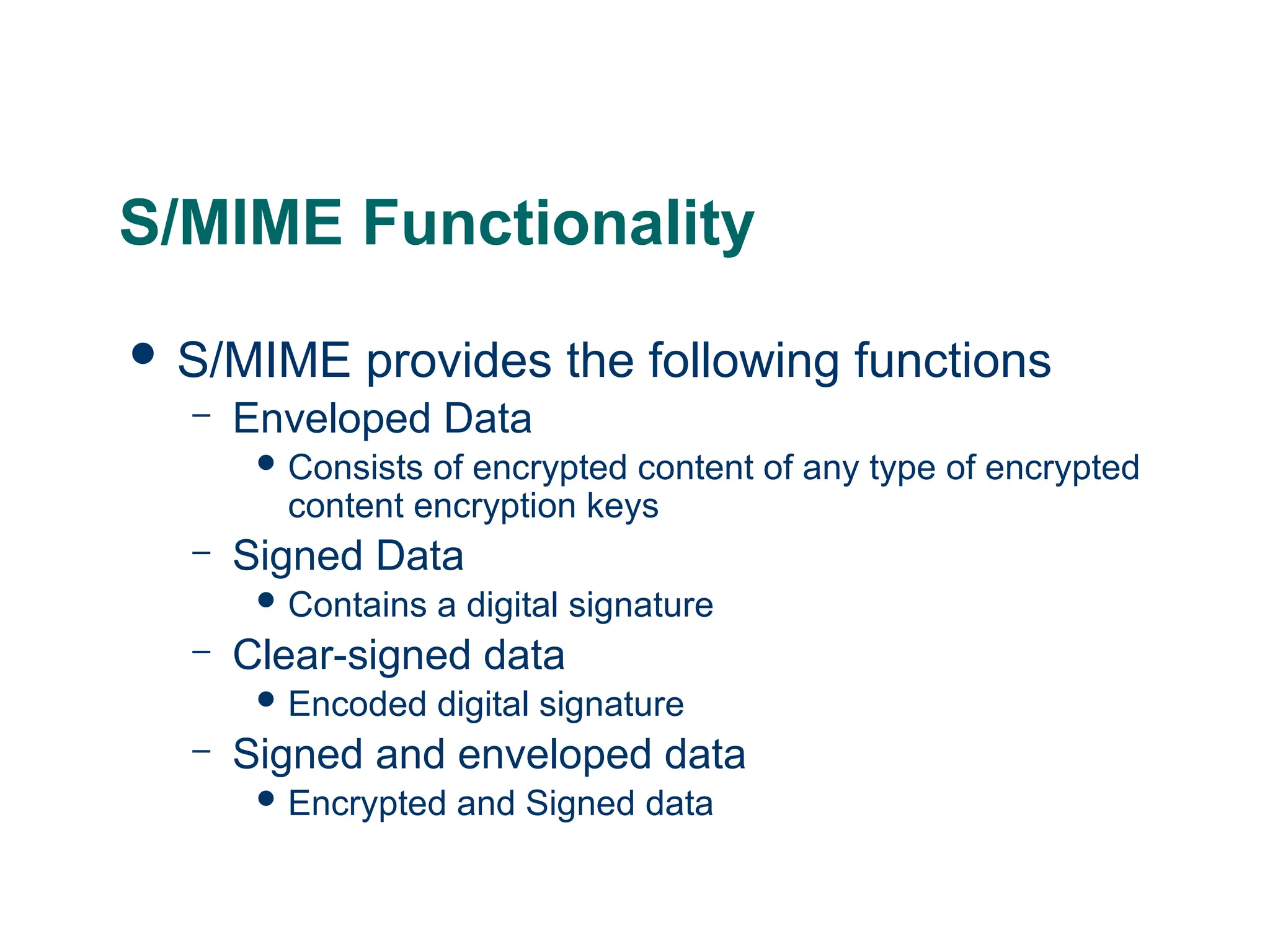
S/MIME Functionality
S/MIMEprovides the following functions
– Enveloped Data
Consists of encrypted content of any type of encrypted
content encryption keys
– Signed Data
Contains a digital signature
– Clear-signed data
Encoded digital signature
– Signed and enveloped data
Encrypted and Signed data
83.
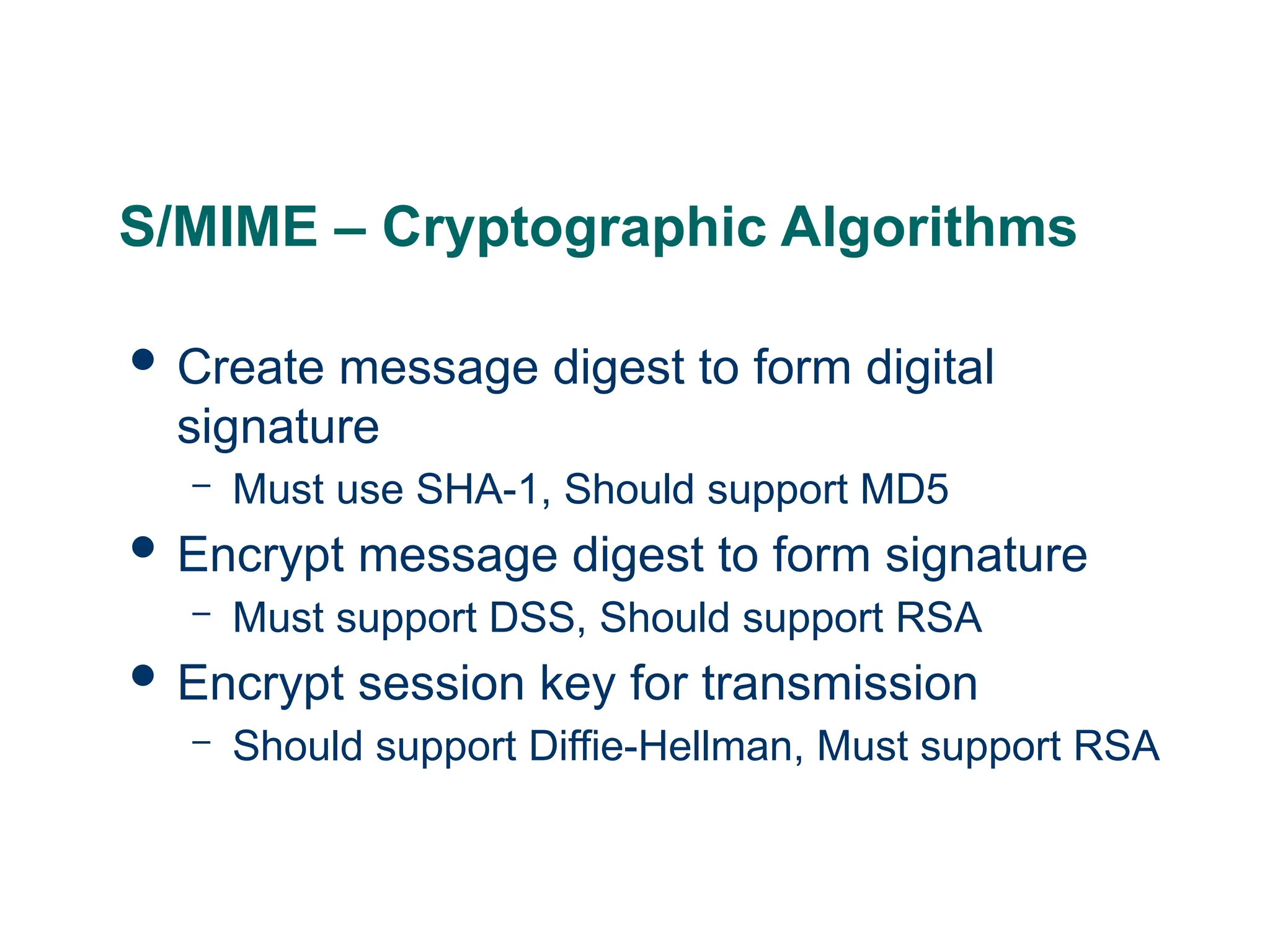
S/MIME – CryptographicAlgorithms
Create message digest to form digital
signature
– Must use SHA-1, Should support MD5
Encrypt message digest to form signature
– Must support DSS, Should support RSA
Encrypt session key for transmission
– Should support Diffie-Hellman, Must support RSA
84.
S/MIME – CryptographicAlgorithms
Encrypt message for transmission with one-
time session key
– Must support triple DES, Should support AES,
Should support RC2/40
Create a message authentication code
– Must support HMAC with SHA-1, Should support
HMAC with SHA-1
85.
S/MIME – UserAgent Role
Key generation
– Generating key with RSA
Registration
– Register a user’s public key must be registered
with a certification authority
Certificate storage and retrieval
– Access to a local list of certificates in order to
verify incoming signatures and encrypt outgoing
86.
S/MIME – EnhancedSecurity Services
Signed receipts
– The receiver returns a signed receipt back to the
sender to verify the message arrived
Security labels
– Permission, priority or role of message being sent
Secure mailing lists
– Sending to multiple recipients at once securely by
using a public key for the whole mailing list
87.
IP Security
1. Overview
2.Architecture
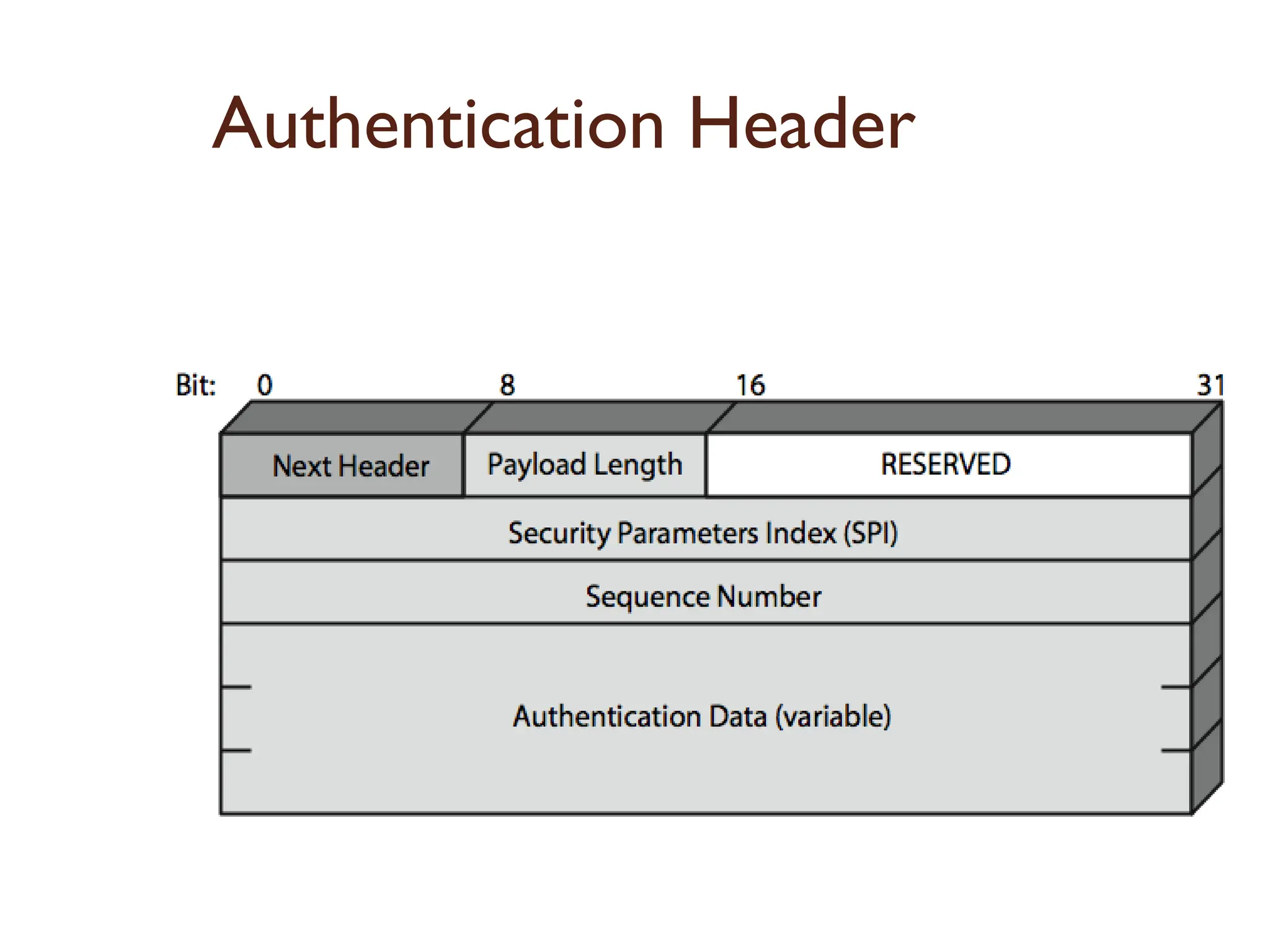
3. Authentication Header
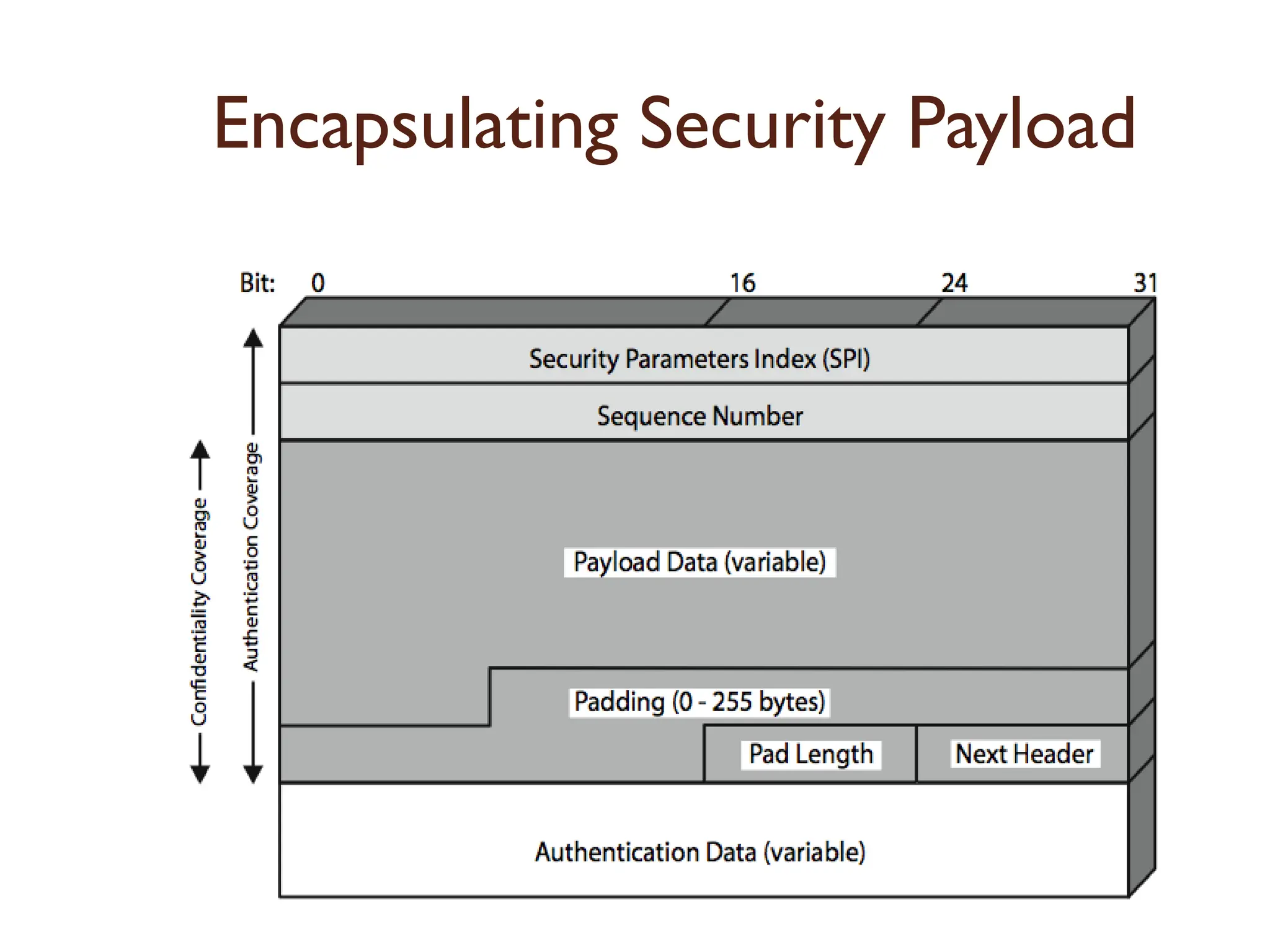
4. Encapsulating Security Payload
5. Combining security Associations
6. Internet Key Exchange.
88.
IP Security
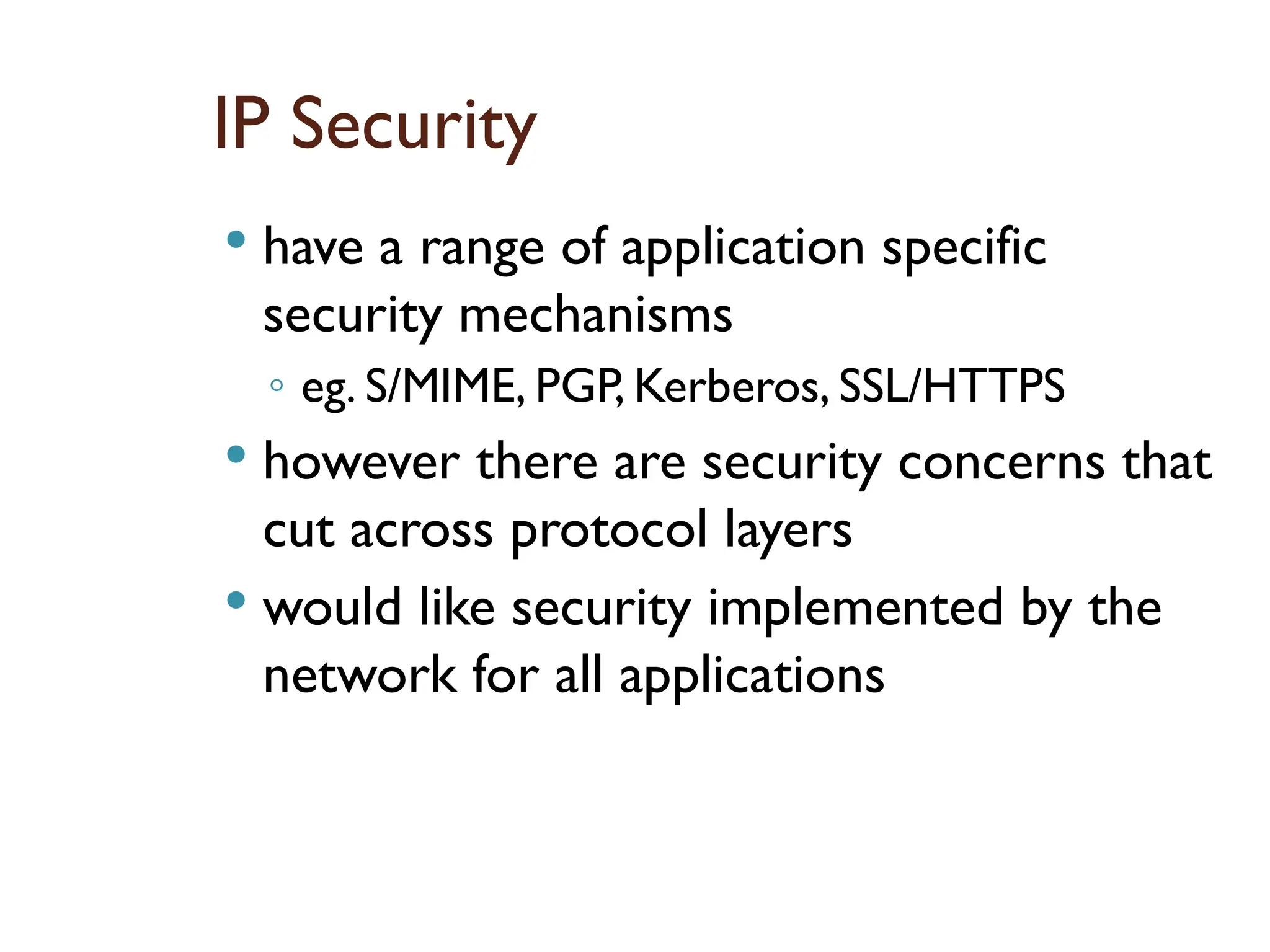
havea range of application specific
security mechanisms
◦ eg. S/MIME, PGP, Kerberos, SSL/HTTPS
however there are security concerns that
cut across protocol layers
would like security implemented by the
network for all applications
89.
IPSec
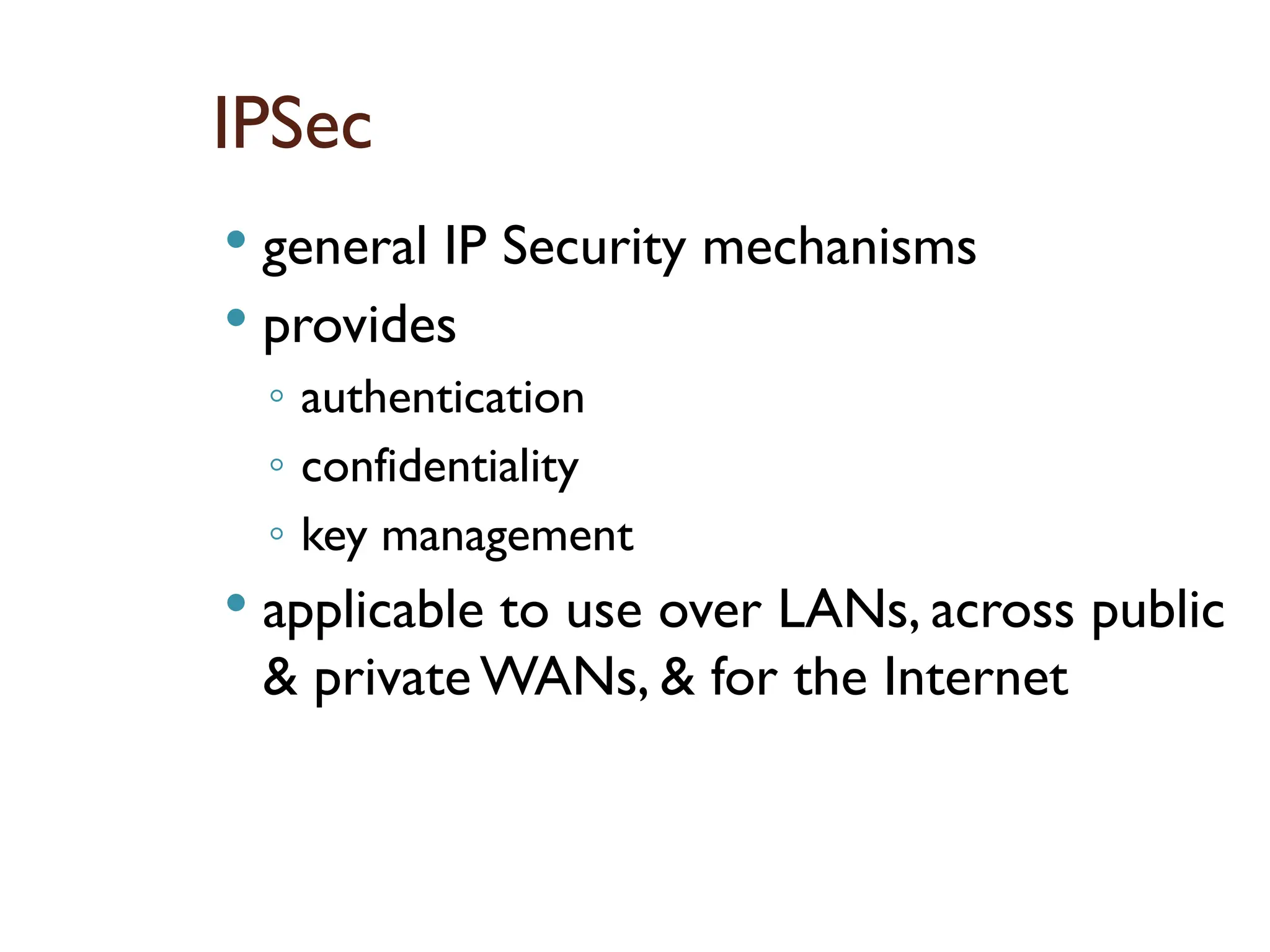
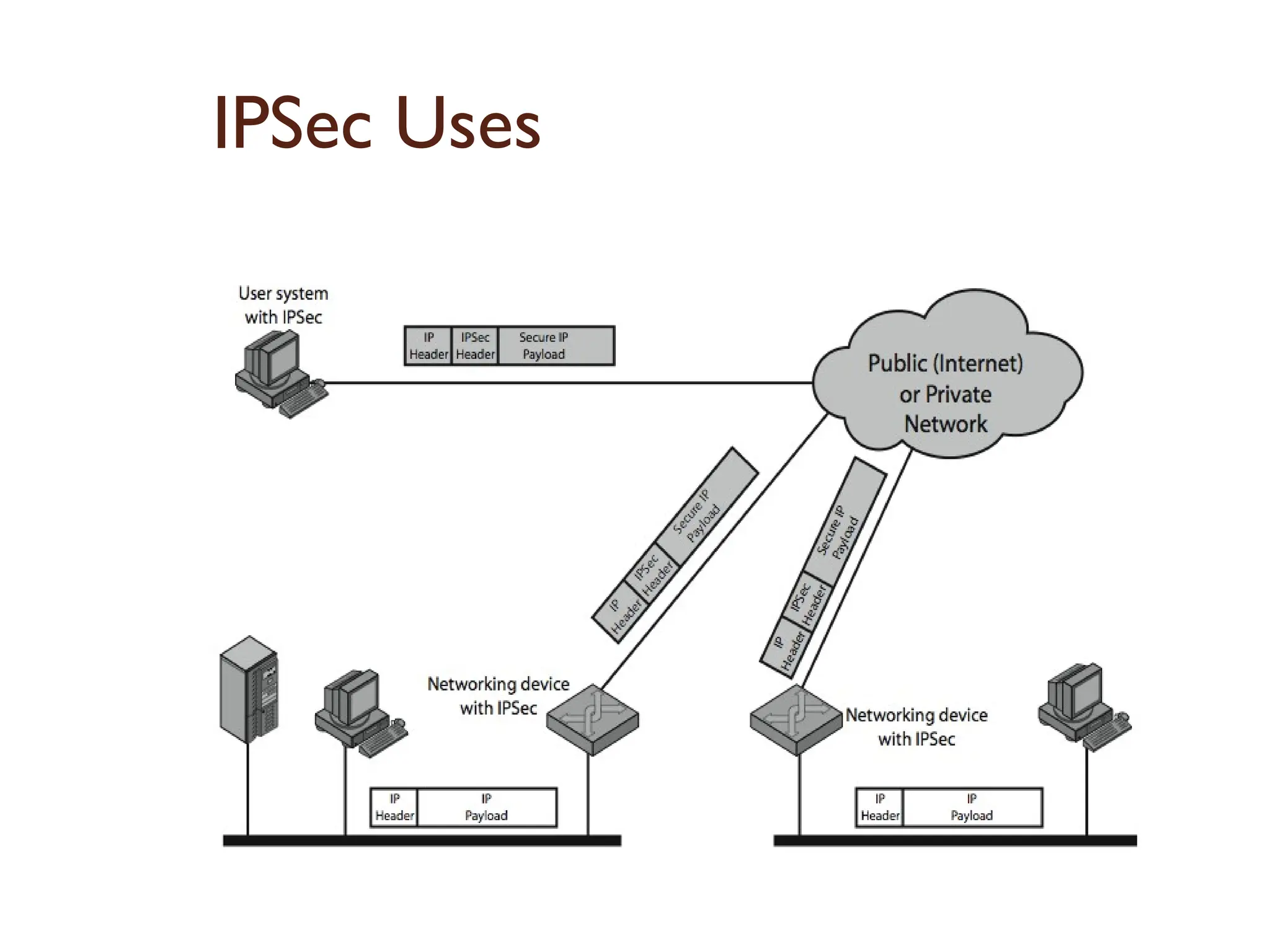
general IPSecurity mechanisms
provides
◦ authentication
◦ confidentiality
◦ key management
applicable to use over LANs, across public
& private WANs, & for the Internet
Benefits of IPSec
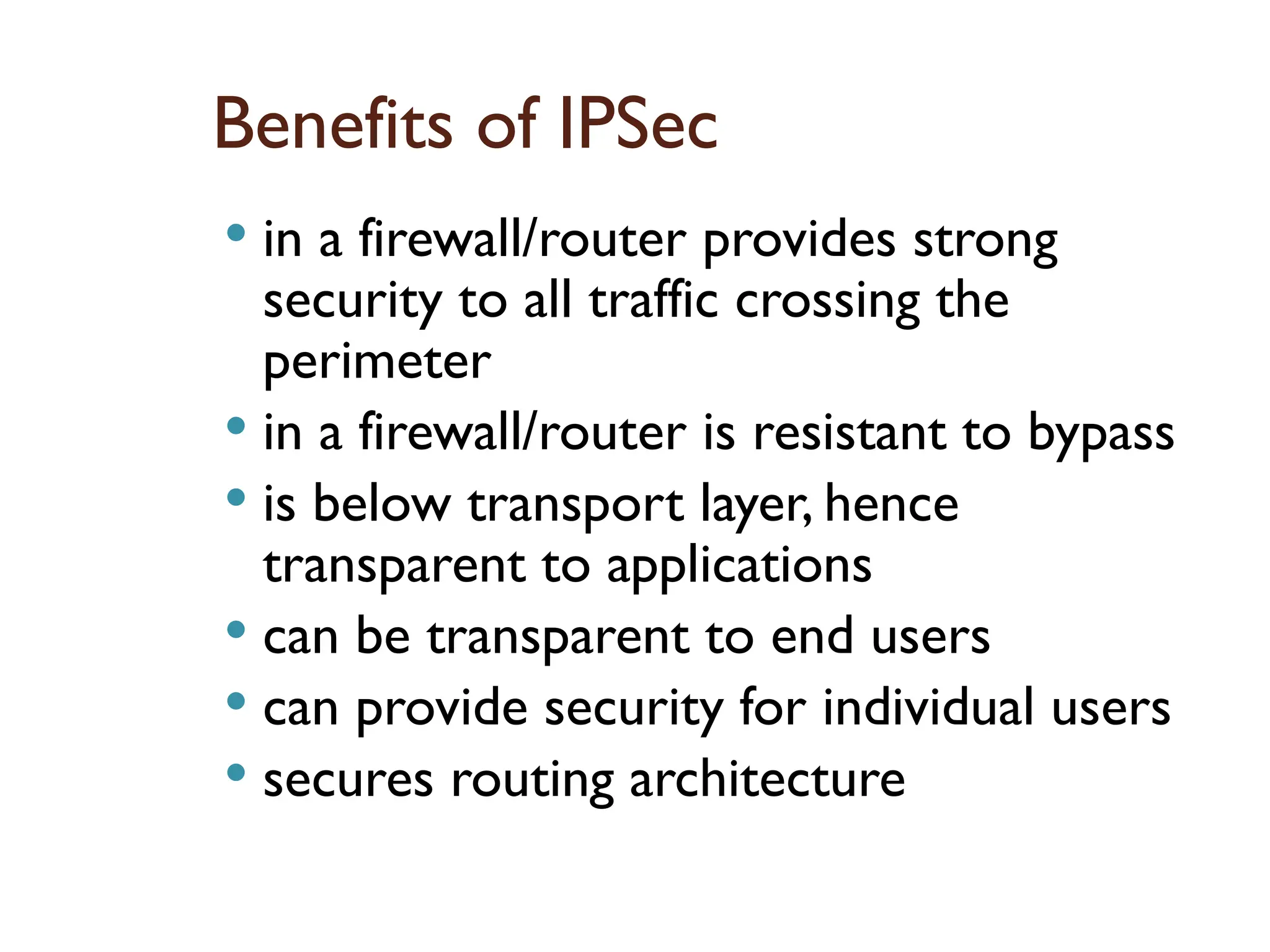
in a firewall/router provides strong
security to all traffic crossing the
perimeter
in a firewall/router is resistant to bypass
is below transport layer, hence
transparent to applications
can be transparent to end users
can provide security for individual users
secures routing architecture
92.
IP Security Architecture
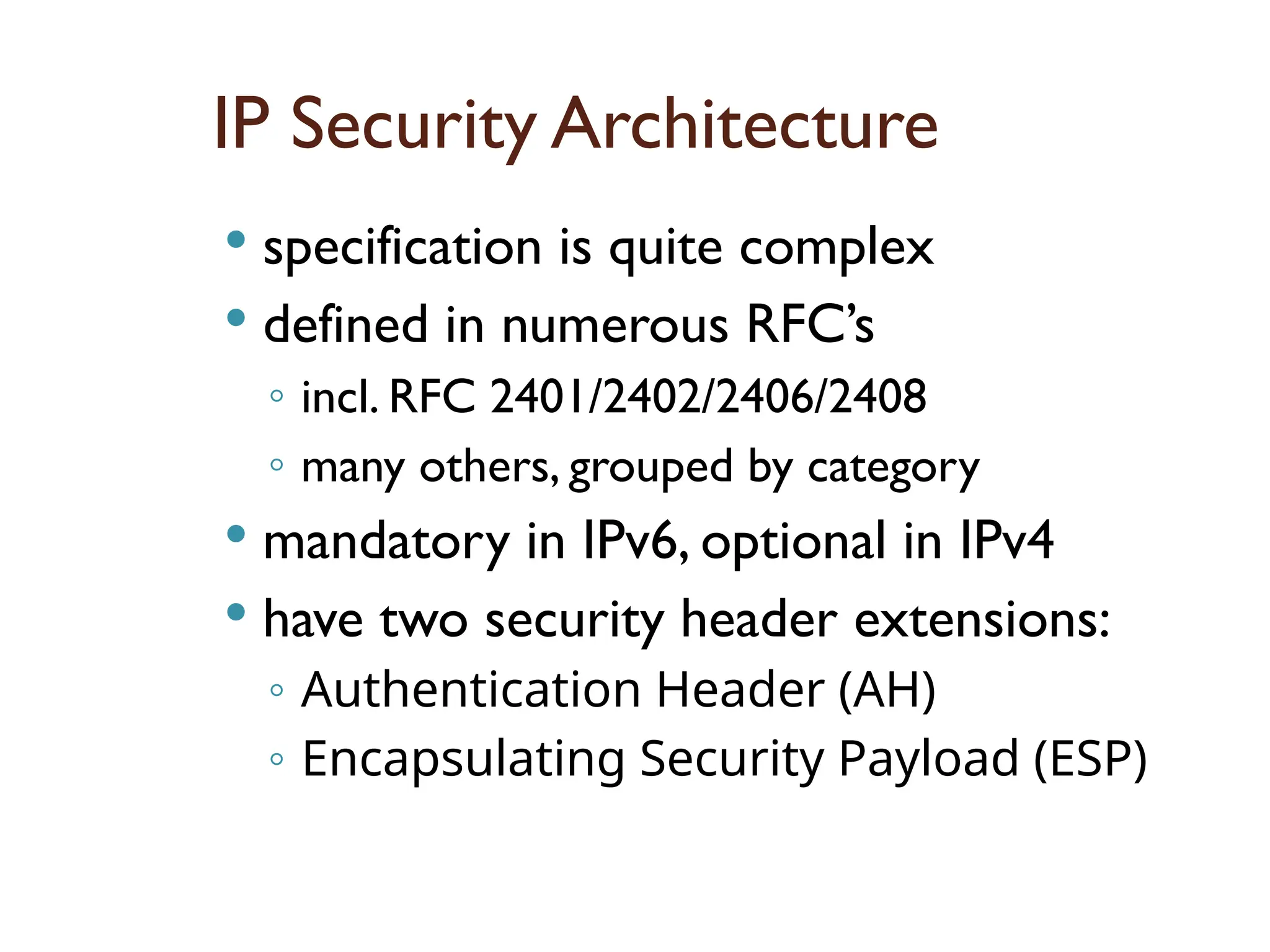
specification is quite complex
defined in numerous RFC’s
◦ incl. RFC 2401/2402/2406/2408
◦ many others, grouped by category
mandatory in IPv6, optional in IPv4
have two security header extensions:
◦ Authentication Header (AH)
◦ Encapsulating Security Payload (ESP)
93.
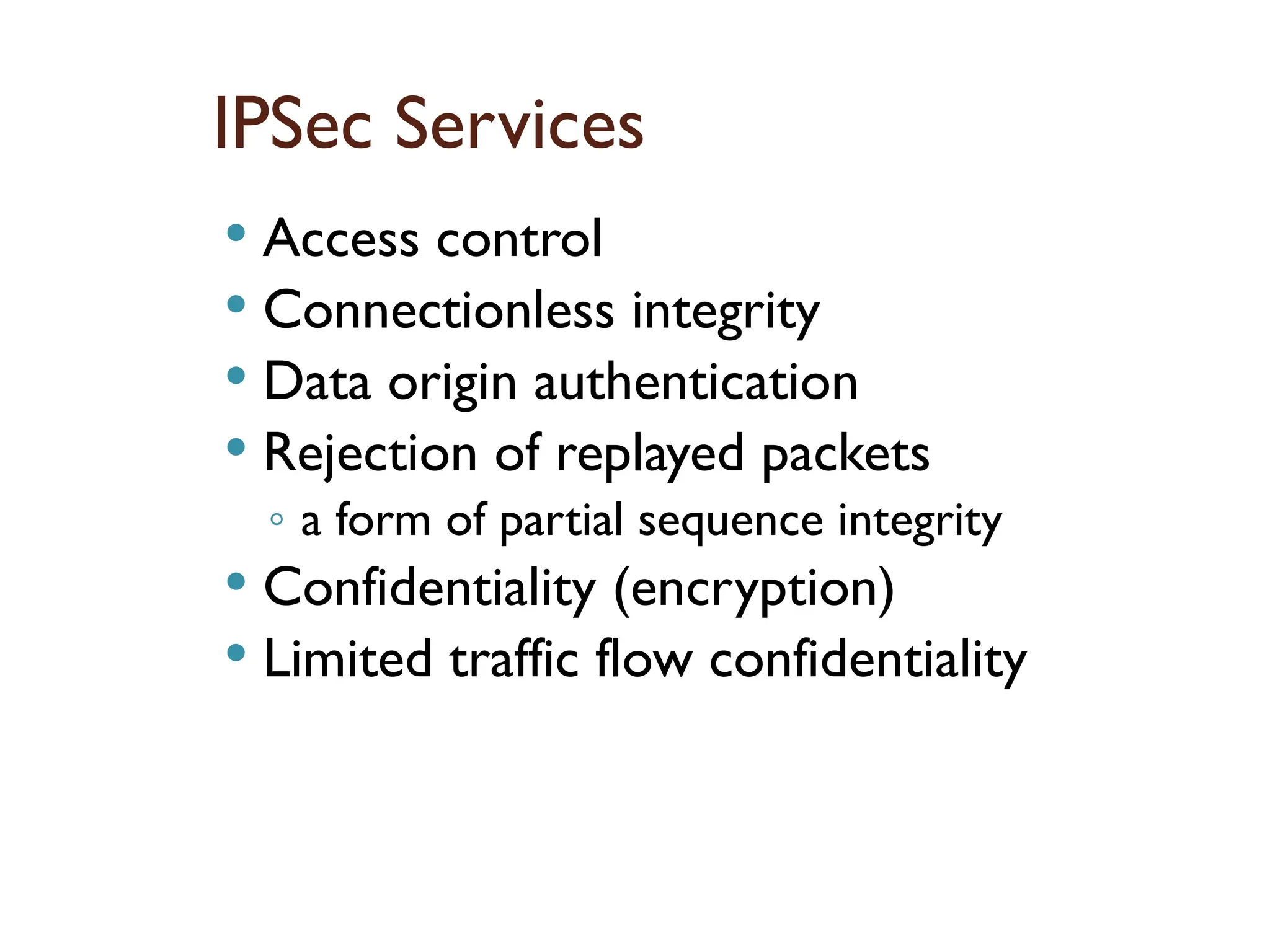
IPSec Services
Accesscontrol
Connectionless integrity
Data origin authentication
Rejection of replayed packets
◦ a form of partial sequence integrity
Confidentiality (encryption)
Limited traffic flow confidentiality
94.
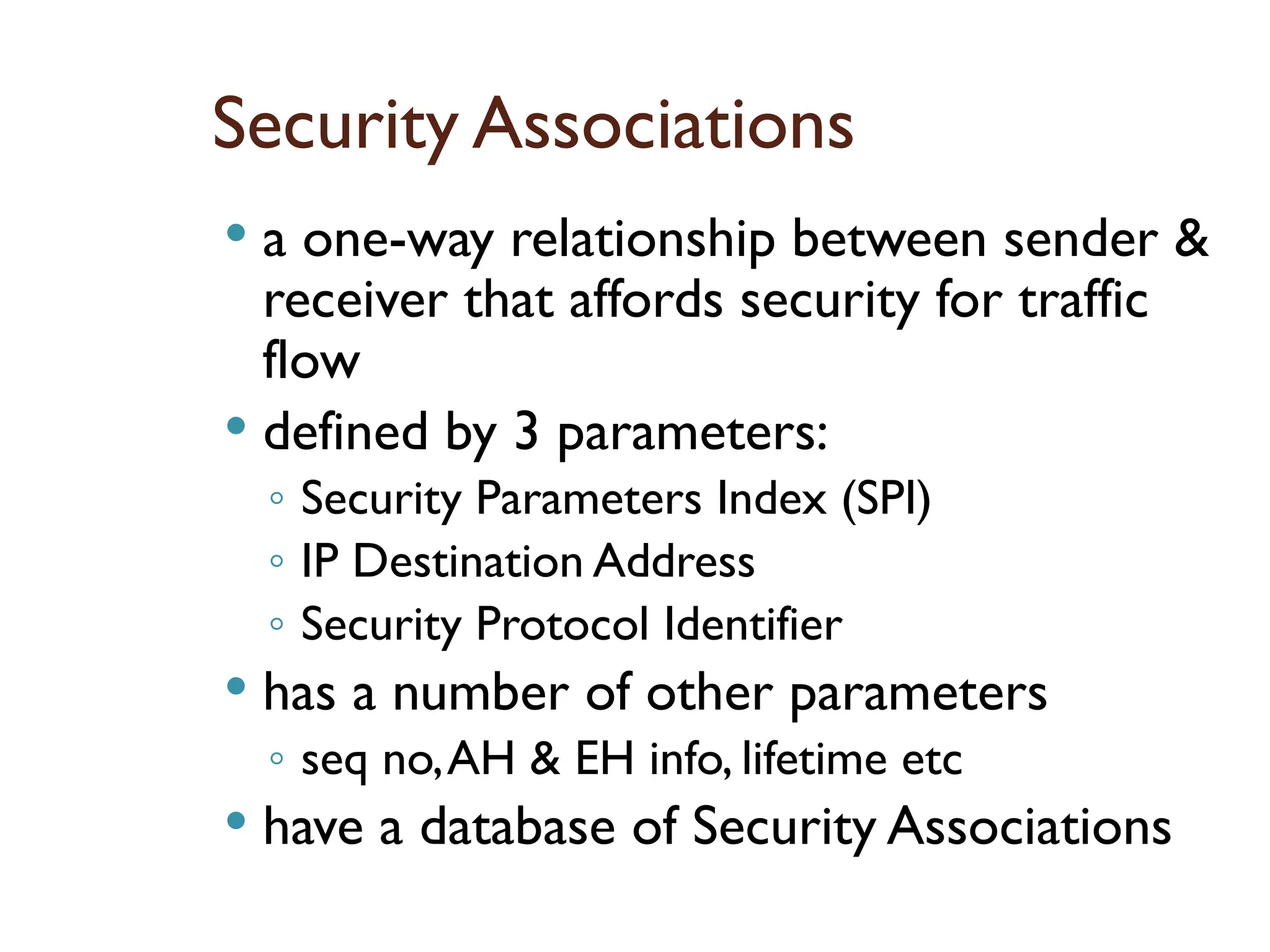
Security Associations
aone-way relationship between sender &
receiver that affords security for traffic
flow
defined by 3 parameters:
◦ Security Parameters Index (SPI)
◦ IP Destination Address
◦ Security Protocol Identifier
has a number of other parameters
◦ seq no,AH & EH info, lifetime etc
have a database of Security Associations
95.
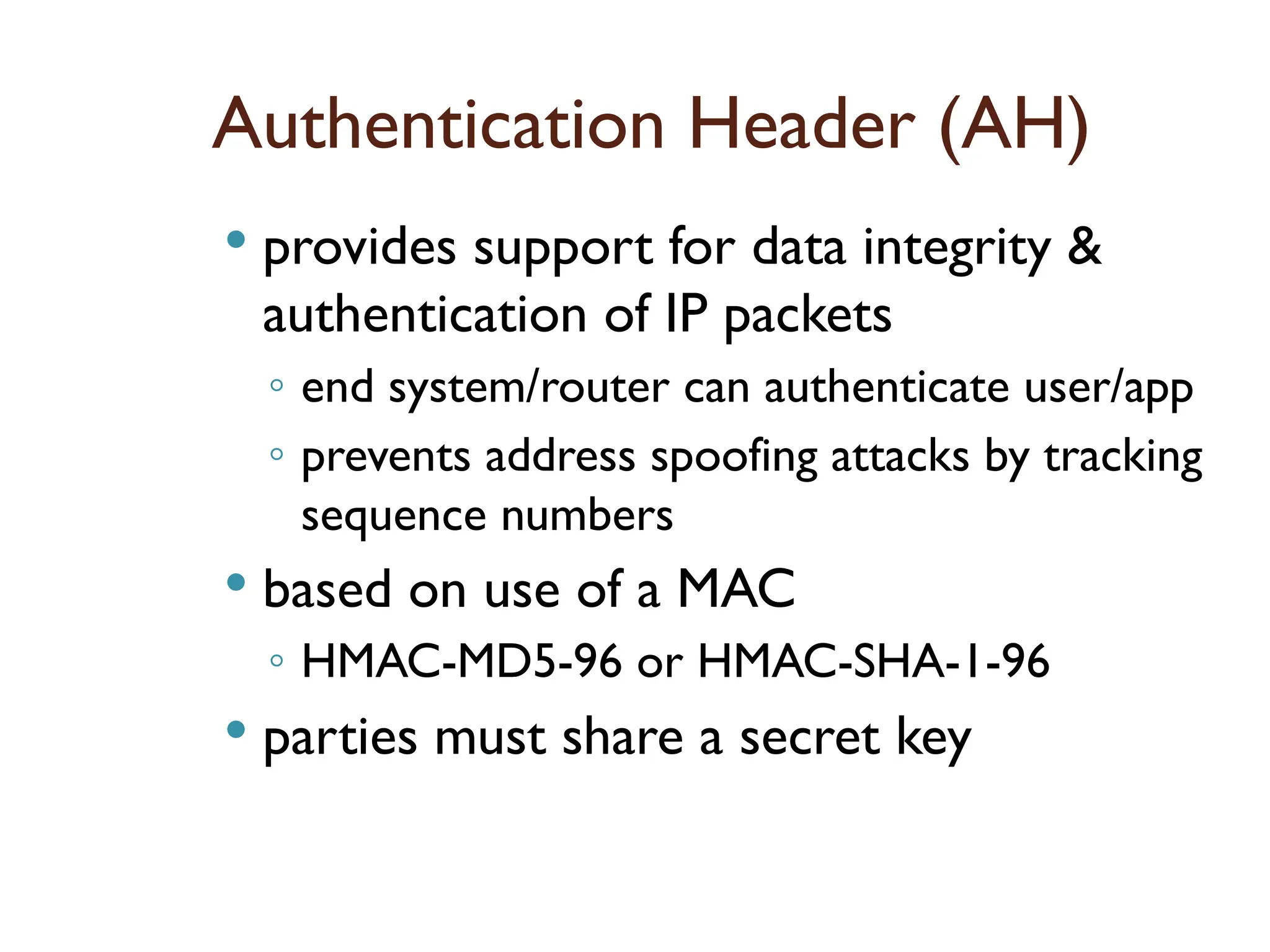
Authentication Header (AH)
provides support for data integrity &
authentication of IP packets
◦ end system/router can authenticate user/app
◦ prevents address spoofing attacks by tracking
sequence numbers
based on use of a MAC
◦ HMAC-MD5-96 or HMAC-SHA-1-96
parties must share a secret key
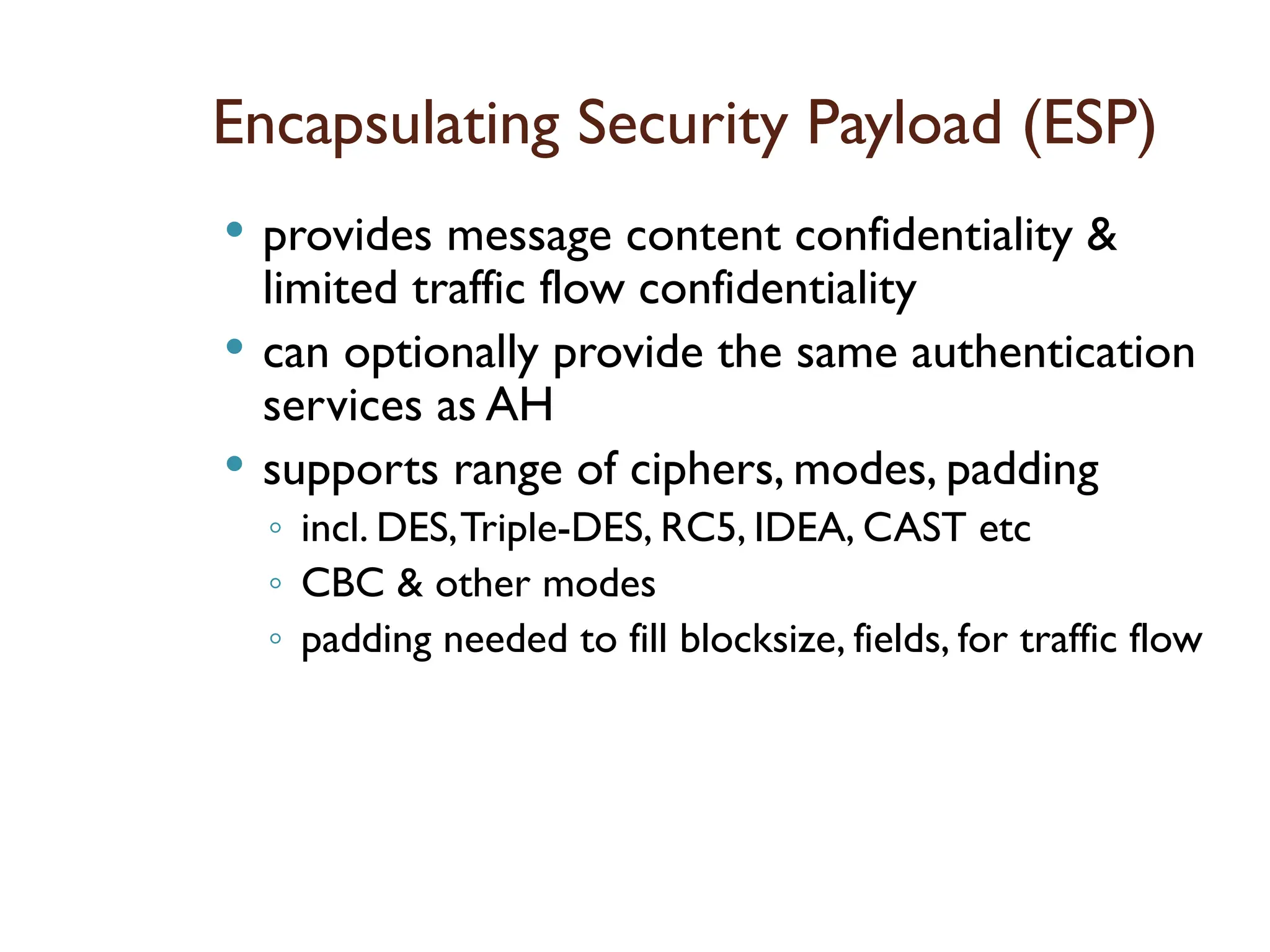
Encapsulating Security Payload(ESP)
provides message content confidentiality &
limited traffic flow confidentiality
can optionally provide the same authentication
services as AH
supports range of ciphers, modes, padding
◦ incl. DES,Triple-DES, RC5, IDEA, CAST etc
◦ CBC & other modes
◦ padding needed to fill blocksize, fields, for traffic flow
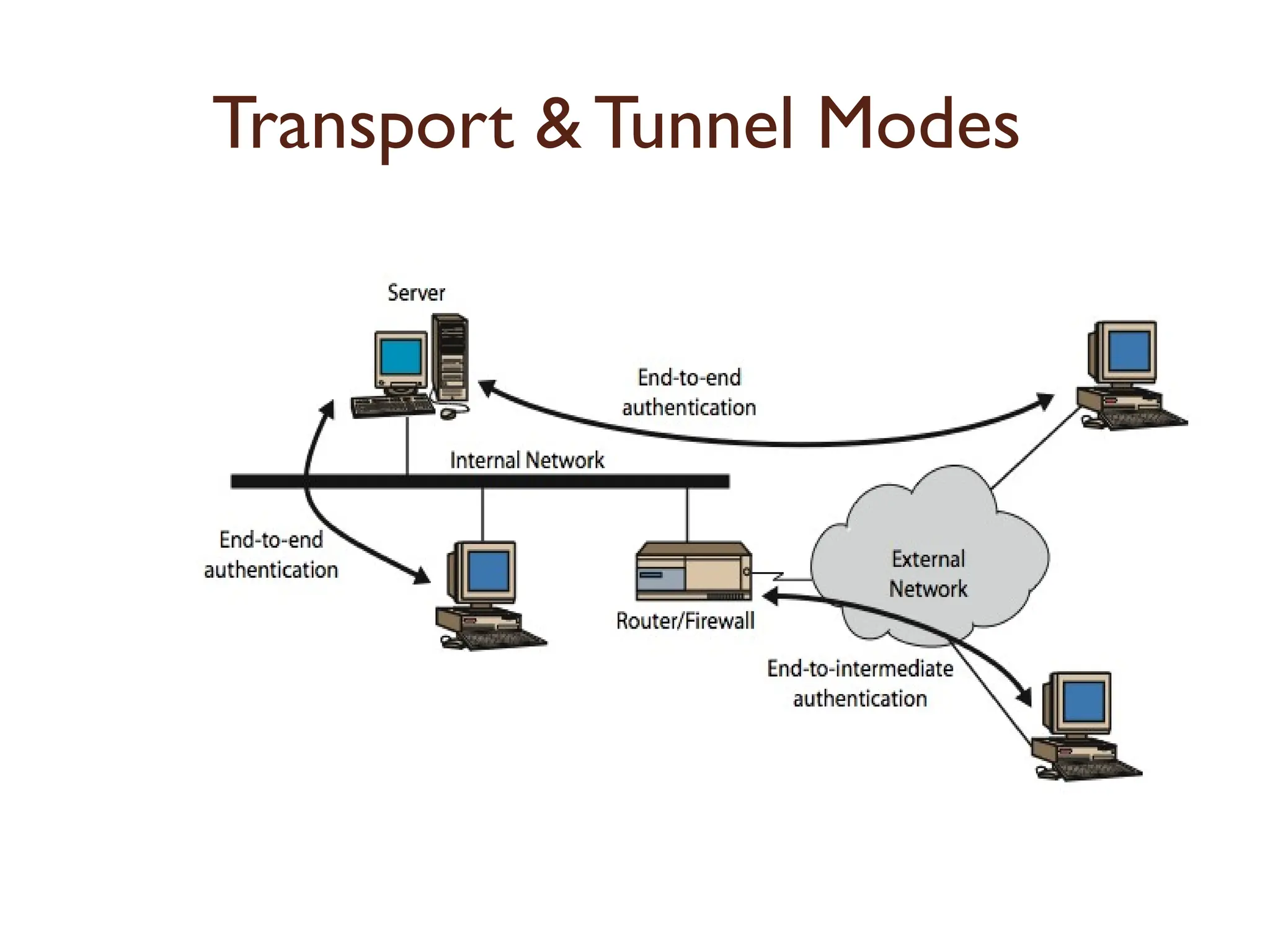
Transport vs TunnelMode ESP
transport mode is used to encrypt &
optionally authenticate IP data
◦ data protected but header left in clear
◦ can do traffic analysis but is efficient
◦ good for ESP host to host traffic
tunnel mode encrypts entire IP packet
◦ add new header for next hop
◦ good forVPNs, gateway to gateway security
101.
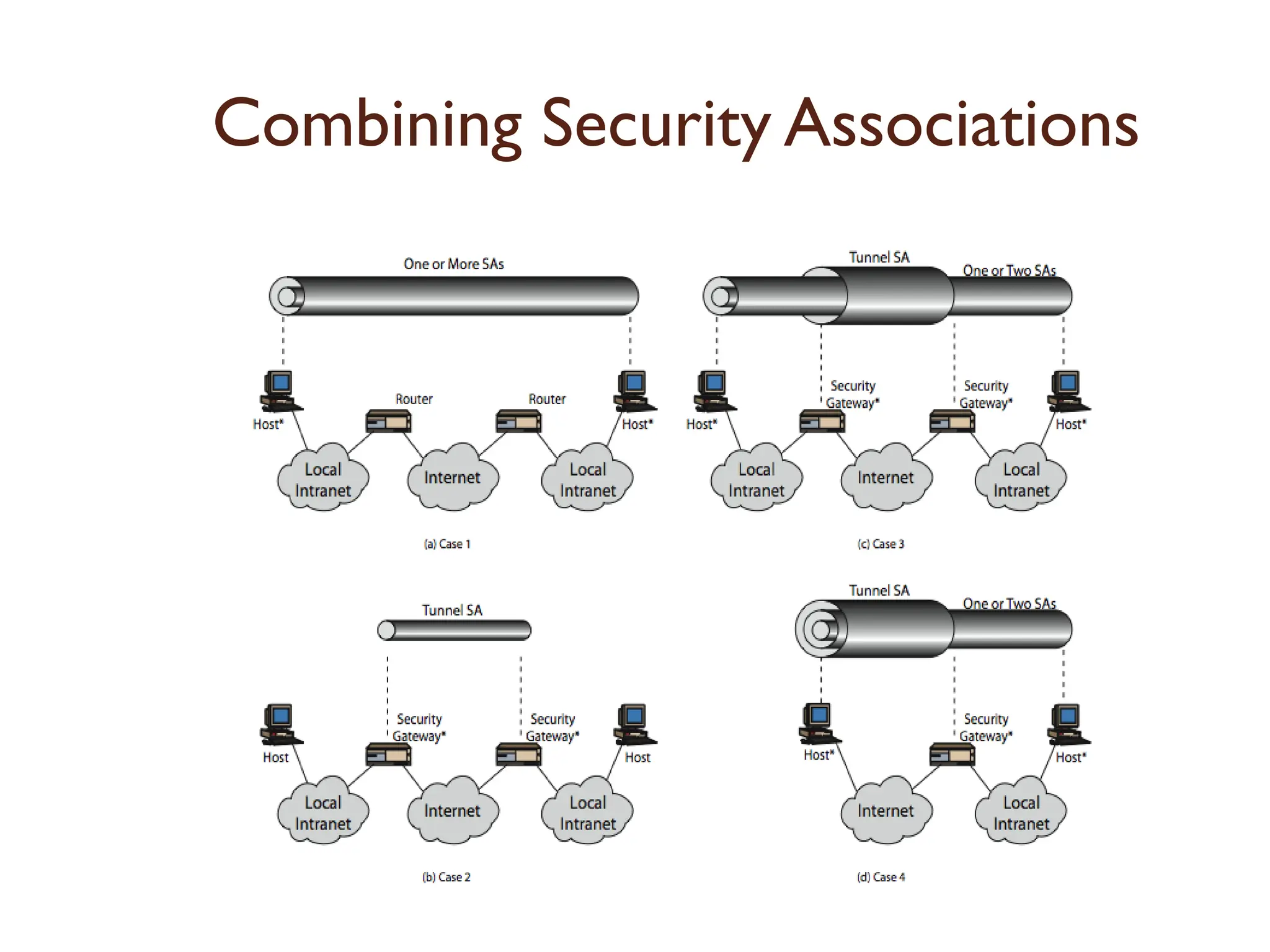
Combining Security Associations
SA’s can implement either AH or ESP
to implement both need to combine SA’s
◦ form a security association bundle
◦ may terminate at different or same
endpoints
◦ combined by
transport adjacency
iterated tunneling
issue of authentication & encryption
order
Web Security
HTTPis not a secure protocol
◦ simple and stateless client/server application running
over TCP/IP
Added security measures needed
◦ we will see SSL (Secure Socket Layer) and TLS
(Transport Layer Security)
◦ HTTPS
Secure HTTP protocol
◦ SSL support is provided for several other TCP/IP
applications as well
POP3, SMTP, FTP, News, ...
104.
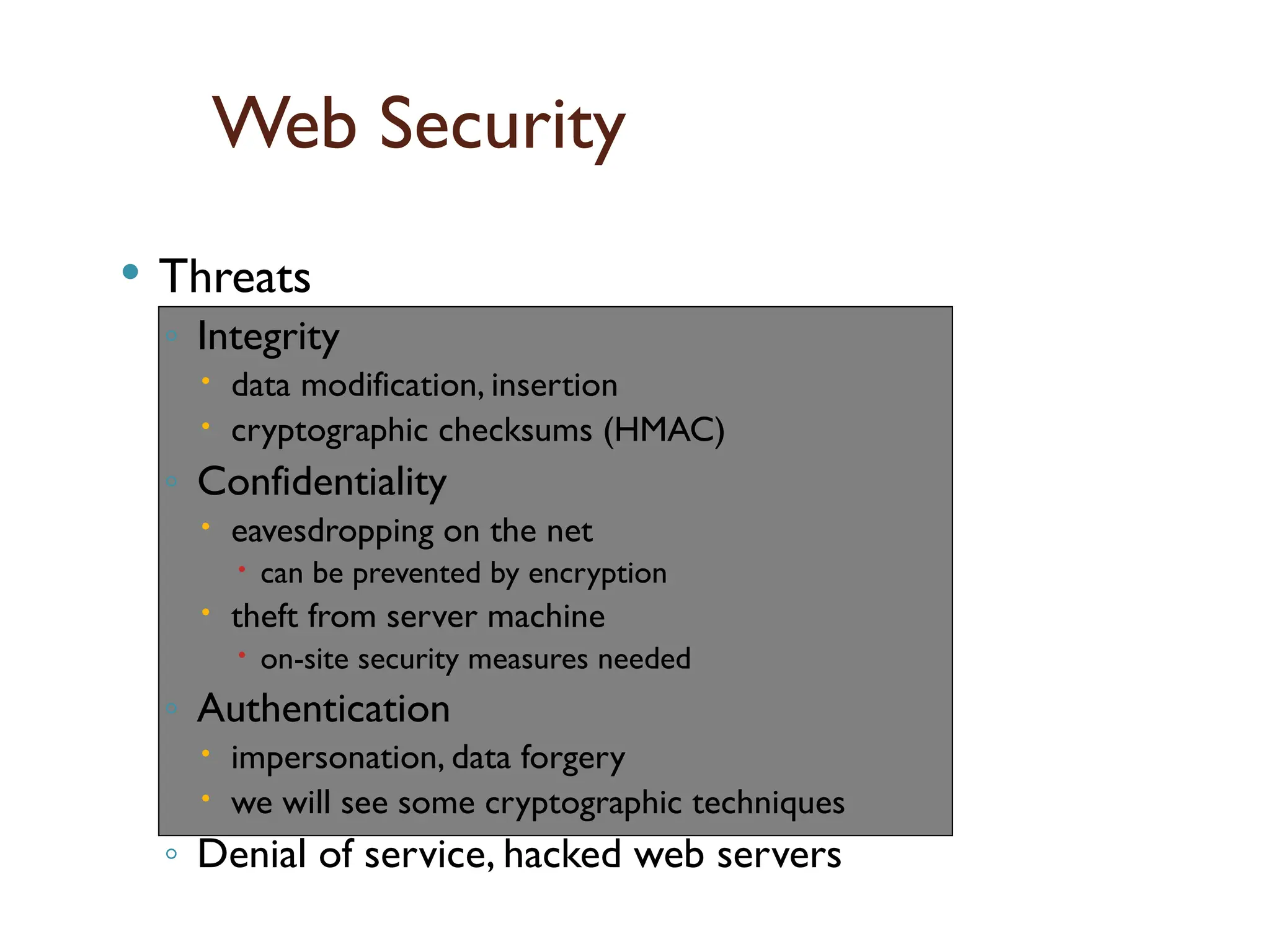
Web Security
Threats
◦Integrity
data modification, insertion
cryptographic checksums (HMAC)
◦ Confidentiality
eavesdropping on the net
can be prevented by encryption
theft from server machine
on-site security measures needed
◦ Authentication
impersonation, data forgery
we will see some cryptographic techniques
◦ Denial of service, hacked web servers
Scope
of
SSL
/
TLS
105.
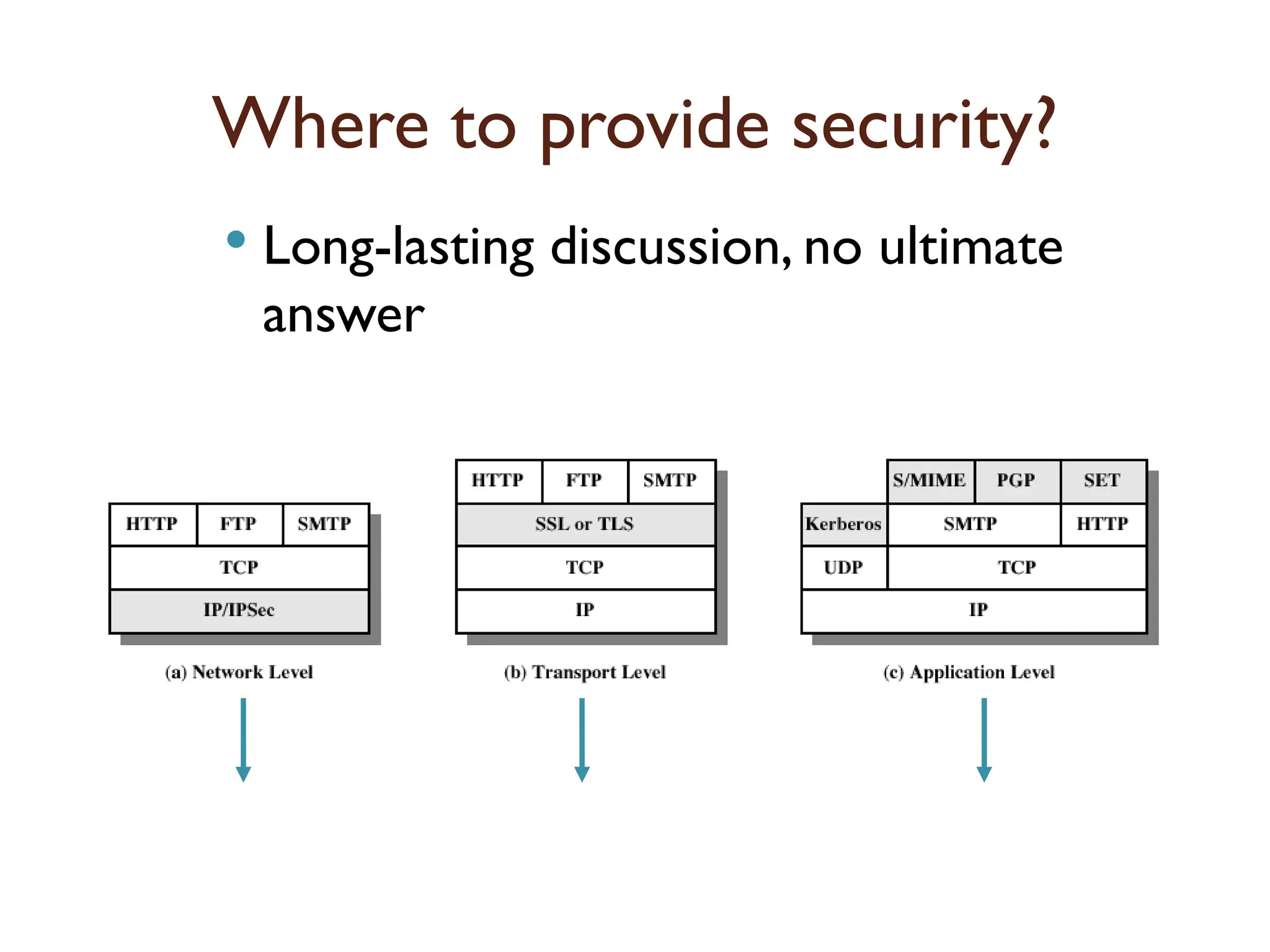
Where to providesecurity?
Long-lasting discussion, no ultimate
answer
have seen this lecture
have seen and
will see
106.
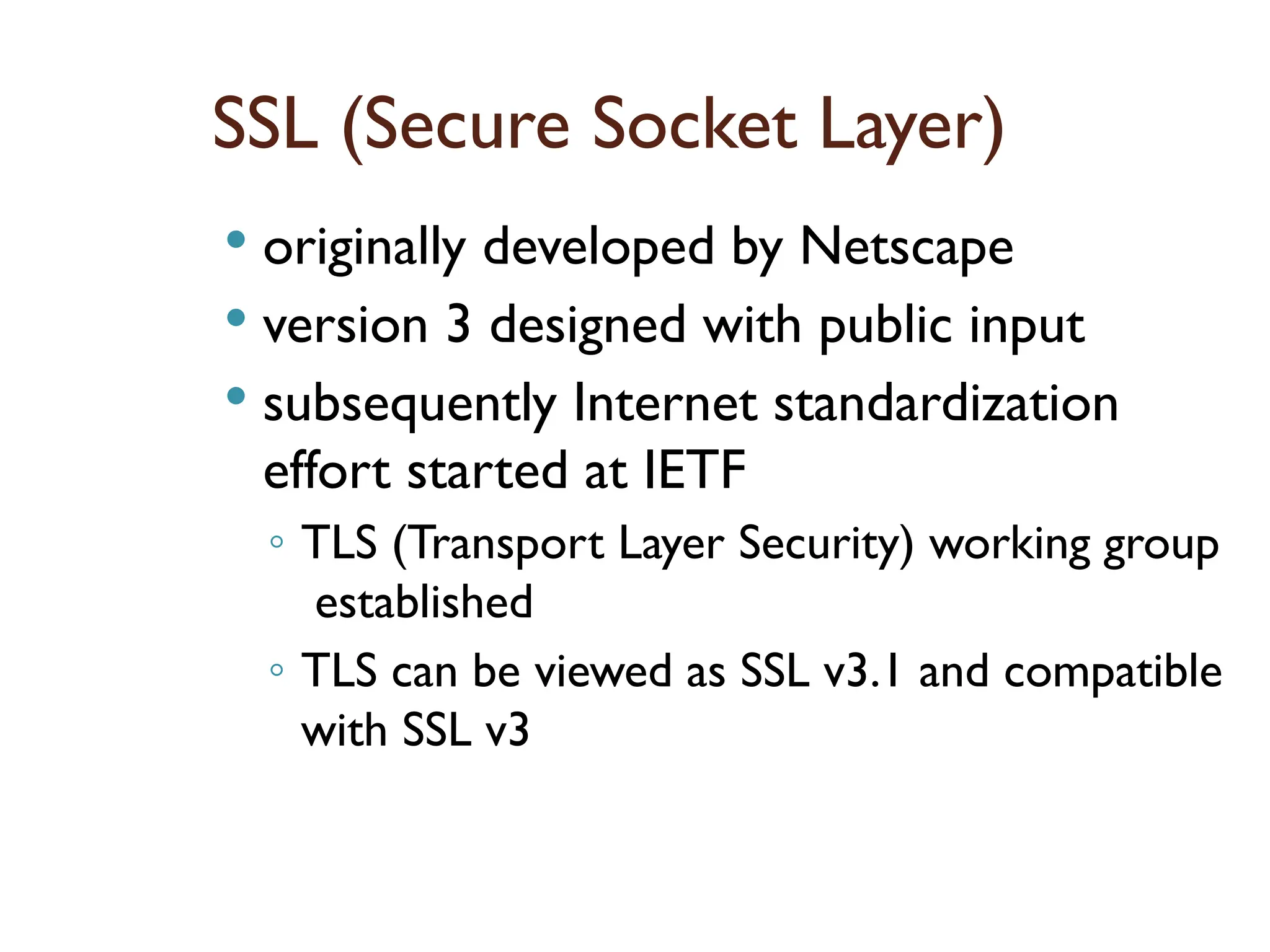
SSL (Secure SocketLayer)
originally developed by Netscape
version 3 designed with public input
subsequently Internet standardization
effort started at IETF
◦ TLS (Transport Layer Security) working group
established
◦ TLS can be viewed as SSL v3.1 and compatible
with SSL v3
107.
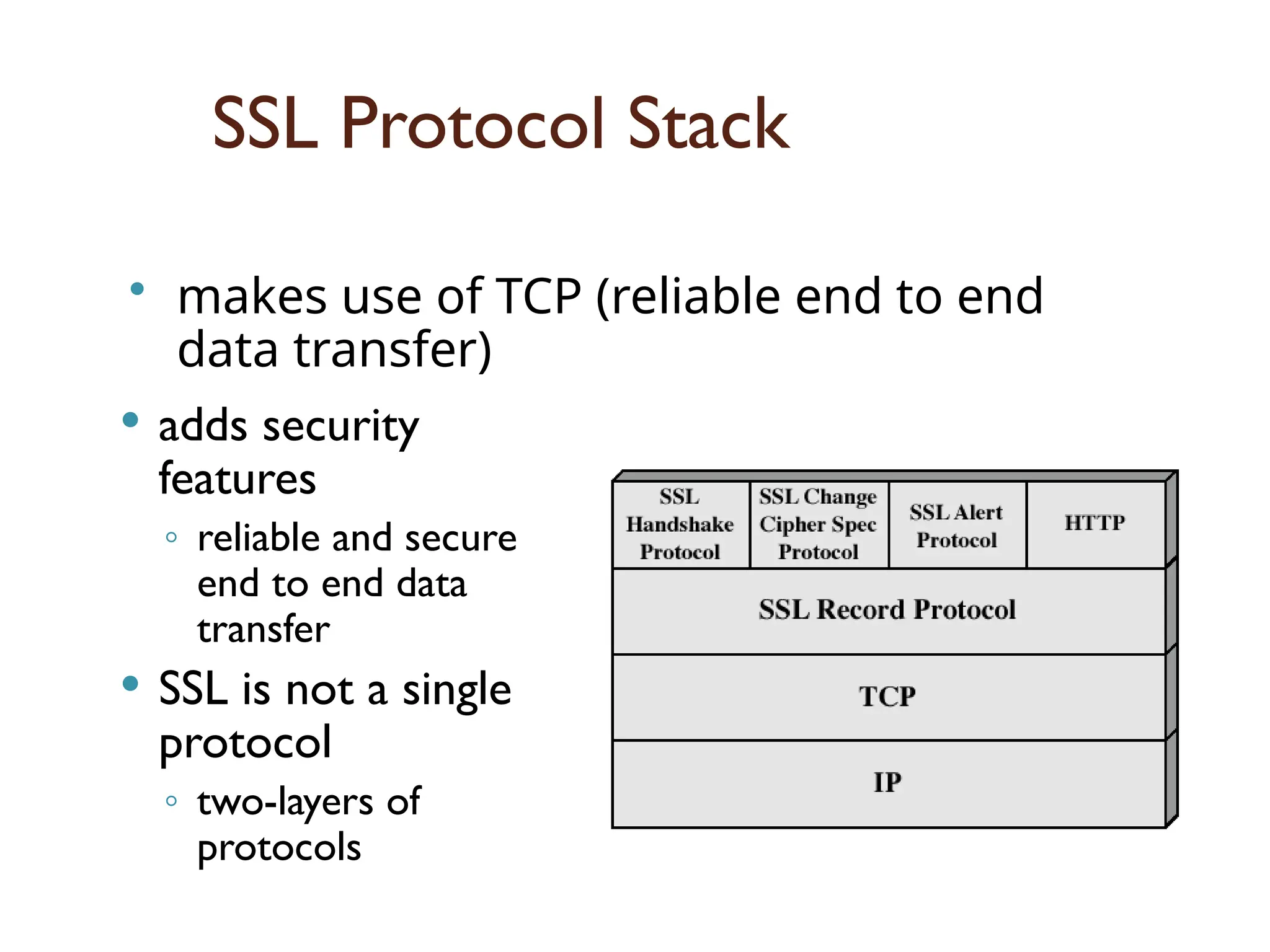
SSL Protocol Stack
adds security
features
◦ reliable and secure
end to end data
transfer
SSL is not a single
protocol
◦ two-layers of
protocols
• makes use of TCP (reliable end to end
data transfer)
108.
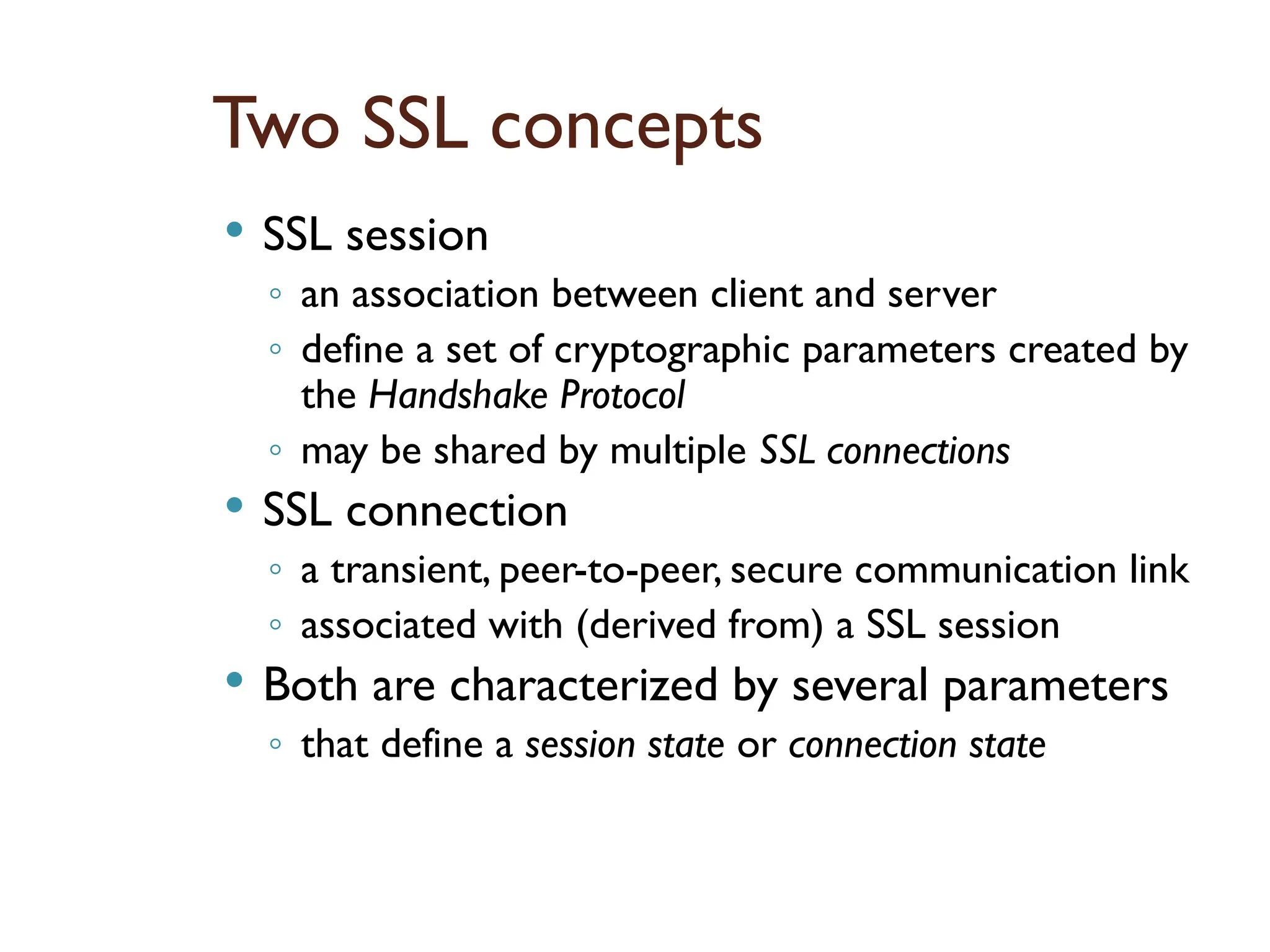
Two SSL concepts
SSL session
◦ an association between client and server
◦ define a set of cryptographic parameters created by
the Handshake Protocol
◦ may be shared by multiple SSL connections
SSL connection
◦ a transient, peer-to-peer, secure communication link
◦ associated with (derived from) a SSL session
Both are characterized by several parameters
◦ that define a session state or connection state
109.
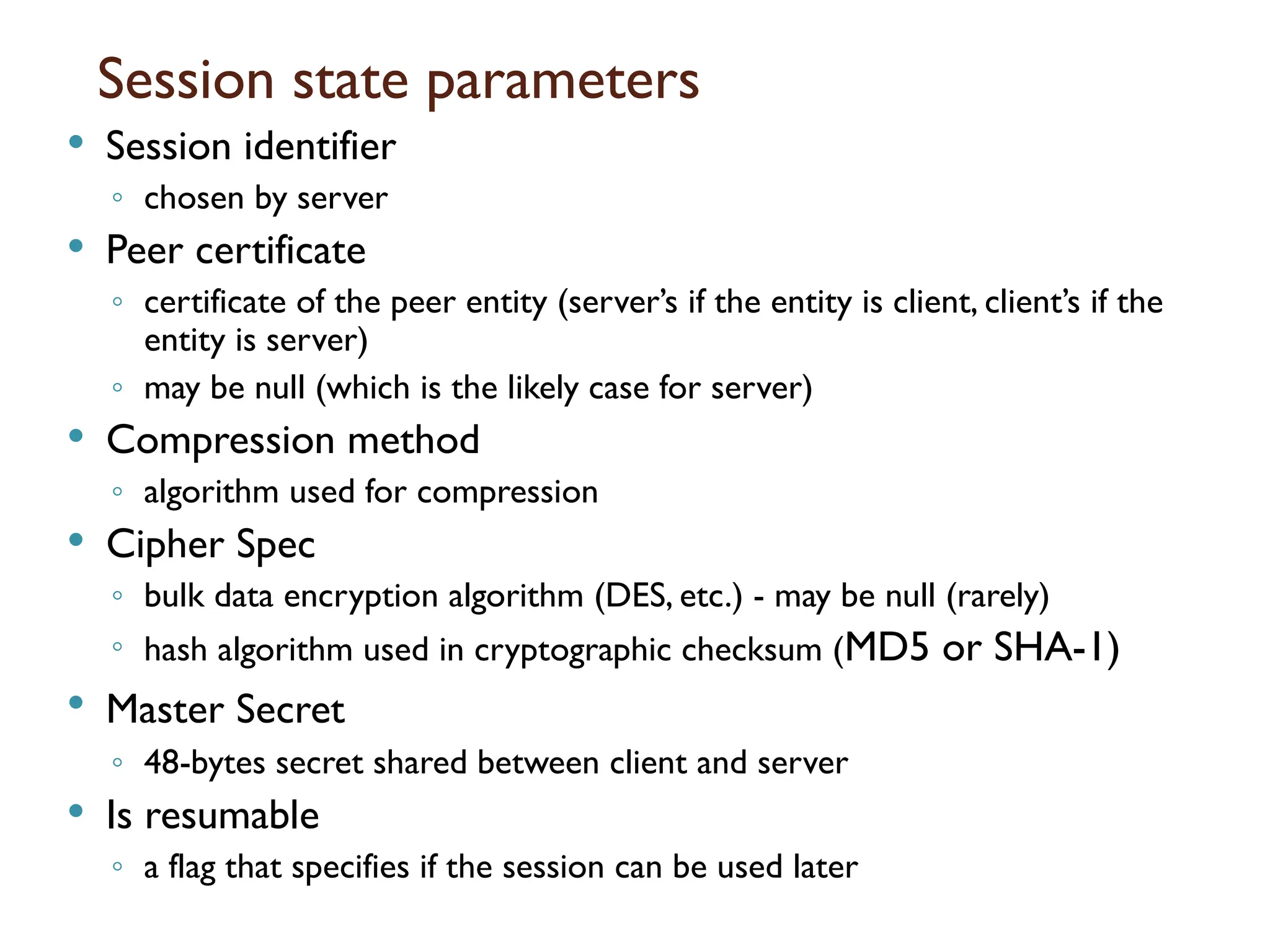
Session state parameters
Session identifier
◦ chosen by server
Peer certificate
◦ certificate of the peer entity (server’s if the entity is client, client’s if the
entity is server)
◦ may be null (which is the likely case for server)
Compression method
◦ algorithm used for compression
Cipher Spec
◦ bulk data encryption algorithm (DES, etc.) - may be null (rarely)
◦ hash algorithm used in cryptographic checksum (MD5 or SHA-1)
Master Secret
◦ 48-bytes secret shared between client and server
Is resumable
◦ a flag that specifies if the session can be used later
110.
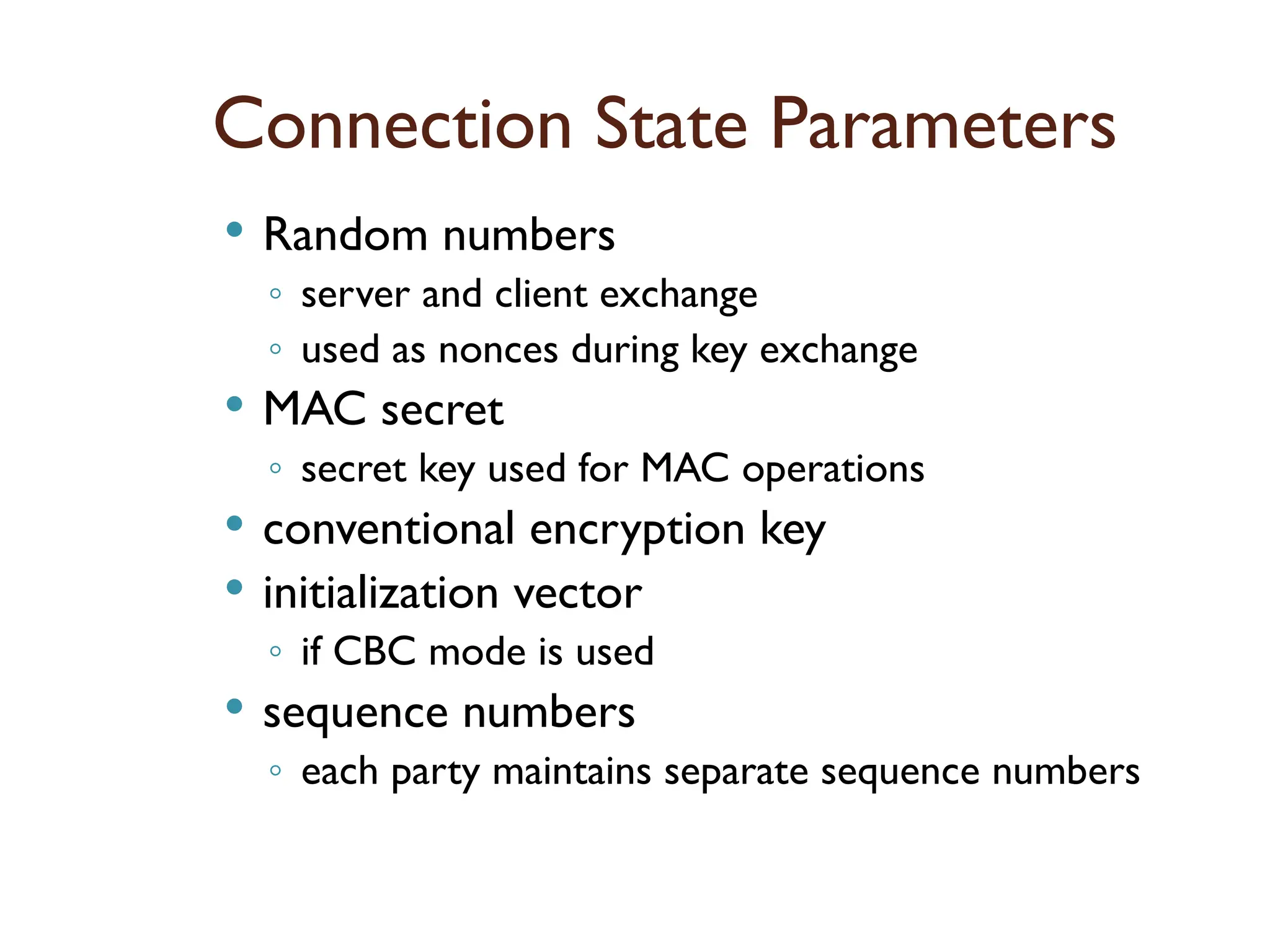
Connection State Parameters
Random numbers
◦ server and client exchange
◦ used as nonces during key exchange
MAC secret
◦ secret key used for MAC operations
conventional encryption key
initialization vector
◦ if CBC mode is used
sequence numbers
◦ each party maintains separate sequence numbers
111.
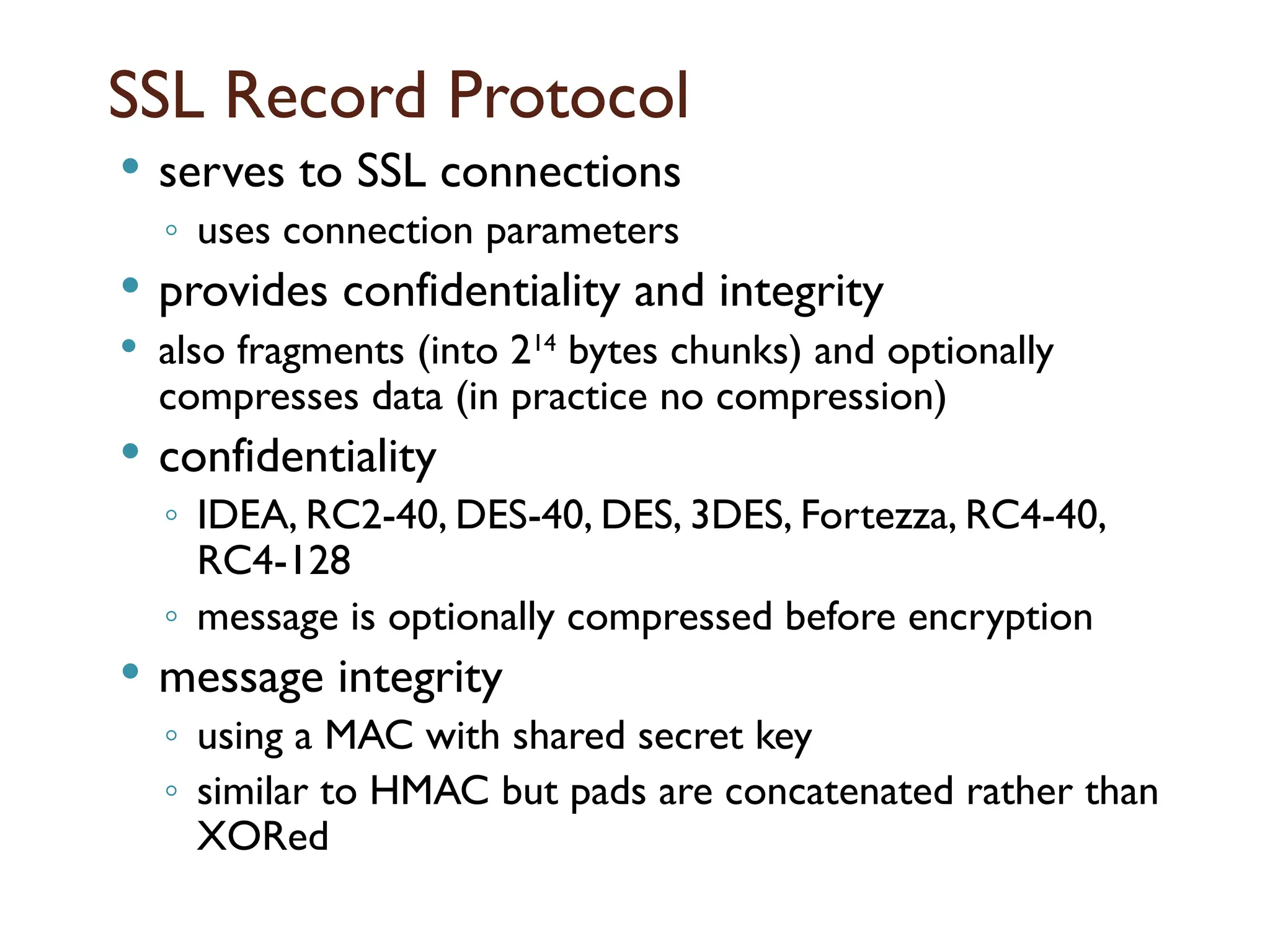
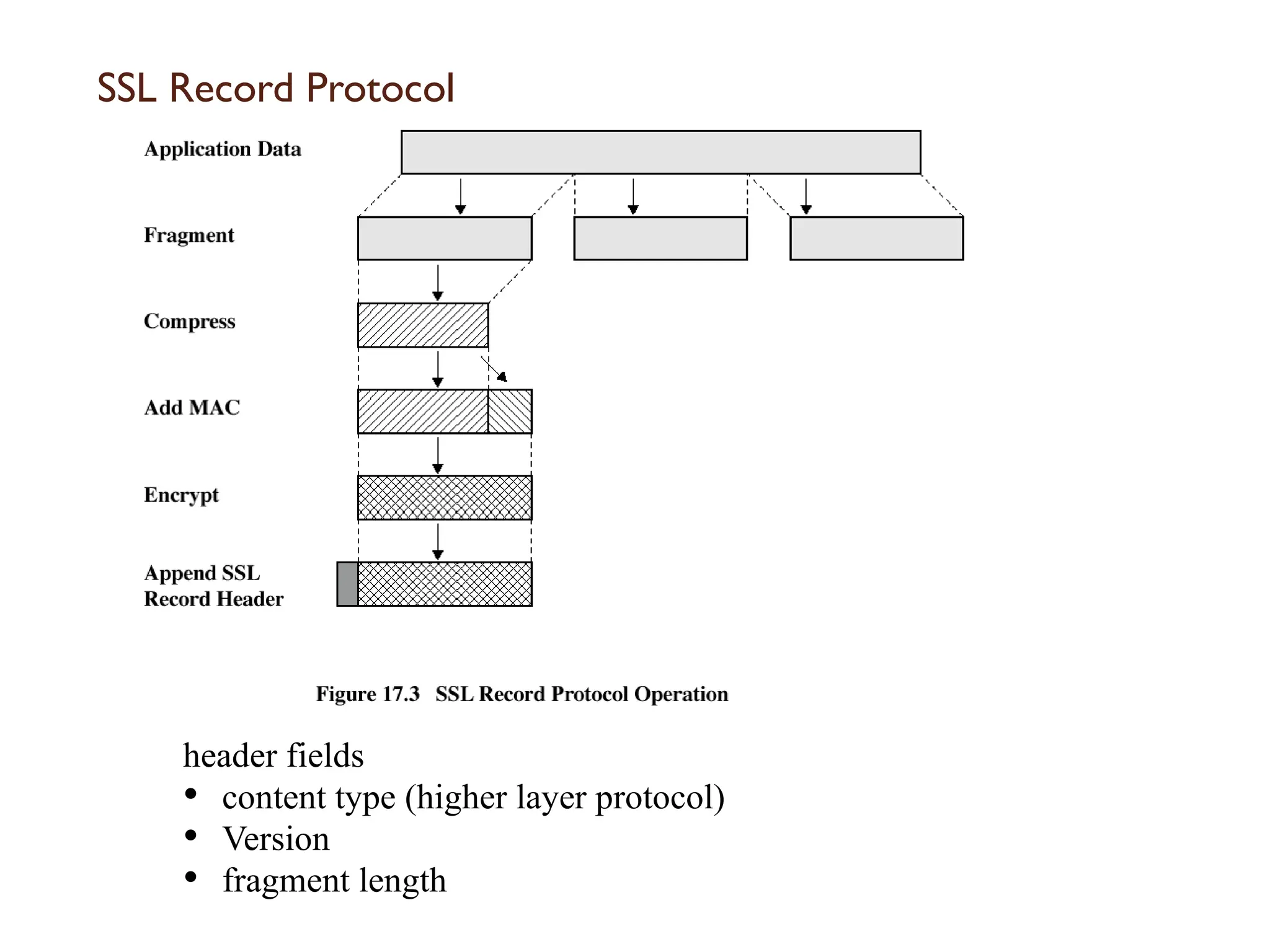
SSL Record Protocol
serves to SSL connections
◦ uses connection parameters
provides confidentiality and integrity
also fragments (into 214
bytes chunks) and optionally
compresses data (in practice no compression)
confidentiality
◦ IDEA, RC2-40, DES-40, DES, 3DES, Fortezza, RC4-40,
RC4-128
◦ message is optionally compressed before encryption
message integrity
◦ using a MAC with shared secret key
◦ similar to HMAC but pads are concatenated rather than
XORed
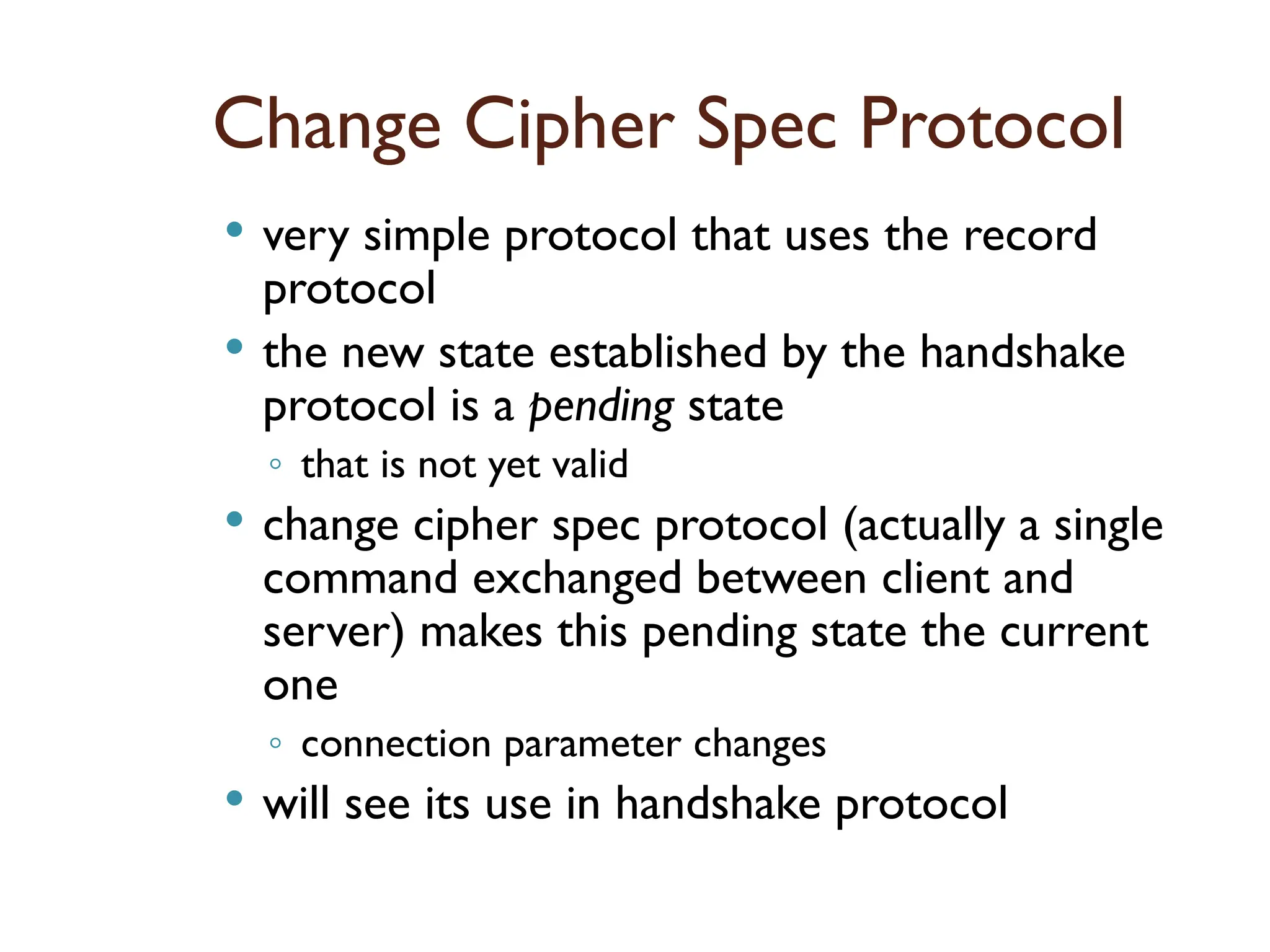
Change Cipher SpecProtocol
very simple protocol that uses the record
protocol
the new state established by the handshake
protocol is a pending state
◦ that is not yet valid
change cipher spec protocol (actually a single
command exchanged between client and
server) makes this pending state the current
one
◦ connection parameter changes
will see its use in handshake protocol
114.
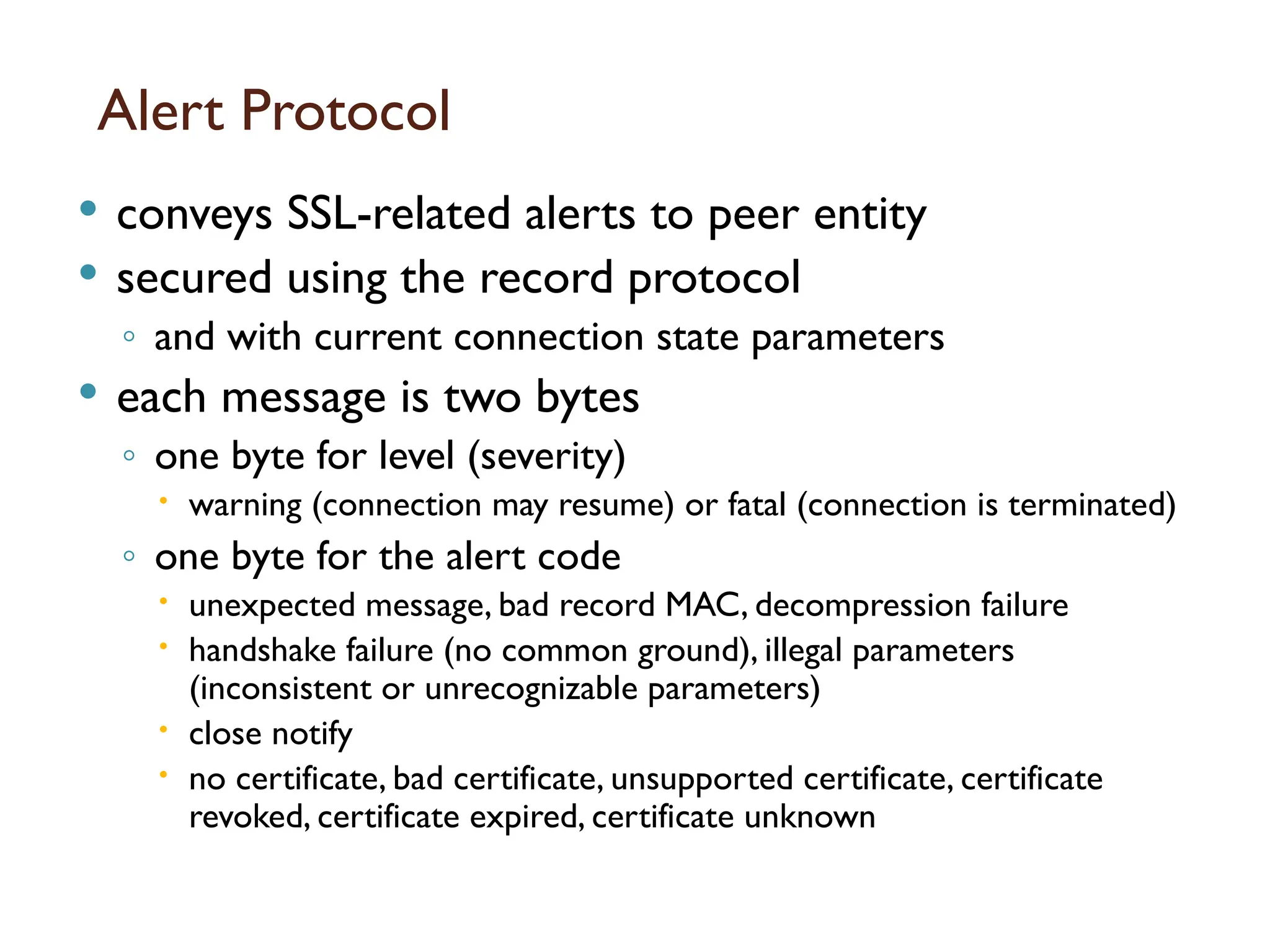
Alert Protocol
conveysSSL-related alerts to peer entity
secured using the record protocol
◦ and with current connection state parameters
each message is two bytes
◦ one byte for level (severity)
warning (connection may resume) or fatal (connection is terminated)
◦ one byte for the alert code
unexpected message, bad record MAC, decompression failure
handshake failure (no common ground), illegal parameters
(inconsistent or unrecognizable parameters)
close notify
no certificate, bad certificate, unsupported certificate, certificate
revoked, certificate expired, certificate unknown
115.
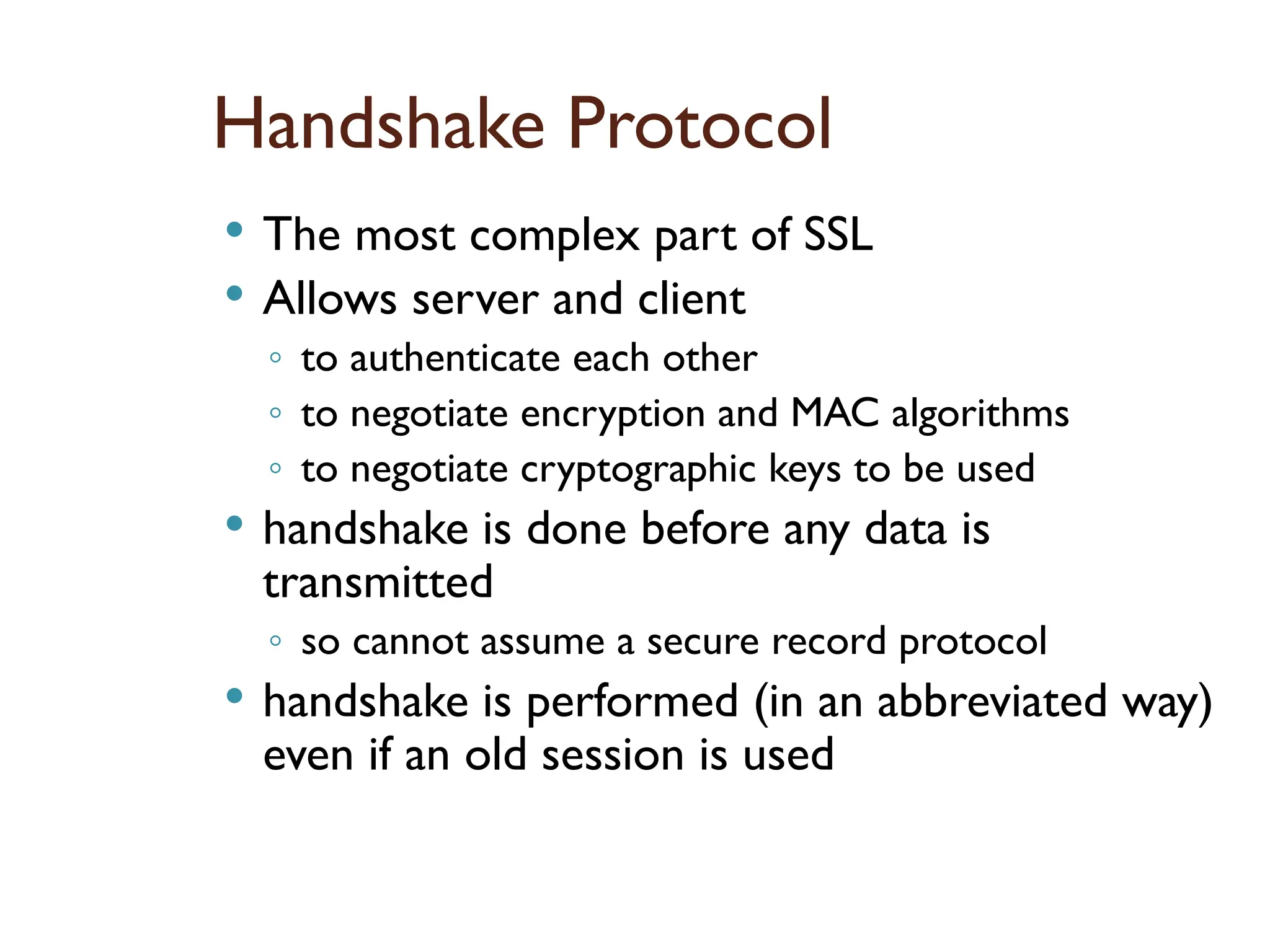
Handshake Protocol
Themost complex part of SSL
Allows server and client
◦ to authenticate each other
◦ to negotiate encryption and MAC algorithms
◦ to negotiate cryptographic keys to be used
handshake is done before any data is
transmitted
◦ so cannot assume a secure record protocol
handshake is performed (in an abbreviated way)
even if an old session is used
116.
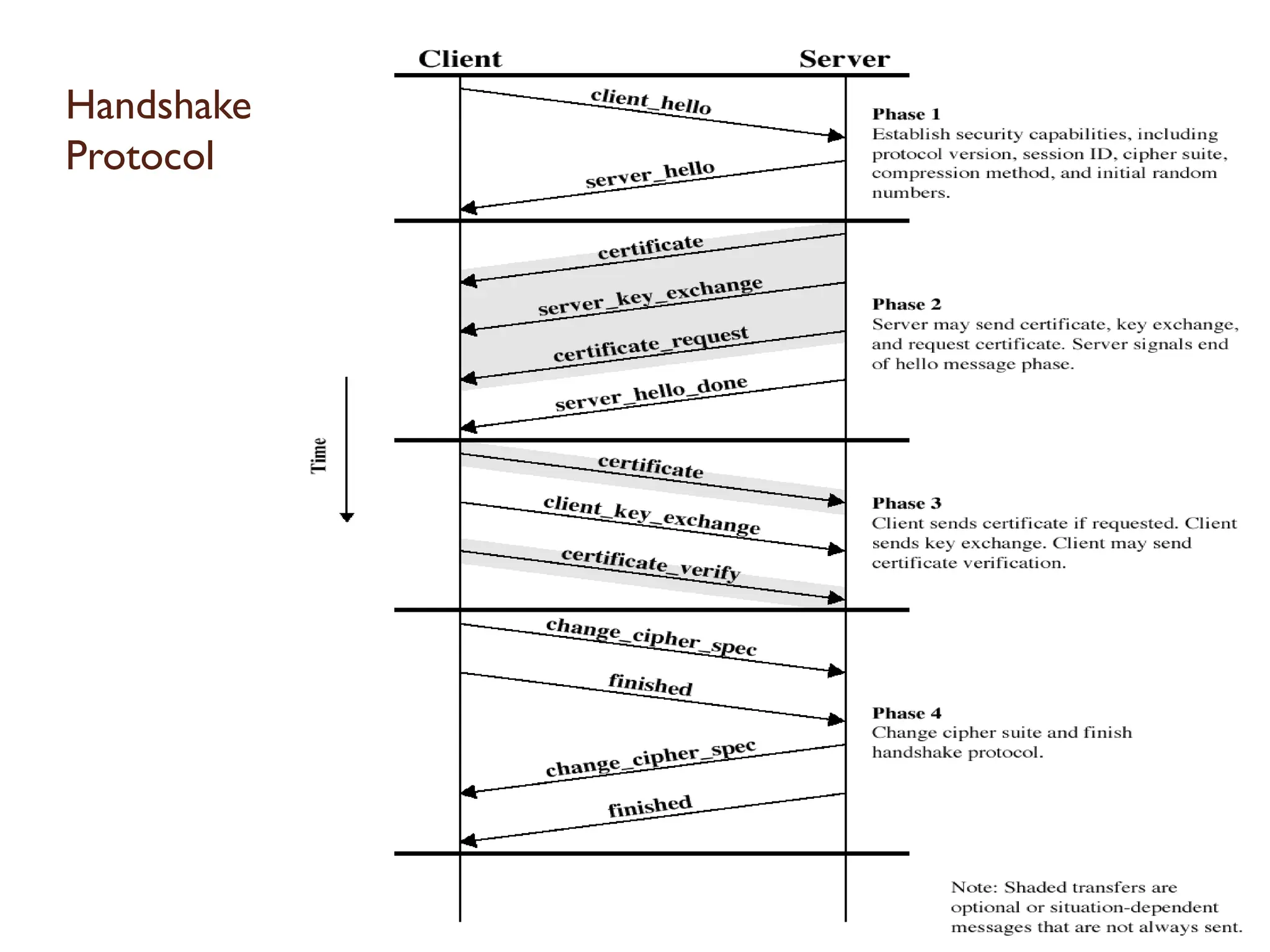
Handshake Protocol
aseries of messages in phases
◦ Establish Security Capabilities
◦ Server Authentication and Key Exchange
◦ Client Authentication and Key Exchange
◦ Finish
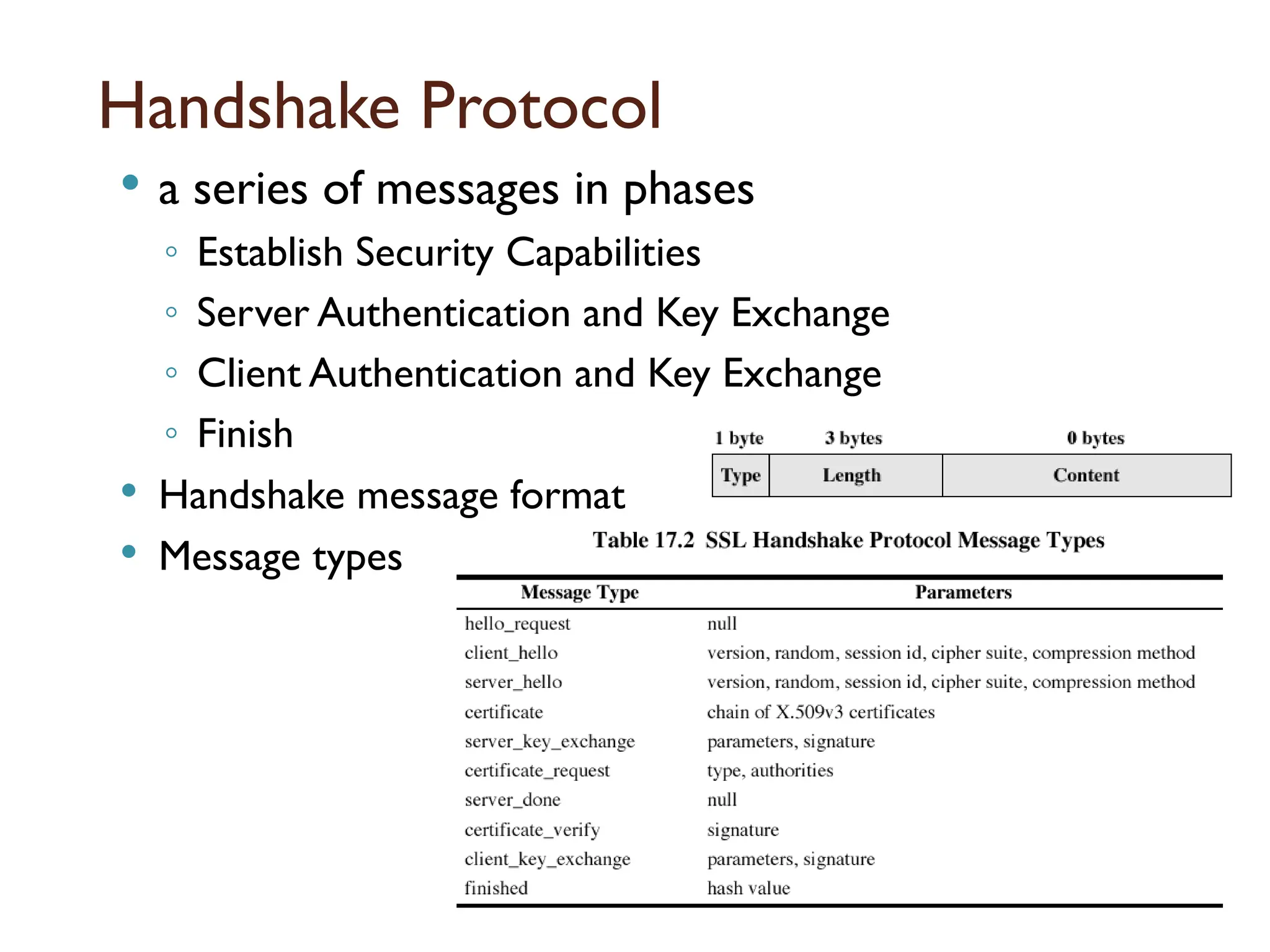
Handshake message format
Message types
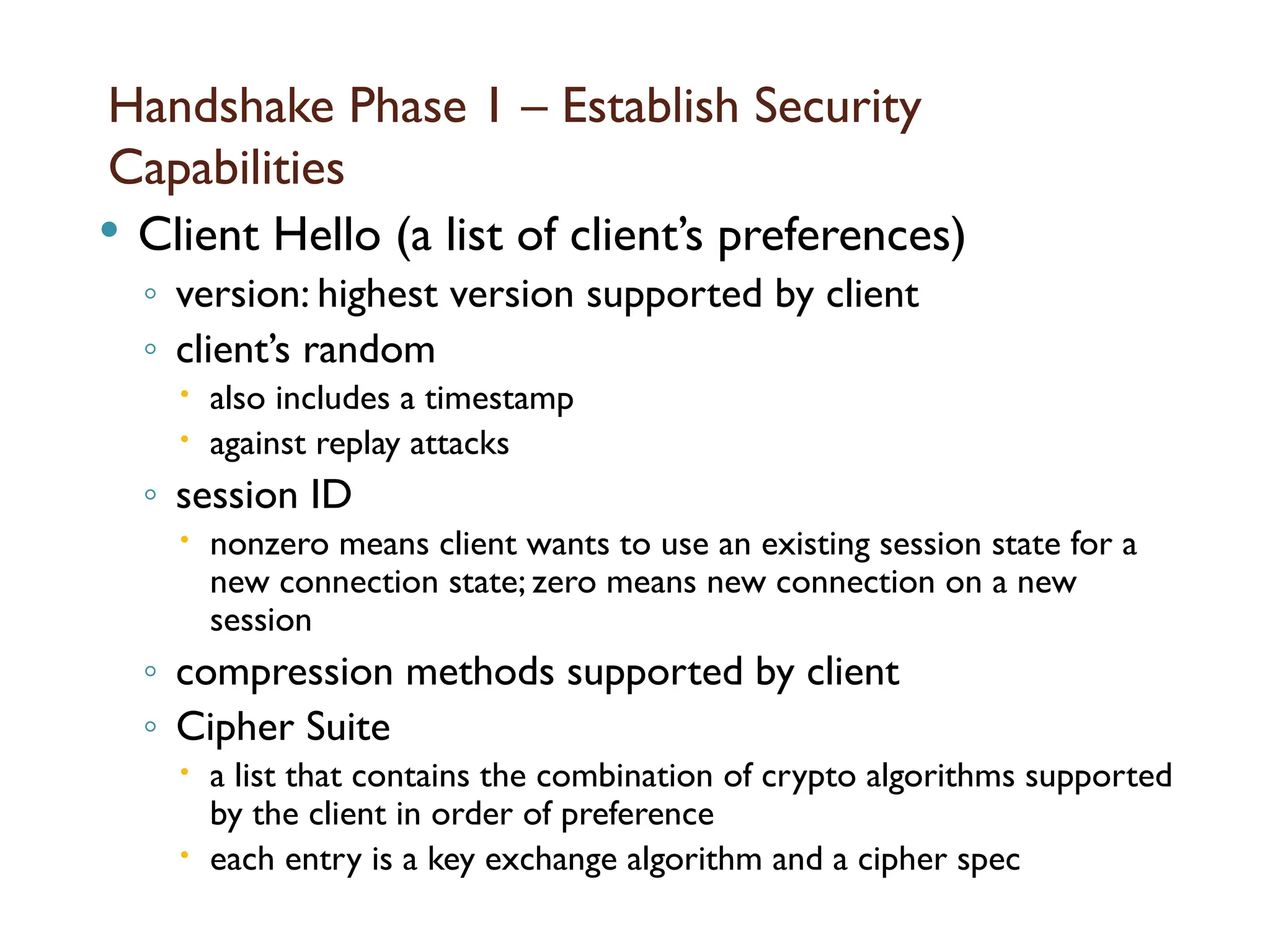
Handshake Phase 1– Establish Security
Capabilities
Client Hello (a list of client’s preferences)
◦ version: highest version supported by client
◦ client’s random
also includes a timestamp
against replay attacks
◦ session ID
nonzero means client wants to use an existing session state for a
new connection state; zero means new connection on a new
session
◦ compression methods supported by client
◦ Cipher Suite
a list that contains the combination of crypto algorithms supported
by the client in order of preference
each entry is a key exchange algorithm and a cipher spec
119.
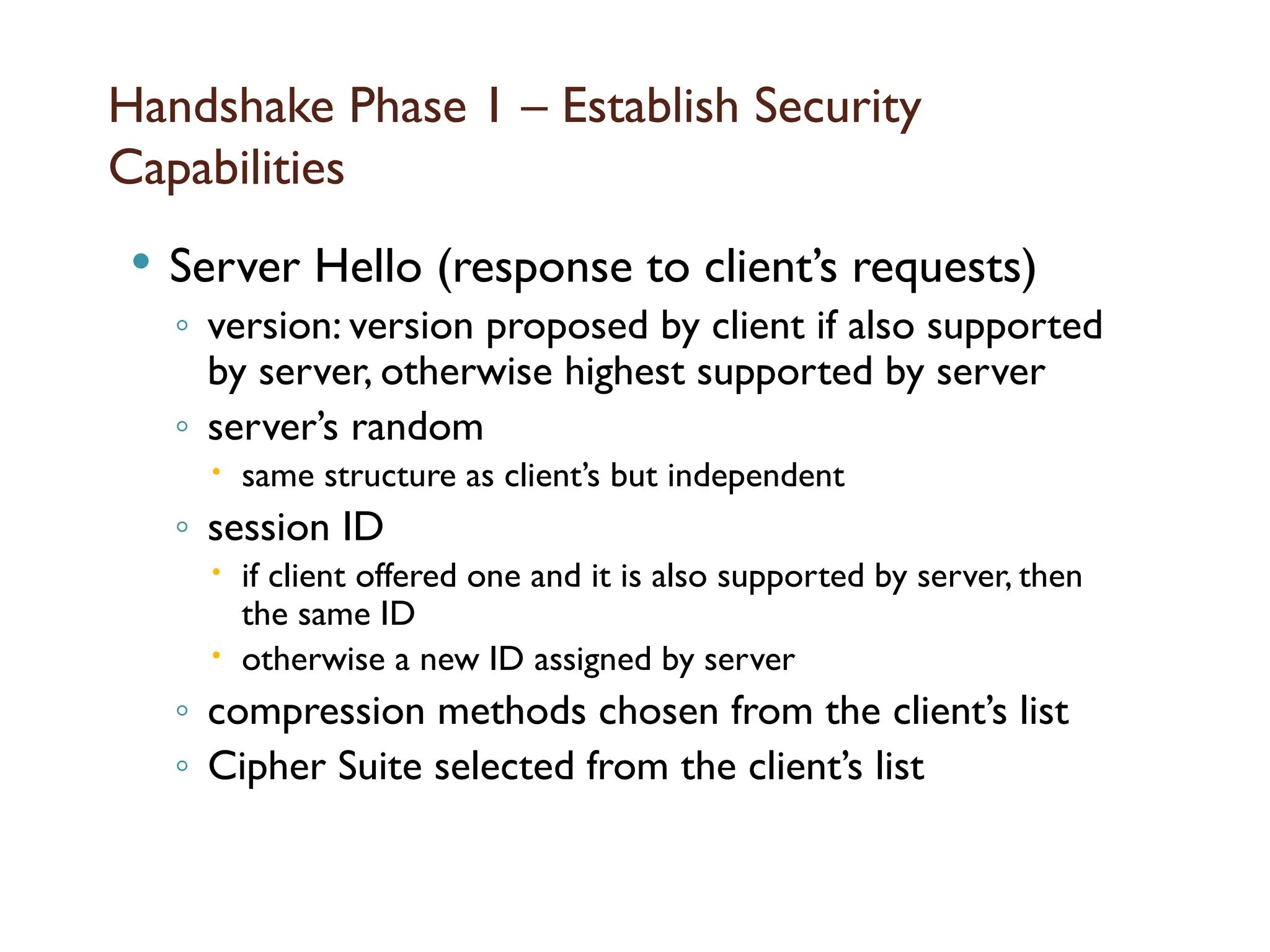
Handshake Phase 1– Establish Security
Capabilities
Server Hello (response to client’s requests)
◦ version: version proposed by client if also supported
by server, otherwise highest supported by server
◦ server’s random
same structure as client’s but independent
◦ session ID
if client offered one and it is also supported by server, then
the same ID
otherwise a new ID assigned by server
◦ compression methods chosen from the client’s list
◦ Cipher Suite selected from the client’s list
120.
Key exchange methods
how the conventional encryption and
MAC keys are exchanged?
◦ actually first pre-master secret is exchanged
◦ master secret is derived from it
◦ other keys are derived from the master secret
121.
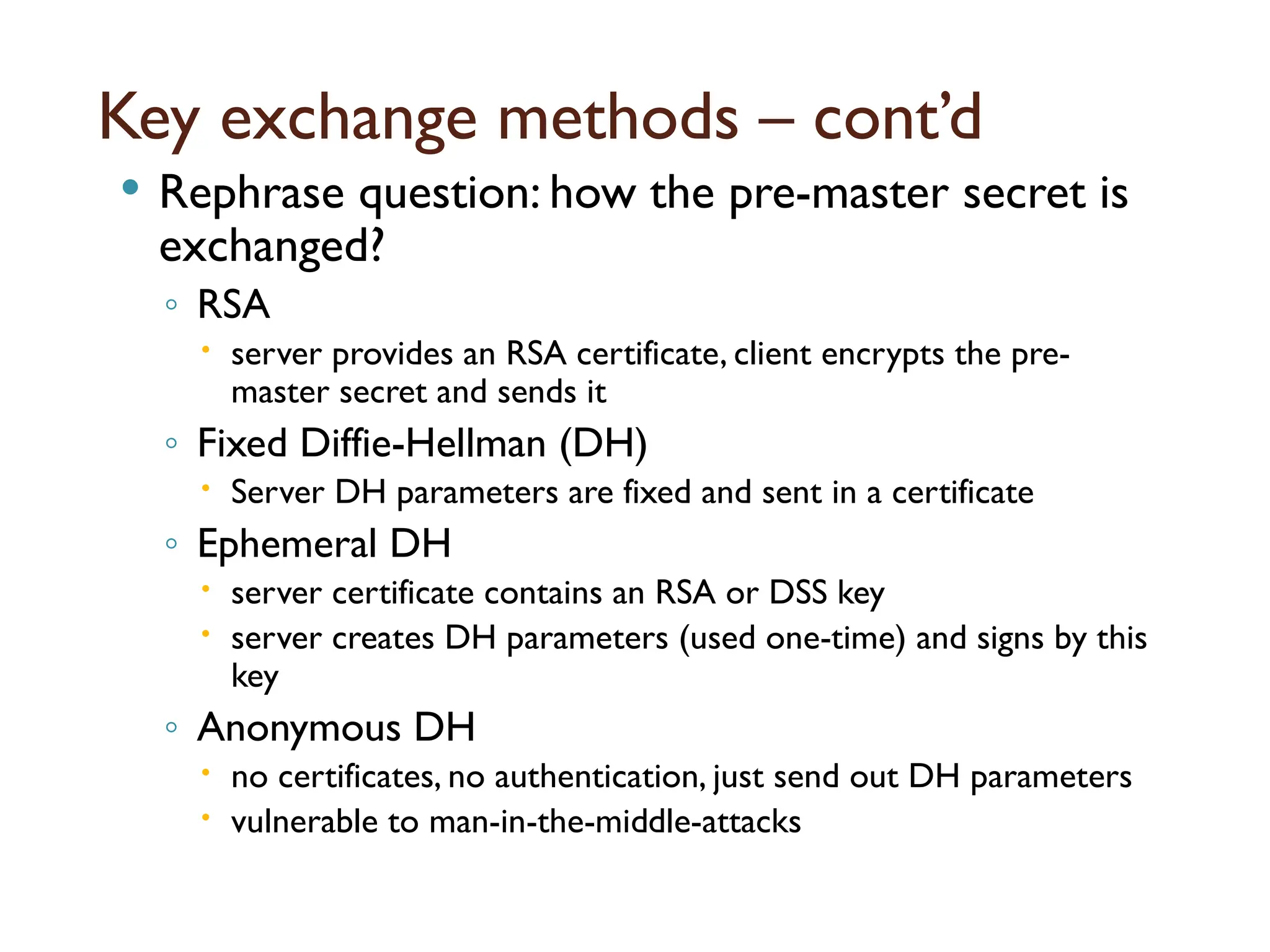
Key exchange methods– cont’d
Rephrase question: how the pre-master secret is
exchanged?
◦ RSA
server provides an RSA certificate, client encrypts the pre-
master secret and sends it
◦ Fixed Diffie-Hellman (DH)
Server DH parameters are fixed and sent in a certificate
◦ Ephemeral DH
server certificate contains an RSA or DSS key
server creates DH parameters (used one-time) and signs by this
key
◦ Anonymous DH
no certificates, no authentication, just send out DH parameters
vulnerable to man-in-the-middle-attacks
122.
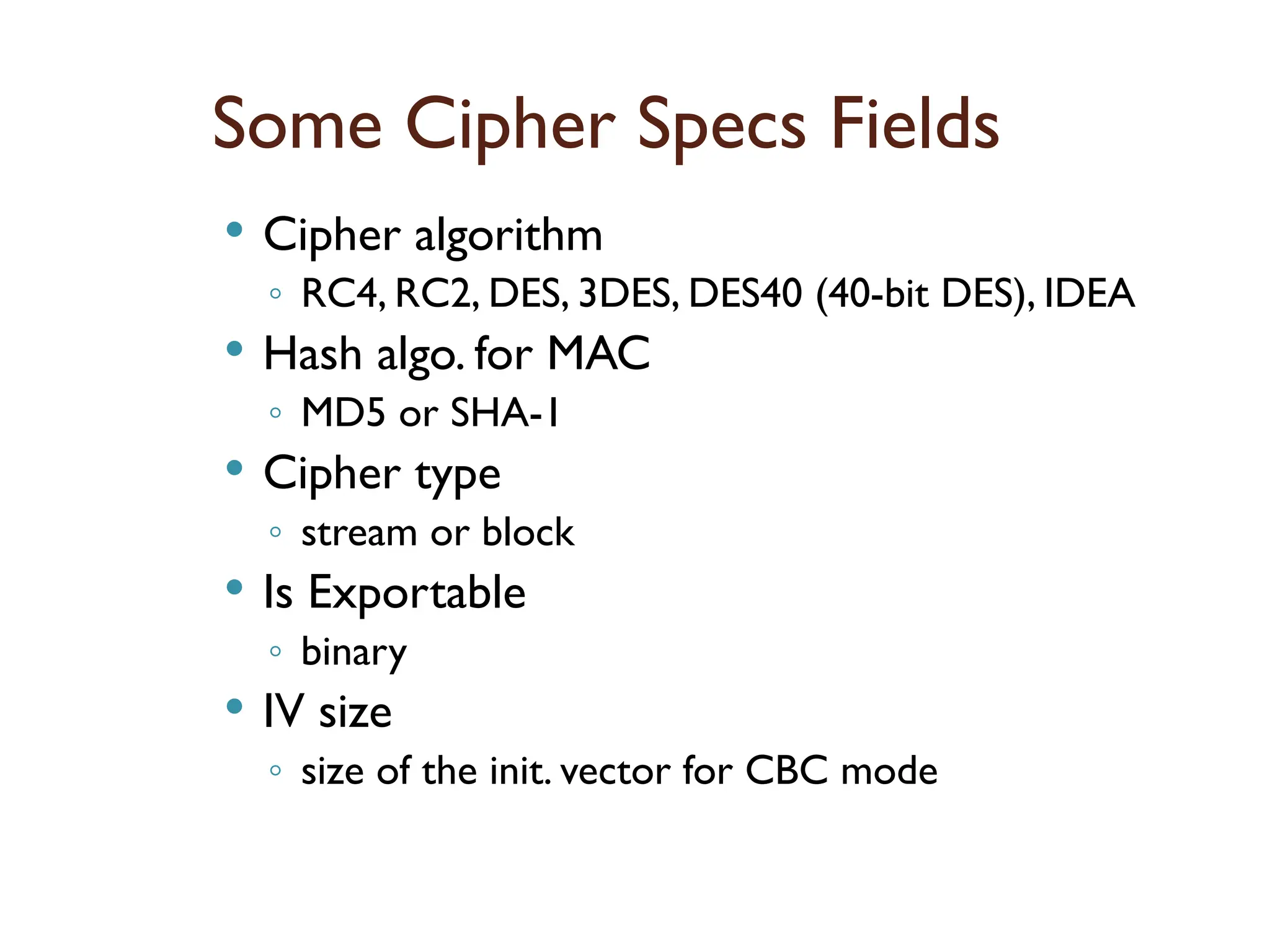
Some Cipher SpecsFields
Cipher algorithm
◦ RC4, RC2, DES, 3DES, DES40 (40-bit DES), IDEA
Hash algo. for MAC
◦ MD5 or SHA-1
Cipher type
◦ stream or block
Is Exportable
◦ binary
IV size
◦ size of the init. vector for CBC mode
123.
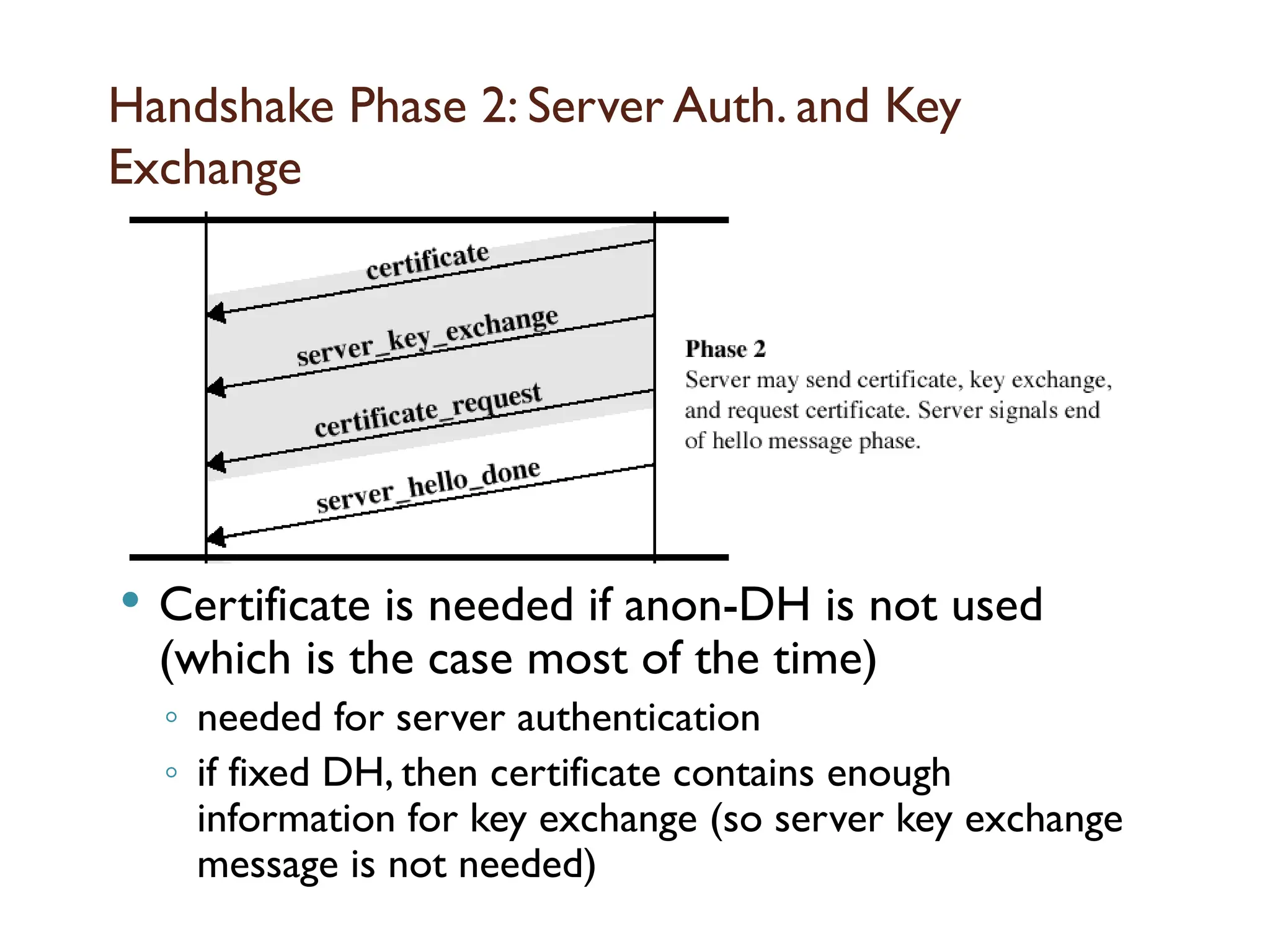
Handshake Phase 2:Server Auth. and Key
Exchange
Certificate is needed if anon-DH is not used
(which is the case most of the time)
◦ needed for server authentication
◦ if fixed DH, then certificate contains enough
information for key exchange (so server key exchange
message is not needed)
124.
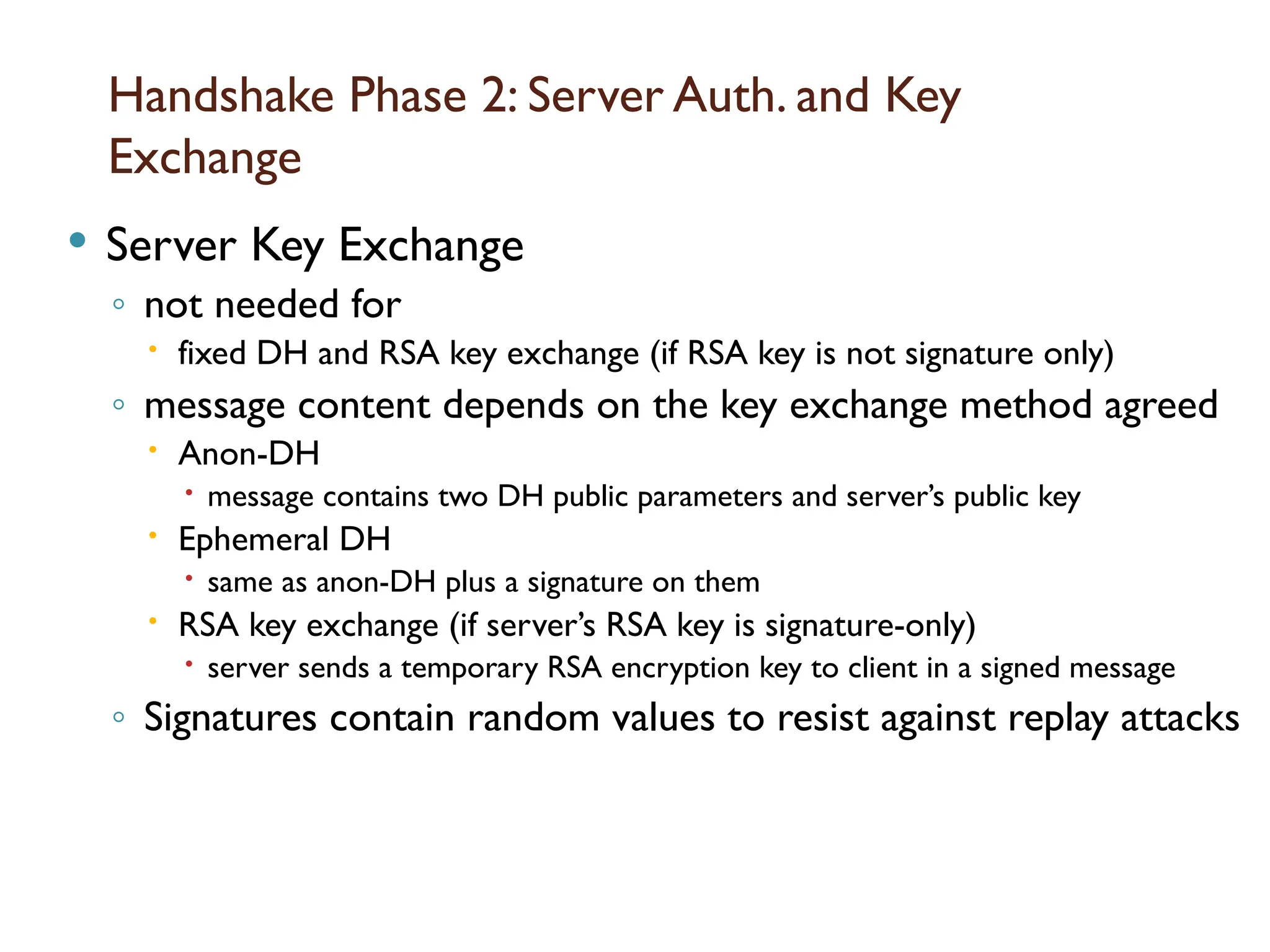
Handshake Phase 2:Server Auth. and Key
Exchange
Server Key Exchange
◦ not needed for
fixed DH and RSA key exchange (if RSA key is not signature only)
◦ message content depends on the key exchange method agreed
Anon-DH
message contains two DH public parameters and server’s public key
Ephemeral DH
same as anon-DH plus a signature on them
RSA key exchange (if server’s RSA key is signature-only)
server sends a temporary RSA encryption key to client in a signed message
◦ Signatures contain random values to resist against replay attacks
125.
Handshake Phase 2:Server Auth. and Key
Exchange
Certificate Request Message
◦ although not common in practice, server may request
client to send its certificate
to authenticate the client
◦ two fields: certificate type and acceptable CAs
a list of them
◦ Certificate types
fixed DH (certificate may be signed with RSA or DSS)
ephemeral DH (certificate may contain RSA or DSS key)
signature only (not used for key exchange but for auth.)
RSA or DSS
Server Hello Done message
◦ server is finished and will wait for client’s response
126.
Handshake Phase 3:Client Auth. and Key
Exchange
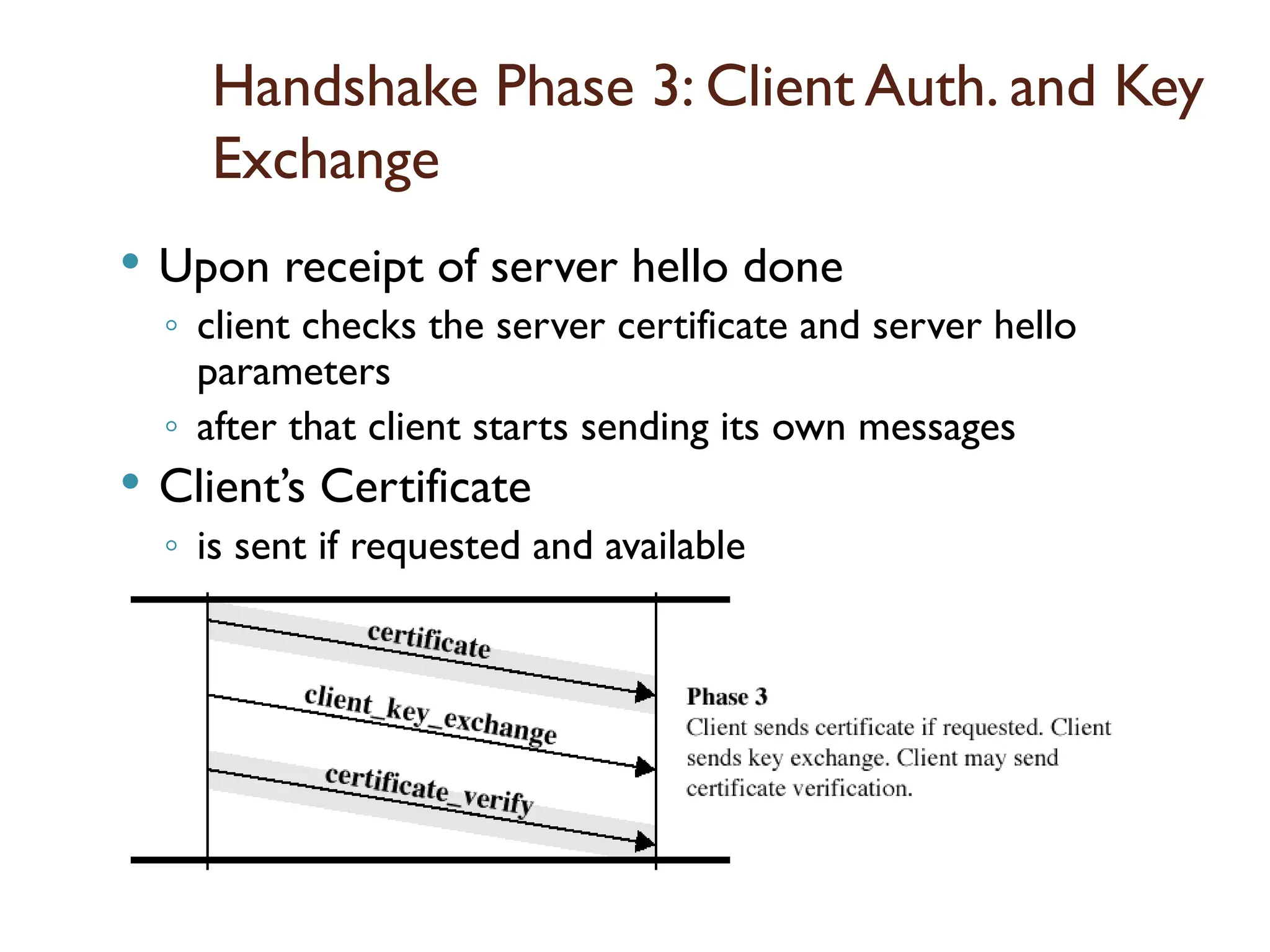
Upon receipt of server hello done
◦ client checks the server certificate and server hello
parameters
◦ after that client starts sending its own messages
Client’s Certificate
◦ is sent if requested and available
127.
Handshake Phase 3:Client Auth. and Key Exchange
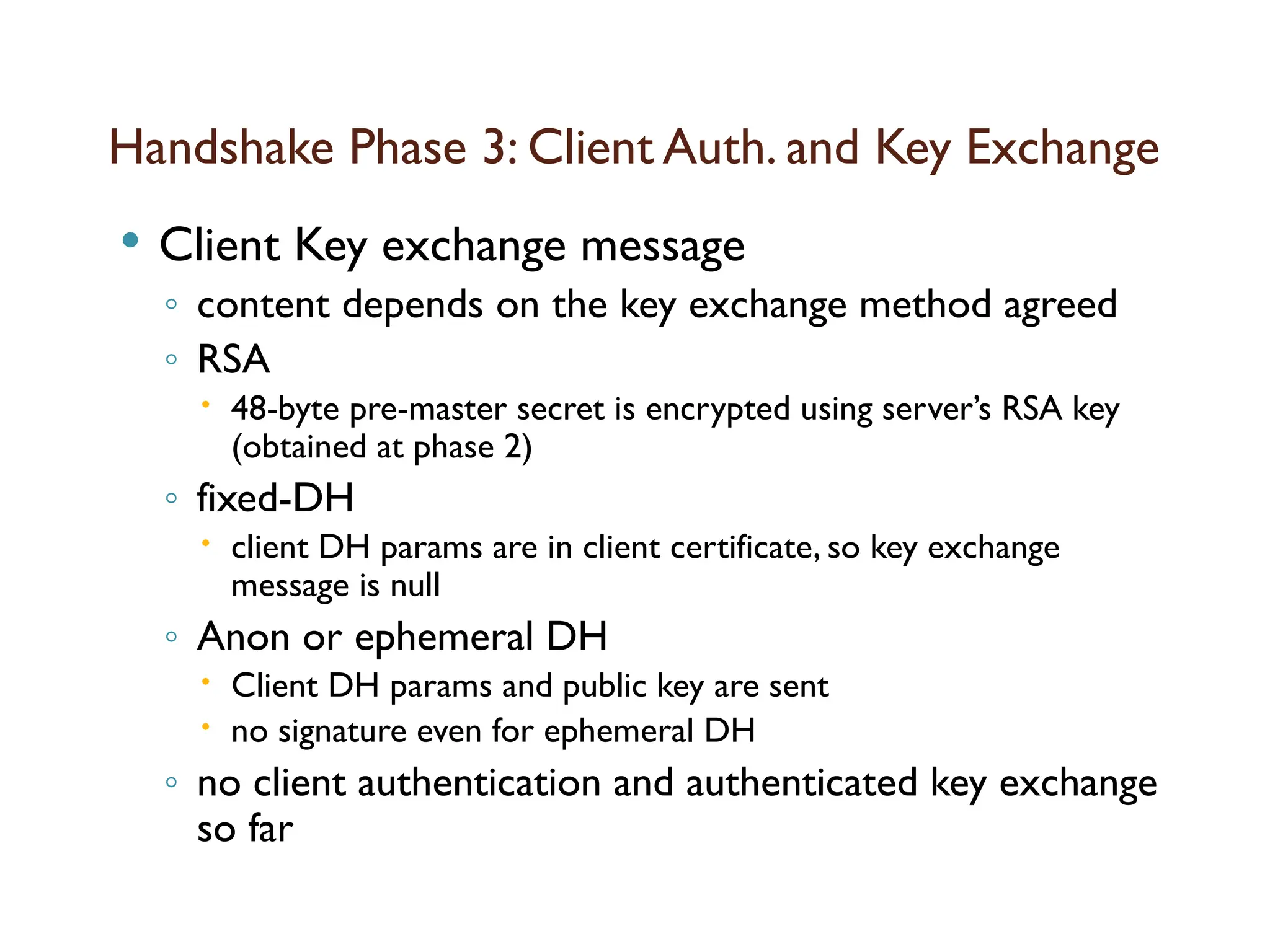
Client Key exchange message
◦ content depends on the key exchange method agreed
◦ RSA
48-byte pre-master secret is encrypted using server’s RSA key
(obtained at phase 2)
◦ fixed-DH
client DH params are in client certificate, so key exchange
message is null
◦ Anon or ephemeral DH
Client DH params and public key are sent
no signature even for ephemeral DH
◦ no client authentication and authenticated key exchange
so far
128.
Handshake Phase 3:Client Auth. and Key
Exchange
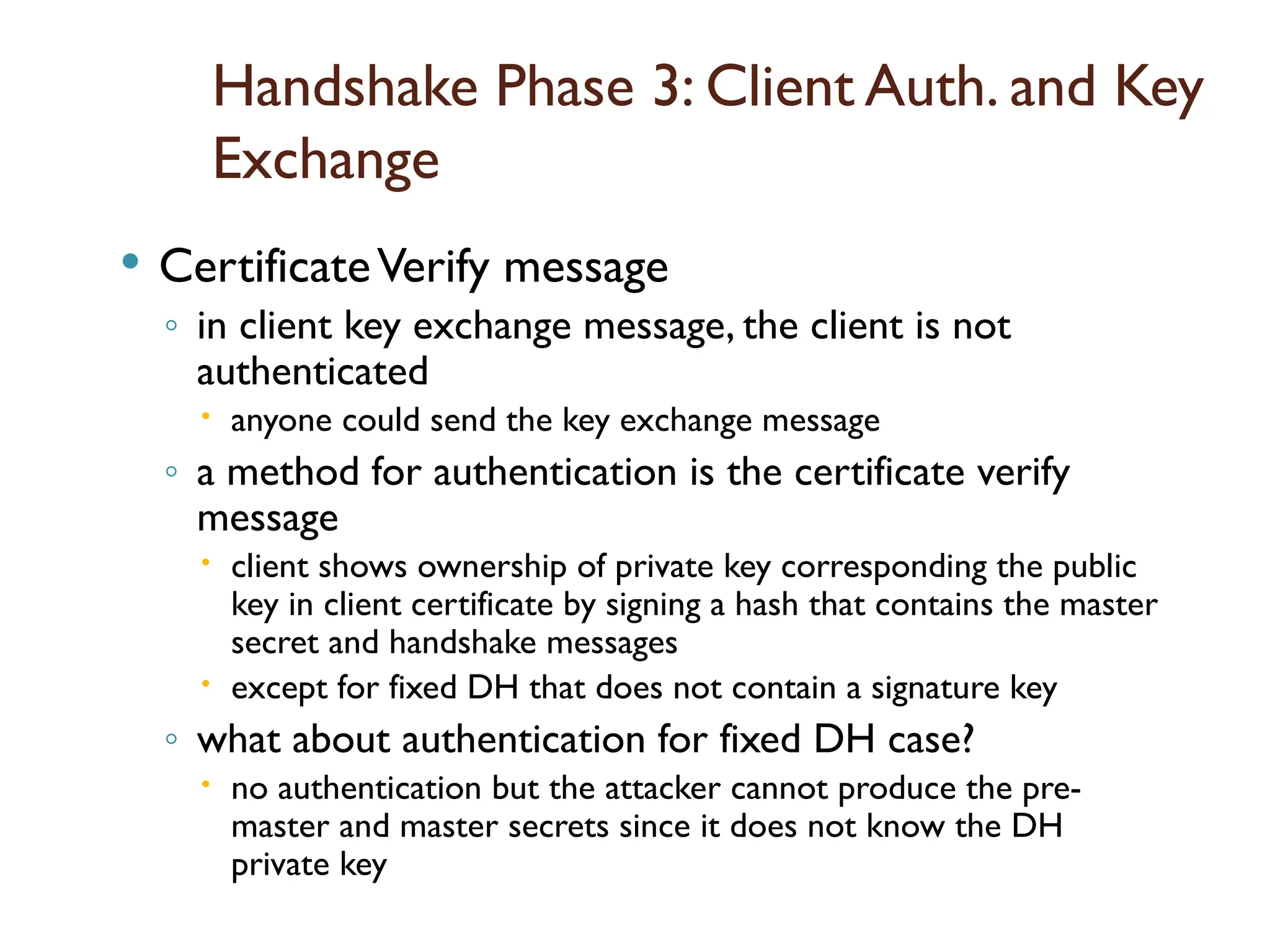
CertificateVerify message
◦ in client key exchange message, the client is not
authenticated
anyone could send the key exchange message
◦ a method for authentication is the certificate verify
message
client shows ownership of private key corresponding the public
key in client certificate by signing a hash that contains the master
secret and handshake messages
except for fixed DH that does not contain a signature key
◦ what about authentication for fixed DH case?
no authentication but the attacker cannot produce the pre-
master and master secrets since it does not know the DH
private key
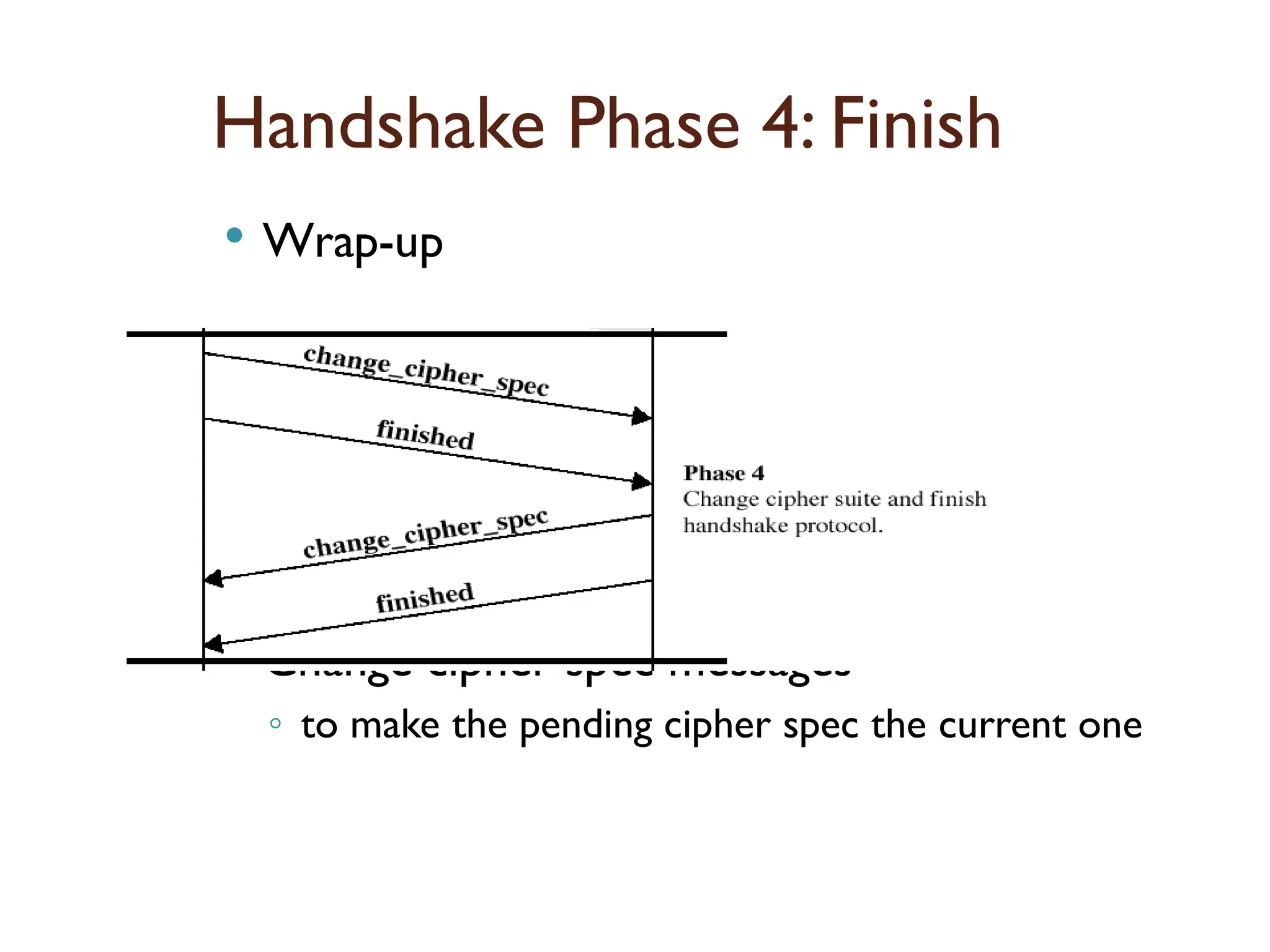
129.
Handshake Phase 4:Finish
Wrap-up
Change cipher spec messages
◦ to make the pending cipher spec the current one
130.
Handshake Phase 4:Finish
Finish message
◦ a MAC on exchanged handshake messages using the
master secret
◦ to verify that handshake is successful and both parties
have the same master secret
◦ client’s finished is verified by server and vice versa
◦ the connection state of the record protocol that
encrypts and MACs finished message is the new one
so this is also verification of all the keys created
131.
TLS (Transport LayerSecurity)
TLS is a proposed Internet Standard (RFC
2246)
◦ similar to SSL v3, some difference are given here
Version number
◦ record format is the same, but the major version 3,
minor version 1 (v3.1)
MAC
◦ TLS uses HMAC with pads XORed (unlike SSL where
pads are appended)
additional alert codes
132.
TLS (Transport LayerSecurity)
Same cipher suites of SSL except Fortezza
◦ actually it is not common in SSL v3 either
No ephemeral client certificates inTLS
◦ since signature-only certificates are used for that
purpose
some changes in certificate verify and finished
message calculations
a different Pseudorandom function (PRF)
◦ master secret and key block calculations use PRF in
TLS
133.
INTRUDERS:
One ofthe most publicized attacks to security is
the intruder, generally referred to as hacker or cracker.
An individual who seizes supervisory control of the
system and uses this control to evade auditing and
access controls or to suppress audit collection.
Someone who intrudes on the privacy or property of
another without permission.
Cryptographic system audit consists of multiple layers
— examining the cryptographic protocol for risks and
flaws, making sure the implementation conforms with
the protocol and reviewing the code itself for bugs and
mistakes.
134.
Types of intruders
MASQUERADER:
In case of an insider attack, a masquerade attacker
gains access to the account of a legitimate user either
by stealing the victim's account ID and password, or
by using a keylogger.
For example, if a legitimate user leaves the terminal
or session open and logged in, a co-worker may act as
a masquerade attacker.
If an authorization process is not fully protected, it can
become extremely vulnerable to a masquerade attack.
Masquerade attack involves impersonating legitimate
sources and creating fake identities.
135.
Types of intruders
MISFEASOR:
Generally an insider.
Performs unauthorized access to data,
programs or resources.
Misuses his/her preveilages.
CLANDESTINE USER
Can be either an insider or outsider.
Seizes supervisory control of the system and
uses it to evade auditing and access controls or
to suppress audit collection.
136.
Intrusion techniques:
Theobjective of the intruders is to gain access to a
system or to increase the range of privileges
accessible on a system.
Generally, this requires the intruders to acquire
information that should be protected. In most cases,
the information is in the form of a user password.
• Asymmetric Routing.
• Buffer Overflow Attacks.
• Common Gateway Interface Scripts.
• Protocol-Specific Attacks.
• Traffic Flooding
• Trojans.
• Worms.
137.
Intrusion techniques:
Asymmetric routing:
In Asymmetric Routing network packets leave via one
path and return via a different path.
In this method, the attacker attempts to utilize more
than one route to the targeted network device.
Buffer Overflow Attacks:
This approach attempts to overwrite specific sections
of computer memory within a network, replacing
normal data in those memory locations with a set of
commands that will later be executed as part of the
attack.
In most cases, the goal is to initiate a denial of service
(DoS) situation, or to set up a channel through which
the attacker can gain remote access to the network.
138.
Intrusion techniques:
Scripts:
The Common Gateway Interface (CGI) is routinely used
in networks to support interaction between servers
and clients on the Web.
But it also provides easy openings—such as
"backtracking"—through which attackers can access
supposedly secure network system files.
When systems fail to include input verification or check
for backtrack characters, a covert CGI script can easily
add the directory label ".." or the pipe "|" character to
any file path name and thereby access files that should
not be available via the Web.
139.
Intrusion techniques:
Protocol-SpecificAttacks:
When performing network activities, devices obey
specific rules and procedures.
These protocols—such as ARP, IP, TCP, UDP, ICMP, and
various application protocols—may inadvertently leave
openings for network intrusions via protocol
impersonation ("spoofing") or malformed protocol
messages.
For example, Address Resolution Protocol (ARP) does
not perform authentication on messages, allowing
attackers to execute "man-in-the-middle" attacks.
Protocol-specific attacks can easily compromise or even
crash targeted devices on a network.
140.
Intrusion techniques:
Trafficflooding :
An ingenious method of network intrusion simply
targets network intrusion detection systems by
creating traffic loads too heavy for the system to
adequately screen. In the resulting congested and
chaotic network environment, attackers can
sometimes execute an undetected attack and even
trigger an undetected "fail-open" condition.
Trojans:
These programs present themselves as benign and do
not replicate like a virus or a worm. Instead, they
instigate DoS attacks, erase stored data, or open
channels to permit system control by outside
attackers. Trojans can be introduced into a network
from unsuspected online archives and file repositories,
141.
Intrusion techniques:
Worms
A common form of standalone computer virus, worms
are any computer code intended to replicate itself
without altering authorized program files.
Worms often spread through email attachments or
the Internet Relay Chat (IRC) protocol.
Undetected worms eventually consume so many
network resources, such as processor cycles or
bandwidth, that authorized activity is simply squeezed
out.
Some worms actively seek out confidential
information—such as files containing the word
"finance" or "SSN"—and communicate such data to
142.
Intrusion Detection System(IDS)
An Intrusion Detection System (IDS) is a system that
monitors network traffic for suspicious activity and
issues alerts when such activity is discovered.
It is a software application that scans a network or a
system for harmful activity or policy breaching.
Any malicious venture or violation is normally
reported either to an administrator or collected
centrally using a security information and event
management (SIEM) system.
A SIEM system integrates outputs from multiple
sources and uses alarm filtering techniques to
differentiate malicious activity from false alarms.
143.
Classification of IntrusionDetection System:
Network Intrusion Detection System (NIDS):
Network intrusion detection systems (NIDS) are set up at a planned point
within the network to examine traffic from all devices on the network. It
performs an observation of passing traffic on the entire subnet and matches
the traffic that is passed on the subnets to the collection of known attacks.
Once an attack is identified or abnormal behavior is observed, the alert can
be sent to the administrator. An example of an NIDS is installing it on the
subnet where firewalls are located in order to see if someone is trying crack
the firewall.
Host Intrusion Detection System (HIDS):
Host intrusion detection systems (HIDS) run on independent hosts or devices
on the network. A HIDS monitors the incoming and outgoing packets from
the device only and will alert the administrator if suspicious or malicious
activity is detected. It takes a snapshot of existing system files and compares
it with the previous snapshot. If the analytical system files were edited or
deleted, an alert is sent to the administrator to investigate. An example of
HIDS usage can be seen on mission critical machines, which are not
expected to change their layout.
144.
Classification of IntrusionDetection System:
Protocol-based Intrusion Detection System (PIDS):
Protocol-based intrusion detection system (PIDS) comprises of a system or
agent that would consistently resides at the front end of a server,
controlling and interpreting the protocol between a user/device and the
server. It is trying to secure the web server by regularly monitoring the
HTTPS protocol stream and accept the related HTTP protocol.
Application Protocol-based Intrusion Detection System (APIDS):
Application Protocol-based Intrusion Detection System (APIDS) is a system
or agent that generally resides within a group of servers. It identifies the
intrusions by monitoring and interpreting the communication on
application specific protocols. For example, this would monitor the SQL
protocol explicit to the middleware as it transacts with the database in the
web server.
Hybrid Intrusion Detection System :
Hybrid intrusion detection system is made by the combination of two or
more approaches of the intrusion detection system. In the hybrid intrusion
detection system, host agent or system data is combined with network
information to develop a complete view of the network system. Hybrid
intrusion detection system is more effective in comparison to the other
145.
Detection Methods ofIDS:
1. Signature-based Method:
Signature-based IDS detects the attacks on the basis of the
specific patterns such as number of bytes or number of 1’s or
number of 0’s in the network traffic. It also detects on the basis of
the already known malicious instruction sequence that is used by
the malware. The detected patterns in the IDS are known as
signatures.Signature-based IDS can easily detect the attacks
whose pattern (signature) already exists in system but it is quite
difficult to detect the new malware attacks as their pattern
(signature) is not known.
2. Anomaly-based Method:
Anomaly-based IDS was introduced to detect the unknown
malware attacks as new malware are developed rapidly. In
anomaly-based IDS there is use of machine learning to create a
trustful activity model and anything coming is compared with
that model and it is declared suspicious if it is not found in model.
Machine learning based method has a better generalized
property in comparison to signature-based IDS as these models
146.
Intrusion prevention:
PasswordManagement :
The front line of defense against intruders is the
password system.
Virtually all multiuser systems require that a user
provide not only a name or identifier (ID) but also a
password.
The password serves to authenticate the ID of the
individual logging on to the system. In turn, the ID
provides security in the following ways:
The ID determines whether the user is authorized to
gain access to a system.
The ID determines the privileges accorded to the user.
147.
Intrusion prevention:
PasswordSelection Strategies:
The goal is to eliminate guessable passwords while
allowing the user to select a password that is
memorable. Four basic techniques are in use:
◦ User education.
◦ Computer-generated passwords.
◦ Reactive password checking.
◦ Proactive password checking.
148.
Intrusion prevention:
Usereducation
◦ Users can be told the importance of using hard-to-guess passwords
and can be provided with guidelines for selecting strong passwords.
Computer-generated passwords
◦ passwords are quite random in nature
Reactive password checking
◦ the system periodically runs its own password cracker to find
guessable passwords. The system cancels any passwords that are
guessed.
Proactive password checking approaches:
◦ Rule enforcement:
All passwords must be at least eight characters long.
The passwords must include at least one each of uppercase,
lowercase, numeric digits, and punctuation marks.
Another possible procedure is simply to compile a large dictionary of
possible "bad" passwords.
149.
Intrusion prevention:
Howto Choose a secure password?
Do NOT use words or phrases that have personal
significance.
Mix letters, numbers and symbols, and use case sensitivity
Try to memorize the password, and avoid writing it down
Do not use the same password for everything
Use a password manager (PM). It is a utility that creates an
encrypted file where your passwords are stored.
Try to use "nonsense words."
Do not tell anybody your password.
Introduction
Malicious software alsoknown commonly as
malware refers to a more sophisticated type of threat
to the computer system which are presented by
programs that exploit vulnerabilities in computing
systems.
153.
More about Malware
Malware is a software designed to cause
damage to or use up the resources of a
target computer
It is concealed within or masquerades
as legitimate software
In some cases it spreads itself via email
or infected floppy disks
154.
Terminologies
Virus: malwarethat when executed tries
to replicate itself into another
executable code , this code is said to be
infected .when the infected code is
executed the virus also executes.
Worm: a program that can run
independently and propagate a
working version of itself onto other
hosts.
155.
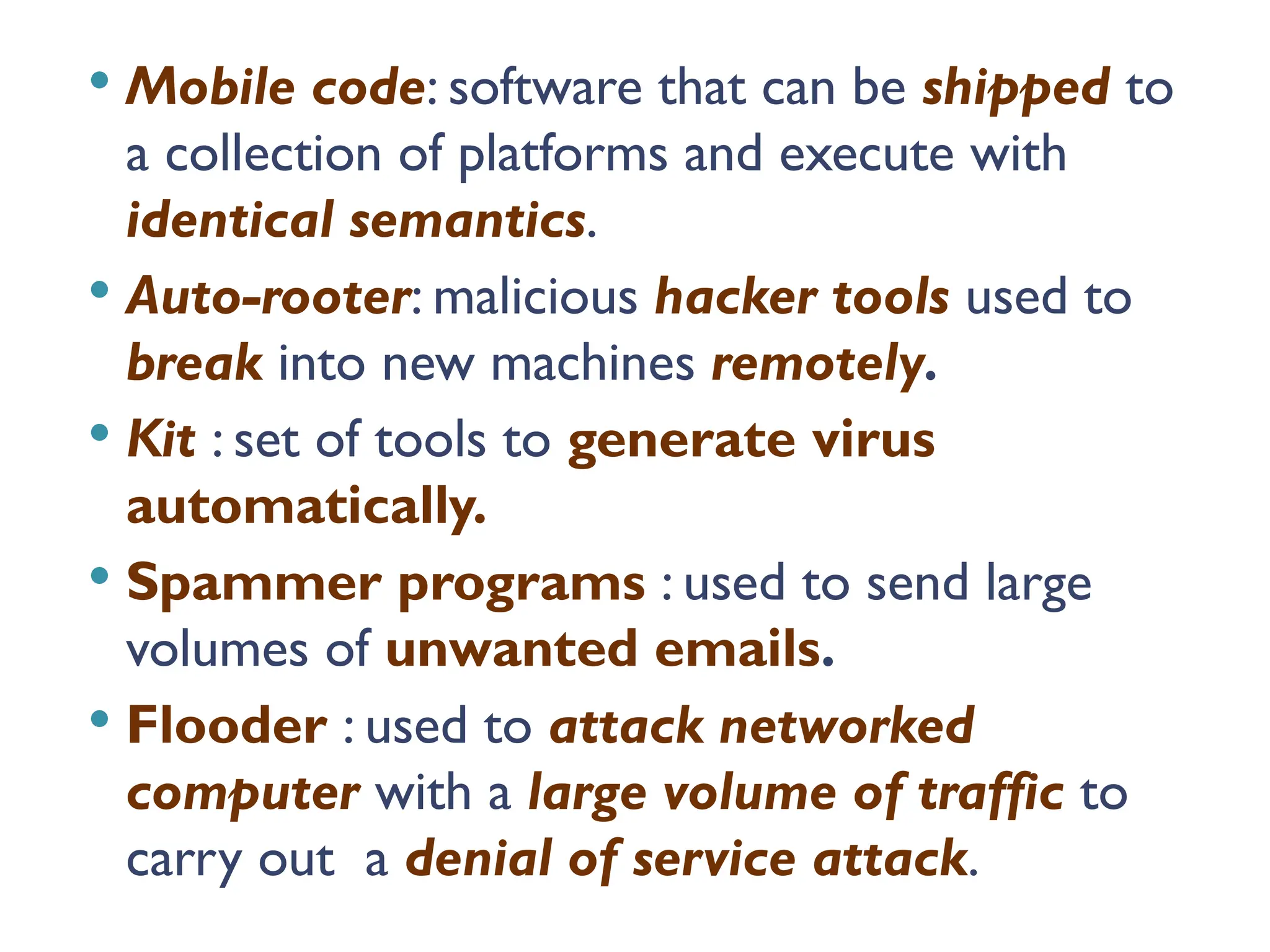
Mobile code:software that can be shipped to
a collection of platforms and execute with
identical semantics.
Auto-rooter: malicious hacker tools used to
break into new machines remotely.
Kit : set of tools to generate virus
automatically.
Spammer programs : used to send large
volumes of unwanted emails.
Flooder : used to attack networked
computer with a large volume of traffic to
carry out a denial of service attack.
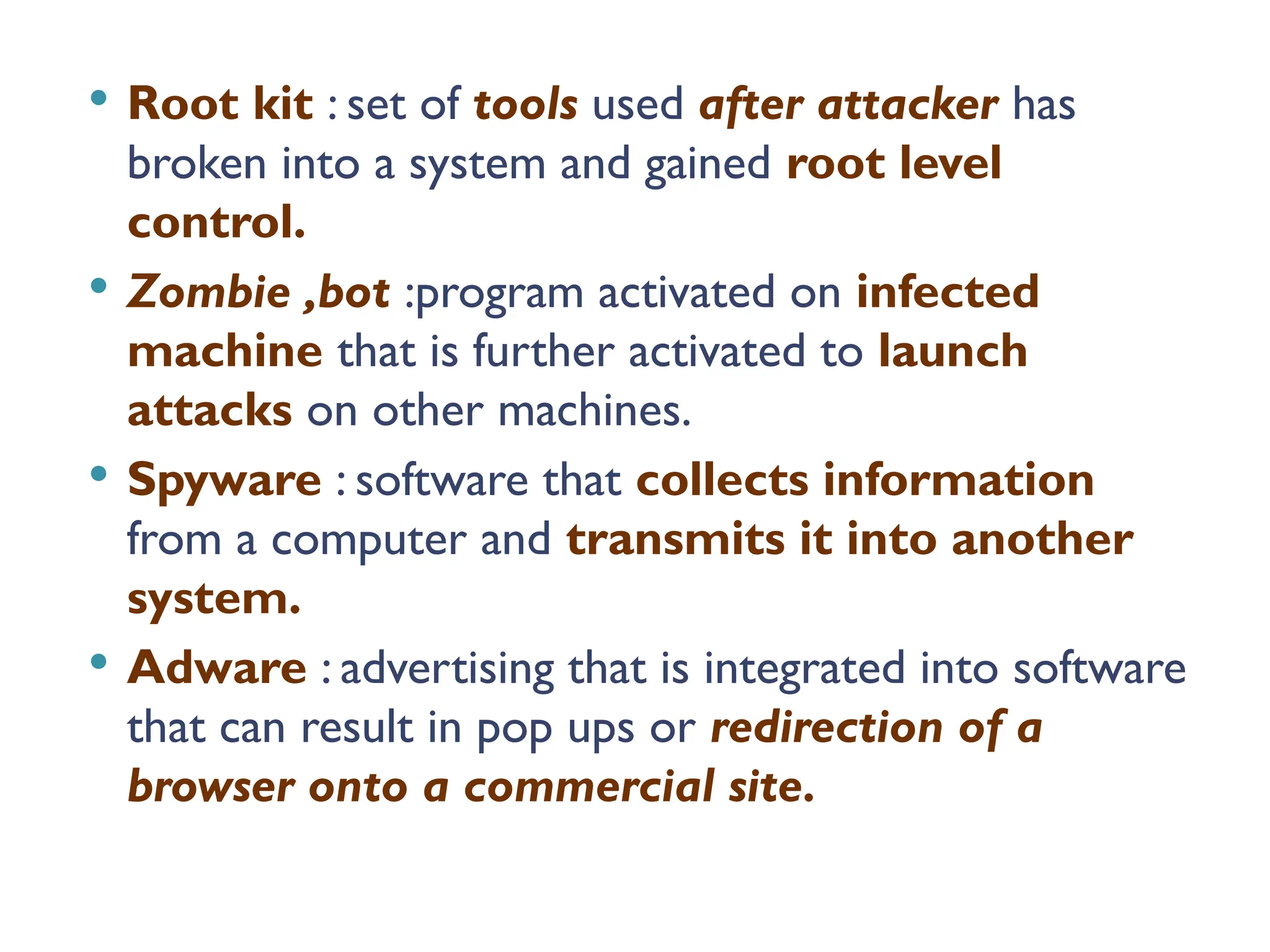
156.
Root kit: set of tools used after attacker has
broken into a system and gained root level
control.
Zombie ,bot :program activated on infected
machine that is further activated to launch
attacks on other machines.
Spyware : software that collects information
from a computer and transmits it into another
system.
Adware : advertising that is integrated into software
that can result in pop ups or redirection of a
browser onto a commercial site.
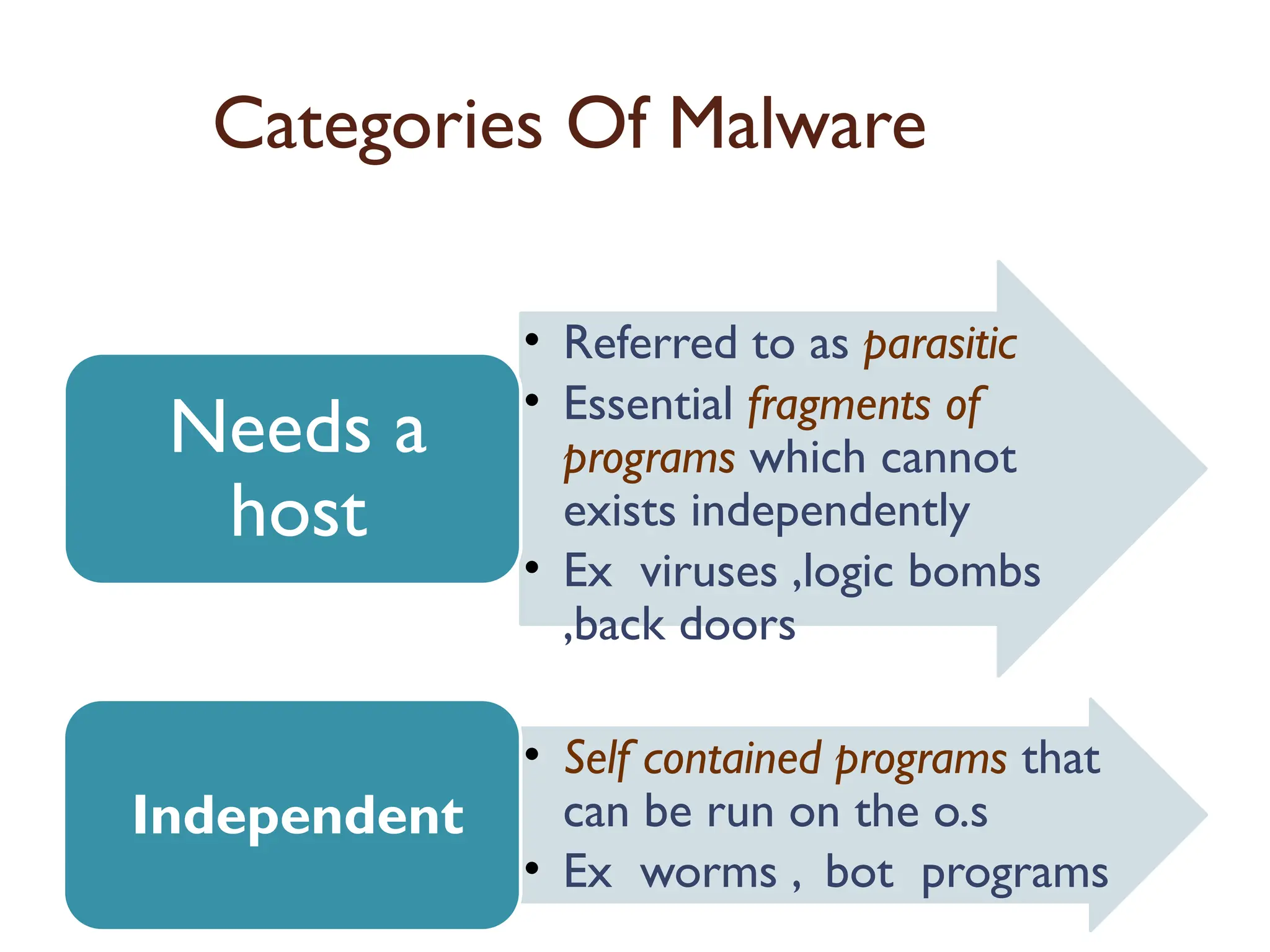
157.
Categories Of Malware
•Referred to as parasitic
• Essential fragments of
programs which cannot
exists independently
• Ex viruses ,logic bombs
,back doors
Needs a
host
• Self contained programs that
can be run on the o.s
• Ex worms , bot programs
Independent
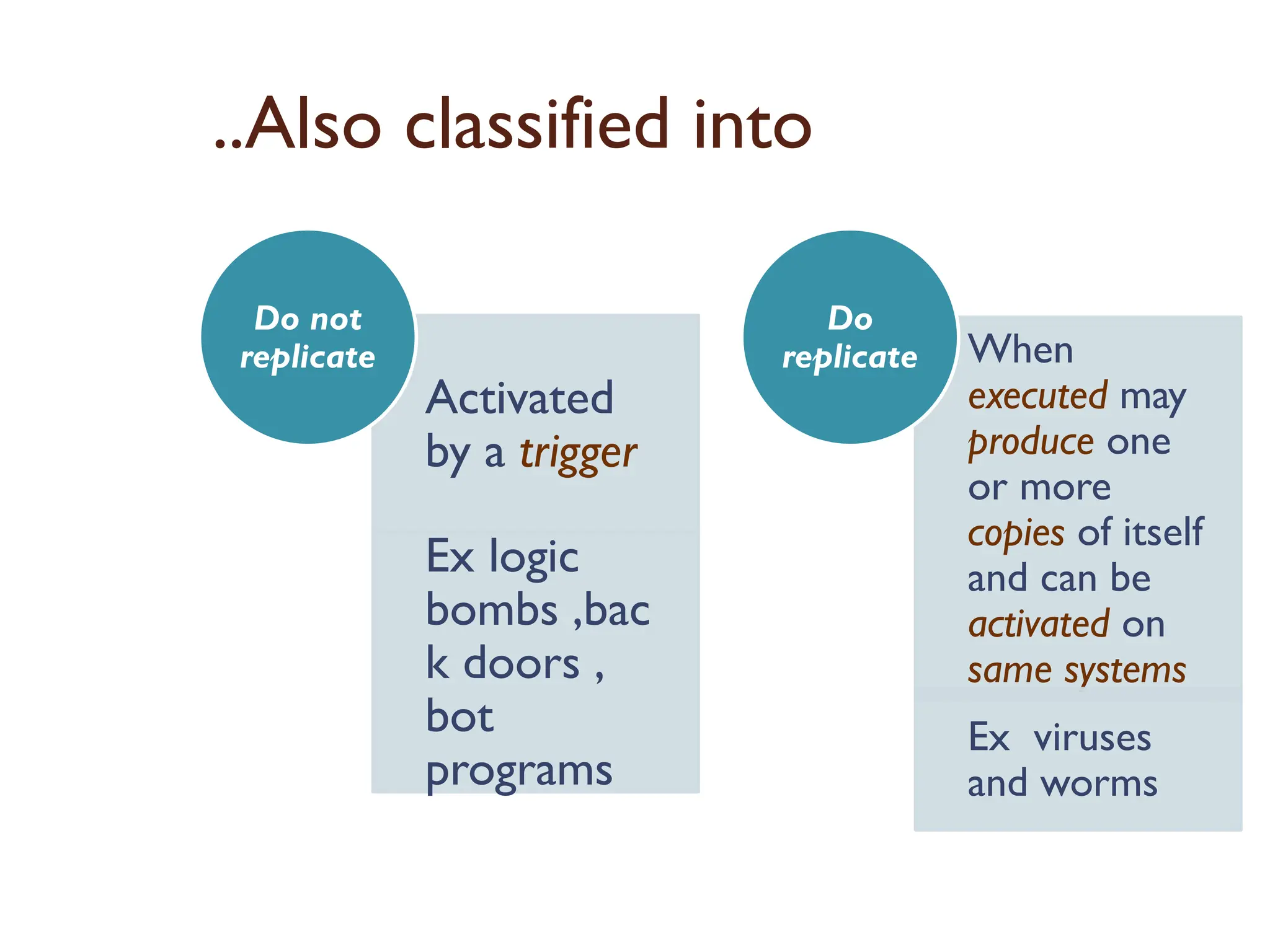
158.
..Also classified into
Activated
bya trigger
Ex logic
bombs ,bac
k doors ,
bot
programs
Do not
replicate When
executed may
produce one
or more
copies of itself
and can be
activated on
same systems
Ex viruses
and worms
Do
replicate
159.
Backdoors
It isa secret entry point into a program that
allows to gain access without going through usual
security procedures . It is a threat when
unscrupulous programmers use them for
unauthorized access.
Programmers use backdoors legitimately to
debug and test programs such a backdoor is
called maintenance hook .This is usually done
when programmers develop application that has
an authorization procedure in it.
To secure the backdoor the security measures
should focus on the program development and
software update activities.
160.
Logic Bombs
Thisis one of the oldest type of program
threat .
Logic bomb is basically a program
embedded into a software by an
intruder ,which lies dormant until a
predefined condition is met after which
the program then triggers an
unauthorized act.
161.
Trojan horse
Itis a program or a command procedure
containing a hidden code that when
invoked performs some unwanted or
harmful function.
Trojan horse can be used to change the
file permission for the file to be shared
within many users.
It can be also used for destroying the file
when it seems to be doing a particular task.
162.
Nimda Attack
Referredto as a simple worm , it uses four
distribution methods which are as follows:
Email: a user on a host opens an infected
email attachment , nimda looks for email
addresses on the host and sends copies of
itself to these addresses.
Windows shares : it scans hosts for
unsecured file shares and infects the files on
that host , so as when a user runs an infected
file , which will activate nimda on that host.
163.
Web Servers: Nimda scans web serves
and if it finds a vulnerable server ,it
attempts to transfer a copy of itself and
infect it.
Web Clients : if a vulnerable web client
visits a web server that has been
infected by Nimda the workstation of
the web client will become infected.
164.
Malicious Logic
Maliciouslogic is a set of instructions that
cause a site’s security policy to be
violated.
◦ Trojan horses
◦ viruses
◦ worms
16
165.
Viruses and ”Malicious”Programs
Computer “Viruses” and related programs have the ability to
replicate themselves on an ever increasing number of
computers. They originally spread by people sharing floppy
disks. Now they spread primarily over the Internet (a
“Worm”).
Other “Malicious” Programs may be installed by hand on a
single machine. They may also be built into widely distributed
commercial software packages. These are very hard to
detect before the payload activates (Trojan Horses,Trap
Doors, and Logic Bombs).
16
166.
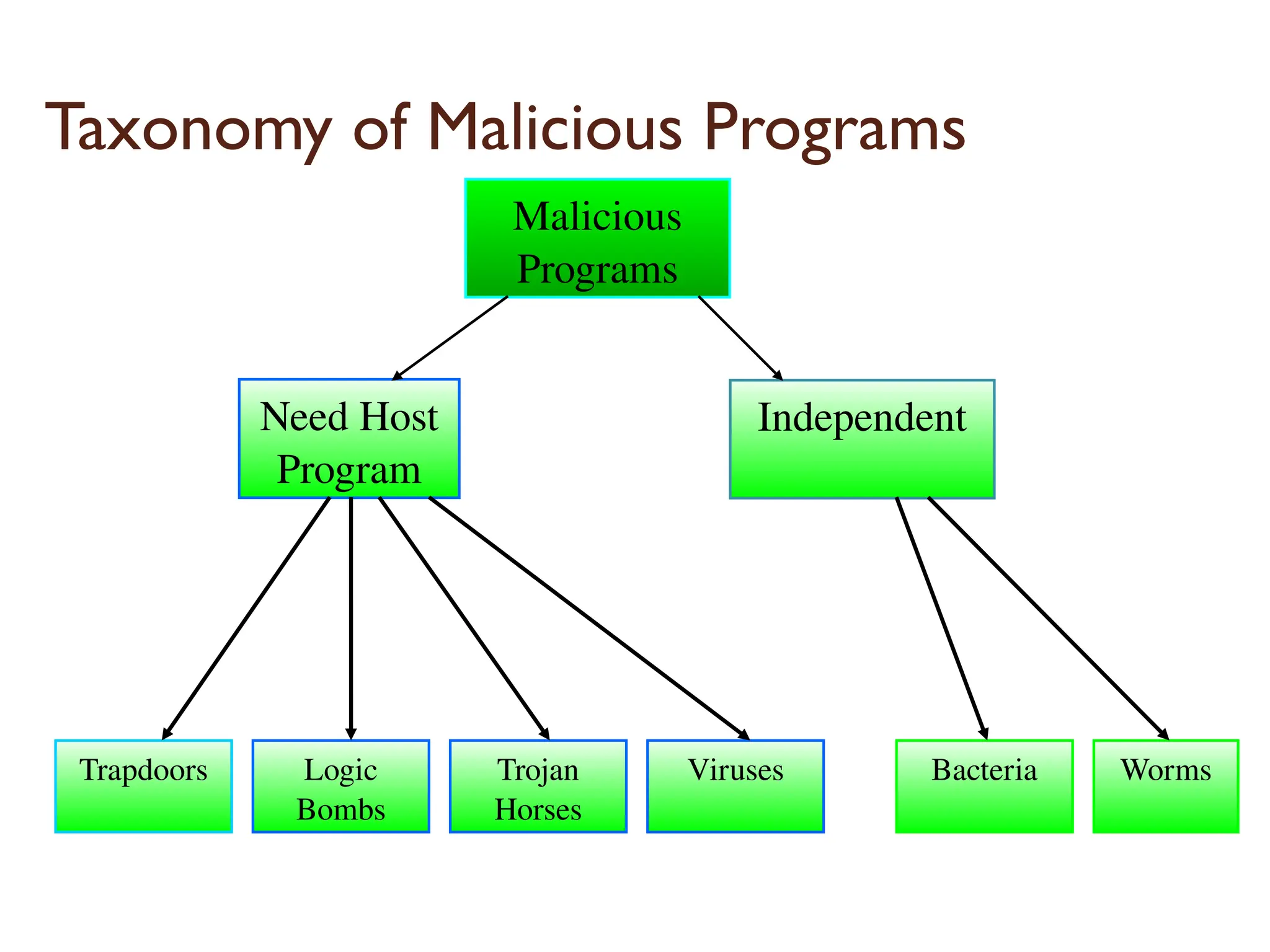
Taxonomy of MaliciousPrograms
Need Host
Program
Independent
Trapdoors Logic
Bombs
Trojan
Horses
Viruses Bacteria Worms
Malicious
Programs
16
167.
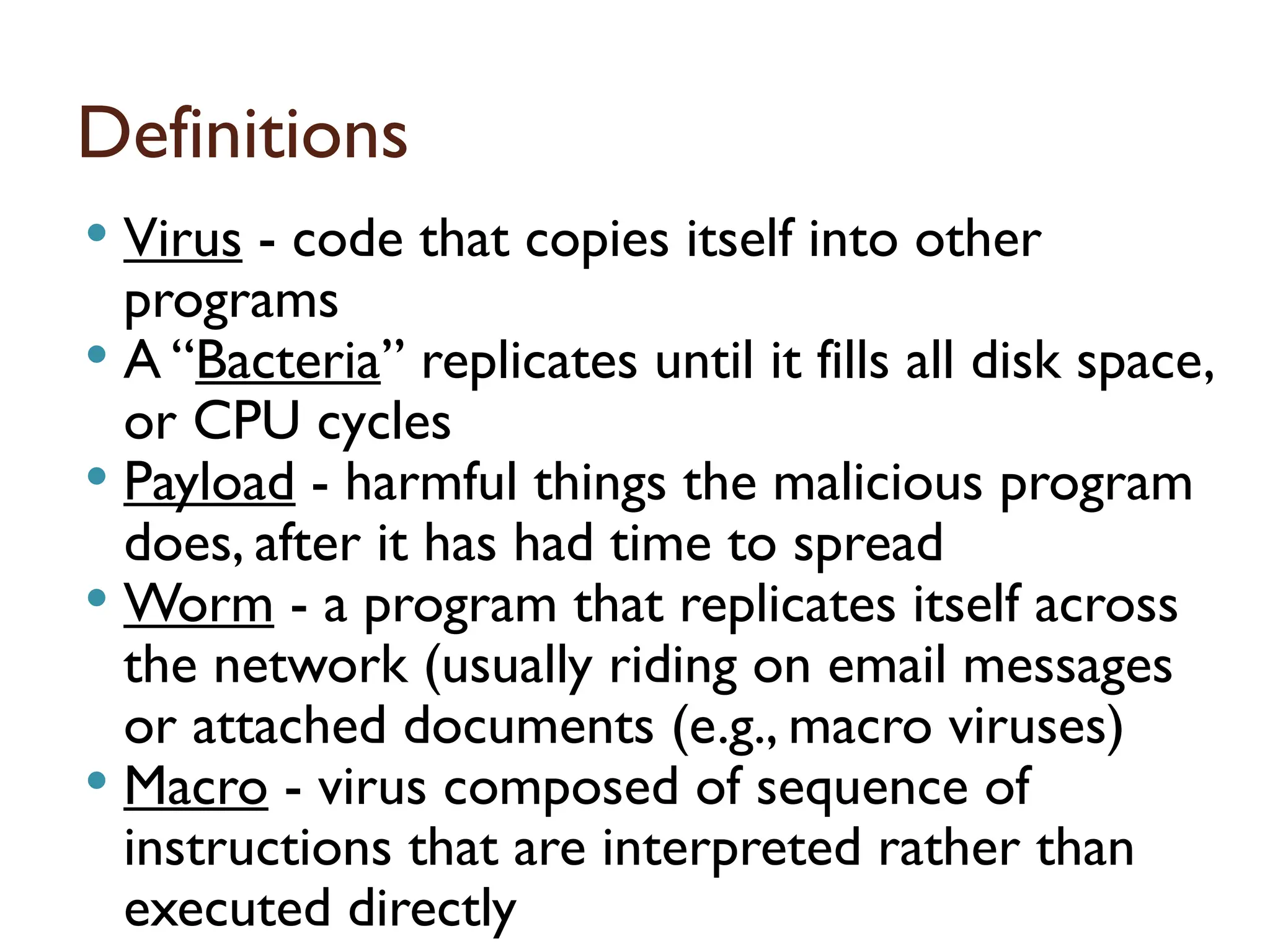
Definitions
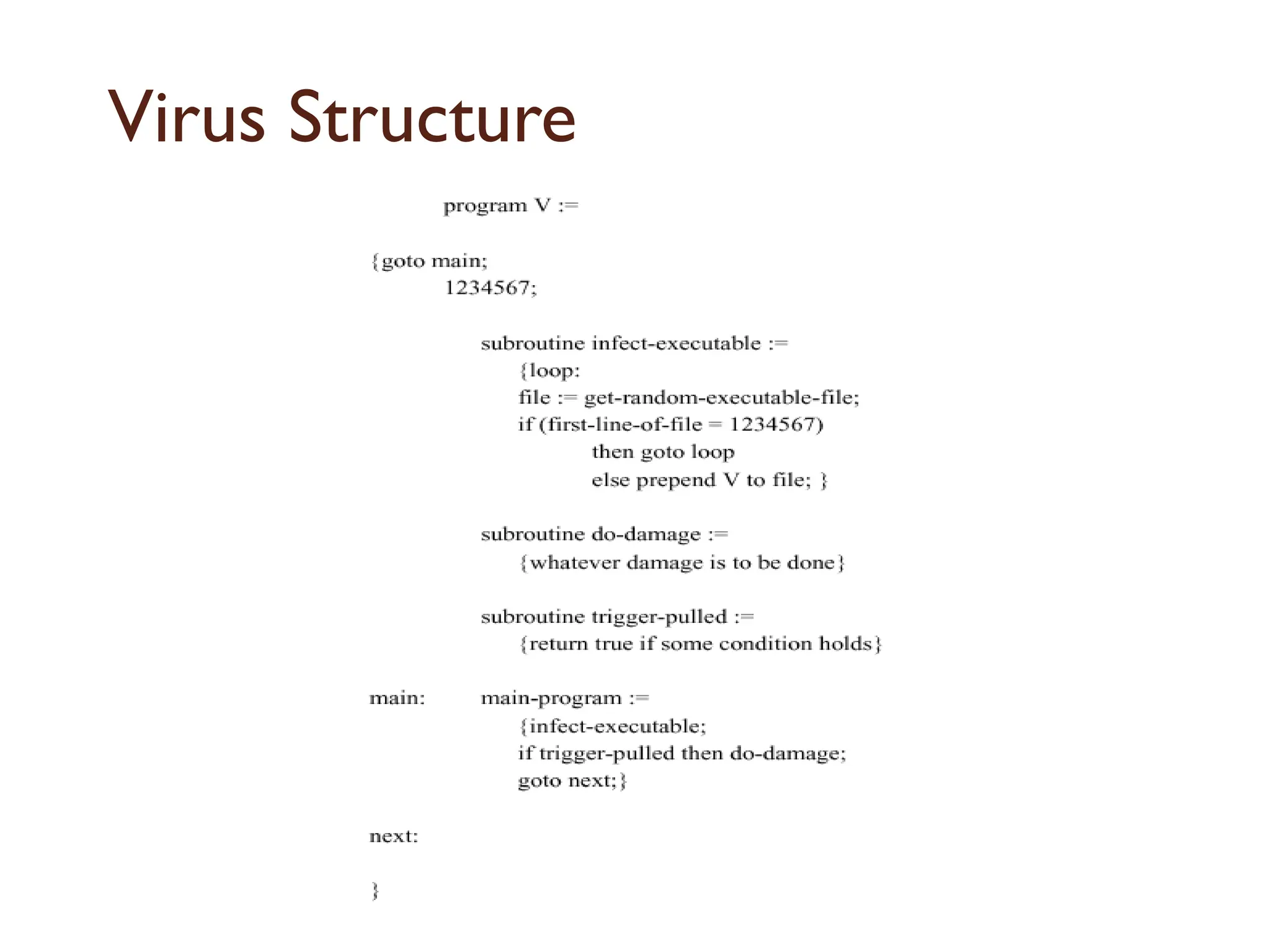
Virus -code that copies itself into other
programs
A “Bacteria” replicates until it fills all disk space,
or CPU cycles
Payload - harmful things the malicious program
does, after it has had time to spread
Worm - a program that replicates itself across
the network (usually riding on email messages
or attached documents (e.g., macro viruses)
Macro - virus composed of sequence of
instructions that are interpreted rather than
executed directly 16
168.
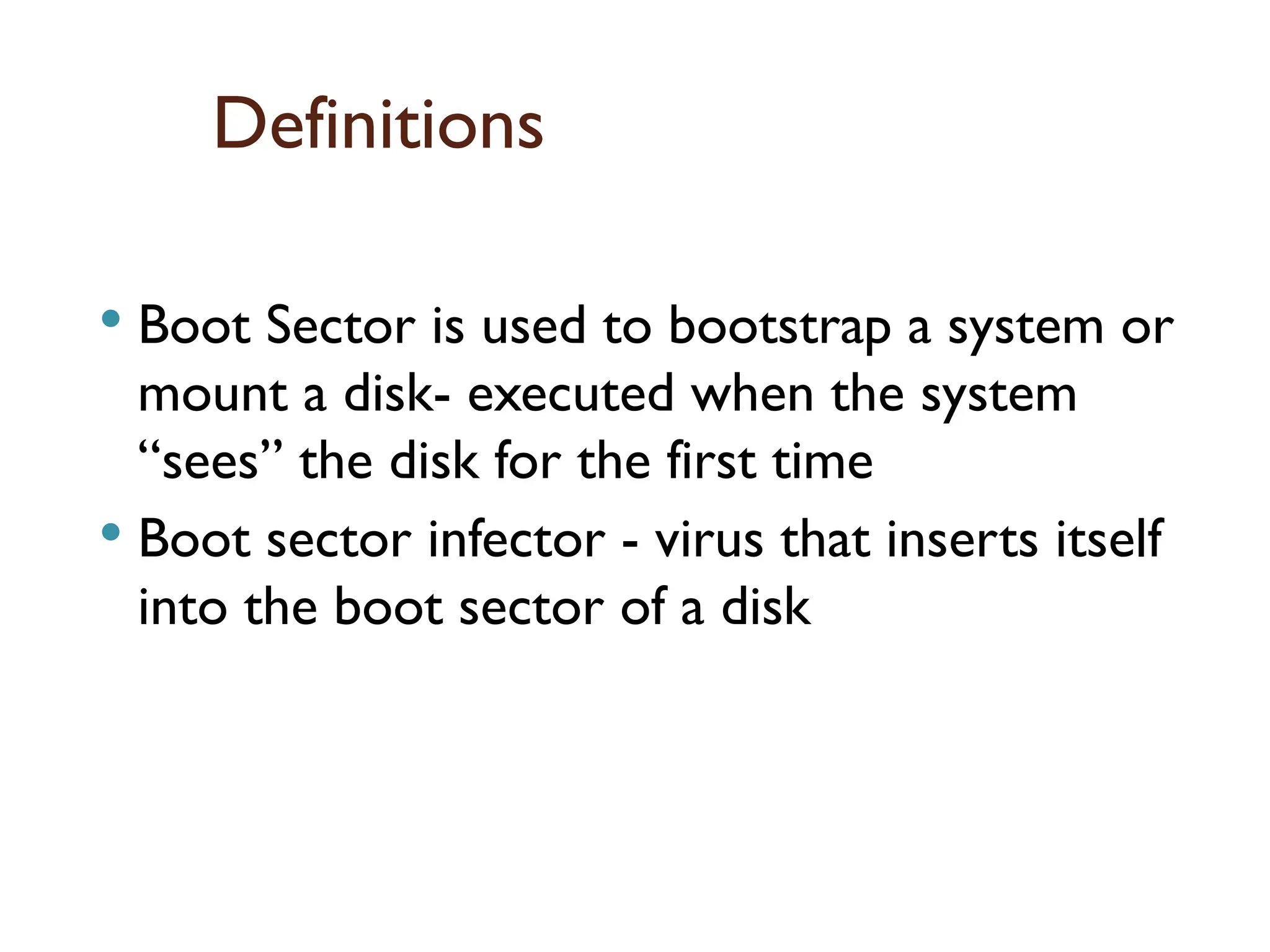
Definitions
Boot Sectoris used to bootstrap a system or
mount a disk- executed when the system
“sees” the disk for the first time
Boot sector infector - virus that inserts itself
into the boot sector of a disk
16
169.
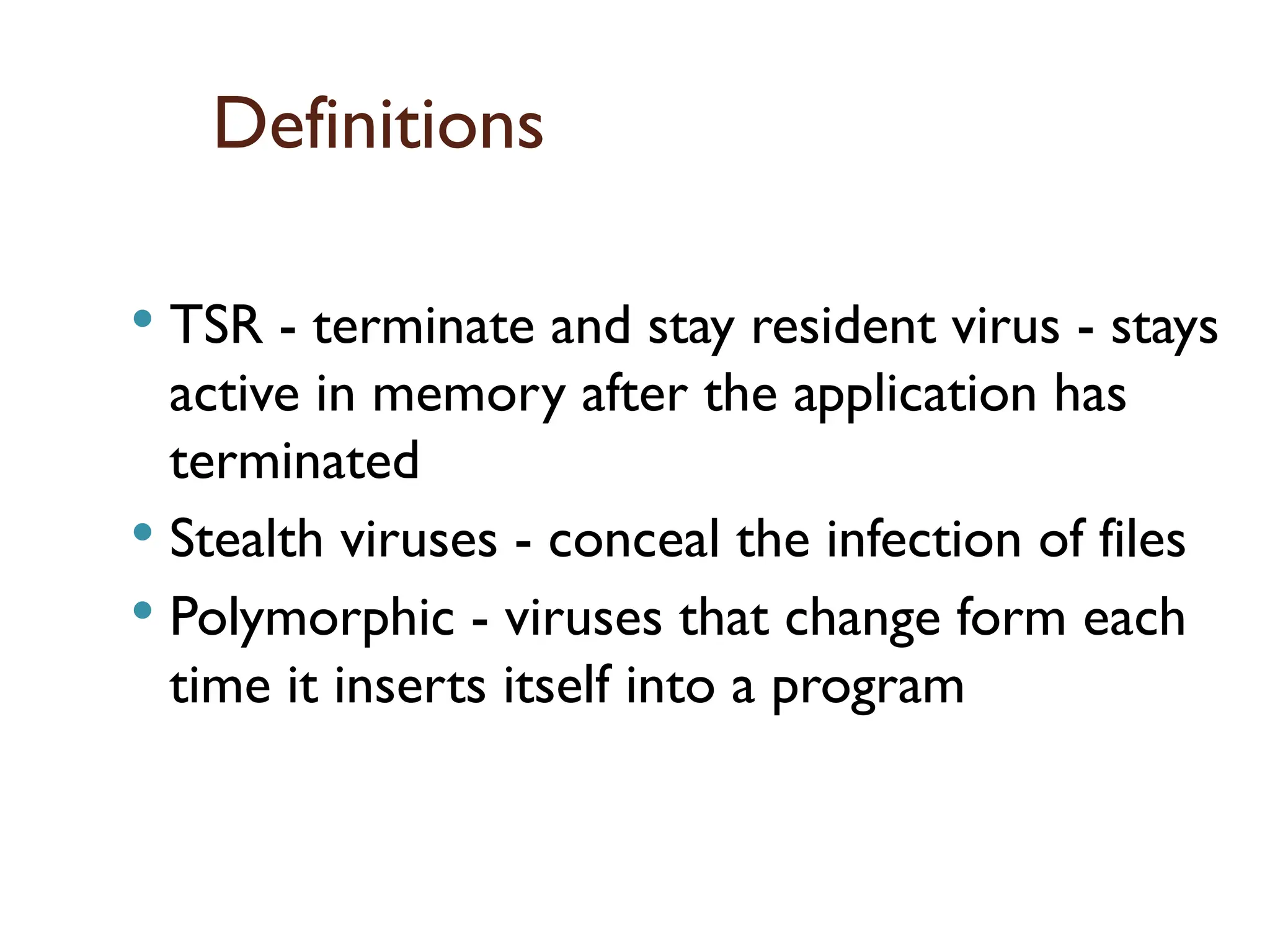
Definitions
TSR -terminate and stay resident virus - stays
active in memory after the application has
terminated
Stealth viruses - conceal the infection of files
Polymorphic - viruses that change form each
time it inserts itself into a program
16
170.
Definitions
Trojan Horse- instructions in an otherwise good
program that cause bad things to happen (sending your
data or password to an attacker over the net).
Logic Bomb - malicious code that activates on an event
(e.g., date).
Trap Door (or Back Door) - undocumented entry point
written into code for debugging that can allow
unwanted users.
Easter Egg - extraneous code that does something
“cool.” A way for programmers to show that they
control the product.
17
171.
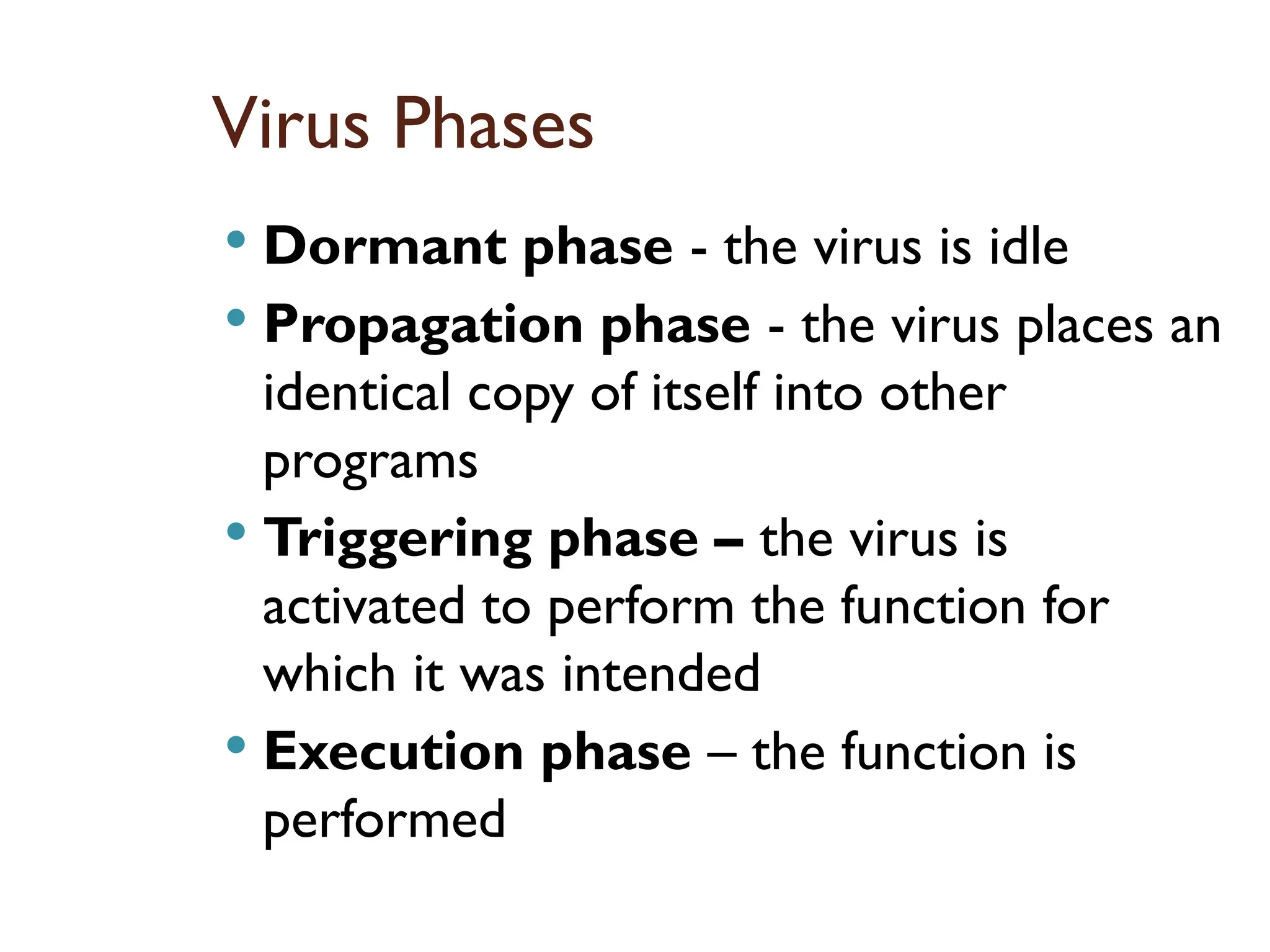
Virus Phases
Dormantphase - the virus is idle
Propagation phase - the virus places an
identical copy of itself into other
programs
Triggering phase – the virus is
activated to perform the function for
which it was intended
Execution phase – the function is
performed
17
172.
Virus Protection
Have awell-known virus protection program, configured to
scan disks and downloads automatically for known viruses.
Do not execute programs (or "macro's") from unknown
sources (e.g., PS files, Hypercard files, MS Office documents,
Avoid the most common operating systems and email
programs, if possible.
17
Virus Techniques
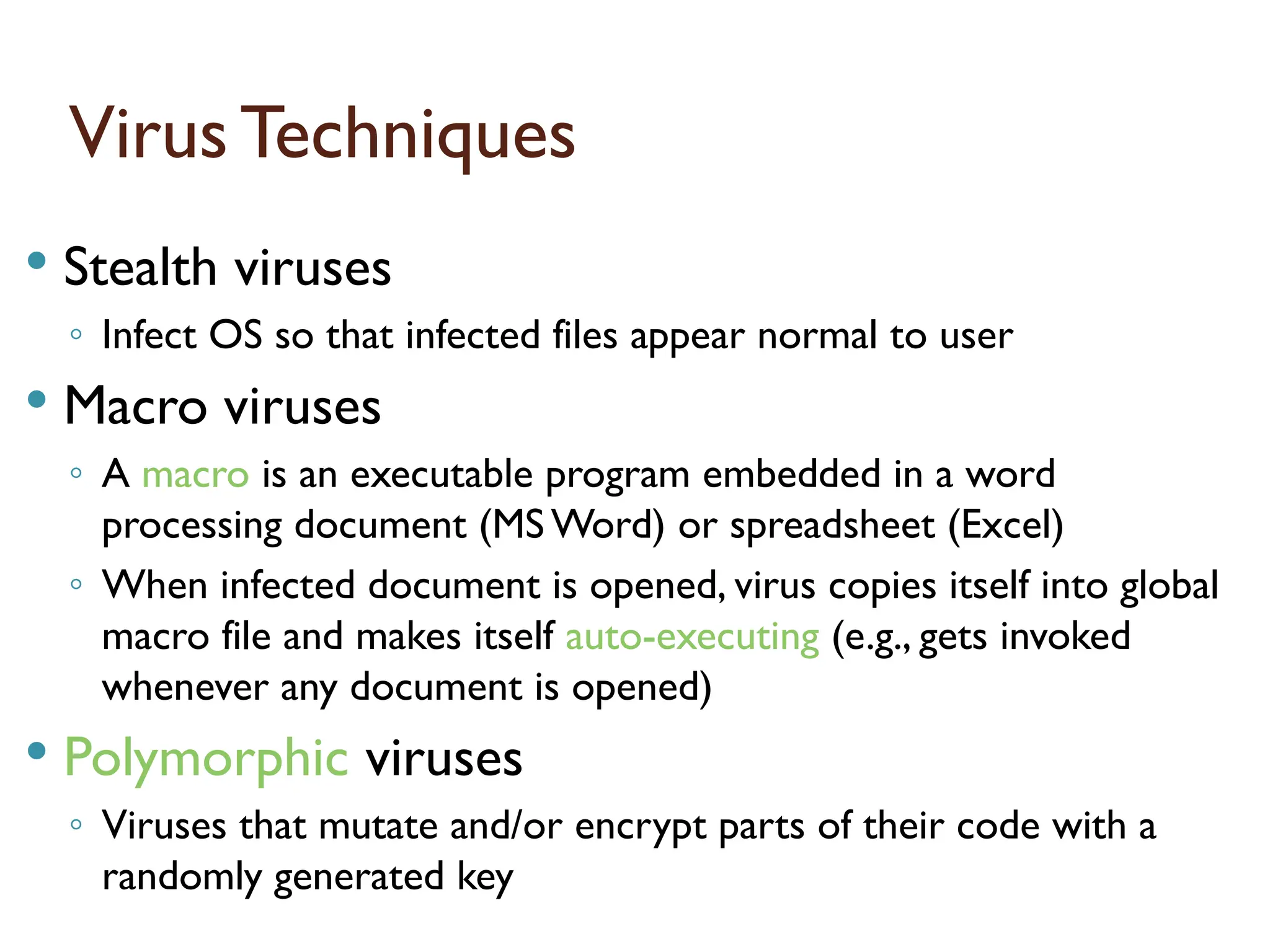
Stealthviruses
◦ Infect OS so that infected files appear normal to user
Macro viruses
◦ A macro is an executable program embedded in a word
processing document (MS Word) or spreadsheet (Excel)
◦ When infected document is opened, virus copies itself into global
macro file and makes itself auto-executing (e.g., gets invoked
whenever any document is opened)
Polymorphic viruses
◦ Viruses that mutate and/or encrypt parts of their code with a
randomly generated key
17
175.
Types ofViruses
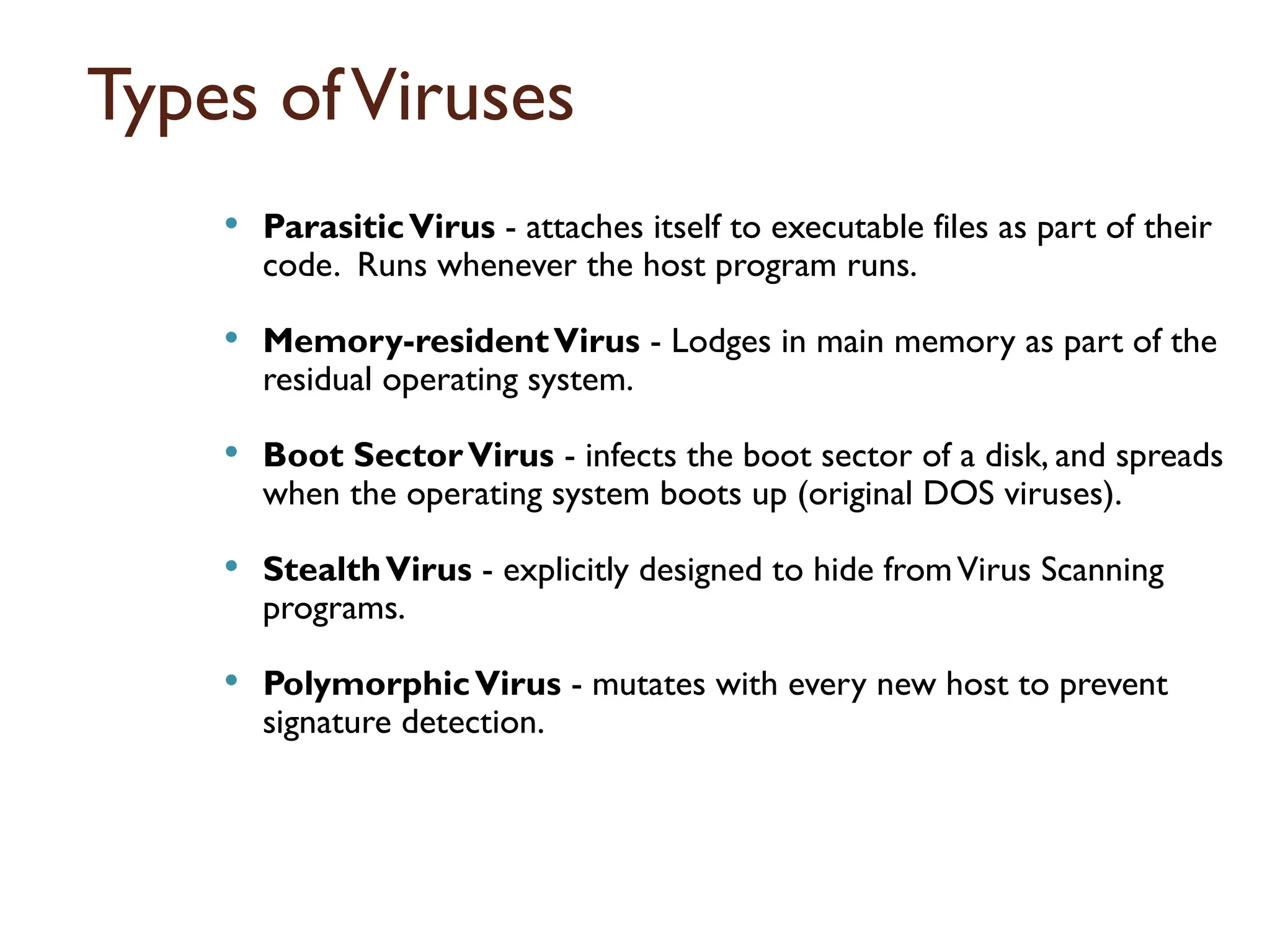
ParasiticVirus- attaches itself to executable files as part of their
code. Runs whenever the host program runs.
Memory-residentVirus - Lodges in main memory as part of the
residual operating system.
Boot SectorVirus - infects the boot sector of a disk, and spreads
when the operating system boots up (original DOS viruses).
StealthVirus - explicitly designed to hide fromVirus Scanning
programs.
PolymorphicVirus - mutates with every new host to prevent
signature detection.
17
176.
Firewall
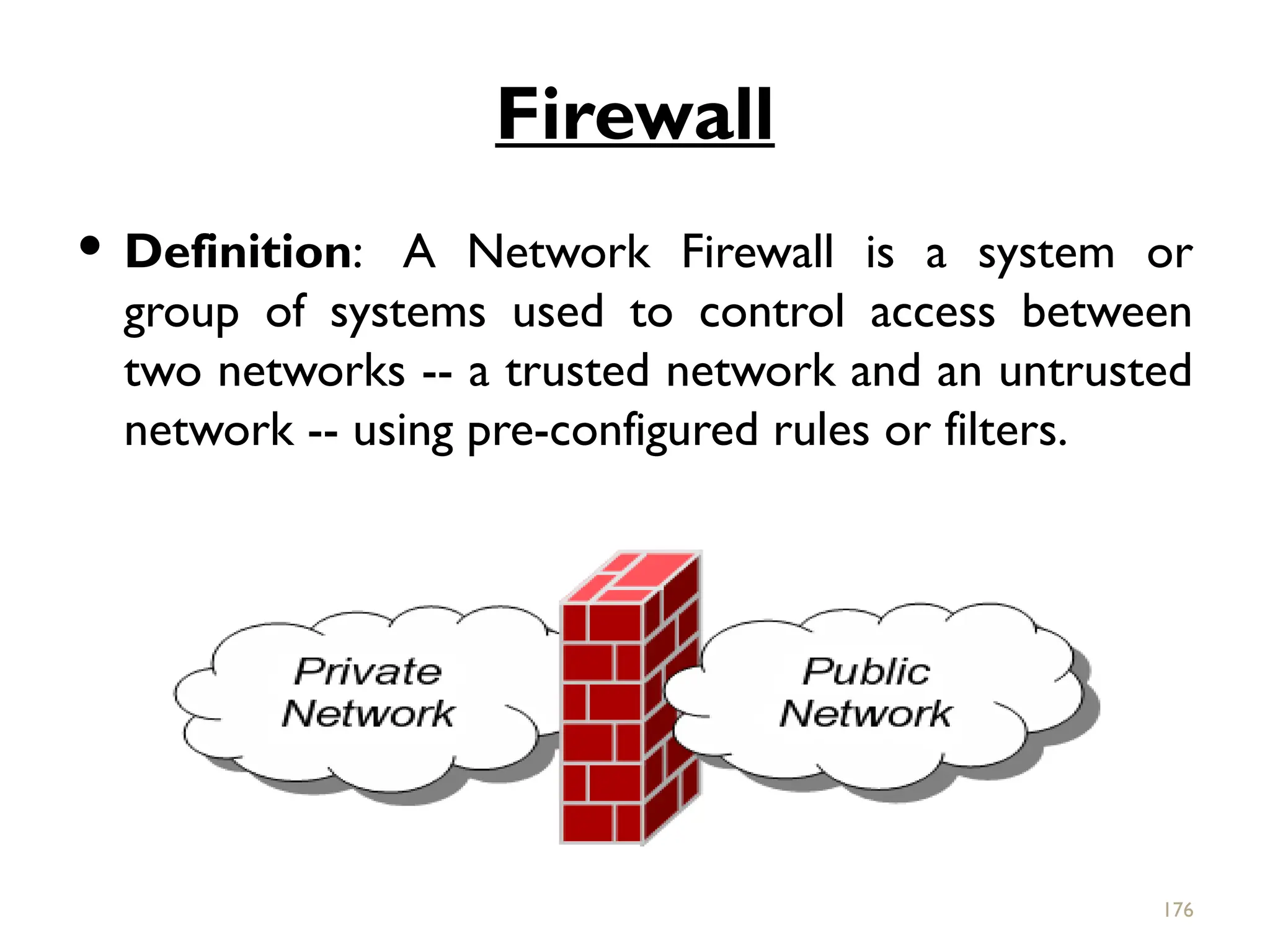
Definition: ANetwork Firewall is a system or
group of systems used to control access between
two networks -- a trusted network and an untrusted
network -- using pre-configured rules or filters.
176
177.
Firewall isdevice that provides secure
connectivity between networks (internal/
external).
It is used to implement and enforce a security
policy for communication between networks.
A firewall may be a hardware, software or a
combination of both that is used to prevent
unauthorized program or internet users from
accessing a private network or a single computer.
177
178.
All messagesentering or leaving the intranet pass
through the firewall, which examines each message &
blocks those that do not meet the specified security
criteria.
178
179.
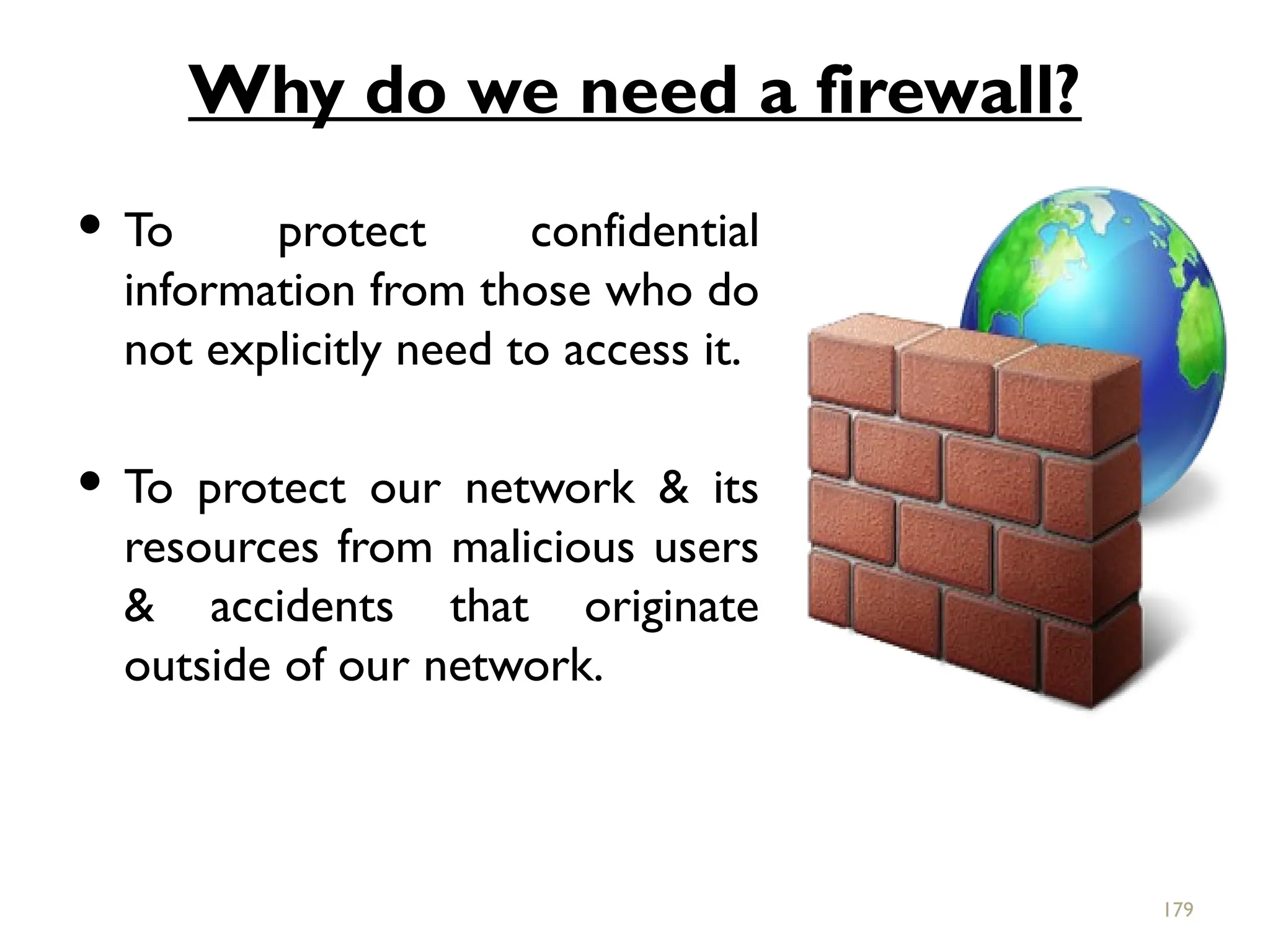
Why do weneed a firewall?
To protect confidential
information from those who do
not explicitly need to access it.
To protect our network & its
resources from malicious users
& accidents that originate
outside of our network.
179
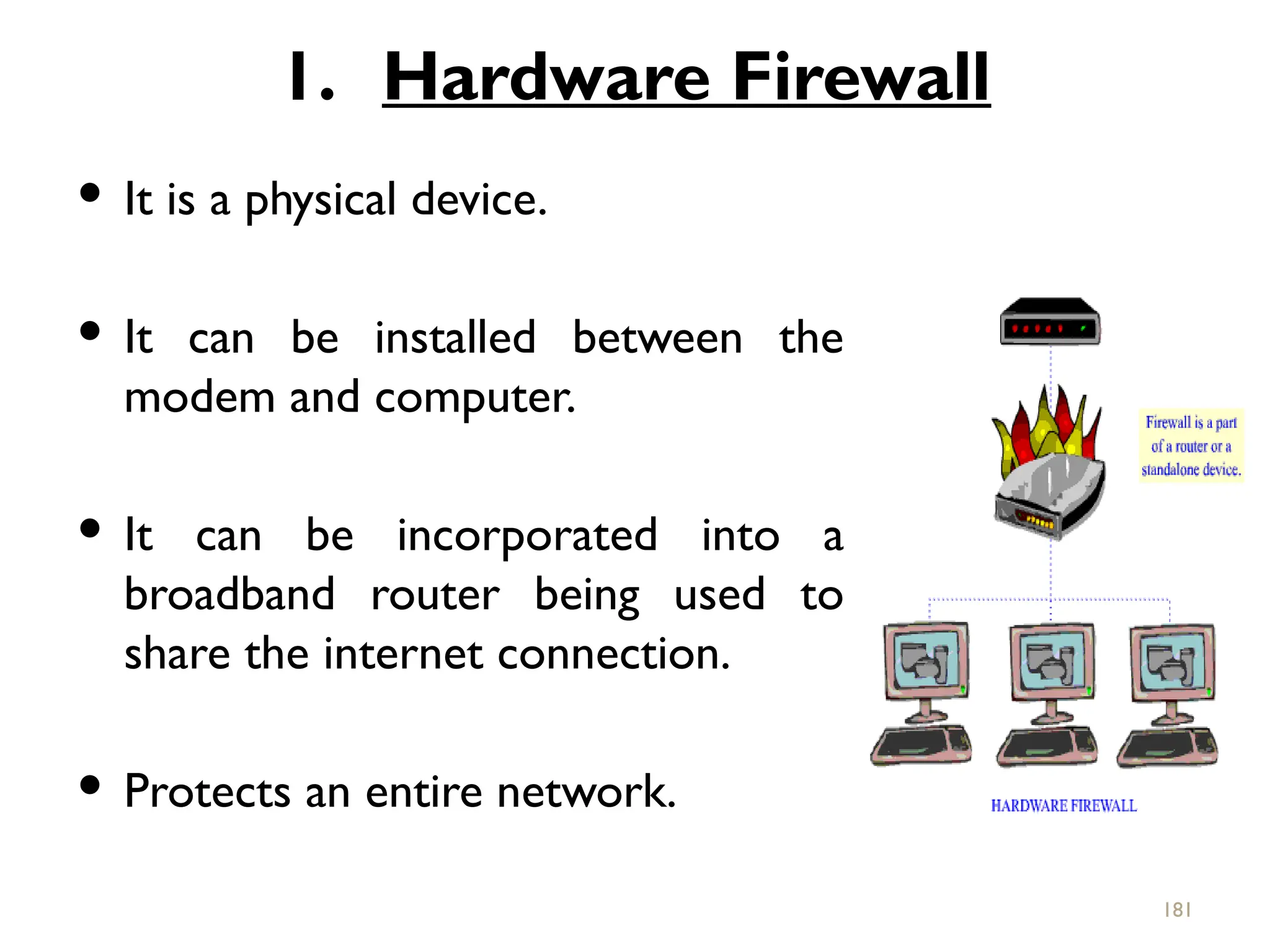
1. Hardware Firewall
It is a physical device.
It can be installed between the
modem and computer.
It can be incorporated into a
broadband router being used to
share the internet connection.
Protects an entire network.
181
182.
Usually moreexpensive, harder to configure.
E.g.- Cisco pix, Netscreen,Watchfuard etc.
182
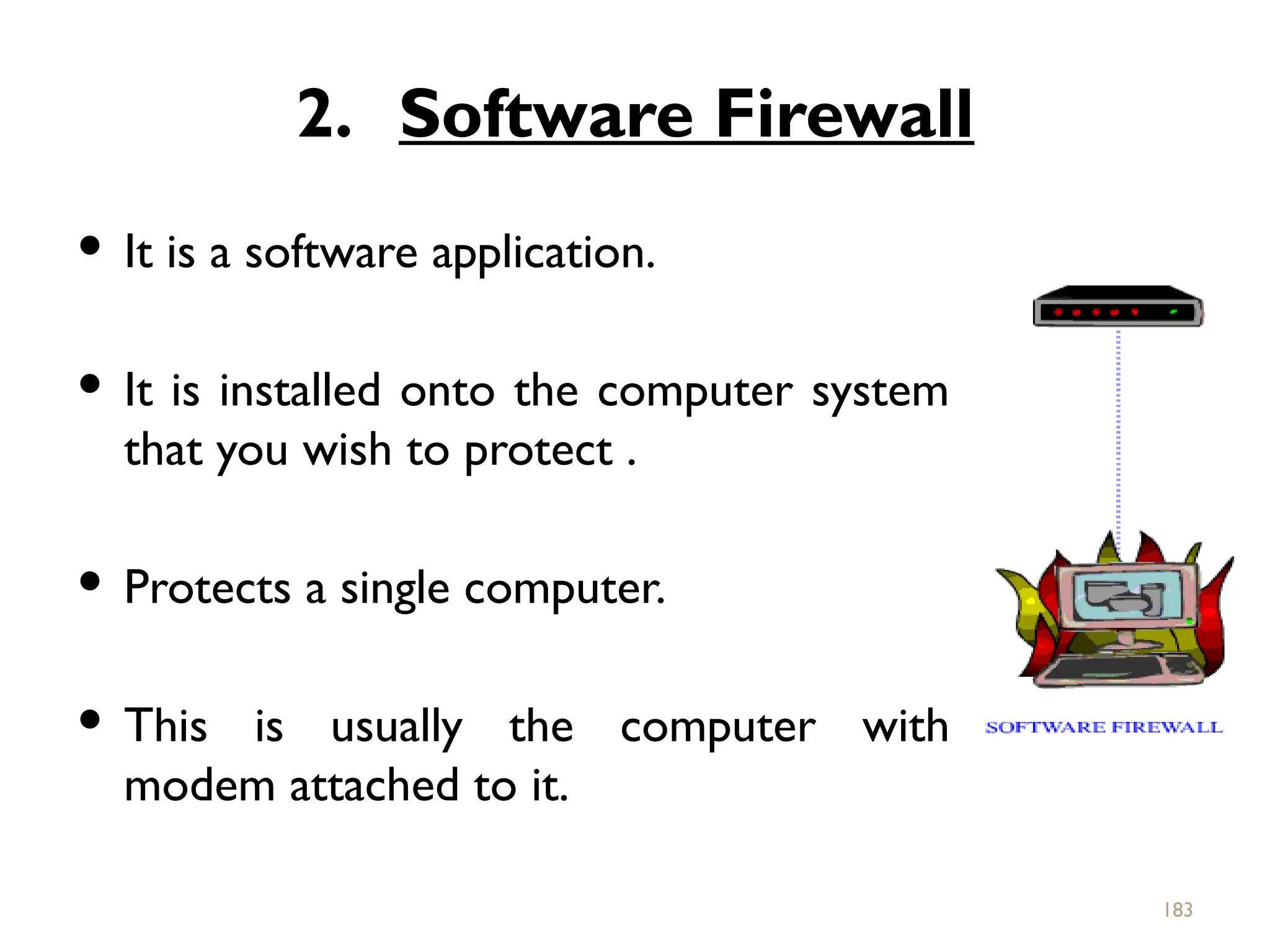
183.
2. Software Firewall
It is a software application.
It is installed onto the computer system
that you wish to protect .
Protects a single computer.
This is usually the computer with
modem attached to it.
183
184.
Usually lessexpensive, easier to configure.
E.g.- Norton internet security, MacAfee
internet security etc.
184
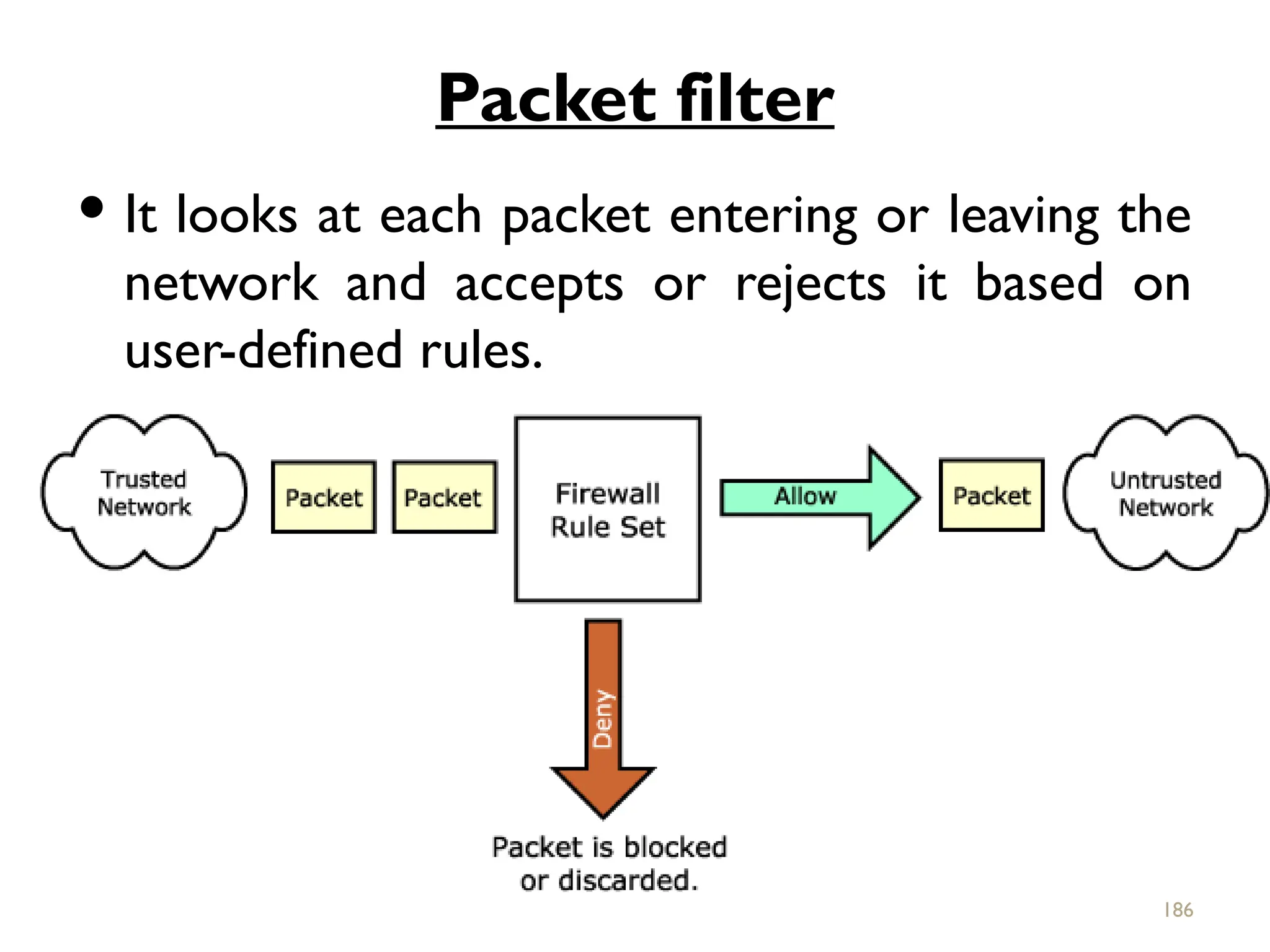
Packet filter
Itlooks at each packet entering or leaving the
network and accepts or rejects it based on
user-defined rules.
186
187.
Packet filteringis fairly effective & transparent
to users, but it is difficult to configure.
In addition, it is susceptible to IP spoofing.
187
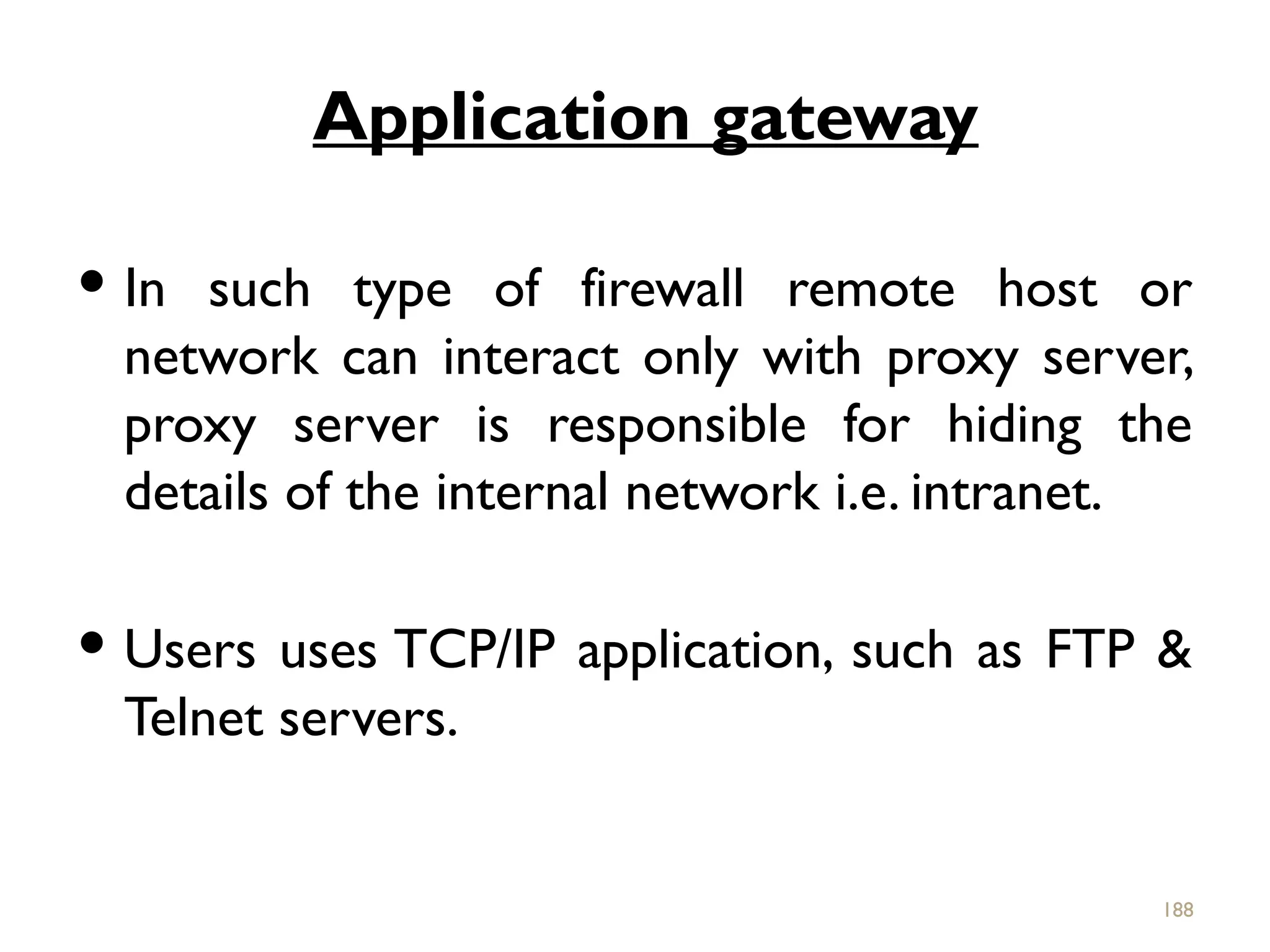
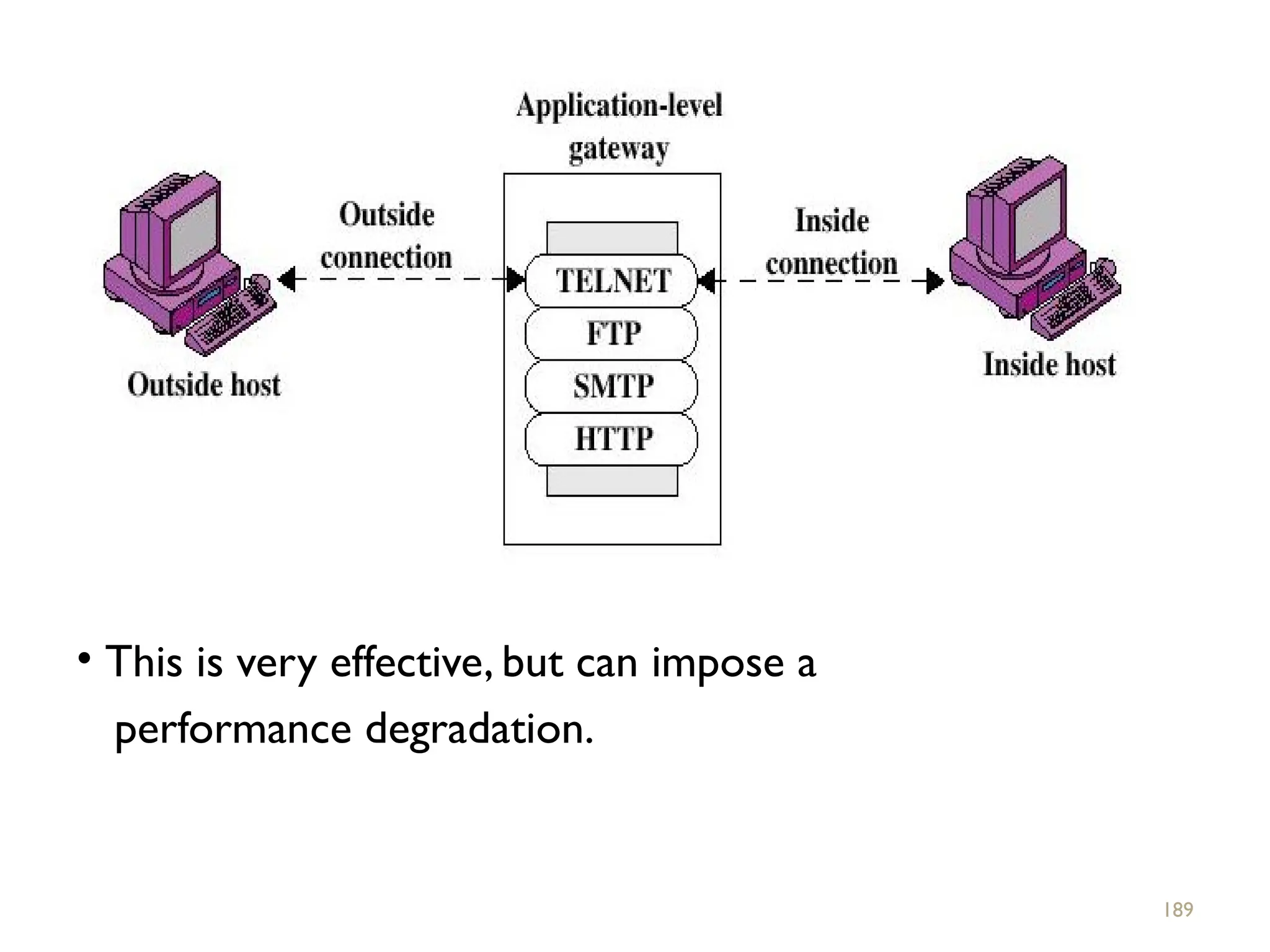
188.
Application gateway
Insuch type of firewall remote host or
network can interact only with proxy server,
proxy server is responsible for hiding the
details of the internal network i.e. intranet.
Users uses TCP/IP application, such as FTP &
Telnet servers.
188
189.
• This isvery effective, but can impose a
performance degradation.
189
190.
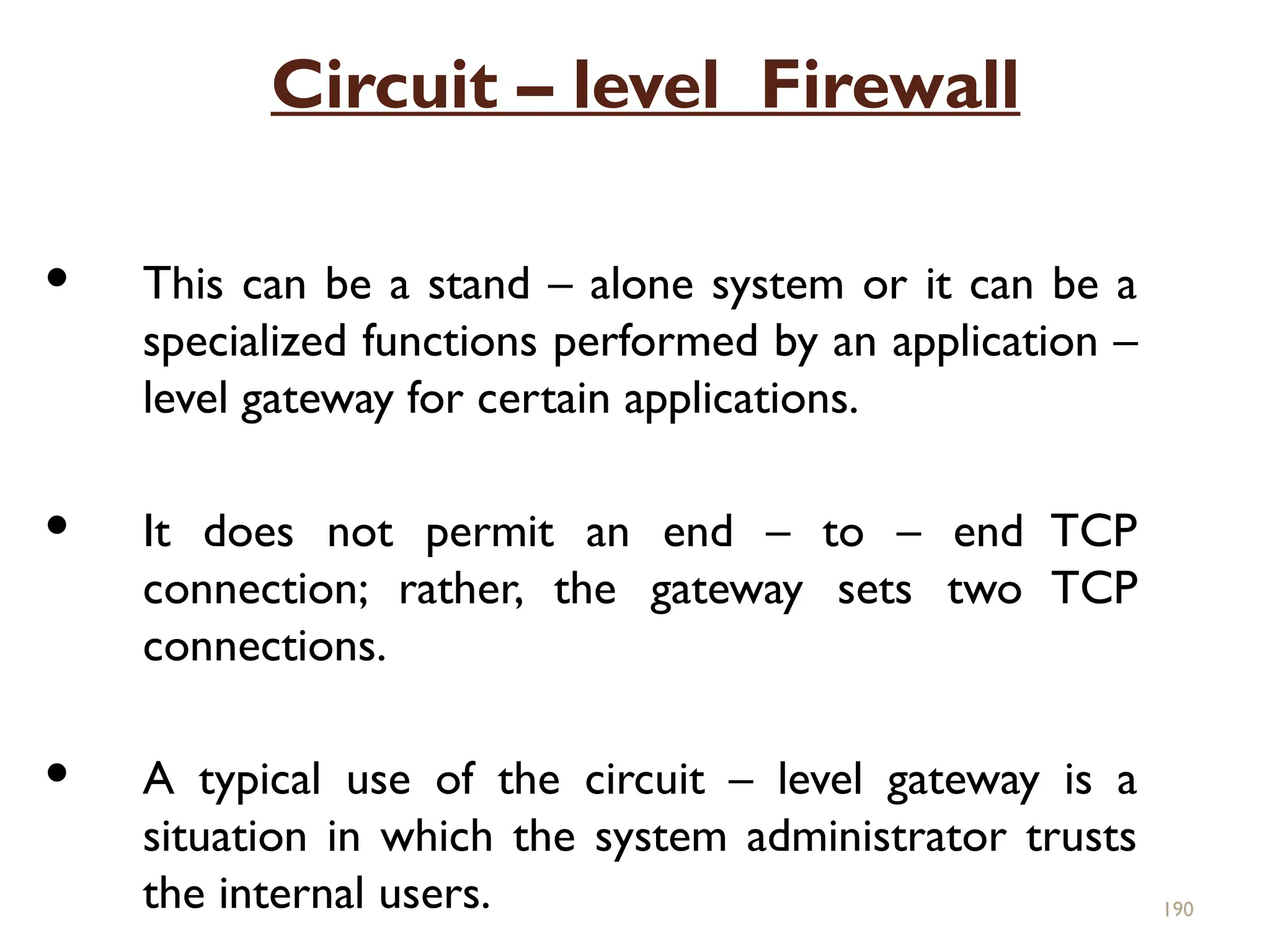
Circuit – levelFirewall
This can be a stand – alone system or it can be a
specialized functions performed by an application –
level gateway for certain applications.
It does not permit an end – to – end TCP
connection; rather, the gateway sets two TCP
connections.
A typical use of the circuit – level gateway is a
situation in which the system administrator trusts
the internal users. 190
191.
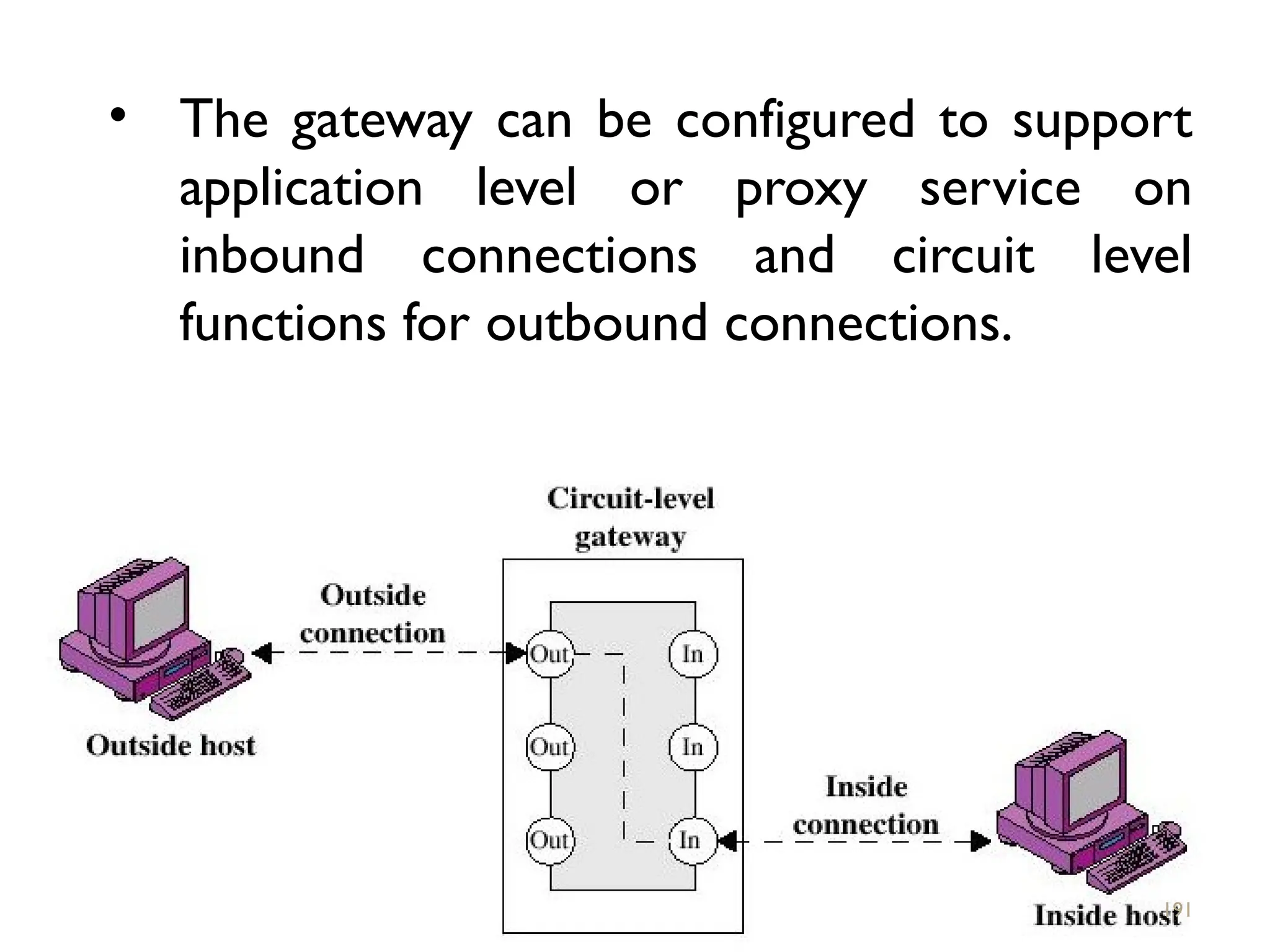
• The gatewaycan be configured to support
application level or proxy service on
inbound connections and circuit level
functions for outbound connections.
191
192.
Bastion Host
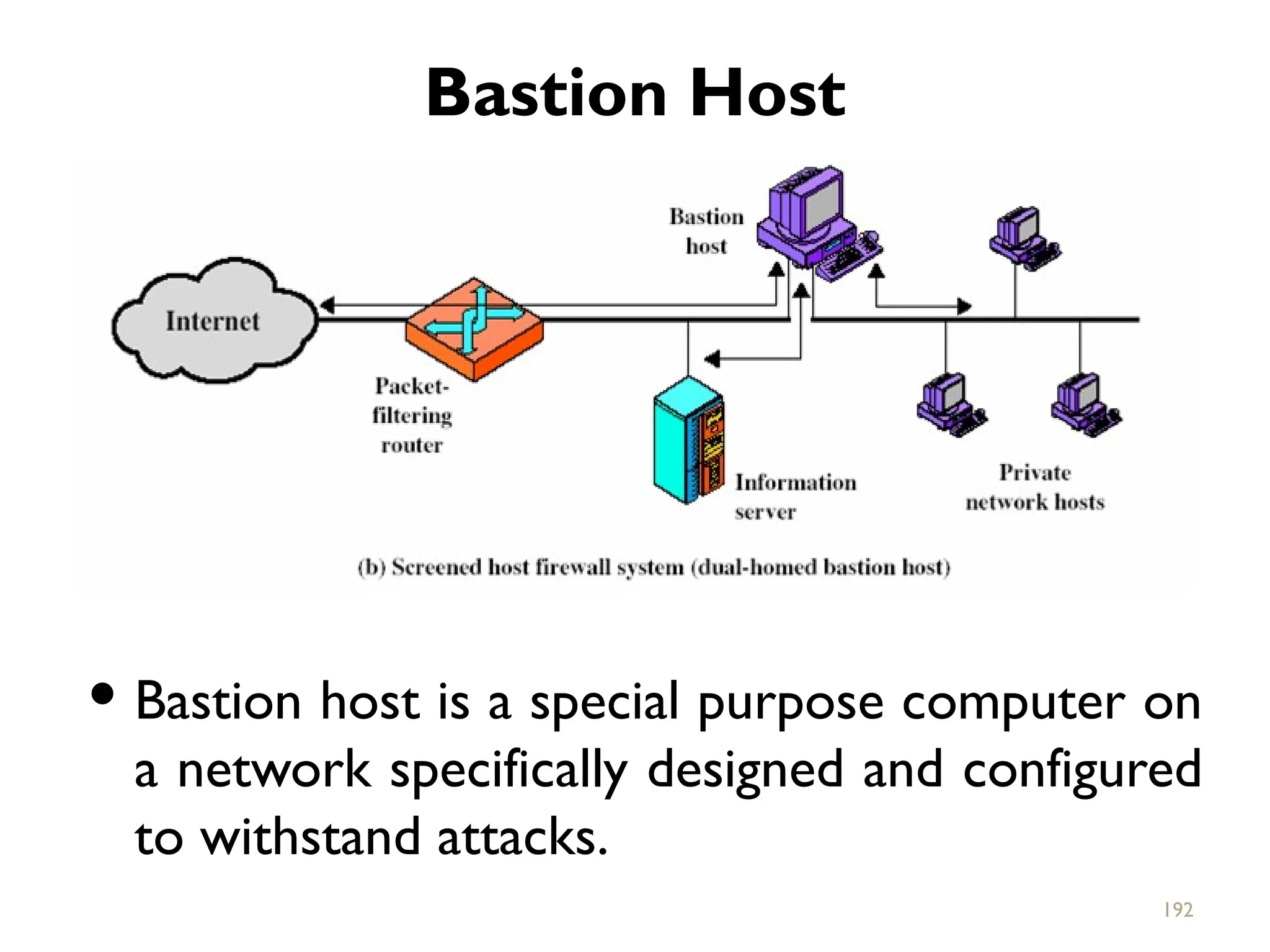
Bastionhost is a special purpose computer on
a network specifically designed and configured
to withstand attacks.
192
193.
It generallyhosts a single application, provides
platform for application gateway and circuit-
level gateway.
It supports limited/specific applications to
reduce the threat to the computer.
Include application-Telnet, SMTP, FTP
193
194.
What a personalfirewall can do
Stop hackers from accessing your computer.
Protect your personal information.
Blocks “pop up” ads and certain cookies.
Determines which programs can access the
internet.
Block invalid packets. 194
195.
What a personalfirewall can not
do
Cannot prevent e-mail viruses
-only an antivirus product with update definitions
can prevent e-mail viruses.
After setting it initially, you cannot forget about it
-The firewall will require periodic updates to the
rule sets and the software itself.
195
#1 This chapter examines some of the authentication functions that have been developed to support application-level authentication and digital signatures.
Will first look at one of the earliest and most widely used services: Kerberos. Then examine the X.509 directory authentication service.
#2 Kerberos is an authentication service developed as part of Project Athena at MIT, and is one of the best known and most widely implemented trusted third party key distribution systems.
Kerberos provides a centralized authentication server whose function is to authenticate users to servers and servers to users. Unlike most other authentication schemes, Kerberos relies exclusively on symmetric encryption, making no use of public-key encryption. Two versions of Kerberos are in common use: v4 & v5.
#3 The first published report on Kerberos [STEI88] listed the requirements shown above. To support these requirements, Kerberos is a trusted third-party authentication service that uses a protocol based on that proposed by Needham and Schroeder [NEED78], which was discussed in Chapter 7.
#4 The first published report on Kerberos [STEI88] listed the requirements shown above. To support these requirements, Kerberos is a trusted third-party authentication service that uses a protocol based on that proposed by Needham and Schroeder [NEED78], which was discussed in Chapter 7.
#5 The core of Kerberos is the Authentication and Ticket Granting Servers – these are trusted by all users and servers and must be securely administered. The protocol includes a sequence of interactions between the client, AS, TGT and desired server.
#6 The full Kerberos v4 authentication dialogue is shown in Stallings Table 14.1, divided into the 3 phases shown above. The justification for each item in the messages is given in Stallings Table 14.2.
#7 Stallings Figure 14.1 diagrammatically summarizes the Kerberos v4 authentication dialogue, with 3 pairs of messages, for each phase listed previously.
#8 A full-service Kerberos environment consisting of a Kerberos server, a number of clients, and a number of application servers is referred to as a Kerberos realm. A Kerberos realm is a set of managed nodes that share the same Kerberos database, and are part of the same administrative domain. If have multiple realms, their Kerberos servers must share keys and trust each other.
#9 Stallings Figure 14.2 shows the authentication messages where service is being requested from another domain. The ticket presented to the remote server indicates the realm in which the user was originally authenticated. The server chooses whether to honor the remote request. One problem presented by the foregoing approach is that it does not scale well to many realms, as each pair of realms need to share a key.
#10 Kerberos Version 5 is specified in RFC 1510 and provides a number of improvements over version 4 in the areas of environmental shortcomings and technical deficiencies, in areas as noted. See Stallings Table 14.3 for details of the Kerberos v5 authentication dialogue.
#11 X.509 is part of the X.500 series of recommendations that define a directory service, being a server or distributed set of servers that maintains a database of information about users.
X.509 defines a framework for the provision of authentication services by the X.500 directory to its users. The directory may serve as a repository of public-key certificates. In addition, X.509 defines alternative authentication protocols based on the use of public-key certificates. X.509 is based on the use of public-key cryptography and digital signatures. The standard does not dictate the use of a specific algorithm but recommends RSA.
The X.509 certificate format is widely used, in for example S/MIME, IP Security and SSL/TLS and SET.
#12 The X.509 certificate is the heart of the standard. There are 3 versions, with successively more info in the certificate - must be v2 if either unique identifier field exists, must be v3 if any extensions are used. These user certificates are assumed to be created by some trusted certification authority (CA) and placed in the directory by the CA or by the user. The directory server itself is not responsible for the creation of public keys or for the certification function; it merely provides an easily accessible location for users to obtain certificates. The certificate includes the elements shown.
The standard uses the notation for a certificate of: CA<<A>> where the CA signs the certificate for user A with its private key.
#13 Stallings Figure 14.4 shows the format of an X.509 certificate and CRL.
#14 User certificates generated by a CA have the characteristics that any user with access to the public key of the CA can verify the user public key that was certified, and no party other than the certification authority can modify the certificate without this being detected. Because certificates are unforgeable, they can be placed in a directory without the need for the directory to make special efforts to protect them.
#17 If both parties use the same CA, they know its public key and can verify others certificates. If not, then there has to be some means to form a chain of certifications between the CA's used by the two parties, by the use of client and parent certificates. It is assumed that each client trusts its parents certificates.
#18 Stallings Figure 14.5 illustrates the use of an X.509 hierarchy to mutually verify clients certificates.
Track chains of certificates:
A acquires B certificate using chain: X<<W>>W<<V>>V<<Y>>Y<<Z>>Z<<B>>
B acquires A certificate using chain: Z<<Y>>Y<<V>>V<<W>>W<<X>>X<<A>>
#19 A certificate includes a period of validity. Typically a new certificate is issued just before the expiration of the old one.
In addition, it may be desirable on occasion to revoke a certificate before it expires, for one of a range of reasons, such as those shown above.
To support this, each CA must maintain a list consisting of all revoked but not expired certificates issued by that CA, known as the certificate revocation list (CRL).
When a user receives a certificate in a message, the user must determine whether the certificate has been revoked, by checking the directory CRL each time a certificate is received, this often does not happen in practice.
#20 A certificate includes a period of validity. Typically a new certificate is issued just before the expiration of the old one.
In addition, it may be desirable on occasion to revoke a certificate before it expires, for one of a range of reasons, such as those shown above.
To support this, each CA must maintain a list consisting of all revoked but not expired certificates issued by that CA, known as the certificate revocation list (CRL).
When a user receives a certificate in a message, the user must determine whether the certificate has been revoked, by checking the directory CRL each time a certificate is received, this often does not happen in practice.
#21 X.509 also includes three alternative authentication procedures that are intended for use across a variety of applications, used when obtaining and using certificates. 1-way for unidirectional messages (like email), 2-way for interactive sessions when timestamps are used, 3-way for interactive sessions with no need for timestamps (and hence synchronised clocks). See Stallings Figure 14.6 for details of each of these alternatives.
#22 One way authentication involves a single transfer of information from one user (A) to another (B), and establishes the details shown above. Note that only the identity of the initiating entity is verified in this process, not that of the responding entity. At a minimum, the message includes a timestamp ,a nonce, and the identity of B and is signed with A’s private key. The message may also include information to be conveyed, such as a session key for B.
#23 Two-way authentication thus permits both parties in a communication to verify the identity of the other, thus additionally establishing the above details. The reply message includes the nonce from A, to validate the reply. It also includes a timestamp and nonce generated by B, and possible additional information for A.
#24 Three-Way Authentication includes a final message from A to B, which contains a signed copy of the nonce, so that timestamps need not be checked, for use when synchronized clocks are not available.
#25 The X.509 version 2 format does not convey all of the information that recent design and implementation experience has shown to be needed. Rather than continue to add fields to a fixed format, standards developers felt that a more flexible approach was needed. X.509 version 3 includes a number of optional extensions that may be added to the version 2 format. Each extension consists of an extension identifier, a criticality indicator, and an extension value. The criticality indicator indicates whether an extension can be safely ignored or not (in which case if unknown the certificate is invalid).
#26 The certificate extensions fall into three main categories:
key and policy information - convey additional information about the subject and issuer keys, plus indicators of certificate policy
subject and issuer attributes - support alternative names, in alternative formats, for a certificate subject or certificate issuer and can convey additional information about the certificate subject
certification path constraints - allow constraint specifications to be included in certificates issued for CA’s by other CA’s
#88 The Internet community has developed application-specific security mechanisms in a number of application areas, including electronic mail (S/MIME, PGP), client/server (Kerberos), Web access (Secure Sockets Layer), and others. However users have some security concerns that cut across protocol layers. By implementing security at the IP level, an organization can ensure secure networking not only for applications that have security mechanisms but also for the many security-ignorant applications.
#89 IP-level security encompasses three functional areas: authentication, confidentiality, and key management. The authentication mechanism assures that a received packet was transmitted by the party identified as the source in the packet header, and that the packet has not been altered in transit. The confidentiality facility enables communicating nodes to encrypt messages to prevent eavesdropping by third parties. The key management facility is concerned with the secure exchange of keys. IPSec provides the capability to secure communications across a LAN, across private and public WANs, and across the Internet.
#90 Stallings Figure 16.1 illustrates a typical IP Security scenario. An organization maintains LANs at dispersed locations. Nonsecure IP traffic is conducted on each LAN. For traffic offsite, through some sort of private or public WAN, IPSec protocols are used. These protocols operate in networking devices, such as a router or firewall, that connect each LAN to the outside world. The IPSec networking device will typically encrypt and compress all traffic going into the WAN, and decrypt and decompress traffic coming from the WAN; these operations are transparent to workstations and servers on the LAN. Secure transmission is also possible with individual users who dial into the WAN. Such user workstations must implement the IPSec protocols to provide security.
#91 [MARK97] lists the benefits shown for IPSec. It also plays a vital role in the routing architecture required for internetworking.
#92 The IPSec specification has become quite complex. The IPSec specification consists of numerous documents. The most important of these,issued in November of 1998, are
• RFC 2401: An overview of a security architecture
• RFC 2402: Description of a packet authentication extension to IPv4 and IPv6
• RFC 2406: Description of a packet encryption extension to IPv4 and IPv6
• RFC 2408: Specification of key management capabilities
In addition to these four RFCs, a number of additional drafts have been published by the IP Security Protocol Working Group set up by the IETF. The documents are divided into seven groups.
Support for these features is mandatory for IPv6 and optional for IPv4.
In both cases, the security features are implemented as extension headers that follow the main IP header. The extension header for authentication is known as the Authentication Header (AH); that for encryption is known as the Encapsulating Security Payload (ESP) header.
#93 IPSec provides security services at the IP layer by enabling a system to select required security protocols, determine the algorithm(s) to use for the service(s), and put in place any cryptographic keys required to provide the requested services. The security services supported are as shown above. See Stallings Table 16.1 for the services provided by AH & ESP respectively. For ESP, there are two cases: with and without the authentication option. Both AH and ESP are vehicles for access control, based on the distribution of cryptographic keys and the management of traffic flows relative to these security protocols.
#94 A key concept that appears in both the authentication and confidentiality mechanisms for IP is the security association (SA). An association is a one-way relationship between a sender and a receiver that affords security services to the traffic carried on it. If a peer relationship is needed, for two-way secure exchange, then two security associations are required. Security services are afforded to an SA for the use of AH or ESP, but not both.
A security association is uniquely identified by three parameters:
• Security Parameters Index (SPI): A bit string assigned to this SA and having local significance only
• IP Destination Address: this is the address of the destination endpoint of the SA
• Security Protocol Identifier: This indicates whether the association is an AH or ESP security association.
A SA may also have a number of other parameters. In each IPSec implementation, there is a Security Association Database that defines the parameters associated with each SA.
#95 The Authentication Header provides support for data integrity and authentication of IP packets.The data integrity feature ensures that undetected modification to a packet’s content in transit is not possible. The authentication feature enables an end system or network device to authenticate the user or application and filter traffic accordingly; it also prevents address spoofing attacks and replay attacks. Authentication is based on the use of a message authentication code (MAC), hence the two parties must share a secret key. AH supports MACs using HMAC-MD5-96 or HMAC-SHA-1-96. Both of these use the HMAC algorithm , the first with the MD5 hash code and the second with the SHA-1 hash code. In both cases, the full HMAC value is calculated but then truncated by using the first 96bits, which is the default length for the Authentication Data field.
#96 Stallings Figure 16.3 shows the Authentication Header fields:
• Next Header (8 bits): Identifies the type of header immediately following this header
• Payload Length (8 bits): Length of Authentication Header in 32-bit words, minus 2.
• Reserved (16 bits): For future use
• Security Parameters Index (32 bits): Identifies a security association
• Sequence Number (32 bits): A monotonically increasing counter value
• Authentication Data (variable): A variable-length field (must be an integral number of 32-bit words) that contains the Integrity Check Value (ICV), or MAC,for this packet
#97 Stallings Figure 16.5 shows the difference between end-to-end (transport) mode and end-to-intermediate (tunnel) mode.
Transport mode provides protection primarily for upper-layer protocol payloads, by inserting the AH after the original IP header and before the IP payload. Typically, transport mode is used for end-to-end communication between two hosts.
Tunnel mode provides protection to the entire IP, after the AH or ESP fields are added to the IP packet, the entire packet plus security fields is treated as the payload of new “outer”IP packet with a new outer IP header. Tunnel mode is used when one or both ends of an SA are a security gateway, such as a firewall or router that implements IPSec.
#98 The Encapsulating Security Payload provides confidentiality services, including confidentiality of message contents and limited traffic flow confidentiality. As an optional feature, ESP can also provide an authentication service, with the same MACs as AH. ESP supports range of ciphers, modes, and padding, as shown.
#99 Stallings Figure16.7 shows the format of an ESP packet. It contains the following fields:
• Security Parameters Index (32 bits): Identifies a security association
• Sequence Number (32 bits): A monotonically increasing counter value; this provides an anti-replay function ,as discussed for AH
• Payload Data (variable): This is a transport-level segment (transport mode) or IP packet (tunnel mode) that is protected by encryption
• Padding (0–255 bytes): for various reasons
• Pad Length (8 bits): Indicates the number of pad bytes immediately preceding this field
• Next Header (8 bits): Identifies the type of data contained in the payload data field by identifying the first header in that payload
• Authentication Data (variable): A variable-length field that contains the Integrity Check Value computed over the ESP packet minus the Authentication Data field
#100 Transport mode ESP is used to encrypt and optionally authenticate the data carried by IP. Transport mode operation provides confidentiality for any application that uses it, thus avoiding the need to implement confidentiality in every individual application. This mode of operation is also reasonably efficient, adding little to the total length of the IP packet. One drawback to this mode is that it is possible to do traffic analysis on the transmitted packets.
Tunnel mode ESP is used to encrypt an entire IP packet. Tunnel mode is useful in a configuration that includes a firewall or other sort of security gateway that protects a trusted network from external networks.
#101 An individual SA can implement either the AH or ESP protocol but not both. Sometimes a particular traffic flow will call for the services provided by both AH and ESP. Further, a particular traffic flow may require IPSec services between hosts and ,for that same flow, separate services between security gateways, such as firewalls. In all of these cases, multiple SAs must be employed for the same traffic flow to achieve the desired IPSec services. The term security association bundle refers to a sequence of SAs through which traffic must be processed to provide a desired set of IPSec services. The SAs in a bundle may terminate at different endpoints or at the same endpoints.
Security associations may be combined into bundles in two ways:
• Transport adjacency: more than one security protocol on same IP packet, without invoking tunneling
• Iterated tunneling: application of multiple layers of security protocols effected through IP tunneling
One interesting issue is the order in which authentication and encryption may be applied between a given pair of endpoints.
#102 The IPSec Architecture document lists four examples of combinations of SAs that must be supported by compliant IPSec hosts or security gateways. These are illustrated in Stallings Figure 16.10. Note the *’d devices implement IPSec. The cases are:
Case 1 security is provided between end systems that implement IPSec.
Case 2 security is provided only between gateways (routers,firewalls,etc.) and no hosts implement IPSec.
Case 3 builds on Case 2 by adding end-to-end security .The same combinations discussed for cases 1 and 2 are allowed here.
Case 4 provides support for a remote host that uses the Internet to reach an organization’s firewall and then to gain access to some server or workstation behind the firewall. Only tunnel mode is required between the remote host and the firewall.
#190 TCP connections : one between itself and a TCP user on an inner host and one between itself and TCP user on an outside host.
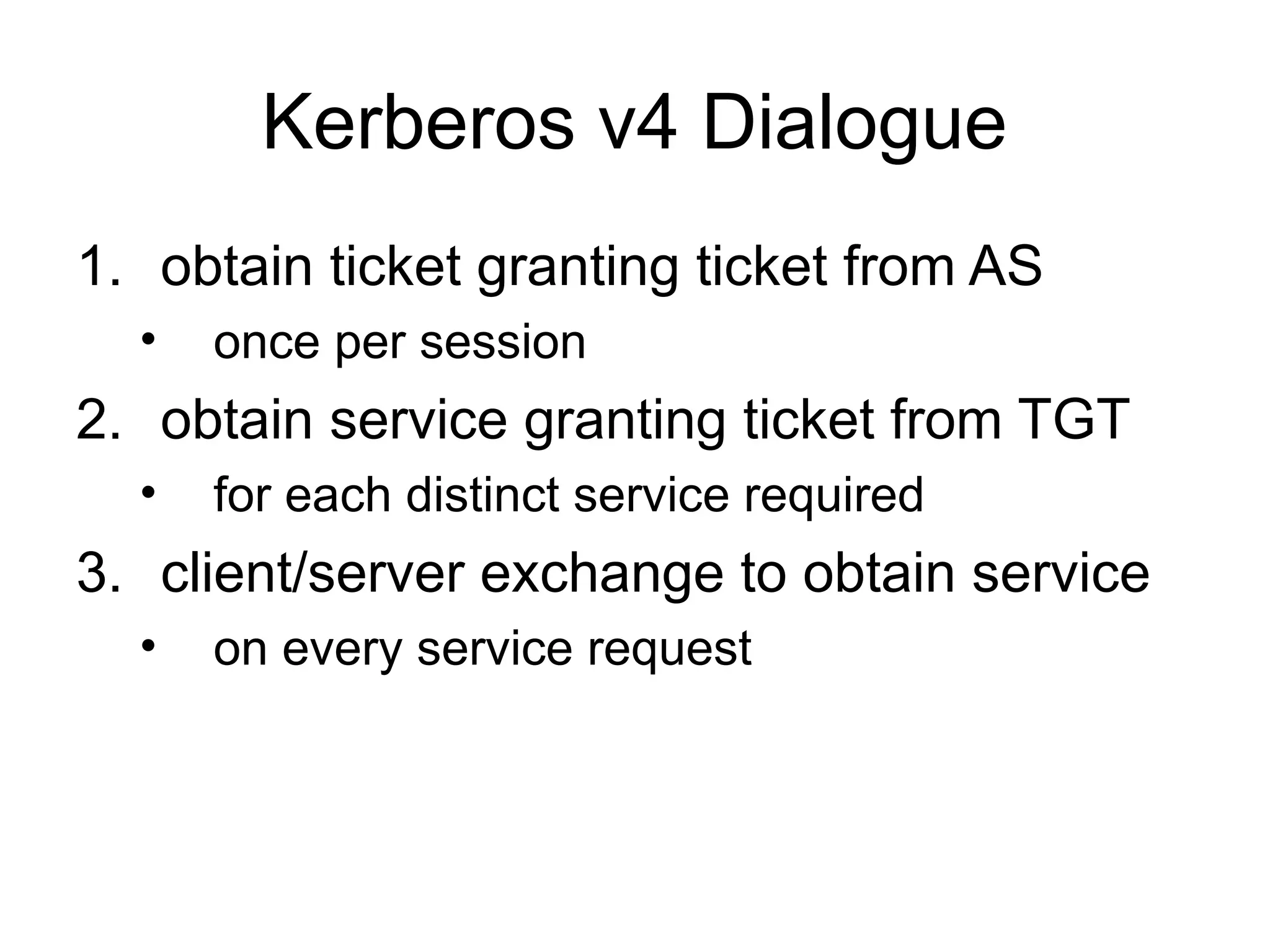
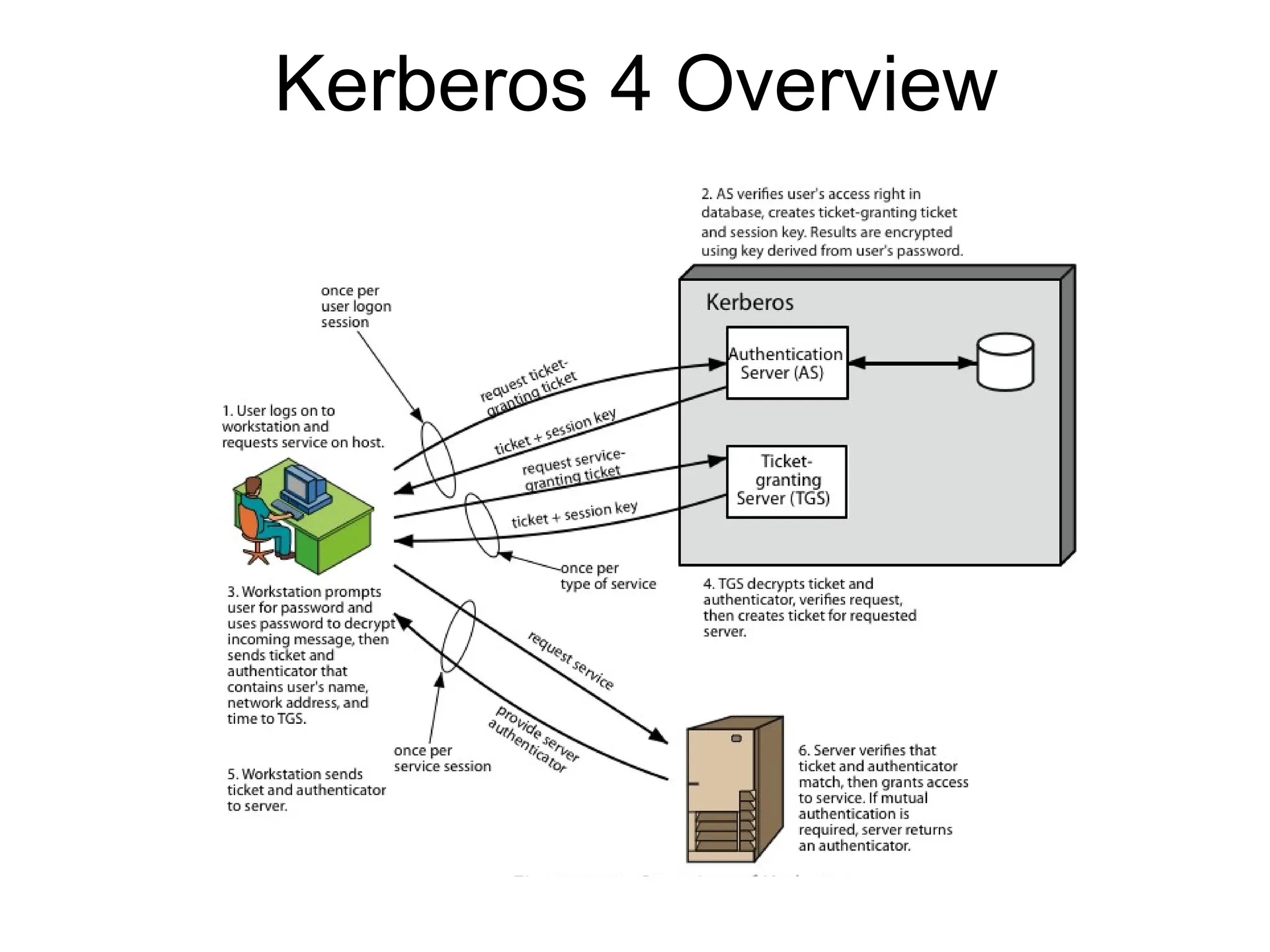
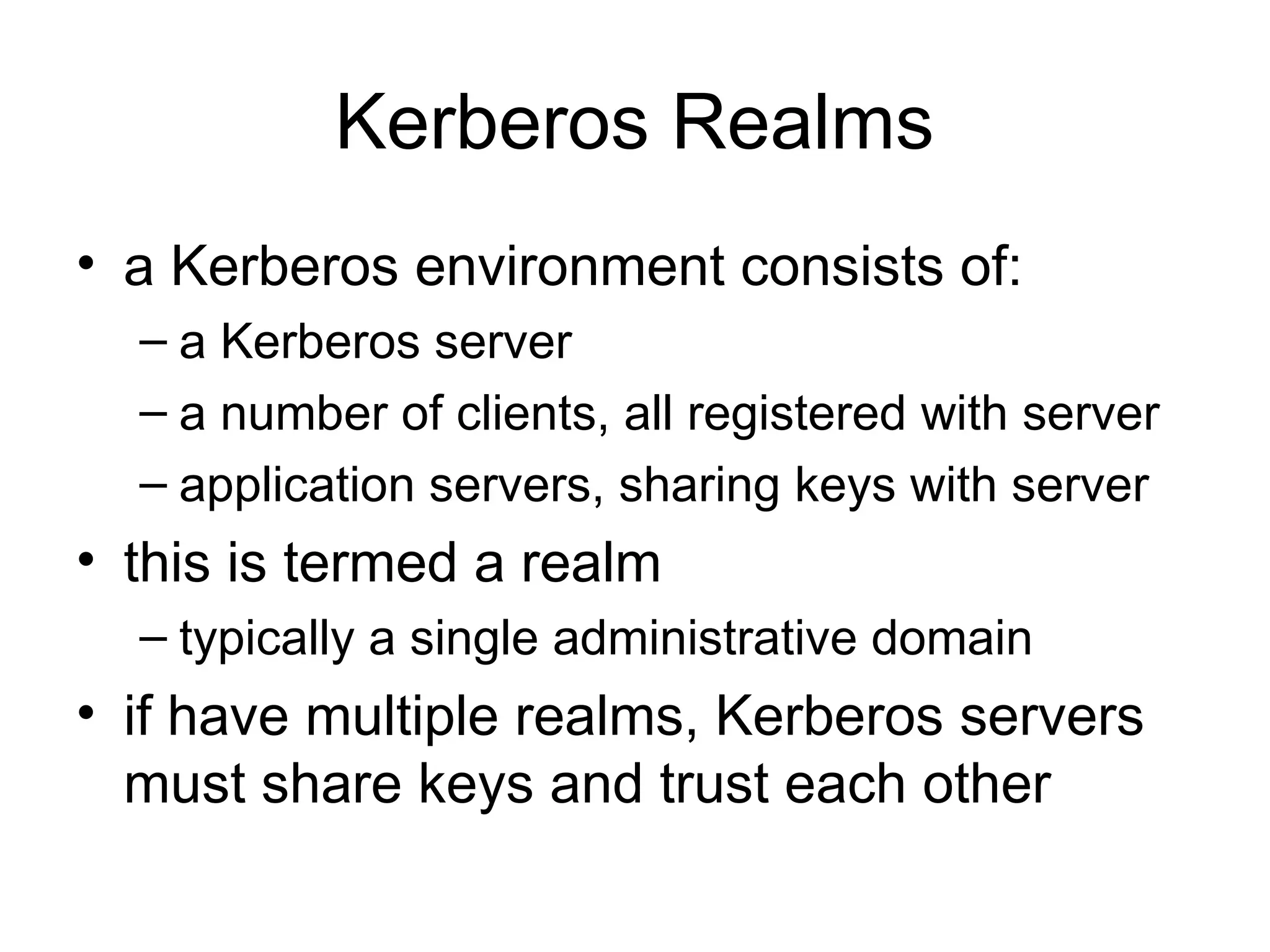
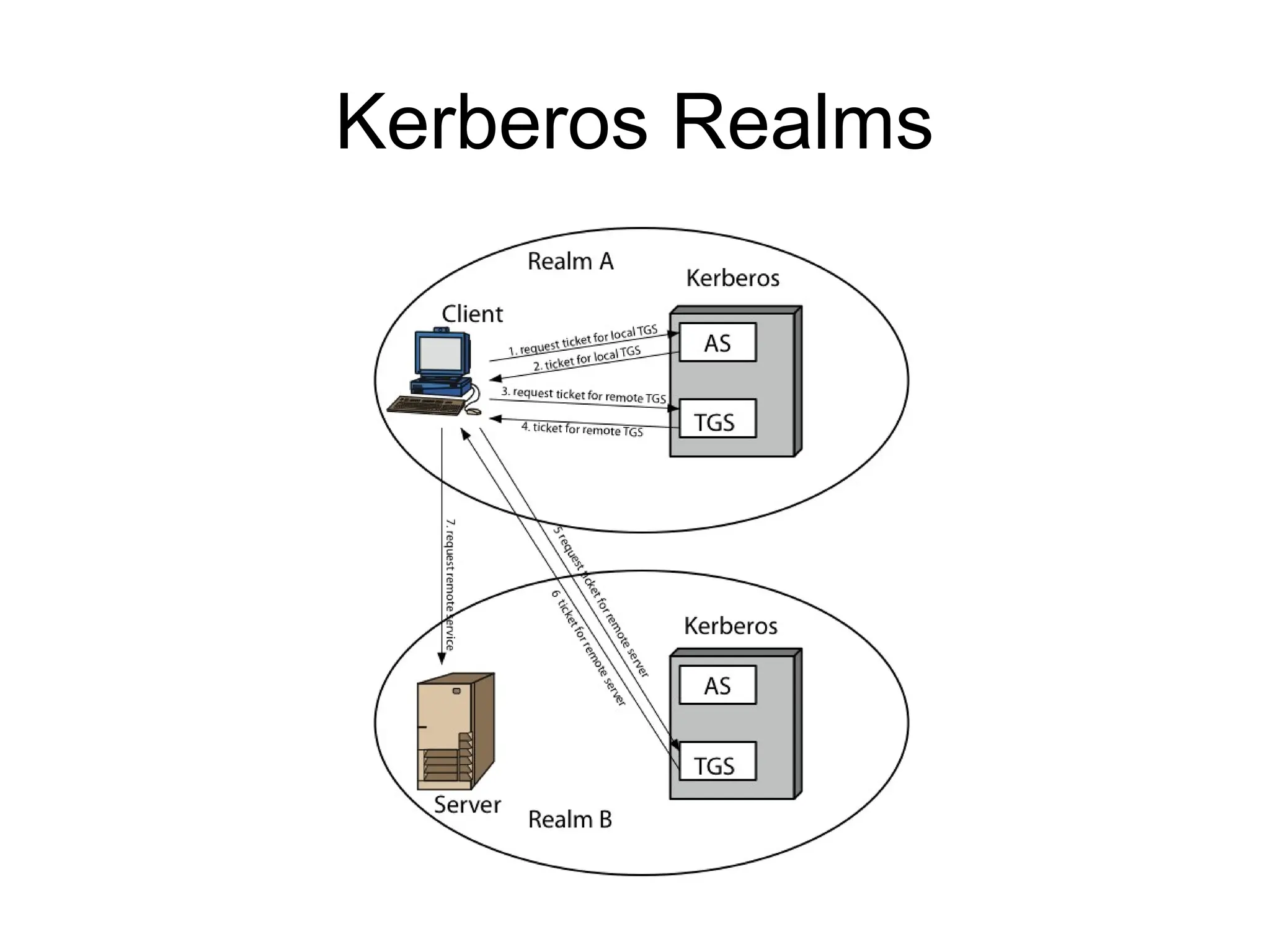
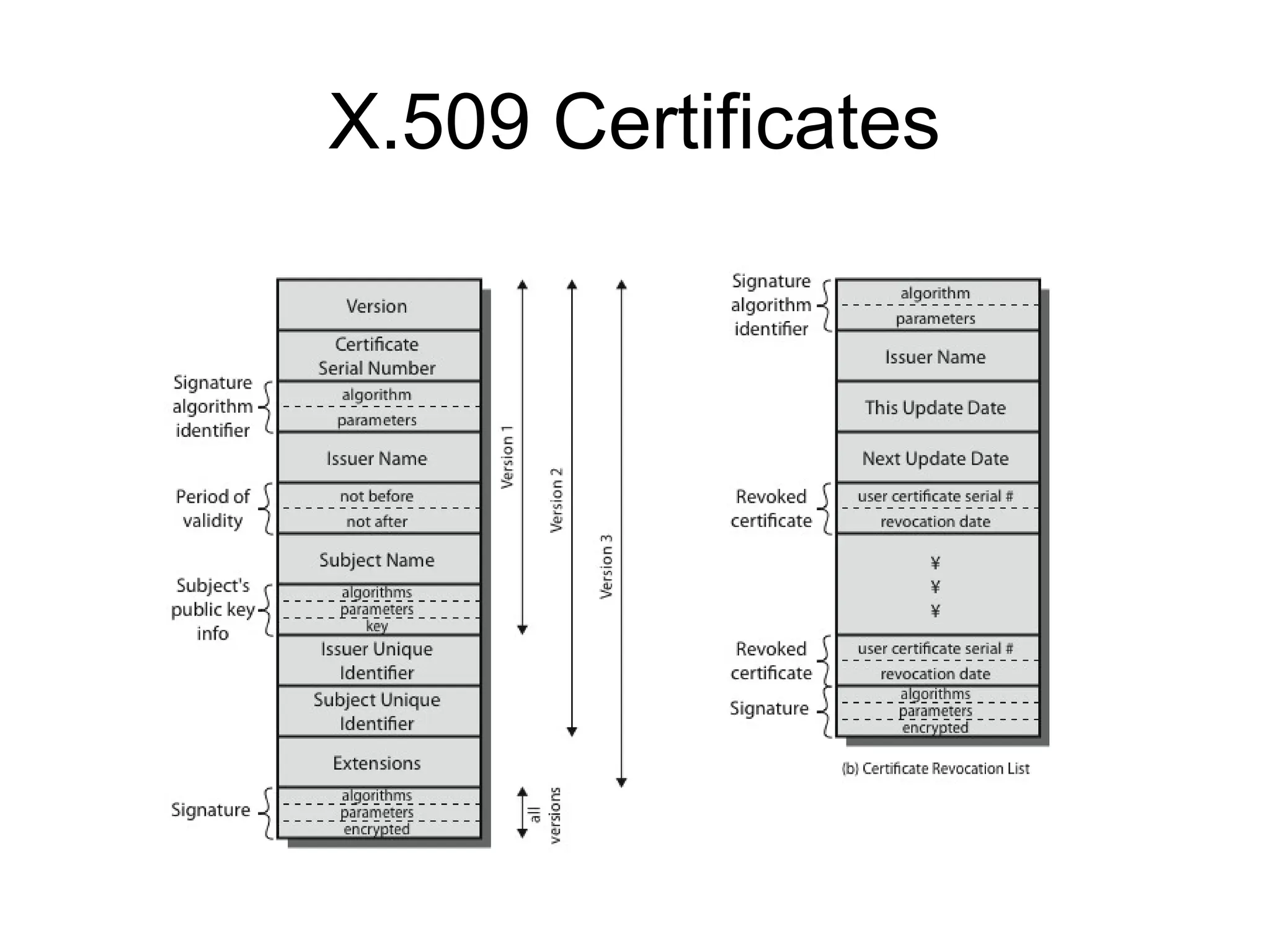
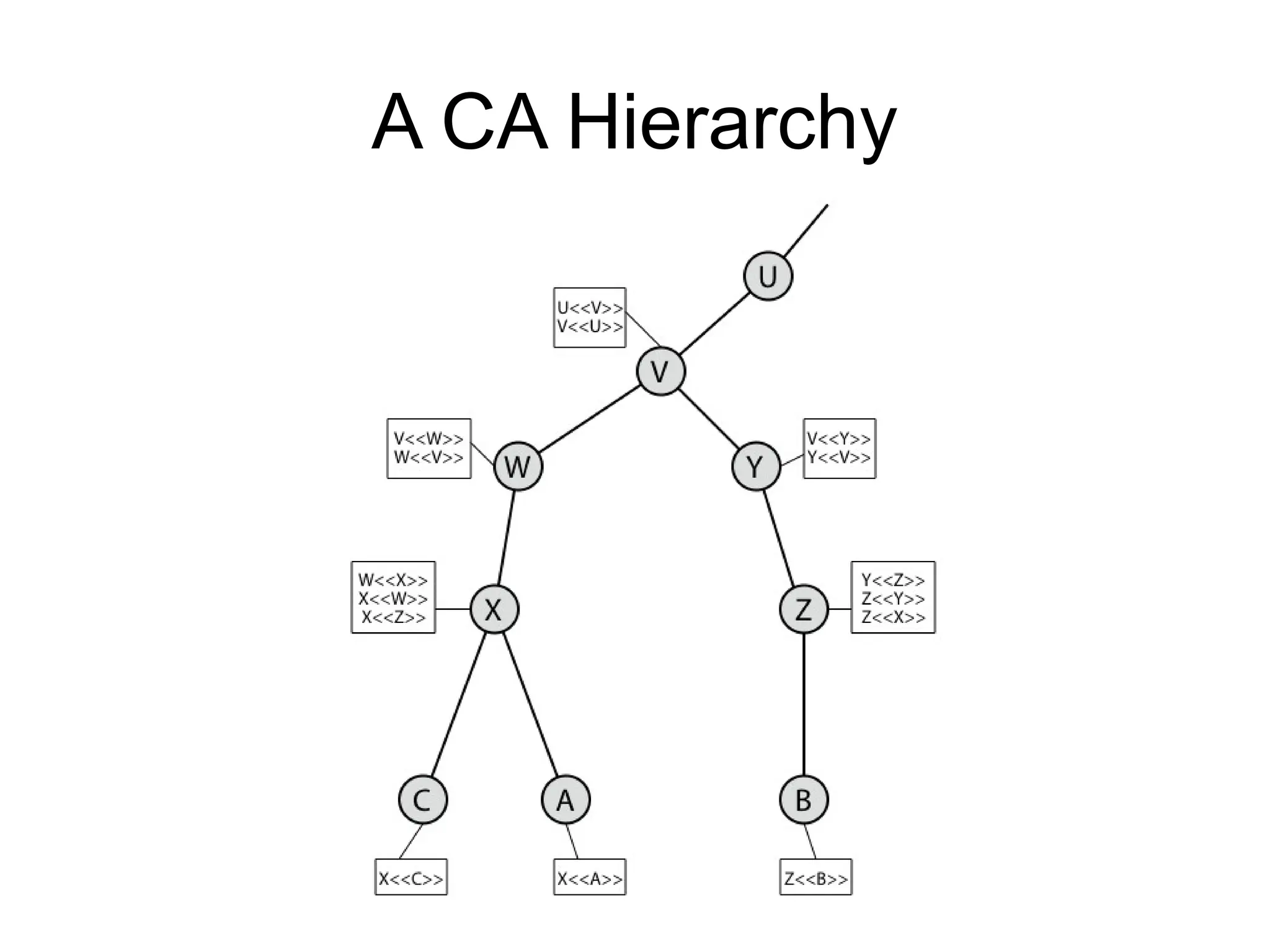
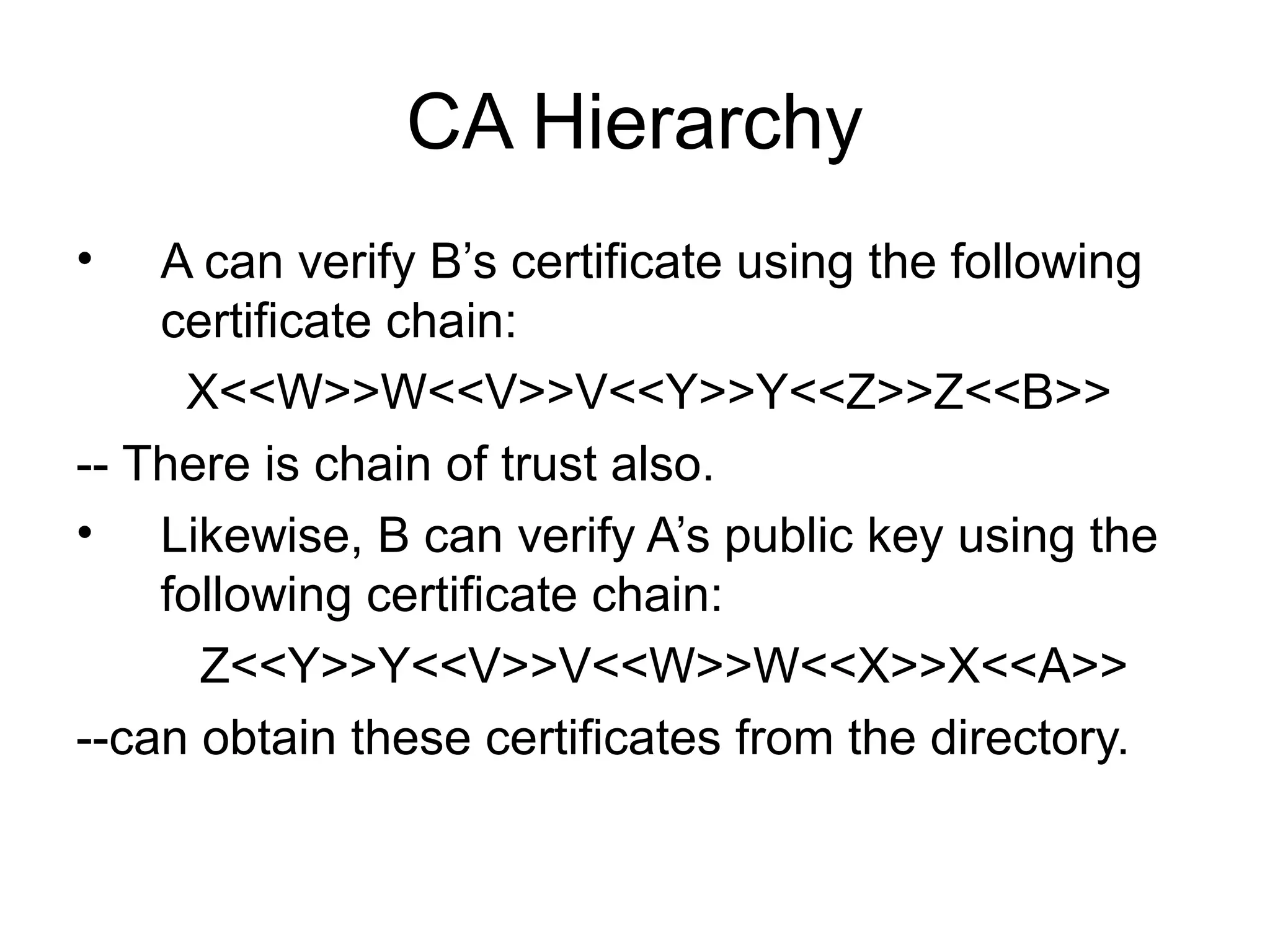
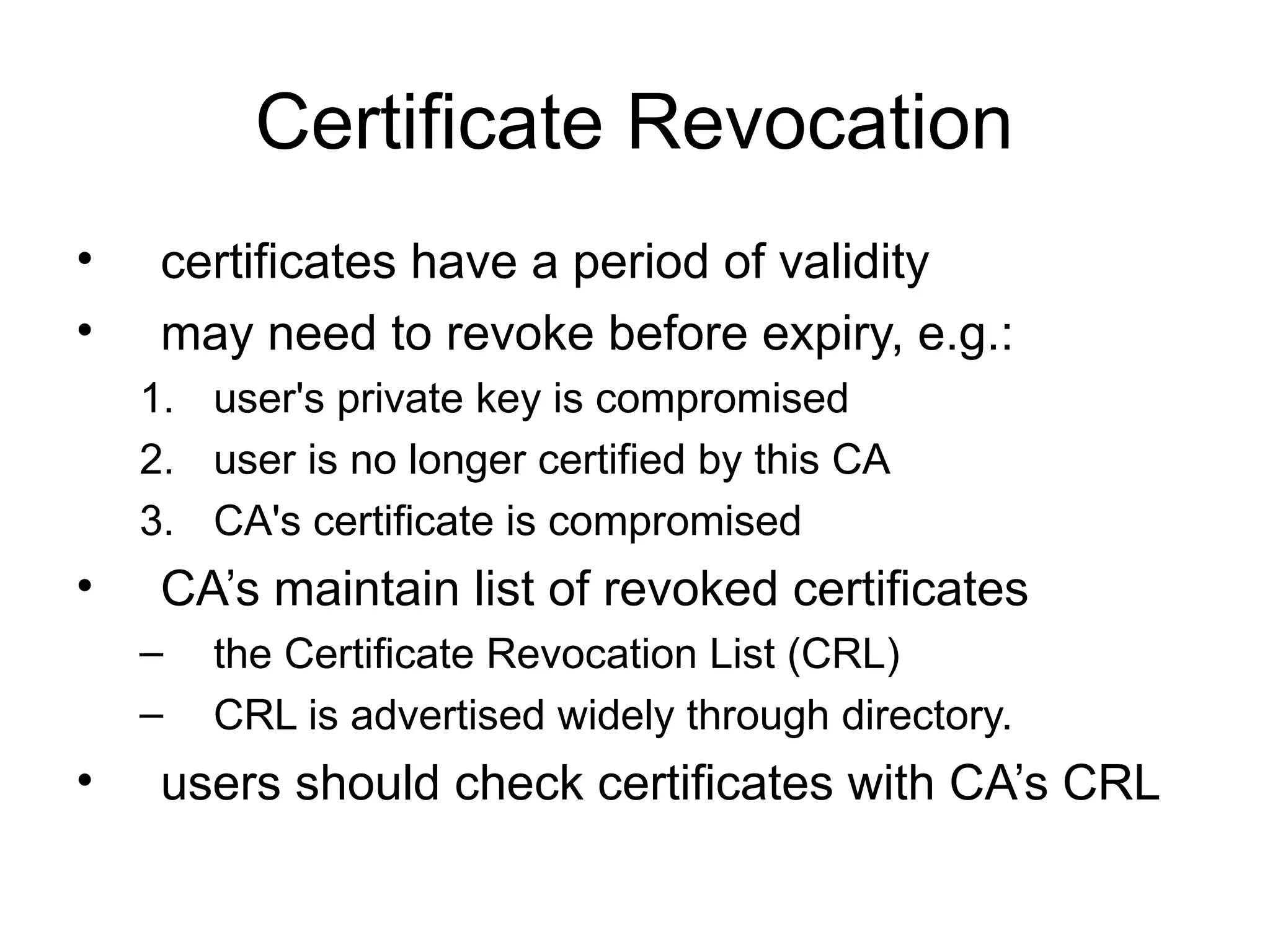

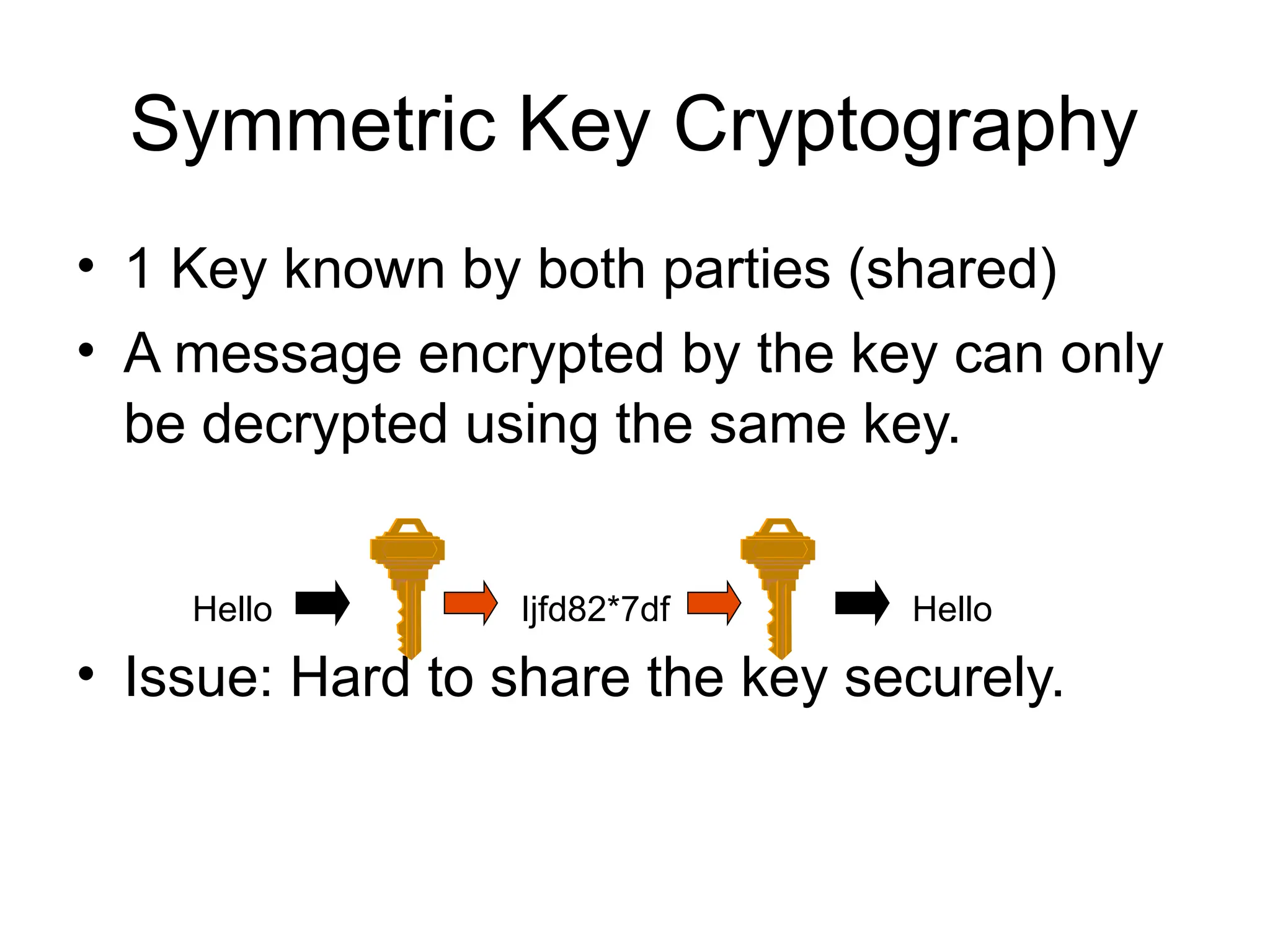
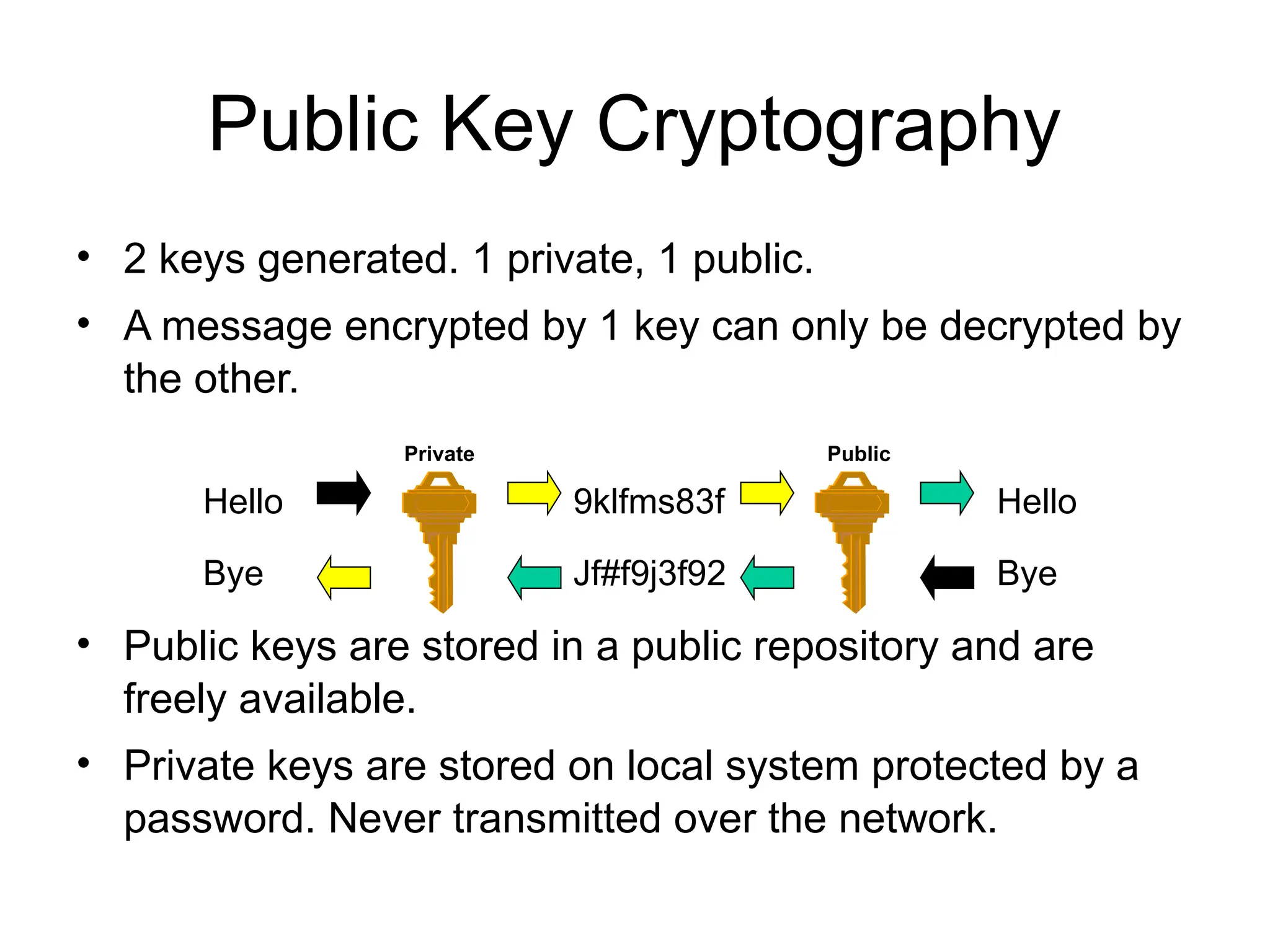
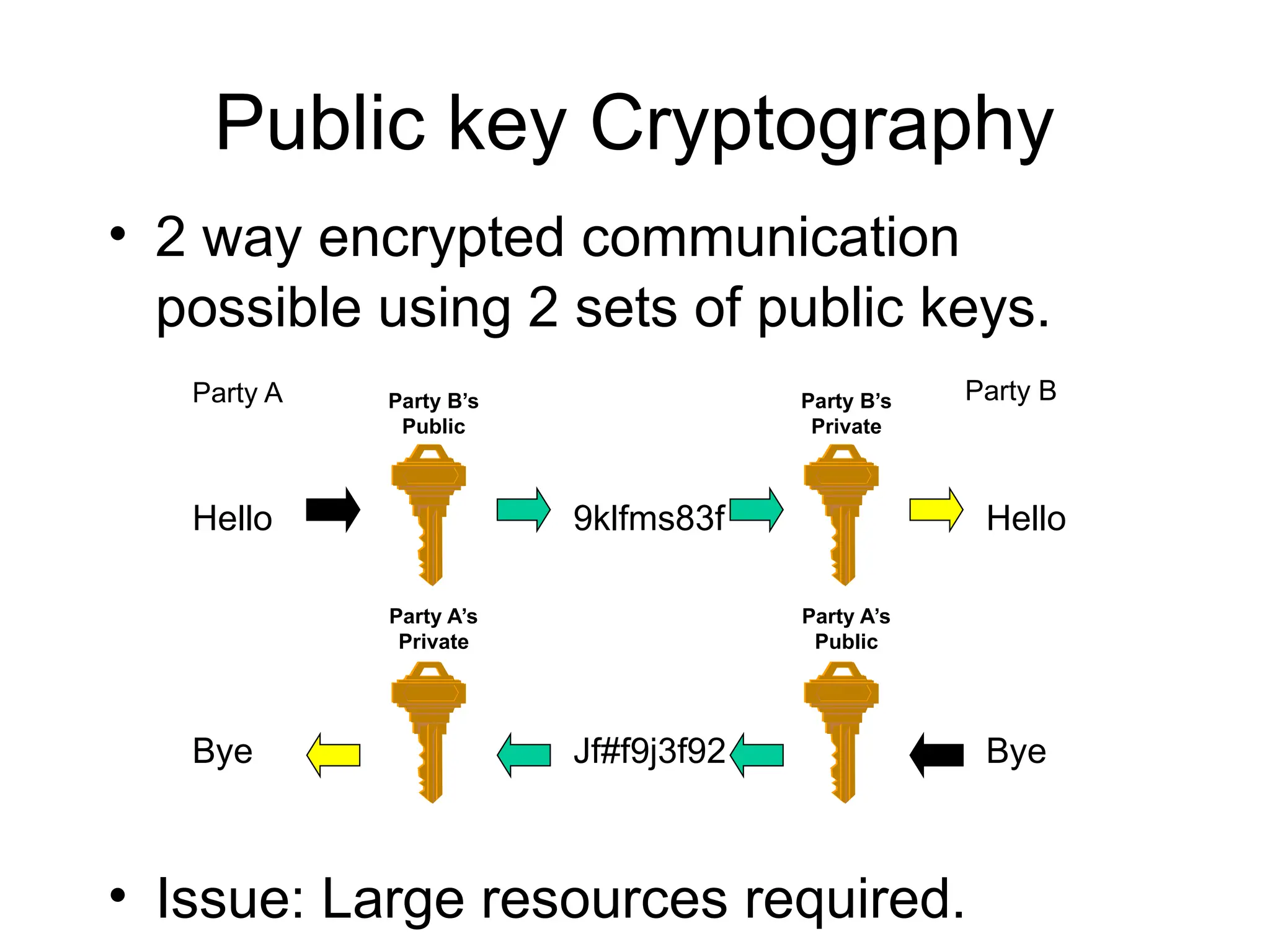
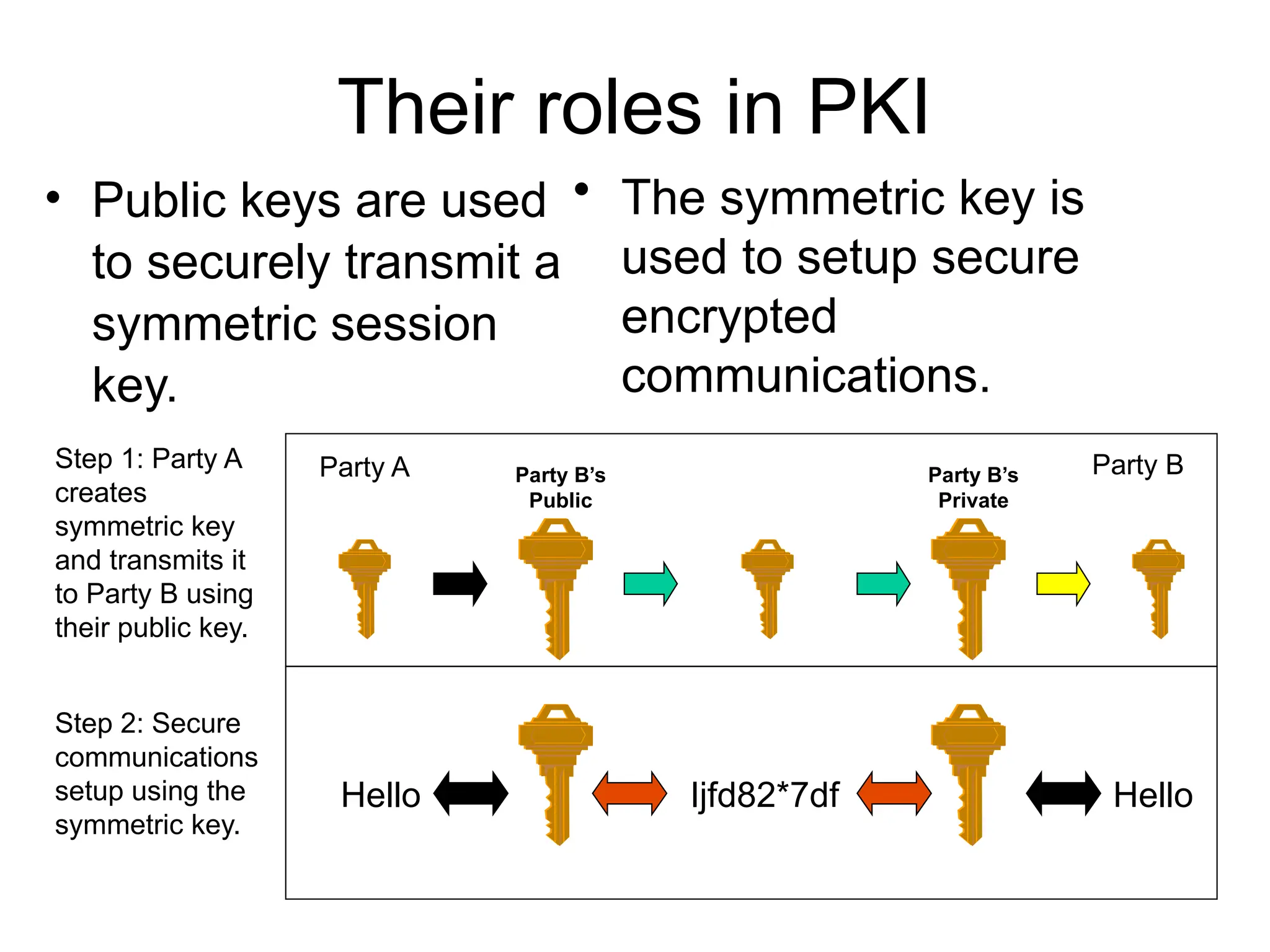
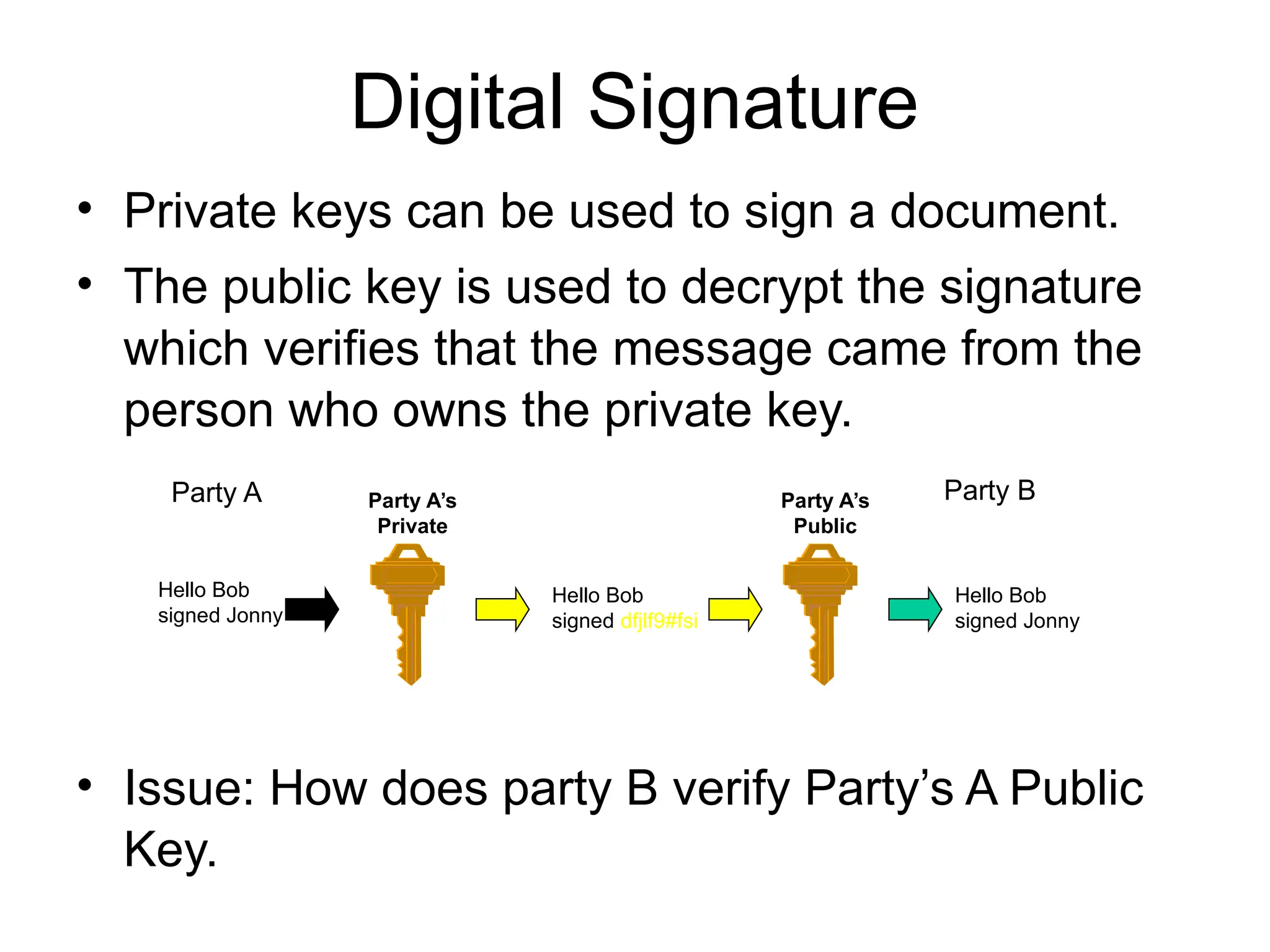
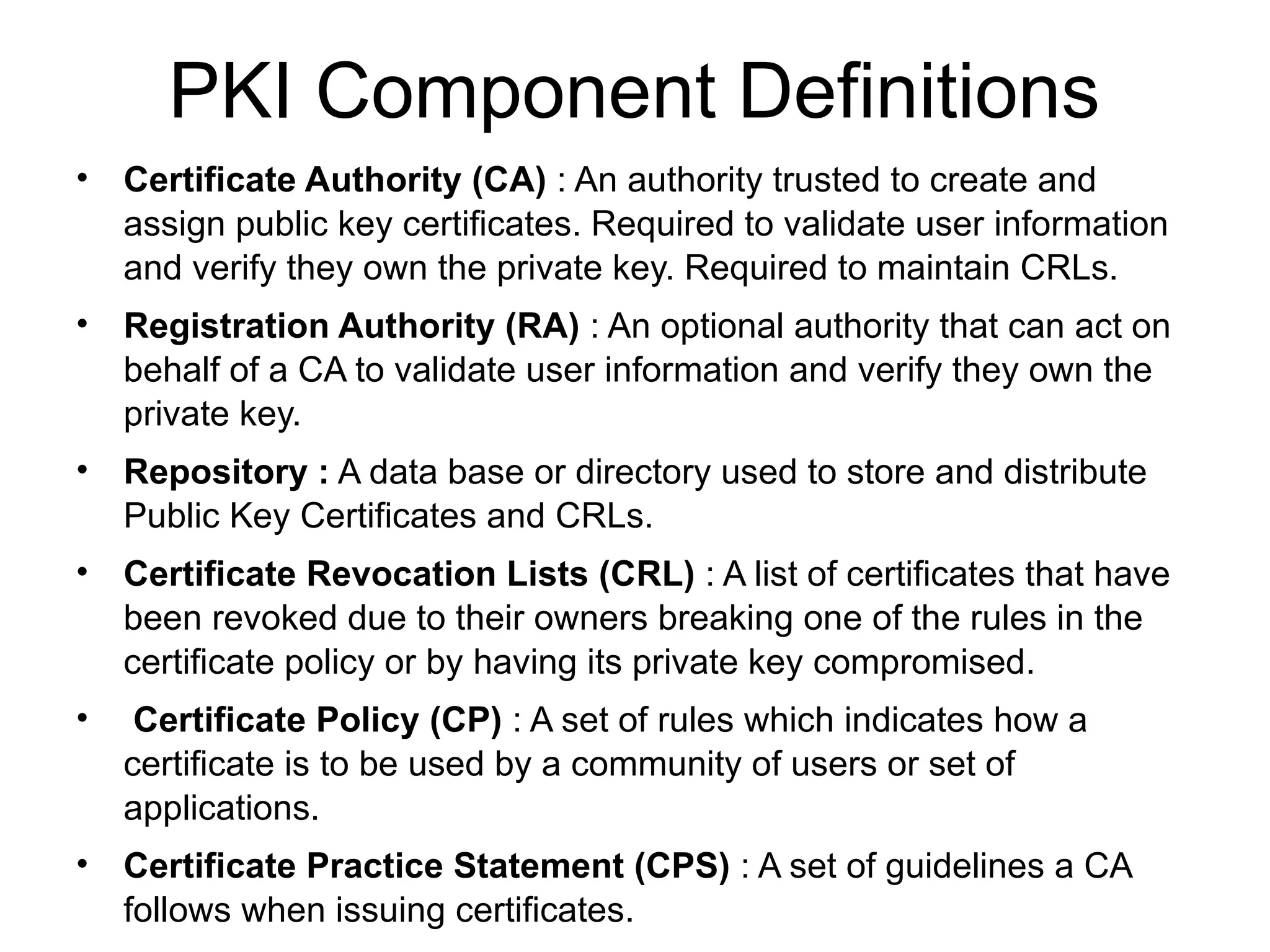
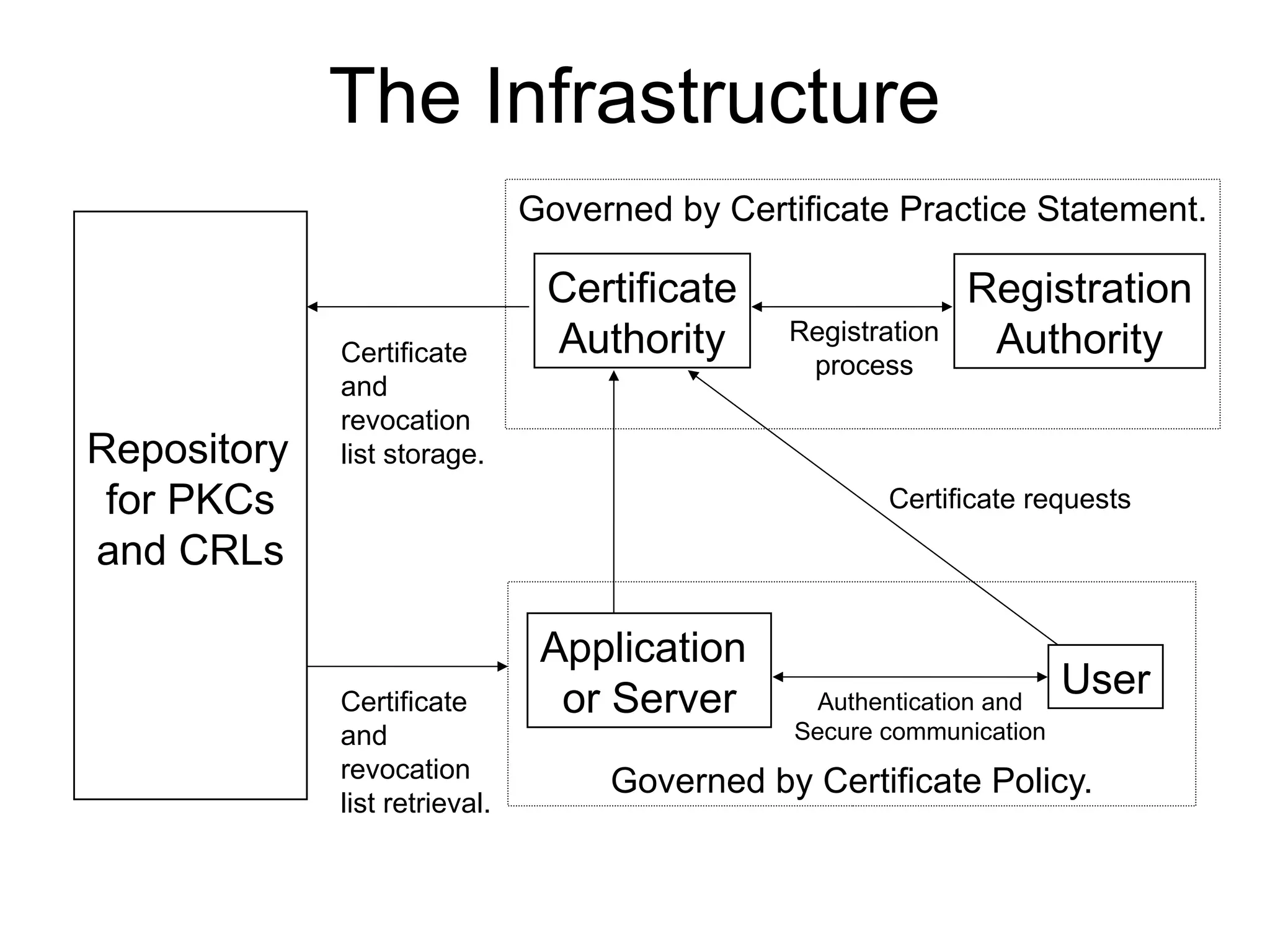
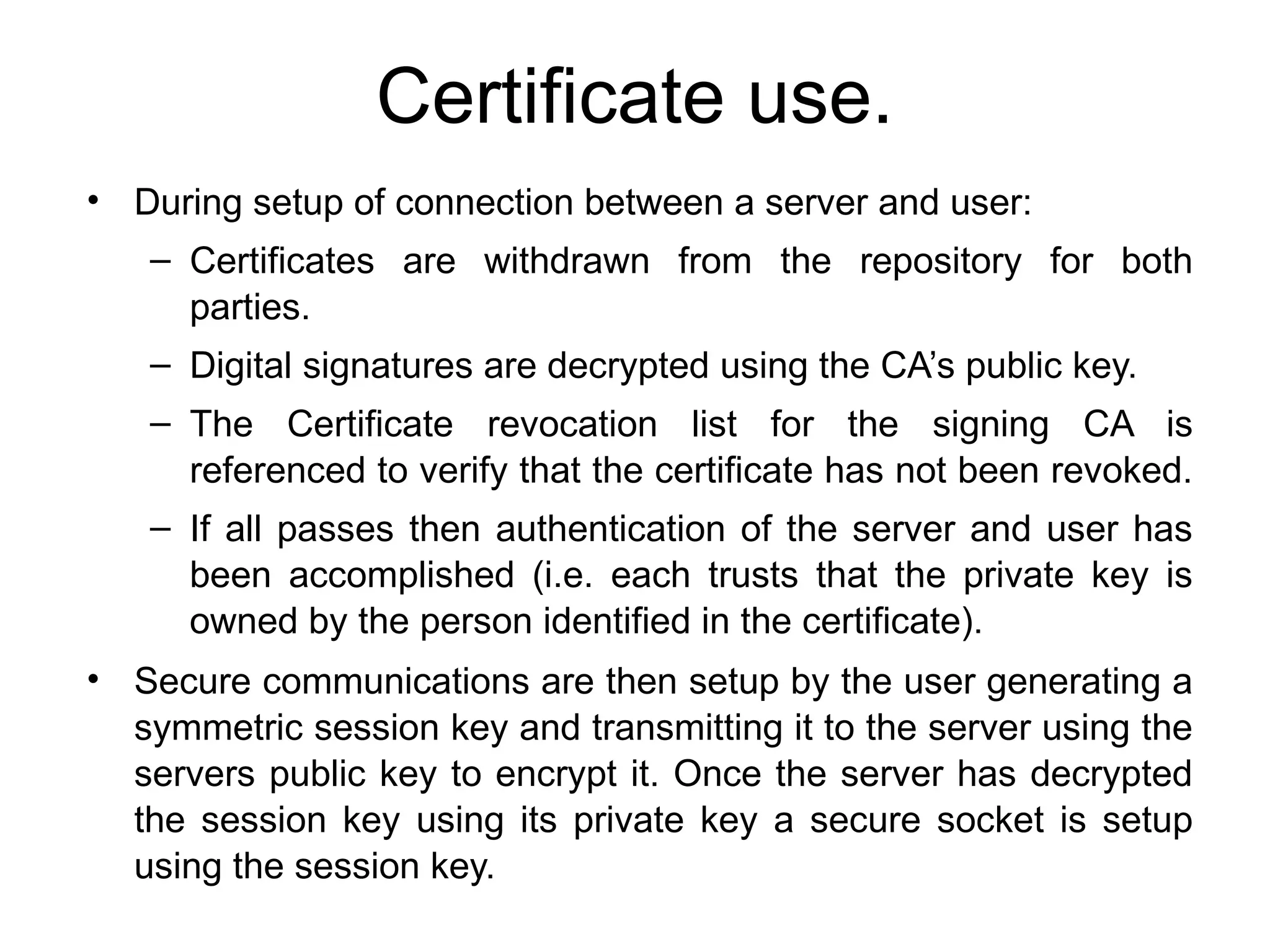
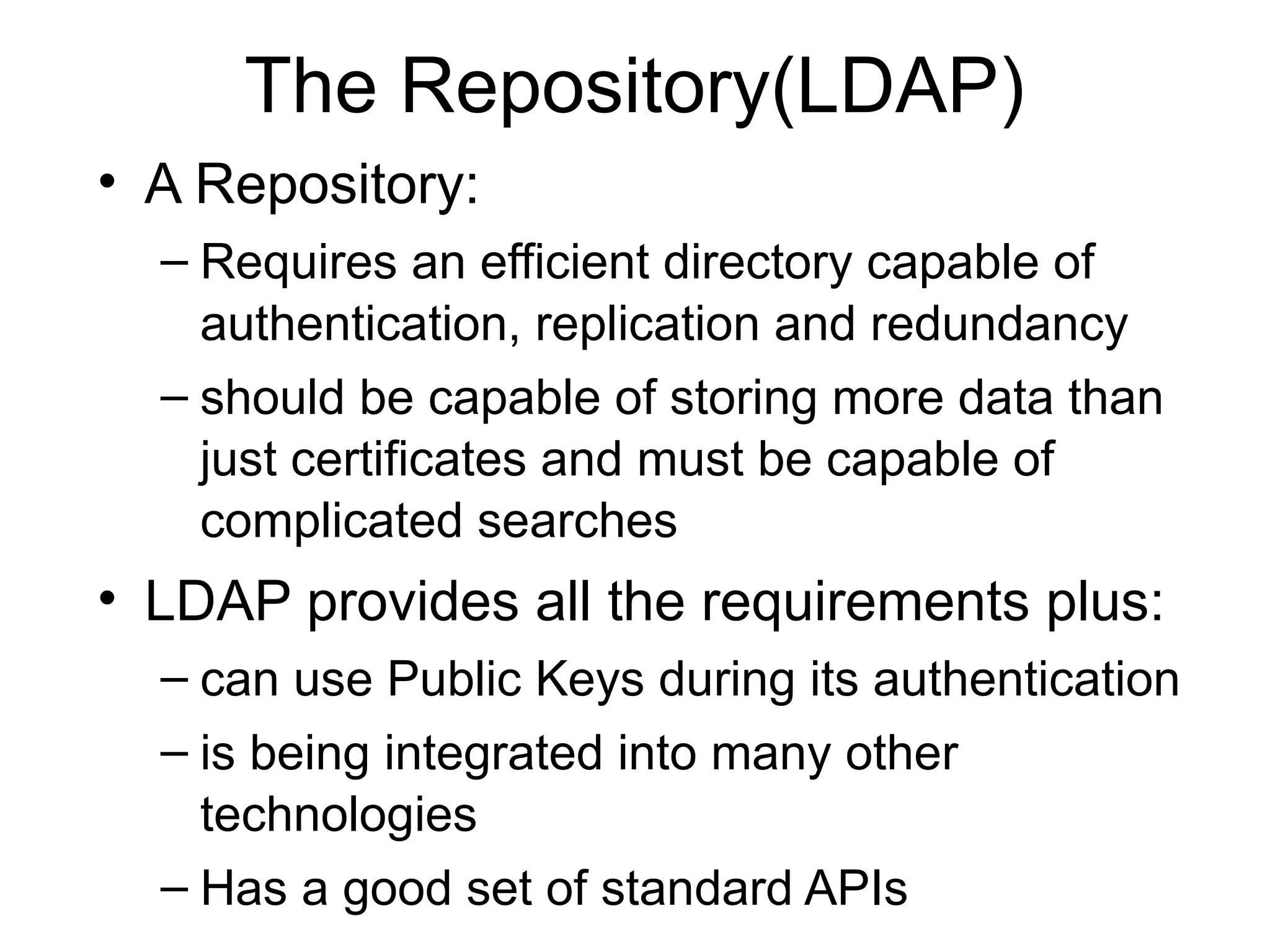
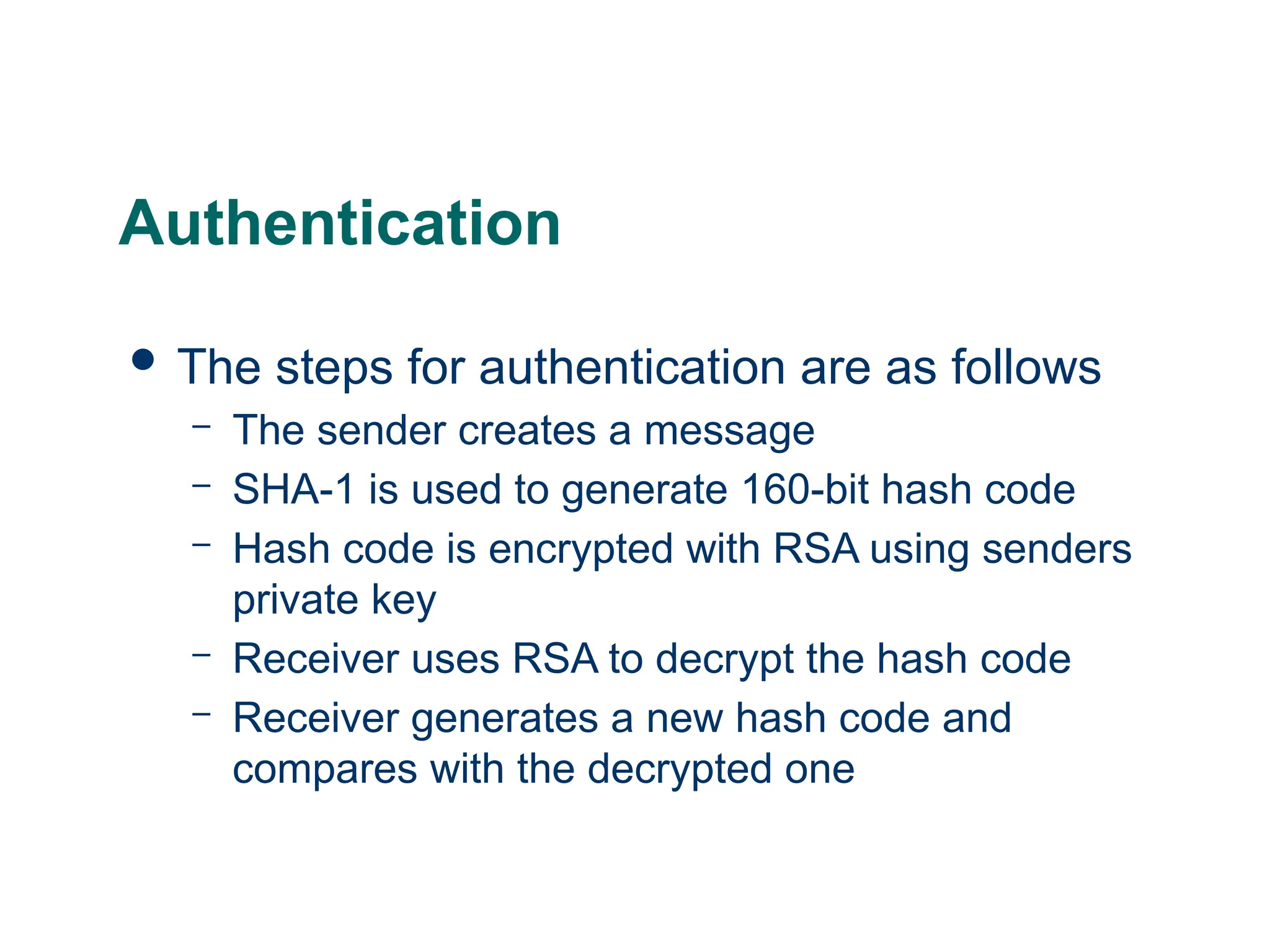
![Mod1: PGP Message with Authentication Only
MD=H(M)
PRa: A’s Private key for PK scheme
PUa: A’s Public key for PK scheme
EP : Public Key Encryption
DP : Public Key Decryption
EC: Symmetric Encryption
DC: Symmetric Decryption
H : Hash Function
|| : Concatenation
Z : Compression using ZIP Algorithm
R64 : Conversion to Radix 64 ASCII format
MD: Message Digest
EP[PRa, H(M) ]
EP[PRa, H(M) ]
Sent Message
M
MD’
MD
M || EP[PRa, H(M) ]](https://image.slidesharecdn.com/moduleiii-250712170756-8dd7da49/75/Module-III-CNS-Kerberos-and-its-example-pptx-50-2048.jpg)
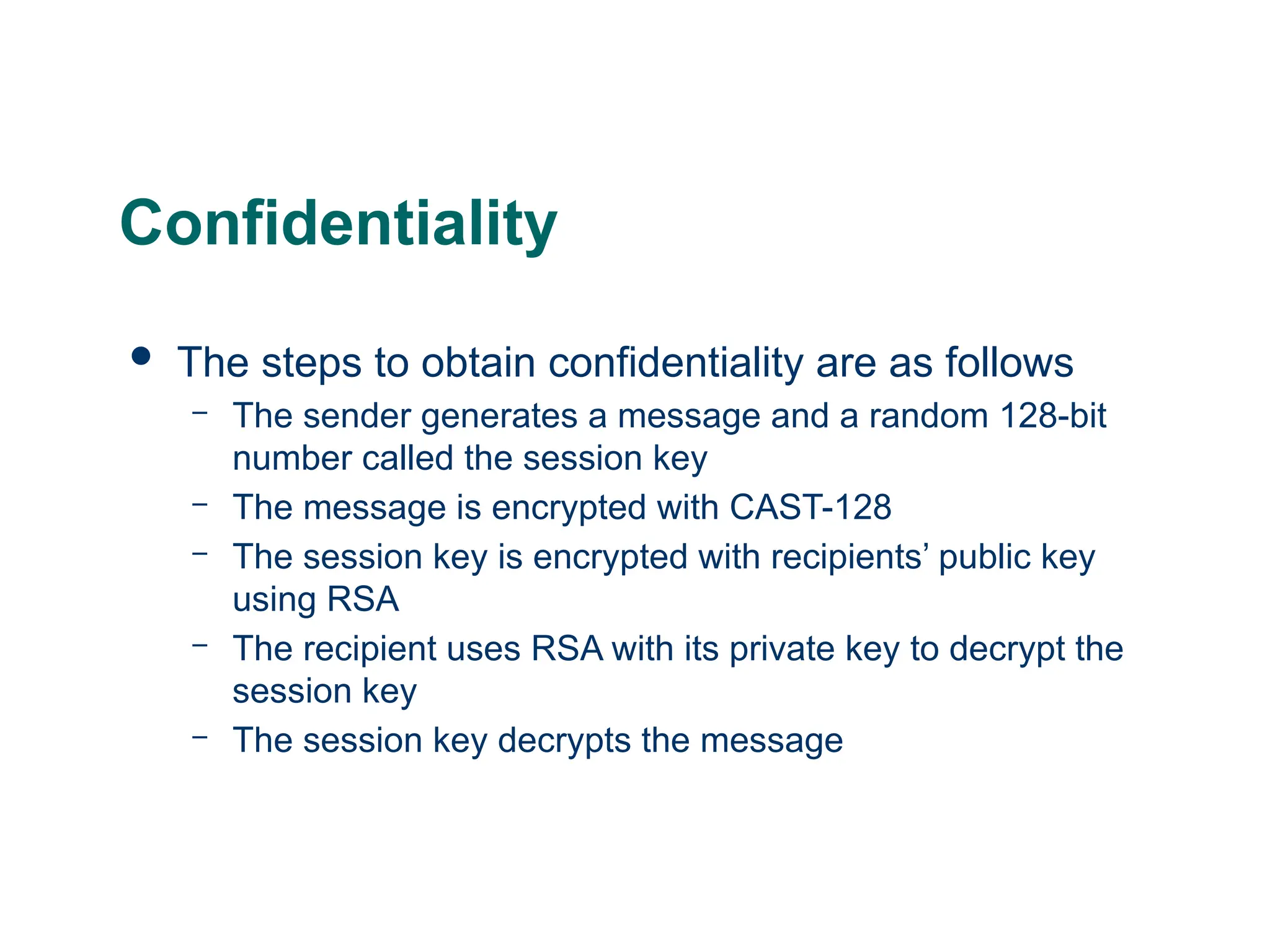
![Mod2: PGP Message with Confidentiality Only
Sent Message
PE(PUb, Ks)
PE(PUb, Ks)
Ks
Encrypted M
Ks: Session Key
PRa: A’s Private key for PK scheme
PUa: A’s Public key for PK scheme
EP : Public Key Encryption
DP : Public Key Decryption
EC: Symmetric Encryption
DC: Symmetric Decryption
H : Hash Function
|| : Concatenation
Z : Compression using ZIP Algorithm
R64 : Conversion to Radix 64 ASCII format
MD: Message Digest
Receiver user B
Sender user A
ECKs[ Z(M)] || PE(PUb, Ks)
Z(M)
ECKs[ Z(M)]](https://image.slidesharecdn.com/moduleiii-250712170756-8dd7da49/75/Module-III-CNS-Kerberos-and-its-example-pptx-52-2048.jpg)