Downloaded 117 times
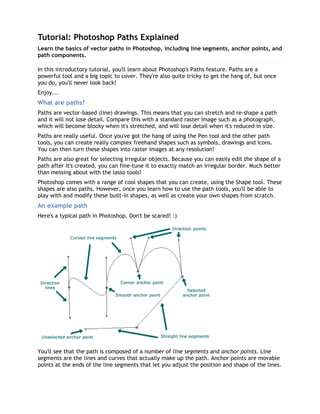
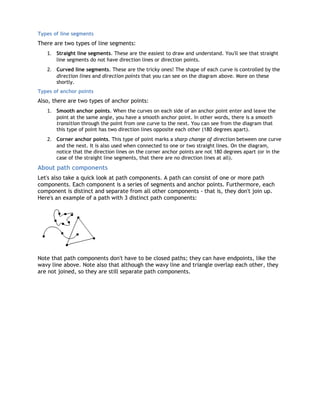
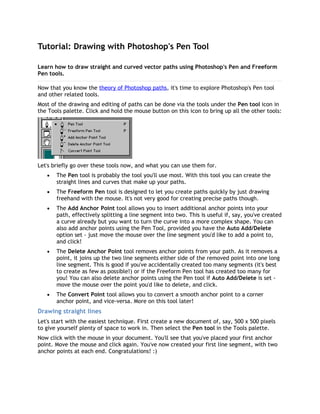
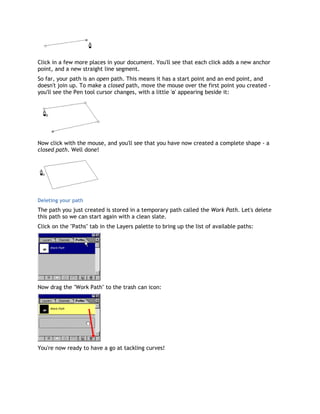

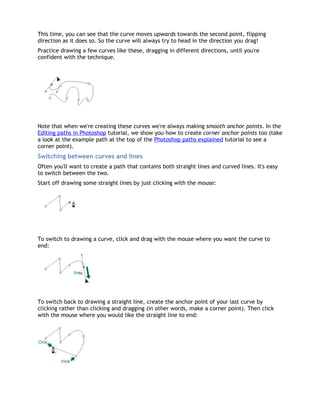
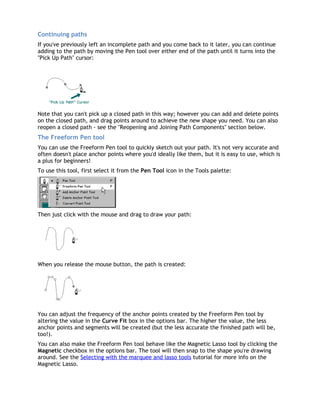
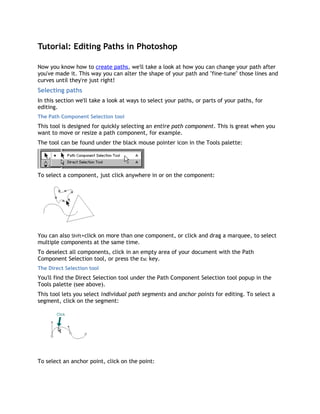


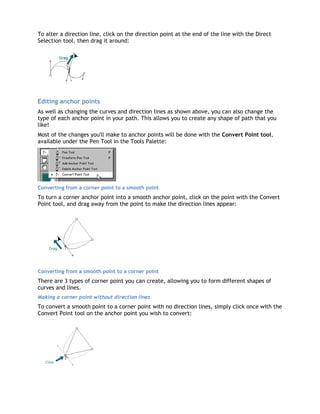
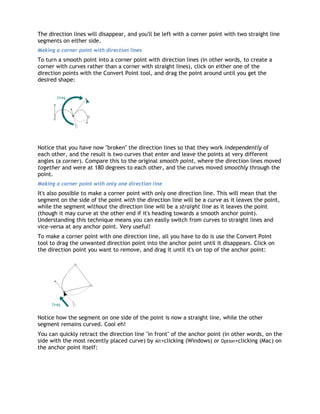
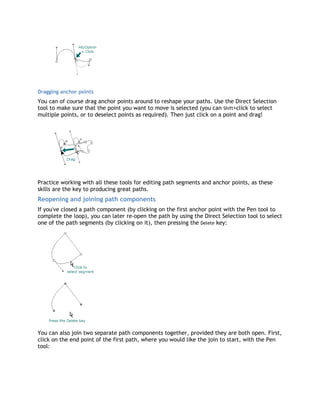
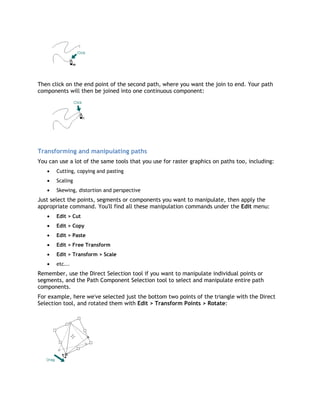

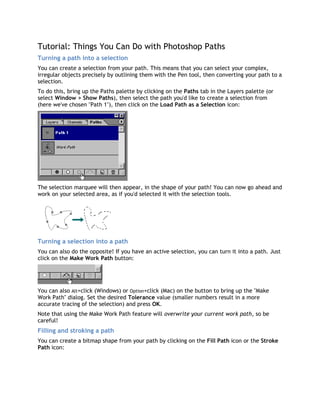
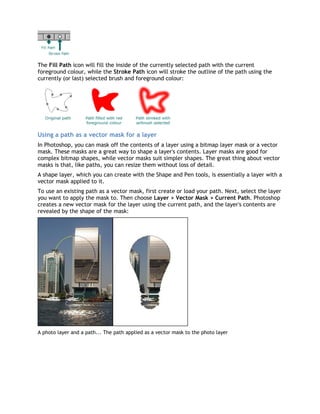

This tutorial covers the basics of vector paths in Photoshop, including line segments, anchor points, and path components, emphasizing the power and utility of paths for creating complex shapes and selections. It details the various path tools available, such as the pen tool, freeform pen tool, and editing tools, while also explaining how to draw and edit straight and curved lines. Overall, the guide aims to equip users with the skills to effectively create and manipulate paths in Photoshop.


