Traditional Teaching and Other
Common Teaching Methods
Presented by:
Hareem EDU – SC
Contact: Hareem.edu.sc@gmail.com
University of Karachi
Other Common Teaching
Methods
 The Internet
 Computer Managed Instruction
 Computer Technology and Learning
 Computer Teaching Strategies
 Self-learning Modules
The Internet
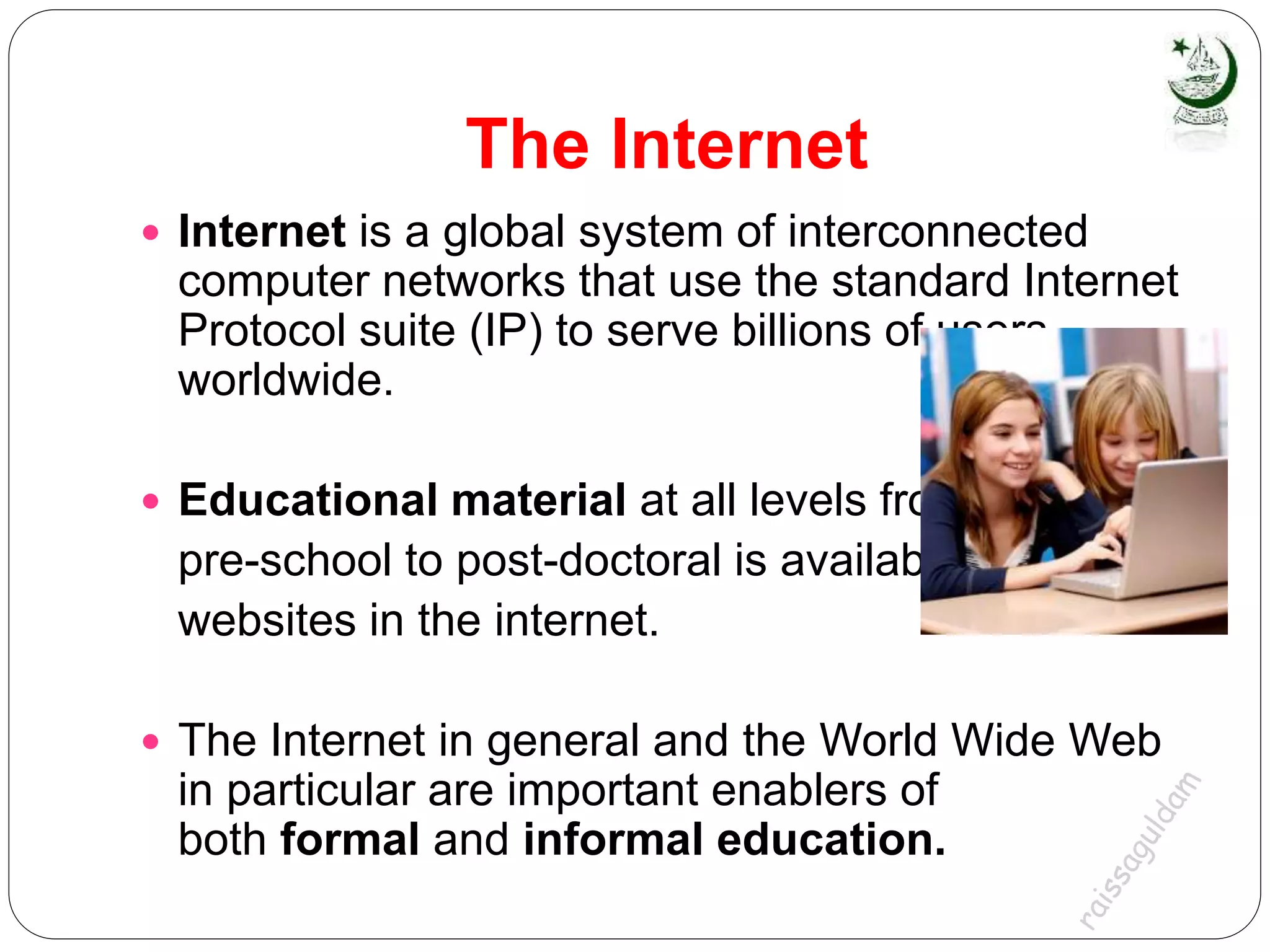
 Internet is a global system of interconnected
computer networks that use the standard Internet
Protocol suite (IP) to serve billions of users
worldwide.
 Educational material at all levels from
pre-school to post-doctoral is available from
websites in the internet.
 The Internet in general and the World Wide Web
in particular are important enablers of
both formal and informal education.
How?
 Used as a resource for problems,
answers, ideas and more
 Can be used in a “how to research” lesson
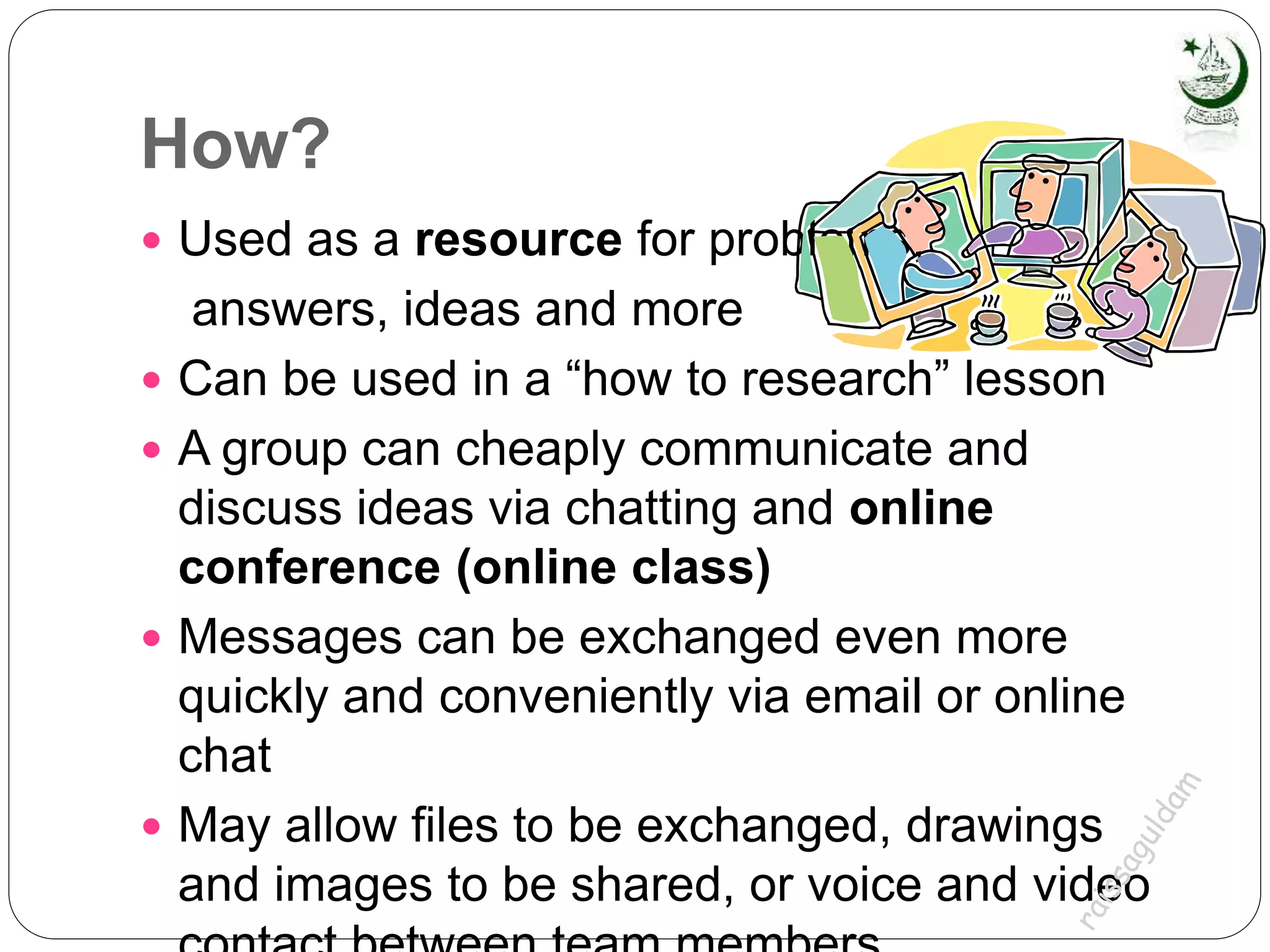
 A group can cheaply communicate and
discuss ideas via chatting and online
conference (online class)
 Messages can be exchanged even more
quickly and conveniently via email or online
chat
 May allow files to be exchanged, drawings
and images to be shared, or voice and video
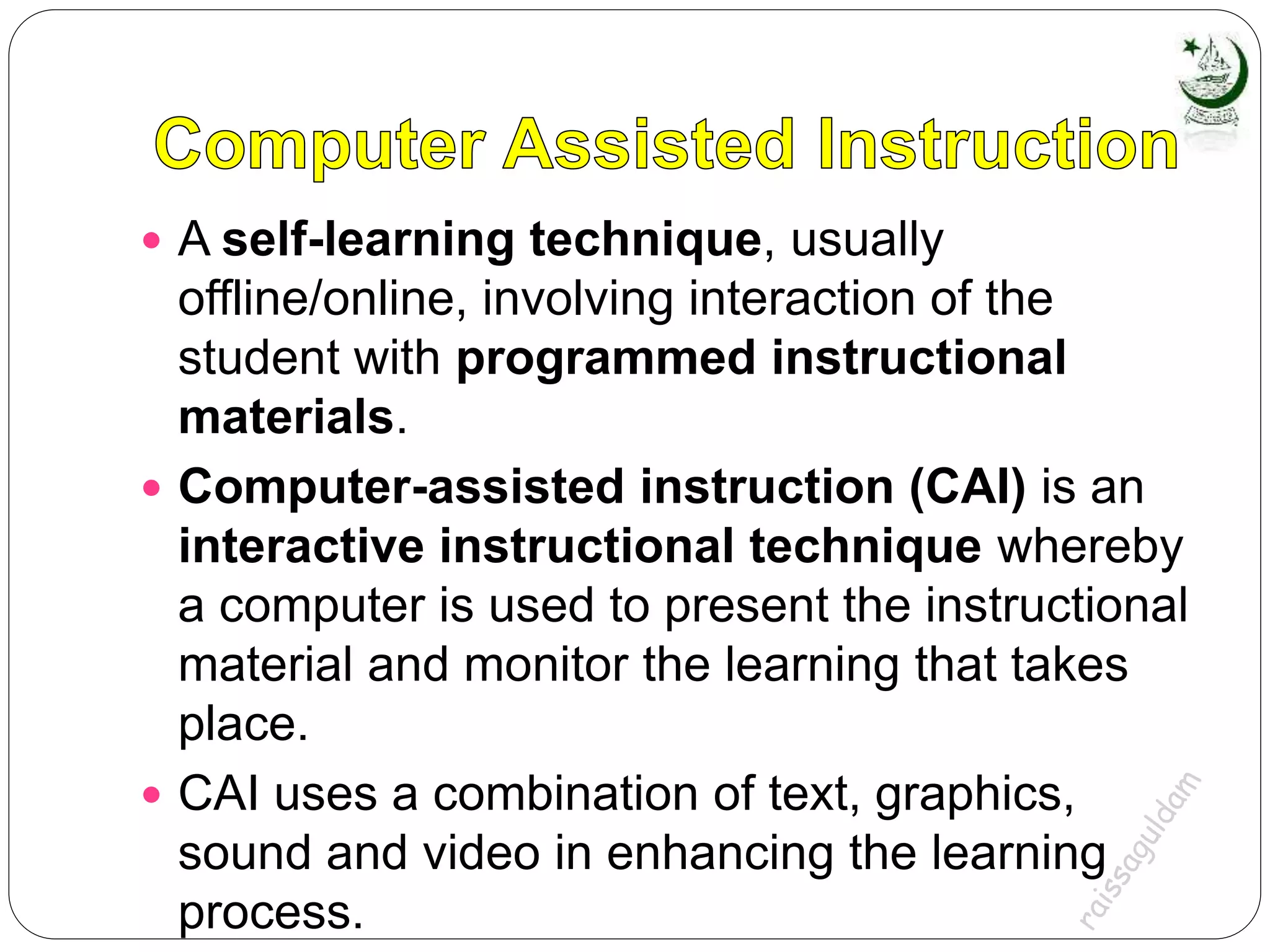
Computer Managed Instruction
 an instructional strategy whereby the computer is
used to provide learning objectives, learning
resources, and assessment of learner
performance
 aids the instructor in instructional management
without actually doing the teaching
 a system in which a computer is used to manage
several aspects of instruction, including learning
assessment through administration of pretests
and posttests; design and preparation of learning
prescriptions; and calculation, analysis, and
storage of student scores.
 A self-learning technique, usually
offline/online, involving interaction of the
student with programmed instructional
materials.
 Computer-assisted instruction (CAI) is an
interactive instructional technique whereby
a computer is used to present the instructional
material and monitor the learning that takes
place.
 CAI uses a combination of text, graphics,
sound and video in enhancing the learning
process.
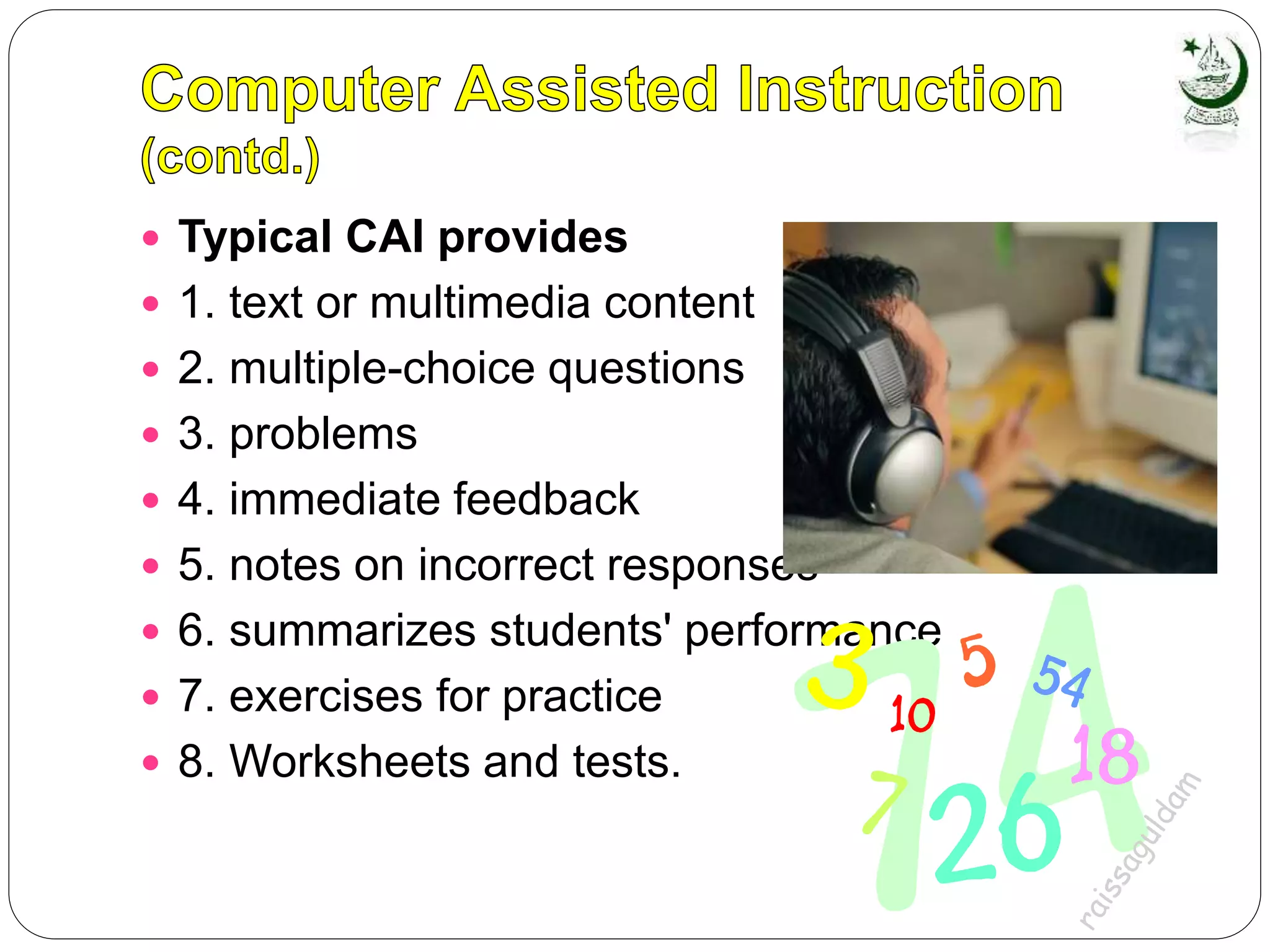
 Typical CAI provides
 1. text or multimedia content
 2. multiple-choice questions
 3. problems
 4. immediate feedback
 5. notes on incorrect responses
 6. summarizes students' performance
 7. exercises for practice
 8. Worksheets and tests.
Types of Computer Assisted Instruction
 1. Drill-and-practice Drill and practice provide
opportunities or students to repeatedly practice
the skills that have previously been presented
and that further practice is necessary for mastery.
 2. Tutorial Tutorial activity includes both the
presentation of information and its extension into
different forms of work, including drill and
practice, games and simulation.
 3. Games Game software often creates a contest
to achieve the highest score and either beat
others or beat the computer.
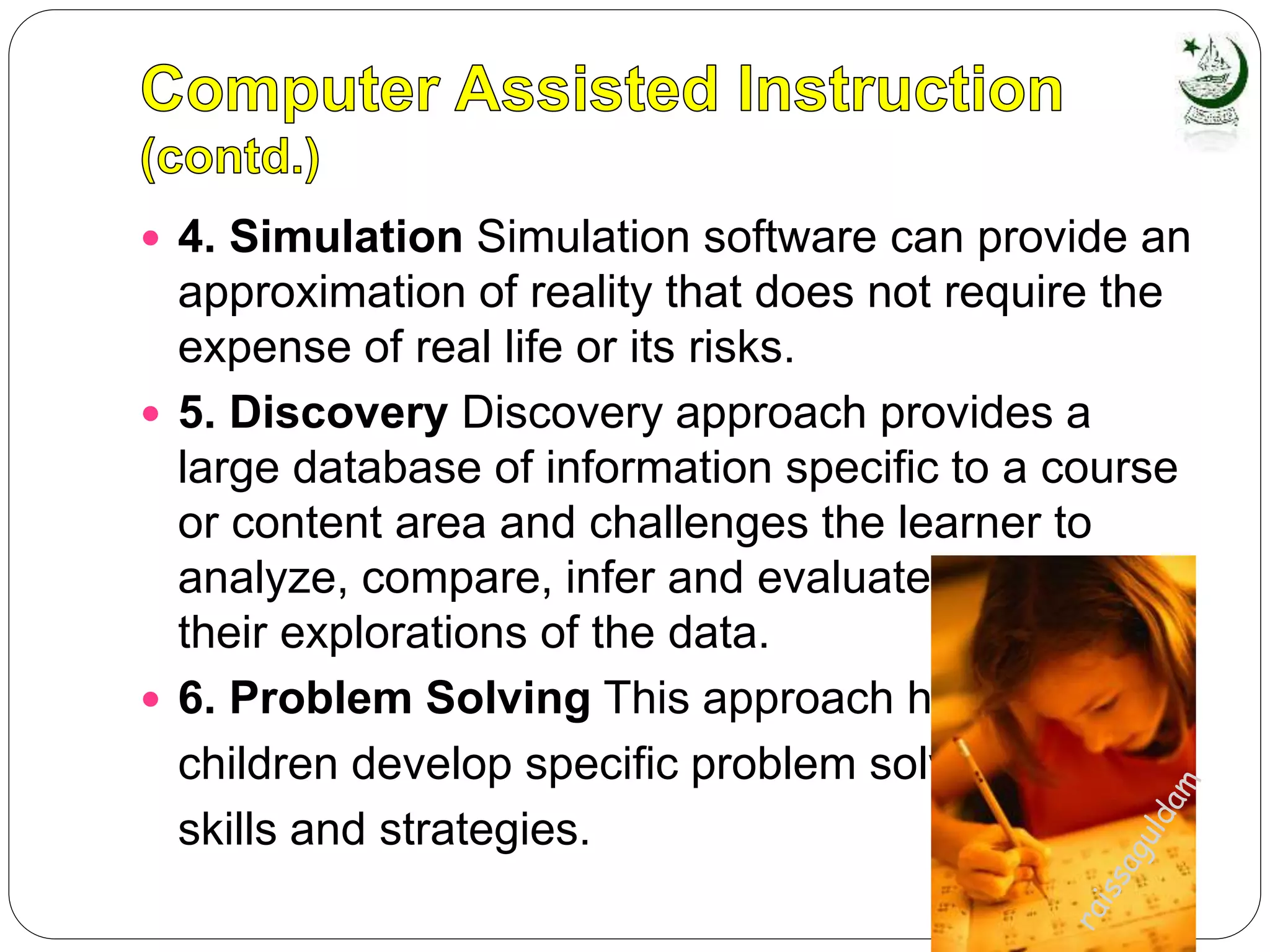
 4. Simulation Simulation software can provide an
approximation of reality that does not require the
expense of real life or its risks.
 5. Discovery Discovery approach provides a
large database of information specific to a course
or content area and challenges the learner to
analyze, compare, infer and evaluate based on
their explorations of the data.
 6. Problem Solving This approach helps
children develop specific problem solving
skills and strategies.
Computer Technology and
Learning
How Does Technology
Enhance Student
Achievement?
Basic Skills Instruction
Advanced Skills Instruction
Assessment of Student
Progress
Student Motivation
Computer Technology and
Learning
 Basic Skills Instruction
 Computer assisted instruction- to drill
 Multi-media software - teach to a variety of
learning styles
 Videodiscs - strengthen basic skills
 Video and audio technologies - bring material
to life
 Distance learning - at least as effective as
traditional methods of instruction
 All forms - develop new skills related to use of
technology itself, necessary in workplace
Computer Technology and
Learning
 Advanced Skills Instruction
 Interactive educational technologies,
including:
 Computer-generated simulations
 Videodiscs
 Internet
 CD-ROM
 Students learn to: organize complex
information, recognize patterns, draw
inferences, communicate findings
 Learn better organizational and problem-
solving skills
Computer Technology and
Learning
 Assessment of Student Progress
More comprehensive with multimedia
Assessments which require student’s
active participation
Electronic portfolios
Computer Technology and
Learning
 Student Motivation
They like it better
Increased family involvement
Improved teachers’ skills
Improved School Administration
and Management
Computer Teaching Strategies
Computed Assisted
Instruction (CAI)
The Internet
Virtual Reality
Computer Teaching Strategies
 Virtual Reality
a computer- based, simulated three-
dimensional environment in which
the participant interacts with a virtual
world.
only in virtual reality can the learner
enter a virtual world and feel an
object, move it, and measure its
movement.
Self-learning Modules (SLM)
 are learning activities designed for
participants to do independently when they
are unable to attend individual or group
education sessions
Thank
you

Teachingstrategies Hareem.edu.sc- University of Karachi (Master)

  • 1.
    Traditional Teaching andOther Common Teaching Methods Presented by: Hareem EDU – SC Contact: Hareem.edu.sc@gmail.com University of Karachi
  • 2.
    Other Common Teaching Methods The Internet  Computer Managed Instruction  Computer Technology and Learning  Computer Teaching Strategies  Self-learning Modules
  • 3.
    The Internet  Internetis a global system of interconnected computer networks that use the standard Internet Protocol suite (IP) to serve billions of users worldwide.  Educational material at all levels from pre-school to post-doctoral is available from websites in the internet.  The Internet in general and the World Wide Web in particular are important enablers of both formal and informal education.
  • 4.
    How?  Used asa resource for problems, answers, ideas and more  Can be used in a “how to research” lesson  A group can cheaply communicate and discuss ideas via chatting and online conference (online class)  Messages can be exchanged even more quickly and conveniently via email or online chat  May allow files to be exchanged, drawings and images to be shared, or voice and video
  • 5.
    Computer Managed Instruction an instructional strategy whereby the computer is used to provide learning objectives, learning resources, and assessment of learner performance  aids the instructor in instructional management without actually doing the teaching  a system in which a computer is used to manage several aspects of instruction, including learning assessment through administration of pretests and posttests; design and preparation of learning prescriptions; and calculation, analysis, and storage of student scores.
  • 6.
     A self-learningtechnique, usually offline/online, involving interaction of the student with programmed instructional materials.  Computer-assisted instruction (CAI) is an interactive instructional technique whereby a computer is used to present the instructional material and monitor the learning that takes place.  CAI uses a combination of text, graphics, sound and video in enhancing the learning process.
  • 7.
     Typical CAIprovides  1. text or multimedia content  2. multiple-choice questions  3. problems  4. immediate feedback  5. notes on incorrect responses  6. summarizes students' performance  7. exercises for practice  8. Worksheets and tests.
  • 8.
    Types of ComputerAssisted Instruction  1. Drill-and-practice Drill and practice provide opportunities or students to repeatedly practice the skills that have previously been presented and that further practice is necessary for mastery.  2. Tutorial Tutorial activity includes both the presentation of information and its extension into different forms of work, including drill and practice, games and simulation.  3. Games Game software often creates a contest to achieve the highest score and either beat others or beat the computer.
  • 9.
     4. SimulationSimulation software can provide an approximation of reality that does not require the expense of real life or its risks.  5. Discovery Discovery approach provides a large database of information specific to a course or content area and challenges the learner to analyze, compare, infer and evaluate based on their explorations of the data.  6. Problem Solving This approach helps children develop specific problem solving skills and strategies.
  • 10.
    Computer Technology and Learning HowDoes Technology Enhance Student Achievement? Basic Skills Instruction Advanced Skills Instruction Assessment of Student Progress Student Motivation
  • 11.
    Computer Technology and Learning Basic Skills Instruction  Computer assisted instruction- to drill  Multi-media software - teach to a variety of learning styles  Videodiscs - strengthen basic skills  Video and audio technologies - bring material to life  Distance learning - at least as effective as traditional methods of instruction  All forms - develop new skills related to use of technology itself, necessary in workplace
  • 12.
    Computer Technology and Learning Advanced Skills Instruction  Interactive educational technologies, including:  Computer-generated simulations  Videodiscs  Internet  CD-ROM  Students learn to: organize complex information, recognize patterns, draw inferences, communicate findings  Learn better organizational and problem- solving skills
  • 13.
    Computer Technology and Learning Assessment of Student Progress More comprehensive with multimedia Assessments which require student’s active participation Electronic portfolios
  • 14.
    Computer Technology and Learning Student Motivation They like it better Increased family involvement Improved teachers’ skills Improved School Administration and Management
  • 15.
    Computer Teaching Strategies ComputedAssisted Instruction (CAI) The Internet Virtual Reality
  • 16.
    Computer Teaching Strategies Virtual Reality a computer- based, simulated three- dimensional environment in which the participant interacts with a virtual world. only in virtual reality can the learner enter a virtual world and feel an object, move it, and measure its movement.
  • 17.
    Self-learning Modules (SLM) are learning activities designed for participants to do independently when they are unable to attend individual or group education sessions Thank you