Computer Assisted Instruction
Dr. S. Prakash
Principal
Thiagarajar College of Preceptors
Madurai.
COMPUTER ASSISTED
INSTRUCTION :
 Computer based instruction (CBI) is
defined as the use of the computer in the
delivery of instruction.
 Other similar terms include:
computer based training (CBT), computer
assisted instruction (CAI), and computer
assisted learning (CAL).
FOR EXAMPLE:
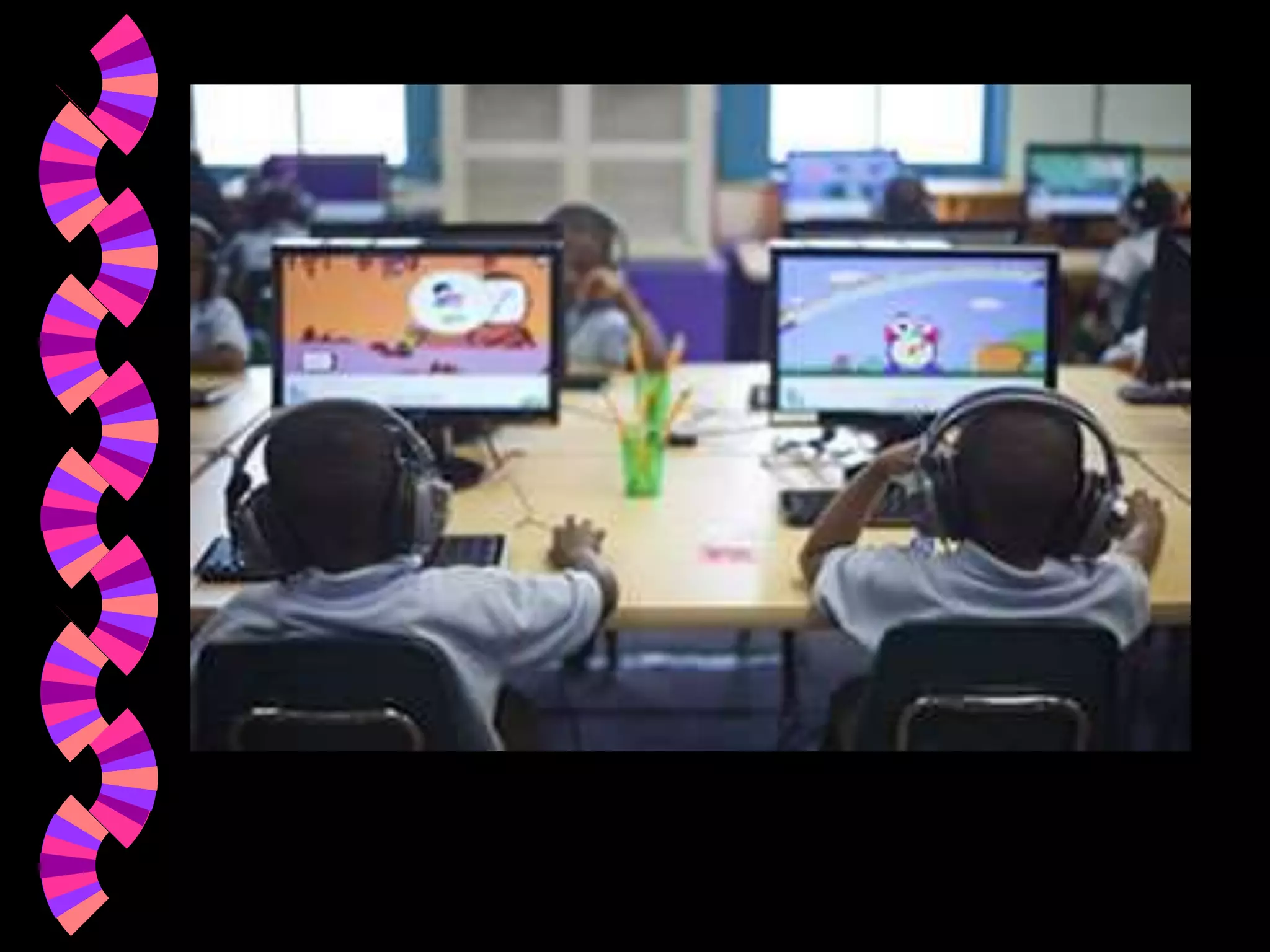
 Lessons appear in screen as the student has
to answer the questions by pressing answer
key.
 If the answer is right the student can
proceed further or if incorrect alternate
explanations are given.
Computer based multi-media
 Hypermedia-uses elements of text, graphics,
video, and audio connected so that the user
can easily move from one section to another
and to one difficulty level to another.
 Advantages: engrossing (deep
involvement), multisensory, connections
(sounds associated with the pictures),
individualized, students can create their
own multimedia files.
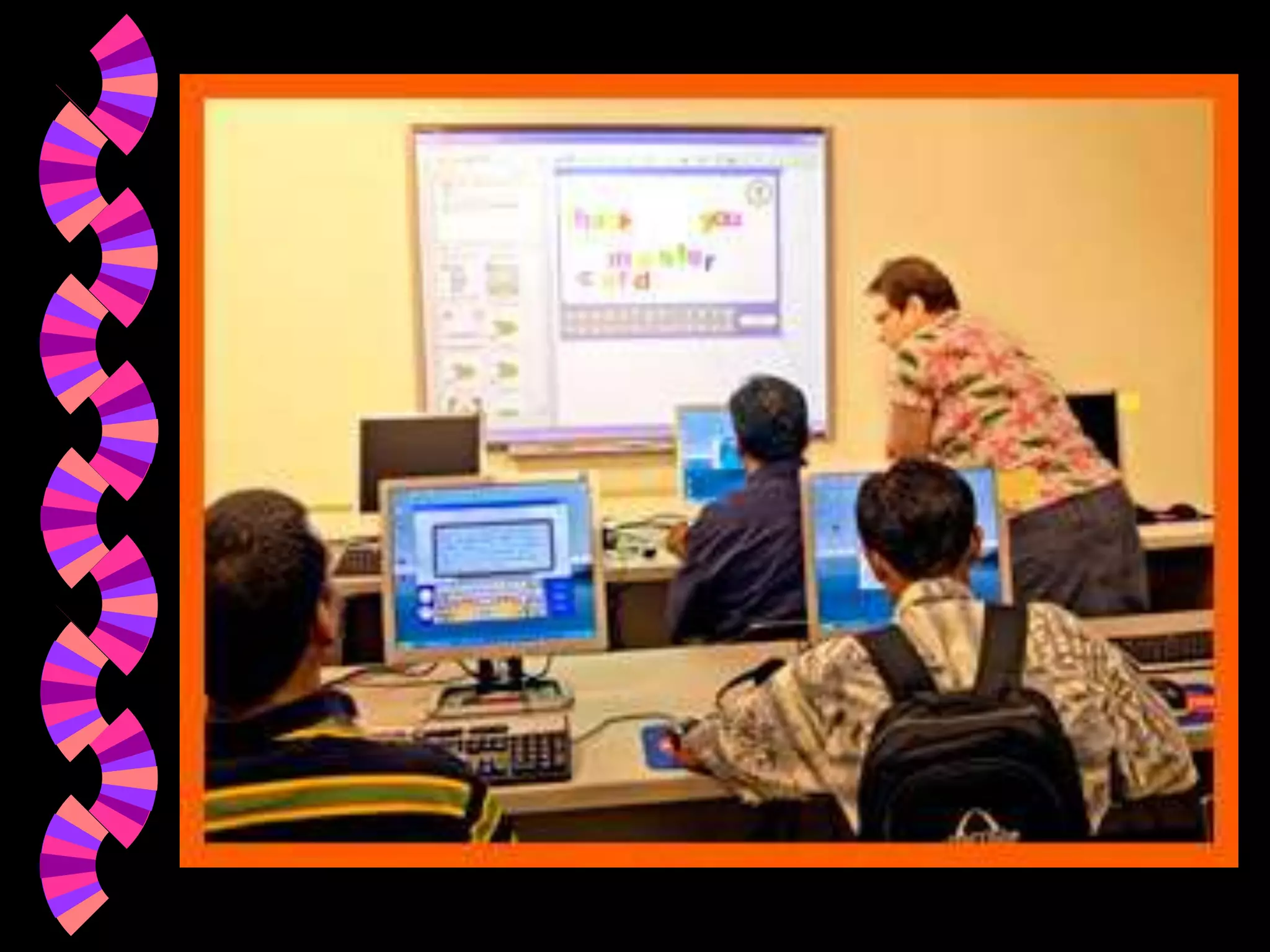
Using the word processor adds
keyboarding to the curriculum.
 Students are taught to type as quickly as
they write.
 This involves about six weeks of
keyboarding practice . .
 Instruction in the use of editing tools: cut
paste, etc. also take away writing time.
Teachers could write their own
instructional software.
 Studymate offers drill and practice for
content area facts.
 Spelling programs can be tailor made to
individual words. Spelling errors are
collected from the writing. A individual list
is made and students learn to spell these
words.
MERITS:
 Receive content very fast.
 Rich quality- animation , sound effects.
 Content presented as text, diagram and
animated forms.
 Computer can act according to speed of the
learner.
 Can help in learning to many number of
students.
 Quality of study material can be upgraded.
DEMRITS:
 Controlled by machine.
 Cannot help wholesome development as
wholesome personality as peer – group,
participation in CCA and skill development.
 No development of virtues like- kindness,
sympathy, helping tendency , planning ,
execution etc.
4 Kinds of Computer Software:
 1. Drill and practice- Adequate drill
exercise provided by the computer.
 2. Tutorial- interact with computer through
question answer mode.
 3. Simulation-learn effectively about things
that we cannot have direct experience.
 4. Browsing – collecting and storing data.
 5. Calculation- numerical calculations can
be done.
Difference between computer
assisted education and computer
education:
 Educational computing refers to self
learning device and medium to progres
one’s own rate.
 Computer education refers to academic
knowledge about hardware, software
programme preparation.
Summary
 Effective teachers of reading use a variety
of materials and instructional procedures.
 The Basic reader uses current research and
offers: developmental reading and
application transfer.
 Other means are necessary for recreational
reading, content reading and functional
reading.
THANK YOU

Computer Assisted Instructions

  • 1.
    Computer Assisted Instruction Dr.S. Prakash Principal Thiagarajar College of Preceptors Madurai.
  • 2.
    COMPUTER ASSISTED INSTRUCTION : Computer based instruction (CBI) is defined as the use of the computer in the delivery of instruction.  Other similar terms include: computer based training (CBT), computer assisted instruction (CAI), and computer assisted learning (CAL).
  • 3.
    FOR EXAMPLE:  Lessonsappear in screen as the student has to answer the questions by pressing answer key.  If the answer is right the student can proceed further or if incorrect alternate explanations are given.
  • 4.
    Computer based multi-media Hypermedia-uses elements of text, graphics, video, and audio connected so that the user can easily move from one section to another and to one difficulty level to another.  Advantages: engrossing (deep involvement), multisensory, connections (sounds associated with the pictures), individualized, students can create their own multimedia files.
  • 5.
    Using the wordprocessor adds keyboarding to the curriculum.  Students are taught to type as quickly as they write.  This involves about six weeks of keyboarding practice . .  Instruction in the use of editing tools: cut paste, etc. also take away writing time.
  • 6.
    Teachers could writetheir own instructional software.  Studymate offers drill and practice for content area facts.  Spelling programs can be tailor made to individual words. Spelling errors are collected from the writing. A individual list is made and students learn to spell these words.
  • 7.
    MERITS:  Receive contentvery fast.  Rich quality- animation , sound effects.  Content presented as text, diagram and animated forms.  Computer can act according to speed of the learner.  Can help in learning to many number of students.  Quality of study material can be upgraded.
  • 8.
    DEMRITS:  Controlled bymachine.  Cannot help wholesome development as wholesome personality as peer – group, participation in CCA and skill development.  No development of virtues like- kindness, sympathy, helping tendency , planning , execution etc.
  • 9.
    4 Kinds ofComputer Software:  1. Drill and practice- Adequate drill exercise provided by the computer.  2. Tutorial- interact with computer through question answer mode.  3. Simulation-learn effectively about things that we cannot have direct experience.  4. Browsing – collecting and storing data.  5. Calculation- numerical calculations can be done.
  • 10.
    Difference between computer assistededucation and computer education:  Educational computing refers to self learning device and medium to progres one’s own rate.  Computer education refers to academic knowledge about hardware, software programme preparation.
  • 14.
    Summary  Effective teachersof reading use a variety of materials and instructional procedures.  The Basic reader uses current research and offers: developmental reading and application transfer.  Other means are necessary for recreational reading, content reading and functional reading.
  • 15.