CIS-282
Scripts v. Stored Procedures
 Script: Text file of SQL commands
 Stored Procedure: SQL commands stored in database
 itself
   SPROC’s have more capabilities than a script
BATCH
 Batch is a logical group of SQL statements
    Run-time error will halt execution only of FURTHER
     steps
 Can break up multiple steps using GO
    Not available in all tools
    GO causes editing tool to send statements to that point
     for execution
    GO isn’t sent to SQL Server
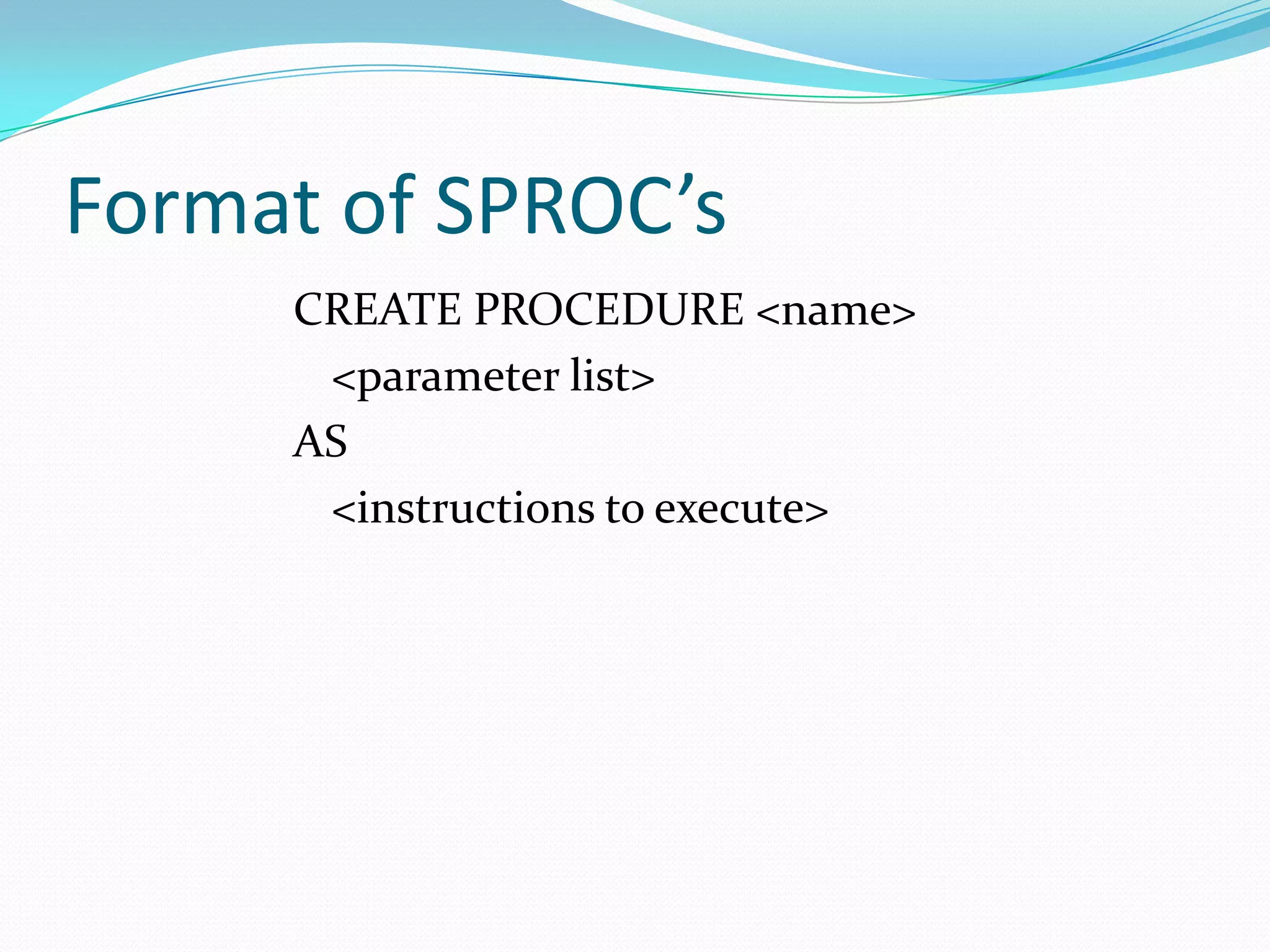
Format of SPROC’s
     CREATE PROCEDURE <name>
      <parameter list>
     AS
      <instructions to execute>
EXECUTE
 EXEC(cute) statement
   OR
 EXEC(cute) stored procedure name
 Statement or sproc runs in it’s own scope
    Can’t ‘share’ variables directly
    User’s security rules apply
    Can’t be used in User Defined Function (UDF)
Uses of Stored Procedures
 For returning data (select)
 For editing data
 For calculations
Parameters
 Method for sending data into and from a stored
 procedure
   INPUT parameters are values sent in
   OUTPUT parameters are values returned
       Must have a holding space (variable) for the returned data
 Defined before start of procedure (AS)
Declaring Parameters
 Include name and datatype
 Default value is optional
   Without a default value, parameter is required
 Direction is optional (input is default)
   An output parameter must have direction specified
Sample Input Parameter
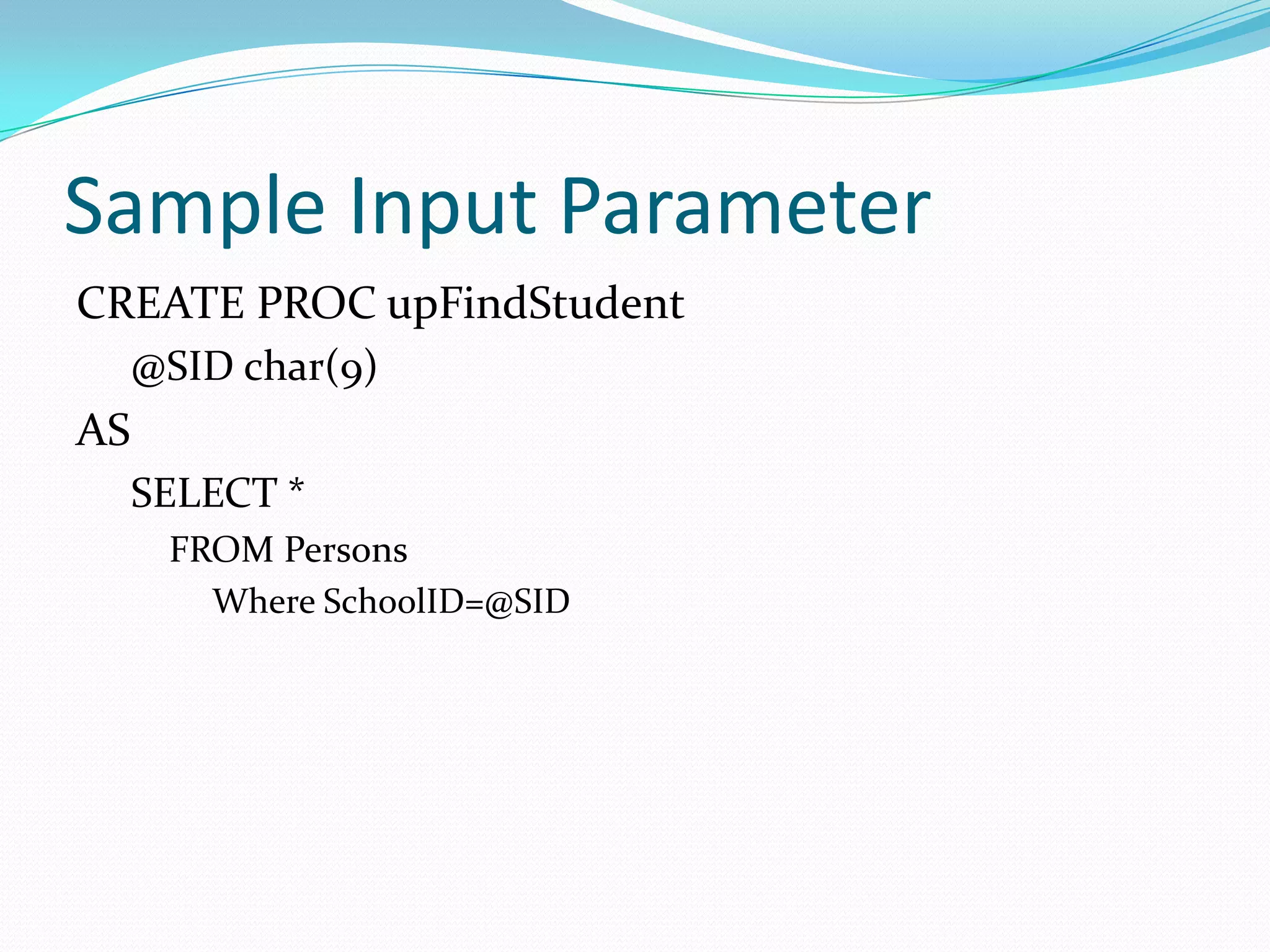
CREATE PROC upFindStudent
     @SID char(9)
AS
     SELECT *
      FROM Persons
        Where SchoolID=@SID
Sample Output Parameter
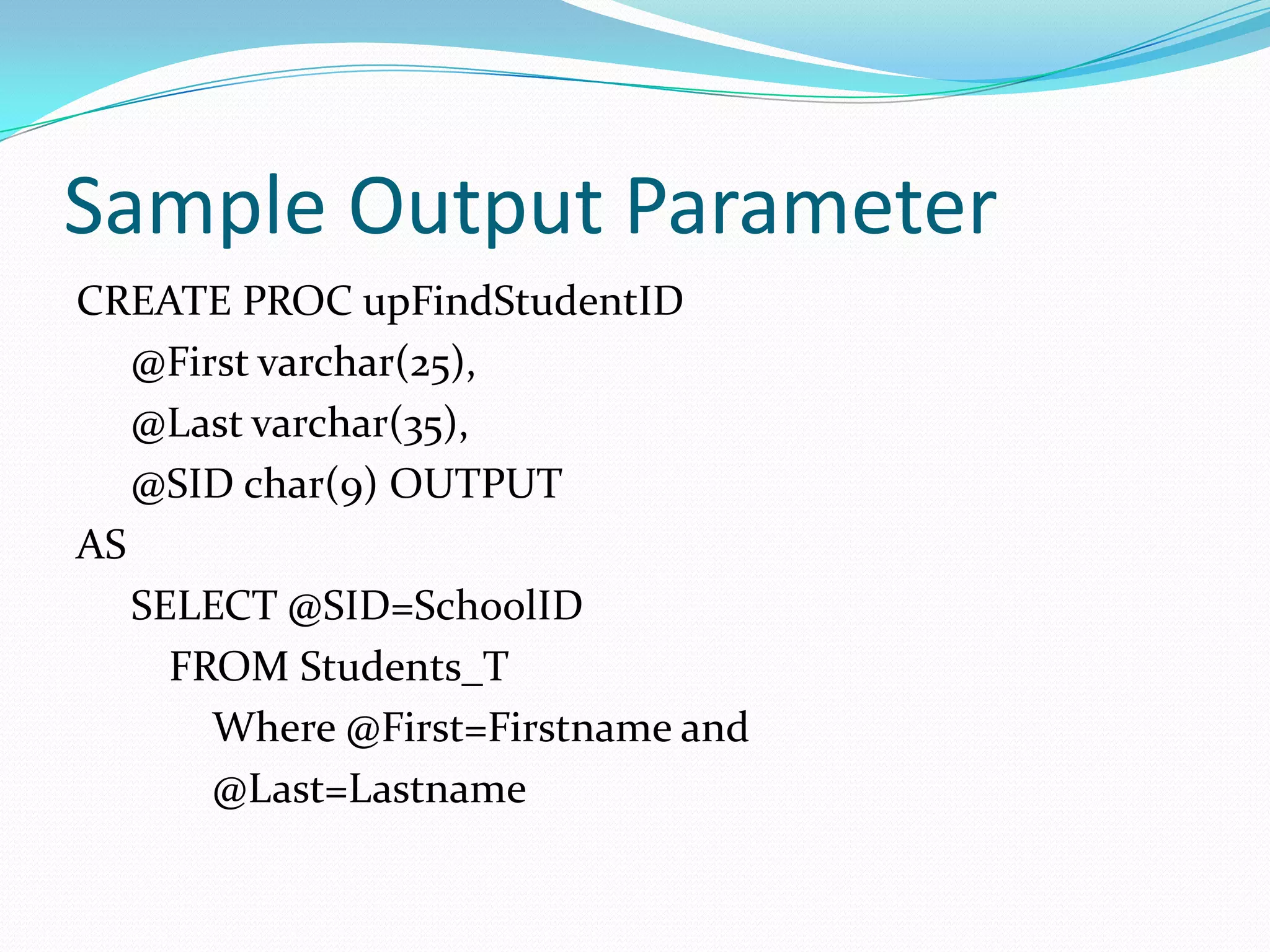
CREATE PROC upFindStudentID
   @First varchar(25),
   @Last varchar(35),
   @SID char(9) OUTPUT
AS
   SELECT @SID=SchoolID
     FROM Students_T
       Where @First=Firstname and
       @Last=Lastname
Return Values
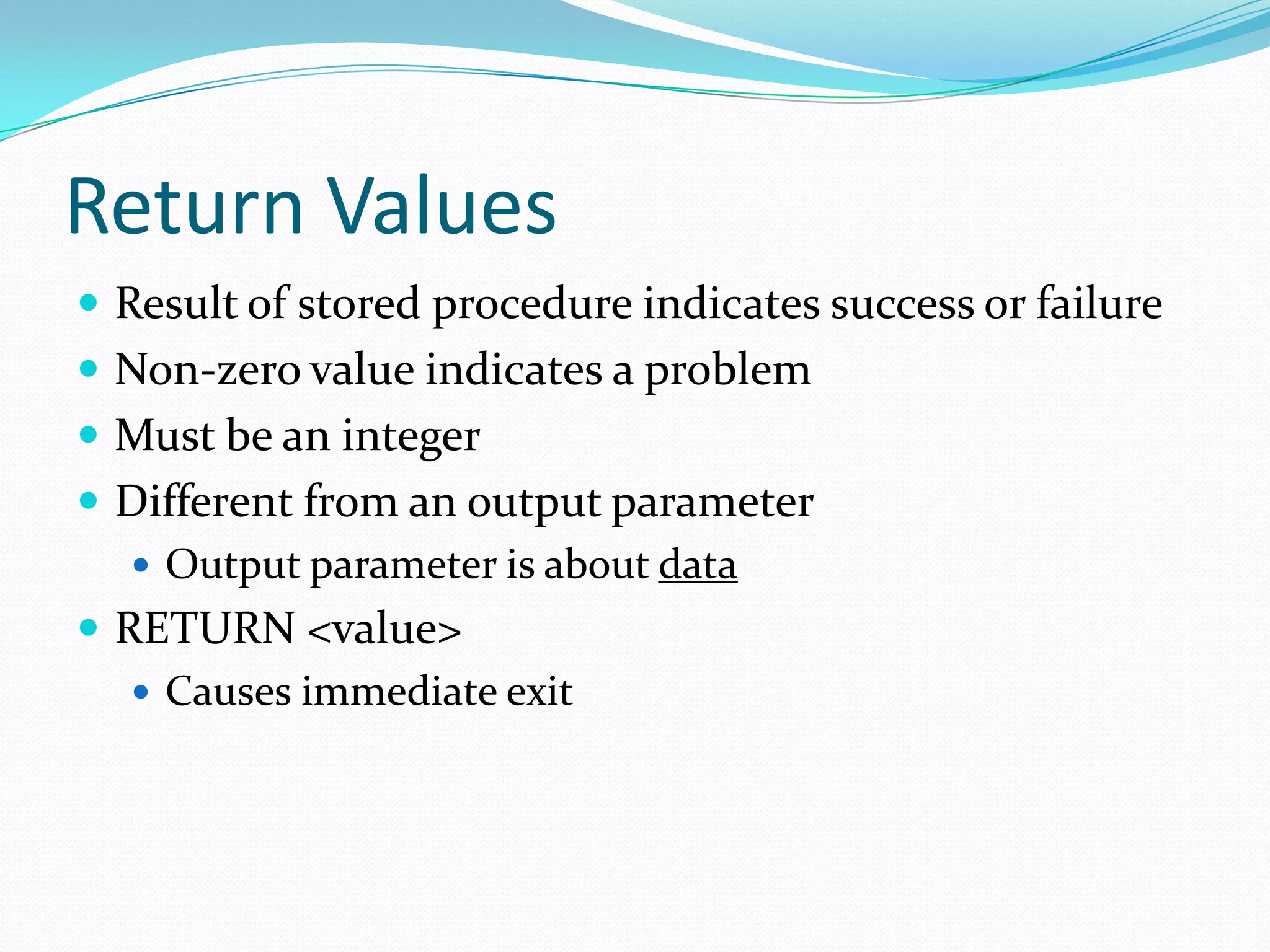
 Result of stored procedure indicates success or failure
 Non-zero value indicates a problem
 Must be an integer
 Different from an output parameter
    Output parameter is about data
 RETURN <value>
    Causes immediate exit
Variables
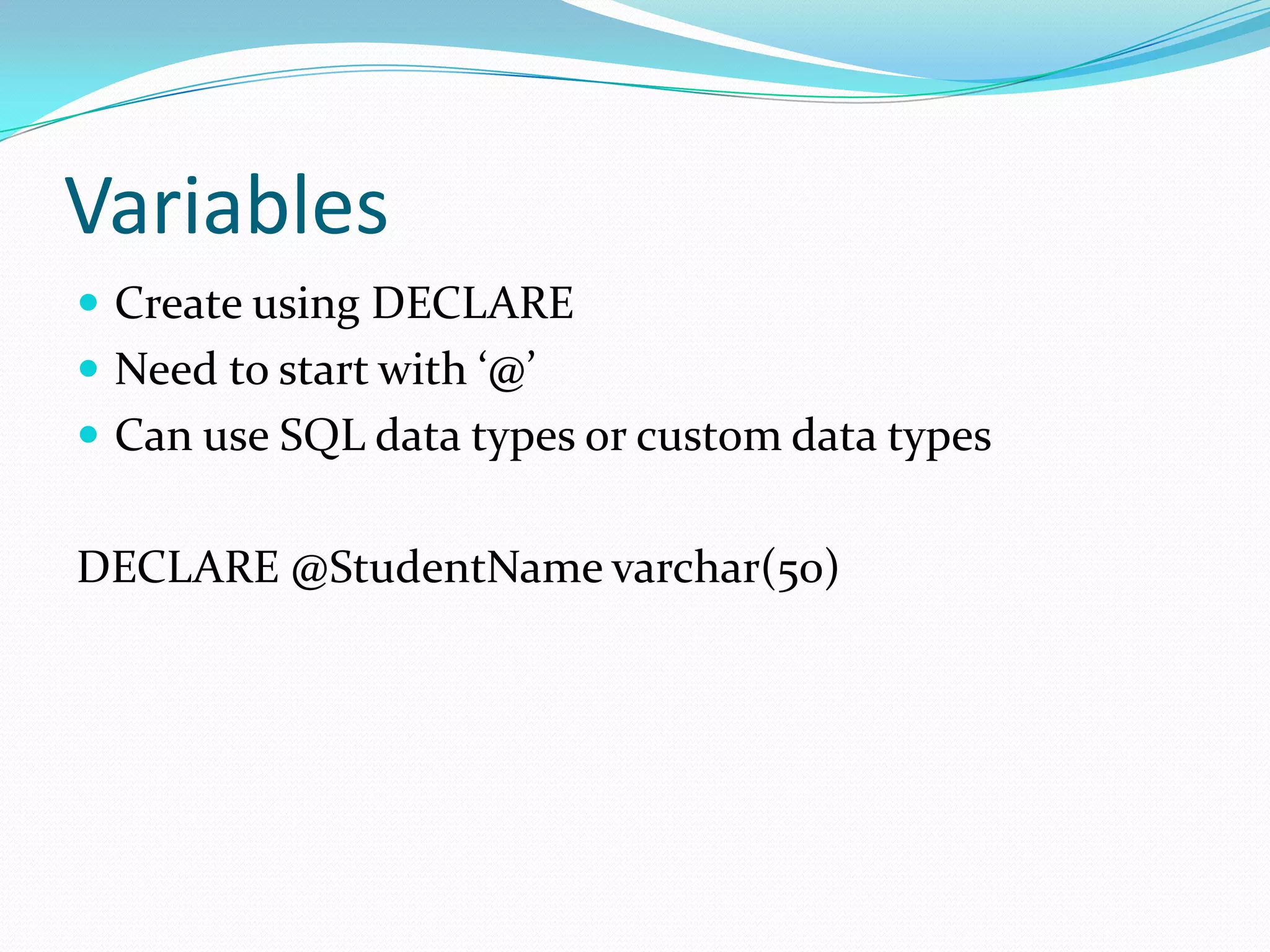
 Create using DECLARE
 Need to start with ‘@’
 Can use SQL data types or custom data types


DECLARE @StudentName varchar(50)
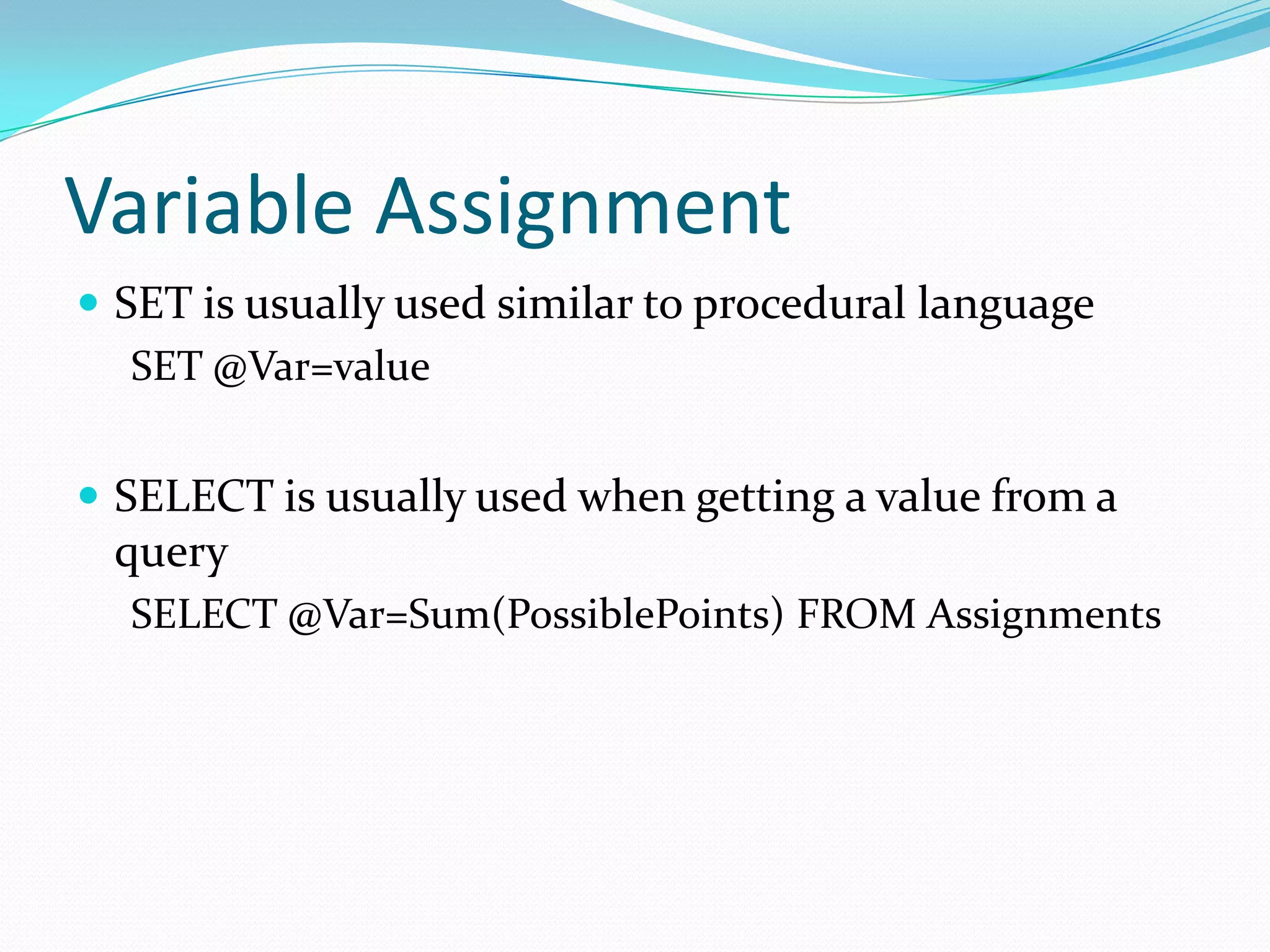
Variable Assignment
 SET is usually used similar to procedural language
   SET @Var=value


 SELECT is usually used when getting a value from a
 query
  SELECT @Var=Sum(PossiblePoints) FROM Assignments
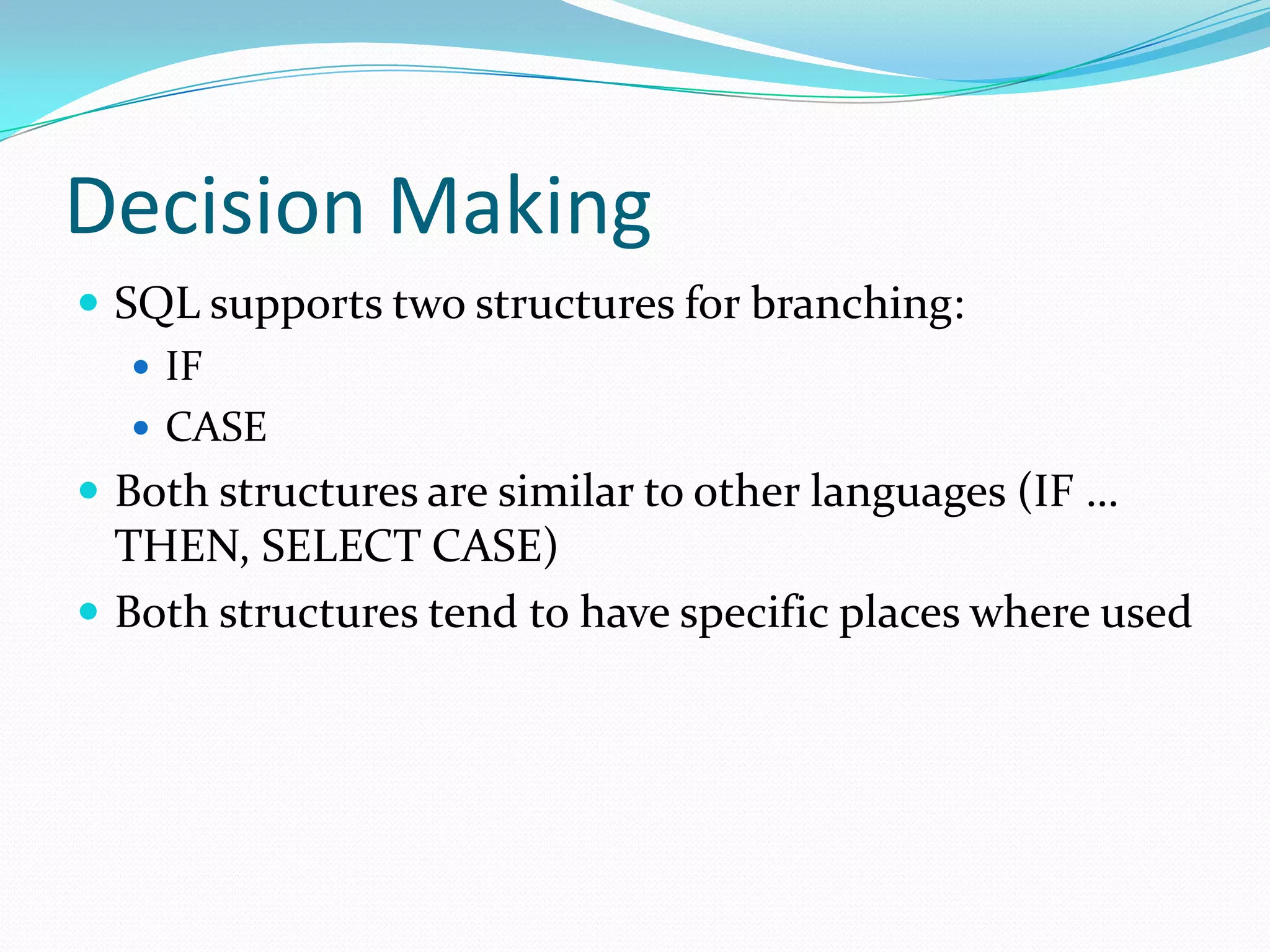
Decision Making
 SQL supports two structures for branching:
    IF
    CASE
 Both structures are similar to other languages (IF …
  THEN, SELECT CASE)
 Both structures tend to have specific places where used
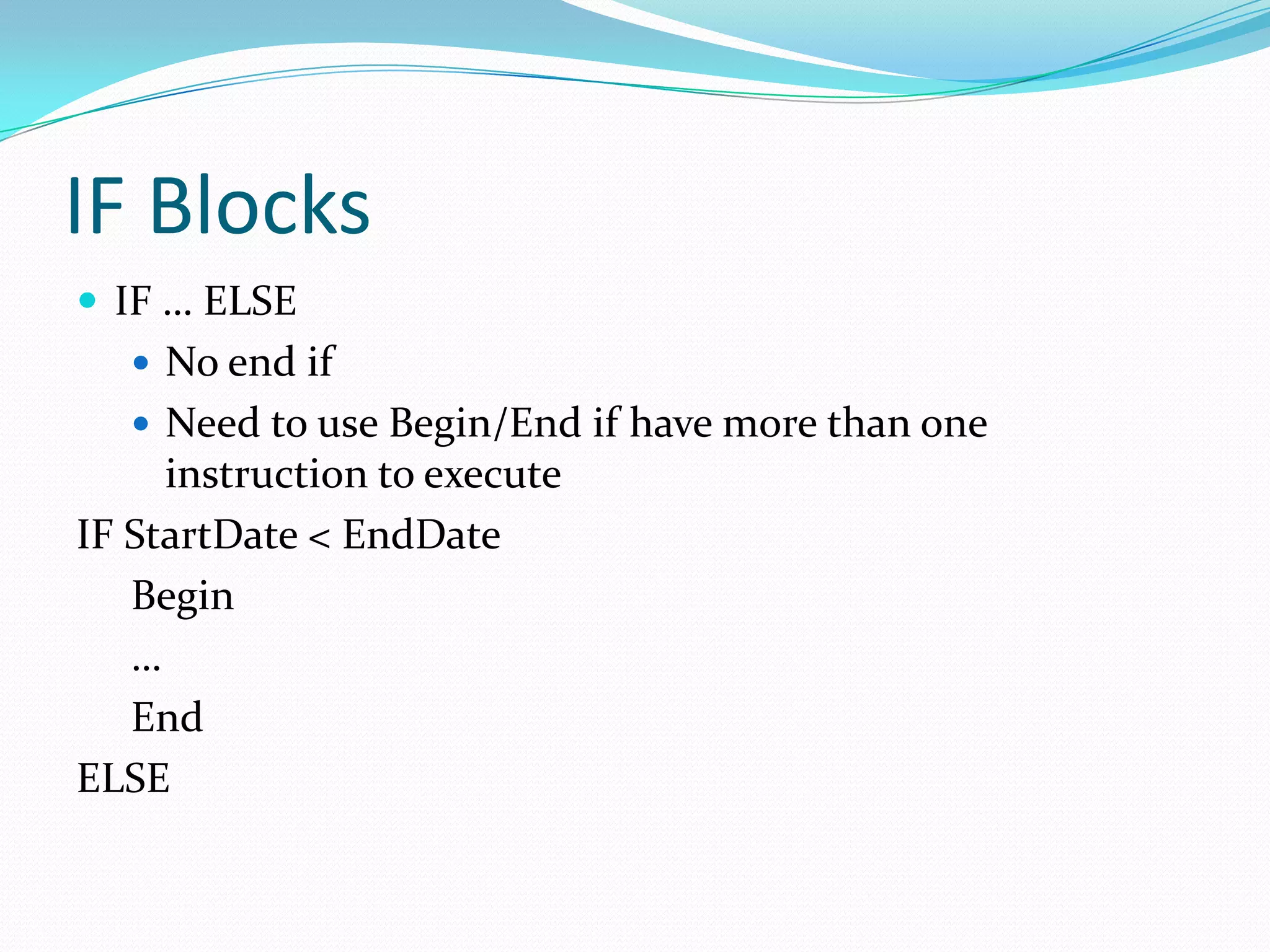
IF Blocks
 IF … ELSE
    No end if
    Need to use Begin/End if have more than one
     instruction to execute
IF StartDate < EndDate
   Begin
   …
   End
ELSE
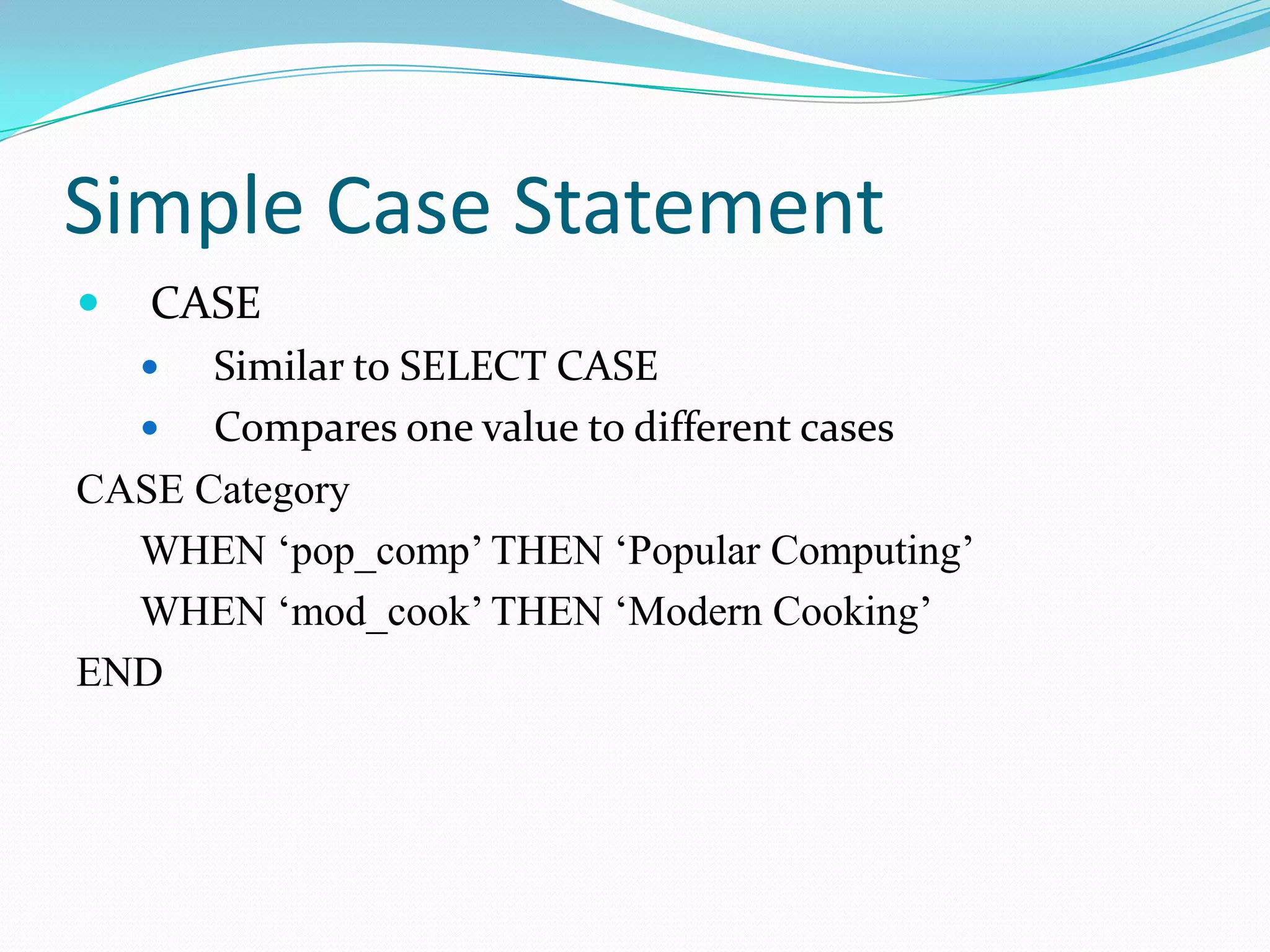
Simple Case Statement
   CASE
     Similar to SELECT CASE
     Compares one value to different cases
CASE Category
  WHEN ‘pop_comp’ THEN ‘Popular Computing’
  WHEN ‘mod_cook’ THEN ‘Modern Cooking’
END
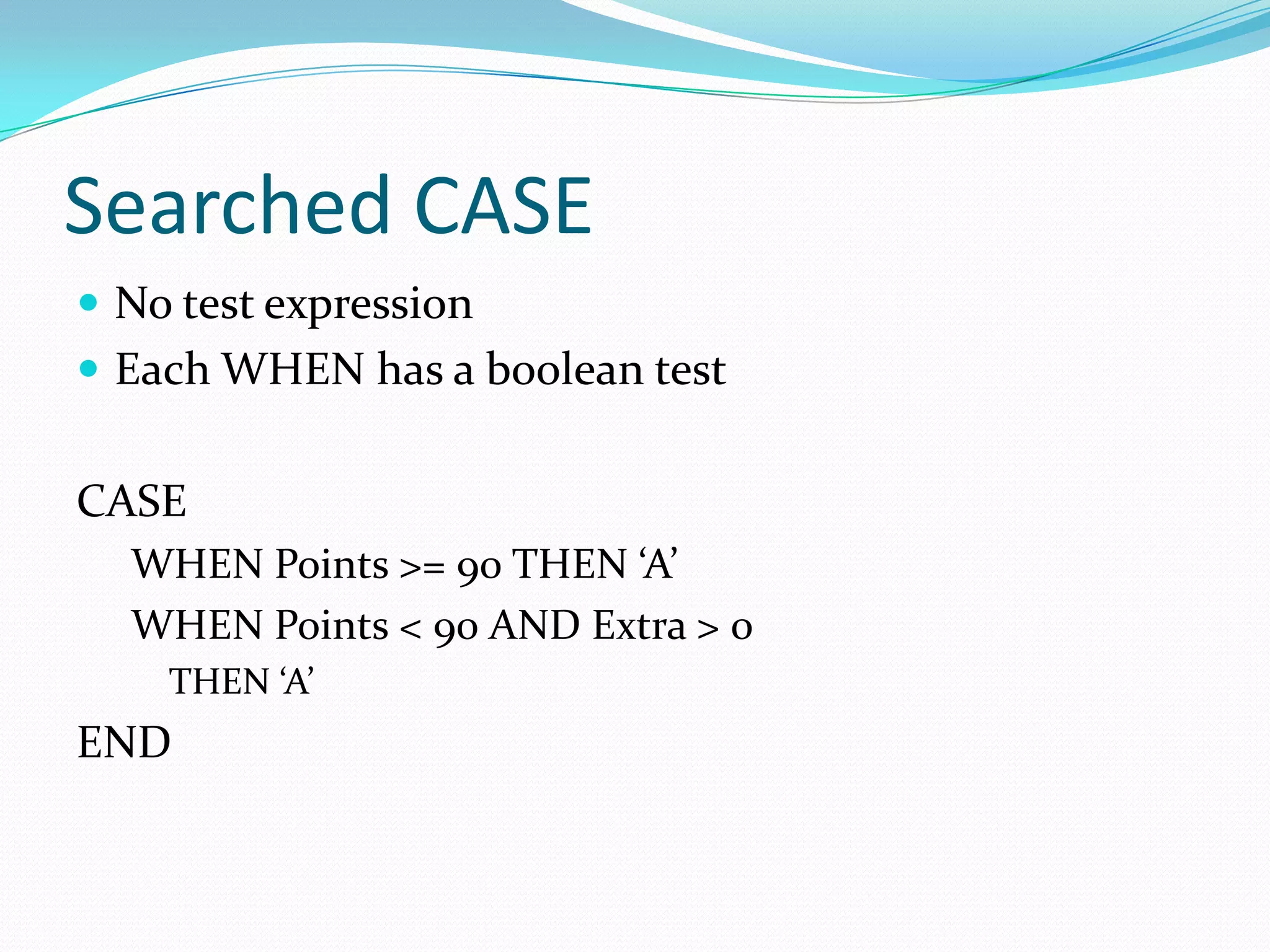
Searched CASE
 No test expression
 Each WHEN has a boolean test


CASE
  WHEN Points >= 90 THEN ‘A’
  WHEN Points < 90 AND Extra > 0
    THEN ‘A’
END
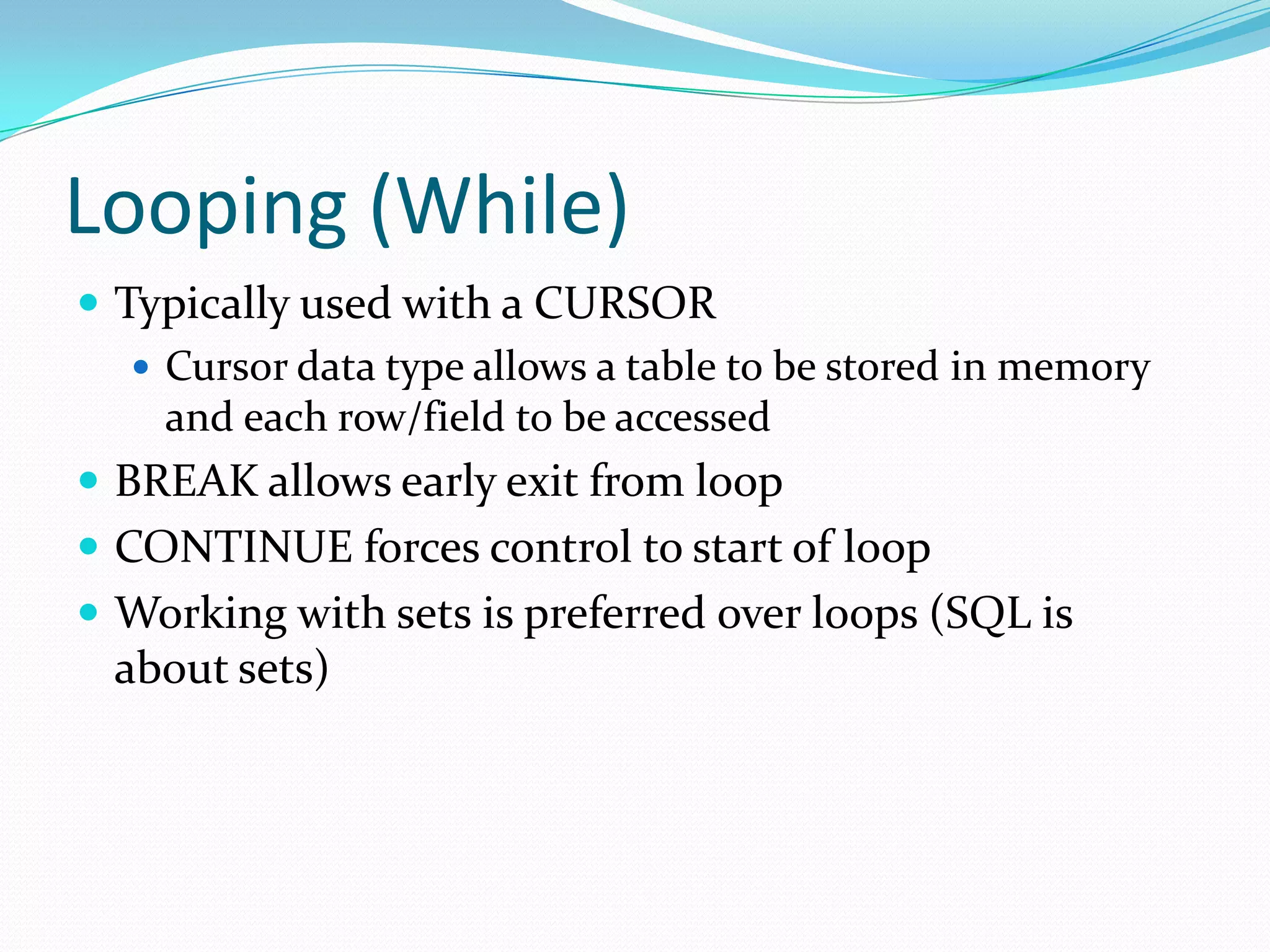
Looping (While)
 Typically used with a CURSOR
    Cursor data type allows a table to be stored in memory
     and each row/field to be accessed
 BREAK allows early exit from loop
 CONTINUE forces control to start of loop
 Working with sets is preferred over loops (SQL is
  about sets)
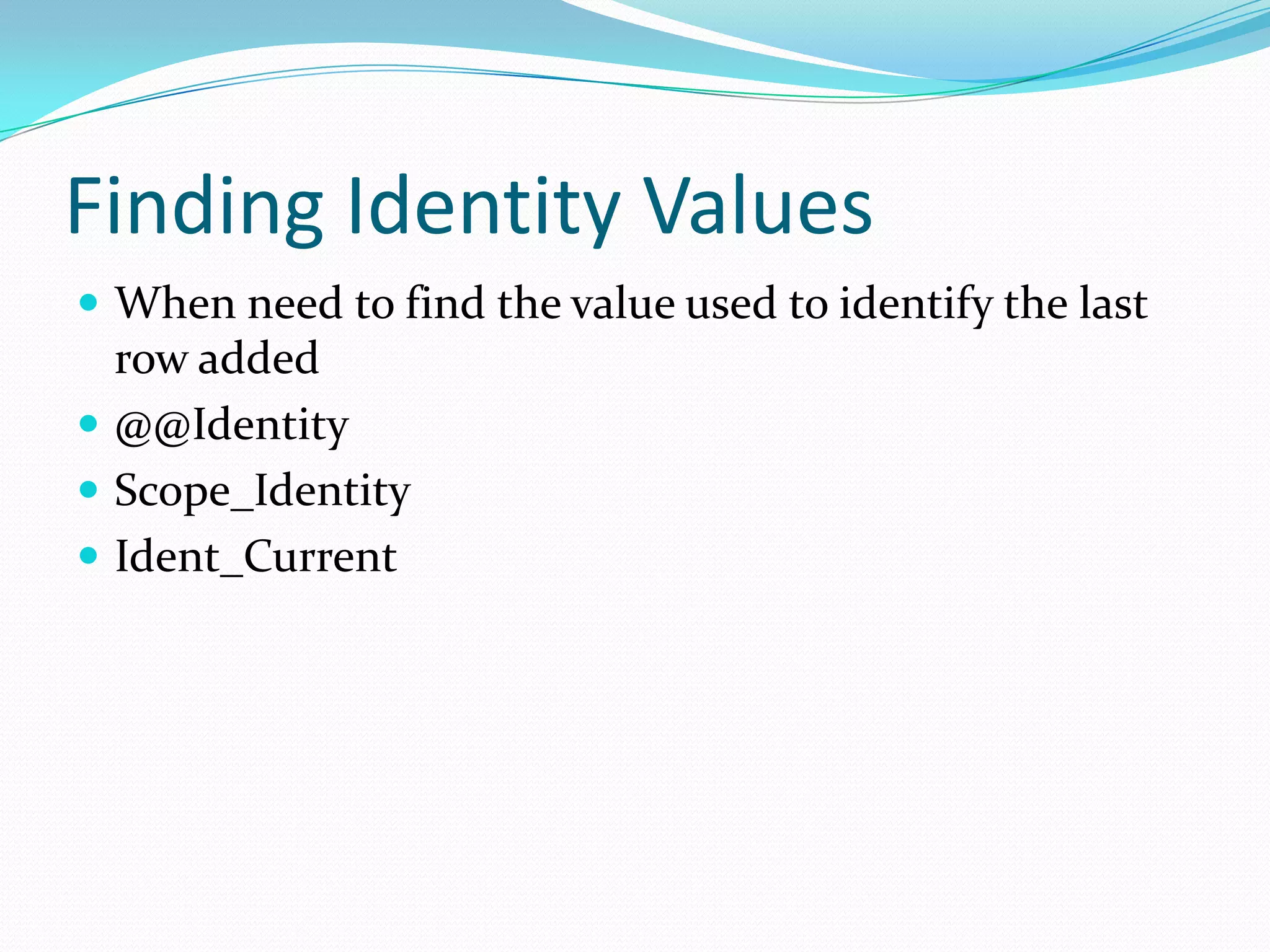
Finding Identity Values
 When need to find the value used to identify the last
  row added
 @@Identity
 Scope_Identity
 Ident_Current
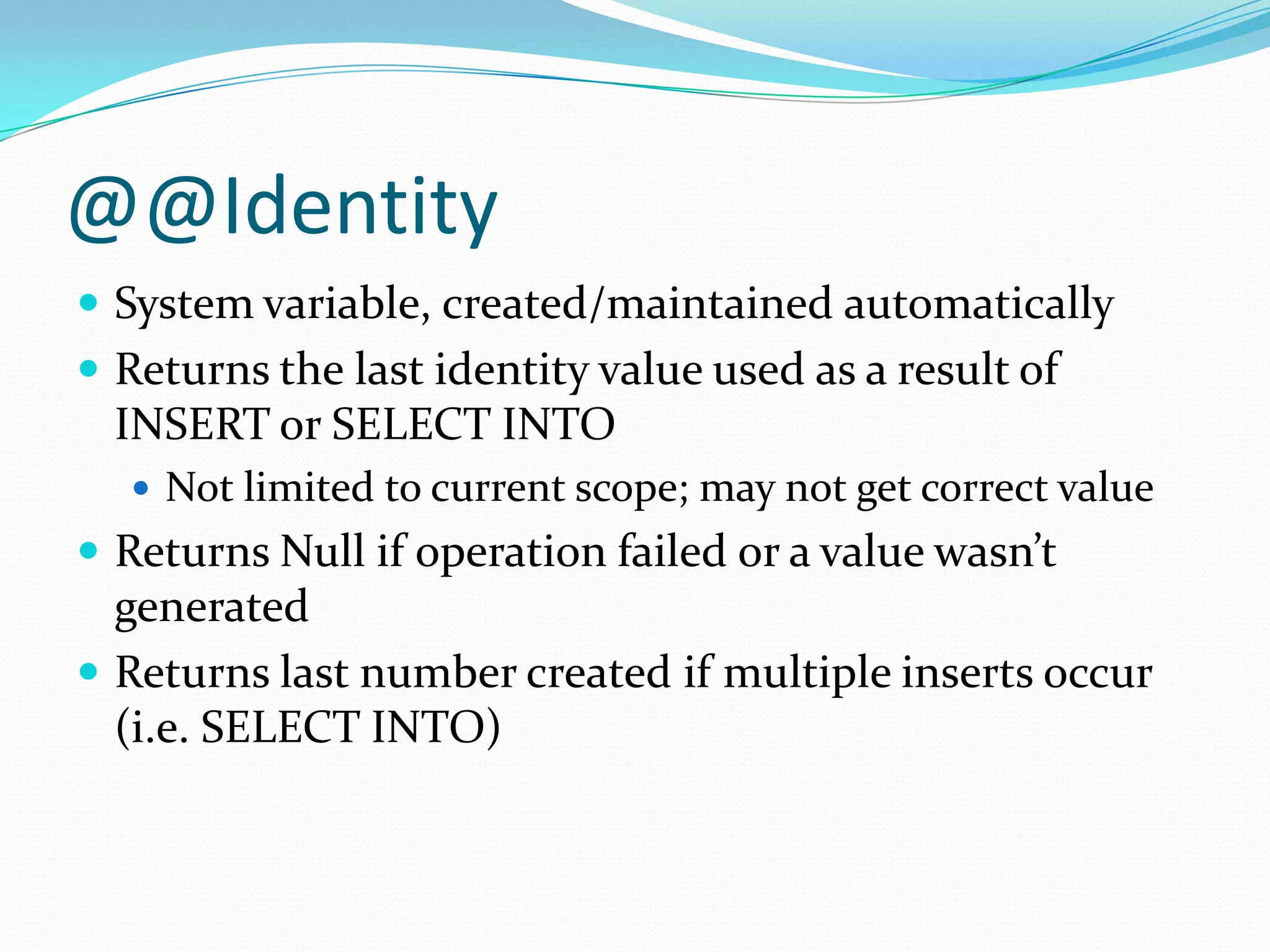
@@Identity
 System variable, created/maintained automatically
 Returns the last identity value used as a result of
  INSERT or SELECT INTO
   Not limited to current scope; may not get correct value
 Returns Null if operation failed or a value wasn’t
  generated
 Returns last number created if multiple inserts occur
  (i.e. SELECT INTO)
Scope_Identity()
 Return the last identity values generated in any table
  in the current session.
 Returns values inserted only within the current scope
   Not affected by other operations.
Ident_Current()
 Not limited by scope and session;
 Limited to a specified table (table name specified as an
 argument value).
@@Rowcount
 System variable, created/maintained automatically
 Number of rows returned or affected by the last
  statement
 0 (zero) is often used as a logical test
    If no records found for where clause, notify system or
    process
Errors
 Errors can occur because of SQL statement
    Invalid syntax, or data type
 Errors can also reflect business rules
    Data doesn’t match requirements
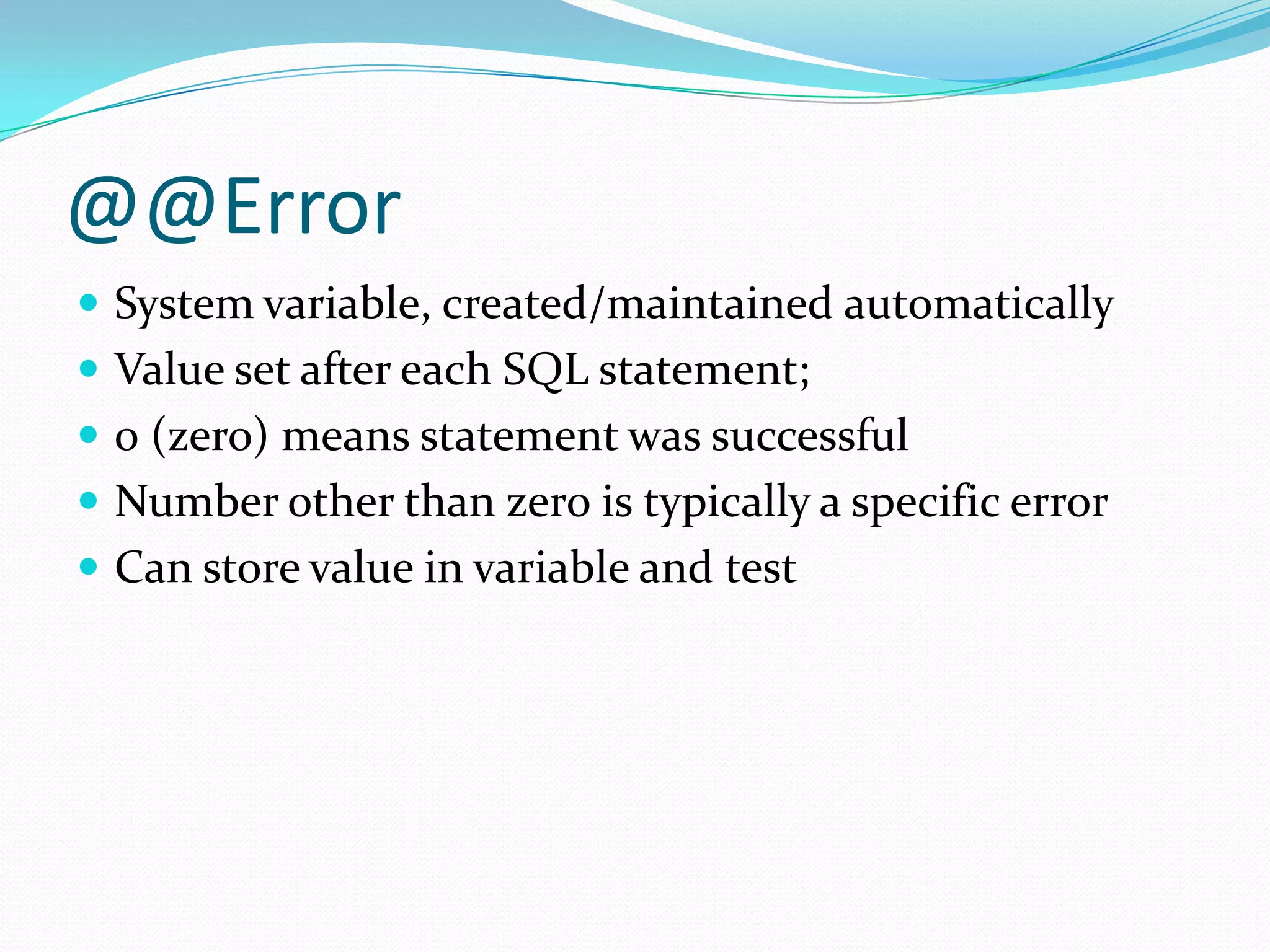
@@Error
 System variable, created/maintained automatically
 Value set after each SQL statement;
 0 (zero) means statement was successful
 Number other than zero is typically a specific error
 Can store value in variable and test
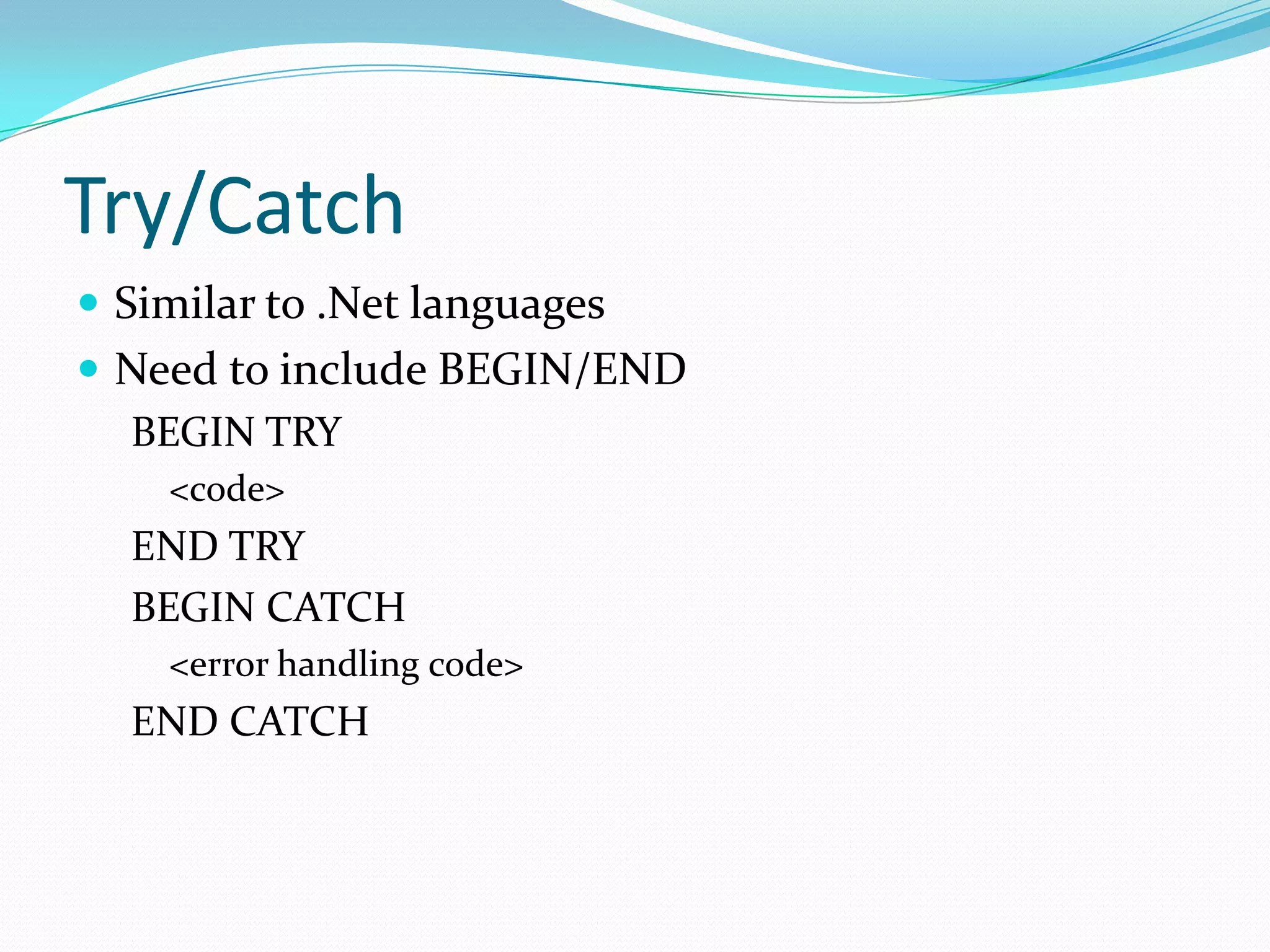
Try/Catch
 Similar to .Net languages
 Need to include BEGIN/END
  BEGIN TRY
    <code>
  END TRY
  BEGIN CATCH
    <error handling code>
  END CATCH
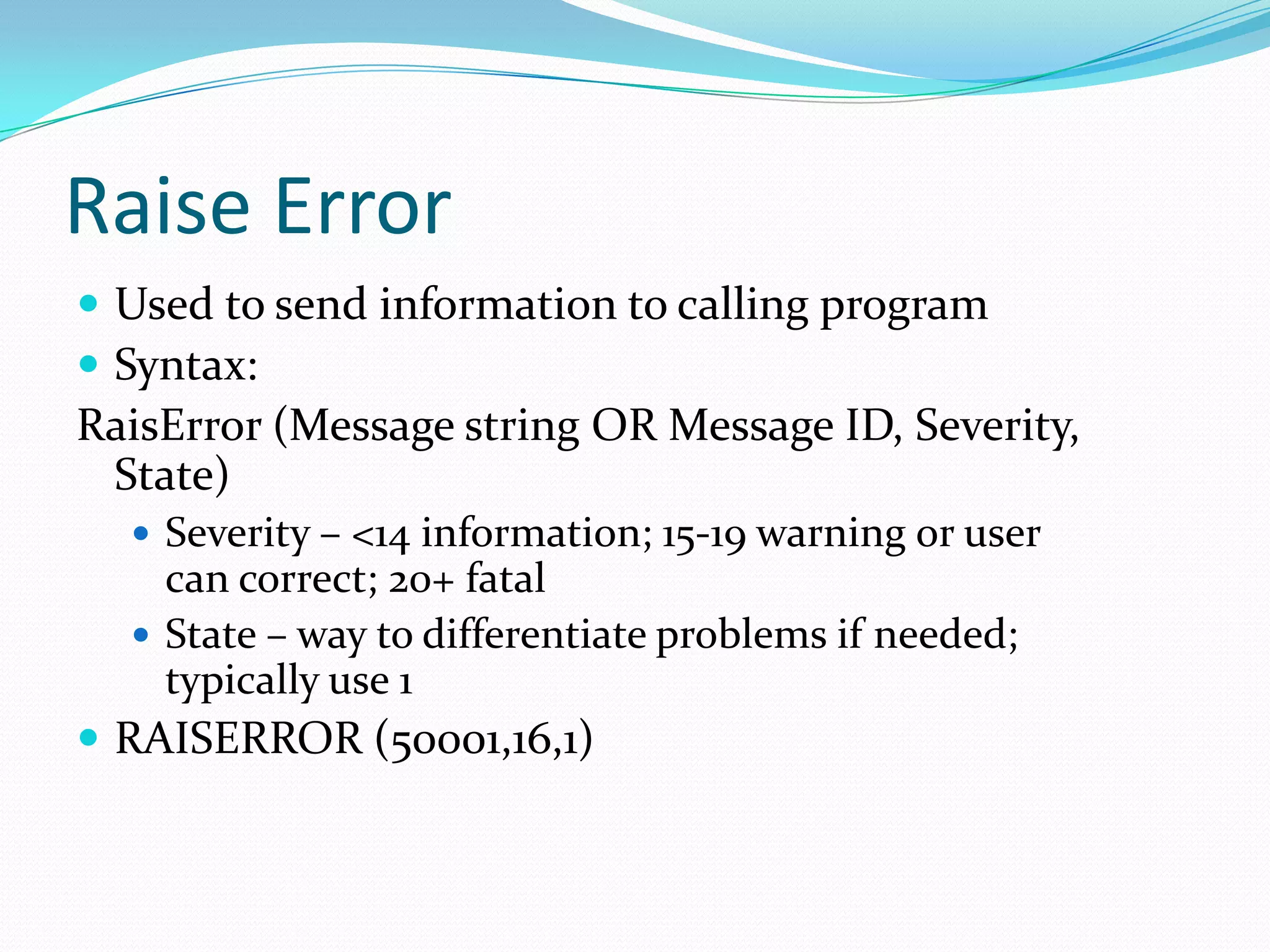
Raise Error
 Used to send information to calling program
 Syntax:
RaisError (Message string OR Message ID, Severity,
 State)
   Severity – <14 information; 15-19 warning or user
    can correct; 20+ fatal
   State – way to differentiate problems if needed;
    typically use 1
 RAISERROR (50001,16,1)
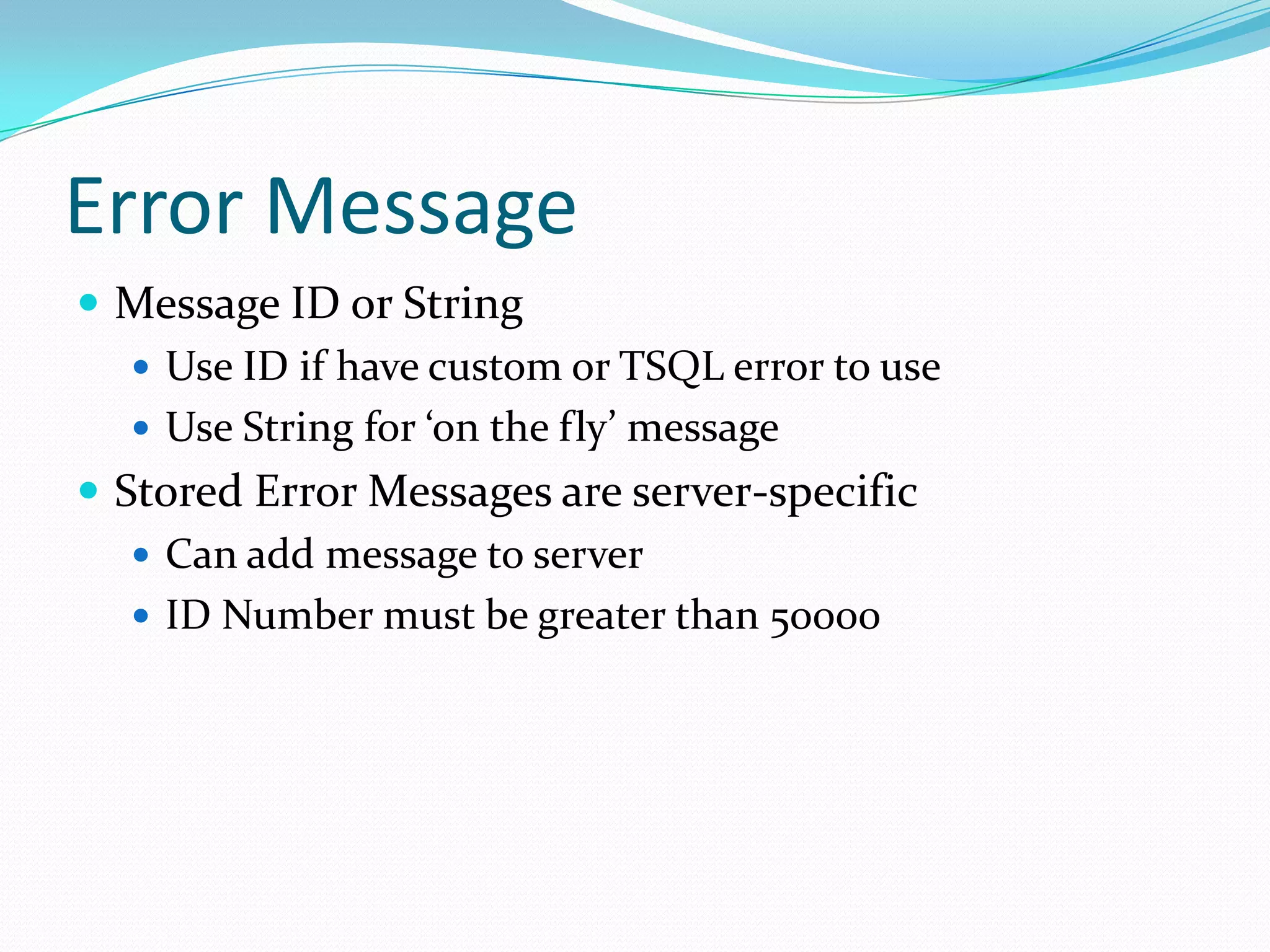
Error Message
 Message ID or String
    Use ID if have custom or TSQL error to use
    Use String for ‘on the fly’ message
 Stored Error Messages are server-specific
    Can add message to server
    ID Number must be greater than 50000
Custom Error Messages
 Messages can include a parameter with % to allow
 addition to message
   ‘D’ – signed integer
   ‘O’ – unsigned octal
   ‘P’ – pointer
   ‘S’ – string
   ‘U’ – unsigned integer
   ‘X’ or ‘x’ – unsigned hexadecimal
Severity & State
 1 – 18: Informational (range can vary – not exact)
    11 – 16 typically raise error at client
 19 – 25: Severe error
    20+ is fatal error and connection will terminate
 State is ‘ad hoc’ and can help if same error happens in
 multiple places
   Range of 1 – 127
Sample Error Message
 RaisError(‘Operation cannot be completed because
 field %s cannot be null’,1,1,’fieldname’)
Transactions
 Provides method for canceling an operation
 Can restore rows, columns to original state in event of
  error or business logic failure
 Use when changes will either be committed or
  discarded in entirety
ACID
 Atomicity: All of the changes will be accepted or none of
  the changes will be accepted
 Consistency: Data is either in its original or changed state
 Isolation: If multiple transactions occur, data is never
  available in an intermediate state
 Durability: Once finished, all changes are complete and
  changes can only be done by another transaction/unit of
  work
Using A Transaction
 Begin Tran: Identifies the start
 Commit Tran: Write changes
 Rollback Tran: Cancel changes


 Be sure to issue a Commit or Rollback
    Connection Stays Open Until Transaction is terminated
Locking & Concurrency
 Locking allows a transaction to ensure that it can
  rollback
 Prevents other operations from changing that data
 Concurrency refers to multiple actions running against
  database at the same time
   What happens if you want to change data I’m working
    with?
Sample Locking Levels
 Database
 Table
 Extent (memory)
 Page (subset of extent)
 Key
 Row
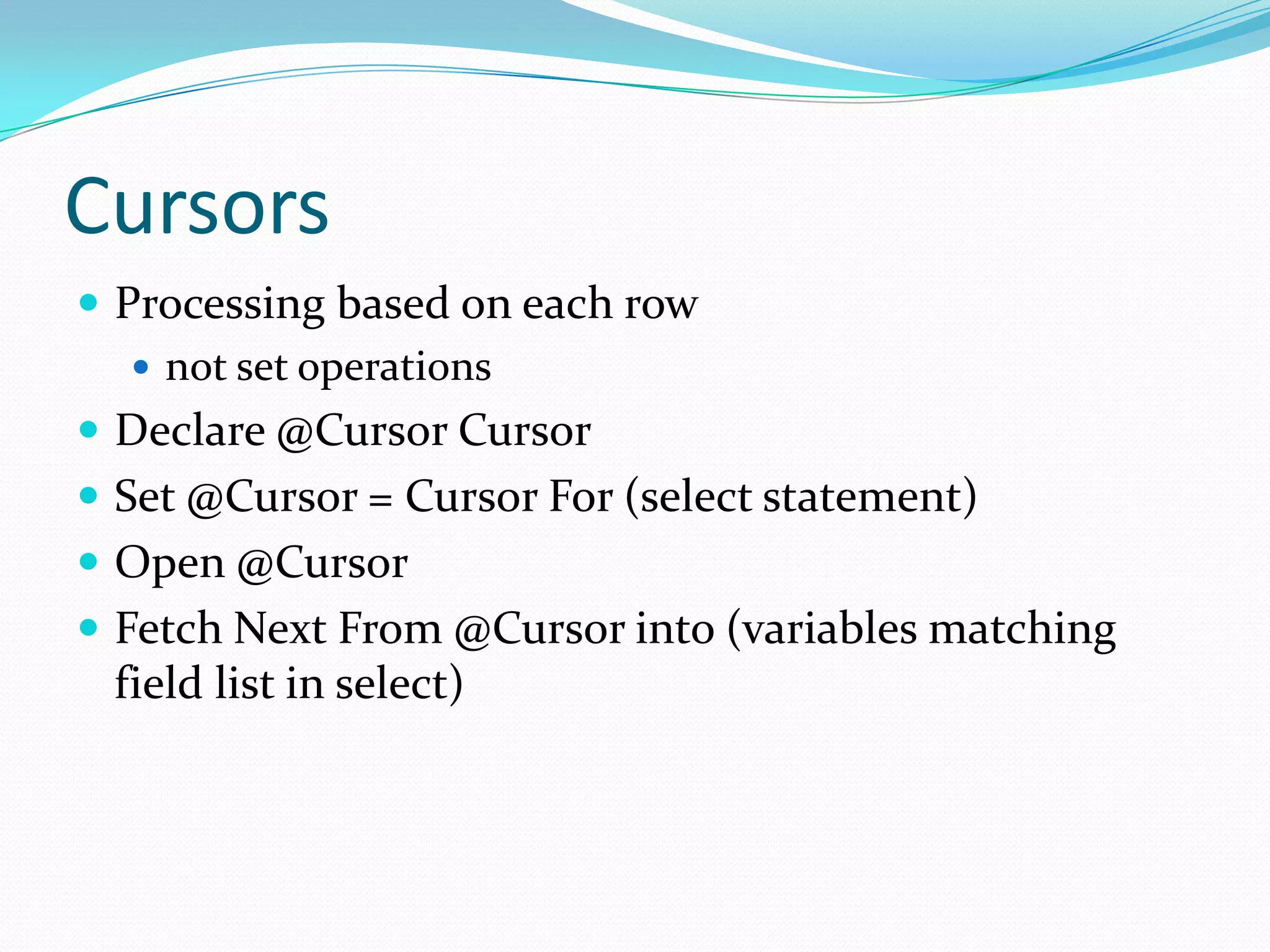
Cursors
 Processing based on each row
    not set operations
 Declare @Cursor Cursor
 Set @Cursor = Cursor For (select statement)
 Open @Cursor
 Fetch Next From @Cursor into (variables matching
 field list in select)
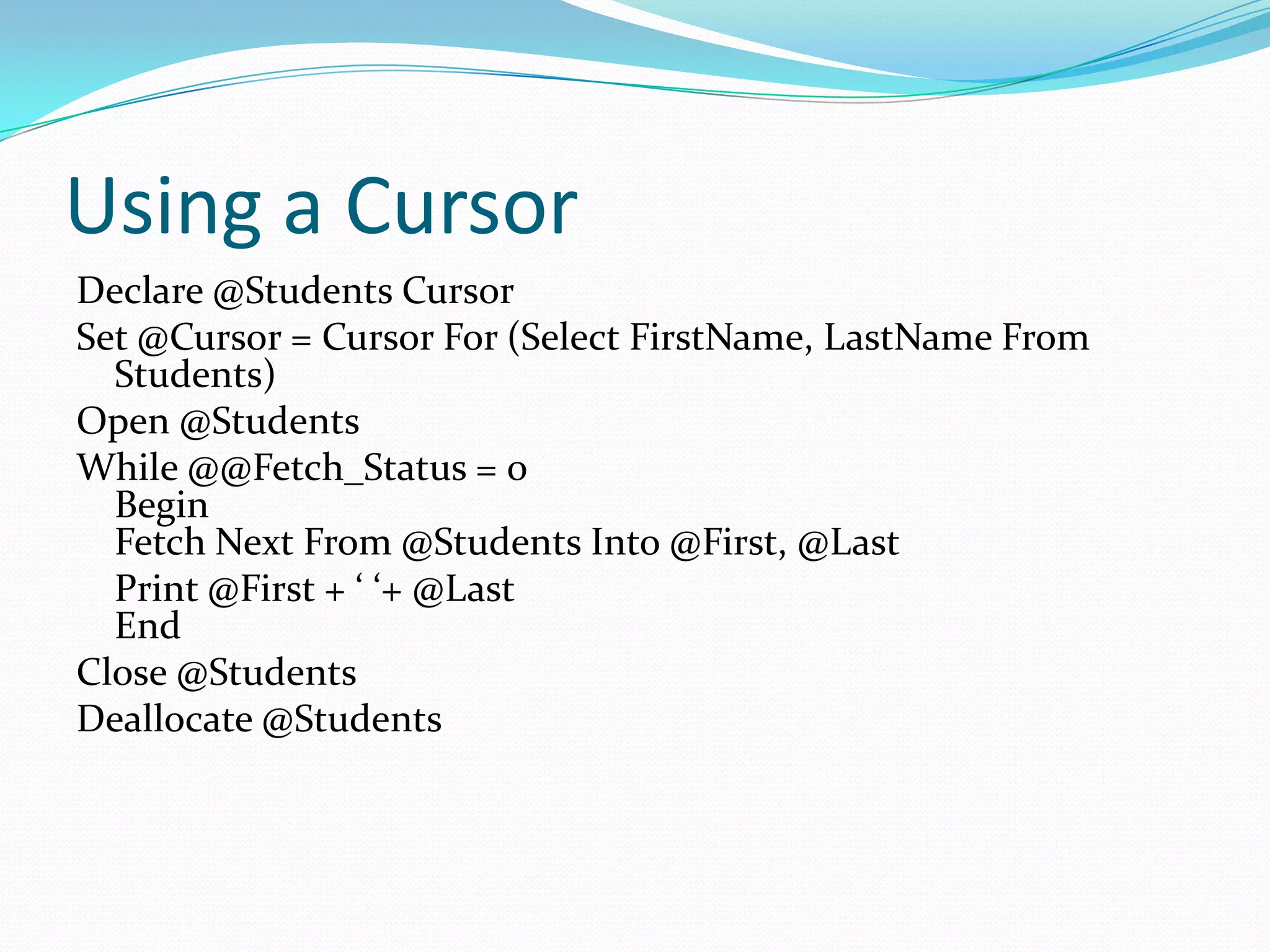
Using a Cursor
Declare @Students Cursor
Set @Cursor = Cursor For (Select FirstName, LastName From
  Students)
Open @Students
While @@Fetch_Status = 0
  Begin
  Fetch Next From @Students Into @First, @Last
  Print @First + ‘ ‘+ @Last
  End
Close @Students
Deallocate @Students
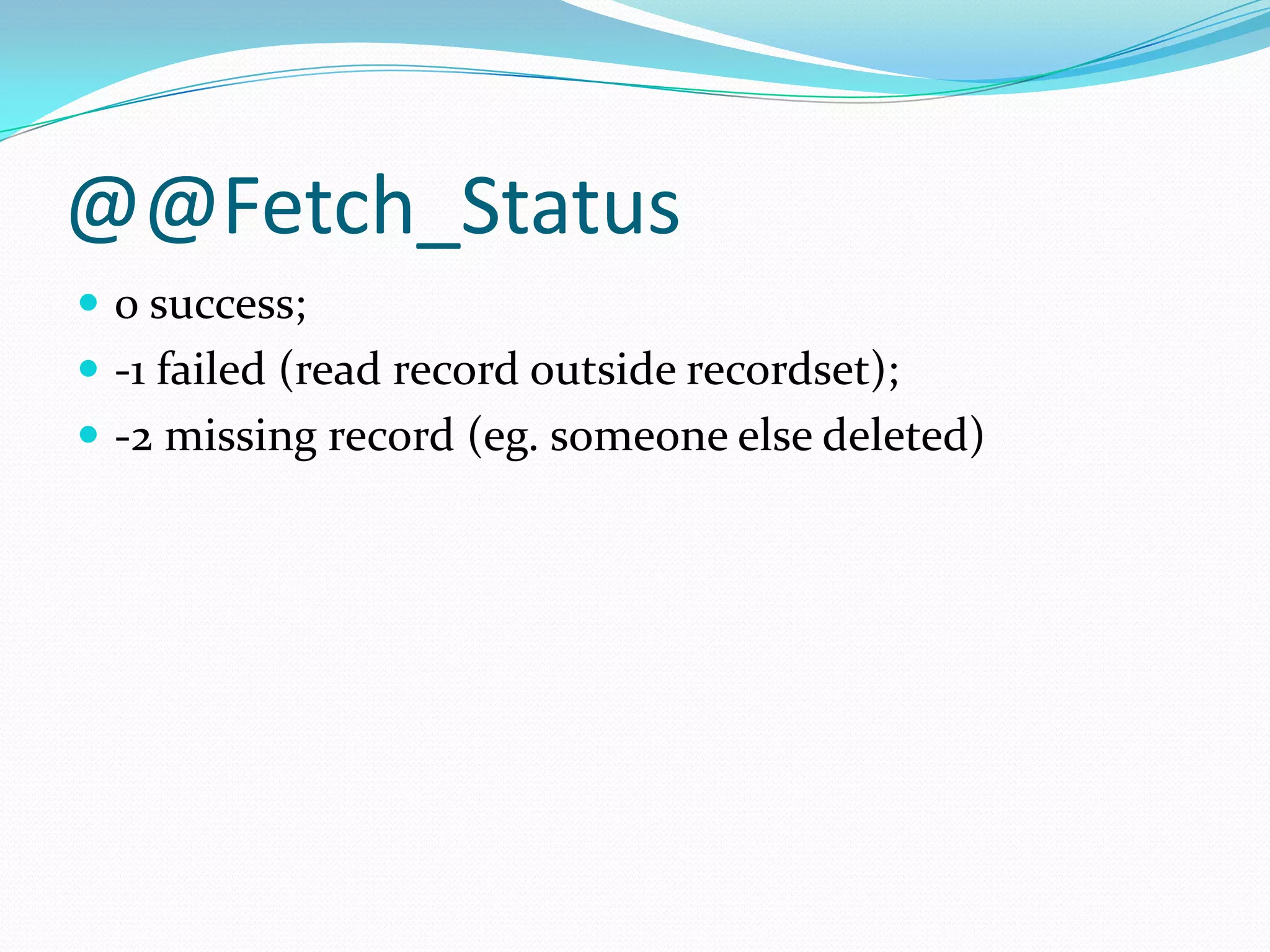
@@Fetch_Status
 0 success;
 -1 failed (read record outside recordset);
 -2 missing record (eg. someone else deleted)

Stored procedures

  • 1.
  • 2.
    Scripts v. StoredProcedures  Script: Text file of SQL commands  Stored Procedure: SQL commands stored in database itself  SPROC’s have more capabilities than a script
  • 3.
    BATCH  Batch isa logical group of SQL statements  Run-time error will halt execution only of FURTHER steps  Can break up multiple steps using GO  Not available in all tools  GO causes editing tool to send statements to that point for execution  GO isn’t sent to SQL Server
  • 4.
    Format of SPROC’s CREATE PROCEDURE <name> <parameter list> AS <instructions to execute>
  • 5.
    EXECUTE  EXEC(cute) statement OR  EXEC(cute) stored procedure name  Statement or sproc runs in it’s own scope  Can’t ‘share’ variables directly  User’s security rules apply  Can’t be used in User Defined Function (UDF)
  • 6.
    Uses of StoredProcedures  For returning data (select)  For editing data  For calculations
  • 7.
    Parameters  Method forsending data into and from a stored procedure  INPUT parameters are values sent in  OUTPUT parameters are values returned  Must have a holding space (variable) for the returned data  Defined before start of procedure (AS)
  • 8.
    Declaring Parameters  Includename and datatype  Default value is optional  Without a default value, parameter is required  Direction is optional (input is default)  An output parameter must have direction specified
  • 9.
    Sample Input Parameter CREATEPROC upFindStudent @SID char(9) AS SELECT * FROM Persons Where SchoolID=@SID
  • 10.
    Sample Output Parameter CREATEPROC upFindStudentID @First varchar(25), @Last varchar(35), @SID char(9) OUTPUT AS SELECT @SID=SchoolID FROM Students_T Where @First=Firstname and @Last=Lastname
  • 11.
    Return Values  Resultof stored procedure indicates success or failure  Non-zero value indicates a problem  Must be an integer  Different from an output parameter  Output parameter is about data  RETURN <value>  Causes immediate exit
  • 12.
    Variables  Create usingDECLARE  Need to start with ‘@’  Can use SQL data types or custom data types DECLARE @StudentName varchar(50)
  • 13.
    Variable Assignment  SETis usually used similar to procedural language SET @Var=value  SELECT is usually used when getting a value from a query SELECT @Var=Sum(PossiblePoints) FROM Assignments
  • 14.
    Decision Making  SQLsupports two structures for branching:  IF  CASE  Both structures are similar to other languages (IF … THEN, SELECT CASE)  Both structures tend to have specific places where used
  • 15.
    IF Blocks  IF… ELSE  No end if  Need to use Begin/End if have more than one instruction to execute IF StartDate < EndDate Begin … End ELSE
  • 16.
    Simple Case Statement  CASE  Similar to SELECT CASE  Compares one value to different cases CASE Category WHEN ‘pop_comp’ THEN ‘Popular Computing’ WHEN ‘mod_cook’ THEN ‘Modern Cooking’ END
  • 17.
    Searched CASE  Notest expression  Each WHEN has a boolean test CASE WHEN Points >= 90 THEN ‘A’ WHEN Points < 90 AND Extra > 0 THEN ‘A’ END
  • 18.
    Looping (While)  Typicallyused with a CURSOR  Cursor data type allows a table to be stored in memory and each row/field to be accessed  BREAK allows early exit from loop  CONTINUE forces control to start of loop  Working with sets is preferred over loops (SQL is about sets)
  • 19.
    Finding Identity Values When need to find the value used to identify the last row added  @@Identity  Scope_Identity  Ident_Current
  • 20.
    @@Identity  System variable,created/maintained automatically  Returns the last identity value used as a result of INSERT or SELECT INTO  Not limited to current scope; may not get correct value  Returns Null if operation failed or a value wasn’t generated  Returns last number created if multiple inserts occur (i.e. SELECT INTO)
  • 21.
    Scope_Identity()  Return thelast identity values generated in any table in the current session.  Returns values inserted only within the current scope  Not affected by other operations.
  • 22.
    Ident_Current()  Not limitedby scope and session;  Limited to a specified table (table name specified as an argument value).
  • 23.
    @@Rowcount  System variable,created/maintained automatically  Number of rows returned or affected by the last statement  0 (zero) is often used as a logical test  If no records found for where clause, notify system or process
  • 24.
    Errors  Errors canoccur because of SQL statement  Invalid syntax, or data type  Errors can also reflect business rules  Data doesn’t match requirements
  • 25.
    @@Error  System variable,created/maintained automatically  Value set after each SQL statement;  0 (zero) means statement was successful  Number other than zero is typically a specific error  Can store value in variable and test
  • 26.
    Try/Catch  Similar to.Net languages  Need to include BEGIN/END BEGIN TRY <code> END TRY BEGIN CATCH <error handling code> END CATCH
  • 27.
    Raise Error  Usedto send information to calling program  Syntax: RaisError (Message string OR Message ID, Severity, State)  Severity – <14 information; 15-19 warning or user can correct; 20+ fatal  State – way to differentiate problems if needed; typically use 1  RAISERROR (50001,16,1)
  • 28.
    Error Message  MessageID or String  Use ID if have custom or TSQL error to use  Use String for ‘on the fly’ message  Stored Error Messages are server-specific  Can add message to server  ID Number must be greater than 50000
  • 29.
    Custom Error Messages Messages can include a parameter with % to allow addition to message  ‘D’ – signed integer  ‘O’ – unsigned octal  ‘P’ – pointer  ‘S’ – string  ‘U’ – unsigned integer  ‘X’ or ‘x’ – unsigned hexadecimal
  • 30.
    Severity & State 1 – 18: Informational (range can vary – not exact)  11 – 16 typically raise error at client  19 – 25: Severe error  20+ is fatal error and connection will terminate  State is ‘ad hoc’ and can help if same error happens in multiple places  Range of 1 – 127
  • 31.
    Sample Error Message RaisError(‘Operation cannot be completed because field %s cannot be null’,1,1,’fieldname’)
  • 32.
    Transactions  Provides methodfor canceling an operation  Can restore rows, columns to original state in event of error or business logic failure  Use when changes will either be committed or discarded in entirety
  • 33.
    ACID  Atomicity: Allof the changes will be accepted or none of the changes will be accepted  Consistency: Data is either in its original or changed state  Isolation: If multiple transactions occur, data is never available in an intermediate state  Durability: Once finished, all changes are complete and changes can only be done by another transaction/unit of work
  • 34.
    Using A Transaction Begin Tran: Identifies the start  Commit Tran: Write changes  Rollback Tran: Cancel changes  Be sure to issue a Commit or Rollback  Connection Stays Open Until Transaction is terminated
  • 35.
    Locking & Concurrency Locking allows a transaction to ensure that it can rollback  Prevents other operations from changing that data  Concurrency refers to multiple actions running against database at the same time  What happens if you want to change data I’m working with?
  • 36.
    Sample Locking Levels Database  Table  Extent (memory)  Page (subset of extent)  Key  Row
  • 37.
    Cursors  Processing basedon each row  not set operations  Declare @Cursor Cursor  Set @Cursor = Cursor For (select statement)  Open @Cursor  Fetch Next From @Cursor into (variables matching field list in select)
  • 38.
    Using a Cursor Declare@Students Cursor Set @Cursor = Cursor For (Select FirstName, LastName From Students) Open @Students While @@Fetch_Status = 0 Begin Fetch Next From @Students Into @First, @Last Print @First + ‘ ‘+ @Last End Close @Students Deallocate @Students
  • 39.
    @@Fetch_Status  0 success; -1 failed (read record outside recordset);  -2 missing record (eg. someone else deleted)