Introduction To SQL Unit 11 Modern Business Technology Introduction To TSQL Unit 11 Developed by Michael Hotek
Batches Most SQL statements have the ability to be run as batches A batch is nothing more than a group of SQL statements executed at the same time The batch is submitted and processed by the server If there is an error in any statement in the batch, the entire batch is rejected
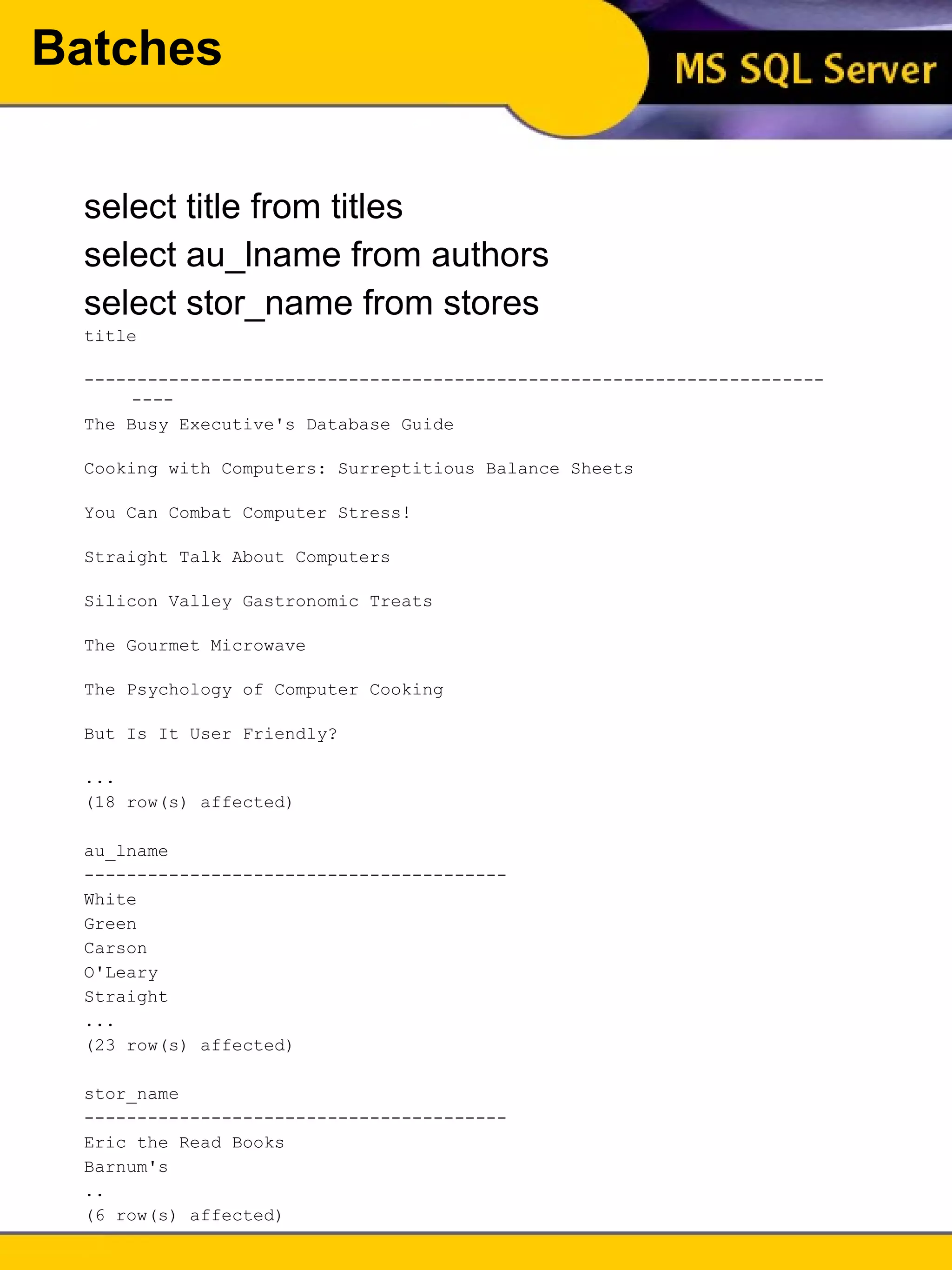
Batches select title from titles select au_lname from authors select stor_name from stores title  --------------------------------------------------------------------------  The Busy Executive's Database Guide  Cooking with Computers: Surreptitious Balance Sheets  You Can Combat Computer Stress!  Straight Talk About Computers  Silicon Valley Gastronomic Treats  The Gourmet Microwave  The Psychology of Computer Cooking  But Is It User Friendly?  ... (18 row(s) affected) au_lname  ----------------------------------------  White  Green  Carson  O'Leary  Straight  ... (23 row(s) affected) stor_name  ----------------------------------------  Eric the Read Books  Barnum's  .. (6 row(s) affected)
Batch Restrictions Some SQL statements can not be combined with others in a batch use create rule create default create trigger declare cursor An object can not be dropped and recreated in the same batch Stored procedures in a batch must be preceded by an exec or execute unless they are the first statement
Comments You can add comments to any of your SQL batches to improve readability and also to document the batch The are two ways to comment in SQL Server:  /*…*/ and -- /* The comments included between these delimiters can span multiple lines*/ --The double hyphen must precede every --line of your comment
Datatypes All pieces of data in a database have a specific datatype Each column is defined as being of a specific datatype This means that if a column is defined an integer datatype, you will not be able to enter alphabetic characters into it
Datatypes The common datatypes in SQL Server, and most DBMSs, are: char fixed width alphanumeric data varchar variable width alphanumeric data integer whole number values datetime Date and time values The main difference in char and varchar columns is in the amount of storage space they require A varchar is also not space padded Examples: Refer to the data model
Variables Variables in SQL can have one of two scopes, local or global All of the variables you will create will be local in scope Global variables are reserved for use by SQL Server and can not be assigned values by the user
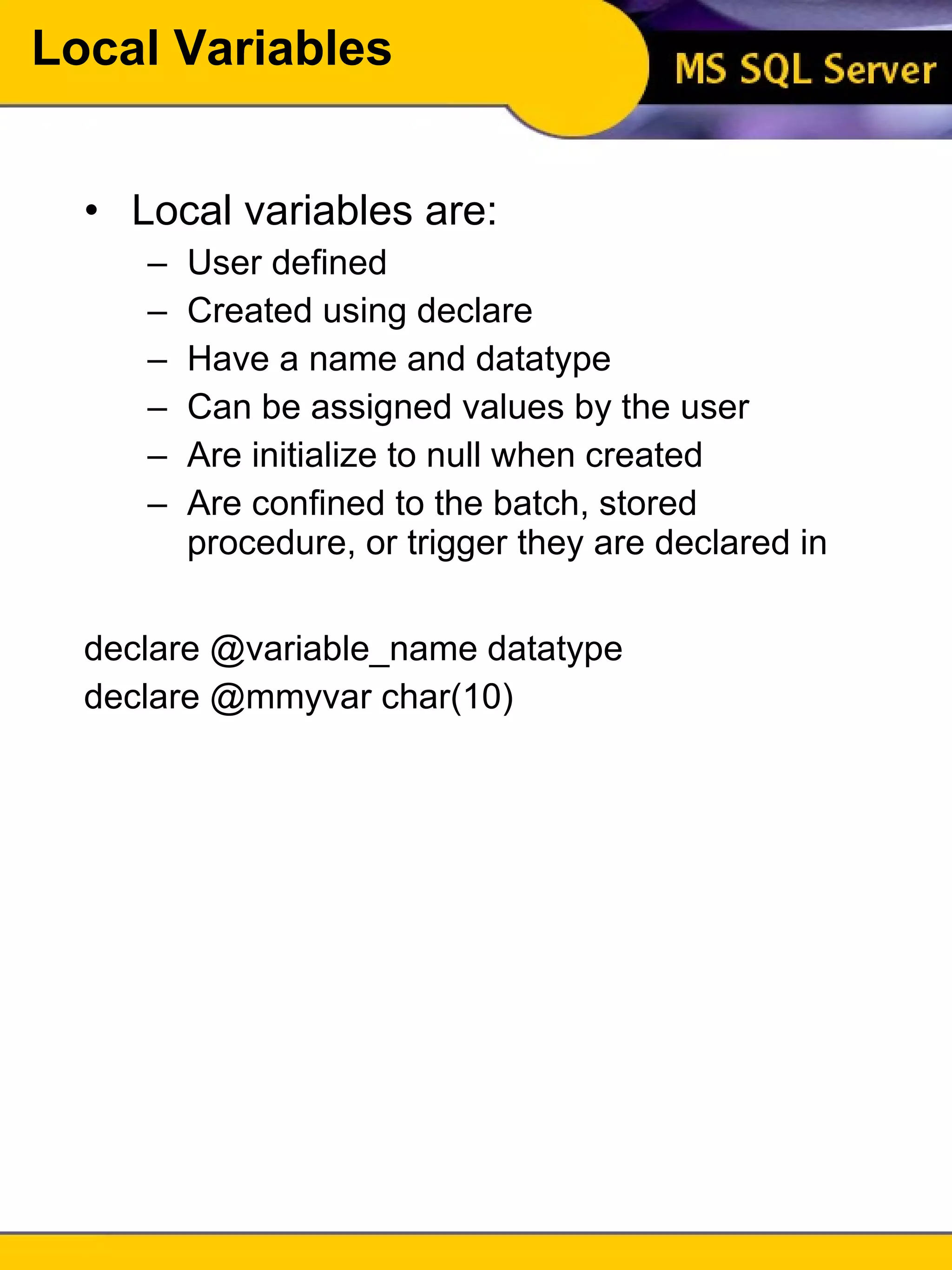
Local Variables Local variables are: User defined Created using declare Have a name and datatype Can be assigned values by the user Are initialize to null when created Are confined to the batch, stored procedure, or trigger they are declared in declare @variable_name datatype declare @mmyvar char(10)
Local Variables Variable names must be preceded by an @ symbol, can be up to 30 characters in length, and can not be reserved words To assign values to a variable, use a select select @variable = expression [,@variable = expression]… [from…] [where…]… declare @myvar  int select @myvar = 42
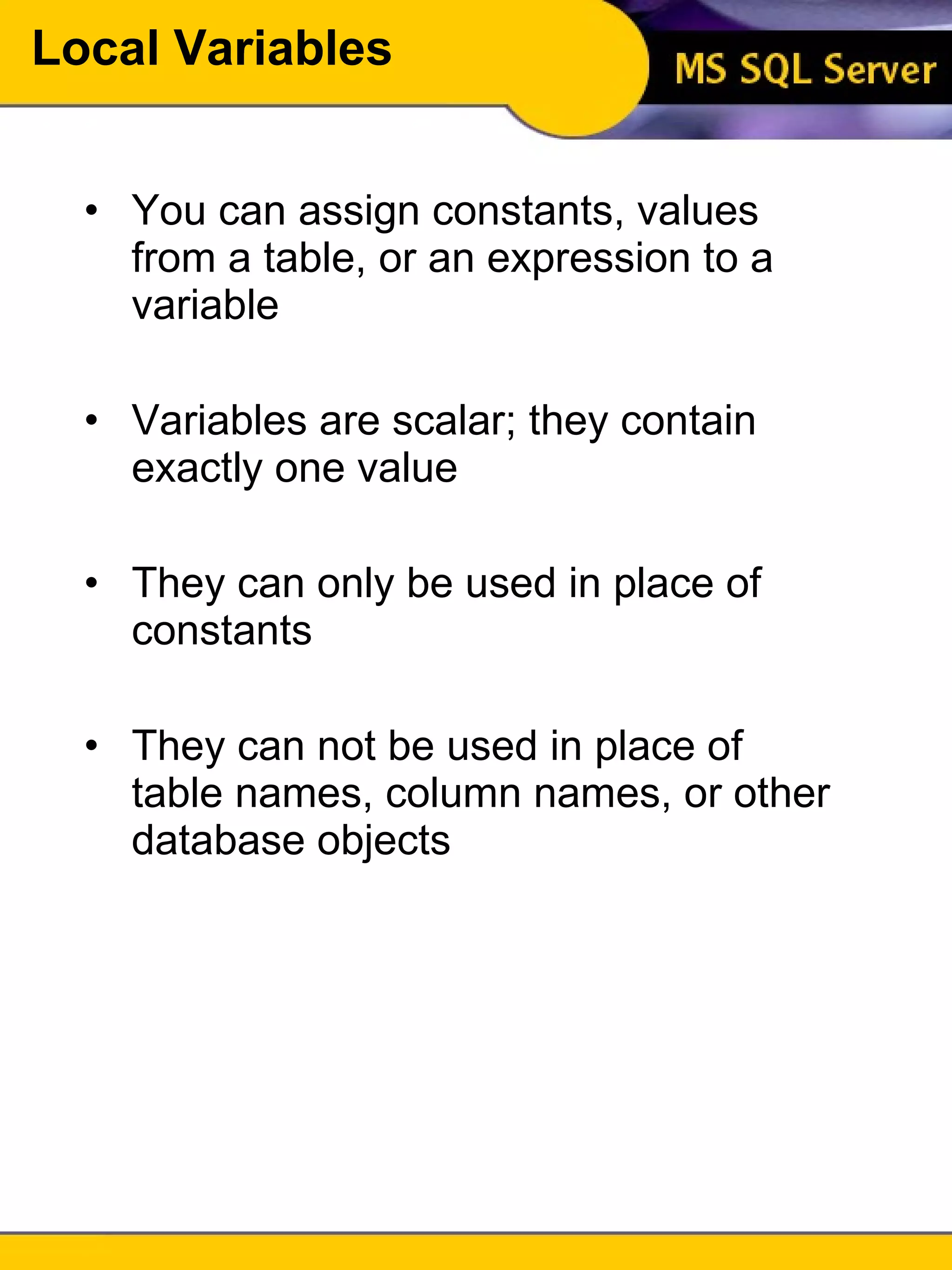
Local Variables You can assign constants, values from a table, or an expression to a variable Variables are scalar; they contain exactly one value They can only be used in place of constants They can not be used in place of table names, column names, or other database objects
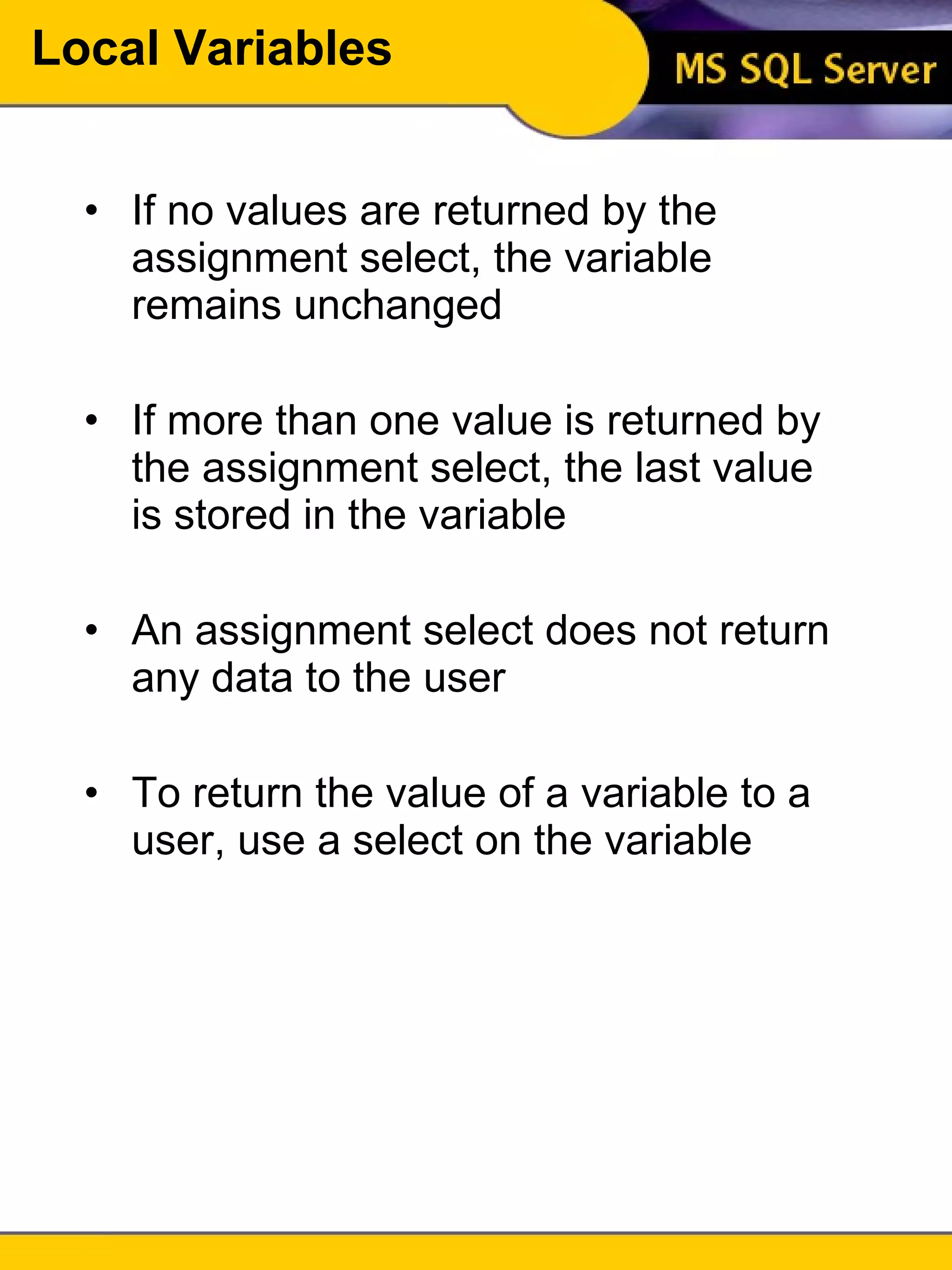
Local Variables If no values are returned by the assignment select, the variable remains unchanged If more than one value is returned by the assignment select, the last value is stored in the variable An assignment select does not return any data to the user To return the value of a variable to a user, use a select on the variable
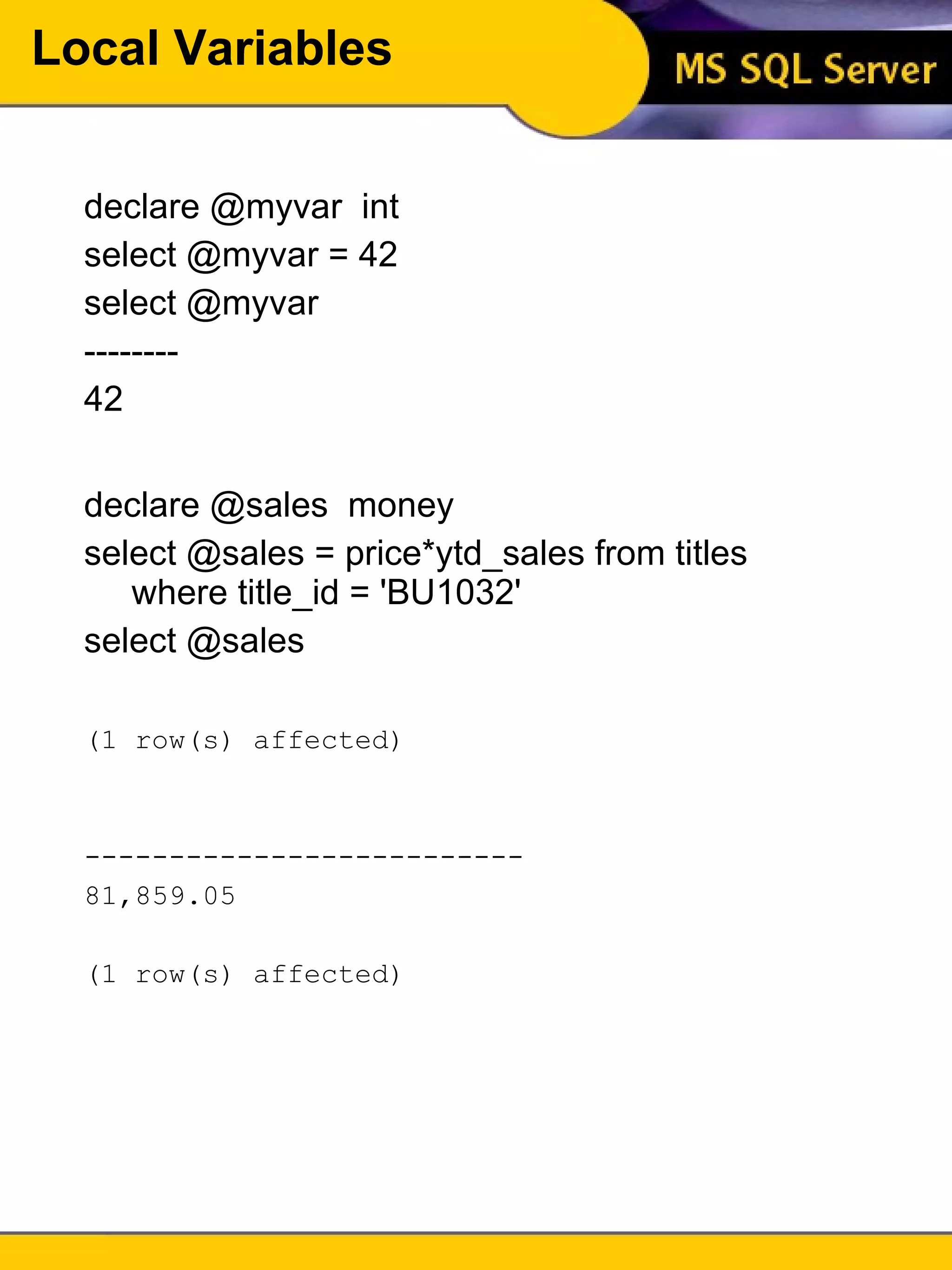
Local Variables declare @myvar  int select @myvar = 42 select @myvar -------- 42 declare @sales  money select @sales = price*ytd_sales from titles where title_id = 'BU1032' select @sales (1 row(s) affected) --------------------------  81,859.05  (1 row(s) affected)
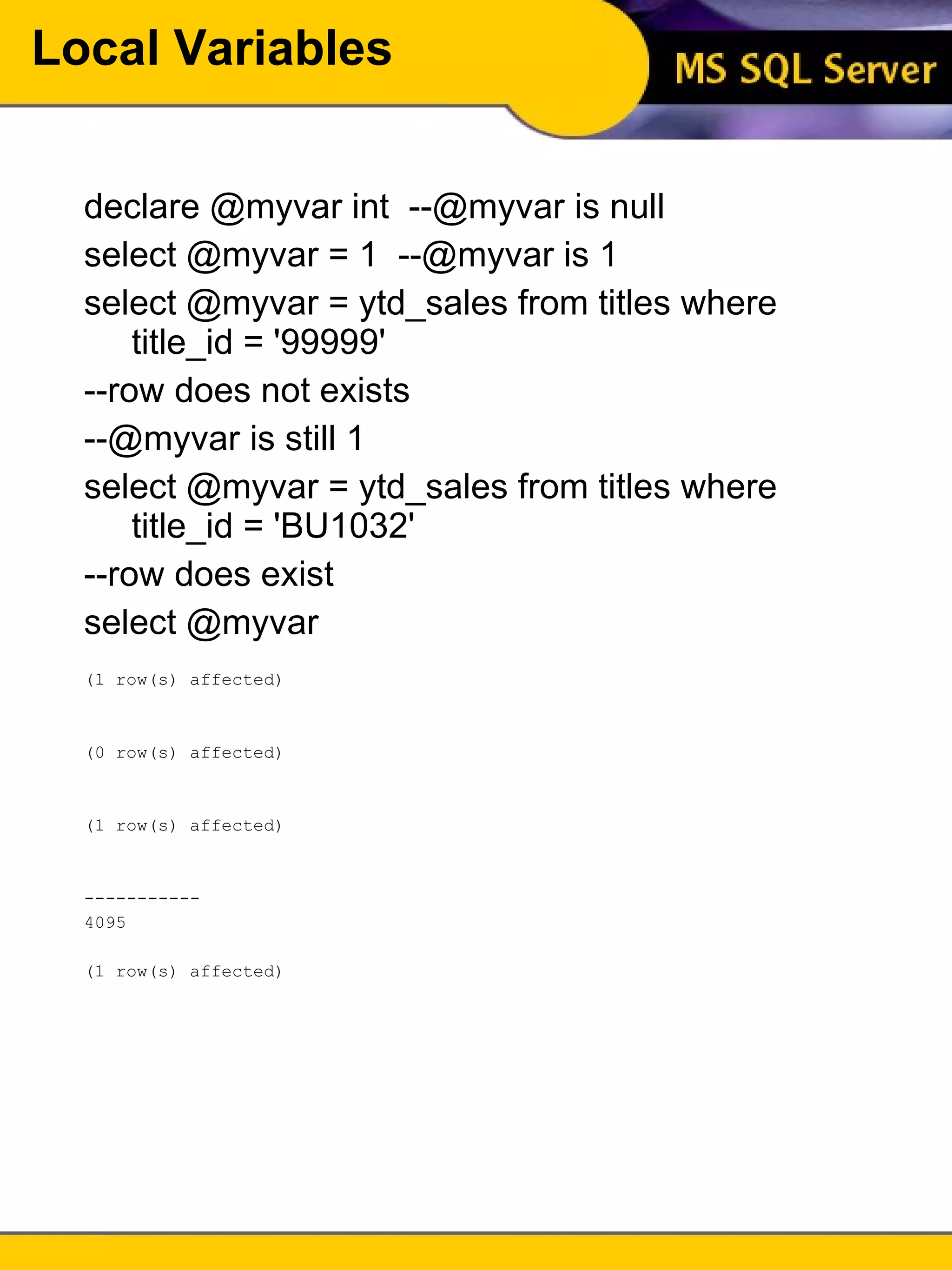
Local Variables declare @myvar int  --@myvar is null select @myvar = 1  --@myvar is 1 select @myvar = ytd_sales from titles where title_id = '99999' --row does not exists --@myvar is still 1 select @myvar = ytd_sales from titles where title_id = 'BU1032' --row does exist select @myvar (1 row(s) affected) (0 row(s) affected) (1 row(s) affected) -----------  4095  (1 row(s) affected)
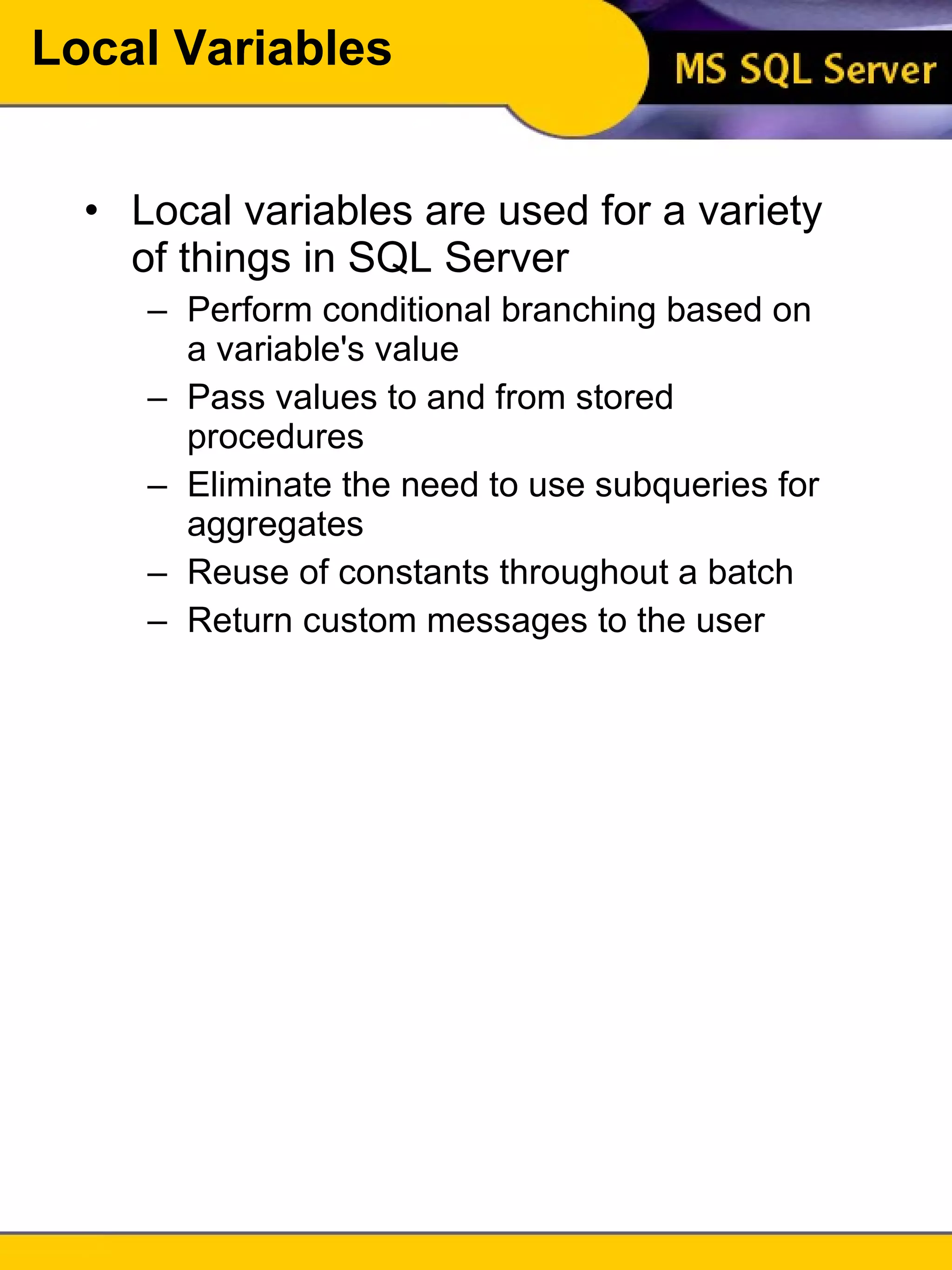
Local Variables Local variables are used for a variety of things in SQL Server Perform conditional branching based on a variable's value Pass values to and from stored procedures Eliminate the need to use subqueries for aggregates Reuse of constants throughout a batch Return custom messages to the user
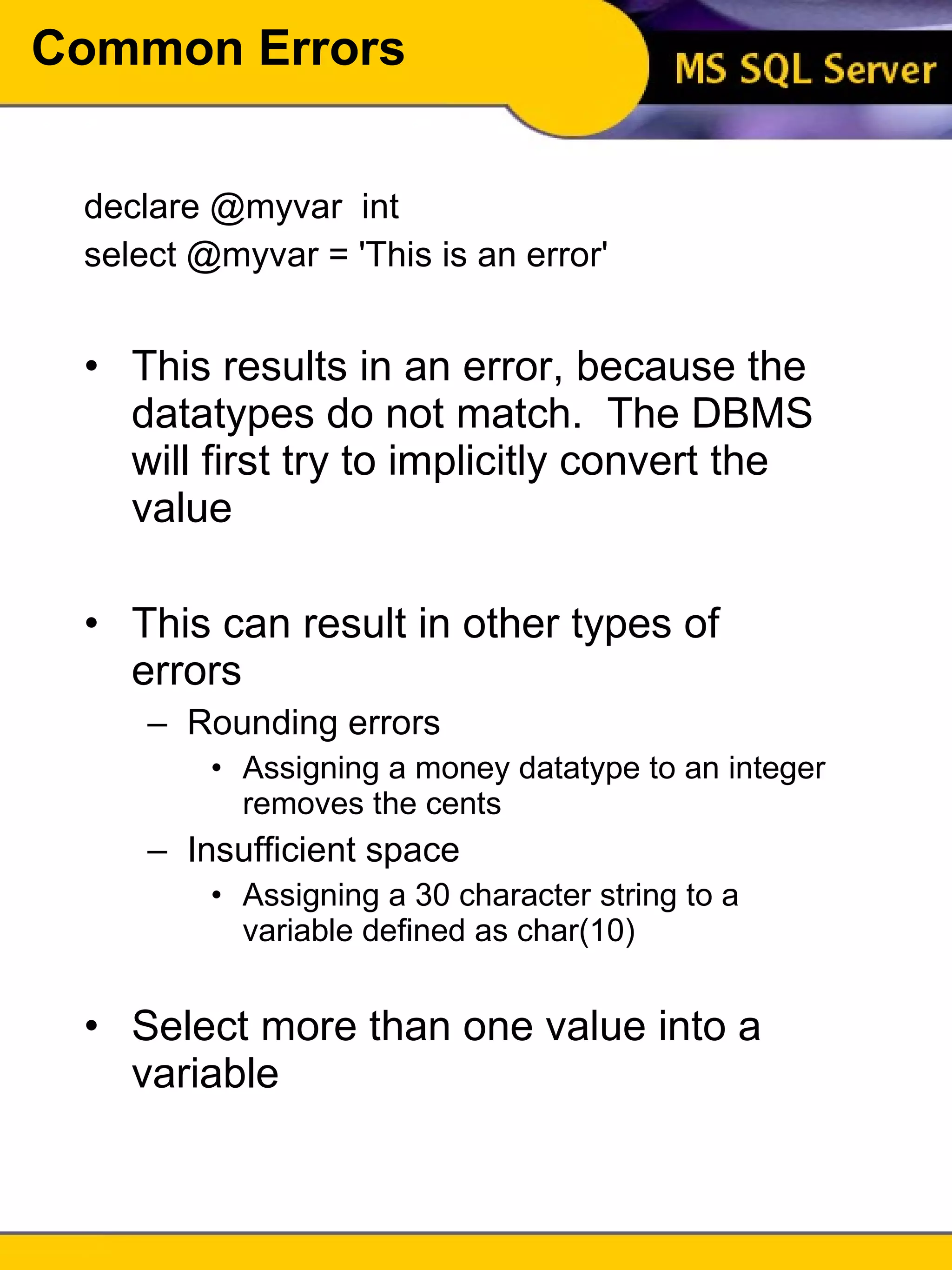
Common Errors declare @myvar  int select @myvar = 'This is an error' This results in an error, because the datatypes do not match.  The DBMS will first try to implicitly convert the value This can result in other types of errors Rounding errors Assigning a money datatype to an integer removes the cents Insufficient space Assigning a 30 character string to a variable defined as char(10) Select more than one value into a variable
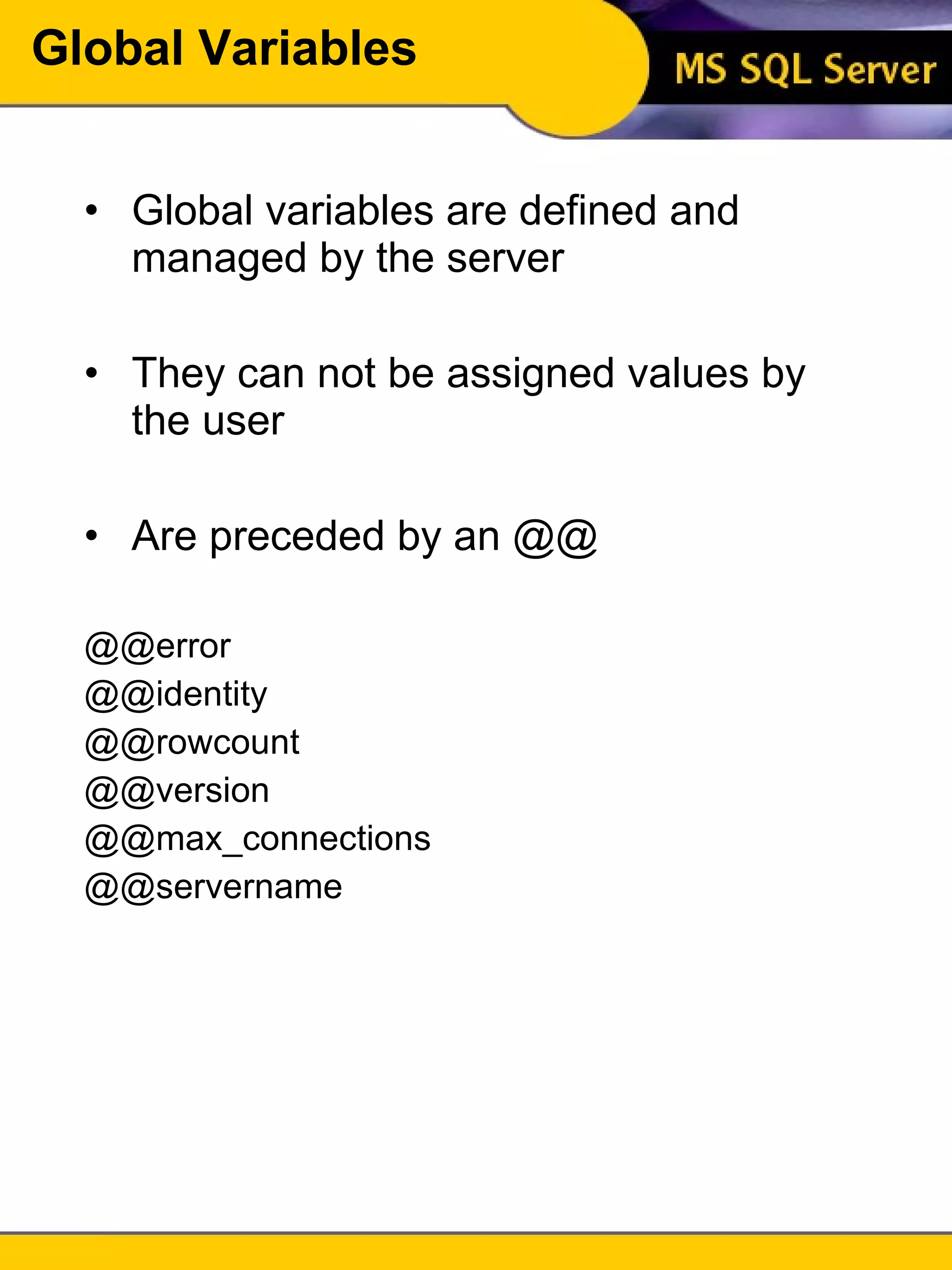
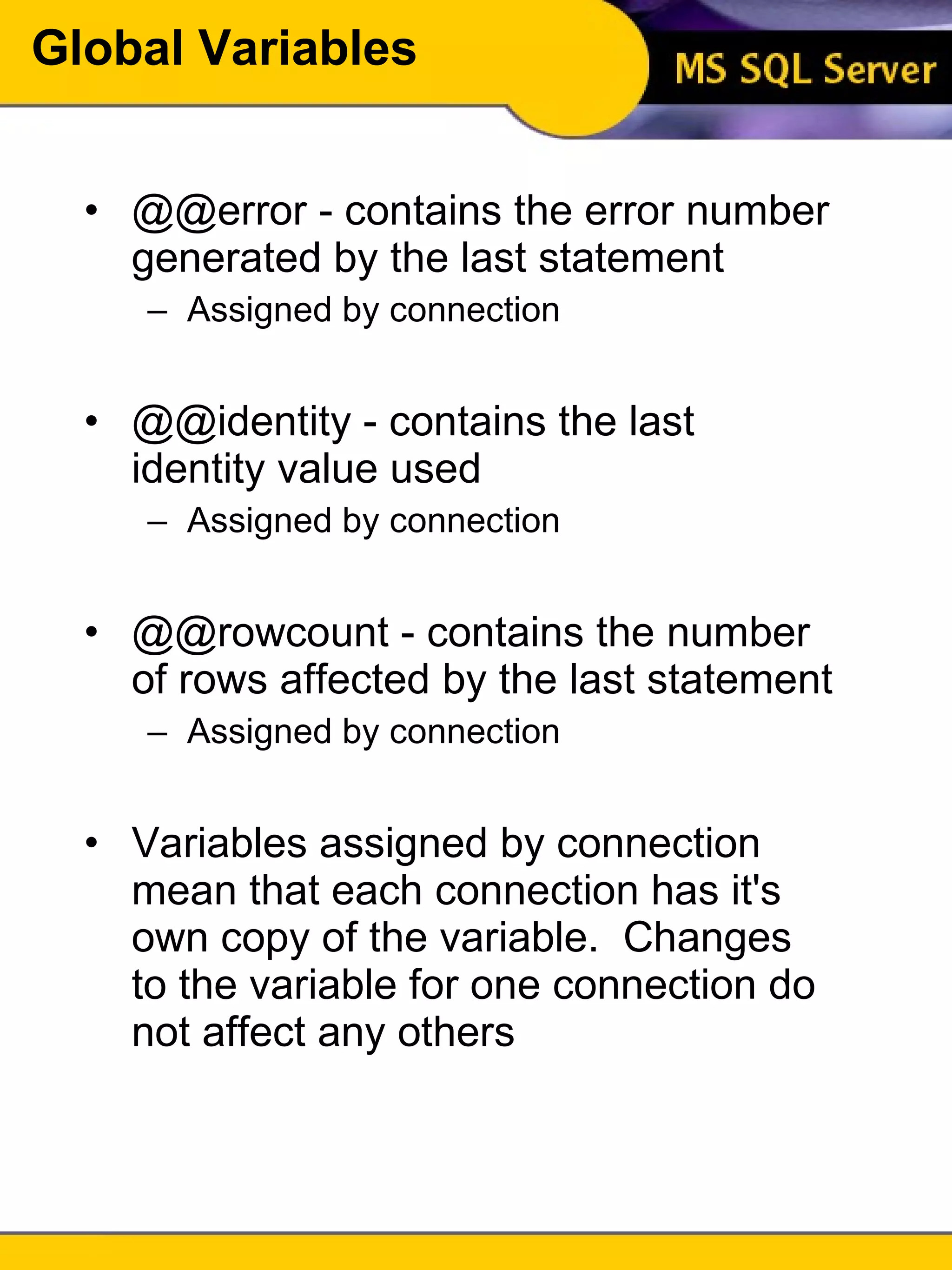
Global Variables Global variables are defined and managed by the server They can not be assigned values by the user Are preceded by an @@ @@error @@identity @@rowcount @@version @@max_connections @@servername
Global Variables @@error - contains the error number generated by the last statement Assigned by connection @@identity - contains the last identity value used Assigned by connection @@rowcount - contains the number of rows affected by the last statement Assigned by connection Variables assigned by connection mean that each connection has it's own copy of the variable.  Changes to the variable for one connection do not affect any others
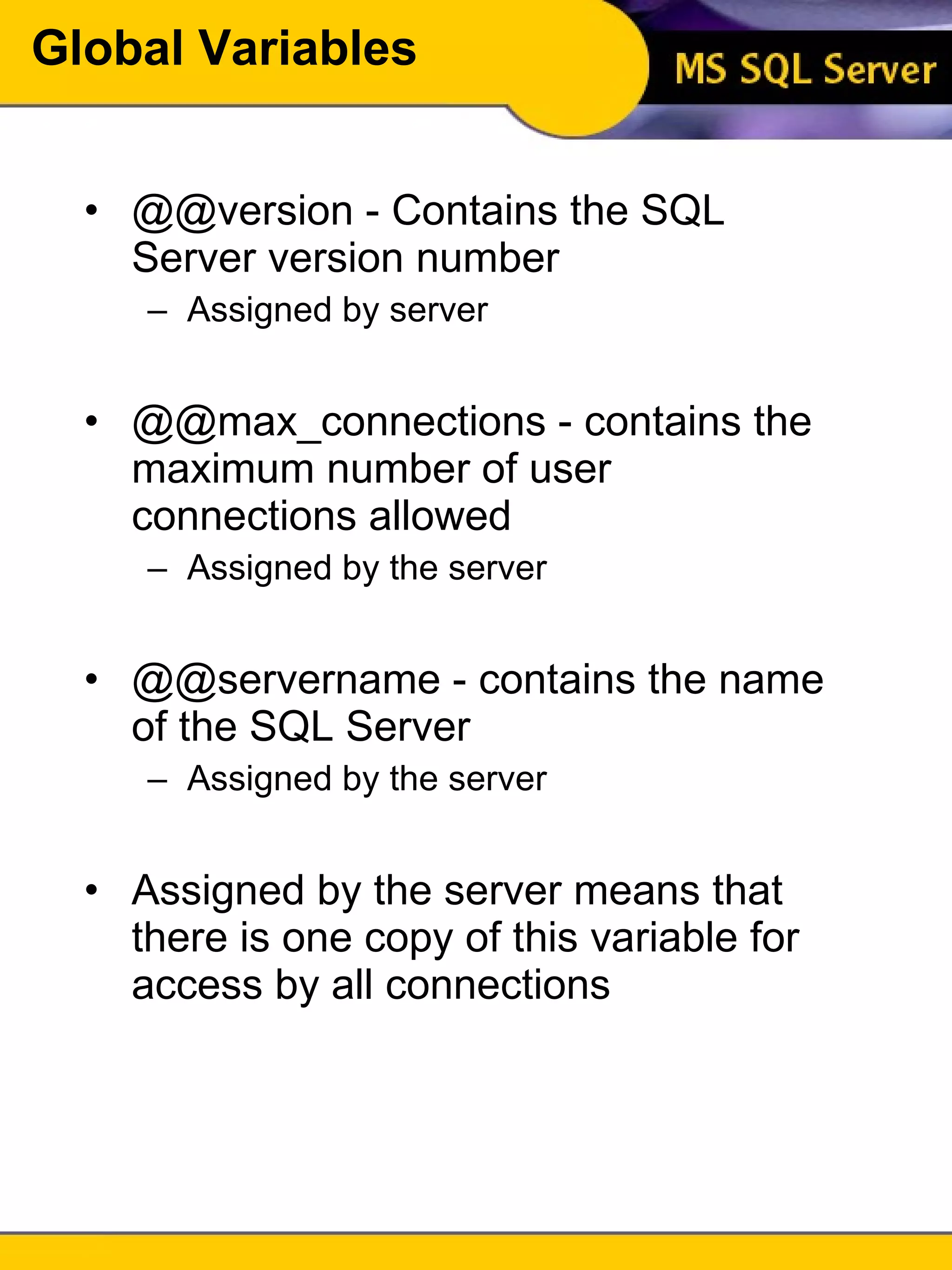
Global Variables @@version - Contains the SQL Server version number Assigned by server @@max_connections - contains the maximum number of user connections allowed Assigned by the server @@servername - contains the name of the SQL Server Assigned by the server Assigned by the server means that there is one copy of this variable for access by all connections
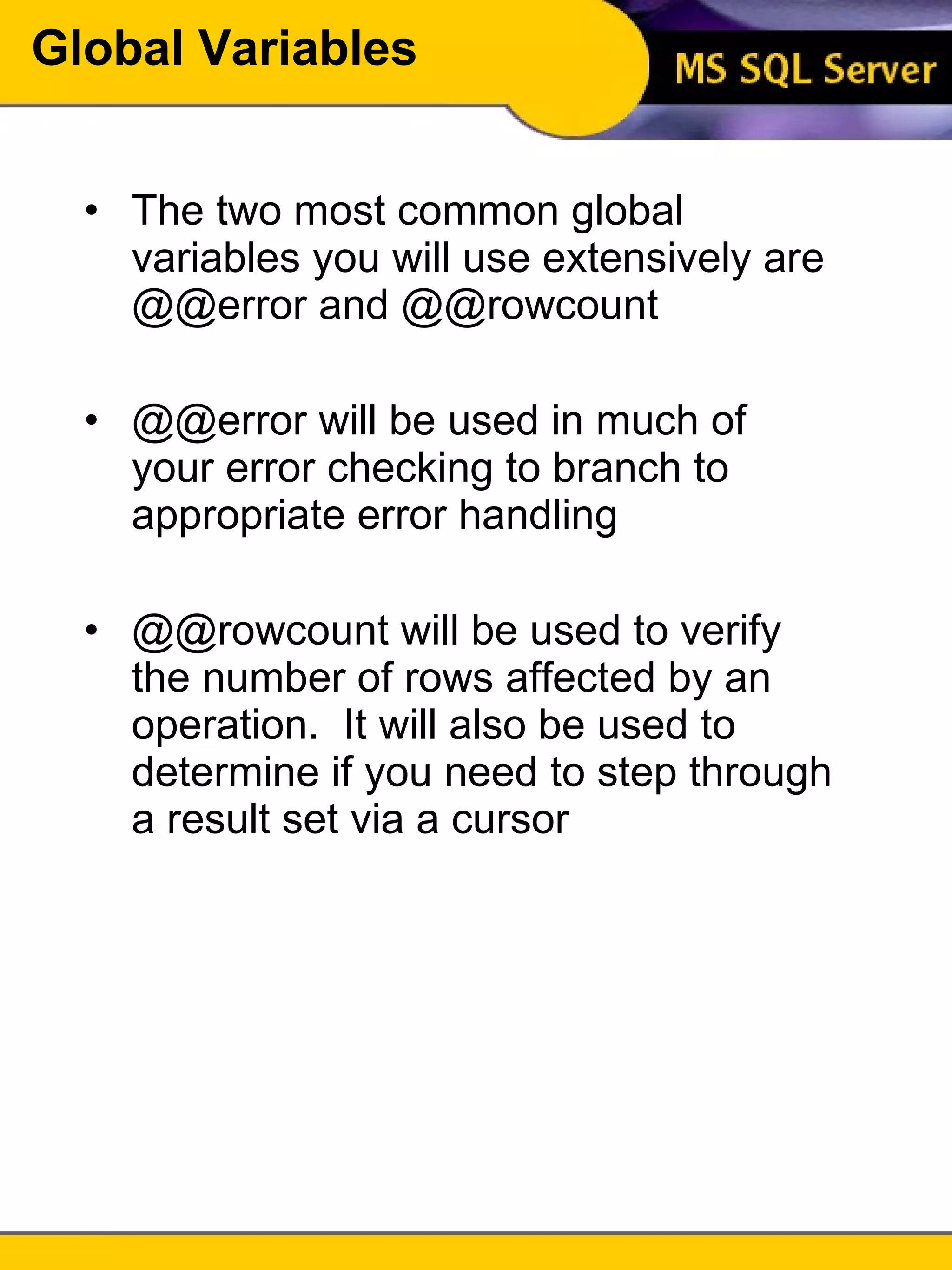
Global Variables The two most common global variables you will use extensively are @@error and @@rowcount @@error will be used in much of your error checking to branch to appropriate error handling @@rowcount will be used to verify the number of rows affected by an operation.  It will also be used to determine if you need to step through a result set via a cursor
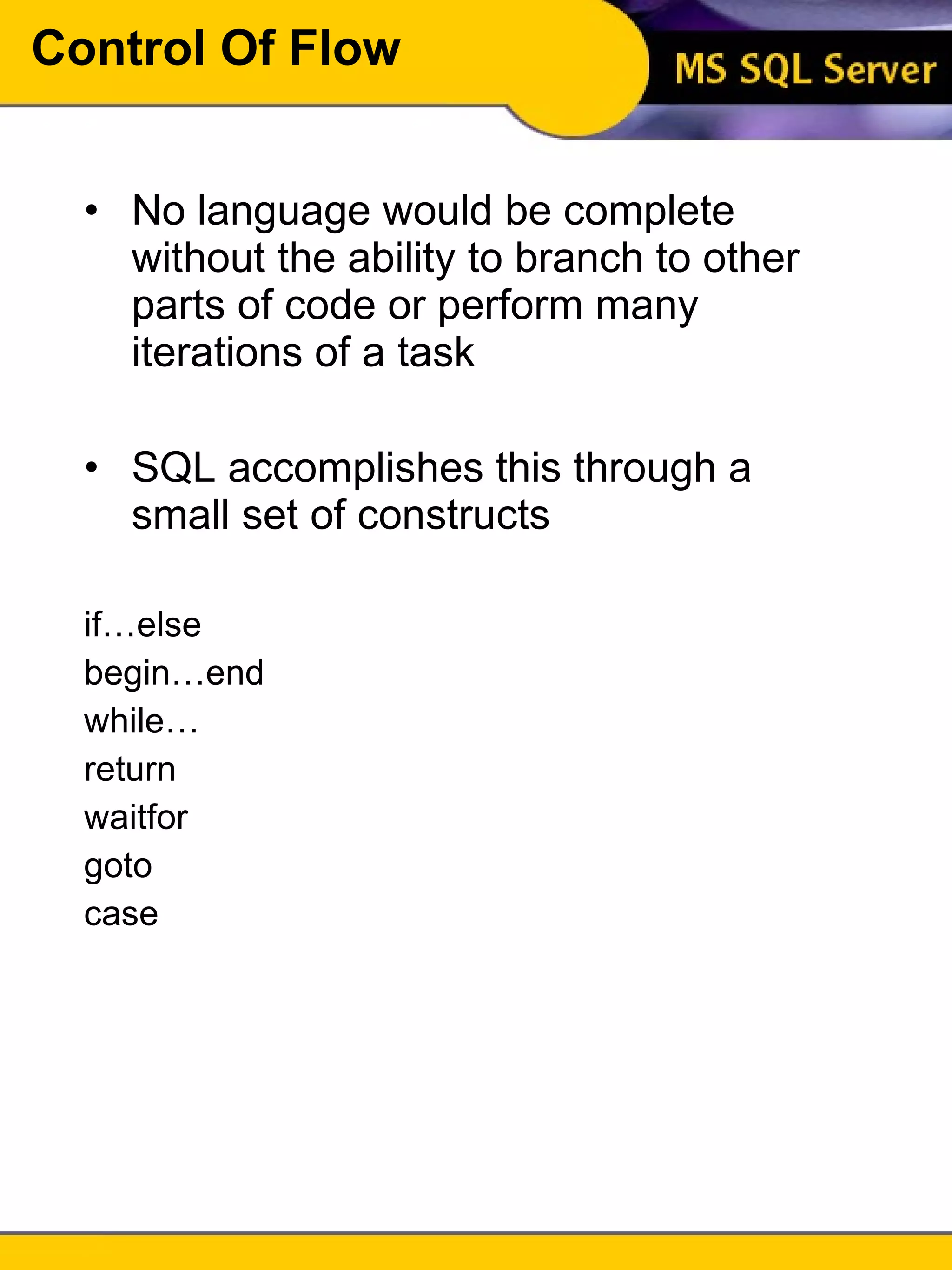
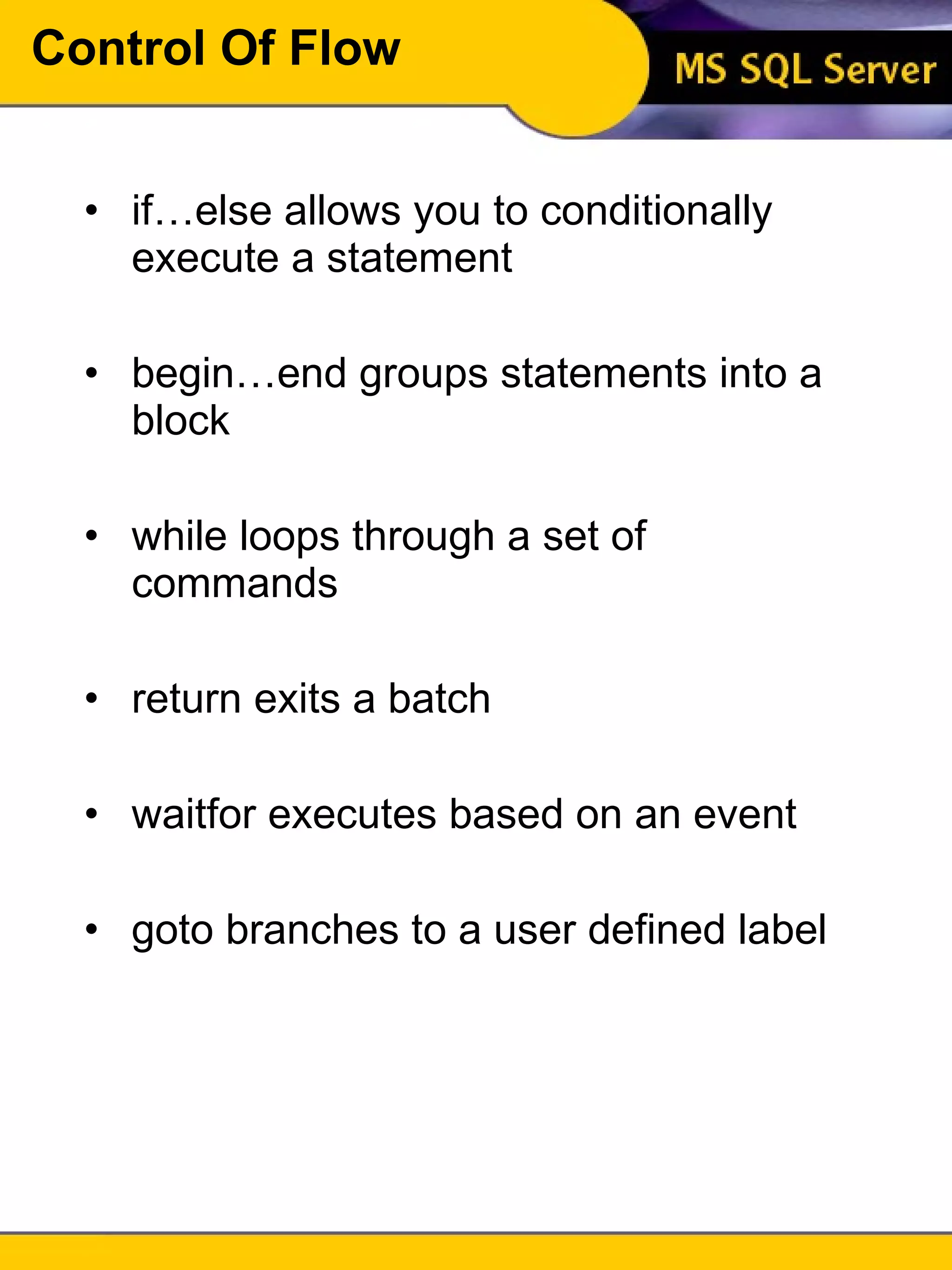
Control Of Flow No language would be complete without the ability to branch to other parts of code or perform many iterations of a task SQL accomplishes this through a small set of constructs if…else begin…end while… return waitfor goto case
Control Of Flow if…else allows you to conditionally execute a statement begin…end groups statements into a block while loops through a set of commands return exits a batch waitfor executes based on an event goto branches to a user defined label
If…else if boolean_expression statement [else [if boolean_expression] statement] A boolean expression evaluates to either true or false You can include a select statement in the boolean expression, but it must return only one value and the select must be enclosed in parenthesis
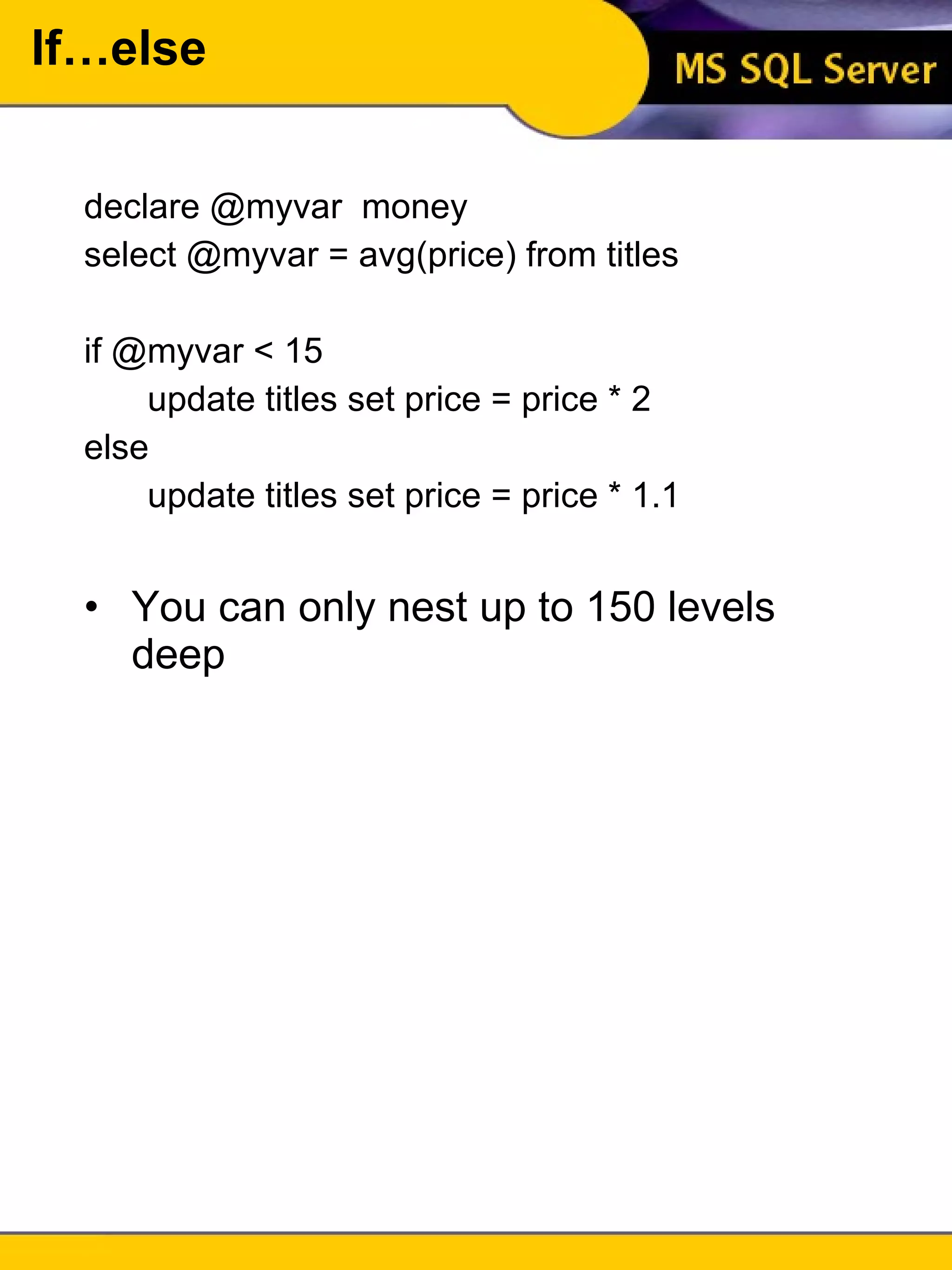
If…else declare @myvar  money select @myvar = avg(price) from titles if @myvar < 15 update titles set price = price * 2 else update titles set price = price * 1.1 You can only nest up to 150 levels deep
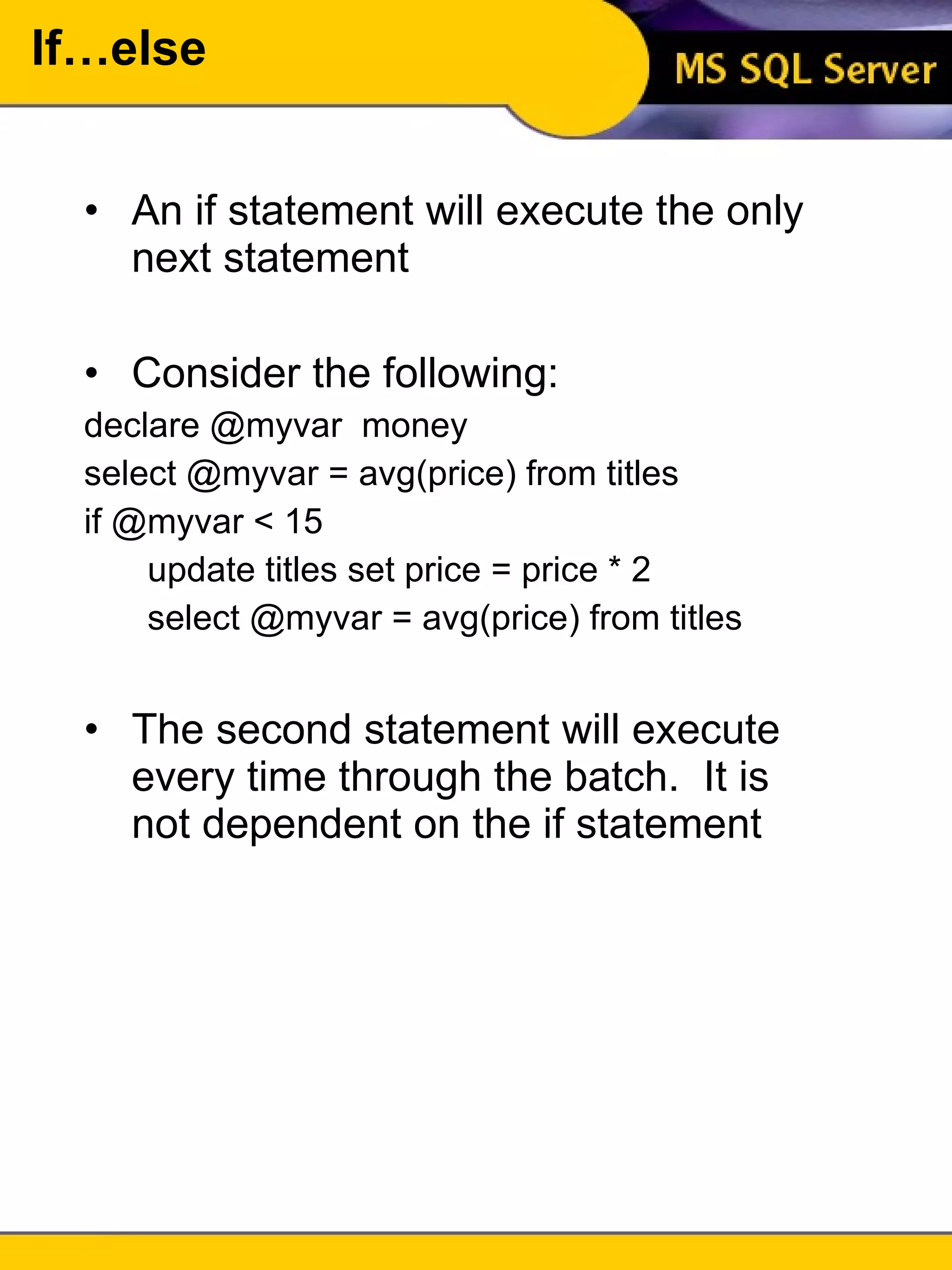
If…else An if statement will execute the only next statement Consider the following: declare @myvar  money select @myvar = avg(price) from titles if @myvar < 15 update titles set price = price * 2 select @myvar = avg(price) from titles The second statement will execute every time through the batch.  It is not dependent on the if statement
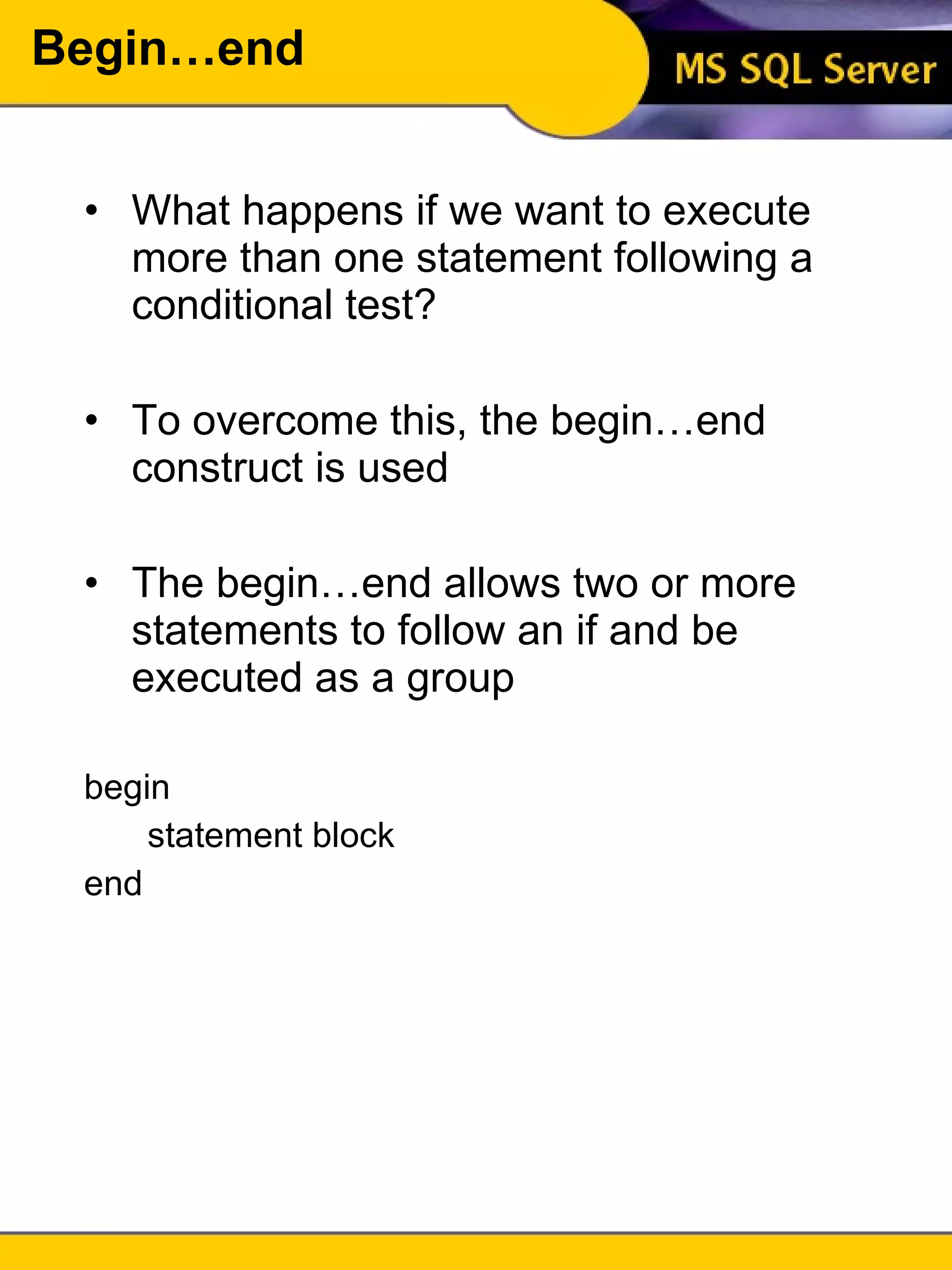
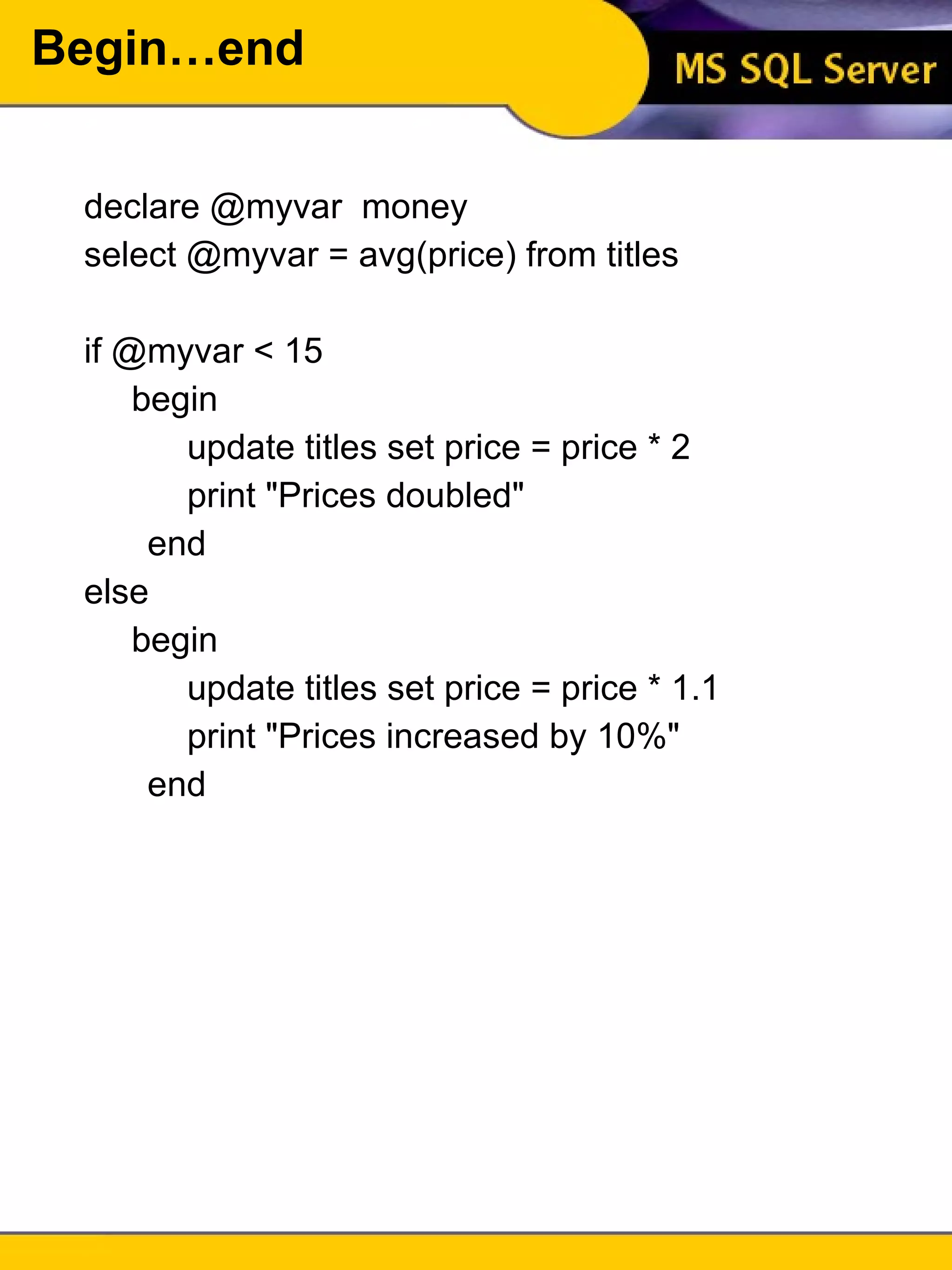
Begin…end What happens if we want to execute more than one statement following a conditional test? To overcome this, the begin…end construct is used The begin…end allows two or more statements to follow an if and be executed as a group begin statement block end
Begin…end declare @myvar  money select @myvar = avg(price) from titles if @myvar < 15 begin update titles set price = price * 2 print &quot;Prices doubled&quot; end else begin update titles set price = price * 1.1 print &quot;Prices increased by 10%&quot; end
If [not] exists Using exists and not exists are useful when you are only concerned whether data exists declare @name varchar(30) select @name = 'Smith' if exists (select * from authors where au_lname = @name) select &quot;There is a match&quot; else select &quot;There is no match&quot; An if exists query stops processing as soon as it finds a match.  Because of this, it is very useful for enforcing referential integrity
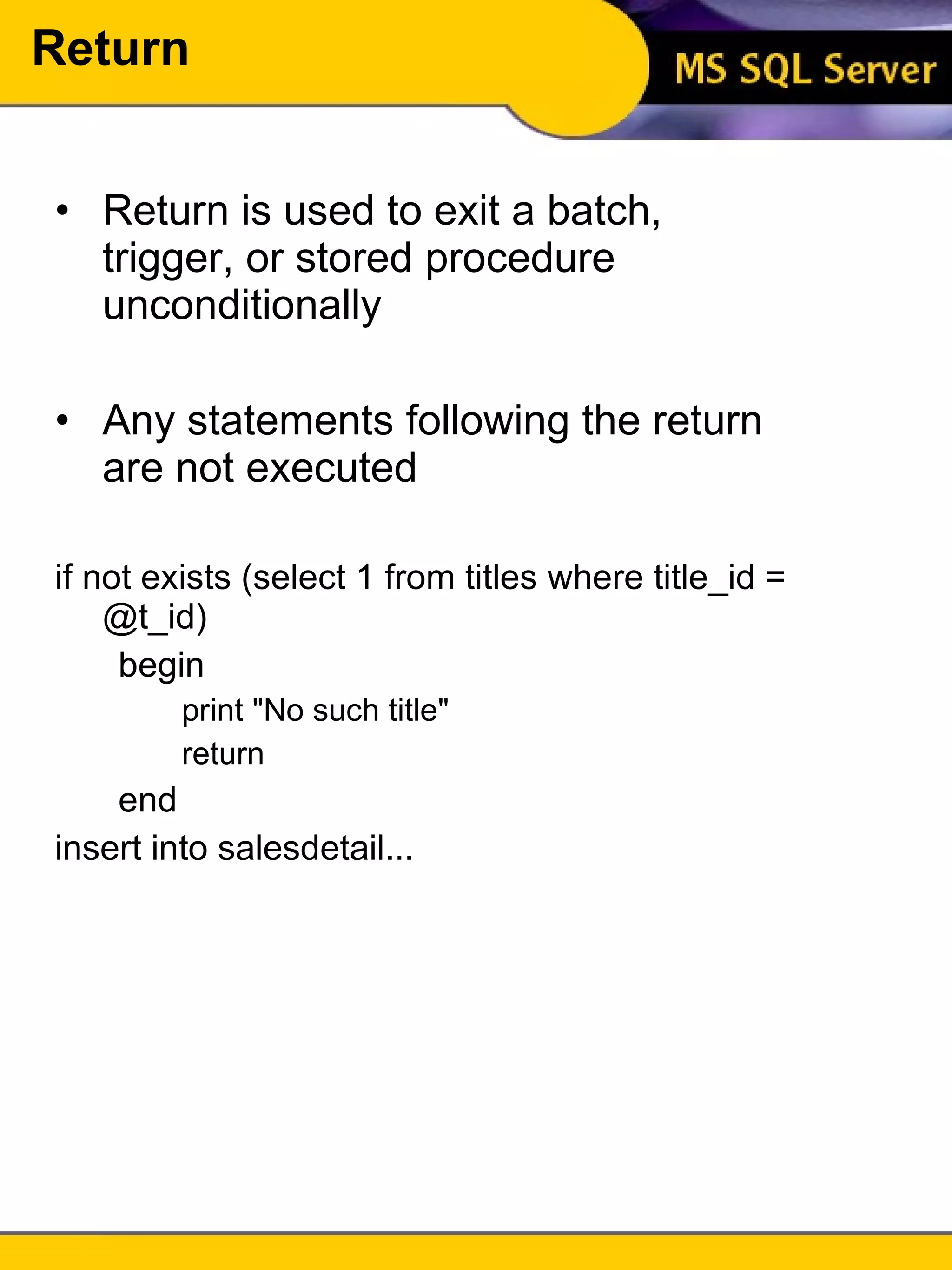
Return Return is used to exit a batch, trigger, or stored procedure unconditionally Any statements following the return are not executed if not exists (select 1 from titles where title_id = @t_id) begin print &quot;No such title&quot; return end insert into salesdetail...
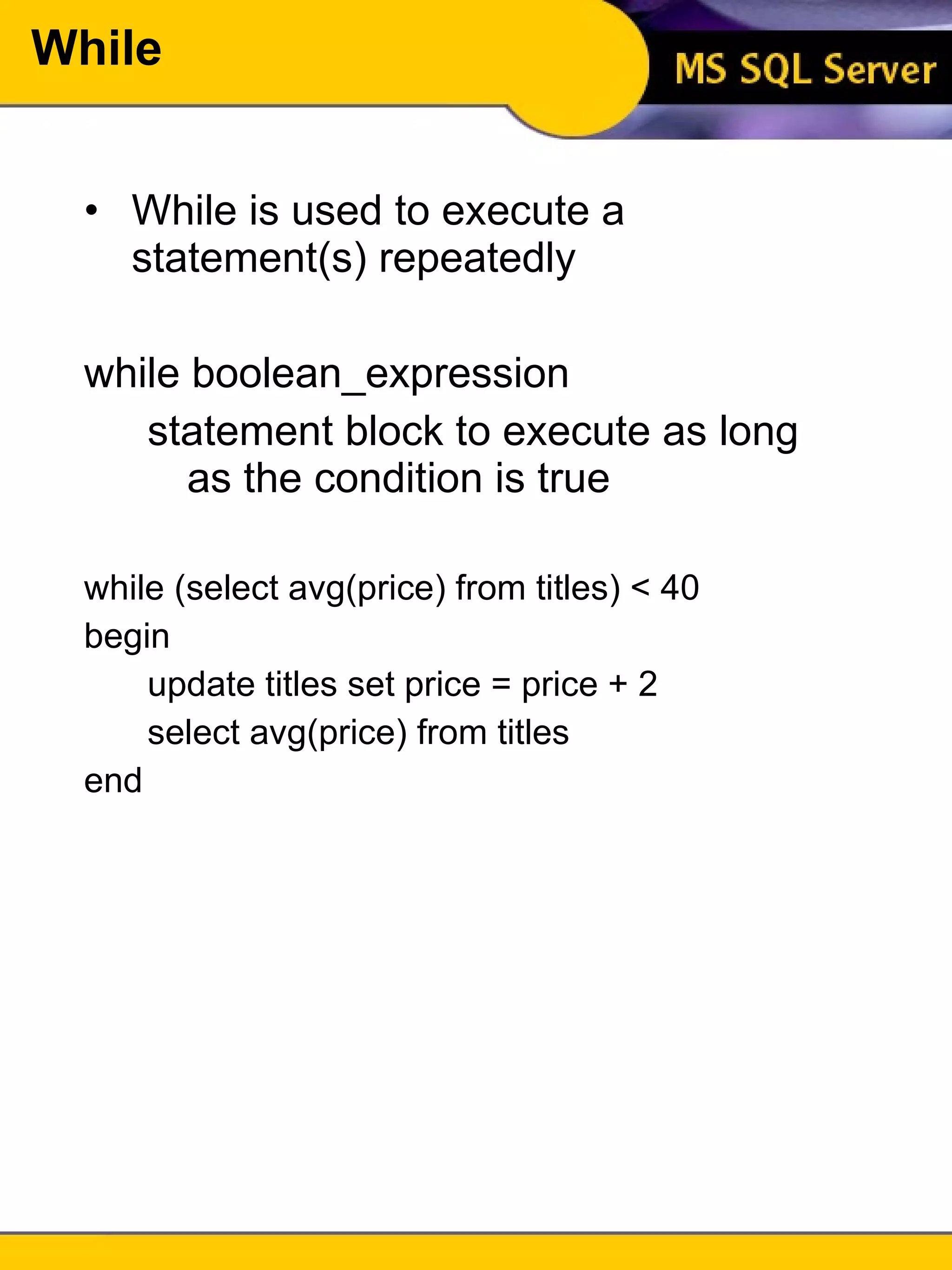
While While is used to execute a statement(s) repeatedly while boolean_expression statement block to execute as long as the condition is true while (select avg(price) from titles) < 40 begin update titles set price = price + 2 select avg(price) from titles end
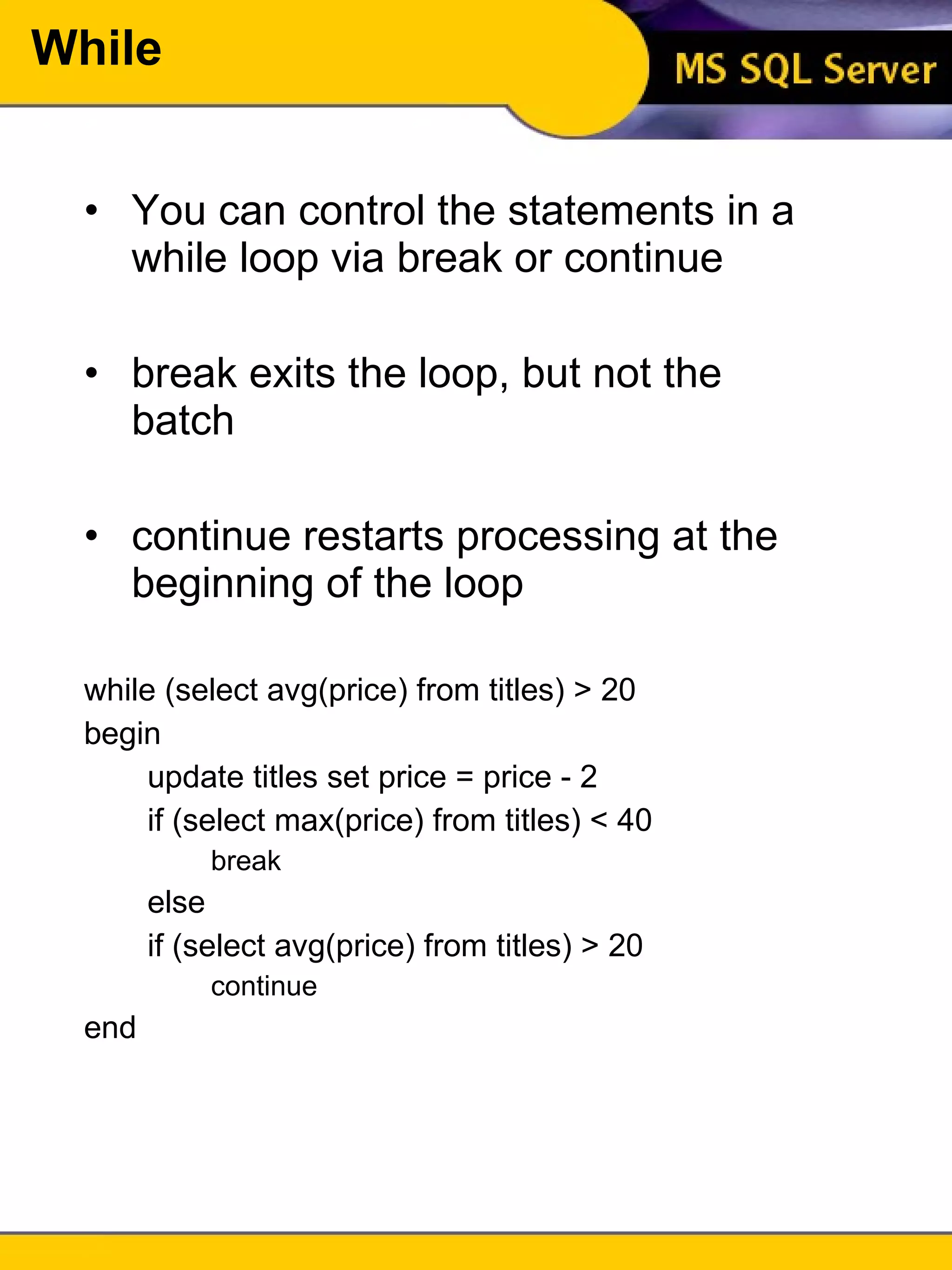
While You can control the statements in a while loop via break or continue break exits the loop, but not the batch continue restarts processing at the beginning of the loop while (select avg(price) from titles) > 20 begin update titles set price = price - 2 if (select max(price) from titles) < 40 break else if (select avg(price) from titles) > 20 continue end
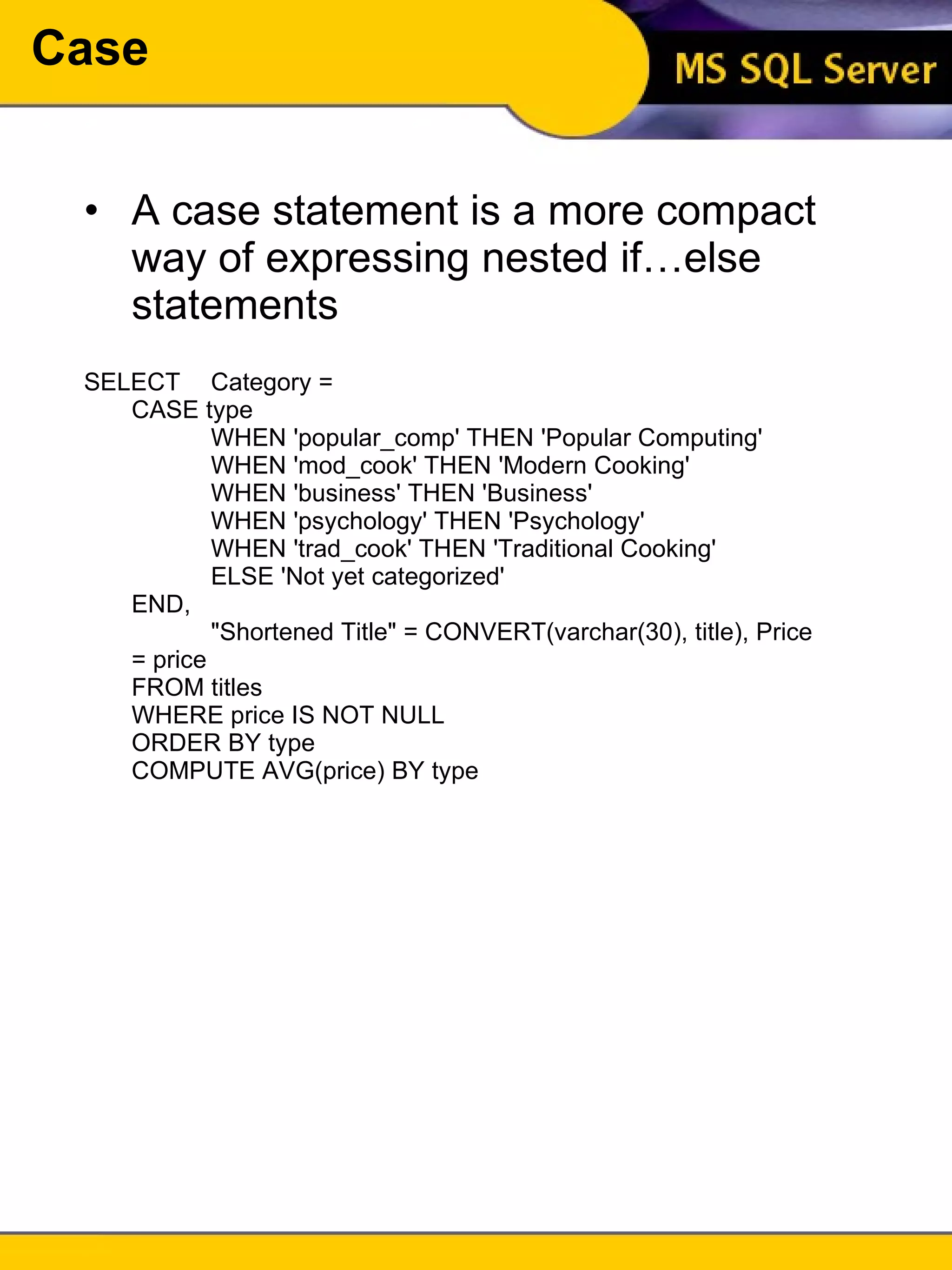
Case A case statement is a more compact way of expressing nested if…else statements SELECT  Category =  CASE type WHEN 'popular_comp' THEN 'Popular Computing' WHEN 'mod_cook' THEN 'Modern Cooking' WHEN 'business' THEN 'Business' WHEN 'psychology' THEN 'Psychology' WHEN 'trad_cook' THEN 'Traditional Cooking' ELSE 'Not yet categorized' END,  &quot;Shortened Title&quot; = CONVERT(varchar(30), title), Price = price FROM titles WHERE price IS NOT NULL ORDER BY type COMPUTE AVG(price) BY type
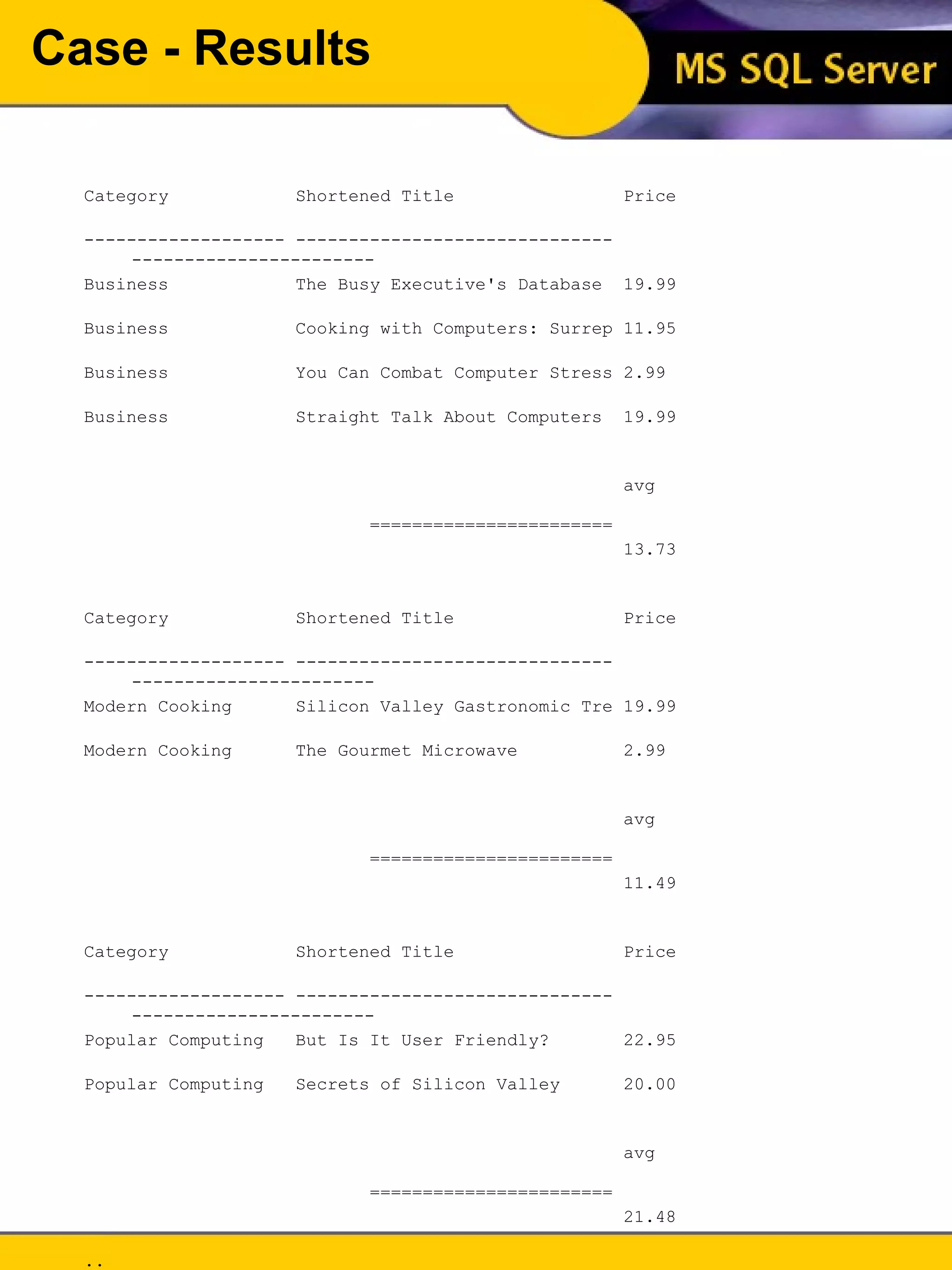
Case - Results Category  Shortened Title  Price  ------------------- ------------------------------ -----------------------  Business  The Busy Executive's Database  19.99  Business  Cooking with Computers: Surrep 11.95  Business  You Can Combat Computer Stress 2.99  Business  Straight Talk About Computers  19.99  avg    ======================= 13.73  Category  Shortened Title  Price  ------------------- ------------------------------ -----------------------  Modern Cooking  Silicon Valley Gastronomic Tre 19.99  Modern Cooking  The Gourmet Microwave  2.99  avg    ======================= 11.49  Category  Shortened Title  Price  ------------------- ------------------------------ -----------------------  Popular Computing  But Is It User Friendly?  22.95  Popular Computing  Secrets of Silicon Valley  20.00  avg    ======================= 21.48  .. (21 row(s) affected)
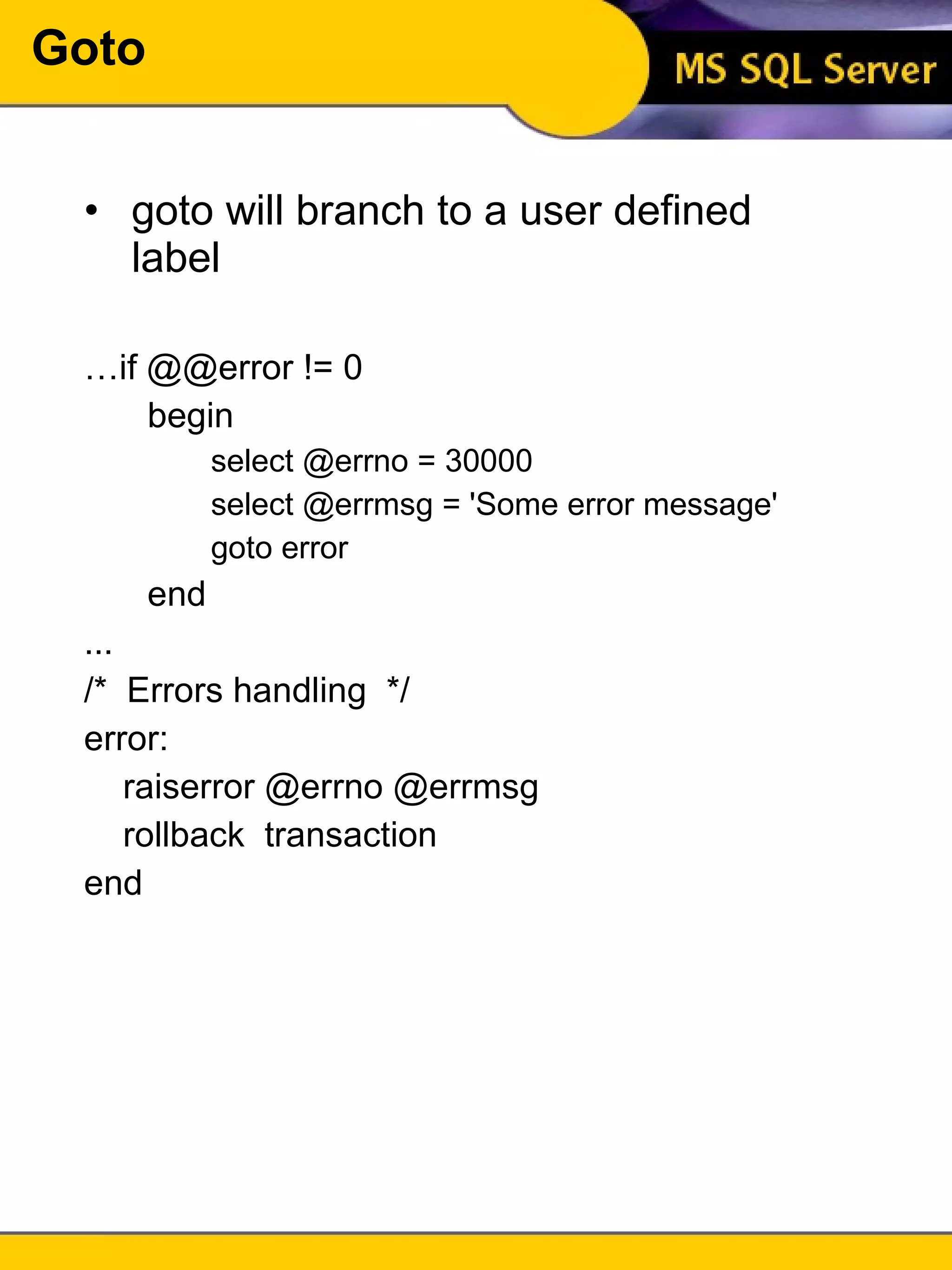
Goto goto will branch to a user defined label … if @@error != 0  begin select @errno = 30000 select @errmsg = 'Some error message' goto error end ... /*  Errors handling  */ error: raiserror @errno @errmsg rollback  transaction end
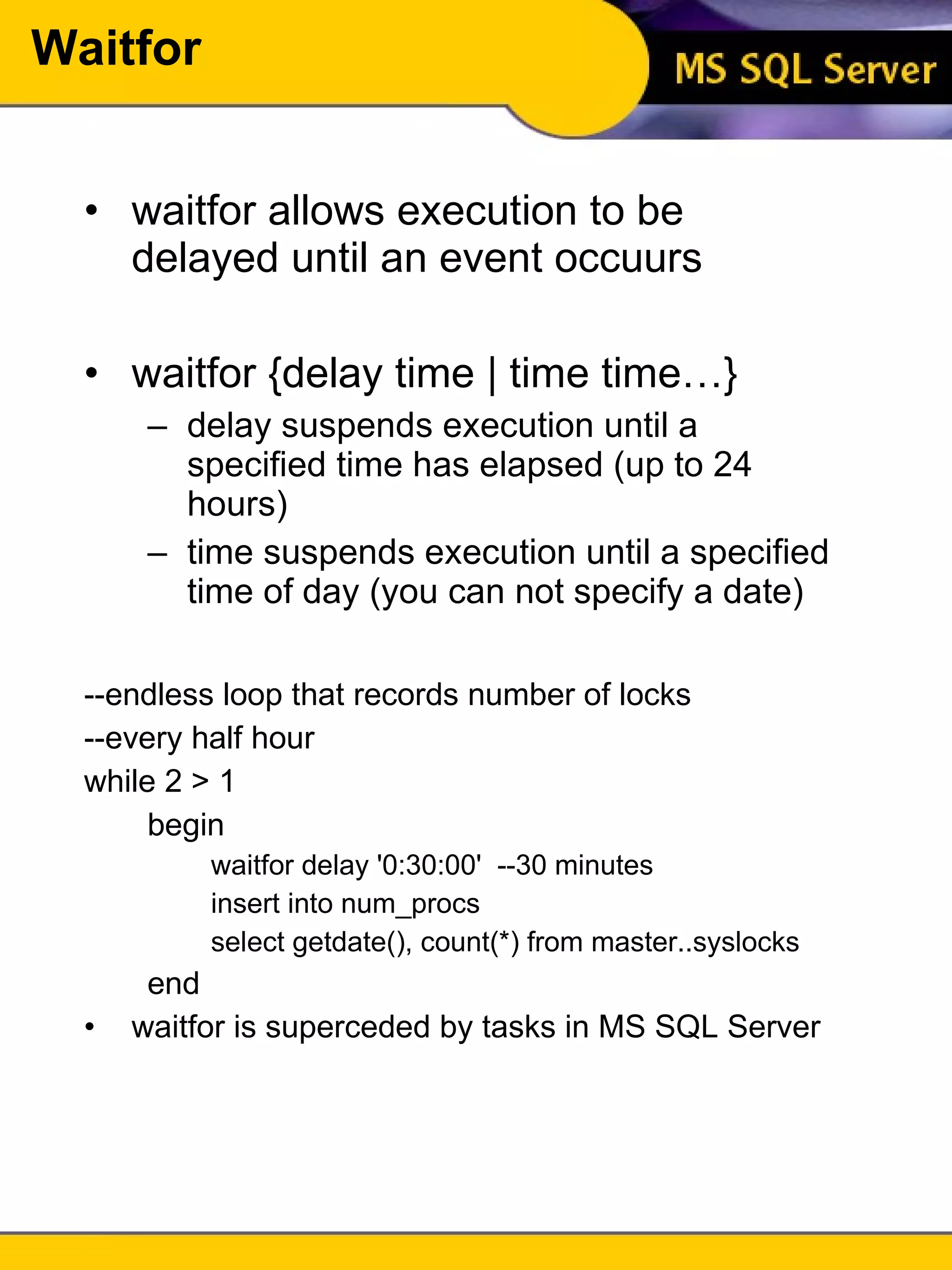
Waitfor waitfor allows execution to be delayed until an event occuurs waitfor {delay time | time time…} delay suspends execution until a specified time has elapsed (up to 24 hours) time suspends execution until a specified time of day (you can not specify a date) --endless loop that records number of locks --every half hour while 2 > 1 begin waitfor delay '0:30:00'  --30 minutes insert into num_procs select getdate(), count(*) from master..syslocks end waitfor is superceded by tasks in MS SQL Server
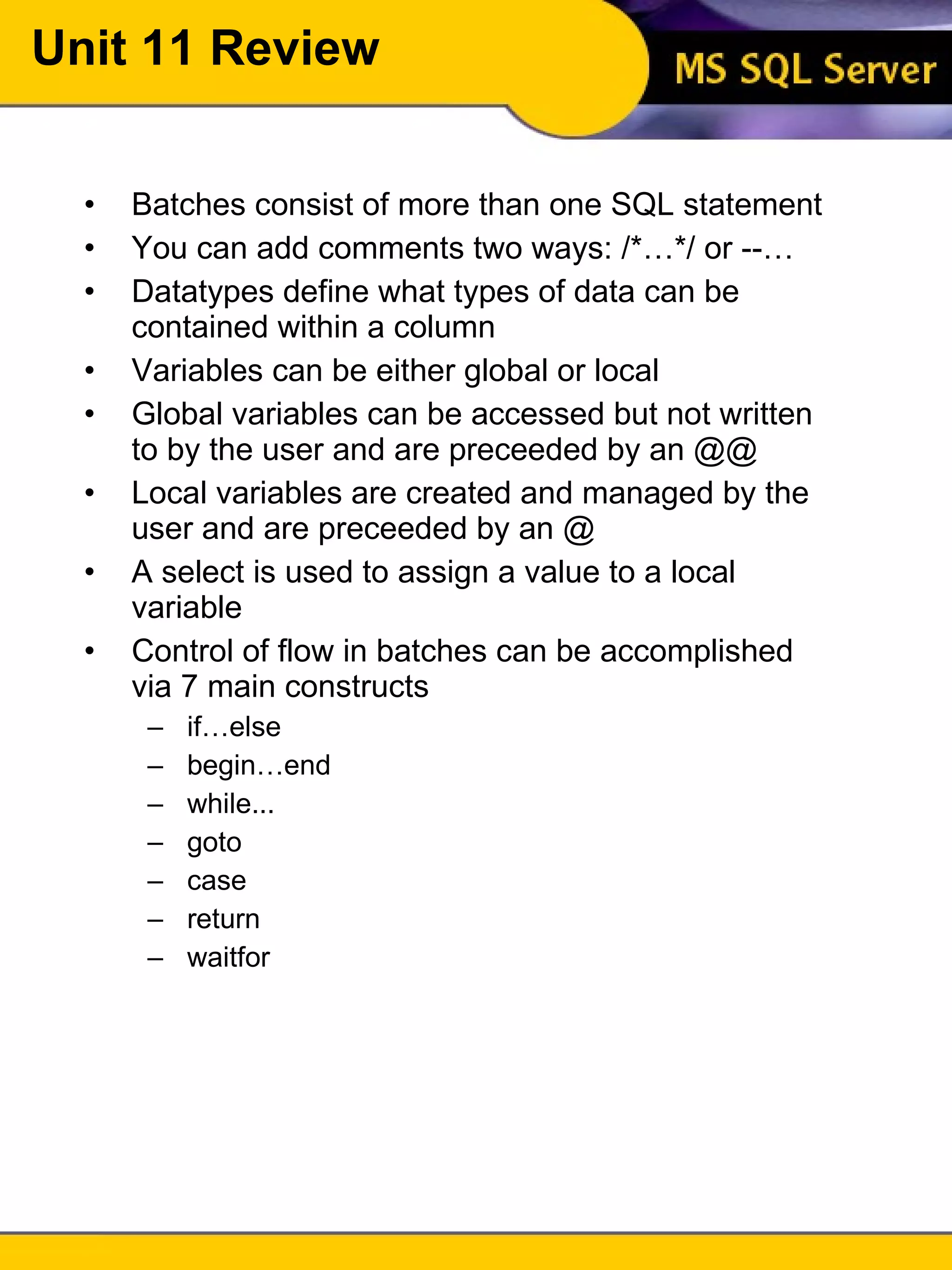
Unit 11 Review Batches consist of more than one SQL statement You can add comments two ways: /*…*/ or --… Datatypes define what types of data can be contained within a column Variables can be either global or local Global variables can be accessed but not written to by the user and are preceeded by an @@ Local variables are created and managed by the user and are preceeded by an @ A select is used to assign a value to a local variable Control of flow in batches can be accomplished via 7 main constructs if…else begin…end while... goto case return waitfor
Unit 11 Exercises There are no exercises for this unit

Intro to tsql unit 11

  • 1.
    Introduction To SQLUnit 11 Modern Business Technology Introduction To TSQL Unit 11 Developed by Michael Hotek
  • 2.
    Batches Most SQLstatements have the ability to be run as batches A batch is nothing more than a group of SQL statements executed at the same time The batch is submitted and processed by the server If there is an error in any statement in the batch, the entire batch is rejected
  • 3.
    Batches select titlefrom titles select au_lname from authors select stor_name from stores title -------------------------------------------------------------------------- The Busy Executive's Database Guide Cooking with Computers: Surreptitious Balance Sheets You Can Combat Computer Stress! Straight Talk About Computers Silicon Valley Gastronomic Treats The Gourmet Microwave The Psychology of Computer Cooking But Is It User Friendly? ... (18 row(s) affected) au_lname ---------------------------------------- White Green Carson O'Leary Straight ... (23 row(s) affected) stor_name ---------------------------------------- Eric the Read Books Barnum's .. (6 row(s) affected)
  • 4.
    Batch Restrictions SomeSQL statements can not be combined with others in a batch use create rule create default create trigger declare cursor An object can not be dropped and recreated in the same batch Stored procedures in a batch must be preceded by an exec or execute unless they are the first statement
  • 5.
    Comments You canadd comments to any of your SQL batches to improve readability and also to document the batch The are two ways to comment in SQL Server: /*…*/ and -- /* The comments included between these delimiters can span multiple lines*/ --The double hyphen must precede every --line of your comment
  • 6.
    Datatypes All piecesof data in a database have a specific datatype Each column is defined as being of a specific datatype This means that if a column is defined an integer datatype, you will not be able to enter alphabetic characters into it
  • 7.
    Datatypes The commondatatypes in SQL Server, and most DBMSs, are: char fixed width alphanumeric data varchar variable width alphanumeric data integer whole number values datetime Date and time values The main difference in char and varchar columns is in the amount of storage space they require A varchar is also not space padded Examples: Refer to the data model
  • 8.
    Variables Variables inSQL can have one of two scopes, local or global All of the variables you will create will be local in scope Global variables are reserved for use by SQL Server and can not be assigned values by the user
  • 9.
    Local Variables Localvariables are: User defined Created using declare Have a name and datatype Can be assigned values by the user Are initialize to null when created Are confined to the batch, stored procedure, or trigger they are declared in declare @variable_name datatype declare @mmyvar char(10)
  • 10.
    Local Variables Variablenames must be preceded by an @ symbol, can be up to 30 characters in length, and can not be reserved words To assign values to a variable, use a select select @variable = expression [,@variable = expression]… [from…] [where…]… declare @myvar int select @myvar = 42
  • 11.
    Local Variables Youcan assign constants, values from a table, or an expression to a variable Variables are scalar; they contain exactly one value They can only be used in place of constants They can not be used in place of table names, column names, or other database objects
  • 12.
    Local Variables Ifno values are returned by the assignment select, the variable remains unchanged If more than one value is returned by the assignment select, the last value is stored in the variable An assignment select does not return any data to the user To return the value of a variable to a user, use a select on the variable
  • 13.
    Local Variables declare@myvar int select @myvar = 42 select @myvar -------- 42 declare @sales money select @sales = price*ytd_sales from titles where title_id = 'BU1032' select @sales (1 row(s) affected) -------------------------- 81,859.05 (1 row(s) affected)
  • 14.
    Local Variables declare@myvar int --@myvar is null select @myvar = 1 --@myvar is 1 select @myvar = ytd_sales from titles where title_id = '99999' --row does not exists --@myvar is still 1 select @myvar = ytd_sales from titles where title_id = 'BU1032' --row does exist select @myvar (1 row(s) affected) (0 row(s) affected) (1 row(s) affected) ----------- 4095 (1 row(s) affected)
  • 15.
    Local Variables Localvariables are used for a variety of things in SQL Server Perform conditional branching based on a variable's value Pass values to and from stored procedures Eliminate the need to use subqueries for aggregates Reuse of constants throughout a batch Return custom messages to the user
  • 16.
    Common Errors declare@myvar int select @myvar = 'This is an error' This results in an error, because the datatypes do not match. The DBMS will first try to implicitly convert the value This can result in other types of errors Rounding errors Assigning a money datatype to an integer removes the cents Insufficient space Assigning a 30 character string to a variable defined as char(10) Select more than one value into a variable
  • 17.
    Global Variables Globalvariables are defined and managed by the server They can not be assigned values by the user Are preceded by an @@ @@error @@identity @@rowcount @@version @@max_connections @@servername
  • 18.
    Global Variables @@error- contains the error number generated by the last statement Assigned by connection @@identity - contains the last identity value used Assigned by connection @@rowcount - contains the number of rows affected by the last statement Assigned by connection Variables assigned by connection mean that each connection has it's own copy of the variable. Changes to the variable for one connection do not affect any others
  • 19.
    Global Variables @@version- Contains the SQL Server version number Assigned by server @@max_connections - contains the maximum number of user connections allowed Assigned by the server @@servername - contains the name of the SQL Server Assigned by the server Assigned by the server means that there is one copy of this variable for access by all connections
  • 20.
    Global Variables Thetwo most common global variables you will use extensively are @@error and @@rowcount @@error will be used in much of your error checking to branch to appropriate error handling @@rowcount will be used to verify the number of rows affected by an operation. It will also be used to determine if you need to step through a result set via a cursor
  • 21.
    Control Of FlowNo language would be complete without the ability to branch to other parts of code or perform many iterations of a task SQL accomplishes this through a small set of constructs if…else begin…end while… return waitfor goto case
  • 22.
    Control Of Flowif…else allows you to conditionally execute a statement begin…end groups statements into a block while loops through a set of commands return exits a batch waitfor executes based on an event goto branches to a user defined label
  • 23.
    If…else if boolean_expressionstatement [else [if boolean_expression] statement] A boolean expression evaluates to either true or false You can include a select statement in the boolean expression, but it must return only one value and the select must be enclosed in parenthesis
  • 24.
    If…else declare @myvar money select @myvar = avg(price) from titles if @myvar < 15 update titles set price = price * 2 else update titles set price = price * 1.1 You can only nest up to 150 levels deep
  • 25.
    If…else An ifstatement will execute the only next statement Consider the following: declare @myvar money select @myvar = avg(price) from titles if @myvar < 15 update titles set price = price * 2 select @myvar = avg(price) from titles The second statement will execute every time through the batch. It is not dependent on the if statement
  • 26.
    Begin…end What happensif we want to execute more than one statement following a conditional test? To overcome this, the begin…end construct is used The begin…end allows two or more statements to follow an if and be executed as a group begin statement block end
  • 27.
    Begin…end declare @myvar money select @myvar = avg(price) from titles if @myvar < 15 begin update titles set price = price * 2 print &quot;Prices doubled&quot; end else begin update titles set price = price * 1.1 print &quot;Prices increased by 10%&quot; end
  • 28.
    If [not] existsUsing exists and not exists are useful when you are only concerned whether data exists declare @name varchar(30) select @name = 'Smith' if exists (select * from authors where au_lname = @name) select &quot;There is a match&quot; else select &quot;There is no match&quot; An if exists query stops processing as soon as it finds a match. Because of this, it is very useful for enforcing referential integrity
  • 29.
    Return Return isused to exit a batch, trigger, or stored procedure unconditionally Any statements following the return are not executed if not exists (select 1 from titles where title_id = @t_id) begin print &quot;No such title&quot; return end insert into salesdetail...
  • 30.
    While While isused to execute a statement(s) repeatedly while boolean_expression statement block to execute as long as the condition is true while (select avg(price) from titles) < 40 begin update titles set price = price + 2 select avg(price) from titles end
  • 31.
    While You cancontrol the statements in a while loop via break or continue break exits the loop, but not the batch continue restarts processing at the beginning of the loop while (select avg(price) from titles) > 20 begin update titles set price = price - 2 if (select max(price) from titles) < 40 break else if (select avg(price) from titles) > 20 continue end
  • 32.
    Case A casestatement is a more compact way of expressing nested if…else statements SELECT Category = CASE type WHEN 'popular_comp' THEN 'Popular Computing' WHEN 'mod_cook' THEN 'Modern Cooking' WHEN 'business' THEN 'Business' WHEN 'psychology' THEN 'Psychology' WHEN 'trad_cook' THEN 'Traditional Cooking' ELSE 'Not yet categorized' END, &quot;Shortened Title&quot; = CONVERT(varchar(30), title), Price = price FROM titles WHERE price IS NOT NULL ORDER BY type COMPUTE AVG(price) BY type
  • 33.
    Case - ResultsCategory Shortened Title Price ------------------- ------------------------------ ----------------------- Business The Busy Executive's Database 19.99 Business Cooking with Computers: Surrep 11.95 Business You Can Combat Computer Stress 2.99 Business Straight Talk About Computers 19.99 avg ======================= 13.73 Category Shortened Title Price ------------------- ------------------------------ ----------------------- Modern Cooking Silicon Valley Gastronomic Tre 19.99 Modern Cooking The Gourmet Microwave 2.99 avg ======================= 11.49 Category Shortened Title Price ------------------- ------------------------------ ----------------------- Popular Computing But Is It User Friendly? 22.95 Popular Computing Secrets of Silicon Valley 20.00 avg ======================= 21.48 .. (21 row(s) affected)
  • 34.
    Goto goto willbranch to a user defined label … if @@error != 0 begin select @errno = 30000 select @errmsg = 'Some error message' goto error end ... /* Errors handling */ error: raiserror @errno @errmsg rollback transaction end
  • 35.
    Waitfor waitfor allowsexecution to be delayed until an event occuurs waitfor {delay time | time time…} delay suspends execution until a specified time has elapsed (up to 24 hours) time suspends execution until a specified time of day (you can not specify a date) --endless loop that records number of locks --every half hour while 2 > 1 begin waitfor delay '0:30:00' --30 minutes insert into num_procs select getdate(), count(*) from master..syslocks end waitfor is superceded by tasks in MS SQL Server
  • 36.
    Unit 11 ReviewBatches consist of more than one SQL statement You can add comments two ways: /*…*/ or --… Datatypes define what types of data can be contained within a column Variables can be either global or local Global variables can be accessed but not written to by the user and are preceeded by an @@ Local variables are created and managed by the user and are preceeded by an @ A select is used to assign a value to a local variable Control of flow in batches can be accomplished via 7 main constructs if…else begin…end while... goto case return waitfor
  • 37.
    Unit 11 ExercisesThere are no exercises for this unit