Introduction To
DBMS and SQLServer
UDF, Views, Indexing
User Defined functions [ UDF ]
User Defined functions UDF
• A function is a subprogram written to perform
certain computations
• It can be used with sql select queries same like
we use any other scalar or aggregate
functions that we discussed earlier (eg: sum(),
Avg() etc)
Example
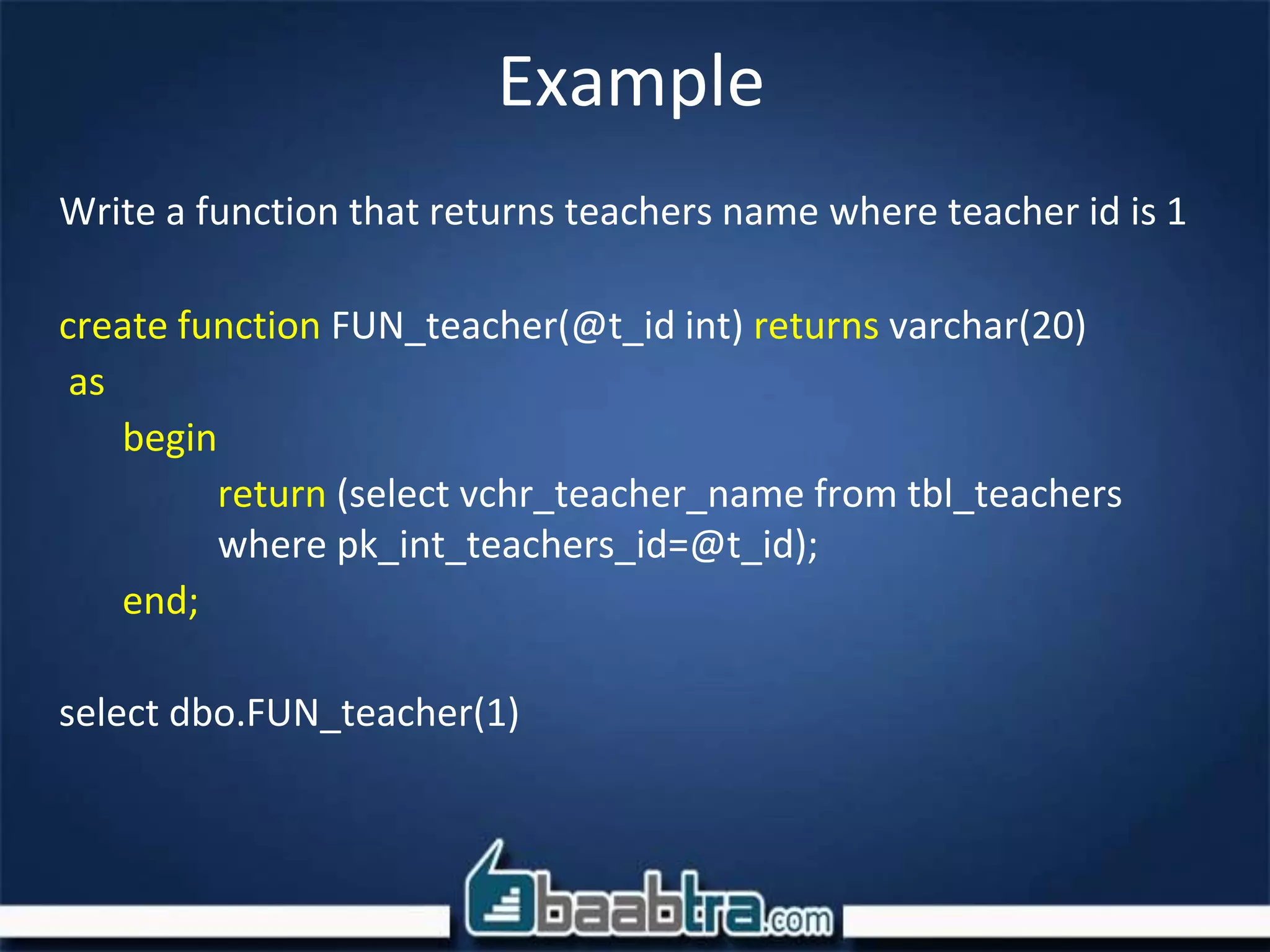
Write a function that returns teachers name where teacher id is 1
create function FUN_teacher(@t_id int) returns varchar(20)
as
begin
return (select vchr_teacher_name from tbl_teachers
where pk_int_teachers_id=@t_id);
end;
select dbo.FUN_teacher(1)
Difference Between SP and UDF
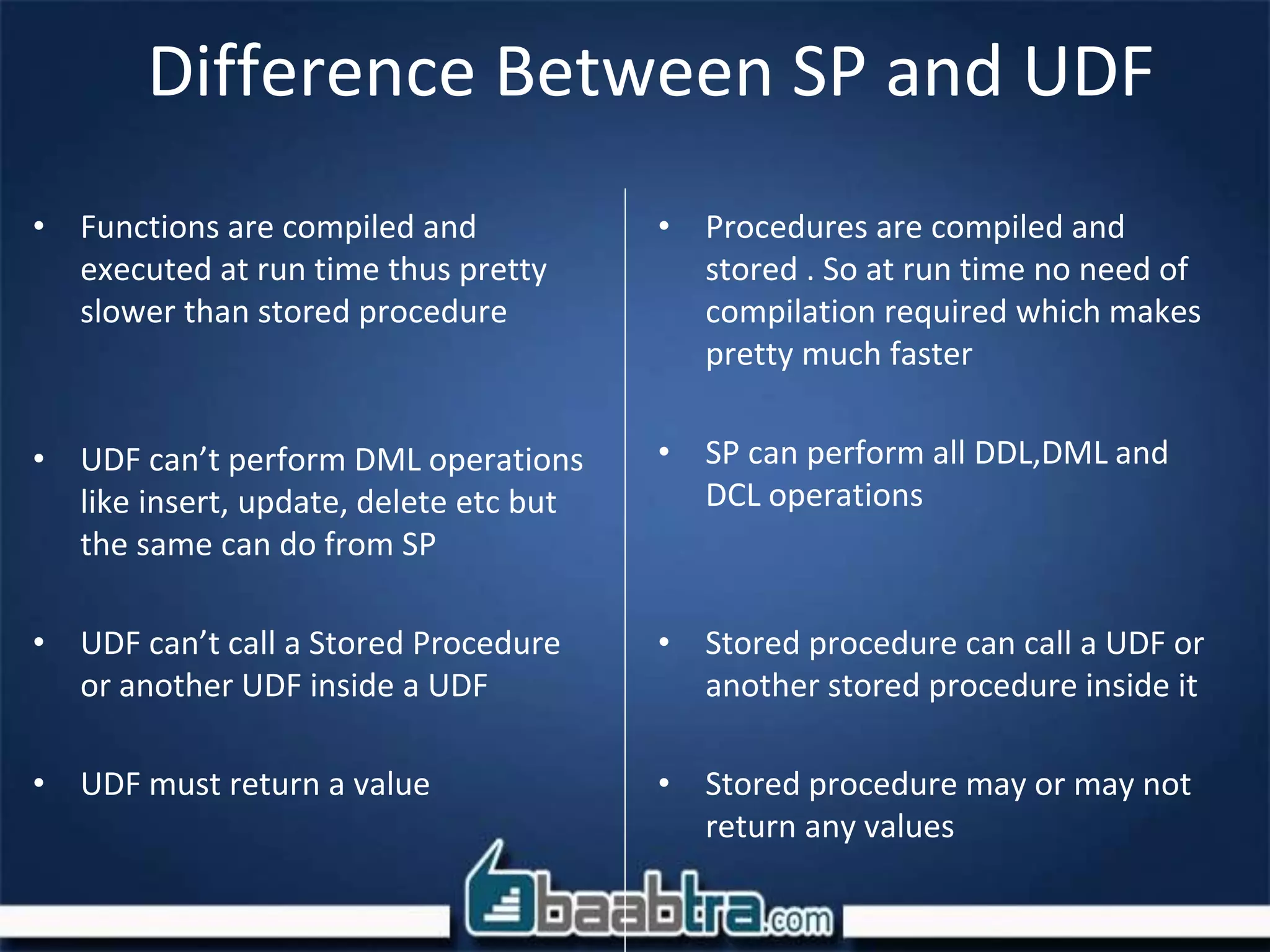
• Functions are compiled and
executed at run time thus pretty
slower than stored procedure
• UDF can’t perform DML operations
like insert, update, delete etc but
the same can do from SP
• UDF can’t call a Stored Procedure
or another UDF inside a UDF
• UDF must return a value
• Procedures are compiled and
stored . So at run time no need of
compilation required which makes
pretty much faster
• SP can perform all DDL,DML and
DCL operations
• Stored procedure can call a UDF or
another stored procedure inside it
• Stored procedure may or may not
return any values
Views
Views
• A view is a customized representation of data
from one or more tables. The table that the
view is referencing are known as base tables.
• A view can be considered as a stored query or
a virtual table
• View Doesn't take any storage space
Example
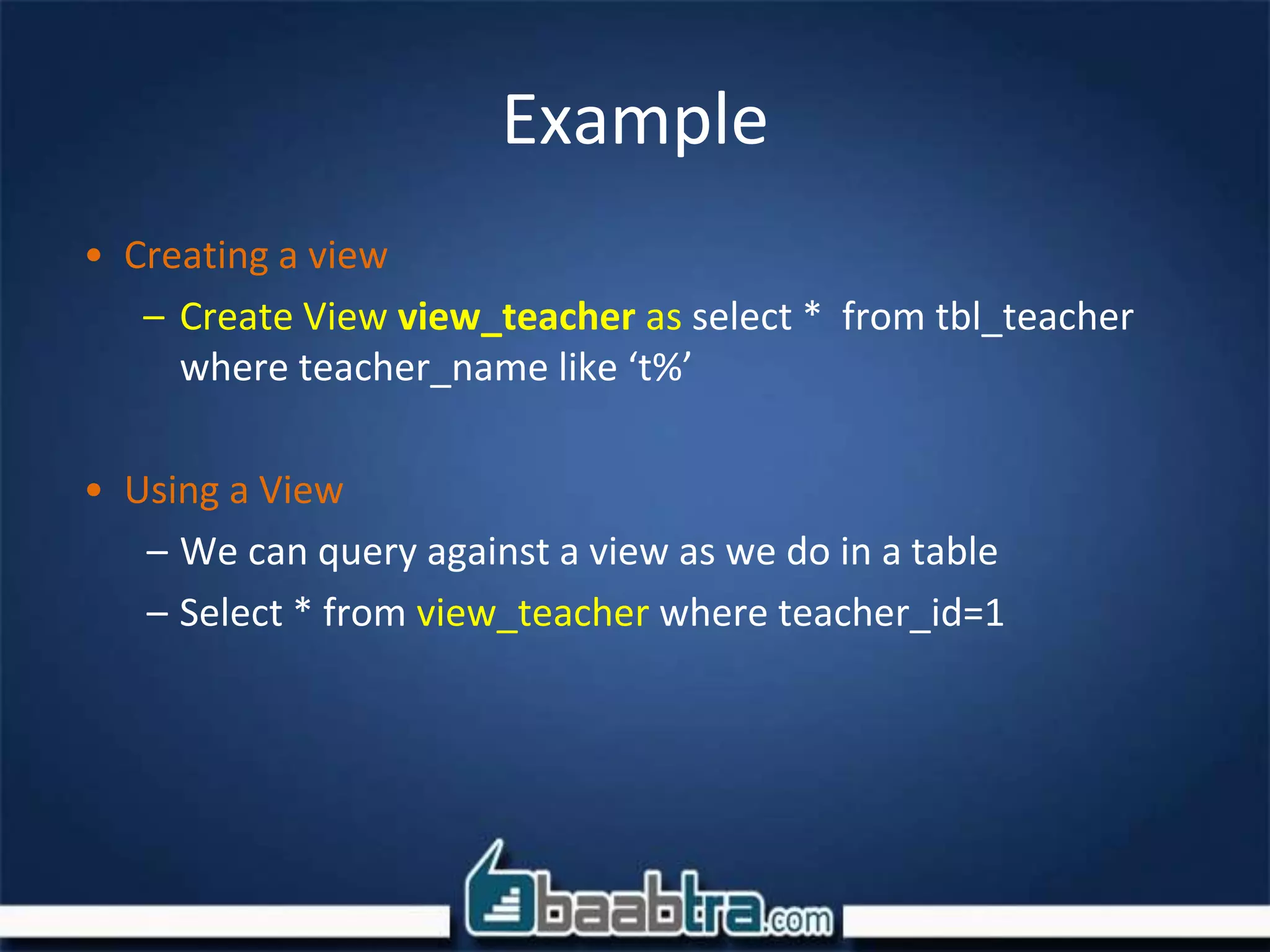
• Creating a view
– Create View view_teacher as select * from tbl_teacher
where teacher_name like ‘t%’
• Using a View
– We can query against a view as we do in a table
– Select * from view_teacher where teacher_id=1
Advantages of View
• Data Security
– No need to give permission on the table. infact a view can
be created, having only selected number of columns in its
definition. So user will only be able to see those columns
• Simplicity
• A very complicated query can be saved as a view definition.
When needed can be called by its view name
• Removes Dependency
• Can be very helpful to remove the dependency from the
underlying tables. Suppose a view is created joining several
tables. After some time, there are some changes on the
table, so only definition of view can be changed and there
is no need to change all the code where view is used
• No space : Takes no space(Except materialized view)
Indexing
Indexing
• A database index is a data structure that improves the speed of
operations in a table.
• Without an index, SQL must begin with the first row and then
read through the entire table to find the relevant rows. The
larger the table, the more this costs.
• INSERT and UPDATE statements take more time on tables
having indexes where as SELECT statements become fast on
those tables. The reason is that while doing insert or update,
database need to insert or update index values as well.
Indexing
• Syntax
– CREATE INDEX index_name ON table_name (
column1, column2,...);
• Example
– CREATE INDEX AUTHOR_INDEX ON tutorials_tbl
(tutorial_author)
Points to be noted
• In sql whenever you create a table with
primary key, the same column will be indexed
• So you don’t have to explicitly create an index
for primary key column
• Simply below also a way of indexing a table
– ALTER TABLE testalter_tbl ADD PRIMARY KEY (i);
End of day 2

Chapter 4 functions, views, indexing

  • 1.
    Introduction To DBMS andSQLServer UDF, Views, Indexing
  • 2.
  • 3.
    User Defined functionsUDF • A function is a subprogram written to perform certain computations • It can be used with sql select queries same like we use any other scalar or aggregate functions that we discussed earlier (eg: sum(), Avg() etc)
  • 4.
    Example Write a functionthat returns teachers name where teacher id is 1 create function FUN_teacher(@t_id int) returns varchar(20) as begin return (select vchr_teacher_name from tbl_teachers where pk_int_teachers_id=@t_id); end; select dbo.FUN_teacher(1)
  • 5.
    Difference Between SPand UDF • Functions are compiled and executed at run time thus pretty slower than stored procedure • UDF can’t perform DML operations like insert, update, delete etc but the same can do from SP • UDF can’t call a Stored Procedure or another UDF inside a UDF • UDF must return a value • Procedures are compiled and stored . So at run time no need of compilation required which makes pretty much faster • SP can perform all DDL,DML and DCL operations • Stored procedure can call a UDF or another stored procedure inside it • Stored procedure may or may not return any values
  • 6.
  • 7.
    Views • A viewis a customized representation of data from one or more tables. The table that the view is referencing are known as base tables. • A view can be considered as a stored query or a virtual table • View Doesn't take any storage space
  • 8.
    Example • Creating aview – Create View view_teacher as select * from tbl_teacher where teacher_name like ‘t%’ • Using a View – We can query against a view as we do in a table – Select * from view_teacher where teacher_id=1
  • 9.
    Advantages of View •Data Security – No need to give permission on the table. infact a view can be created, having only selected number of columns in its definition. So user will only be able to see those columns • Simplicity • A very complicated query can be saved as a view definition. When needed can be called by its view name • Removes Dependency • Can be very helpful to remove the dependency from the underlying tables. Suppose a view is created joining several tables. After some time, there are some changes on the table, so only definition of view can be changed and there is no need to change all the code where view is used • No space : Takes no space(Except materialized view)
  • 10.
  • 11.
    Indexing • A databaseindex is a data structure that improves the speed of operations in a table. • Without an index, SQL must begin with the first row and then read through the entire table to find the relevant rows. The larger the table, the more this costs. • INSERT and UPDATE statements take more time on tables having indexes where as SELECT statements become fast on those tables. The reason is that while doing insert or update, database need to insert or update index values as well.
  • 12.
    Indexing • Syntax – CREATEINDEX index_name ON table_name ( column1, column2,...); • Example – CREATE INDEX AUTHOR_INDEX ON tutorials_tbl (tutorial_author)
  • 13.
    Points to benoted • In sql whenever you create a table with primary key, the same column will be indexed • So you don’t have to explicitly create an index for primary key column • Simply below also a way of indexing a table – ALTER TABLE testalter_tbl ADD PRIMARY KEY (i);
  • 14.