Social Networking
and its Impact on
Libraries
Presented at the 5th
National Electronic Subscribers’ Conference
sponsored by CE-Logic, Chateau Royale, Nasugbu, Batangas
22 May 2013
By
Fe Angela M. Verzosa
I am a social network addict!
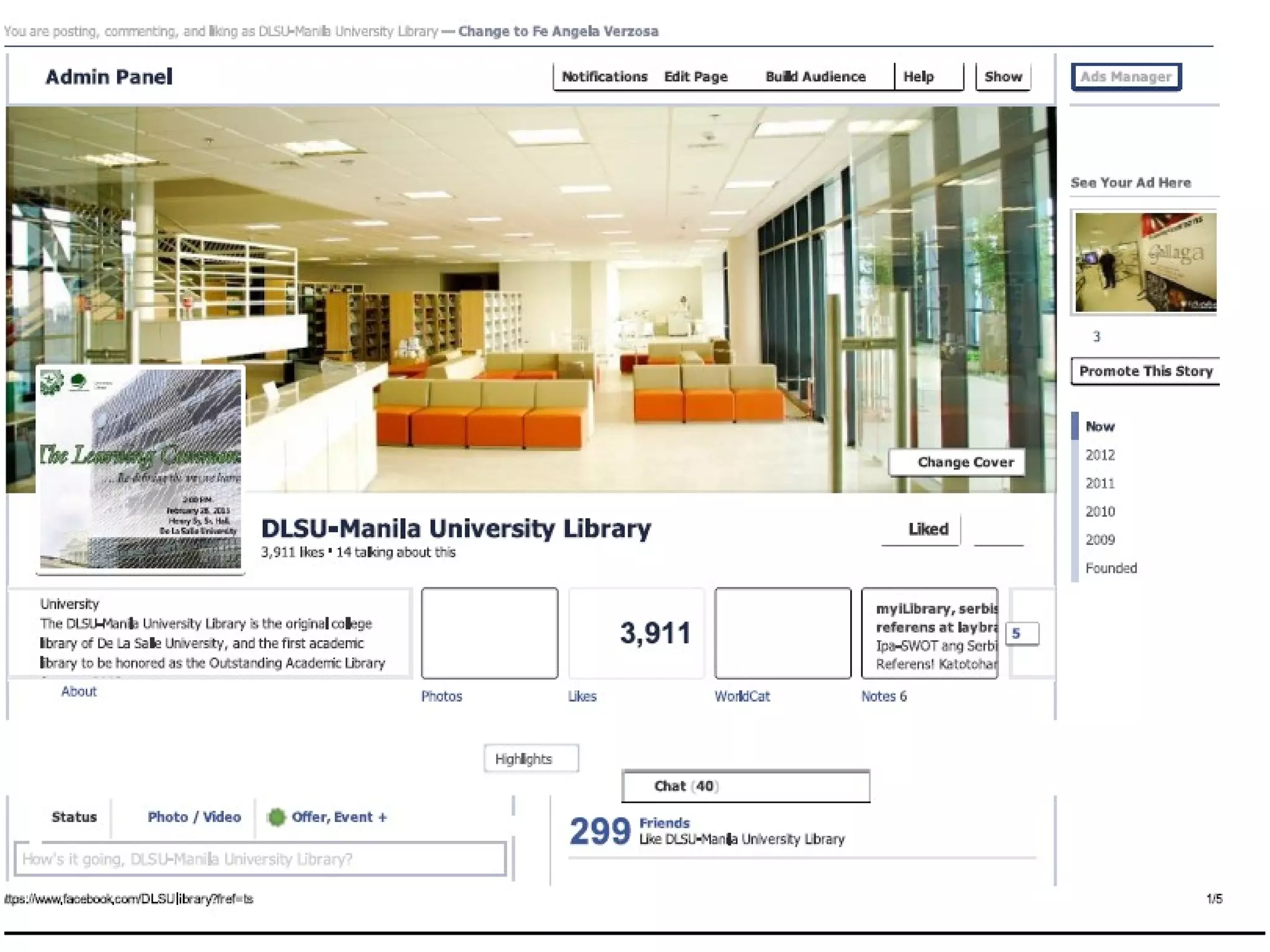
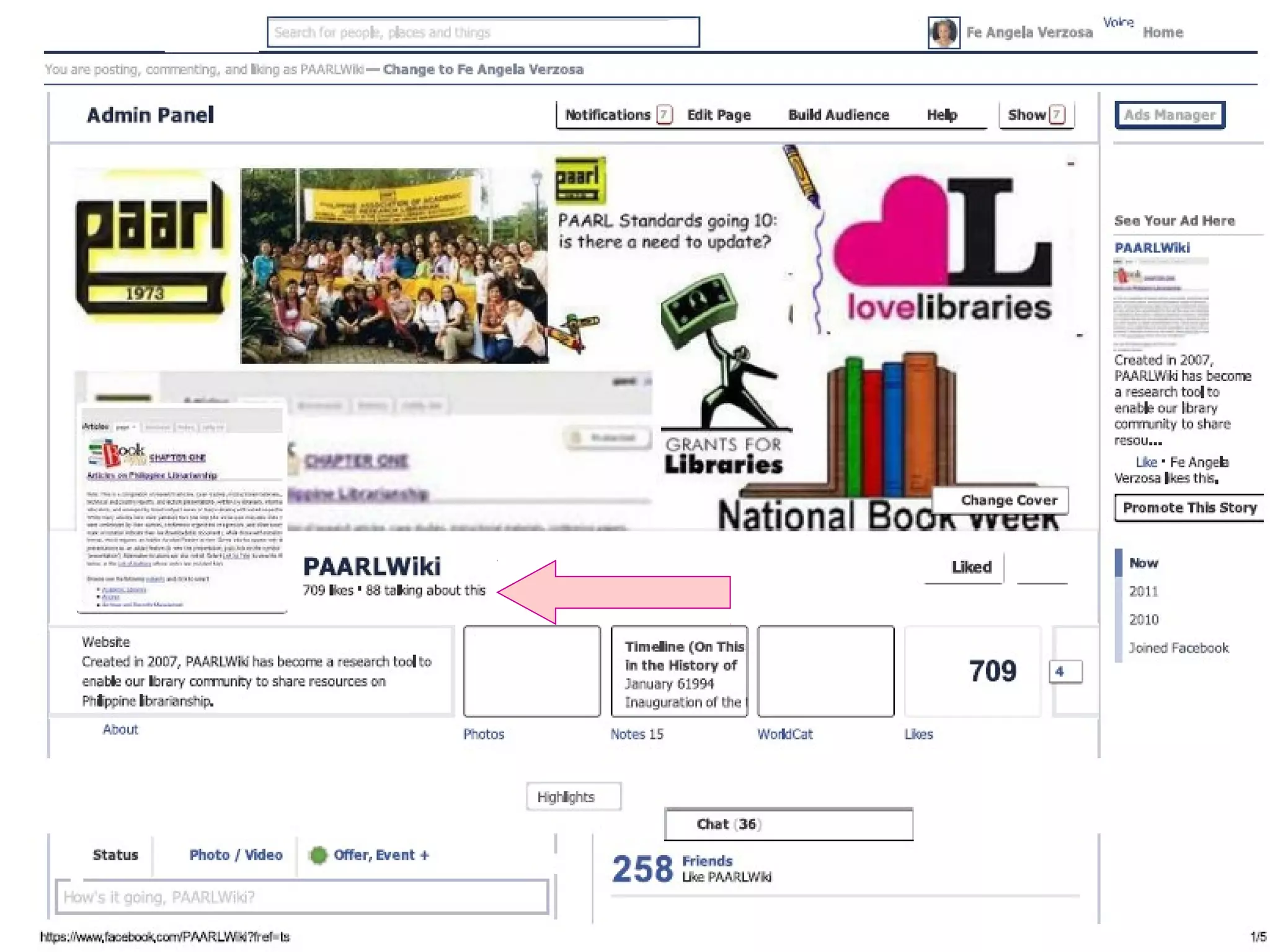
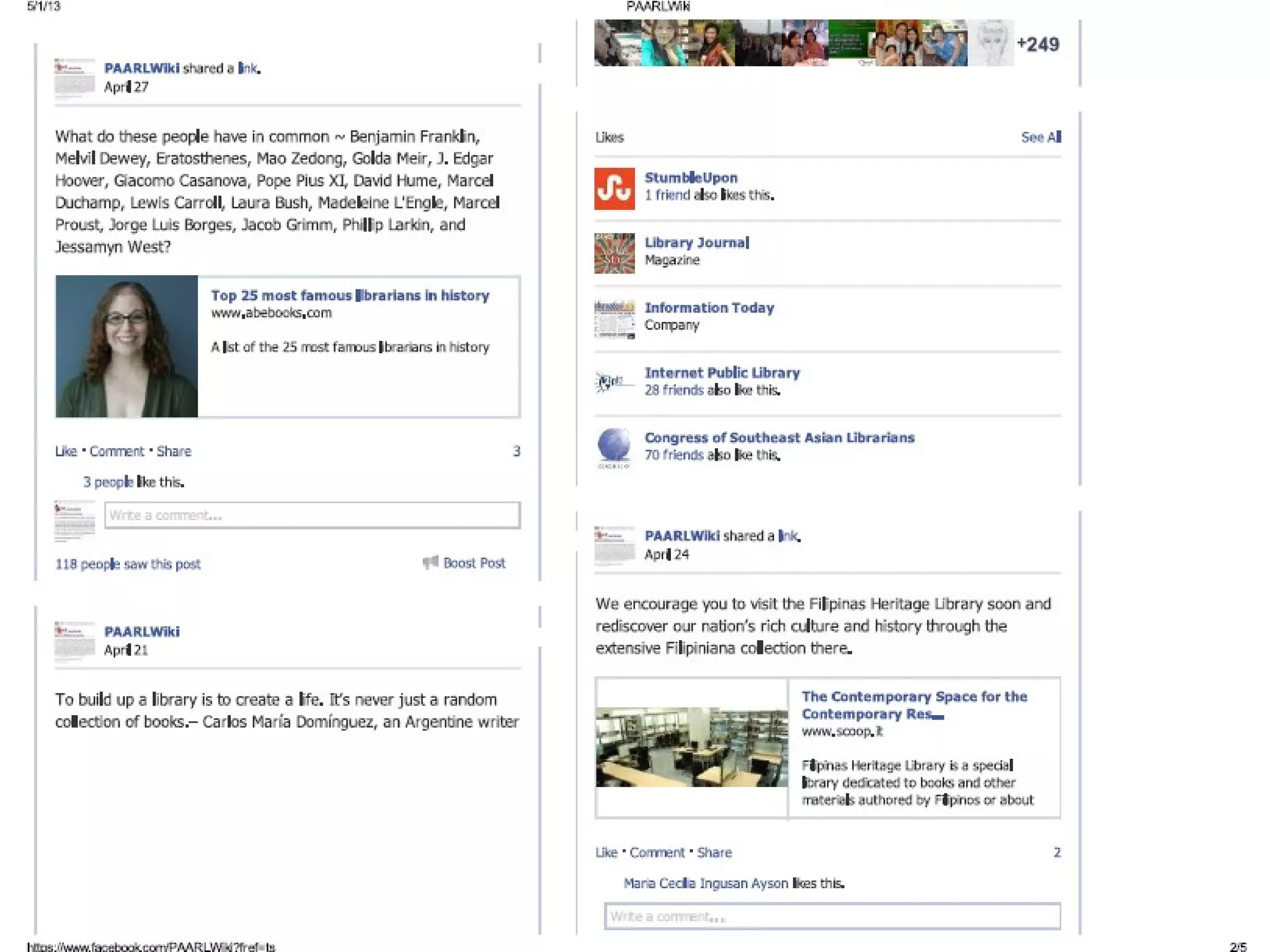
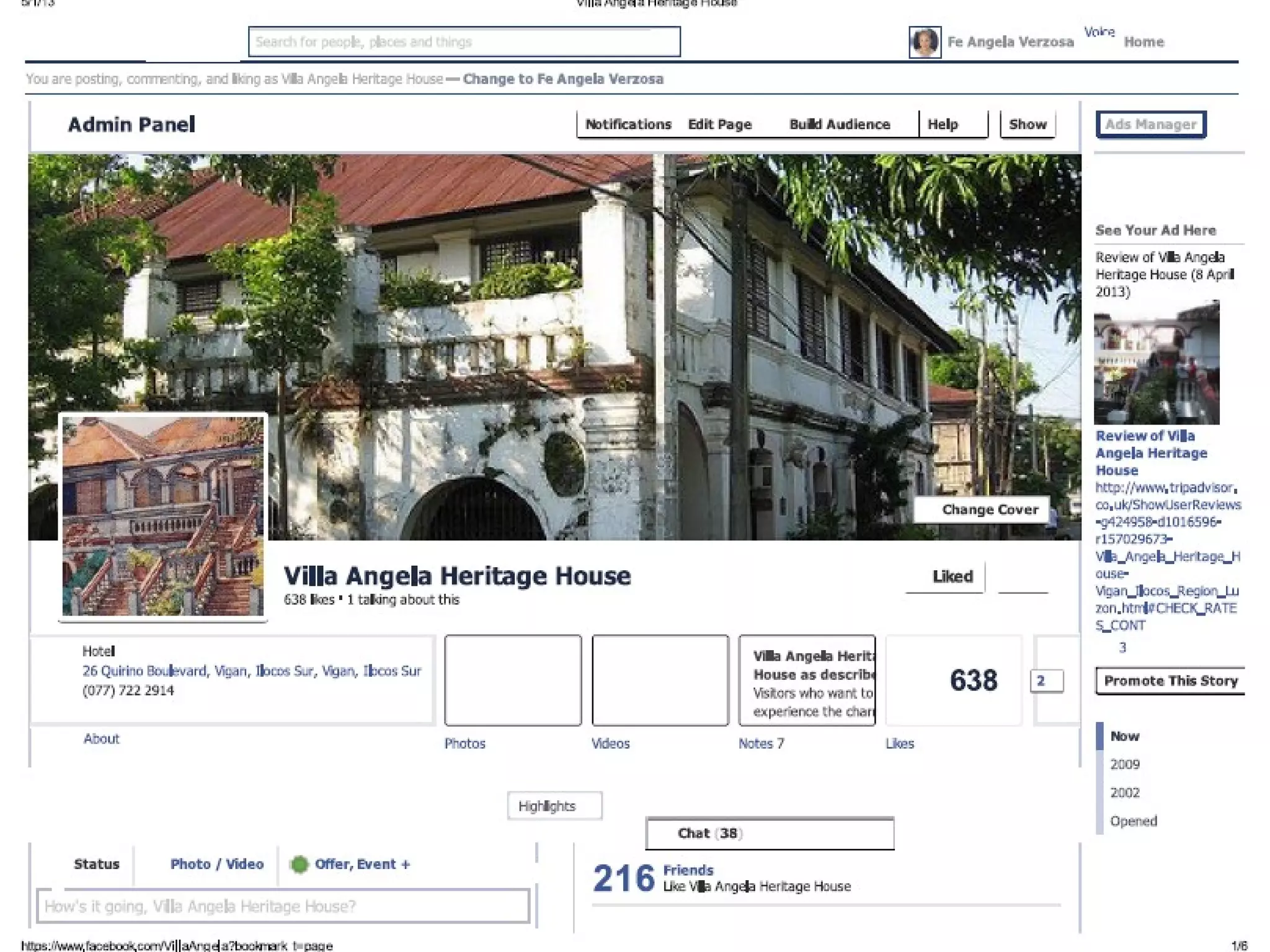
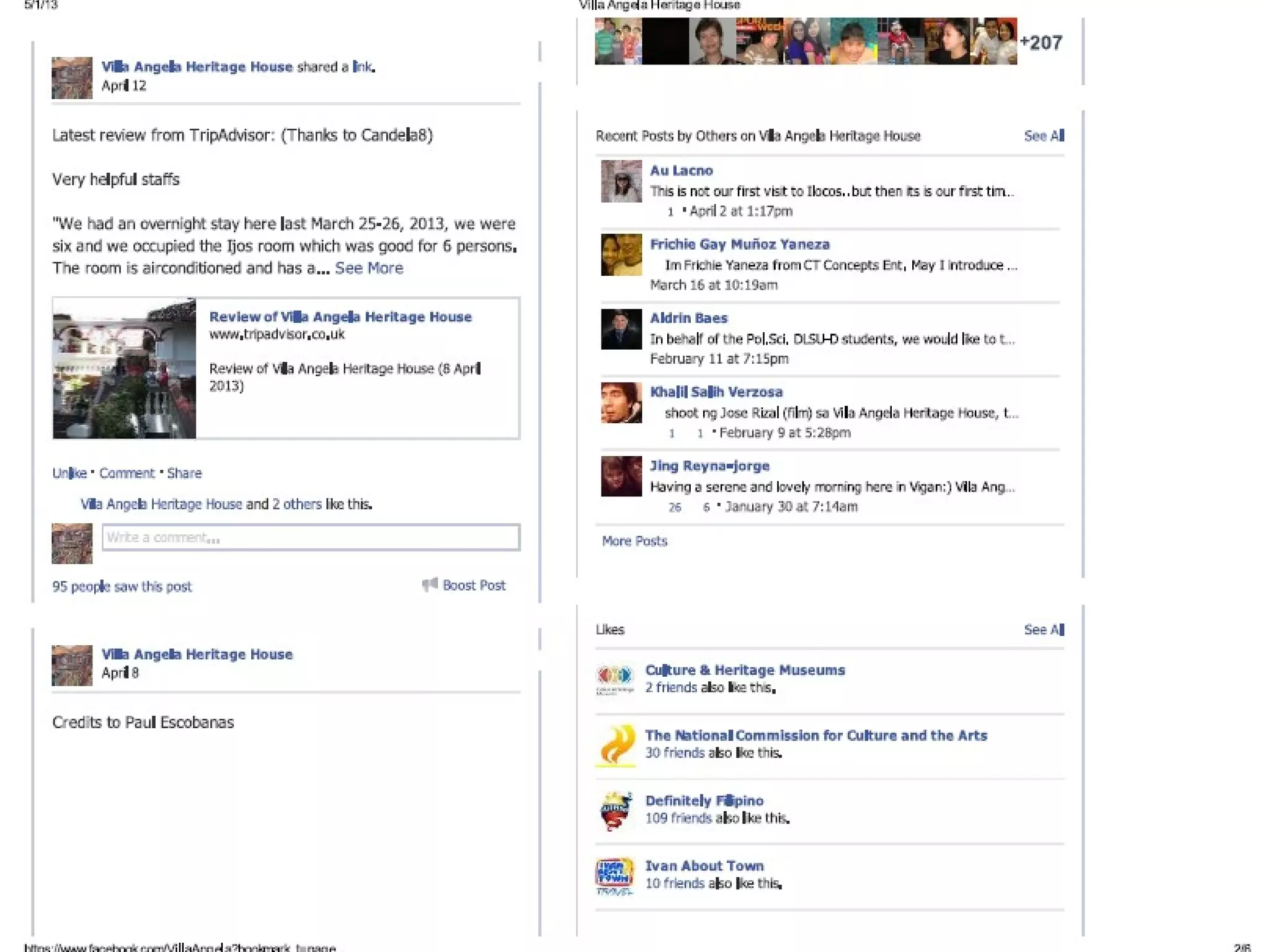
Created 4 Facebook pages (as Admin)
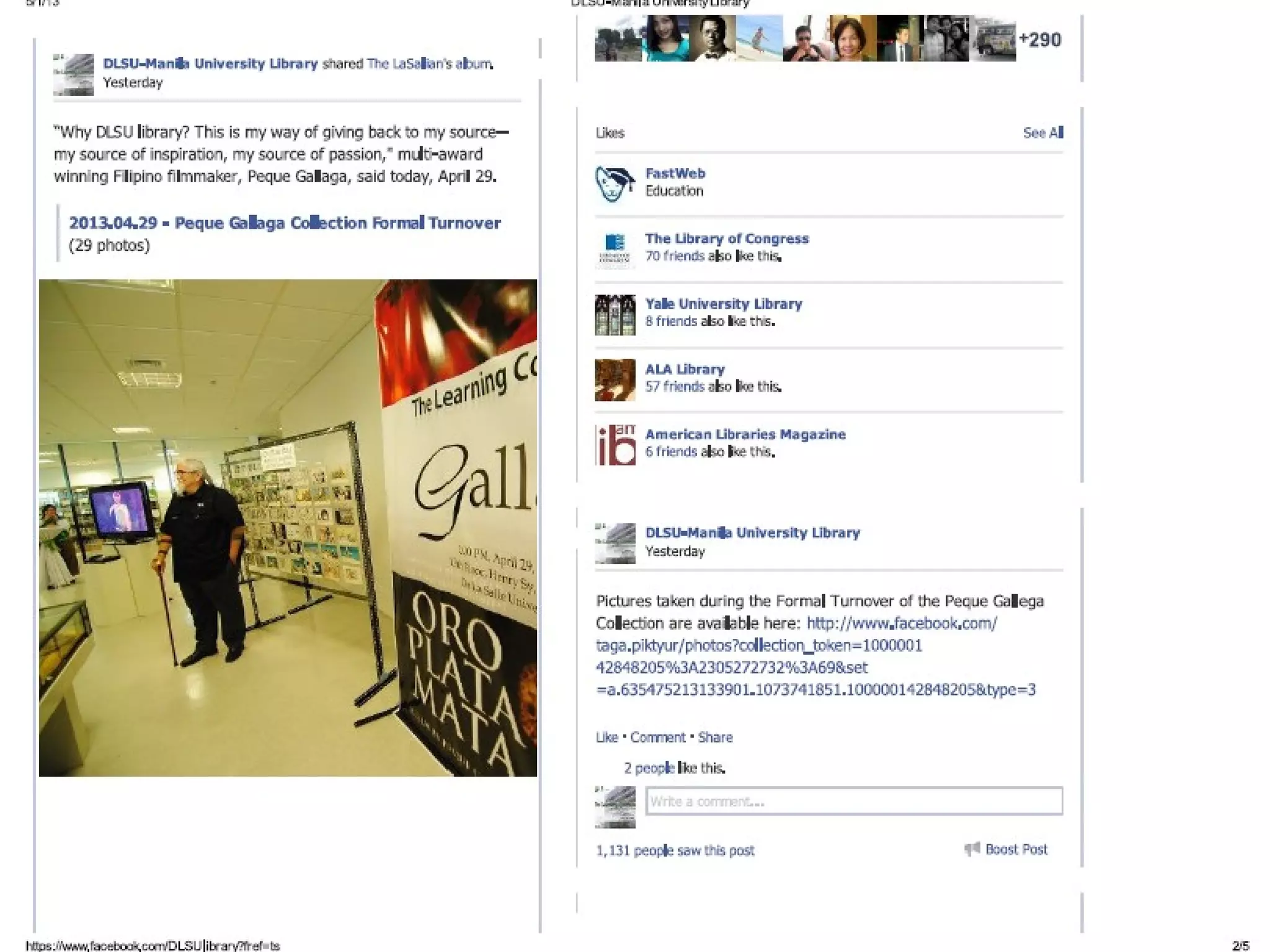
•DLSU-Manila University Library
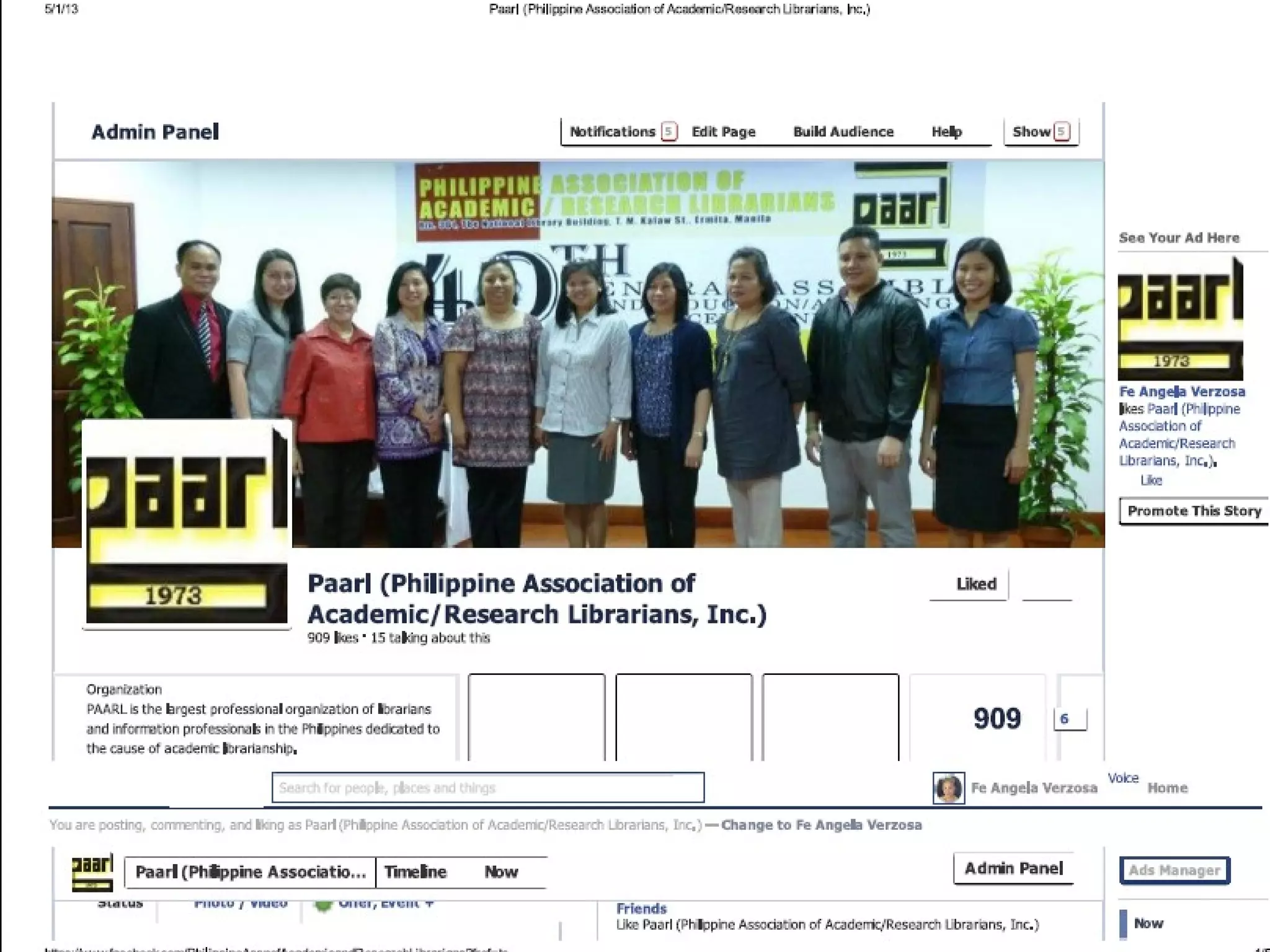
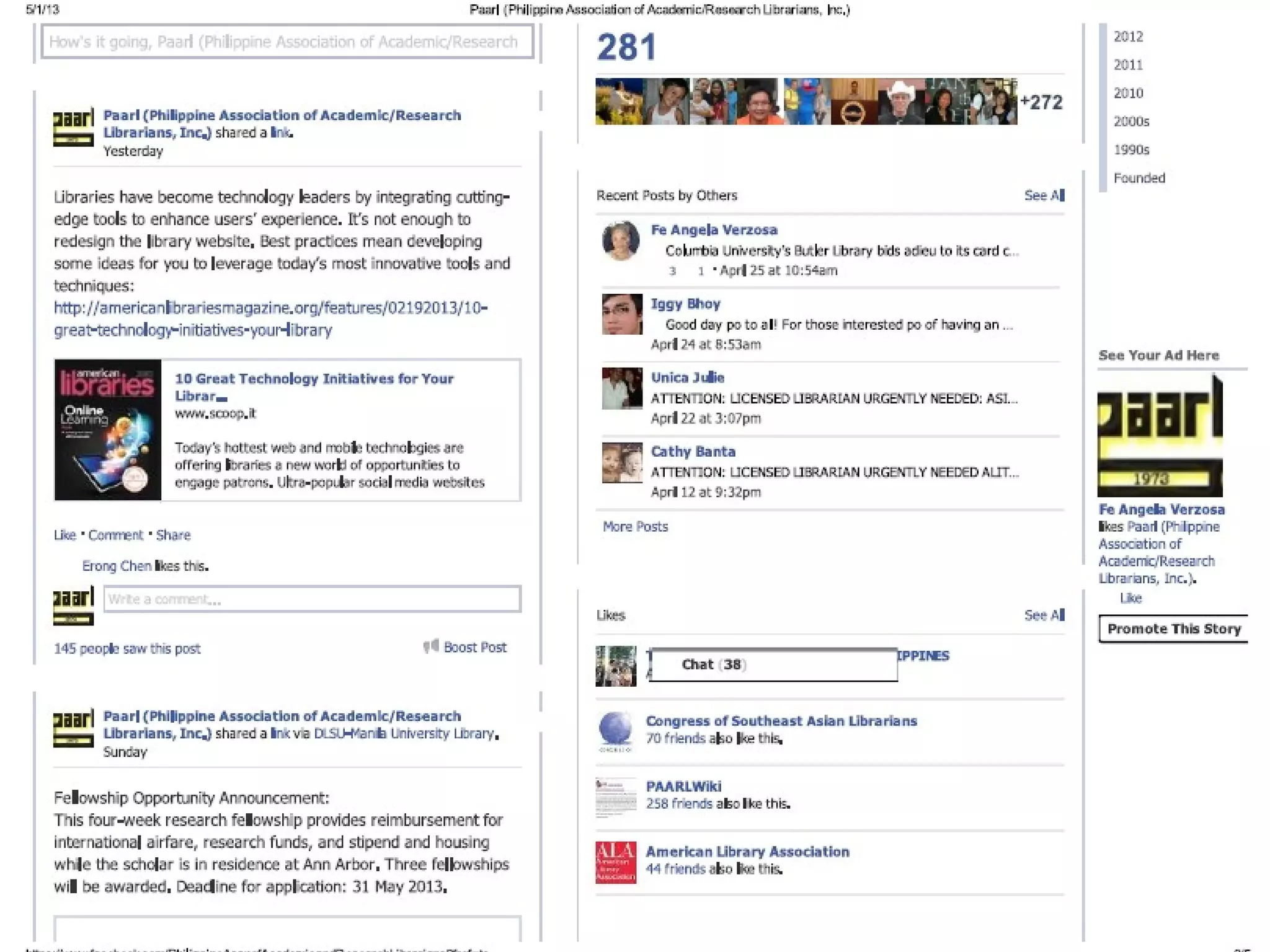
•Philippine Association of Academic/Research
Librarians (PAARL)
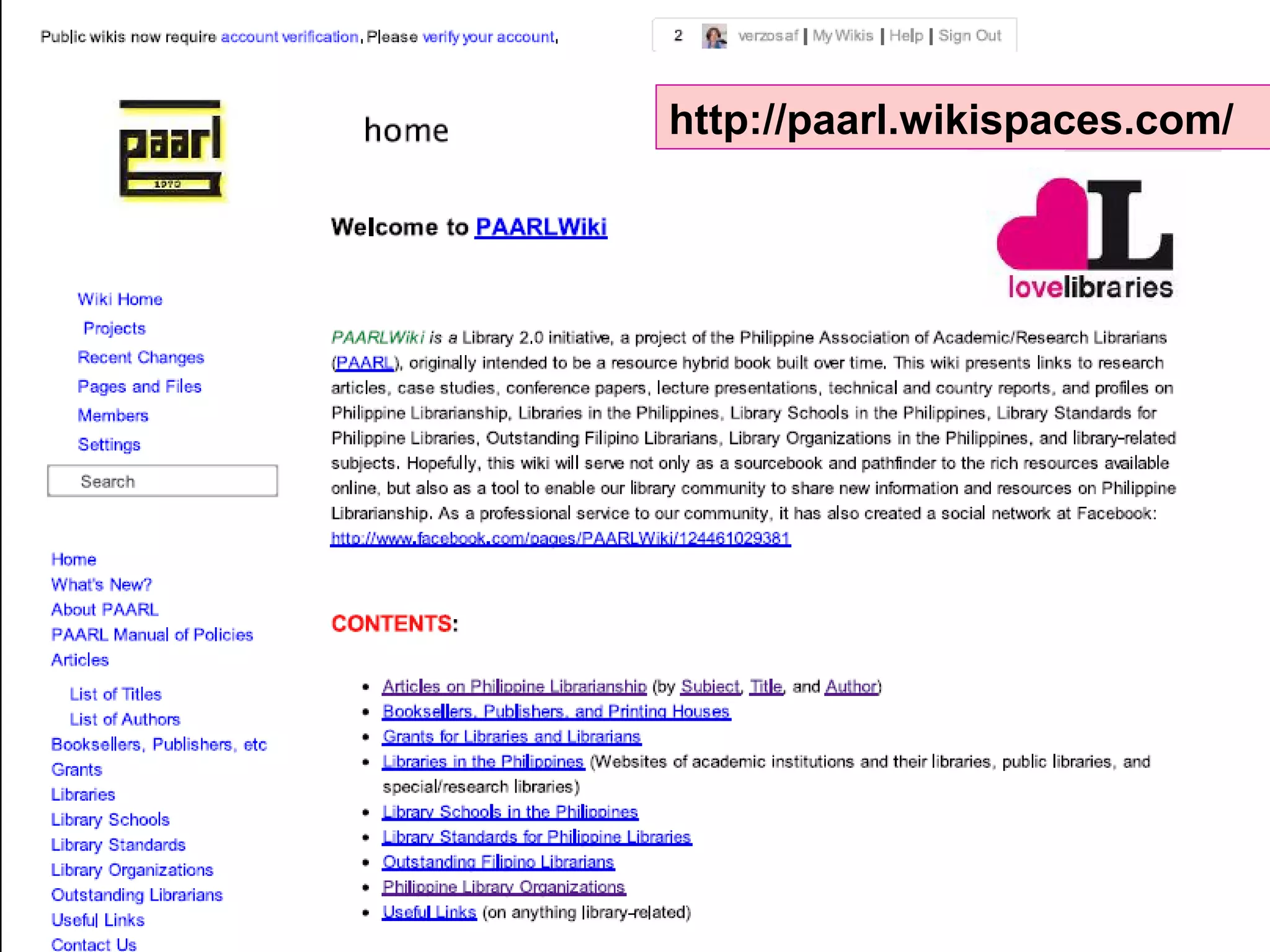
•PAARLWiki
•Villa Angela Heritage House
Created/moderate:
•PAARL Yahoogroup (since 2005)
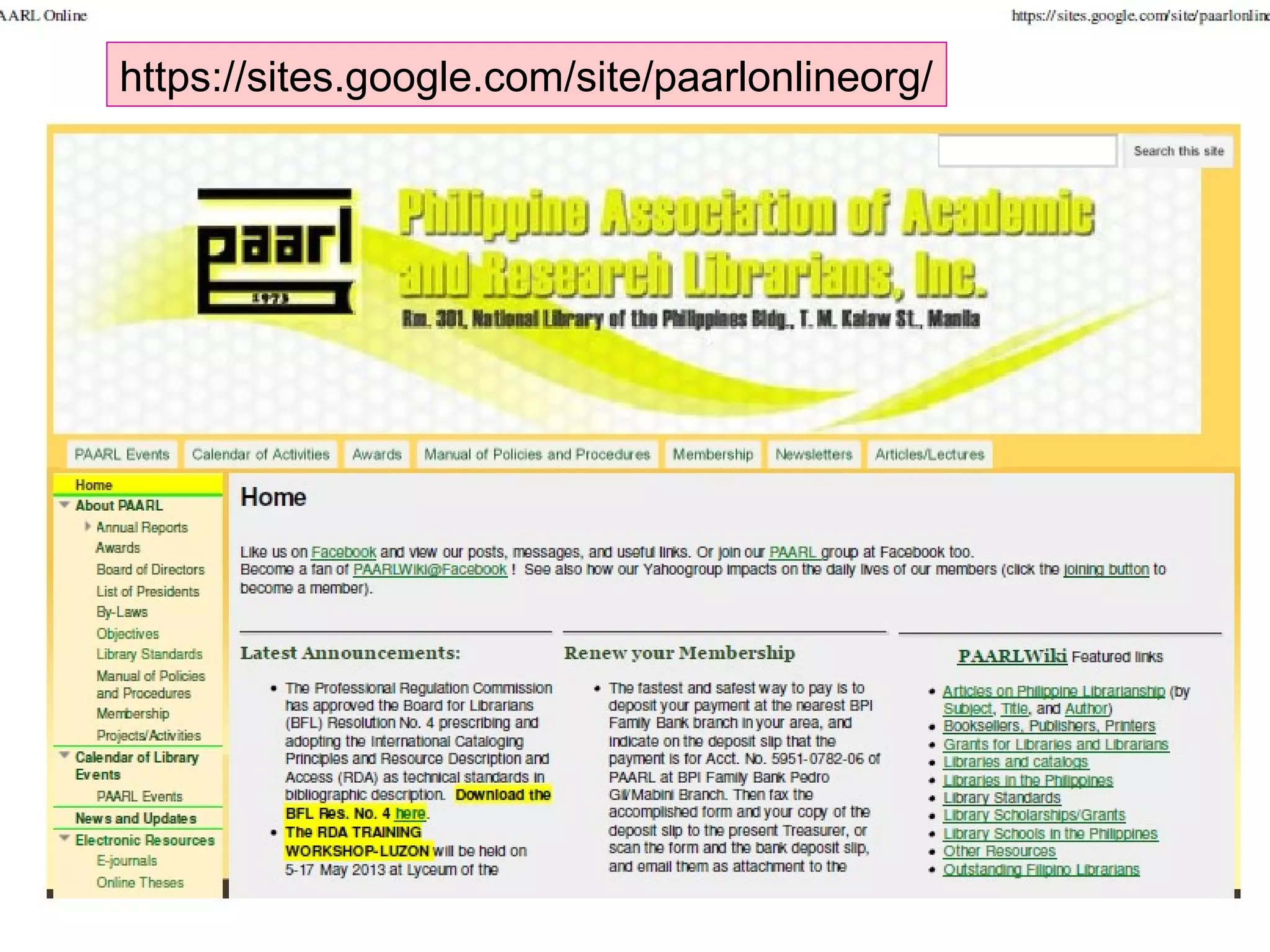
•PAARL Online (official website)
•PAARLWiki (since Feb 2008)
•PAARL Slideshare (2008)
•Scoop.it (since Nov 2011)
•Pinterest (since Jan 2012)
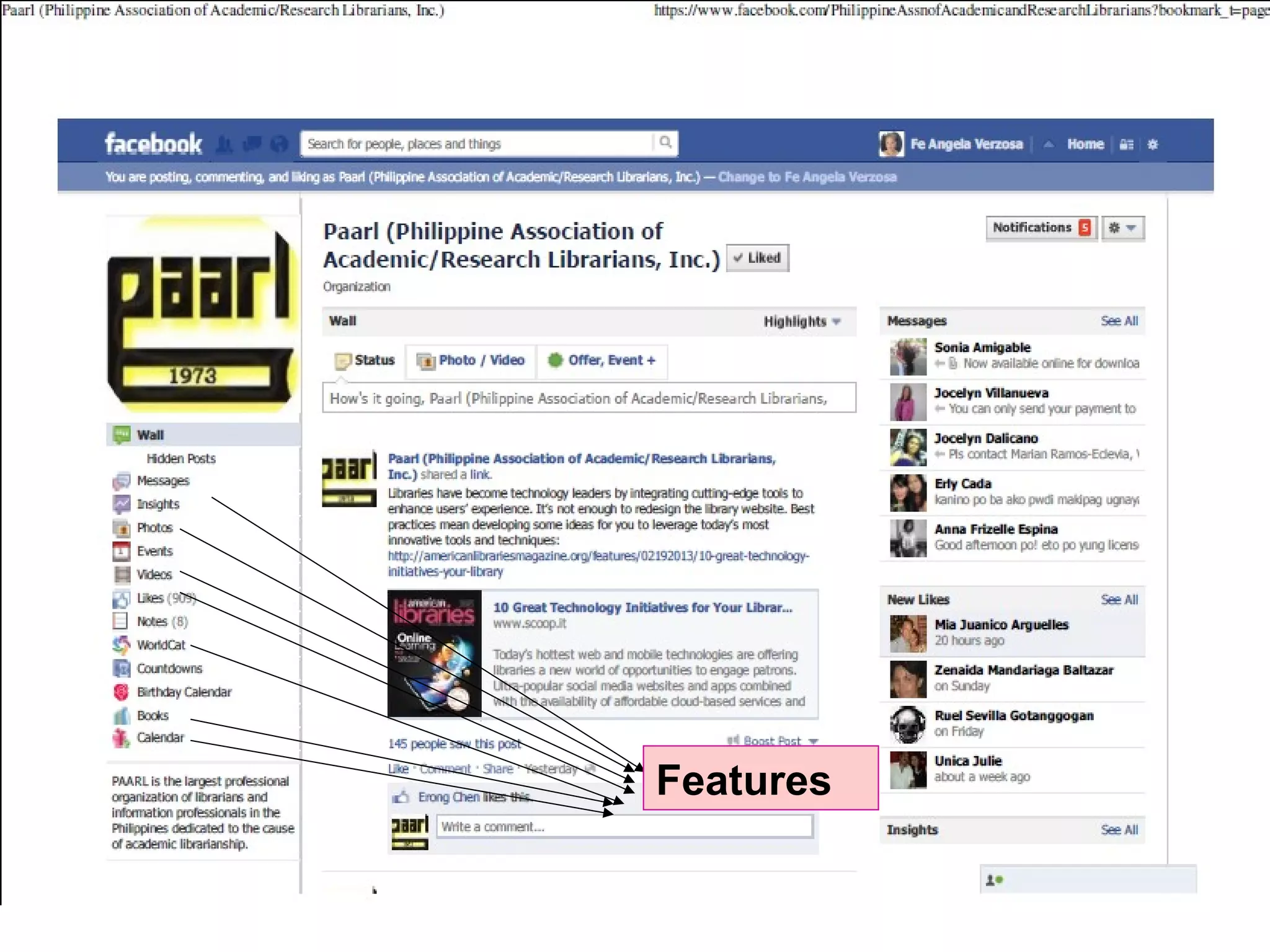
Features
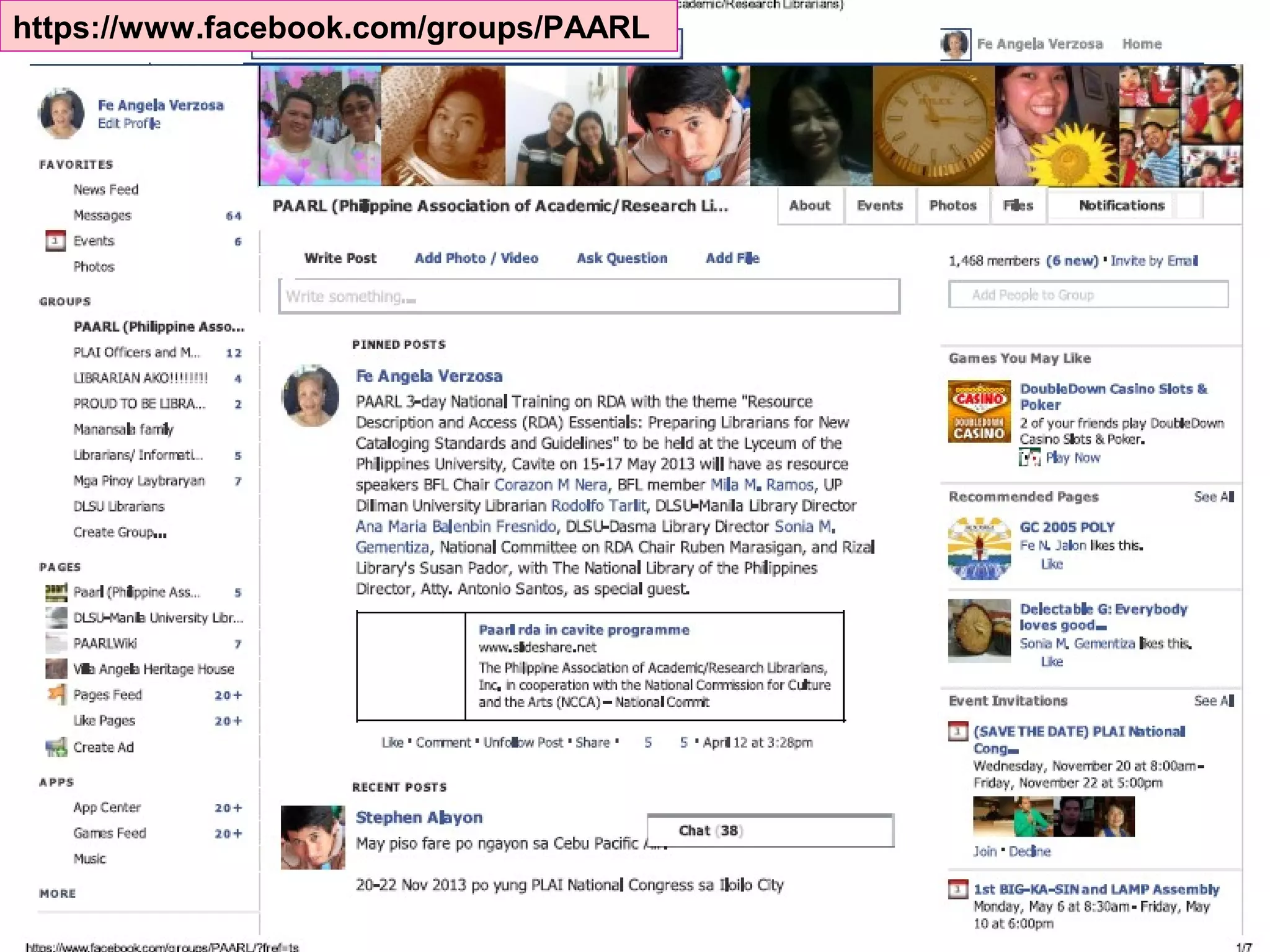
https://www.facebook.com/groups/PAARL
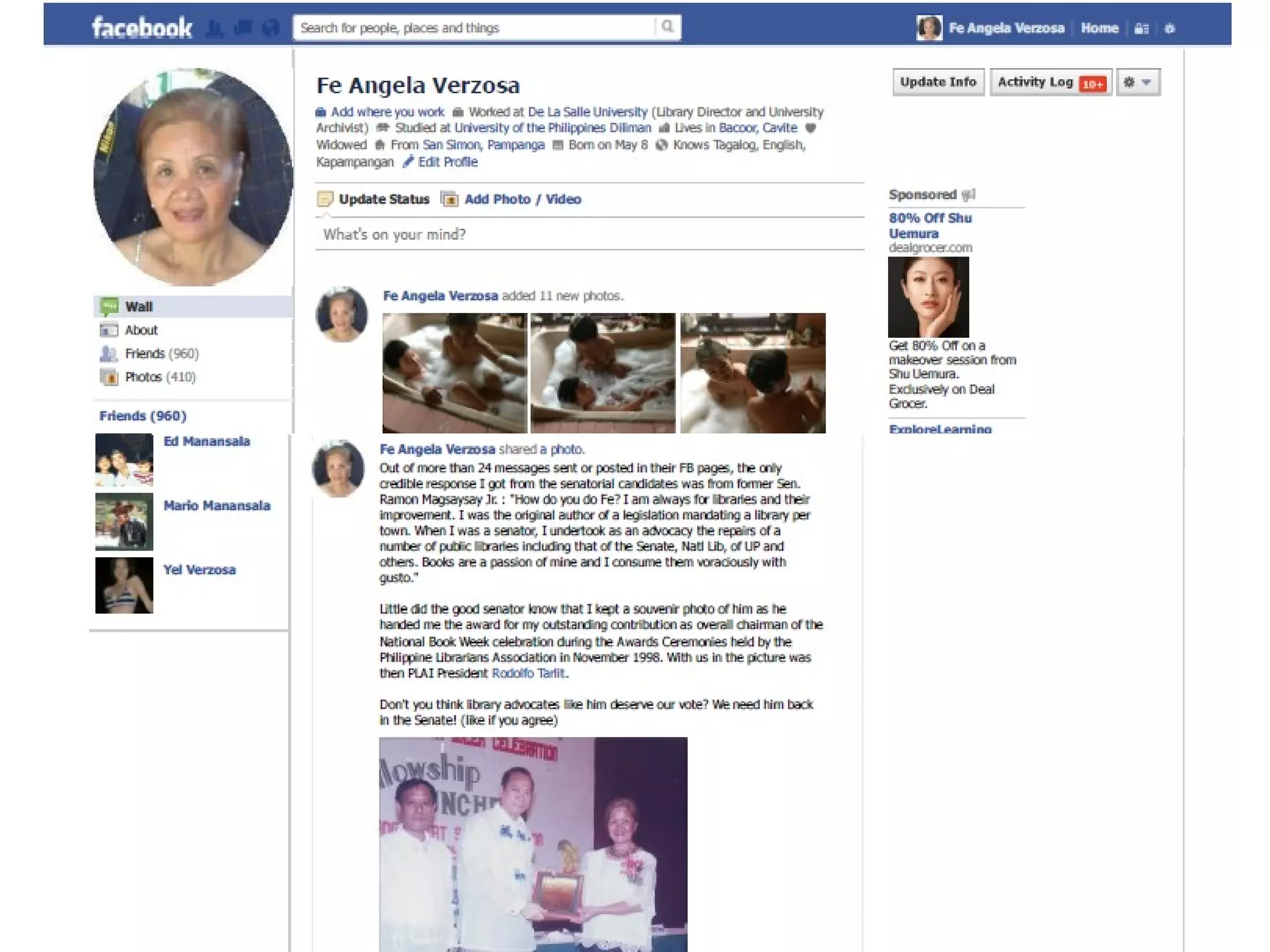
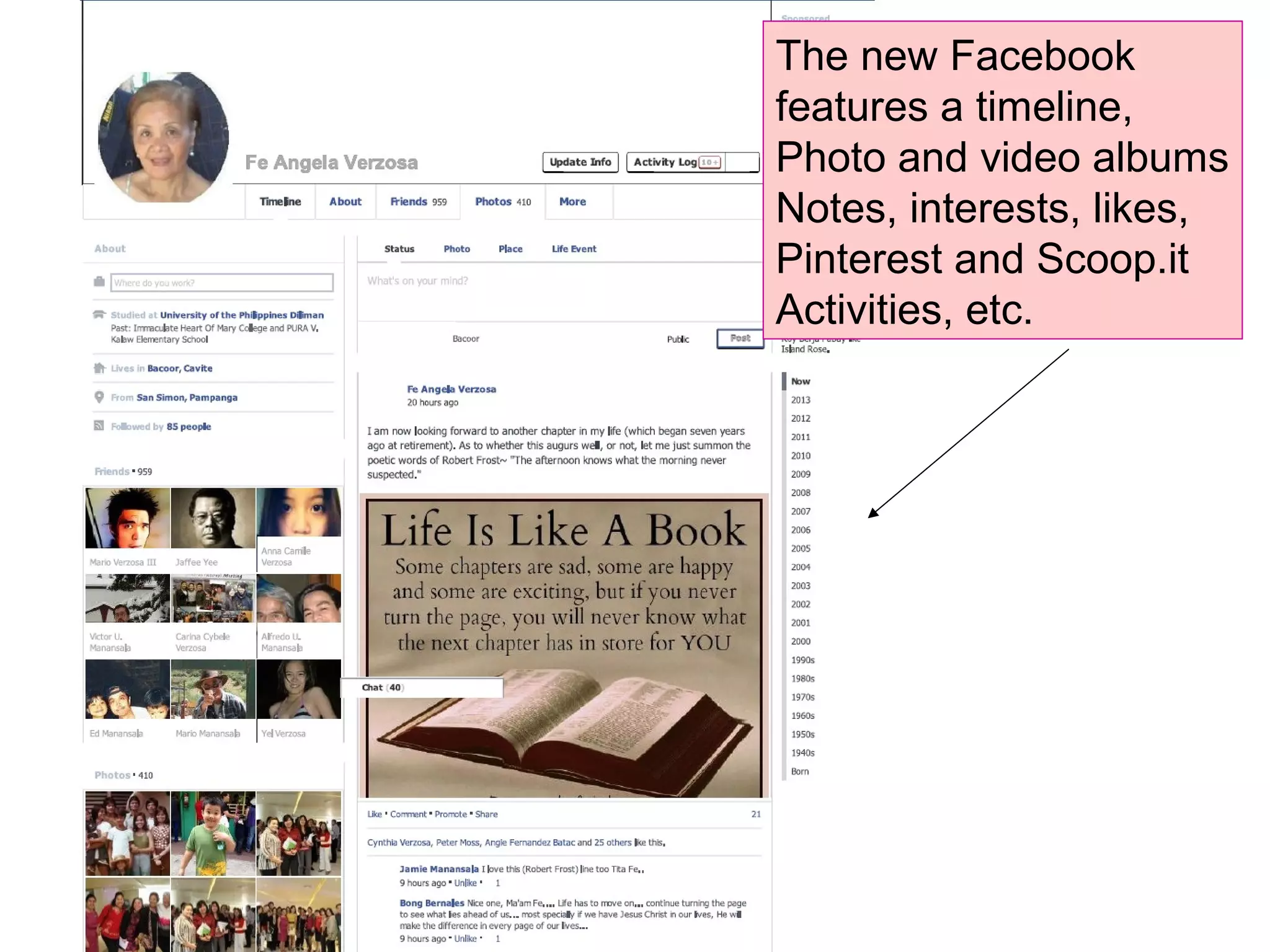
The new Facebook
features a timeline,
Photo and video albums
Notes, interests, likes,
Pinterest and Scoop.it
Activities, etc.
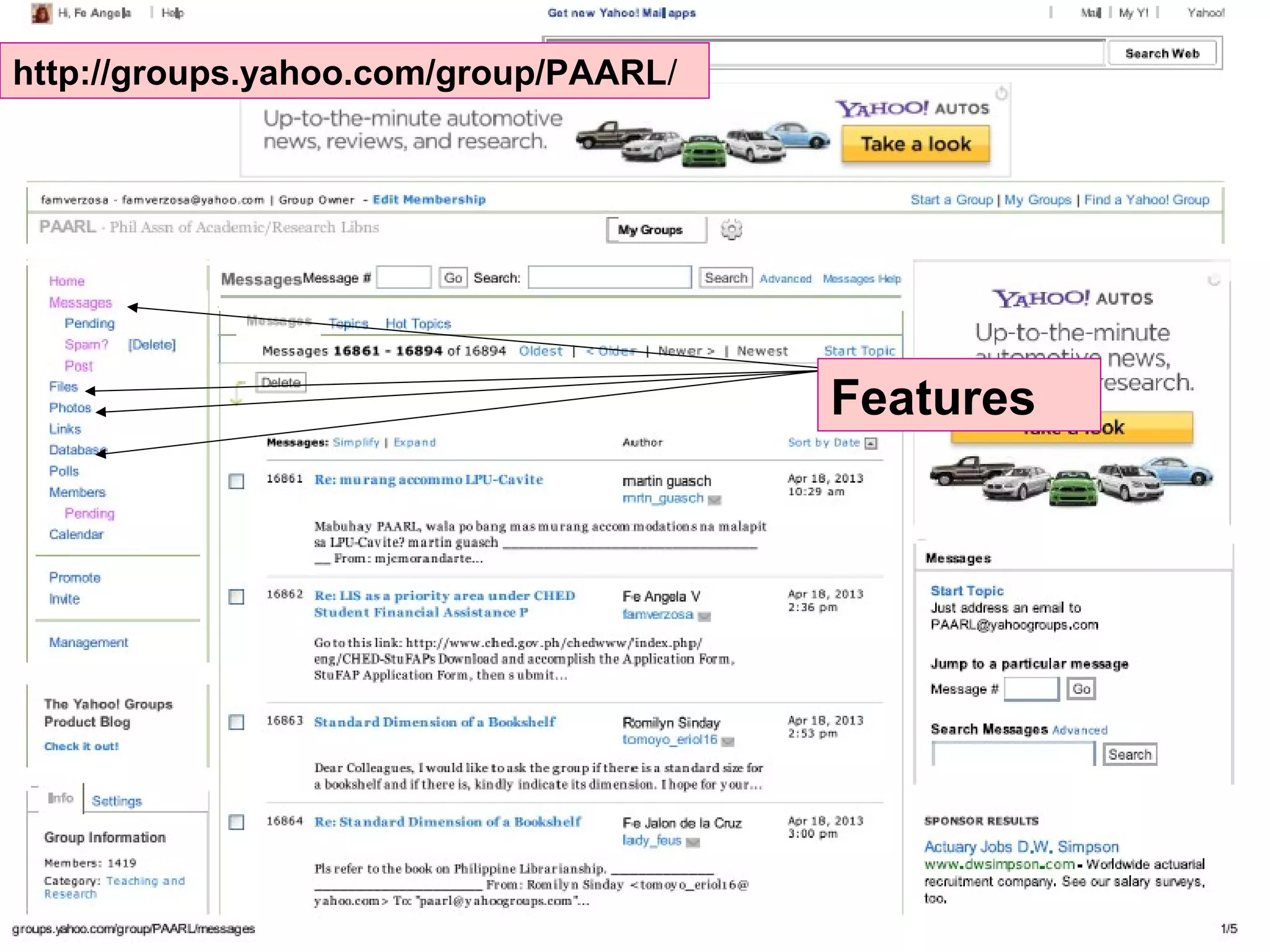
http://groups.yahoo.com/group/PAARL/
Features
http://paarl.wikispaces.com/
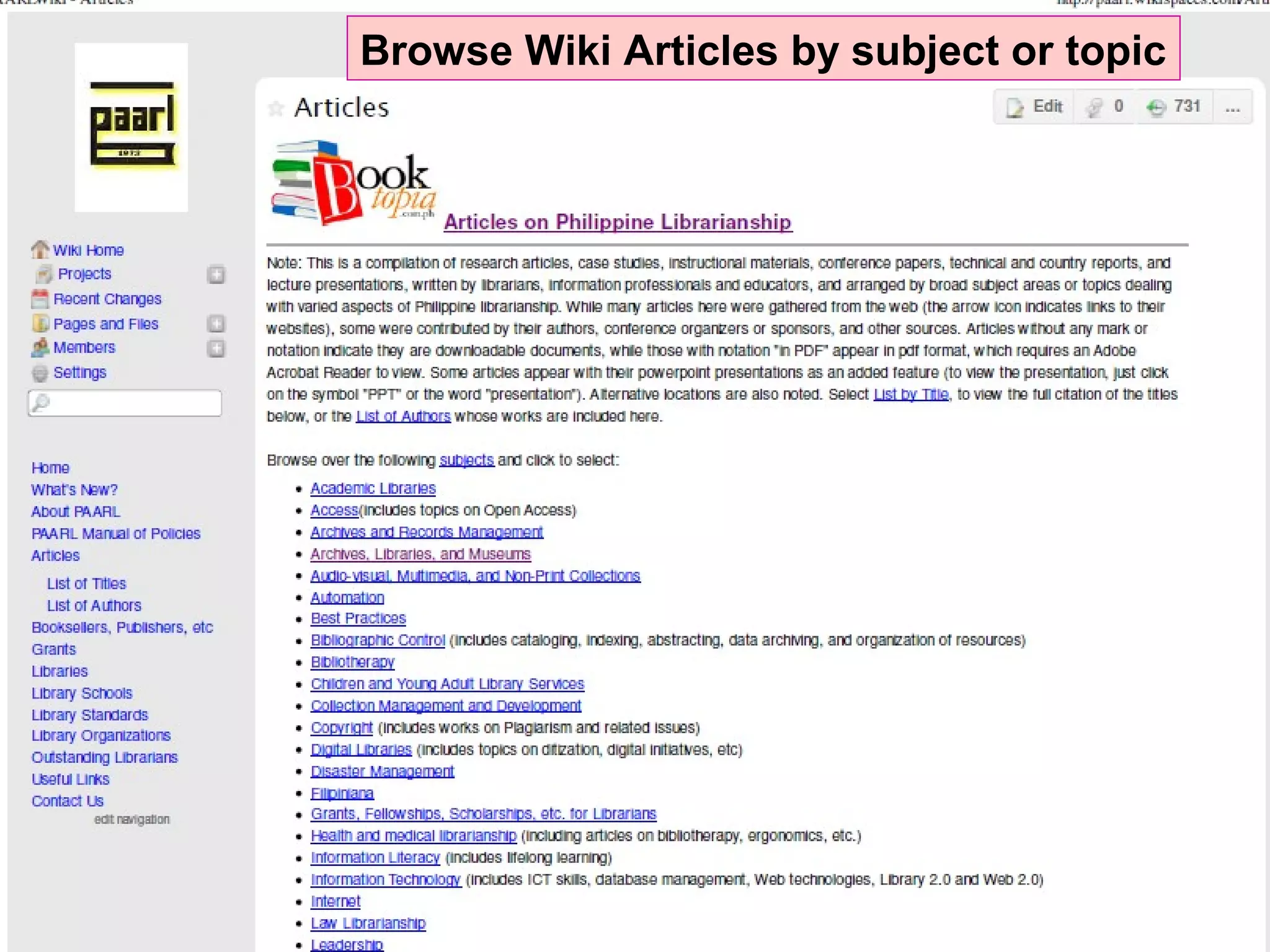
Browse Wiki Articles by subject or topic
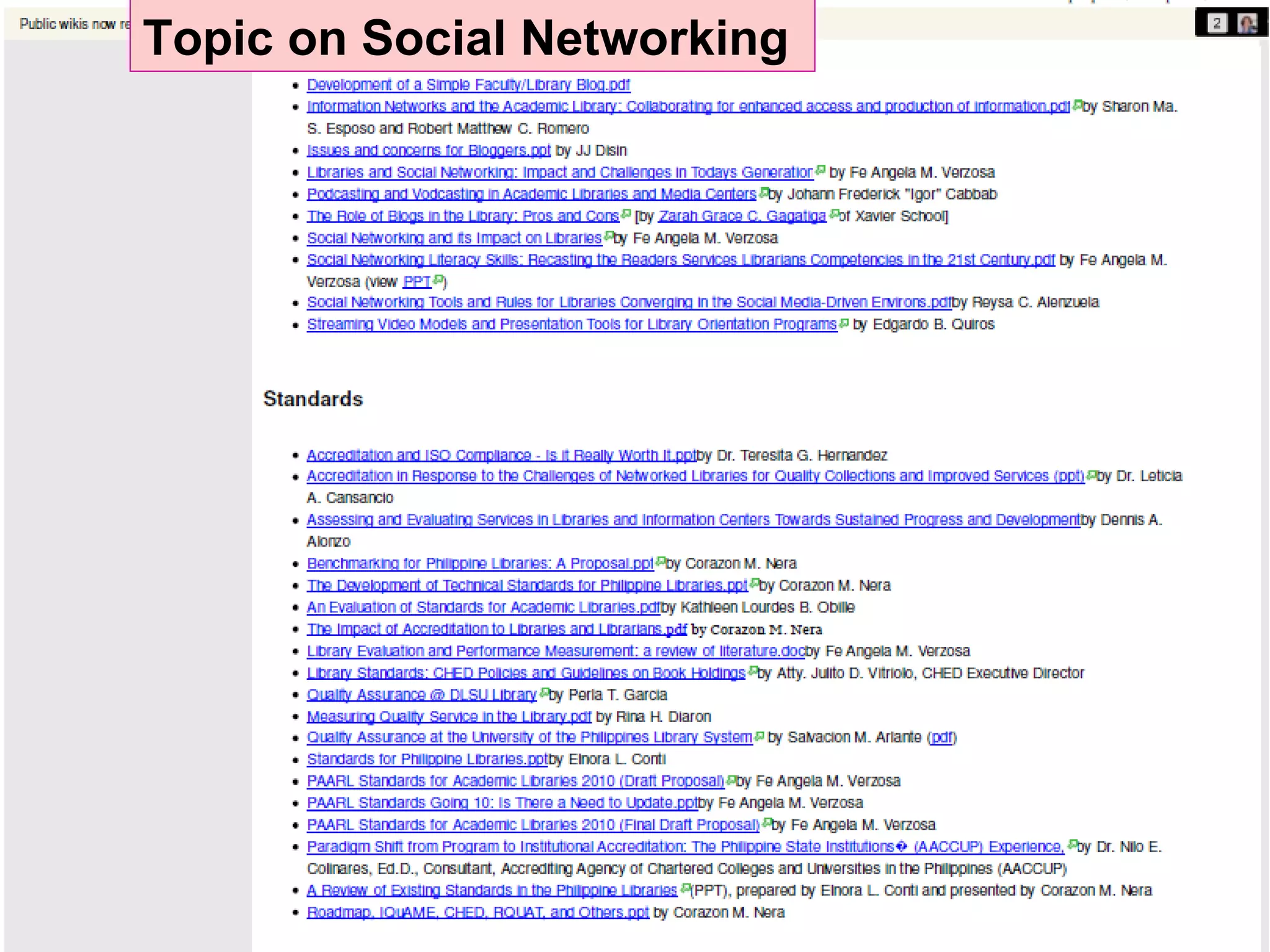
Topic on Social Networking
https://sites.google.com/site/paarlonlineorg/
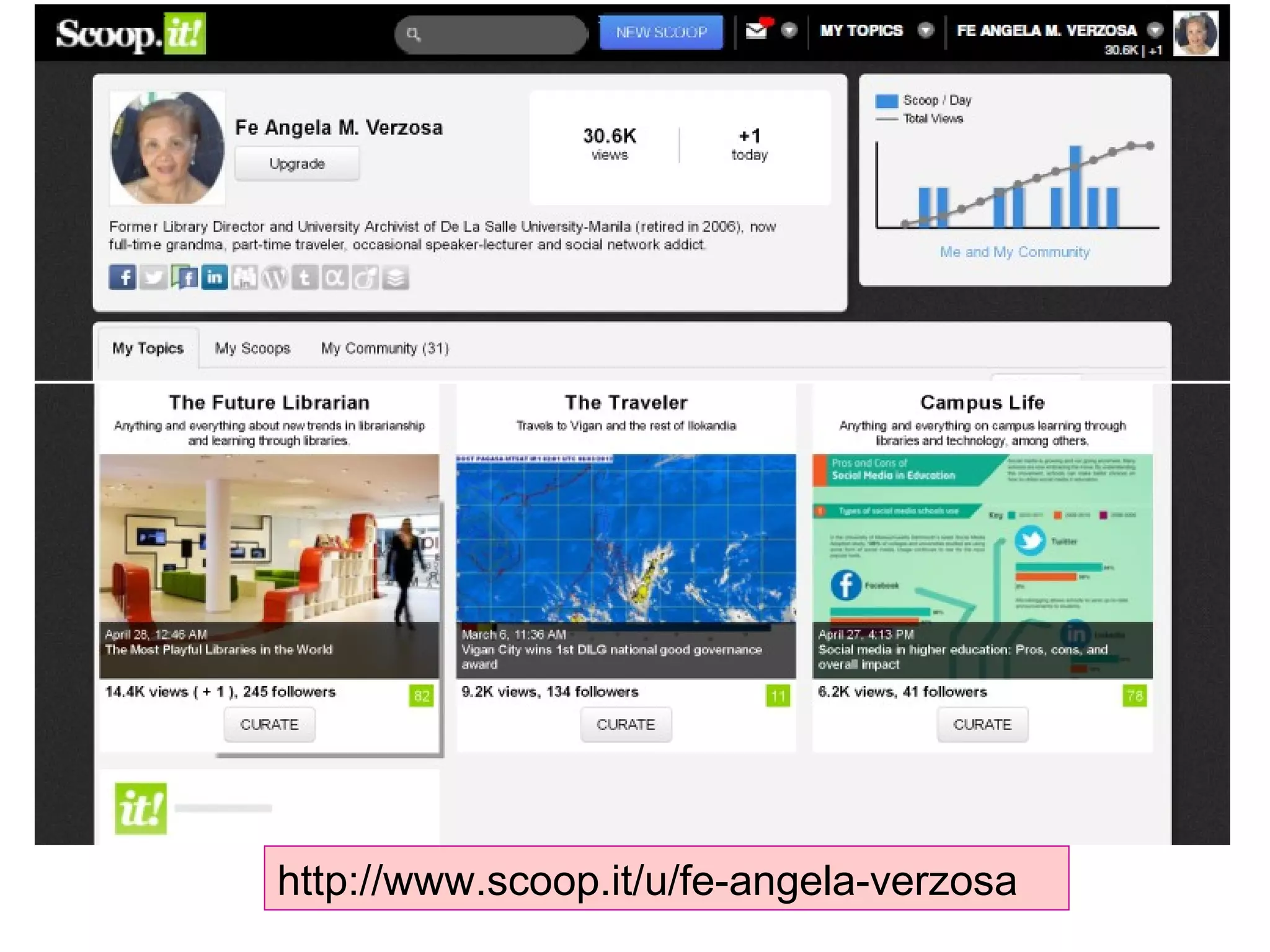
http://www.scoop.it/u/fe-angela-verzosa
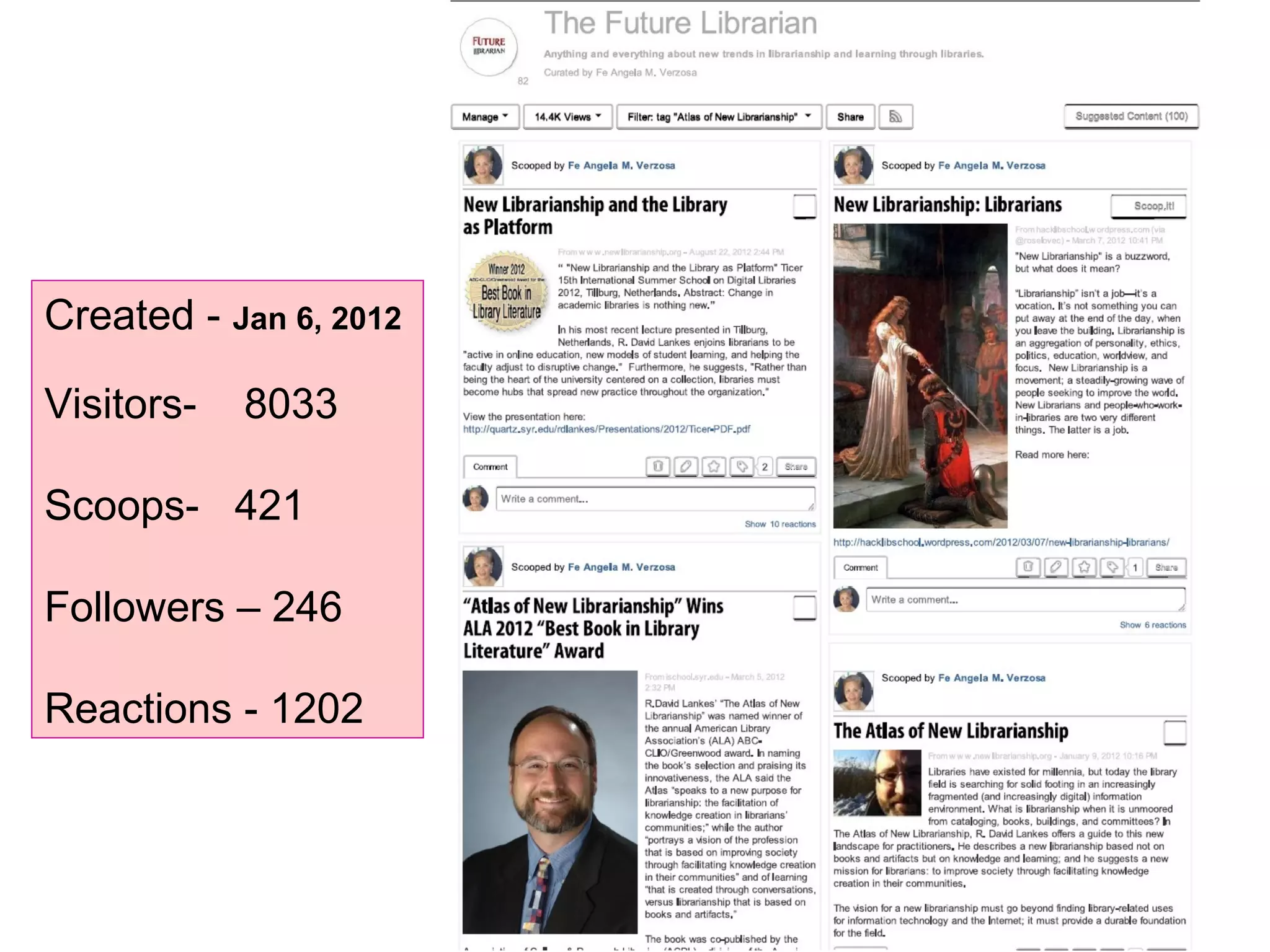
Created - Jan 6, 2012
Visitors- 8033
Scoops- 421
Followers – 246
Reactions - 1202
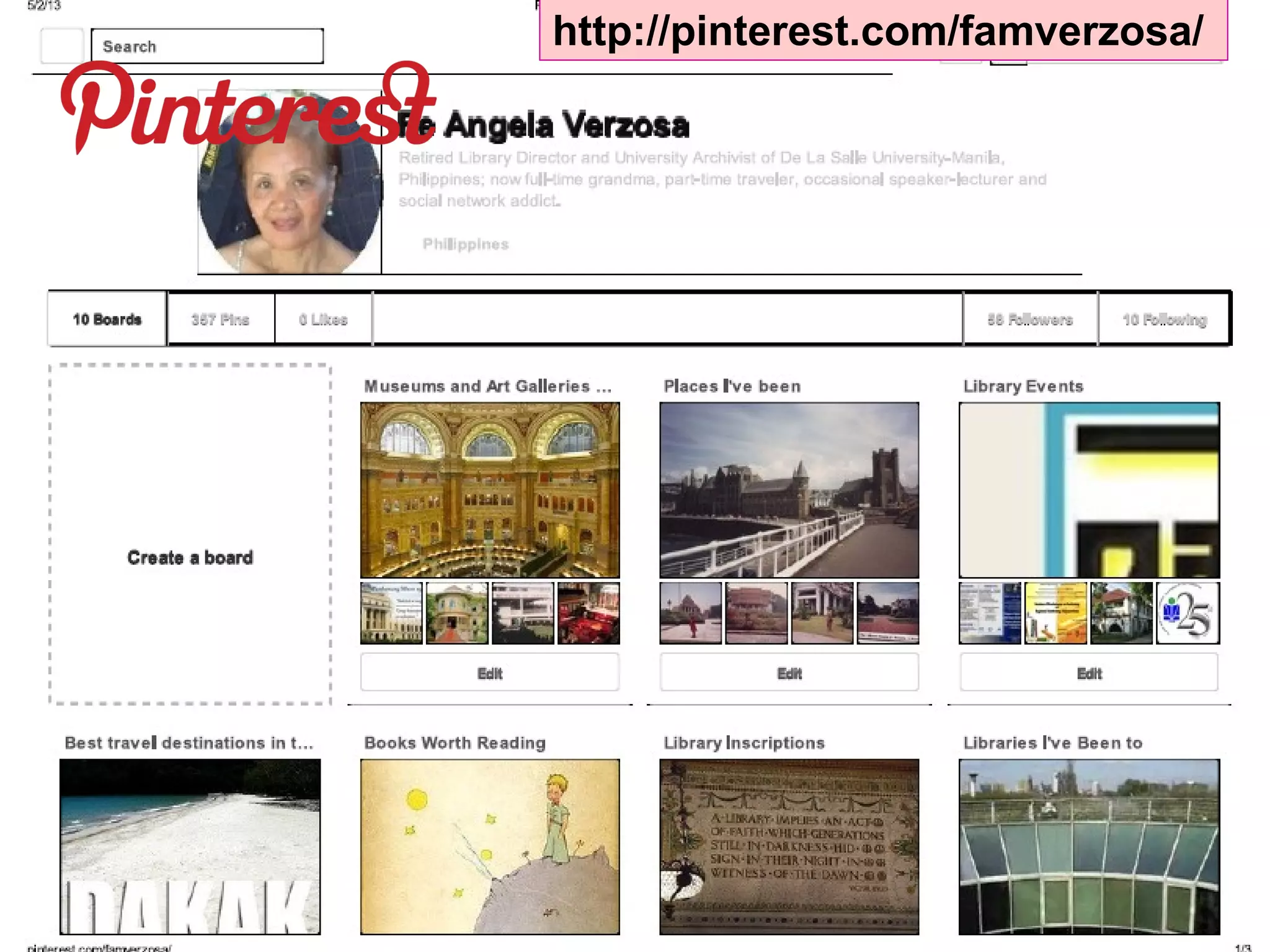
http://pinterest.com/famverzosa/
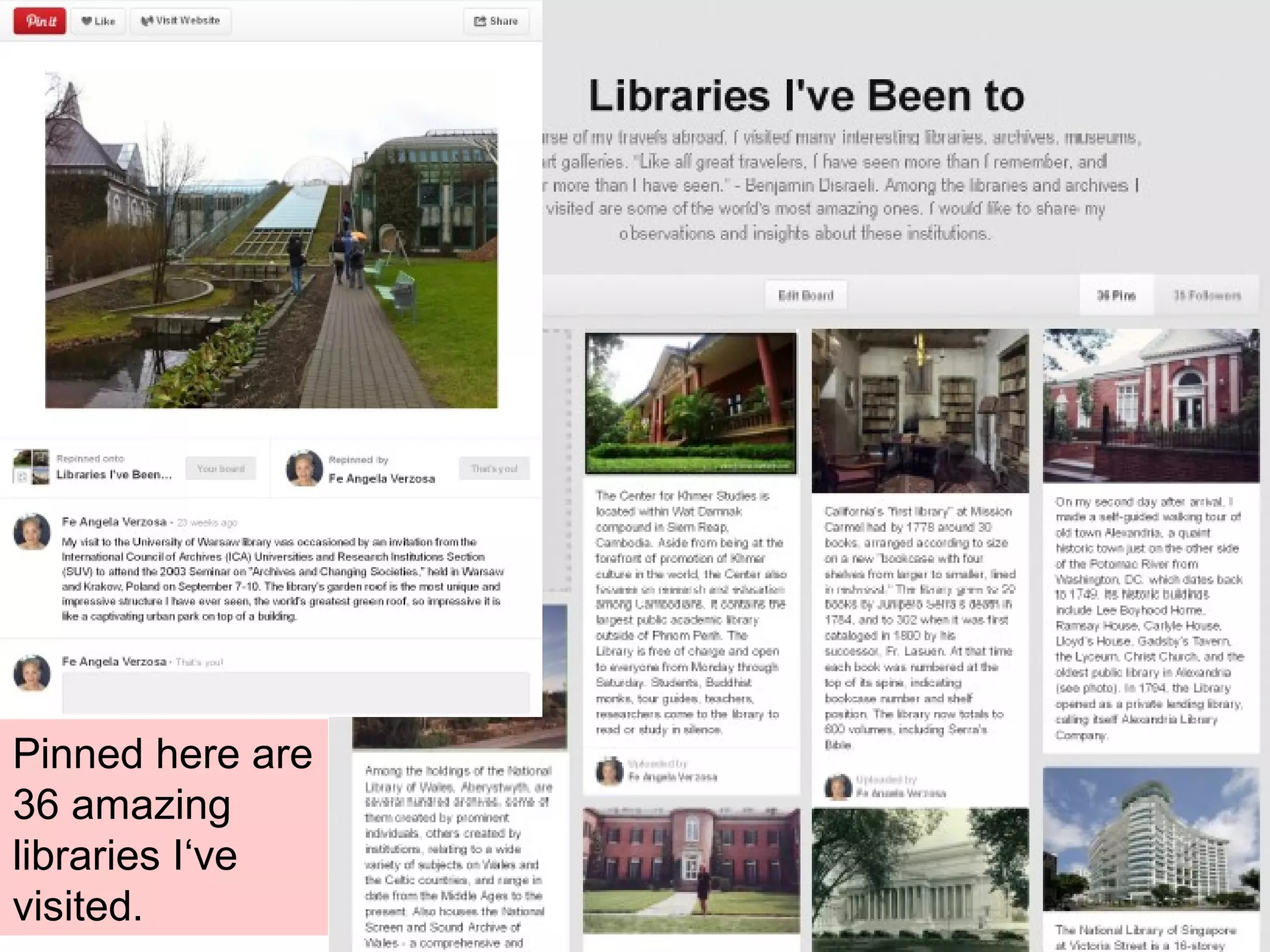
Pinned here are
36 amazing
libraries I‘ve
visited.
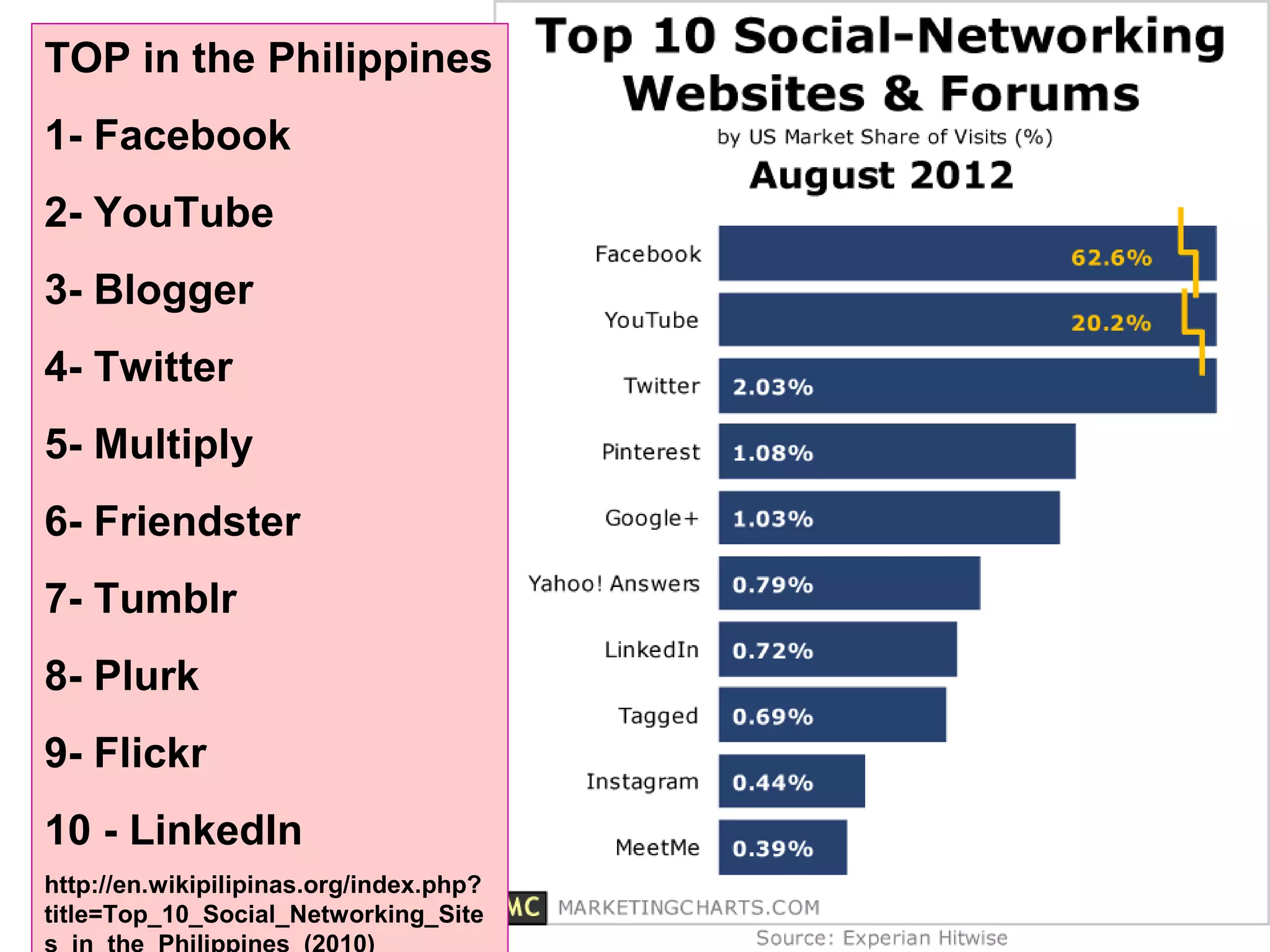
TOP in the Philippines
1- Facebook
2- YouTube
3- Blogger
4- Twitter
5- Multiply
6- Friendster
7- Tumblr
8- Plurk
9- Flickr
10 - LinkedIn
http://en.wikipilipinas.org/index.php?
title=Top_10_Social_Networking_Site
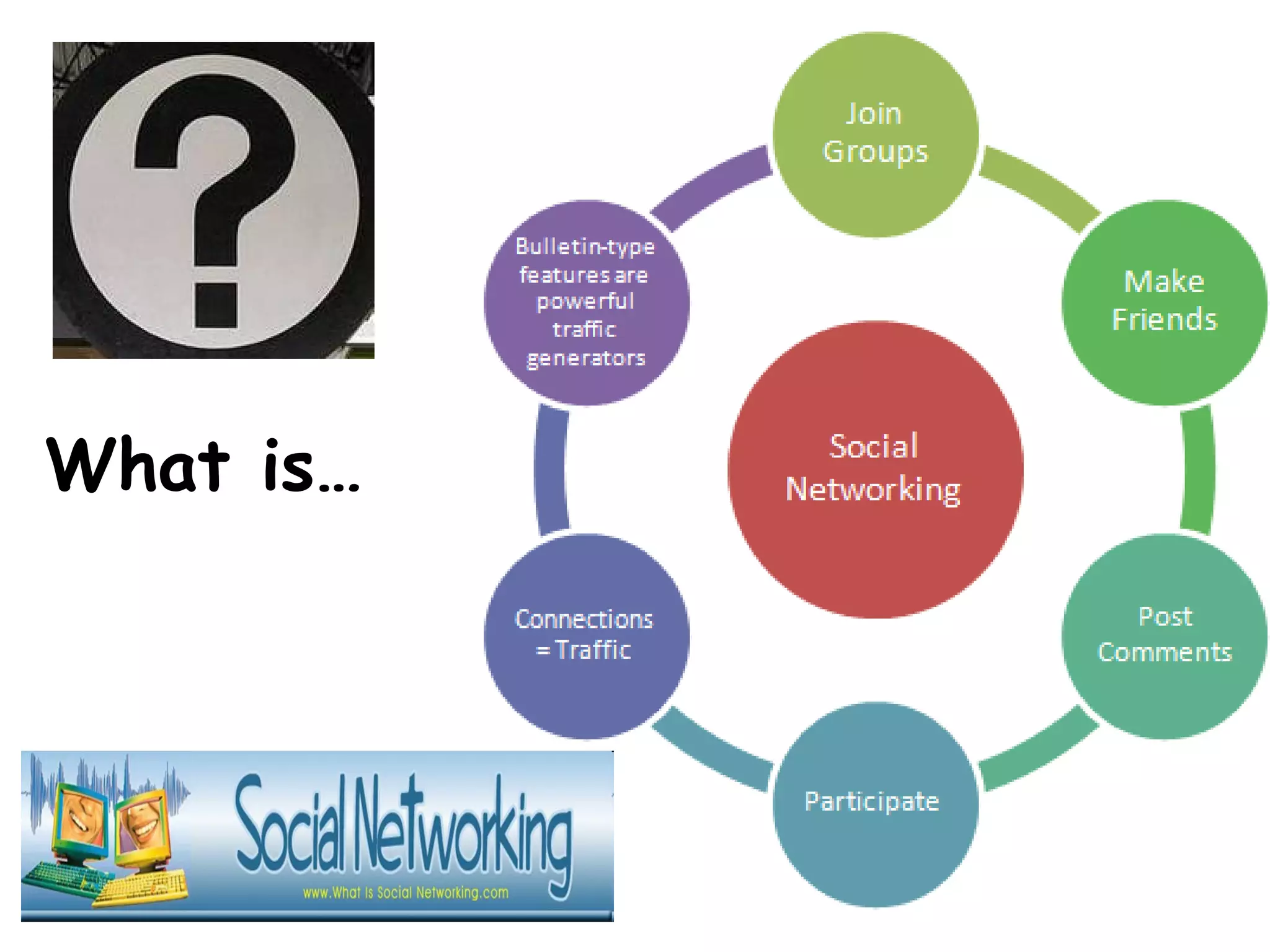
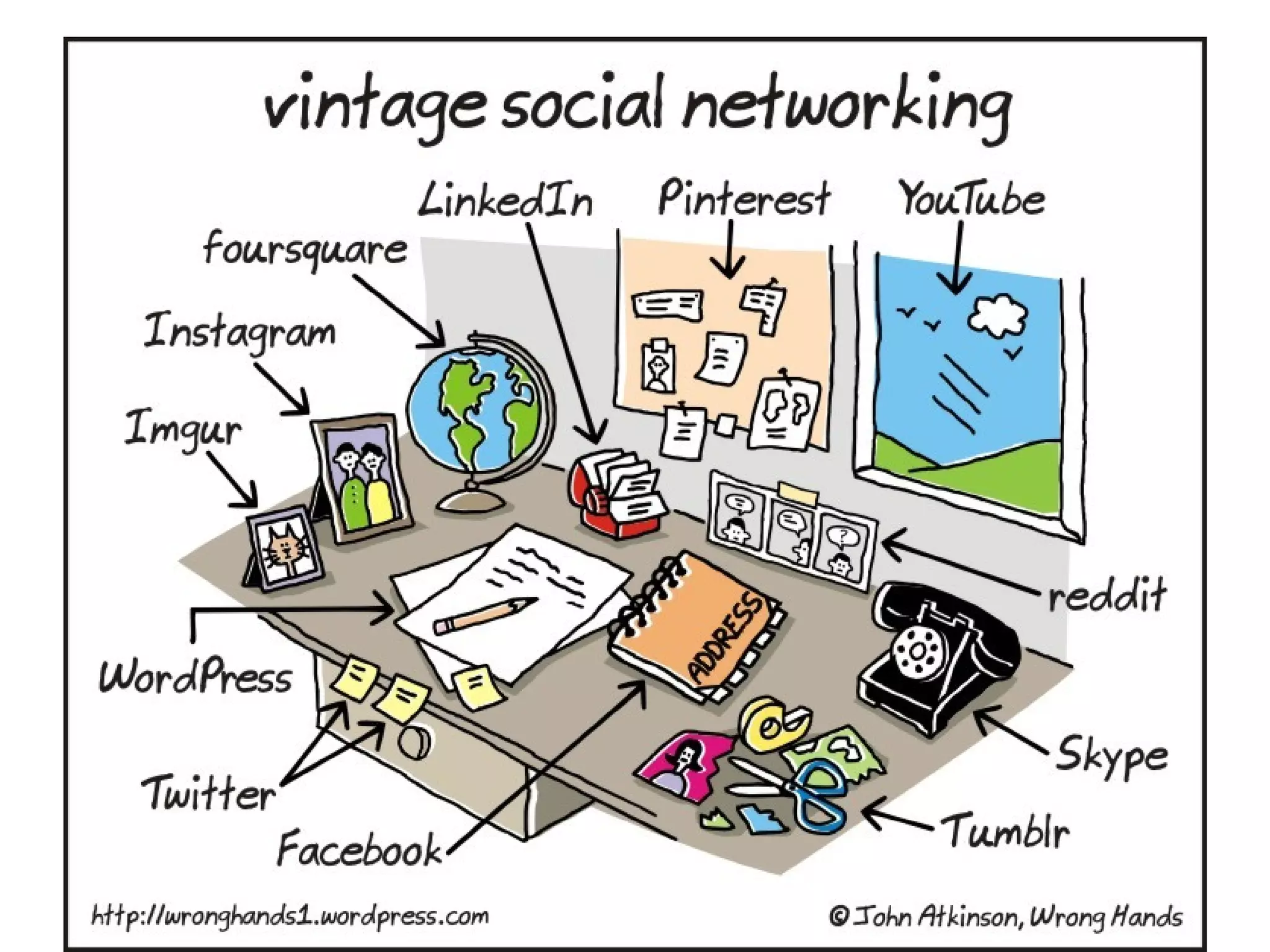
What is…
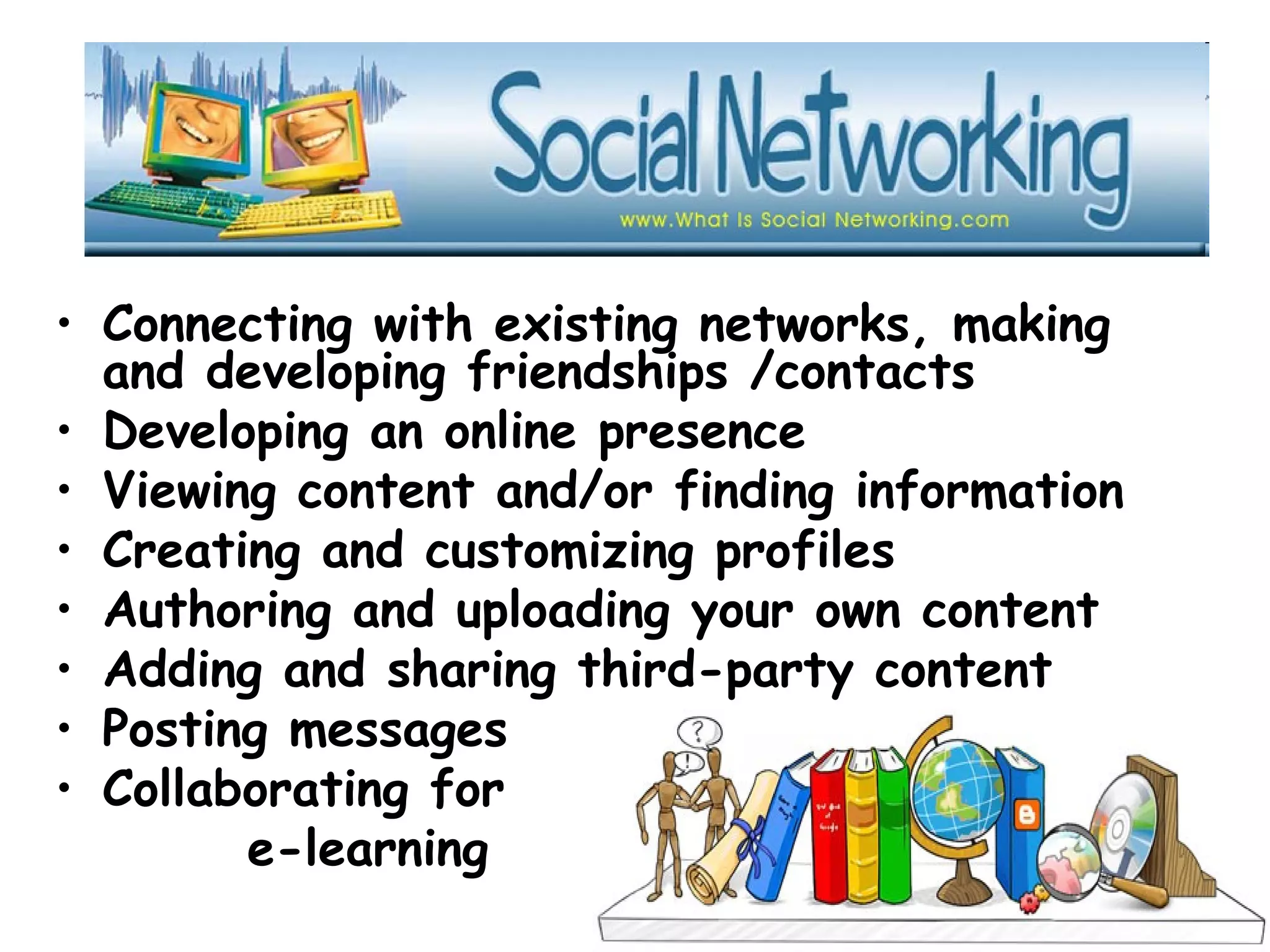
• Connecting with existing networks, making
and developing friendships /contacts
• Developing an online presence
• Viewing content and/or finding information
• Creating and customizing profiles
• Authoring and uploading your own content
• Adding and sharing third-party content
• Posting messages
• Collaborating for
e-learning
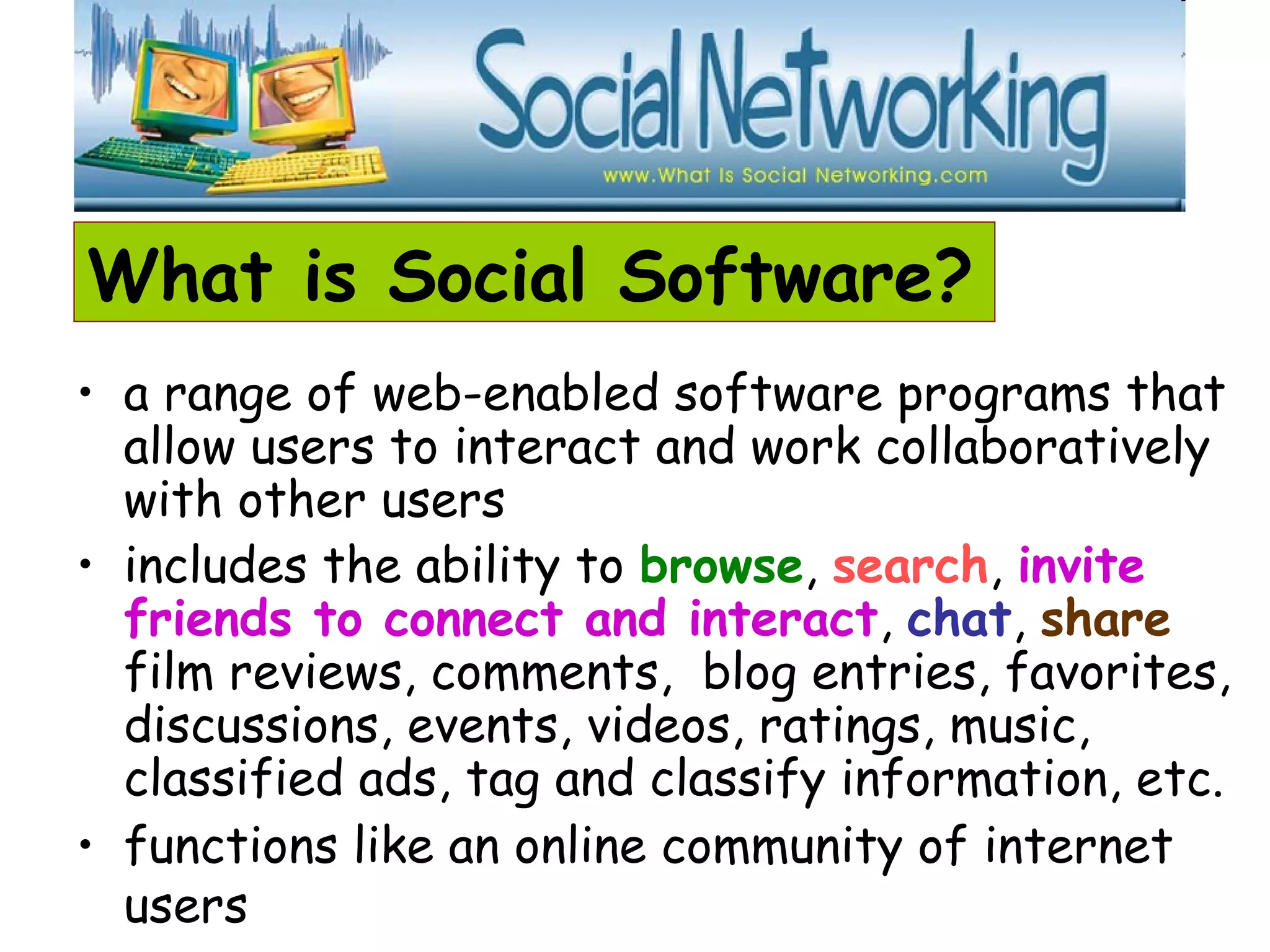
What is Social Software?
• a range of web-enabled software programs that
allow users to interact and work collaboratively
with other users
• includes the ability to browse, search, invite
friends to connect and interact, chat, share
film reviews, comments, blog entries, favorites,
discussions, events, videos, ratings, music,
classified ads, tag and classify information, etc.
• functions like an online community of internet
users
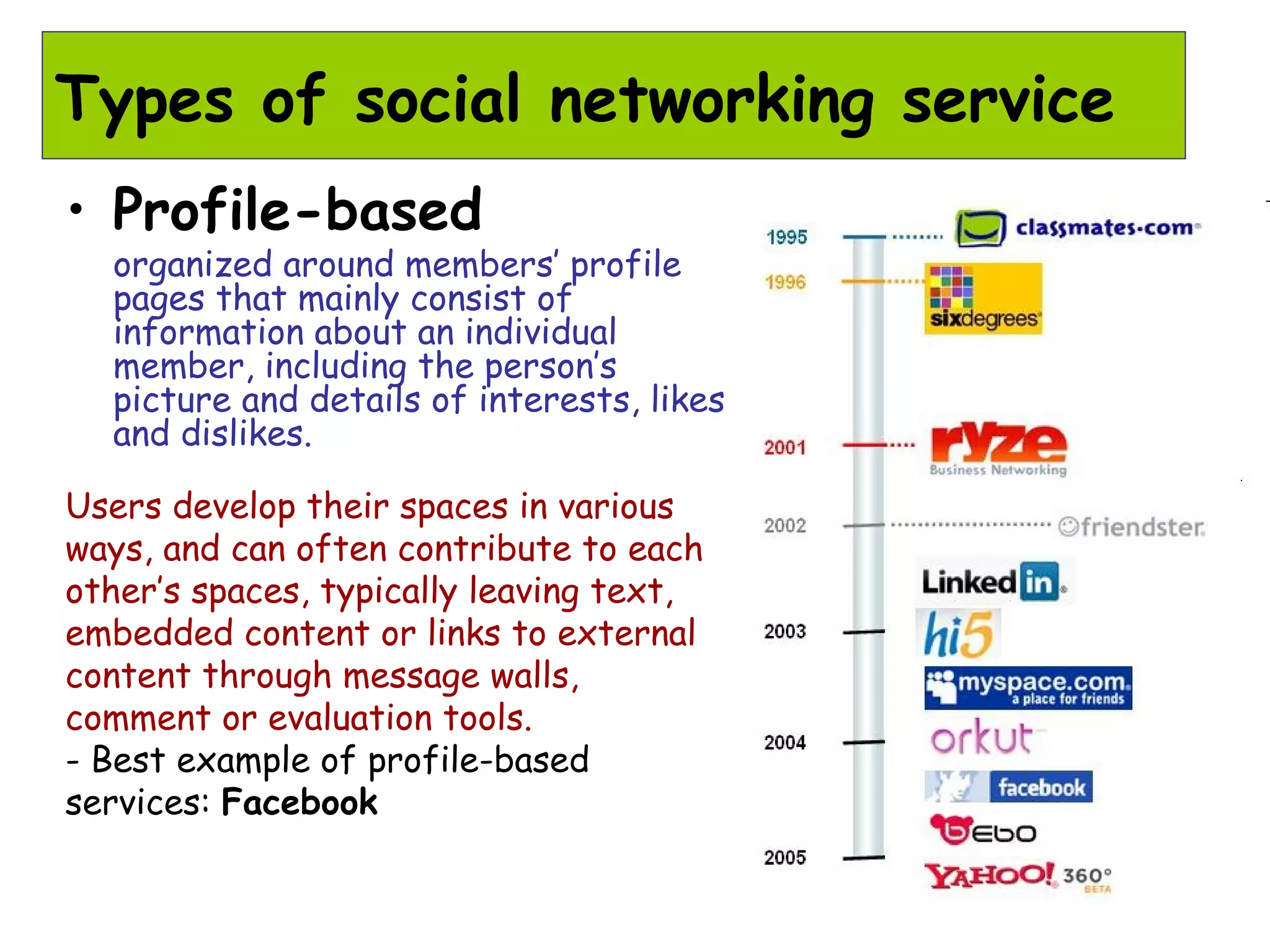
Types of social networking service
• Profile-based
organized around members’ profile
pages that mainly consist of
information about an individual
member, including the person’s
picture and details of interests, likes
and dislikes.
Users develop their spaces in various
ways, and can often contribute to each
other’s spaces, typically leaving text,
embedded content or links to external
content through message walls,
comment or evaluation tools.
- Best example of profile-based
services: Facebook
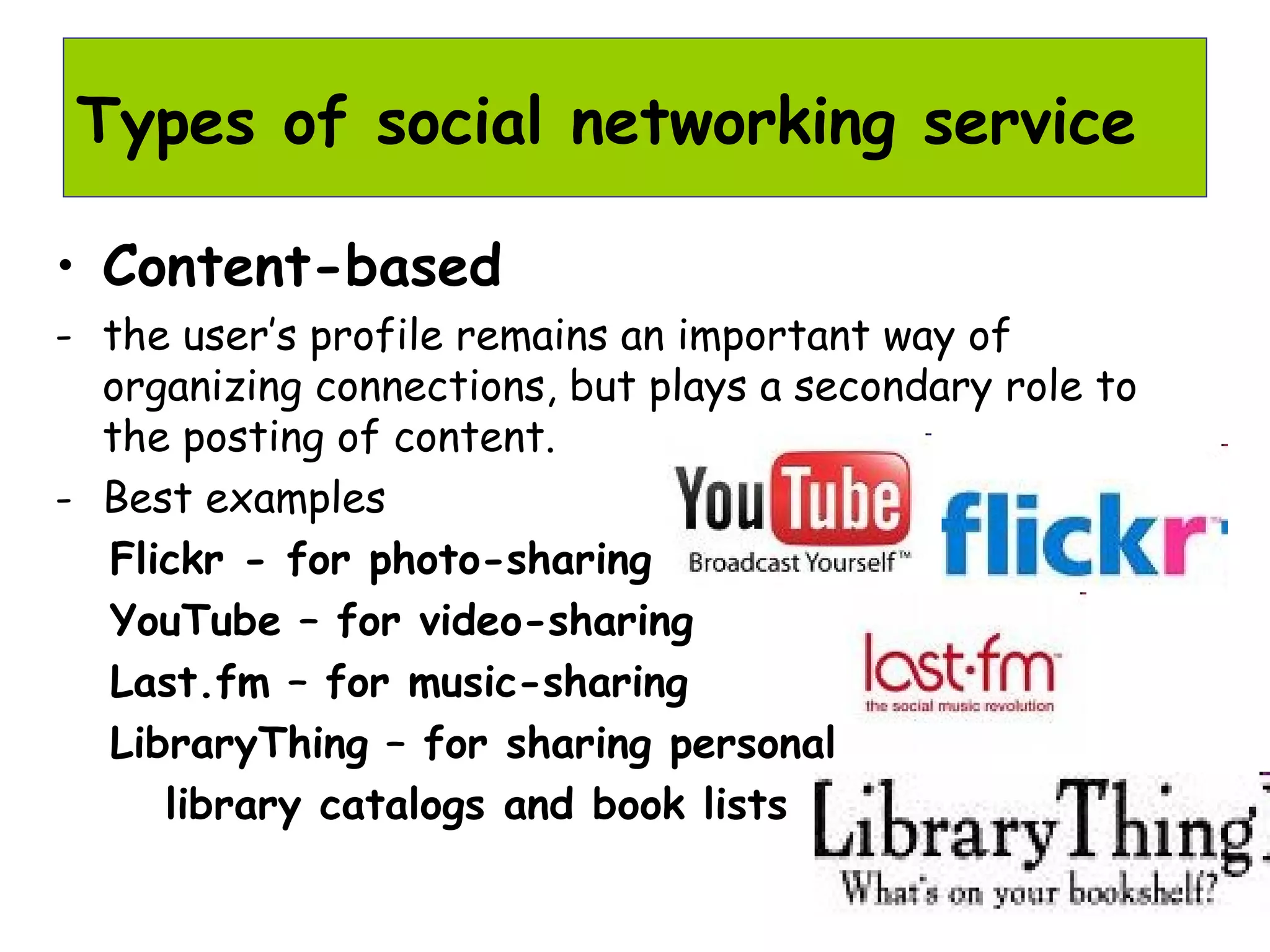
• Content-based
- the user’s profile remains an important way of
organizing connections, but plays a secondary role to
the posting of content.
- Best examples
Flickr - for photo-sharing
YouTube – for video-sharing
Last.fm – for music-sharing
LibraryThing – for sharing personal
library catalogs and book lists
Types of social networking service
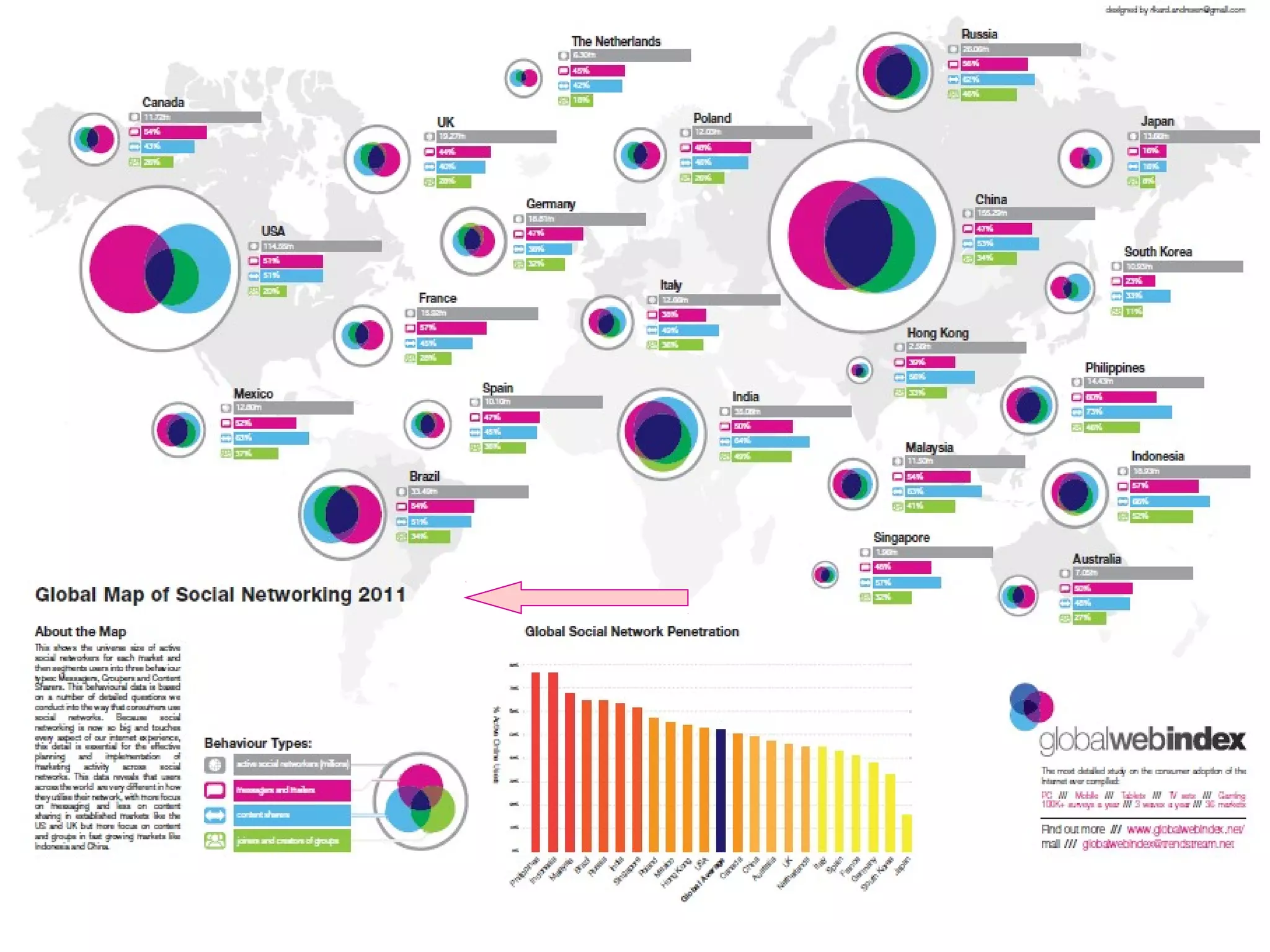
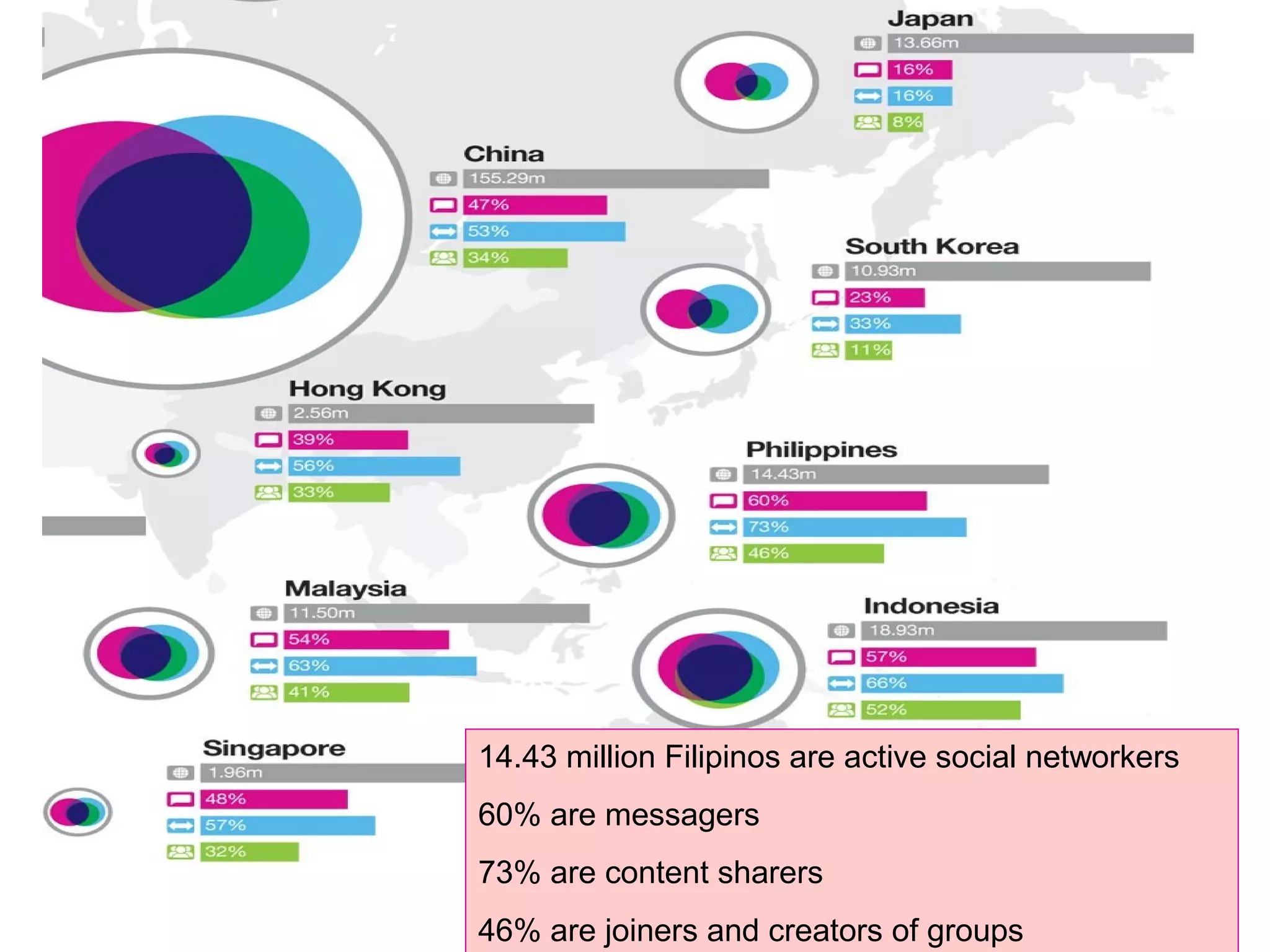
14.43 million Filipinos are active social networkers
60% are messagers
73% are content sharers
46% are joiners and creators of groups
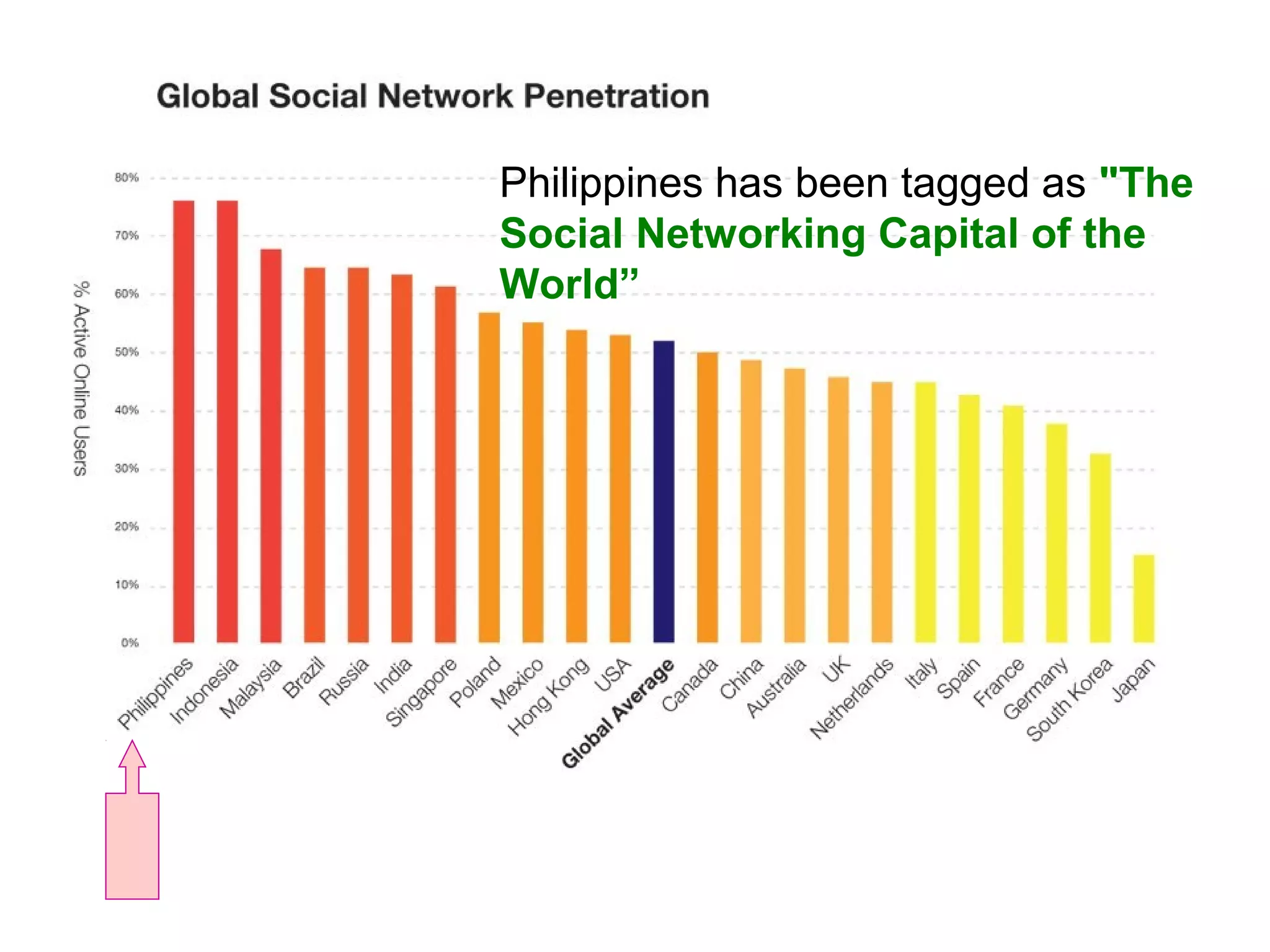
Philippines has been tagged as "The
Social Networking Capital of the
World”
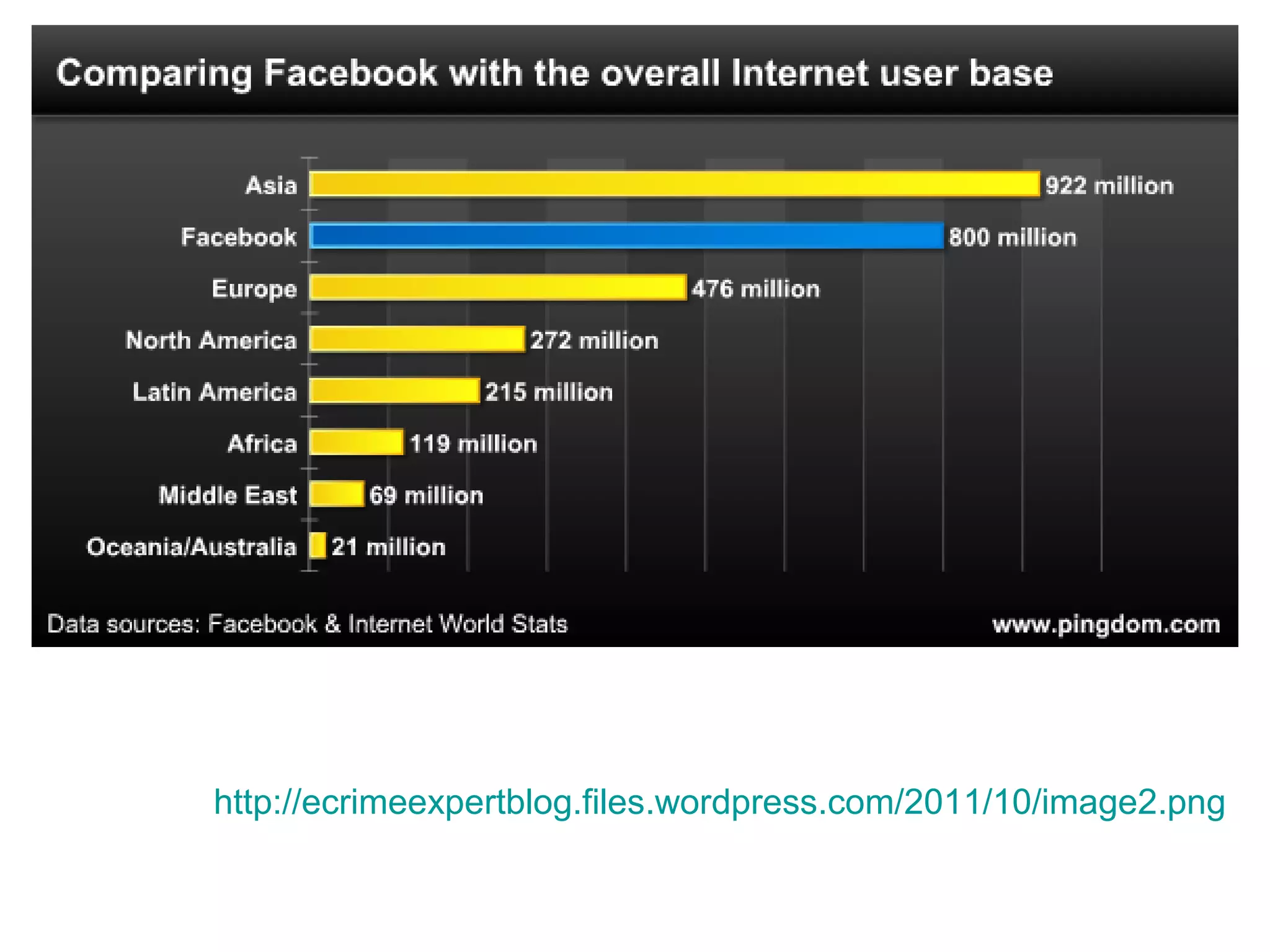
http://ecrimeexpertblog.files.wordpress.com/2011/10/image2.png
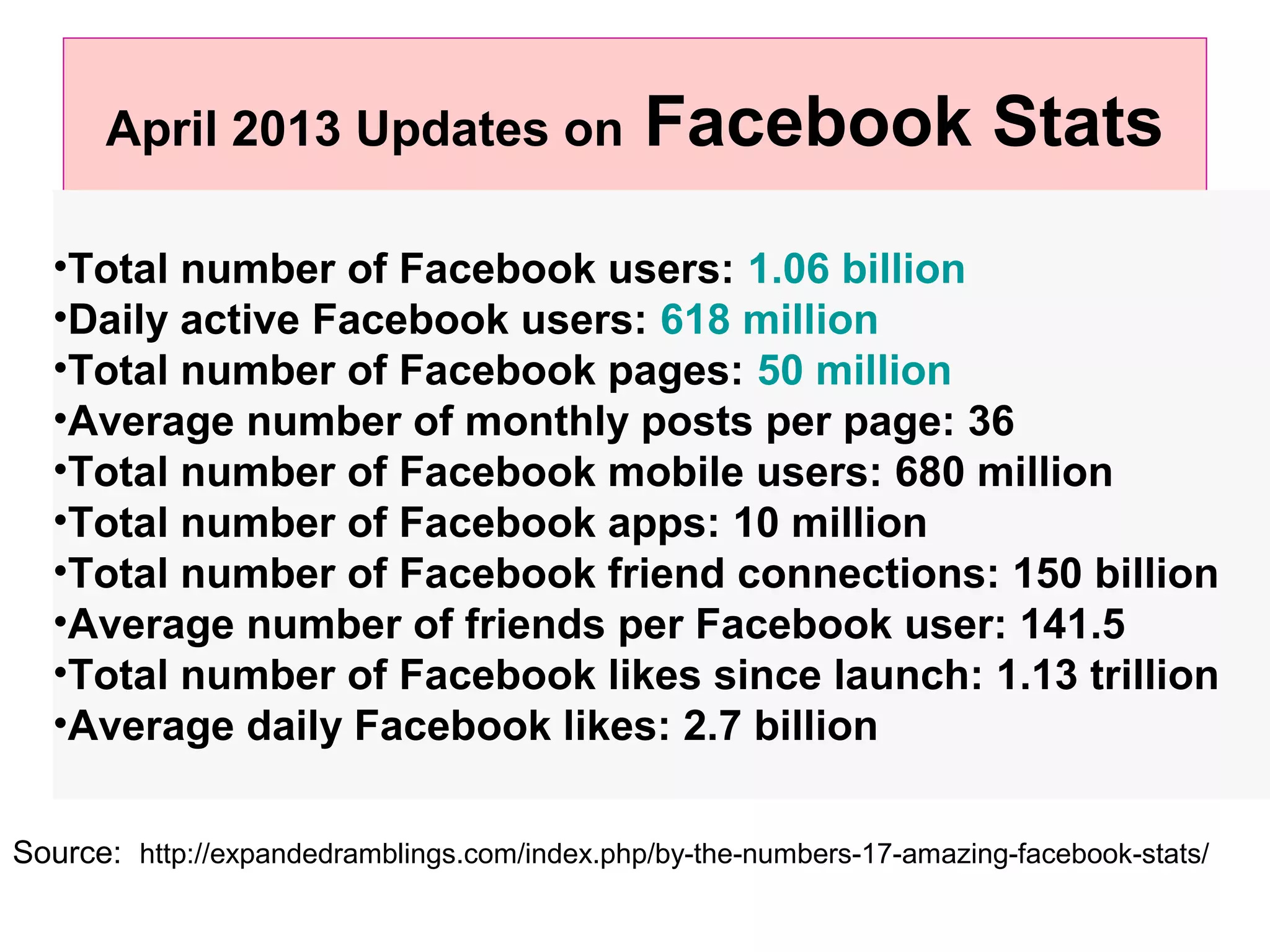
April 2013 Updates on Facebook Stats
•Total number of Facebook users: 1.06 billion
•Daily active Facebook users: 618 million
•Total number of Facebook pages: 50 million
•Average number of monthly posts per page: 36
•Total number of Facebook mobile users: 680 million
•Total number of Facebook apps: 10 million
•Total number of Facebook friend connections: 150 billion
•Average number of friends per Facebook user: 141.5
•Total number of Facebook likes since launch: 1.13 trillion
•Average daily Facebook likes: 2.7 billion
Source: http://expandedramblings.com/index.php/by-the-numbers-17-amazing-facebook-stats/
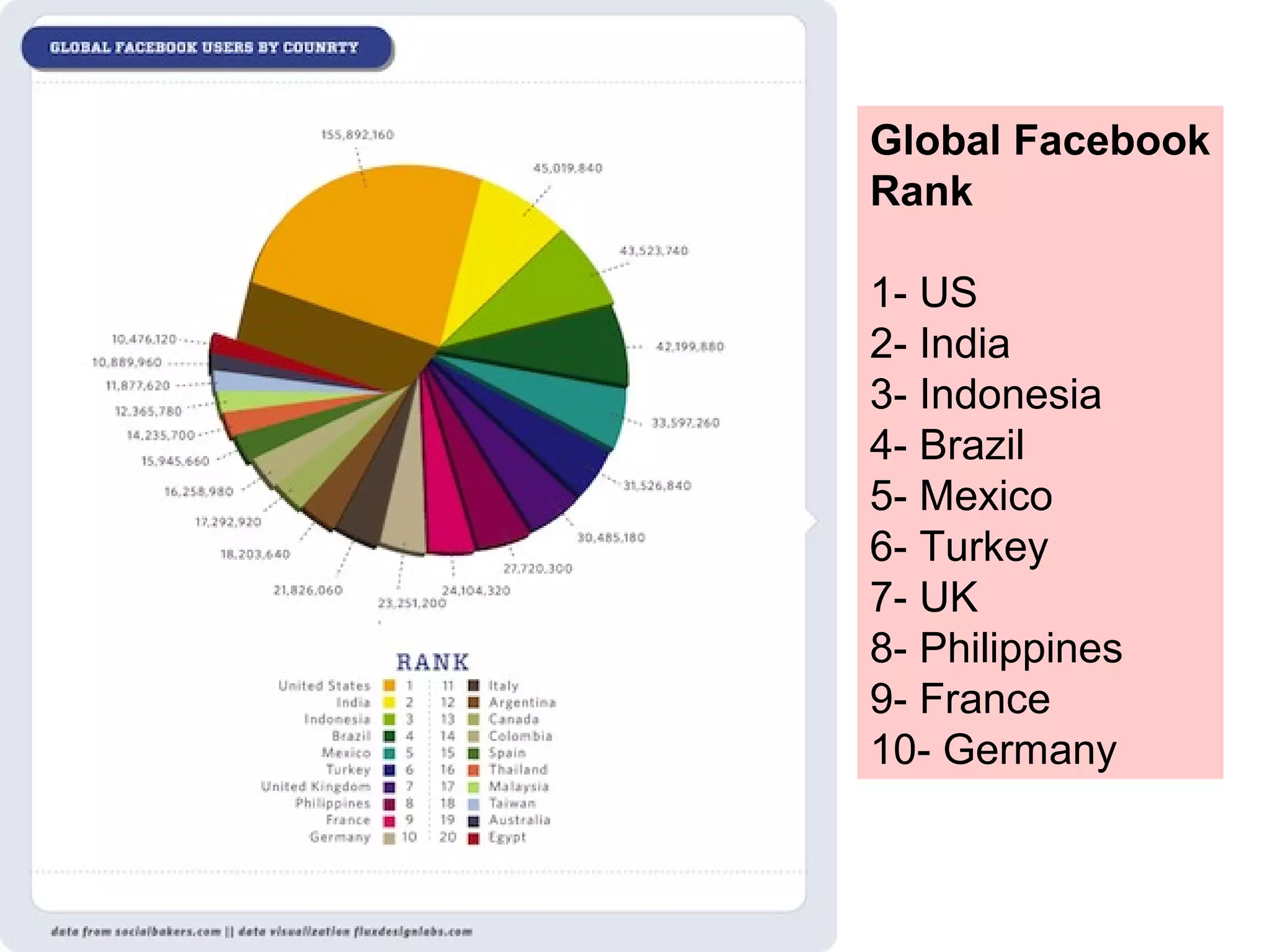
Global Facebook
Rank
1- US
2- India
3- Indonesia
4- Brazil
5- Mexico
6- Turkey
7- UK
8- Philippines
9- France
10- Germany
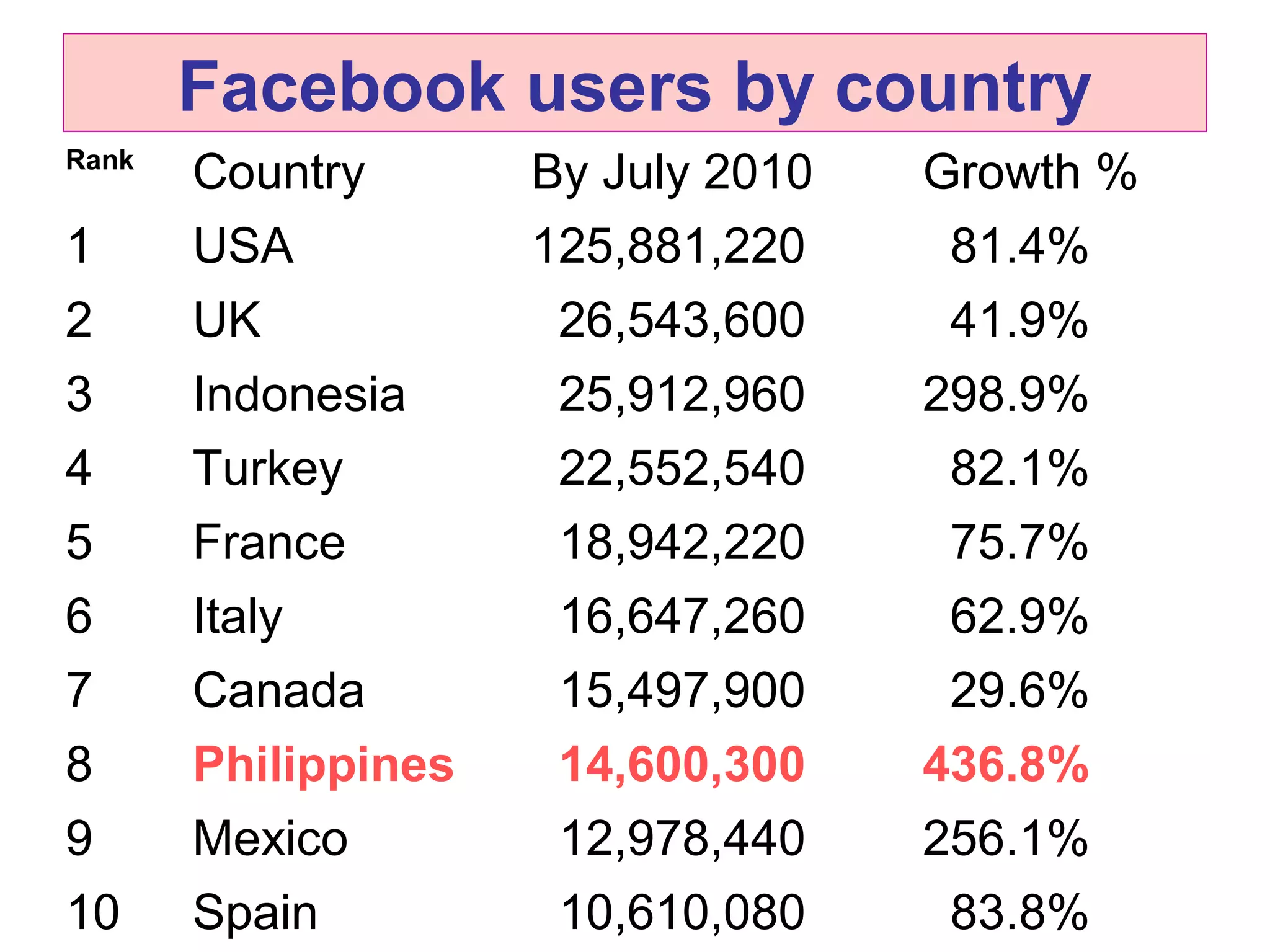
Facebook users by country
Rank
Country By July 2010 Growth %
1 USA 125,881,220 81.4%
2 UK 26,543,600 41.9%
3 Indonesia 25,912,960 298.9%
4 Turkey 22,552,540 82.1%
5 France 18,942,220 75.7%
6 Italy 16,647,260 62.9%
7 Canada 15,497,900 29.6%
8 Philippines 14,600,300 436.8%
9 Mexico 12,978,440 256.1%
10 Spain 10,610,080 83.8%
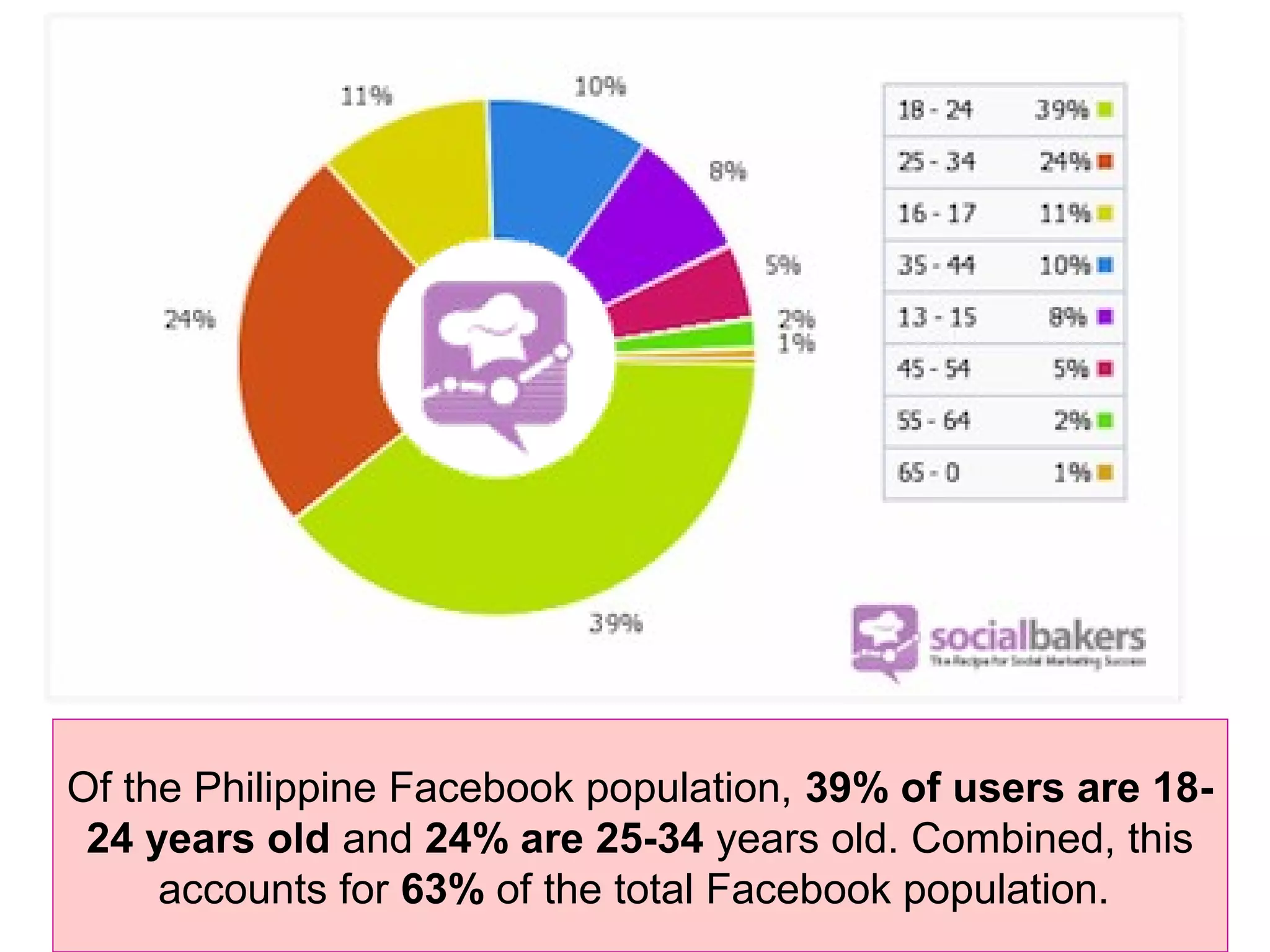
Of the Philippine Facebook population, 39% of users are 18-
24 years old and 24% are 25-34 years old. Combined, this
accounts for 63% of the total Facebook population.
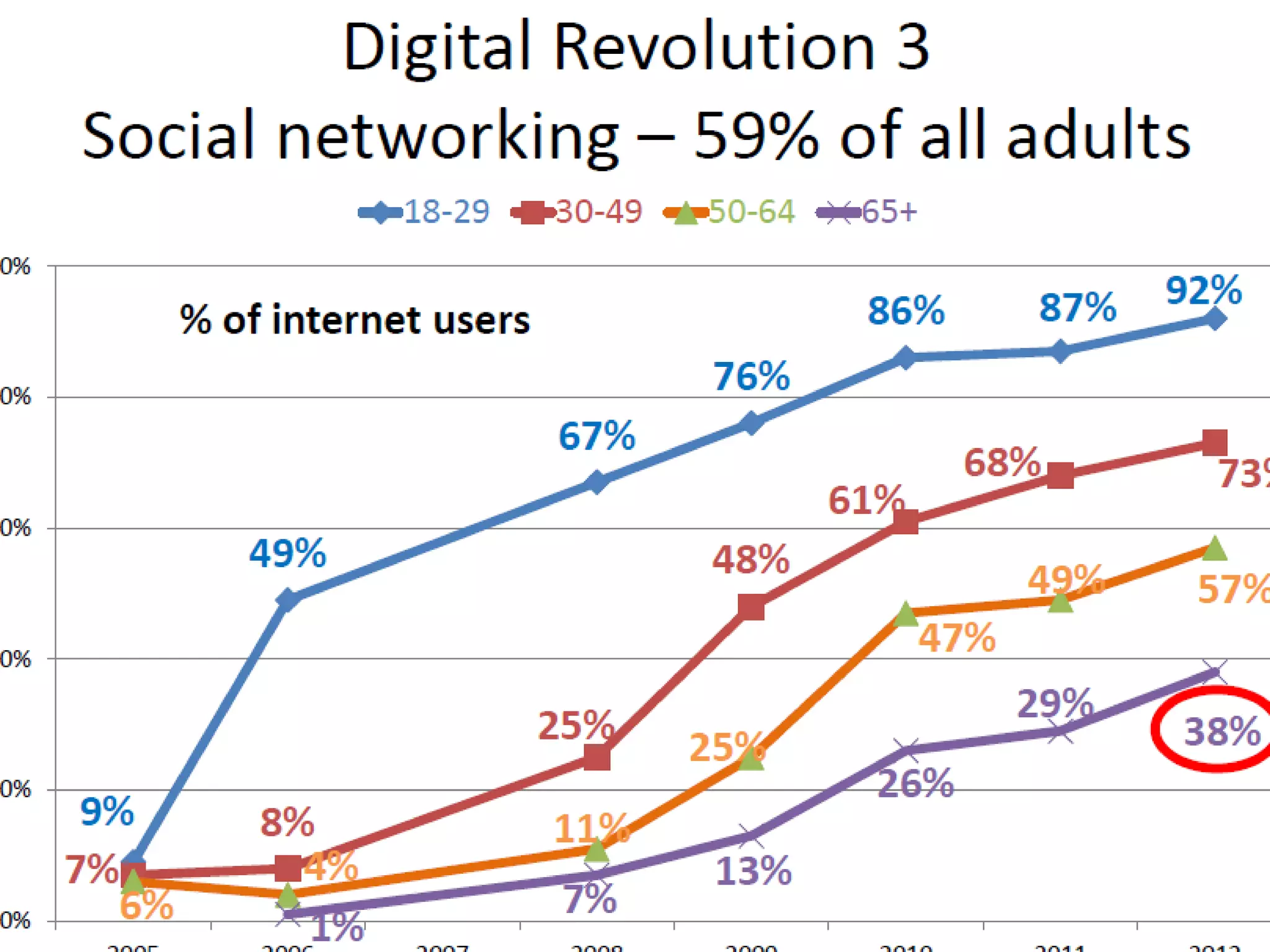
Social networking
• one of the most active web-based activities in the
Philippines
• with Filipinos being declared as the most active users
on a number of web-based social network sites such
as Facebook and Twitter, despite the fact that only
30 percent of Filipinos have access to the Internet.
• Social network penetration is incredibly high in the
Philippines, reaching 95%.  
Cited in:
http://asiancorrespondent.com/54475/philippines-named-the-social-
networking-capital-of-the-world-indonesia-malaysia-amongst-top-10/
Other relevant facts:
• Philippines has been tagged as "The Social
Networking Capital of the World”
• 83 percent of Filipinos surveyed are
members of a social network
(Universal McCann)
• also regarded as the top photo uploaders
and web video viewers, while they are
second when it comes to the number of blog readers
and video uploaders
Other relevant facts:
• One out of every 4 Filipinos has a
Facebook account.
• There are 27,720,300 Facebook users in
the Philippines ~ 27.75% of the population
and 93.33% of the online population.
• Ranked 8th in the world
• Filipino females make up 52% of Facebook
users; 48% are male Filipinos.
• For election campaign and for politicians to
communicate with their constituents
• As tools to aid criminal investigation
• As tools for promotion and marketing
• Schools use it to communicate and interact
with students, faculty and alumni
• For e-learning, to exchange information,
opportunities, and ideas
USES of social websites
Librarians are responding to the
popularity of social networking
sites and their expanding role in
the creation, use, and sharing of
information by engaging them as a
central medium for interacting
with library patrons and providing
services to meet their information
needs.
4 reasons why libraries should
engage in social networking
• Communication - Social media is another
way for libraries to get into contact with
their patrons, wherever they are.
• Gathering positive/negative feedback -
One of the most important tenets of
customer service is to be responsive to
users’ concerns and needs.
• Marketing/Advertising - an alternative to
the traditional way, e.g., fliers, bookmarks,
announcements in calendars of events,
newspaper ads, press releases, etc.
• Understanding users better
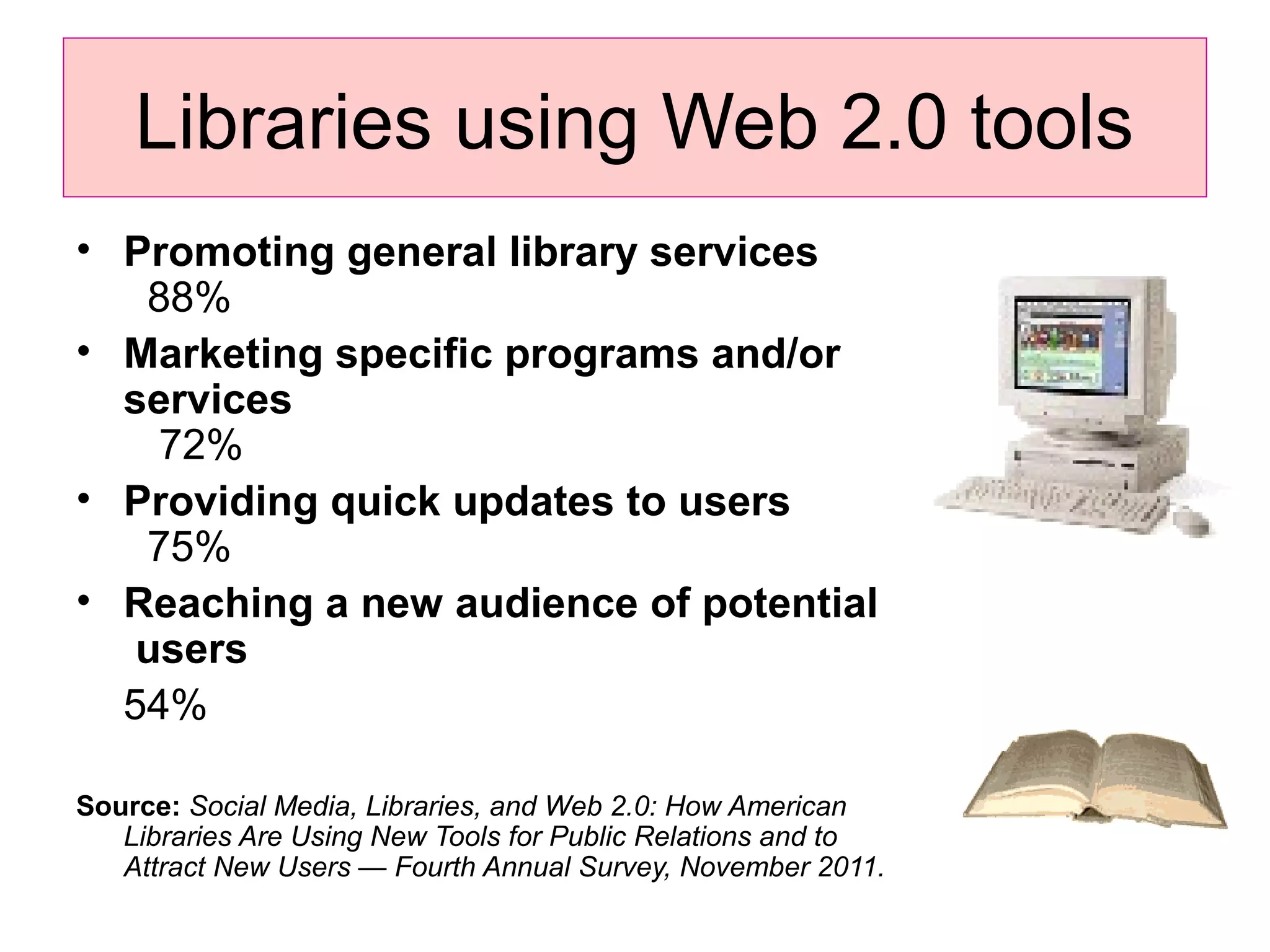
Libraries using Web 2.0 tools
• Promoting general library services
88%
• Marketing specific programs and/or
services
72%
• Providing quick updates to users
75%
• Reaching a new audience of potential
users
54%
Source: Social Media, Libraries, and Web 2.0: How American
Libraries Are Using New Tools for Public Relations and to
Attract New Users — Fourth Annual Survey, November 2011.
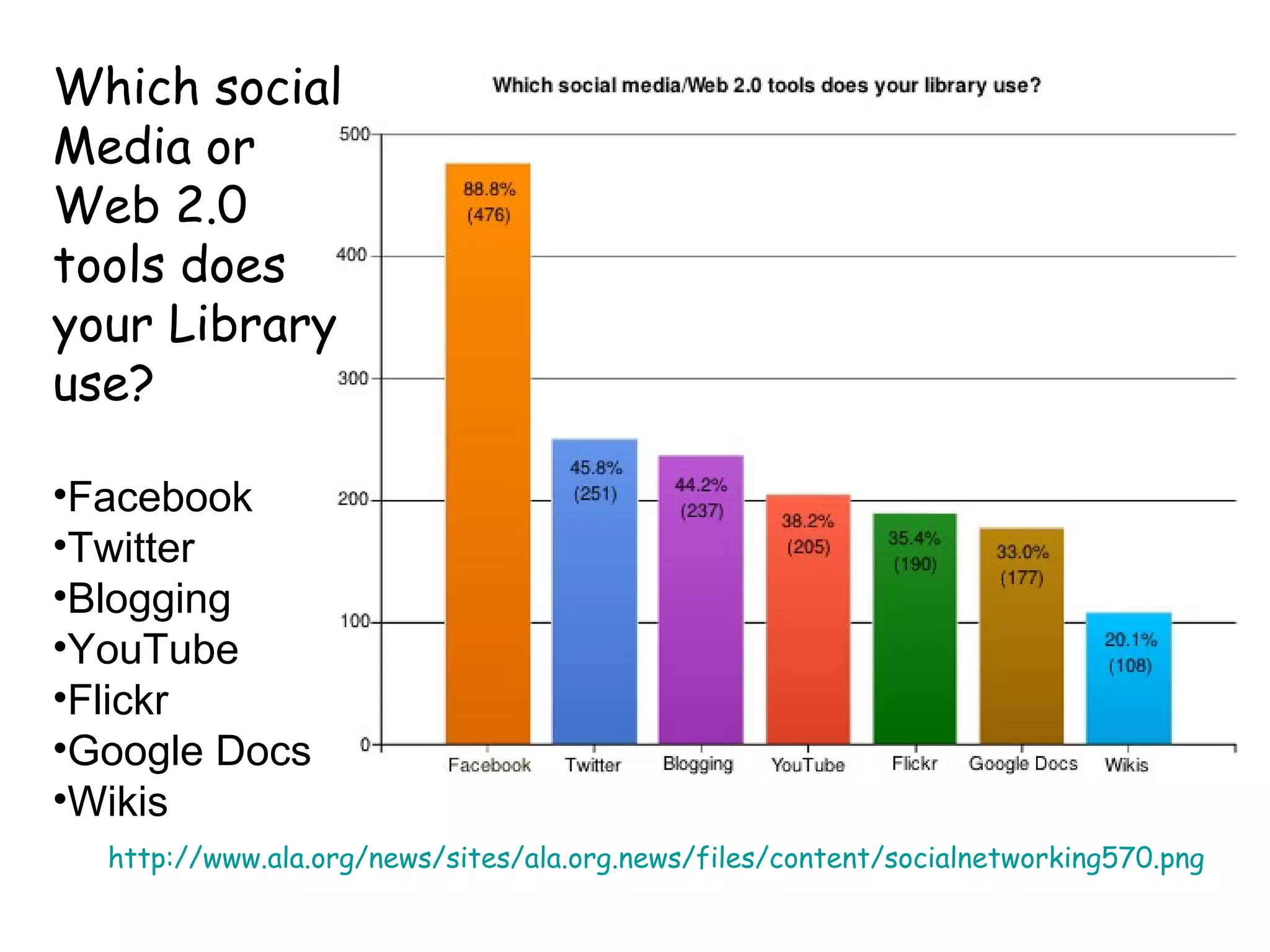
http://www.ala.org/news/sites/ala.org.news/files/content/socialnetworking570.png
Which social
Media or
Web 2.0
tools does
your Library
use?
•Facebook
•Twitter
•Blogging
•YouTube
•Flickr
•Google Docs
•Wikis
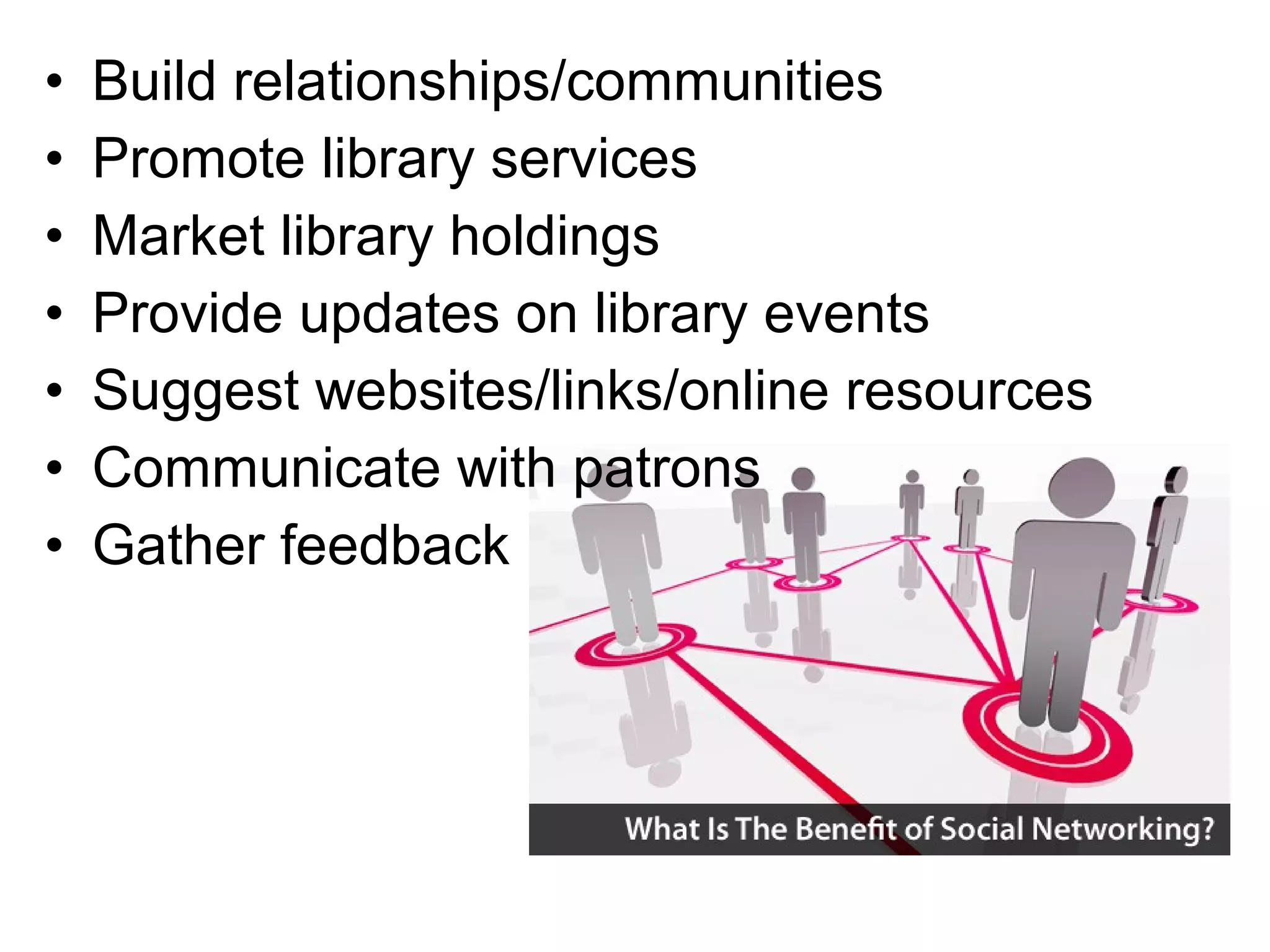
• Build relationships/communities
• Promote library services
• Market library holdings
• Provide updates on library events
• Suggest websites/links/online resources
• Communicate with patrons
• Gather feedback
• skills for interacting with patrons
within the sites
• understanding and articulating the
nature of social networking sites
• creating presences and content
• evaluating and applying information
• and having the ability to assist patrons
with gaining and applying these skills.
Other skills for a social
networking literate librarian
• Searching and navigating
• teaching
• Providing quality library services
• Being informed, being ahead, and
empowering others to develop and
apply these skills
Social networking tips for libraries
• Start with a need
• Know your users
• Find out what other libraries are doing
• Allocate time and resources
• Train your admin, moderators
• Develop a strategy
• Integrate with library website
• Post interesting content and keep content
updated
What are the uses
and applications of
Social Networks
in libraries?
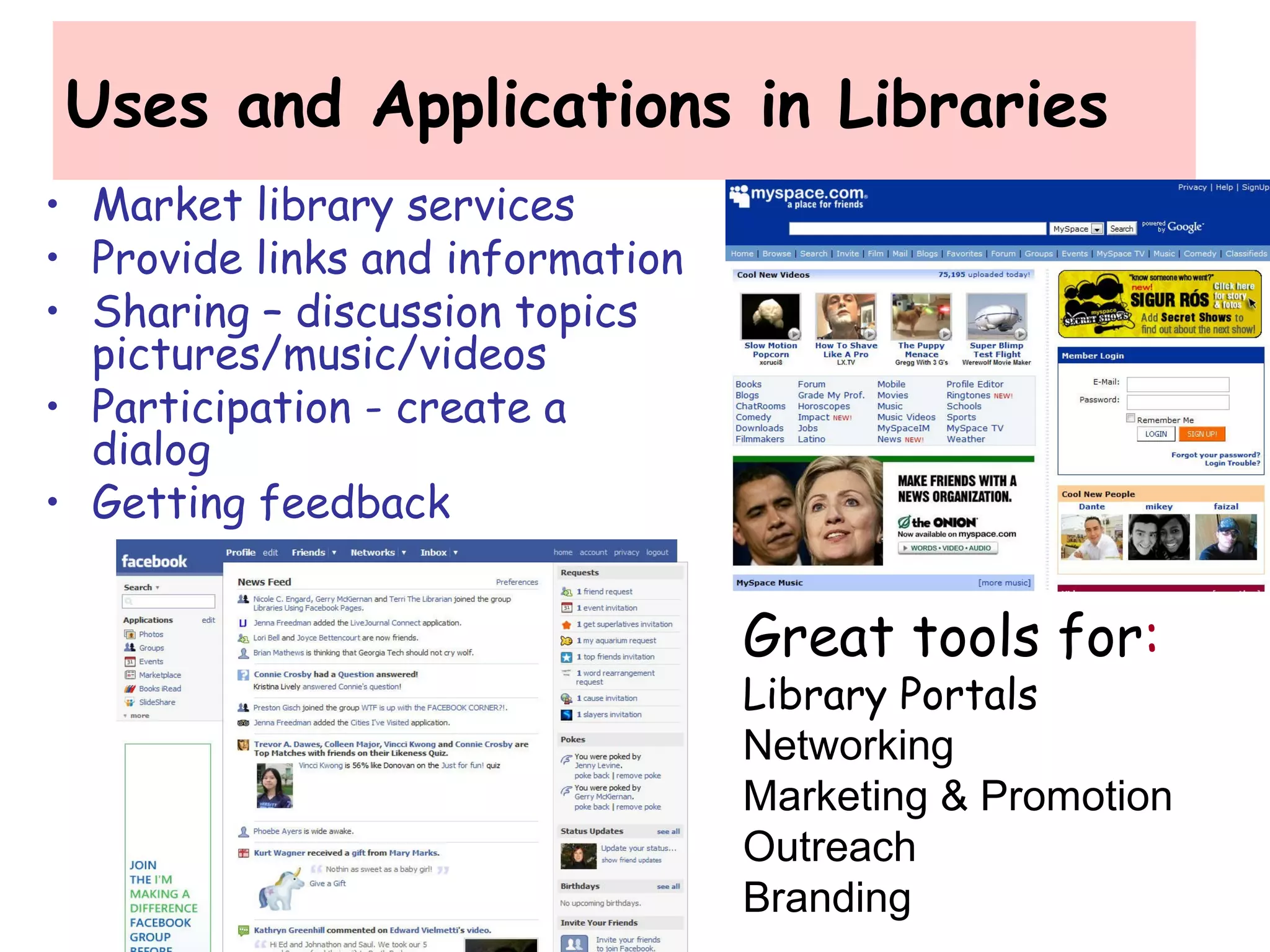
Uses and Applications in Libraries
• Market library services
• Provide links and information
• Sharing – discussion topics
pictures/music/videos
• Participation - create a
dialog
• Getting feedback
Great tools for:
Library Portals
Networking
Marketing & Promotion
Outreach
Branding
Top Social Networking sites for Libraries
• Facebook: most popular now because it is librarian- friendly, with many
apps like JSTOR search, WorldCat, and much more.
• MySpace: where the students are; libraries have taken advantage of
this site's calendar, custom catalog search tools, and blog features to
improve their presence..
• Ning: to get connected with students, library associations, and more.
• Blog: to disseminate information to lots of people at one time. Whether
updating students on new collections, or just conversing with library staff
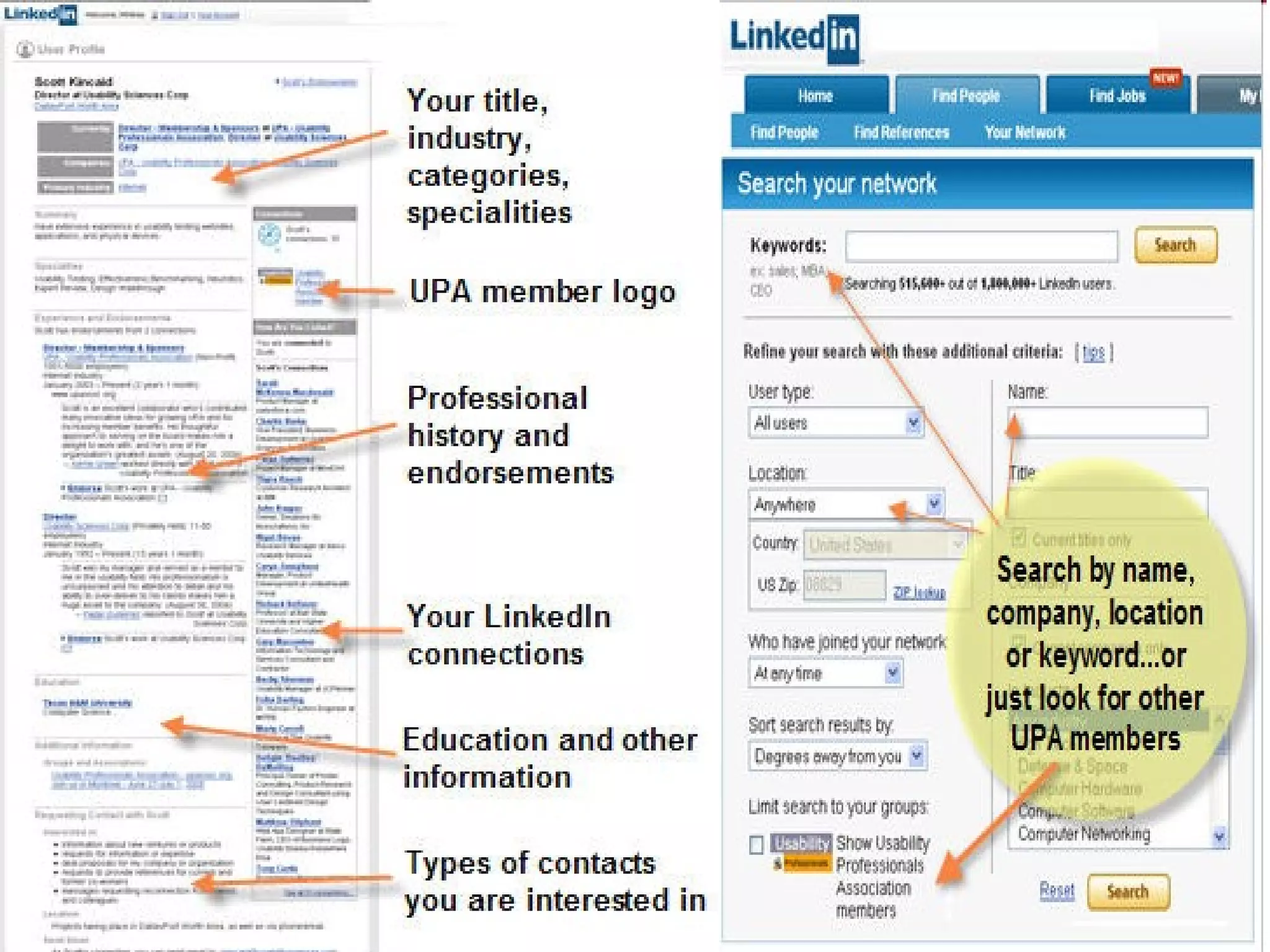
• LinkedIn: for professionals to get library patrons connected with the
people that can help them find information.
• Twitter: a microblogging application, to keep staff and patrons updated
on daily activities, like frequently updated collections, or even just
scheduling.
• YouTube: : see how other libraries are using YouTube by checking out
the youtubeandlibraries wiki
• SlideShare: for disseminating slideshow presentations
• Footnote: On Footnote, you'll get access to original historical
documents, and can update them with your own content and insights.
You can even find personal anecdotes and experiences you won't find
in reference books.
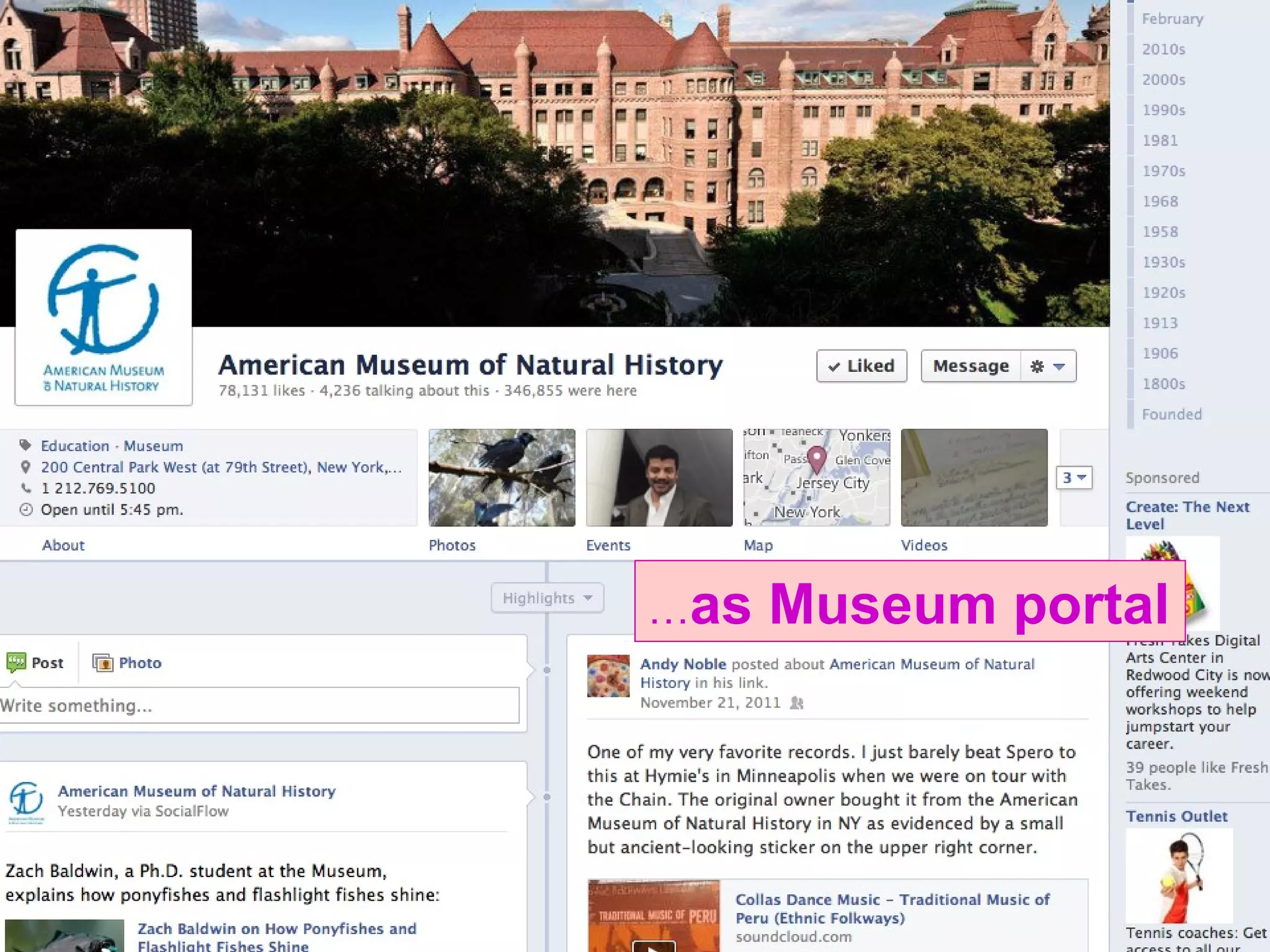
…as Museum portal
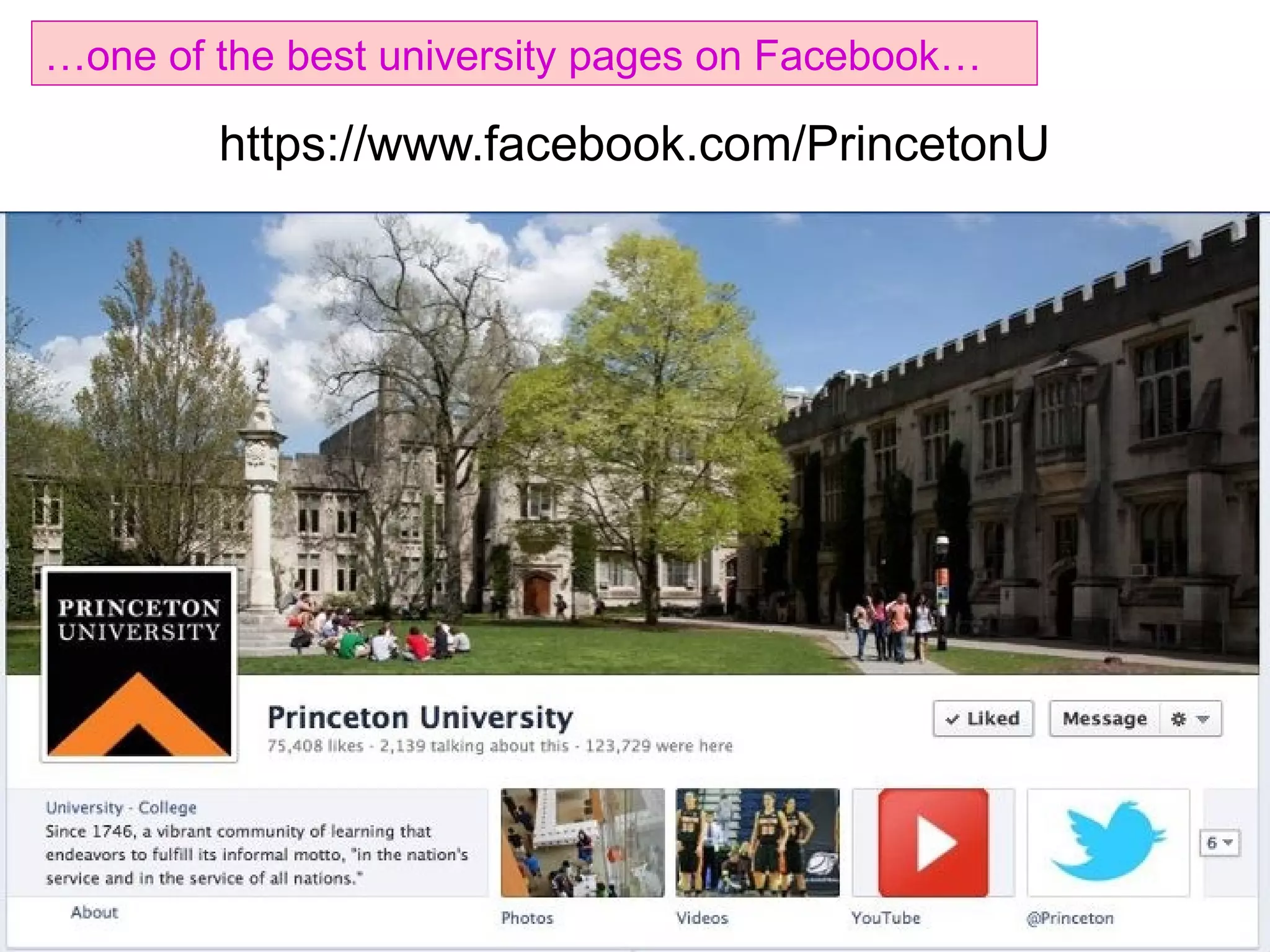
https://www.facebook.com/PrincetonU
…one of the best university pages on Facebook…
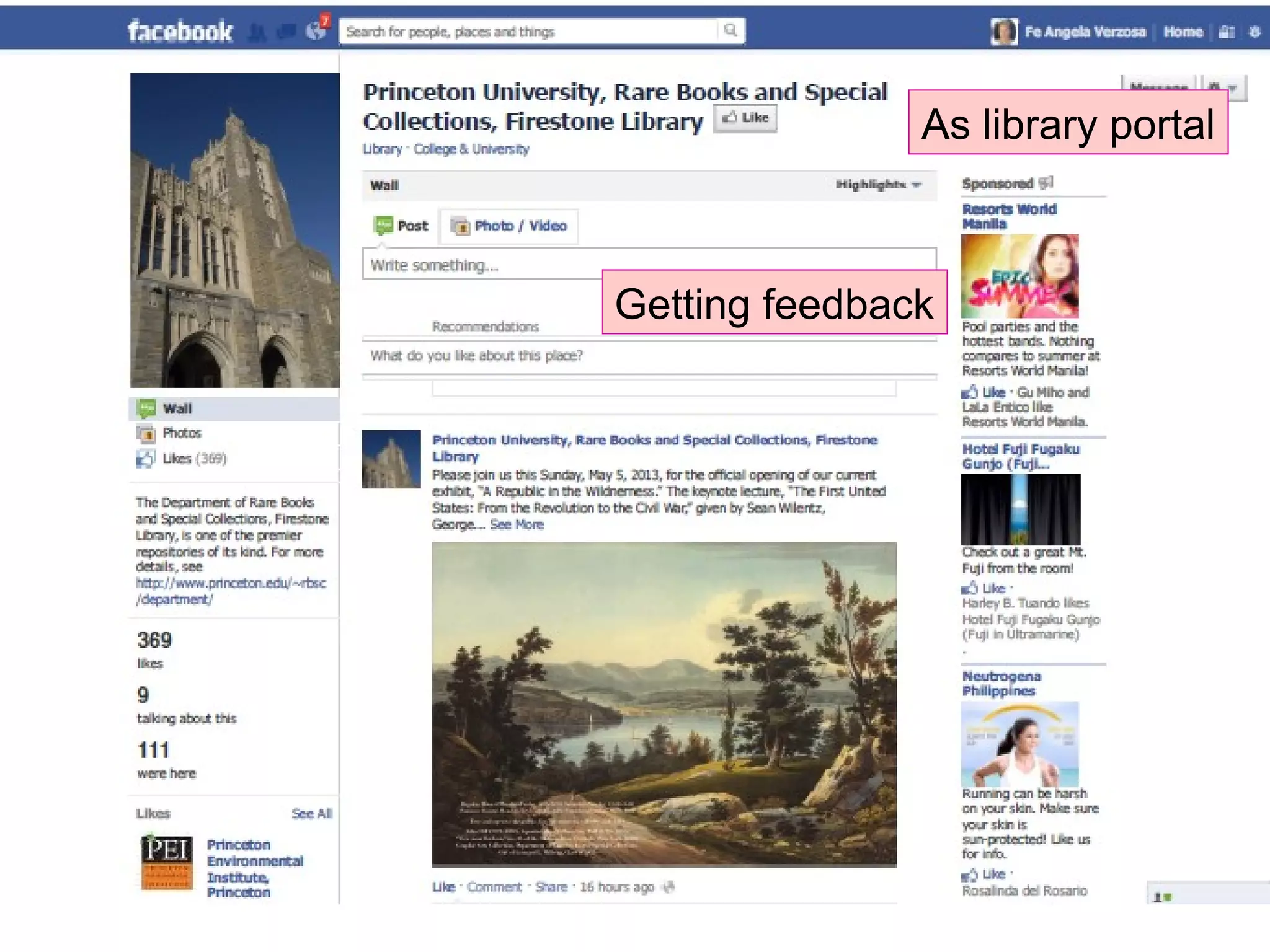
Getting feedback
As library portal
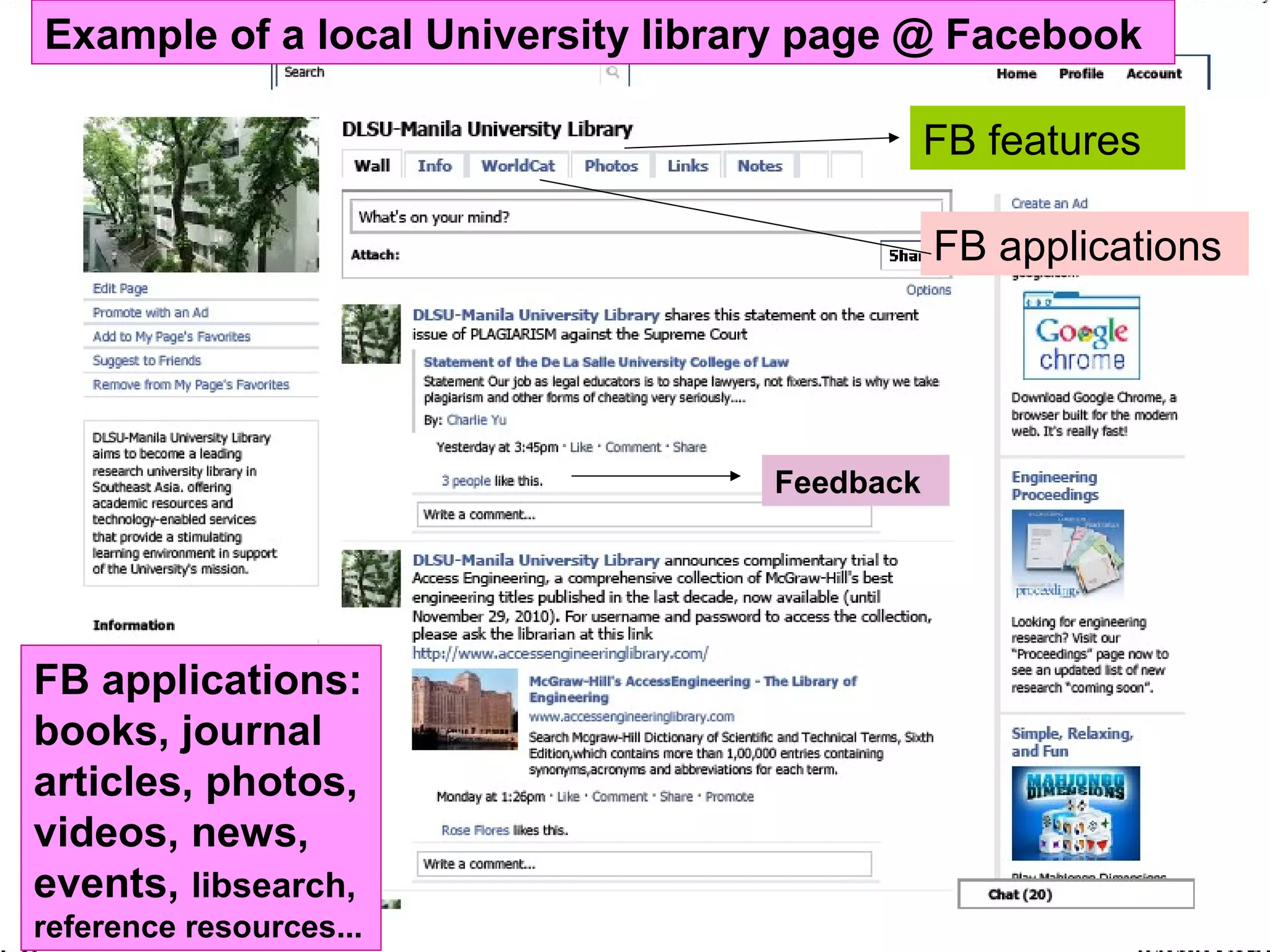
Example of a local University library page @ Facebook
FB features
FB applications
Feedback
FB applications:
books, journal
articles, photos,
videos, news,
events, libsearch,
reference resources...
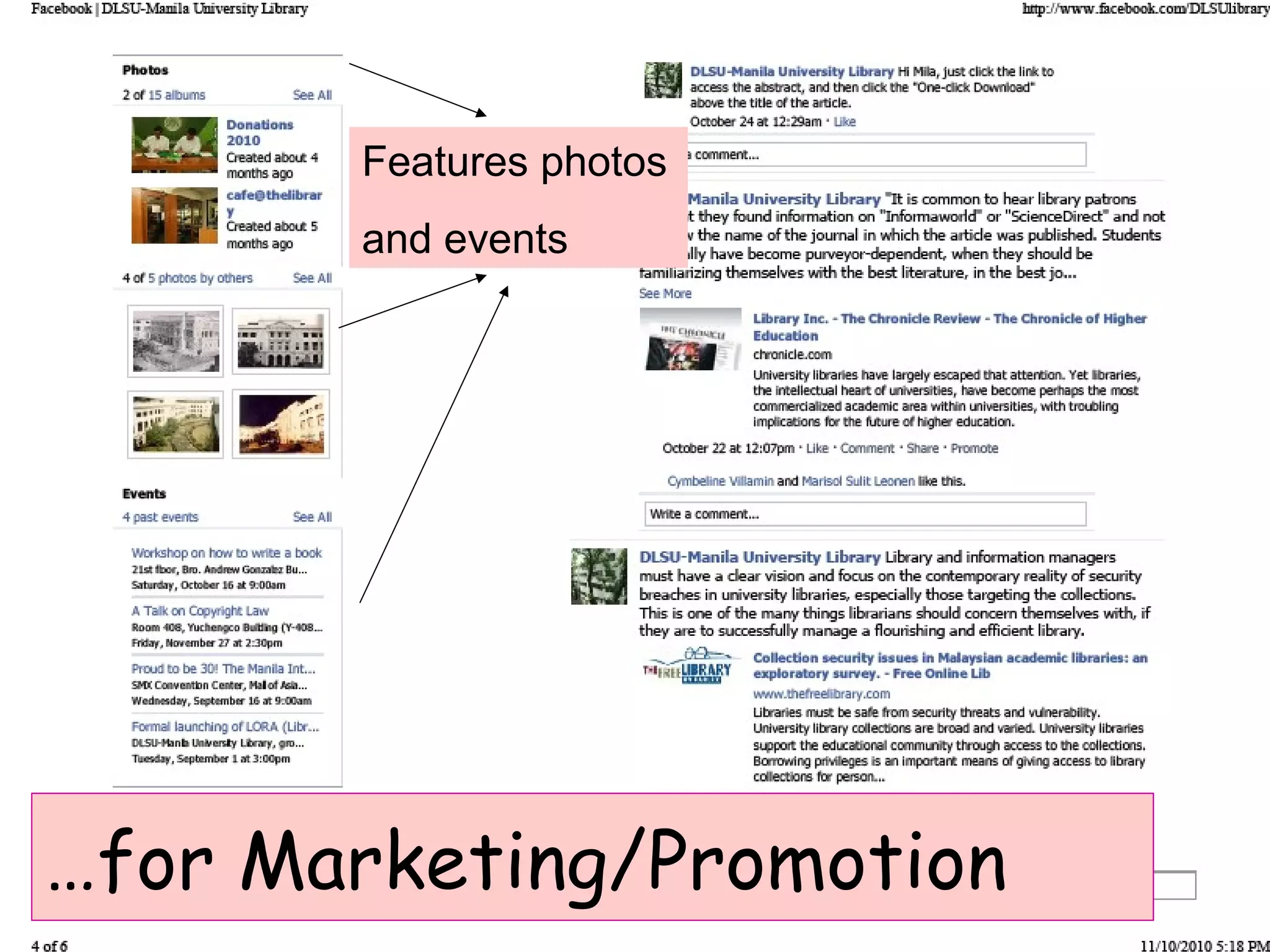
Features photos
and events
…for Marketing/Promotion
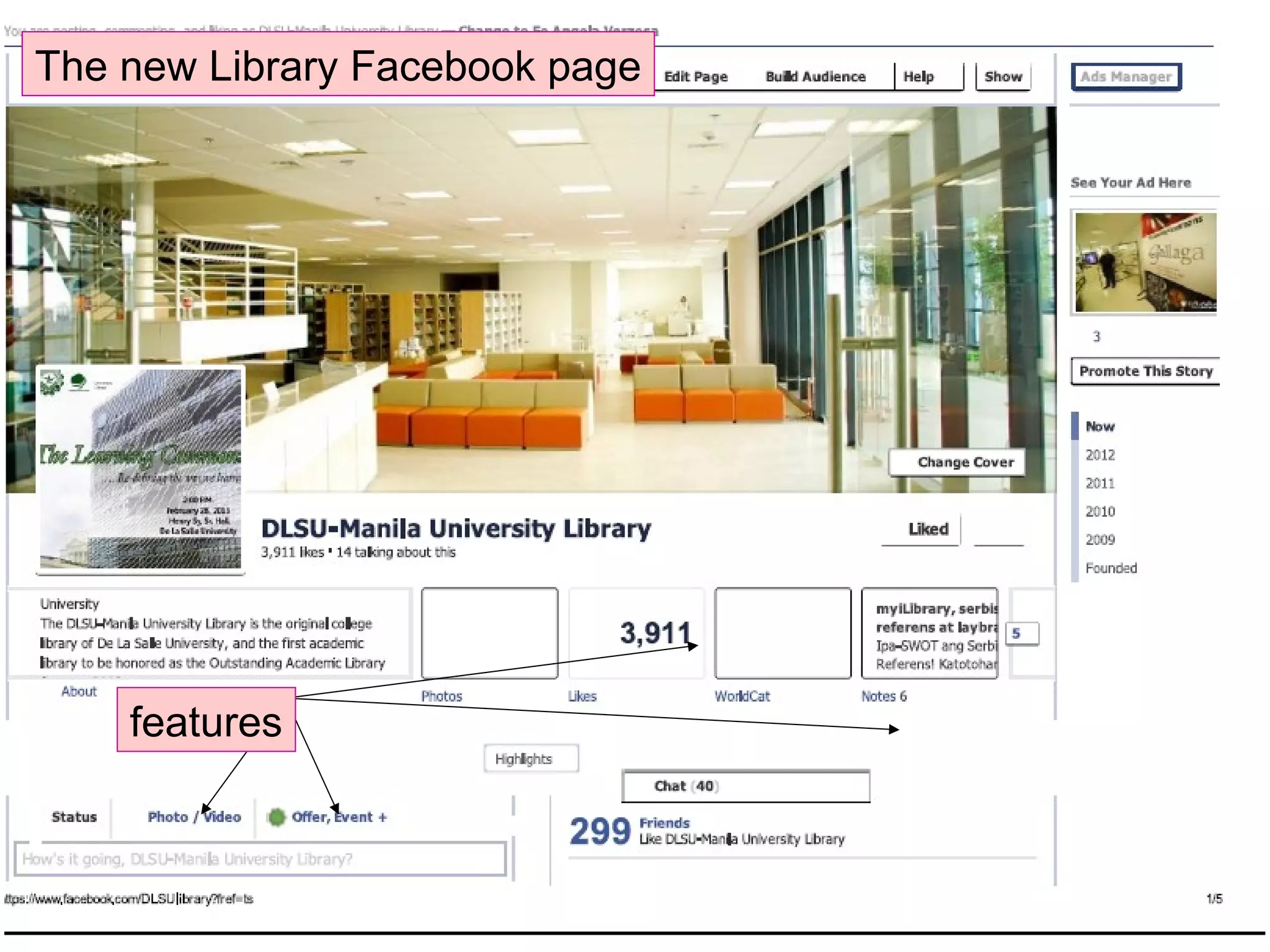
The new Library Facebook page
features
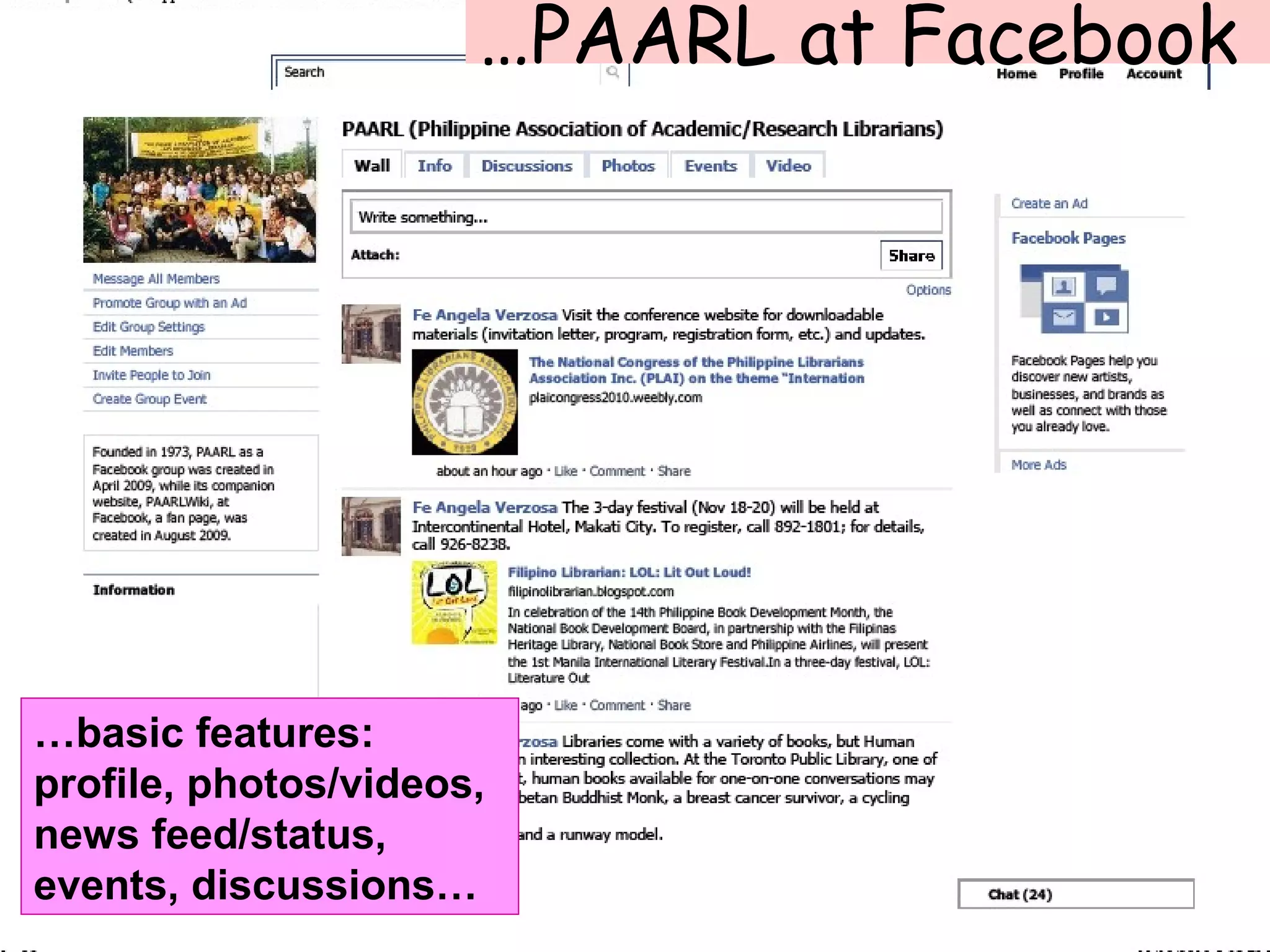
…PAARL at Facebook
…basic features:
profile, photos/videos,
news feed/status,
events, discussions…
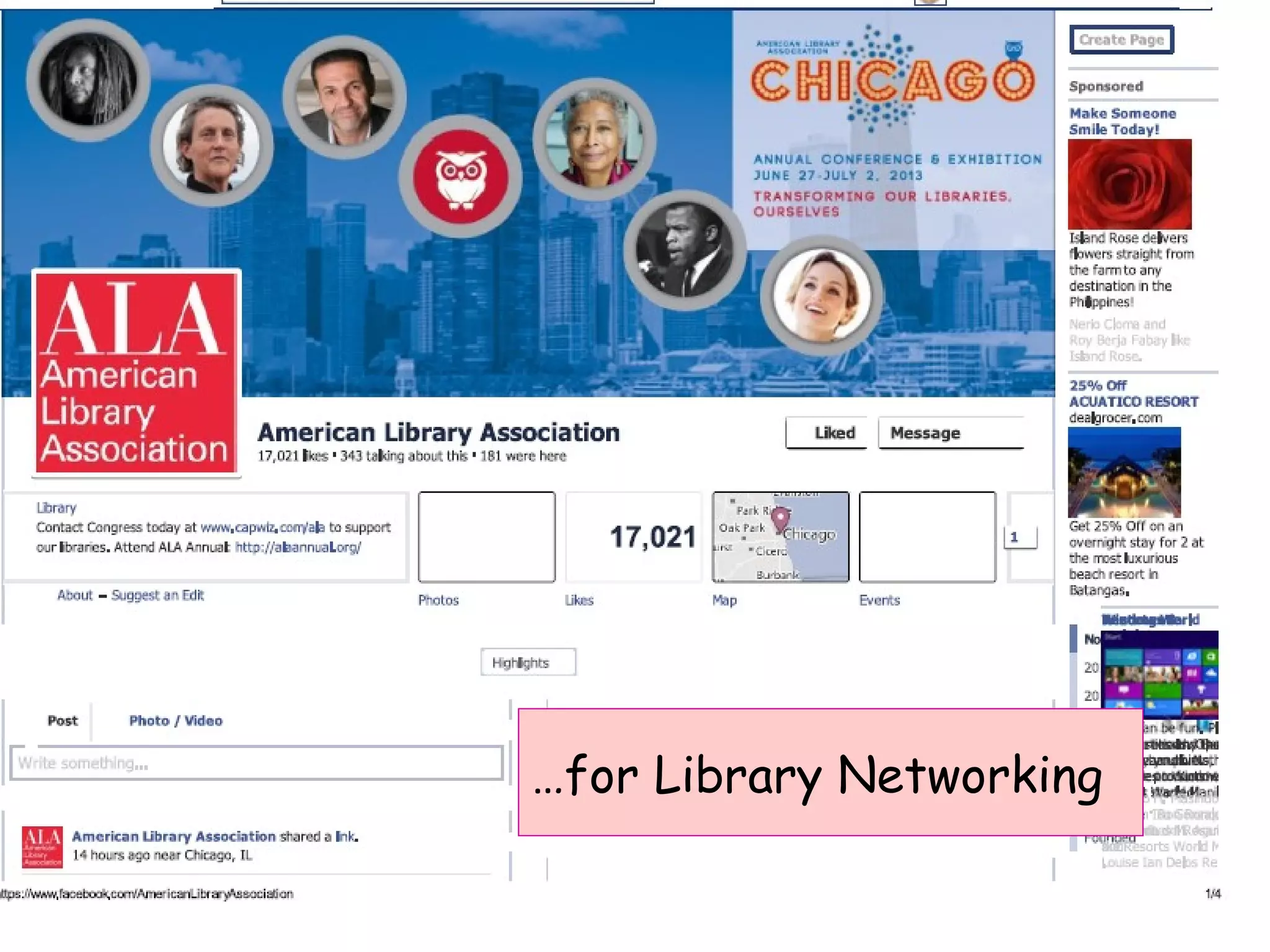
…for Library Networking
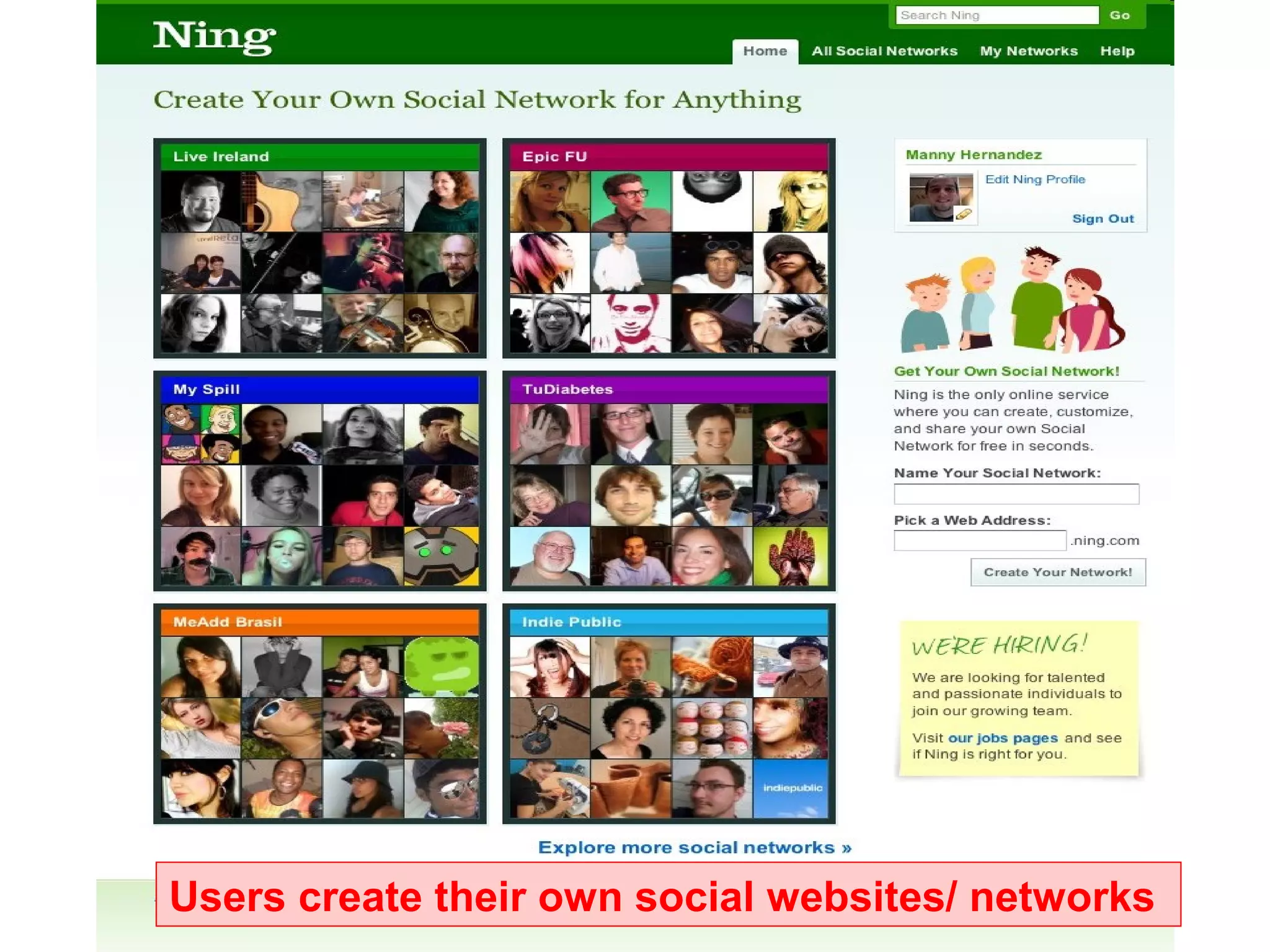
Users create their own social websites/ networks
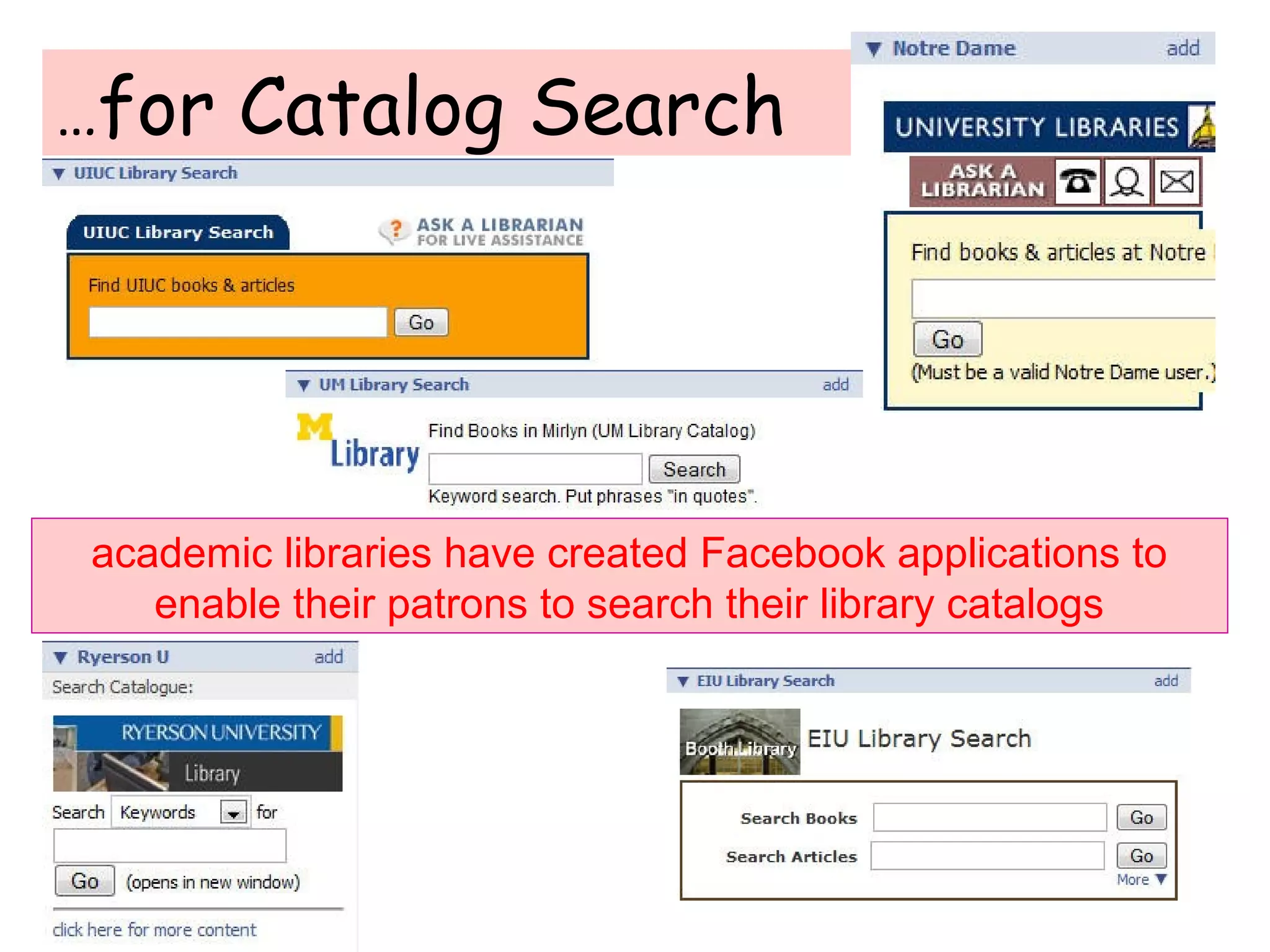
…for Catalog Search
academic libraries have created Facebook applications to
enable their patrons to search their library catalogs
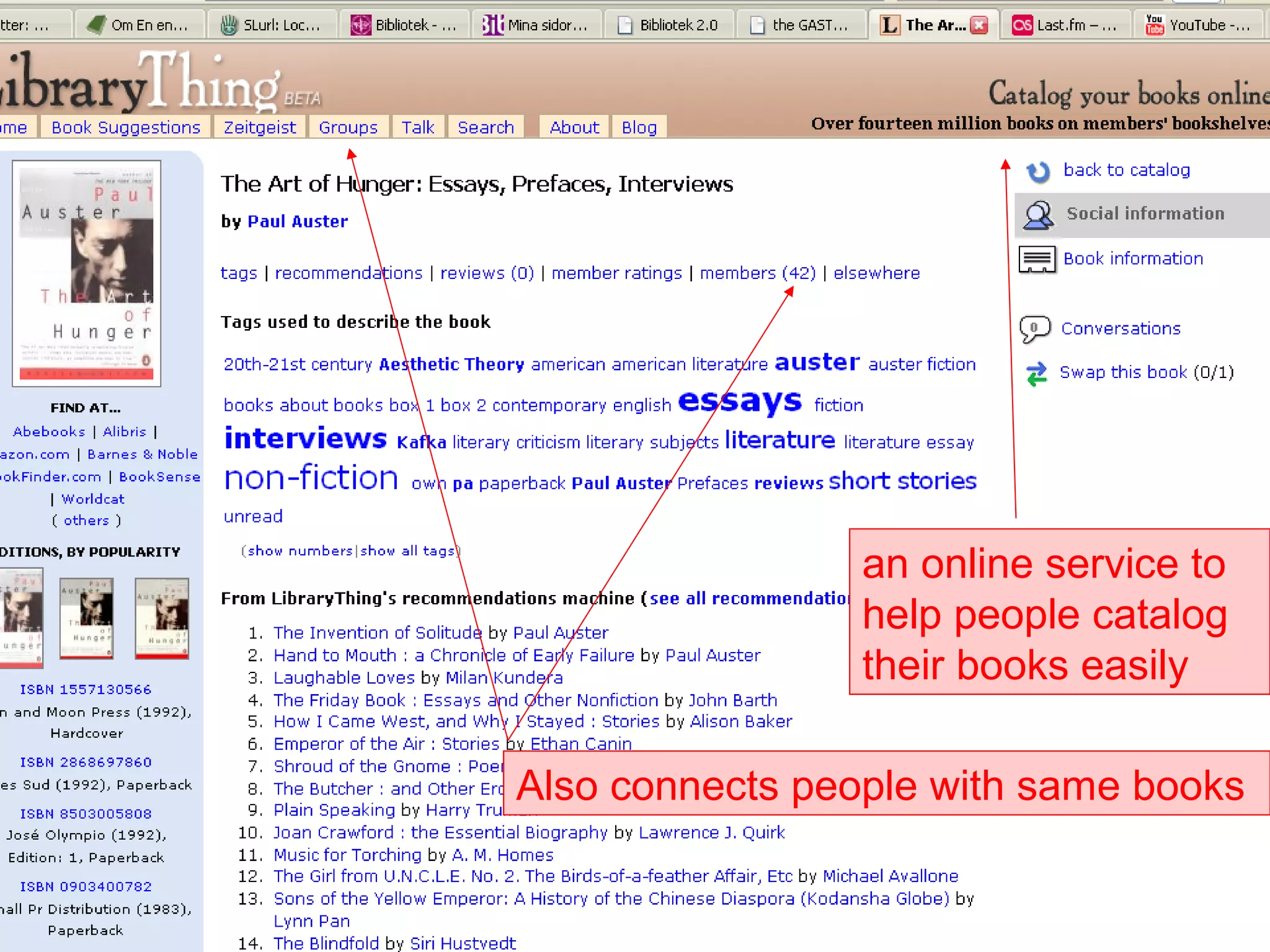
an online service to
help people catalog
their books easily
Also connects people with same books
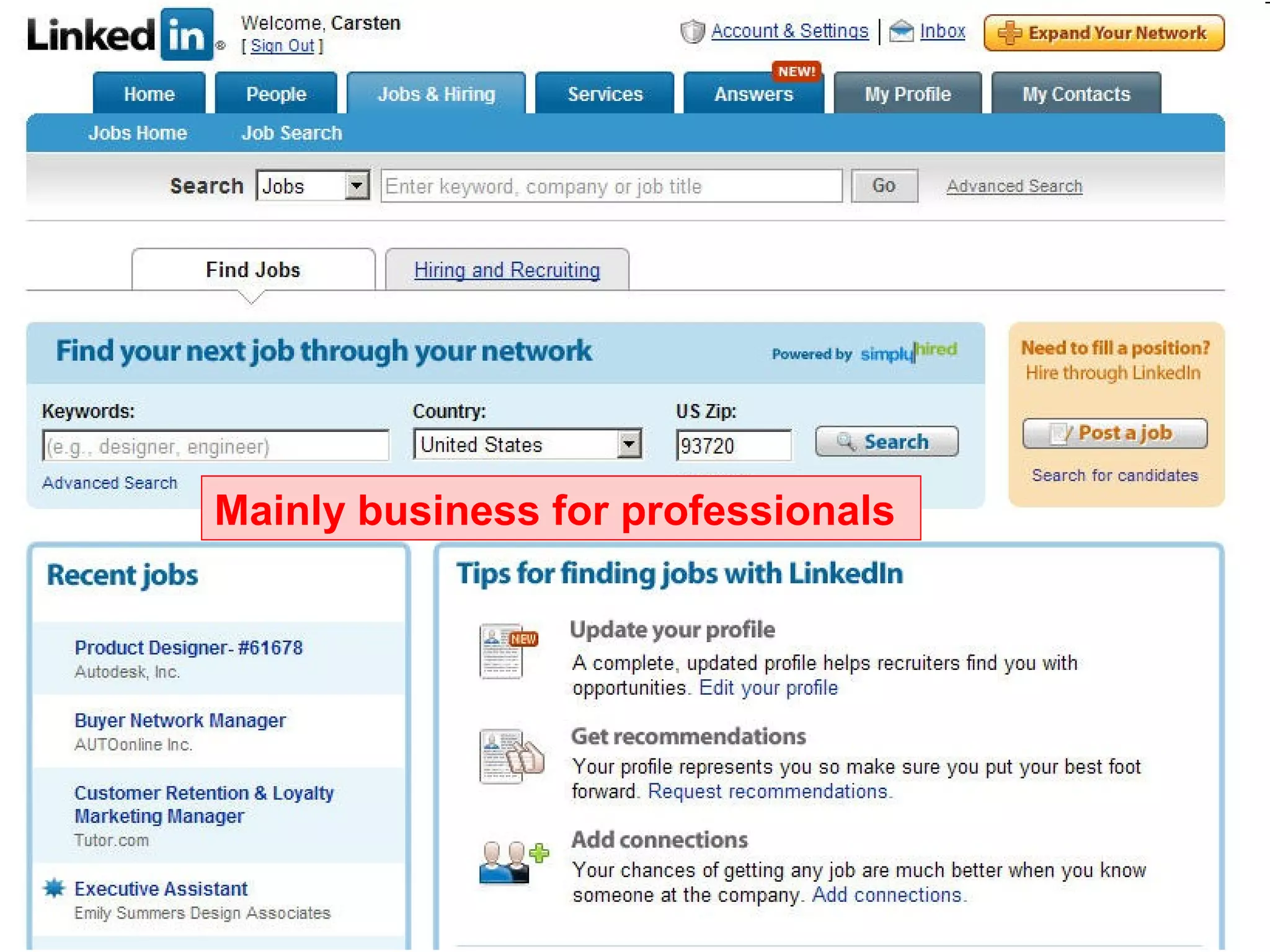
Mainly business for professionals
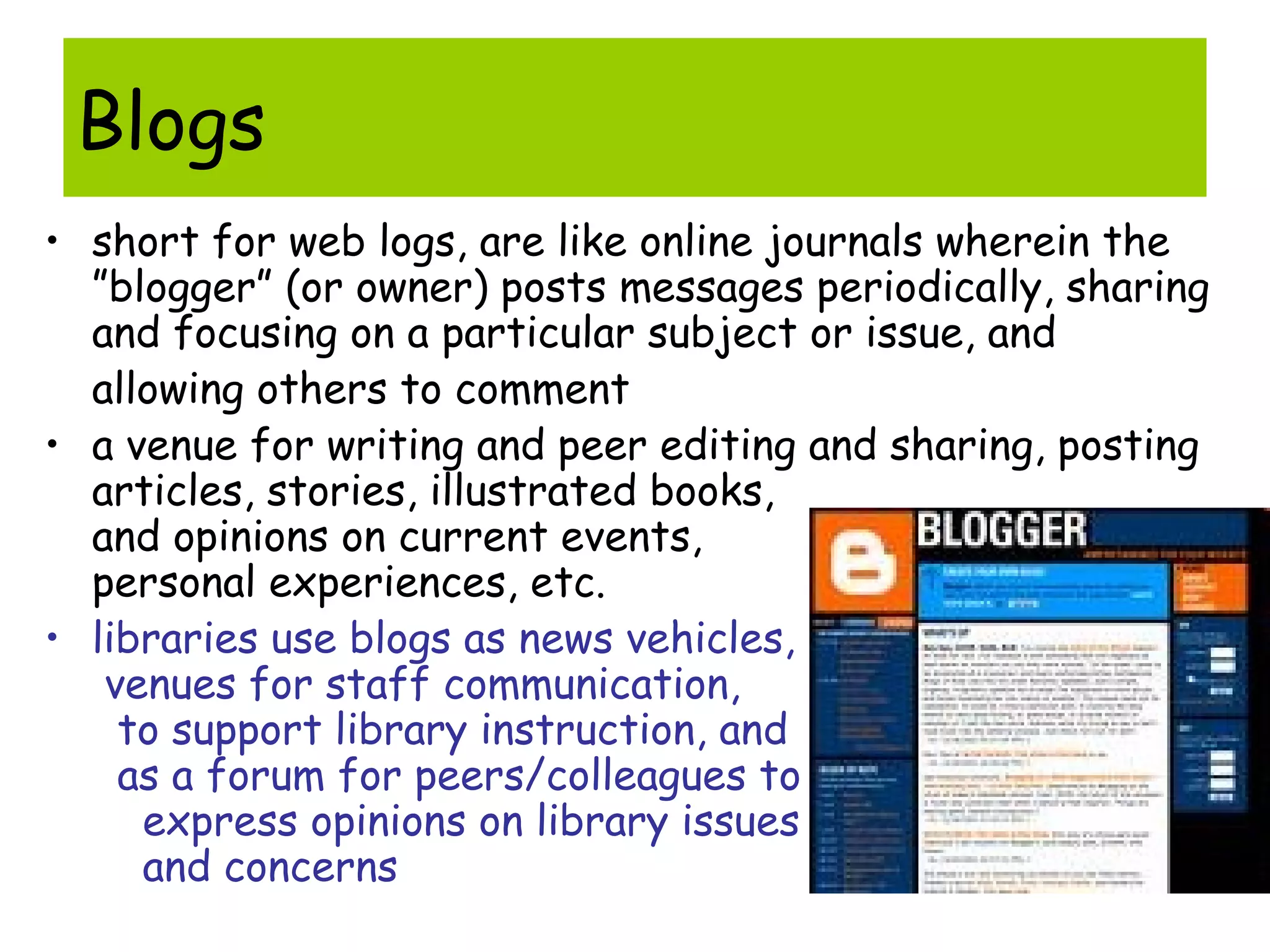
Blogs
• short for web logs, are like online journals wherein the
”blogger” (or owner) posts messages periodically, sharing
and focusing on a particular subject or issue, and
allowing others to comment
• a venue for writing and peer editing and sharing, posting
articles, stories, illustrated books,
and opinions on current events,
personal experiences, etc.
• libraries use blogs as news vehicles,
venues for staff communication,
to support library instruction, and
as a forum for peers/colleagues to
express opinions on library issues
and concerns
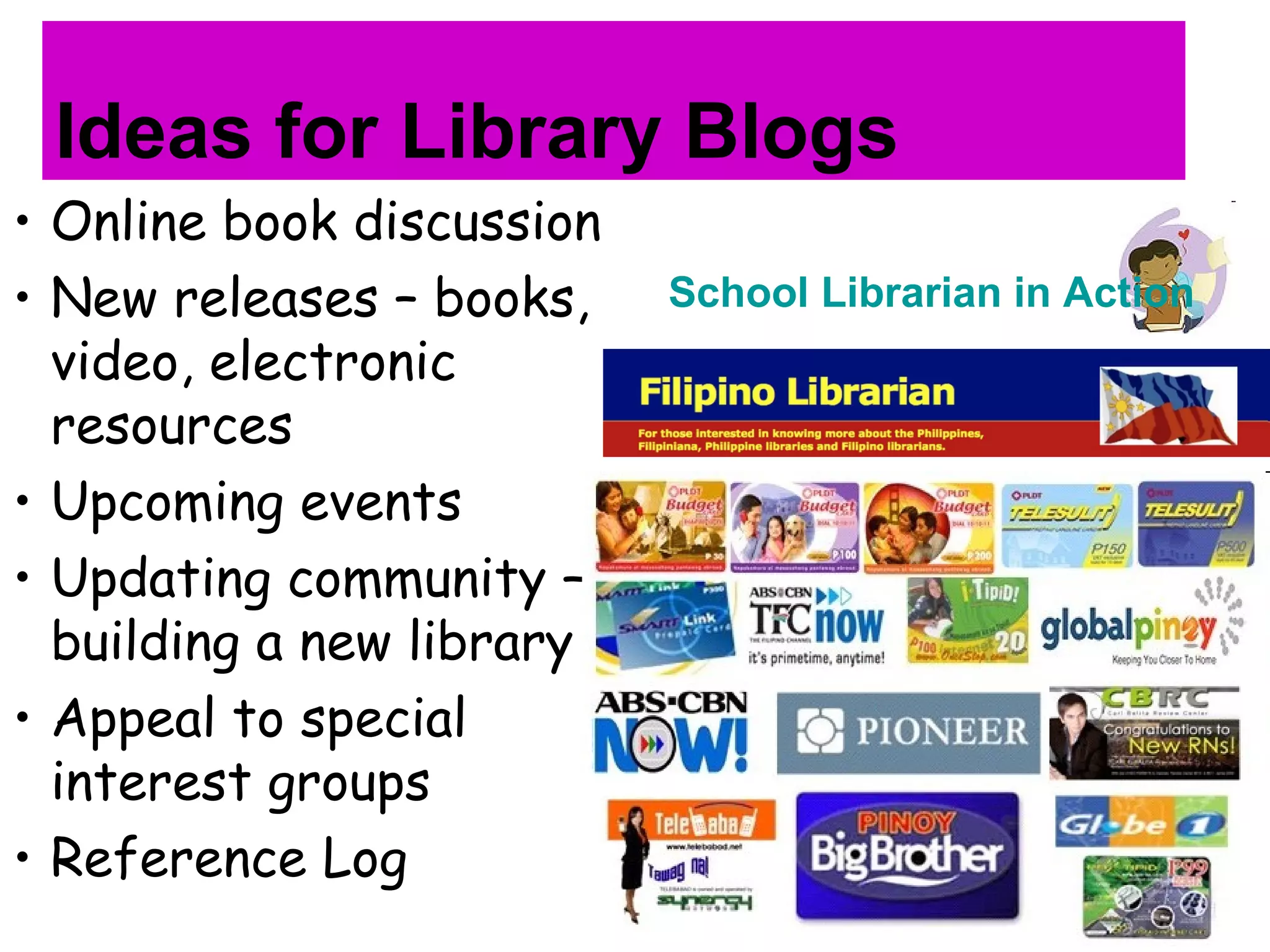
Ideas for Library Blogs
• Online book discussion
• New releases – books,
video, electronic
resources
• Upcoming events
• Updating community –
building a new library
• Appeal to special
interest groups
• Reference Log
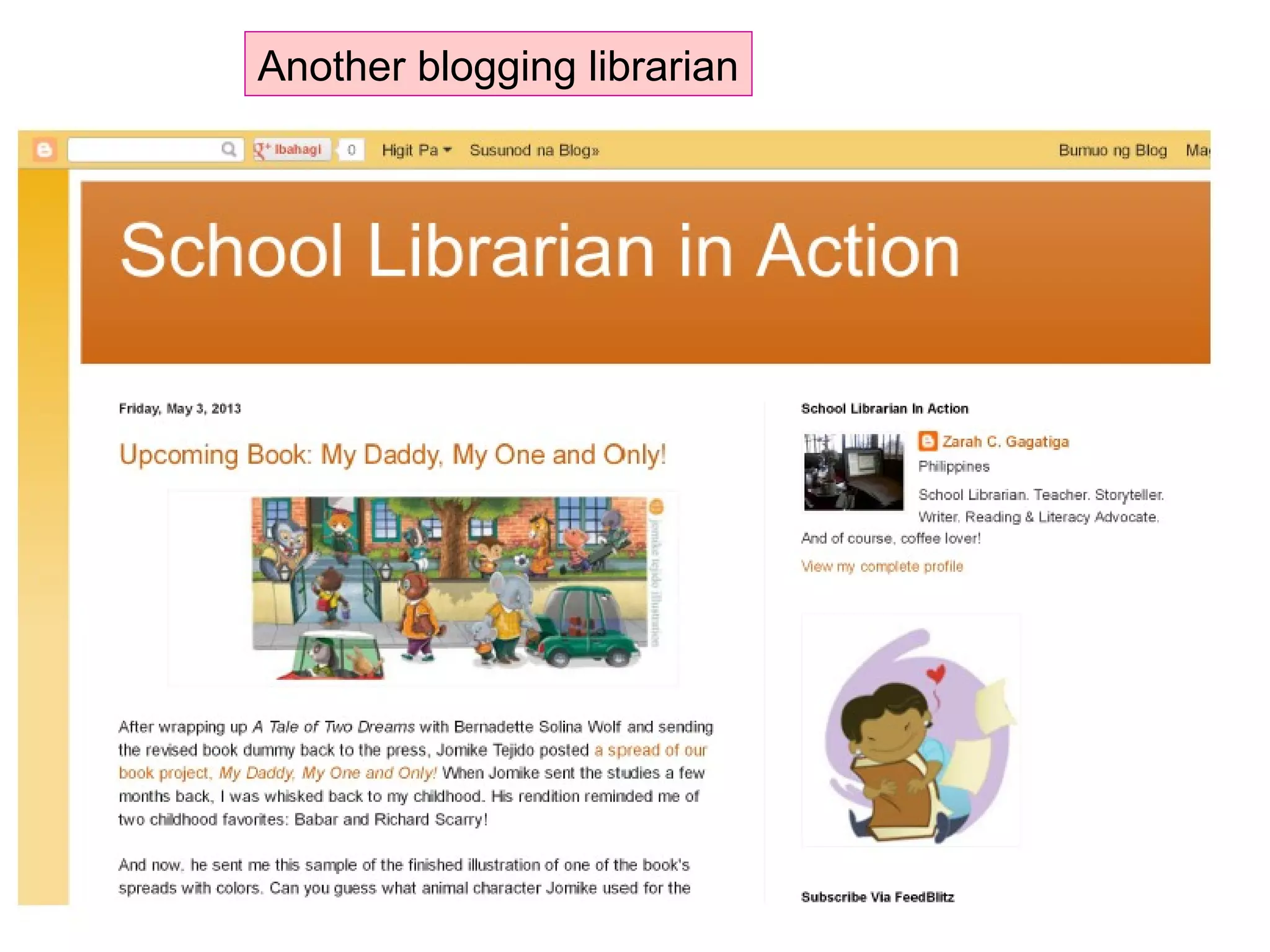
School Librarian in Action
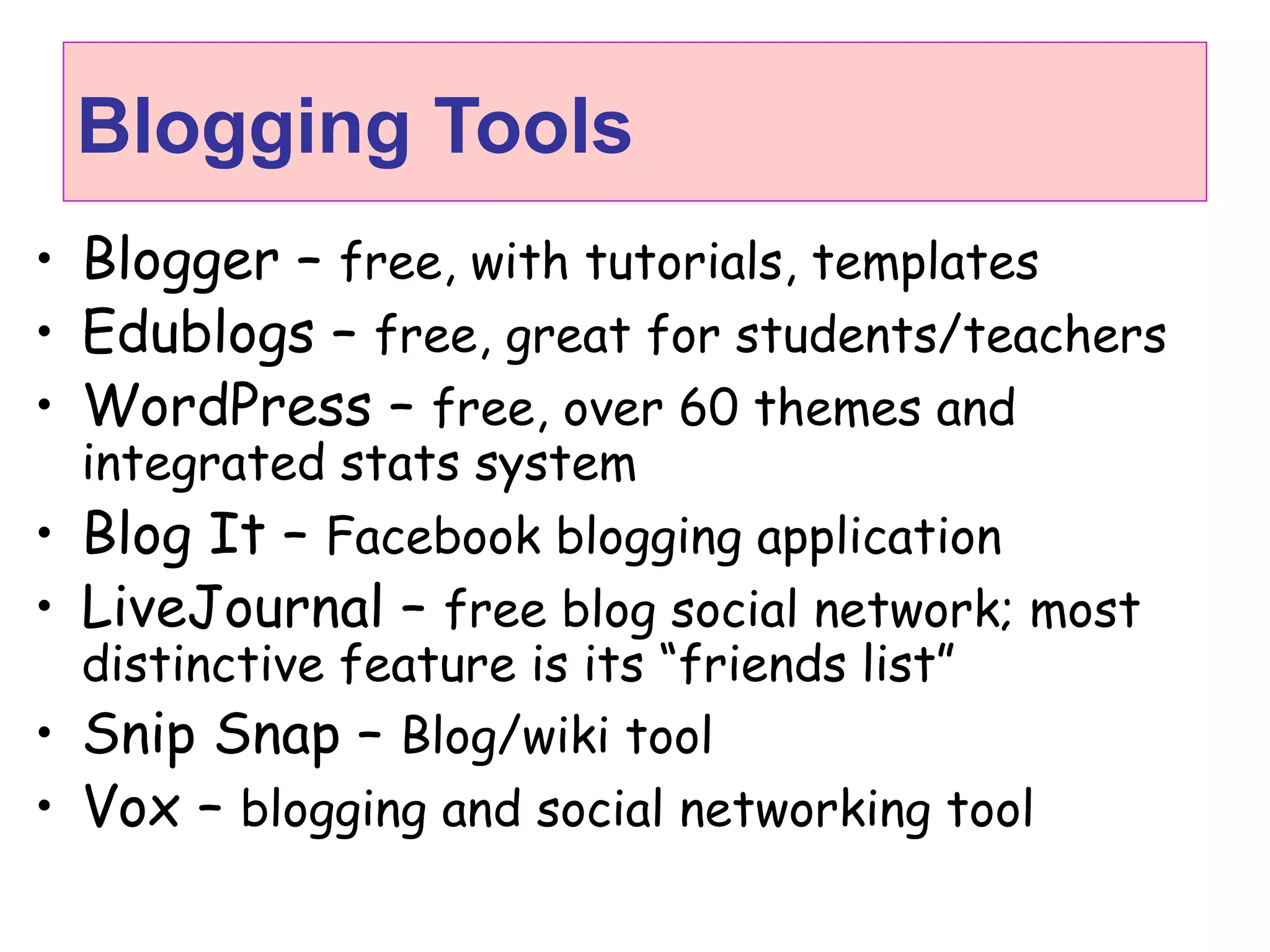
Blogging Tools
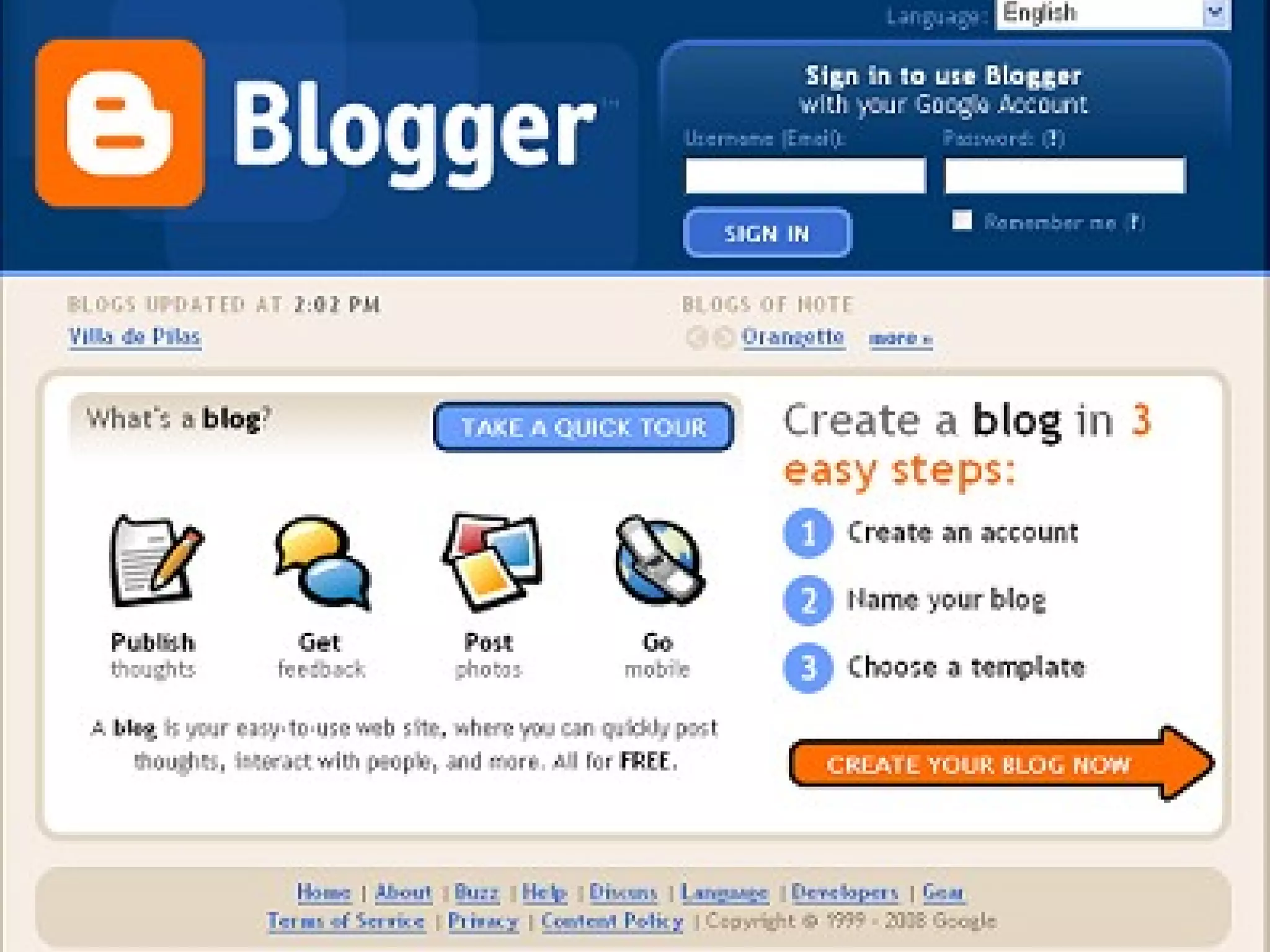
• Blogger – free, with tutorials, templates
• Edublogs – free, great for students/teachers
• WordPress – free, over 60 themes and
integrated stats system
• Blog It – Facebook blogging application
• LiveJournal – free blog social network; most
distinctive feature is its “friends list”
• Snip Snap – Blog/wiki tool
• Vox – blogging and social networking tool
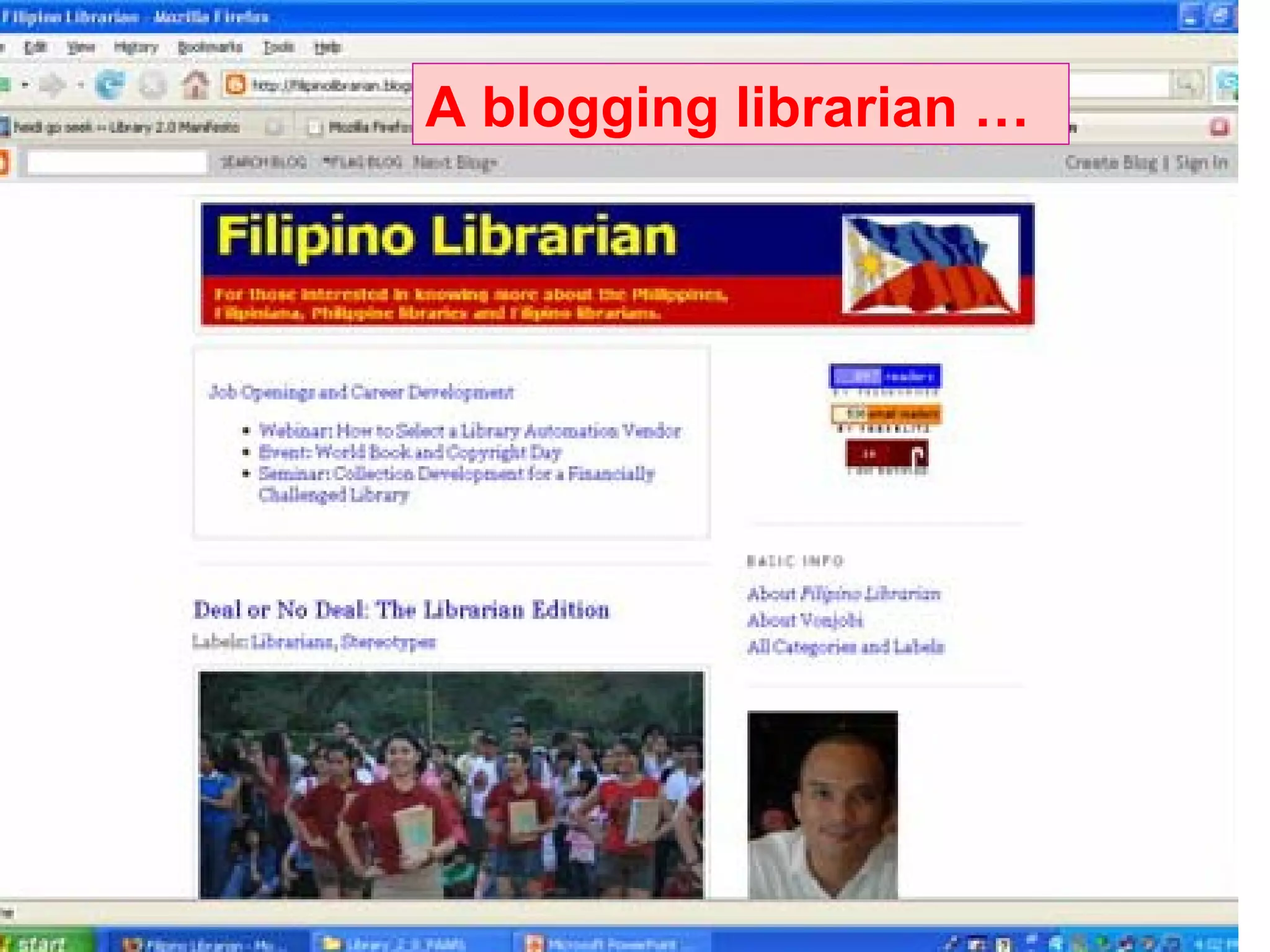
A blogging librarian …
Another blogging librarian
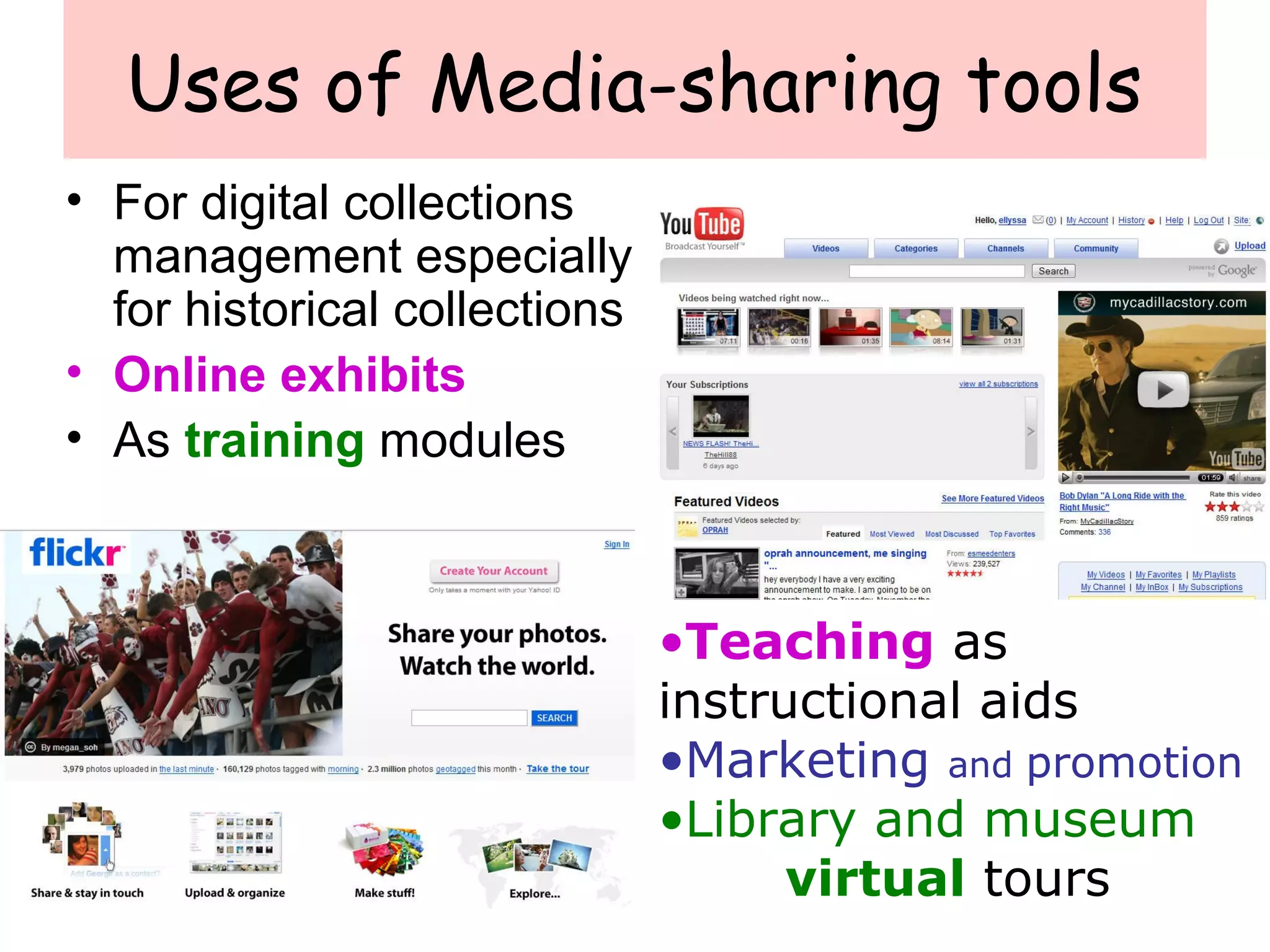
Uses of Media-sharing tools
• For digital collections
management especially
for historical collections
• Online exhibits
• As training modules
•Teaching as
instructional aids
•Marketing and promotion
•Library and museum
virtual tours
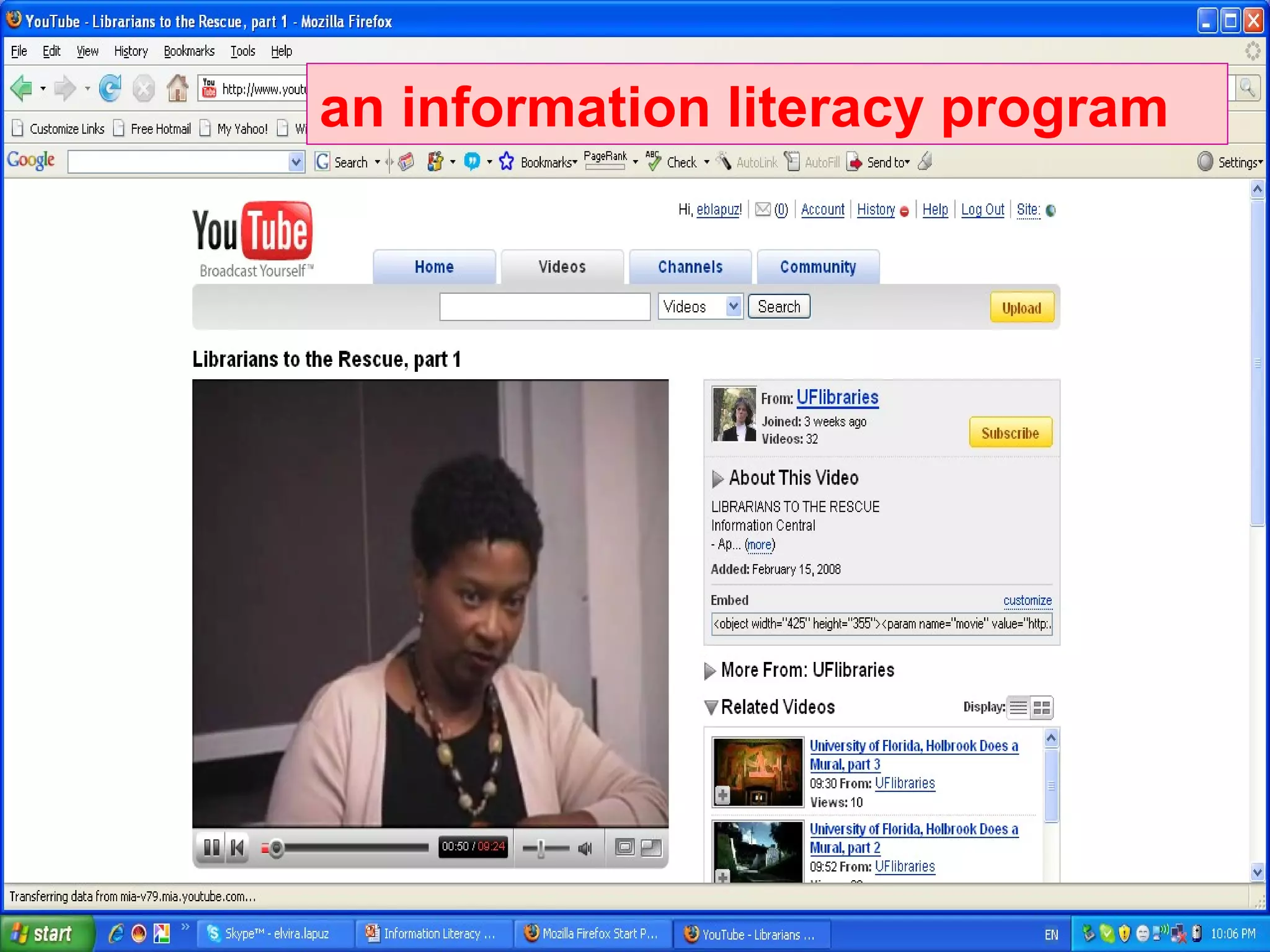
Video-sharing for Library Orientationan information literacy program
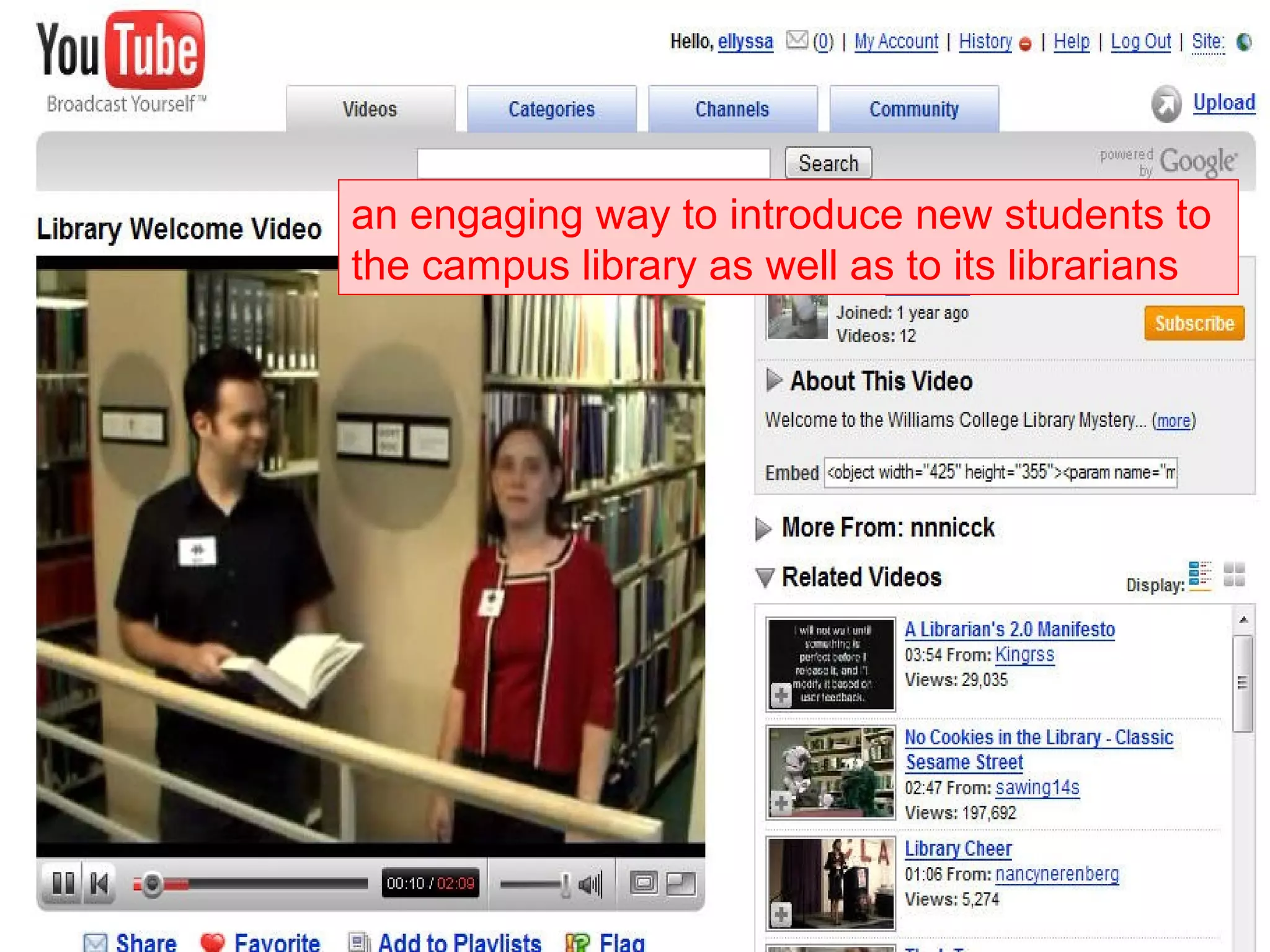
Video-sharing for Library Tours
an engaging way to introduce new students to
the campus library as well as to its librarians
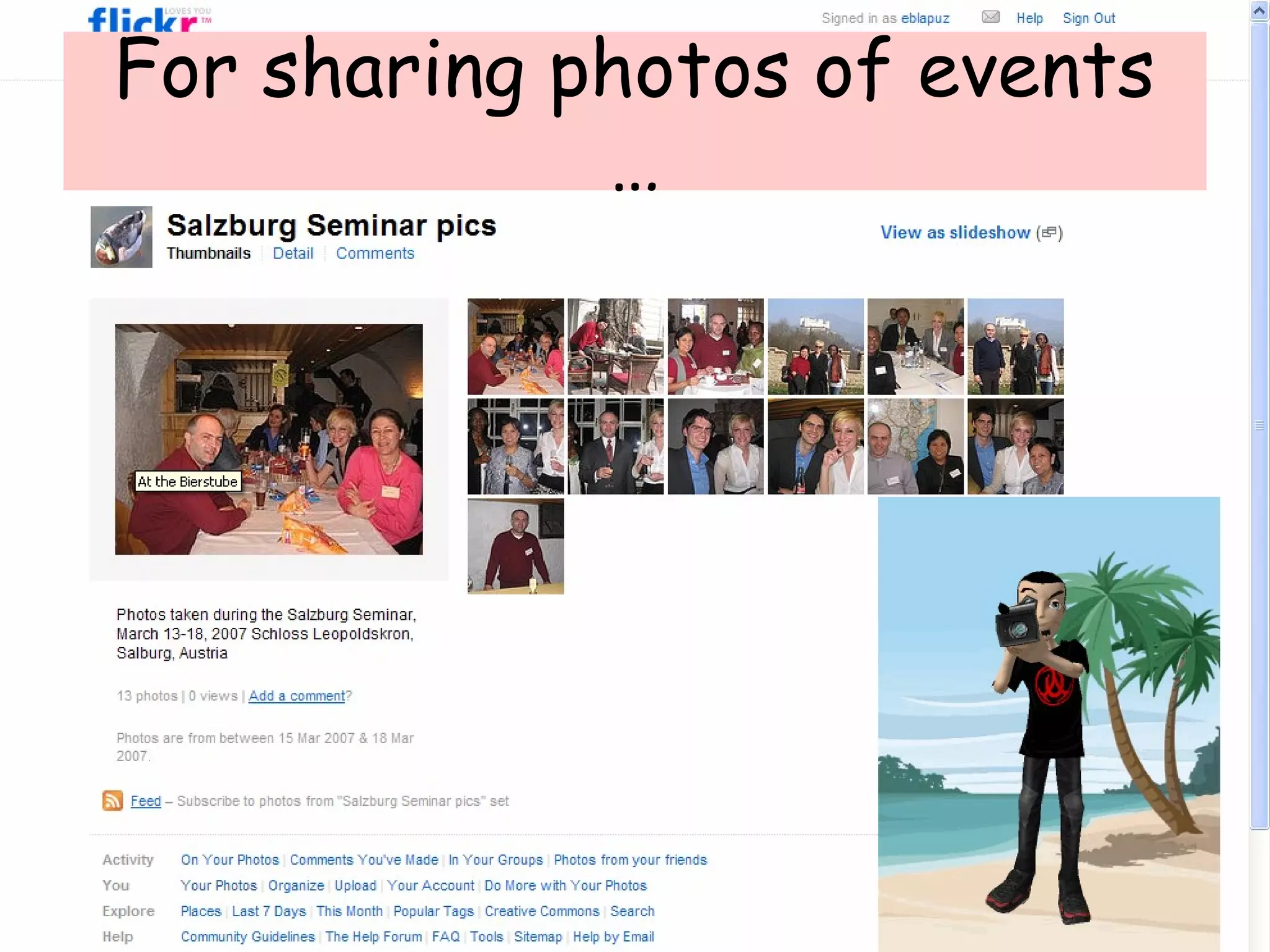
For sharing photos of events
…
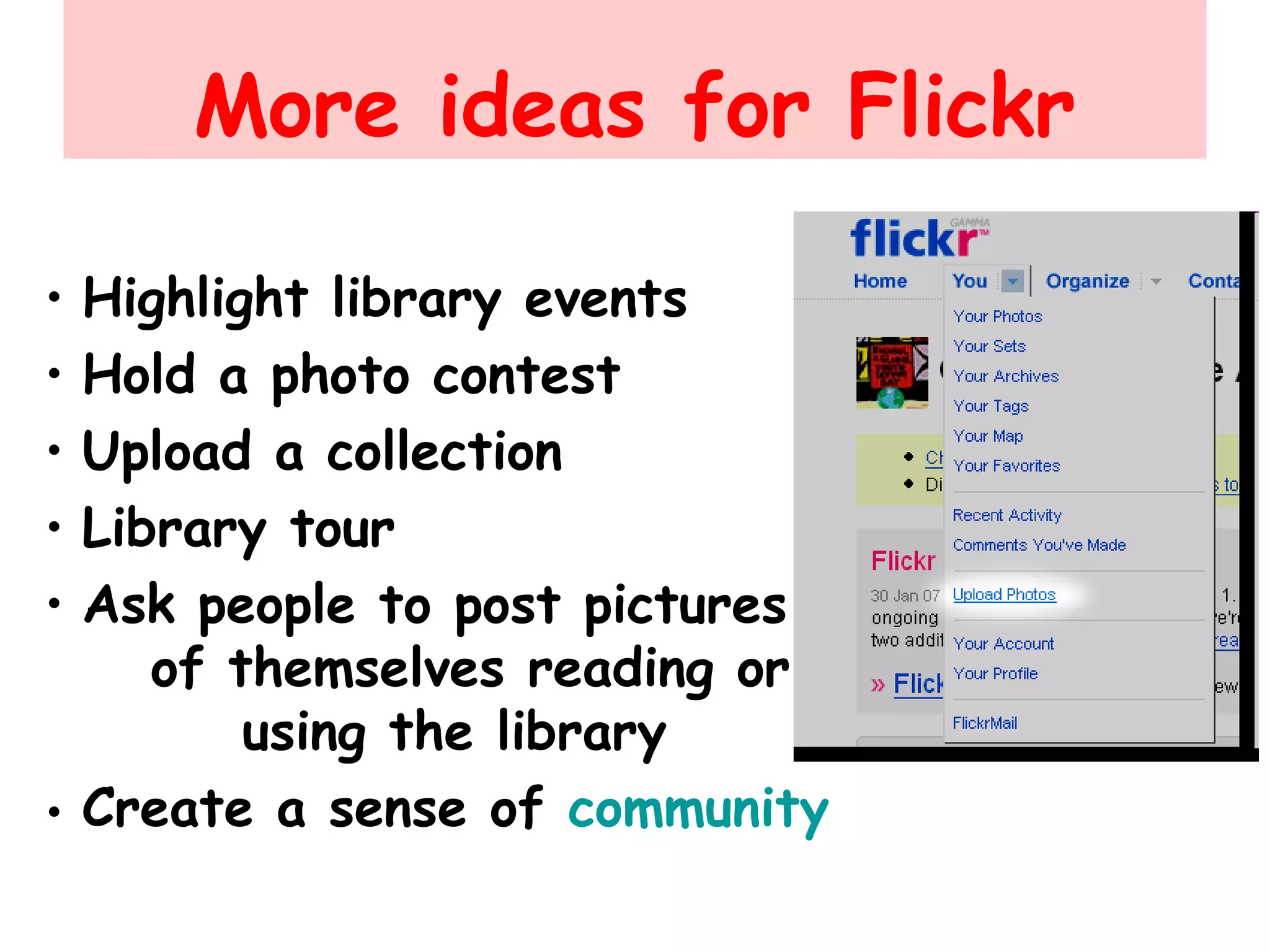
More ideas for Flickr
• Highlight library events
• Hold a photo contest
• Upload a collection
• Library tour
• Ask people to post pictures
of themselves reading or
using the library
• Create a sense of community
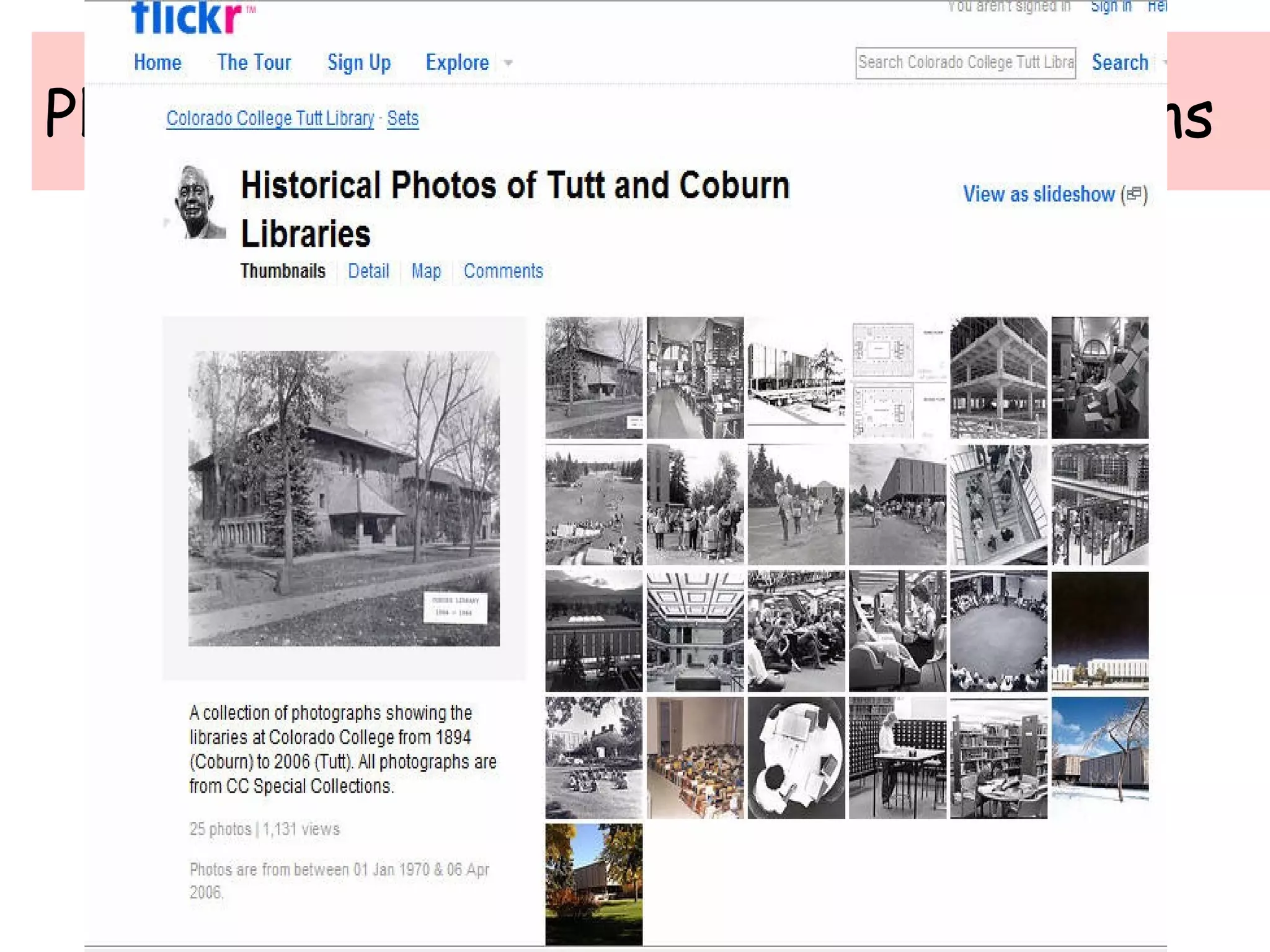
Photo-sharing for Historical Collections
Wikis
• a web page that is accessible to
anyone with a Web browser and
an Internet connection
• allows readers to collaborate with
others in writing it and add, edit,
and change the web page’s content,
• making it a tool for collaboration
Uses of Wikis in Libraries
• Library Websites
• Intranets
• Training tools or course instruction
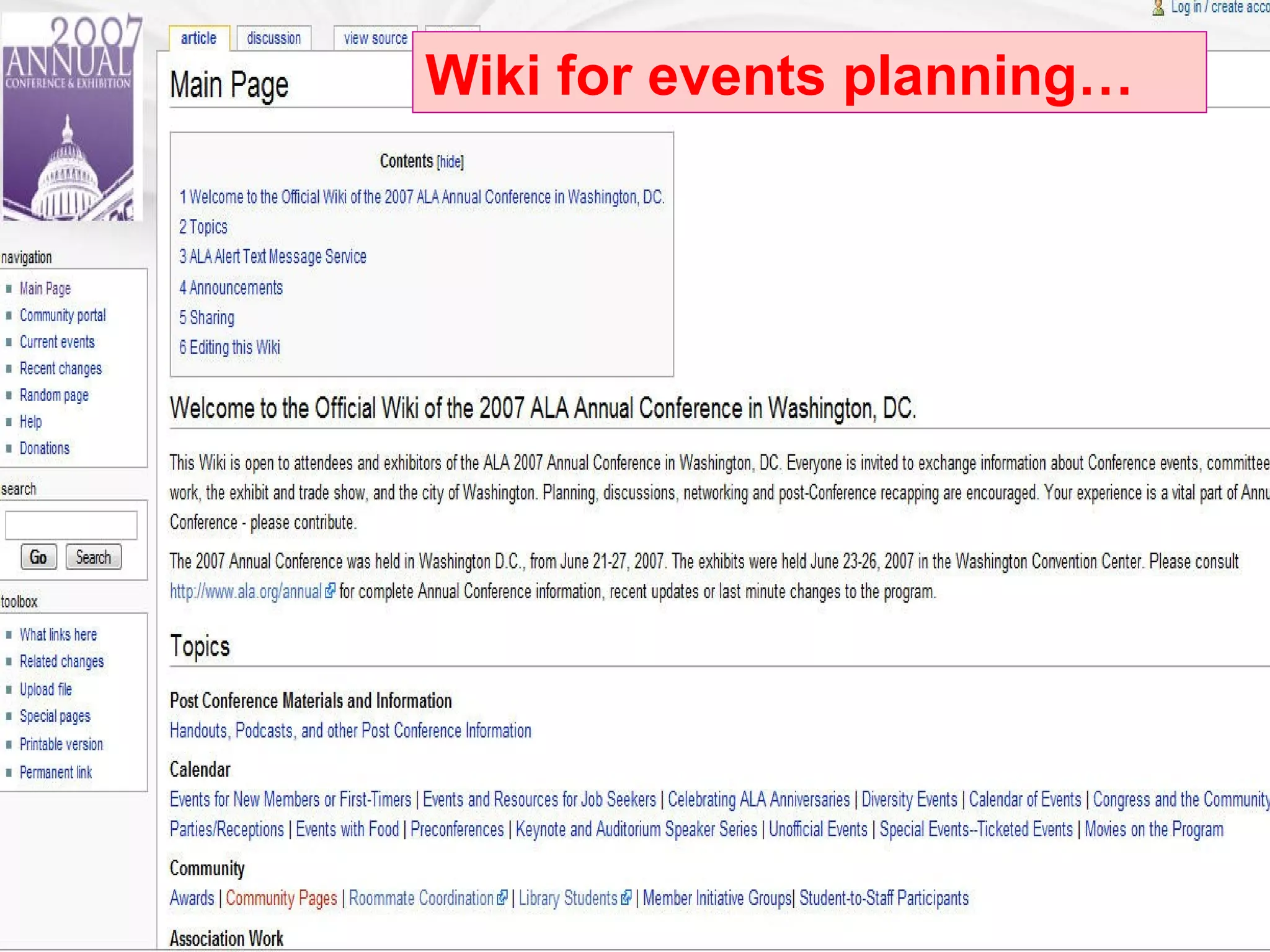
• Event planning
• Subject Guides
• Reference Wiki
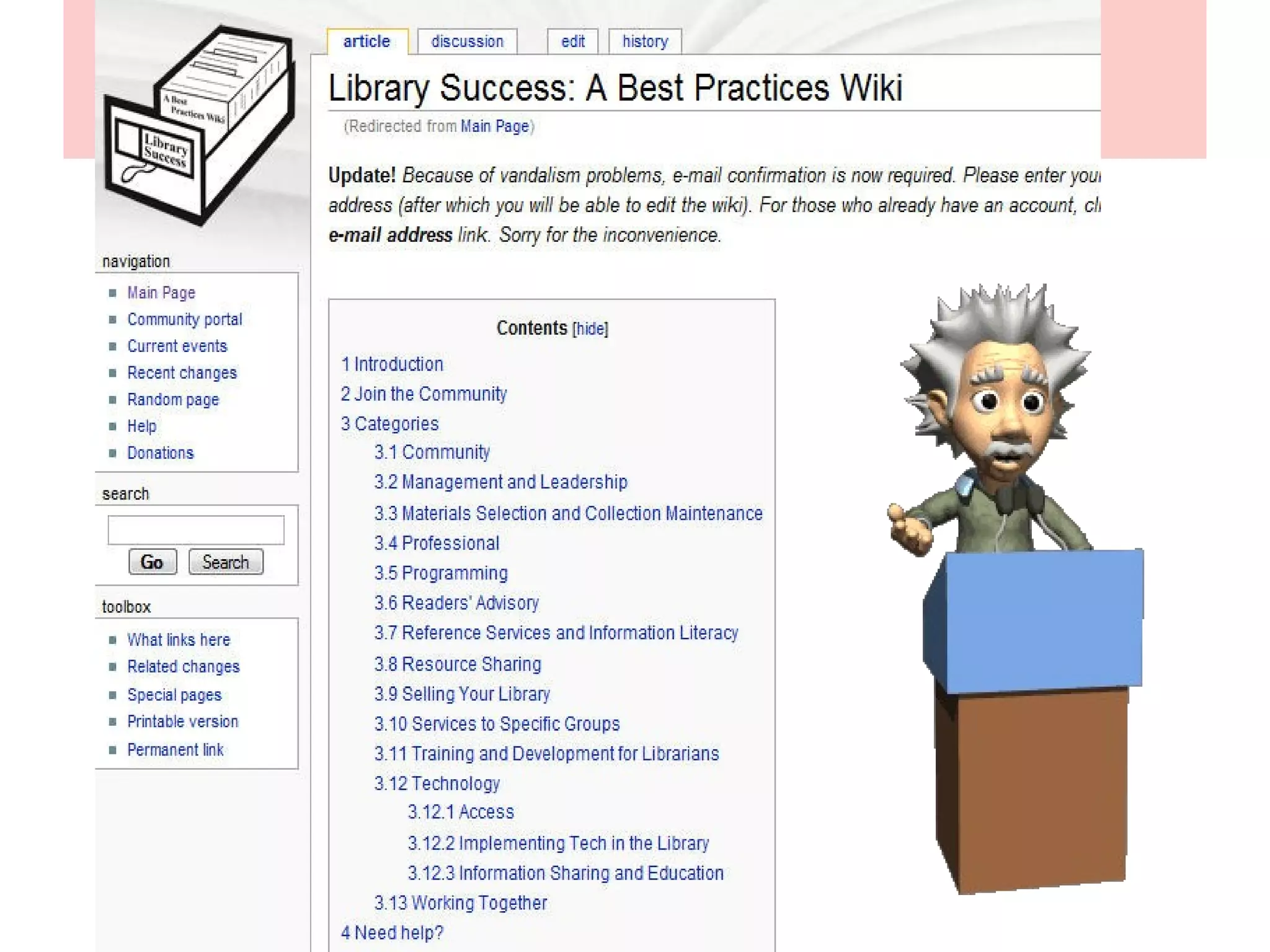
• Best Practices
• Encyclopedic works
Wikis for Event PlanningWiki for events planning…
Wikis for Best Practices
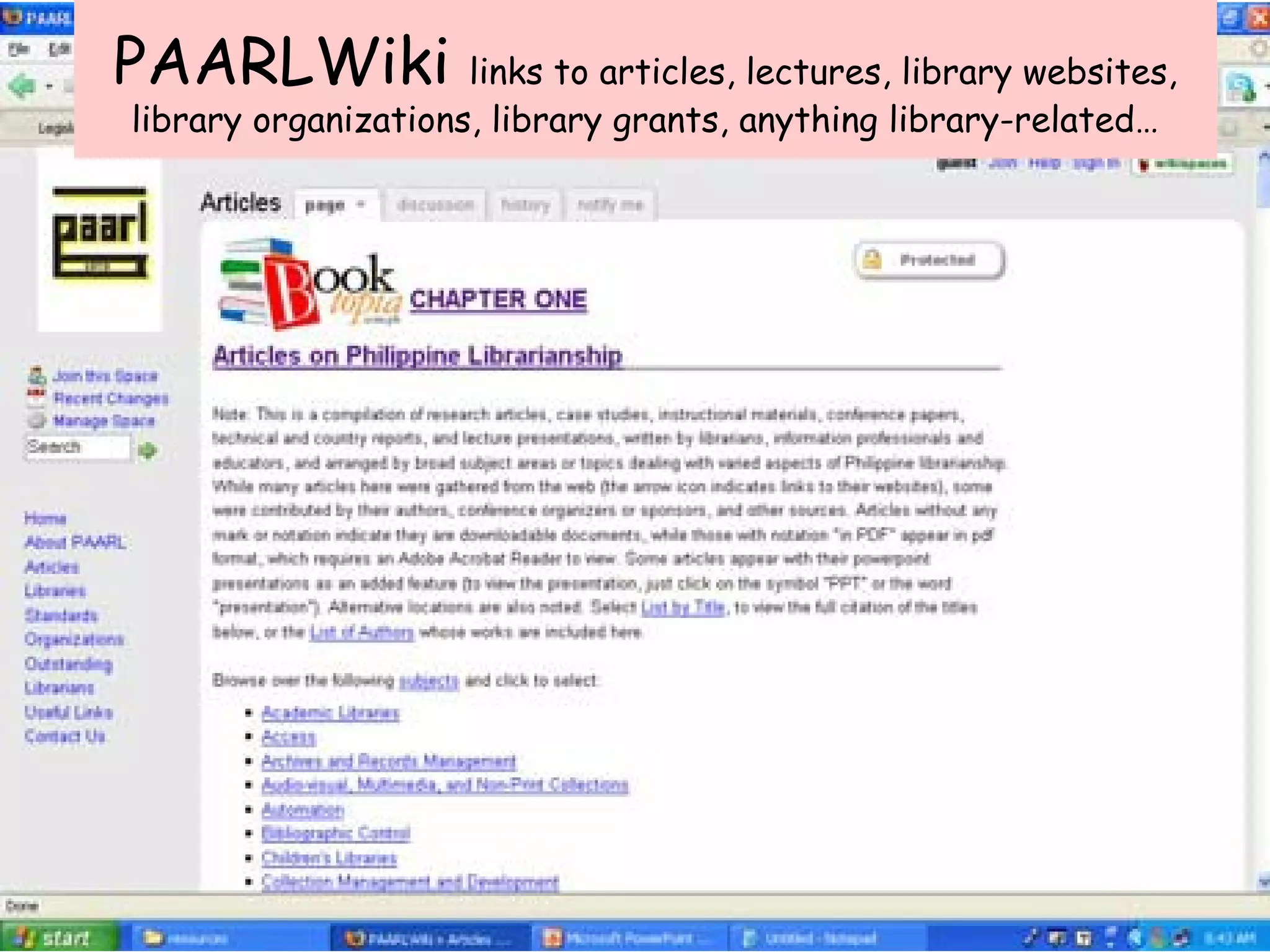
PAARLWiki links to articles, lectures, library websites,
library organizations, library grants, anything library-related…
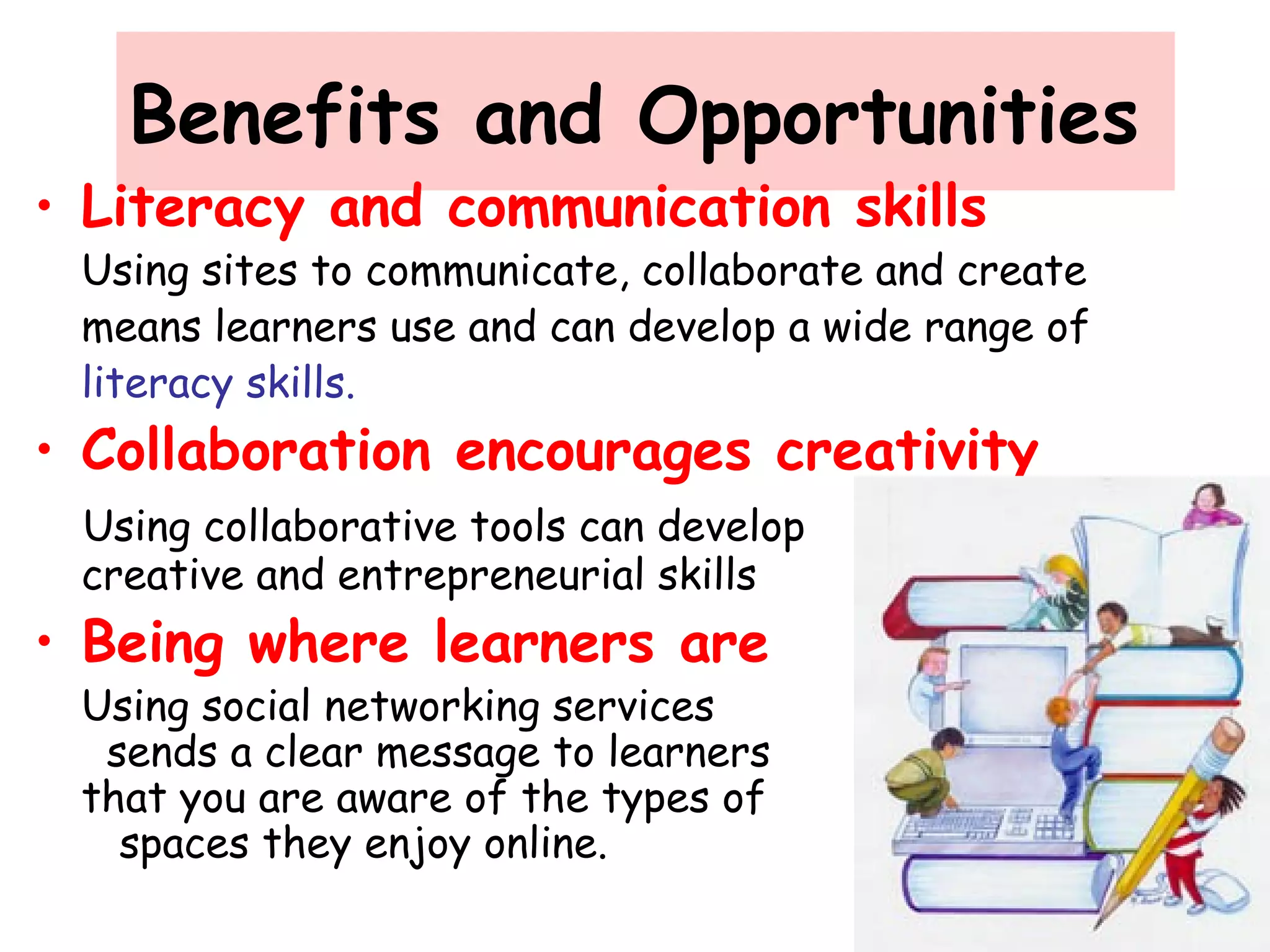
Benefits and Opportunities
• Literacy and communication skills
Using sites to communicate, collaborate and create
means learners use and can develop a wide range of
literacy skills.
• Collaboration encourages creativity
Using collaborative tools can develop
creative and entrepreneurial skills
• Being where learners are
Using social networking services
sends a clear message to learners
that you are aware of the types of
spaces they enjoy online.
Negative Views/Potential Risks
• Blocking and filtering sites because of
perceived inappropriate content
• Abuse and mismanagement of online
presence
• Misunderstanding the nature of online
environment
• Data protection and copyright concerns
• Learning about e-safety issues
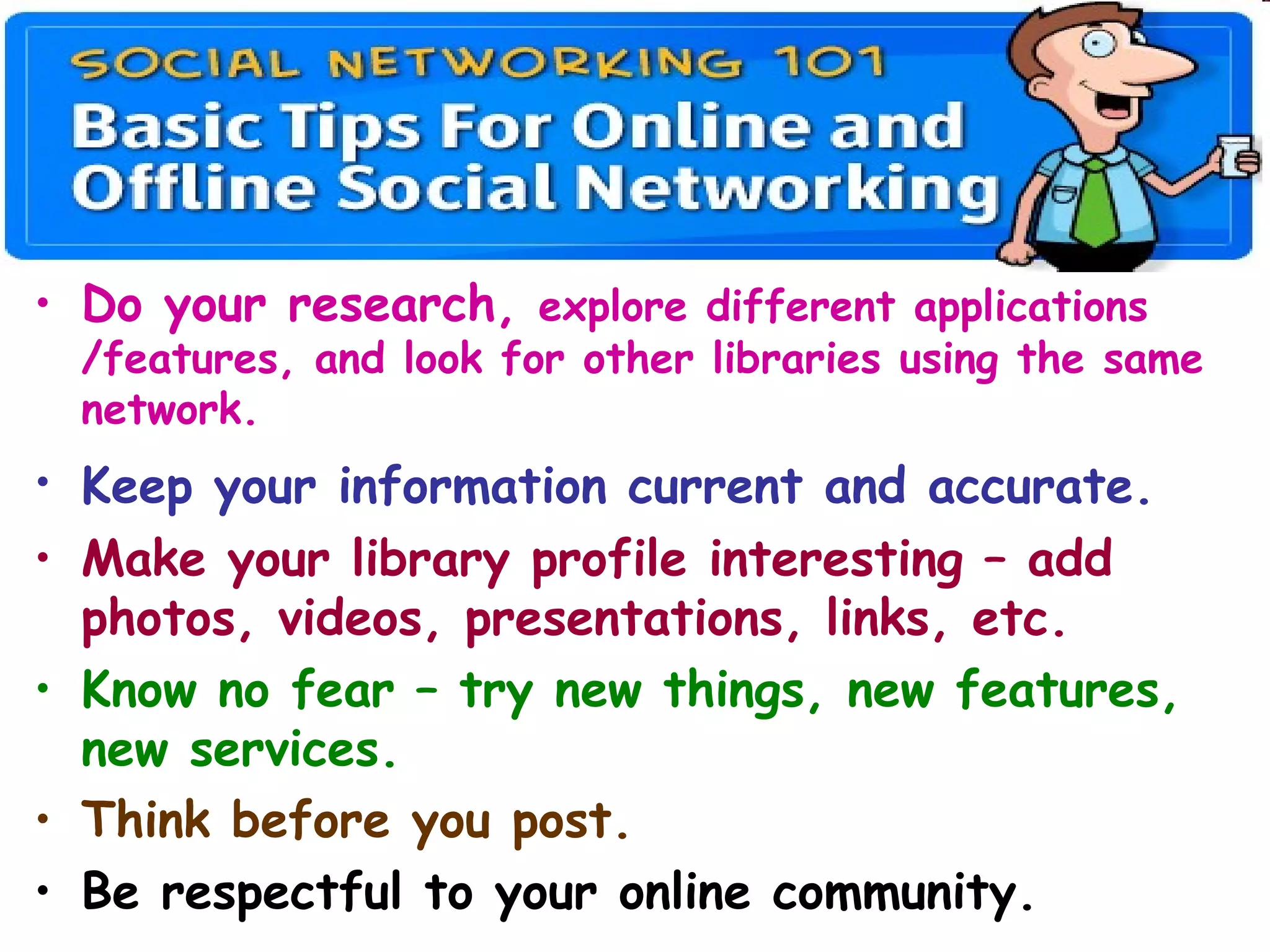
• Do your research, explore different applications
/features, and look for other libraries using the same
network.
• Keep your information current and accurate.
• Make your library profile interesting – add
photos, videos, presentations, links, etc.
• Know no fear – try new things, new features,
new services.
• Think before you post.
• Be respectful to your online community.
Tips for Online Safety
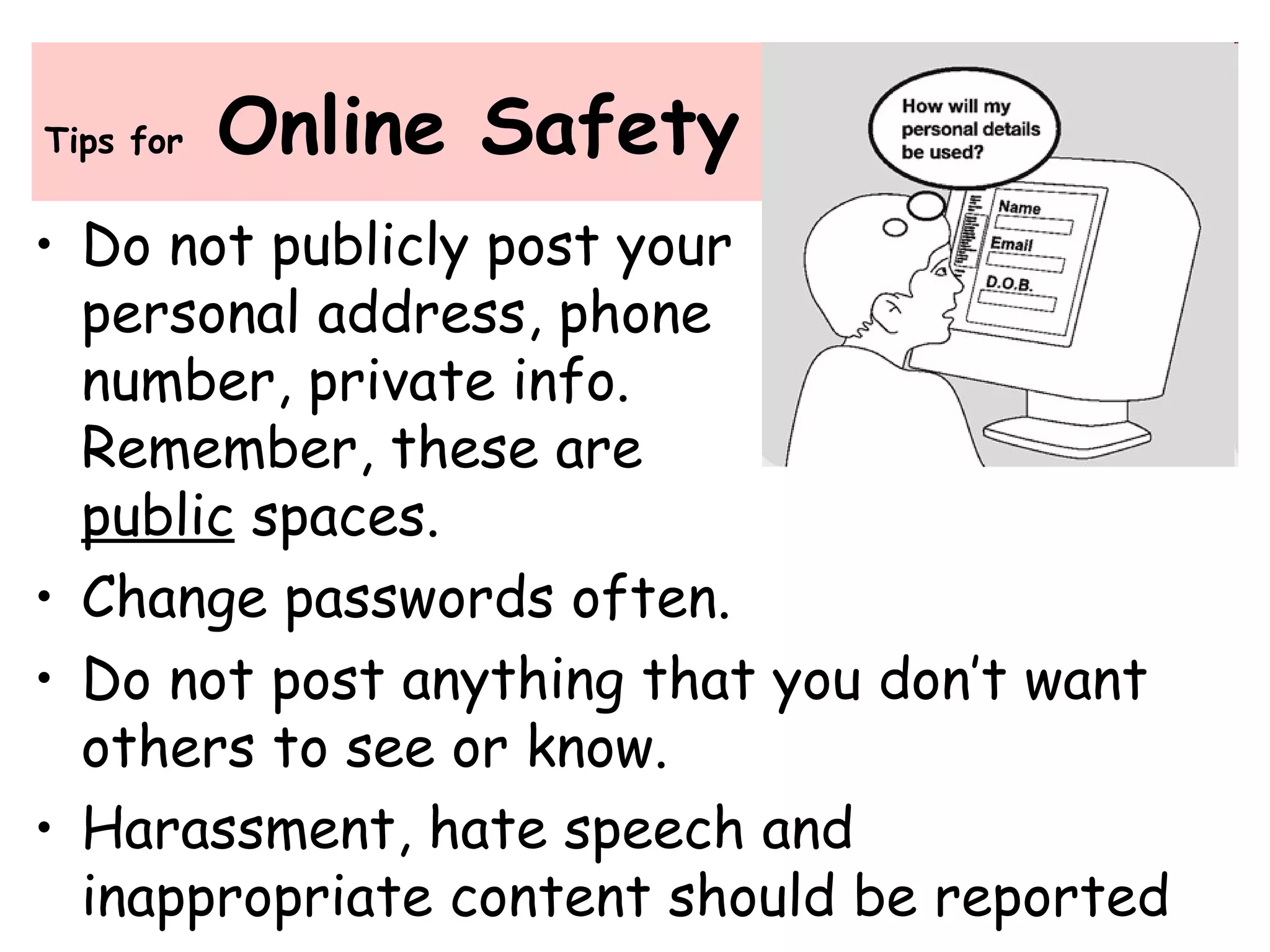
• Do not publicly post your
personal address, phone
number, private info.
Remember, these are
public spaces.
• Change passwords often.
• Do not post anything that you don’t want
others to see or know.
• Harassment, hate speech and
inappropriate content should be reported
Tips for
Online Safety
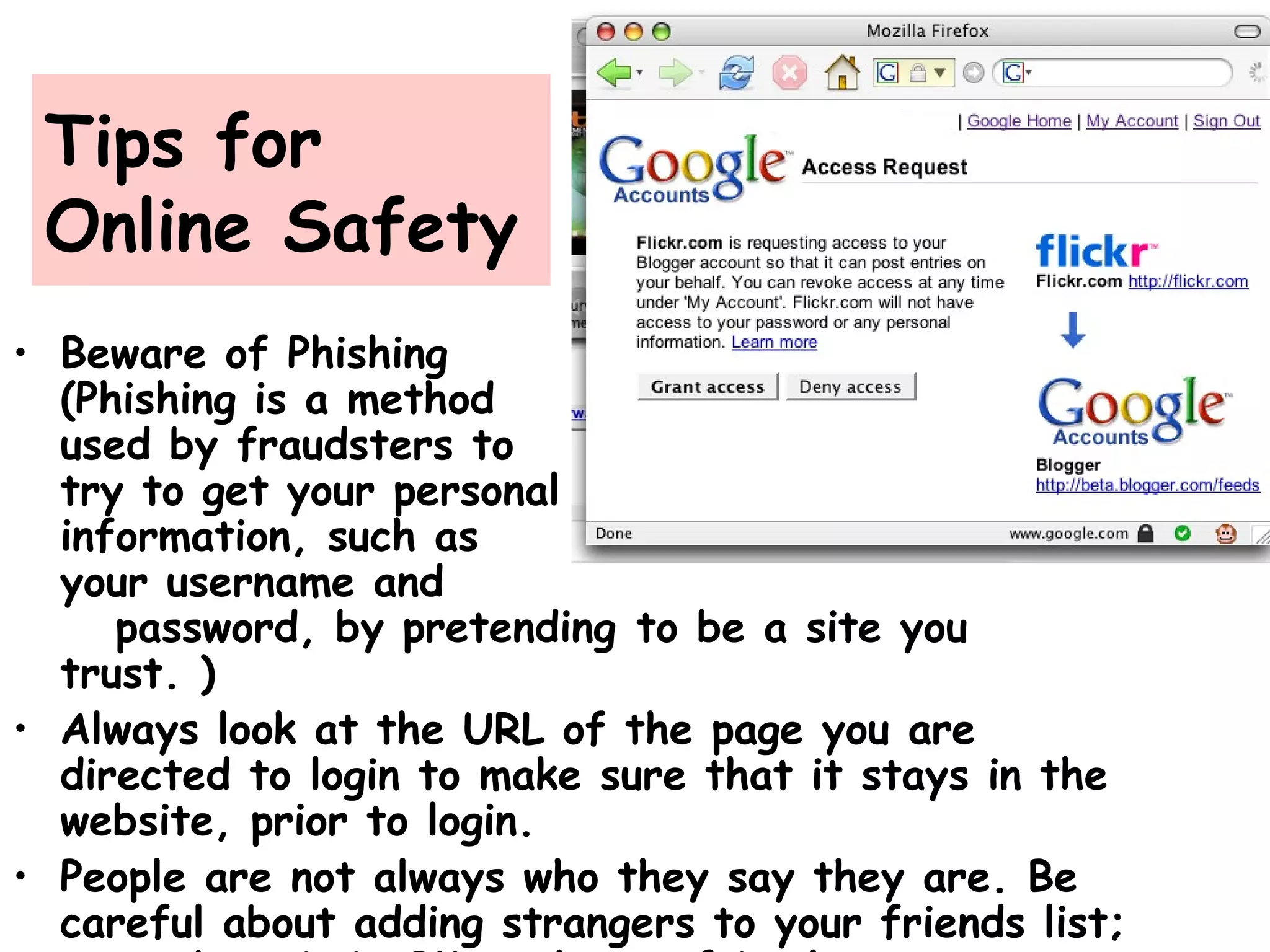
• Beware of Phishing
(Phishing is a method
used by fraudsters to
try to get your personal
information, such as
your username and
password, by pretending to be a site you
trust. )
• Always look at the URL of the page you are
directed to login to make sure that it stays in the
website, prior to login.
• People are not always who they say they are. Be
careful about adding strangers to your friends list;
“The online world has opened up so many
opportunities for us to embed library services
into spaces our constituencies may visit. It
makes sense to look at what social software
sites our patrons frequent and how we can
provide services there. Just like putting a
library branch in a strip mall, creating
presence in social networking software makes
the library more visible and more convenient
to access.”
Meredeth Farkas, "Going Where Patrons Are: Outreach in MySpace and
Facebook," American Libraries 38 (4): 27 (April 2007).
famverzosa@yahoo.com
Questions?

Social networking and its impact on libraries

  • 1.
    Social Networking and itsImpact on Libraries Presented at the 5th National Electronic Subscribers’ Conference sponsored by CE-Logic, Chateau Royale, Nasugbu, Batangas 22 May 2013 By Fe Angela M. Verzosa
  • 3.
    I am asocial network addict! Created 4 Facebook pages (as Admin) •DLSU-Manila University Library •Philippine Association of Academic/Research Librarians (PAARL) •PAARLWiki •Villa Angela Heritage House Created/moderate: •PAARL Yahoogroup (since 2005) •PAARL Online (official website) •PAARLWiki (since Feb 2008) •PAARL Slideshare (2008) •Scoop.it (since Nov 2011) •Pinterest (since Jan 2012)
  • 8.
  • 13.
  • 15.
    The new Facebook featuresa timeline, Photo and video albums Notes, interests, likes, Pinterest and Scoop.it Activities, etc.
  • 16.
  • 17.
  • 18.
    Browse Wiki Articlesby subject or topic
  • 19.
    Topic on SocialNetworking
  • 20.
  • 21.
  • 22.
    Created - Jan6, 2012 Visitors- 8033 Scoops- 421 Followers – 246 Reactions - 1202
  • 23.
  • 24.
    Pinned here are 36amazing libraries I‘ve visited.
  • 25.
    TOP in thePhilippines 1- Facebook 2- YouTube 3- Blogger 4- Twitter 5- Multiply 6- Friendster 7- Tumblr 8- Plurk 9- Flickr 10 - LinkedIn http://en.wikipilipinas.org/index.php? title=Top_10_Social_Networking_Site
  • 26.
  • 27.
    • Connecting withexisting networks, making and developing friendships /contacts • Developing an online presence • Viewing content and/or finding information • Creating and customizing profiles • Authoring and uploading your own content • Adding and sharing third-party content • Posting messages • Collaborating for e-learning
  • 28.
    What is SocialSoftware? • a range of web-enabled software programs that allow users to interact and work collaboratively with other users • includes the ability to browse, search, invite friends to connect and interact, chat, share film reviews, comments, blog entries, favorites, discussions, events, videos, ratings, music, classified ads, tag and classify information, etc. • functions like an online community of internet users
  • 30.
    Types of socialnetworking service • Profile-based organized around members’ profile pages that mainly consist of information about an individual member, including the person’s picture and details of interests, likes and dislikes. Users develop their spaces in various ways, and can often contribute to each other’s spaces, typically leaving text, embedded content or links to external content through message walls, comment or evaluation tools. - Best example of profile-based services: Facebook
  • 31.
    • Content-based - theuser’s profile remains an important way of organizing connections, but plays a secondary role to the posting of content. - Best examples Flickr - for photo-sharing YouTube – for video-sharing Last.fm – for music-sharing LibraryThing – for sharing personal library catalogs and book lists Types of social networking service
  • 33.
    14.43 million Filipinosare active social networkers 60% are messagers 73% are content sharers 46% are joiners and creators of groups
  • 34.
    Philippines has beentagged as "The Social Networking Capital of the World”
  • 35.
  • 36.
    April 2013 Updateson Facebook Stats •Total number of Facebook users: 1.06 billion •Daily active Facebook users: 618 million •Total number of Facebook pages: 50 million •Average number of monthly posts per page: 36 •Total number of Facebook mobile users: 680 million •Total number of Facebook apps: 10 million •Total number of Facebook friend connections: 150 billion •Average number of friends per Facebook user: 141.5 •Total number of Facebook likes since launch: 1.13 trillion •Average daily Facebook likes: 2.7 billion Source: http://expandedramblings.com/index.php/by-the-numbers-17-amazing-facebook-stats/
  • 37.
    Global Facebook Rank 1- US 2-India 3- Indonesia 4- Brazil 5- Mexico 6- Turkey 7- UK 8- Philippines 9- France 10- Germany
  • 38.
    Facebook users bycountry Rank Country By July 2010 Growth % 1 USA 125,881,220 81.4% 2 UK 26,543,600 41.9% 3 Indonesia 25,912,960 298.9% 4 Turkey 22,552,540 82.1% 5 France 18,942,220 75.7% 6 Italy 16,647,260 62.9% 7 Canada 15,497,900 29.6% 8 Philippines 14,600,300 436.8% 9 Mexico 12,978,440 256.1% 10 Spain 10,610,080 83.8%
  • 39.
    Of the PhilippineFacebook population, 39% of users are 18- 24 years old and 24% are 25-34 years old. Combined, this accounts for 63% of the total Facebook population.
  • 40.
    Social networking • oneof the most active web-based activities in the Philippines • with Filipinos being declared as the most active users on a number of web-based social network sites such as Facebook and Twitter, despite the fact that only 30 percent of Filipinos have access to the Internet. • Social network penetration is incredibly high in the Philippines, reaching 95%.   Cited in: http://asiancorrespondent.com/54475/philippines-named-the-social- networking-capital-of-the-world-indonesia-malaysia-amongst-top-10/
  • 41.
    Other relevant facts: •Philippines has been tagged as "The Social Networking Capital of the World” • 83 percent of Filipinos surveyed are members of a social network (Universal McCann) • also regarded as the top photo uploaders and web video viewers, while they are second when it comes to the number of blog readers and video uploaders
  • 42.
    Other relevant facts: •One out of every 4 Filipinos has a Facebook account. • There are 27,720,300 Facebook users in the Philippines ~ 27.75% of the population and 93.33% of the online population. • Ranked 8th in the world • Filipino females make up 52% of Facebook users; 48% are male Filipinos.
  • 43.
    • For electioncampaign and for politicians to communicate with their constituents • As tools to aid criminal investigation • As tools for promotion and marketing • Schools use it to communicate and interact with students, faculty and alumni • For e-learning, to exchange information, opportunities, and ideas USES of social websites
  • 44.
    Librarians are respondingto the popularity of social networking sites and their expanding role in the creation, use, and sharing of information by engaging them as a central medium for interacting with library patrons and providing services to meet their information needs.
  • 45.
    4 reasons whylibraries should engage in social networking • Communication - Social media is another way for libraries to get into contact with their patrons, wherever they are. • Gathering positive/negative feedback - One of the most important tenets of customer service is to be responsive to users’ concerns and needs. • Marketing/Advertising - an alternative to the traditional way, e.g., fliers, bookmarks, announcements in calendars of events, newspaper ads, press releases, etc. • Understanding users better
  • 46.
    Libraries using Web2.0 tools • Promoting general library services 88% • Marketing specific programs and/or services 72% • Providing quick updates to users 75% • Reaching a new audience of potential users 54% Source: Social Media, Libraries, and Web 2.0: How American Libraries Are Using New Tools for Public Relations and to Attract New Users — Fourth Annual Survey, November 2011.
  • 47.
    http://www.ala.org/news/sites/ala.org.news/files/content/socialnetworking570.png Which social Media or Web2.0 tools does your Library use? •Facebook •Twitter •Blogging •YouTube •Flickr •Google Docs •Wikis
  • 51.
    • Build relationships/communities •Promote library services • Market library holdings • Provide updates on library events • Suggest websites/links/online resources • Communicate with patrons • Gather feedback
  • 52.
    • skills forinteracting with patrons within the sites • understanding and articulating the nature of social networking sites • creating presences and content • evaluating and applying information • and having the ability to assist patrons with gaining and applying these skills.
  • 53.
    Other skills fora social networking literate librarian • Searching and navigating • teaching • Providing quality library services • Being informed, being ahead, and empowering others to develop and apply these skills
  • 54.
    Social networking tipsfor libraries • Start with a need • Know your users • Find out what other libraries are doing • Allocate time and resources • Train your admin, moderators • Develop a strategy • Integrate with library website • Post interesting content and keep content updated
  • 55.
    What are theuses and applications of Social Networks in libraries?
  • 56.
    Uses and Applicationsin Libraries • Market library services • Provide links and information • Sharing – discussion topics pictures/music/videos • Participation - create a dialog • Getting feedback Great tools for: Library Portals Networking Marketing & Promotion Outreach Branding
  • 57.
    Top Social Networkingsites for Libraries • Facebook: most popular now because it is librarian- friendly, with many apps like JSTOR search, WorldCat, and much more. • MySpace: where the students are; libraries have taken advantage of this site's calendar, custom catalog search tools, and blog features to improve their presence.. • Ning: to get connected with students, library associations, and more. • Blog: to disseminate information to lots of people at one time. Whether updating students on new collections, or just conversing with library staff • LinkedIn: for professionals to get library patrons connected with the people that can help them find information. • Twitter: a microblogging application, to keep staff and patrons updated on daily activities, like frequently updated collections, or even just scheduling. • YouTube: : see how other libraries are using YouTube by checking out the youtubeandlibraries wiki • SlideShare: for disseminating slideshow presentations • Footnote: On Footnote, you'll get access to original historical documents, and can update them with your own content and insights. You can even find personal anecdotes and experiences you won't find in reference books.
  • 58.
  • 59.
    https://www.facebook.com/PrincetonU …one of thebest university pages on Facebook…
  • 60.
  • 61.
    Example of alocal University library page @ Facebook FB features FB applications Feedback FB applications: books, journal articles, photos, videos, news, events, libsearch, reference resources...
  • 62.
  • 63.
    The new LibraryFacebook page features
  • 64.
    …PAARL at Facebook …basicfeatures: profile, photos/videos, news feed/status, events, discussions…
  • 65.
  • 66.
    Users create theirown social websites/ networks
  • 67.
    …for Catalog Search academiclibraries have created Facebook applications to enable their patrons to search their library catalogs
  • 68.
    an online serviceto help people catalog their books easily Also connects people with same books
  • 69.
    Mainly business forprofessionals
  • 71.
    Blogs • short forweb logs, are like online journals wherein the ”blogger” (or owner) posts messages periodically, sharing and focusing on a particular subject or issue, and allowing others to comment • a venue for writing and peer editing and sharing, posting articles, stories, illustrated books, and opinions on current events, personal experiences, etc. • libraries use blogs as news vehicles, venues for staff communication, to support library instruction, and as a forum for peers/colleagues to express opinions on library issues and concerns
  • 72.
    Ideas for LibraryBlogs • Online book discussion • New releases – books, video, electronic resources • Upcoming events • Updating community – building a new library • Appeal to special interest groups • Reference Log School Librarian in Action
  • 73.
    Blogging Tools • Blogger– free, with tutorials, templates • Edublogs – free, great for students/teachers • WordPress – free, over 60 themes and integrated stats system • Blog It – Facebook blogging application • LiveJournal – free blog social network; most distinctive feature is its “friends list” • Snip Snap – Blog/wiki tool • Vox – blogging and social networking tool
  • 75.
  • 76.
  • 77.
    Uses of Media-sharingtools • For digital collections management especially for historical collections • Online exhibits • As training modules •Teaching as instructional aids •Marketing and promotion •Library and museum virtual tours
  • 78.
    Video-sharing for LibraryOrientationan information literacy program
  • 79.
    Video-sharing for LibraryTours an engaging way to introduce new students to the campus library as well as to its librarians
  • 80.
    For sharing photosof events …
  • 81.
    More ideas forFlickr • Highlight library events • Hold a photo contest • Upload a collection • Library tour • Ask people to post pictures of themselves reading or using the library • Create a sense of community
  • 82.
  • 83.
    Wikis • a webpage that is accessible to anyone with a Web browser and an Internet connection • allows readers to collaborate with others in writing it and add, edit, and change the web page’s content, • making it a tool for collaboration
  • 84.
    Uses of Wikisin Libraries • Library Websites • Intranets • Training tools or course instruction • Event planning • Subject Guides • Reference Wiki • Best Practices • Encyclopedic works
  • 85.
    Wikis for EventPlanningWiki for events planning…
  • 86.
    Wikis for BestPractices
  • 87.
    PAARLWiki links toarticles, lectures, library websites, library organizations, library grants, anything library-related…
  • 88.
    Benefits and Opportunities •Literacy and communication skills Using sites to communicate, collaborate and create means learners use and can develop a wide range of literacy skills. • Collaboration encourages creativity Using collaborative tools can develop creative and entrepreneurial skills • Being where learners are Using social networking services sends a clear message to learners that you are aware of the types of spaces they enjoy online.
  • 89.
    Negative Views/Potential Risks •Blocking and filtering sites because of perceived inappropriate content • Abuse and mismanagement of online presence • Misunderstanding the nature of online environment • Data protection and copyright concerns • Learning about e-safety issues
  • 90.
    • Do yourresearch, explore different applications /features, and look for other libraries using the same network. • Keep your information current and accurate. • Make your library profile interesting – add photos, videos, presentations, links, etc. • Know no fear – try new things, new features, new services. • Think before you post. • Be respectful to your online community.
  • 91.
    Tips for OnlineSafety • Do not publicly post your personal address, phone number, private info. Remember, these are public spaces. • Change passwords often. • Do not post anything that you don’t want others to see or know. • Harassment, hate speech and inappropriate content should be reported
  • 92.
    Tips for Online Safety •Beware of Phishing (Phishing is a method used by fraudsters to try to get your personal information, such as your username and password, by pretending to be a site you trust. ) • Always look at the URL of the page you are directed to login to make sure that it stays in the website, prior to login. • People are not always who they say they are. Be careful about adding strangers to your friends list;
  • 93.
    “The online worldhas opened up so many opportunities for us to embed library services into spaces our constituencies may visit. It makes sense to look at what social software sites our patrons frequent and how we can provide services there. Just like putting a library branch in a strip mall, creating presence in social networking software makes the library more visible and more convenient to access.” Meredeth Farkas, "Going Where Patrons Are: Outreach in MySpace and Facebook," American Libraries 38 (4): 27 (April 2007).
  • 94.

Editor's Notes

  • #60 The University of Illinois at Urbana-Champaign Library has established a Myspace page which acts as a portal leading back to the library website. They have even created a library catalog search box which other MySpace members can add to their own profiles. By establishing a presence in a community which their patrons already interact in, they are making themselves more visible and accessible to a large demographic of potential users.
  • #66 MySpace American Library Association account
  • #68 A host of academic libraries have created Facebook applications which enable their patrons to search their library catalogs and in some cases articles from within Facebook. Facebook applications have been such a huge hit with members that they have accounted for a 37% increase in activity between May when the feature was released and August of this year.
  • #69 LibraryThing is an online service to help people catalog their books easily. You can access your catalog from anywhere—even on your mobile phone. Because everyone catalogs together, LibraryThing also connects people with the same books, comes up with suggestions for what to read next, and so forth. LibraryThing is a full-powered cataloging application, searching the Library of Congress, all five national Amazon sites, and more than 80 world libraries. You can edit your information, search and sort it, "tag" books with your own subjects, or use the Library of Congress and Dewey systems to organize your collection. How can libraries use LibraryThing? Fully integrate LibraryThing's social data into your catalog using LibraryThing for Libraries . LTFL lets you add tag-based browsing, book recommendations, ratings, reviews and more to your OPAC, by integrating with LibraryThing and its high-quality book data. can use LibraryThing as a catalog for their collection.
  • #72 Blogs are websites with dated items of content in reverse chronological order, self-published by bloggers. Items – sometimes called posts - may have keyword tags associated with them, are usually available as feeds, and often allow commenting . There are now more than 112 million blogs Blogs can be hosted by dedicated blog hosting services , or they can be run using blog software , such as WordPress , Movable Type , Blogger or LiveJournal , or on regular web hosting services .
  • #80 The librarians at Williams College created a library welcome video for new students which leads them on a mystery tour of the library. They have it hosted up on YouTube. It's an engaging way to introduce new students to the campus library as well as to its librarians.
  • #81 Flickr is a photo sharing website with an online community platform. It was one of the earliest Web 2.0 applications. In addition to being a popular Web site for users to share personal photographs, the service is widely used by bloggers as a photo repository. Its popularity has been fueled by its innovative online community tools that allow photos to be tagged and browsed by folksonomic means. It hosts over two billion images
  • #83 The Colorado College Tutt & Coburn Libraries displays its special collection of photographs of the college libraries dating back to the nineteenth century and makes it available to the public thru Flickr.
  • #86 Organizations are using them for conference planning – an informal space to have information about speakers' and attendees schedules, dining information, tagging and twitter information. This is the ALA annual conference wiki.
  • #87 And librarians are using them for best practices collections, such as on the lib success wiki, also the library instruction wiki is a collection of all the best resources for instructional librarians, etc.
  • #88 PAARLWiki is a project I spearheaded to provide our community of library information professionals with sources available locally and through the Internet, particularly on research articles, case studies, lecture presentations, technical reports, etc. on Philippine librarianship. In addition, I added more online information on library standards, profiles of various library organizations in the country, and outstanding librarians. I also uploaded many useful links on anything that is library-related, or may be useful to libraries.