Ahmad Nawaz Alizai
UW-10-MTS-BSC-030
Robot Programming
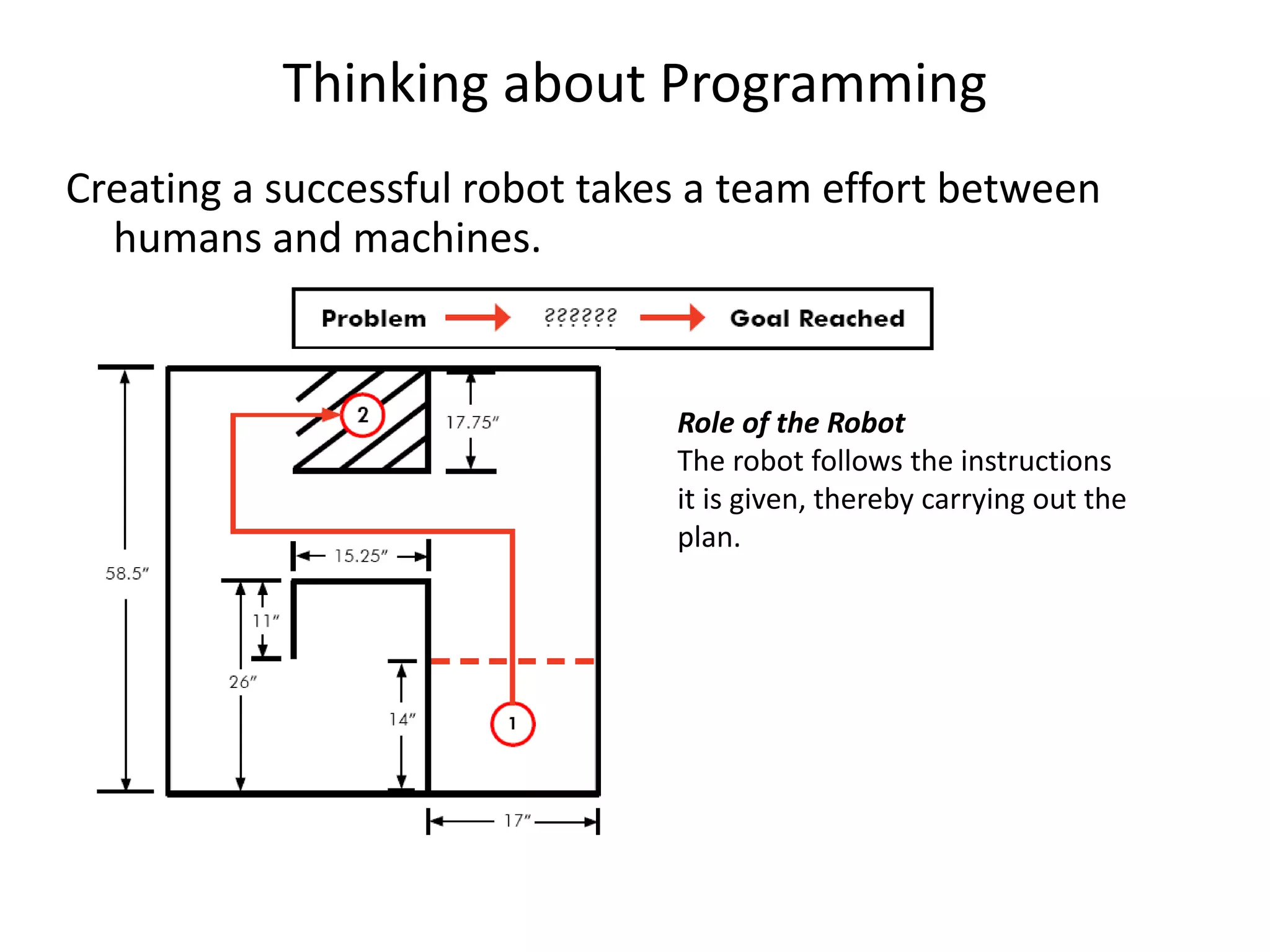
Thinking about Programming
Creating a successful robot takes a team effort between
humans and machines.
Role of the Robot
The robot follows the instructions
it is given, thereby carrying out the
plan.
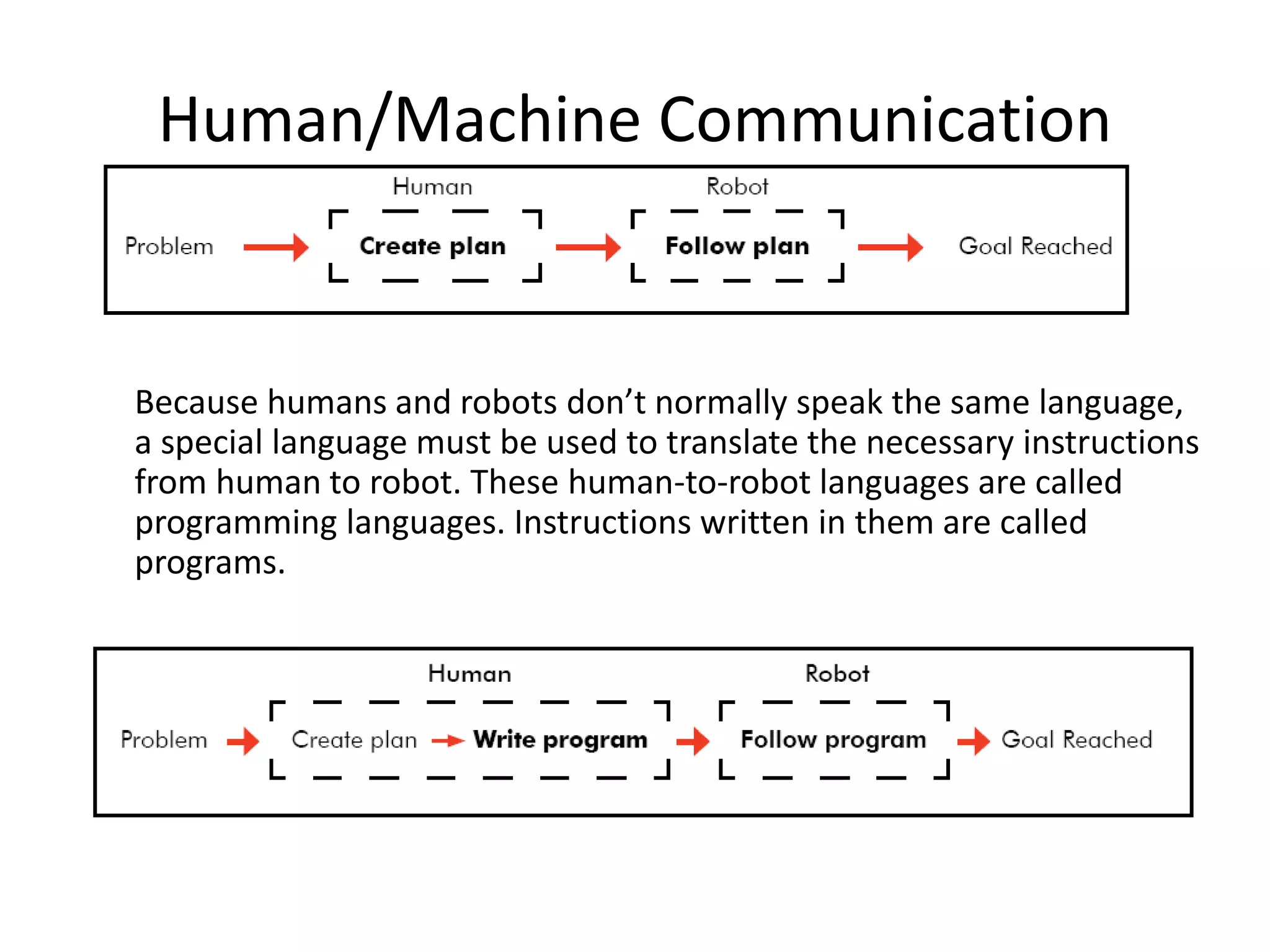
Human/Machine Communication
Because humans and robots don’t normally speak the same language,
a special language must be used to translate the necessary instructions
from human to robot. These human-to-robot languages are called
programming languages. Instructions written in them are called
programs.
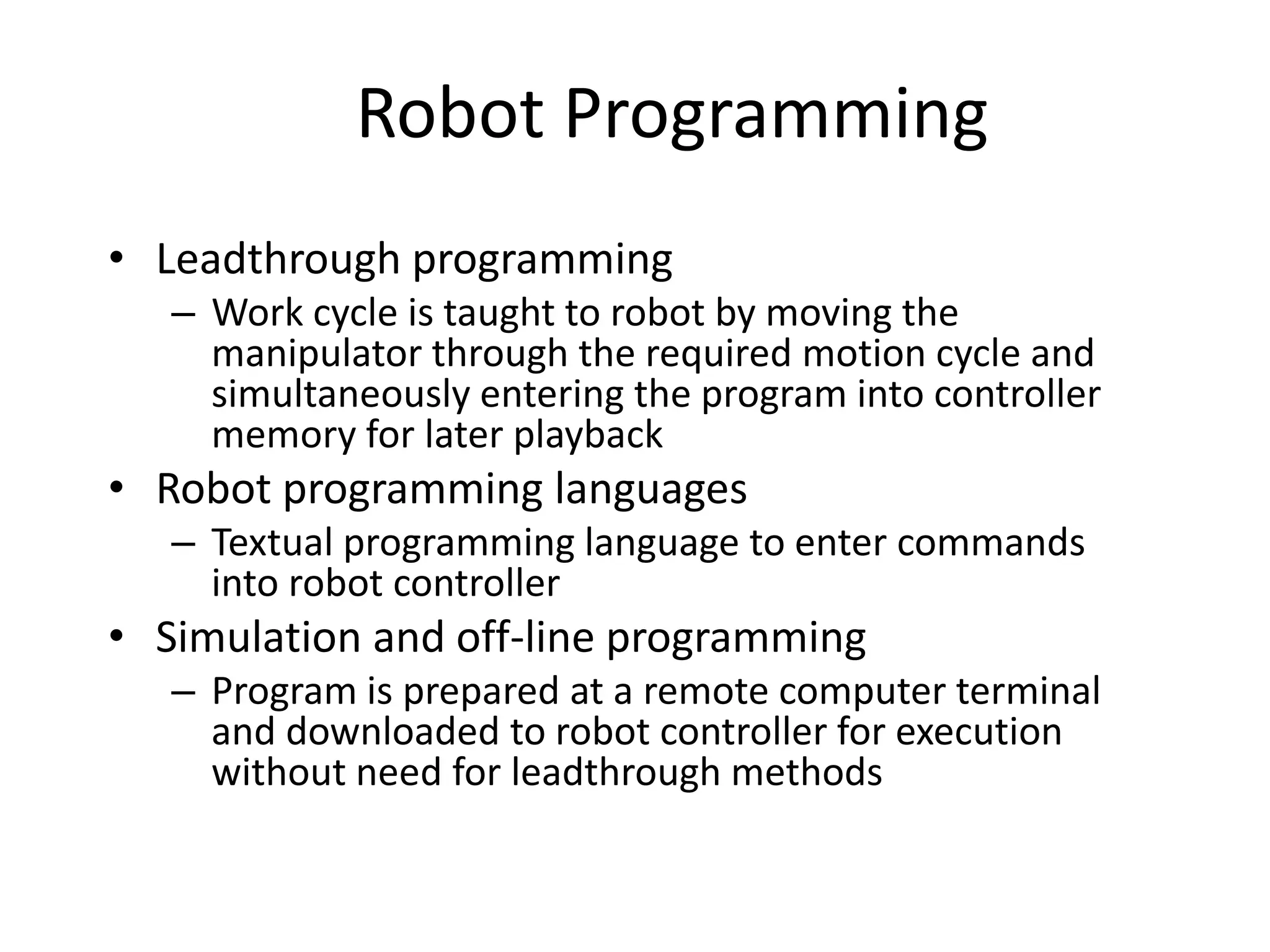
Robot Programming
• Leadthrough programming
– Work cycle is taught to robot by moving the
manipulator through the required motion cycle and
simultaneously entering the program into controller
memory for later playback
• Robot programming languages
– Textual programming language to enter commands
into robot controller
• Simulation and off-line programming
– Program is prepared at a remote computer terminal
and downloaded to robot controller for execution
without need for leadthrough methods
Leadthrough Programming
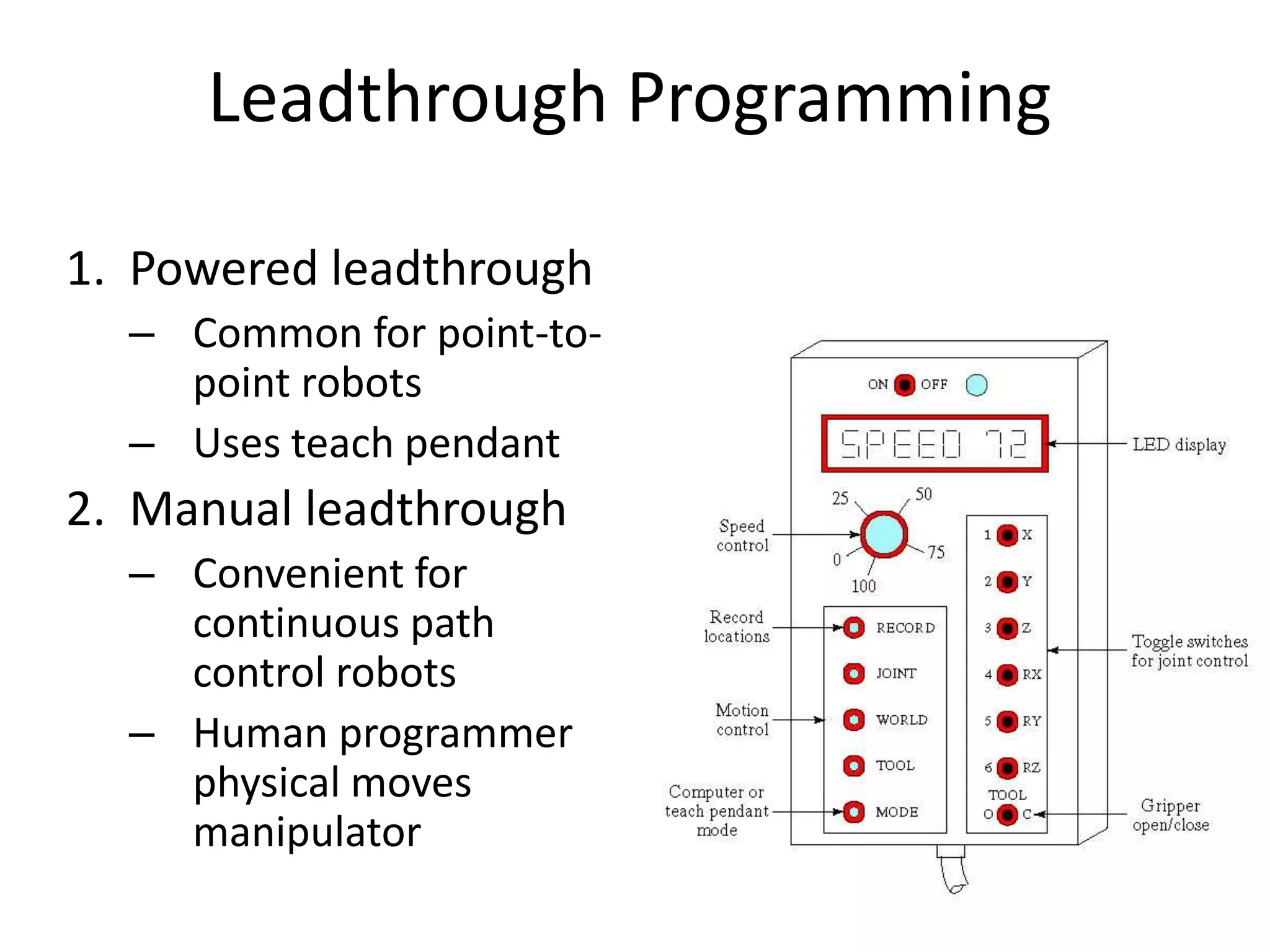
1. Powered leadthrough
– Common for point-to-
point robots
– Uses teach pendant
2. Manual leadthrough
– Convenient for
continuous path
control robots
– Human programmer
physical moves
manipulator
Leadthrough Programming
Advantages
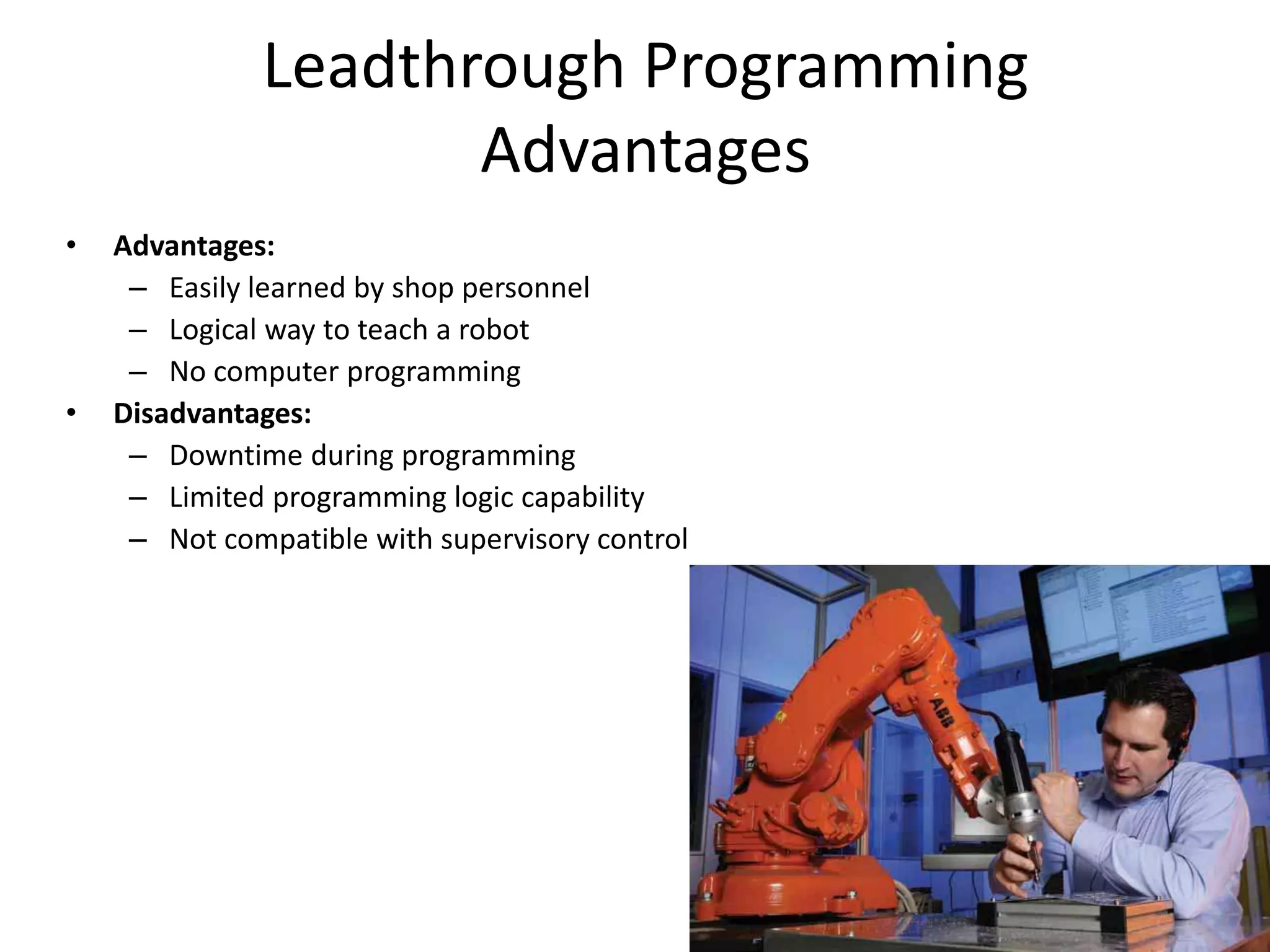
• Advantages:
– Easily learned by shop personnel
– Logical way to teach a robot
– No computer programming
• Disadvantages:
– Downtime during programming
– Limited programming logic capability
– Not compatible with supervisory control
Robot Programming
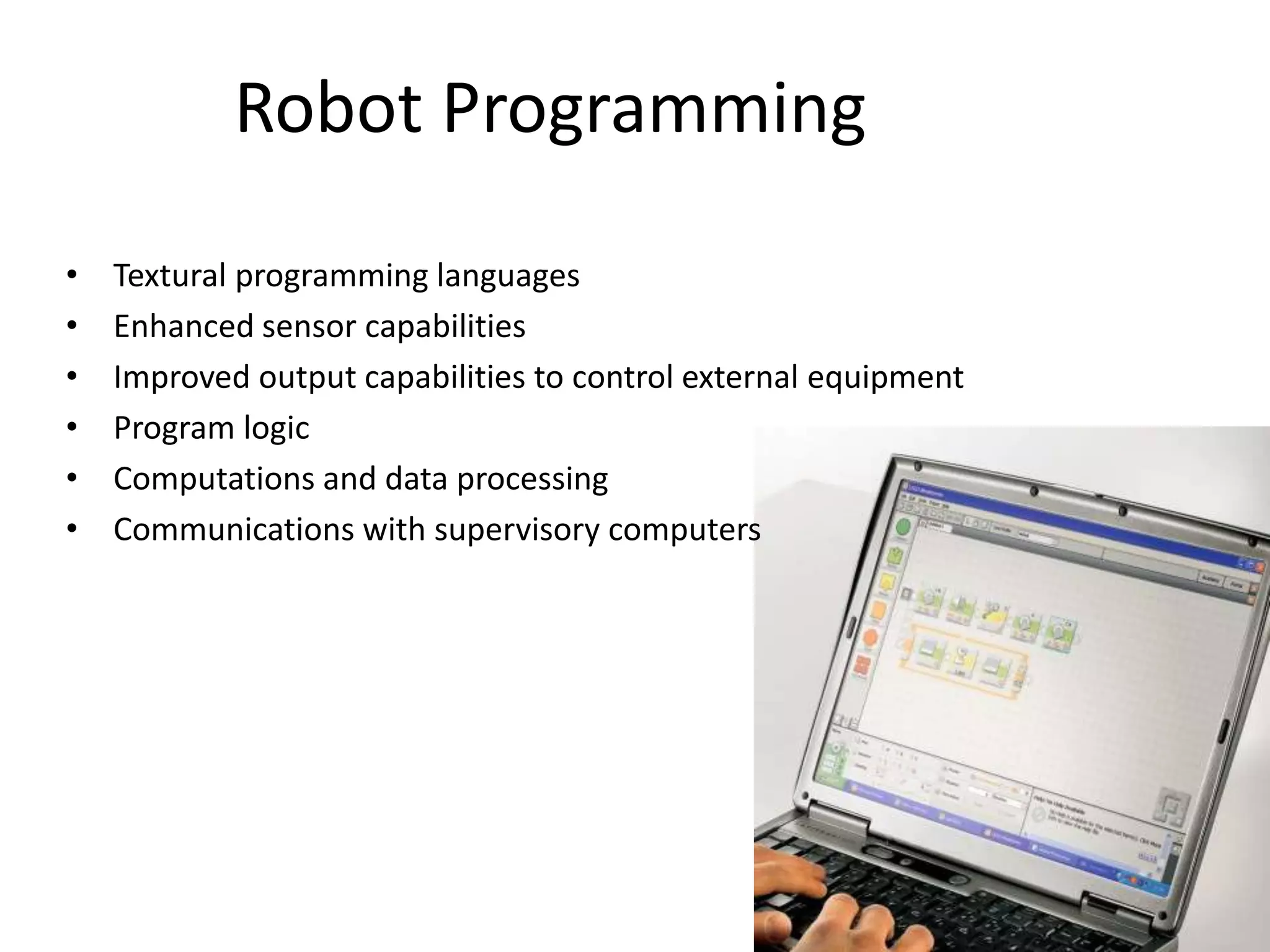
• Textural programming languages
• Enhanced sensor capabilities
• Improved output capabilities to control external equipment
• Program logic
• Computations and data processing
• Communications with supervisory computers
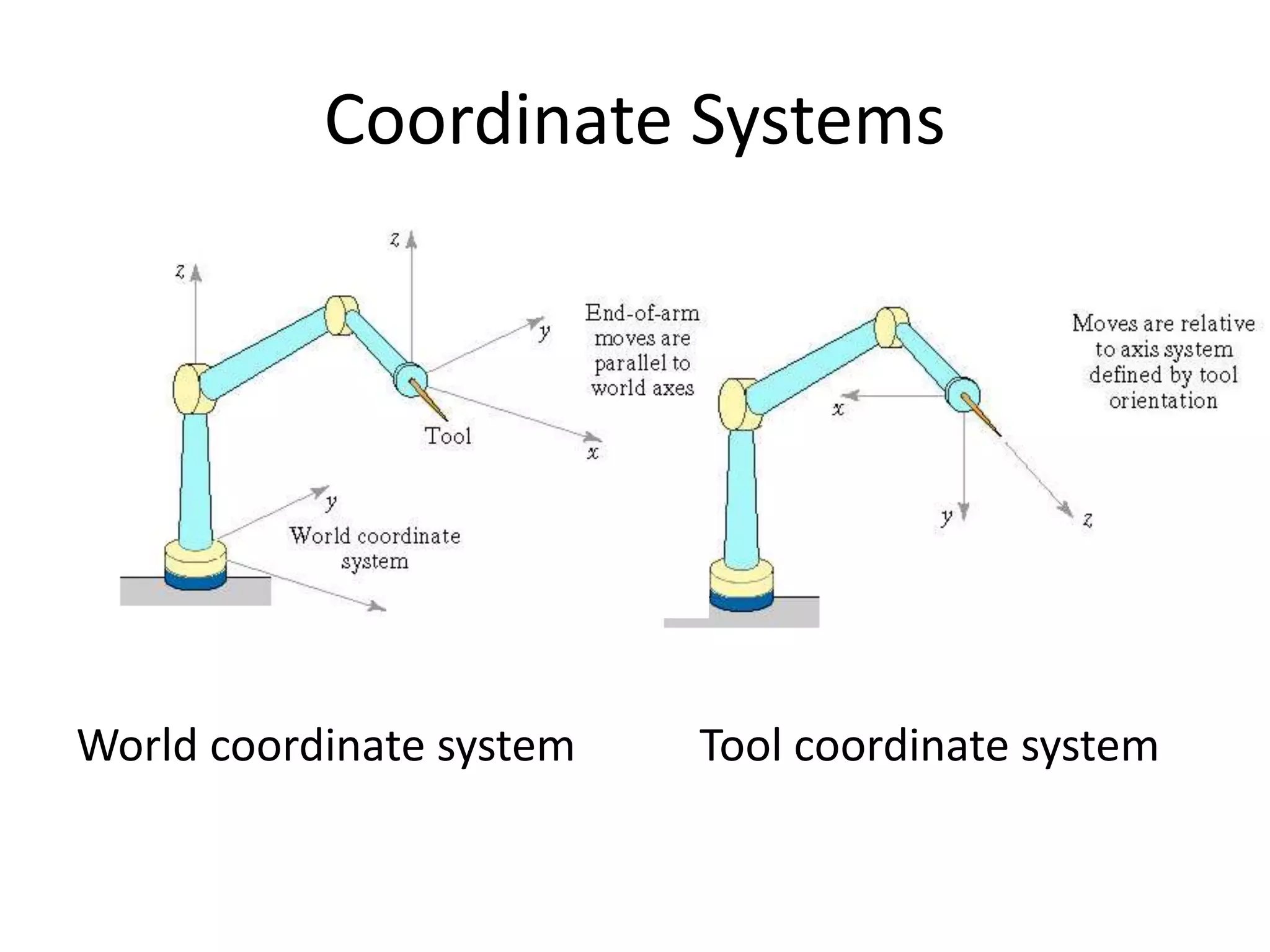
Coordinate Systems
World coordinate system Tool coordinate system
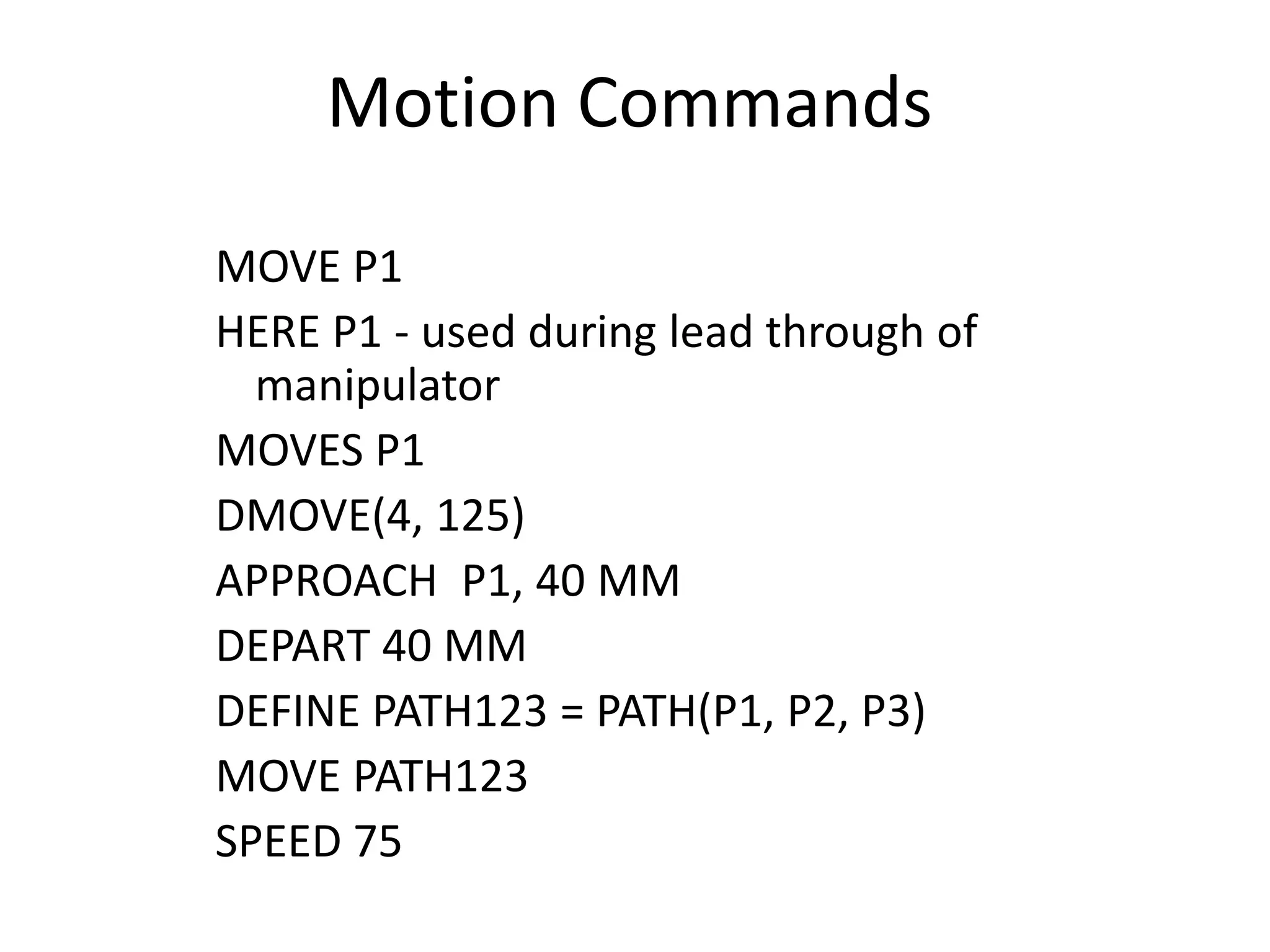
Motion Commands
MOVE P1
HERE P1 - used during lead through of
manipulator
MOVES P1
DMOVE(4, 125)
APPROACH P1, 40 MM
DEPART 40 MM
DEFINE PATH123 = PATH(P1, P2, P3)
MOVE PATH123
SPEED 75
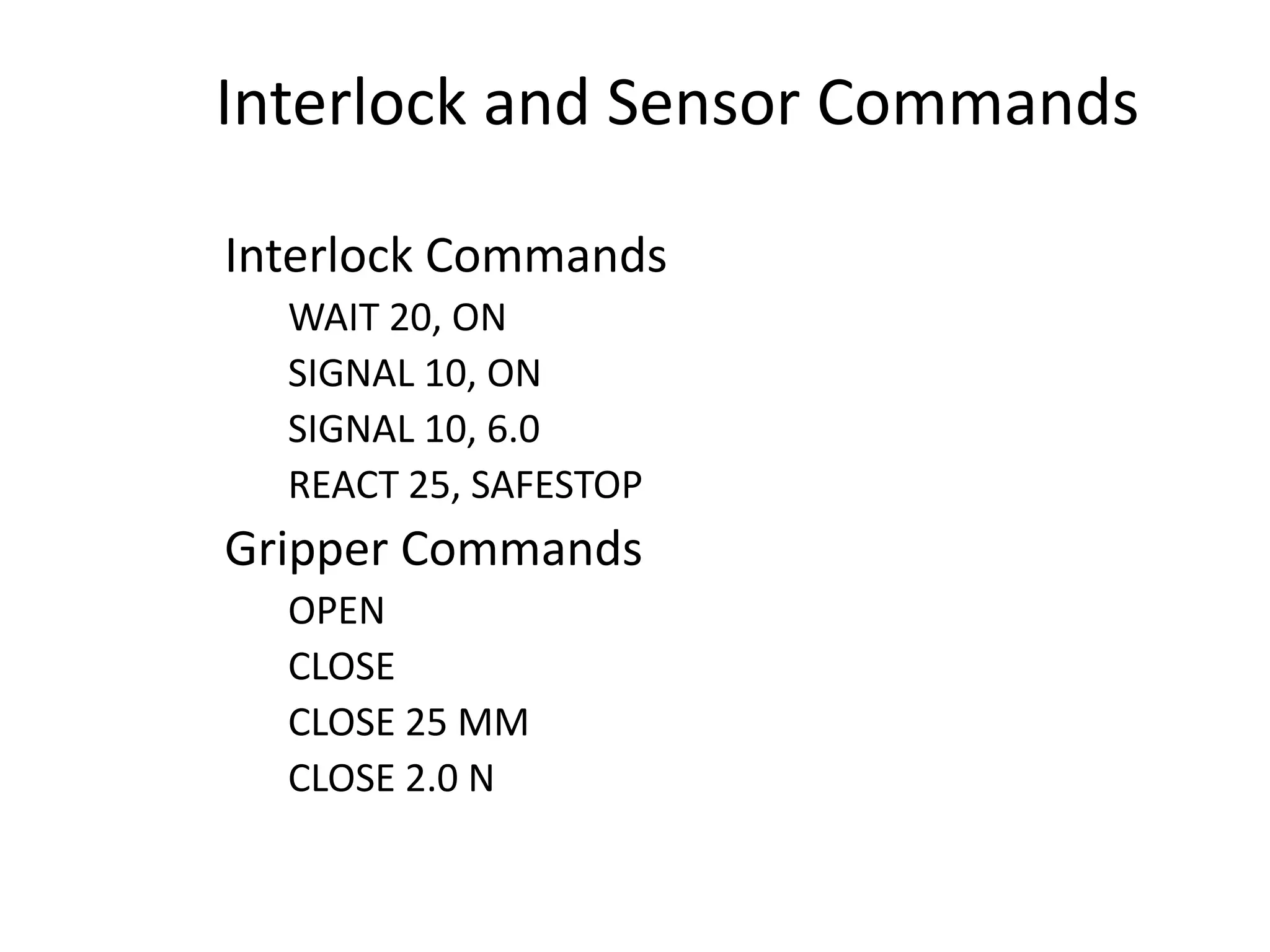
Interlock and Sensor Commands
Interlock Commands
WAIT 20, ON
SIGNAL 10, ON
SIGNAL 10, 6.0
REACT 25, SAFESTOP
Gripper Commands
OPEN
CLOSE
CLOSE 25 MM
CLOSE 2.0 N
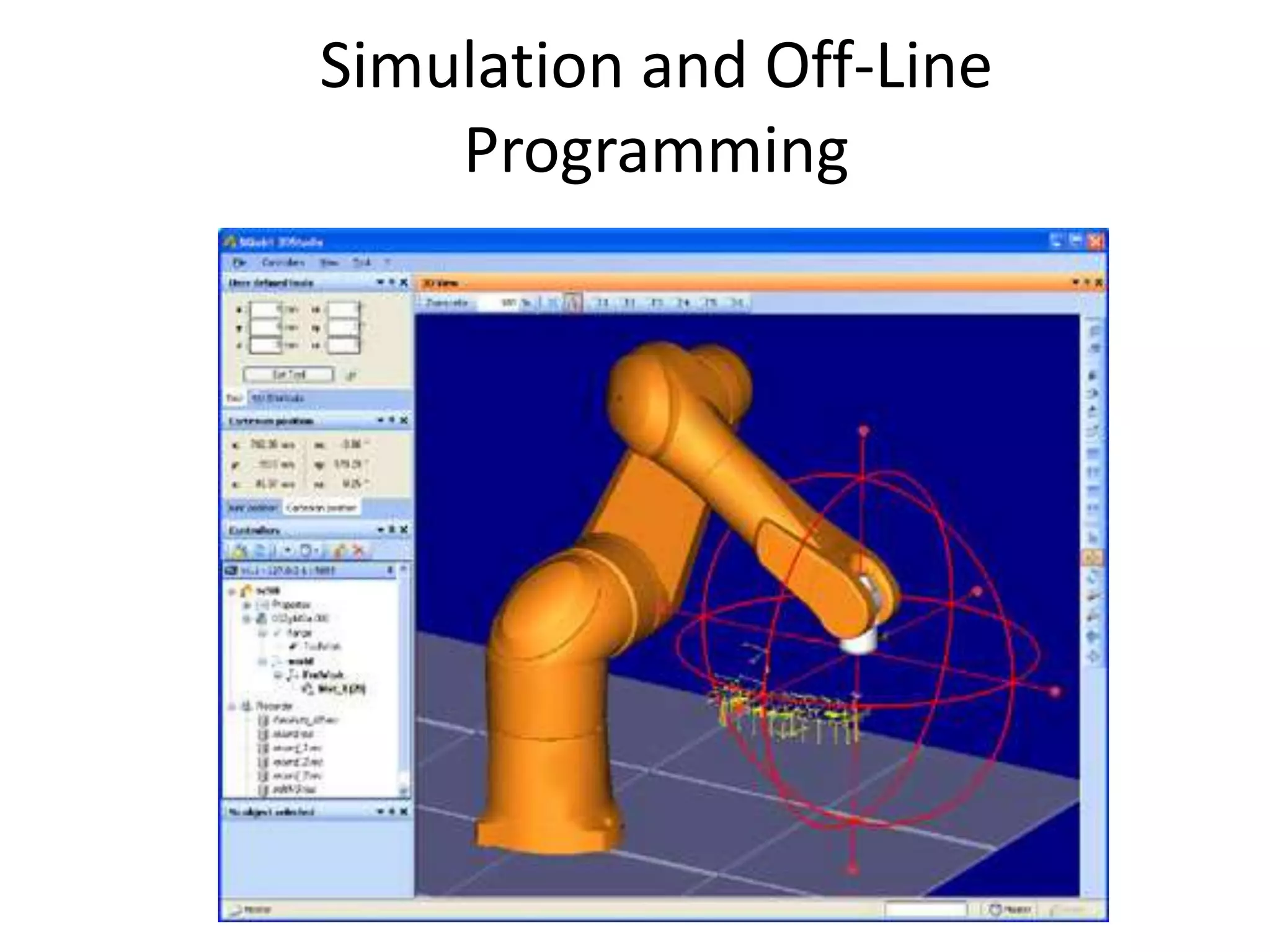
Simulation and Off-Line
Programming
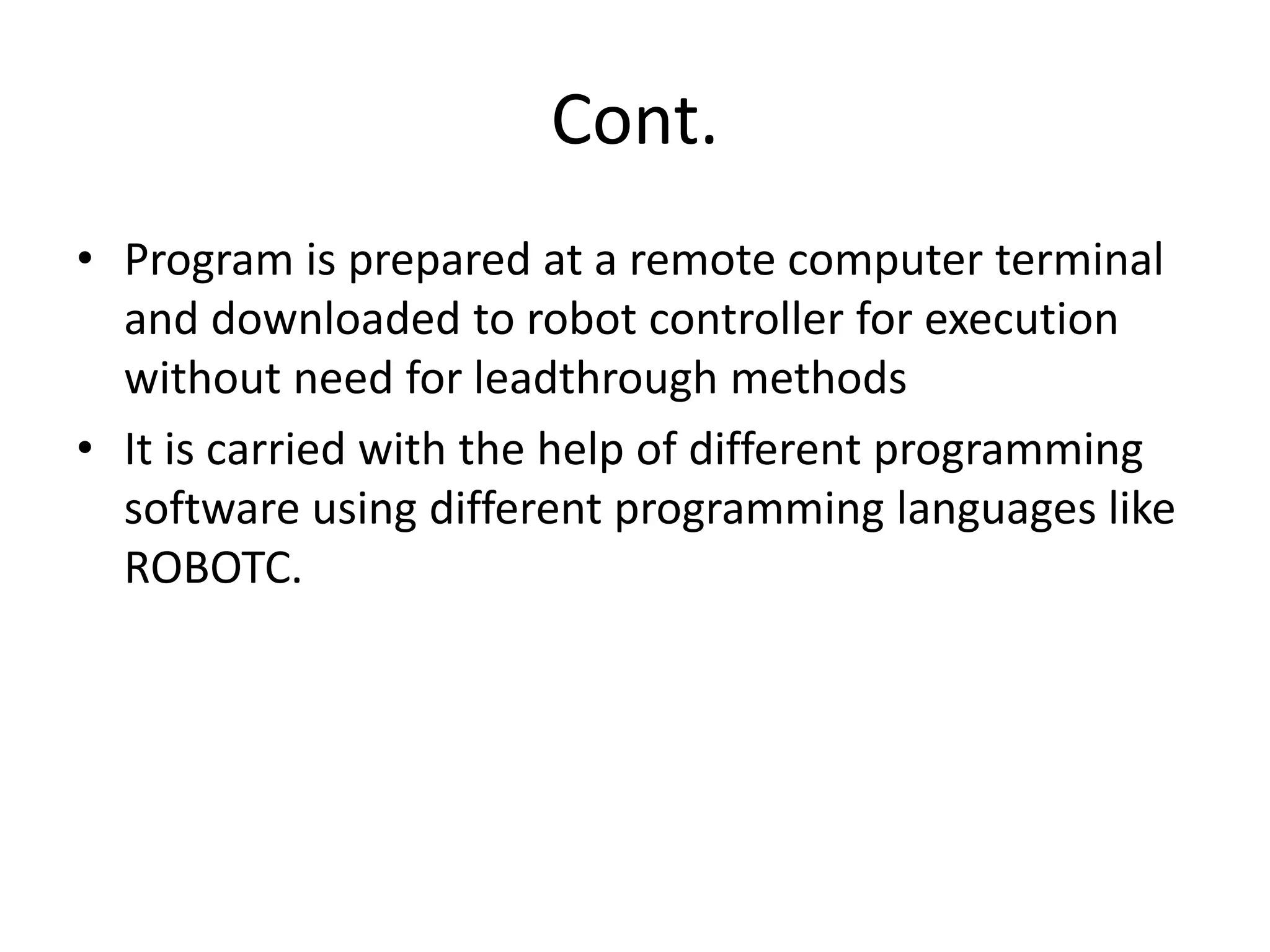
Cont.
• Program is prepared at a remote computer terminal
and downloaded to robot controller for execution
without need for leadthrough methods
• It is carried with the help of different programming
software using different programming languages like
ROBOTC.
Thank You

Robot Programming

  • 1.
  • 2.
  • 3.
    Thinking about Programming Creatinga successful robot takes a team effort between humans and machines. Role of the Robot The robot follows the instructions it is given, thereby carrying out the plan.
  • 4.
    Human/Machine Communication Because humansand robots don’t normally speak the same language, a special language must be used to translate the necessary instructions from human to robot. These human-to-robot languages are called programming languages. Instructions written in them are called programs.
  • 5.
    Robot Programming • Leadthroughprogramming – Work cycle is taught to robot by moving the manipulator through the required motion cycle and simultaneously entering the program into controller memory for later playback • Robot programming languages – Textual programming language to enter commands into robot controller • Simulation and off-line programming – Program is prepared at a remote computer terminal and downloaded to robot controller for execution without need for leadthrough methods
  • 6.
    Leadthrough Programming 1. Poweredleadthrough – Common for point-to- point robots – Uses teach pendant 2. Manual leadthrough – Convenient for continuous path control robots – Human programmer physical moves manipulator
  • 7.
    Leadthrough Programming Advantages • Advantages: –Easily learned by shop personnel – Logical way to teach a robot – No computer programming • Disadvantages: – Downtime during programming – Limited programming logic capability – Not compatible with supervisory control
  • 8.
    Robot Programming • Texturalprogramming languages • Enhanced sensor capabilities • Improved output capabilities to control external equipment • Program logic • Computations and data processing • Communications with supervisory computers
  • 9.
    Coordinate Systems World coordinatesystem Tool coordinate system
  • 10.
    Motion Commands MOVE P1 HEREP1 - used during lead through of manipulator MOVES P1 DMOVE(4, 125) APPROACH P1, 40 MM DEPART 40 MM DEFINE PATH123 = PATH(P1, P2, P3) MOVE PATH123 SPEED 75
  • 11.
    Interlock and SensorCommands Interlock Commands WAIT 20, ON SIGNAL 10, ON SIGNAL 10, 6.0 REACT 25, SAFESTOP Gripper Commands OPEN CLOSE CLOSE 25 MM CLOSE 2.0 N
  • 12.
  • 13.
    Cont. • Program isprepared at a remote computer terminal and downloaded to robot controller for execution without need for leadthrough methods • It is carried with the help of different programming software using different programming languages like ROBOTC.
  • 14.